
MineColonies Farmers Hut Complete Tutorial
MineColonies Farmers Hut Complete Tutorial
Growing food is essential for feeding your citizens in MineColonies. The Farmer’s Hut is one of the easiest and most efficient ways to cultivate crops for your colony. This comprehensive guide will walk you through everything you need to know about setting up and managing a Farmer’s Hut, from hiring your first farmer to optimizing multiple fields.
Getting Started with the Farmer’s Hut
Once your Builder has constructed the Farmer’s Hut (this guide uses a level two example), you’ll find two key elements inside: a Farmer NPC that you can hire and the Farmer’s Workstation where all management happens.
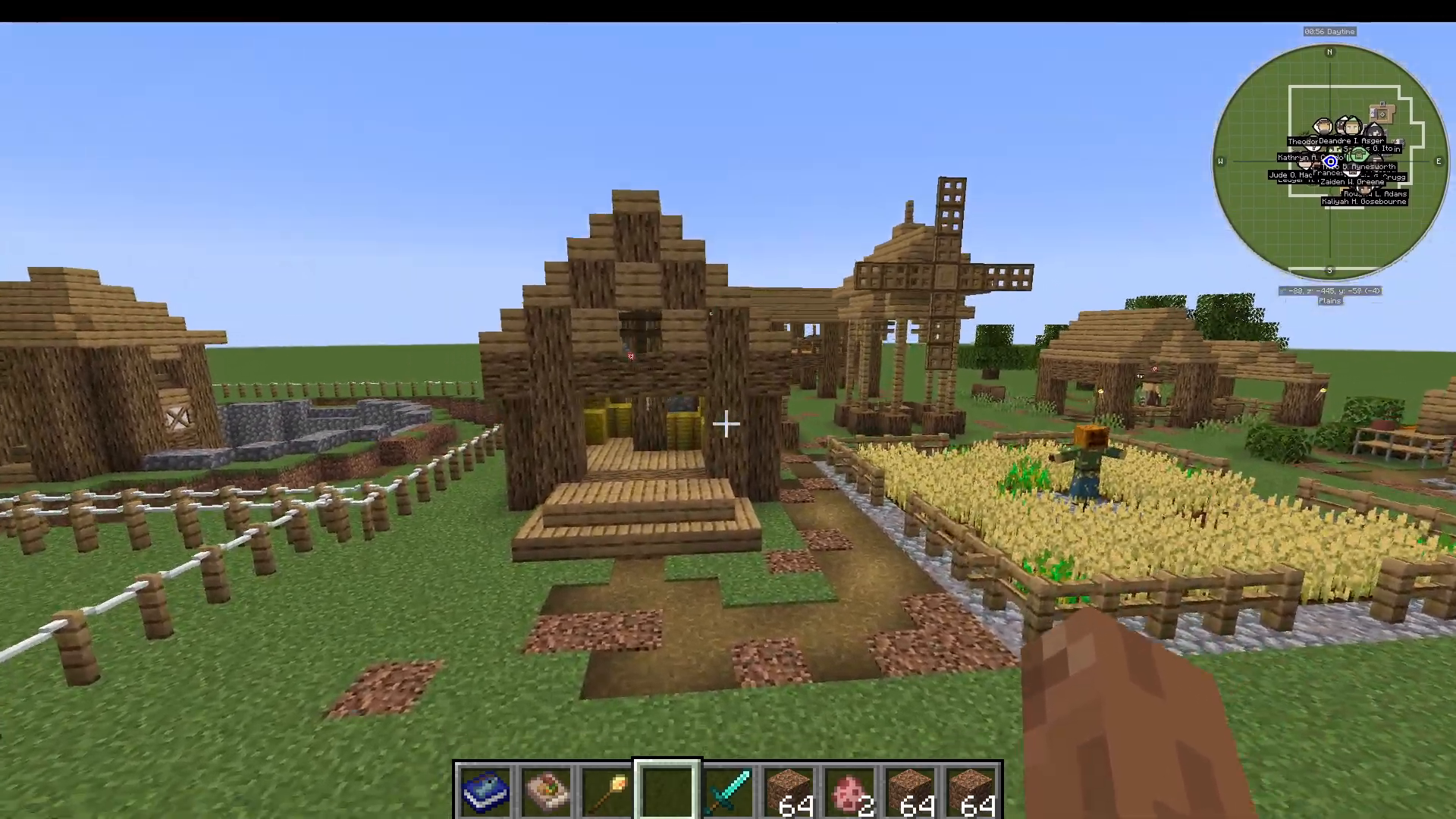
Understanding the Workstation Interface
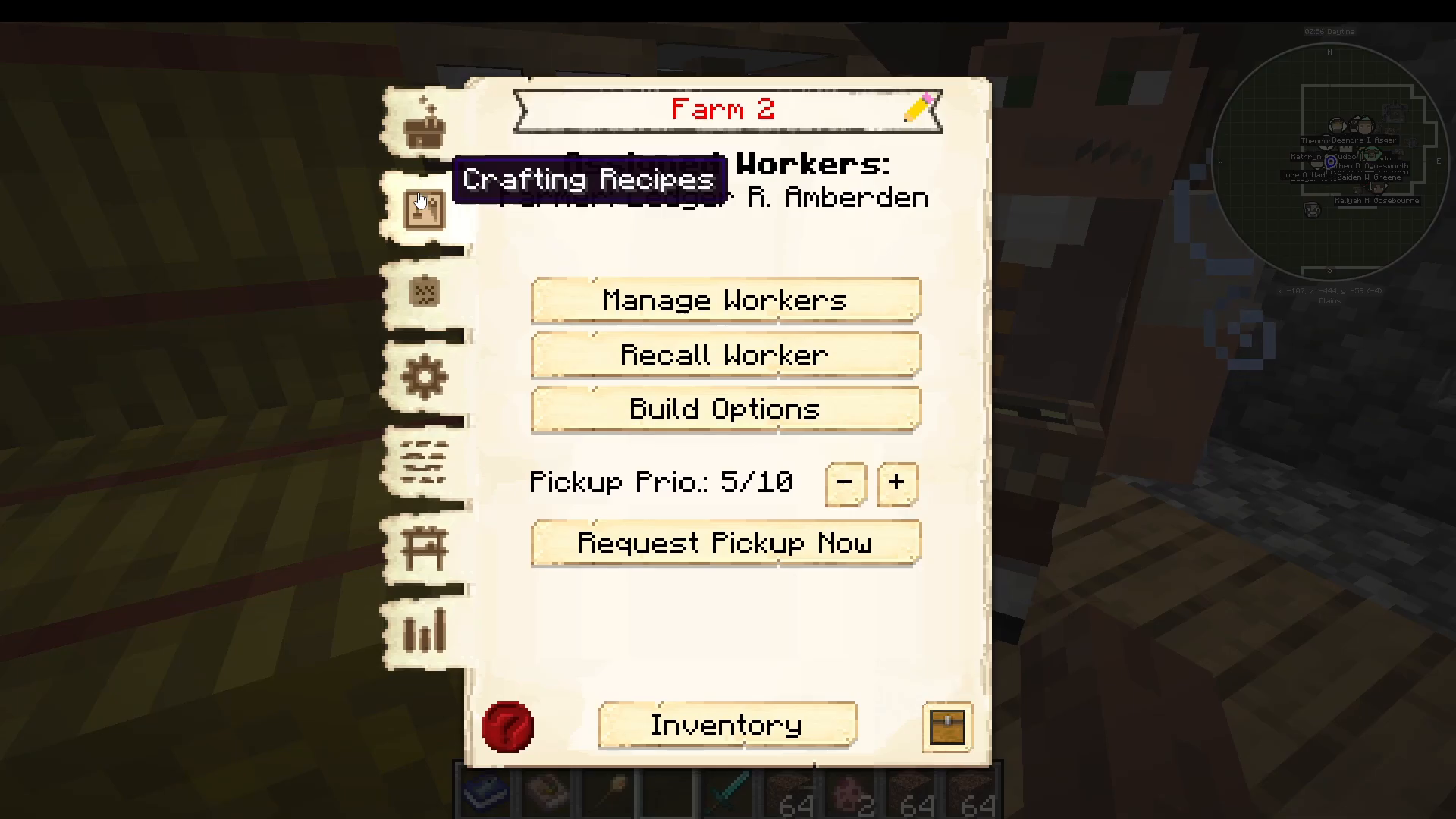
The Farmer’s Workstation gives you access to standard crafting options plus several exclusive features. Here’s what you’ll find:
Crafting Recipes
The left side of the workstation displays available crafting recipes. Your farmer’s level determines how many recipes they can perform:
Level 1 Farmer: 10 recipes
Level 2 Farmer: 20 recipes
Level 3 Farmer: 40 recipes
Level 4 Farmer: 80 recipes
Level 5 Farmer: 160 recipes
Default recipes are pre-loaded into the workstation. Some recipes require specific tools—for example, certain tasks need shears. You’ll need to place these tools directly into your Farmer’s inventory for them to use them.
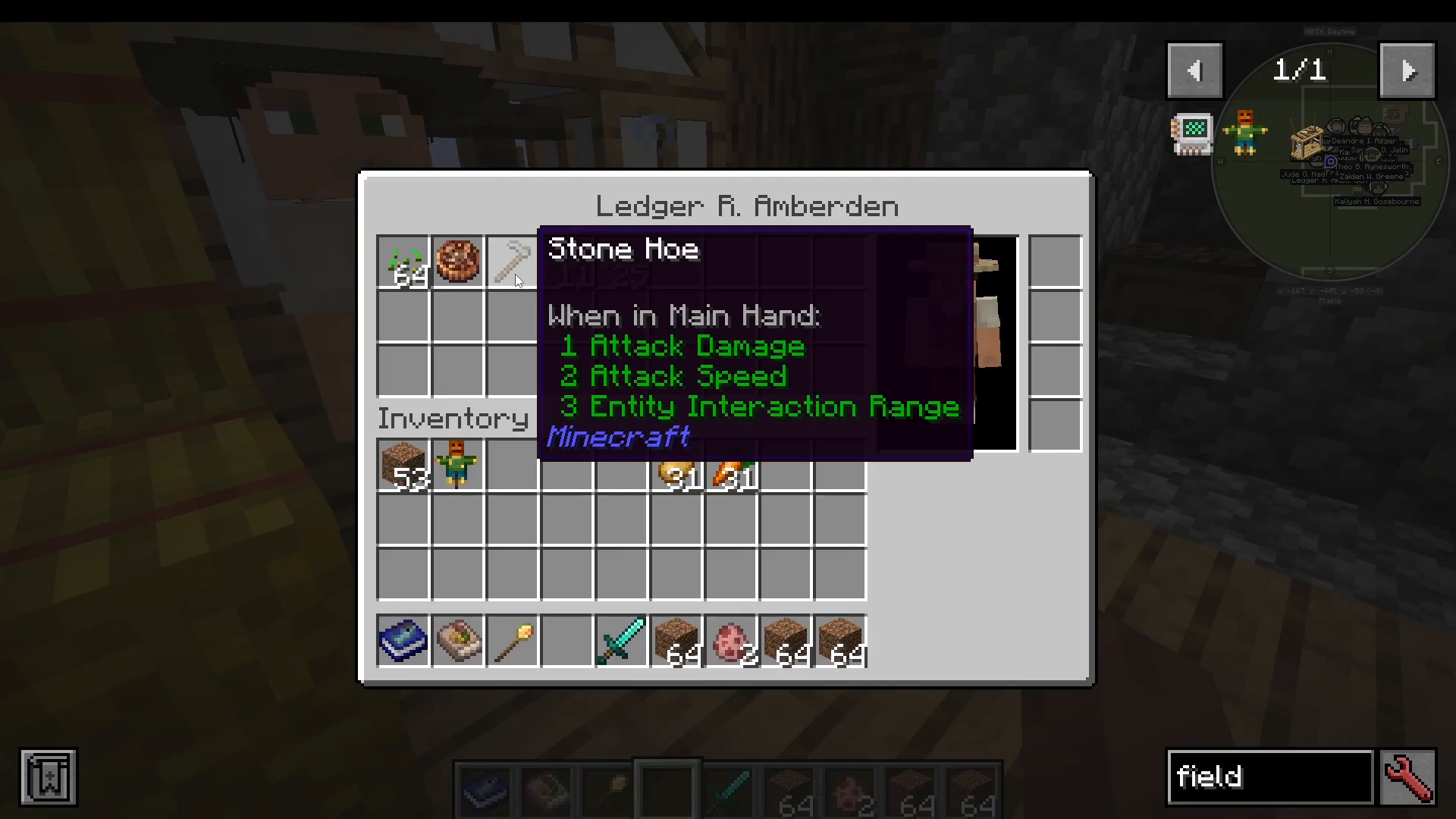
Farmer Tools and Equipment
Your Farmer will need a hoe to work the fields. The hoe quality depends on your Farmer’s level:
Level 1 Farmer: Wood, Gold, or Stone hoes
Levels 2-5 Farmers: Iron, Diamond, and Enchanted hoes (providing greater durability)
Managing Fields
Field Allocation and Limits
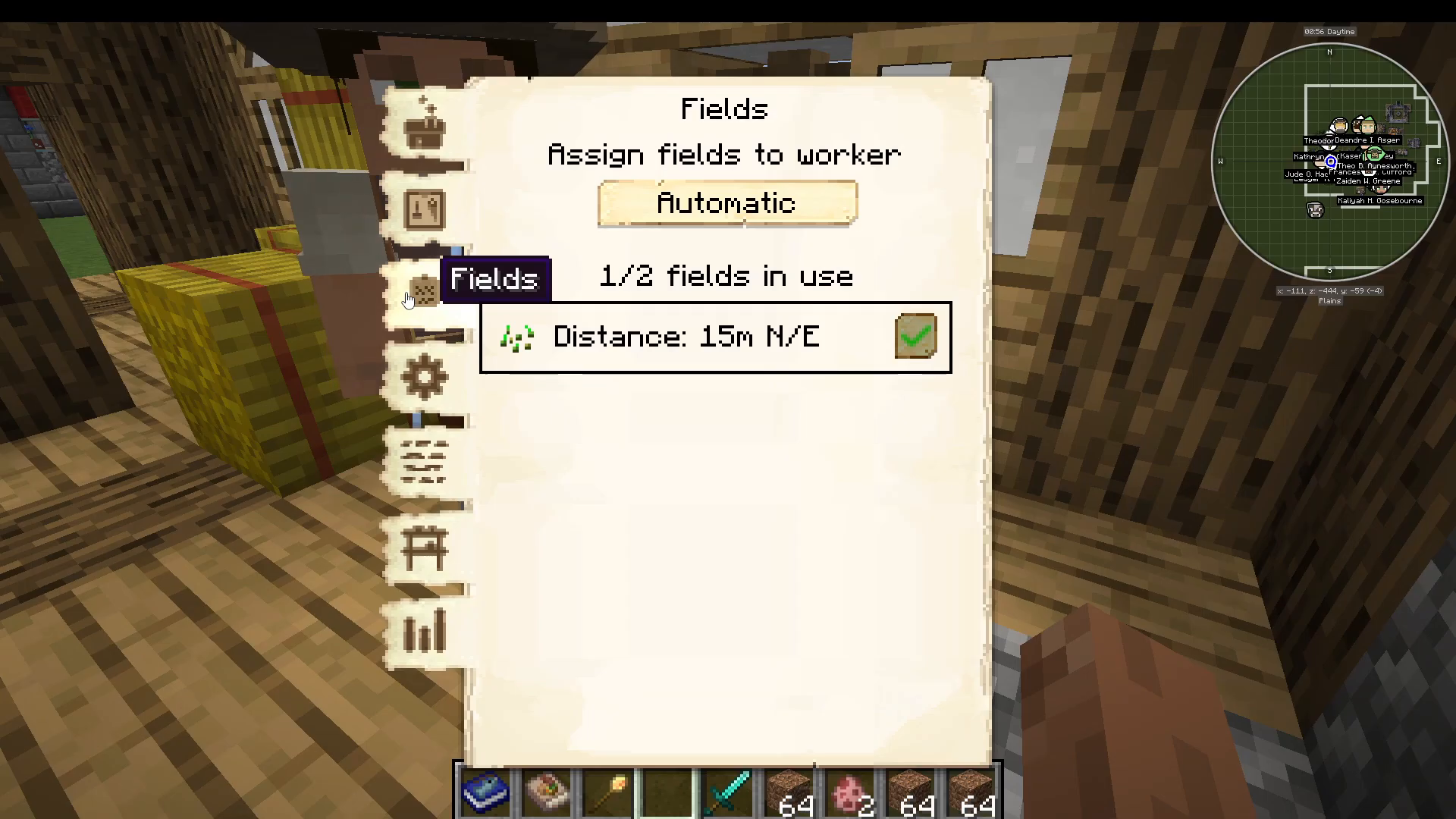
The Fields section (third icon) allows you to assign fields to your Farmer either automatically or manually. The number of fields you can manage corresponds directly to your Farmer’s level:
Level 1 Farmer: 1 field
Level 2 Farmer: 2 fields
Level 3 Farmer: 3 fields
Level 4 Farmer: 4 fields
Level 5 Farmer: 5 fields
Creating Additional Fields
While your Farmer’s Hut automatically allocates a default field, you can create additional ones. To add a new field:
Craft or place a new Field block in your colony
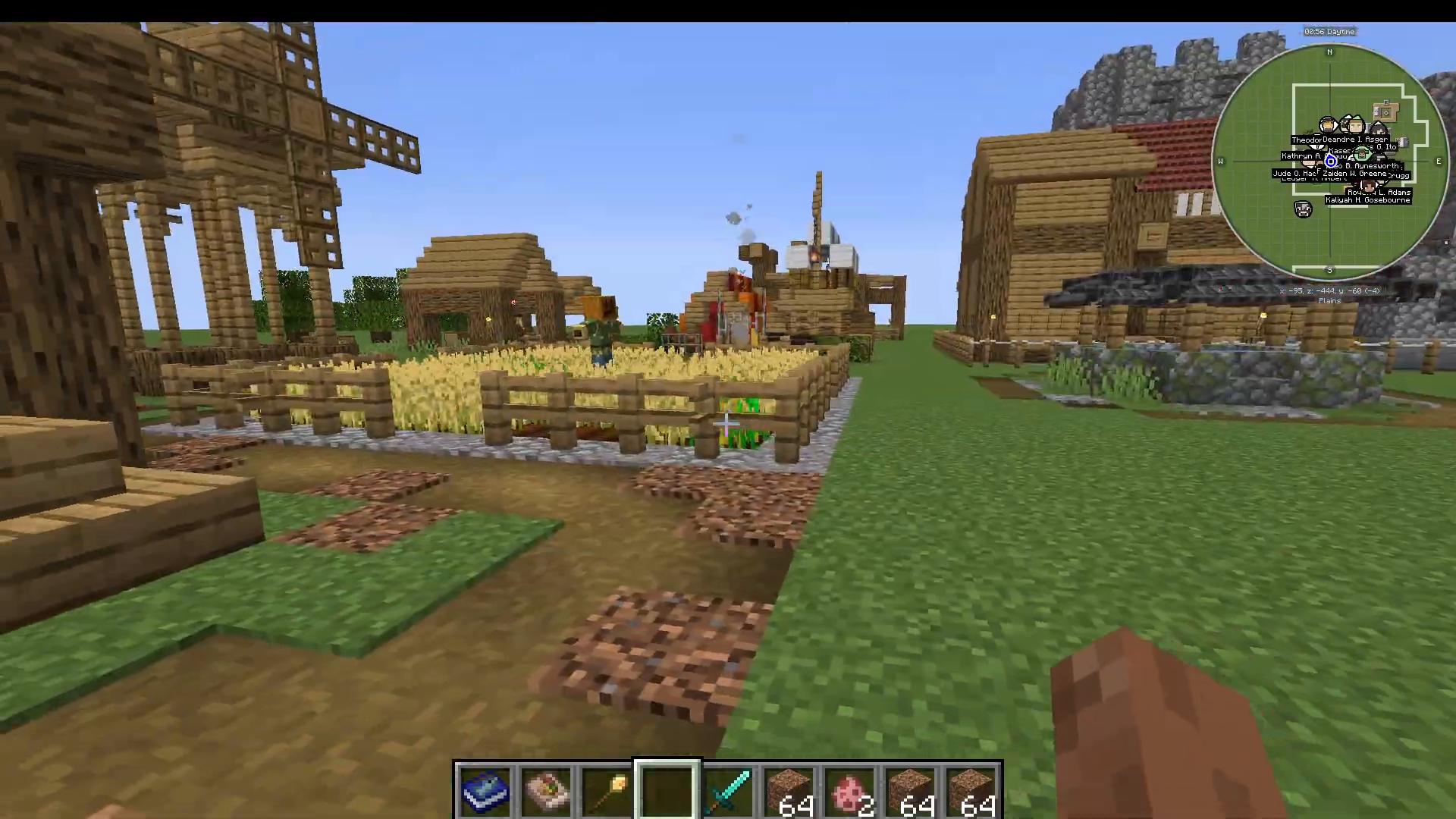
Position it where you want crops to grow
Right-click on the newly placed field
Select “Farmer” → “Pick Seed” and choose your desired crop (for example, carrots)
Choose your field dimensions by selecting how far in each direction you want the field to extend (nearest to you, left, opposite, right, etc.)
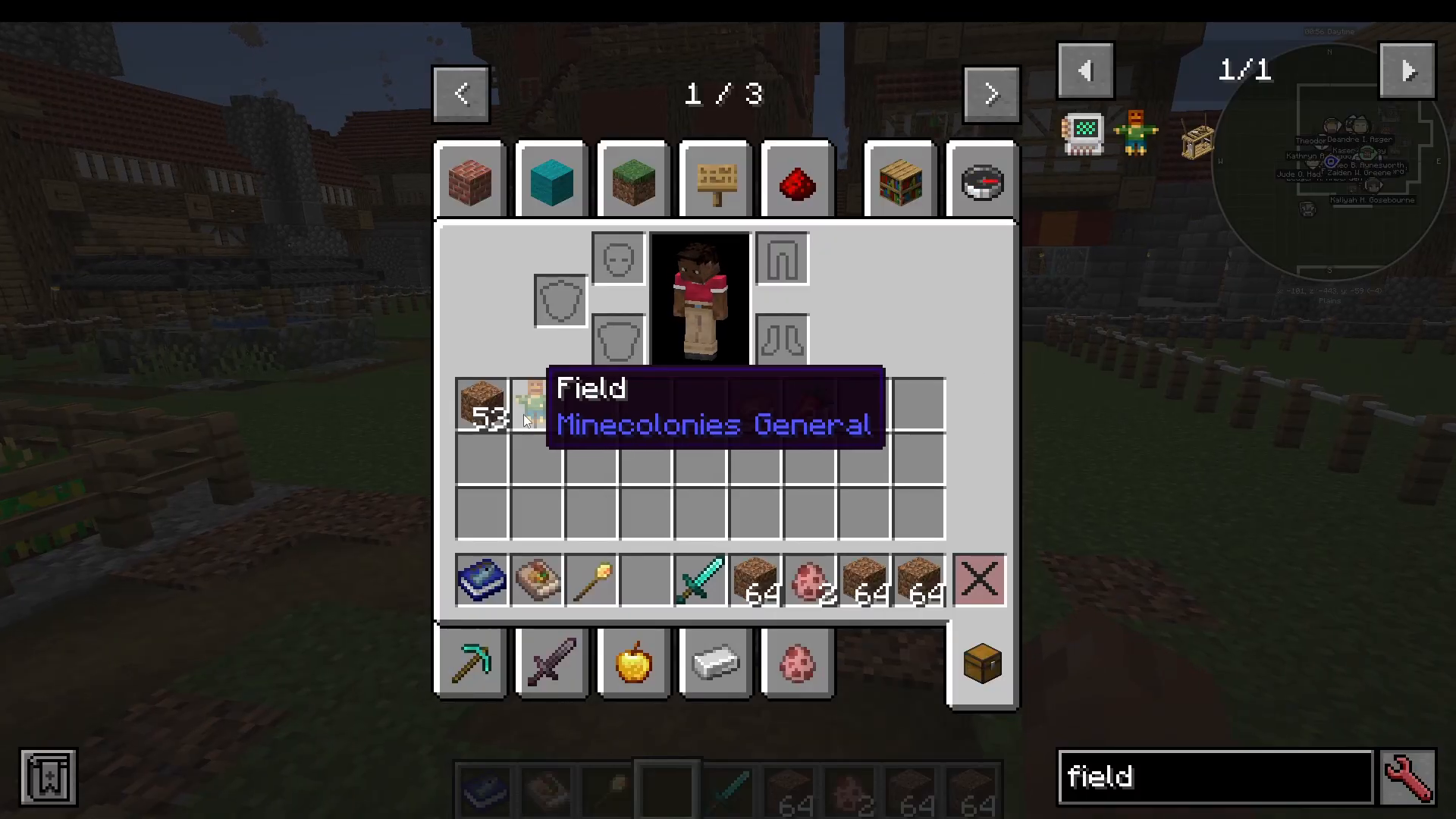
After creating the field, return to the Farmer’s Workstation, go to Fields, and enable the newly created field by ticking the checkbox next to it.
Additional Settings and Options
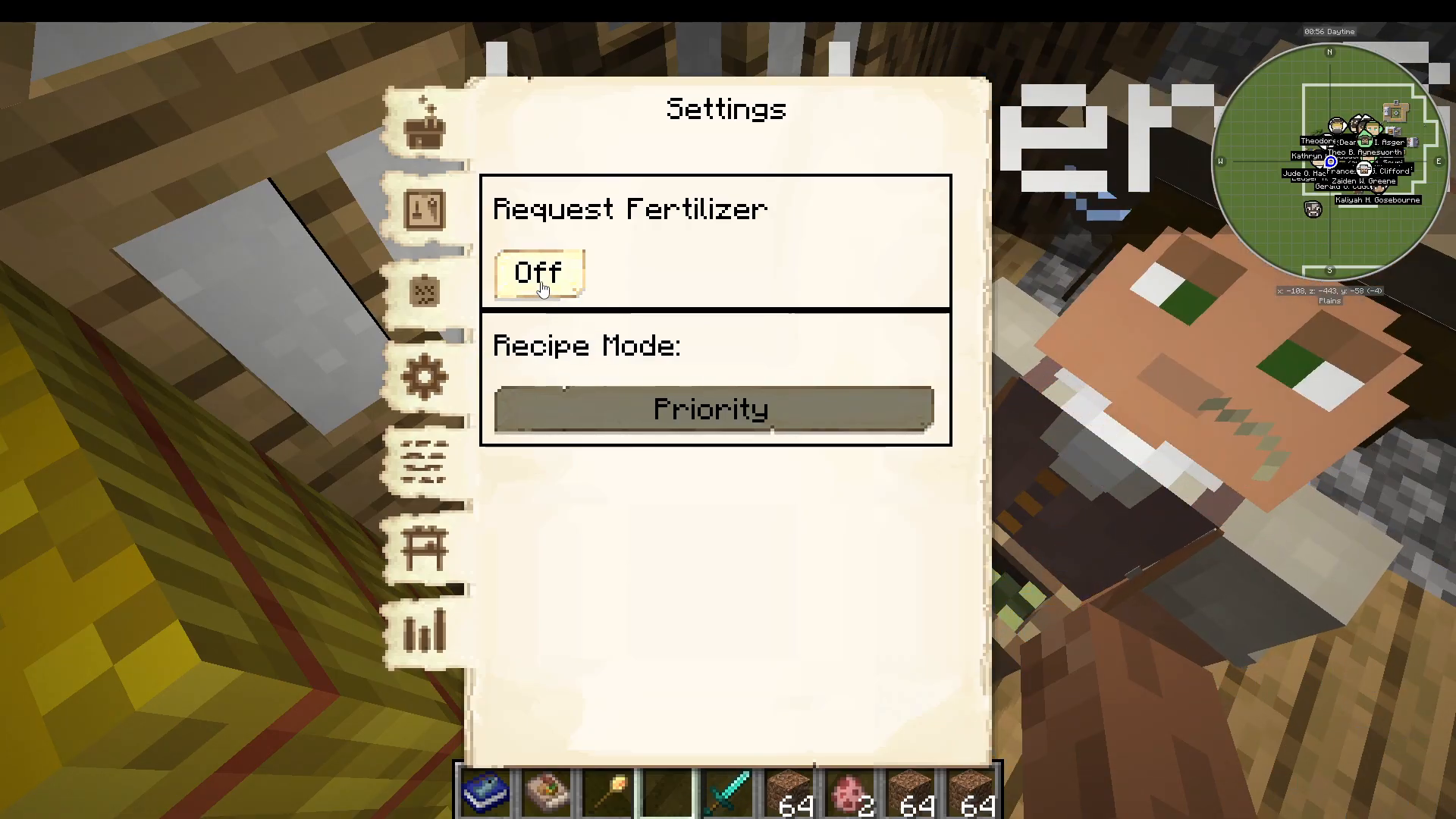
Fertilizer Requests
You can configure whether your Farmer requests fertilizer. If you have a Compost building nearby, the Farmer can automatically request it. Alternatively, you can manually place fertilizer in the Farmer’s inventory.
Minimum Stock and Tasks
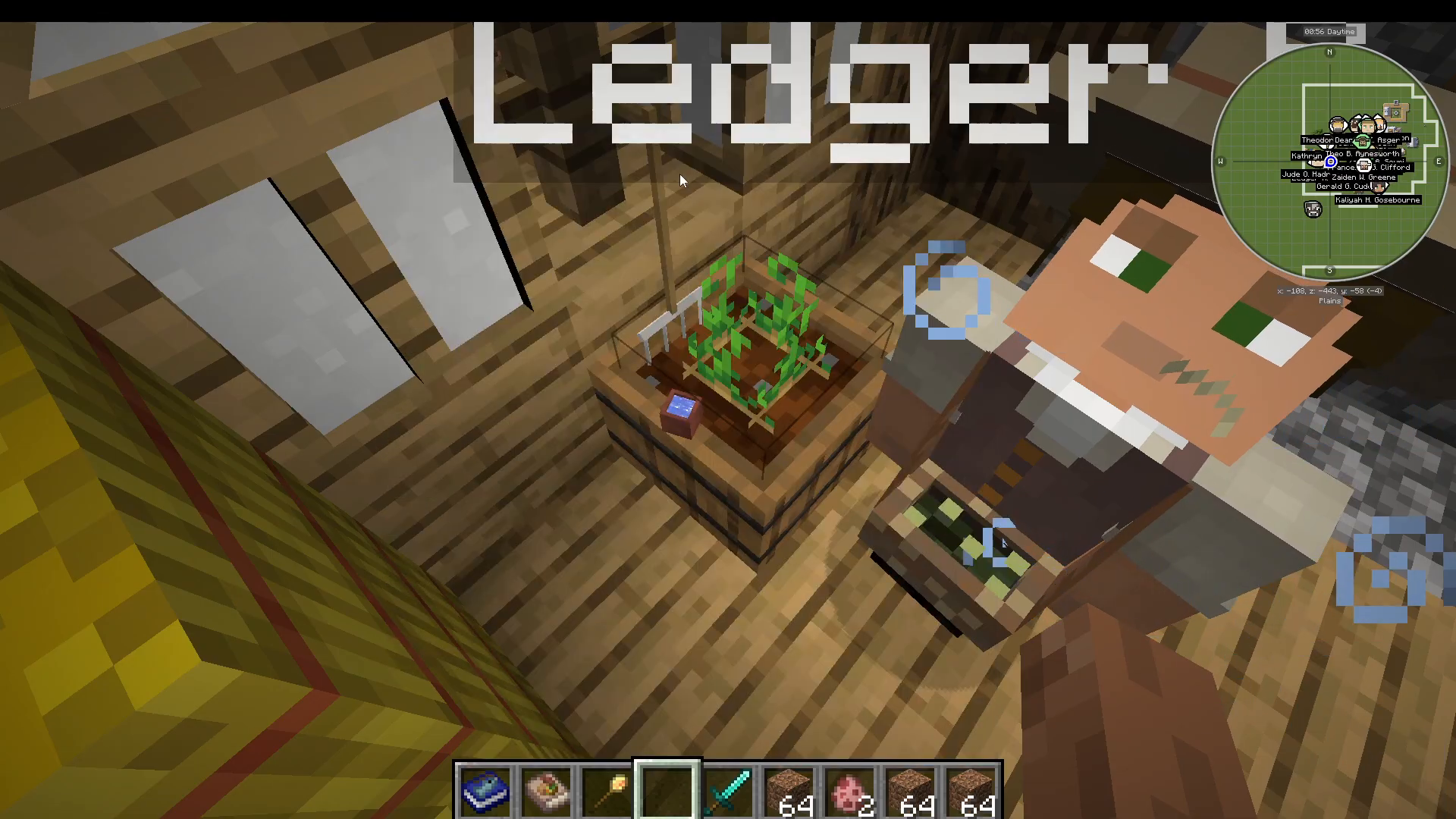
Set minimum stock levels if you want your Farmer to maintain a certain amount of crops (such as wheat) in their inventory. The Tasks section shows any pending work, though it may be empty in most cases.
Statistics
The workstation displays helpful statistics at the bottom, showing your Farmer’s current inventory. For example, you might see “686 wheat and 1900 wheat seeds.”
Watching Your Farmer Work
Once assigned to a field, your Farmer will automatically begin tending to it. The default field comes with water and all necessary infrastructure already in place. When your Farmer starts seeding, they may jump into the water and momentarily destroy crops—don’t worry, this is normal behavior and they will replant successfully.
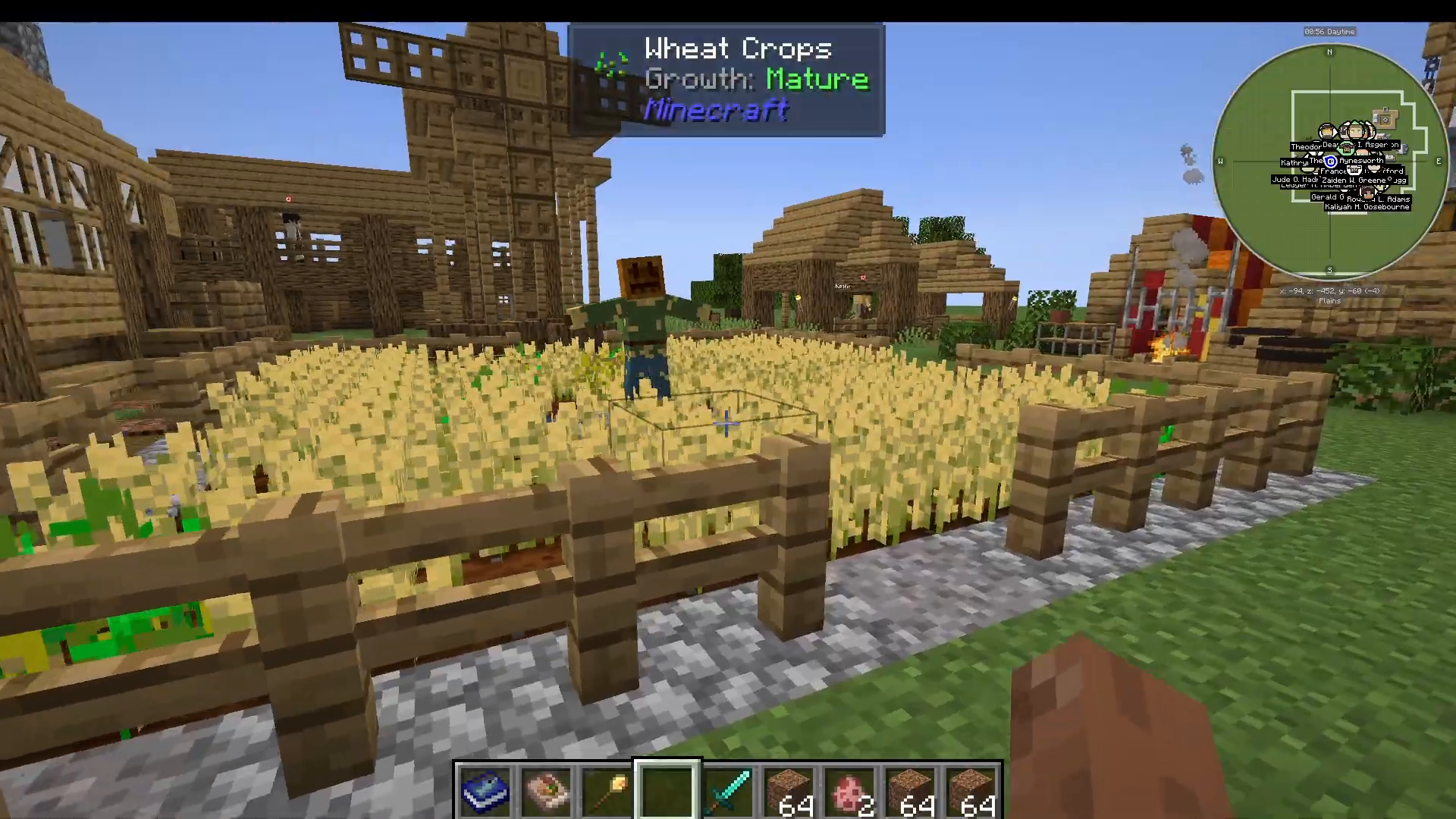
Preventing Crop Trampling
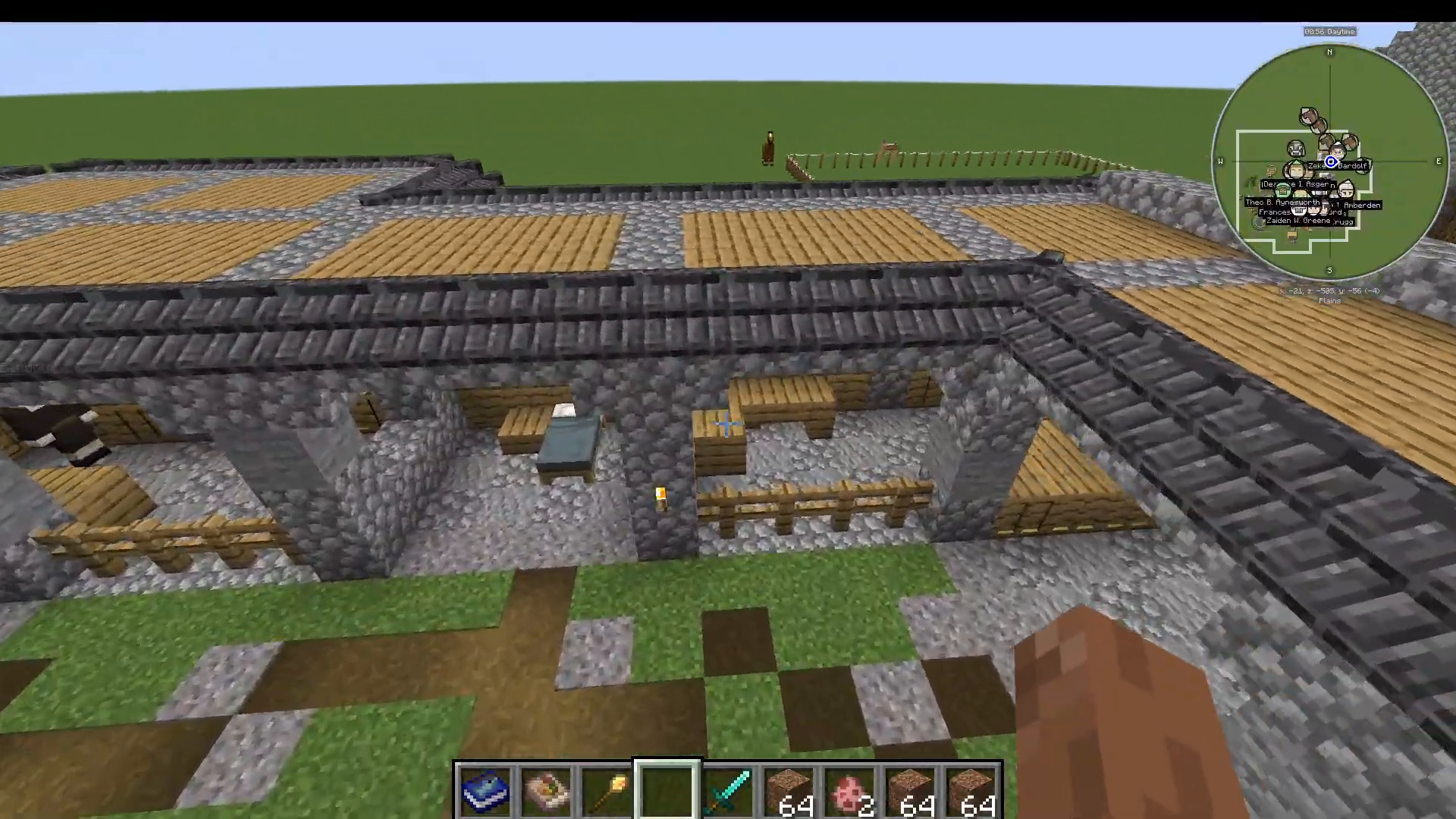
If you build a University in your colony, you can unlock research options that prevent Farmers from trampling crops. While this is a nice quality-of-life improvement, it’s not essential—your Farmer will work fine without it.
Planting Your Crops
To have your Farmer plant specific crops, place the seeds (such as carrots) directly into their main inventory. The Farmer will then automatically plant those seeds in their designated fields.
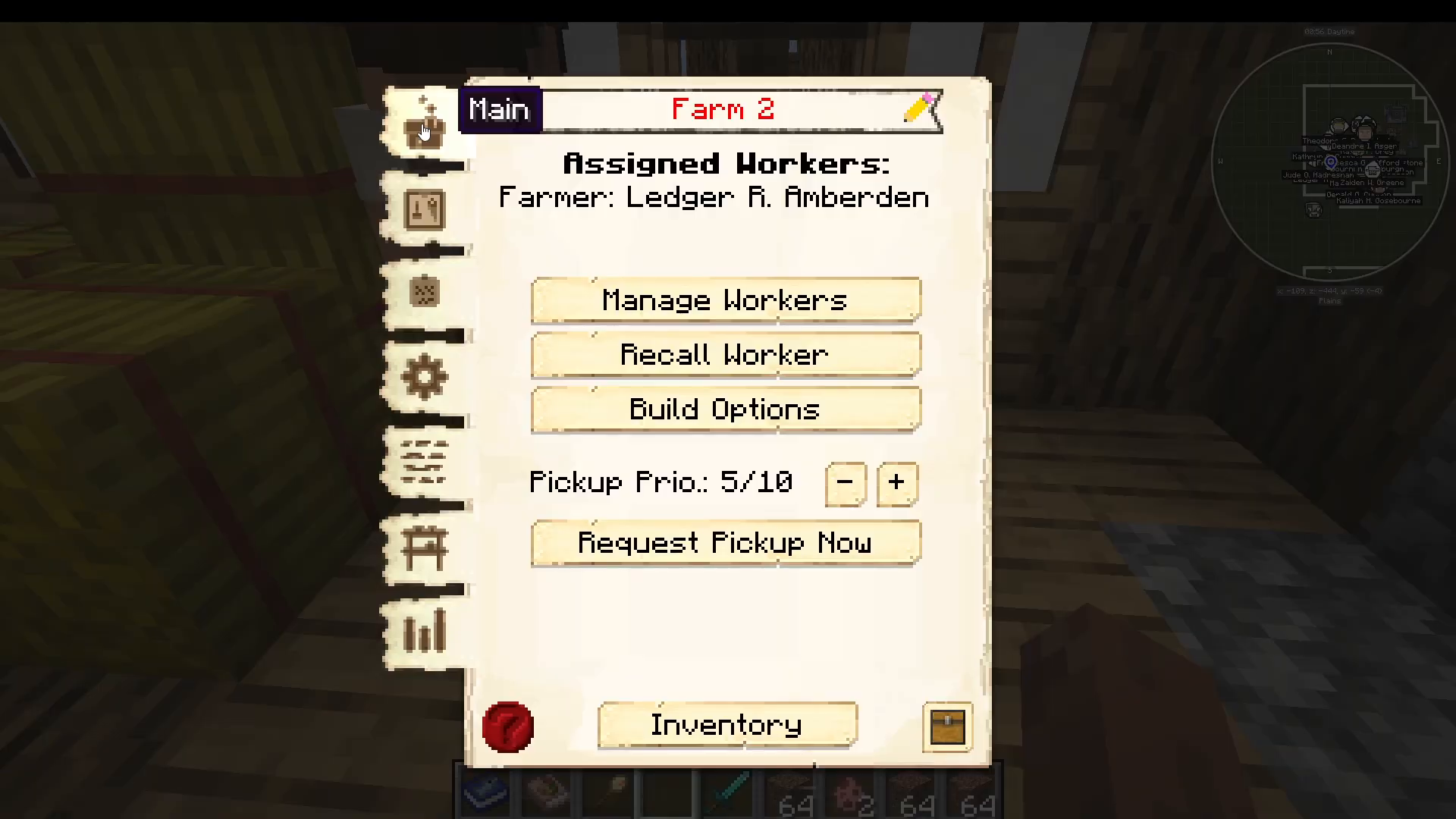
Optimizing Your Farmer’s Stats
Two specific attributes significantly impact your Farmer’s efficiency:
Stamina: Higher stamina reduces the time your Farmer spends cycling between planting and harvesting tasks.
Athletics: Higher athletics increases the speed at which your Farmer plants and harvests crops.
Focus on leveling these stats to maximize your Farmer’s productivity, especially once you reach level 5 and manage multiple fields.
Summary
The Farmer’s Hut is a straightforward but powerful tool for food production in MineColonies. Start with a level two Farmer’s Hut, hire a Farmer, set up your default field, and gradually expand to multiple fields as your Farmer levels up. With proper tool management and stat optimization, you’ll have a reliable food supply for your entire colony.
Want to Support?
If you would like to help us continue making these guides – please consider joining our patreon here – https://www.patreon.com/c/JaviHeals
Alternatively – we host a group of MC Servers you can join here – https://discord.gg/zD7Gjt6MHF