Archers (RPG Series) – Complete Tutorial
Archers (RPG Series) – Complete Tutorial
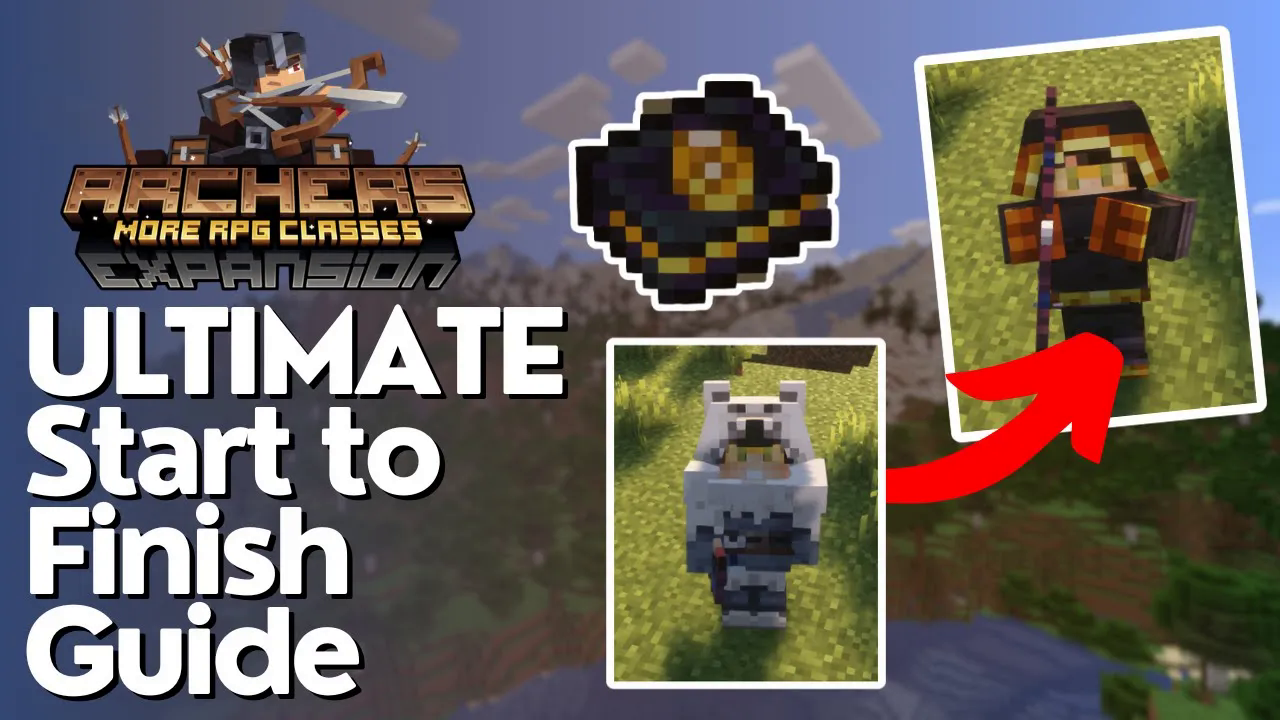
The Archers mod is a fantastic addition to the RPG series that lets you perform incredible ranged combat feats with bows and spells. This comprehensive guide will walk you through everything you need to know to master archer gameplay, from crafting basic gear to learning powerful spells and enchantments.
Getting Started with Archer’s Gear
The first step on your archer journey is crafting Archer’s Gear. This set combines chains and other materials to provide you with armor while significantly increasing your ranged damage output when using bows.
Upgrading to Ranger Gear
Once you have your basic Archer’s Gear, you can upgrade it into Ranger gear, which provides additional armor, increased damage, and faster draw speed—allowing you to fire arrows more quickly. To craft Ranger gear, you’ll need rabbit hide and turtle scoots.
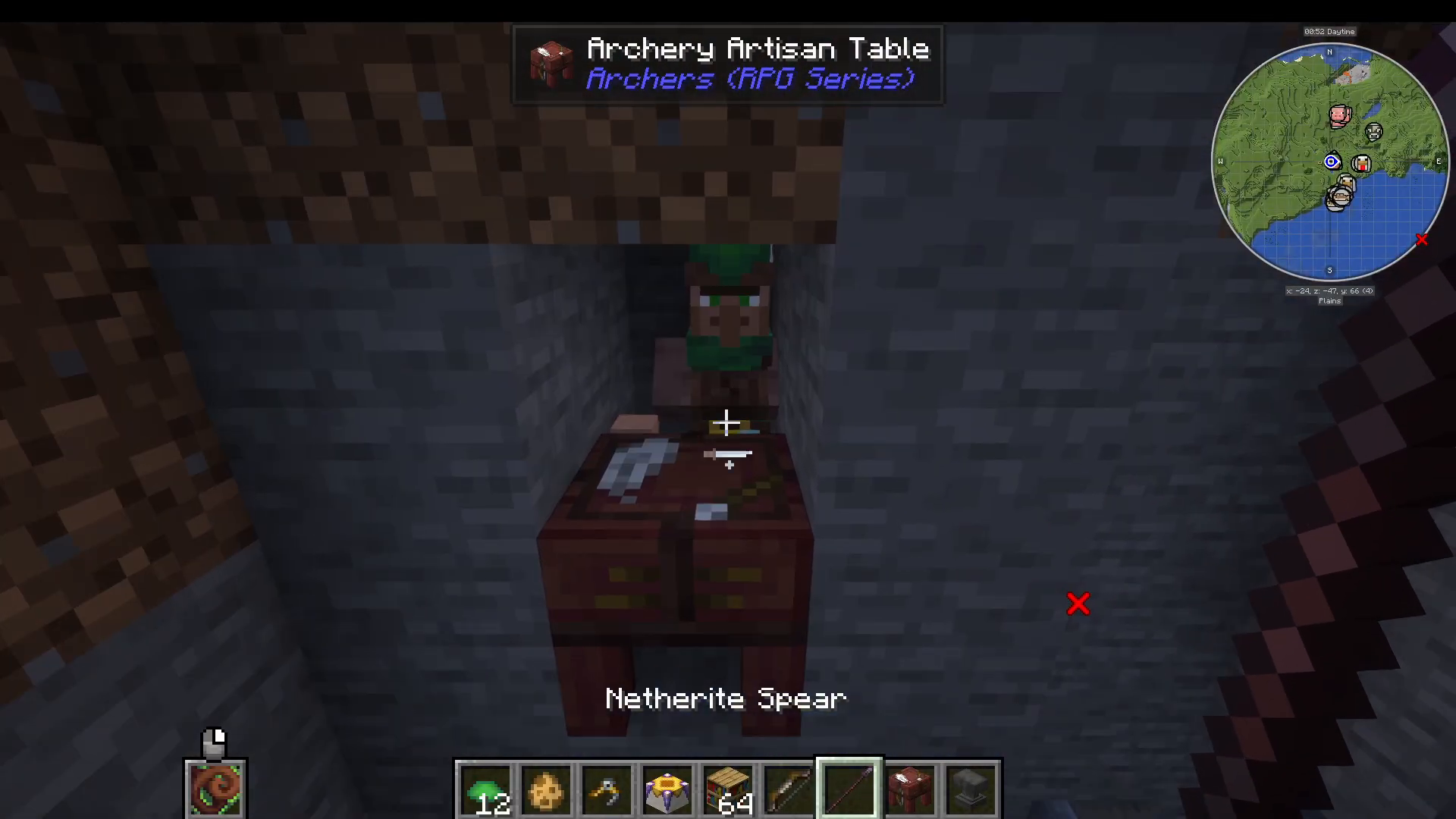
Finding these materials can be tedious, but you can use a villager to help. You’ll want to create an Archery Artisan’s Table, which serves as the workstation for the Archery Artisan villager. This villager trades various items including bow components, Archer’s Gear, turtle scoots, and cool unique weapons. The Archery Artisan also offers trades converting arrows and redstone into emeralds, making resource gathering much faster.
Netherite Ranger Upgrade
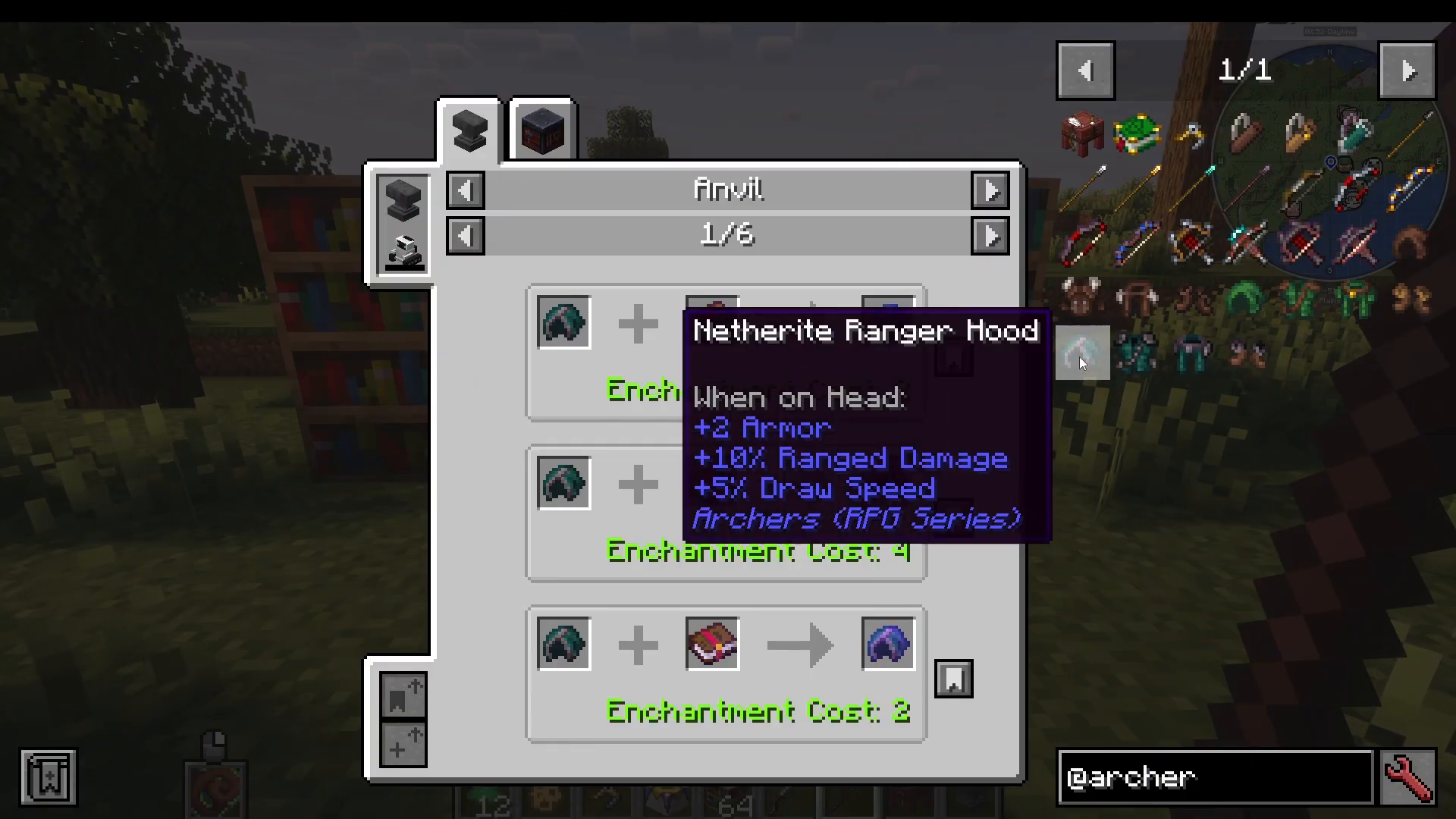
You can further upgrade your Ranger gear to the Netherite version, which grants even more damage and draw speed. This upgrade requires a Netherite template, your existing Ranger Hood, and Netherite.
Accessories and Equipment
Quivers
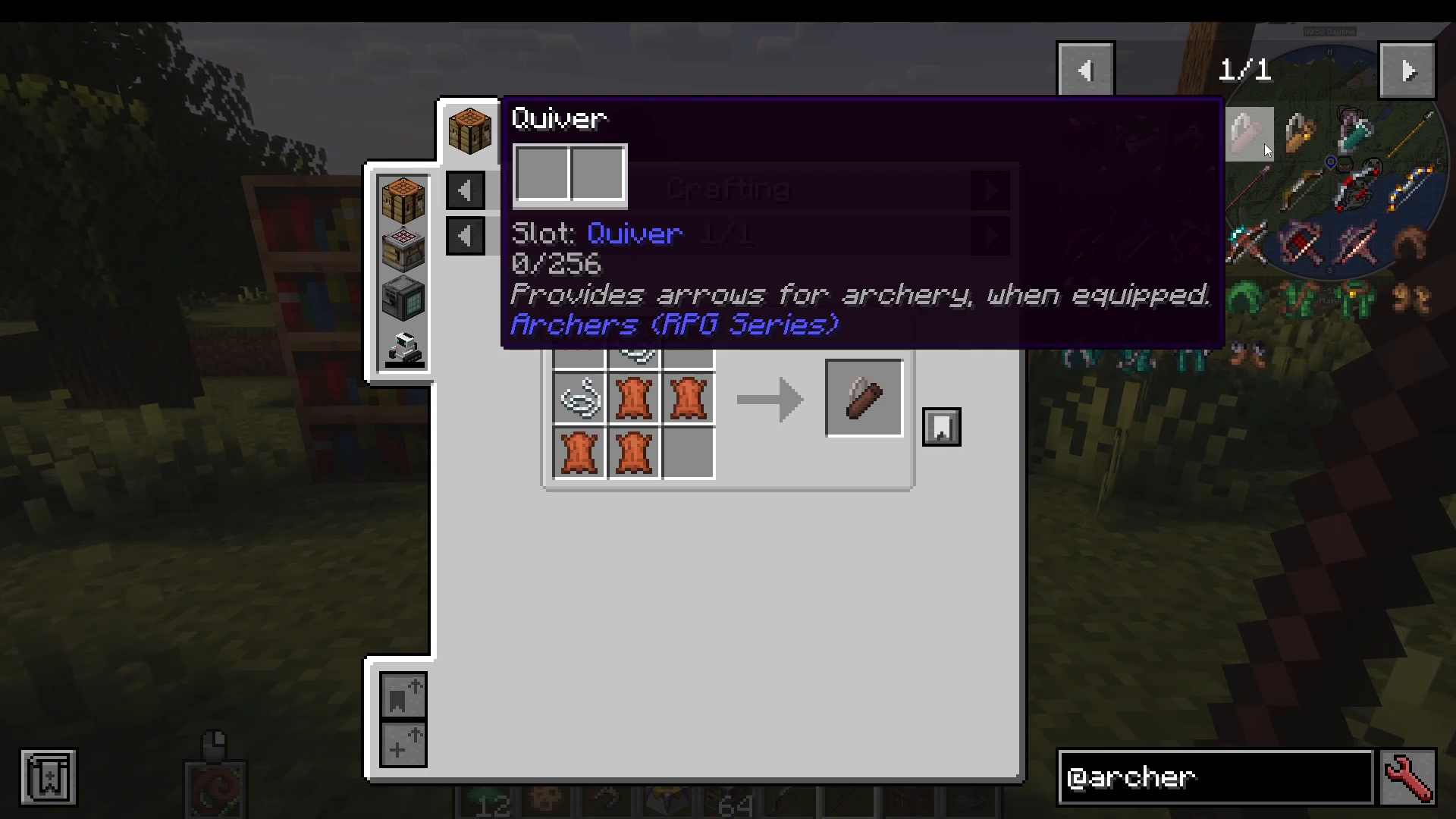
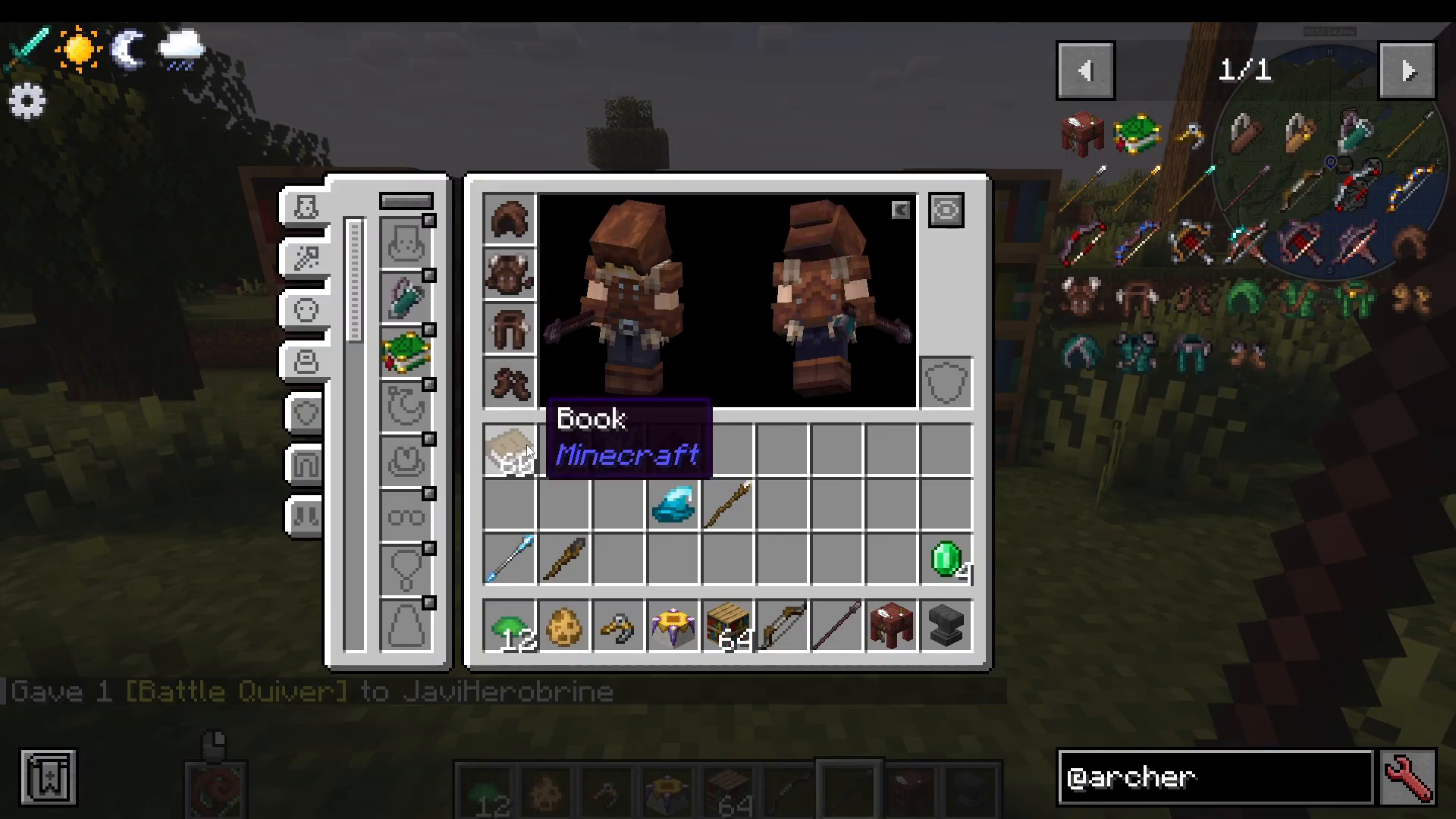
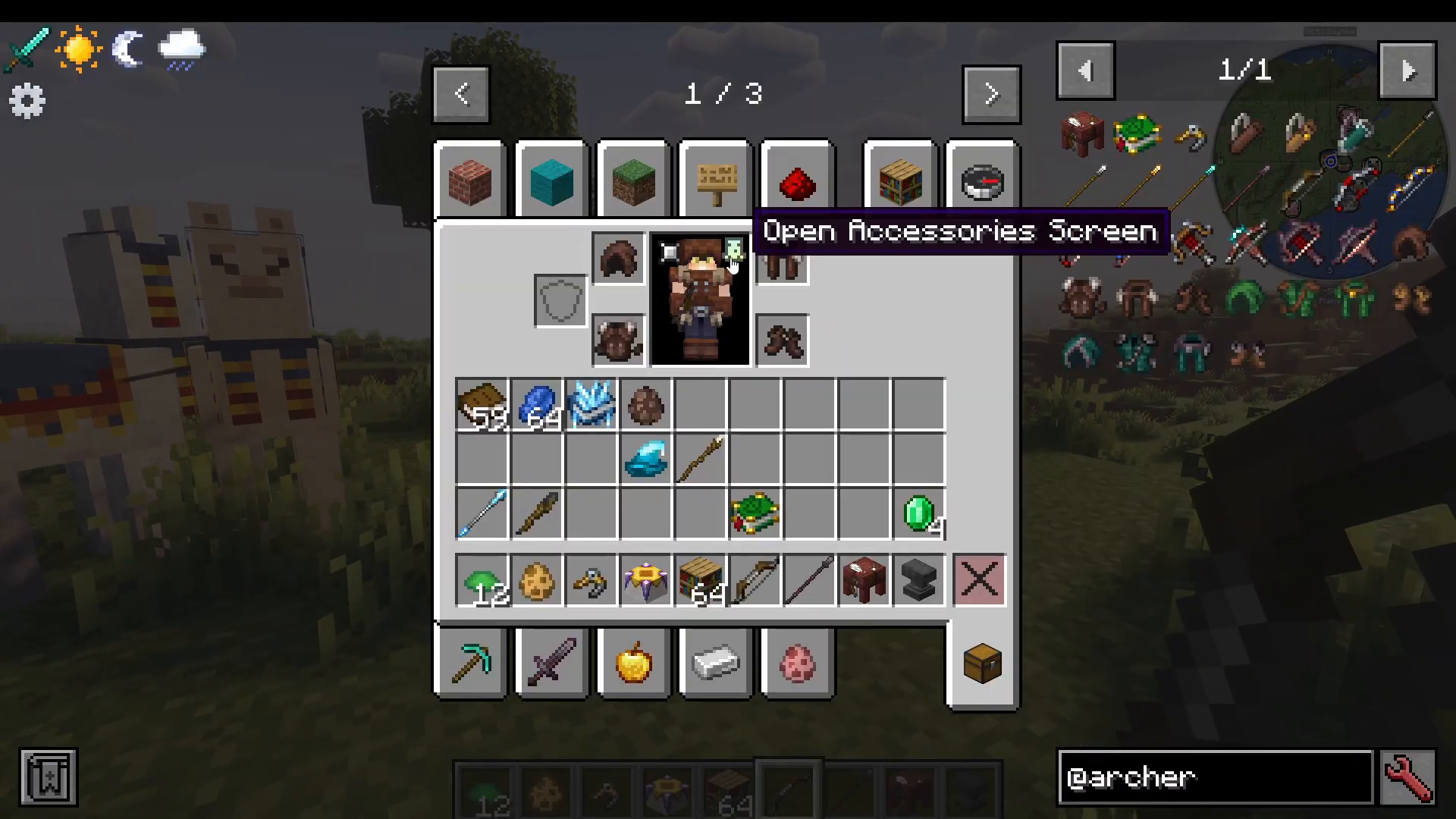
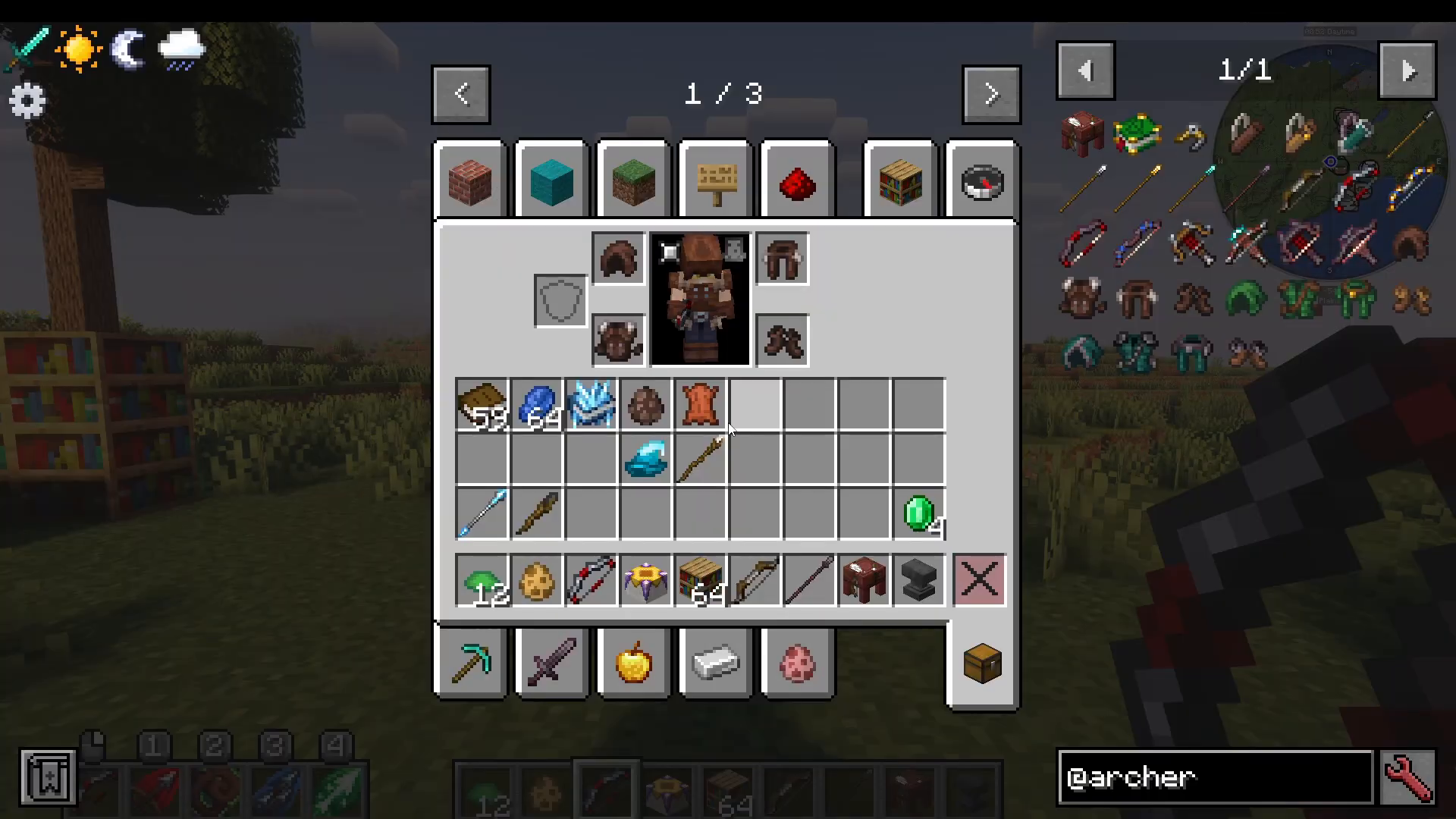
Quivers are essential accessories for any archer. There are two main types: the Hunting Quiver with 512 arrow capacity and the Battle Quiver with 768 capacity. To equip your quiver, click the “Open Accessory Screen” button in your inventory and place it in the quiver slot.
Spears
Spears serve as a melee weapon option for archers and allow spell casting. However, they don’t work with arrows, making them a different playstyle compared to traditional bows.
Bow Types and Variants
Short Bows vs. Long Bows
The Archers mod offers two main bow archetypes:
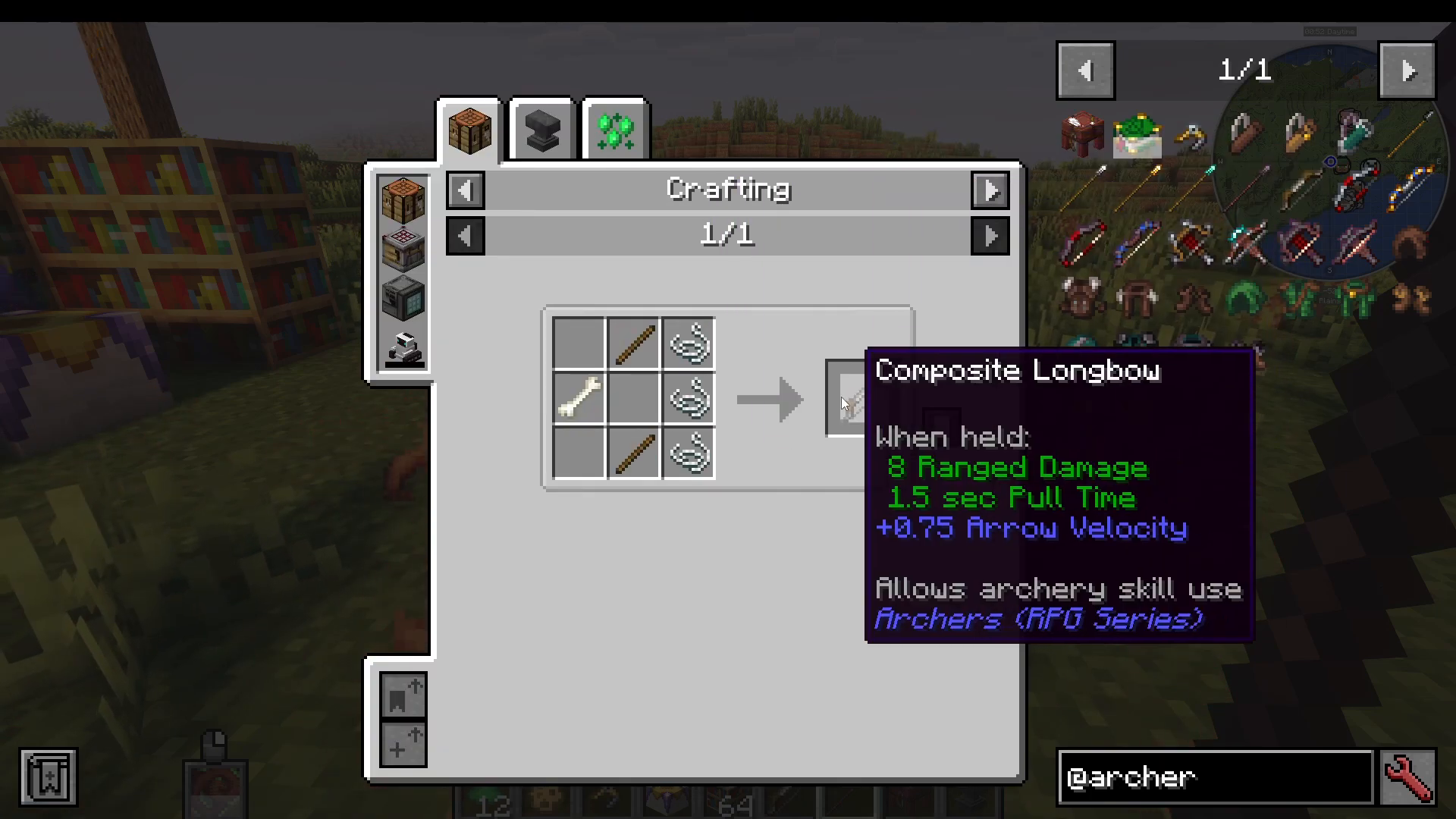
Long Bows (Composite Long Bow): These bows provide extra arrow velocity but have a longer pull time, meaning it takes more time to draw the bow before firing. The trade-off is that arrows travel faster and hit harder.
Short Bows: Short bows have much shorter pull times, allowing you to fire arrows quickly. However, they have less velocity and therefore less power. They’re ideal for rapid-fire situations where speed matters more than raw damage.
Royal and Netherite Variants
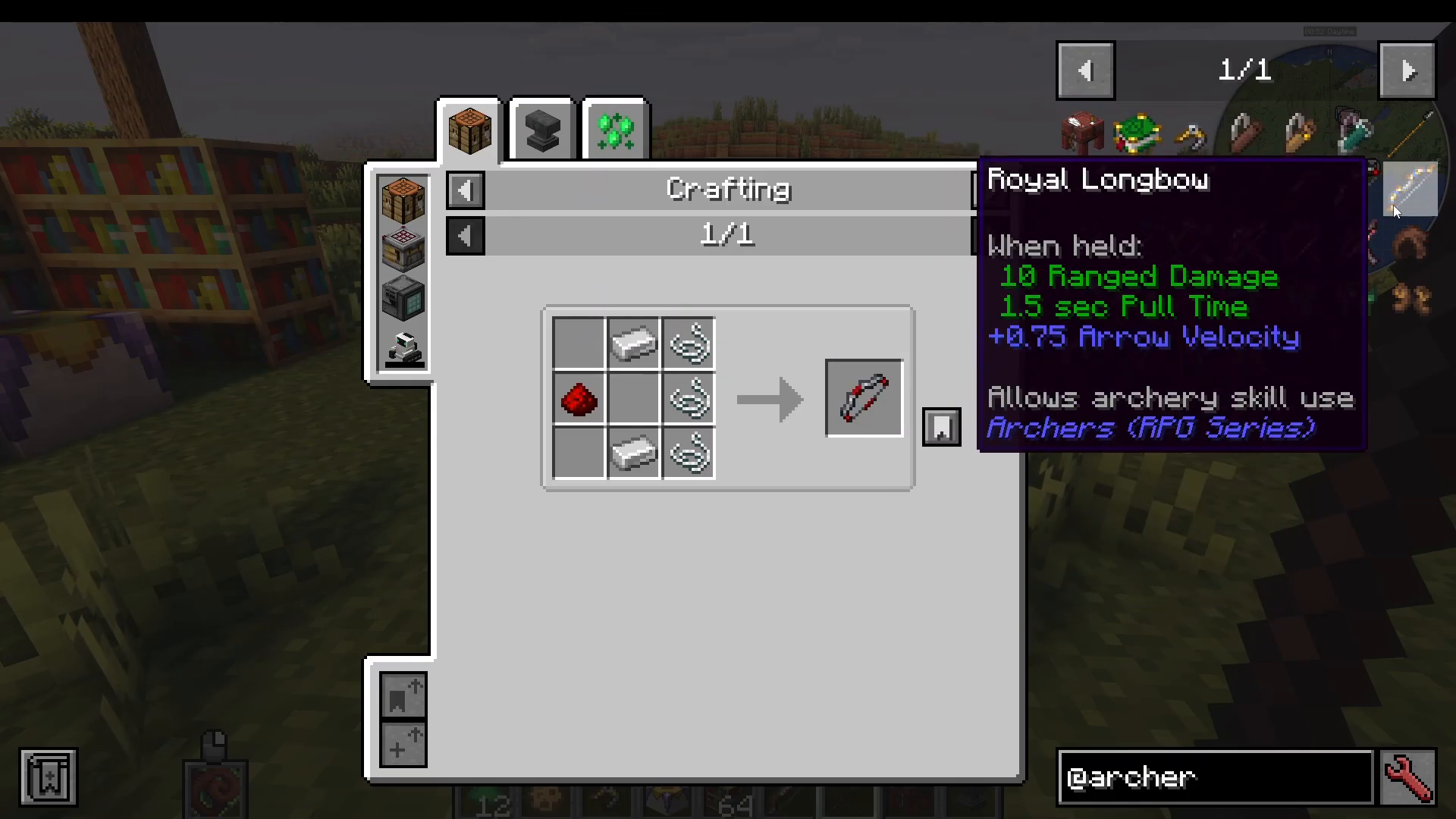
Both short bows and long bows can be upgraded to Royal versions, which deal more damage. Additionally, Netherite versions of both bow types are available for further upgrades. All bows can be enchanted with standard Minecraft enchantments.
Crossbows
Crossbows are also available and can be crafted relatively easily with standard enchantments. However, their usefulness is limited without the Archery Manual.
Spells and the Archery Manual
Crafting the Archery Manual
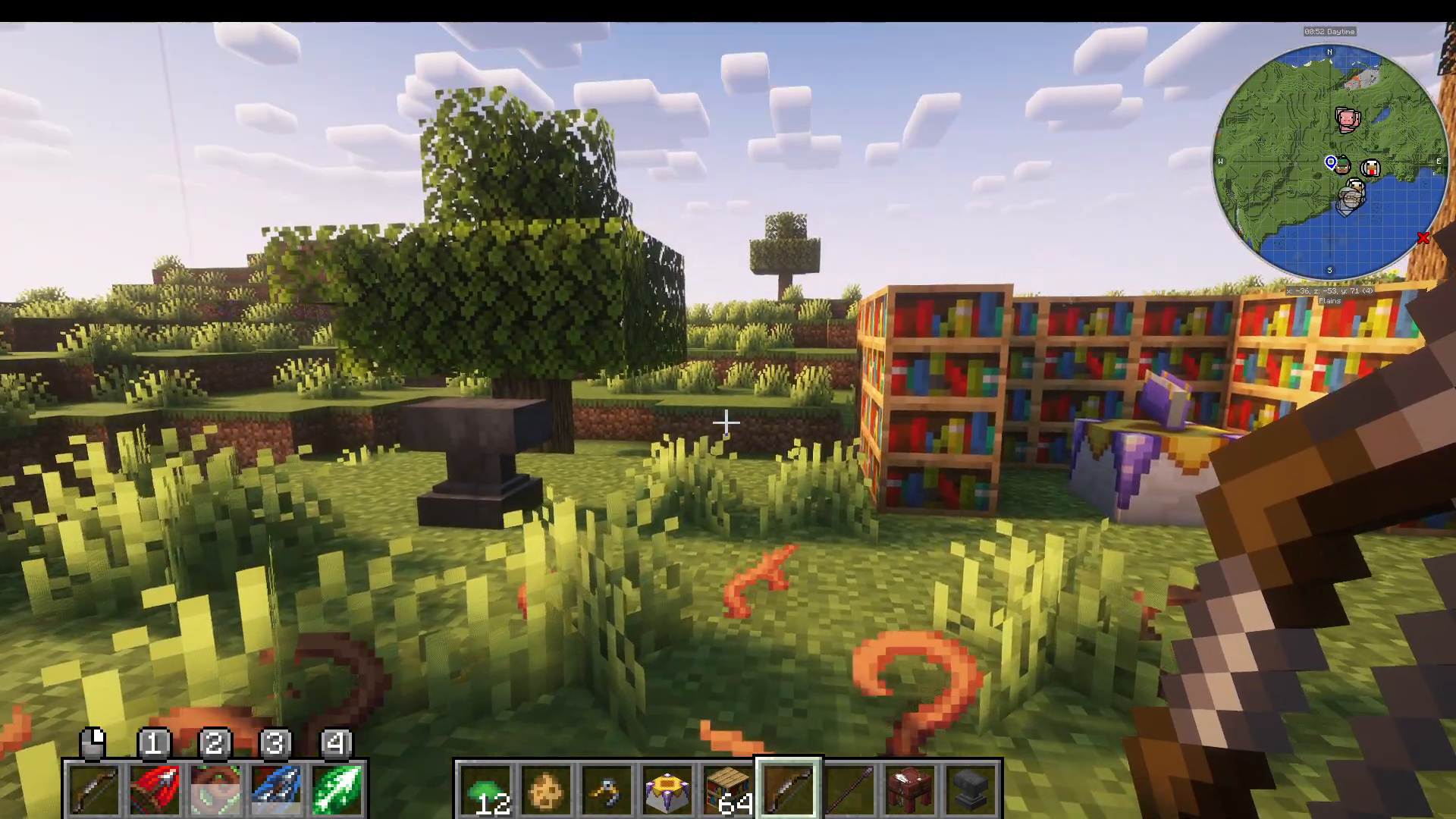
To unlock spell-casting abilities, you need to craft an Archery Manual. This requires a Spellbinding Table, which comes as part of the Archers mod (from the Spell Engine mod). Surround the Spellbinding Table with bookshelves, then craft it with Agile Lapis and a Book to create your Archery Manual.
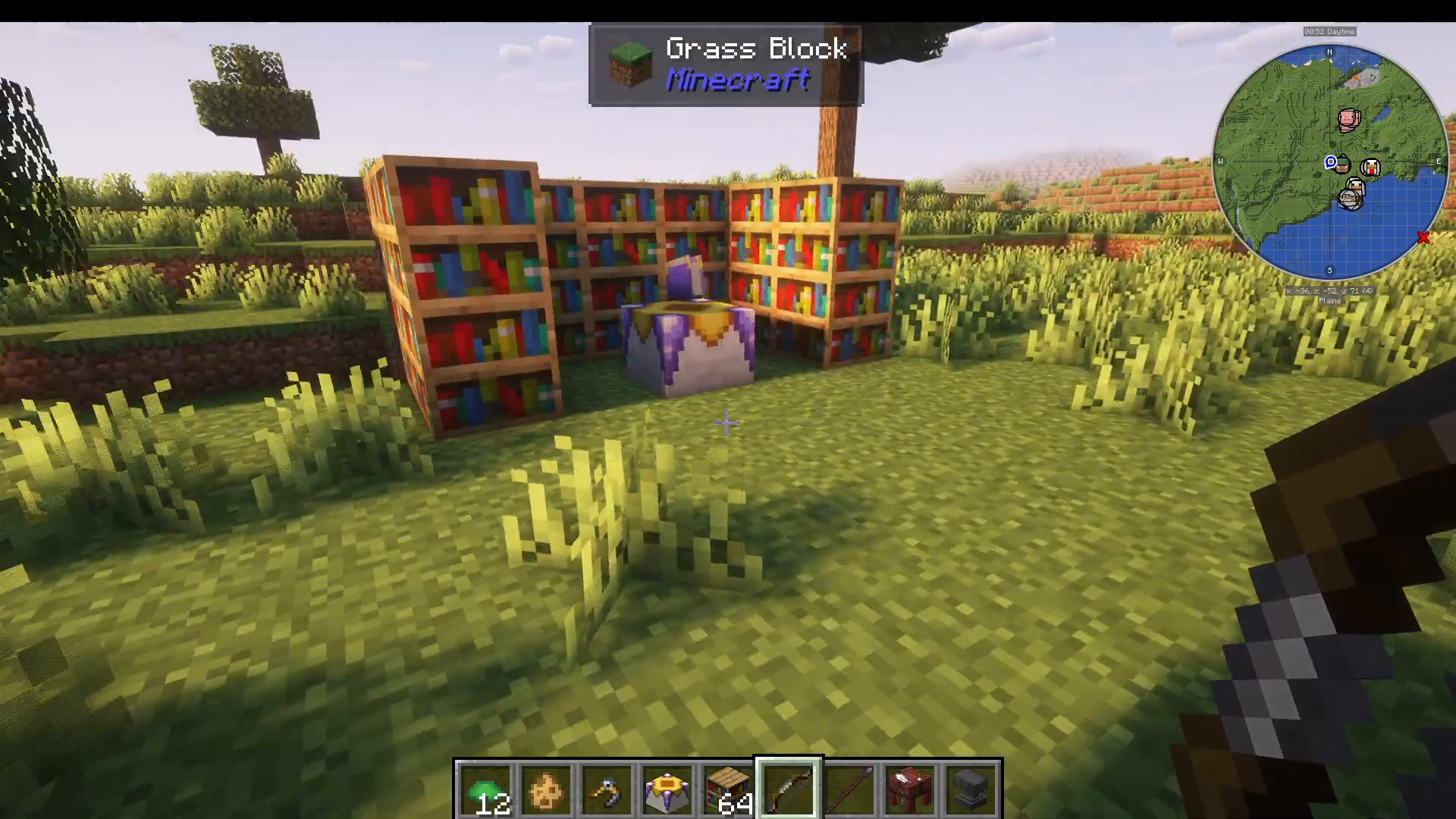
If you have other RPG mods installed, you may see different manual types available. Click the Archery Manual in the Spellbinding Table interface to proceed.
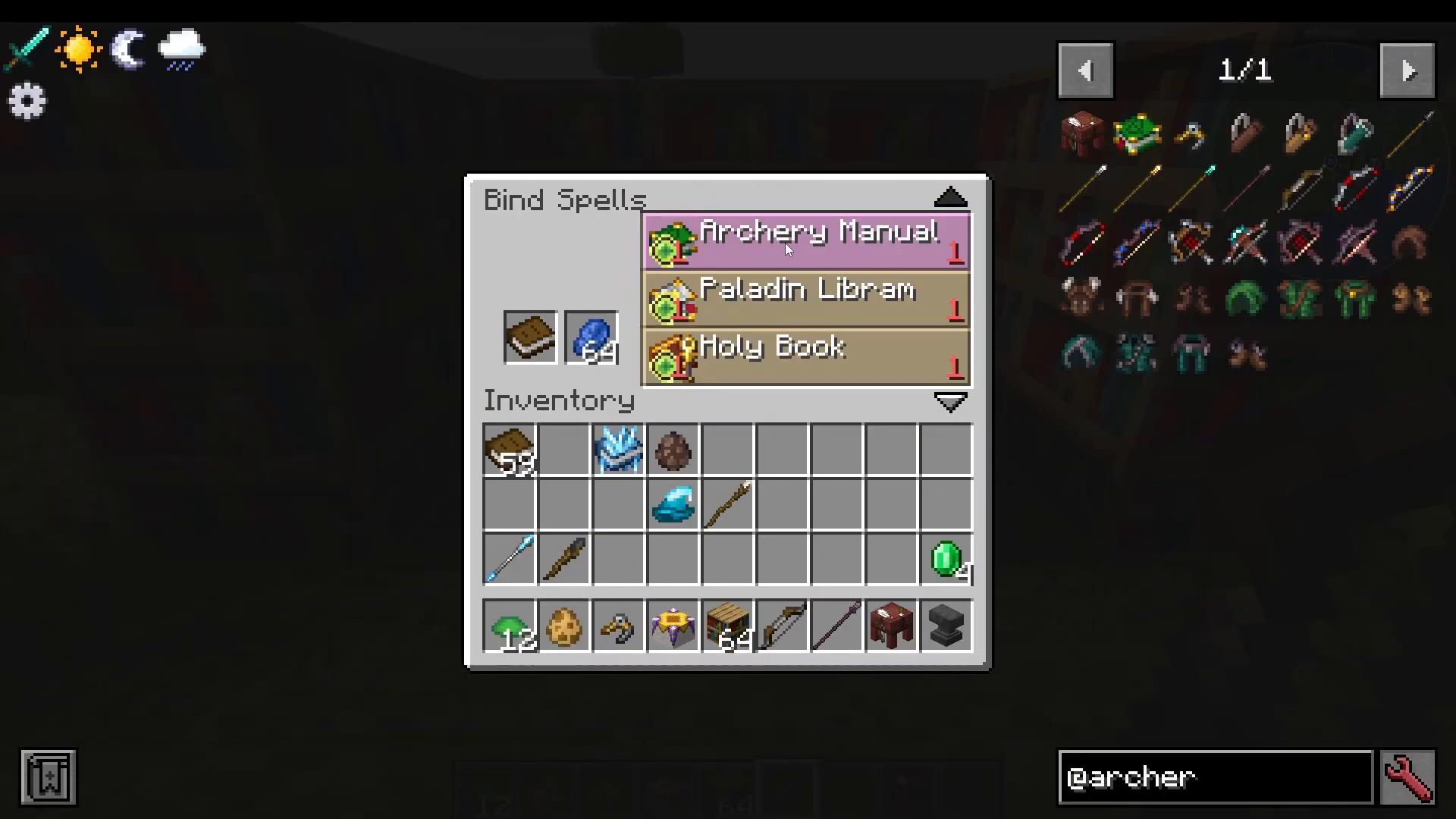
Learning Spells
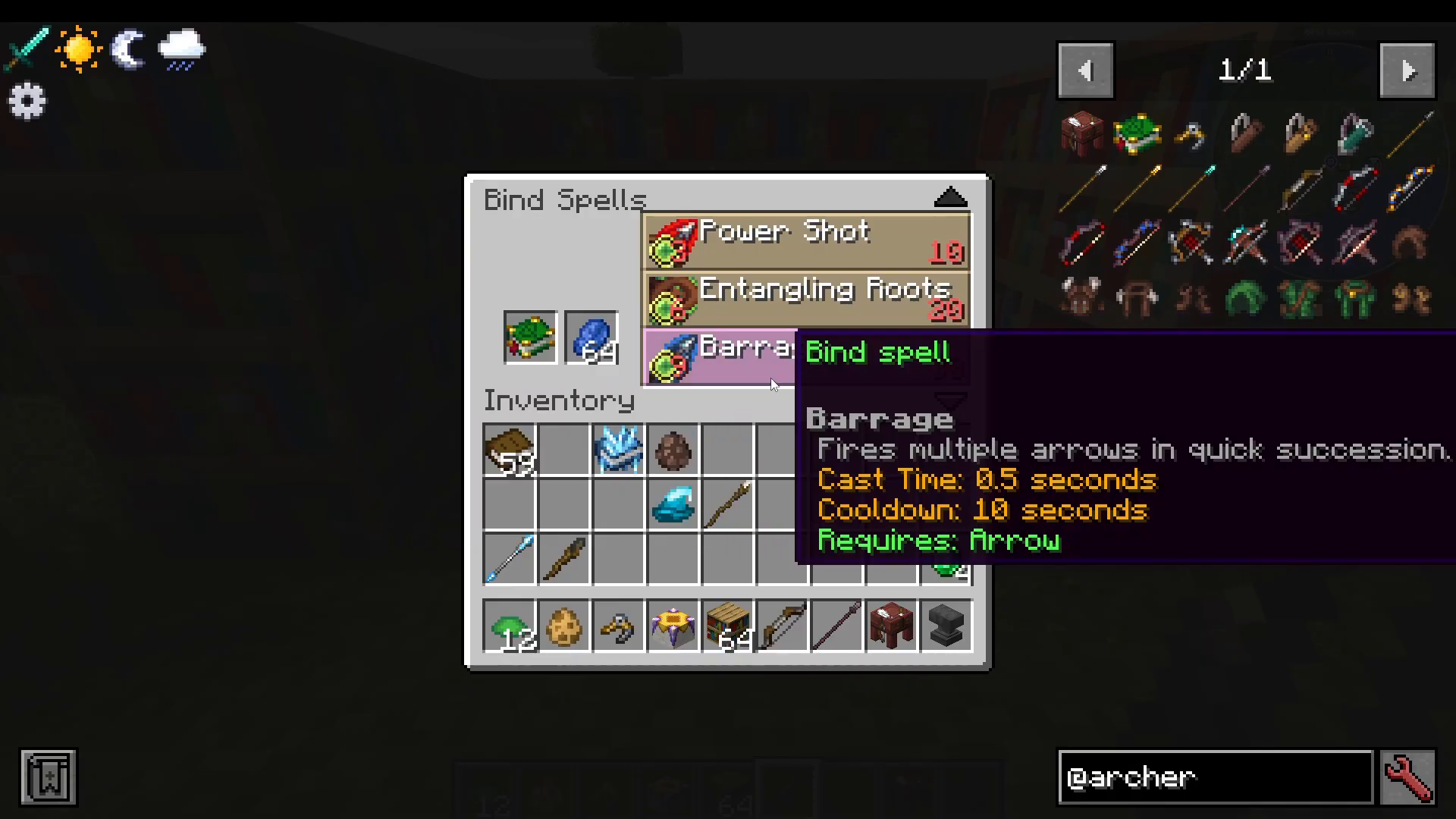
To learn spells from your Archery Manual, you’ll spend experience levels (9 XP minimum, scaling up to 30 levels). The available spells are:
Power Shot: Your next free arrows inflict Hunter’s Mark on the target, increasing damage taken. This effect stacks with multiple applications.
Tangling Roots: Conjures roots to spread from the ground in the nearby area, slowing enemies in the vicinity.
Barrage: Fires multiple arrows in quick succession. This spell has a 0.5 second cast time and cooldown.
Magic Arrow: Shoots a magic arrow that pierces through all enemies in its path.
Equipping and Using Spells
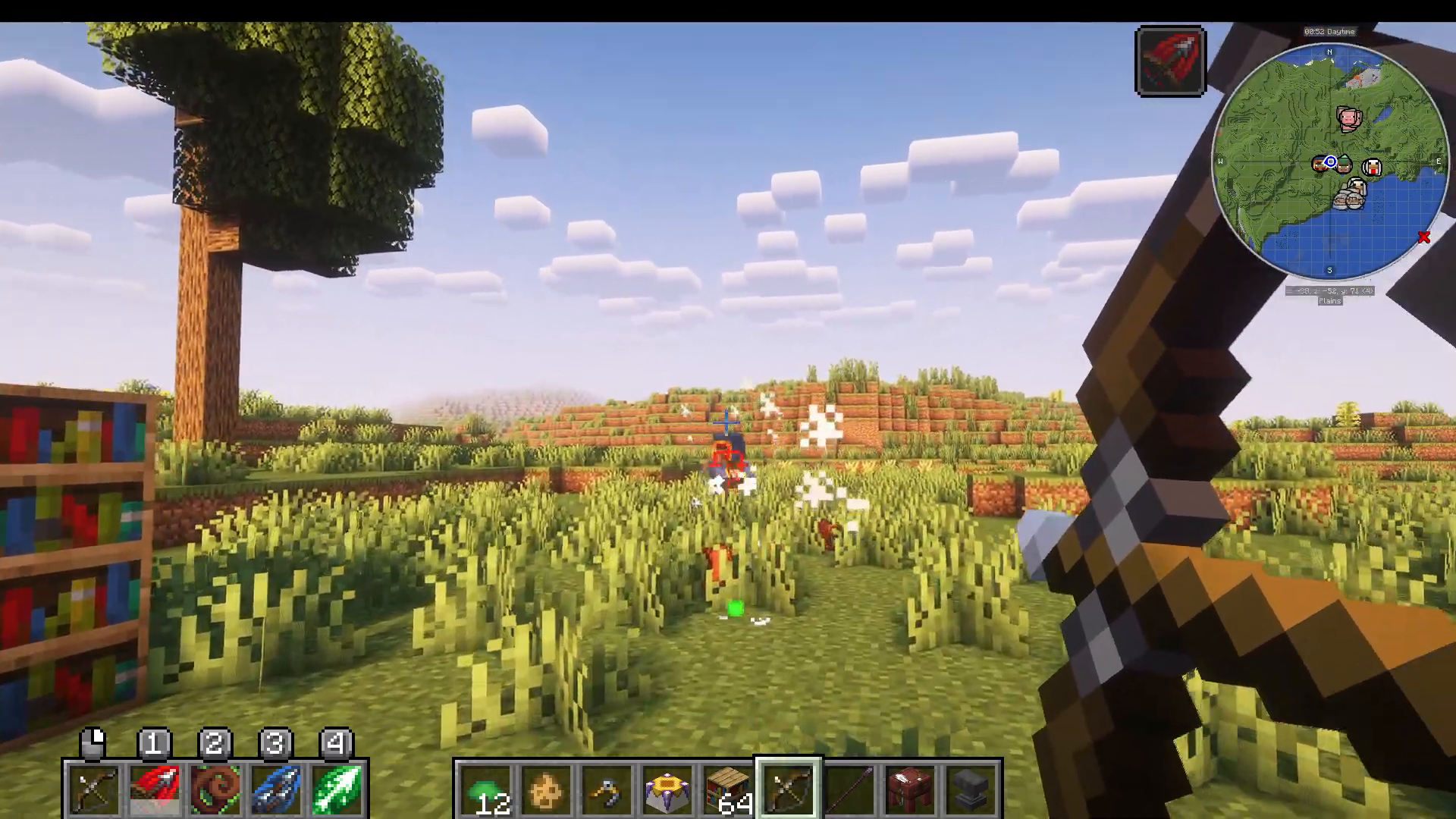
Once you’ve learned spells, open your Accessory Screen and Shift+Click the Archery Manual into your spell book slot. While holding a spell-compatible bow, you can bind spells to number keys (for example, pressing 4 for one spell and 1 for another). When you use the bow, the bound spells will activate with the appropriate cooldowns.
For example, if you bind Power Shot to key 1, when you fire with that ability active, enemies hit will receive Hunter’s Mark, showing a visible mark on them. This mark increases the damage they take from your subsequent attacks.
Advanced Features and Enchantments
Auto Fire Hook
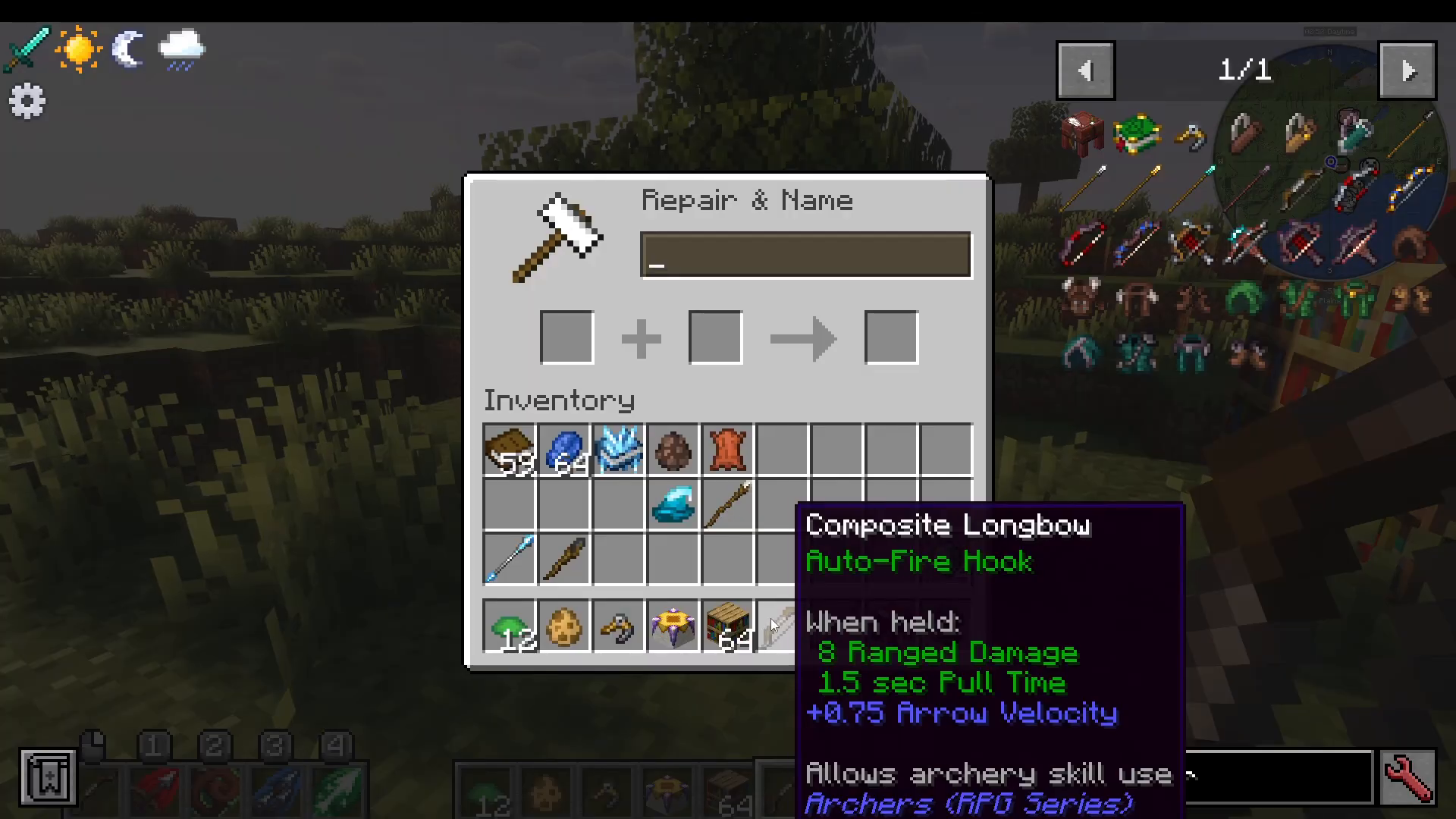
One of the best quality-of-life improvements is the Auto Fire Hook. You can attach this to any bow using an anvil. Once applied, your bow will automatically continue firing arrows after the bow is fully drawn—you no longer need to click repeatedly. Simply hold down your mouse button and the bow will fire arrows continuously until you release.
Checking Spell Details
To review what spells do without cluttering your screen, hold out your Archery Manual and read the tooltip descriptions. Alternatively, open your spell book (Archery variant) to see all spells you’ve learned or haven’t learned yet along with their effects.
Summary
The Archers mod from the RPG series provides a deep and engaging ranged combat experience. Start by crafting Archer’s Gear and upgrading it through Ranger variants to Netherite versions. Equip quivers for arrow storage, choose between Short Bows for speed or Long Bows for power, and unlock spell-casting with the Archery Manual. Enhance your bows with the Auto Fire Hook for efficient rapid-fire gameplay. Master these systems, and you’ll be a formidable archer in your Minecraft world.
— Want to Support? —
If you would like to help us continue making these guides – please consider joining our patreon here – https://www.patreon.com/c/JaviHeals
Alternatively – we host a group of MC Servers you can join here – https://discord.gg/zD7Gjt6MHF