MineColonies Residences Complete Tutorial
MineColonies Residences Complete Tutorial
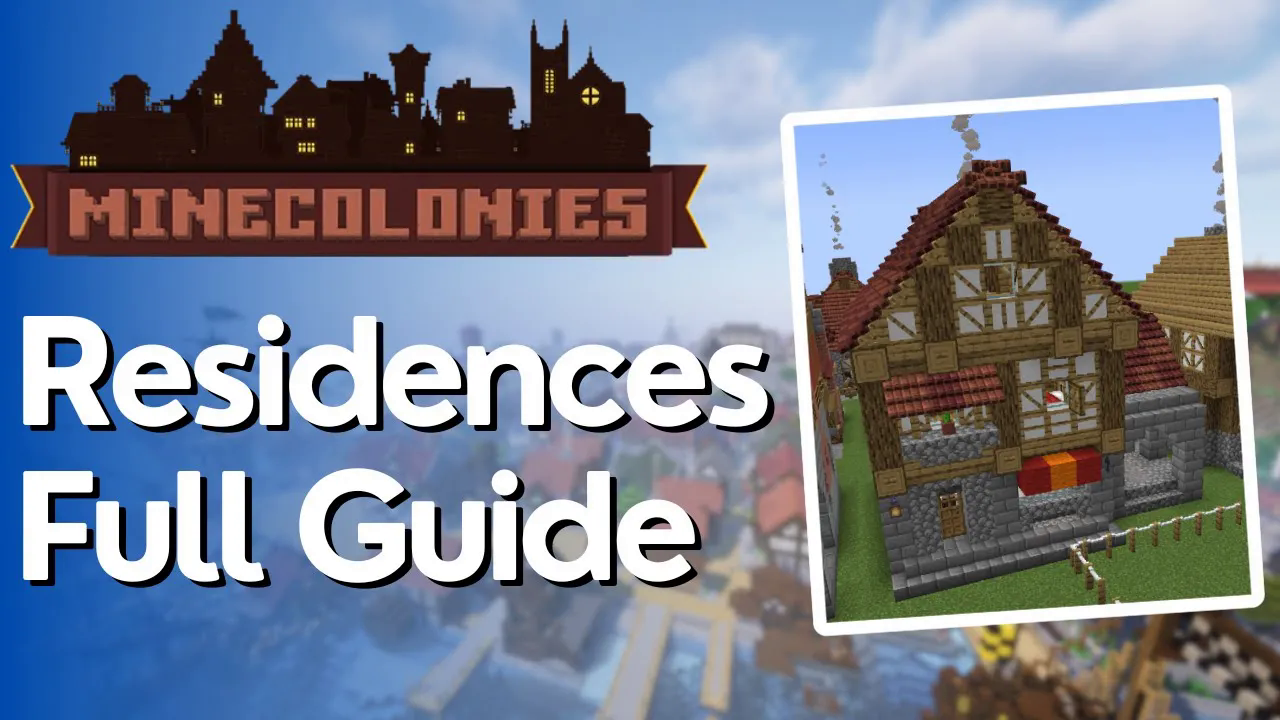
If you’ve run out of space at the tavern for storing your citizens, a residence is the solution you need. Residences are specialized housing buildings in MineColonies that can accommodate multiple colonists based on their level. In this guide, we’ll walk you through everything you need to know about building and managing residences for your colony.
Understanding Residence Levels and Capacity
Residences come in different sizes, each with a specific capacity for housing citizens. A level 1 residence contains one bed, allowing it to house a single citizen. As you upgrade to higher levels, the building becomes larger and can accommodate more people:
Level 1 Residence: 1 bed (1 citizen)
Level 2 Residence: 2 beds (2 citizens)
Level 3 Residence: 3 beds (3 citizens)
Level 4 Residence: 4 beds (4 citizens)
Level 5 Residence: 5 beds (5 citizens)
Level 5 residences are particularly impressive structures—they can house up to five residents in a single building. However, the material costs required by your builders to construct these larger residences are quite substantial, so plan your resources accordingly.
Accessing the Residence Workstation
Each residence contains a residence workstation. To manage your housing assignments, right-click on this workstation block.
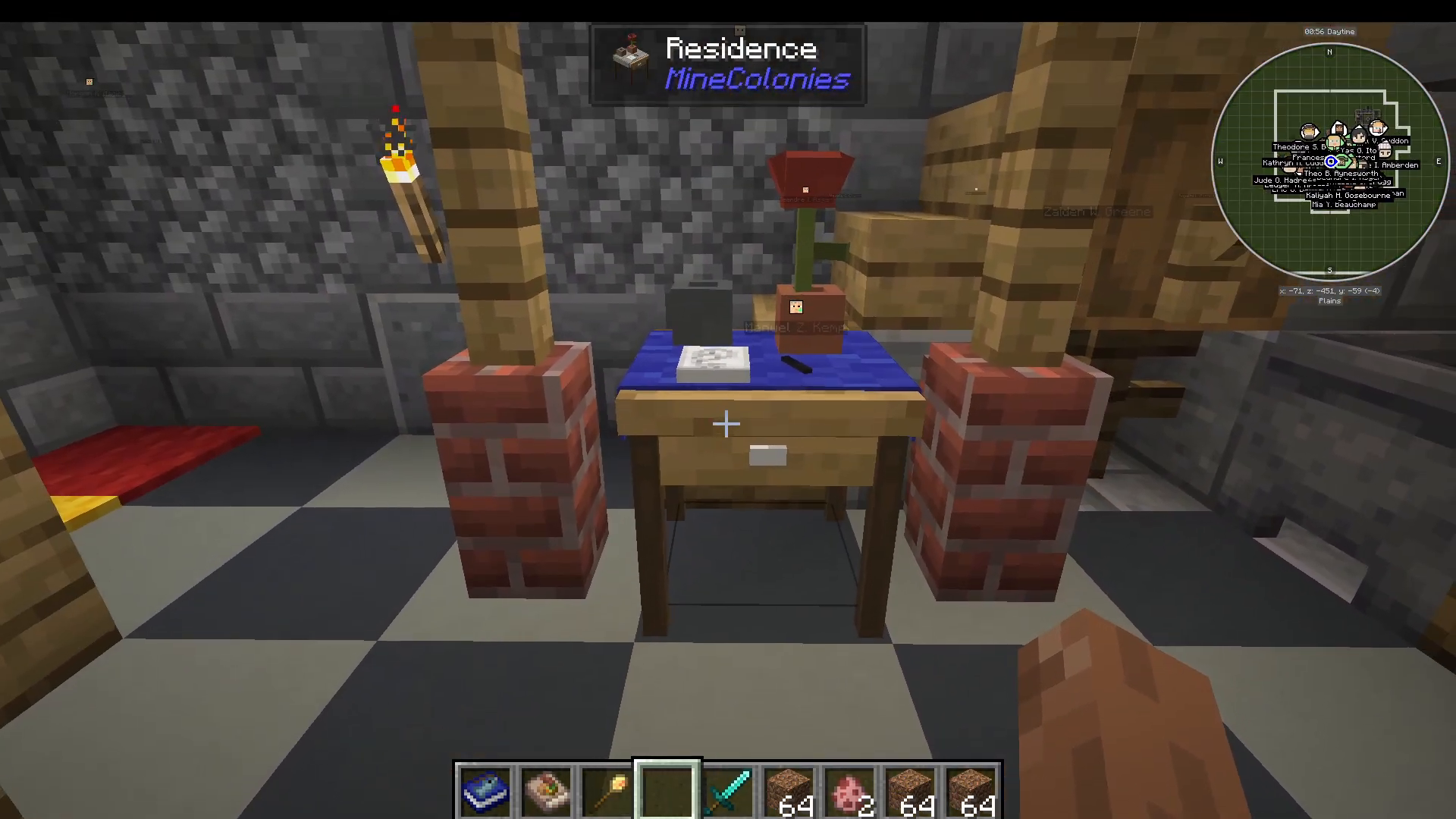
The Management Interface
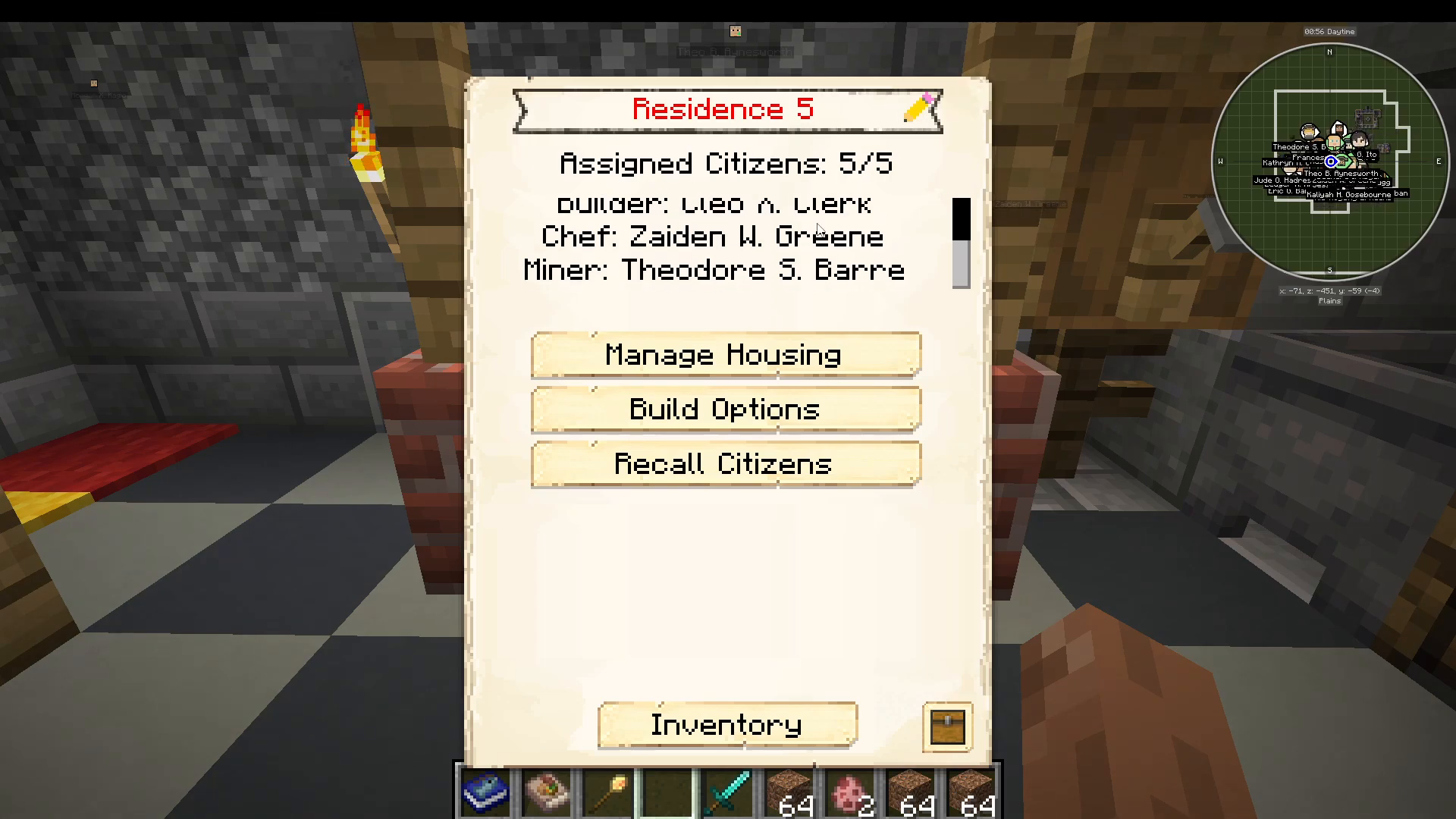
When you right-click the residence workstation, you’ll see the building name and current resident assignments. The interface will display how many residents are assigned (for example, “5 out of 5” for a full level 5 residence) and list their names.
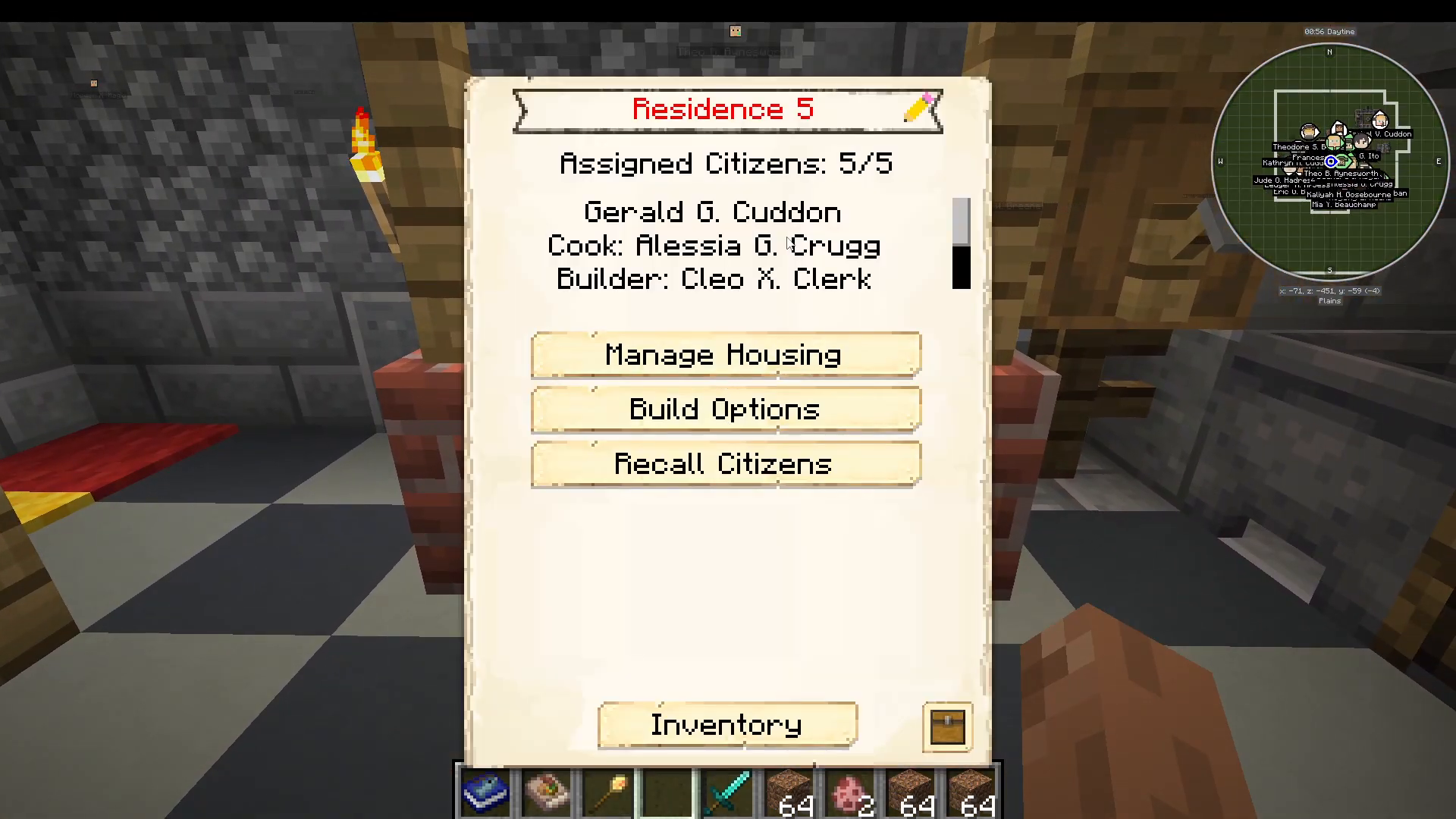
Managing Resident Assignments
Manual Assignment Mode
By pressing the “Manage Housing” button, you can switch the building assignment mode to manual. This gives you direct control over which citizens live in each residence.
In manual mode, you can:
Unassign citizens currently living in the residence
Reassign citizens from other residences
Create custom housing arrangements for your colony
Child Assignment Settings
The residence workstation also allows you to lock settings to control who can live in the building. You can configure it to:
Default: Any citizen with an available bed can sleep here
No Kids: Only adult citizens can be assigned
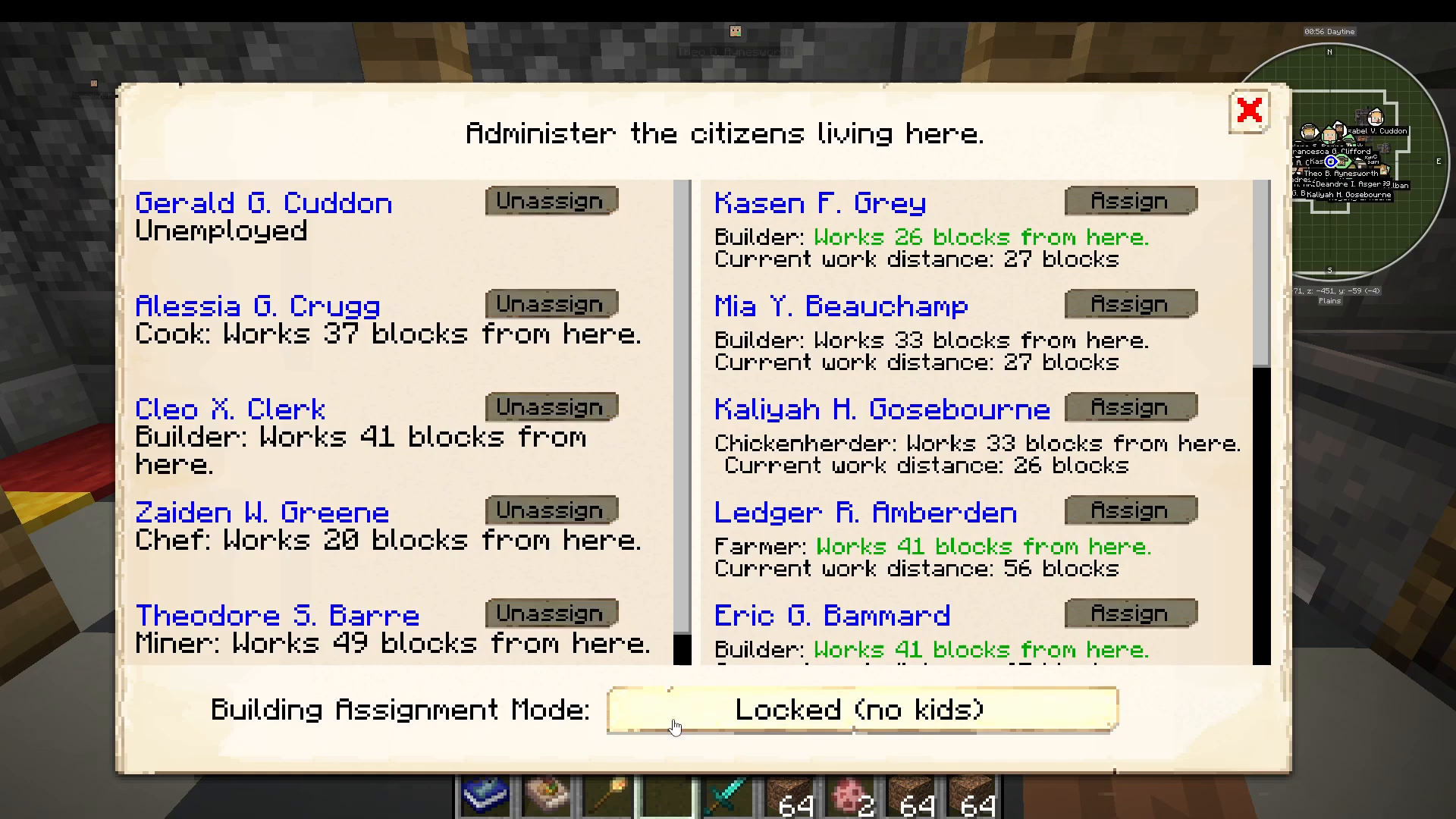
Most players leave this setting on default, as beds will naturally be filled by available citizens as your colony grows.
Colony Growth Through Residences
Two Methods for Expanding Your Citizen Population
If you want your colony to grow, there are two primary methods available:
Tavern Recruitment: Pay new citizens to join your colony using the tavern building
Natural Population Growth: Citizens will have babies in residences if there are free beds available
Passive baby births provide a natural way to grow your colony without spending resources, but only if housing space is available.
Population Caps and Research Requirements
Keep in mind that you cannot simply build unlimited residences to achieve unlimited population growth. If you want more than 25 citizens in your colony, you must conduct research at the University building.
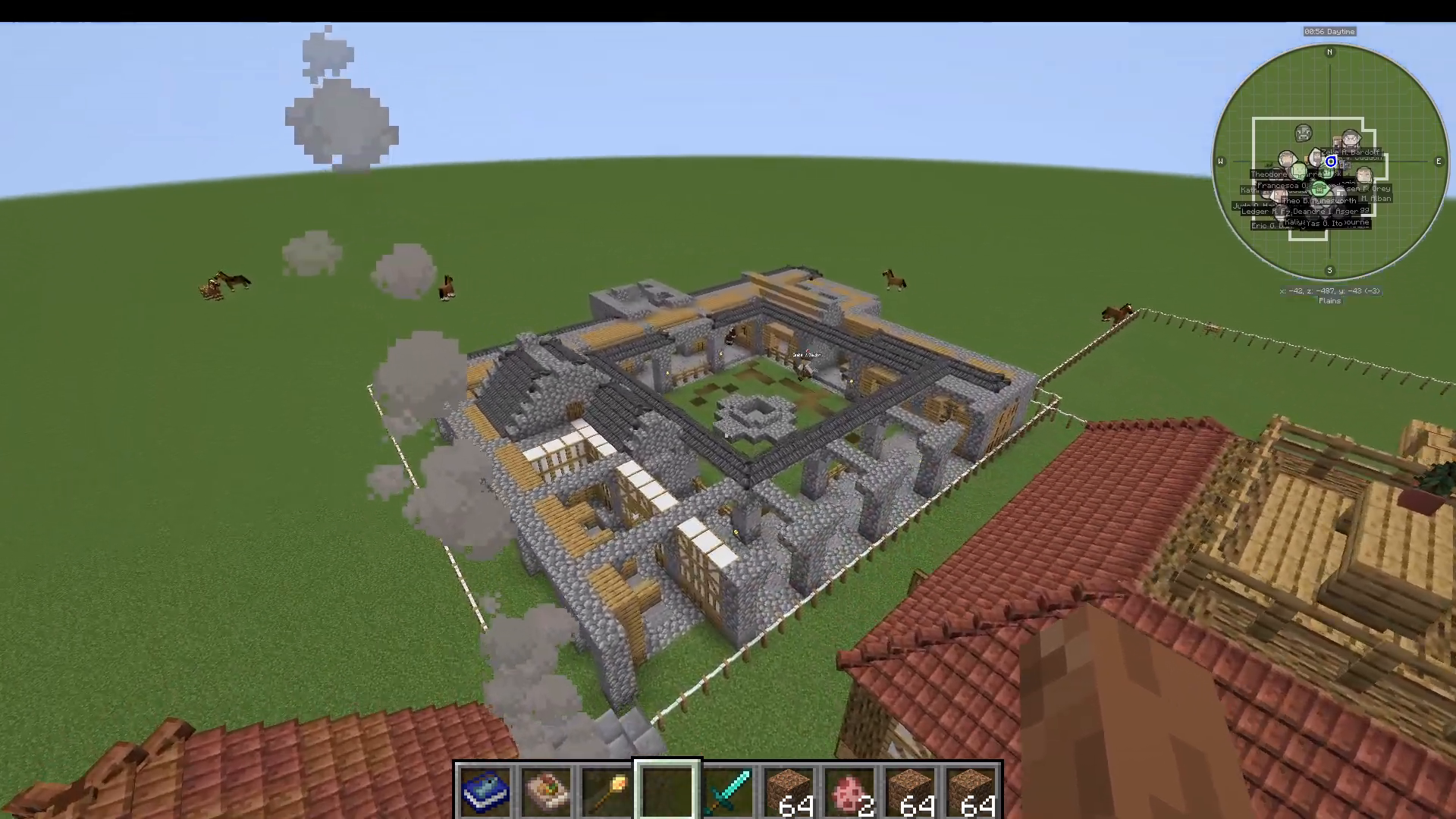
To expand your population capacity beyond 25 citizens, you’ll need to research progression levels at the University:
Outpost
Hamlet
Village
City
By progressing through these research tiers, you can eventually support 100+ citizens in your colony, though each tier requires increasingly significant resources and effort.
Summary
Residences are essential buildings for housing your MineColonies citizens. Start with smaller residences (levels 1-3) to manage building costs, then upgrade to larger structures as your colony’s resources permit. Use the manual assignment mode in the workstation to organize your citizens strategically, and remember that natural population growth through babies requires available beds. Once you exceed 25 citizens, unlock higher population caps by conducting research at the University. With proper residence planning, your colony can grow to accommodate 100+ thriving citizens.
Want to Support?
If you would like to help us continue making these guides – please consider joining our patreon here – https://www.patreon.com/c/JaviHeals
Alternatively – we host a group of MC Servers you can join here – https://discord.gg/zD7Gjt6MHF