How to Get Started – Stargate Journey
How to Get Started with Stargate Journey Mod
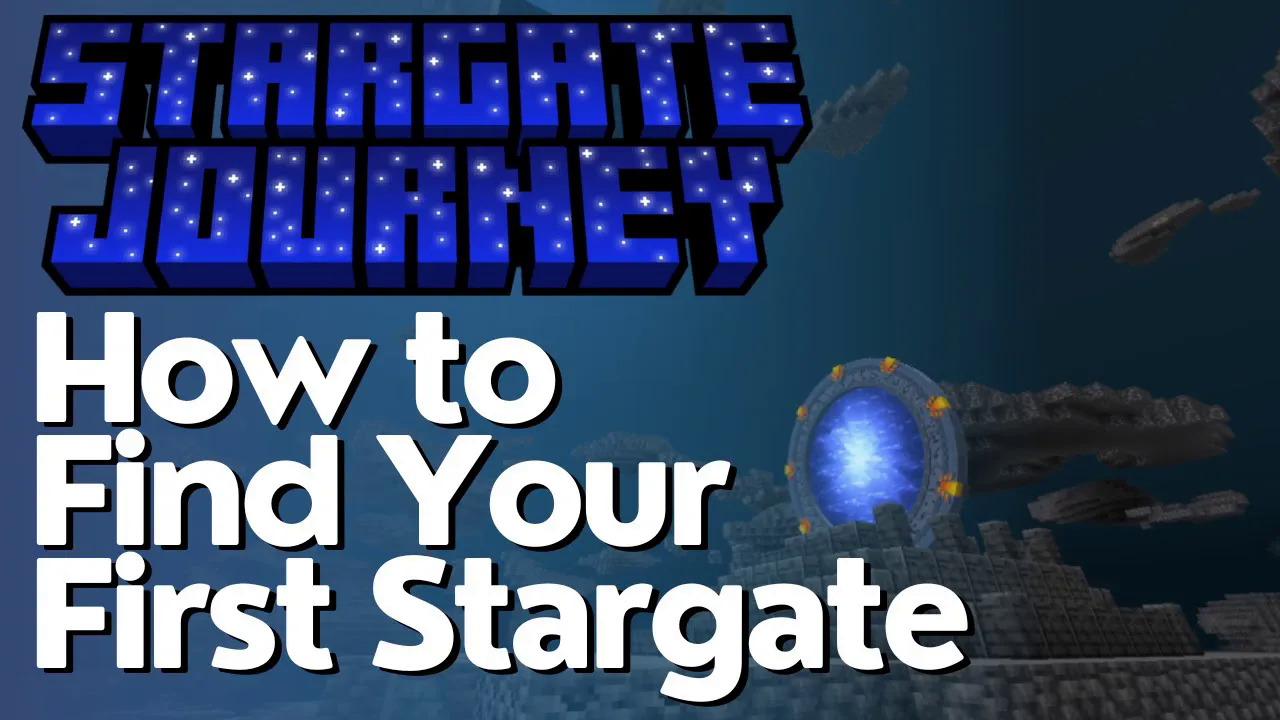
The Stargate Journey mod opens up an entirely new dimension of exploration and adventure in Minecraft. This beginner-friendly guide will walk you through finding your first Stargate, gathering the necessary items, and making your first interdimensional jump to the planet Abidos. Whether you’re using exploration tools or commands, we’ll cover every step of the process.
Finding Your First Stargate Structure
The first step in your Stargate Journey is locating a Stargate structure. These appear as gold temples (often called “Go-Out” temples) in your world. You can find them in desert biomes, jungles, or badlands regions.
Pro Tip: If you have the Explorer’s Compass mod installed, you can use it to locate these temples much more easily.
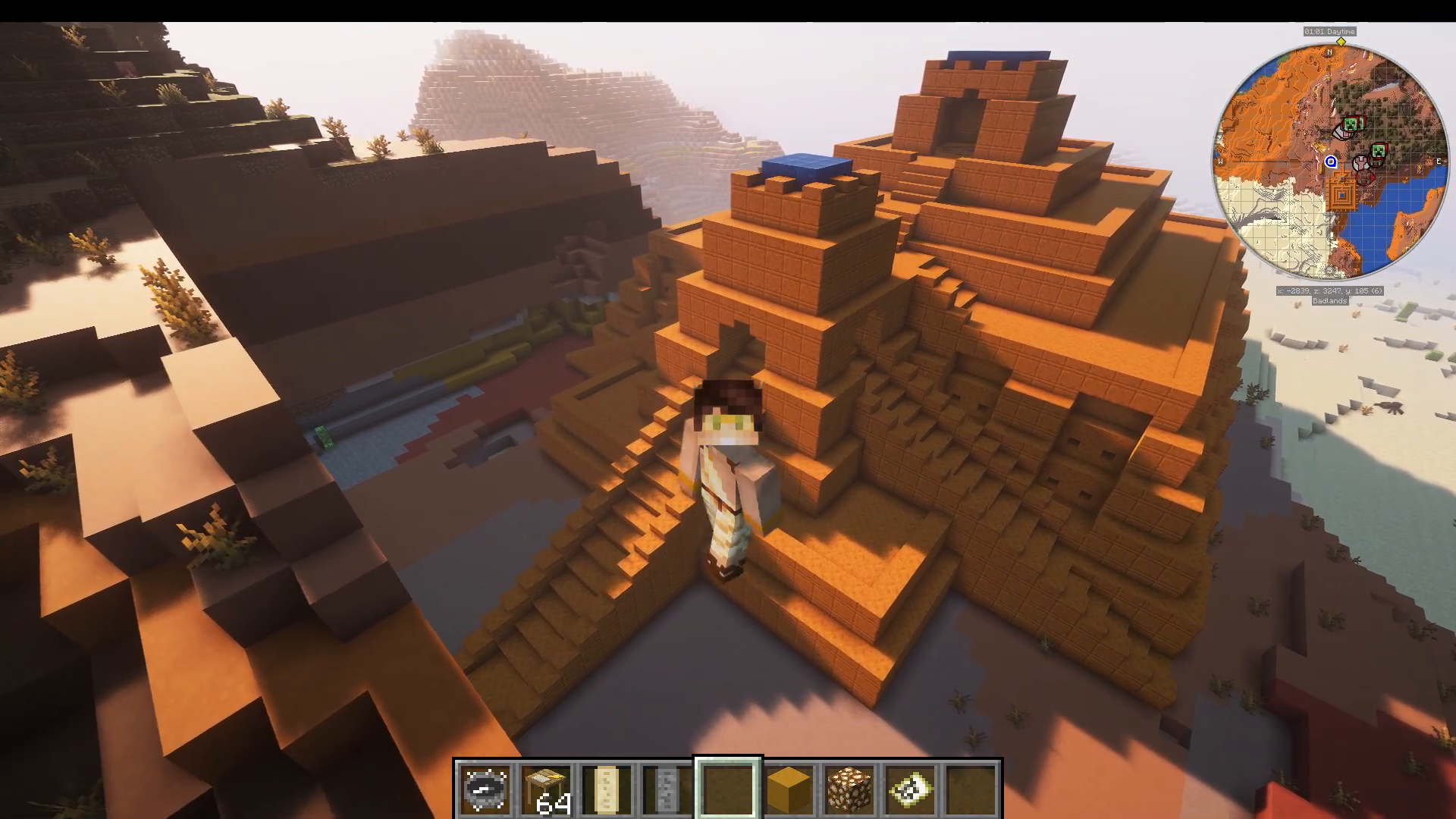
Navigating the Ziggurat
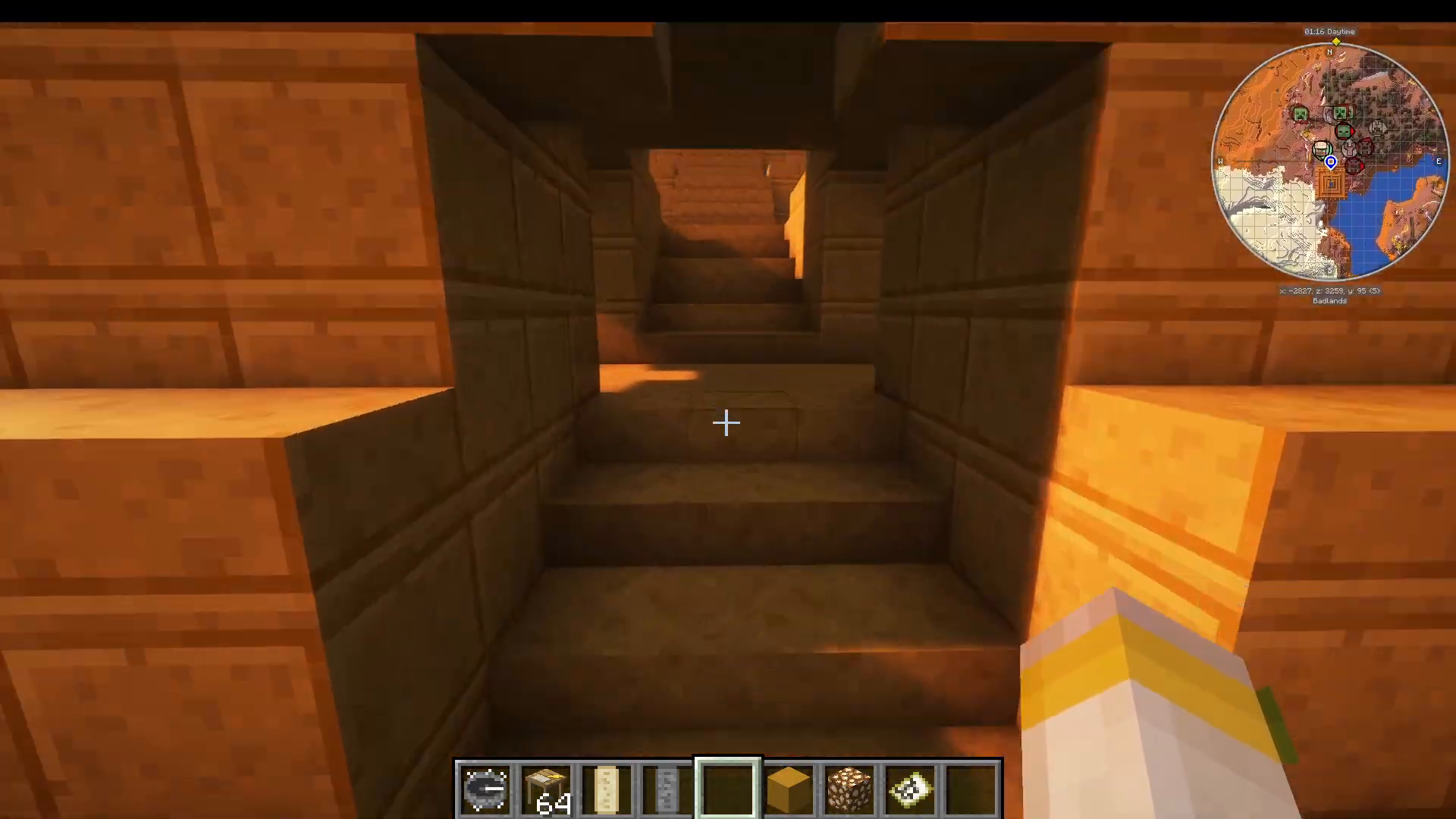
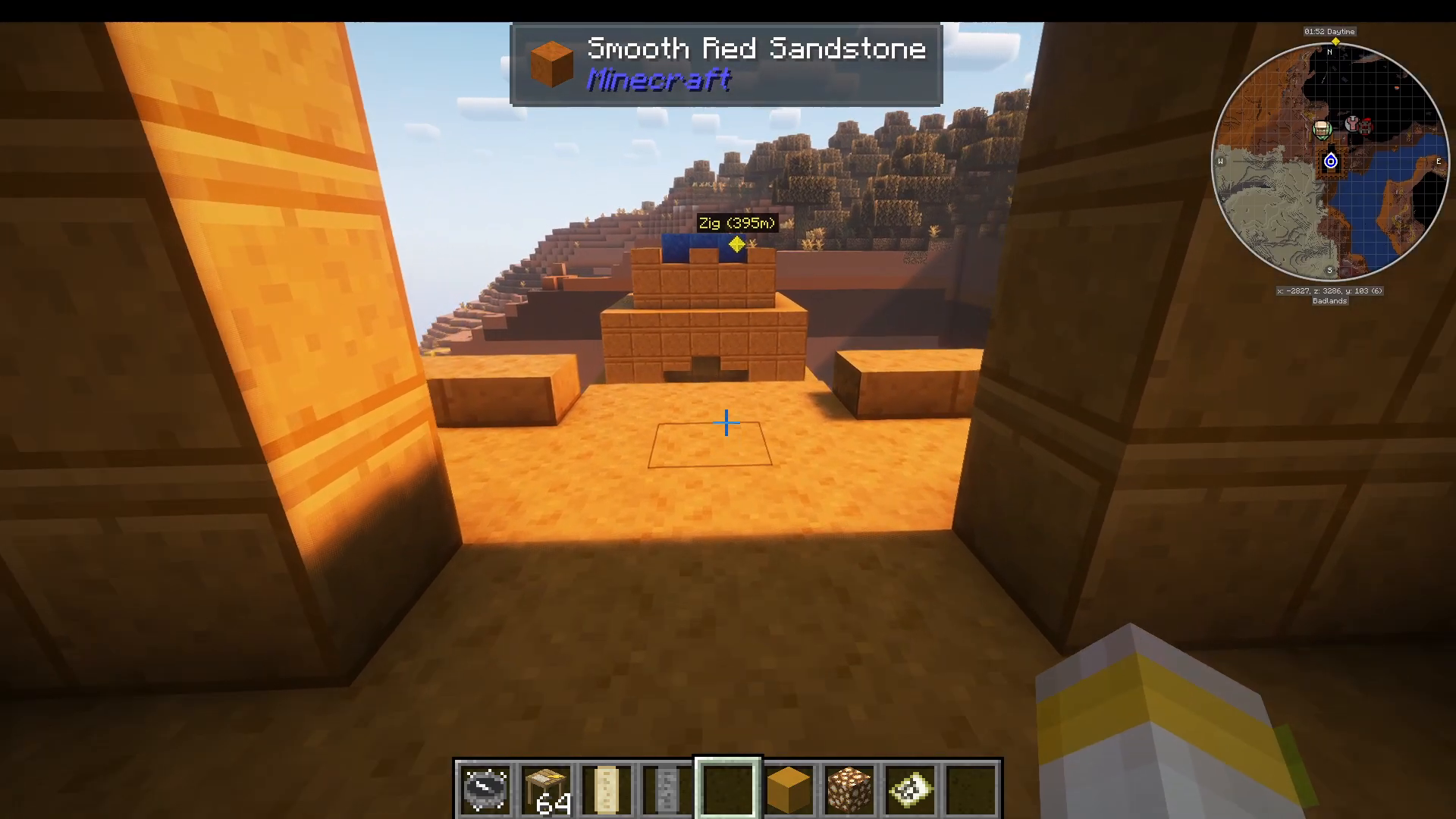
Once you’ve found a gold temple, head inside and climb the Ziggurat structure. As you ascend, you’ll encounter a Dialing Device with ring panels. Right-click on any ring panel to activate the teleportation rings, which will transport you deeper into the Ziggurat.
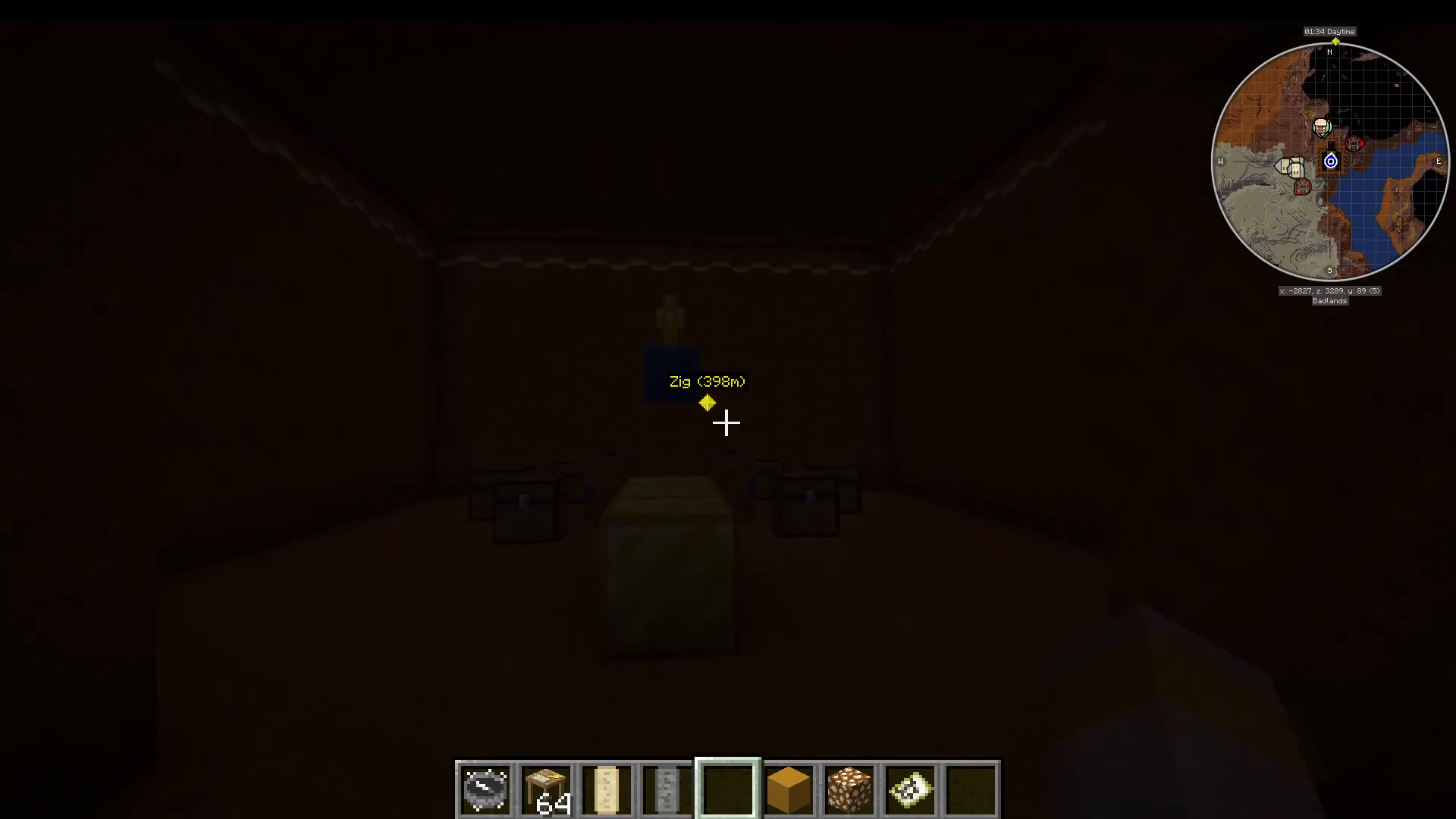
Inside the temple’s chamber, you’ll find a golden idol. This is the critical item you need to collect. Break it and take it with you.
Crafting Archaeology Tables
Exit the Ziggurat and prepare to craft archaeology tables. These are crafted using the golden idol you collected from the temple. The recipe is straightforward and only requires the golden idol.
Trading with Villagers to Master Level
Use your archaeology tables to trade with villagers. Work toward achieving master-level trades. While you can trade golden idols, it’s not recommended since master-level trades may not always give you the correct map.
Instead, focus on trading items like emeralds, stone symbols, sandstone hieroglyphs, and gold ingots—these are much easier trades to level up with.
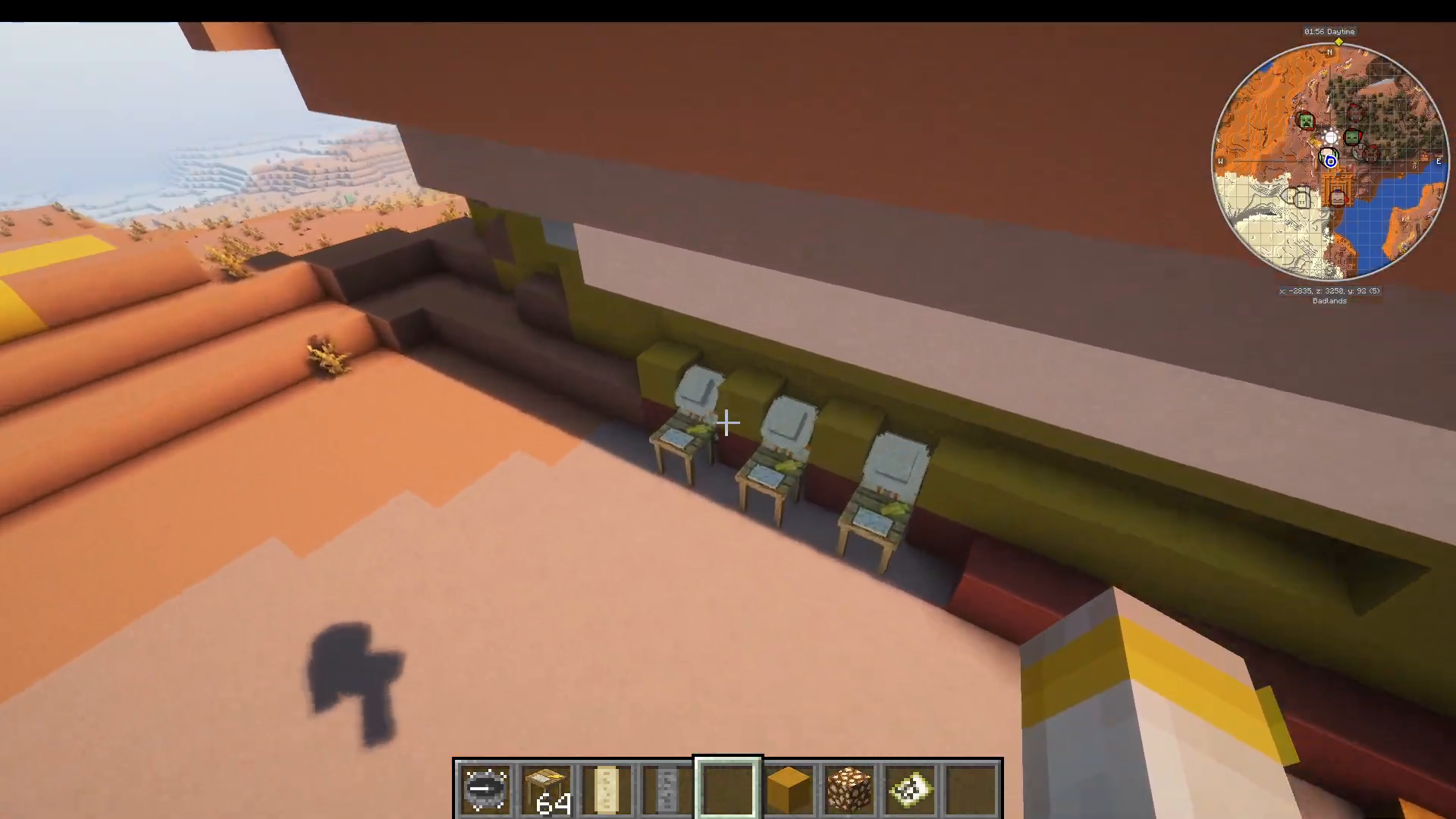
Once you reach master level, you’ll unlock the Map to Chap’ia—the item you really need next.
Locating the Buried Stargate
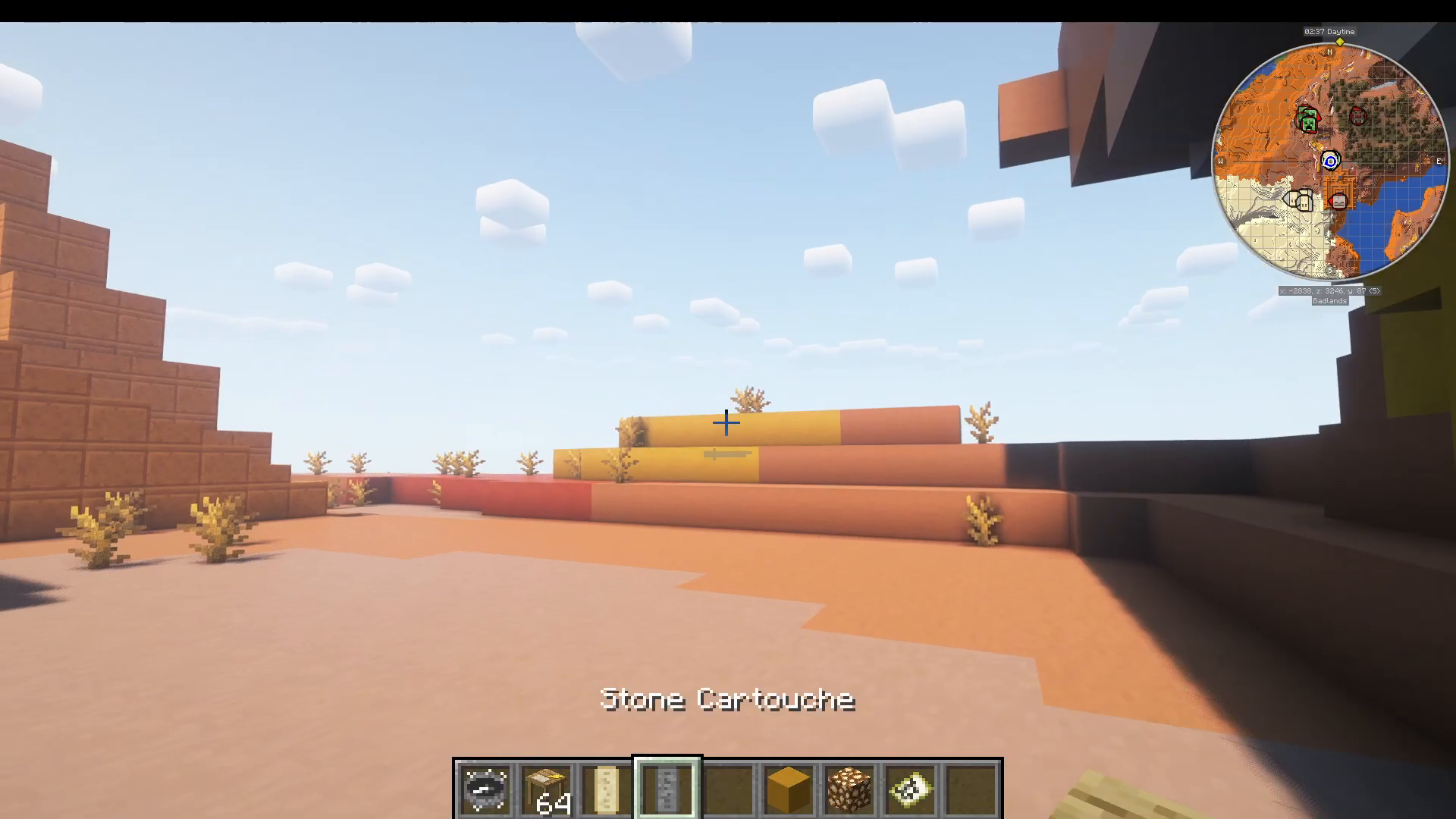
The Map to Chap’ia will show you a location marked with a large X. This is where the buried Stargate is located. Follow the map to this destination.
Using Commands (Alternative Method)
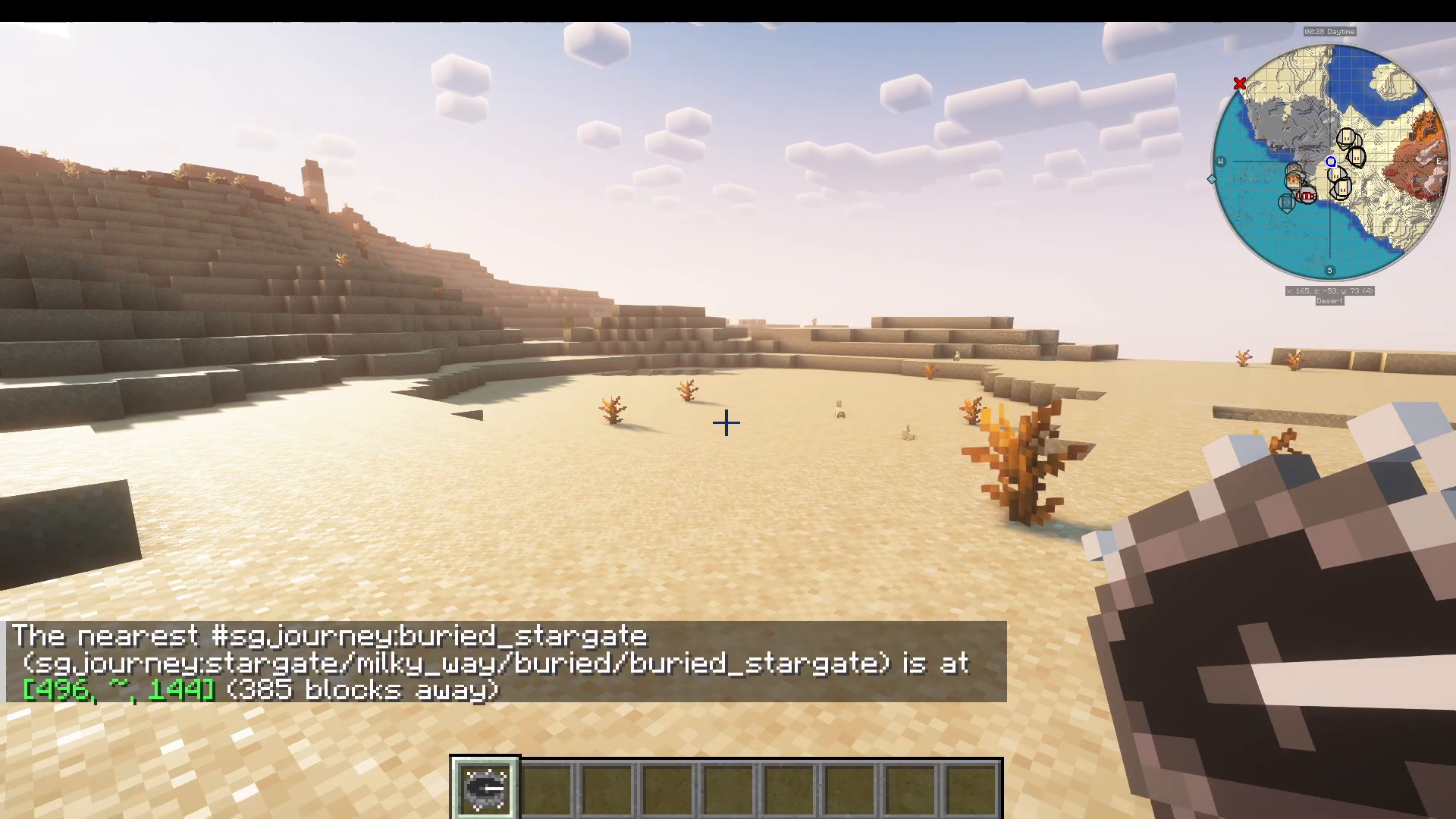
If you prefer to skip the map hunting, you can use the command: /locate structure followed by the appropriate structure name to teleport directly to the buried Stargate. Be aware that the Stargate may be underwater, though it typically won’t be very deep.
Excavating the Stargate Carefully
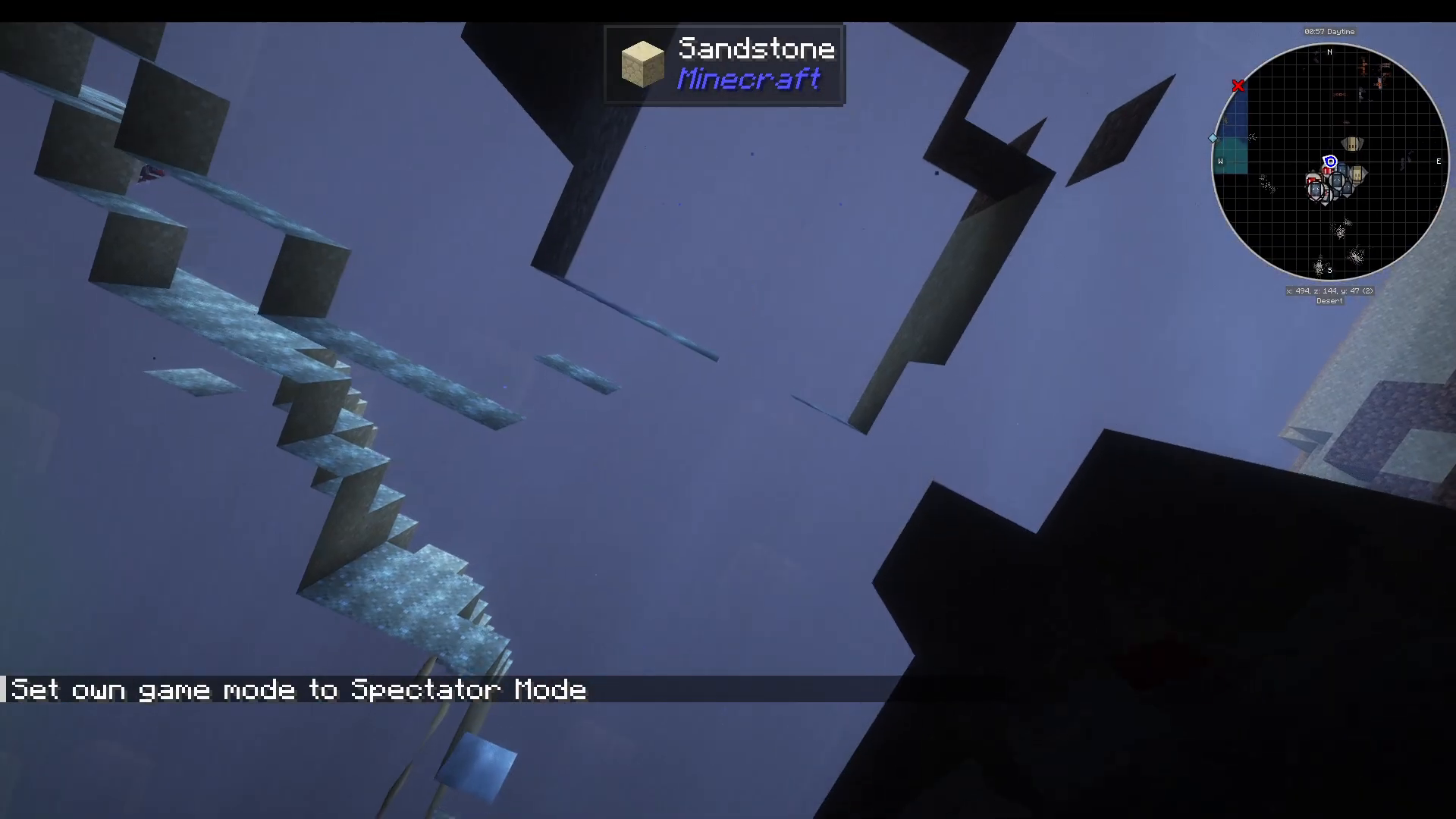
When you arrive at the Stargate location, proceed with caution while digging. The Stargate structure contains symbols on the ground that you must not break—these symbols are essential for dialing to other dimensions and planets. Treat the excavation like real archaeology: careful, precise, and respectful of the structures you’re uncovering.
Reading the Cartouche
As you excavate, you’ll find a stone cartouche on the ground. This is a critical component. Right-click the cartouche symbol to obtain an address—a series of numbers that will allow you to dial the Stargate. Take a screenshot or write down this address, as you’ll need it to activate the gate.
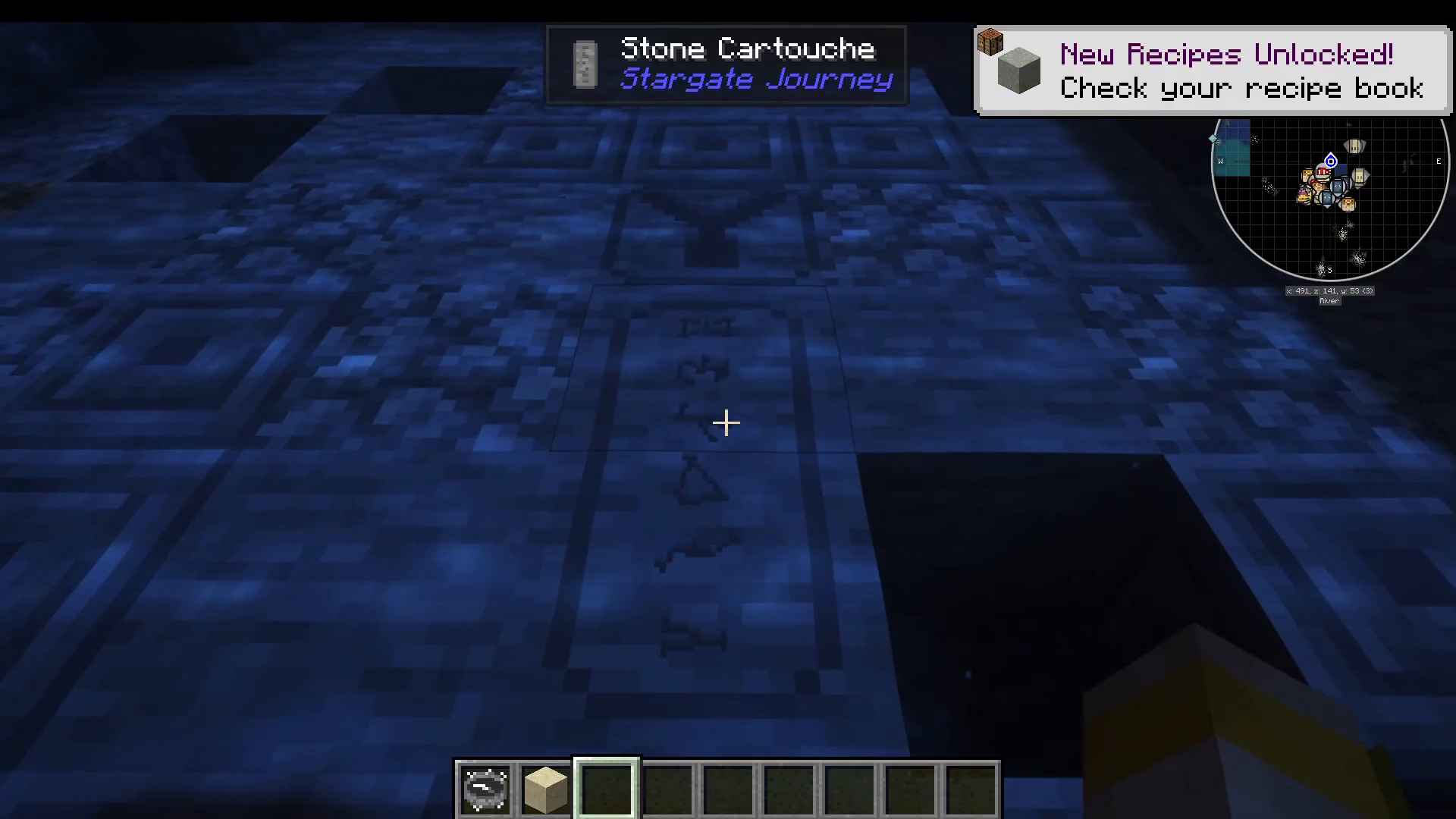
Finding and Using the Dialing Device
Continue excavating to find the dialing device. It’s typically located on one of the four sides of the main Stargate structure. Once located, you’ll find the Milky Way dial home device.
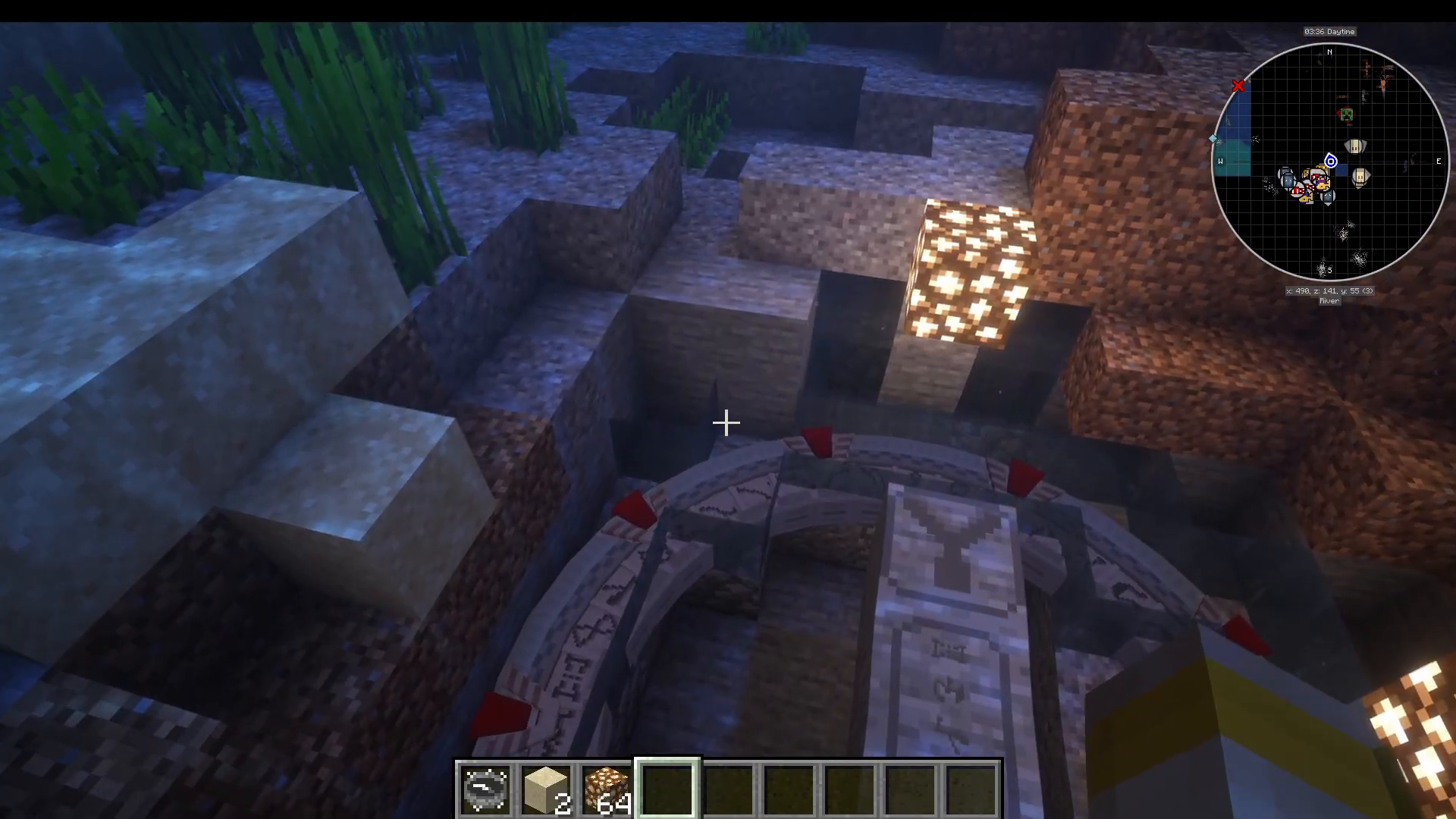
Right-click the dialing device and input the numbers from your cartouche. In this example, the address is: 26, 6, 14, 31, 11, 31, 11, and 29. Enter all the symbols by right-clicking them in sequence until your address is complete.
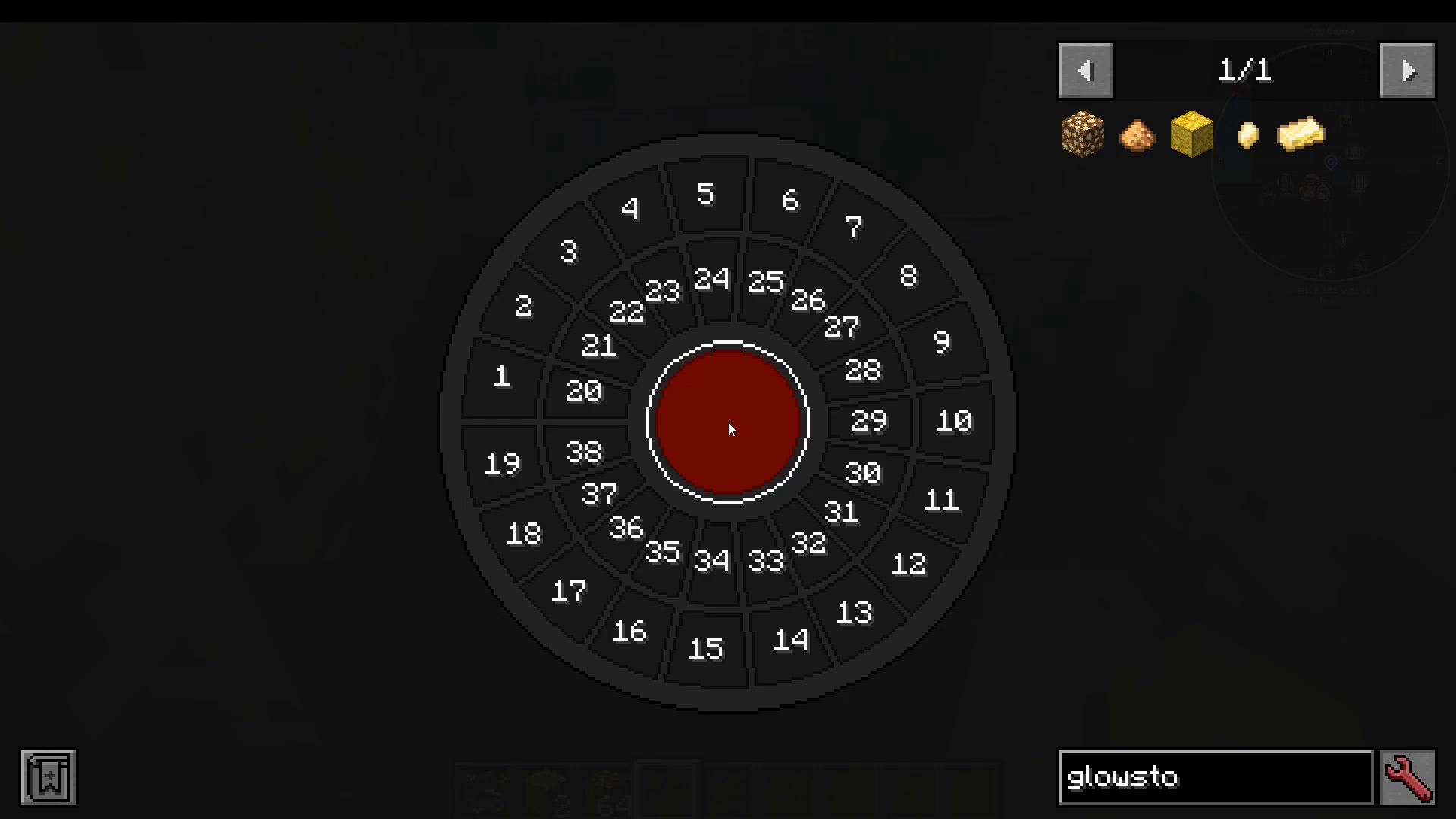
Activating the Stargate
Once you’ve inputted the correct address into the dialing device, press the large red button. The Stargate will light up and activate, opening a portal to your destination.
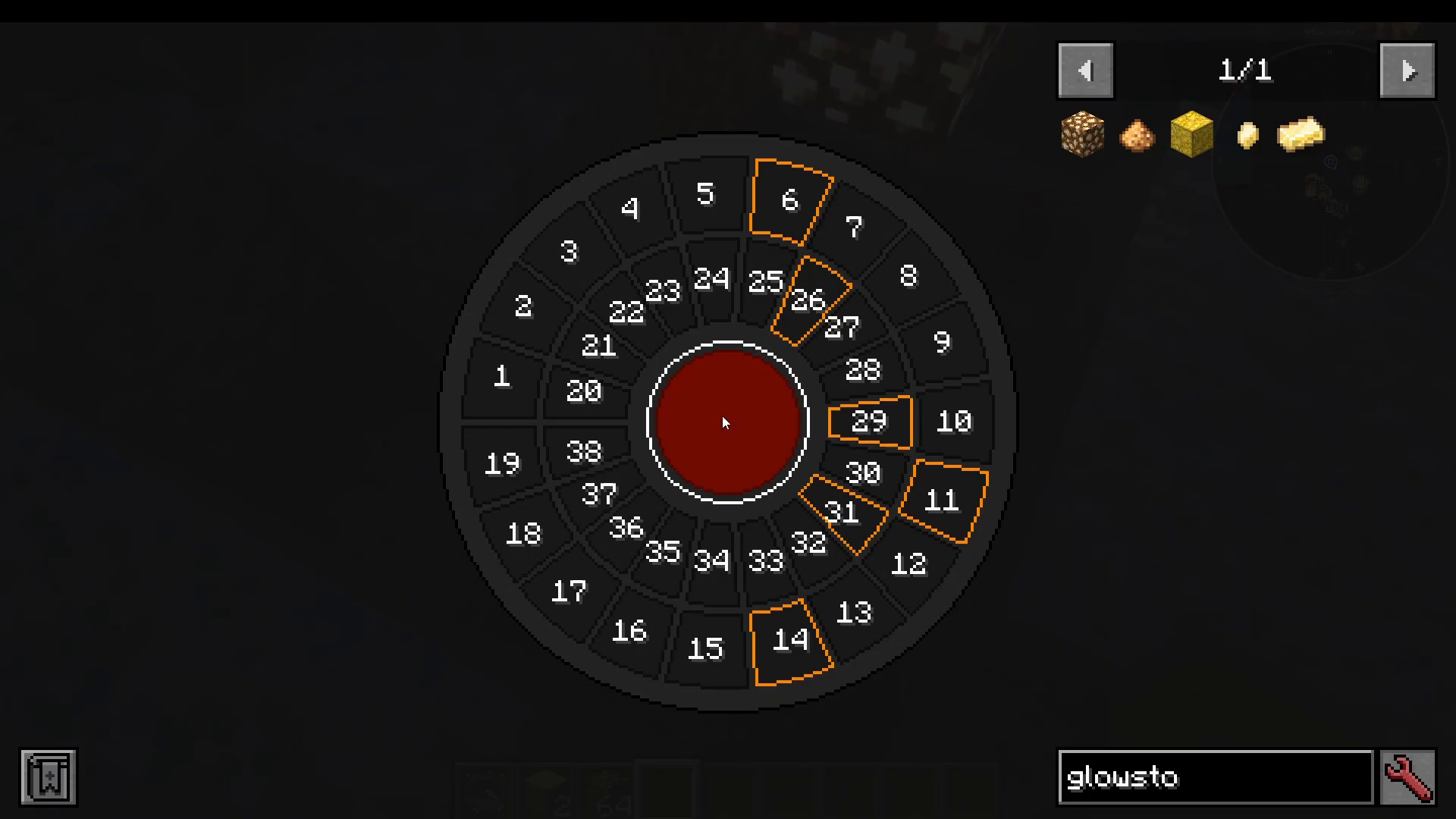
Traveling to Abidos
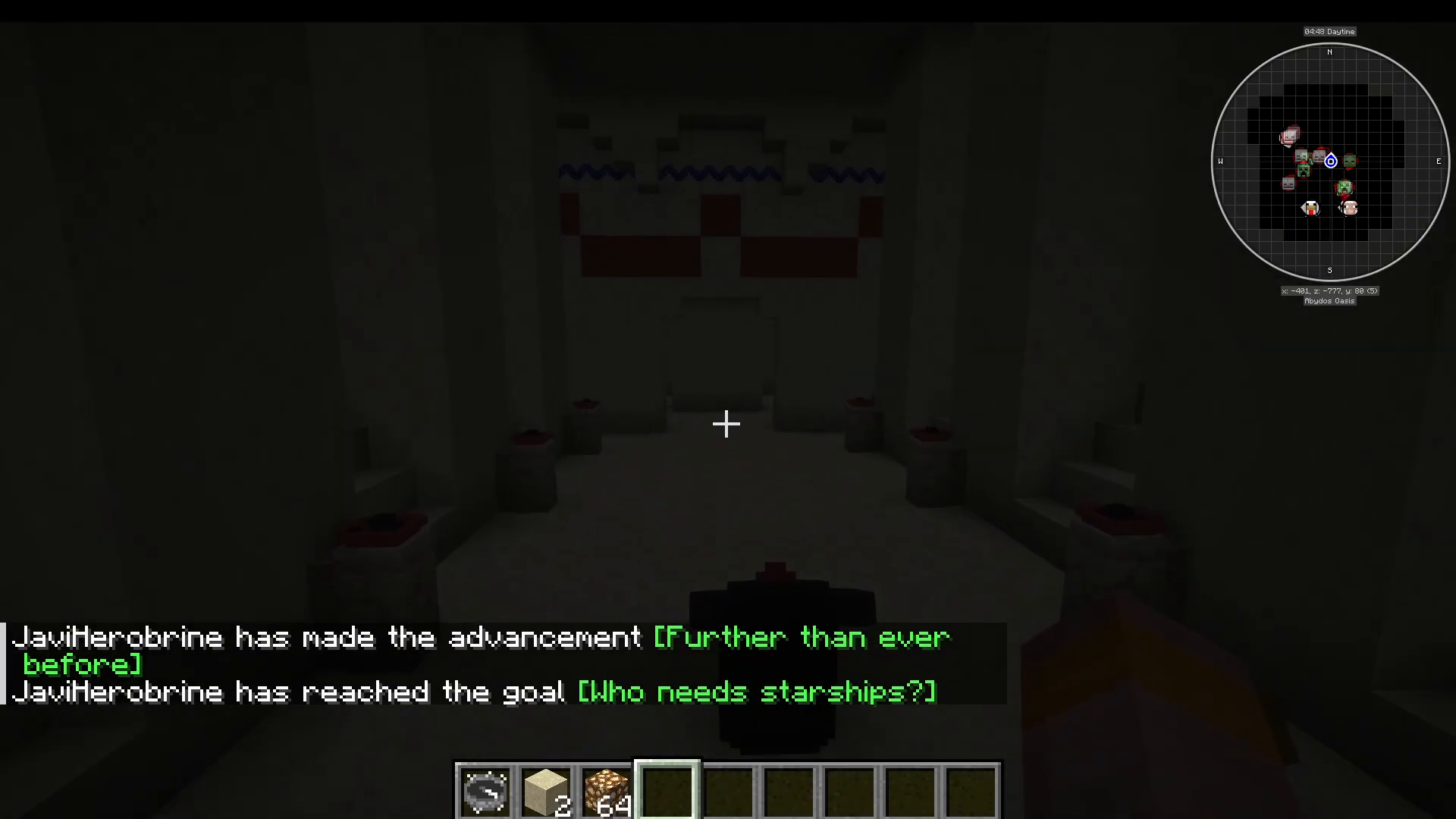
Walk through the activated Stargate portal just as you would enter a normal Nether portal. You’ll be transported to Abidos, another dimension within the Stargate Journey mod. You’ll arrive at a Milky Way dial home device, allowing you to return home or explore this new world further.
Summary
Congratulations! You’ve successfully completed your first Stargate Journey by finding a temple, collecting a golden idol, trading for the Map to Chap’ia, excavating the buried Stargate, and dialing through to the dimension of Abidos. This is just the beginning of your adventures in this incredible mod. The universe is now at your fingertips.
— Want to Support? —
If you would like to help us continue making these guides – please consider joining our patreon here – https://www.patreon.com/c/JaviHeals
Alternatively – we host a group of MC Servers you can join here – https://discord.gg/zD7Gjt6MHF