The Ultimate Guide to Ad Astra
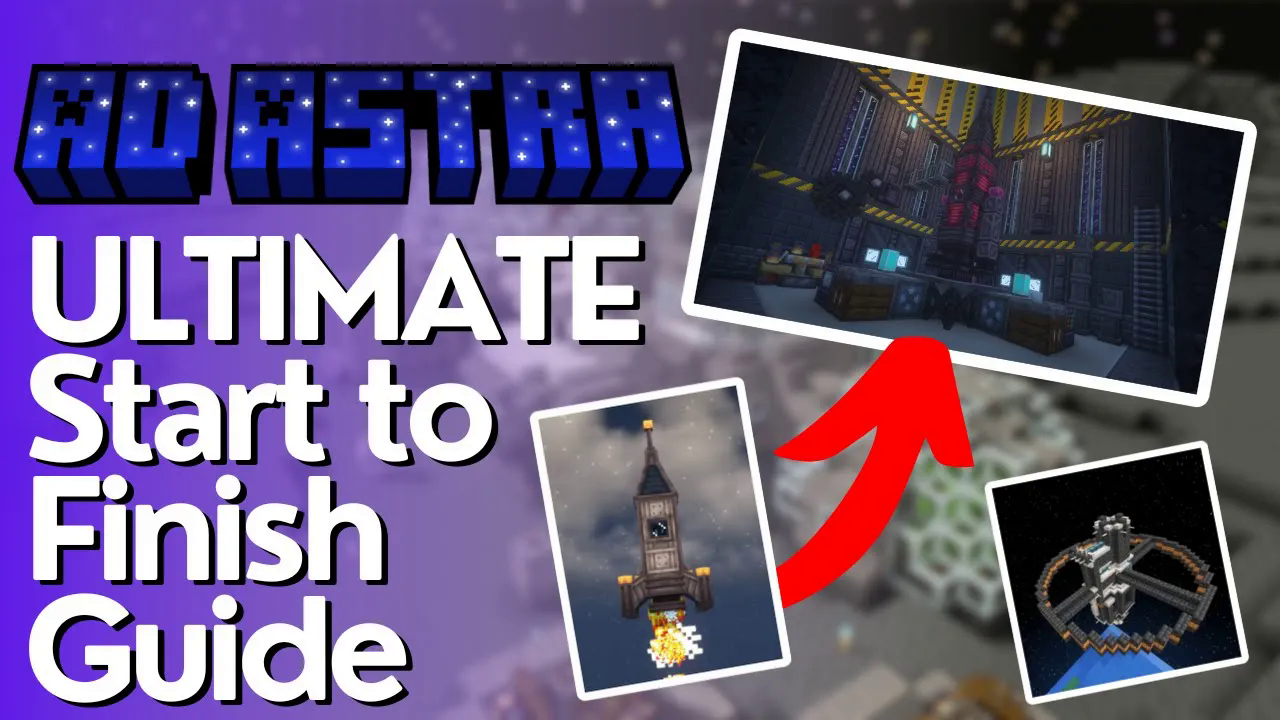
The Ultimate Guide to Ad Astra: Complete Start-to-Finish Minecraft Modding Tutorial
Welcome to the complete start-to-finish guide for Ad Astra with no waffle. This comprehensive tutorial covers everything you need to know about the Ad Astra mod, from creating your first power generators to traveling across planets in your custom-built rockets. Whether you’re a beginner or an experienced modder, this guide will walk you through every step of your space exploration journey.
Getting Started: Power and Basic Machinery
Creating Your First Power Source
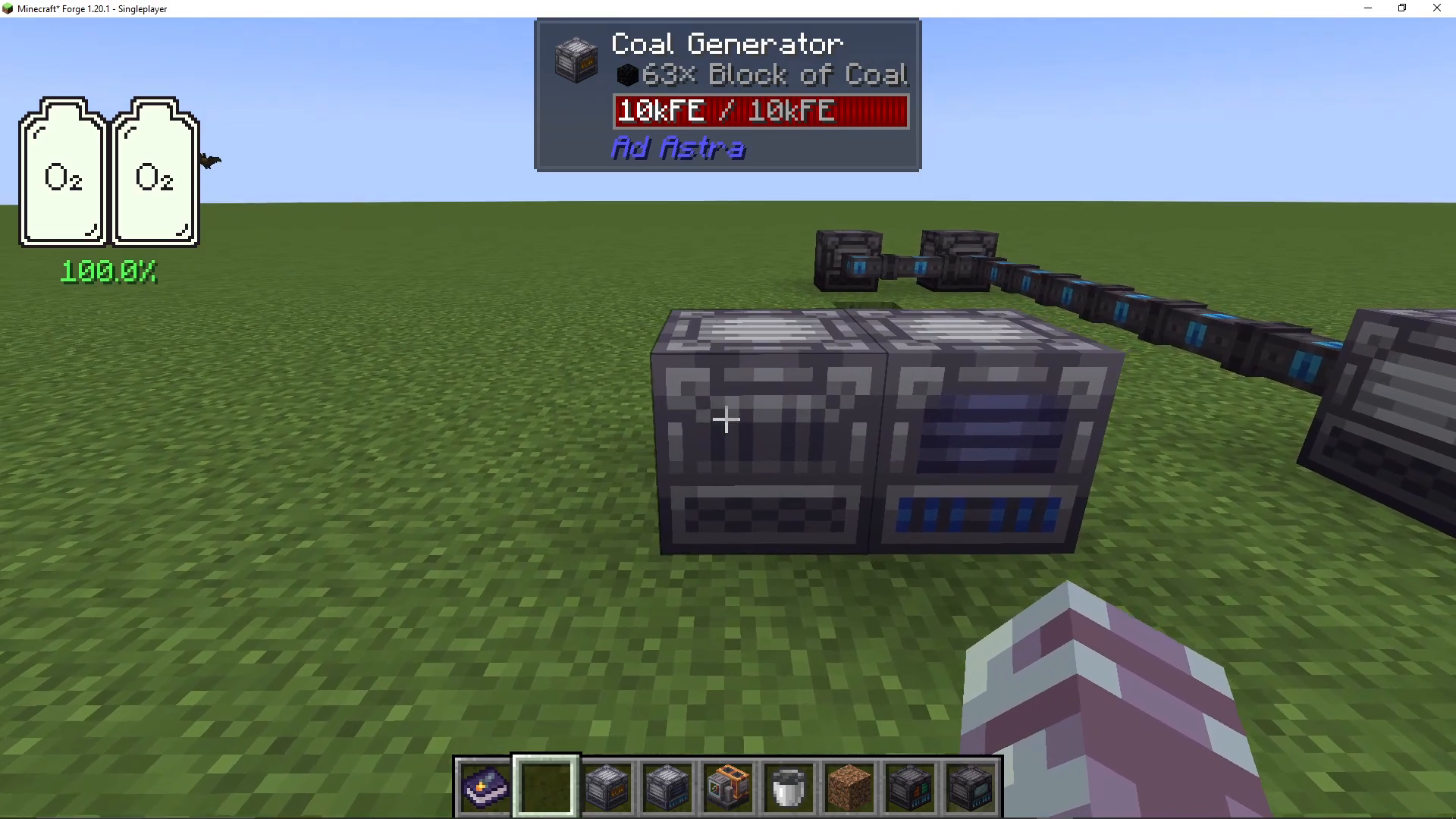
The first thing you’ll need is power. While you can use power from other mods, if you’re using Ad Astra exclusively, you’ll need a coal generator. These are straightforward to craft—simply place coal inside and it generates power. Once you place a machine or item next to the coal generator, it will accept power.
Making a Compressor
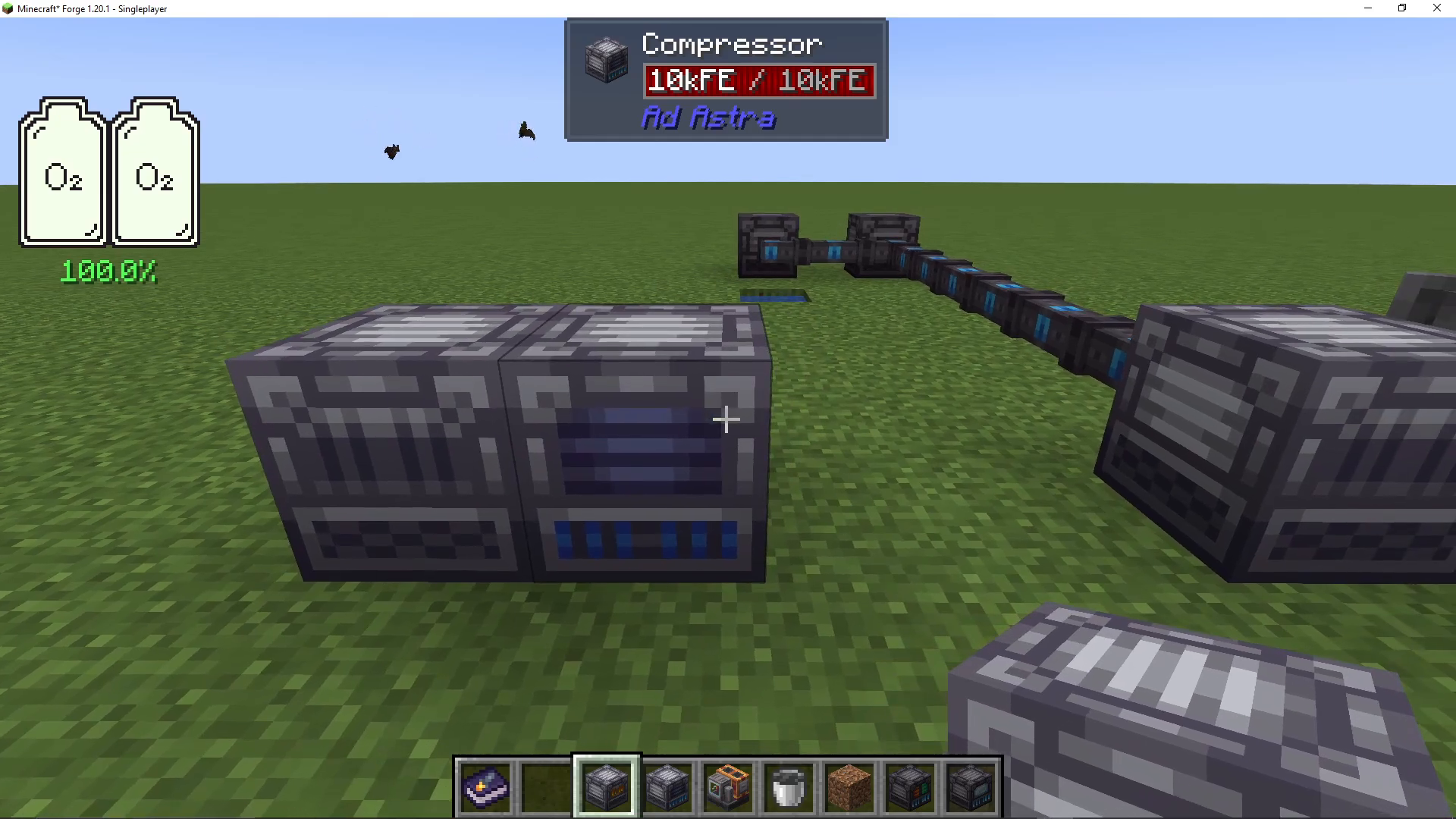
The first machine you should craft is a compressor. This device compresses materials like iron and steel into plates. Simply put iron into the compressor and it will produce iron plates. Steel is one of the fastest resources you’ll need in Ad Astra, so having this machine is essential early on.
Crafting an Etrionic Blast Furnace
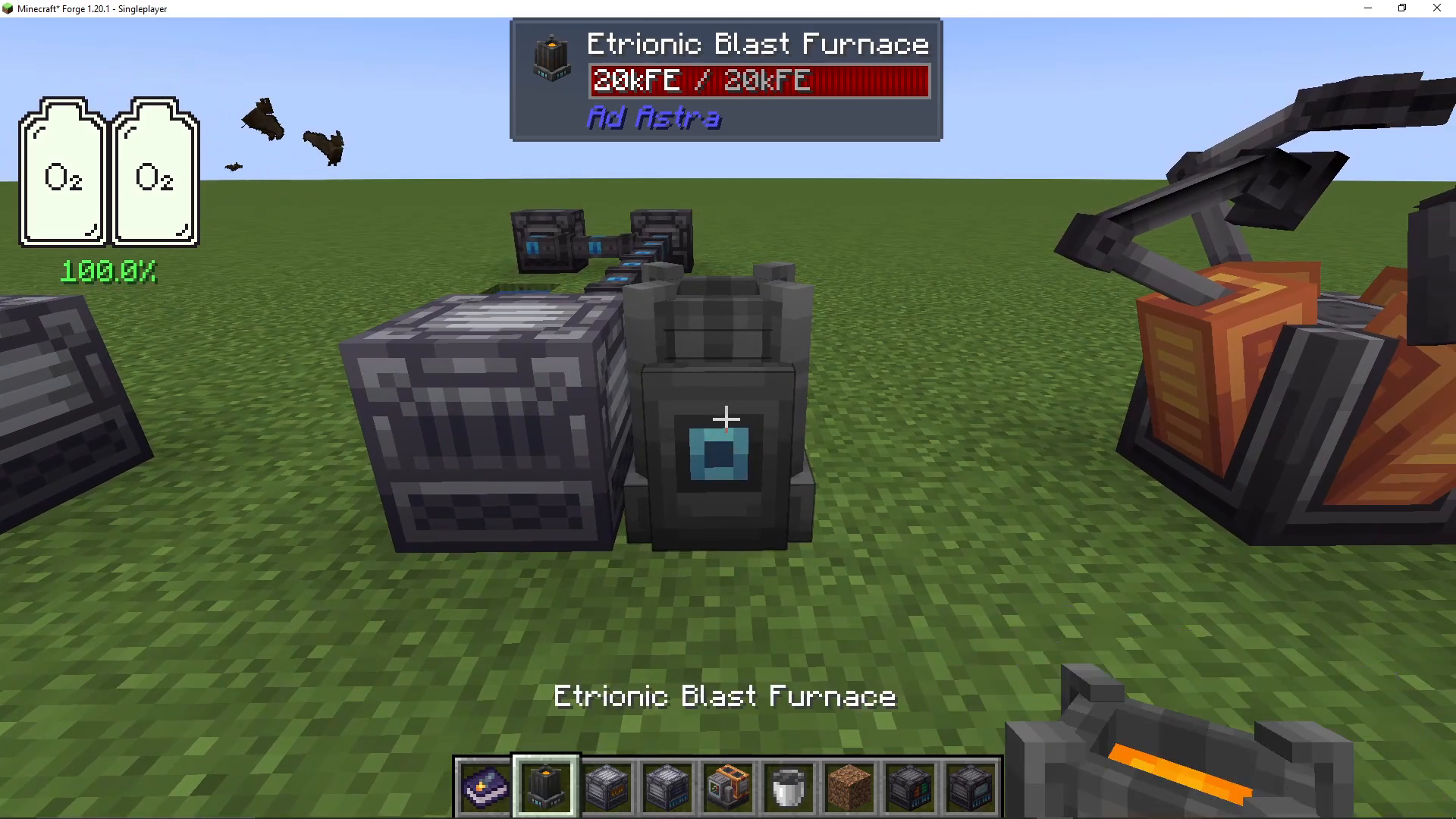
Next, create an etrionic blast furnace. This machine takes iron plates and functions as a blast furnace with four processing slots. It can also create steel by combining iron and coal as alloys. When you place iron and coal inside, the machine heats up and converts them into steel ingots, which you’ll need to progress further in the mod.
Building Your First Rocket
Gathering Materials for the NASA Workbench
To construct your first rocket, you’ll need to create a NASA workbench. You’ll need the following materials: a few steel blocks, some steel plates, and an iron rod (made from iron plates). These materials are straightforward to craft using iron and steel.
Using the NASA Workbench
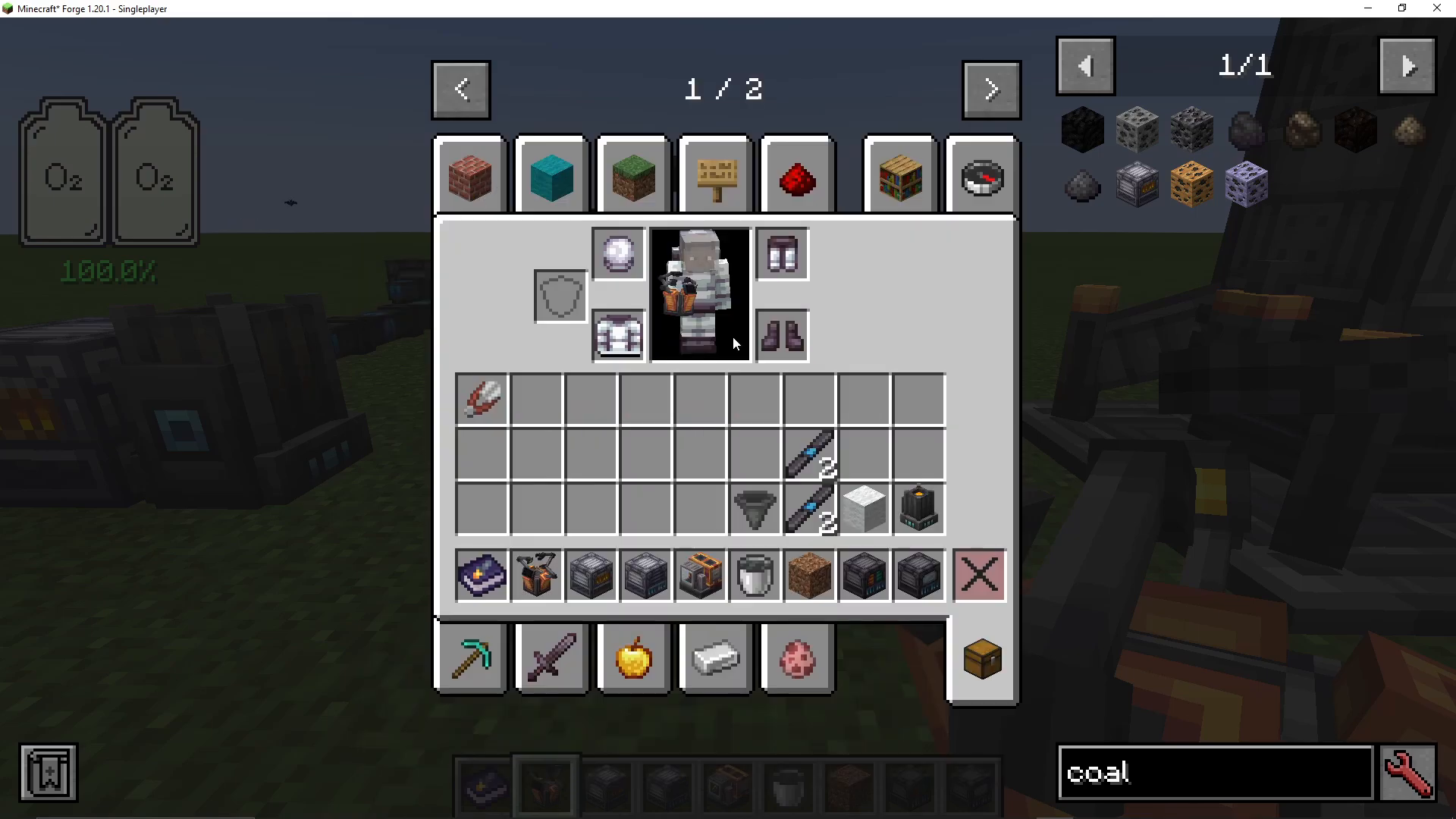
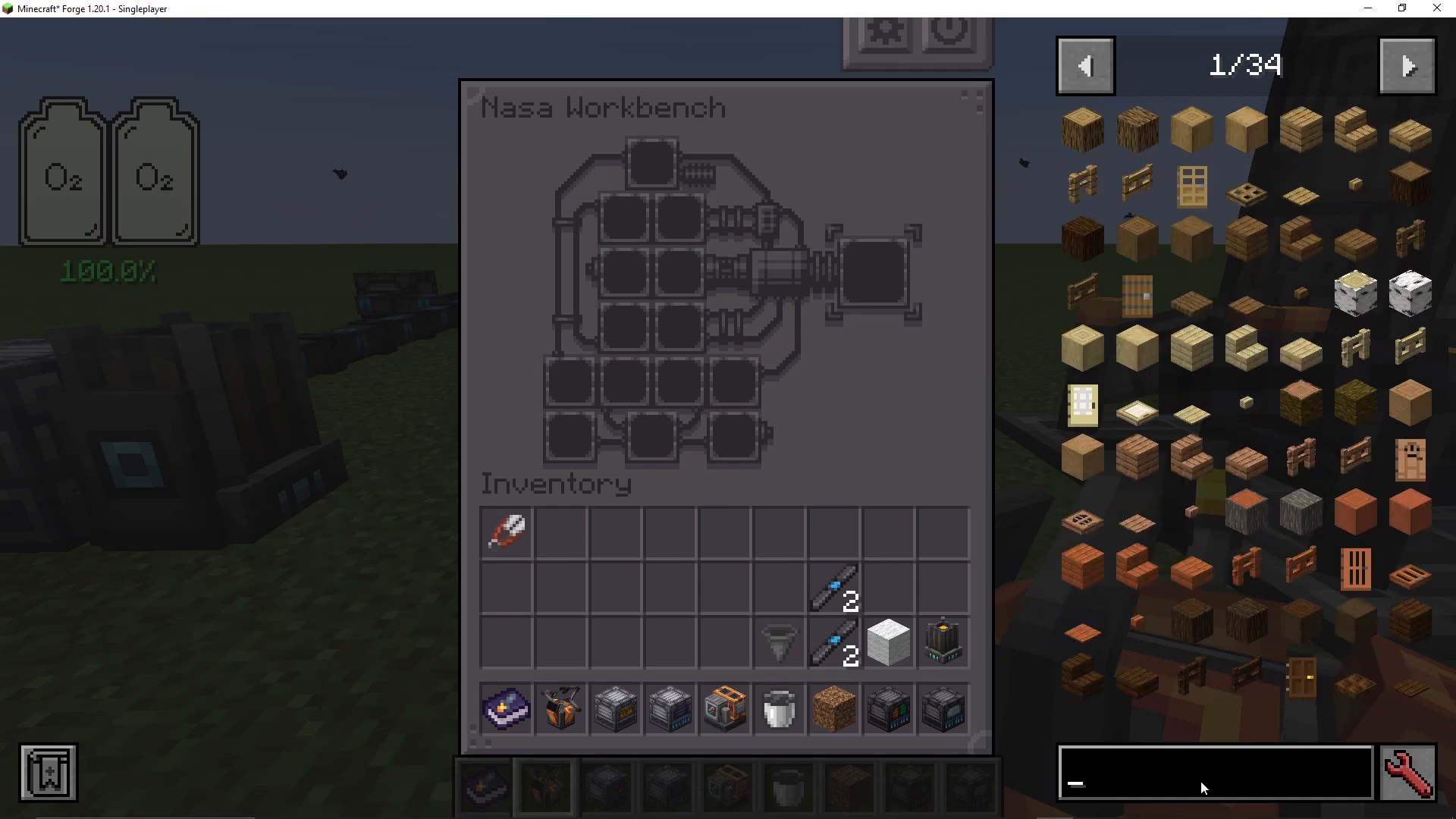
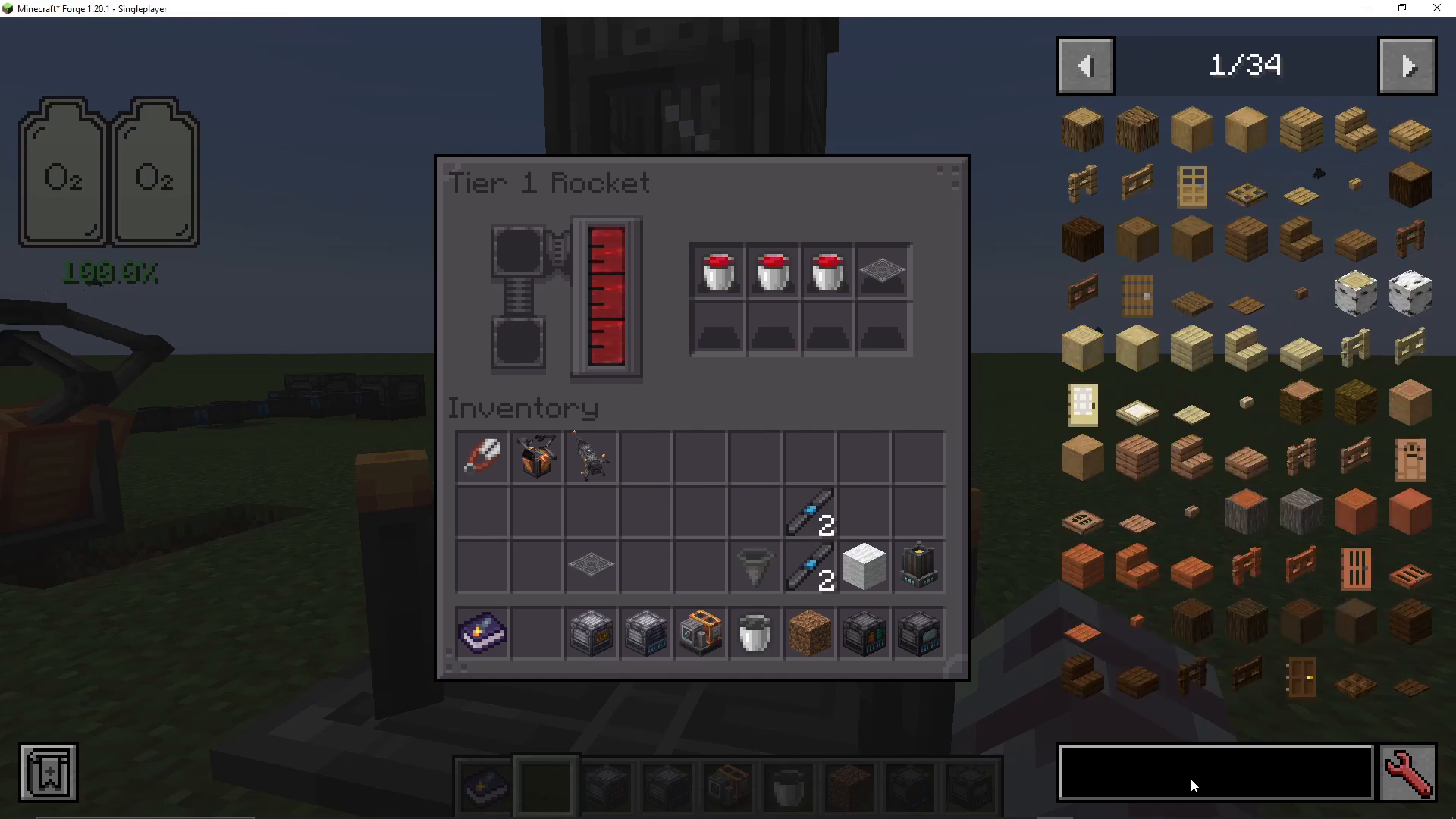
The NASA workbench interface may look confusing at first, but it’s actually quite simple. Search for “add astra” and “rocket” in the workbench’s recipe menu. You’ll see three rocket options: Tier One, Tier Two, and Tier Three. At this stage, you can only craft a Tier One rocket. The recipe shows you exactly what you need: steel blocks, steel tanks, steel engines, rocket fins, and a rocket nose cone. All these components are made from steel plates, lightning rods, and gas tanks (crafted from iron plates).
Assembling Your Rocket
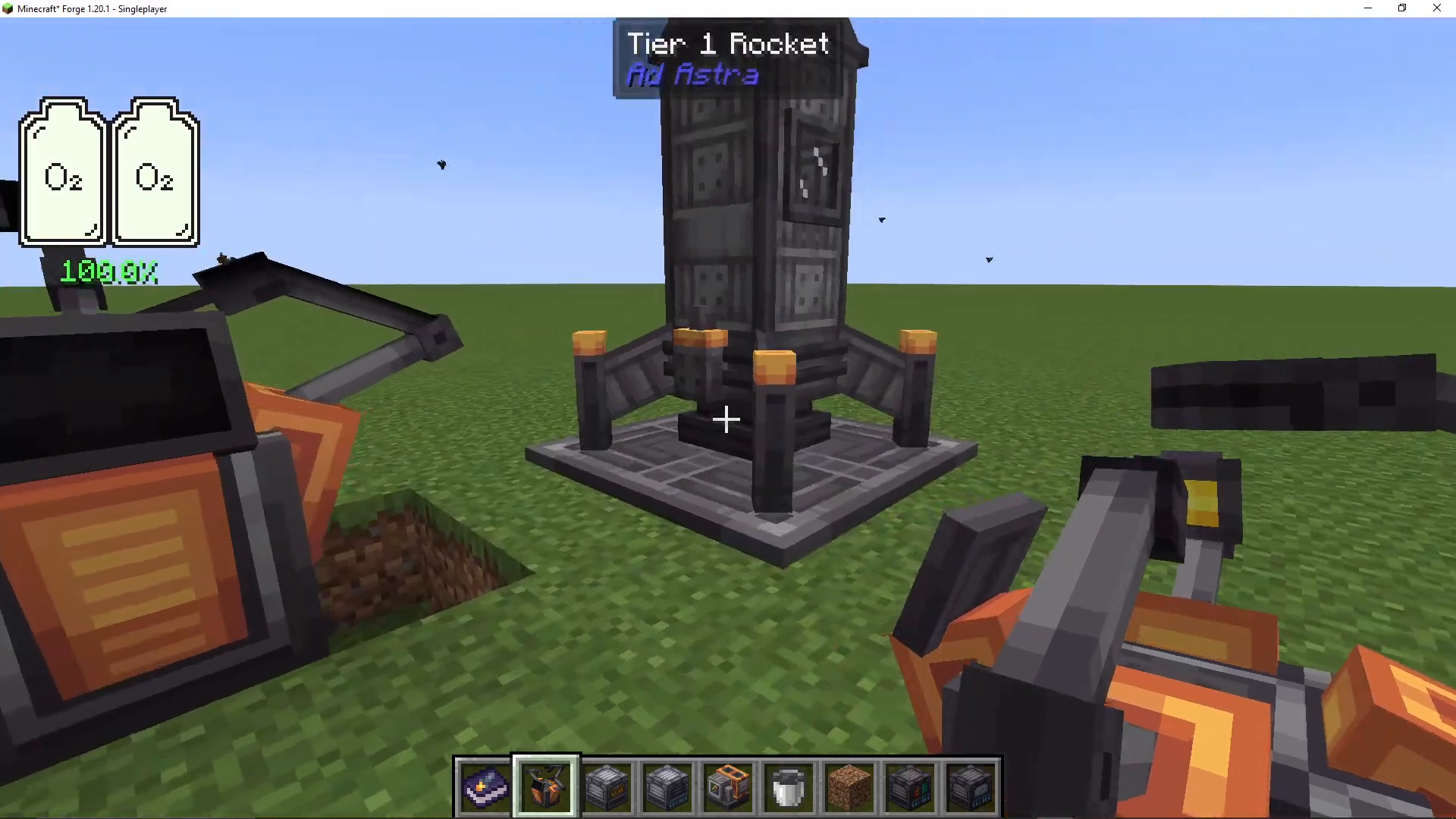
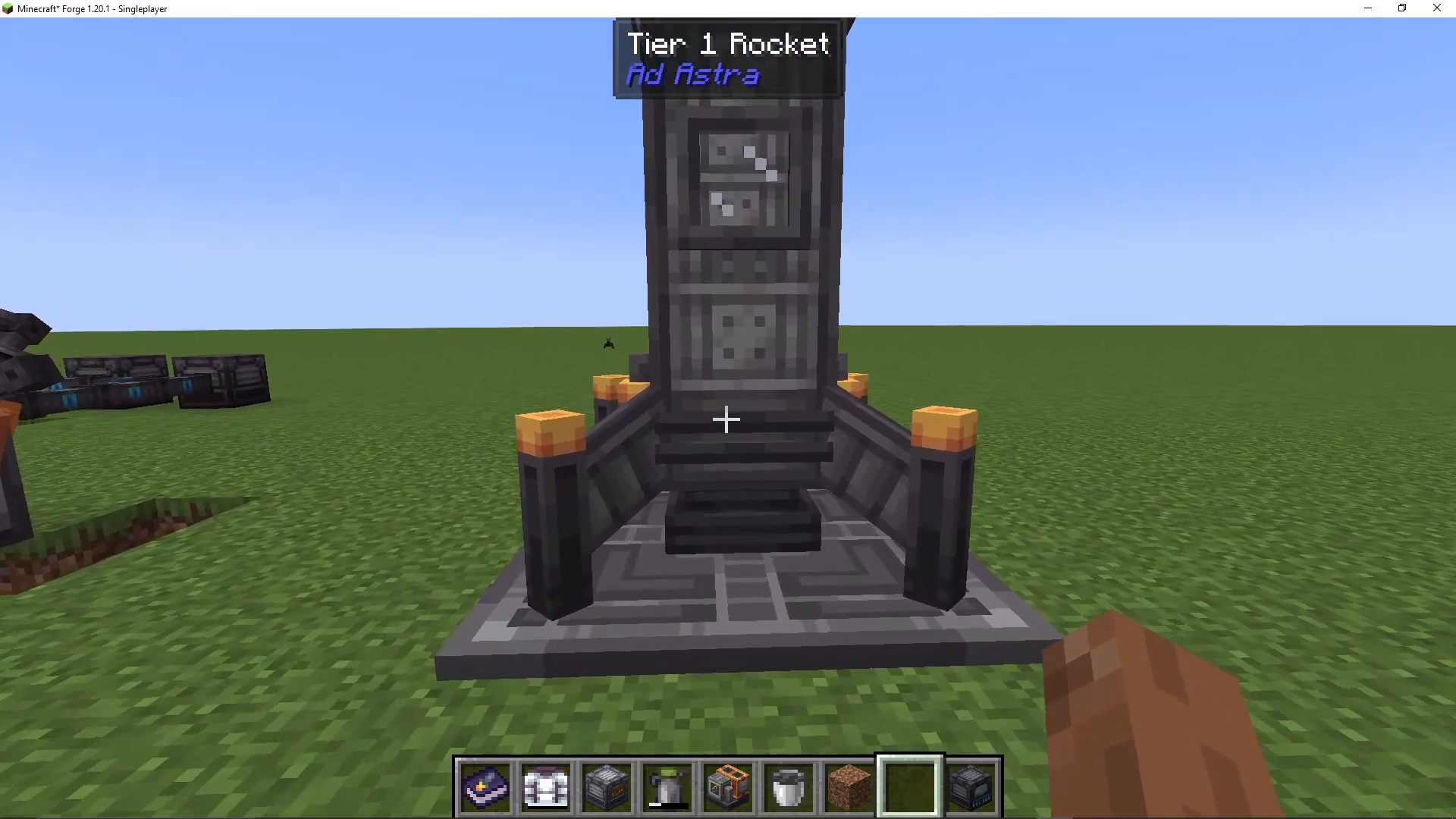
Arrange the components in the NASA workbench according to the recipe layout. Once configured correctly, you’ll receive your Tier One rocket. Place down a launch pad and then right-click your completed rocket onto the center of the launch pad to assemble it. To enter your rocket, simply right-click it. Press Shift to exit, or Shift+right-click to access the rocket’s inventory.
Obtaining and Processing Fuel
Finding Oil
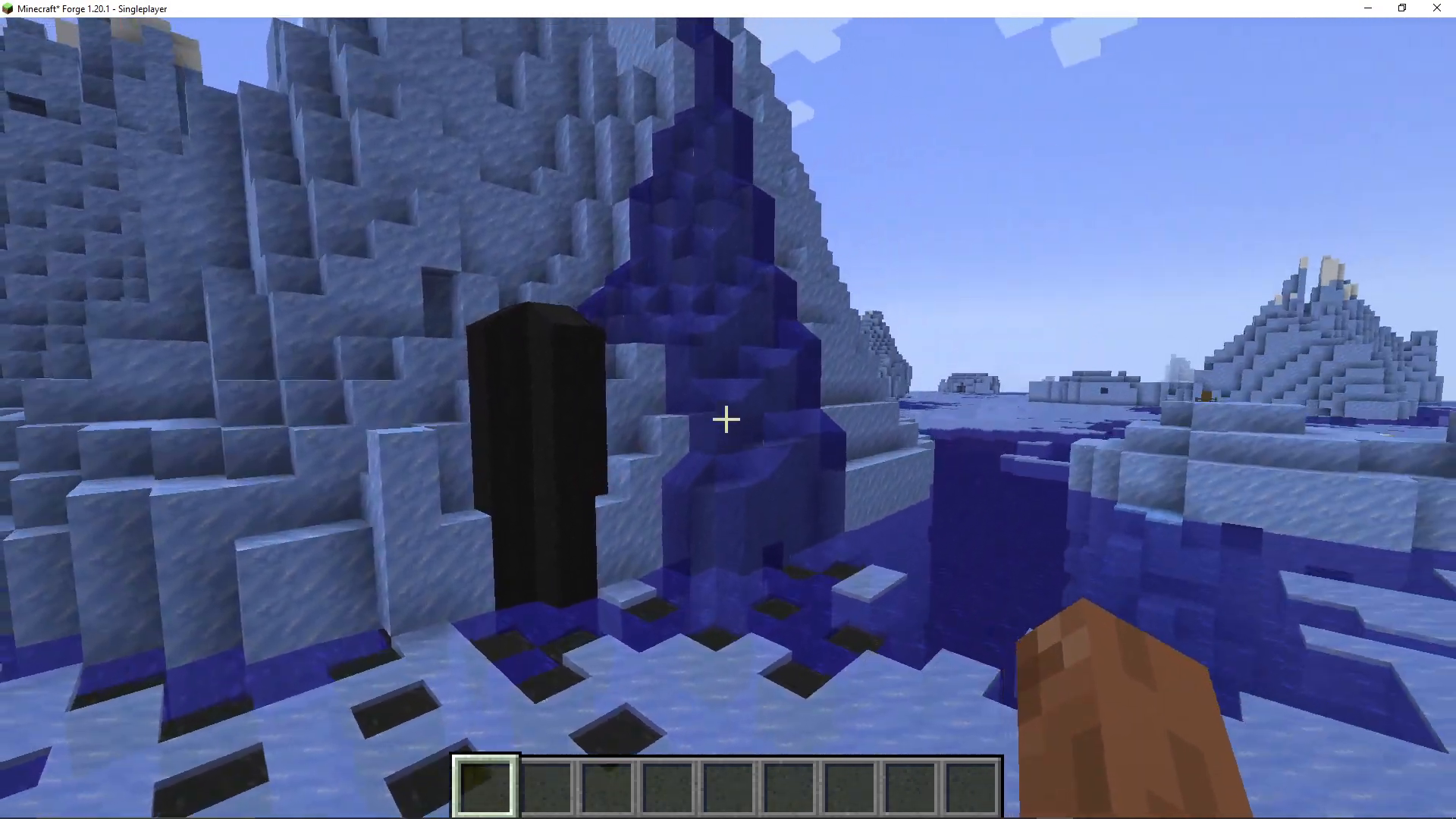
To launch your rocket, you need fuel. Fuel is created by refining oil, which is found spouting in oceans. Look for oil sources in water bodies—they spawn exclusively in ocean biomes. You’ll need to collect at least six buckets of oil: three buckets convert to three buckets of fuel, and you need three buckets for your return journey. This means a minimum of six buckets is required for your first trip.
Building an Oil Refinery
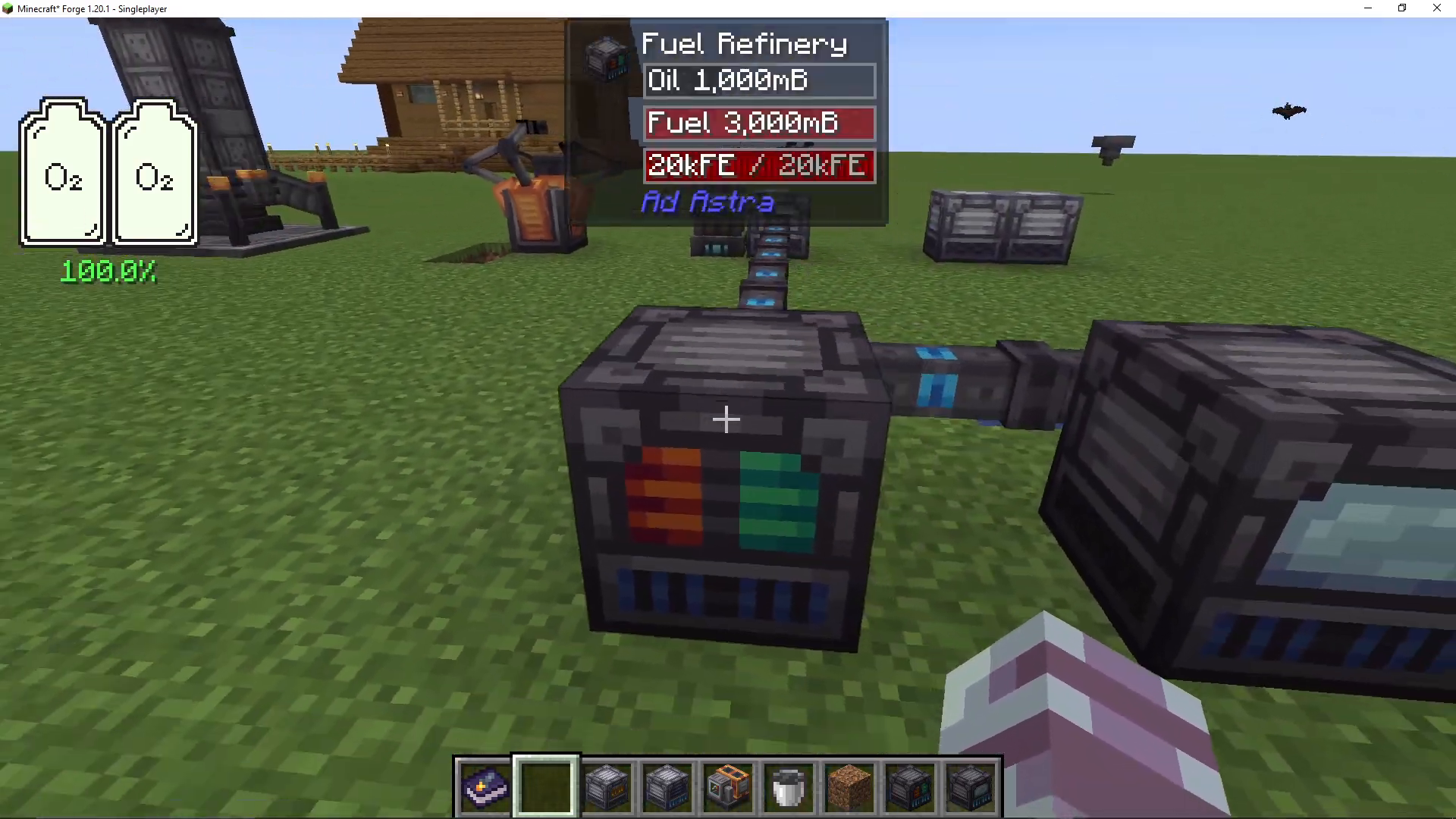
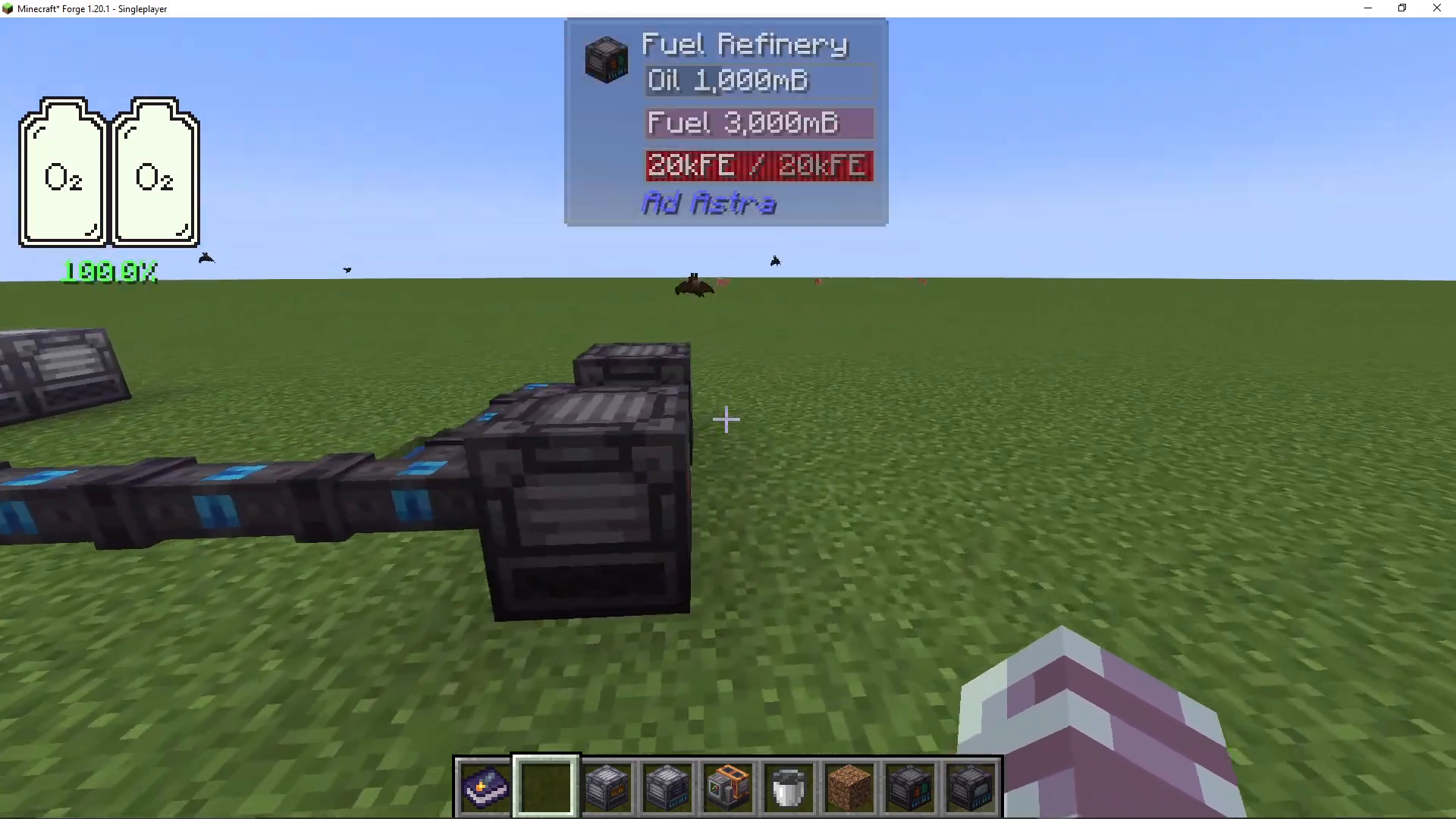
Once you have your oil, craft an oil refinery. Place an oil bucket in the top slot, and the refinery will automatically convert it into fuel. Remove the fuel bucket from the right-hand side. The refinery requires power to operate, which you can pipe in using steel cables—these can now be crafted since you have steel production available. Note that the oil refinery will work with oils from other mods as well.
Fueling Your Rocket
Right-click on your Tier One rocket’s fuel tank (top slot) to add fuel. You need three buckets of fuel total. You can store additional fuel buckets either in the rocket’s inventory or in your own inventory if you’re traveling with the rocket. Without sufficient fuel, you’ll be stranded on your destination planet.
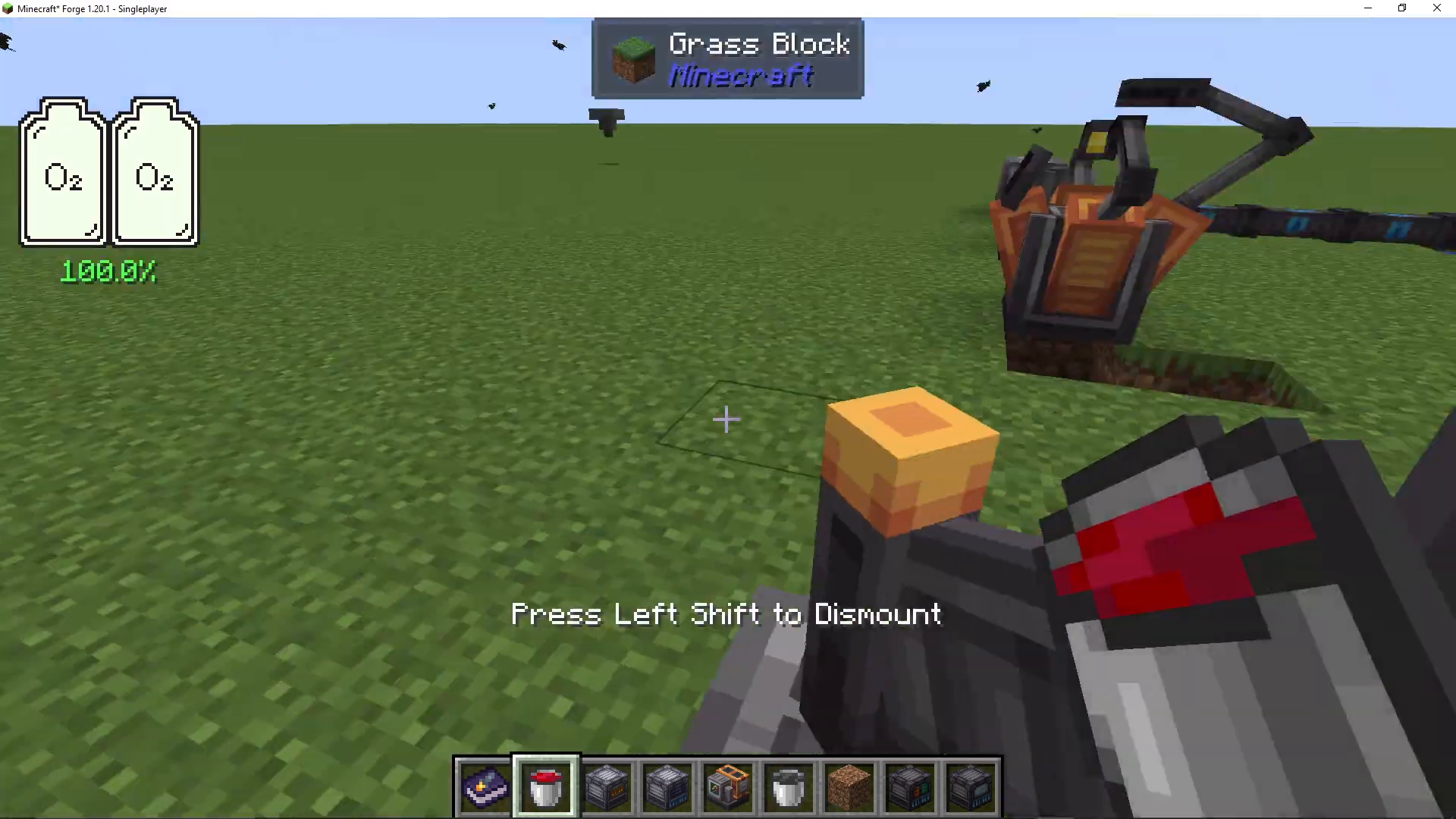
Essential Items for Your Moon Journey
Launch Pad for Return
You must bring a launch pad with you to the Moon. Without it, you won’t be able to return home.
Oxygen and Lighting Considerations
Since there’s no oxygen on the Moon, standard torches will burn out. You must bring either soul torches, glowstone, or another light source that doesn’t require oxygen to remain lit. For oxygen, you have two options: bring oxygen tanks or create an oxygen supply system once you arrive.
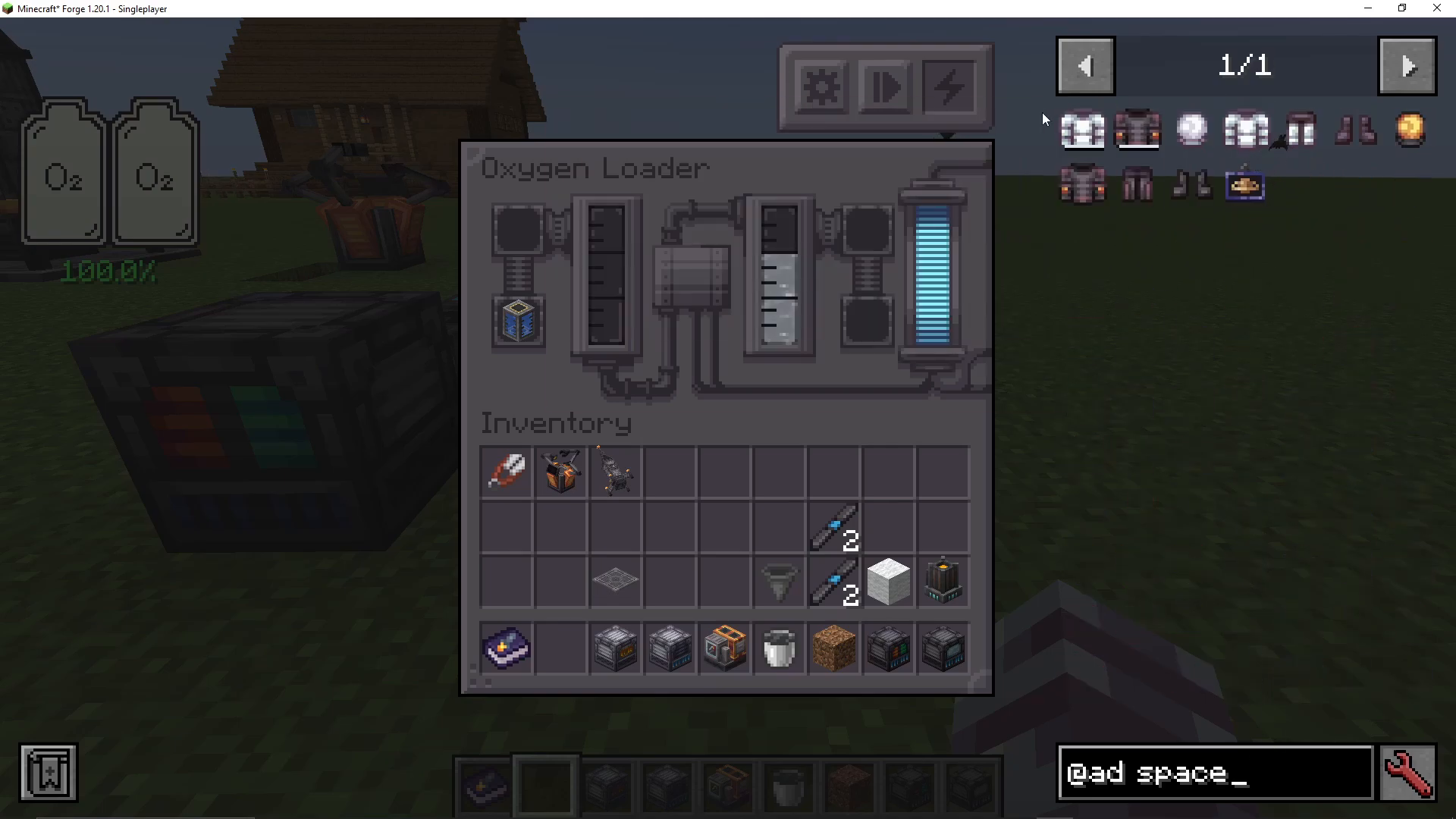
Creating an Oxygen Loader
An oxygen loader converts water into oxygen. Place water in the top left slot, and it will produce oxygen. While you can manually bucket water into this machine (which is time-consuming), if you have other mods like Mekanism installed, you can use pumps to automate the process. Note that a water pump from the Ad Astra mod requires dash plates, which are only found on other planets, so you can’t use that option for your first trip.
Space Suit Assembly
Craft a complete space suit, which includes helmet, chest plate, legs, and boots made from steel plates and wool. The chest plate is where you insert oxygen. You can right-click a filled gas tank to distribute oxygen into your suit’s tank, which appears in a UI window when you wear the suit. Large gas tanks provide more oxygen capacity than standard gas tanks.
Optional Power Storage
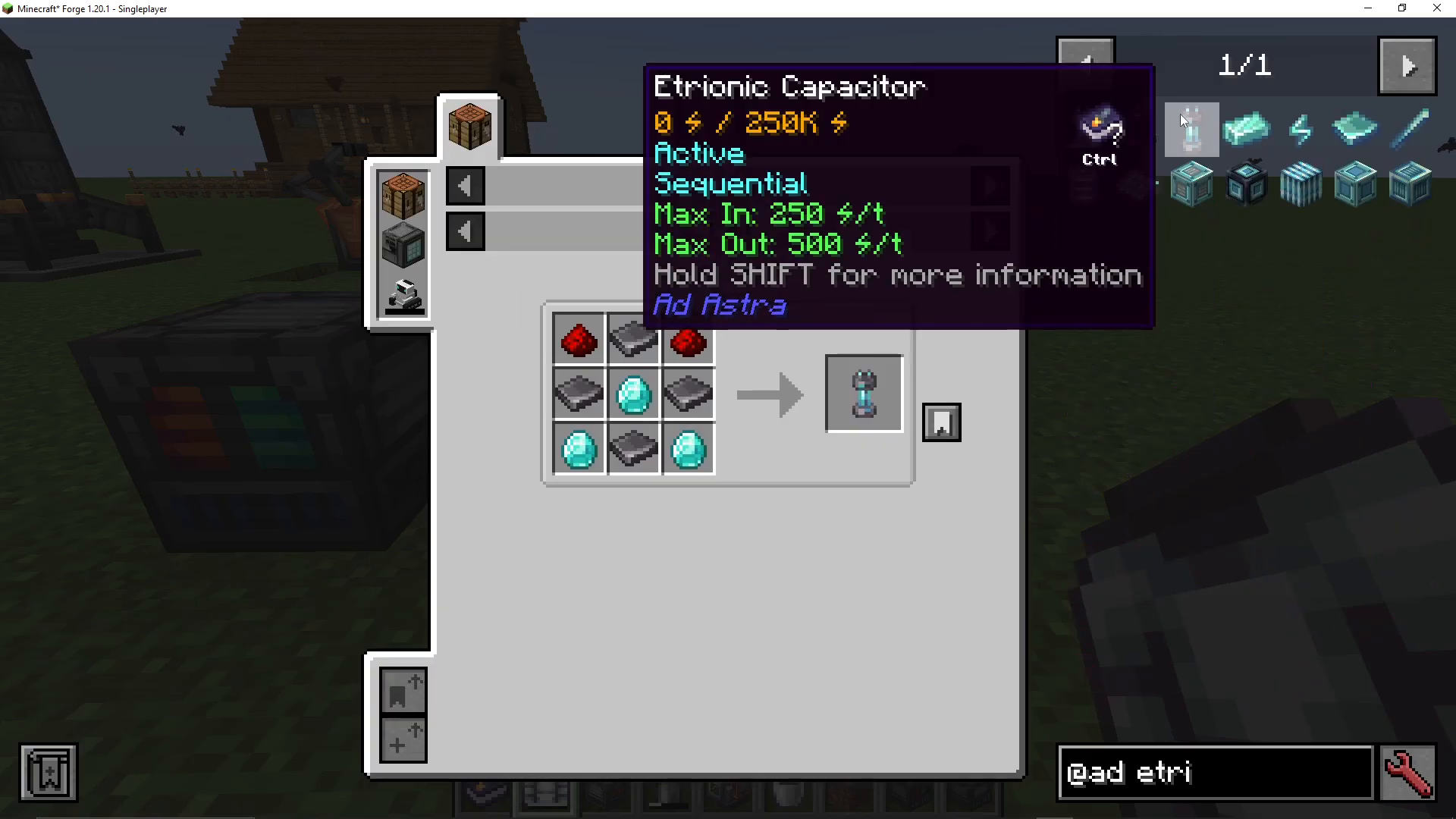
An etrionic capacitor is a rechargeable battery made from steel plates and diamonds. If you plan to bring machines that require power to the Moon, you can fill this capacitor and use it as a portable power source.
Launching to the Moon
Once you’ve packed your rocket with three buckets of fuel, a launch pad, oxygen supplies, soul torches, and any other items you need, right-click to enter your rocket and press Space to launch. You’ll see a progress bar on the left side of your screen showing your altitude as you ascend into the atmosphere.
Navigating Space
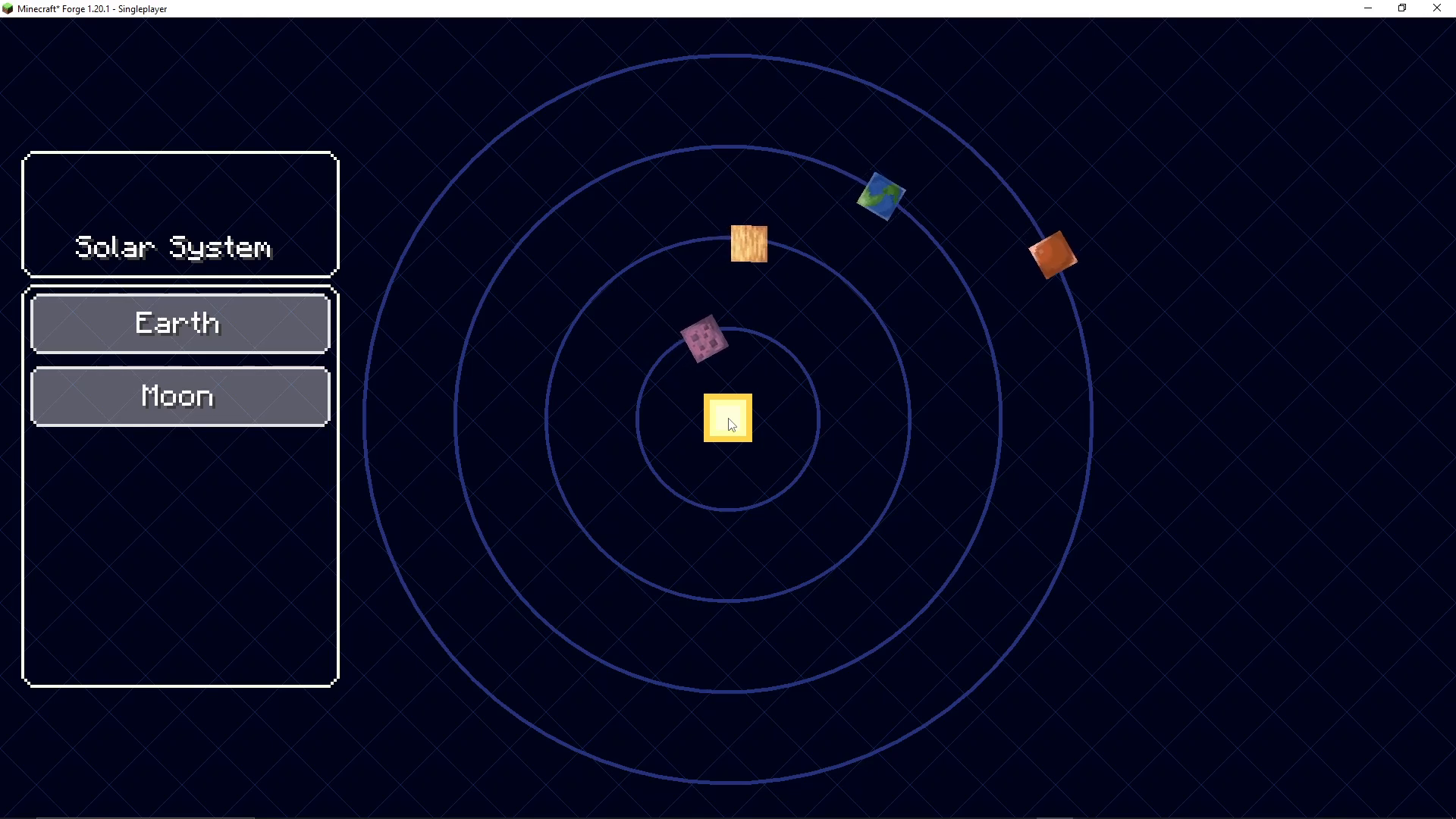
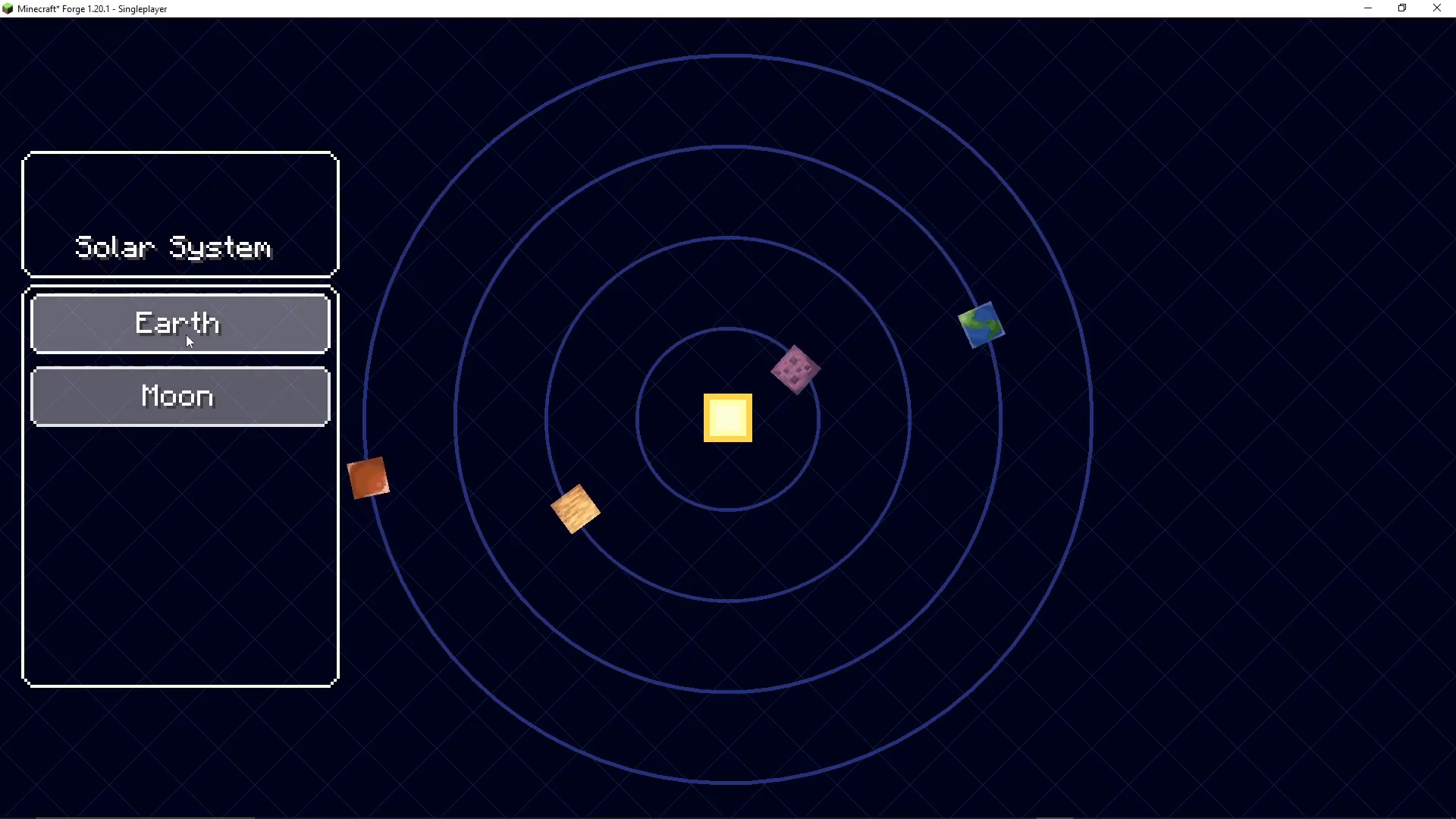
Once in space, a menu appears asking where you want to go. You can select the Moon, Earth, or construct a space station. If you’re nervous or want to return, you can click Earth and land safely, which will show you your landing coordinates. For this guide, select the Moon.
Landing on the Moon
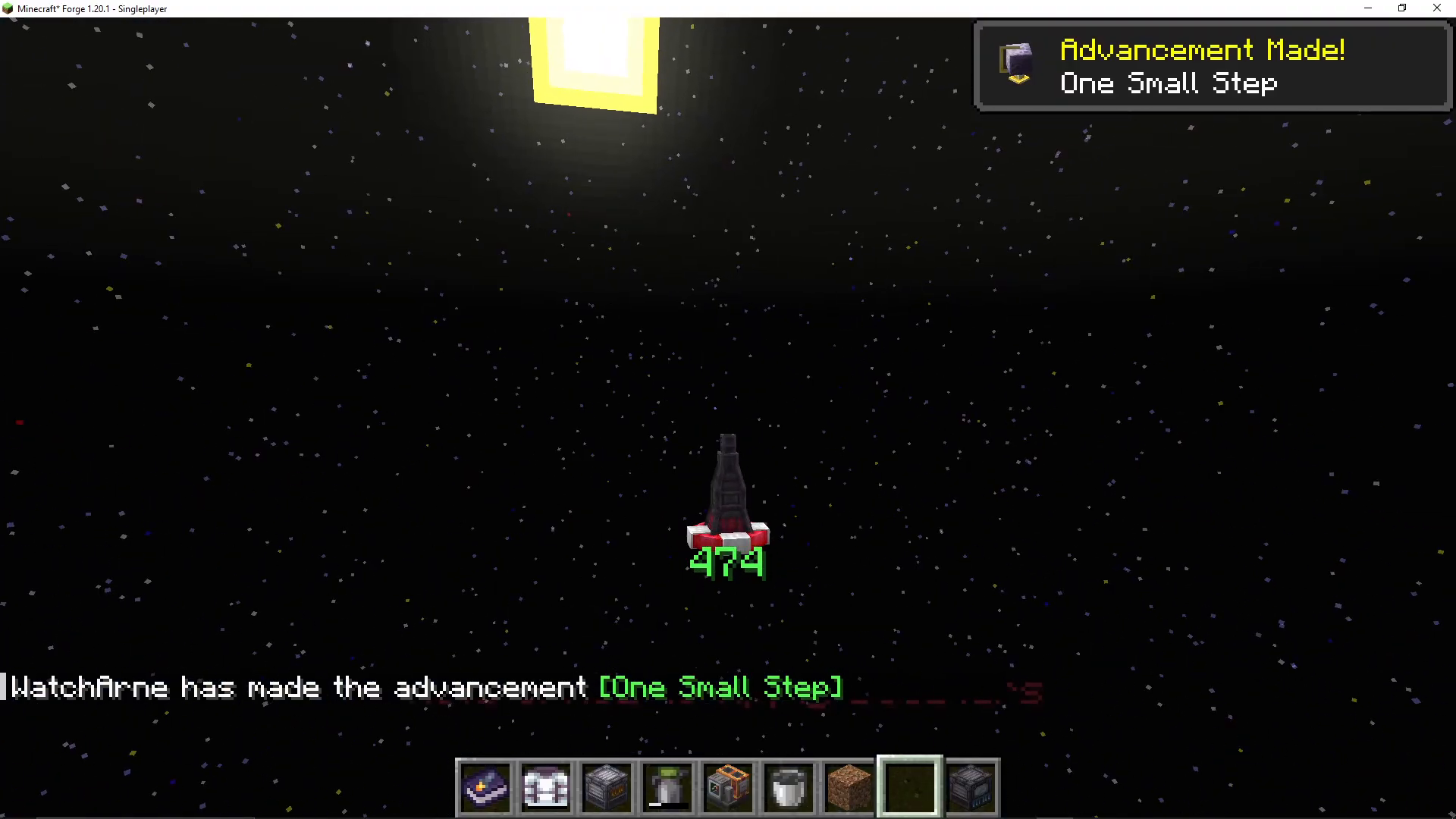
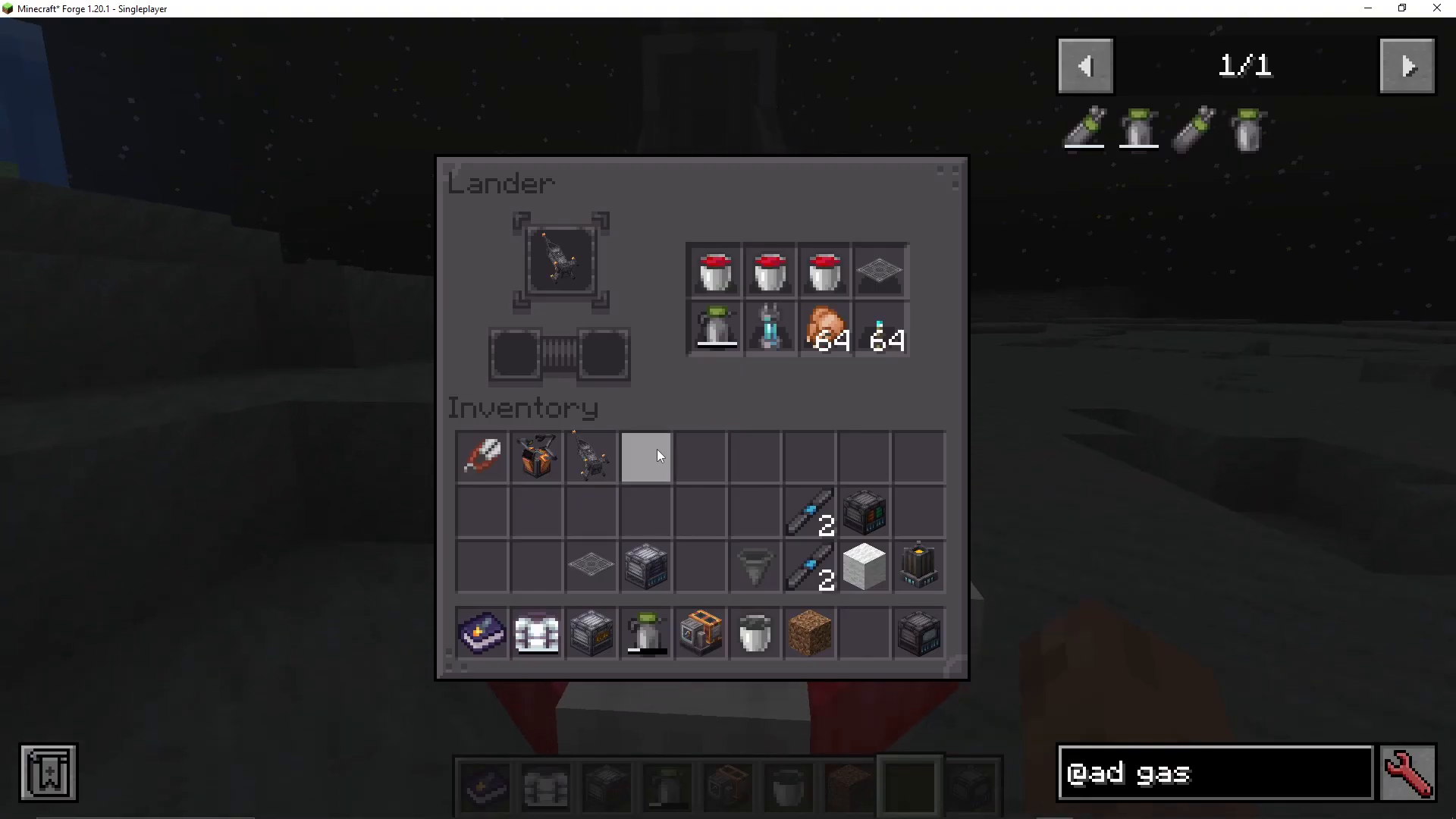
When approaching the Moon, you’ll be in a lander showing your height. As you descend, your speed increases, so hold Space to activate boosters and slow your descent. Landing too fast will result in crashing. Once you land successfully, press Shift to exit the lander. Shift+right-click on the lander shows your rocket and launch pad inside, which you can take out.
Setting Up on the Moon
Place down your launch pad and rocket. You can now refuel your rocket by shift+right-clicking it and adding fuel buckets to the tank. Don’t forget to put on your space suit before venturing outside—the Moon has virtually no gravity, creating a unique low-gravity experience.
Surviving and Thriving on the Moon
Moon Resources
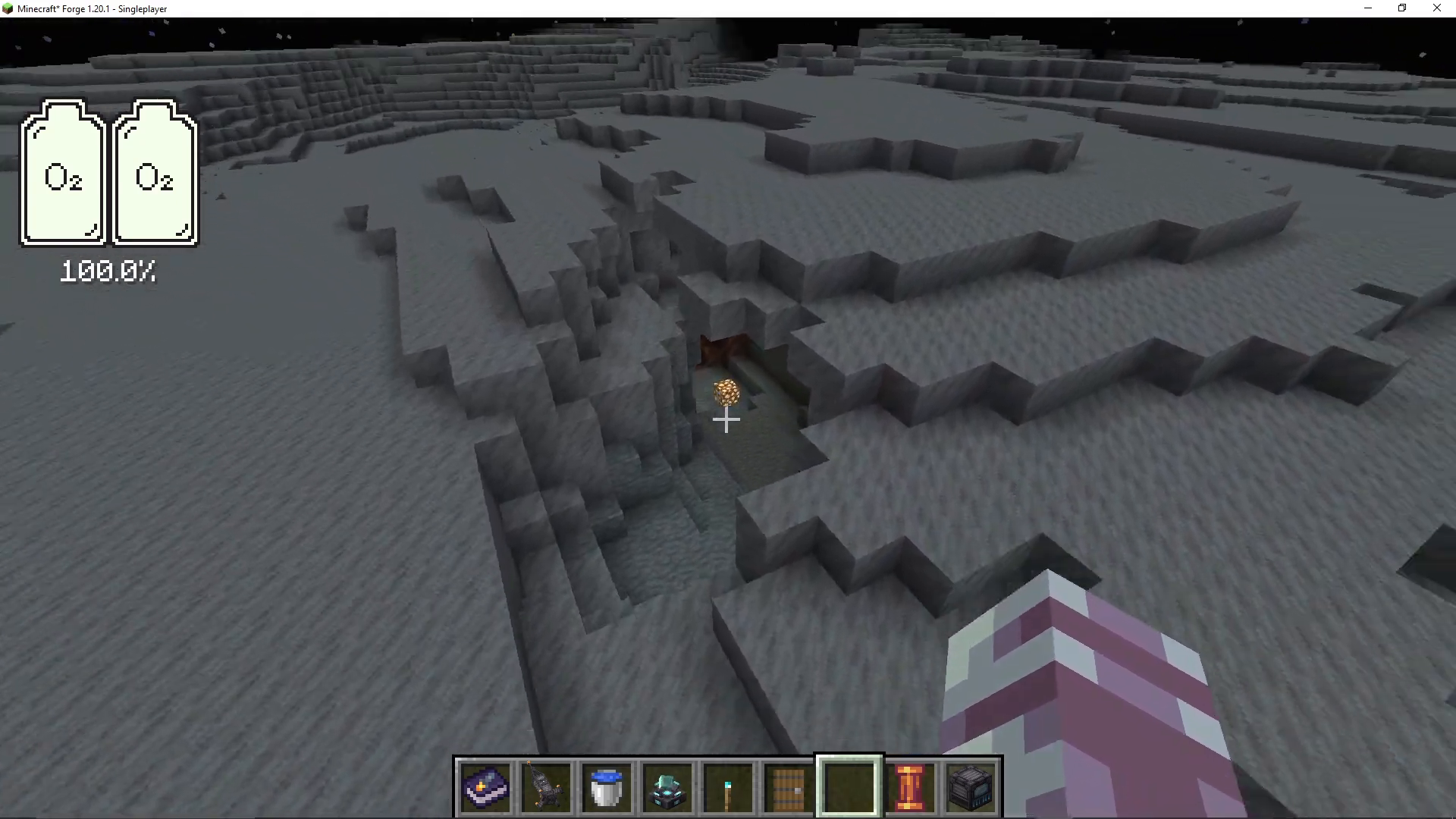
The Moon contains two main ore types: moon cheese ore (which yields cheese when mined) and moon dash ore (which produces dash ingots). Dash is the primary resource you’ll need on the Moon for crafting advanced equipment and infrastructure.
Setting Up an Oxygen System
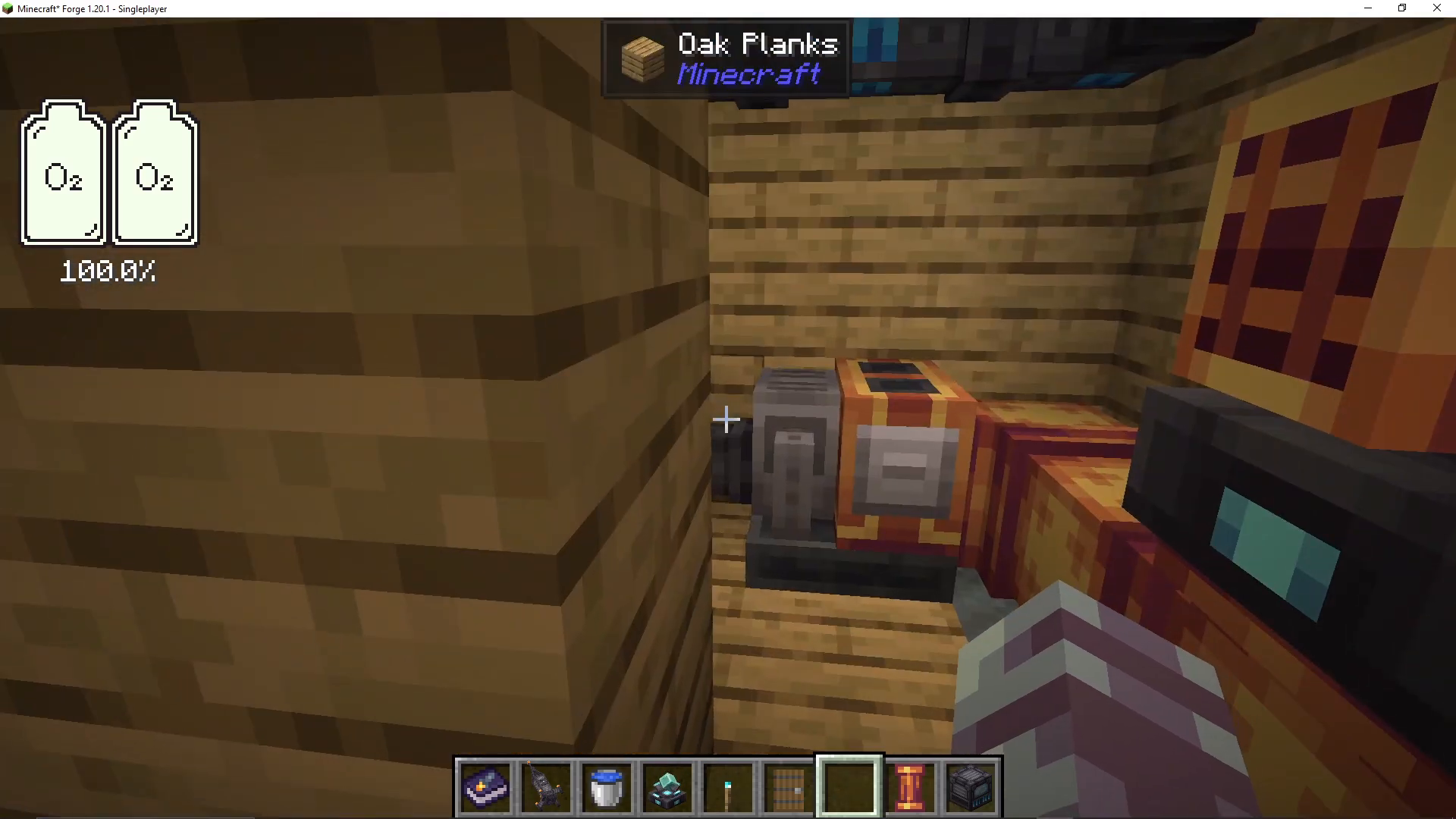
Build a water pump by placing it above a water source. The pump will extract water, which you can transport through dash fluid pipes to an oxygen distributor. The oxygen distributor converts water into oxygen and distributes it throughout the surrounding area. When you press the “show where it’s being distributed” button, you’ll see the oxygen coverage zone. Walls block oxygen, but you can create vents to allow oxygen to pass through.
Establishing Gravity
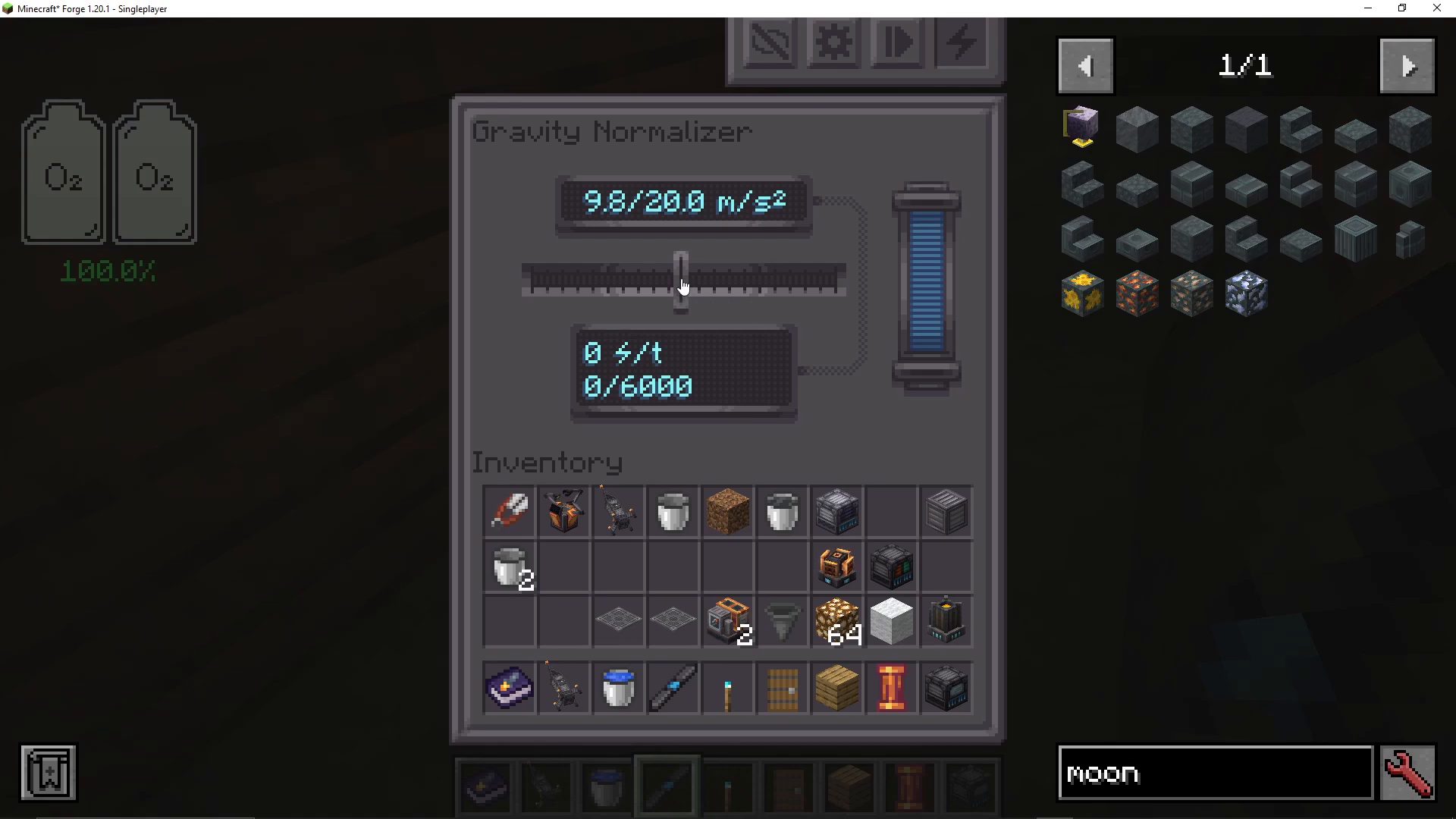
A gravity normalizer distributes artificial gravity similar to how the oxygen distributor works. It requires significant power but allows you to adjust gravity to your preference, from zero gravity to normal Earth gravity.
Advanced Power Systems
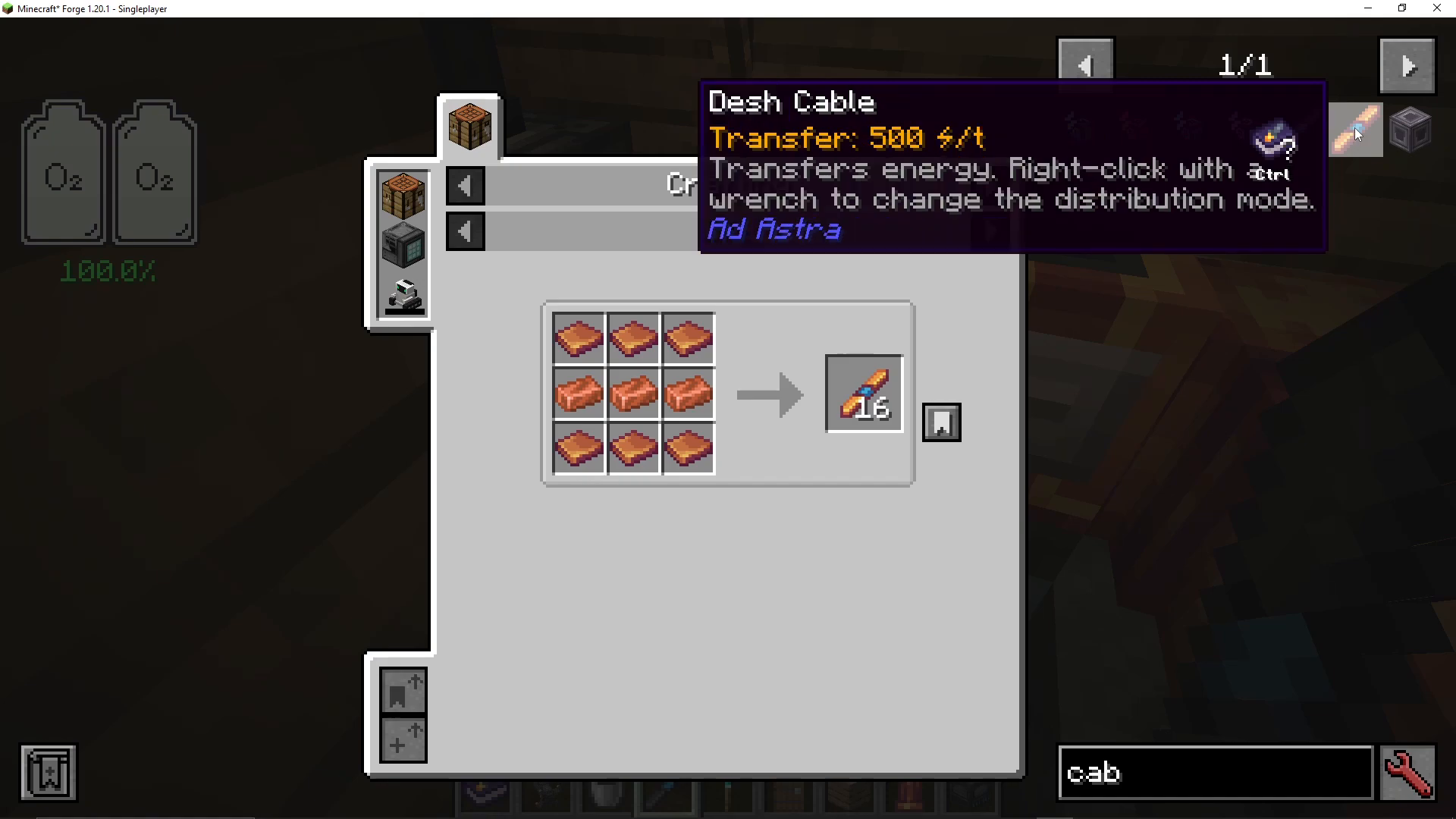
With dash ore, you can craft dash cables that transfer triple the power of steel cables. If cables must pass through walls, use cable ducts to prevent oxygen leaks while still allowing power transfer.
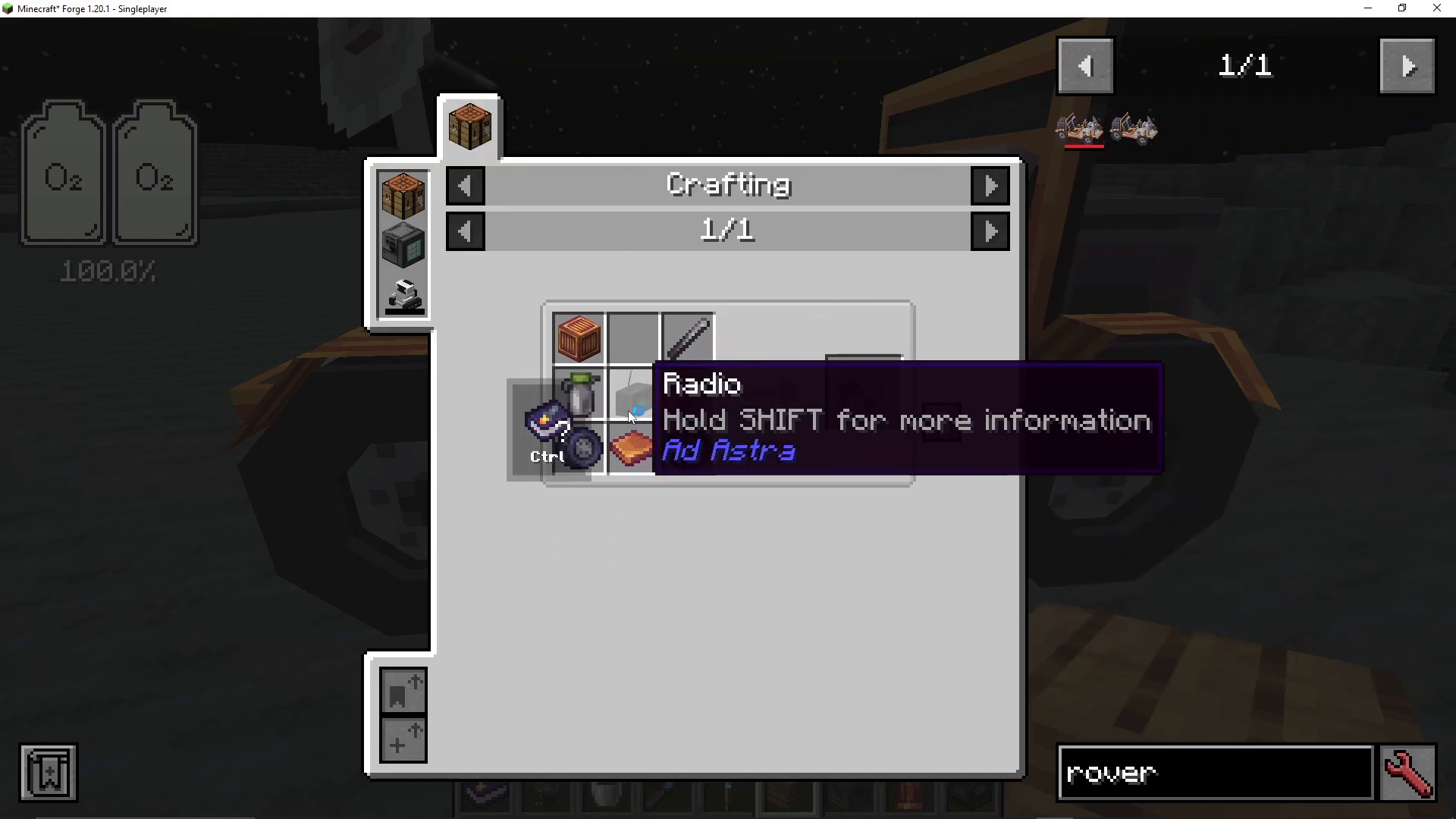
Tier One Rover
Craft a Tier One rover using dash blocks, gas tanks, wheels (made from black wool and steel plates), and other basic materials. The rover includes a functional radio that plays real-life radio stations. Right-click to enter and drive—it’s surprisingly fast and fun. You can carry fuel and storage items in the rover. Exit by pressing Shift.
Moon NPCs and Handy Devices
The Moon is home to Lunarians who live in underground villages and can be traded with using emeralds. The T.I. 69 is a portable device that displays oxygen levels, temperature, and gravity readings. Simply use it to check these vital stats while exploring.
Constructing a Space Station
You can construct a space station while in space. Select a destination (like the Moon) and choose to construct a space station. The system shows construction costs that you must carry in your inventory. On multiplayer servers, multiple players can each build their own space station at the same location.
Space Station Layout
Space stations include a designated craft area and a viewing platform. There’s minimal gravity on space stations, so bringing a gravity stabilizer is highly recommended. The zip gun is a special device that uses oxygen and allows you to quickly propel yourself around by right-clicking. It consumes a significant amount of oxygen but makes navigation much faster.
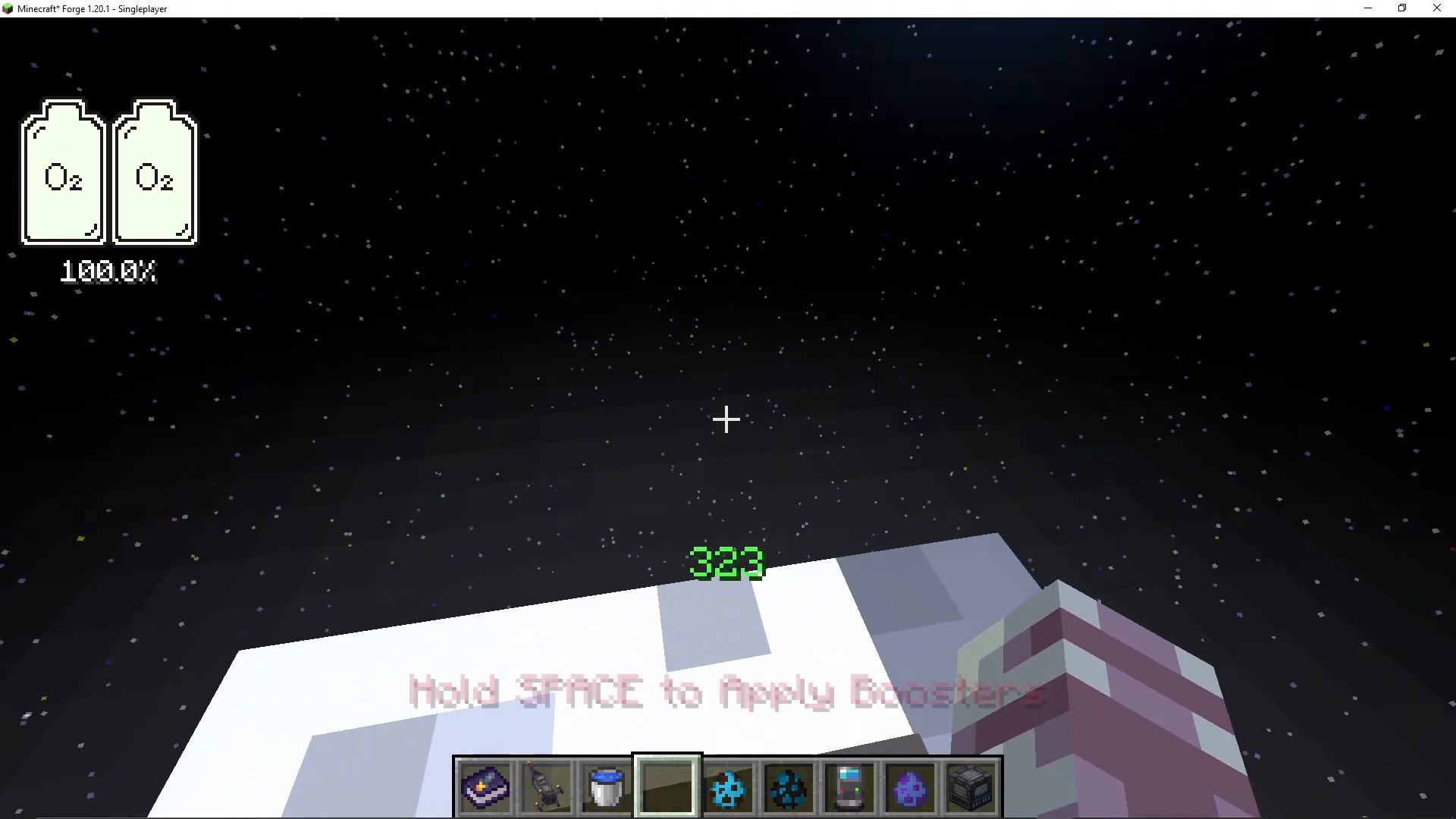
Progressing to Mars
Tier Two Rocket
Once you return to Earth with dash ore in your inventory, you can craft a Tier Two rocket. This rocket uses dash blocks and allows travel to Mars. Like the Tier One, it holds three buckets of fuel, but can make multiple journeys using advanced fuel types.
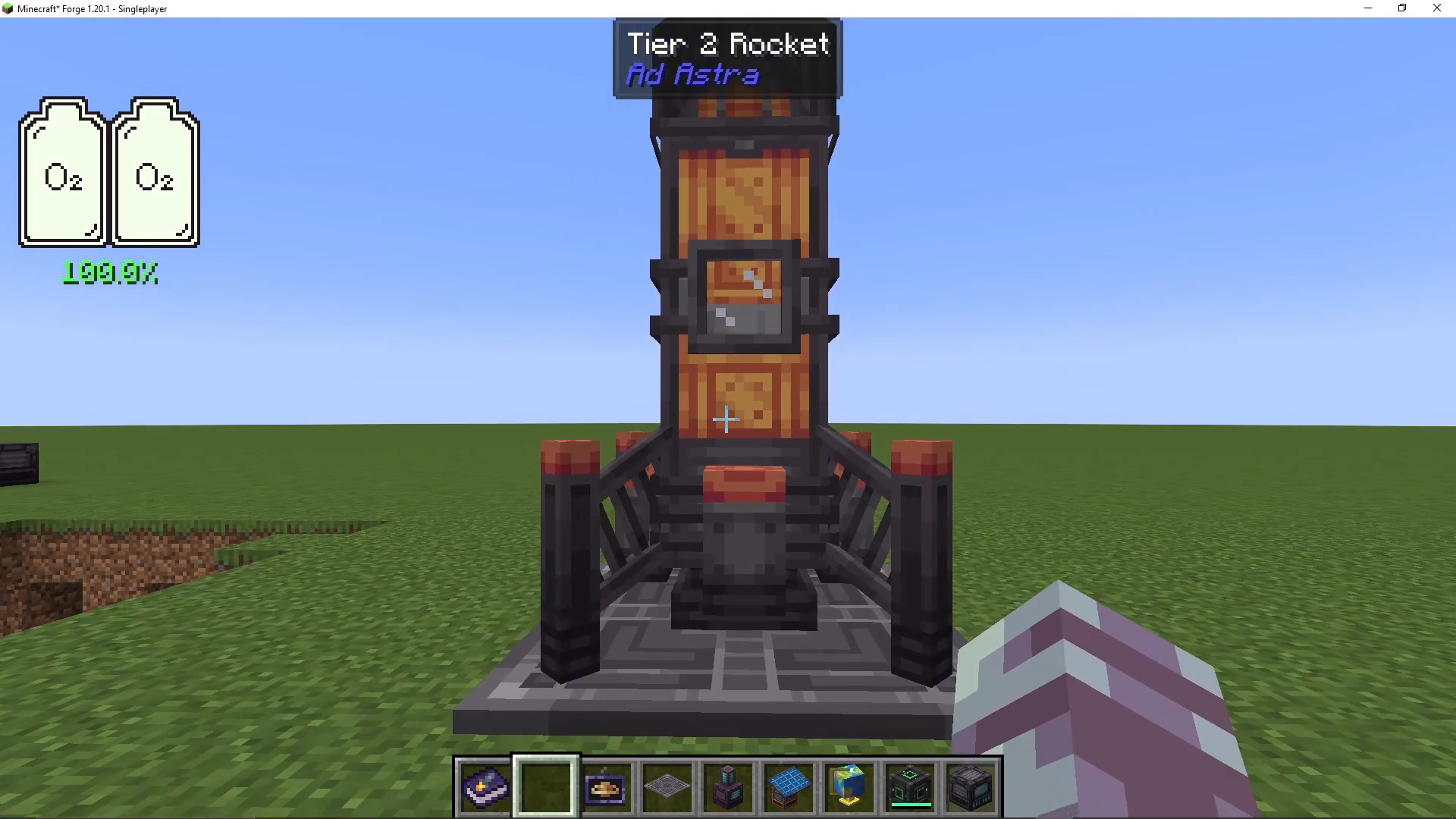
Mars Resources and Cryo Fuel
Mars contains diamond ore, ostrum ore, and ice shards. Ice shards appear on cold planets (Moon and Mars) and can be processed in a cryo freezer to create cryo fuel. This advanced fuel is far superior to oil—you only need one bucket of cryo fuel per journey instead of three buckets of regular fuel, meaning one full tank equals three possible trips.
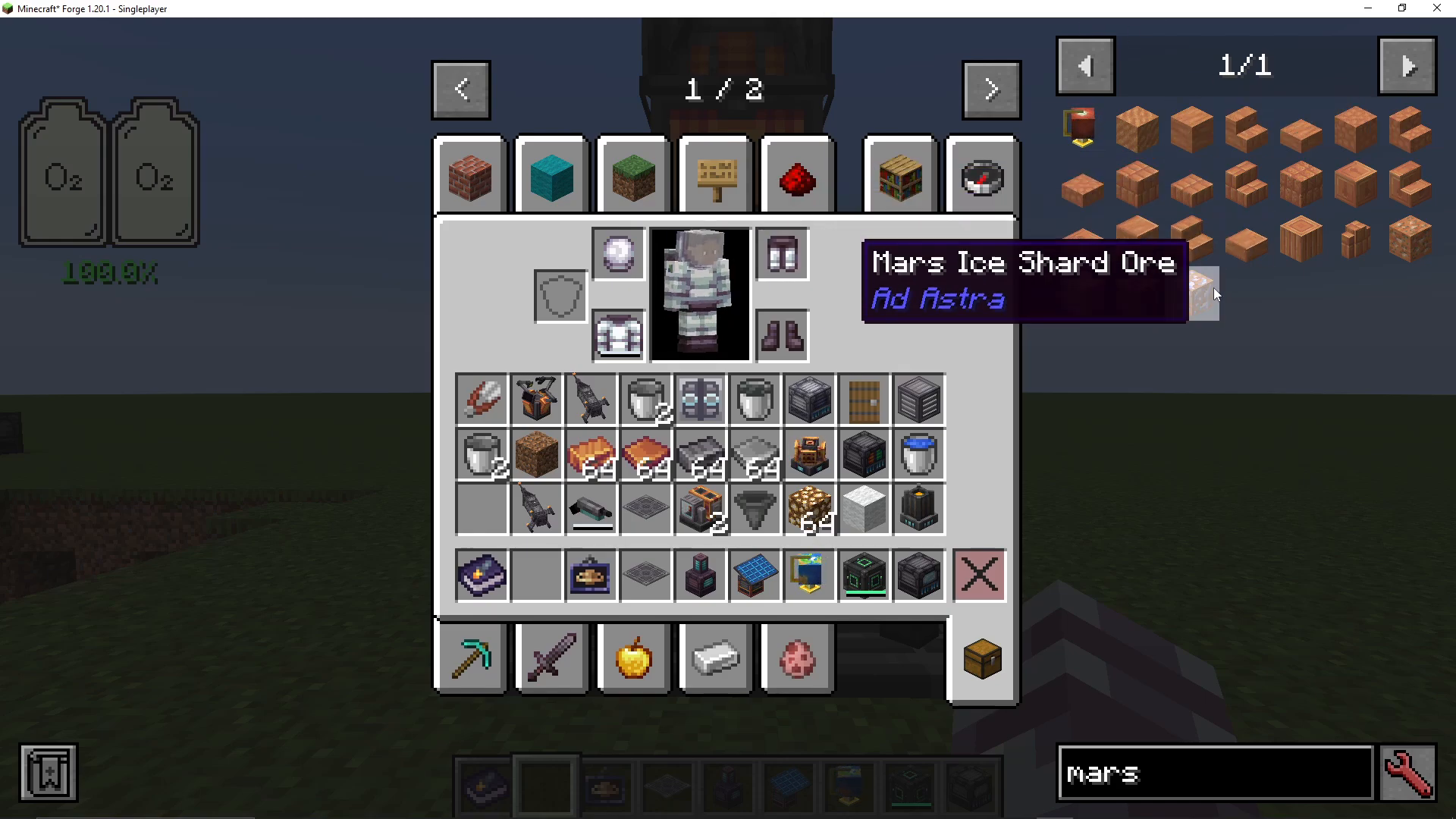
Cryo Freezer Crafting
Create a cryo freezer and place ice shards inside. It will convert them into cryo fuel buckets. This is a game-changing fuel upgrade that dramatically increases your space exploration efficiency.
Ostrum Ore Applications
Ostrum ore, found on Mars, unlocks numerous crafting possibilities: oxygen sensors that emit redstone signals when oxygen is detected, decorative flags for placing on any planet, and upgraded components for higher-tier equipment.
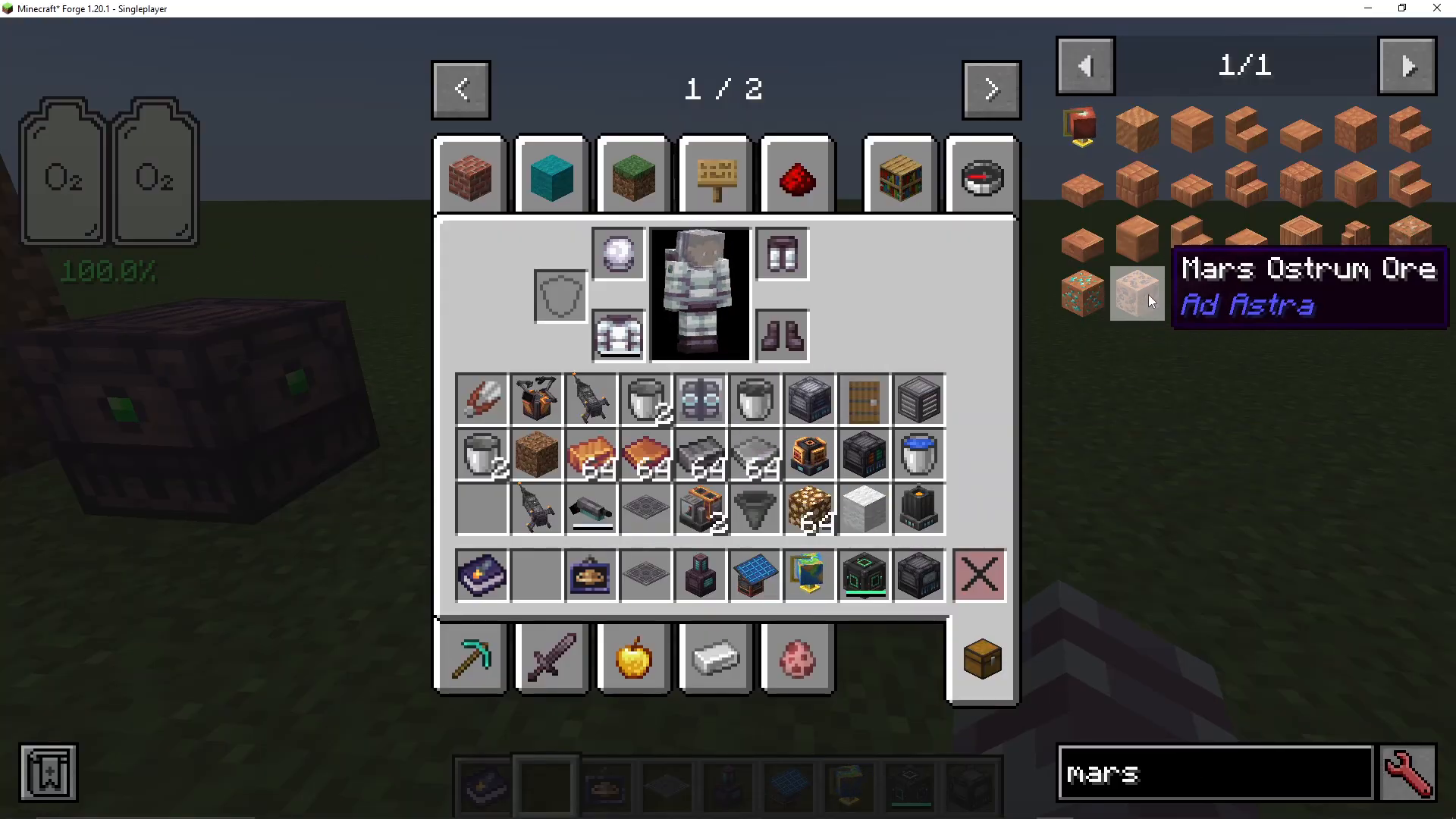
Neverite Space Suits
Once you have ostrum ore, you can craft neverite space suits. These upgraded suits provide permanent fire resistance, making them essential for exploring hot planets later. They’re made with neverite and oxygen gear components.
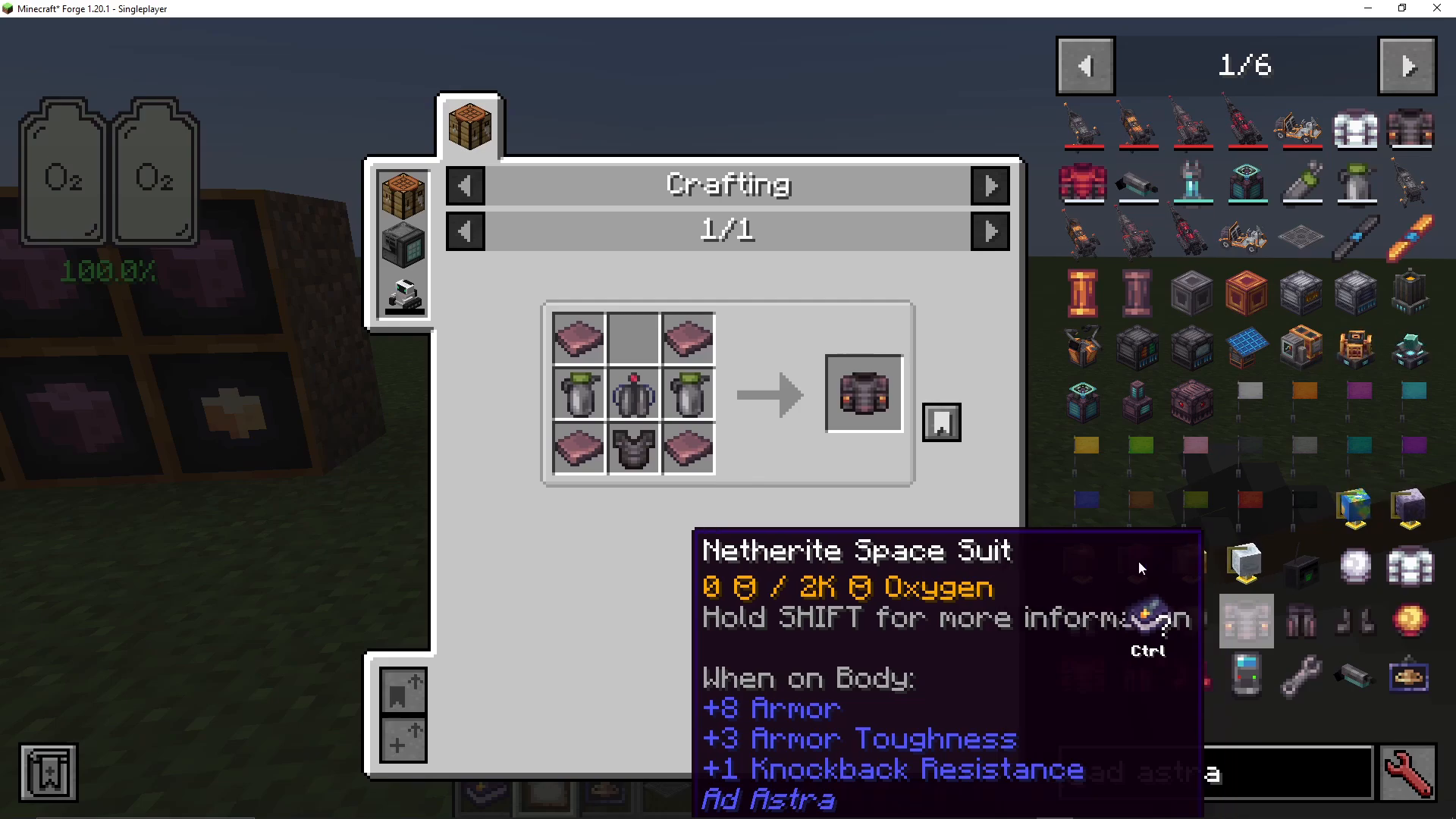
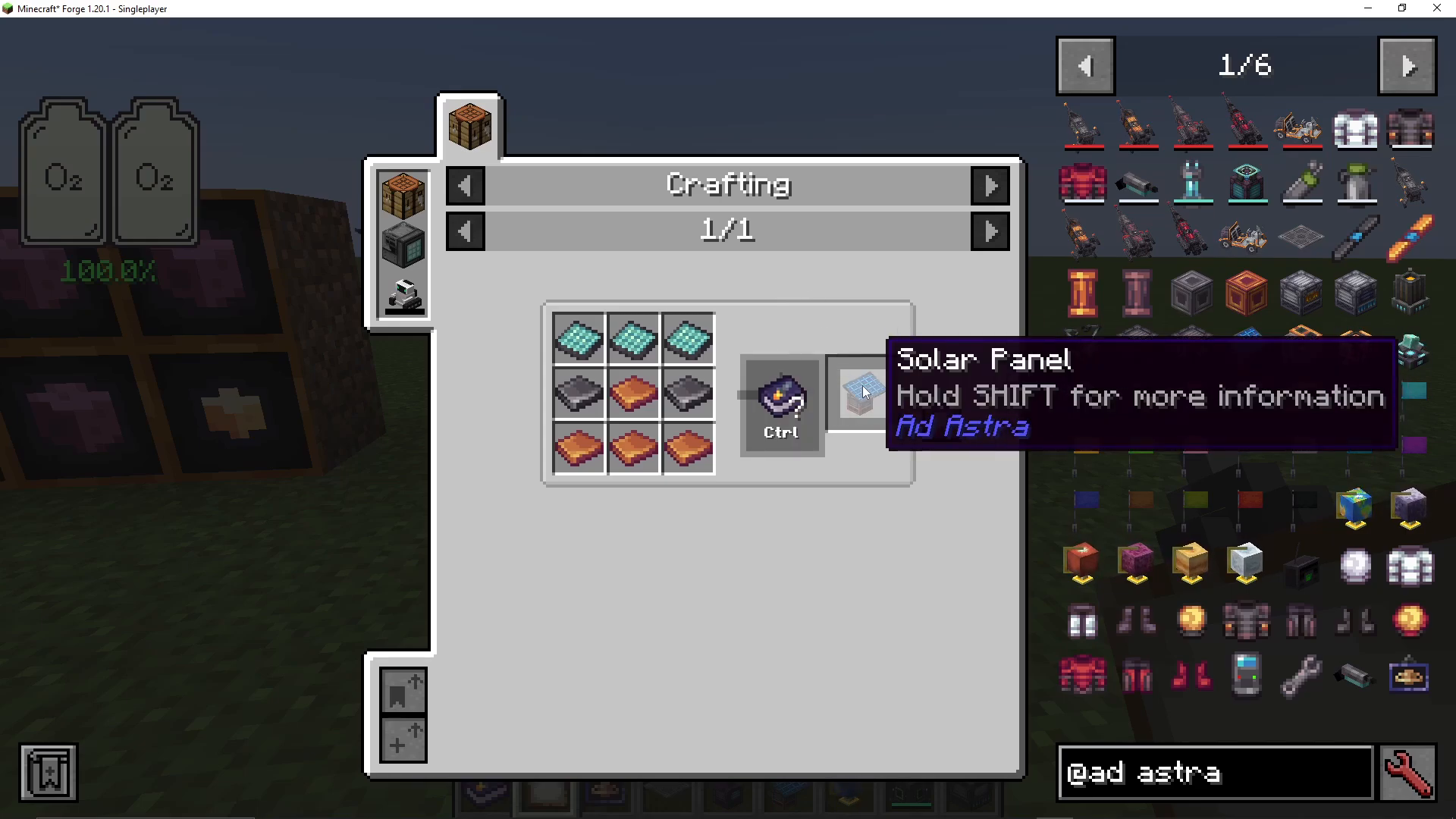
Solar Panels and Fluid Infrastructure
With dash ore, craft solar panels for clean, renewable energy—perfect for space bases. Ostrum fluid pipes are upgraded versions of dash pipes, providing better fluid transport. Just like with cables and ducts, use ostrum fluid ducts to prevent oxygen leaks when pipes must pass through walls.
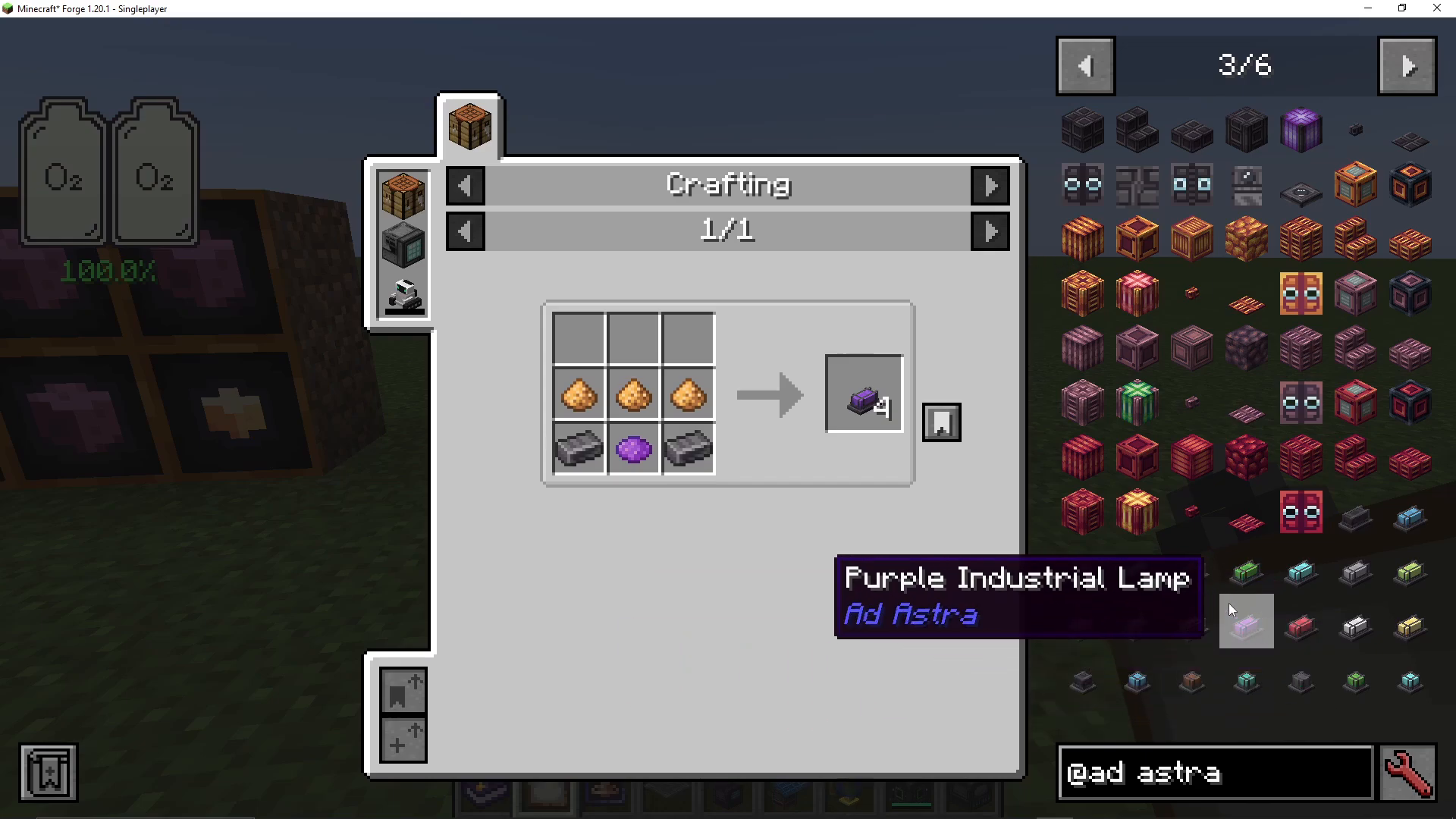
Decorative and Industrial Components
Ad Astra includes various decorative blocks like industrial lamps (small and large versions) and marked iron pillars that create an authentic space aesthetic. These non-torch-based lights are especially useful in space environments.
Reaching Hot Planets: Venus and Mercury
The Energizer
An energizer is crafted with ostrum and stores up to two million units of energy. It can charge items when you right-click them against it, serving as a massive portable battery for energy-hungry equipment.
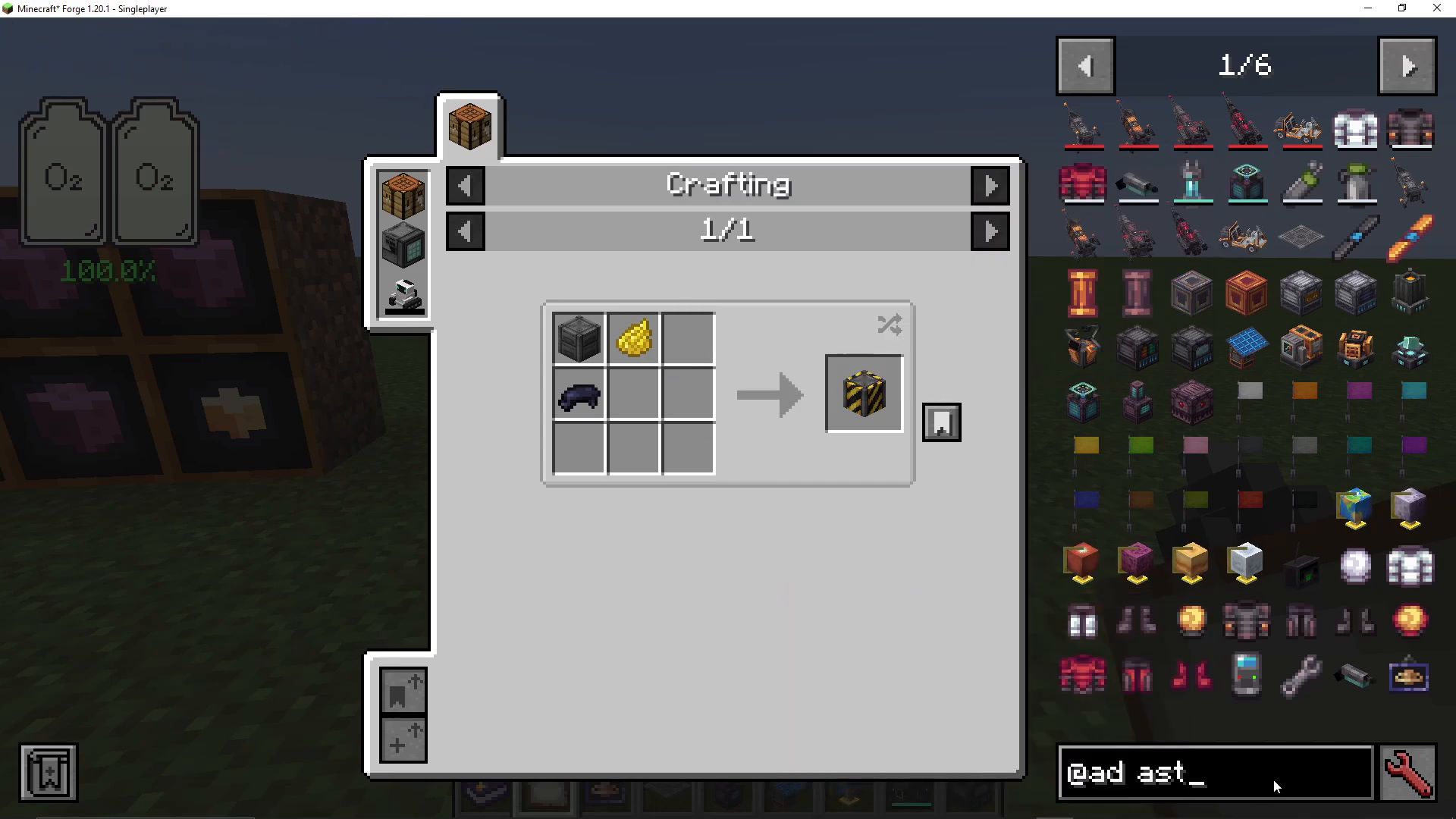
Tier Three Rocket and Hot Planet Exploration
Once you’ve gathered enough ostrum to complete a neverite space suit and all Tier Three rocket components, you can travel to Venus and Mercury. These planets are extremely hot, and entering without a neverite space suit (or fire resistance effect) will result in rapid death. The neverite space suit provides essential fire resistance along with improved protection.
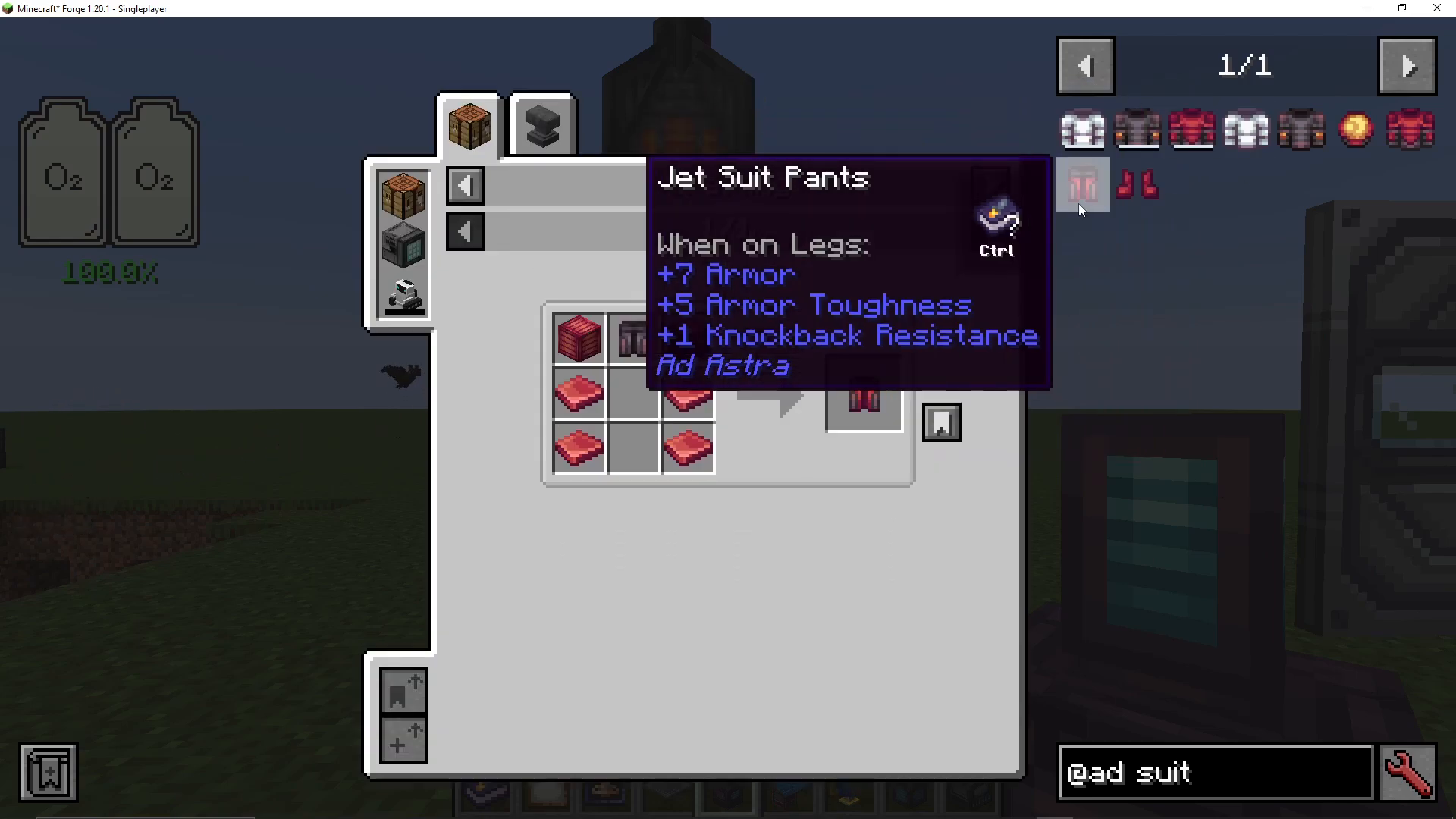
Calorite Ore
Venus and Mercury contain calorite ore, which is the final resource tier needed for crafting the ultimate rocket capable of leaving your solar system.
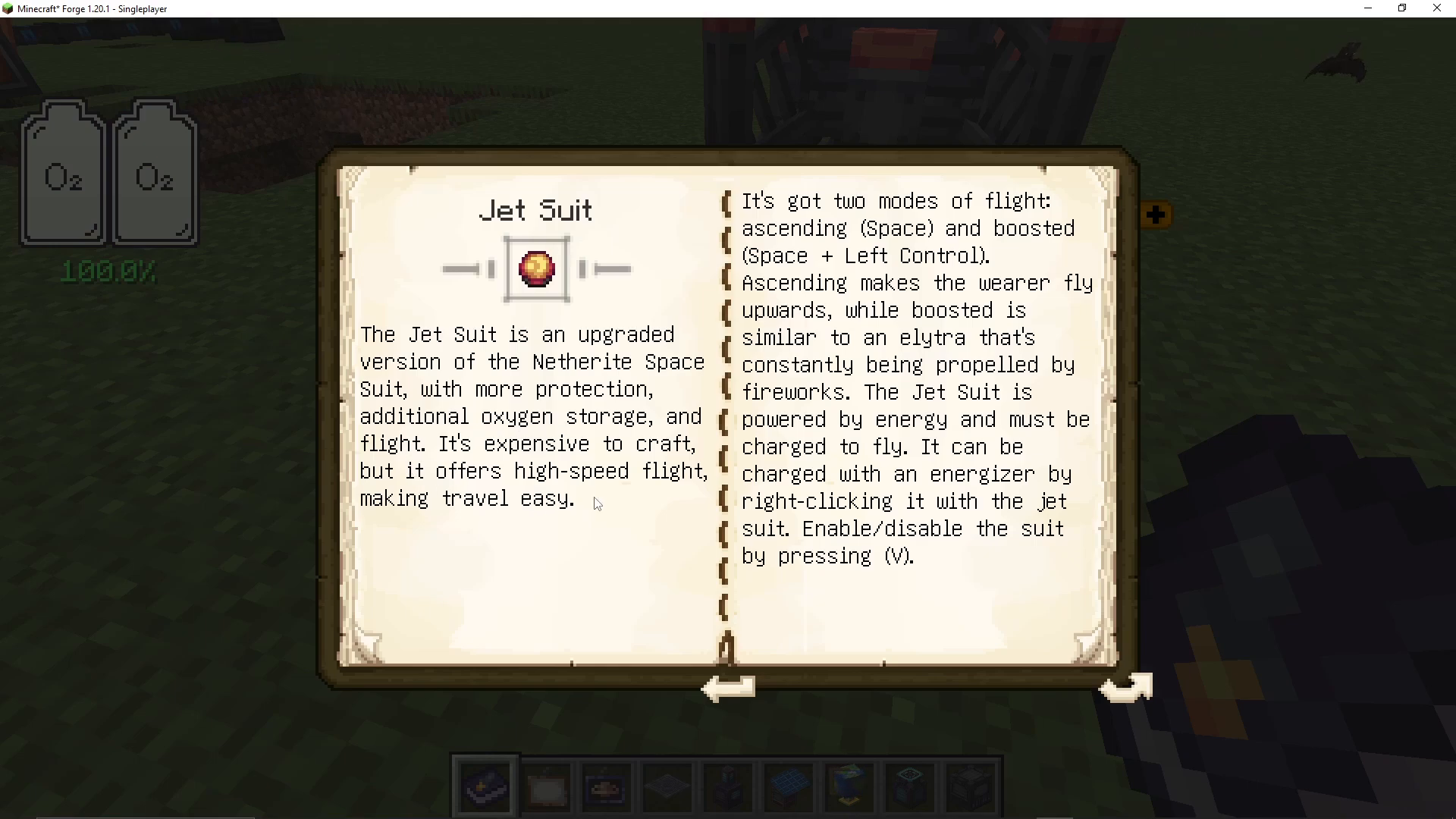
Jet Suit
The jet suit is an advanced version of the neverite space suit with increased protection, expanded oxygen storage, and flight capabilities. Use Space and left-Control to boost and fly, and press V to disable flight. This expensive-to-craft suit is essential for exploring hostile planets efficiently.
Exploring Beyond: Tier Four Rocket and Glacio
Tier Four Rocket
Craft a Tier Four rocket using ostrum and calorite. This rocket is capable of traveling outside your solar system to new planetary systems (unless you’ve installed add-on mods that add more planets to explore).
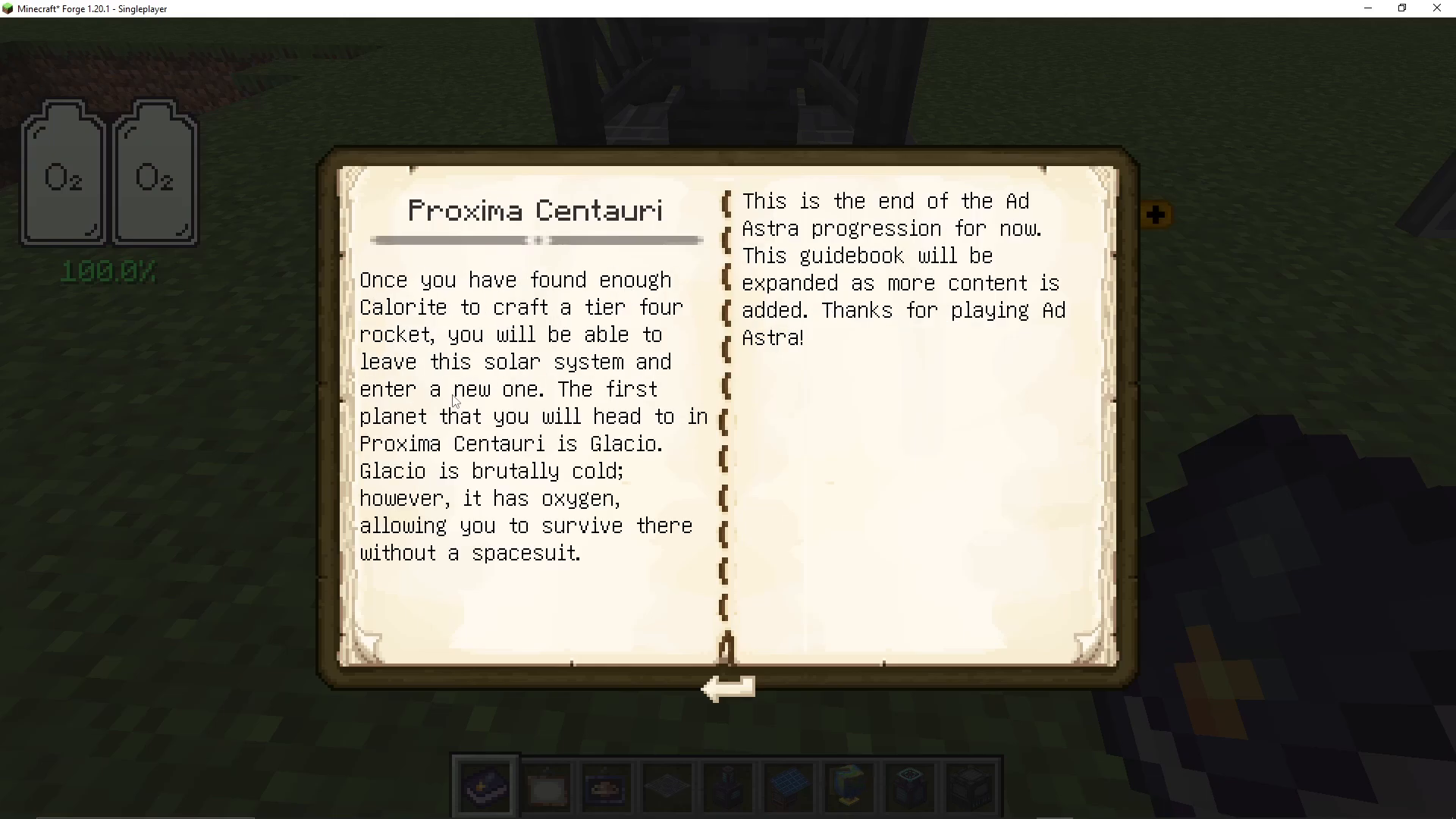
Glacio
Glacio is a brutally cold planet accessible only with a Tier Four rocket. Despite its extreme cold, Glacio has one major advantage: it has an oxygen-rich atmosphere. This means you can survive on Glacio without a space suit, making it a unique exploration destination.
Conclusion
Congratulations! You’ve now completed the entire Ad Astra progression. From building your first coal generator to launching into space and exploring multiple planets, you’ve experienced everything the mod has to offer. You’ve learned to harness power, craft advanced rockets, establish bases on other worlds, and progress through increasingly challenging planets. Ad Astra is an incredible mod that brings authentic space exploration to Minecraft. The journey from your first rocket to standing on alien worlds is rewarding and engaging. Whether you’re playing solo or with friends, Ad Astra offers hundreds of hours of exploration and building opportunities. Happy space traveling!
Want to Support?
If you would like to help us continue making these guides – please consider joining our patreon here – https://www.patreon.com/c/JaviHeals
Alternatively – we host a group of MC Servers you can join here – https://discord.gg/zD7Gjt6MHF