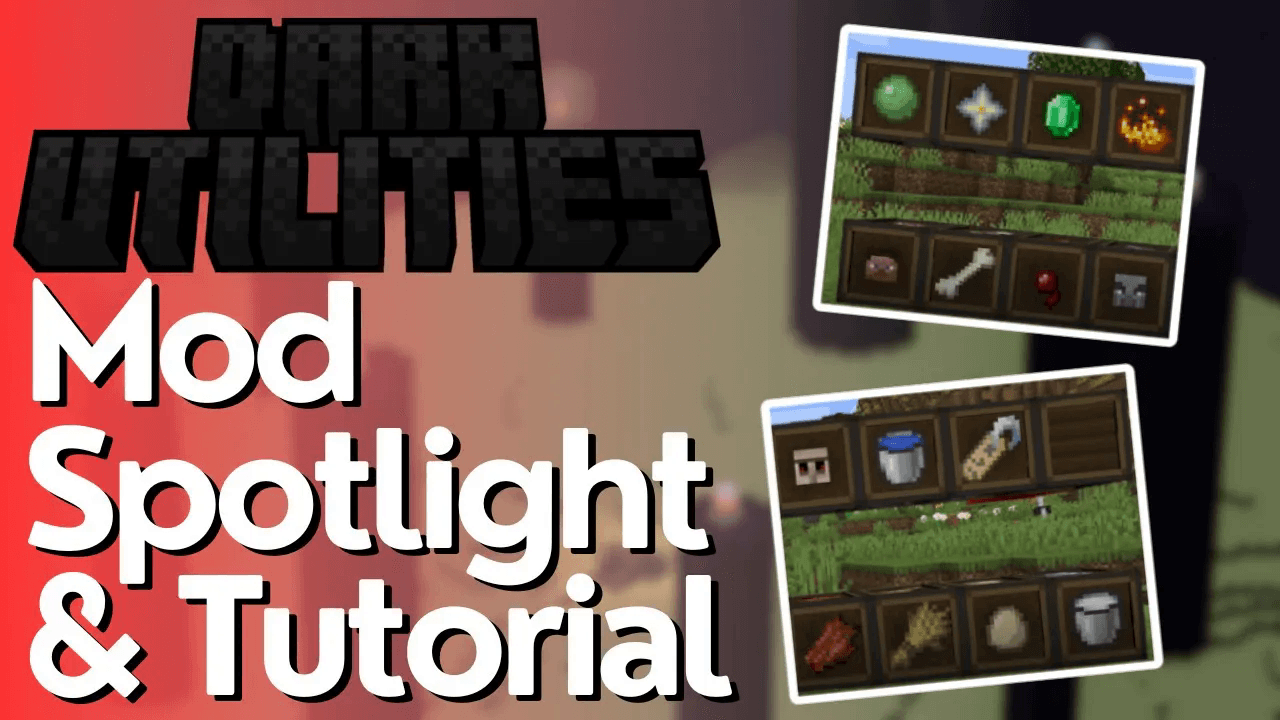
Dark Utilities Mod Tutorial & Spotlight
Dark Utilities Mod Tutorial & Spotlight for Minecraft 1.20.1
Despite its name, the Dark Utilities mod isn’t really all that dark — it’s actually a highly practical collection of items, blocks, and tools that add genuine quality-of-life improvements to your Minecraft experience. In this tutorial, we’ll break down every feature the mod has to offer, from handy charm items to mob-filtering blocks, so you can decide exactly which features belong in your next modpack or survival world. This spotlight is based on version 1.20.1 of the mod.
Charm Items
Charms are passive items that grant you special abilities simply by being held in your inventory or your offhand slot. If you have the Curios mod installed, you can equip them in a dedicated charm slot instead, freeing up your hands entirely.
Portal Charm
The Portal Charm lets you walk through Nether portals (and other portals) instantly, skipping the usual multi-second loading delay. Keep it in your inventory, offhand, or a Curios charm slot for it to take effect.
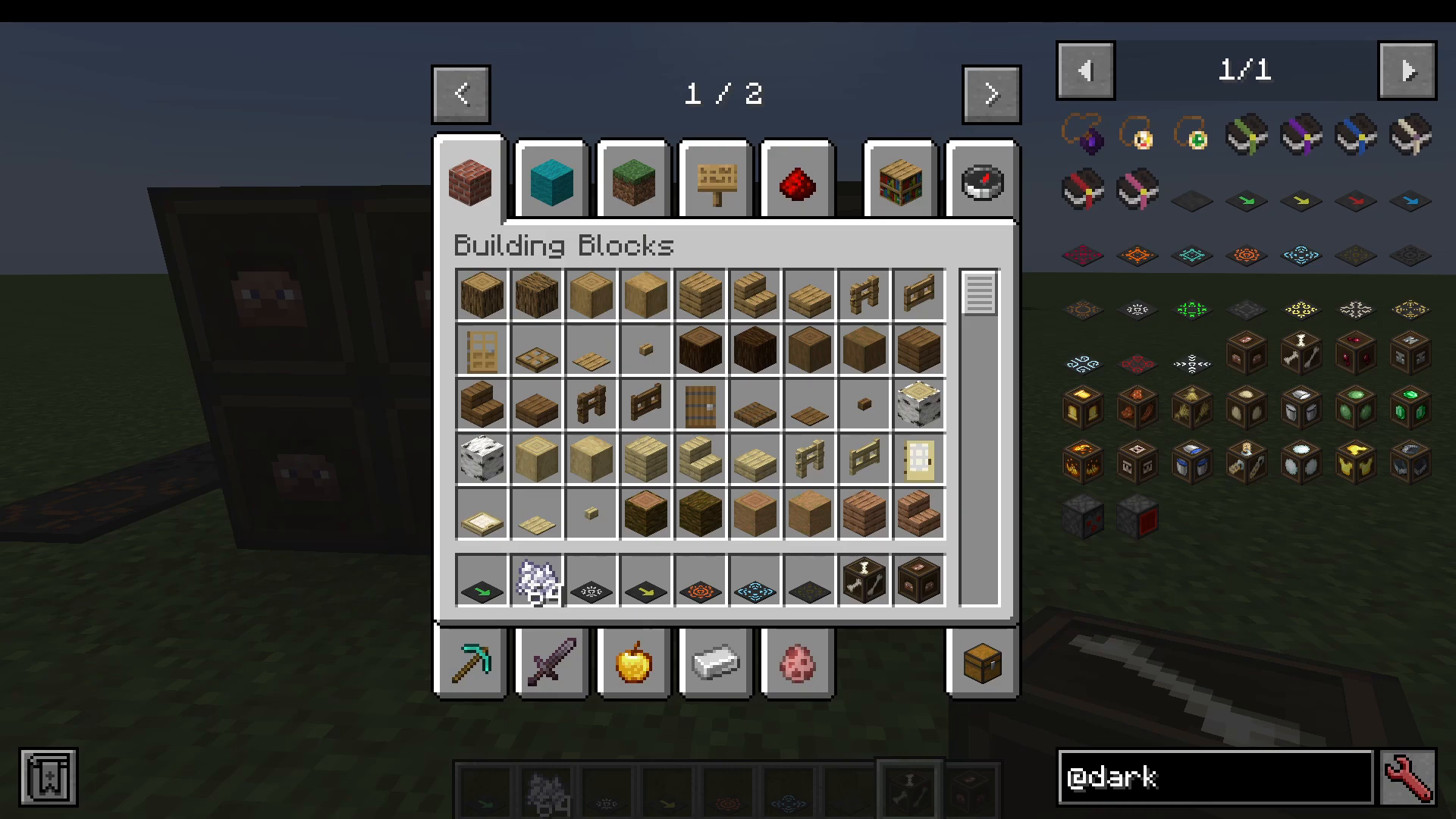
Sleep Charm
The Sleep Charm prevents insomnia, which means phantoms will never spawn to attack you — as long as the charm is on your person. As a bonus, when you do choose to sleep in a bed, you’ll skip straight to morning without the usual fade-in wait, just like the Portal Charm removes the portal delay.
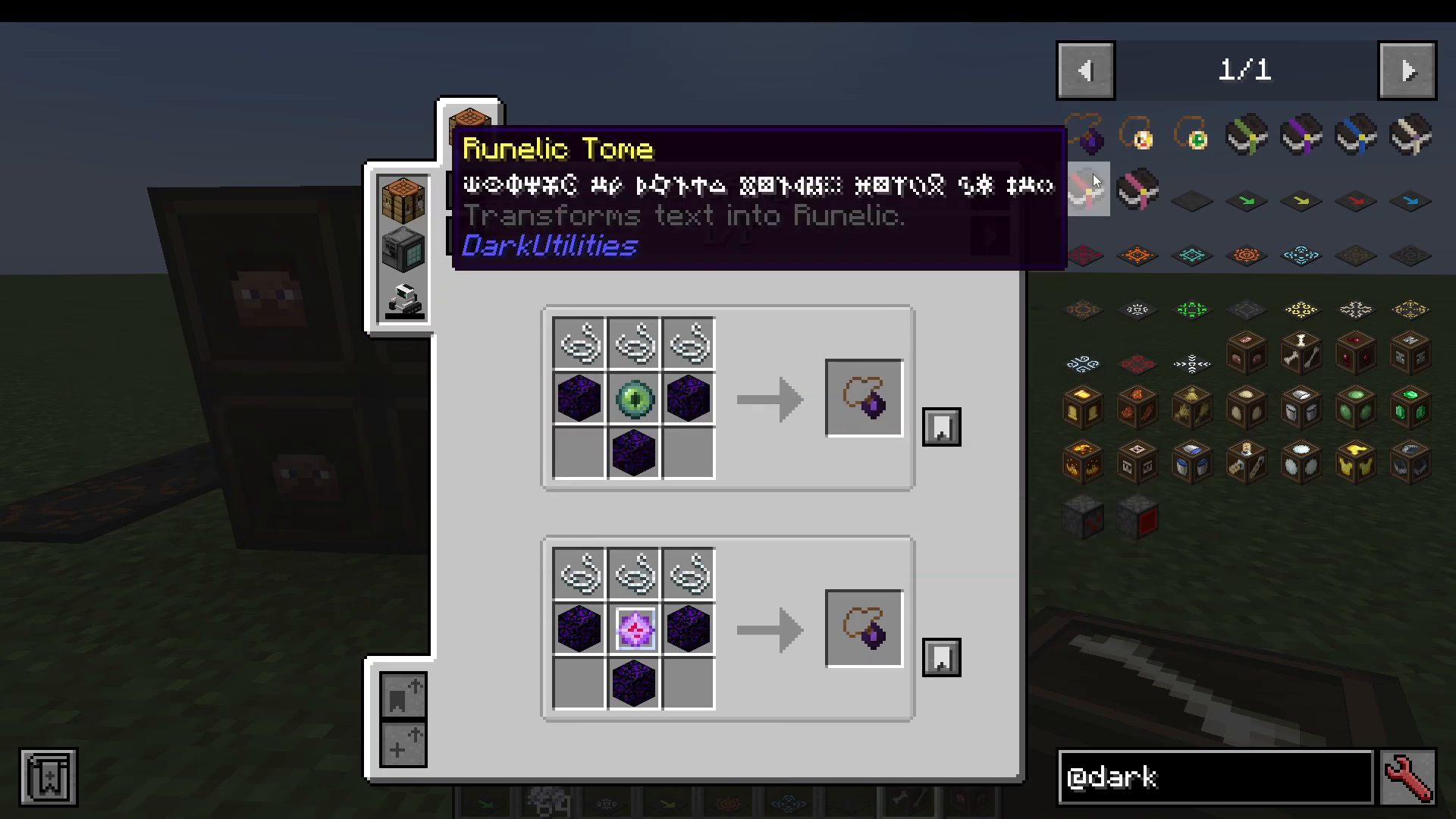
Warding Charm
The Warding Charm protects you from negative status effects, making it extremely useful in dangerous biomes or boss fights where debuffs are common.
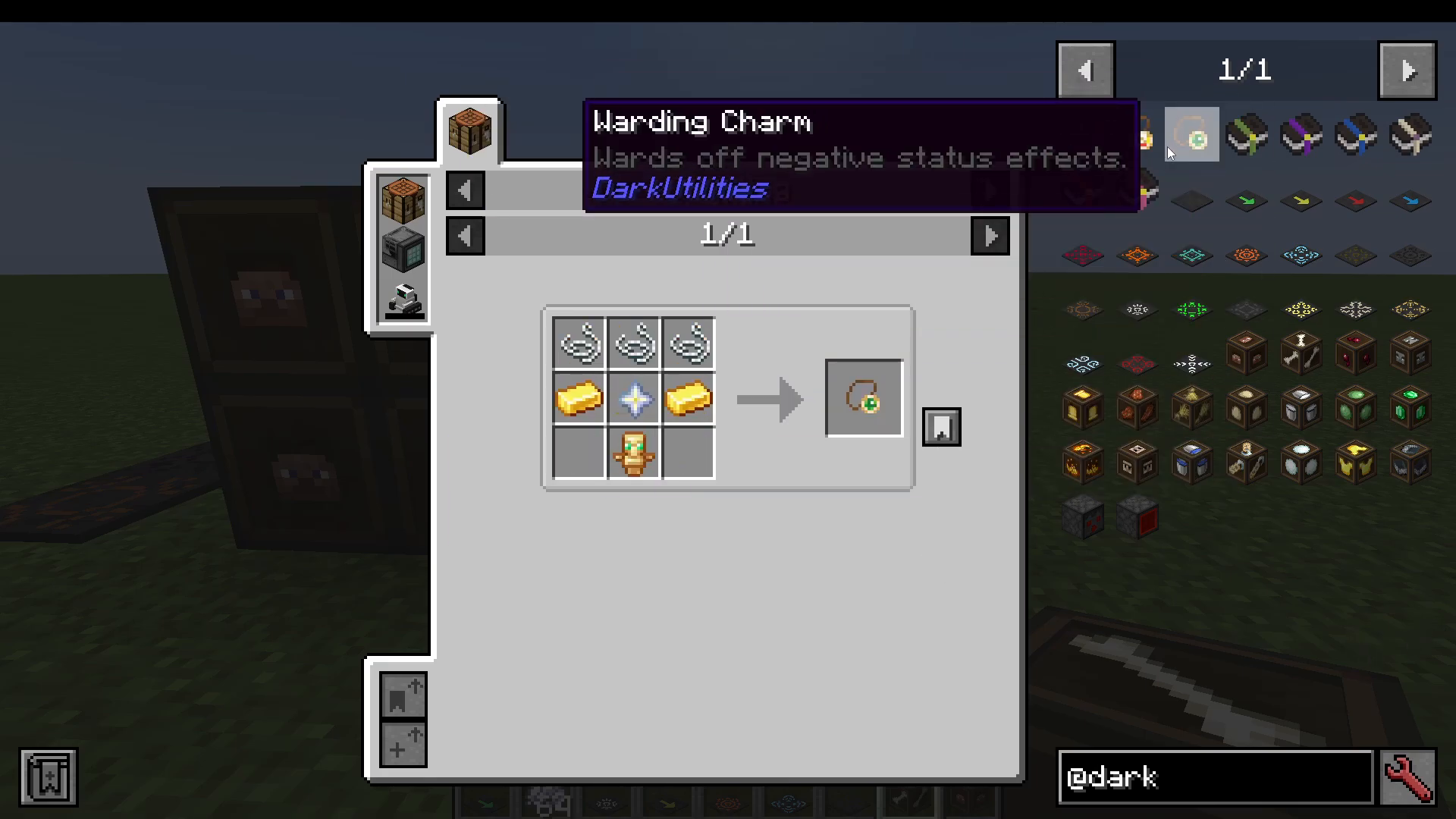
Charms Available in Other Versions
If you’re playing on an older version of the mod, you may also have access to two additional charms that are not present in 1.20.1:
Experience Charm — Decreases the pickup delay of experience orbs and slightly increases the amount of XP you receive when killing mobs that drop it.
Gluttony Charm — Allows you to eat food instantly, with no animation delay whatsoever.
Tomes
Dark Utilities also adds several tomes, which are specialty items that transform text into different in-game languages or scripts. These are largely cosmetic or novelty items. Here’s a quick rundown:
Tome of Enchanting — Refreshes enchanting options using Smix P. (No crafting recipe.)
Galactic Tome — Transforms text into the Standard Galactic Alphabet. (No crafting recipe.)
Illiger Tome — Transforms text into the Illiger language. Has a crafting recipe.
Tome of Shadows — Allows entities to be hidden from view. (No crafting recipe.)
Runic Tome — Transforms text into a runic style script.
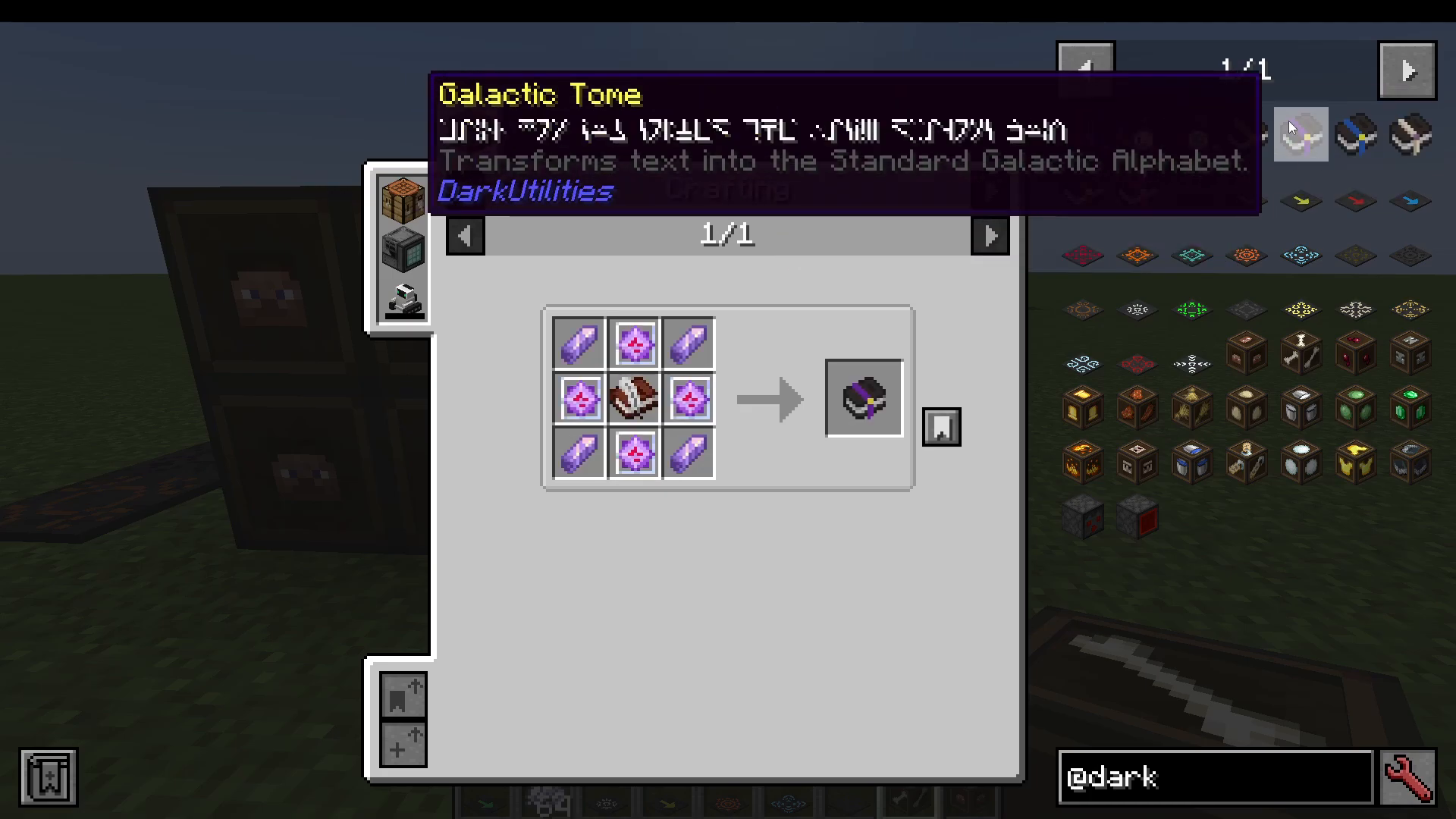
In practice, most players won’t find frequent use for tomes, but they’re a fun addition for map makers or adventure-mode builders who want stylized text.
Vector Plates
Vector Plates push entities (players and mobs alike) in a set direction when they step on them, making them ideal for mob transport systems, launching pads, or fast travel corridors. All plates start with a crafted Blank Plate, which you can also obtain by stonecutting polished blackstone bricks or similar blocks.
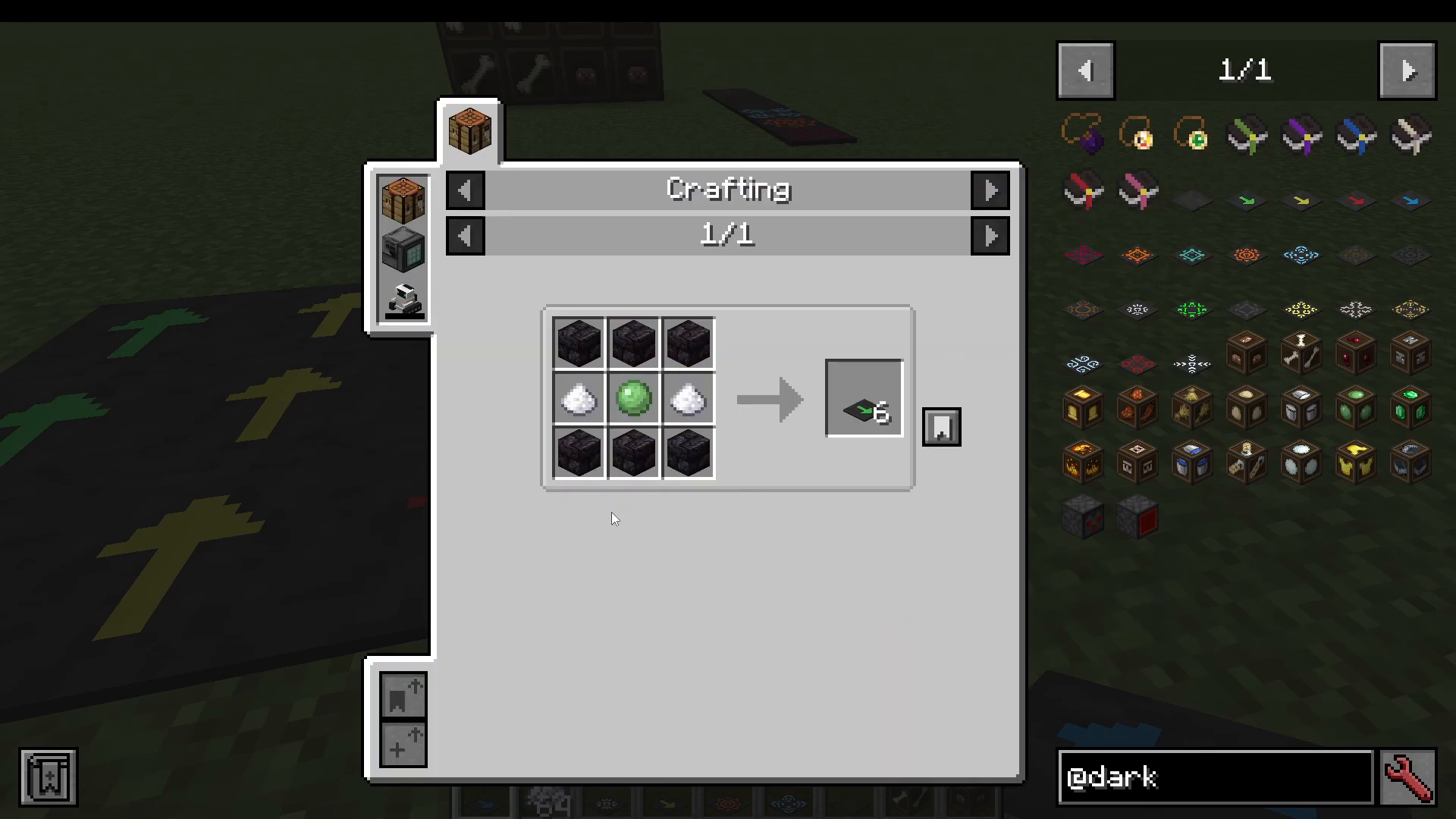
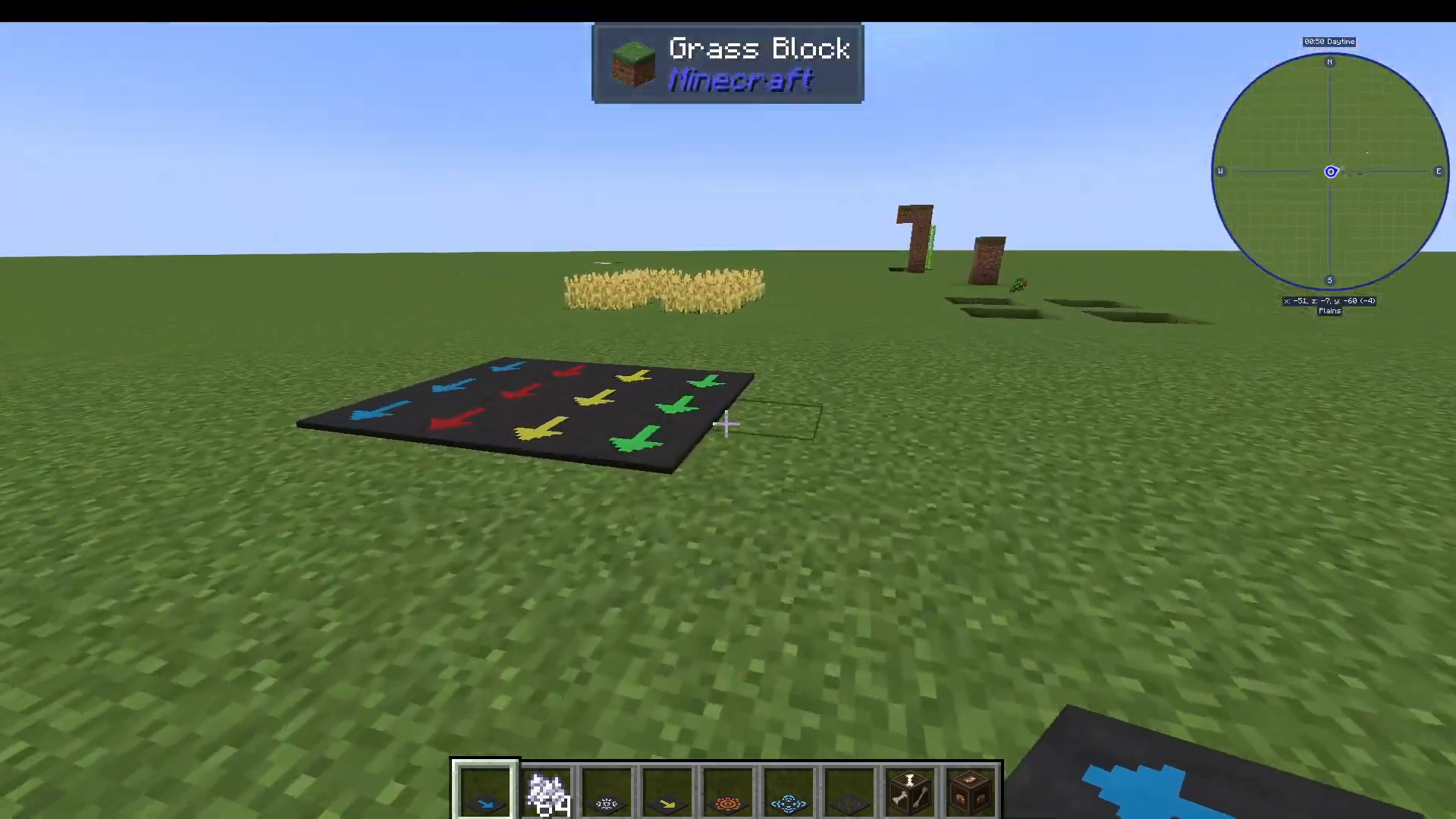
The four speed tiers of vector plates are:
Green (Standard) — Pushes entities forward at a moderate speed.
Yellow (Fast) — Noticeably faster than the standard plate.
Red (Very Fast) — Extremely high velocity; use with care.
Blue (Creative Only) — Has no crafting recipe and appears to be reserved for creative mode. It moves entities at a truly insane speed.
Effect Plates
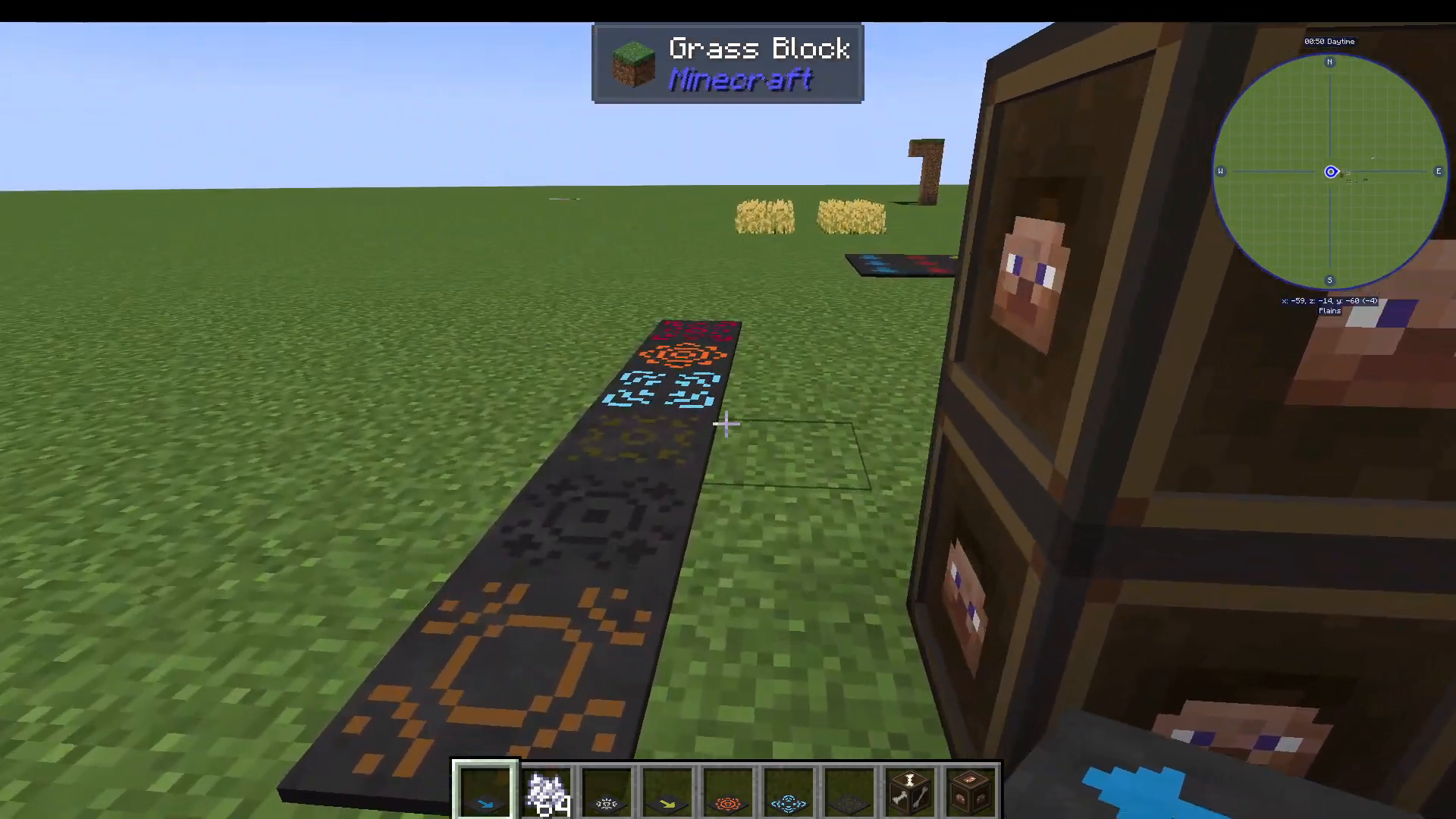
Beyond movement, Dark Utilities includes a full suite of Effect Plates — all crafted using the Blank Plate — that apply status effects or deal damage to any entity that steps on them. These are incredibly powerful tools for mob farms, traps, and automated systems.
Here is the complete list of available effect plates:
Damage Plate — Deals damage to anything that walks on it.
Maim Plate — Causes non-lethal damage, reducing entities to low health without killing them.
Player Damage Plate — Deals damage specifically to players.
Flame Plate — Sets entities on fire when they step on it.
Slowness Plate — Applies the Slowness effect.
Fatigue Plate — Applies the Mining Fatigue effect.
Darkness Plate — Applies the Darkness effect, reducing vision.
Hunger Plate — Drains the hunger of any entity that steps on it.
Weakness Plate — Applies the Weakness effect.
Poison Plate — Poisons entities that step on it.
Alert Plate — Makes entities that step on it glow, revealing their position.
Levitation Plate — Causes entities to levitate upward.
Misfortune Plate — Applies Bad Luck to entities.
Slow Fall Plate — Temporarily grants the Slow Fall effect.
Ominous Plate — Applies the Bad Omen effect.
Frost Plate — Begins to freeze entities that step on it.
Mob Filter Blocks
One of the most powerful features in Dark Utilities is its collection of Mob Filter Blocks. These blocks act as selective barriers — only allowing specific types of entities to pass through while blocking all others. They are a game-changer for mob farms, animal pens, and automated sorting systems.
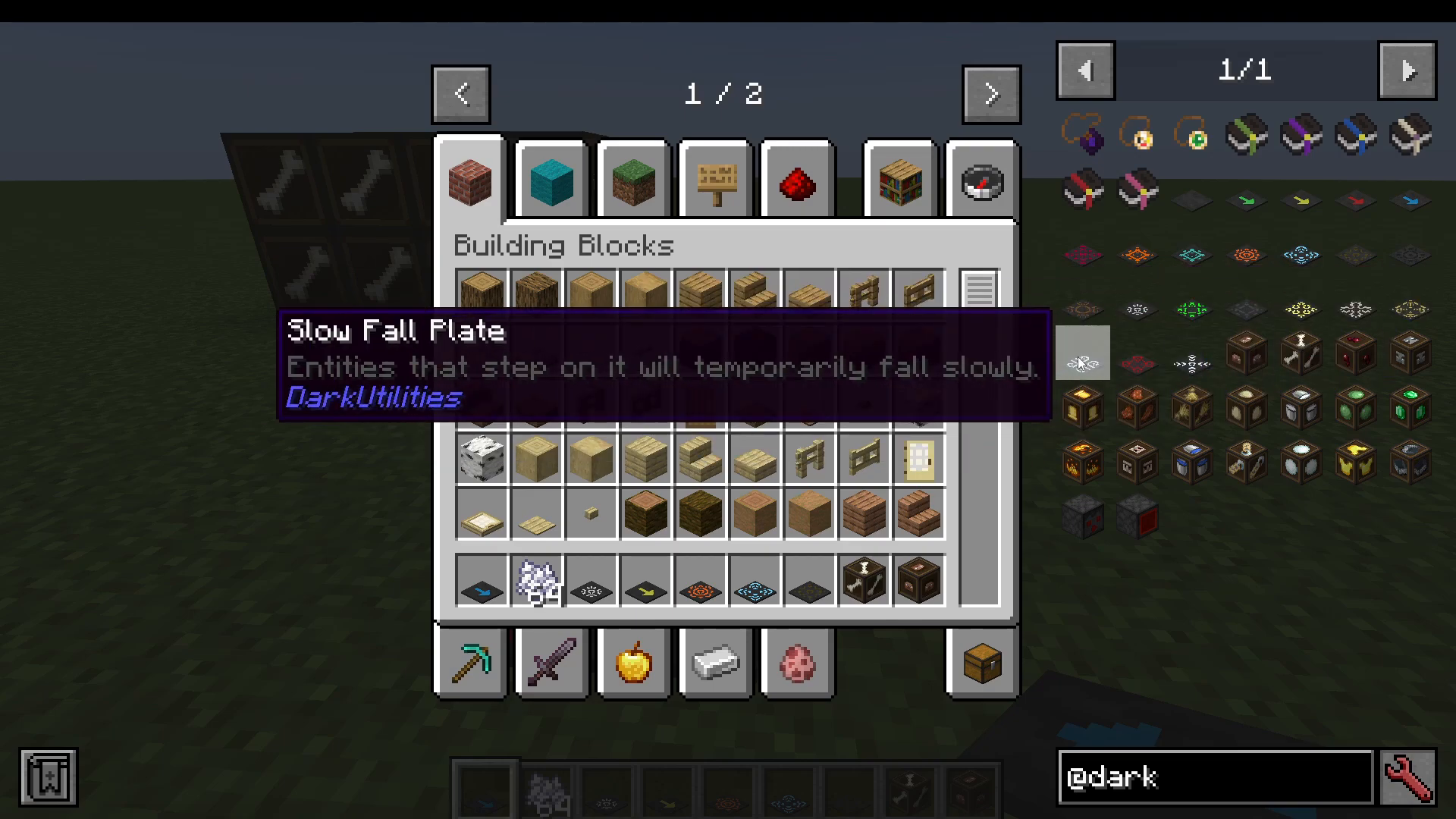
Each filter block targets a different entity category. Here’s the full list:
Player Filter — Only players can pass through; all other mobs are blocked.
Undead Filter — Blocks players but allows undead mobs (zombies, skeletons, etc.) to pass.
Spider Filter — Only spiders can pass through.
Illager Filter — Allows illagers (raid mobs) to pass through.
Hostile Mob Filter — Only hostile mobs can pass through.
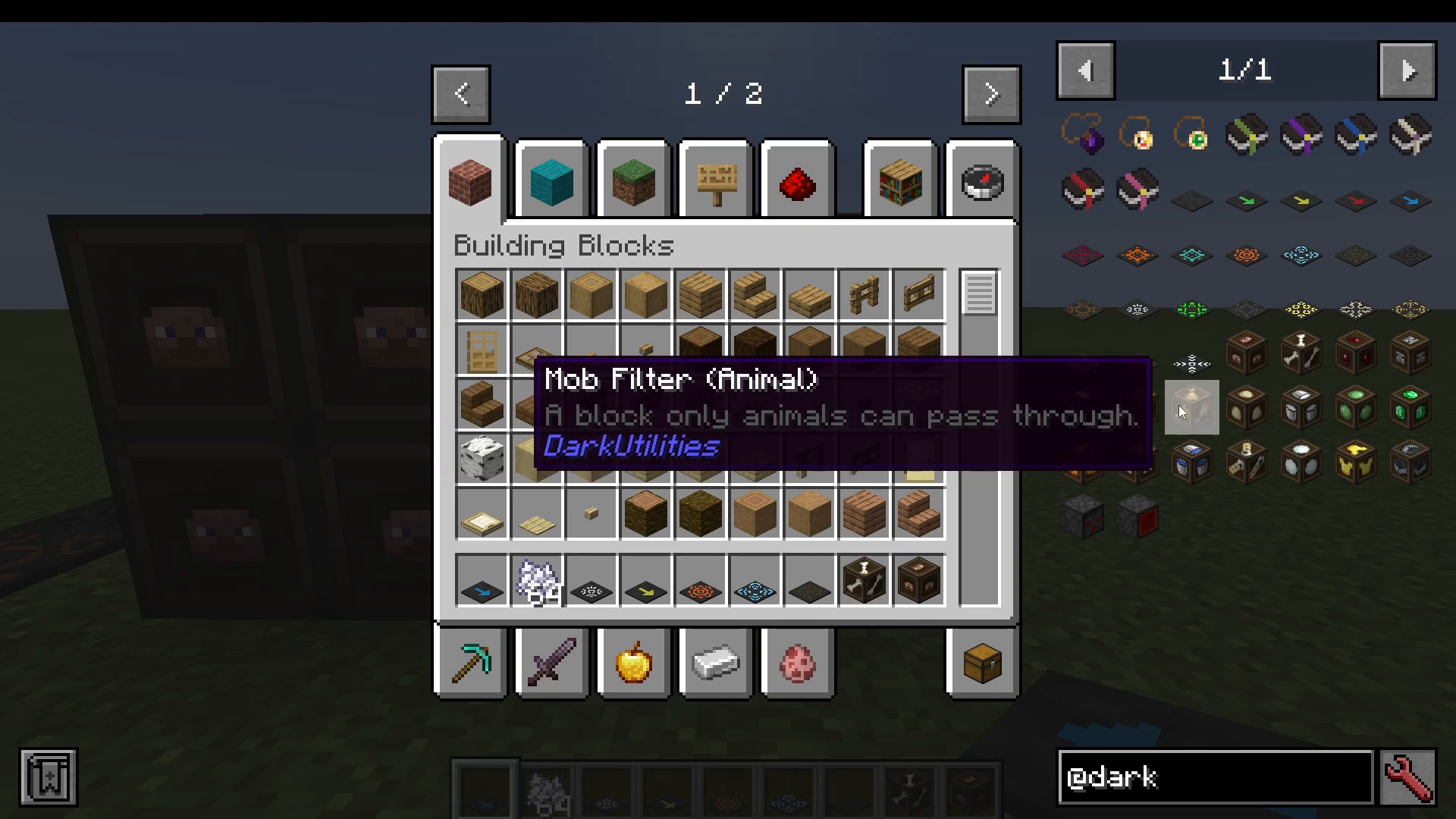
Animal Filter — Only passive animals can pass through.
Child/Baby Filter — Only baby (child) mobs can pass. Great for separating adults from babies in breeding farms.
Pet Filter — Only tamed pets (like dogs) can pass through.
Slime Filter — Only slimes can pass through.
Villager Filter — Only villagers can pass through.
Blaze Filter — Only blazes can pass through.
Fire Immune Filter — Only fire-immune mobs can pass through.
Golem Filter — Only golems can pass through.
Water Mob Filter — Only aquatic mobs (like dolphins) can pass through.
Named Mob Filter — Only name-tagged mobs can pass through.
Freeze Immune Filter — Only mobs immune to freezing can pass through.
Equipment Filter — Only mobs wearing armor or holding tools can pass through.
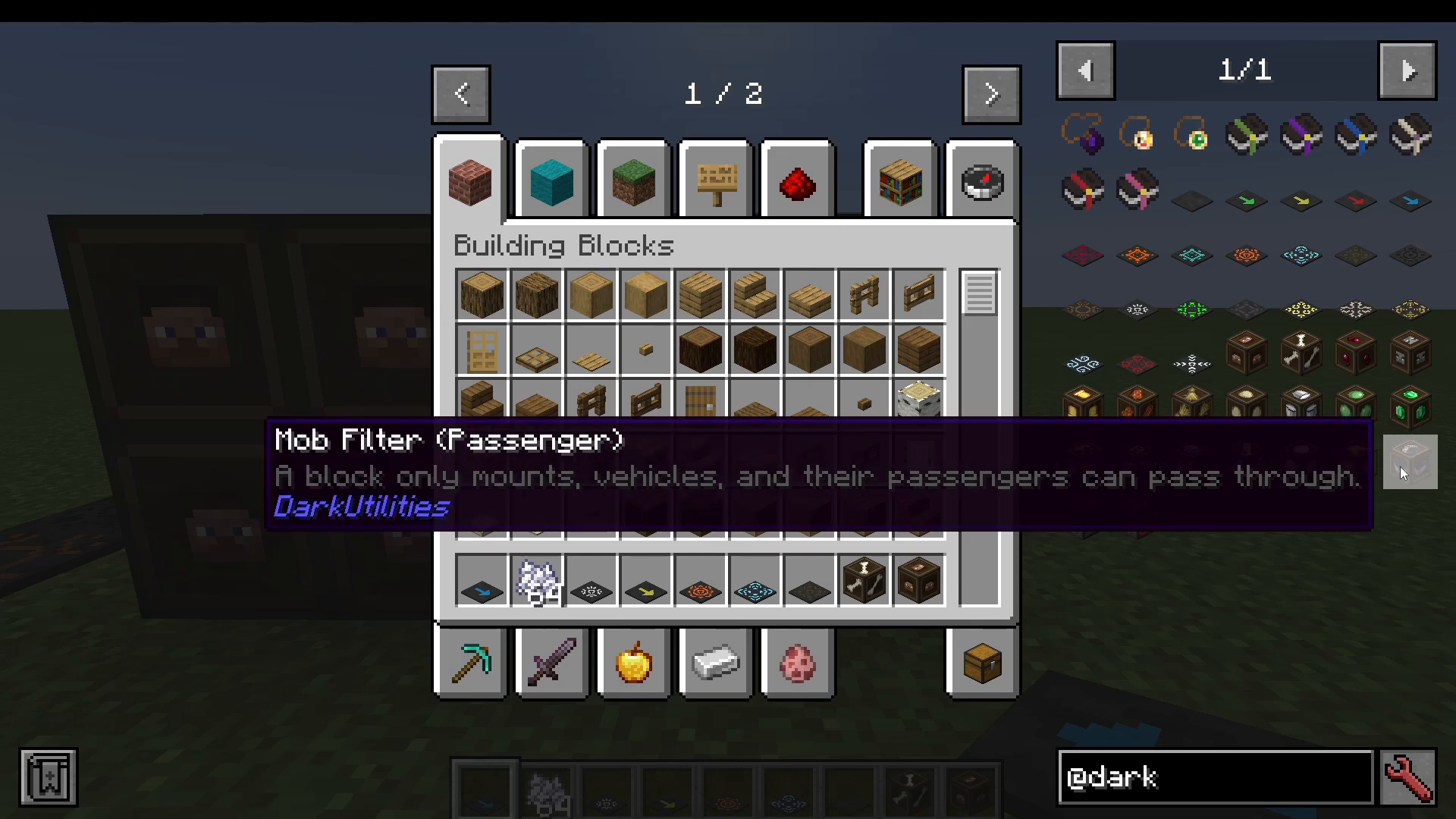
Passenger Filter — Only mounts, vehicles, and their passengers can pass through.
Redstone Blocks
Dark Utilities rounds out its feature set with two useful redstone-focused blocks:
Randomized Redstone Block — Randomly outputs redstone signals, which can add unpredictability to your contraptions or serve as a random trigger mechanism.
Shielded Redstone Block — Emits a redstone signal in only one specific direction, making it easier to build compact, directional redstone circuits without signal bleed.
Summary
The Dark Utilities mod is a well-rounded utility mod that punches well above its weight. Whether you’re looking for quality-of-life improvements through charms, high-speed entity transport with vector plates, automated mob control using effect and filter blocks, or cleaner redstone builds — Dark Utilities has a solution. It’s an excellent addition to almost any modpack running on Minecraft 1.20.1, and its features slot in naturally alongside other popular mods like Curios. Give it a try and see how much it streamlines your world.
“`