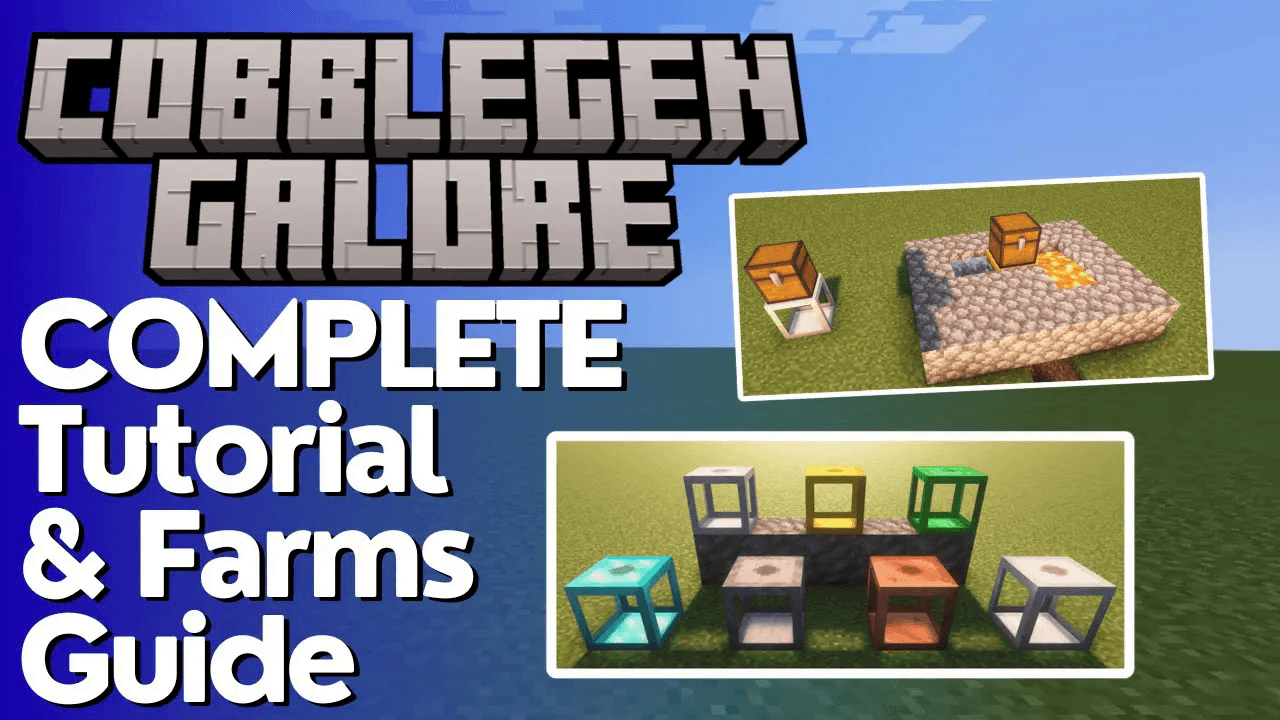
Cobblegen Galore Complete Tutorial
Cobblegen Galore Mod: Complete Minecraft Tutorial
The Cobblegen Galore mod is one of the most useful and straightforward mods you can add to your Minecraft world. Whether you’re playing a modpack like ATM 10 or building your own setup, this mod lets you automate the generation of dozens of different blocks with minimal effort. In this tutorial, you’ll learn exactly how the mod works, how to set up your first generator, and how to unlock a clever trick for farming Obsidian automatically — even when the mod says it shouldn’t be possible.
What Does Cobblegen Galore Add to Minecraft?
Cobblegen Galore adds a set of block generators to Minecraft, each capable of producing a different type of block using water and lava. The generators available include:
Stone
Copper
Iron
Gold
Emerald
Diamond
Netherite
Each generator also comes with a speed modifier, ranging from tier 1 through to tier 4, with generation speeds scaling at 1, 2, 4, 8, 16, 32, and 64 blocks. The higher the tier, the faster your generator produces blocks.
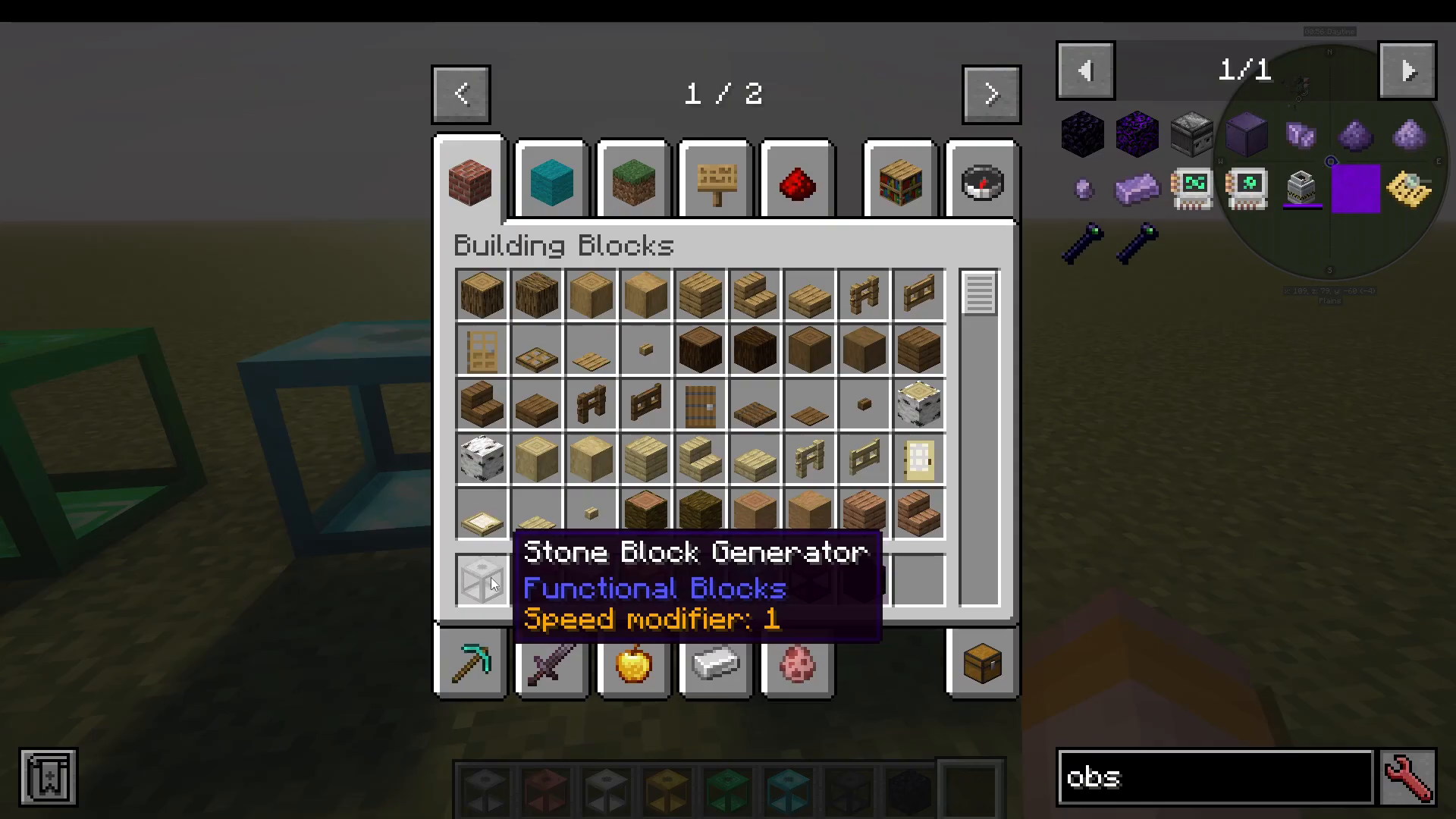
Using Just Enough Items (JEI) to Browse Recipes
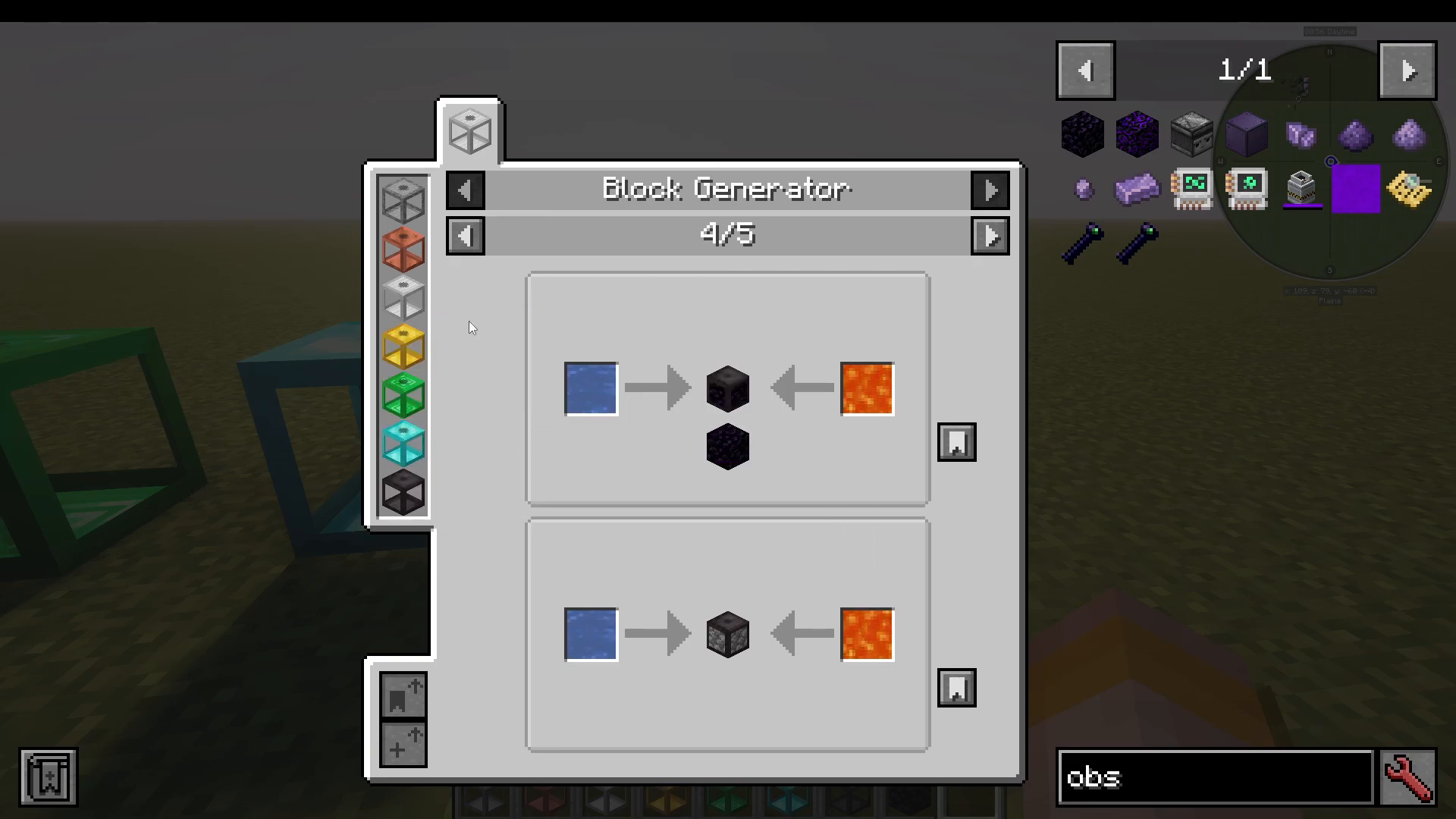
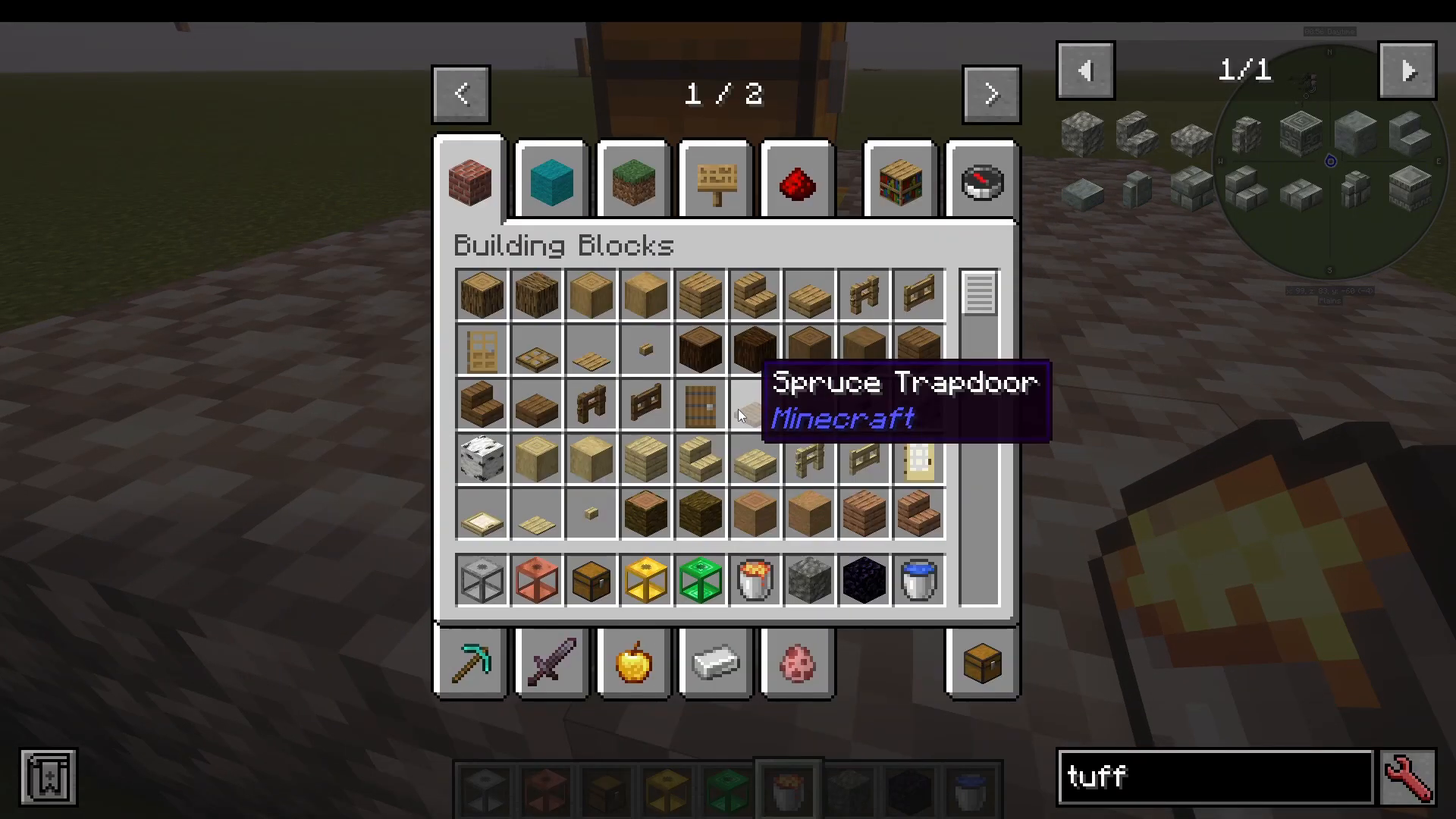
If you have Just Enough Items (JEI) installed alongside Cobblegen Galore, you can press U on any generator item to view all the blocks it can produce. A list of all available generators will appear on the left-hand side of the JEI interface, making it easy to browse your options before you start building.
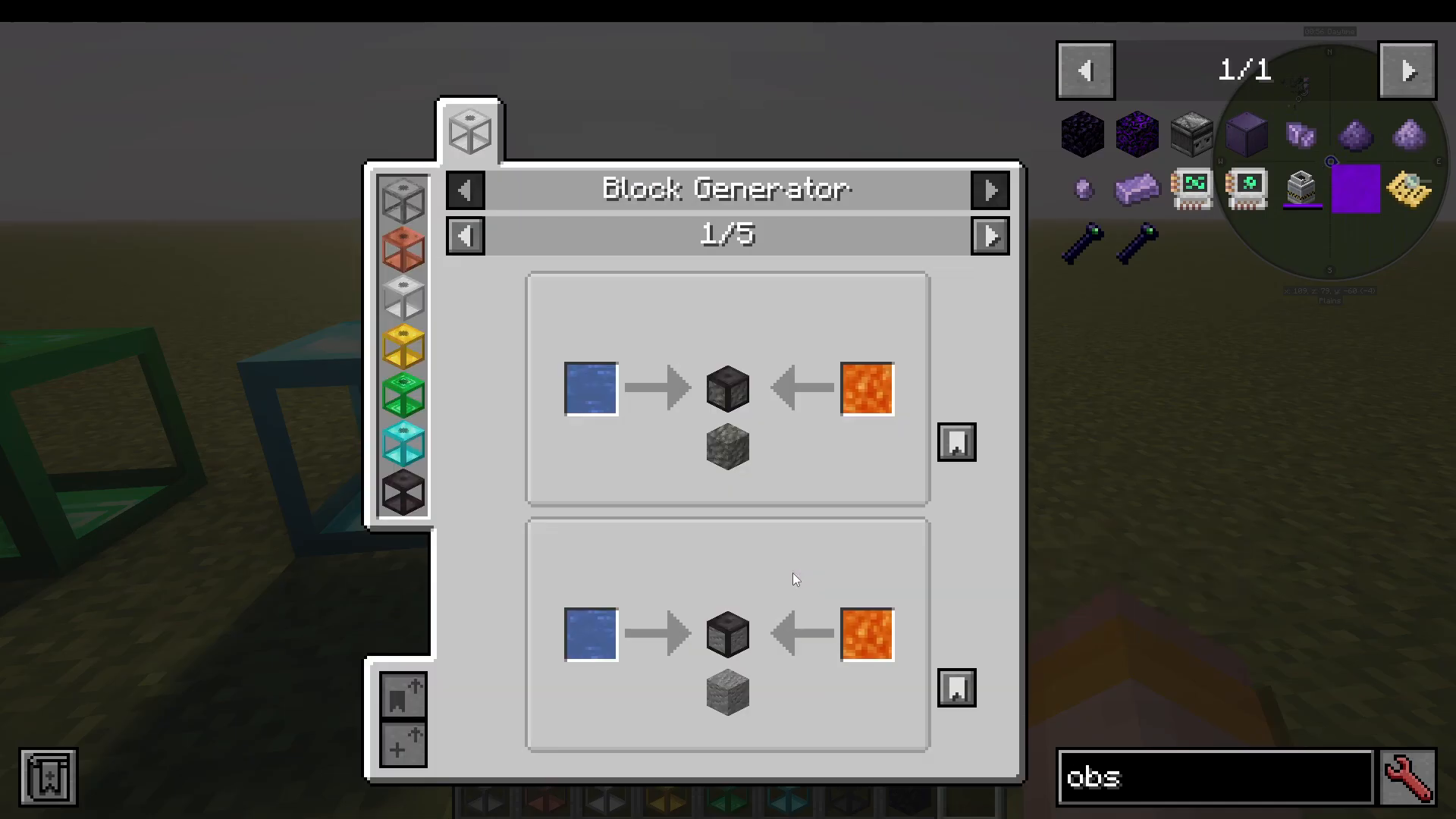
For example, looking up the Obsidian recipe in JEI shows that it is produced inside the Cobblegen generator using water on one side and lava on the other. You’ll also see a note that reads “source block is consumed” — meaning the lava will be used up in the process. Don’t worry, there is a workaround for this, which is covered later in this guide.
Setting Up Your First Generator
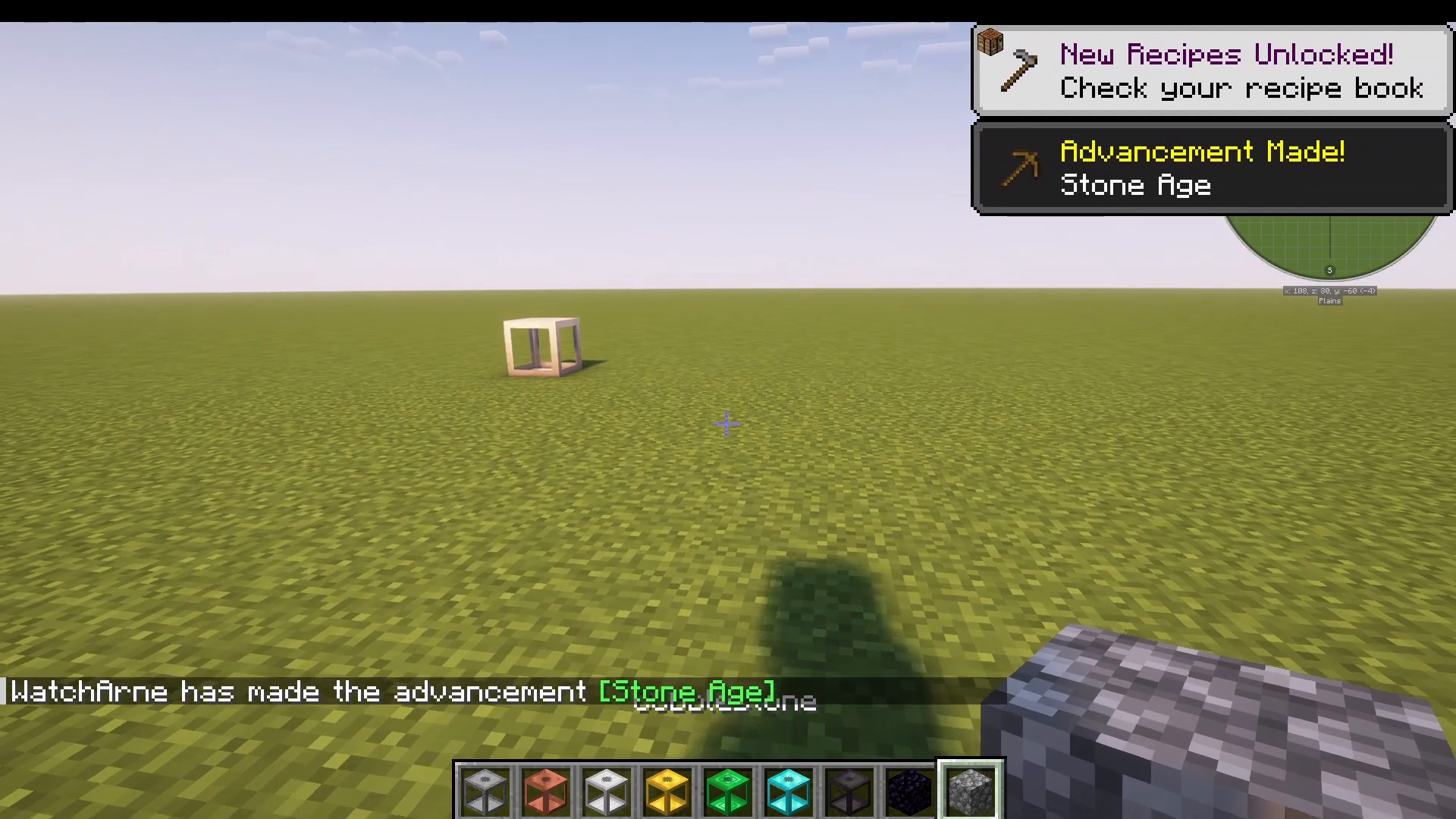
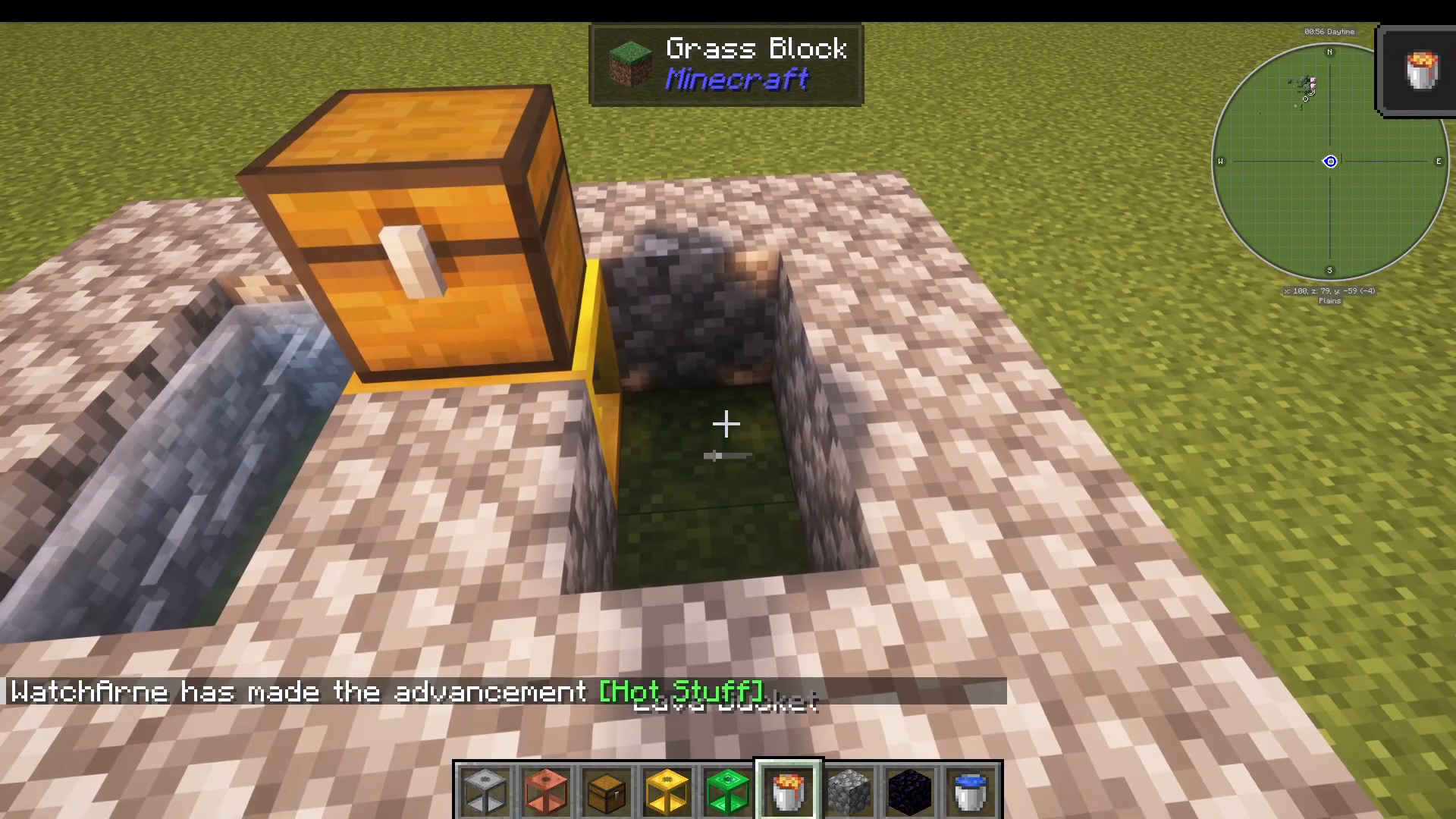
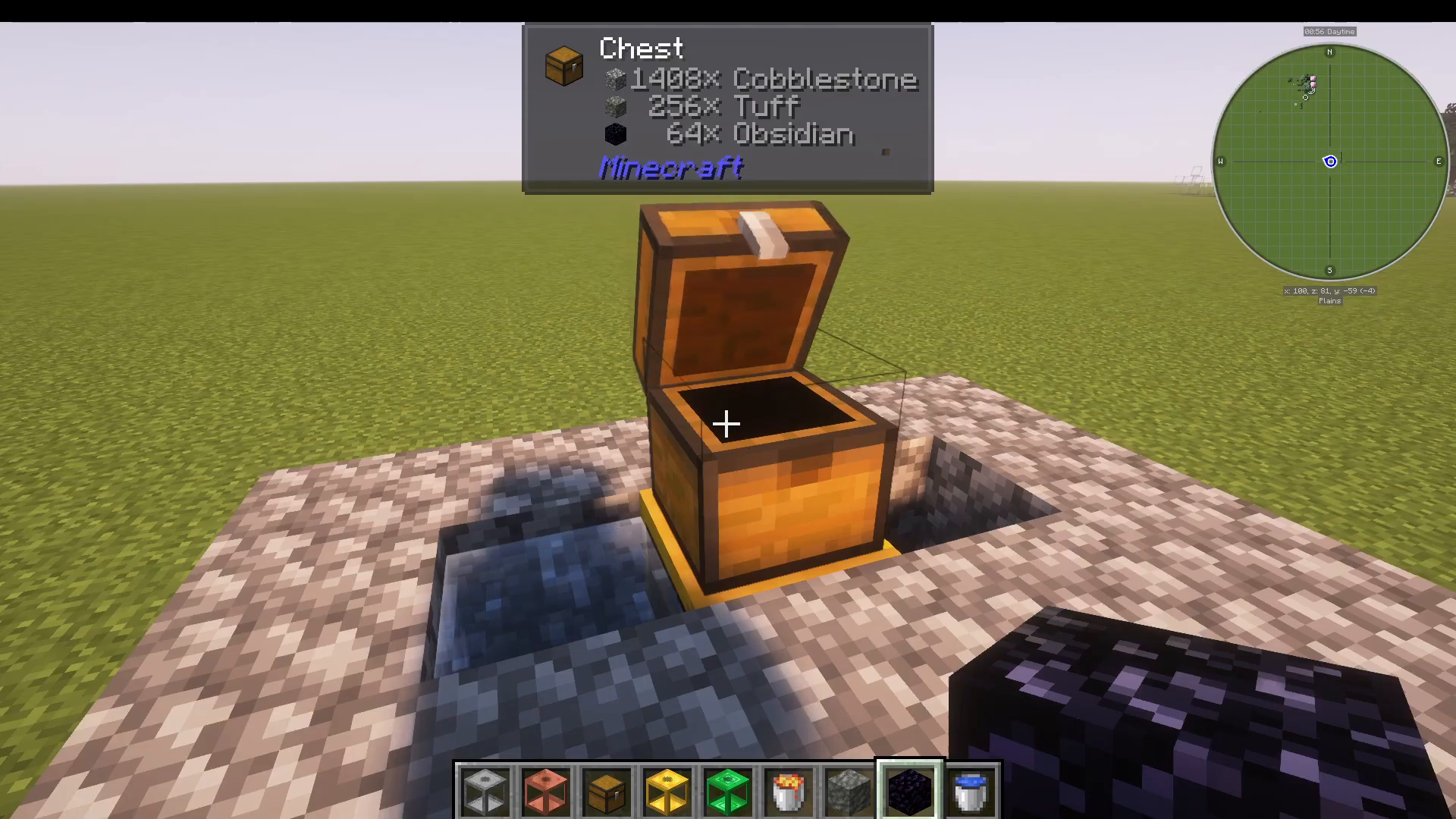
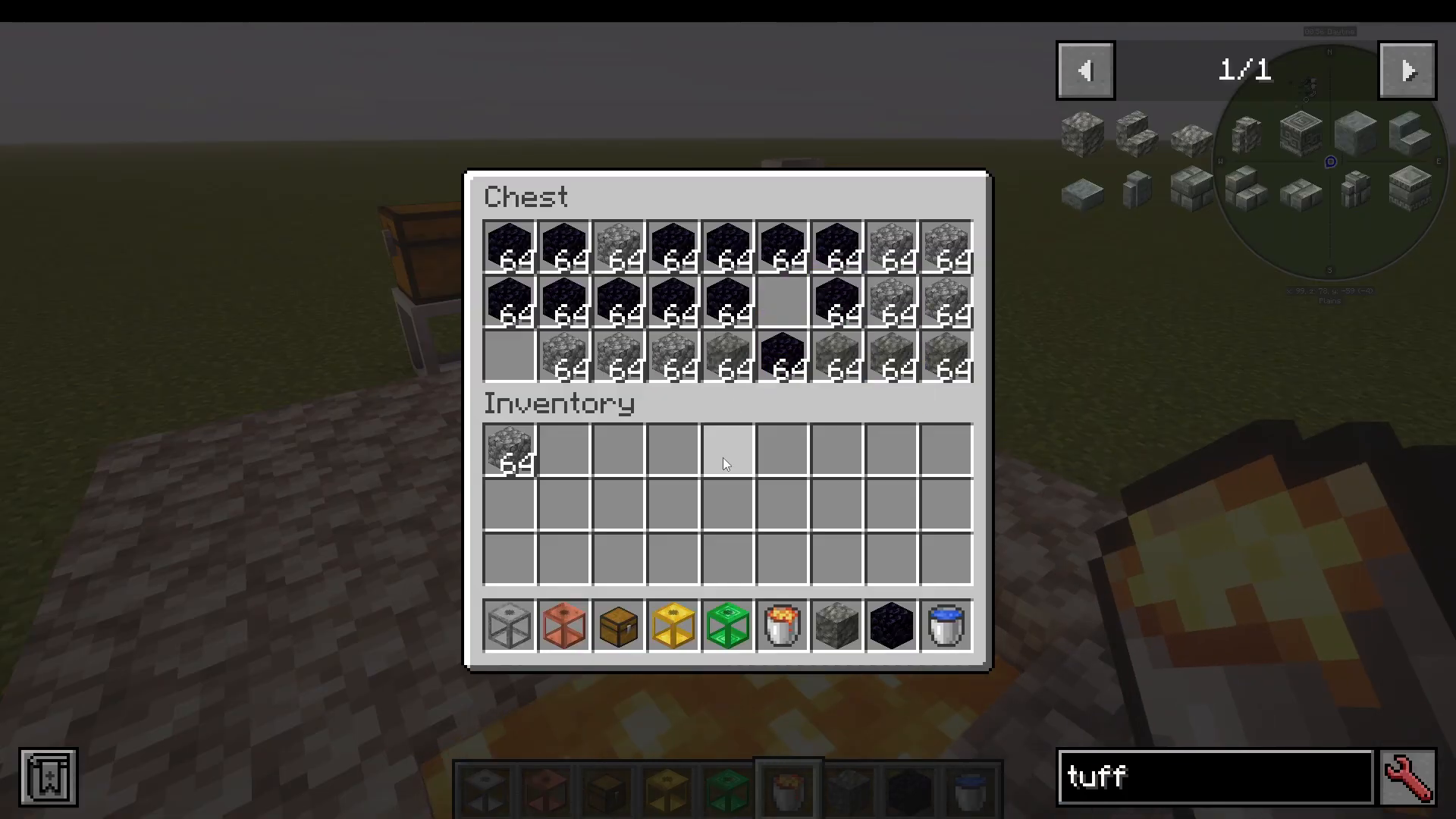
To get started, place your chosen generator block in the world. You’ll need a chest positioned directly above the generator — this is where all your generated blocks will be deposited automatically.
Next, place water on one side of the generator and lava on the other side. Once both fluids are in place, the generator will immediately begin producing blocks and depositing them into the chest above.
Changing What Block Your Generator Produces
One of the most powerful features of Cobblegen Galore is how easy it is to switch between different output blocks. By default, the generator will produce Cobblestone. However, you can change the output by placing a different block directly beneath the generator.
Example: Switching from Cobblestone to Tuff
With the generator running and producing Cobblestone, simply place a block of Tuff underneath the generator. The generator will immediately switch to producing Tuff instead of Cobblestone. Remove the Tuff from beneath the generator and it reverts back to its default output.
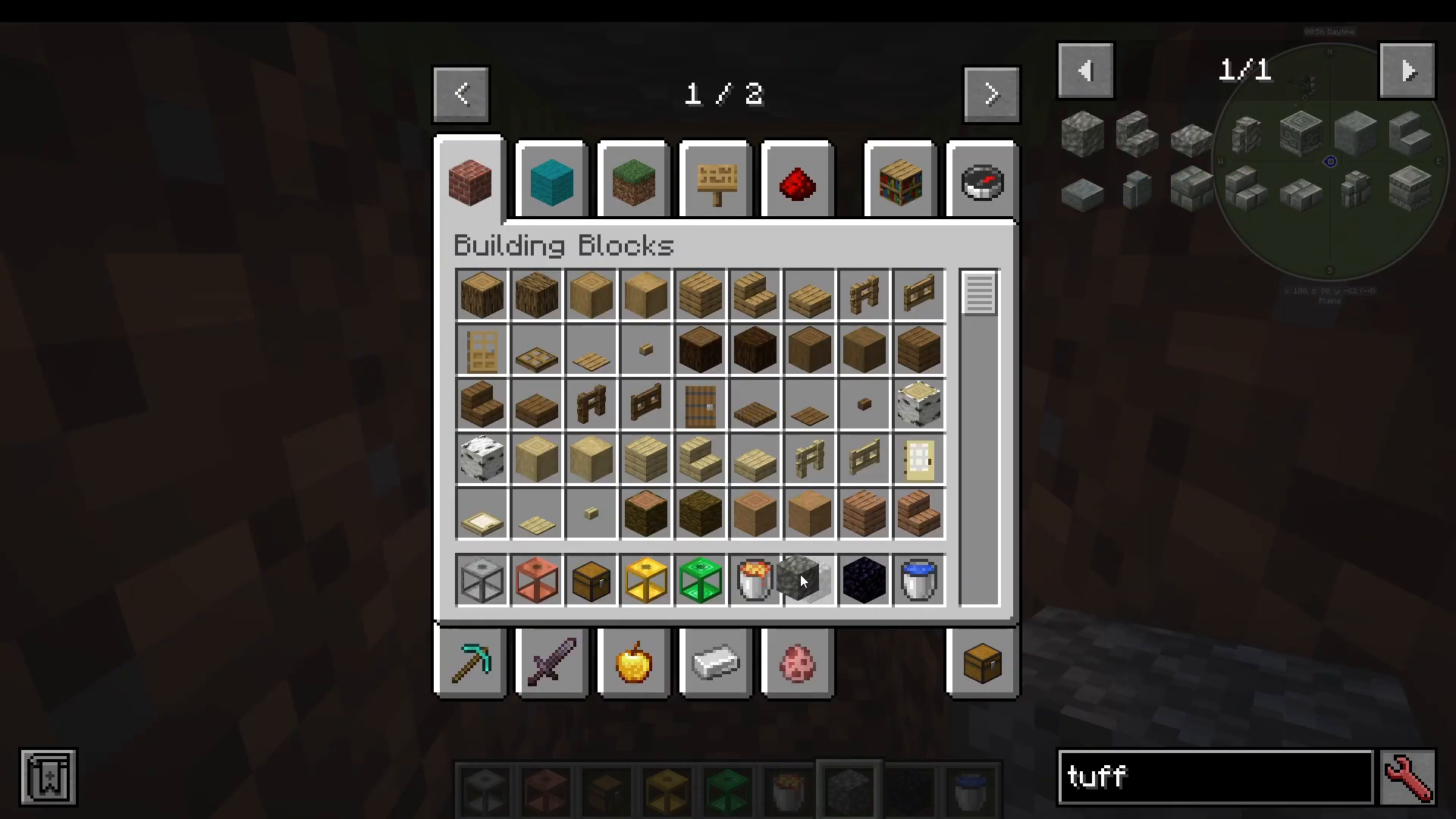
This mechanic applies to any block listed in the JEI recipes for that generator. Whatever block you place beneath it, that is what the generator will produce.
How to Farm Obsidian Automatically (The Flowing Lava Trick)
Here is where things get interesting. When you place Obsidian beneath the generator to trigger Obsidian production, you’ll notice that the generator consumes the lava source block in the process — exactly as JEI warned. This would normally make it impossible to run an automated Obsidian farm.
The Fix: Use Flowing Lava Instead of a Source Block
The trick — which works in ATM 10 at least — is to use flowing lava rather than a lava source block on the side of the generator. Flowing lava is not treated as a source block, so it will not be consumed when the generator produces Obsidian. This means you can run a fully automated Obsidian farm continuously, despite the “source block is consumed” warning.
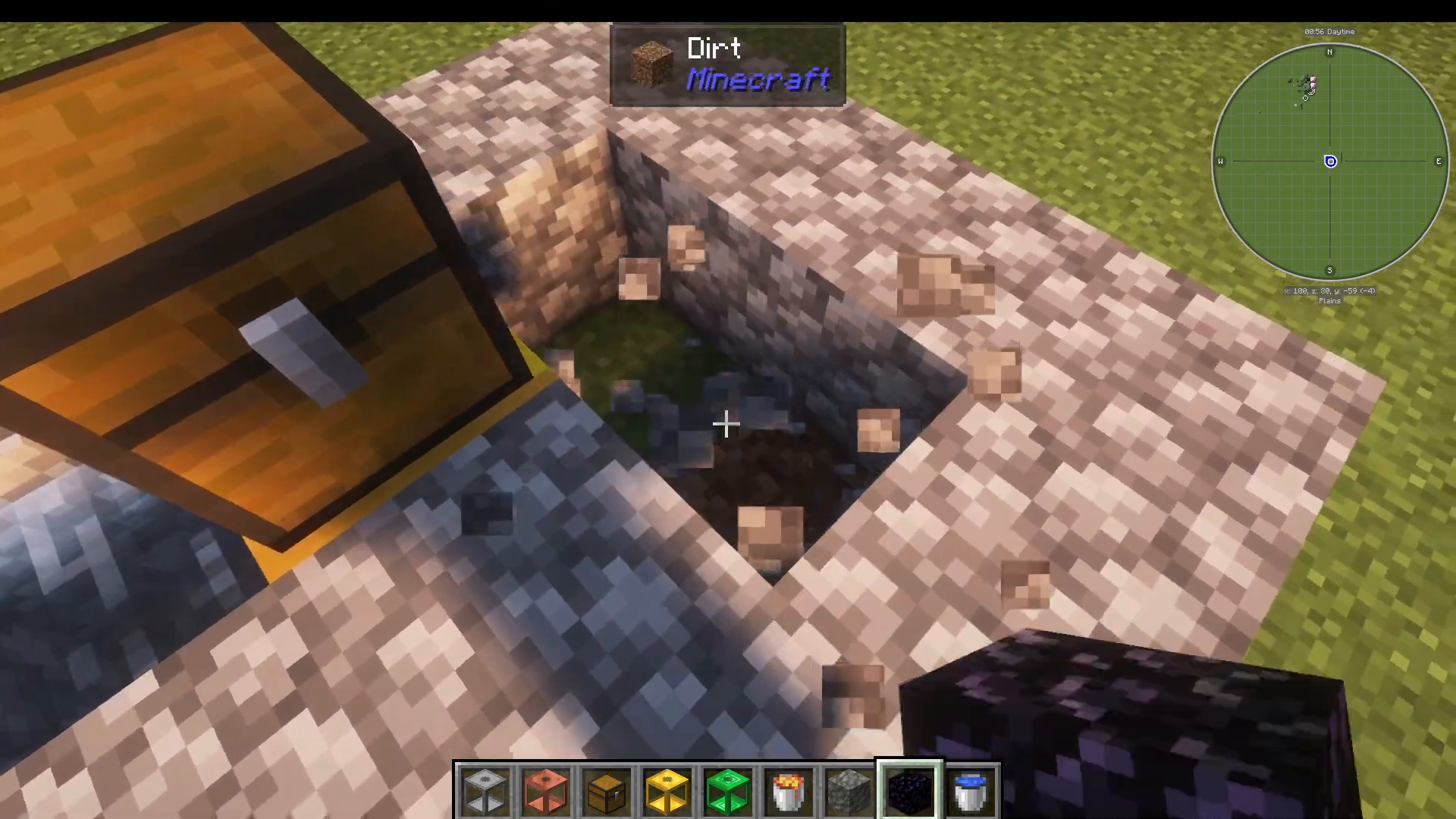
With flowing lava in place and Obsidian positioned beneath the generator, you now have a fully automatic Obsidian farm up and running. This same principle may apply to other blocks that normally consume the source fluid, so it is worth experimenting with in your own world.
Summary
The Cobblegen Galore mod is a brilliantly simple but incredibly powerful addition to any Minecraft modpack. Here’s a quick recap of everything covered in this tutorial:
The mod adds multiple block generators (Stone, Copper, Iron, Gold, Emerald, Diamond, Netherite) with tiered speed modifiers.
Place a chest above the generator to collect output blocks automatically.
Place water on one side and lava on the other to activate the generator.
Place any block beneath the generator to change what it produces.
Use flowing lava instead of a source block to farm Obsidian (and similar blocks) without consuming your lava supply.
Use JEI (Just Enough Items) and press U on a generator to browse all available recipes.
Whether you’re brand new to Minecraft modding or a seasoned ATM 10 veteran, Cobblegen Galore is well worth adding to your world. Happy building!
“`