
Easy Mob Farm Mod Tutorial
Easy Mob Farm Mod: The Ultimate Starter Guide
The Easy Mob Farm mod is one of the best mob farming mods available for Minecraft. Whether you want a steady supply of beef, bones, or even rare drops from Wither Skeletons, this mod makes the whole process straightforward and scalable. This guide walks you through everything — from capturing your first mob to automating your farm’s output with upgrades and capture cards.
Step 1: Capturing Mobs — Choosing the Right Trap
Before you can run a mob farm, you need to capture a mob and place it inside. The mod gives you several mob trap items, each suited to a different mob size:
Enduring Net — Crafted with a feather, string, and lead. Captures mobs with a maximum size of 0.1 × 1.4 (think chickens). Requires the mob to be at 50% health or below. Has 64 uses.
Iron Bound Cage — More expensive to craft. Captures mobs sized 1.5 to 2 (sheep, pigs, etc.). Requires the mob to be at 25% health or below. Has 32 uses.
Mystic Binding Crystal — Captures mobs sized 3 × 4, such as Endermen and cows.
Void Binding Chain — The most powerful trap, capturing very large mobs sized 4 × 6.
There is also a Creative Mob Catcher available if you just want to test things out without survival constraints.
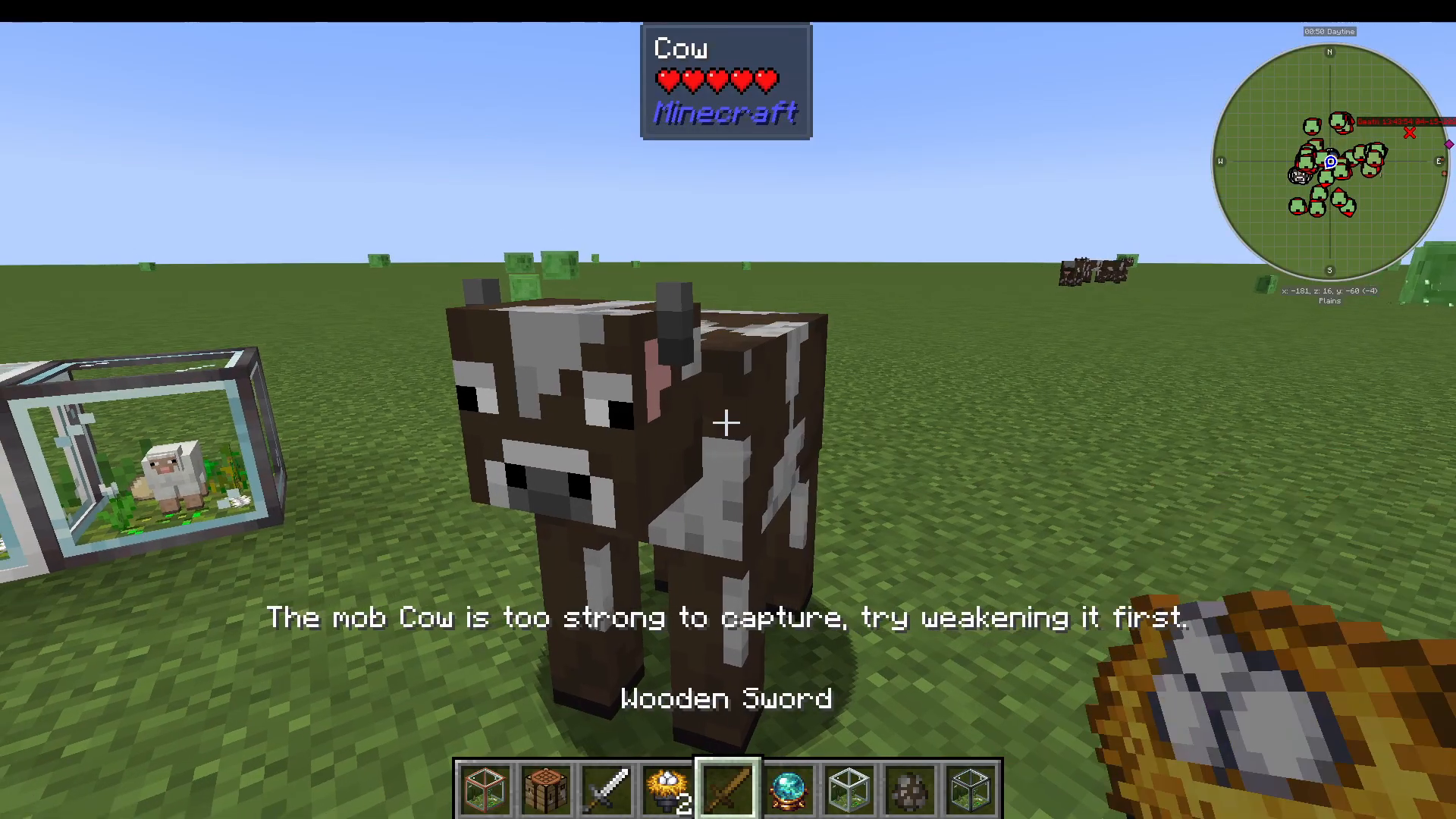
Capturing a Cow: A Practical Example
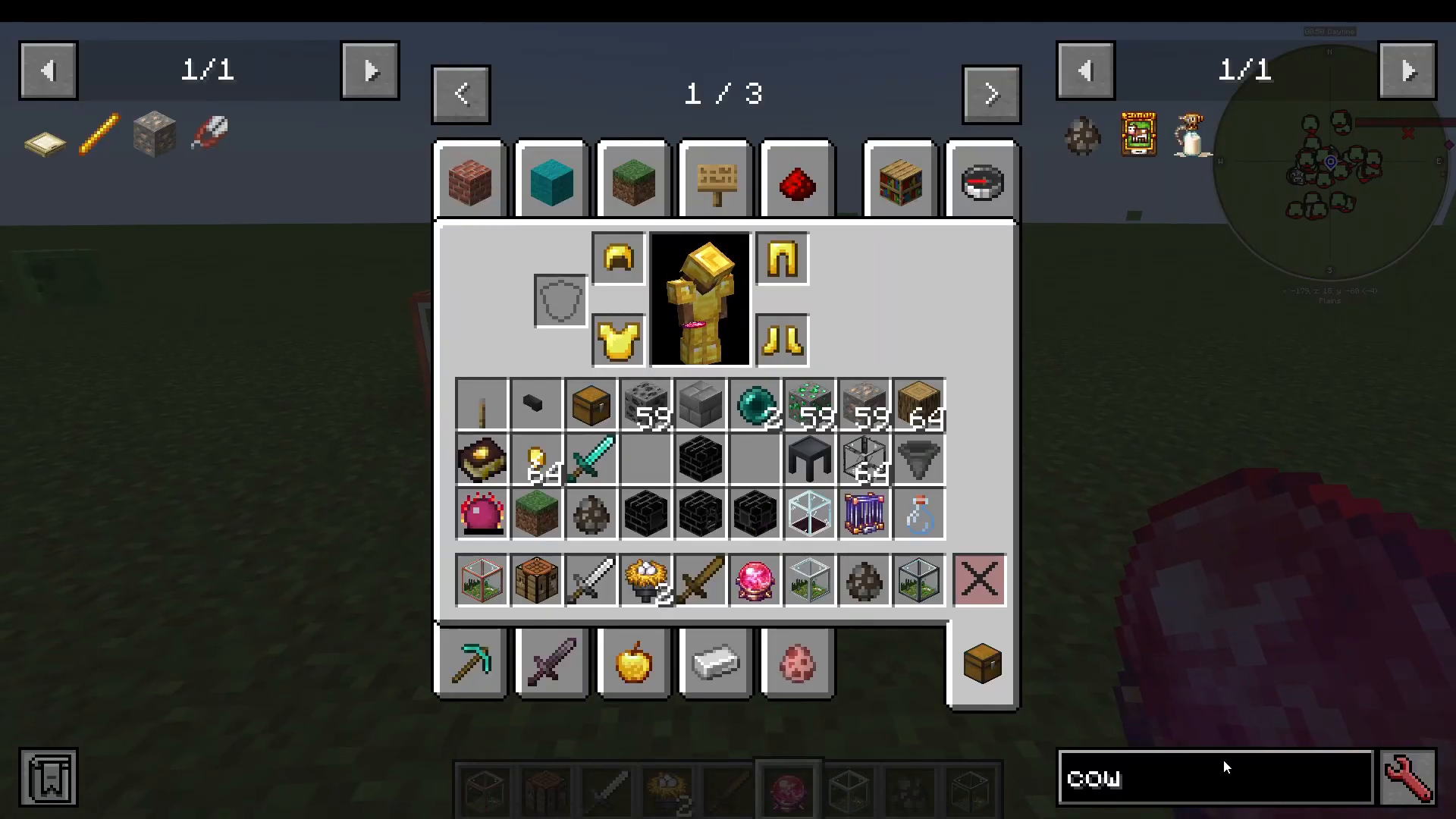
A cow falls into the Mystic Binding Crystal size range. To capture one, first deal enough damage to bring it below 50% health — you’ll receive a message saying “mob is too strong, try weakening it” if you attempt the capture too early. Once the cow is low enough on health, right-click it with the crystal. The crystal will turn red to confirm the capture, and checking it in your inventory will display Type: minecraft:cow.
Step 2: Understanding Farm Types and Tiers
The Easy Mob Farm mod includes a wide variety of farm blocks, each designed for a specific biome or mob category. Every farm type comes in four tiers — Tier 0, Tier 1, Tier 2, and Tier 3. Higher tiers produce goods faster. You can craft each tier independently, or upgrade an existing lower-tier farm into the next one.
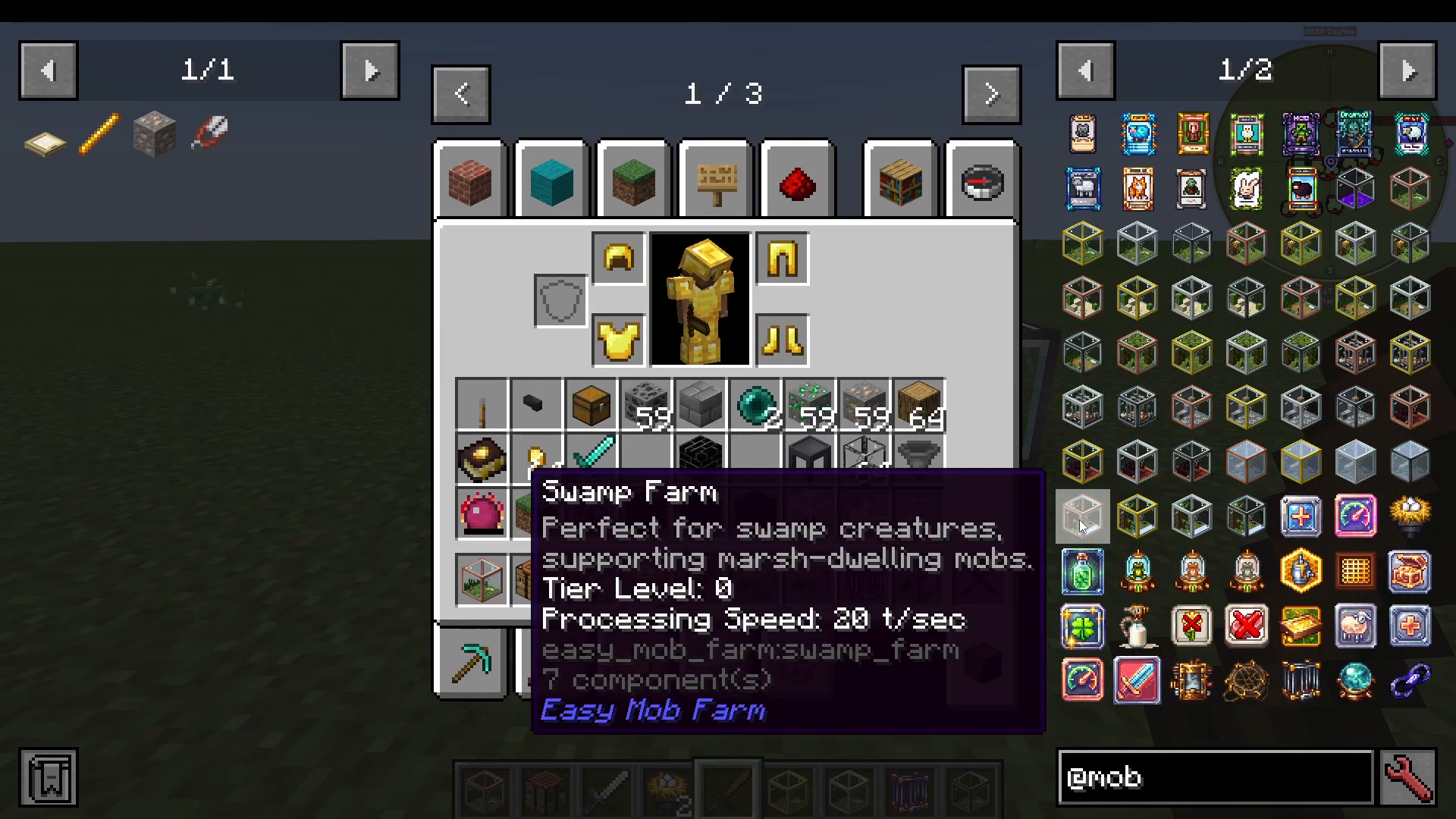
Available Farm Types
Animal Plains Farm — For passive plains animals like cows and sheep. Uses copper, gold, iron, and Netherite materials as the tier increases.
Beehive Farm — For bees. Crafted with flowers and related materials.
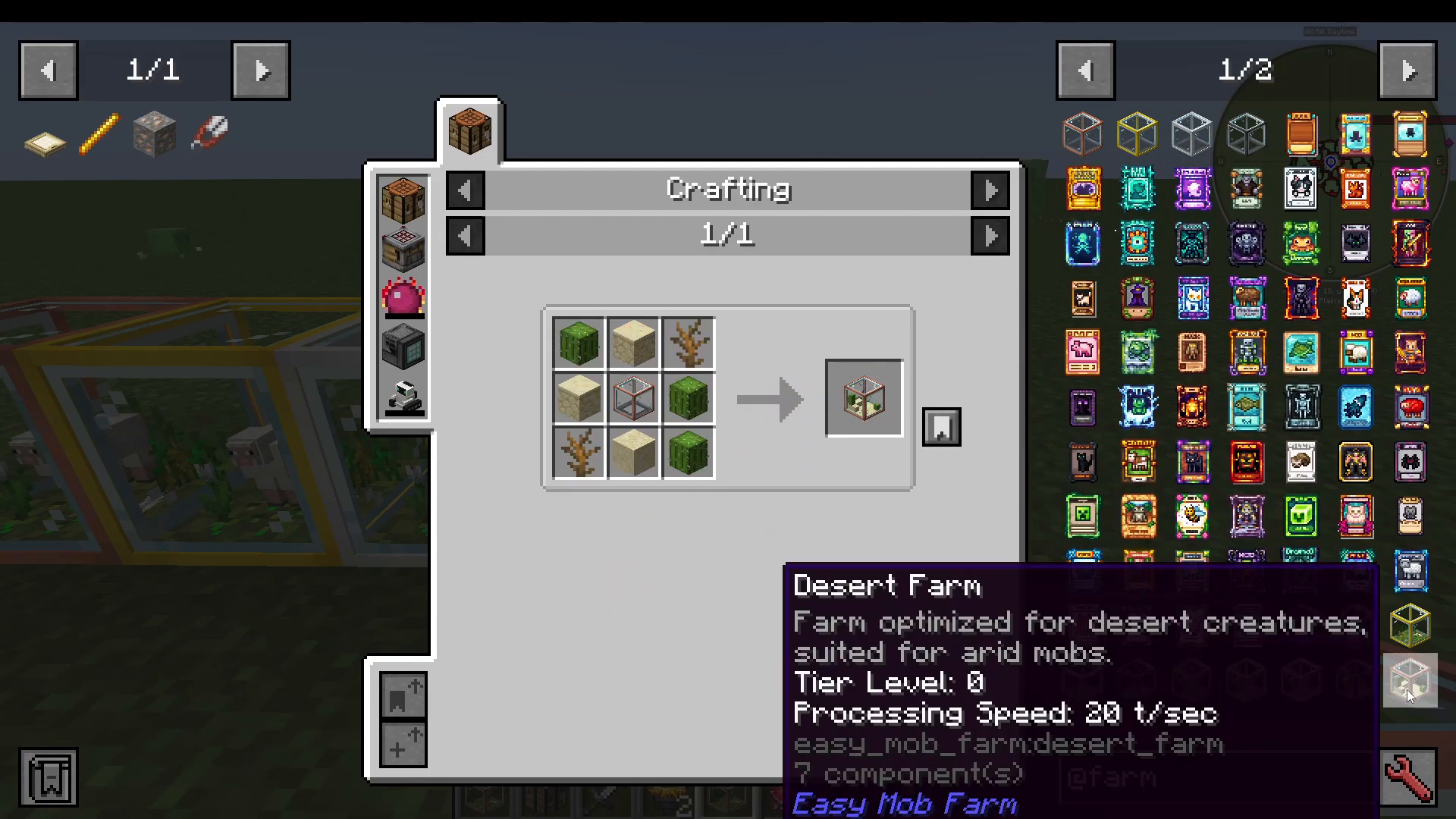
Desert Farm — Uses desert-themed crafting materials.
Jungle Farm — Designed for jungle biome mobs.
Iron Golem Farm — For farming iron golems.
Monster Plains Cave Farm — For common hostile mobs like zombies and skeletons.
Ocean Farm — For fish and ocean mobs.
Swamp Farm — For frogs and swamp-dwelling creatures.
Nether Fortress Farm — For Nether-specific mobs.
Lucky Drop Farm — Ideal for rare-item drops from special mobs.
Placing Your Mob Into the Farm
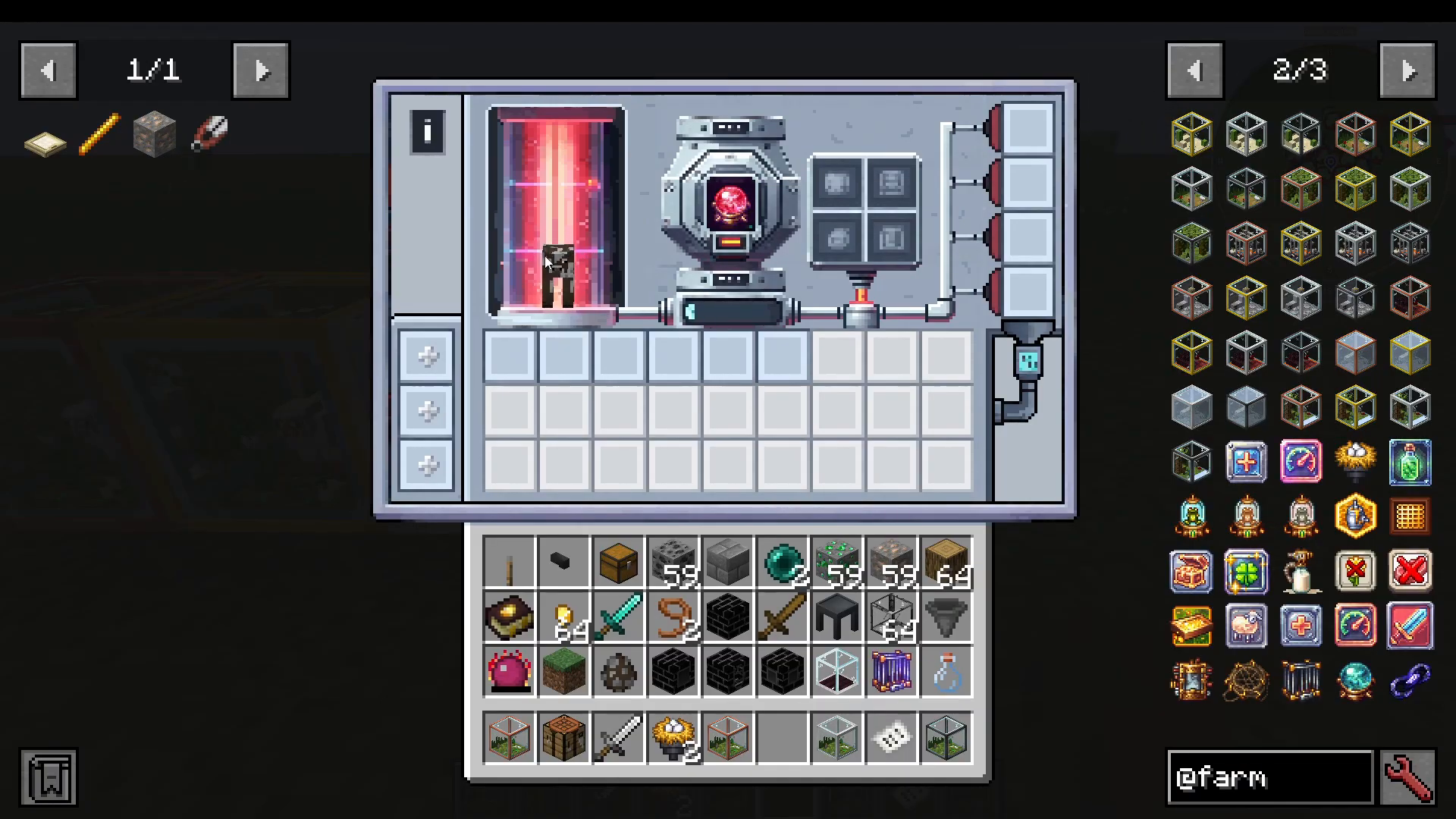
Once you have your farm block placed and your mob captured, you can load the mob into the farm in two ways: right-click the farm directly with the capture item, or open the farm’s interface and place the capture item into the central slot. You’ll then see the mob displayed inside the farm.
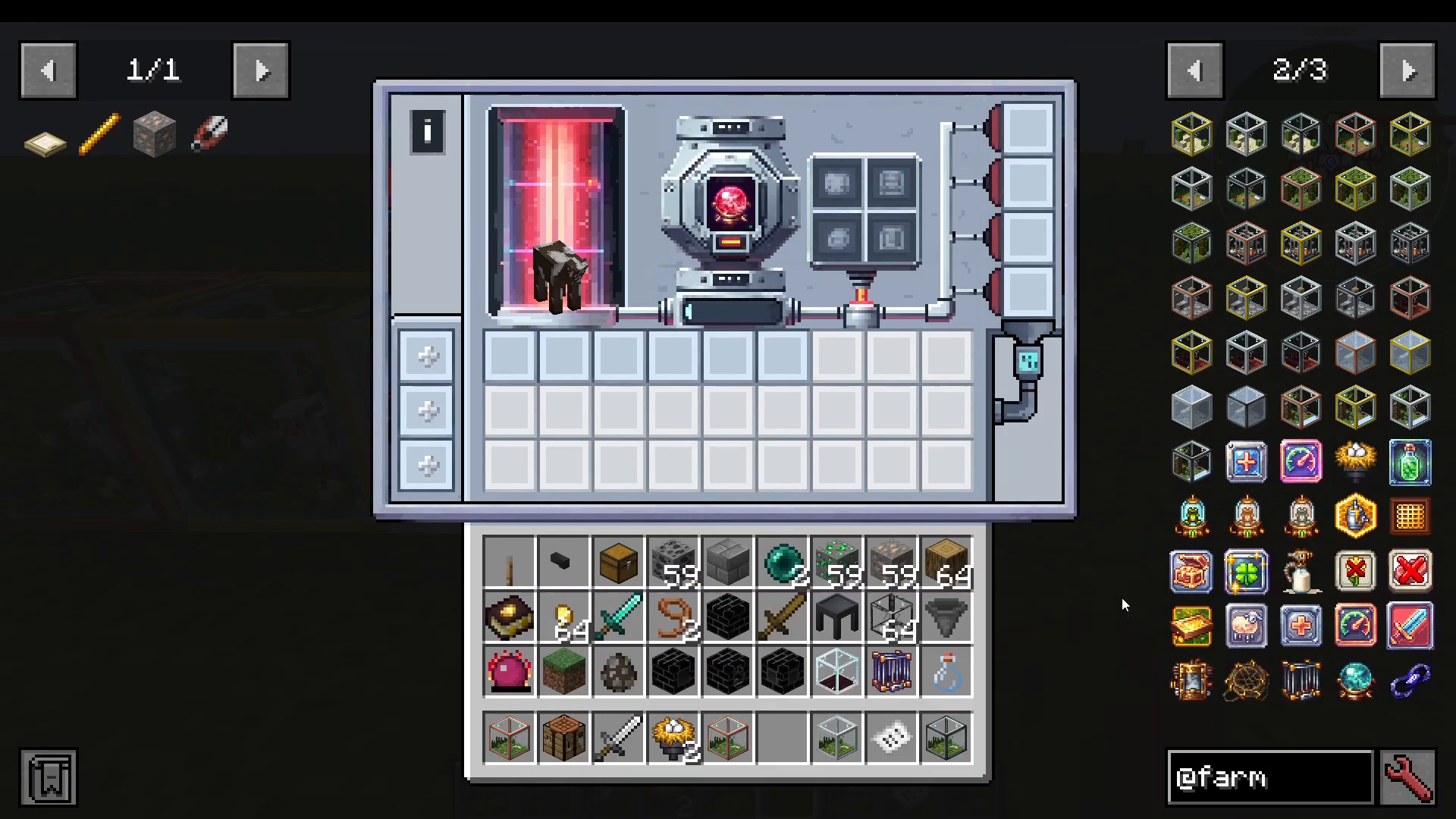
A blue progress bar will begin filling up. When it reaches the end, the farm produces a batch of goods from that mob. The higher the farm tier, the faster this bar fills.
Step 3: Upgrading Your Farm with Storage and Enhancement Slots
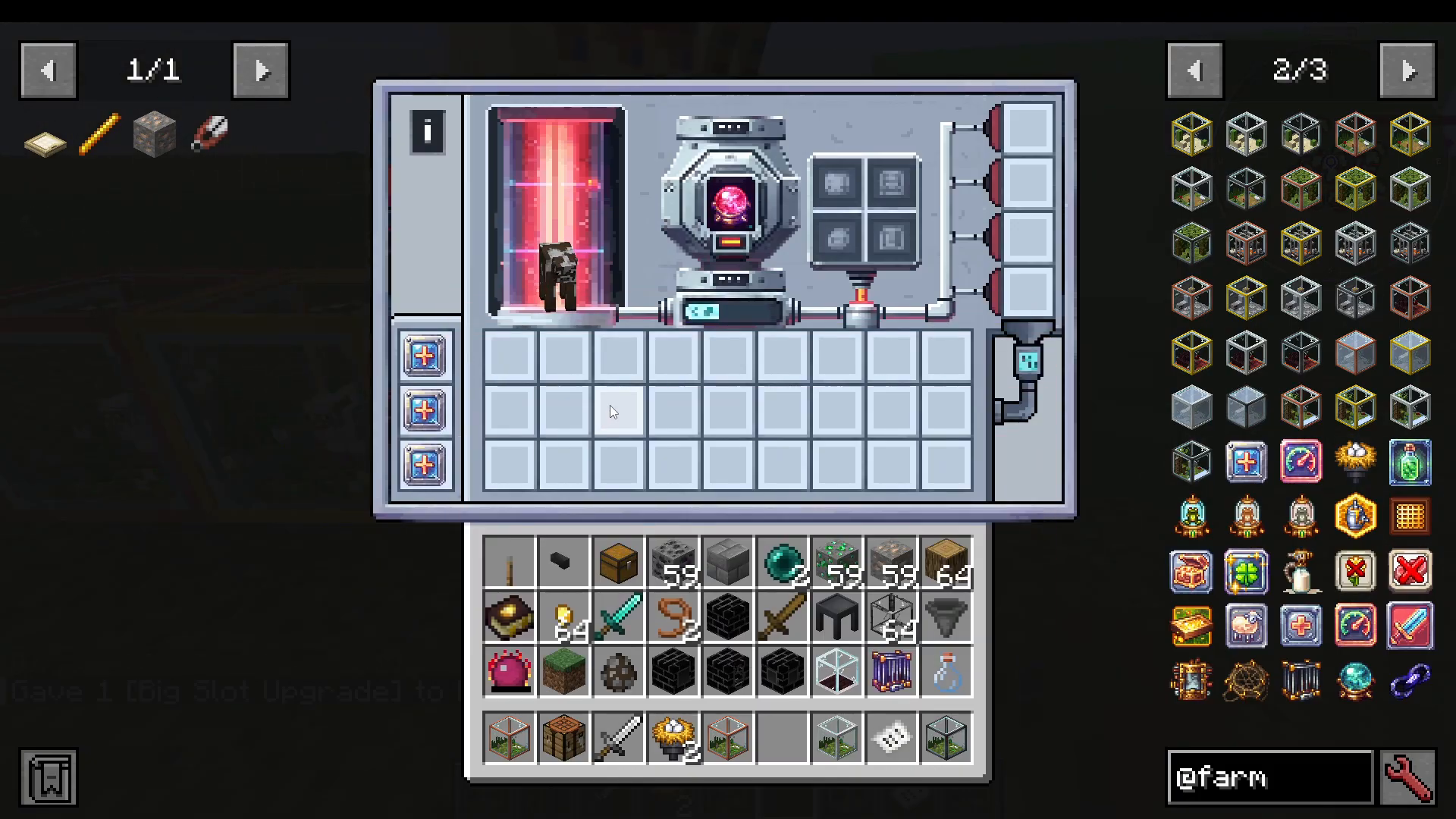
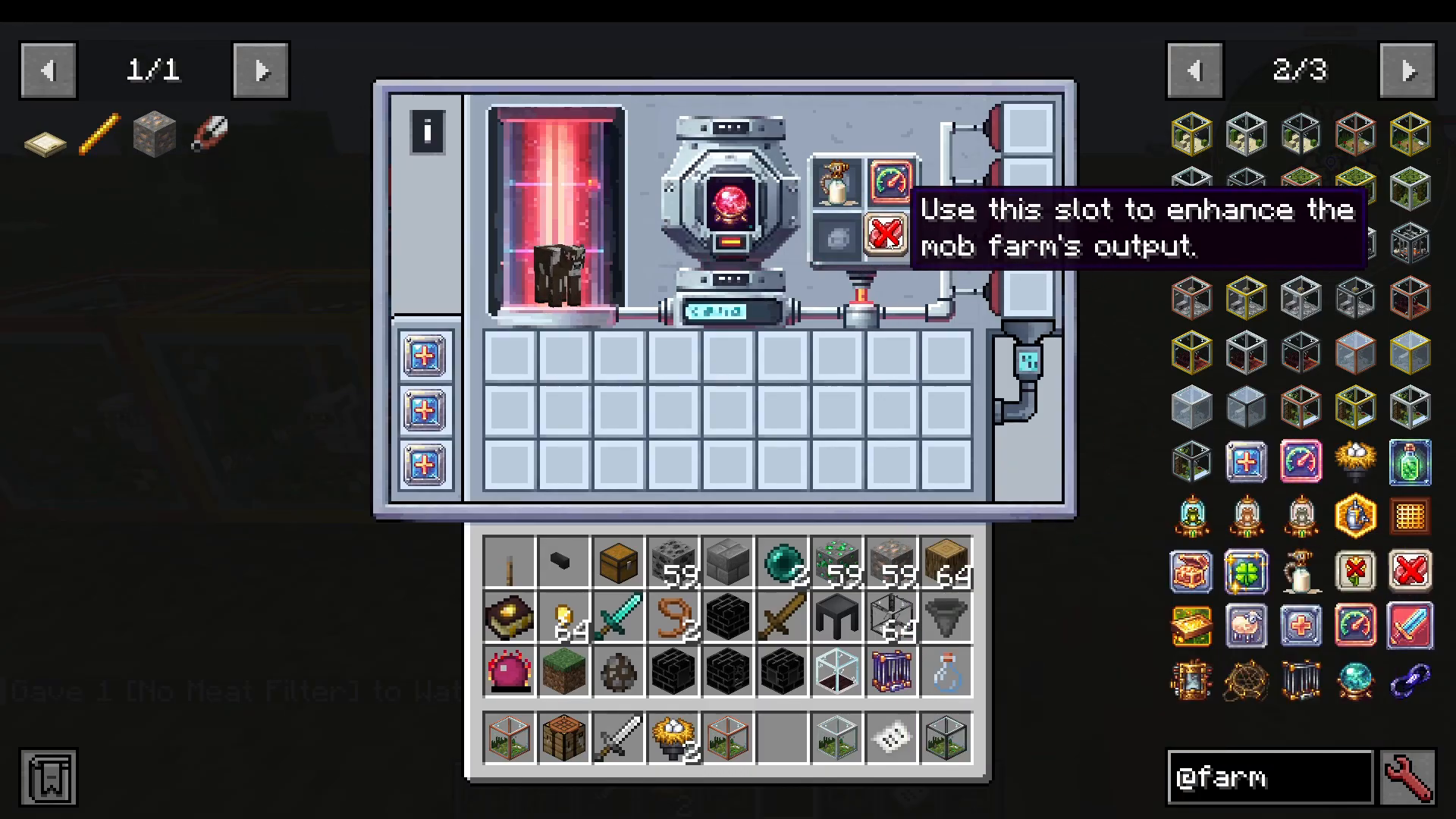
By default, your farm has six item output slots. You can expand this significantly using upgrade items placed in the left-hand upgrade slots.
Storage Upgrades (Left Slots)
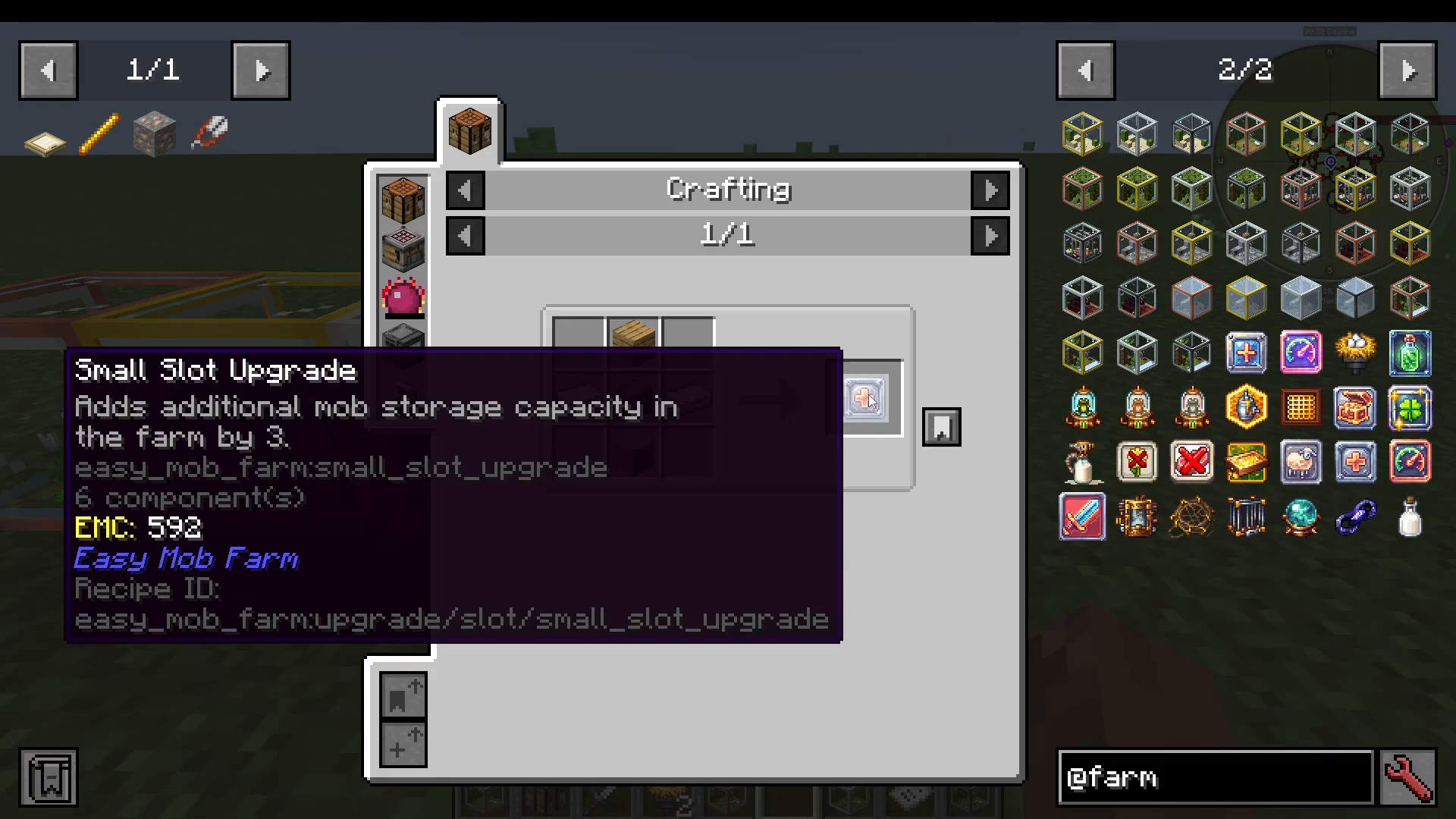
Small Storage Upgrade — Adds free storage capacity to the farm.
Large Slot Upgrade — Adds seven additional slots. You can insert up to three Large Slot Upgrades, filling all available storage slots in the interface.
Enhancement Upgrades (Left Slots)
Beyond storage, the left-hand slots also accept enhancement upgrades that change what the farm produces and how fast it runs:
Milk Extract Upgrade — For cow farms; causes the farm to extract milk in addition to meat. Without it, you’ll only receive meat and standard drops.
Speed Enhancement — Speeds up the farm’s production cycle. Only one upgrade can be placed per slot — you cannot stack a full inventory of them.
Loot Enhancement — Improves the overall quality of loot collected from the farm.
Luck Enchantment — Increases the chance of receiving rare drops.
Filter Upgrades (Right Slots)
The right-hand slots are reserved exclusively for filter upgrades. These let you control exactly which products the farm outputs:
No Flowers — Useful for bee farms where you want to suppress flower drops.
No Meat — For a cow farm where you only want leather, for example, you can filter out all meat drops entirely.
Note that filter upgrades will not work if placed in the left enhancement slots — they must go in the right filter slots.
Step 4: Using Capture Cards for Rare Mobs
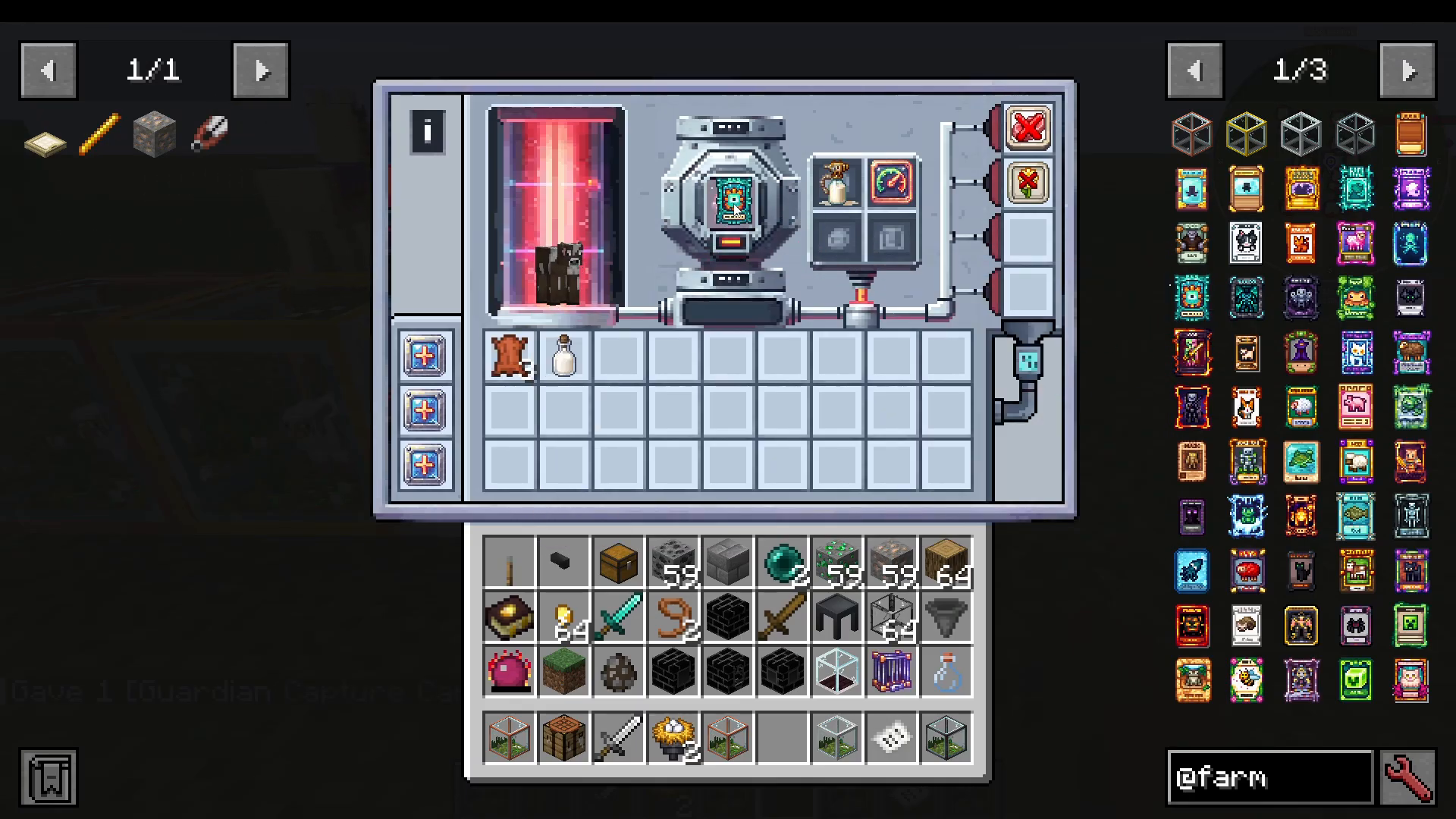
Capture Cards are a powerful feature of the Easy Mob Farm mod that let you farm mobs you may never be able to capture directly. They come in different rarities and do not have crafting recipes — instead, they drop randomly from mobs you kill or can be obtained through fishing.
For example, a Wither Skeleton Capture Card (Epic rarity) can drop while you’re out killing regular cows. A Guardian Capture Card is only Rare rarity. Once you have a capture card, simply open any compatible mob farm and place the card directly into the central mob slot — no need to physically capture that mob. Your farm will immediately begin producing drops associated with that mob type.
Step 5: Automating Your Mob Farm Output
Once your farm is up and running, you can connect hoppers and item pipes to the farm block to fully automate the collection of goods. This lets the farm run passively and feed items directly into chests, barrels, or any other storage system you have set up — no manual emptying required.
Summary
The Easy Mob Farm mod is an excellent addition to any Minecraft playthrough. Here’s a quick recap of the workflow:
Weaken your target mob to the required health threshold and capture it with the appropriate trap item.
Choose the right farm type for your mob’s biome and category.
Place the mob into the farm’s central slot and watch the progress bar fill.
Expand storage and increase production speed using left-slot upgrades.
Use right-slot filter upgrades to control exactly which items are produced.
Collect Capture Cards from mob drops or fishing to farm rare or hard-to-catch mobs.
Connect hoppers and pipes to automate your entire output pipeline.
Whether you’re after a simple cow farm or a fully automated Wither Skeleton loot machine, the Easy Mob Farm mod gives you the tools to build it efficiently at any stage of the game.
“`