Easy Piglins Mod Tutorial
Easy Piglins Mod Tutorial: Automate Piglin Bartering in Minecraft
If you’ve ever wanted a hassle-free way to barter with piglins in Minecraft, the Easy Piglins mod is exactly what you need. This lightweight mod streamlines the entire bartering process — from picking up a piglin to collecting automated loot — with just a few simple steps. Whether you’re a seasoned player or a complete beginner, you’ll have a fully working piglin bartering setup running in no time.
What Is the Easy Piglins Mod?
Easy Piglins is a simple Minecraft mod that makes trading and bartering with piglins straightforward and, crucially, automatable. Instead of manually throwing gold ingots at piglins and waiting around, this mod lets you place a dedicated barterer block that handles everything for you.
Step 1: Pick Up a Piglin
Before you do anything else, make sure you are wearing your gold armor. Without it, nearby piglins will turn aggressive and attack you on sight.
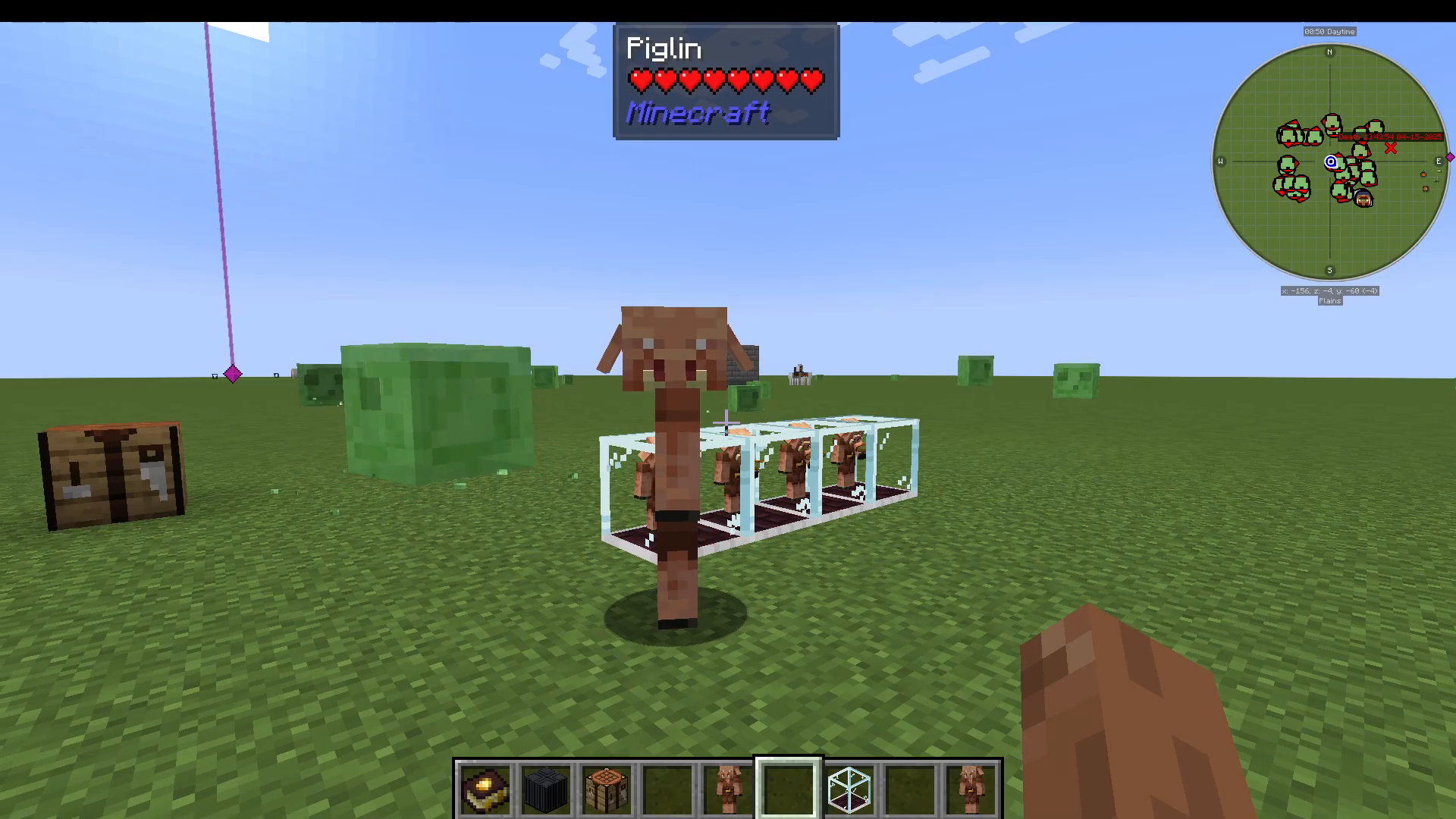
Once you’re armored up, find a piglin roaming in the Nether. Walk up to it and Shift + Right-Click the piglin. This places it directly into your inventory, where it will appear as a piglin item.
Step 2: Craft the Barterer Block
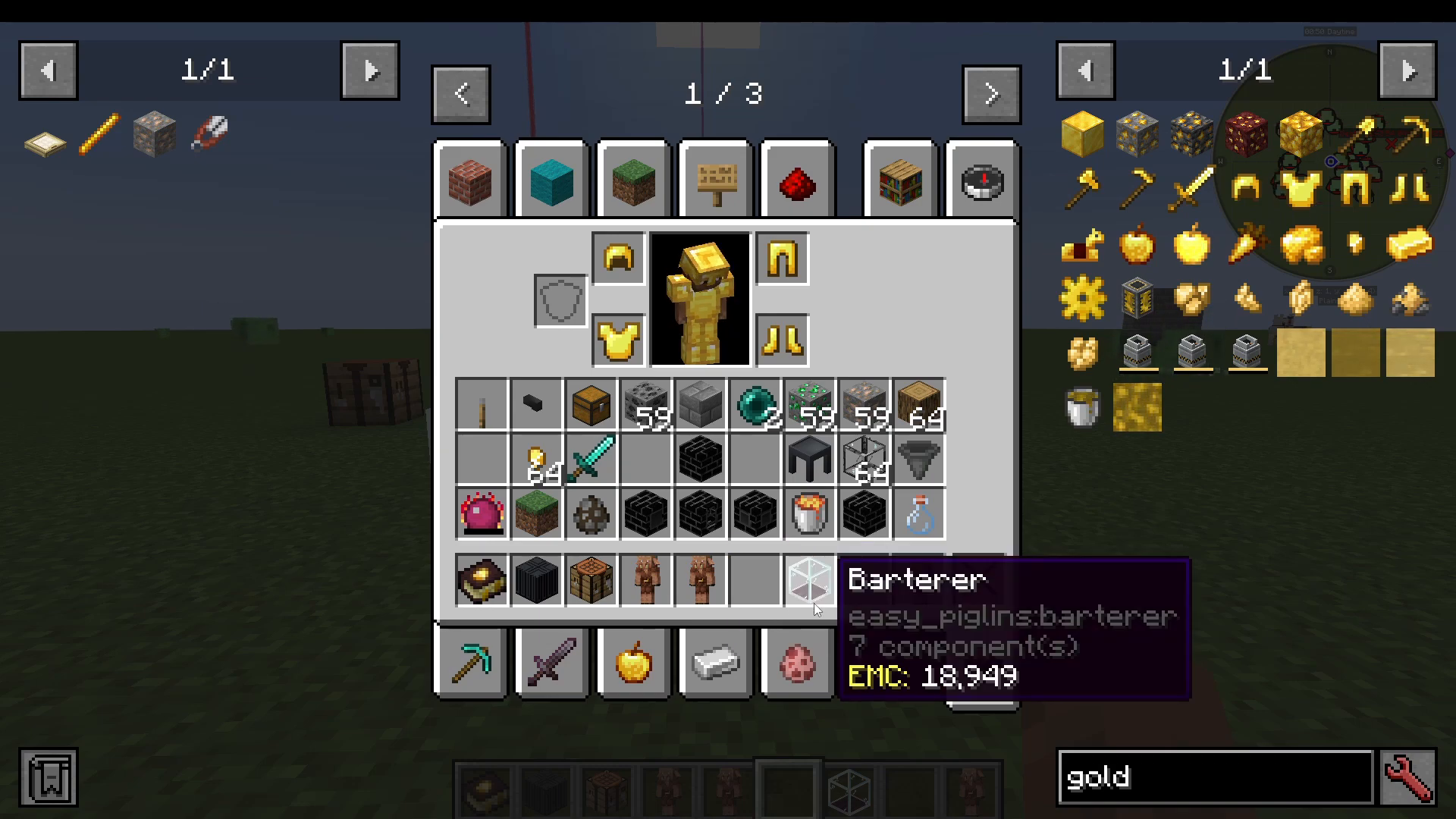
With your piglin safely stored in your inventory, the next step is to craft a barterer. The crafting recipe is straightforward — check your recipe book in-game for the exact ingredients. Once crafted, the barterer will appear as a placeable block item in your inventory.
Step 3: Place Down the Barterer and Add Your Piglin
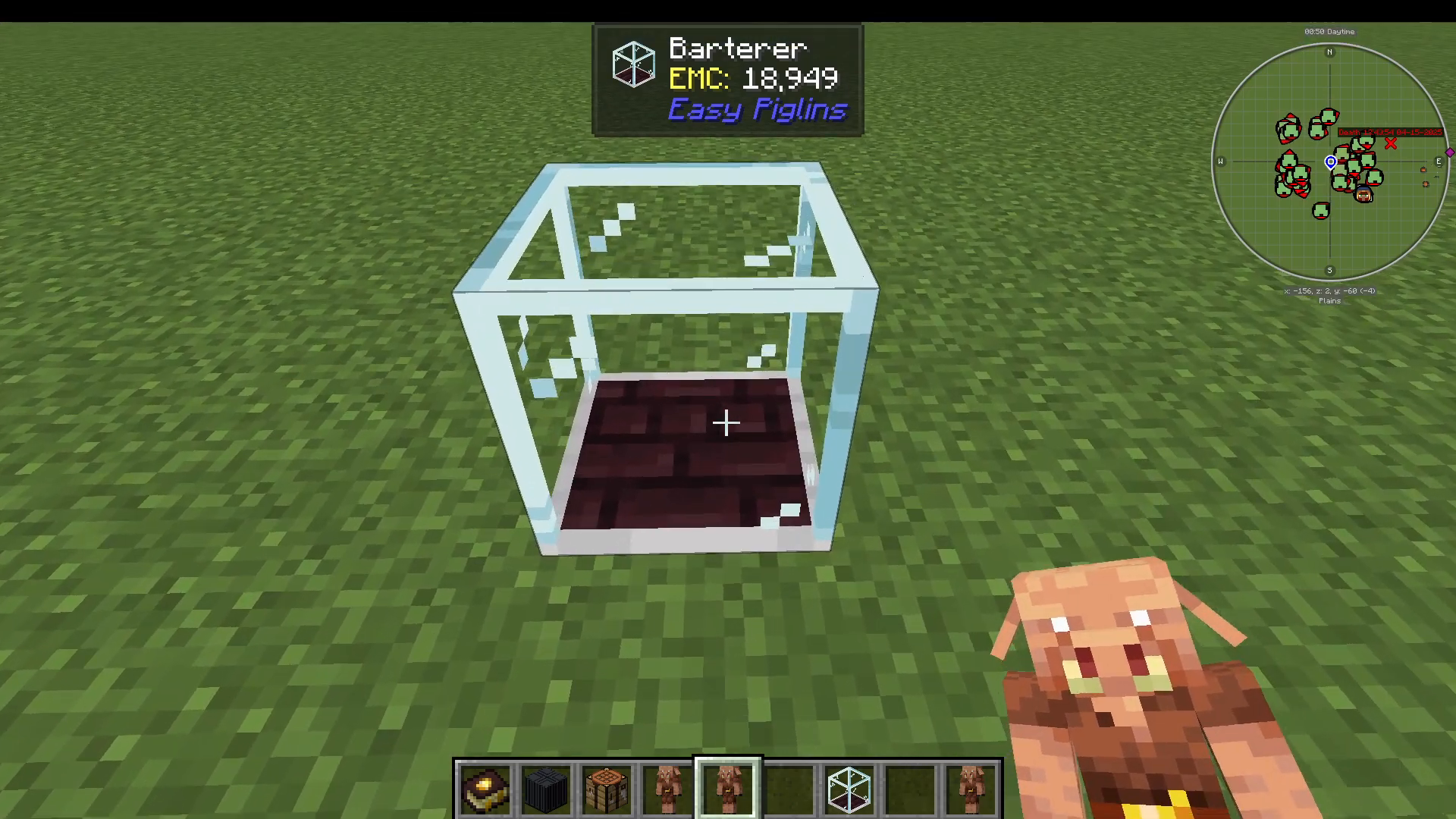
Find a good spot and place the barterer block down. Then, take the piglin item from your inventory and right-click the barterer to insert the piglin into it. The piglin is now housed inside the block and ready to work.
Step 4: Load the Barterer with Gold
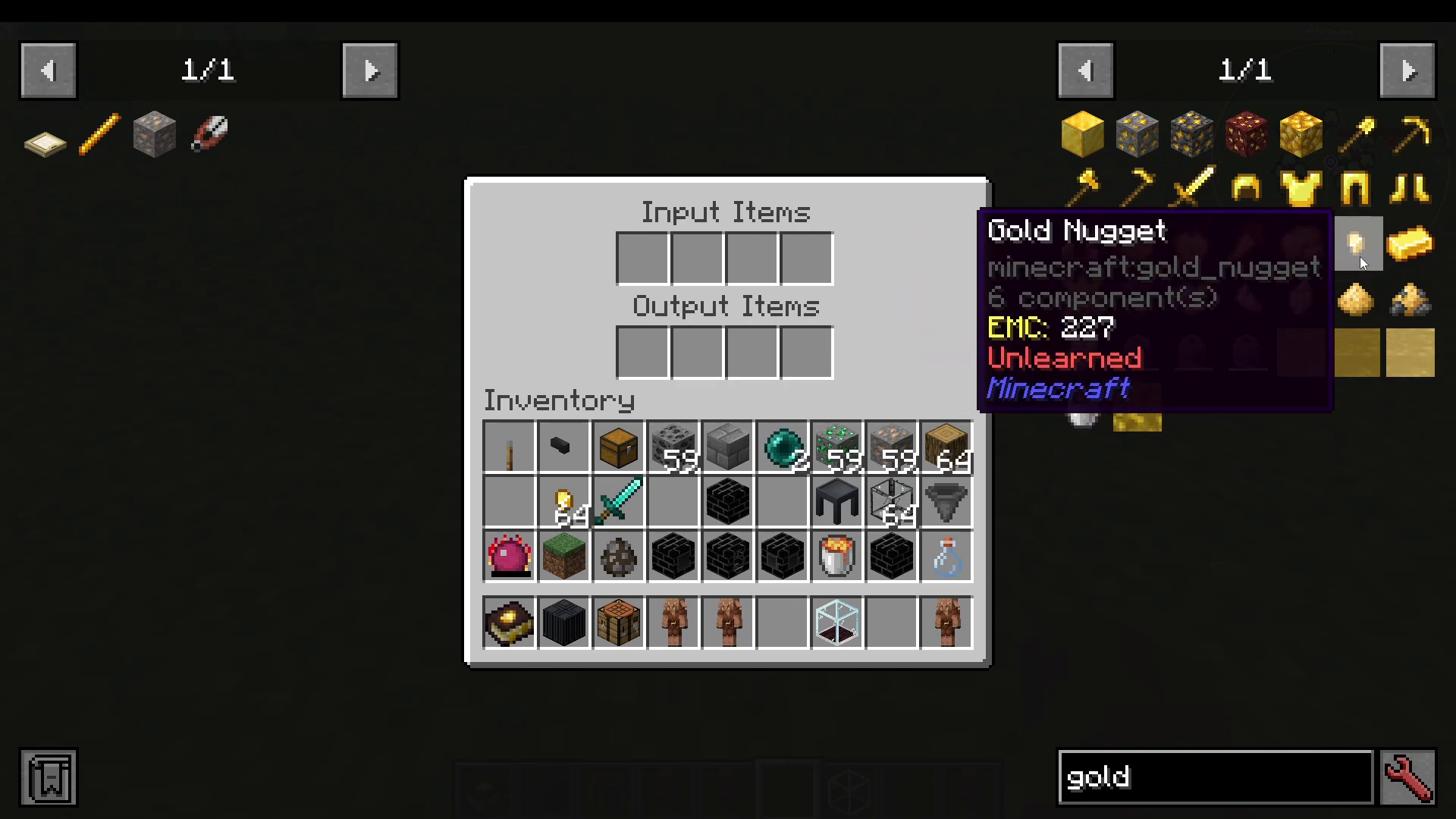
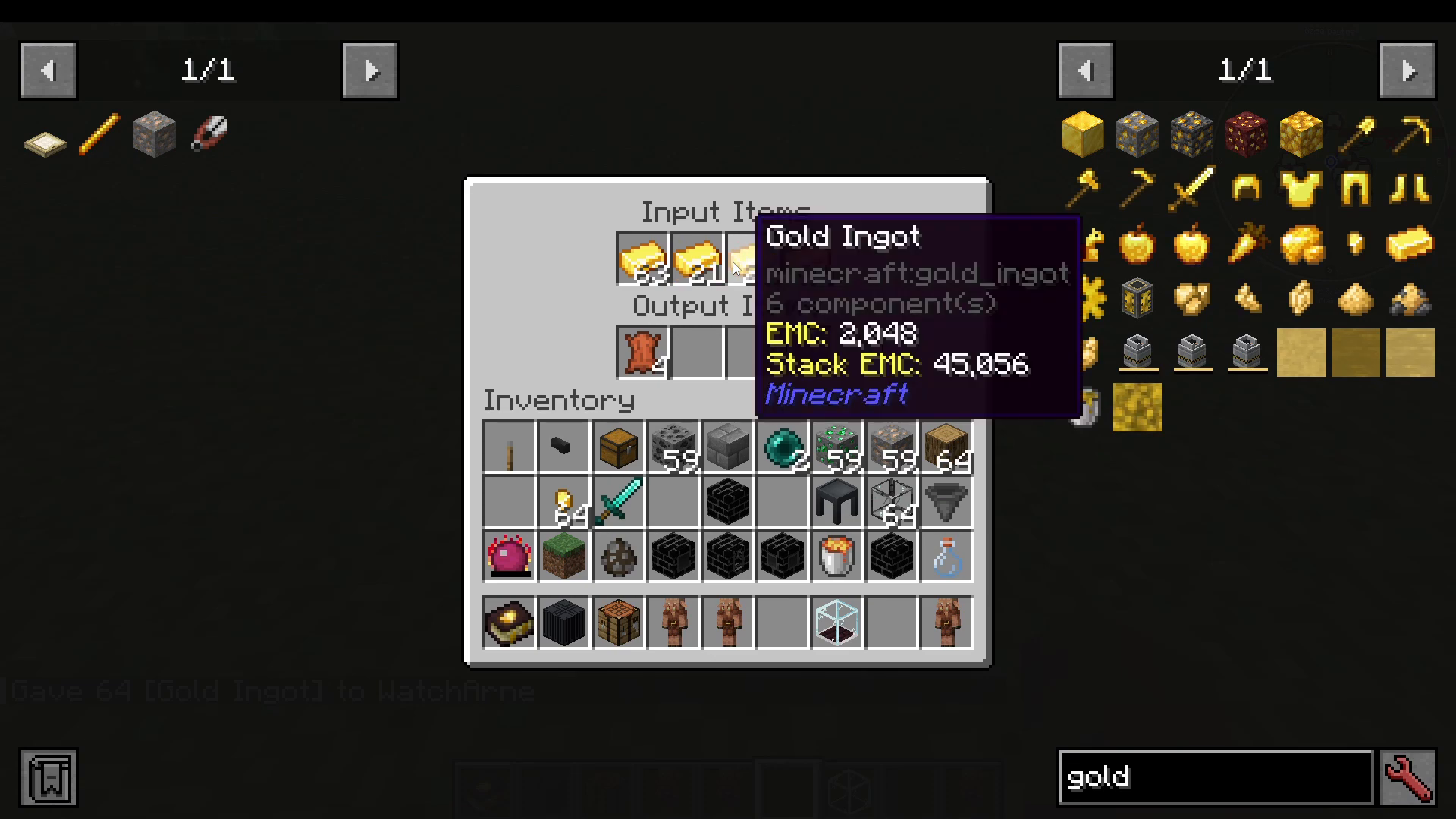
Right-click the barterer to open its interface. You’ll see two sections: input items and output items. Place your gold ingots into the input slots. The barterer accepts up to four stacks of gold at a time, giving you plenty of bartering fuel before you need to restock.
Step 5: Automate with Hoppers
For a truly hands-off setup, connect hoppers to both the input and output sides of the barterer. A hopper feeding gold into the input will keep the barterer constantly supplied, while a hopper on the output side will automatically collect bartered items as they are produced. This is strongly recommended because the barterer only has four output slots — without a hopper, those slots can fill up quickly and cause the piglin to stop generating new items.
What Loot Can You Expect?
The Easy Piglins mod uses the same standard piglin bartering loot table as vanilla Minecraft, so the variety of items you receive will be pleasantly random. Even after just a few minutes of operation, a single barterer can produce items such as:
Gravel
Soul Sand
Obsidian
Spectral Arrows
Leather
String
Blackstone
Fire Charges
Nether Quartz
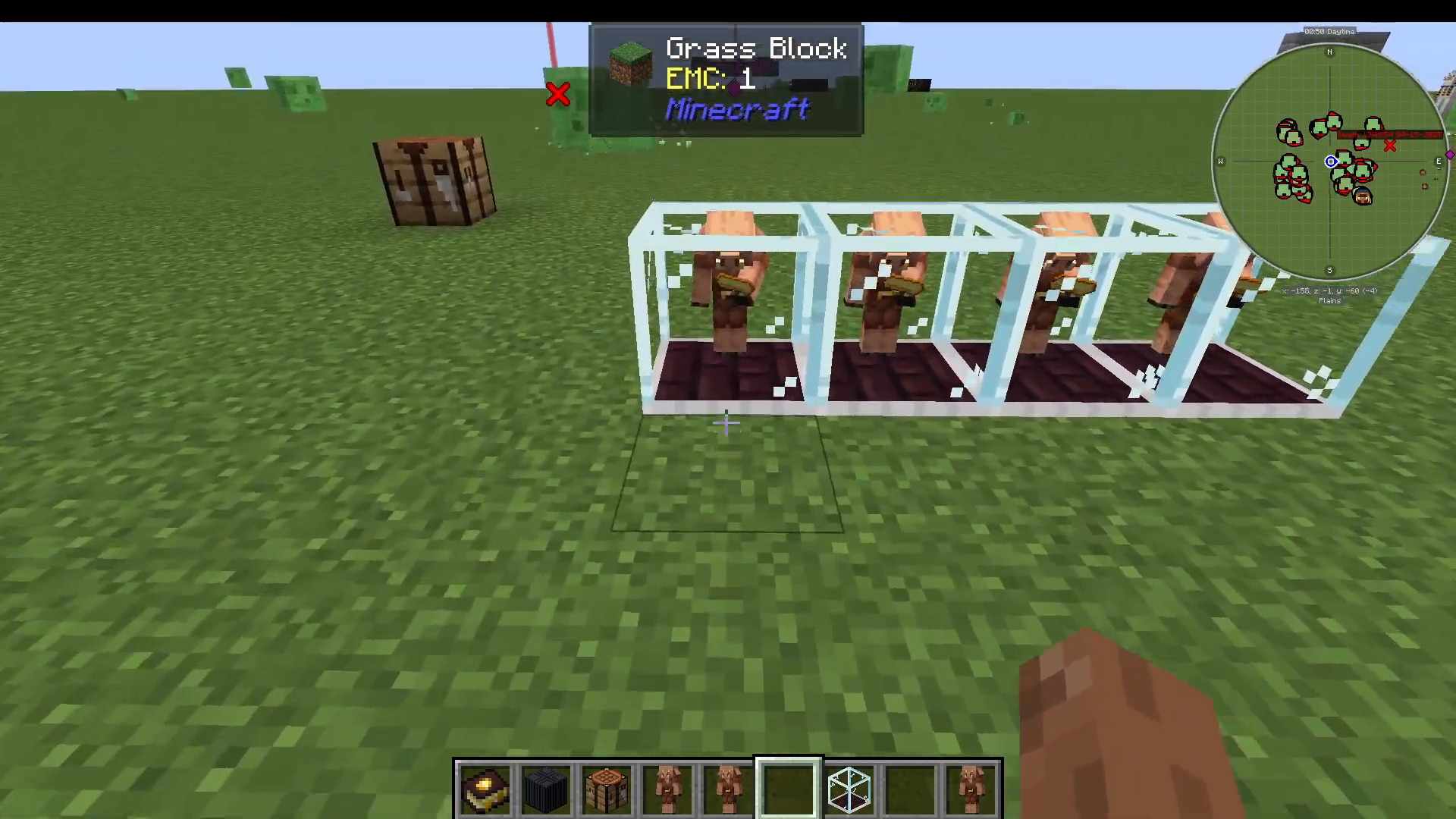
Running multiple barterers simultaneously — each with its own piglin — dramatically increases your loot output and is a great way to farm key Nether materials passively.
Summary: Easy Piglins Mod at a Glance
The Easy Piglins mod is one of the most beginner-friendly automation mods available for Minecraft. Here’s the complete process in brief:
Equip gold armor to avoid aggro.
Shift + Right-Click a piglin to pick it up.
Craft a barterer block and place it down.
Right-click the barterer to insert your piglin.
Load up to four stacks of gold into the input slots.
Optionally, connect hoppers for fully automated input and output.
Collect your loot and enjoy the passive farm!
Whether you’re building a large-scale Nether farm or just want to make bartering less tedious, Easy Piglins is a fantastic addition to any modpack. Give it a try and let your piglins do the hard work for you.
“`