Bank Storage Mod Tutorial
Bank Storage Mod Tutorial for Minecraft
The Bank Storage mod is a powerful inventory management mod for Minecraft that replaces the clutter of traditional chests with portable, tiered banks you can carry in your inventory. Whether you’re a builder, a farmer, or an explorer, this mod has something for everyone. In this guide, we’ll break down every feature — from the bank tiers and build mode to bank docks and bank links — so you can get the most out of it from day one.
Bank Tiers: From Coal to Netherite
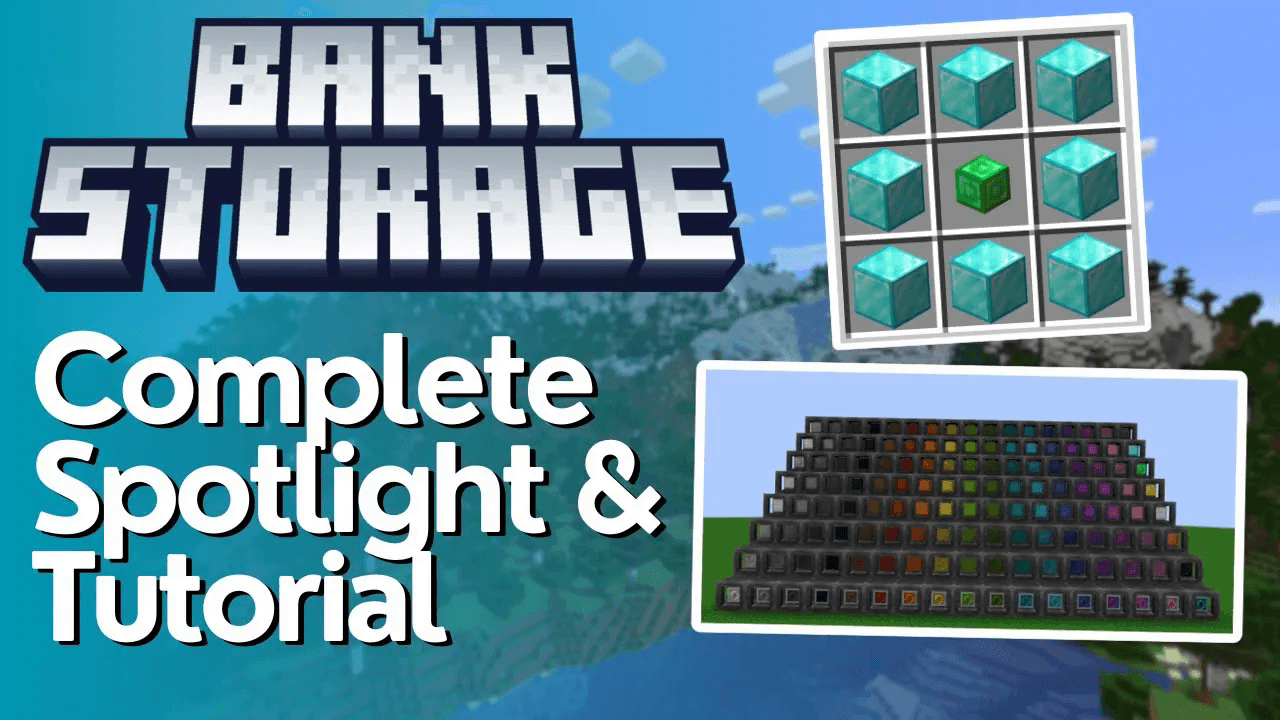
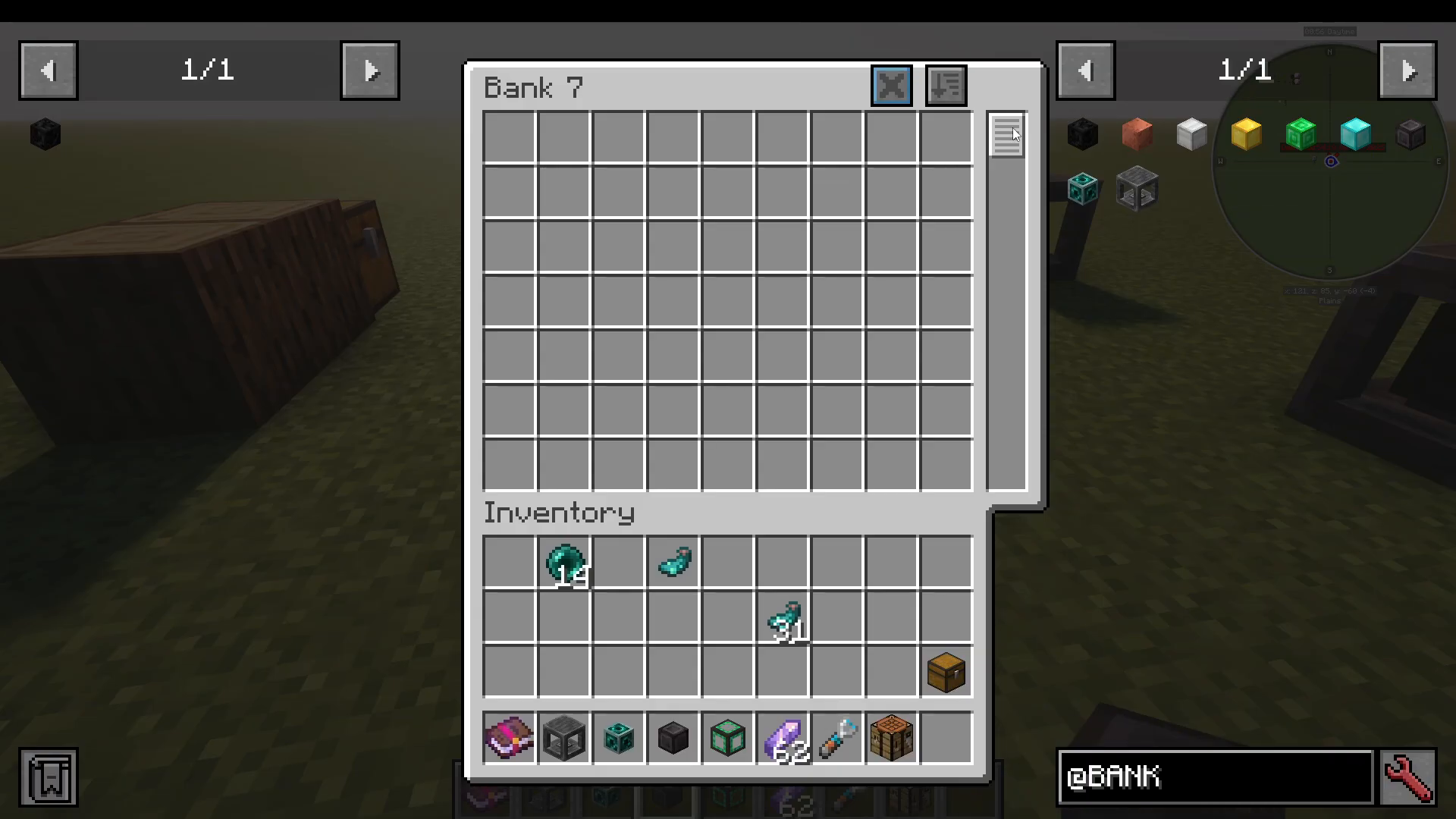
The mod adds seven tiers of banks — Bank 1 through Bank 7 — each crafted with progressively rarer materials and offering increasingly large storage capacities.
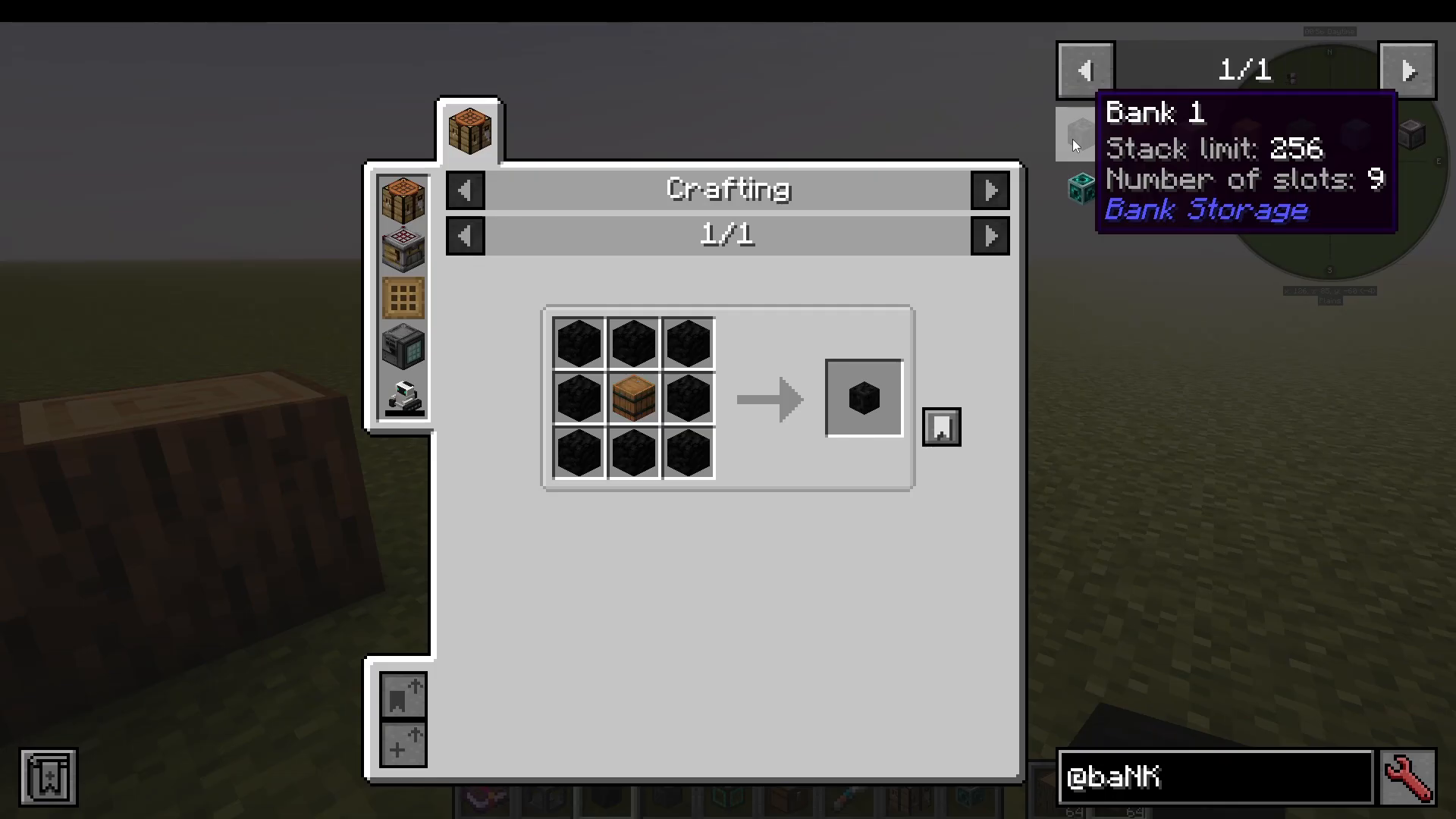
Bank 1 is crafted using coal and a barrel. It gives you 9 item slots with a stack limit of 256 items per slot. Moving up the tiers, Bank 2 offers 18 slots with a 1,000 item limit per slot. The upgrade chain follows this pattern: copper → iron → gold → emerald → diamond → netherite. At the top, Bank 7 (Netherite) provides a staggering 108 item slots, each capable of holding up to one billion items of a single item type.
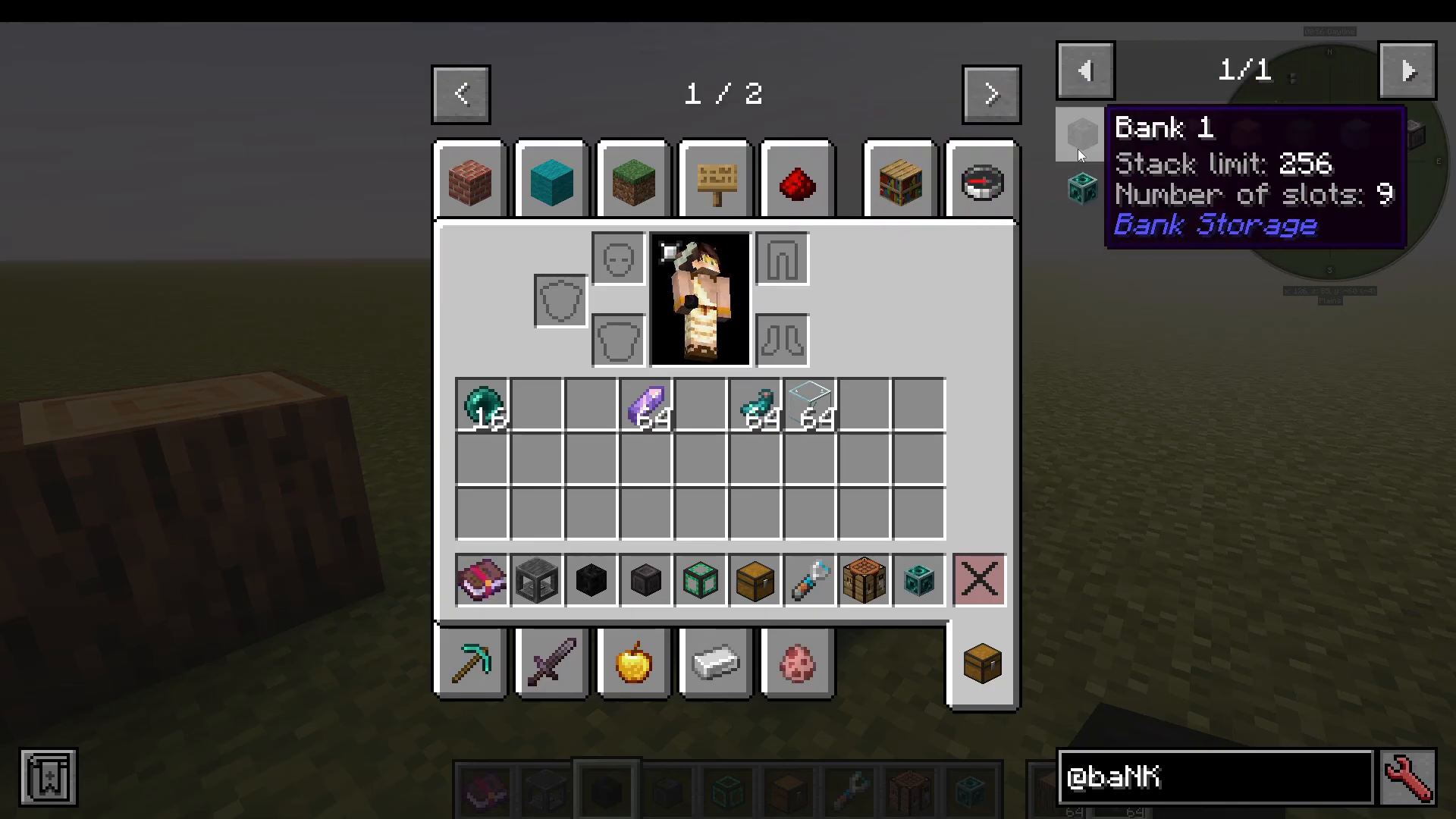
Each slot within a bank stores only one type of item, so organisation is key as you scale up.
Using a Bank: Basic Inventory Functions
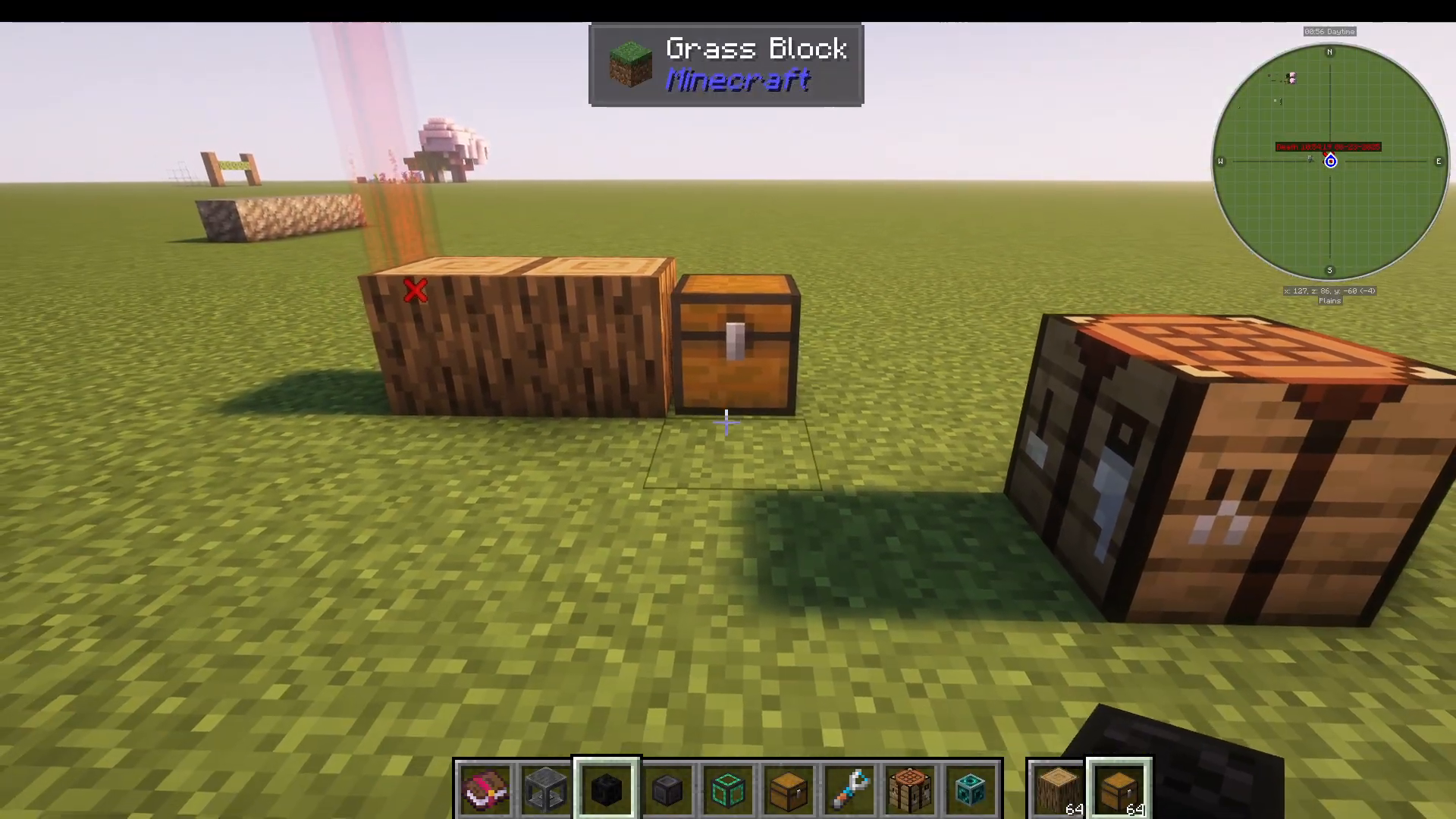
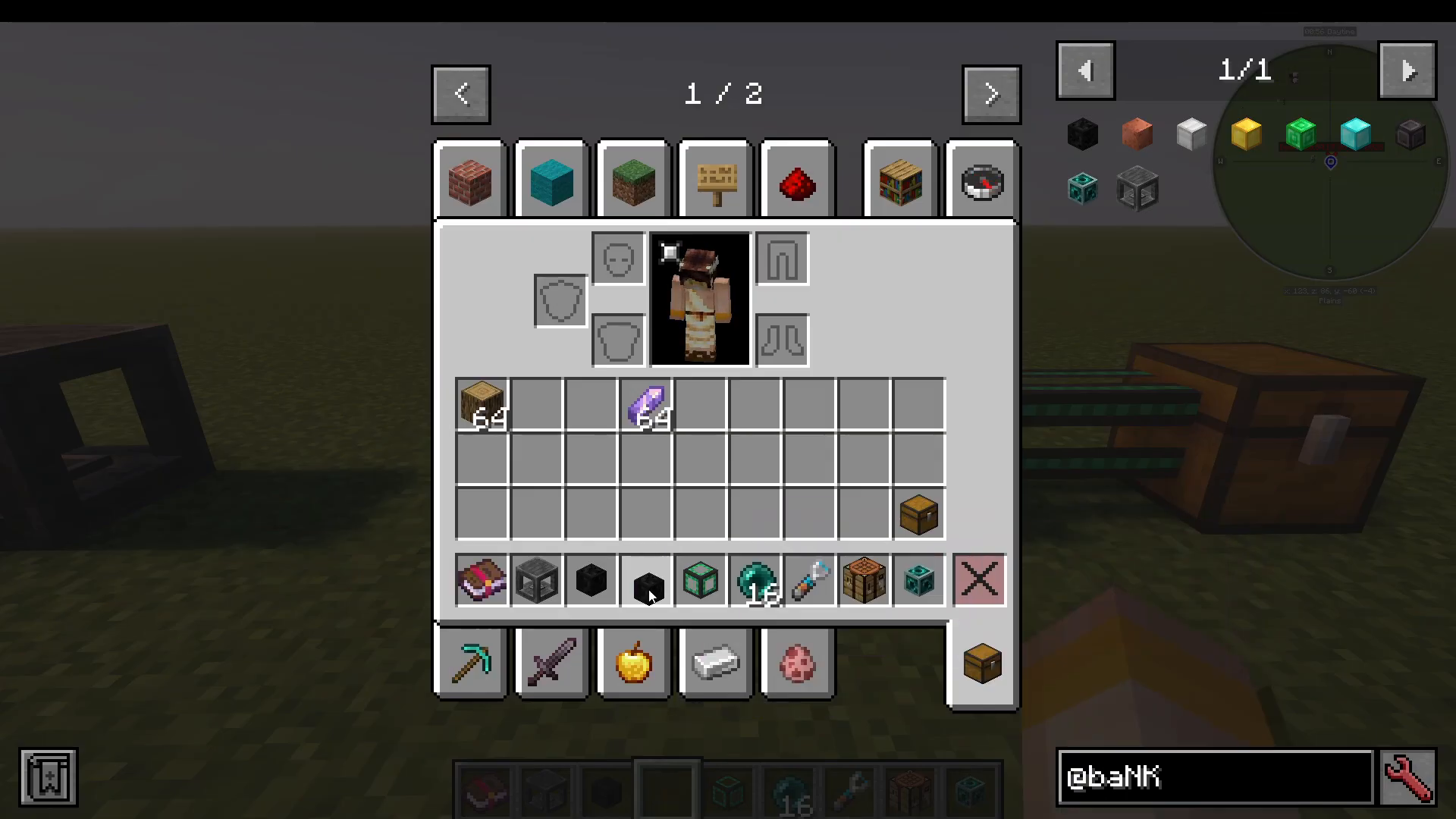
To use a bank, simply open it from your inventory. You’ll see your available item slots. You can shift-click items in or click and drag them directly into the slots. For example, dropping oak logs into a Bank 1 will store them, and the interface will display the current count against the slot’s maximum capacity.
Item Pickup Modes
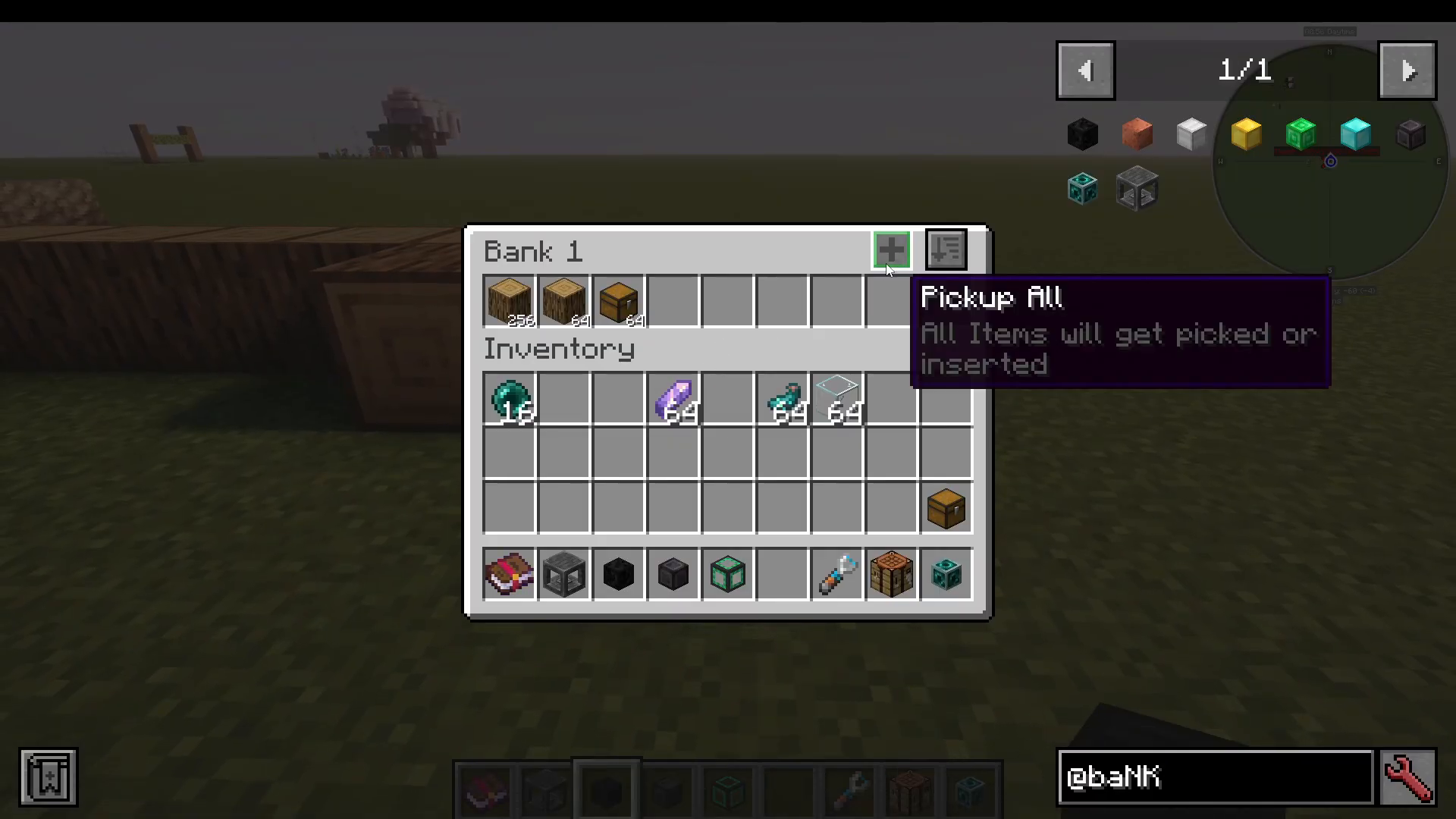
Inside the bank interface, you can control exactly how items are picked up from the world:
Pick up everything — All items you walk over go straight into the bank, bypassing your regular inventory.
Filtered — Only items that already exist in the bank’s slots will be picked up. Any other items go into your normal inventory instead.
Void overflow — Any items collected beyond the slot’s limit are automatically deleted. Useful if you never want more than, say, 256 oak logs.
Don’t pick up anything — The bank ignores all dropped items entirely.
Sorting Options
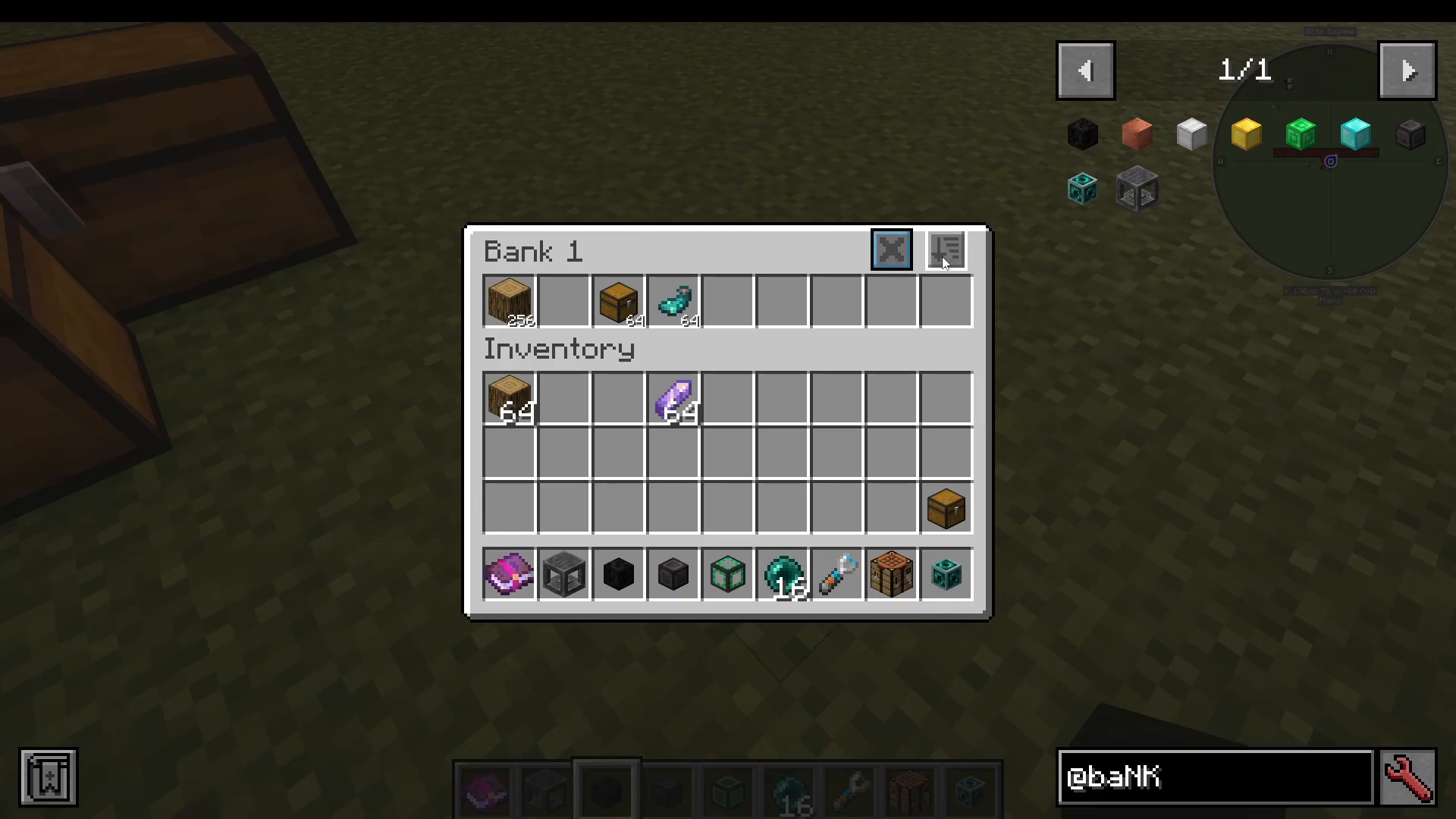
The bank interface also lets you sort your stored items by several criteria including item count, item name, and mod. This keeps your storage tidy no matter how many item types you’re carrying.
Build Mode: Building Directly From Your Bank
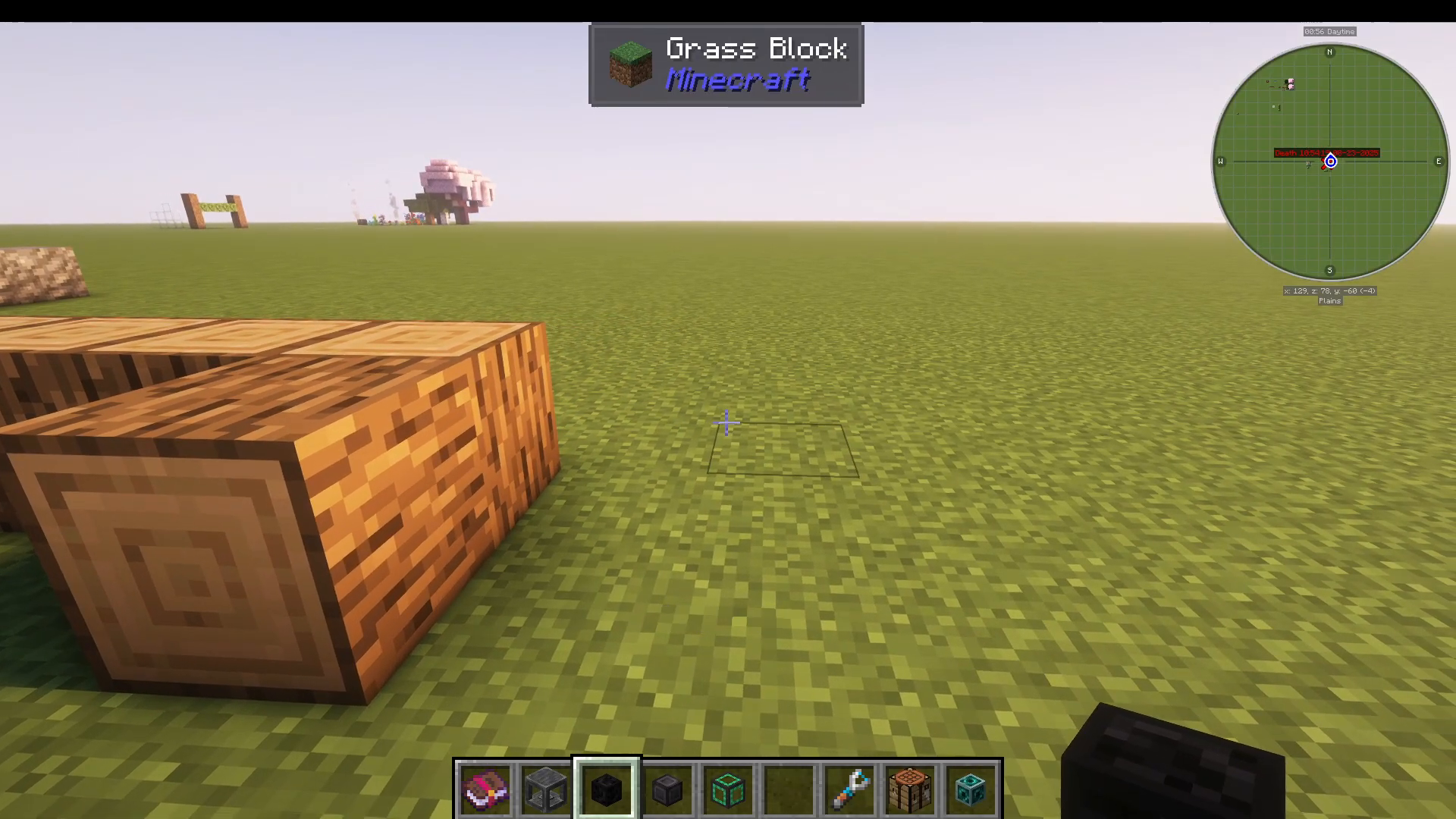
One of the standout features of the Bank Storage mod is Build Mode. When activated via its keybind, two extra boxes appear on your hotbar, indicating that the bank is now acting as an active block source for building.
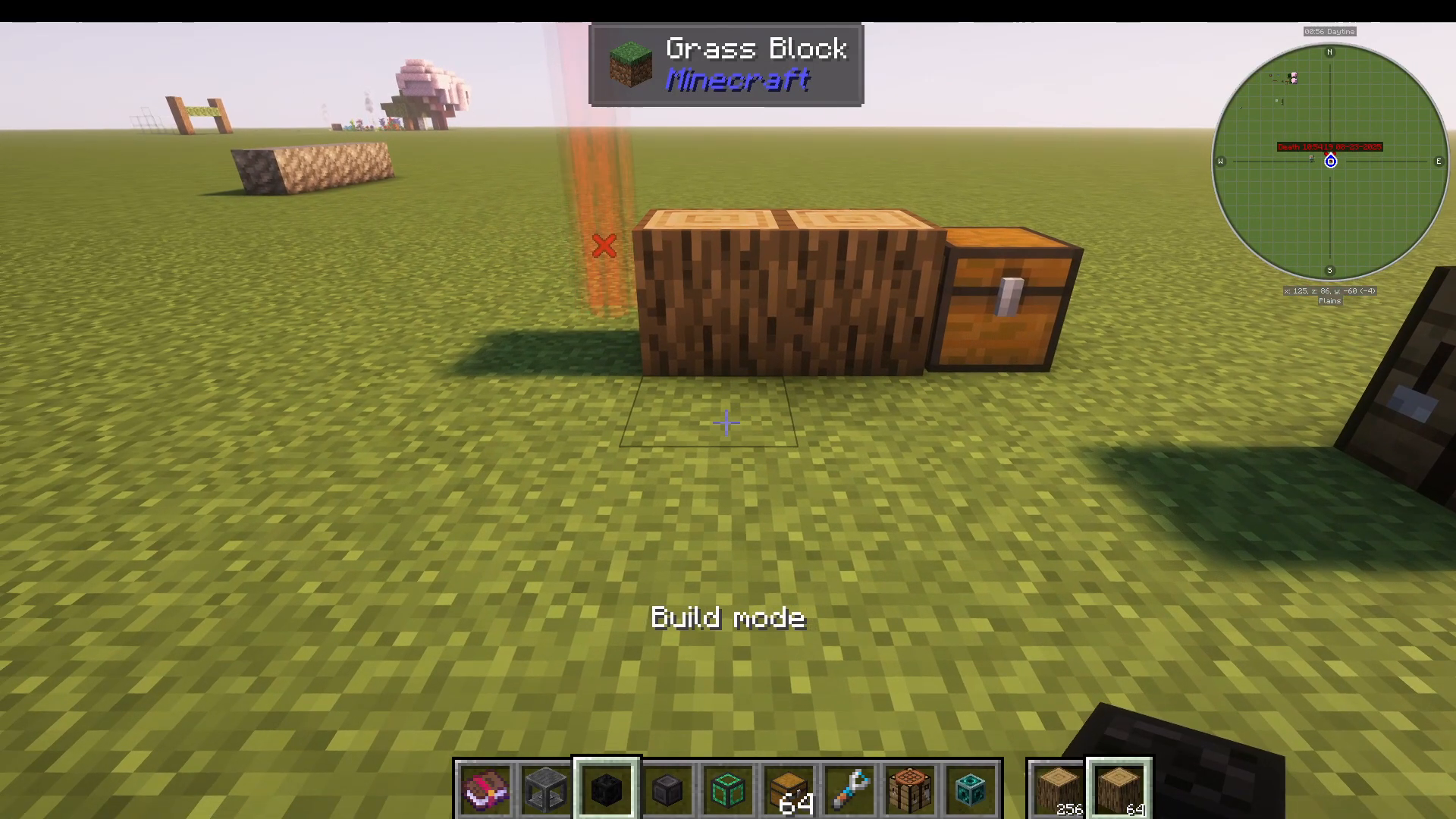
To scroll through the slots in your bank while in Build Mode, hold down the block selection scroll keybind (by default unbound — check your controls) and use your mouse wheel. This lets you cycle through stored block types without opening the bank menu.
Randomised Build Mode
There is also a Randomised Build Mode, accessed by cycling through build modes with the dedicated keybind. In this mode, the bank will randomly select a block type from your filled slots each time you place a block. This is ideal for creating natural-looking builds — for example, mixing cobblestone, mossy cobblestone, and gravel to achieve a varied, aesthetic texture without manually swapping blocks.
Setting Up Build Mode Keybinds
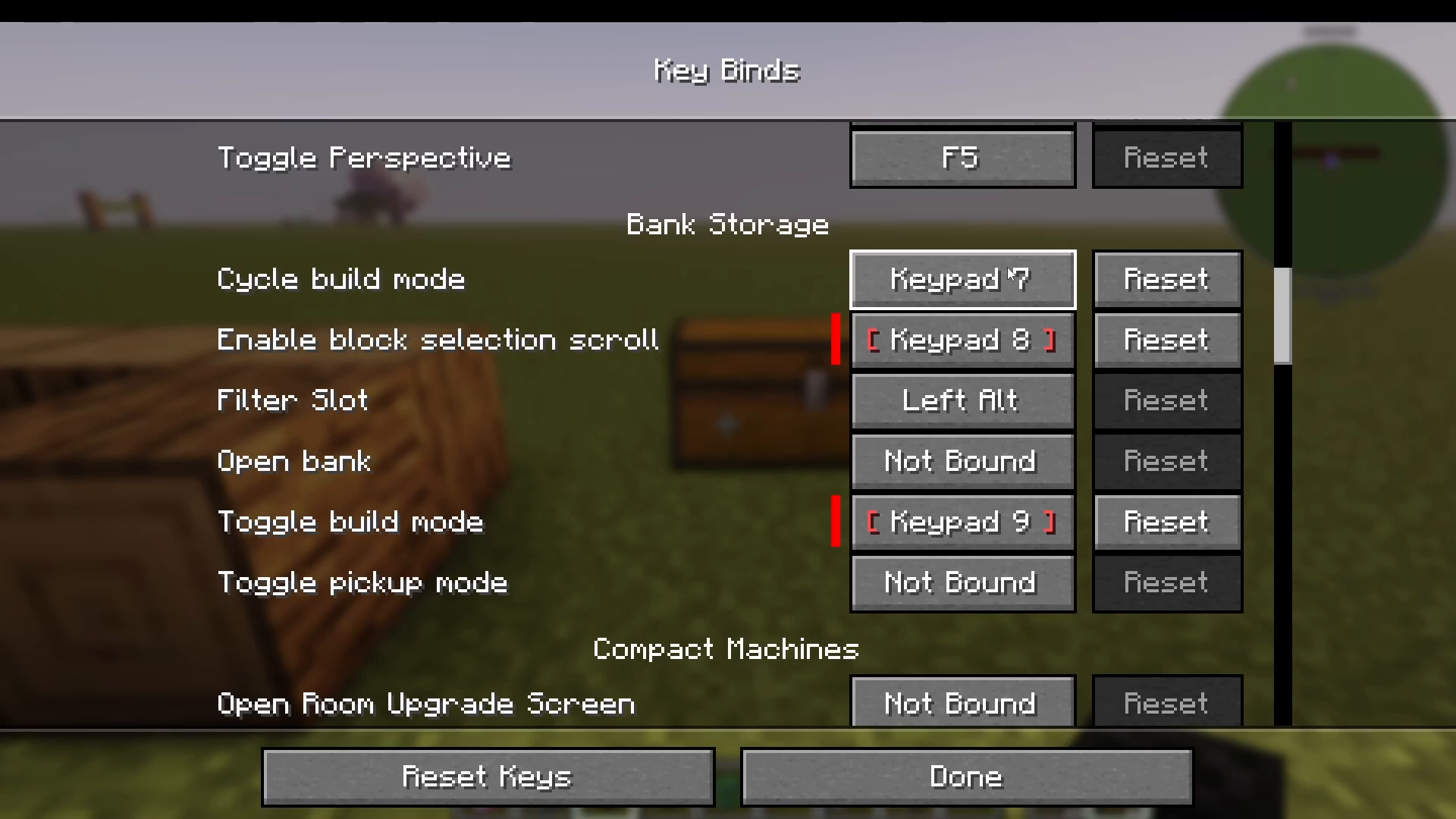
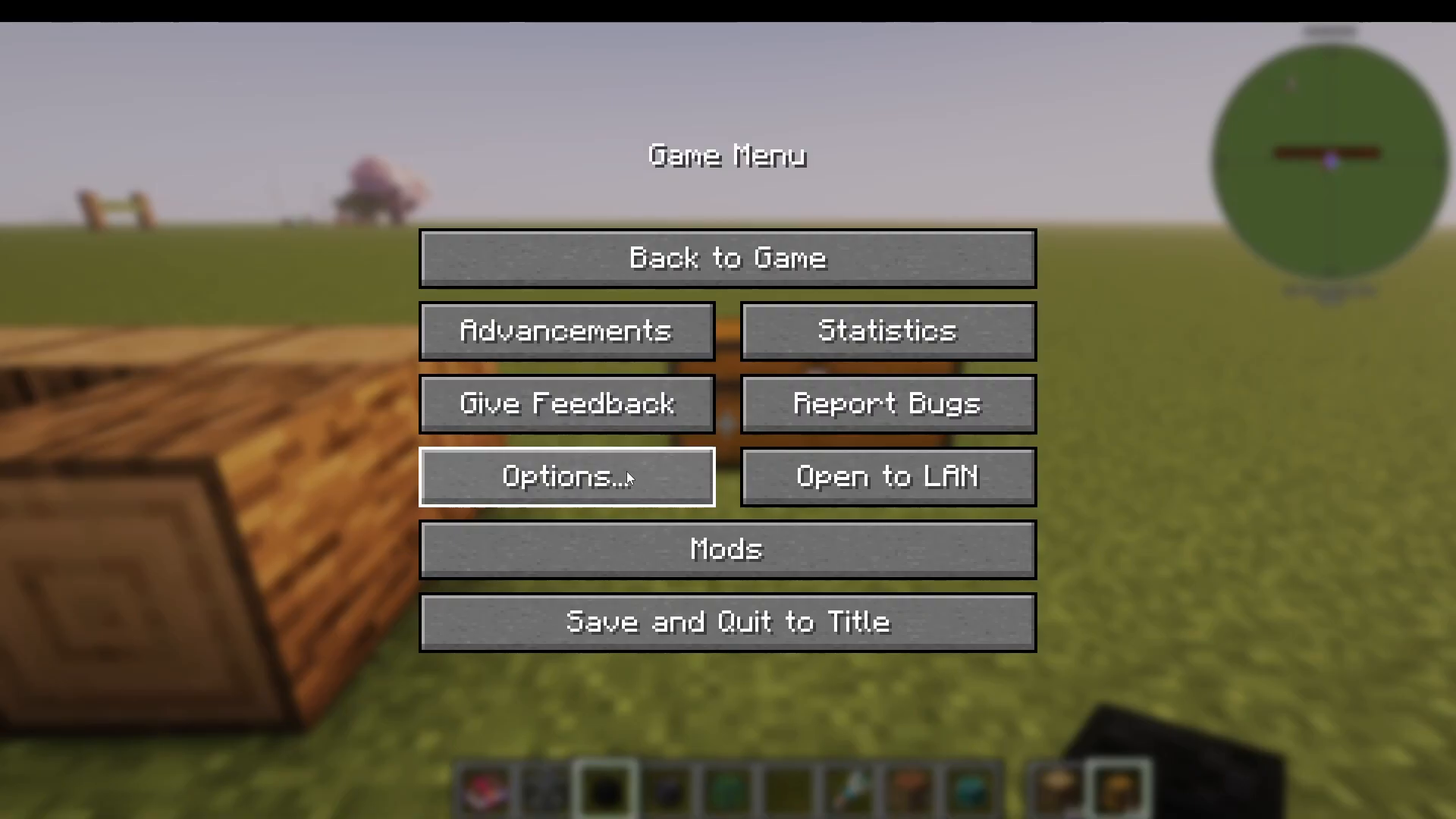
To configure your keybinds, go to Options → Controls → Key Binds and search for “Bank Storage”. The key bindings you’re looking for are:
Cycle Build Mode — Toggles between normal build mode and randomised build mode.
Enable Block Selection Scroll — Hold this key and scroll your mouse wheel to switch between bank slots while building.
Enable Build Mode — Activates or deactivates build mode entirely.
Note that these keybinds are unbound by default, so you must assign them manually before they will work.
Bank Dock: Integrating With Storage Systems
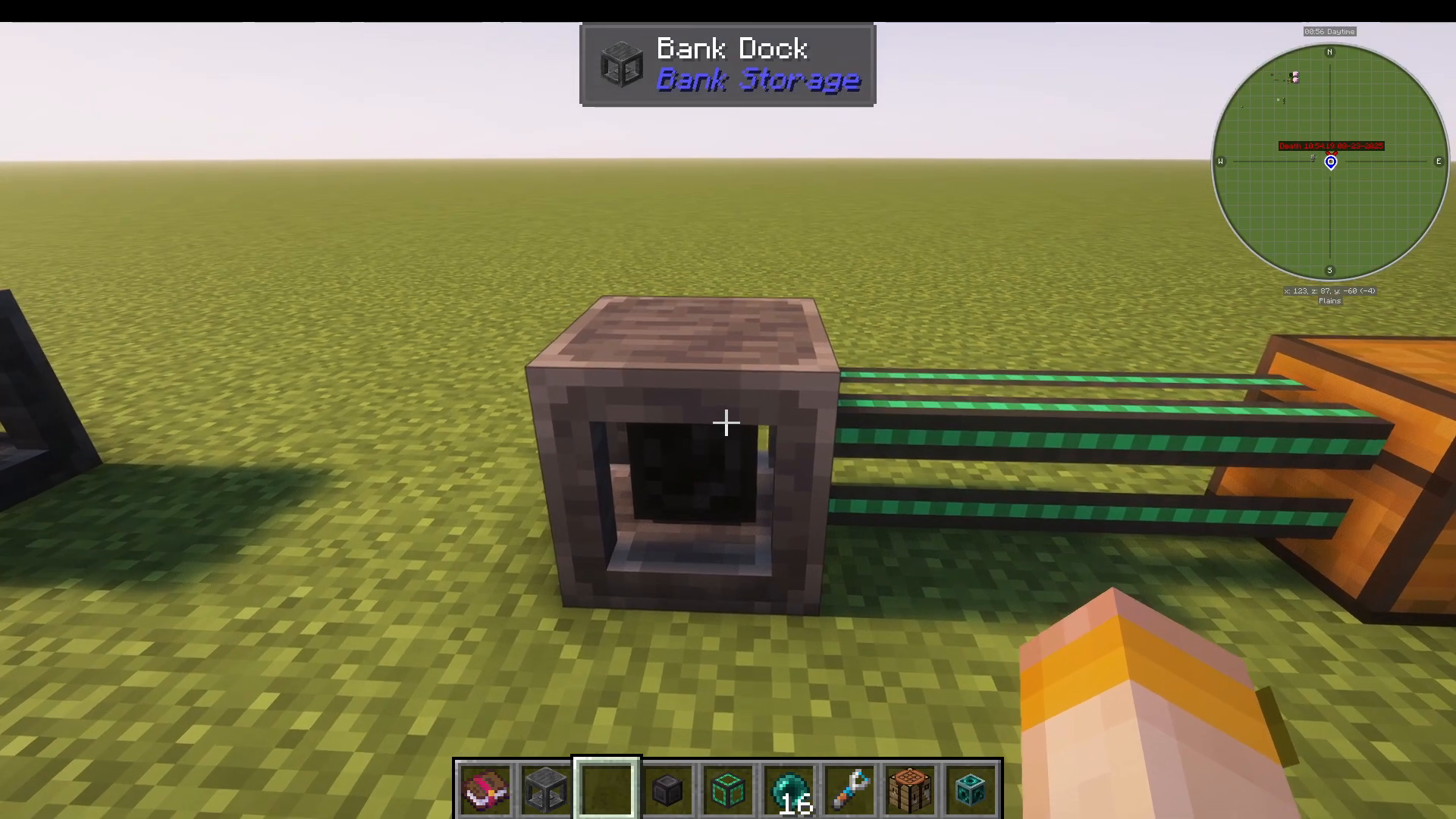
The Bank Dock is a block that allows you to slot a bank into it, making the bank accessible to item transport mods. To use it, simply right-click your bank into the bank dock. The bank dock will then hold the bank and expose its contents to compatible item pipe systems.
For example, using Mekanism (or any other compatible pipe mod), you can attach item pipes to the bank dock and set them to export mode. The pipes will then pull items out of the docked bank and route them into a chest or other storage. This is a clean way to feed your bank storage directly into a larger automated storage network. To retrieve the bank from the dock, simply shift-click it.
Bank Links: Remote Access to Your Bank
Bank Links are craftable items that create a remote connection to a specific bank. To create one, craft a bank link using any bank — the resulting bank link item will be permanently tied to that bank. You can then craft a second bank link from the first, giving you a linked pair.
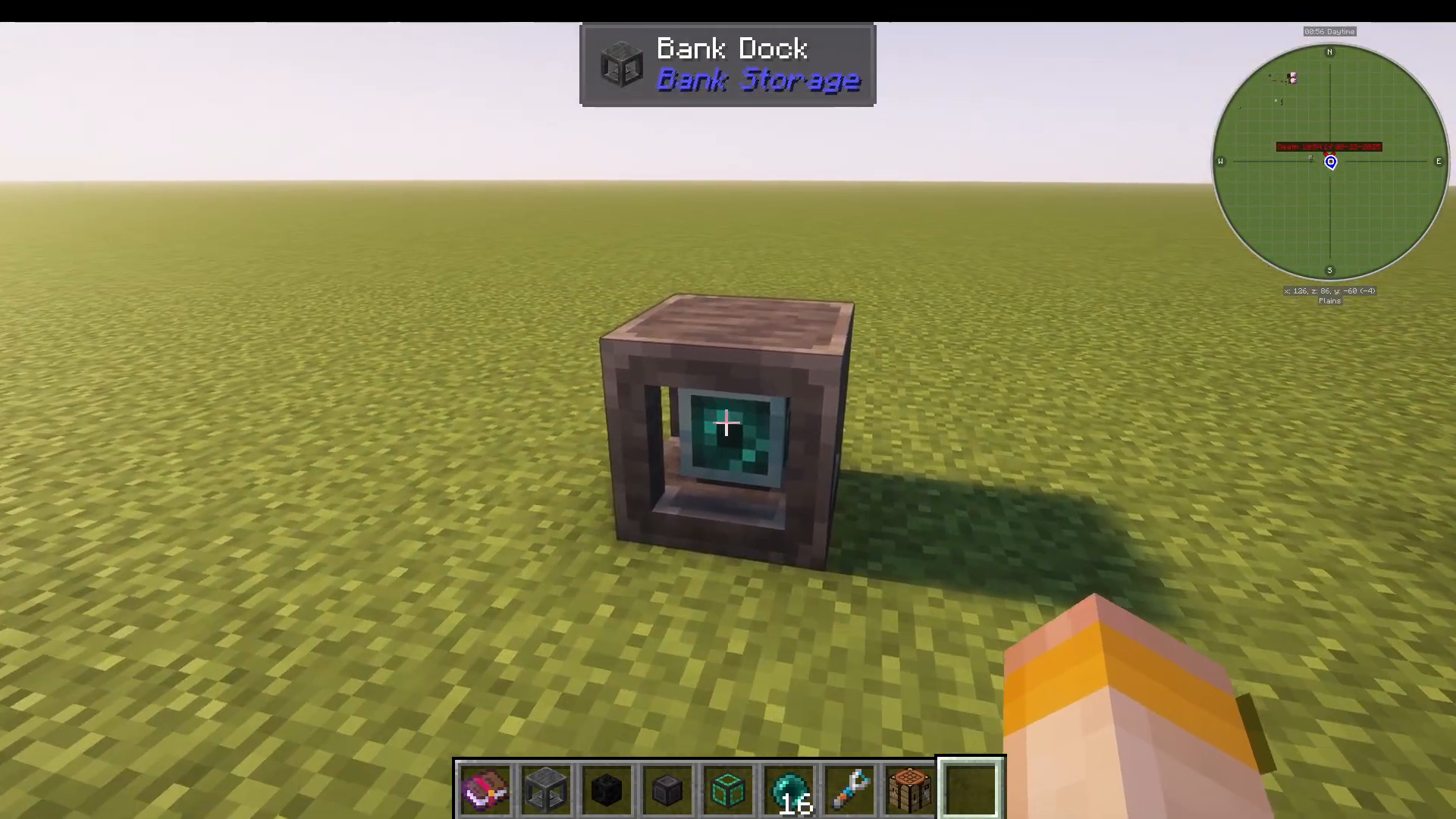
When you open a bank link, you see and interact with the contents of the bank it’s linked to — even if that bank is physically located somewhere else, such as in a bank dock back at your base that is actively being extracted from by item pipes.
A Practical Bank Link Use Case
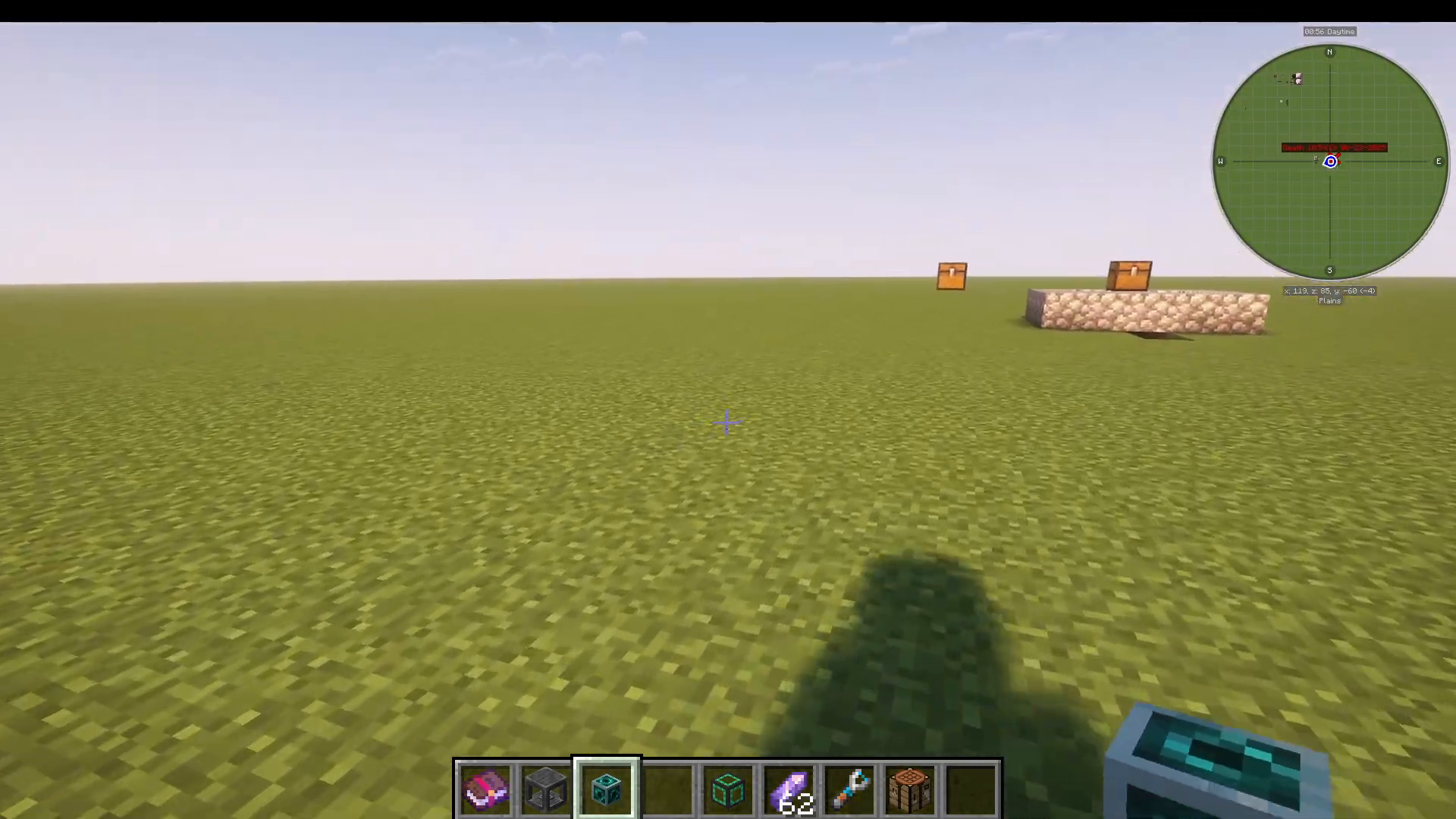
Here’s a real-world example of how powerful this is: place your bank in a bank dock at your base with Mekanism pipes set to export items into your main storage system. Then take your bank link out into the world with you. While you’re out farming or exploring, any oak logs or other materials you collect can be added directly to the bank link. Back at base, those same items are being automatically extracted from the docked bank and routed into your storage — all in real time.
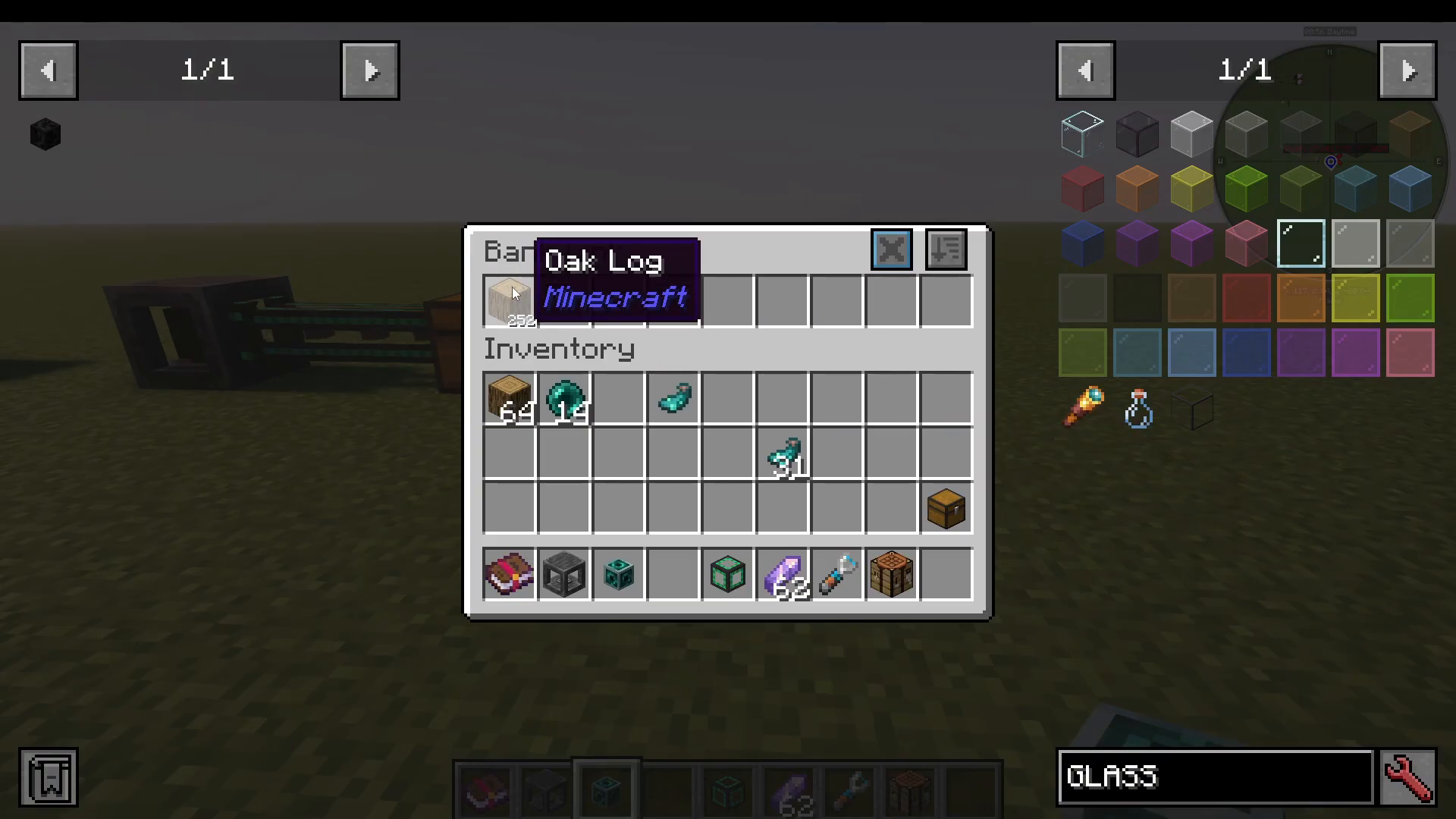
This makes the bank link function like an adventure bag that is simultaneously wired into your base storage system. You collect; your base sorts.
Bank 7: The Netherite Bank
At the top of the upgrade chain sits Bank 7, crafted from netherite. It features 108 item slots, each with a capacity of one billion items per slot. The upgrade path works by wrapping each bank tier around the next material tier: iron around copper, gold around iron, emerald around gold, diamond around emerald, and netherite around diamond.
Summary
The Bank Storage mod is one of the most versatile inventory mods available for Minecraft. Its tiered bank system scales from early-game coal storage all the way to late-game netherite vaults holding billions of items. Build Mode transforms it into an active building tool, pickup filters keep your inventory under control, and the combination of bank docks and bank links makes it a genuine backbone for automated storage networks. If you’re looking to overhaul the way you manage items in Minecraft, Bank Storage is absolutely worth adding to your modpack.
“`