
Travelers Backpacks Complete Guide
Traveler’s Backpacks Mod: The Ultimate Minecraft Guide
The Traveler’s Backpacks mod is one of the most feature-rich storage mods available for modded Minecraft. It goes far beyond simple inventory expansion — offering fluid tanks, tiered upgrades, powerful special-ability backpacks, and even a fluid hose tool. Whether you’re a new player or a seasoned modpack veteran, this complete guide will walk you through everything the mod has to offer.
Getting Started: The Sleeping Bag
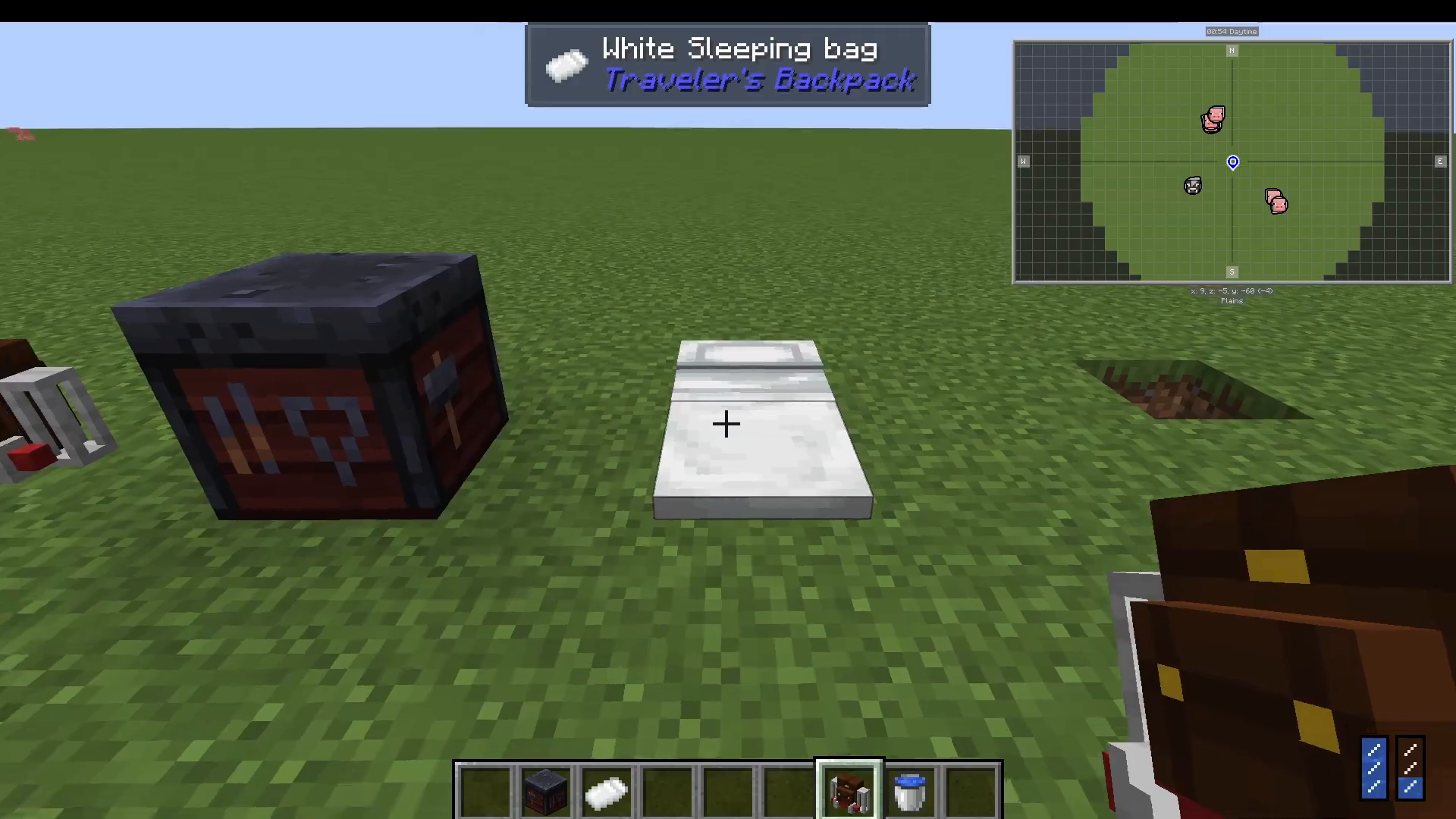
Before diving into backpacks, it’s worth crafting a Sleeping Bag. This handy item lets you skip the night in-game without setting your spawn point. It comes in a variety of colours, making it easy to personalise. It’s a simple but genuinely useful early-game item to have in your kit.
The Standard Traveler’s Backpack
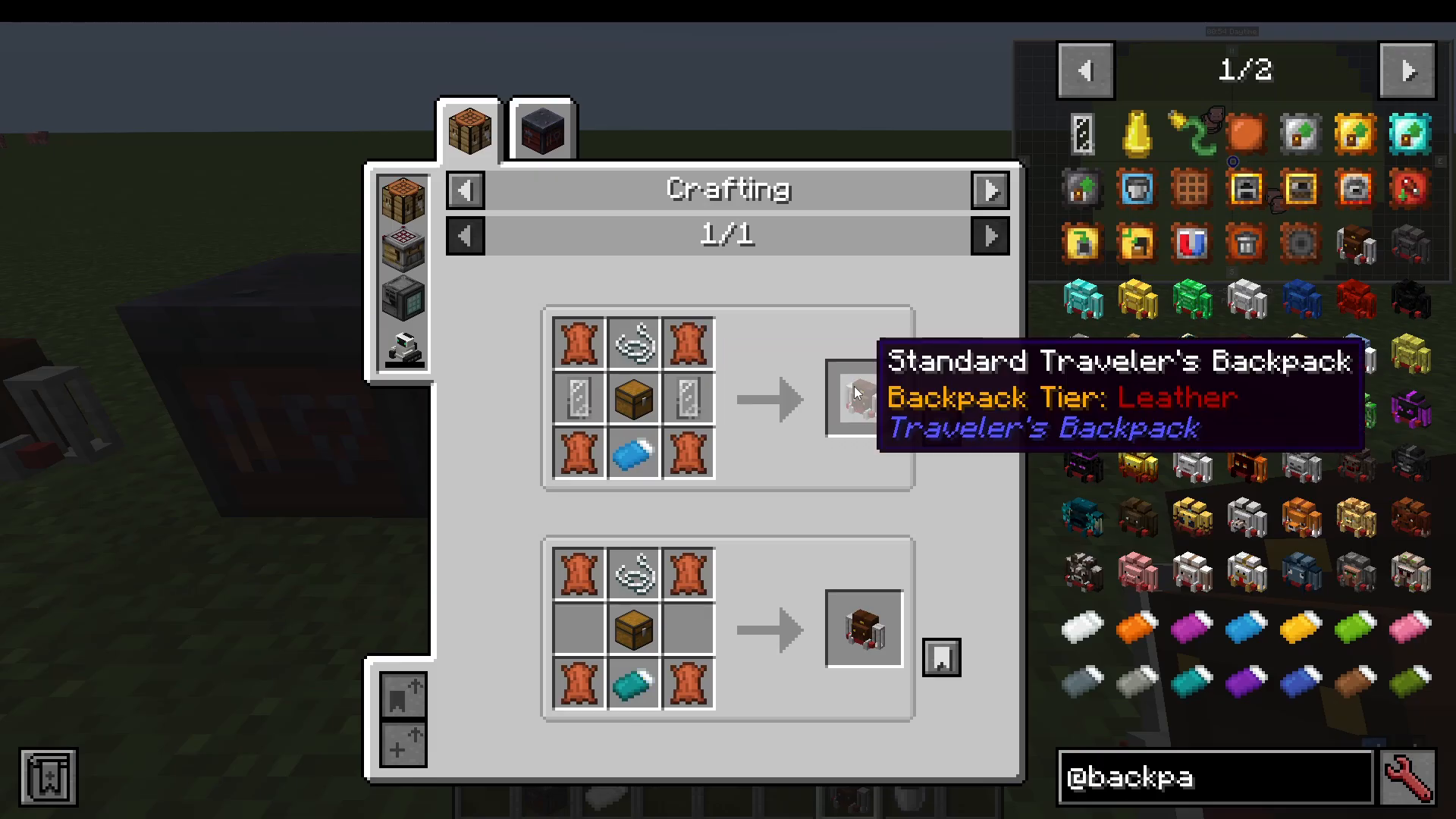
The base item in this mod is the Standard Traveler’s Backpack. When you right-click to open it, you’ll notice it features two fluid tanks — one on the left and one on the right. You can left-click a water bucket onto a tank to fill it, and left-click again to empty it back out.
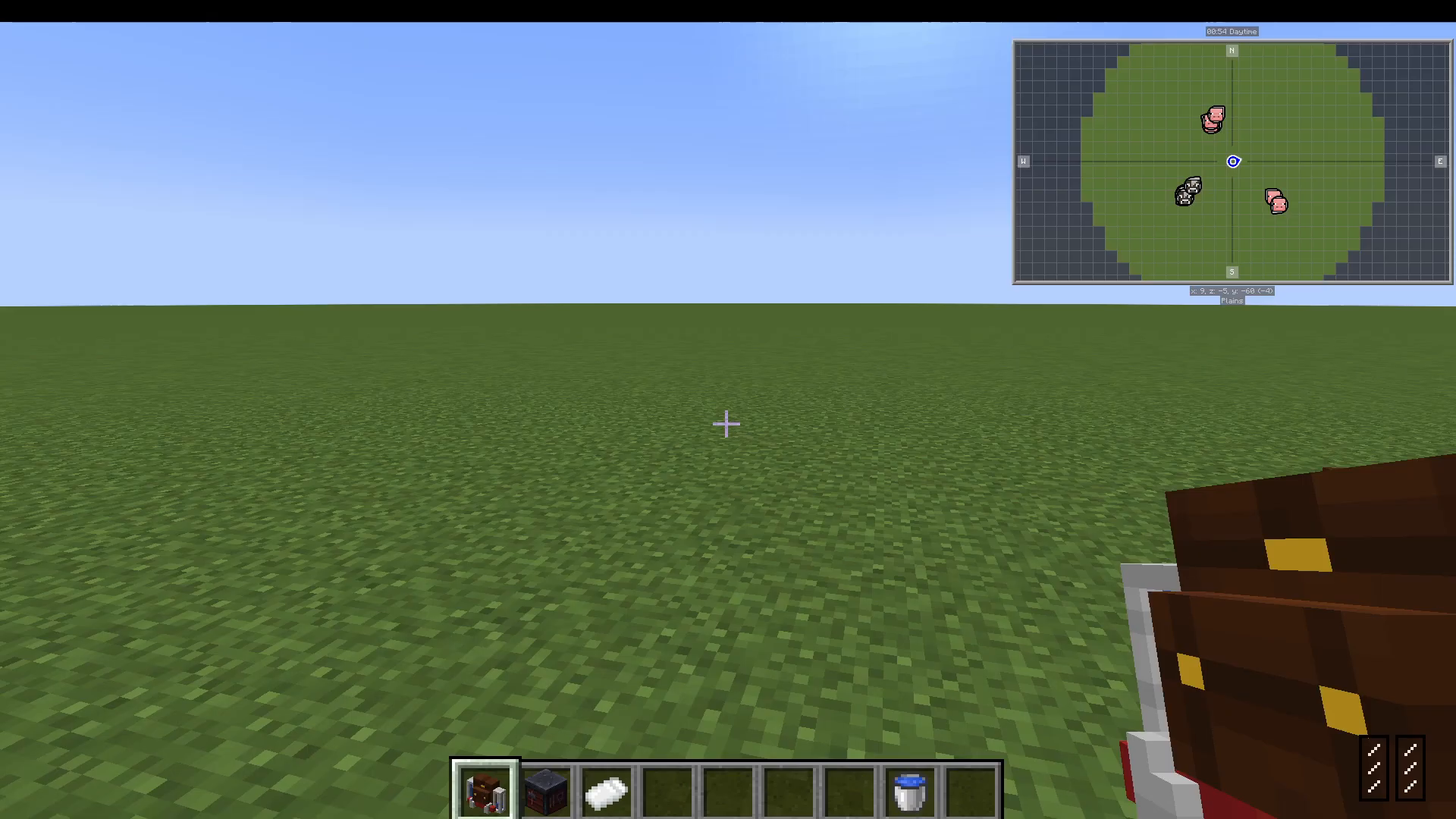
You can also equip the backpack to wear it on your back, and you can swap between a worn backpack and a held one on the fly — giving you quick access to two separate backpack inventories.
Using the Upgrade Slot
The backpack features a dedicated upgrade slot. To create an upgrade, you first craft a Blank Upgrade, then combine it with the appropriate materials to produce a specific upgrade type. For example, combining a Blank Upgrade with furnace-related materials gives you a Furnace Upgrade. Slot this into your backpack and you can smelt items directly from the backpack interface — no furnace block required.
Tank Interaction and Backpack Settings
Inside the backpack UI, you can interact with the left and right tanks directly — for example, filling a bucket from a tank without manually placing it in the world. The backpack also includes a full settings panel with several useful options:
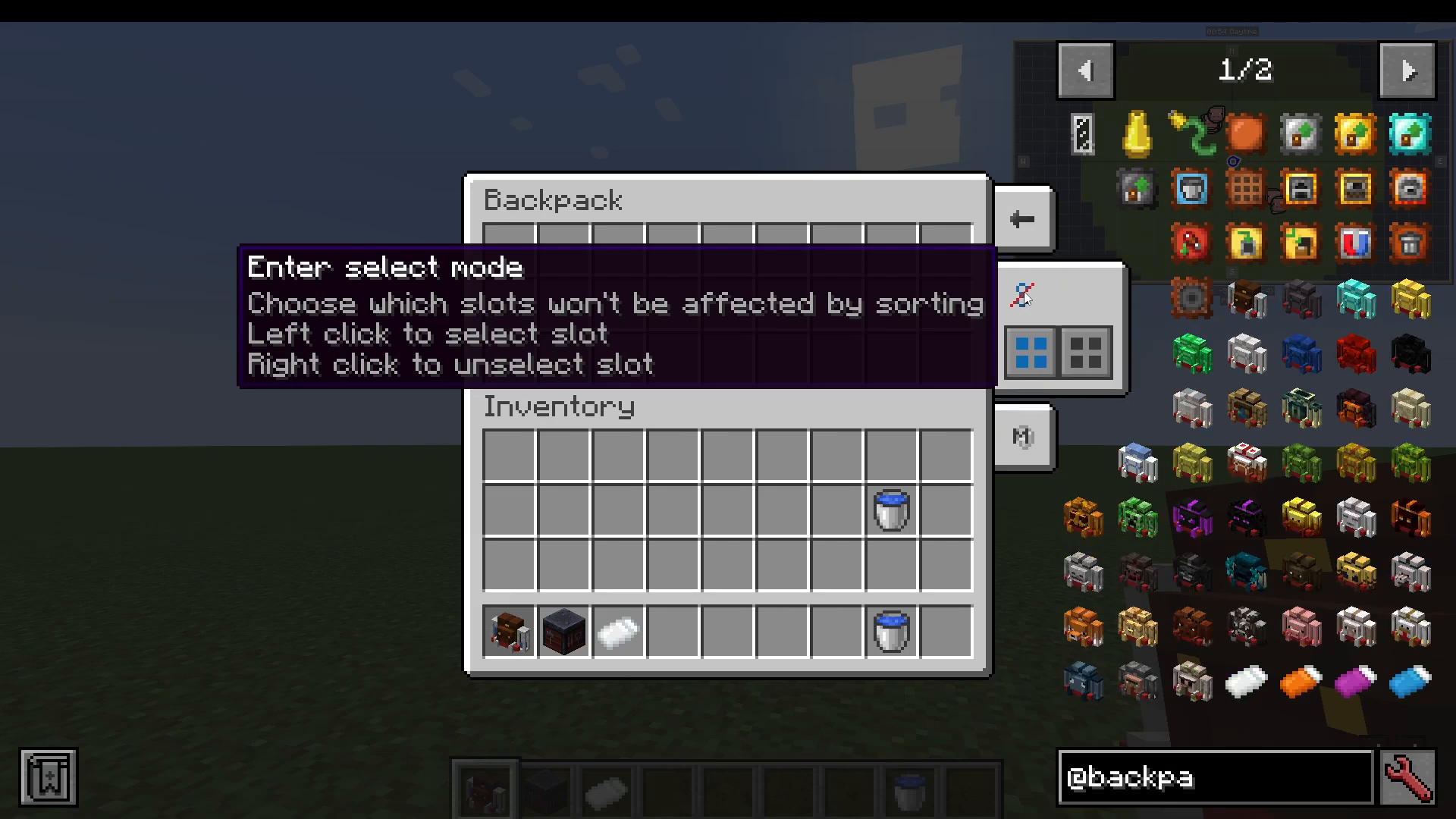
Ender Select Mode (Sort Exclusion): Choose which inventory slots will not be affected by sorting. Click individual slots to exclude them, or use the select-all/unselect-all buttons.
Ender Select Mode (Item Reservation): Reserve a specific item type to a specific slot. Whatever item is currently in a chosen slot will always be placed back there — a powerful filtering and sorting tool.
Show Tool Slots: Reveals dedicated tool slots on the left side of the interface, where you can store pickaxes and other tools separately from your main inventory.
Sort, Quick Stack, and Transfer: Quickly sort items inside the backpack, stack matching items, or transfer items to and from your main inventory in one click.
Upgrading Your Backpack’s Size
You can increase the storage capacity of your backpack by crafting Tier Upgrades. To upgrade to the Iron tier, for example, combine a piece of leather, your Blank Upgrade, and your backpack in a Smithing Table. The result is a larger backpack at the Iron tier. You can press Ctrl while hovering over the backpack in your inventory to peek at its contents without opening it fully.
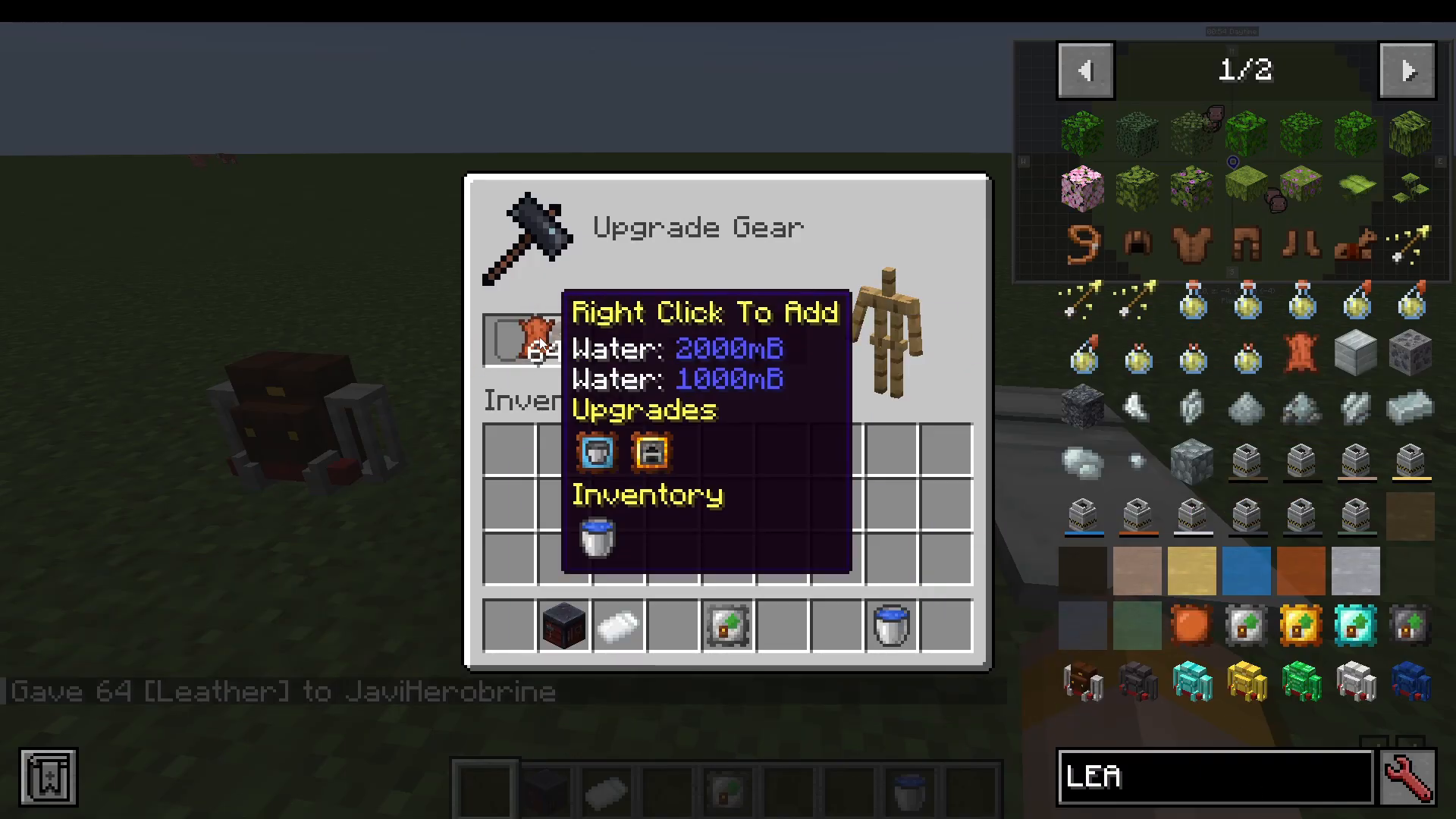
The full progression of size tier upgrades is:
Standard → Iron → Gold → Diamond → Netherite
All Available Backpack Upgrades
Beyond size upgrades, there is a wide range of functional upgrades you can slot into your backpack:
Tank Upgrade: Adds two additional fluid tanks to the backpack.
Crafting Table Upgrade: Adds a portable crafting grid.
Furnace Upgrade: Adds a portable furnace.
Smoker Upgrade: Adds a portable smoker.
Blast Furnace Upgrade: Adds a portable blast furnace.
Feeding Upgrade: Automatically feeds you using food stored in the backpack.
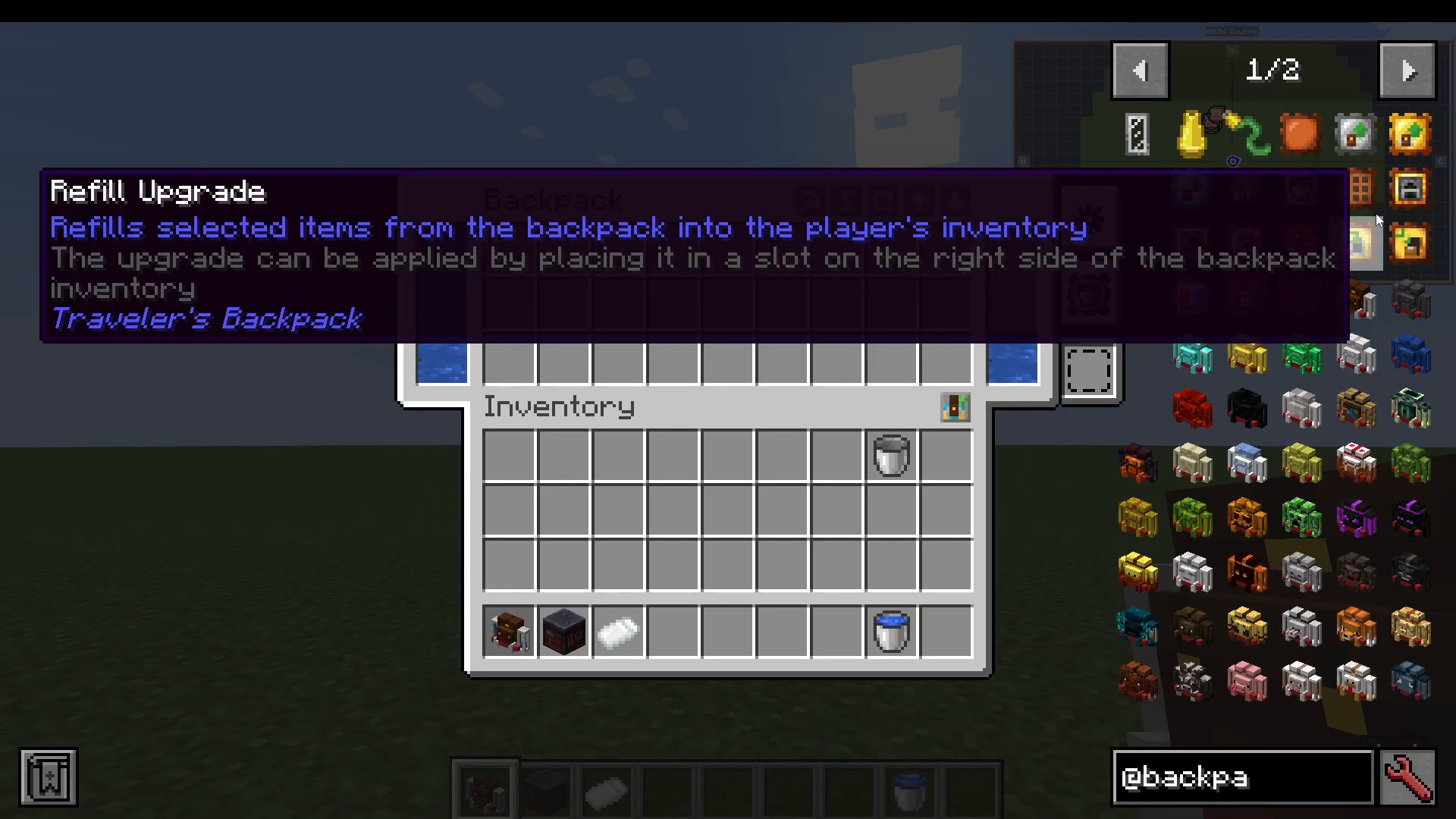
Refill Upgrade: Refills stacked items from the backpack into your hotbar — useful when mining large amounts of blocks like cobblestone.
Map Upgrade: Adds map functionality.
Magnet Upgrade: Attracts nearby dropped items.
Void Upgrade: Destroys items that overflow the backpack.
Jukebox Upgrade: Adds jukebox functionality.
Special Material Backpacks and Their Abilities
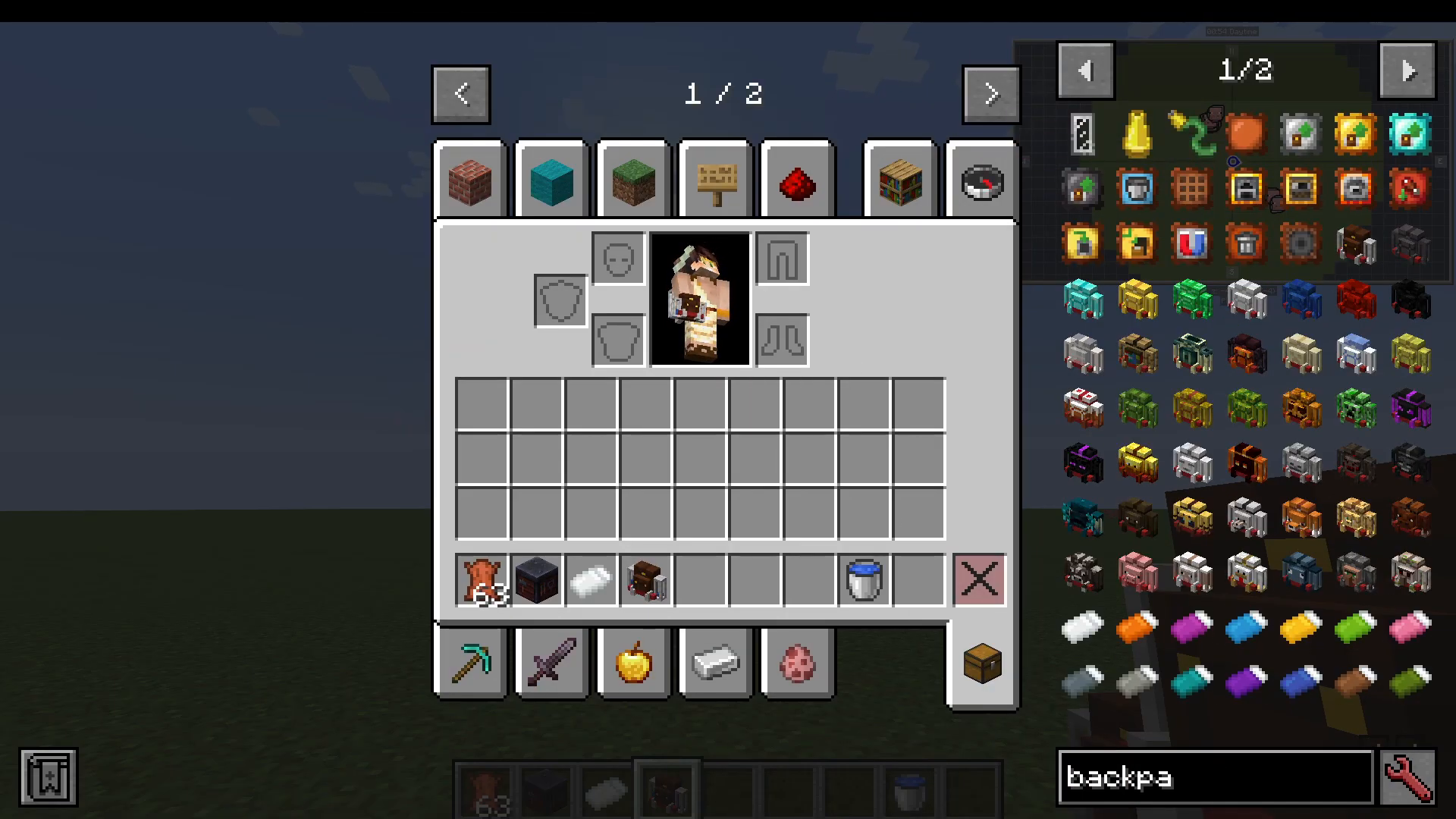
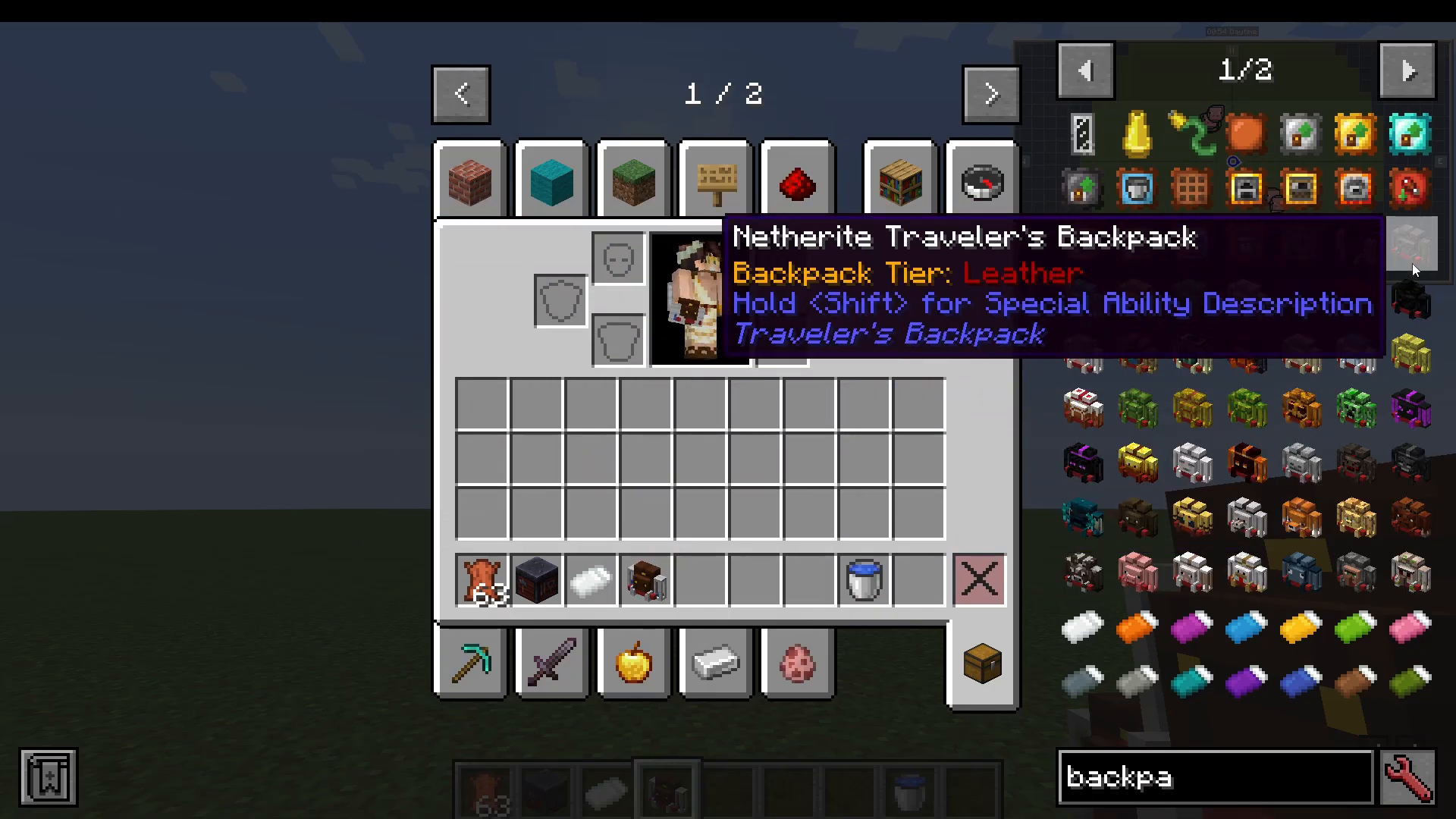
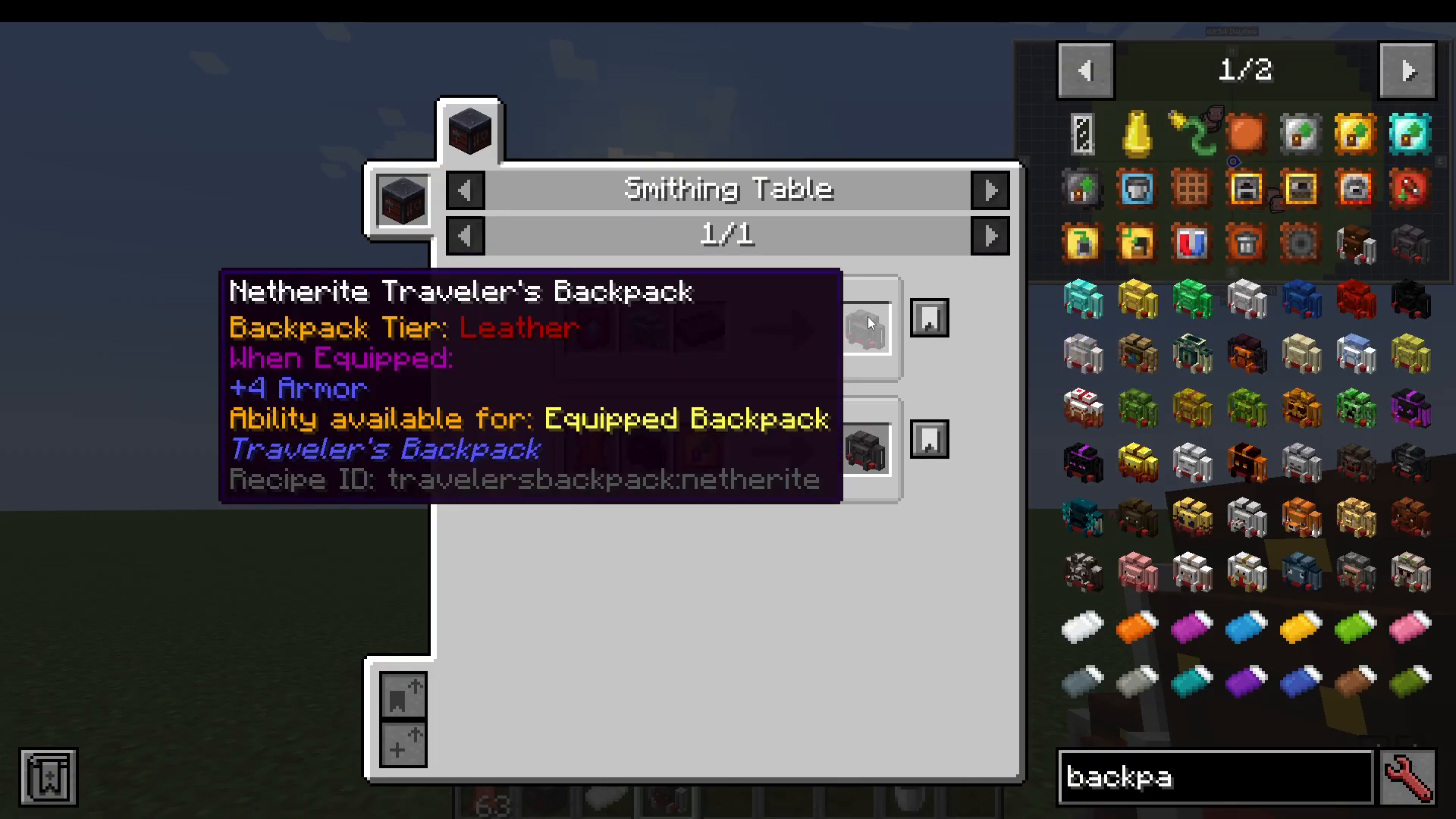
Beyond tier upgrades, the mod includes a large selection of special crafted backpacks, each made from a unique material and each granting a distinct passive ability when equipped. These are separate from the standard backpack tiers and are crafted by combining a Smithing Template, a specific ingot or material, and your backpack in a Smithing Table.
Ore and Material Backpacks
Netherite Backpack: Grants 4 armor when equipped.
Diamond Backpack: Grants 3 armor.
Gold Backpack: Grants 2 armor.
Iron Backpack: Grants 2 armor.
Emerald Backpack: Grants 1 Luck.
Lapis Backpack: Gives a chance to double incoming experience.
Redstone Backpack: Emits a strong Redstone signal.
Coal Backpack: No special ability noted.
Bookshelf Backpack: Holds mighty knowledge — place it near an Enchanting Table to act as a bookshelf and unlock higher-level enchantments.
Block and Nature Backpacks
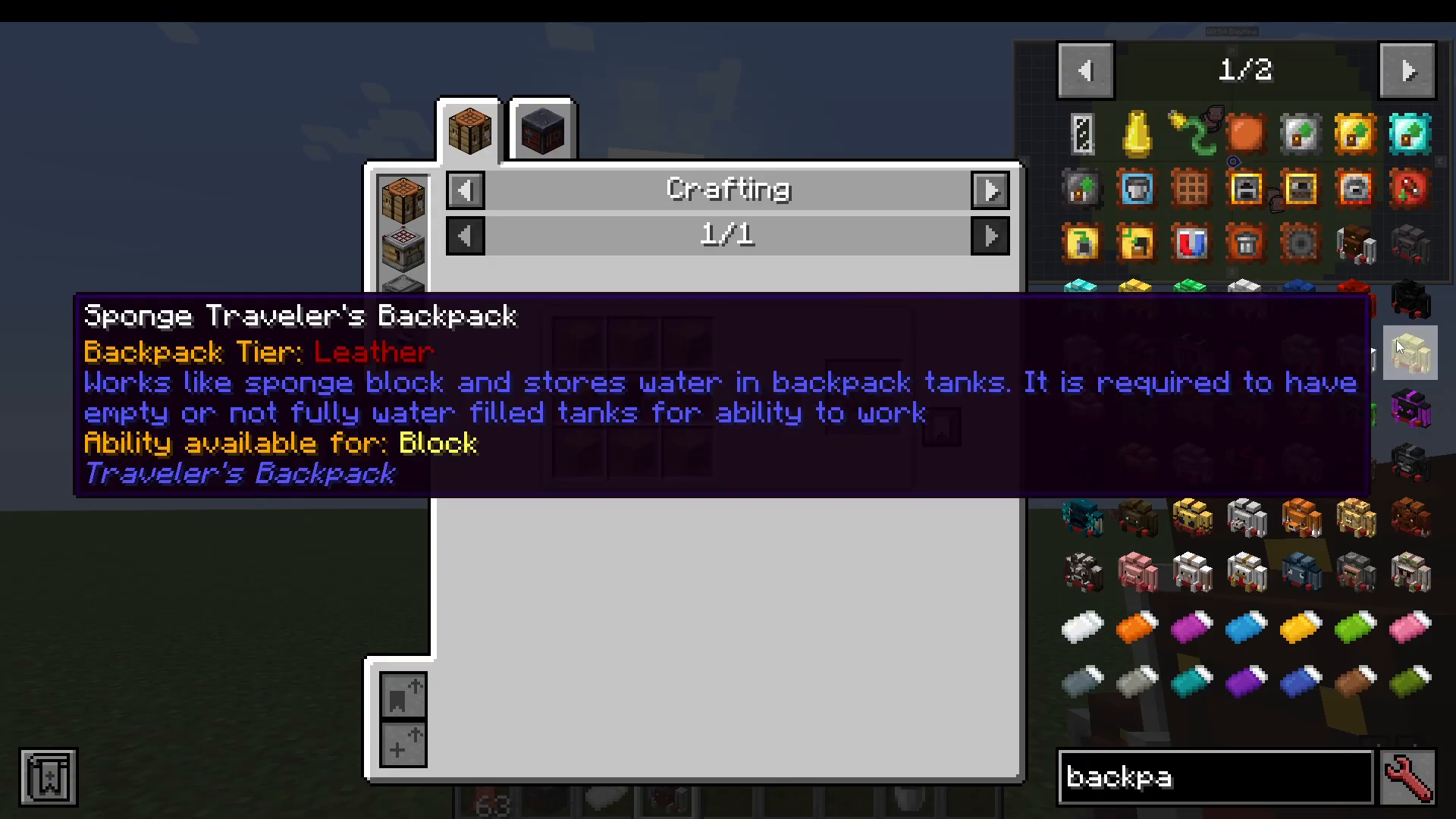
Sponge Backpack: Works like a sponge block — absorbs nearby water and stores it in the backpack’s tanks. Requires empty or partially filled water tanks to function.
Cactus Backpack: When it is raining and the backpack is exposed to the sky, it will fill empty tanks with water. You can also fill the tanks by submerging yourself in water while wearing it.
Hay Backpack: Has a chance to multiply crop drops.
Melon Backpack: Can drop up to three melon slices.
Pumpkin Backpack: Staring at Endermen no longer aggravates them.
End Backpack: Available in the End dimension.
Nether Backpack: Nether-themed backpack.
Sandstone Backpack: Sandstone-themed backpack.
Mob-Themed Backpacks
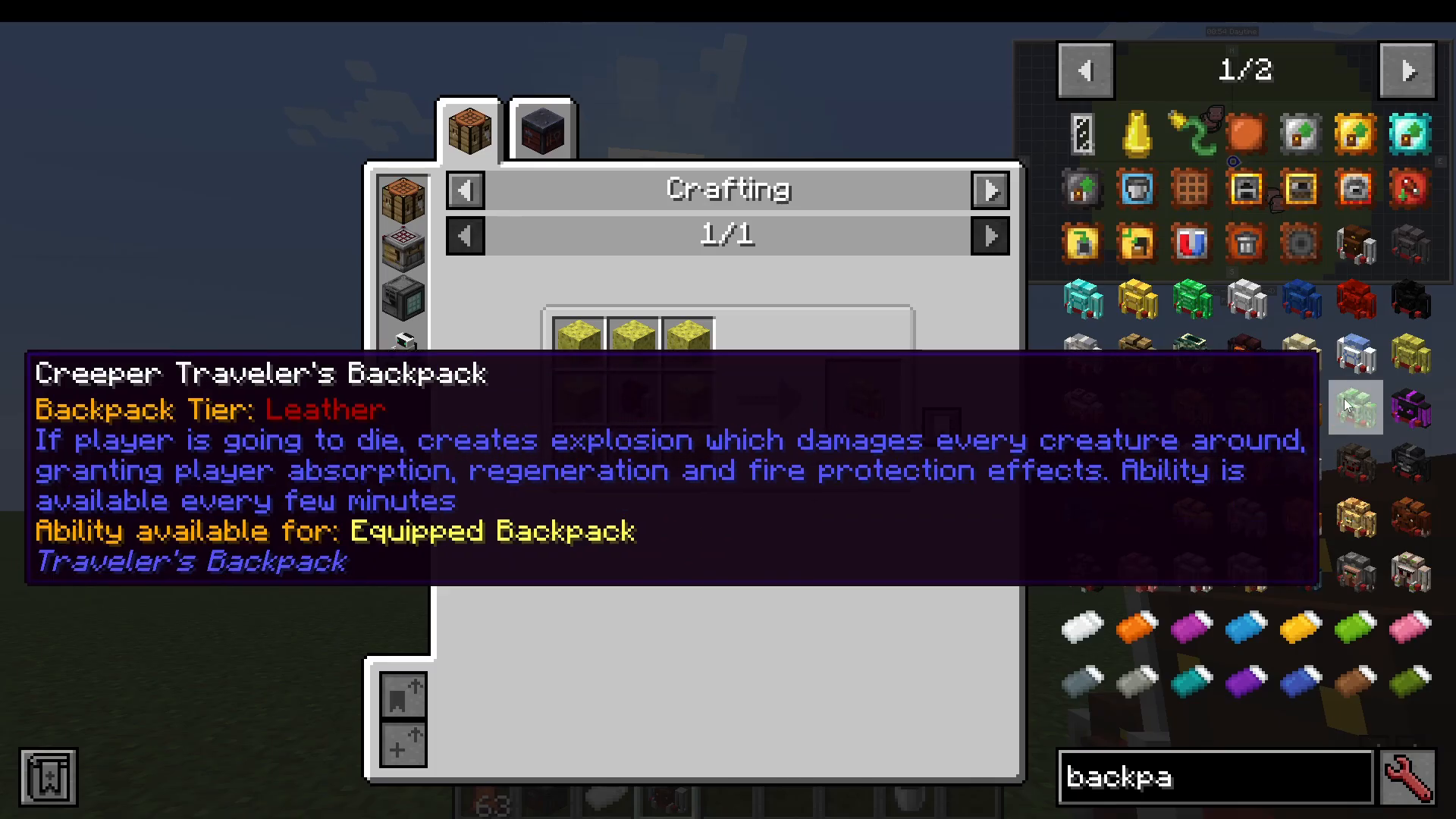
Creeper Backpack: On death, triggers an explosion damaging all nearby mobs, while granting the player Absorption, Regeneration, and Fire Protection. Available every few minutes — essentially a get-out-of-jail-free card on death.
Dragon Backpack: Grants Regeneration and Strength — one of the strongest passive bonuses in the mod.
Enderman Backpack: Extends your block reach range, allowing you to mine blocks from further away.
Blaze Backpack: Grants immunity to fall damage and small fireballs from Blazes.
Ghast Backpack: Ghasts will treat you as an ally — unless you attack them.
Magma Backpack: Grants Fire Resistance.
Skeleton Backpack: No special effect noted.
Spider Backpack: Allows you to climb walls.
Warden Backpack: Grants Slowness II. Obtainable in mineshafts and dungeons.
Bat Backpack: Grants Night Vision.
Bee Backpack: Attacking creatures causes you to sting them.
Wolf Backpack: No special effect noted.
Fox Backpack: Grants Jump Boost and Speed — great for getting around quickly.
Ocelot Backpack: Grants Speed when nearby hostile mobs.
Pig Backpack: Basic — no notable special ability.
Sheep Backpack: Basic — no notable special ability.
Chicken Backpack: You will periodically lay eggs.
Squid Backpack: Grants Water Breathing and Night Vision.
River Backpack: Grants immunity to the Slow Falling effect and applies Swift Sneak II.
Villager Backpack: Can only be purchased from a Librarian villager.
Iron Golem Backpack: Obtainable from armored villager chests.
The Hose Tool
The final item in the Traveler’s Backpacks mod is the Hose. Craft one and you can use it to suck up fluids — like water — directly into your backpack’s tanks. You can watch the tank fill up in real time via the indicator in the bottom-right corner of the screen.
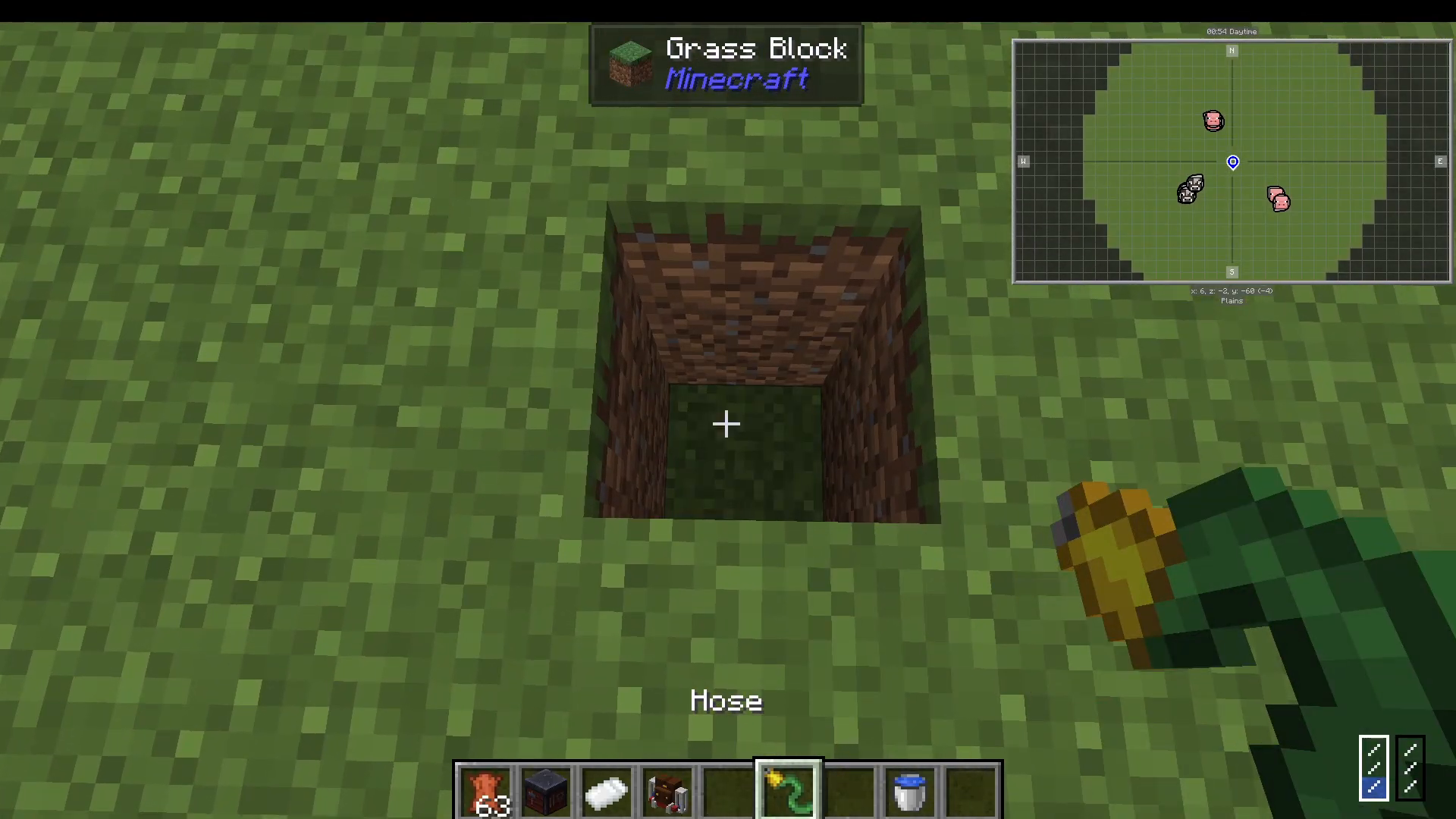
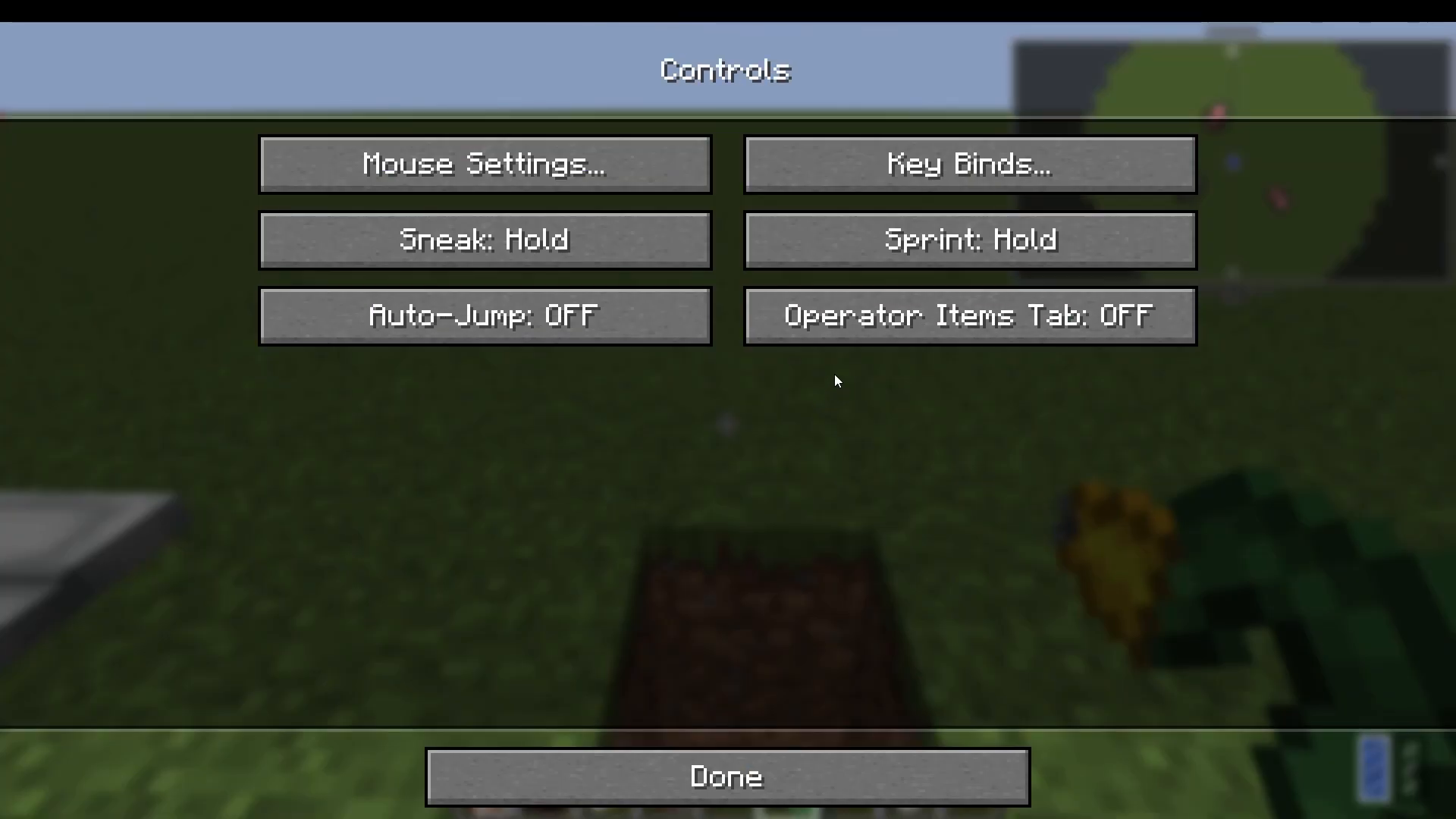
The Hose has multiple modes. To switch between them, you’ll need to configure your keybinds. Navigate to Options → Controls → Key Binds and search for Traveller’s Backpack. You will find the following bindable actions:
Enable/Disable Special Ability — toggles the equipped backpack’s passive effect.
Open Backpack — opens the backpack GUI (default key is typically B).
Sort Backpack — triggers automatic sorting of backpack contents.
Swap Tool — moves a tool from the backpack’s tool slots directly to your main hand, and cycles through them.
Change Hose Mode — switches between suck mode and pour mode while holding the hose.
Toggle Hose Tank — switches the hose between the left and right fluid tanks in your backpack.
Summary
The Traveler’s Backpacks mod is an incredibly deep and rewarding addition to any modded Minecraft playthrough. Starting with a simple sleeping bag, you can work your way up through tiered backpacks with expanding storage, slot in powerful functional upgrades like portable furnaces and feeding systems, and eventually craft rare mob-themed backpacks that grant unique passive abilities. Don’t forget to craft the Hose for on-the-go fluid collection, and always check your keybinds to unlock the mod’s full potential. Whether you’re mining, exploring, or fighting, there’s a Traveler’s Backpack built for the job.
“`