







Powah Engergising Orb Tutorial
Powah Energising Orb Tutorial
To progress further into the Powah mod in Minecraft, you’ll need to craft an Energising Orb. This essential crafting station is required for all Hardened tier items and beyond. In this guide, we’ll walk you through setting up your Energising Orb and show you how to create valuable items like Energised Steel.
Understanding the Energising Orb
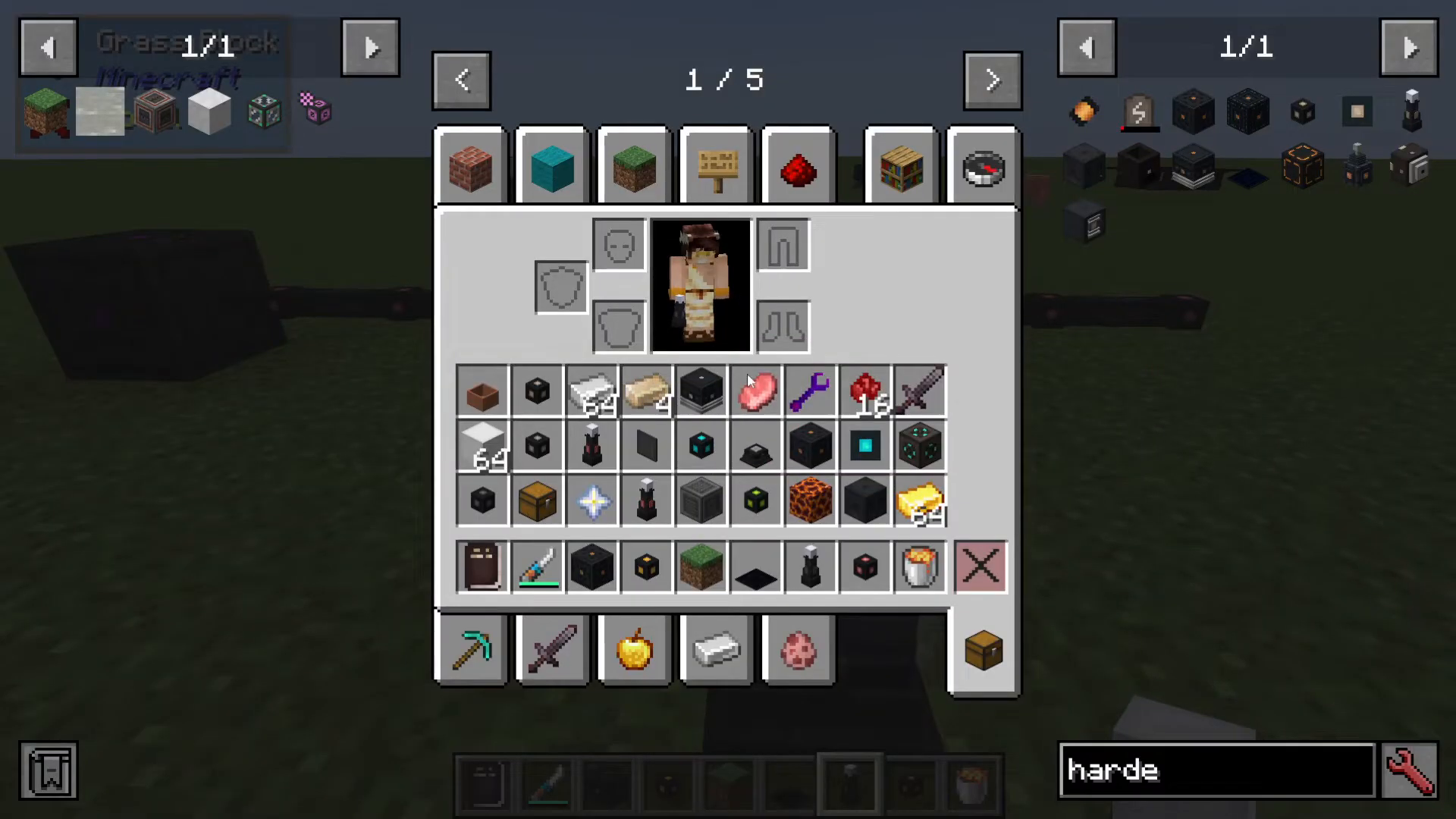
The Energising Orb is a crafting station used to transform materials into upgraded versions. Anything at the Hardened tier or higher will require this device. When you check Just Enough Items (JEI), you’ll see recipes displaying the Orb alongside required materials like rods.
Crafting and Placing Your Energising Orb
The Energising Orb recipe is straightforward and uses basic Powah mod materials. Once crafted, you can simply place it on the ground in your world.
Important: A common misconception is that the Energising Orb requires power to operate. This is not true. The Orb has no connection to your power systems and will function without any energy input.
Setting Up Energising Rods
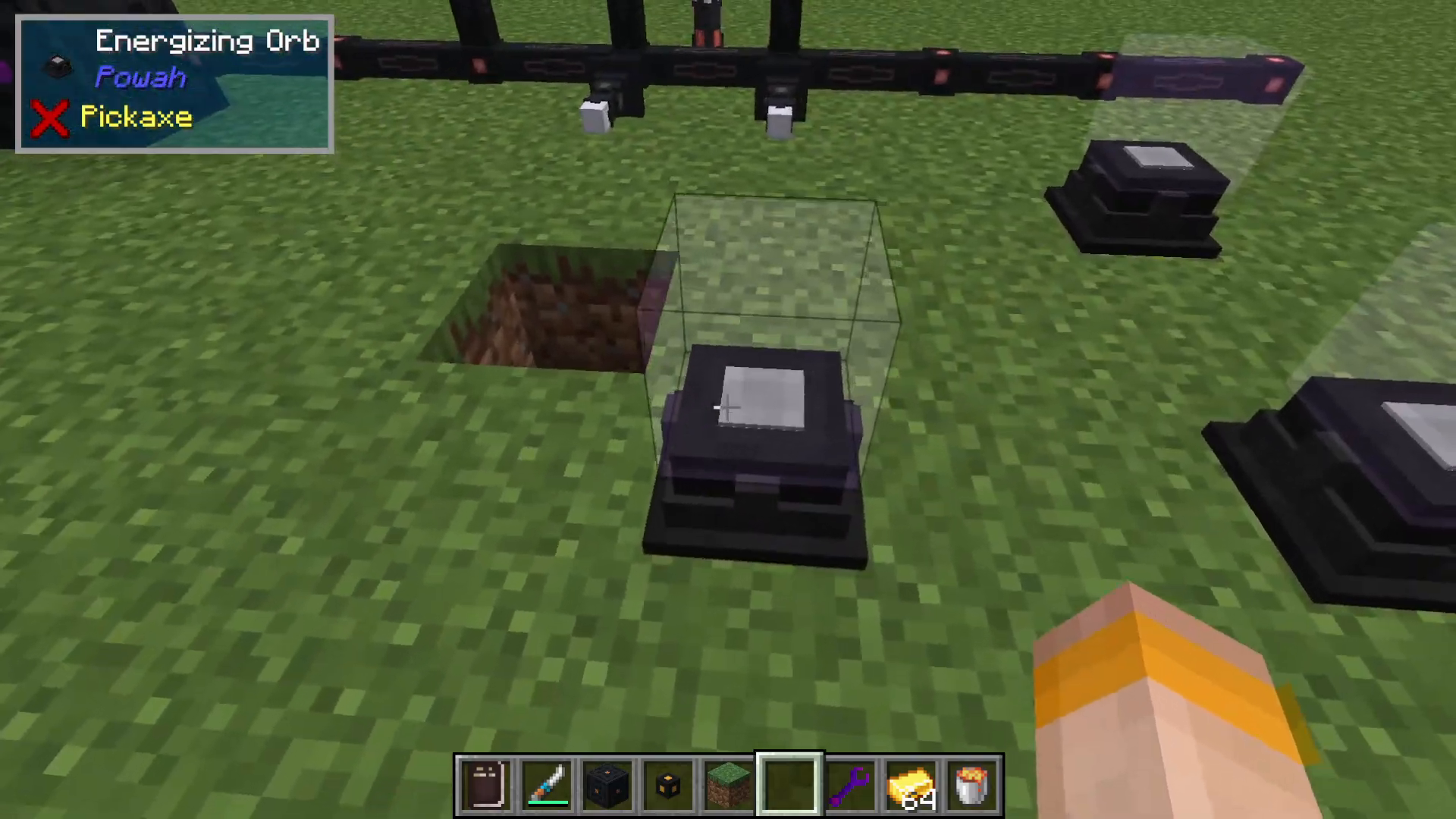
To activate your Energising Orb, you need to place Energising Rods on top of it. These rods must be positioned within a 9×9 radius of the Orb. The rods themselves are crafted using basic Powah materials and are simple to produce.
You can arrange the rods in various configurations, as long as they remain within the 9×9 radius area. This flexibility allows you to adapt your setup to your available space.
Creating Energised Steel
One of the first items you’ll want to create is Energised Steel, which is essential for crafting Hardened Capacitors. To make Energised Steel, you need:
Gold
Iron
10,000 Forge Energy
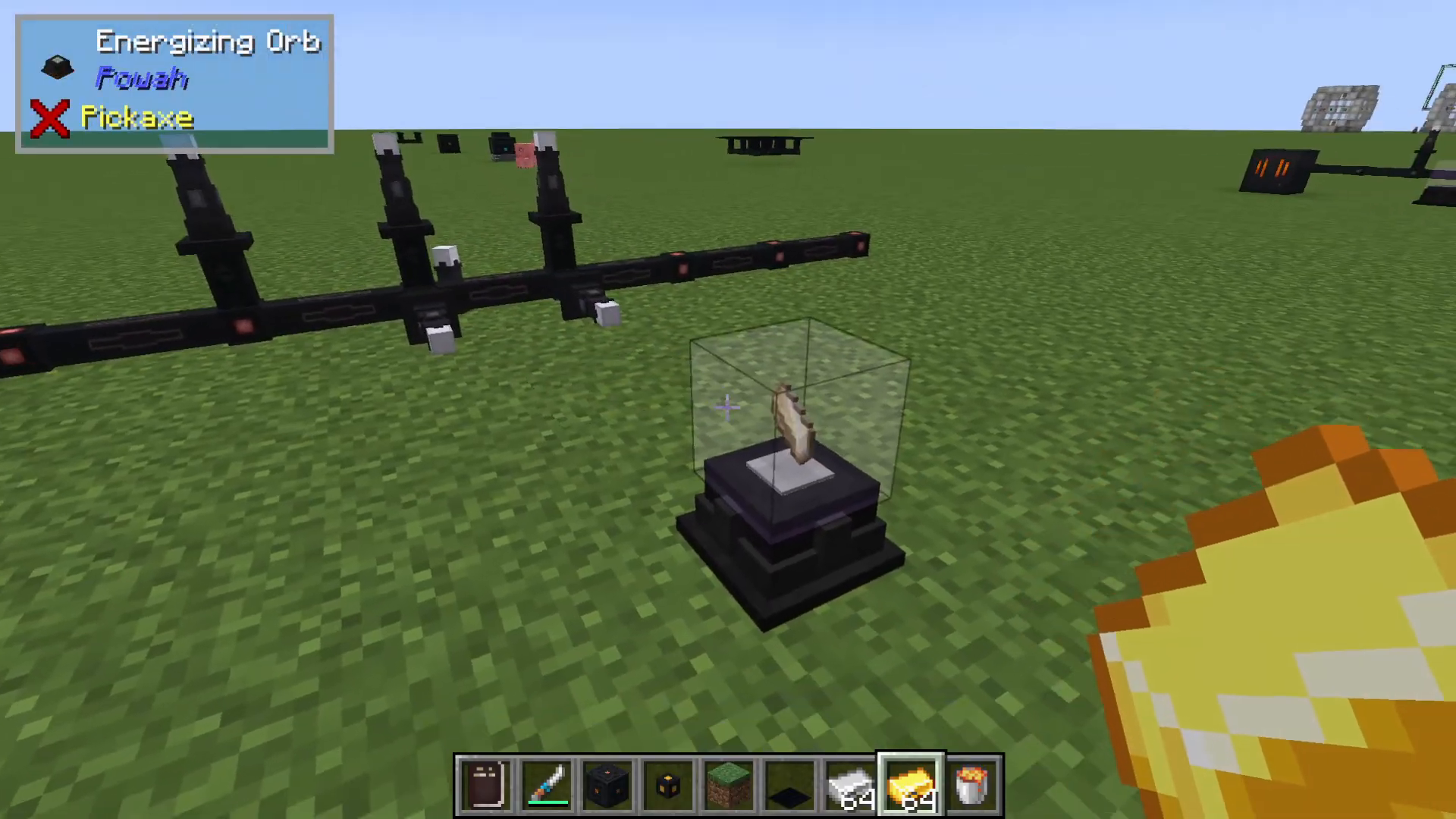
If you have the required materials in your inventory, simply right-click to place the gold and iron beside the Energising Orb. The Orb will automatically activate and begin the energisation process. You’ll see it start working immediately and transform your materials into Energised Steel.
Linking Multiple Energising Orbs
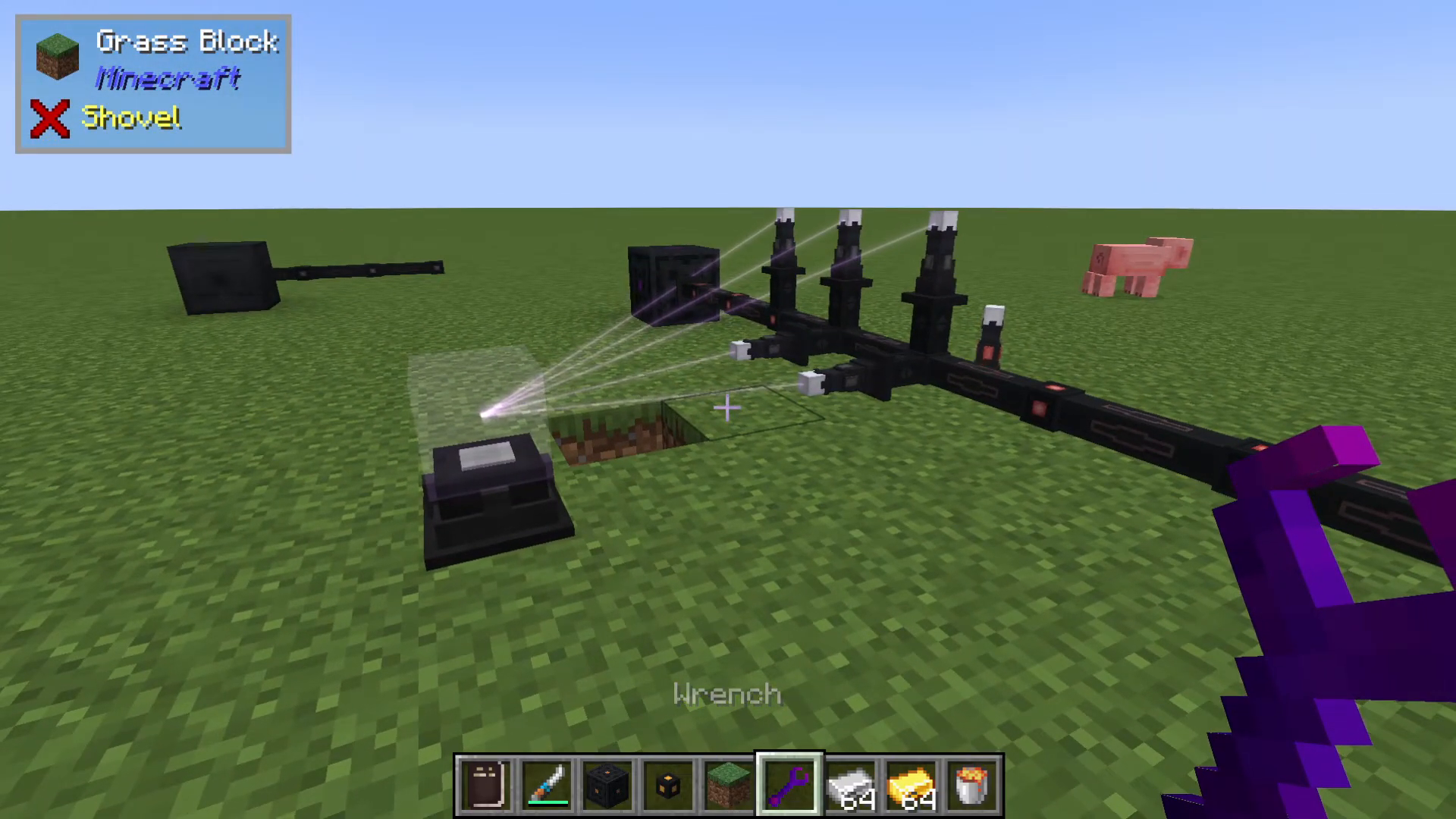
If you have multiple Energising Orbs or Rods that aren’t yet linked, you can manage their connections using a Wrench (also from the Powah mod).
To link rods to orbs:
Hold a Wrench in your hand
Shift right-click to cycle through modes: Config Mode → Linking Mode → Rotation Mode
When in Linking Mode, you’ll see visual indicators showing current connections
Right-click on a rod and select “Start Linking”
Right-click on the Energising Orb you want to link it to
You can link multiple rods to the same Orb, or distribute them across several Orbs as needed. Hovering over the rods will display how much energy they have stored, and they can be upgraded to higher tier versions for improved performance.
What You Can Create with the Energising Orb
The Energising Orb can transform a variety of materials:
Blue Ice → Dry Ice (used for reactor cooling)
Uranium Ore → Uranite
Steel + Blazing Crystals → Blazing Crystals (for blazing upgrades)
Charged Snowballs
Spirited Crystals
Nitro Crystals (the best-tier material for all Powah items)
Energy Requirements
By default, the Energising Orb uses Nether Star Blocks and Redstone Blocks (with Blazing Crystals for advanced recipes) as its energy source. The Forge Energy value shown in the recipe indicates how much energy the rods must output to fully charge and transform an item into its upgraded form—for example, converting materials into a Spirited Crystal.
Automating Your Energising Setup
While this tutorial focuses solely on the Powah mod, there are many ways to automate the Energising Orb using other Minecraft mods. Check out the other mod tutorials on our channel for detailed guides on automation techniques beyond Powah.
Conclusion
The Energising Orb is a fundamental tool for progressing through the Powah mod. By setting it up correctly with Energising Rods and understanding how to create key items like Energised Steel, you’ll unlock access to Hardened tier equipment and beyond. Remember that the Orb requires no power input itself, making it an accessible crafting station for early-game progression.
— Want to Support? —
If you would like to help us continue making these guides – please consider joining our patreon here – https://www.patreon.com/c/JaviHeals
Alternatively – we host a group of MC Servers you can join here – https://discord.gg/zD7Gjt6MHF



