Assembly Line Machines Electrical Age Full Tutorial
Assembly Line Machines Electrical Age Full Tutorial
Once you collect black granite from the Nether, you can craft basic energy pipes and start working with electric machines in the Electrical Age. This comprehensive guide will walk you through every essential machine, from your first electricity generator to advanced oil processing systems.
Getting Started: Your First Power Generation
Building Your Crank Mill
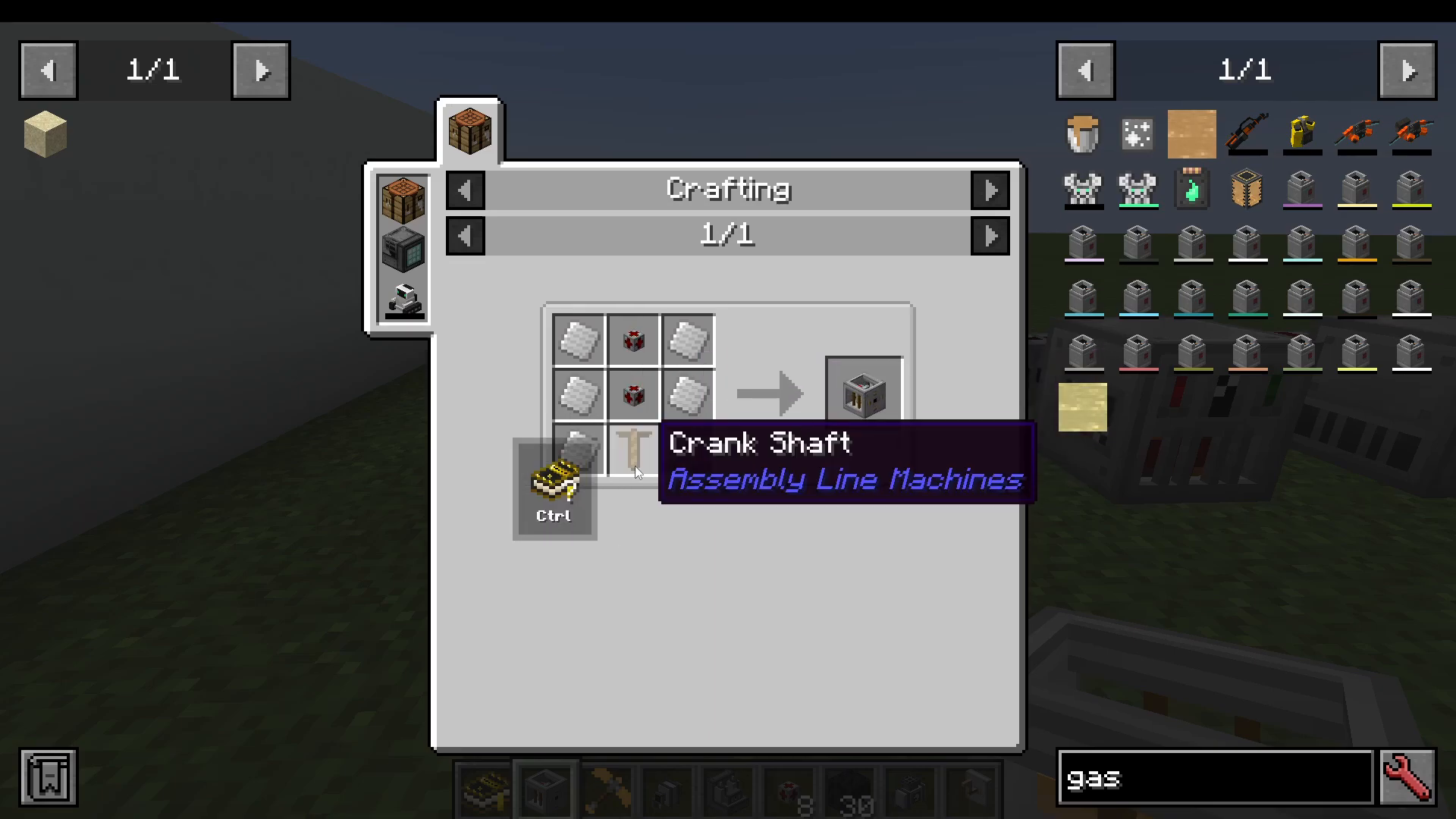
The crank mill is the first machine that will generate electricity for you. It requires basic energy pipes (made with black granite), pure iron plates, and a crank shaft. You’ll also need to attach a gearbox that you crafted during the Crank Age.
To connect your crank mill to other machines, place the gearbox on the left side of your crank mill. It will output power from there.
Understanding Energy Pipes
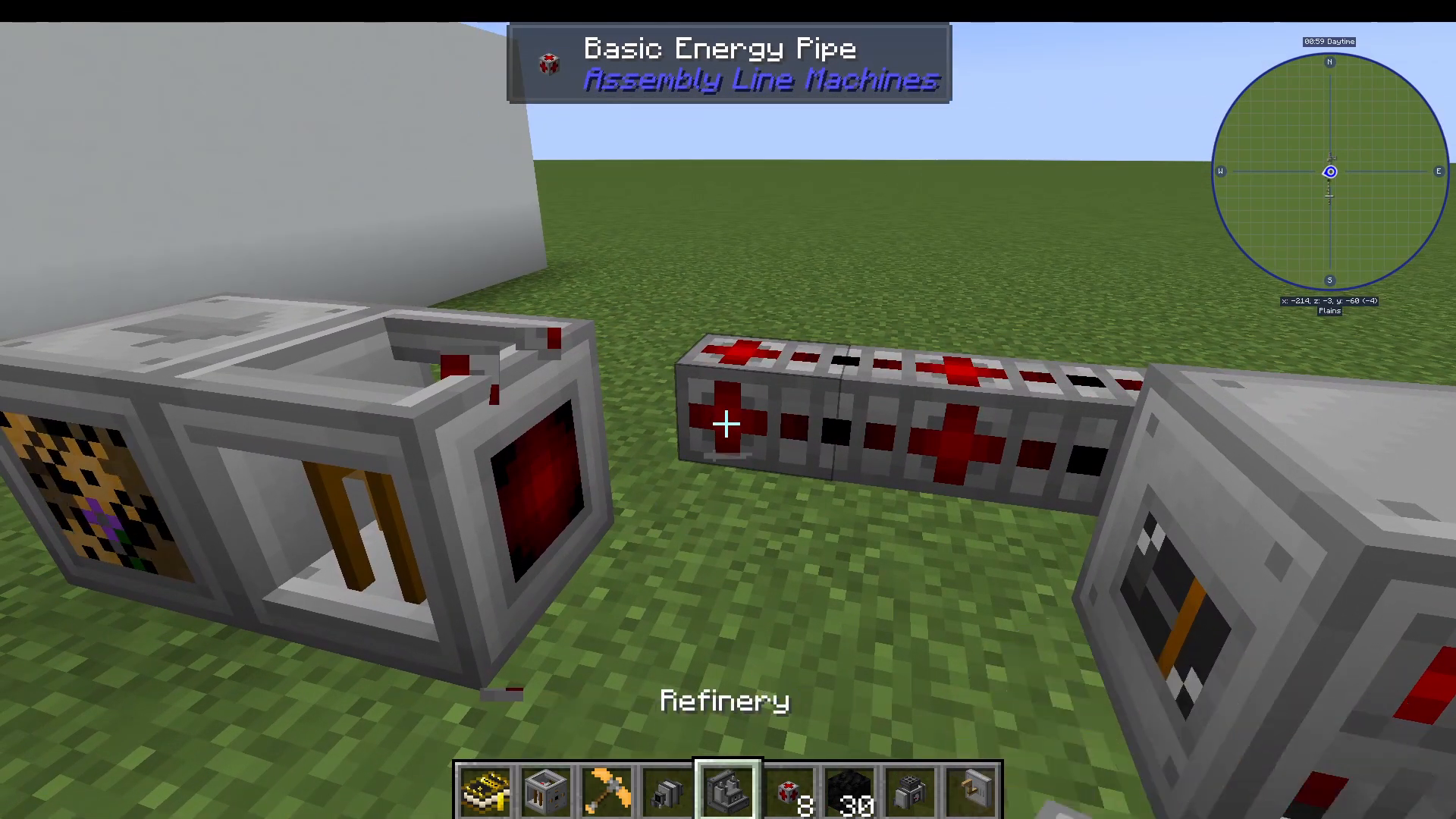
Basic energy pipes are essential for your electrical setup. To connect them to your machines, shift-click the pipe onto the red connection point. You can also right-click an empty connection point to configure whether it should input or output power. Keep in mind that you want input enabled on the pipe connecting to your machine and output enabled on the pipe coming from your generator.
Essential Electric Machines
Electric Purifier
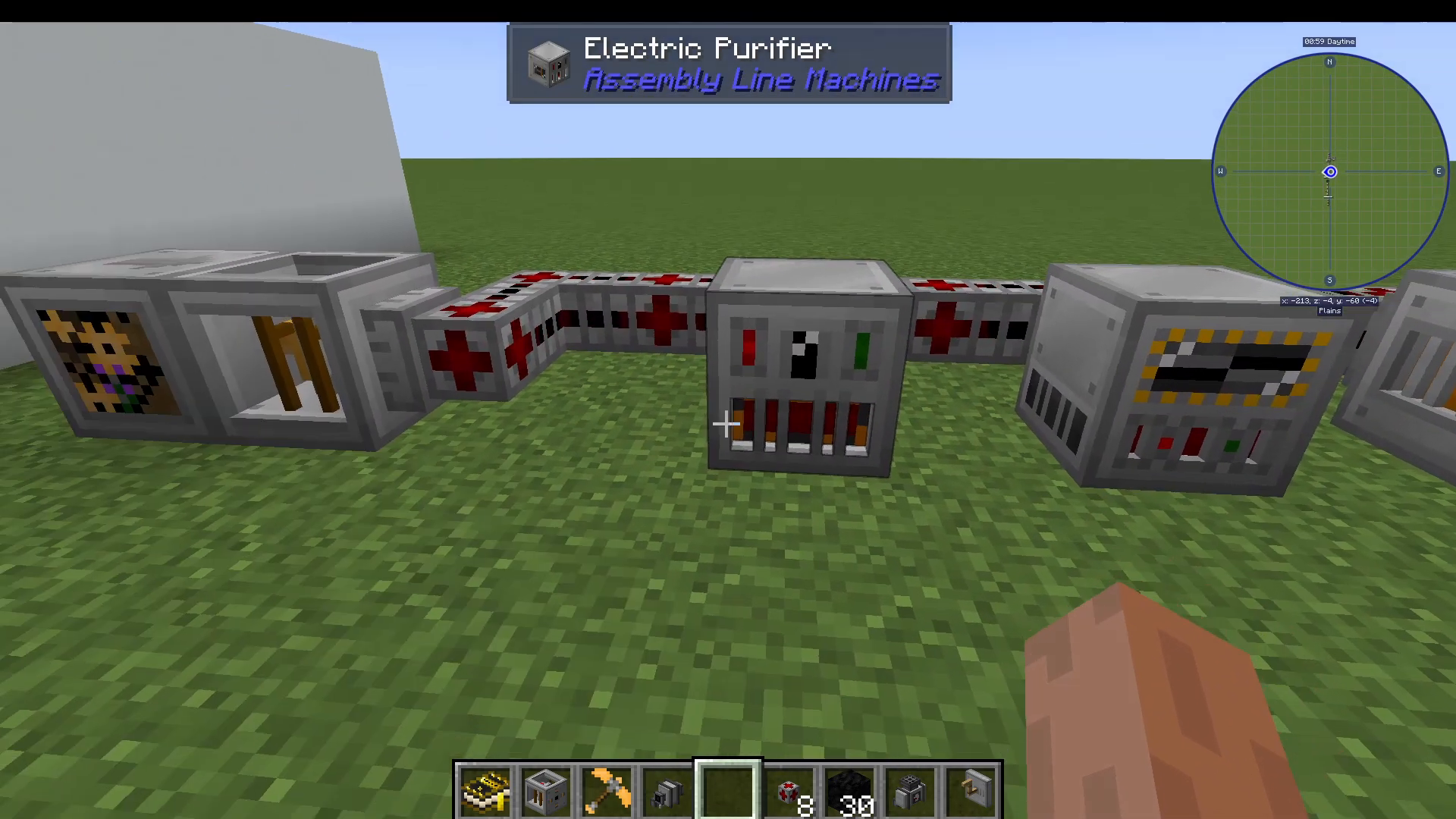
The electric purifier is one of the first machines you’ll want to craft. It requires black granite and pure titanium plates. This machine accepts two items at once—for example, sand and gravel along with iron—and produces pure versions of those materials.
The electric purifier is much quicker and more efficient than manual methods for creating pure ingots. You can use it to make pure copper ingots, pure steel, and many other purified materials.
Power Generation Options
Beyond the crank mill, you have several options for generating electricity:
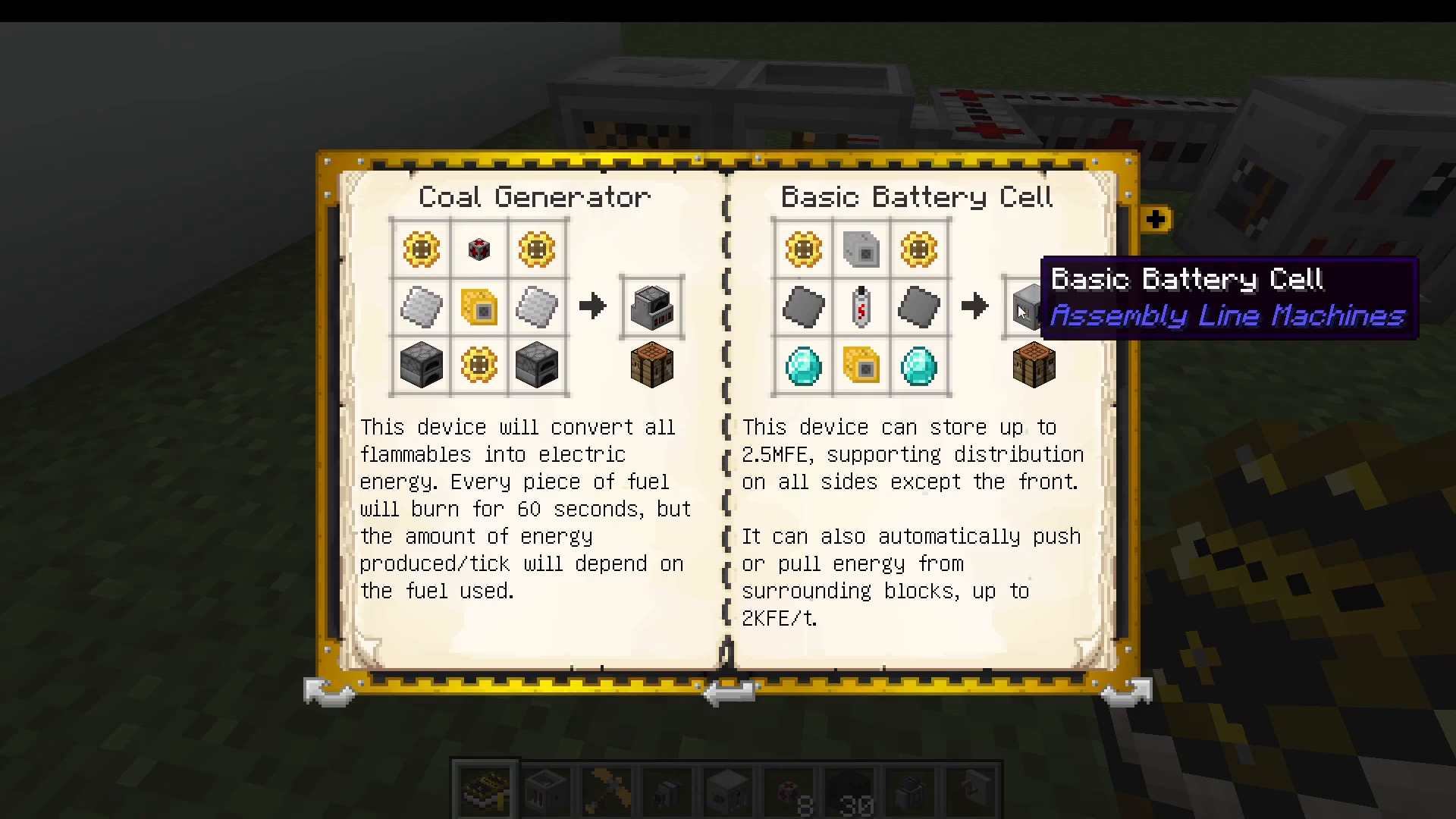
Coal Generator: Converts flammable items (typically coal) into electrical energy
Basic Battery Cell: Made from pure steel plates. This serves as your basic battery unit in Assembly Line Machines
Geothermal Generator: Uses lava as fuel
Combustion Generator: Uses oil byproducts like diesel and gasoline
For progressing through the Electrical Age, a few coal generators will serve you well.
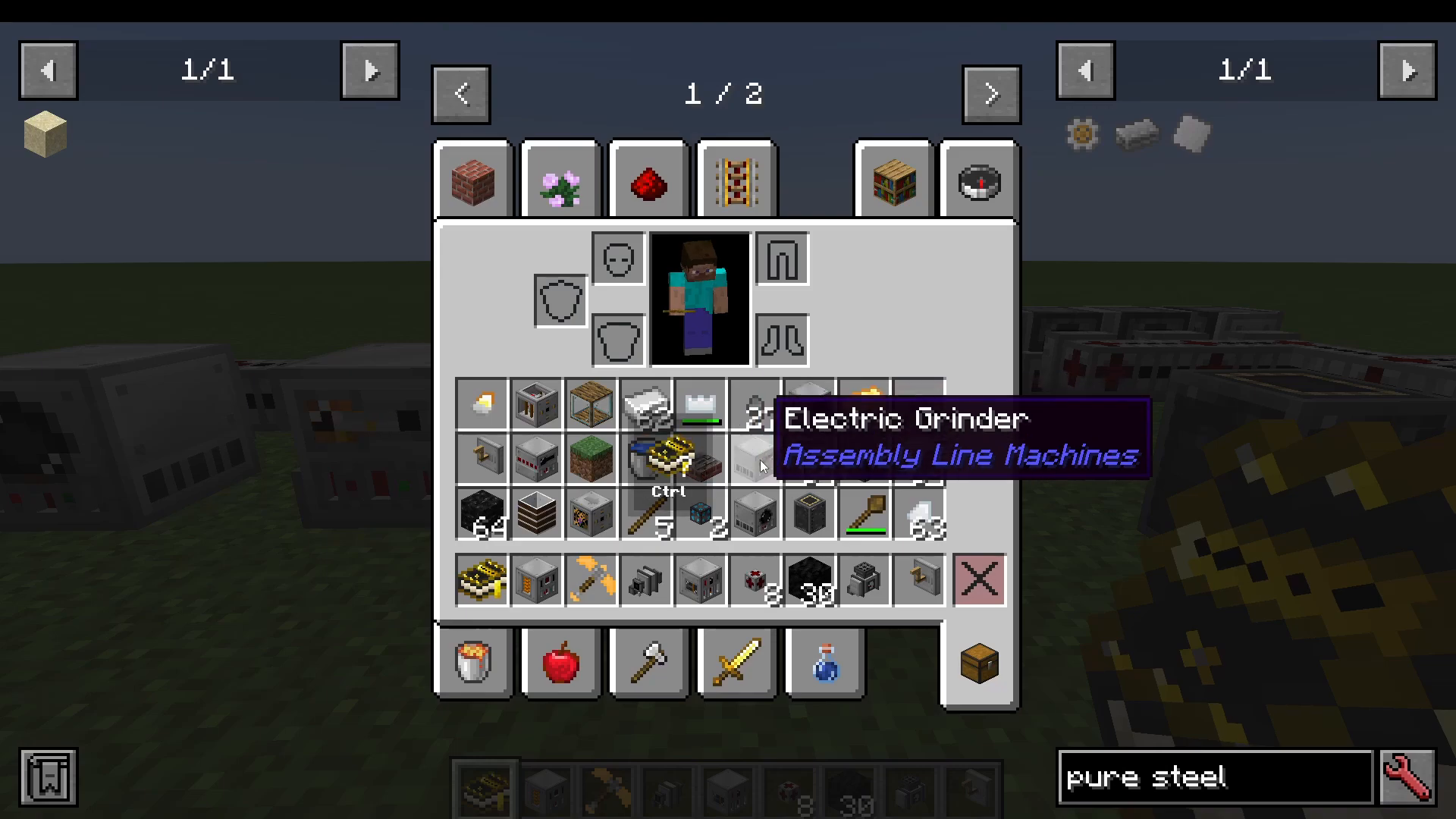
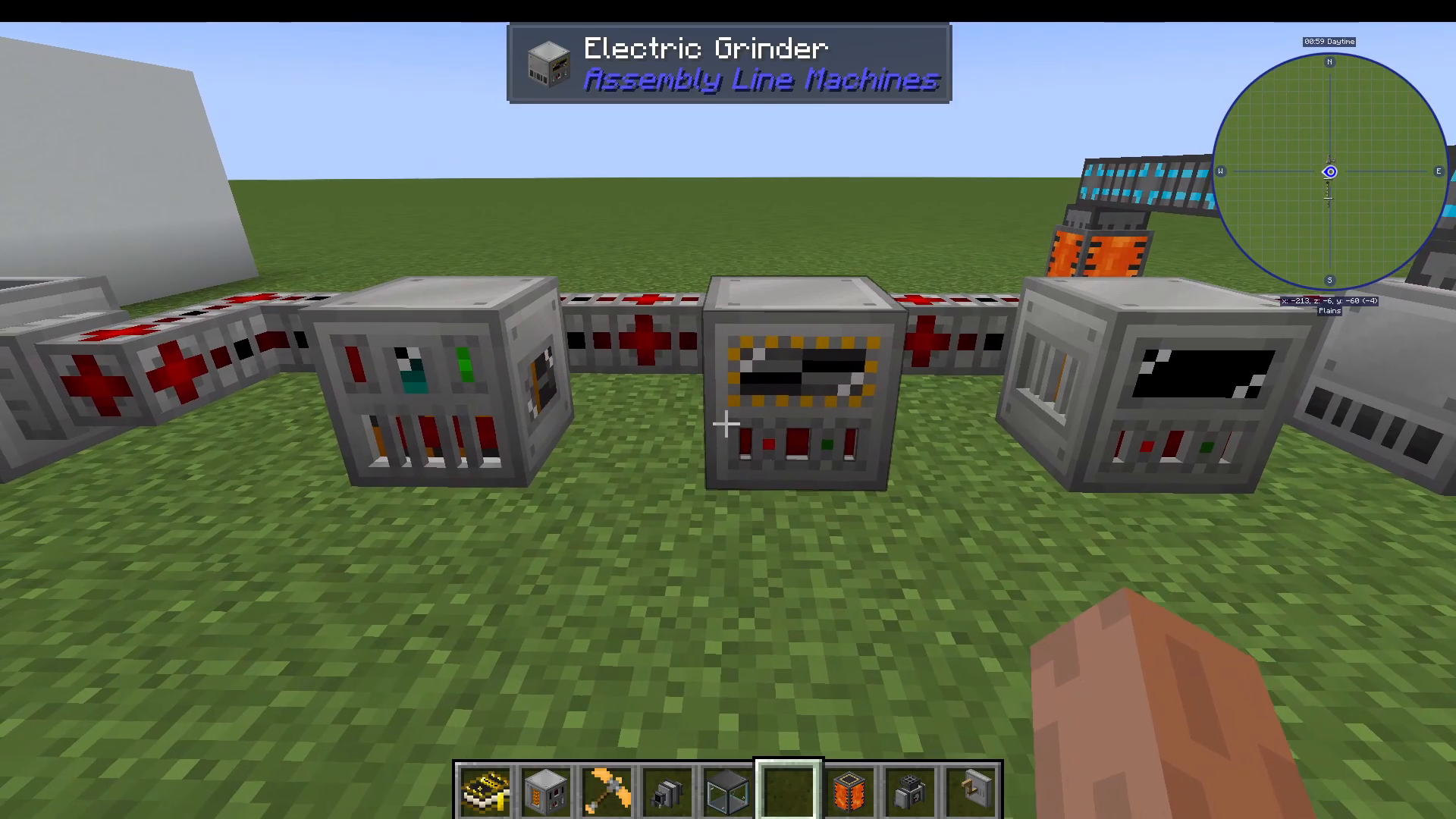
Electric Grinder
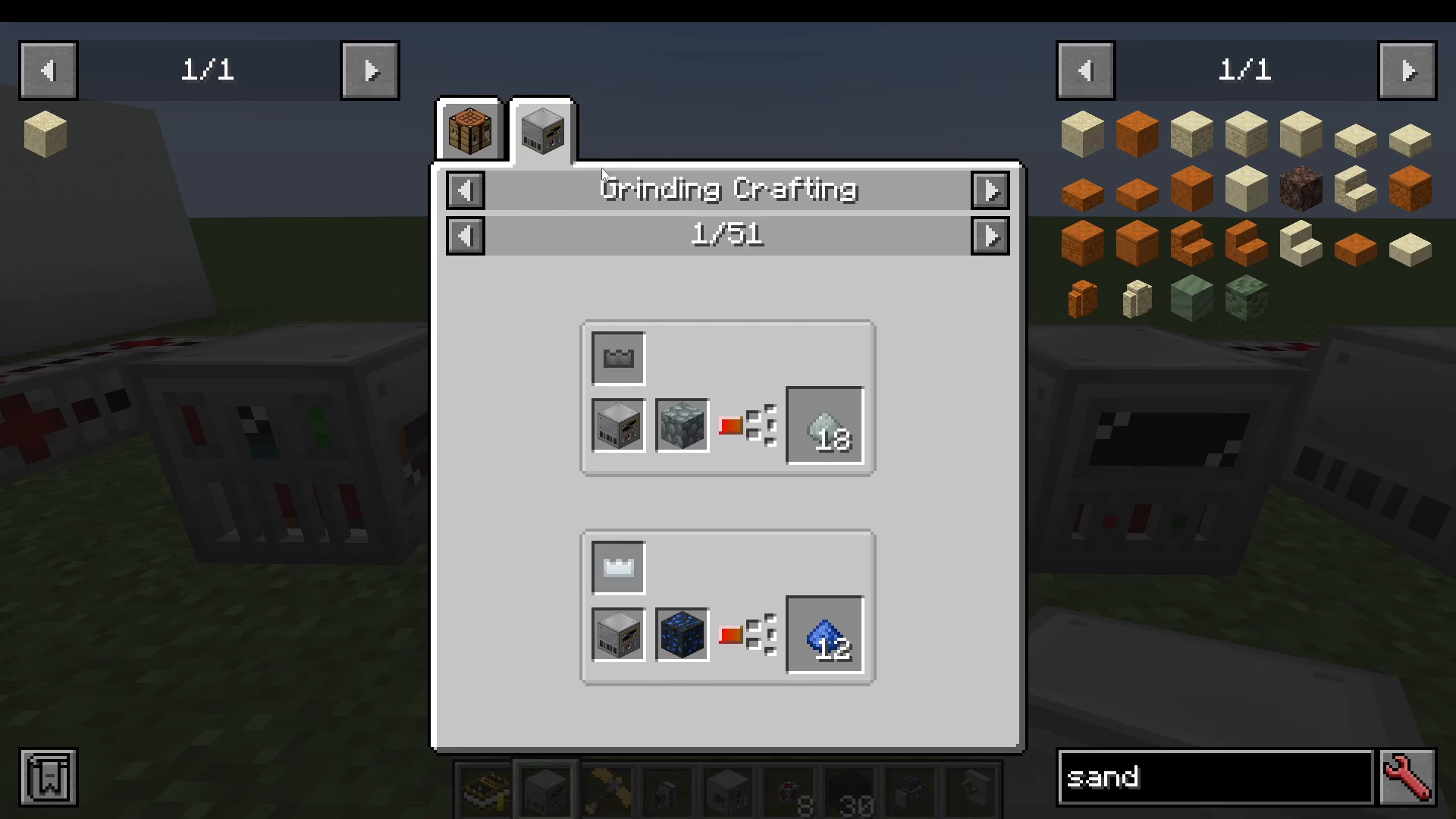
The electric grinder allows you to insert a blade and grind items electrically. This is much more convenient than manual grinding and speeds up your material processing significantly. You can also craft speed upgrades using four pure gold plates and sugar to massively increase the grinder’s efficiency.
Additional Basic Machines
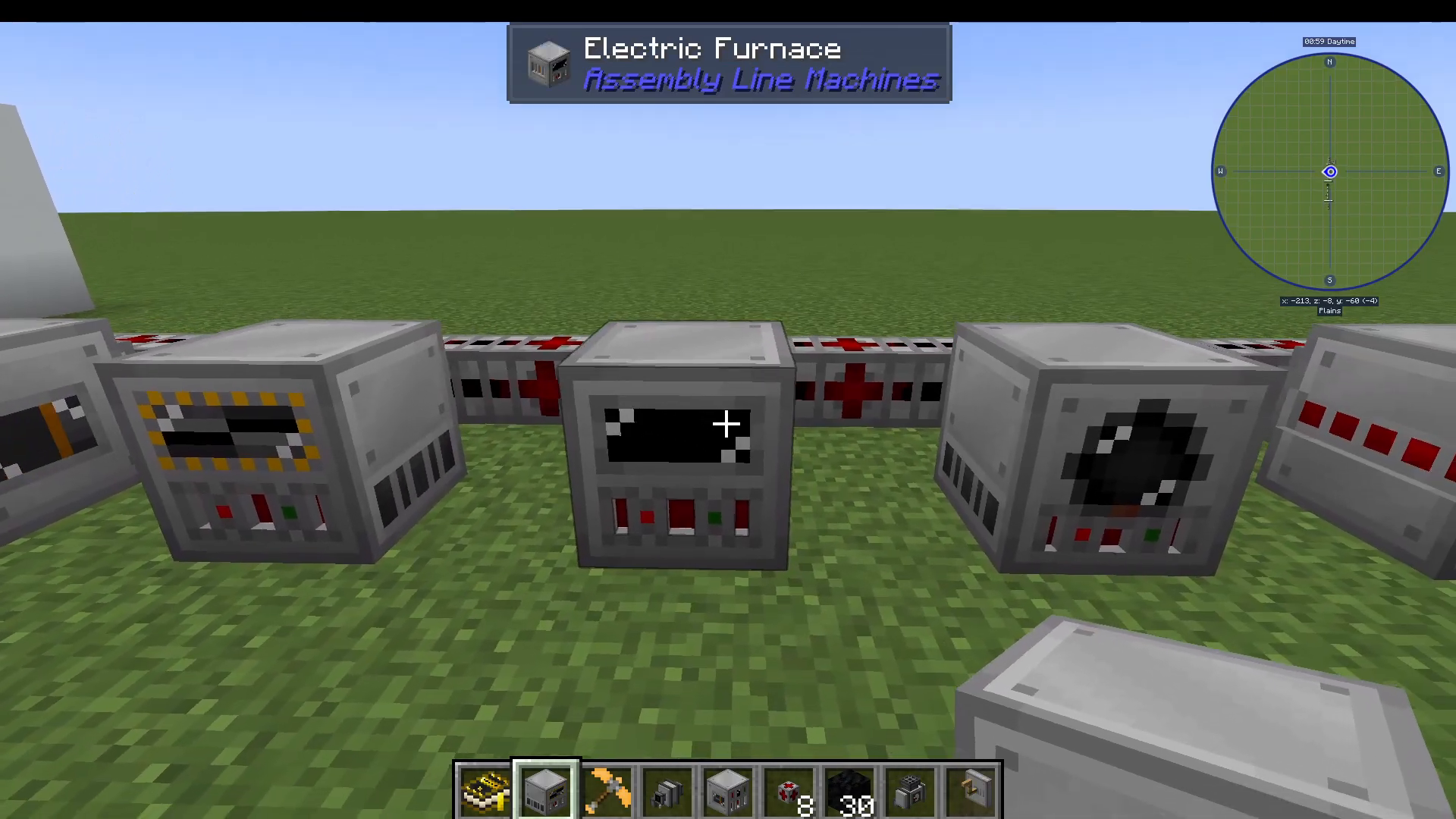
Electric Furnace: An electric alternative to standard furnaces
Electric Fluid Mixer: Works like a fluid basin but runs on electricity. You can process items like concrete into silt and dust
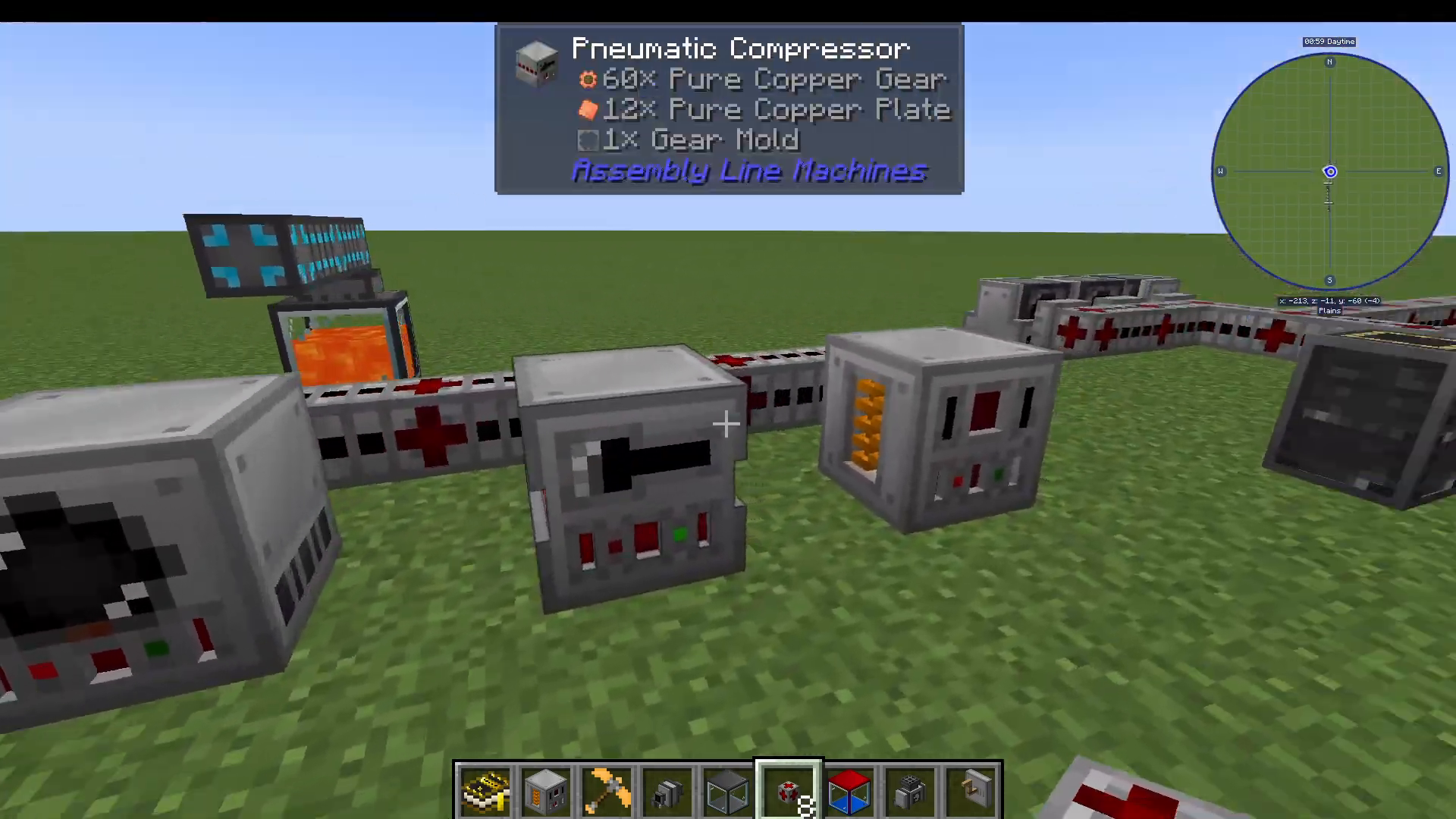
Pneumatic Compressor: Allows you to use molds (plate molds, gear molds, etc.) to shape ingots into plates and gears by inserting the appropriate mold and ingots
Alloy Smelter: Essential for creating advanced materials and alloys
Crafting Pure Steel
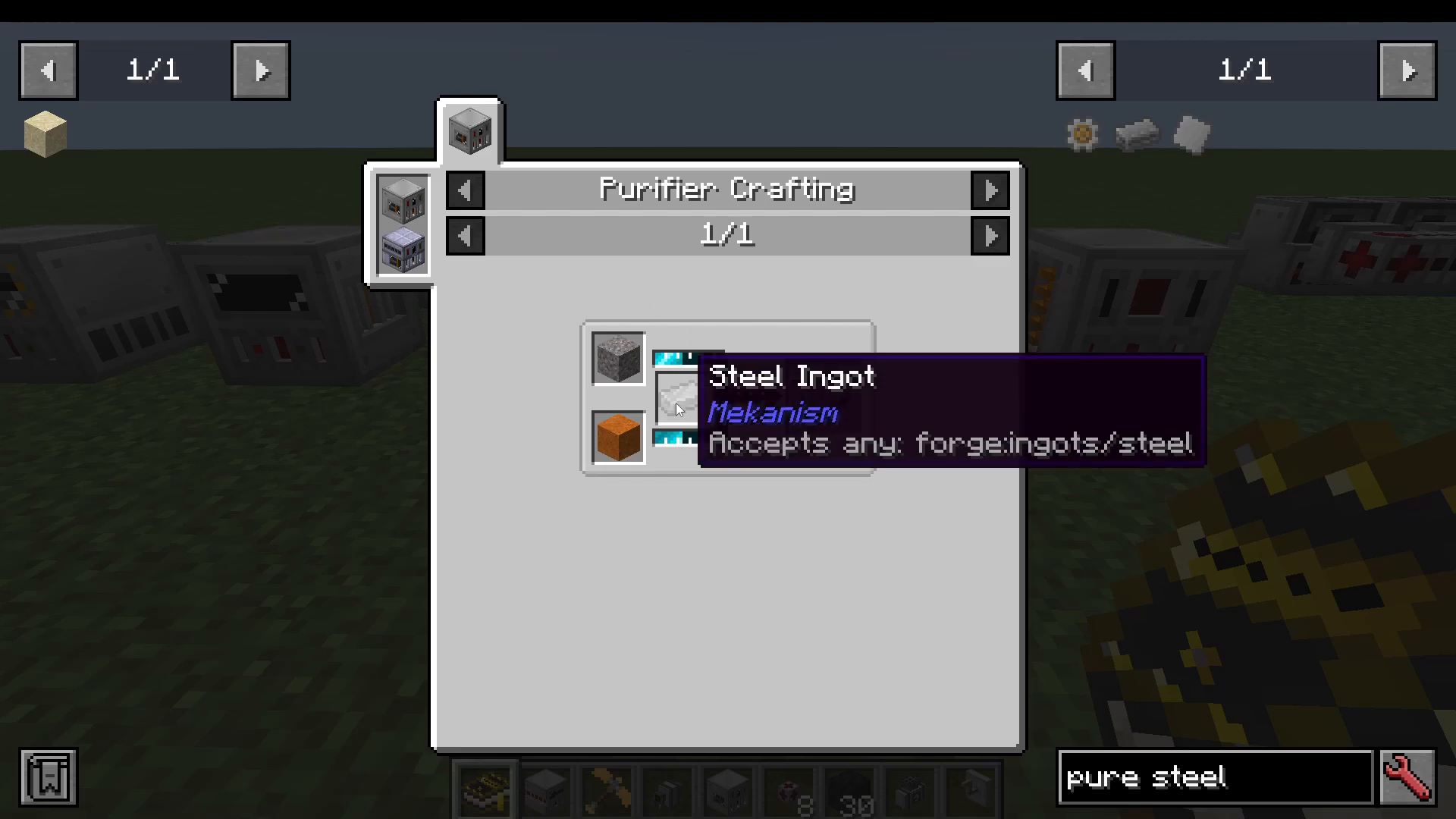
Pure steel is a critical material you’ll need throughout this age. The only way to make pure steel is in the electric purifier—there is no alternative method. Simply place steel in the electric purifier to obtain pure steel and pure steel plates.
Progressing to Advanced Materials
Creating Energized Gold Ingots
With your pure steel and pure steel plates ready, you can now use the alloy smelter to create energized gold ingots. These are made by combining redstone dust and pure gold in the alloy smelter. You can create pure gold using the electric purifier with gravel and sand.
Energized gold ingots enable you to craft empowered conduction machine components and are essential for advancing further.
Making Mystium Ingots
To create mystium ingots, you’ll need two components: electrified neverite blend and mystium blend.
Creating Mystium Blend
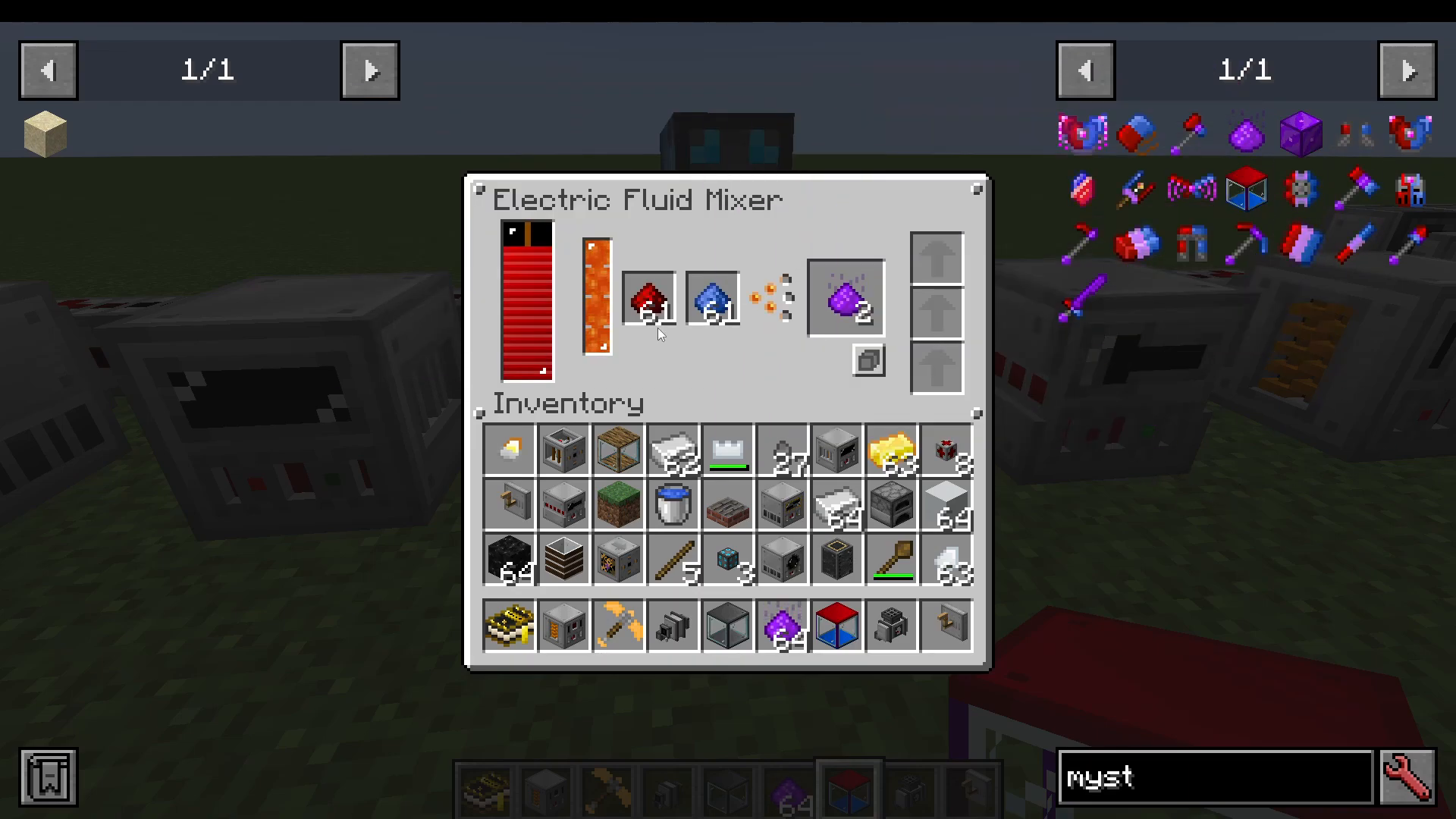
First, grind lapis lazuli in the electric grinder to create ground lapis lazuli. Next, take your ground lapis lazuli to the electric fluid mixer. Set up a steel fluid tank filled with lava and use fluid pipes to connect it to the fluid mixer (shift-click the pipe and right-click to enable output). Add redstone dust to the other slot in the electric fluid mixer, and it will produce mystium blend.
Creating Electrified Neverite Blend
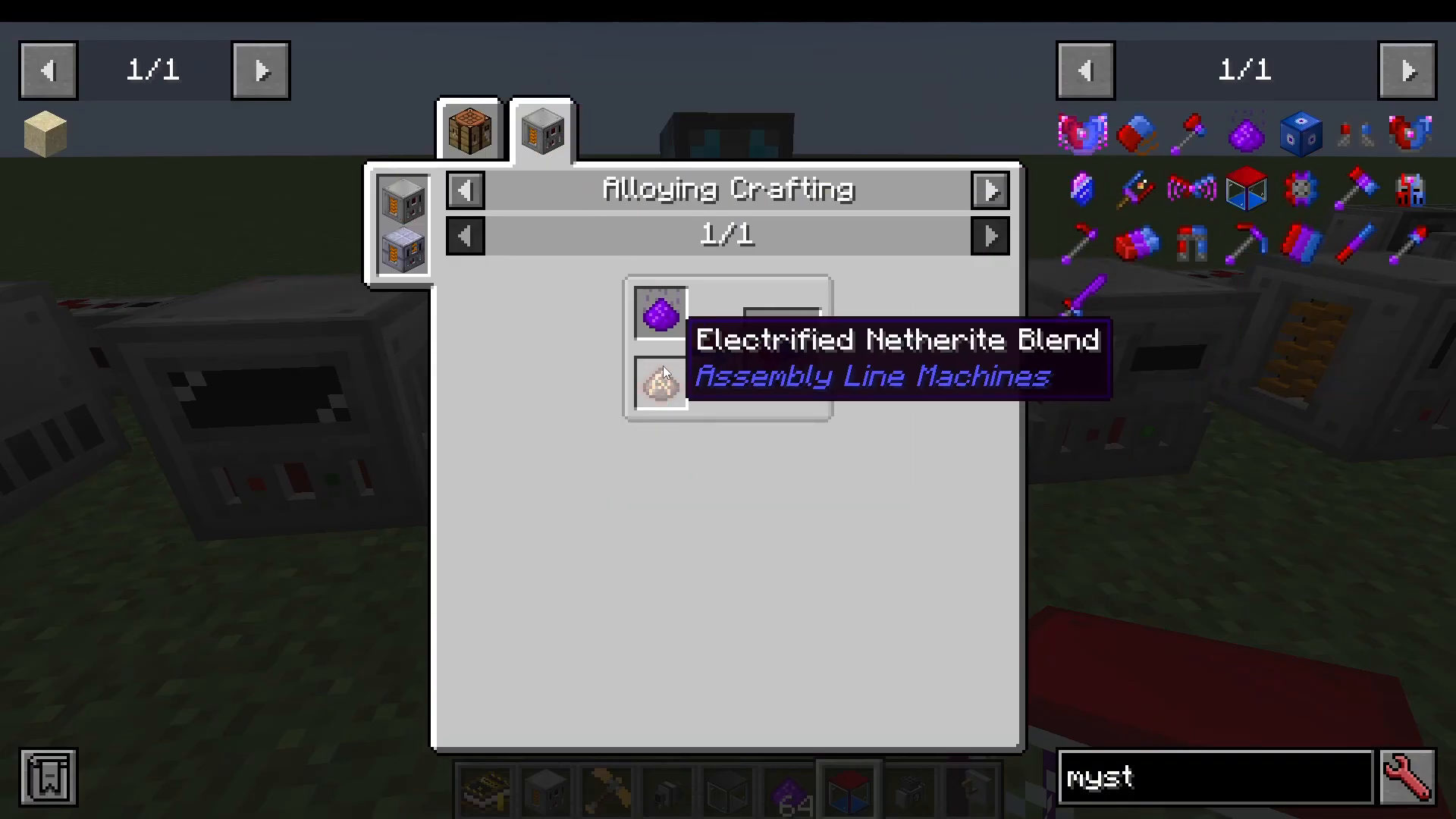
In the alloy smelter, combine your energized gold with ground neverite (also ground in the electric grinder). This produces electrified neverite blend.
Combining Into Mystium Ingots
Place both your mystium blend and electrified neverite blend into the alloy smelter along with neverite to create mystium ingots. Note: If lava backs up in your alloy smelter and prevents it from working, break and replace the machine to reset it.
Finding and Extracting Oil
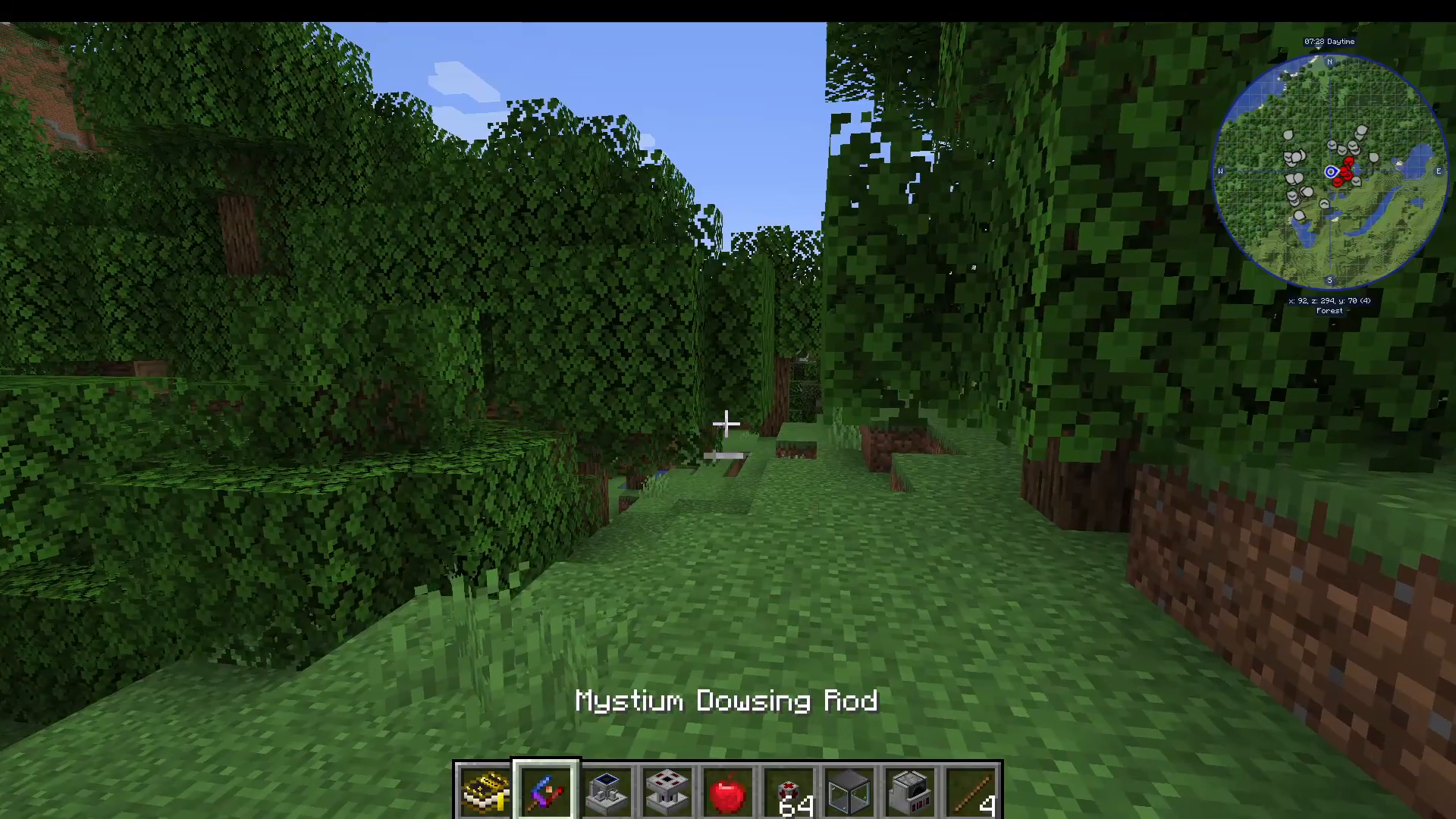
Crafting and Using the Mystium Dowsing Rod
Your primary reason for making mystium ingots is to craft the mystium dowsing rod. This tool allows you to locate oil and other liquids in your world. To use it, right-click the dowsing rod against a block on the ground while in a chunk. The rod will tell you what liquids (oil, lava, water) are present and their quantities.
Setting Up an Oil Pump
Once you’ve located oil, you’ll need to set up a pump to extract it. Your oil pumping setup requires:
A pump shaft
A pump
A tank
Power source (coal generators work well)
Place the pump shaft down first, then place the pump on top of it. Power the pump (not the pump shaft) with energy pipes from your generator. Place a tank on top of the pump, and it will begin filling with oil immediately.
Oil Processing: Refineries and Attachments
Setting Up Your Refinery System
To process oil into usable products, you’ll need a complex refinery setup including:
5 refineries
Fluid pipes and energy pipes
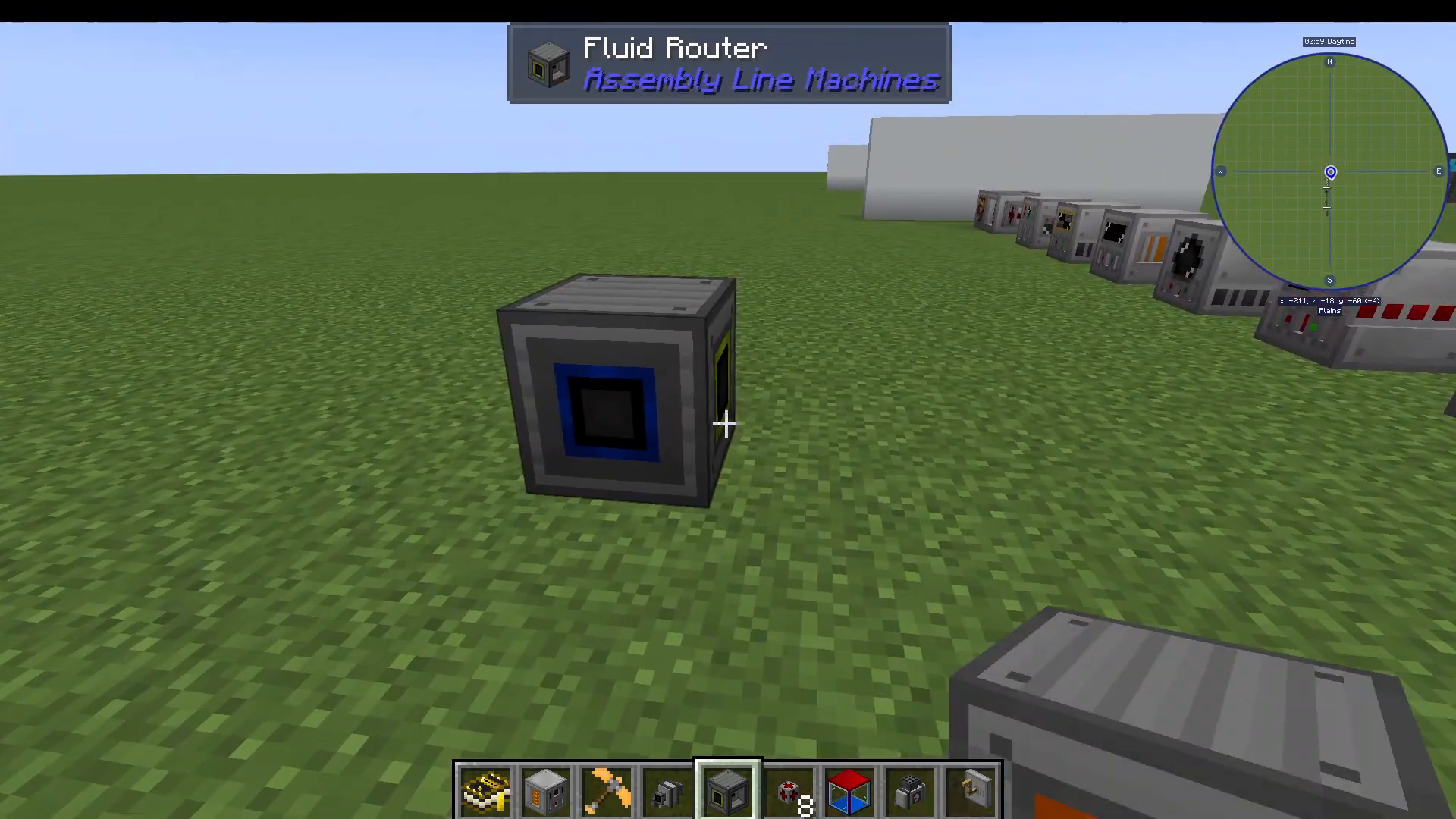
A fluid router
Refinery cracking chamber attachments (2)
Refinery addition attachments (2)
Power source (coal generators recommended)
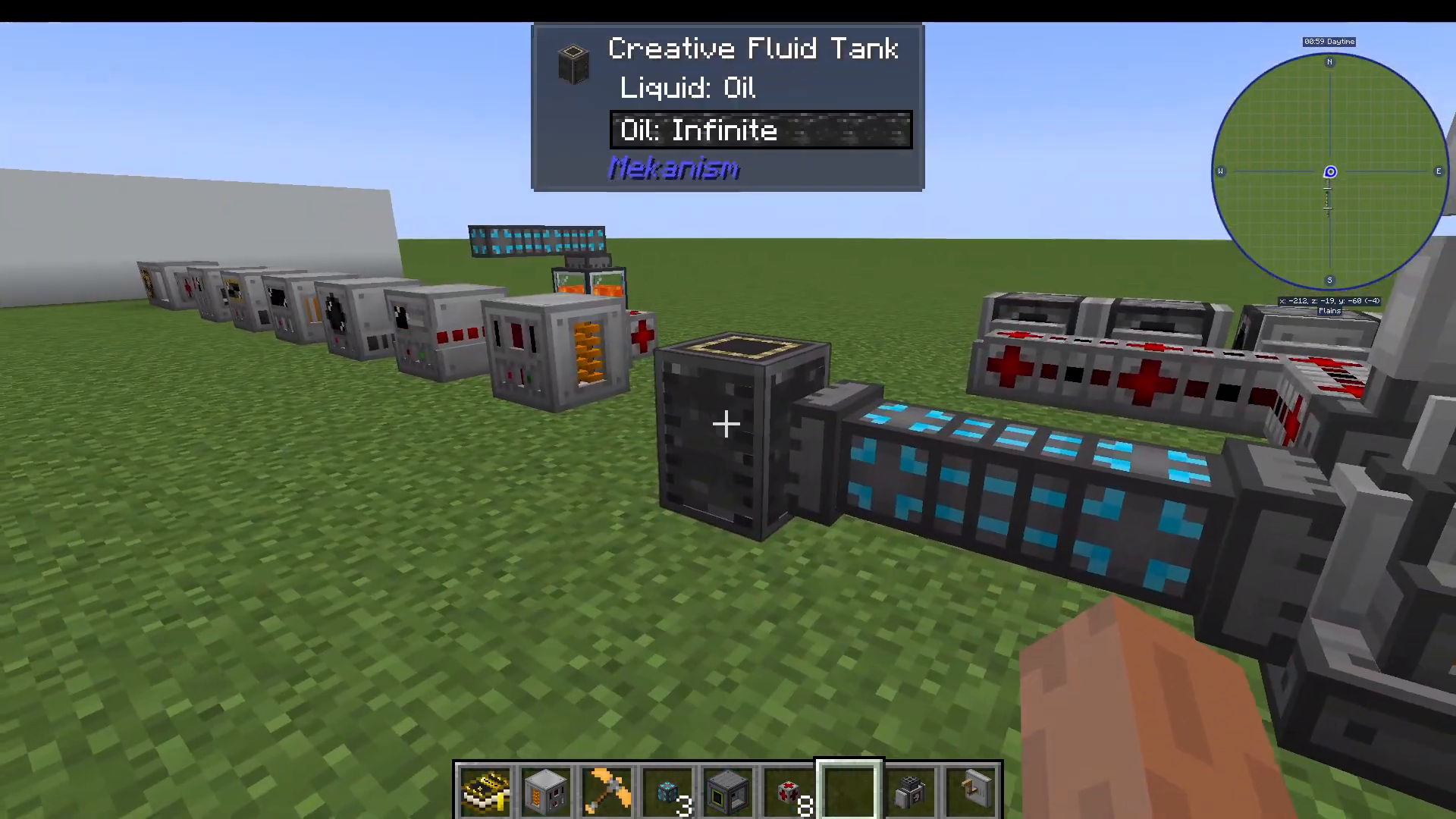
Input oil into your first refinery using a fluid pipe. The refinery will output two products: propane and ethane. Use the fluid router to separate these gases into different processing lines.

Understanding the Fluid Router
The fluid router has three connection points: a blue input slot and orange and green output slots. To configure it:
Left-click on a fluid name to set it as the left filter (orange output)
Shift left-click on a fluid name to set it as the right filter (green output)
Unfortunately, only one fluid type can occupy a tank at a time. To prevent backup, consider placing mystium fluid tanks (which hold 250 buckets) as intermediate storage between your refinery and the router.
Creating Rubber Balls
To produce rubber balls:
Route propane from your fluid router into a second refinery
Attach a refinery cracking chamber attachment to this refinery
Install a gas processing upgrade inside
This converts propane into propylene
Route the propylene into a third refinery with a refinery addition attachment
Add ground charcoal (charcoal ground in the electric grinder) to this refinery
The refinery will produce rubber balls
Creating Plastic Balls
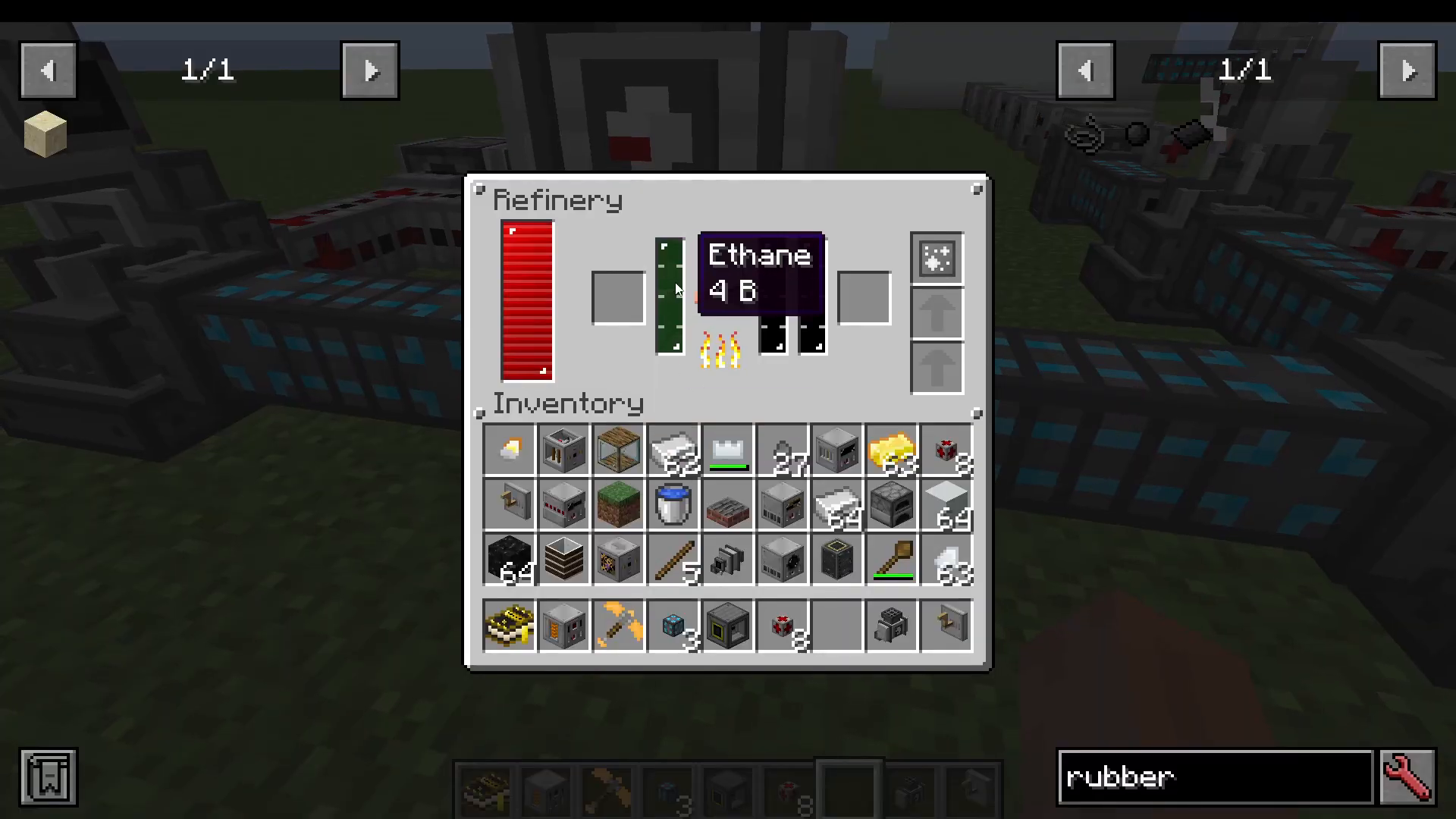
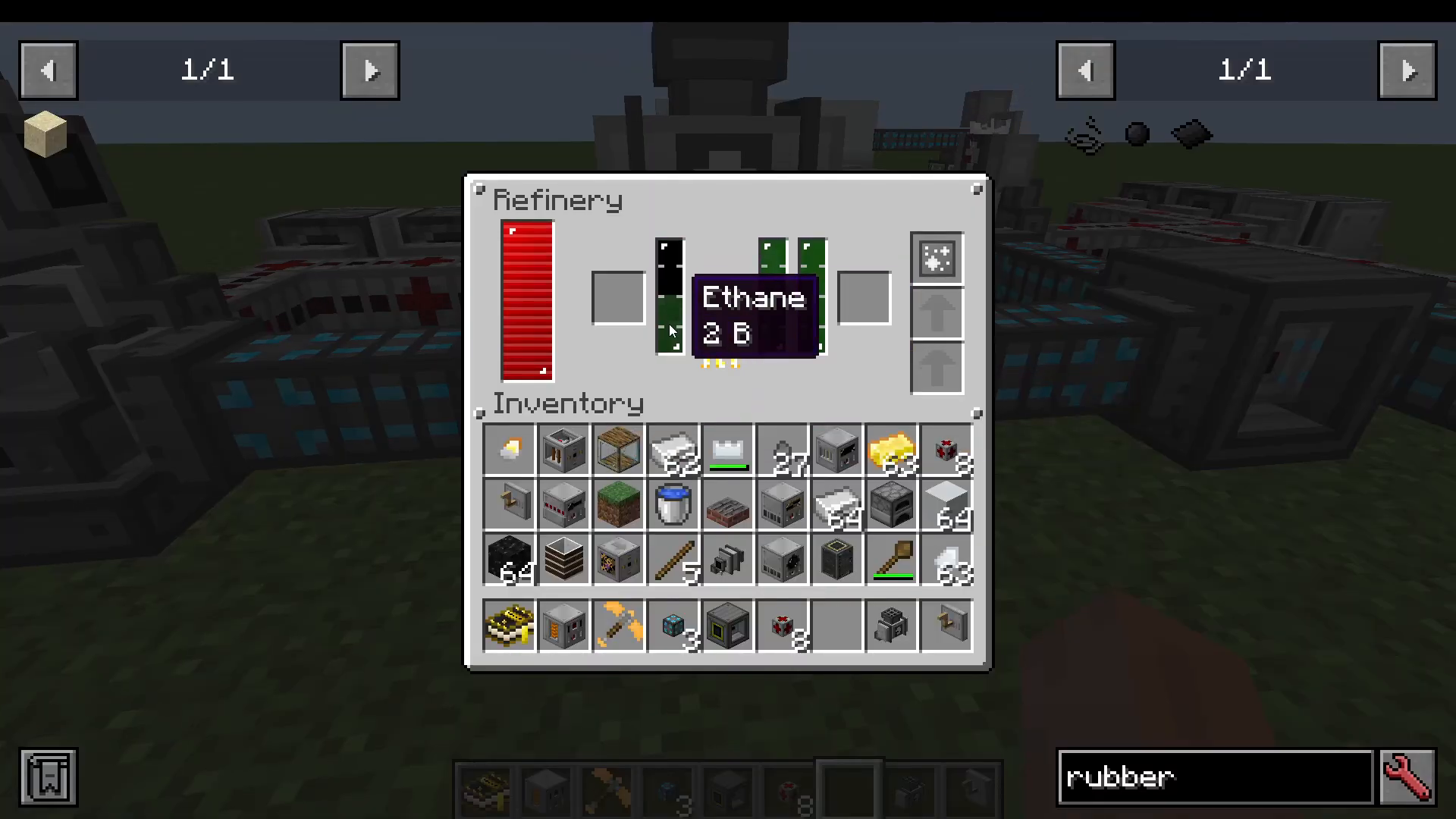
The plastic production process mirrors rubber production but uses ethane instead of propane:
Route ethane from your fluid router into a fourth refinery
Attach a refinery cracking chamber attachment
Install a gas processing upgrade
This converts ethane into ethylene
Route the ethylene into a fifth refinery with a refinery addition attachment
Add ground charcoal to this refinery
The refinery will produce plastic balls
Troubleshooting Tank Issues
Be careful when clicking on tanks in your refinery setup, as doing so can mix fluids and render tanks unusable. If this happens, simply break and replace the affected tank to reset it.
Conclusion
You’ve now completed the full Electrical Age in Assembly Line Machines! You can generate power through multiple methods, craft advanced materials like pure steel and mystium ingots, locate and extract oil, and process it into valuable resources like rubber and plastic. The systems you’ve built here—particularly your refinery setup—form the foundation for even more advanced progression in future mod ages.
Want to Support?
If you would like to help us continue making these guides – please consider joining our patreon here – https://www.patreon.com/c/JaviHeals
Alternatively – we host a group of MC Servers you can join here – https://discord.gg/zD7Gjt6MHF