







Powah Energy Cell Tutorial
Powah Energy Cell Tutorial: Complete Storage Guide
If you’ve already started generating power using the Powah mod for Minecraft, the next logical step is learning how to store that energy efficiently. This tutorial covers everything you need to know about using an Energy Cell to store and manage your generated power.
Understanding Energy Cell Storage Tiers
The Powah mod offers multiple Energy Cell storage tiers, each with different capacity and transfer rate limits. Here’s the breakdown:
Basic Tier: 1 million storage capacity with 1,000 FE/tick max import and export
Mid Tier: Progressive upgrades with increased storage and transfer rates
Nitro Tier (Highest): 2 billion storage capacity with 2 million FE/tick max import and export
Choose your tier based on your power generation needs and storage requirements.
Configuring Energy Cell Faces
Each Energy Cell has configurable faces that determine how power flows in and out of the machine. When you look at the top of the Energy Cell, you’ll see interface options for each face.
Face Configuration Options
For each face of the Energy Cell, you can set one of three modes:
Extract Mode: Only allows power to be extracted from that face
Receive Mode: Only allows power to be received into that face
Off Mode: Completely disables that face (appears grayed out)
This means if you place a power cable on top of the Energy Cell, you control whether that cable can receive power, extract power, or do neither. This flexibility lets you create complex power distribution systems.
Monitoring Energy Levels
The Energy Cell provides visual and numerical feedback about its storage status:
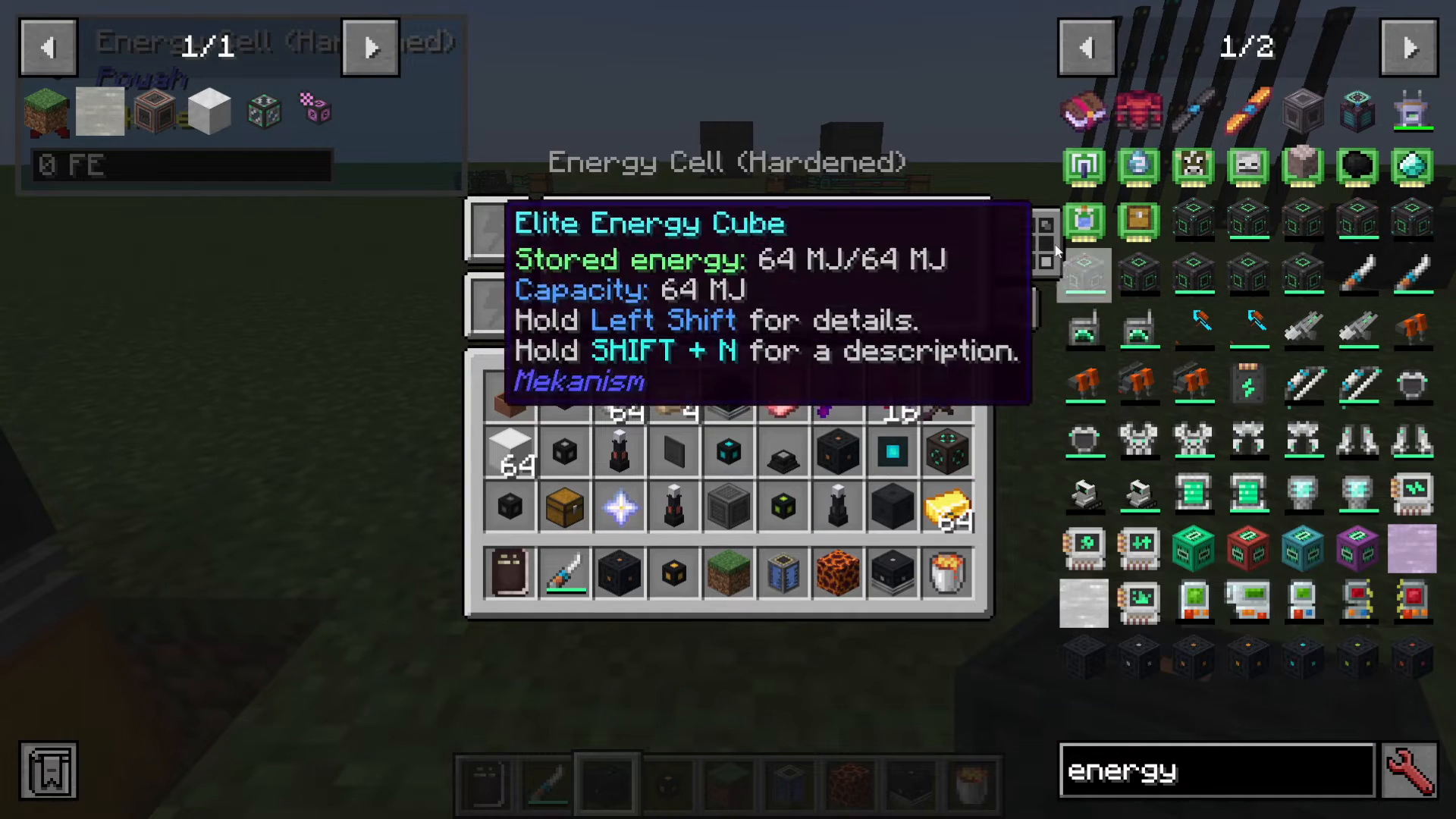
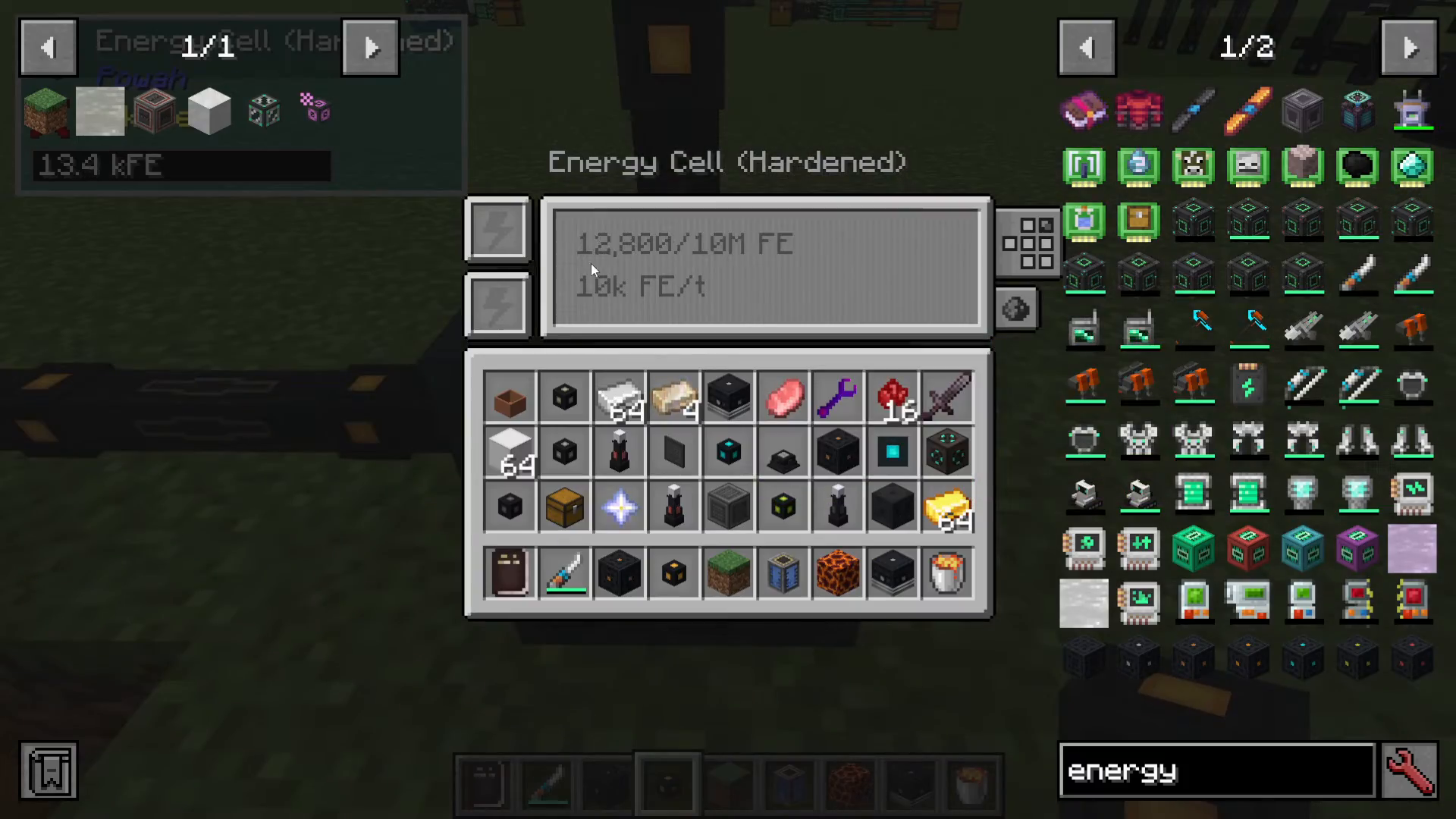
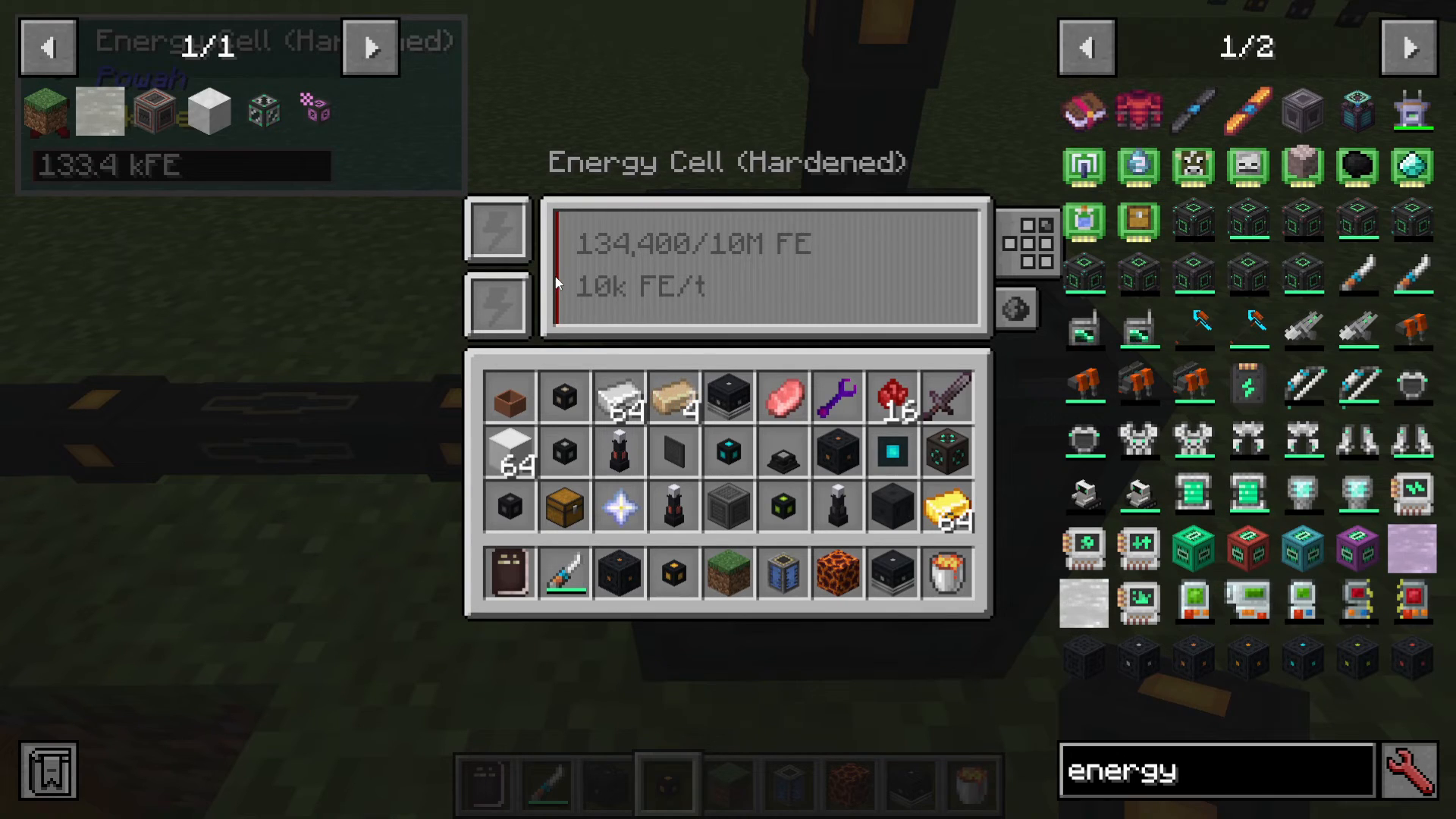
Numerical Display: Shows exact current storage versus maximum capacity (e.g., 5 million out of 10 million)
Progress Bar: A red progress bar fills from bottom to top as the cell charges, making it easy to see at a glance how full your storage is
Empty State: When completely empty, the cell appears grayed out
Powering Your Energy Cell
Once configured, power flows into your Energy Cell from connected generators. You’ll see the following:
Power begins flowing into the machine from your power generation source
The numerical counter updates in real-time, showing current stored energy
The red progress bar rises as the cell fills with energy
Connected generators drain their energy reserves into storage
Redstone Control (Optional)
You can also configure the Energy Cell to respond to redstone signals, allowing you to automate power distribution based on external conditions. This adds another layer of control to your power management system.
Summary
The Energy Cell is an essential component for any serious Powah mod setup. By understanding storage tiers, configuring face directions, and monitoring energy levels, you can build an efficient power infrastructure that scales with your growing needs. Start with a lower-tier cell for early-game power storage, then upgrade to higher tiers as your power generation increases.
— Want to Support? —
If you would like to help us continue making these guides – please consider joining our patreon here – https://www.patreon.com/c/JaviHeals
Alternatively – we host a group of MC Servers you can join here – https://discord.gg/zD7Gjt6MHF



