







Multipart Machines Cooking Full Tutorial
Multipart Machines Cooking Full Tutorial
In this comprehensive guide, you’ll learn how to create delicious and highly nutritious food using the Multipart Machines Cooking mod. From basic ingredient trading to assembling complete multi-block kitchens, this tutorial covers everything you need to know to start cooking amazing meals with massive saturation and hunger-filling potential.
Getting Started: The Food Trader
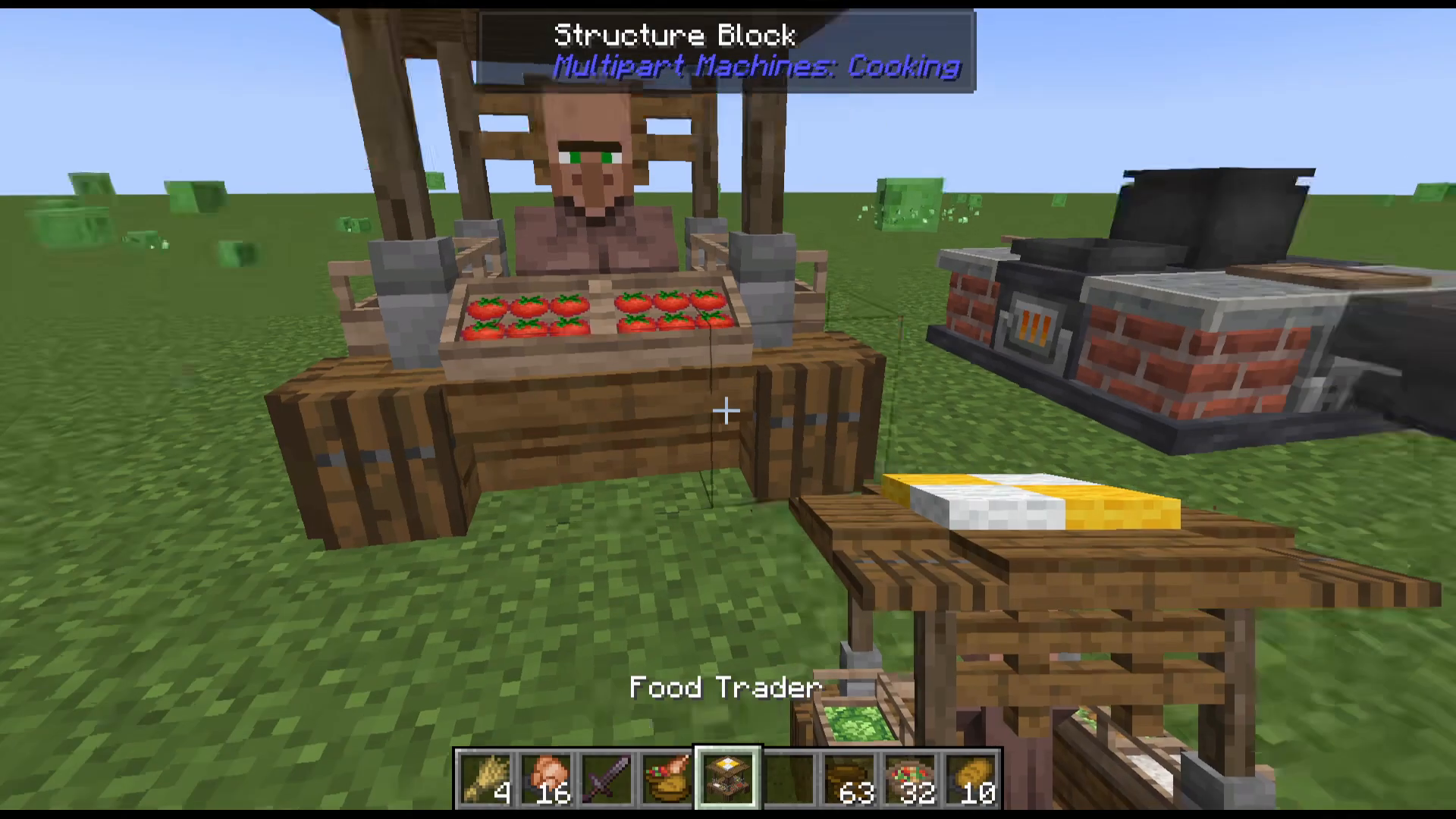
The first component you’ll need is the Food Trader, an essential NPC for obtaining mod-specific ingredients. The Food Trader is simple to construct and can be accessed by right-clicking.
The Food Trader accepts the following vanilla items and provides these mod ingredients in return:
Beetroot → Rice
Sugar Cane → Cabbage
Cactus → Onion
Sweet Berries → Tomato
To view all available trades, click the recipe book icon in the top-right corner of the Food Trader interface.
Building the Multi-Block Kitchen
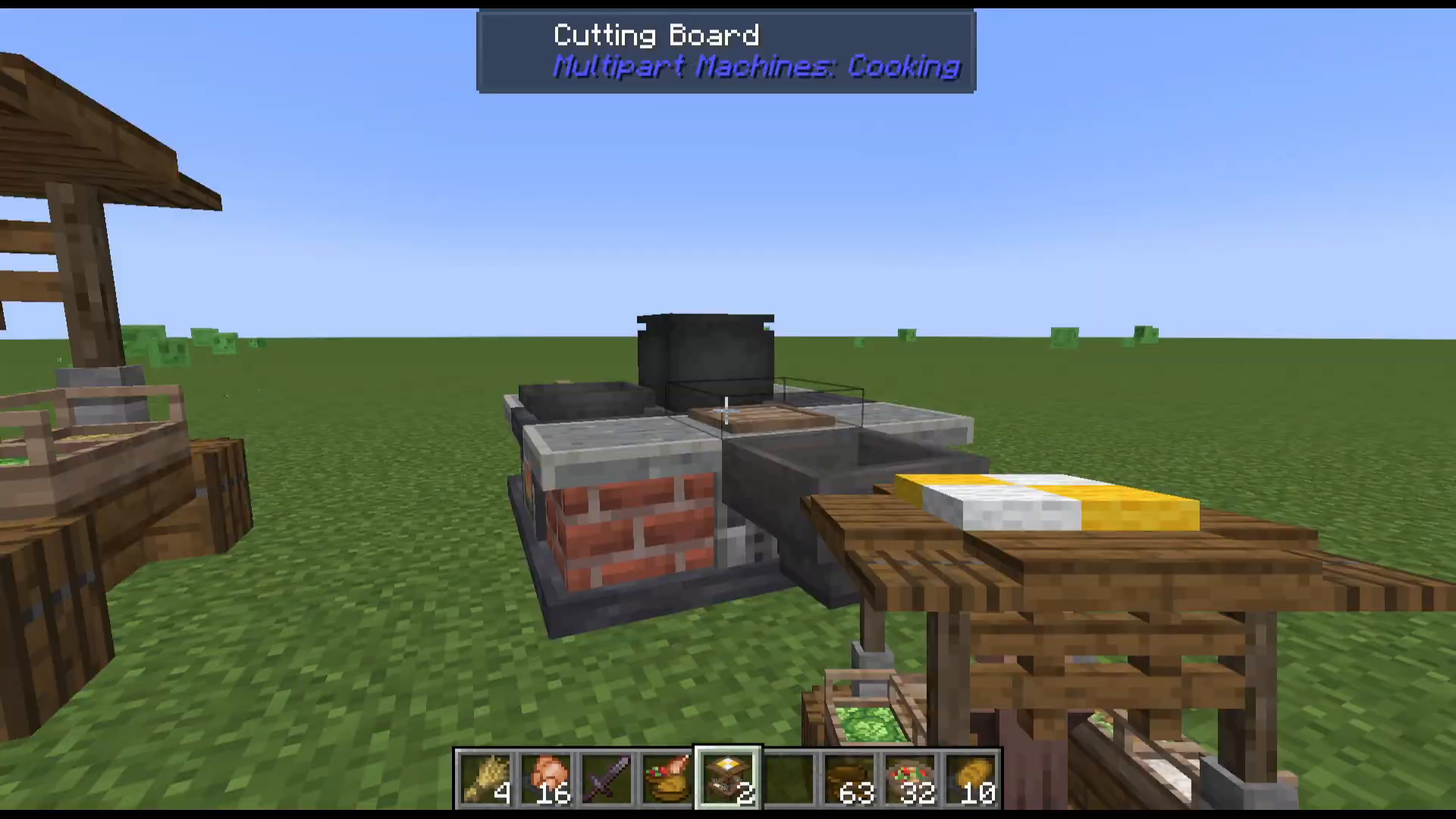
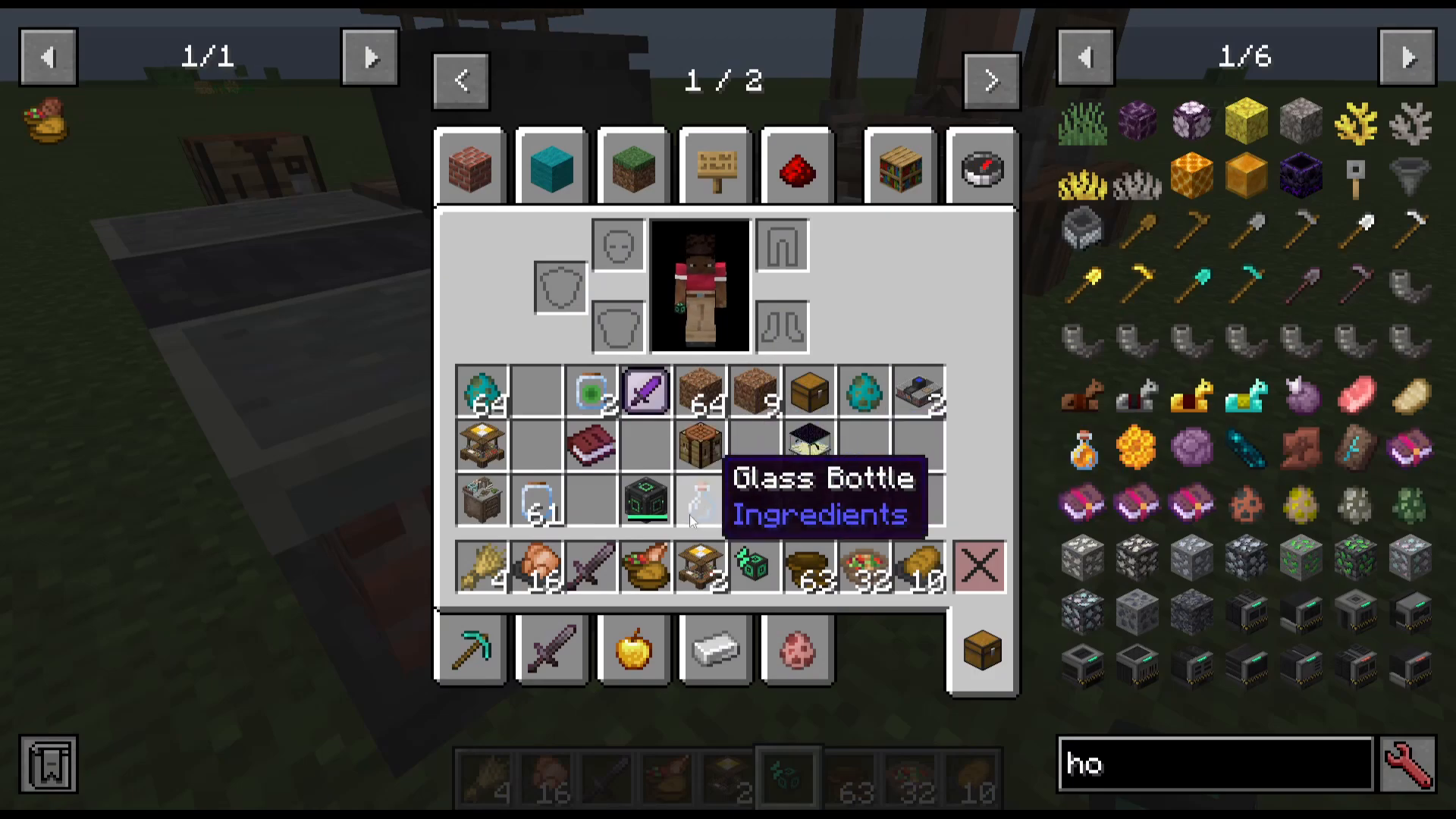
Once you have your ingredients sorted, the next step is constructing the multi-block kitchen—the centerpiece of your cooking operation. The kitchen is built using primarily vanilla materials, with one custom component: the Plate, crafted by stacking two bowls on top of each other.
Tip: Craft multiple plates, as you’ll use them frequently when assembling your finished dishes.
Powering Your Kitchen
The multi-block kitchen requires Forged Energy to operate. While the mod technically accepts Forged Energy, it does not interact with other mods’ energy cables (such as Mekanism cables). For this reason, we recommend using a Hopper to supply fuel.
You have two options for powering:
Use a Hopper to automatically feed Blocks of Coal into the designated fuel slot
Right-click the kitchen directly and place Blocks of Coal into the fuel input manually
Kitchen Controller and Speed Upgrades
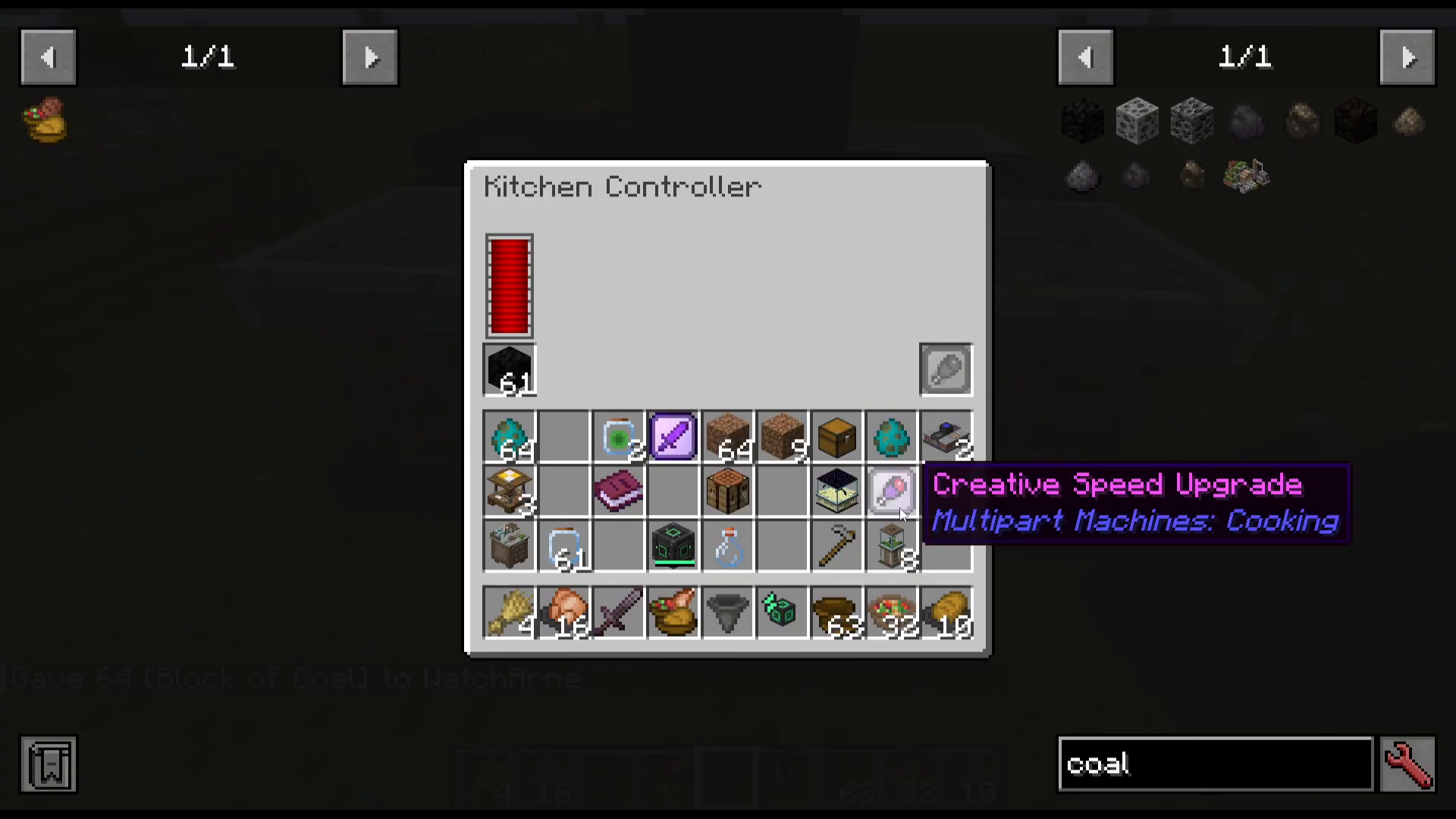
Access the kitchen’s controls by right-clicking the Kitchen Controller. Here you’ll find options for fuel placement and speed upgrades.
The mod offers three speed upgrade tiers:
Speed Upgrade (Tier 1): Requires a Plate of Bread and Plate of Potato
Speed Upgrade (Tier 2): Requires a Plate of Potato and Vegetables, and a Plate of Pasta and Fried Egg
Speed Upgrade (Tier 3): Requires two Triple Plates
For tutorial purposes or creative building, you can use the Creative Speed Upgrade, which allows instant crafting regardless of fuel.
Kitchen Components and Recipe Selection
The multi-block kitchen consists of four distinct cooking stations, each accessible individually:
Cutting Board – for preparing salads and vegetable dishes
Cooking Pot – for stews and liquid-based foods
Skillet – for frying and quick meals
Cooking Oven – for baking and roasting
Each station has its own set of recipes. Access the recipe book by clicking the icon within each component’s interface to see all available crafting options.
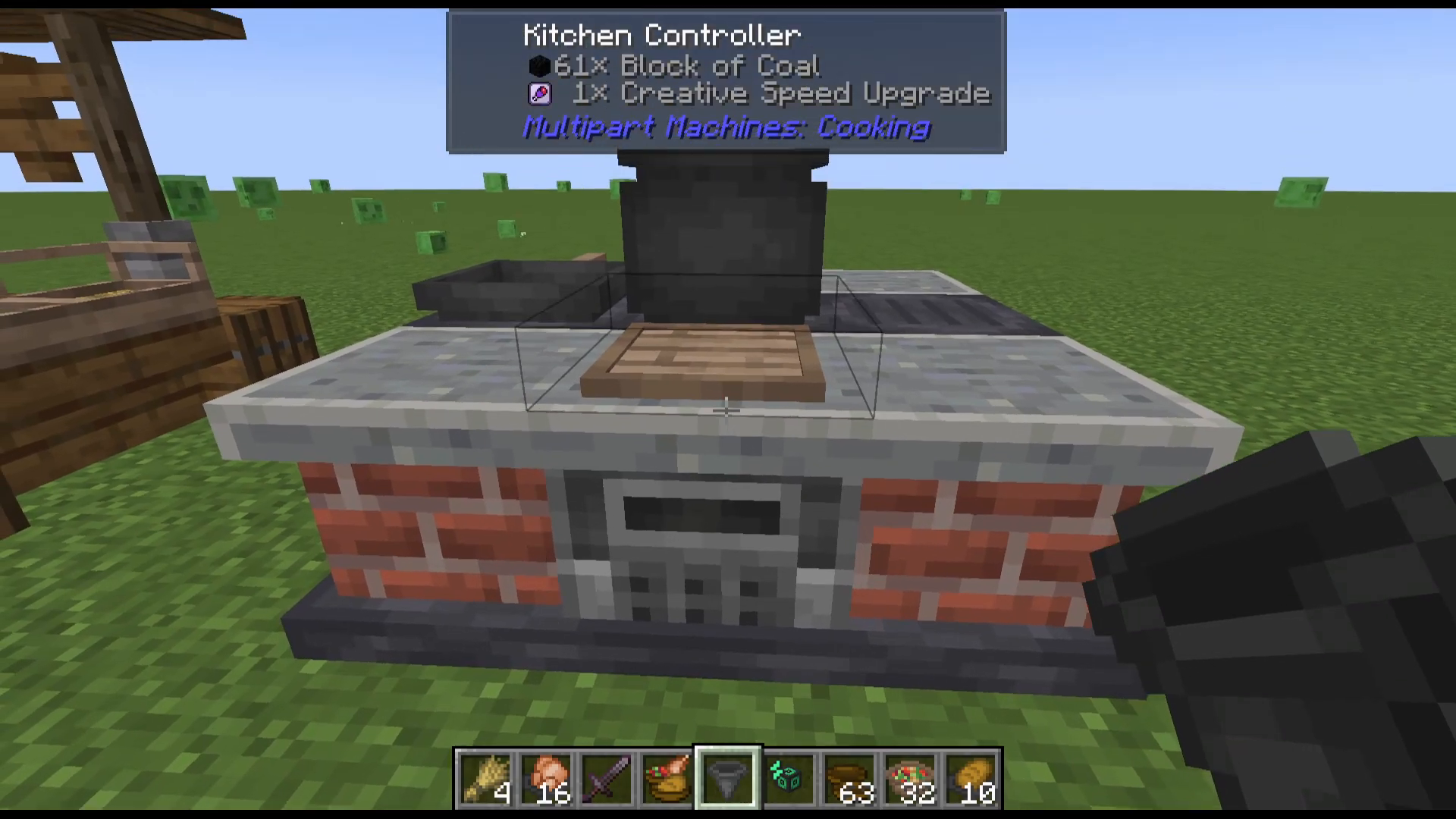
Crafting Example: Plate of Bread, Salad, and Chicken
Let’s walk through making one of the mod’s signature dishes: a Plate of Bread, Salad, and Chicken.
Step 1: Make the Bread
Access the Cooking Oven component. The bread recipe requires 6 Wheat and produces Bread. Place your wheat into the oven and the bread will be created.
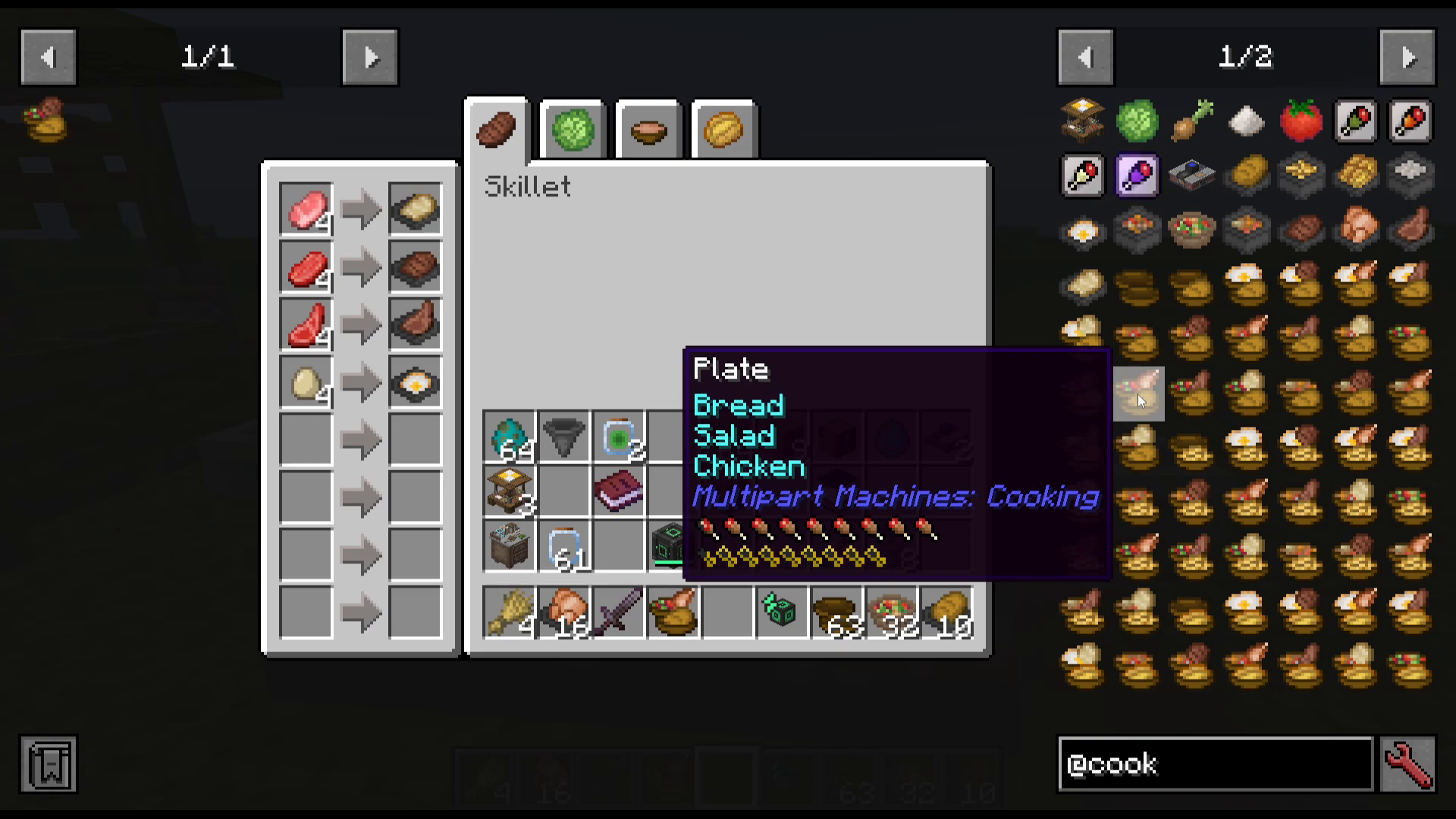
Step 2: Make the Salad
Access the Cutting Board component. The salad recipe requires:
Cabbage
Tomato
Onion
Place all three ingredients into the Cutting Board and your salad will be created.
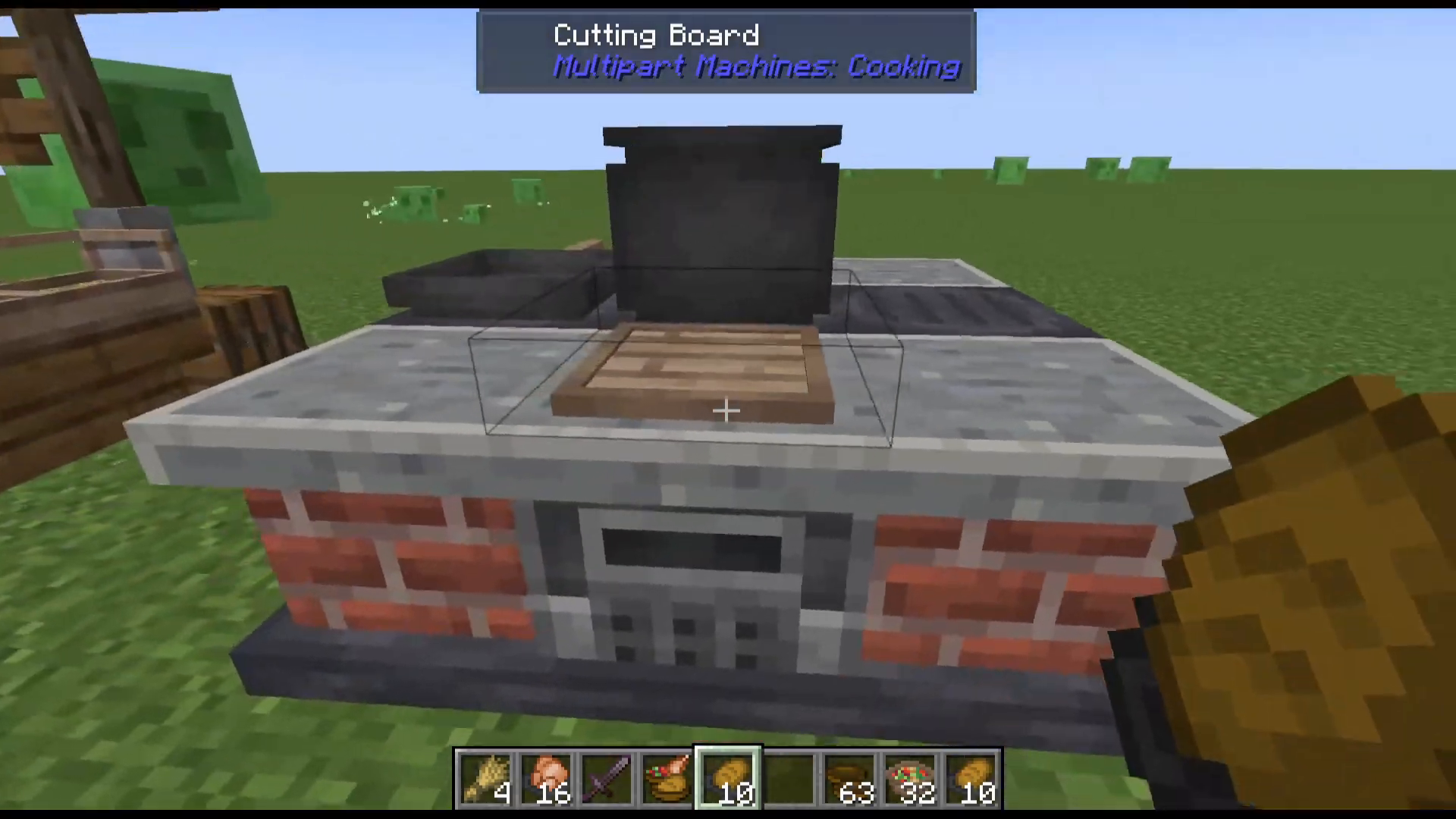
Step 3: Cook the Chicken
Return to the Cooking Oven and place Raw Chicken inside. The oven will cook it into prepared Chicken.
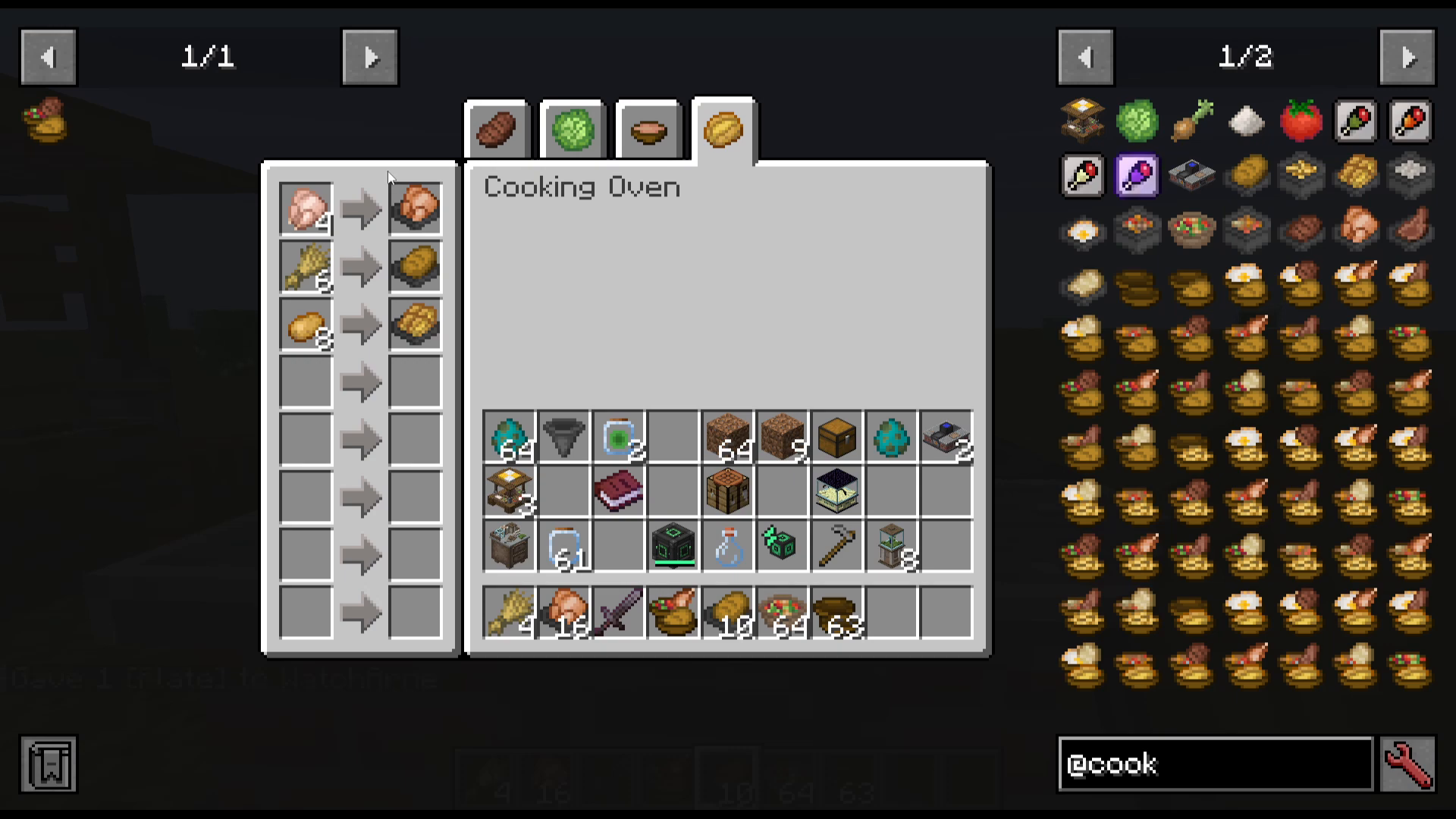
Assembling the Final Dish
Now that you have all three components prepared, it’s time to assemble them into a complete meal. Each food component has a position designation: First Food, Second Food, and Third Food.
Plating Your Meal
Right-click your Bread onto the ground. This designates it as the First Food.
Hold a Plate and right-click on the Bread. The bread will be consumed and transferred to the plate.
Right-click the plate onto the Salad. The salad will be added as the Second Food.
Right-click the plate onto the Chicken. The chicken will be added as the Third Food.
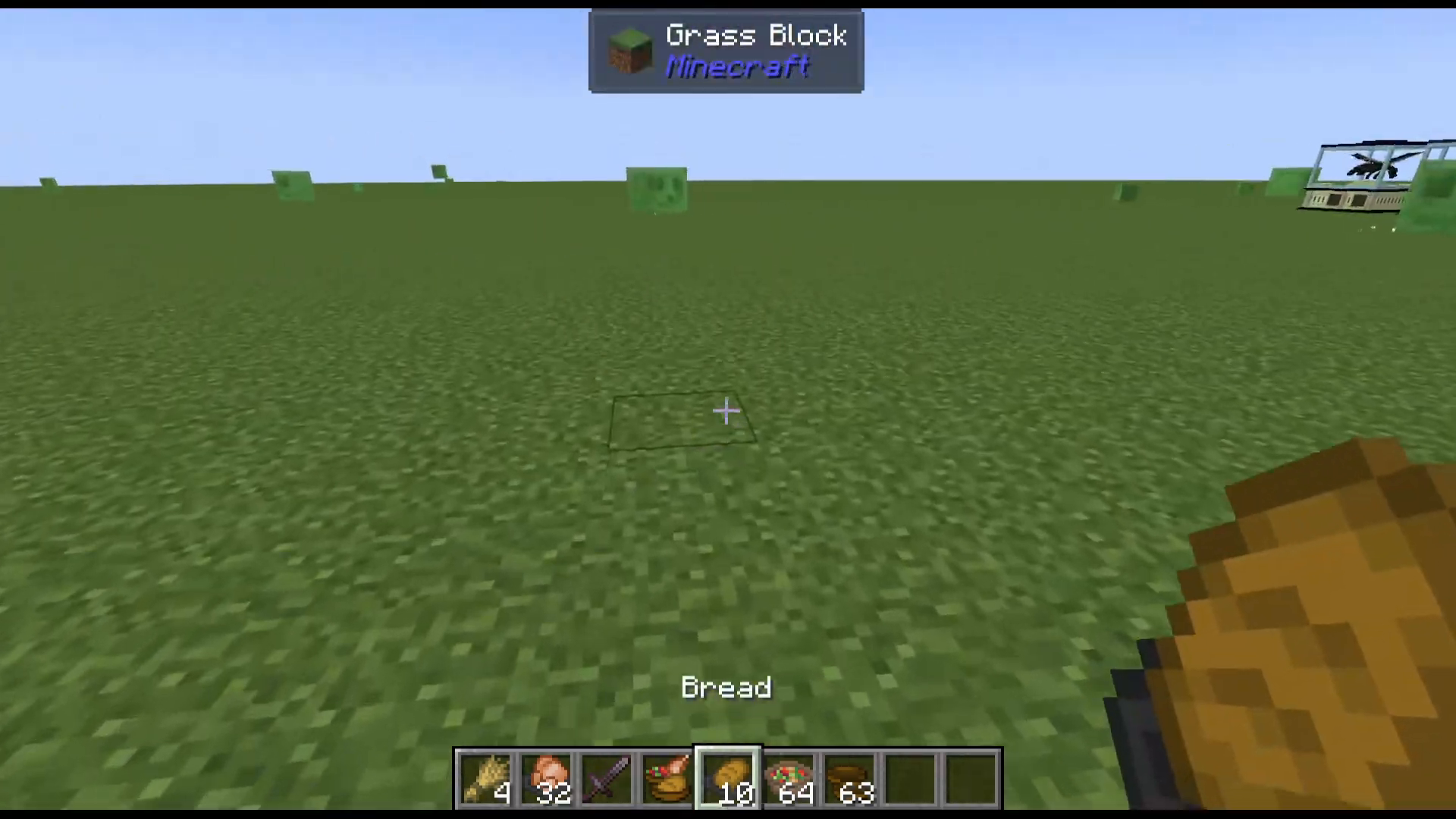
Your final dish is now complete! You’ll notice the hunger and saturation values increase with each layer you add to the plate. A Plate of Bread, Salad, and Chicken provides excellent nutritional value and is one of the most rewarding meals you can create in this mod.
Conclusion
The Multipart Machines Cooking mod transforms food production in Minecraft into a detailed and rewarding process. By mastering the Food Trader, constructing a multi-block kitchen, and understanding how to layer ingredients onto plates, you’ll be able to create dishes with outstanding hunger-filling and saturation values. Experiment with different recipe combinations available in each cooking station to discover new favorite meals!
Want to Support?
If you would like to help us continue making these guides – please consider joining our patreon here – https://www.patreon.com/c/JaviHeals
Alternatively – we host a group of MC Servers you can join here – https://discord.gg/zD7Gjt6MHF



