







Mekanism – ALL Basic Machines Full Tutorial
Mekanism – All Basic Machines Full Tutorial
Mekanism includes a comprehensive set of basic machines that form the foundation of automated processing. This guide walks you through not just what these machines do, but how to operate them, input materials, and extract outputs. Whether you’re enriching materials, crushing ores, or pumping fluids, understanding these fundamental machines is essential for progressing in the mod.
Getting Started: The Configurator
Before we dive into individual machines, you need to craft the Configurator. This essential tool requires Lapis, an infused alloy, an energy tablet, and a stick. The Configurator acts as your wrench and configuration device throughout the mod.
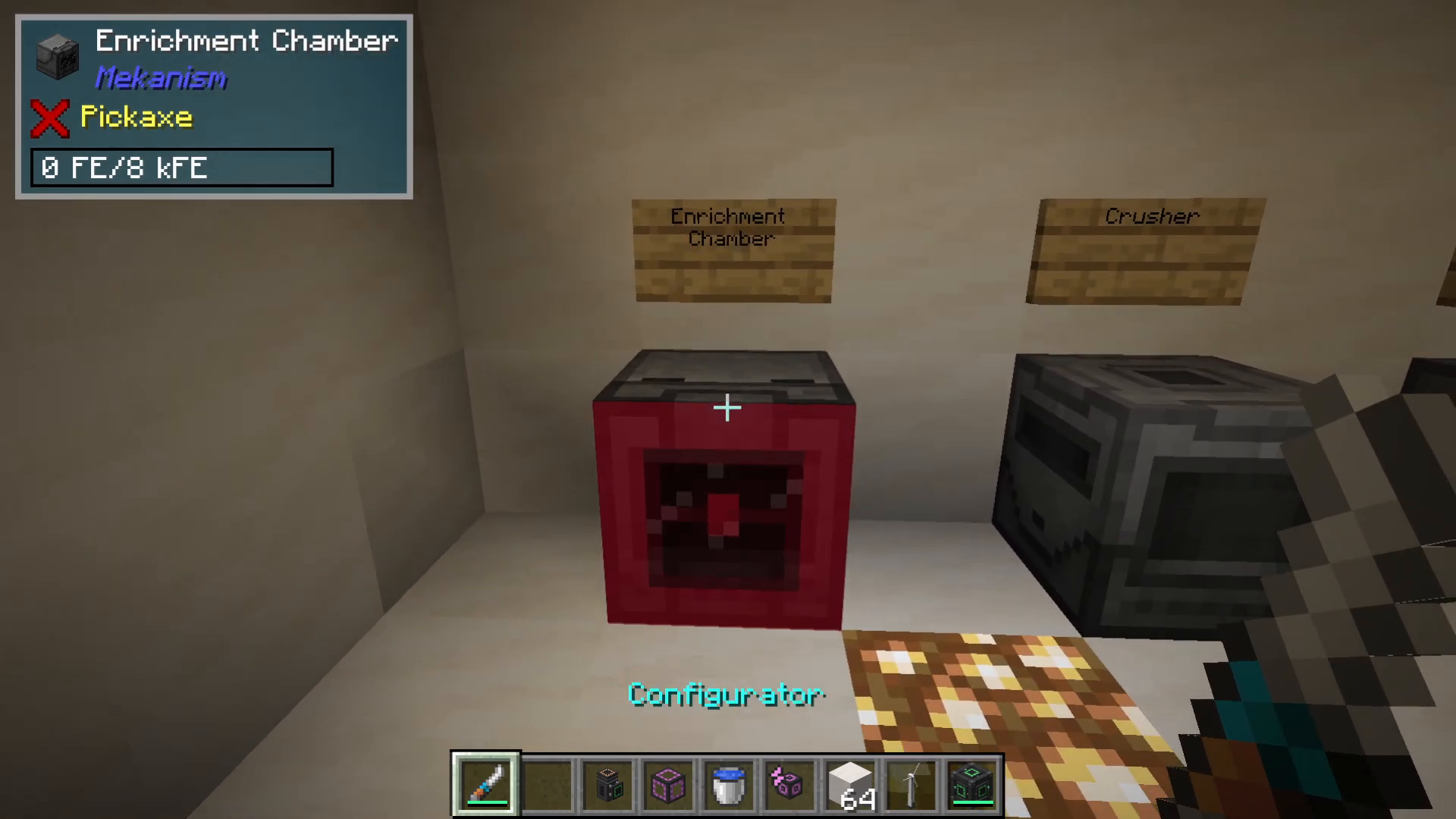
When holding the Configurator, you’ll notice it lights up when looking at machines. By holding Shift and scrolling, you can cycle through different configuration modes including items, fluids, and gases. For most purposes, keep it set to wrench or item configuration mode.
Configuring Item Input and Output
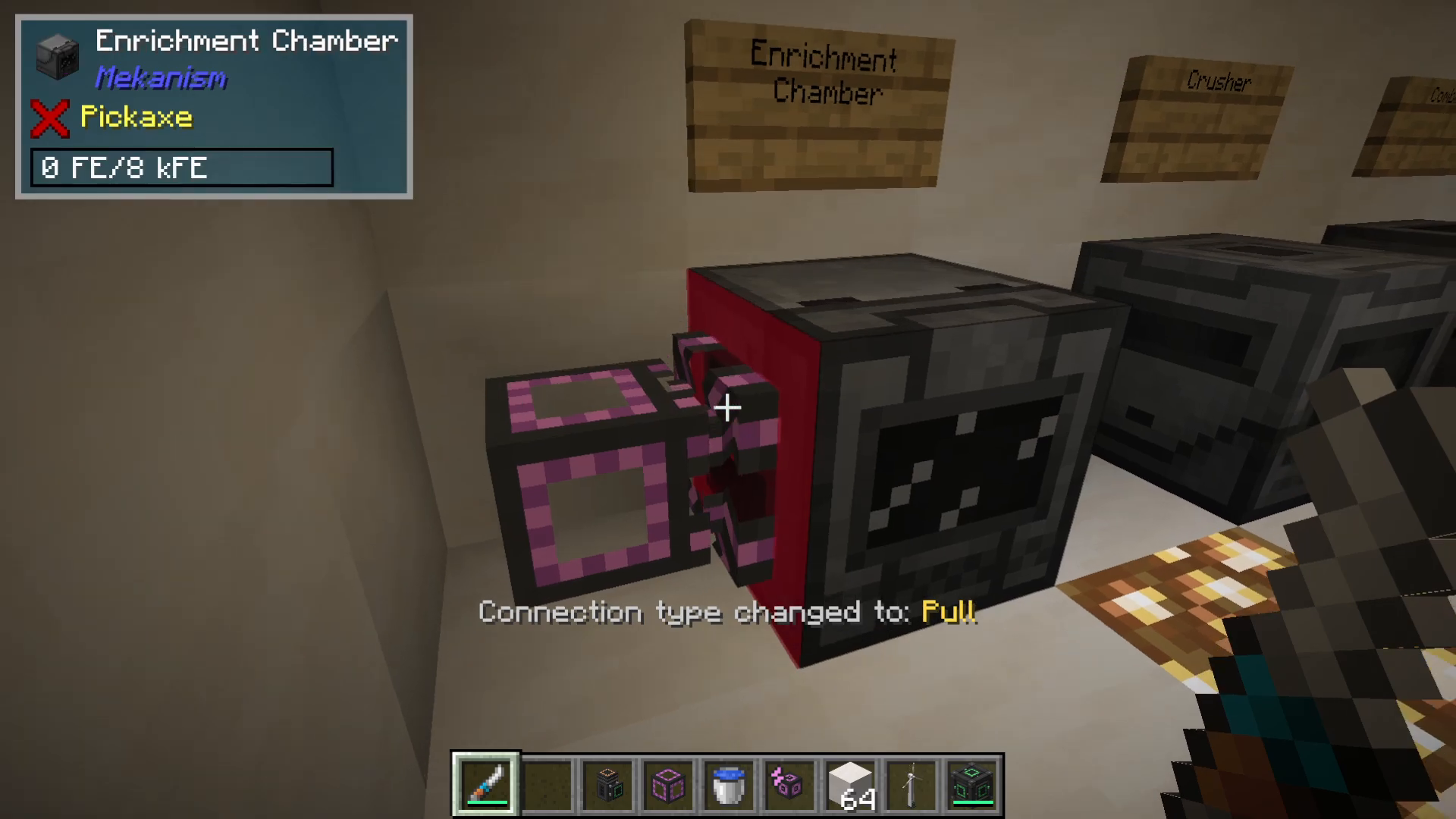
To control how items move in and out of machines, use the Configurator with Shift+Click. For example, with an enrichment chamber and a logical transporter (used for moving items), you can Shift+Click multiple times to toggle between pulling out and pushing into different sides of the machine. This allows precise control over material flow direction.
Side Configuration Menu
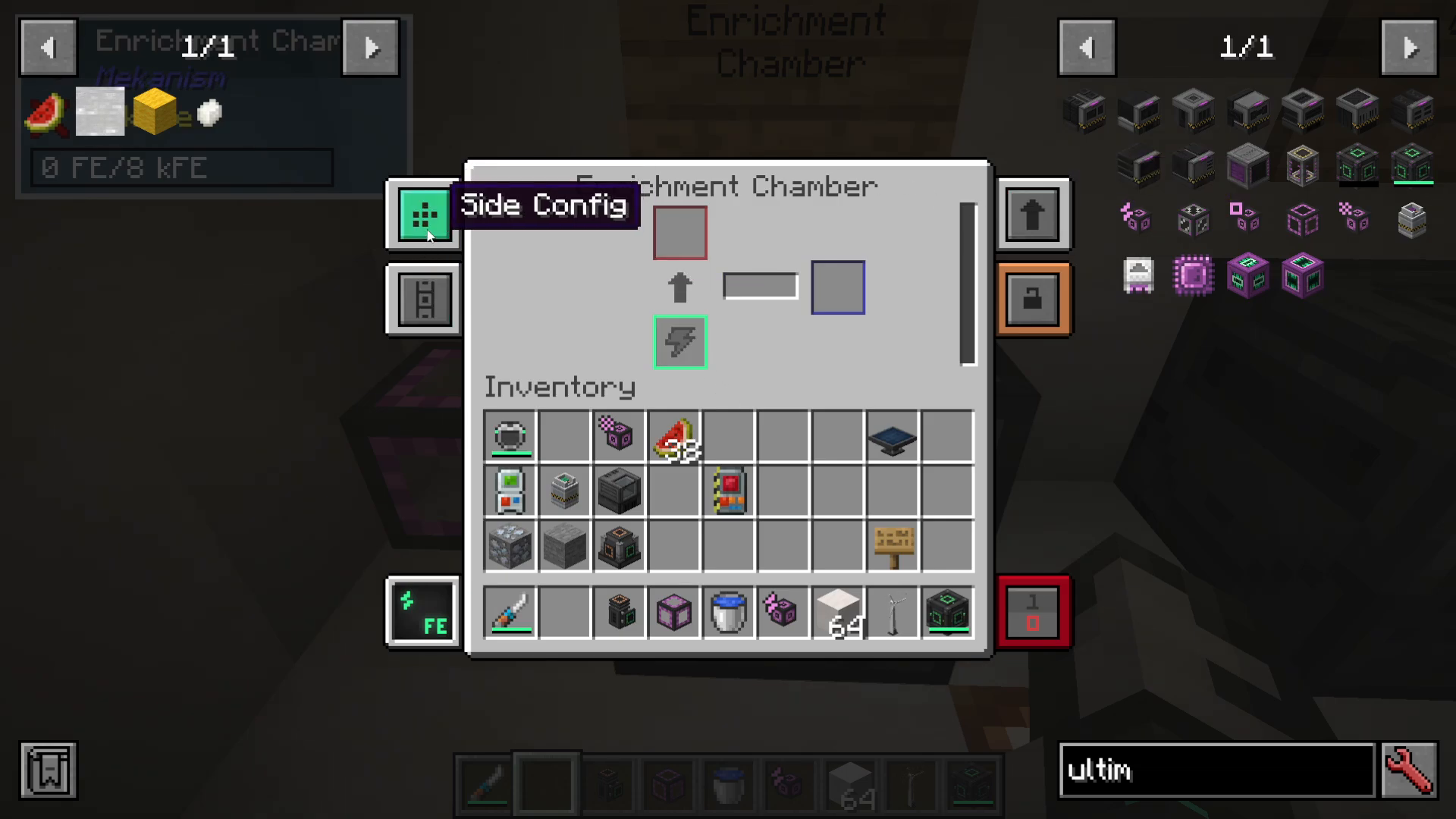
Open any machine and navigate to the “Side config” option. Here you can specify what each side of the machine does:
Input – Materials enter from this side
Output – Processed materials exit from this side
Input and Output – Bidirectional transfer
Energy – Power enters from this side
Nothing – Side is disabled
For example, you might configure the back for energy input, the left for material input, and the right for material output.
Security and Access Control
Mekanism machines include a security feature accessible from the machine menu. You can set machines to private, trusted, or public access, giving you control over who can interact with your machines.
Machine Upgrades
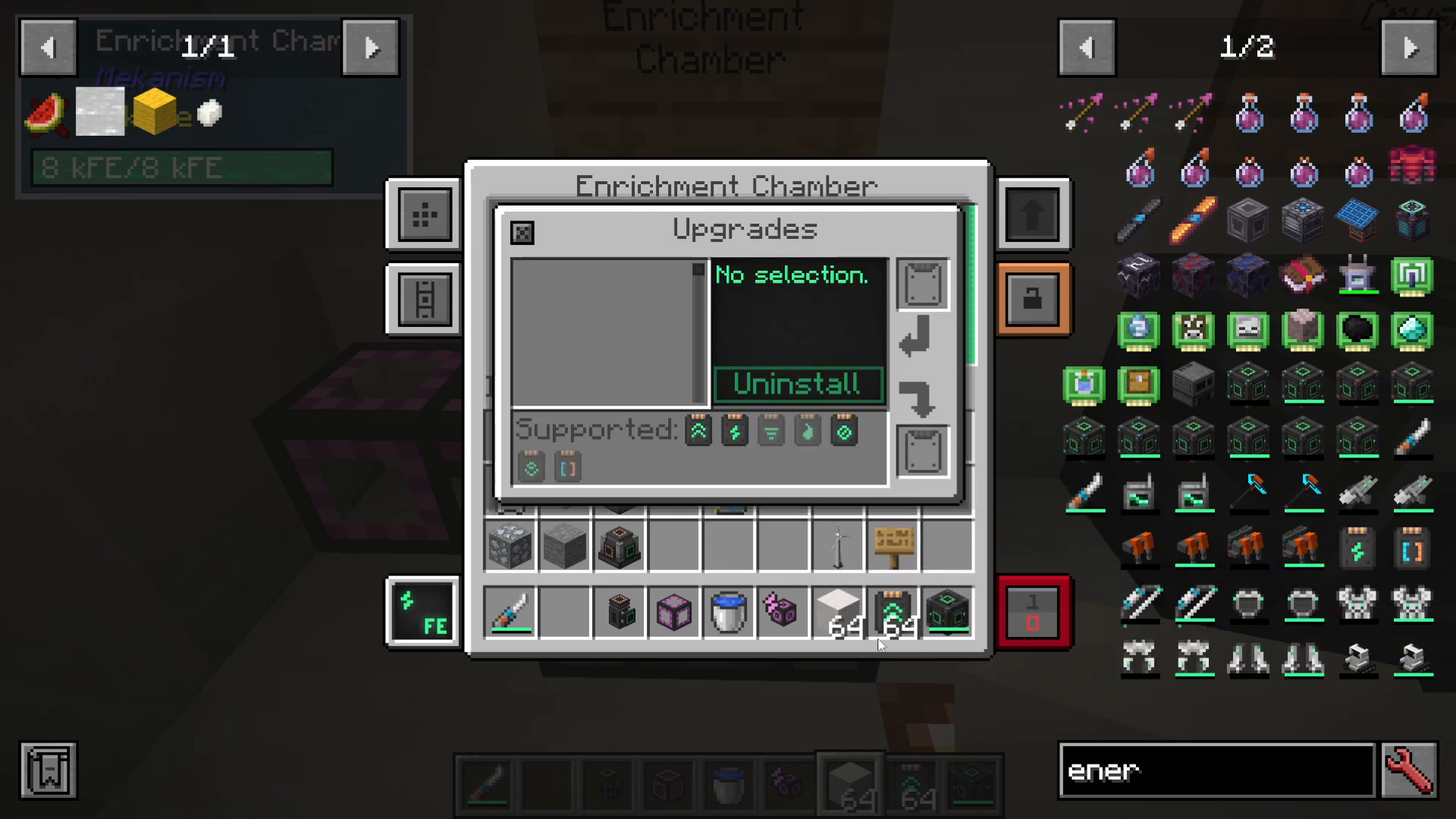
Not every upgrade works with every machine. When you open the upgrades menu, you’ll see which upgrades are compatible—only the highlighted ones can be used in that specific machine.
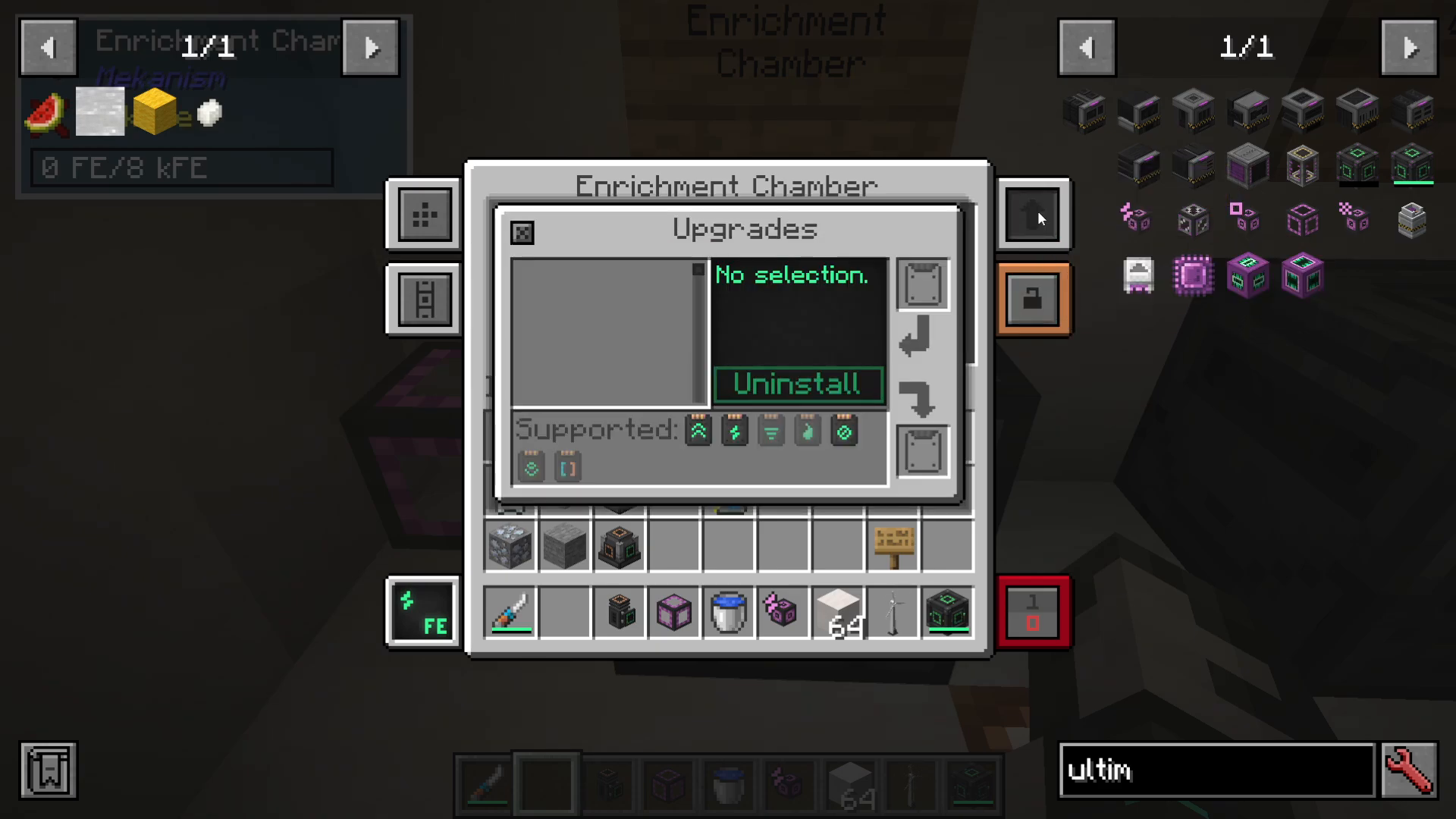
Types of Upgrades
Speed Upgrades: Dramatically increase processing speed. The Enrichment Chamber example shows a 10x speed multiplier with multiple upgrades installed.
Energy Upgrades: Increase power capacity, allowing machines to hold more FE (Forge Energy) and run longer without draining power storage quickly.
Muffling Upgrades: Silence the machine’s operational sounds.
You can install up to eight upgrades per machine. Insert them individually by clicking, or use Shift+Click to install multiple at once. Be aware that speed upgrades significantly increase energy consumption, so balancing speed and energy upgrades is often necessary.
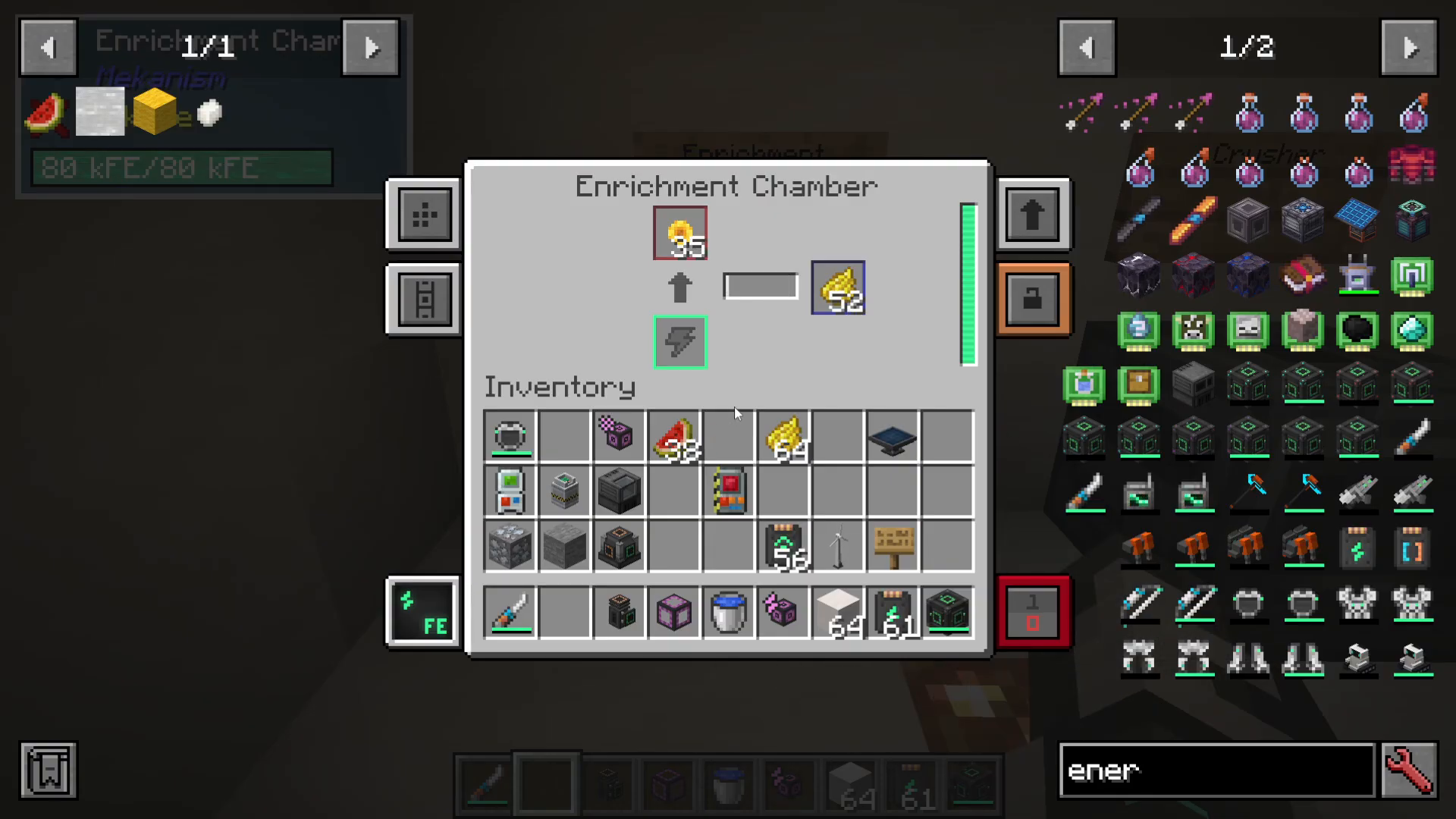
The Enrichment Chamber
The Enrichment Chamber enriches materials into different forms. For example, it can convert beetroot or poppies into red dye. To see all recipes for this machine, open JEI (Just Enough Items), press U on an item, and select “Enrichment Chamber” to view all compatible recipes.
The Enrichment Chamber uses basic control circuits in its recipe and only requires the Metallurgic Infuser to craft, making it one of the early-game machines you’ll build.
The Crusher
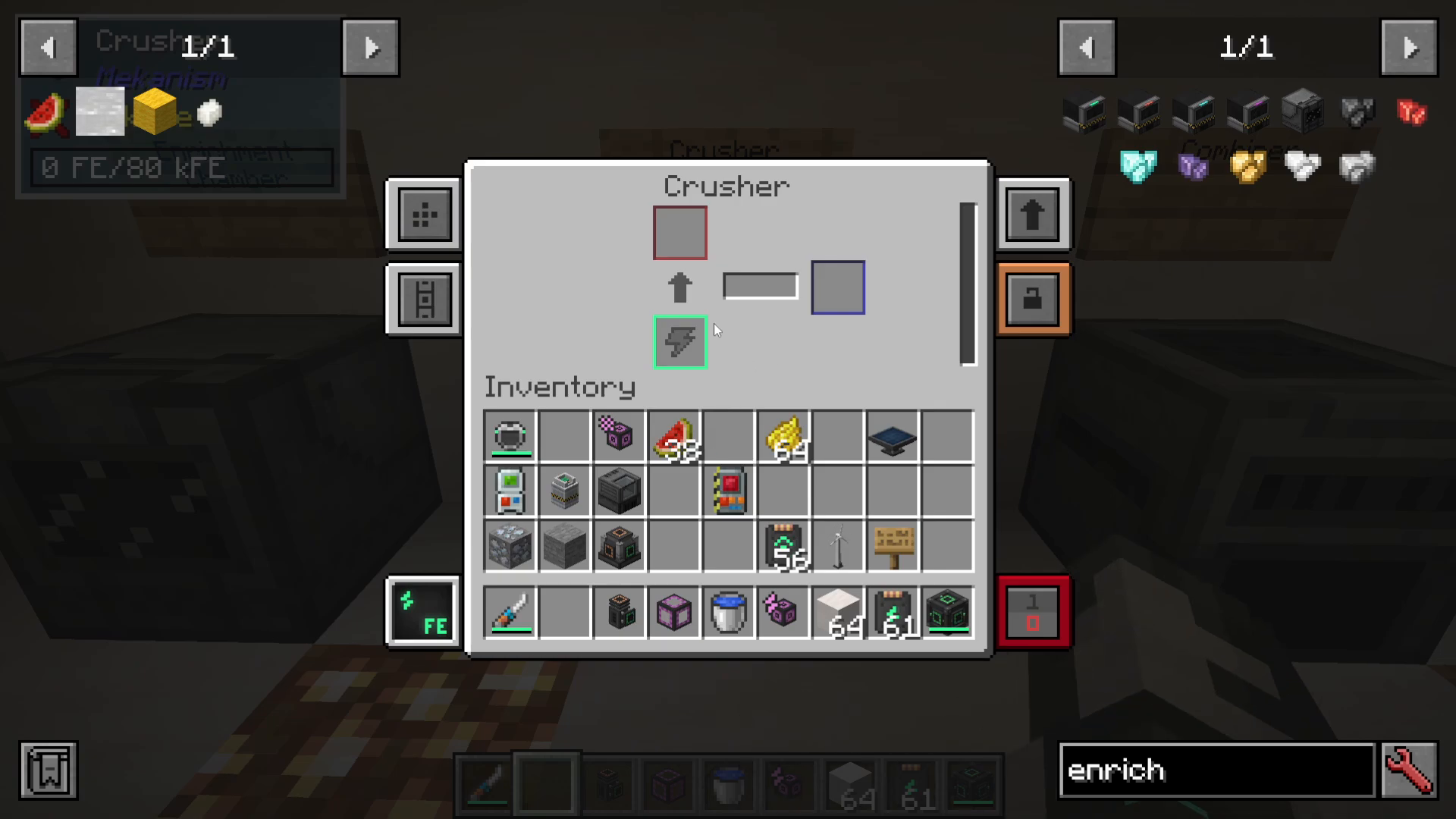
The Crusher converts materials into ground or powdered forms. Common uses include:
Crushing ingots into dust
Processing plant matter into biofuel
Breaking down various organic materials
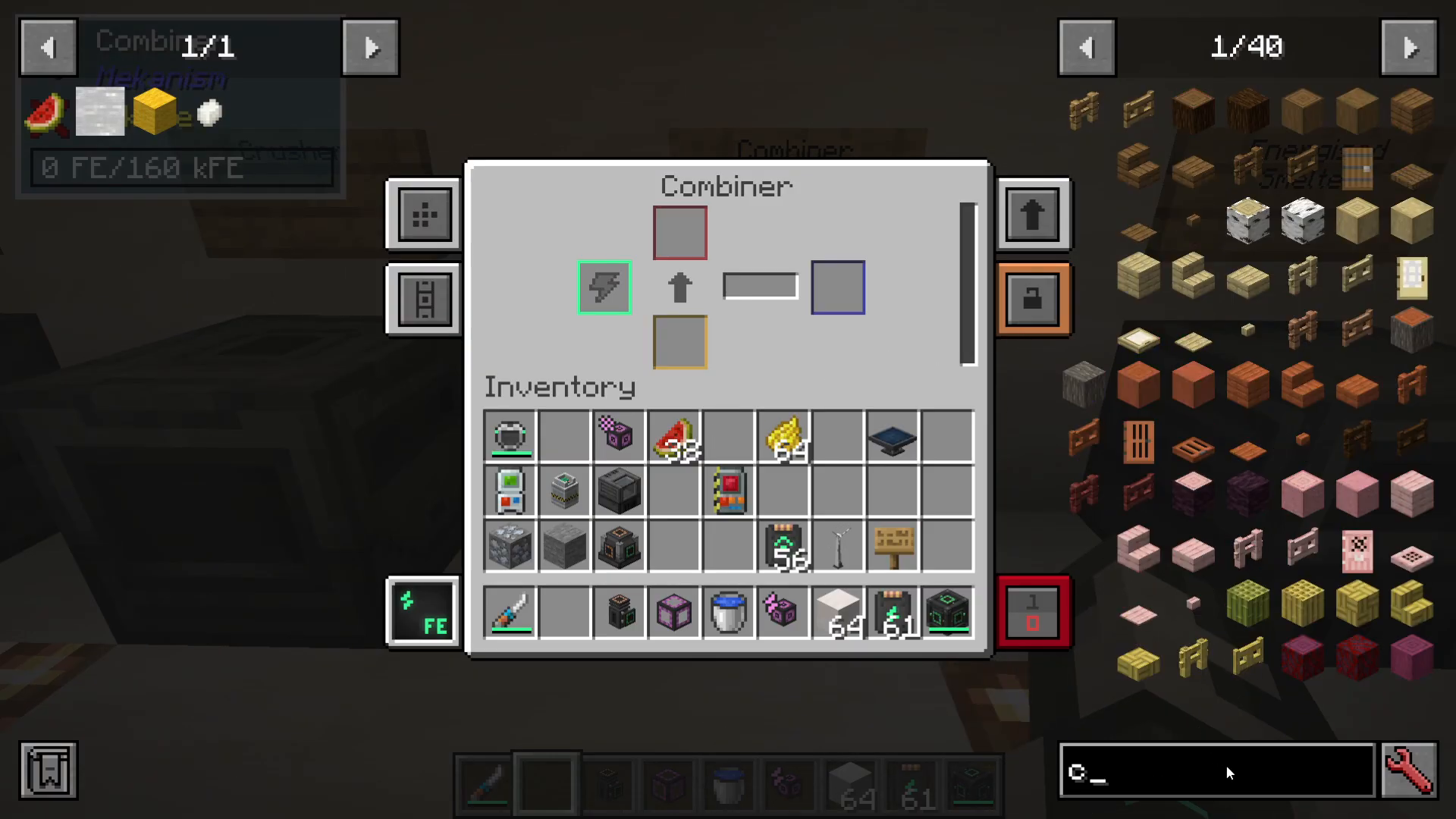
The Combiner
The Combiner is the inverse of the Crusher—it combines materials. This machine can:
Combine raw iron into iron ore
Convert sweetberries into glow berries
Combine redstone dust into redstone ore
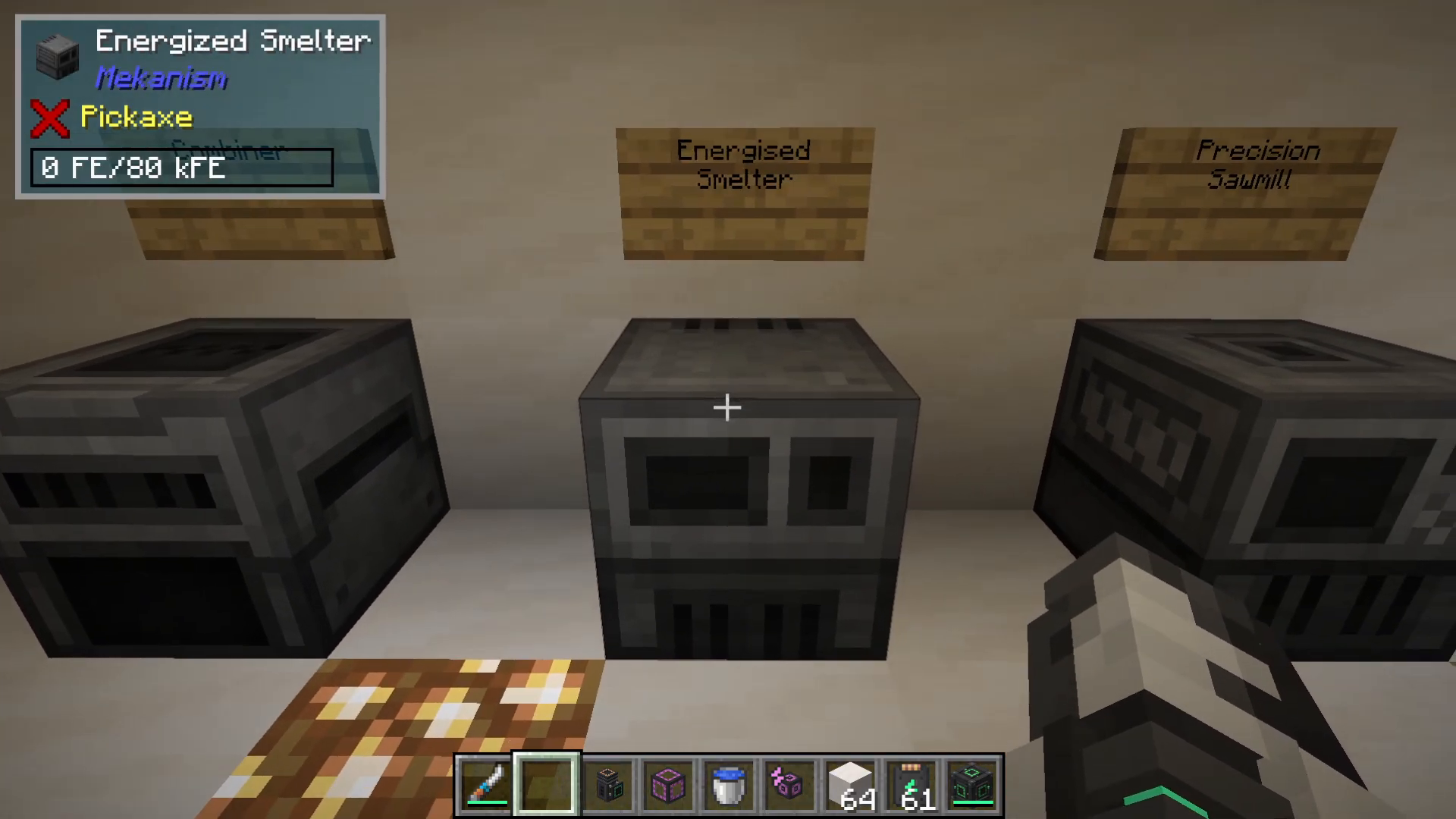
The Energized Smelter
The Energized Smelter is an upgraded version of the standard furnace. The key advantage is that it accepts speed upgrades, allowing it to smelt materials much faster than a vanilla furnace. This is particularly useful for processing large quantities of ore.
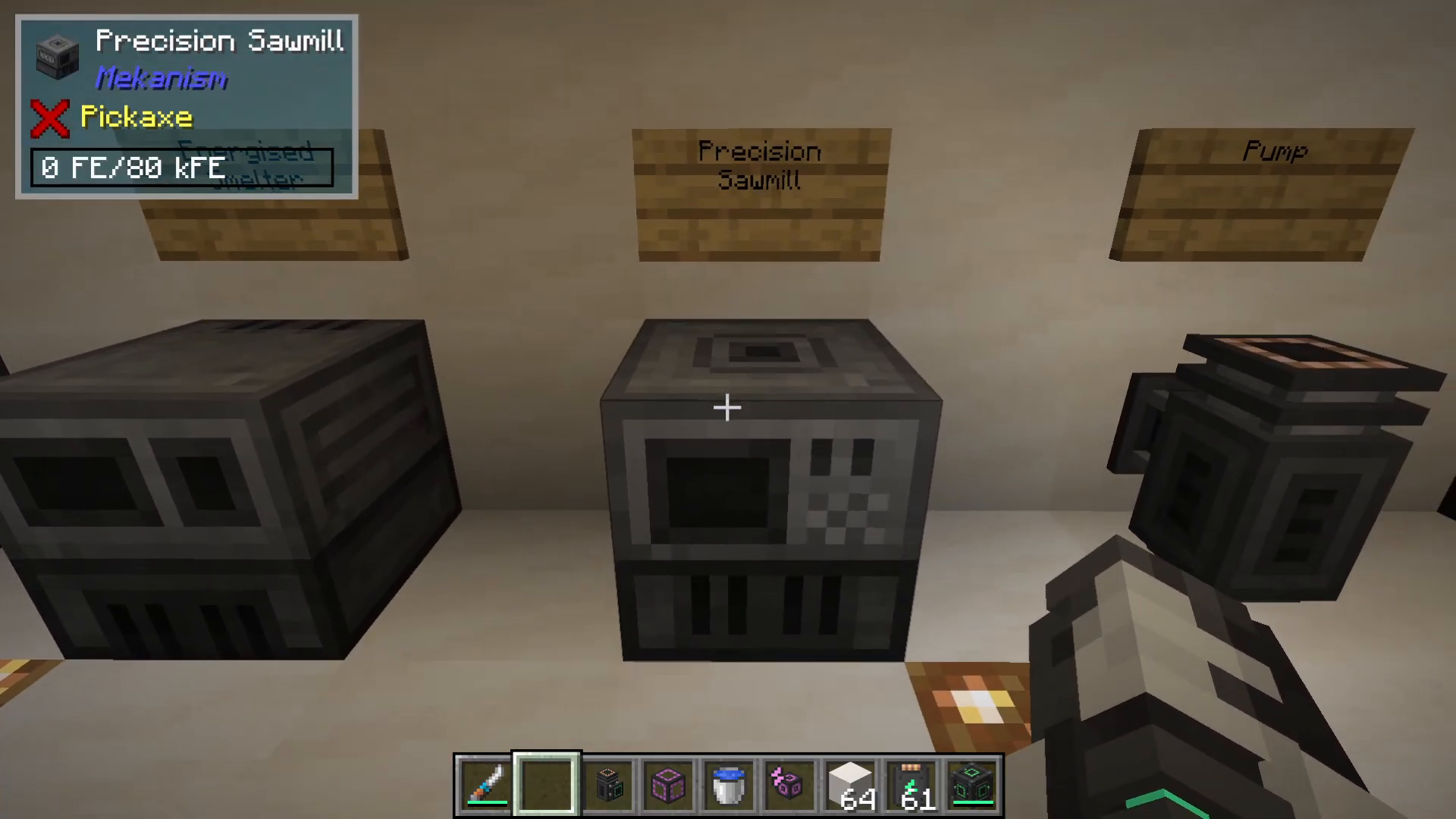
The Precision Sawmill
The Precision Sawmill deconstructs complex items into component materials. For example:
Pressure plates into planks
Oak boats with chests into separate boats and chests
This machine is essential for reclaiming materials from crafted items.
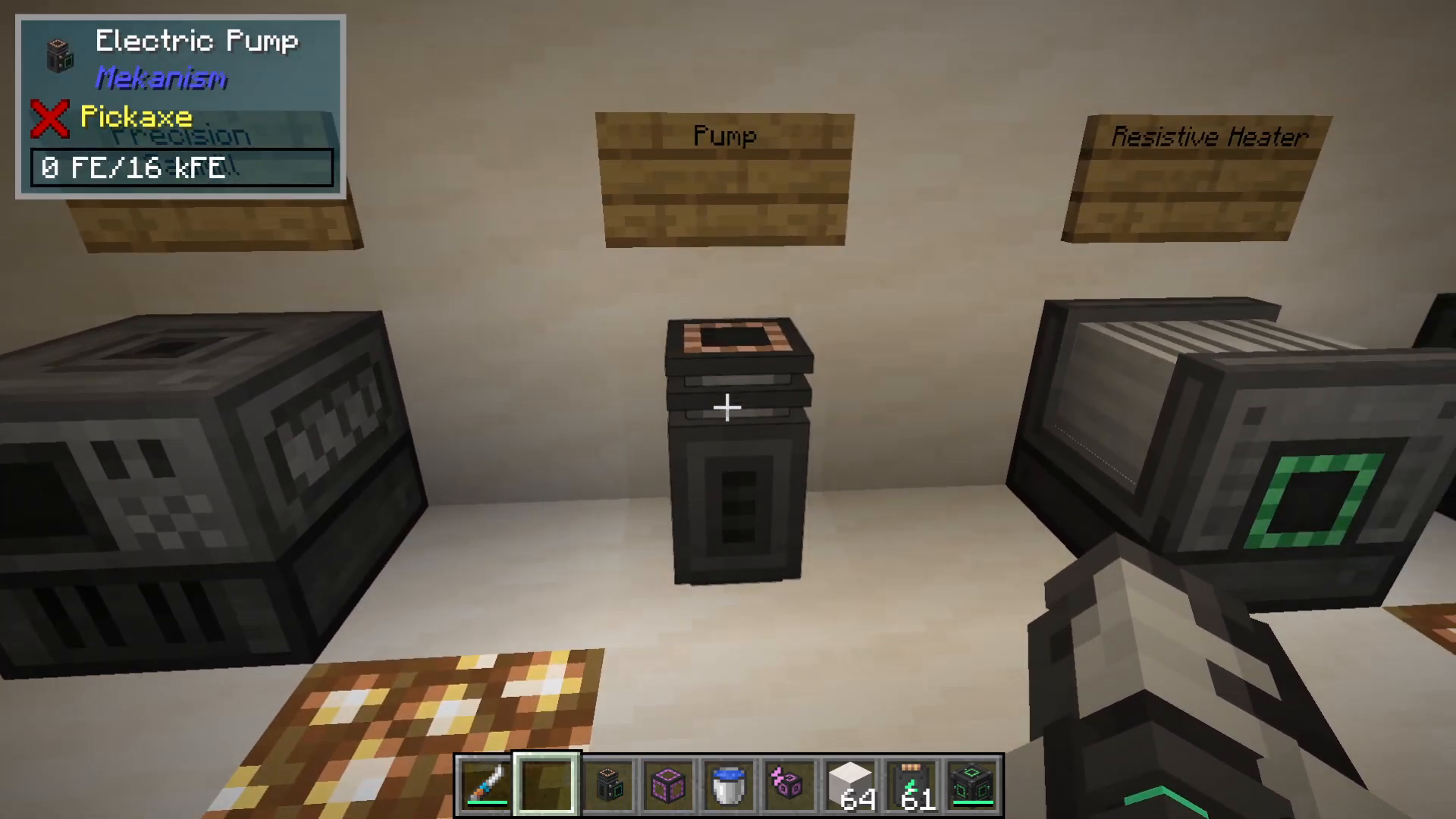
The Pump
The Pump efficiently moves fluids from one location to another. Power input goes into the back of the machine. When active, the Pump will extract water or other fluids and push them through mechanical pipes.
Connect a mechanical pipe to the top of the Pump and direct it toward your desired fluid source. The Pump will efficiently extract and transport the liquid.
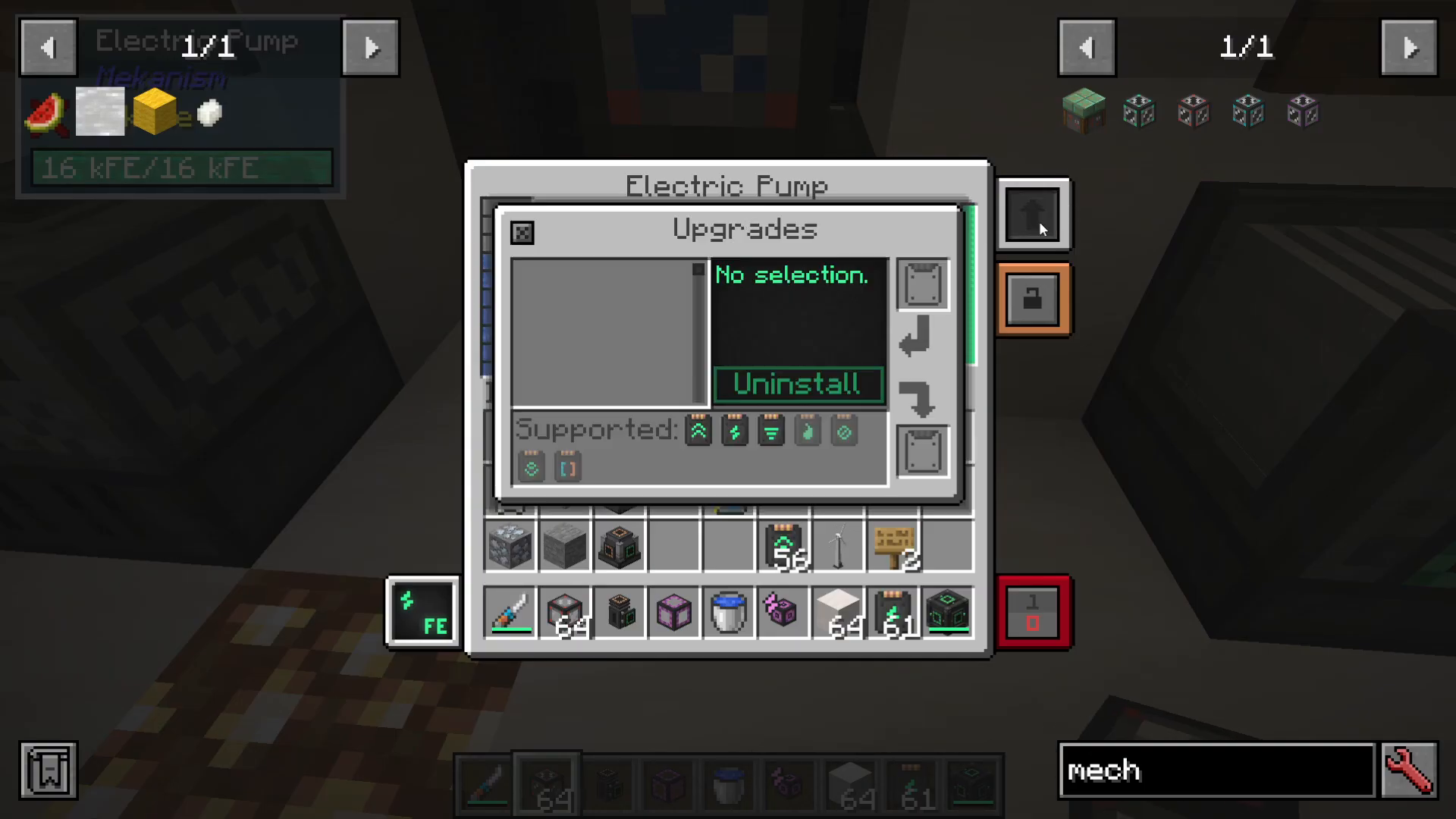
Pump Upgrades
The Pump supports filter upgrades that allow it to selectively extract specific fluids. For example, a filter upgrade can be configured to pump heavy water instead of regular water. The Pump also accepts energy and speed upgrades.
The Resistive Heater
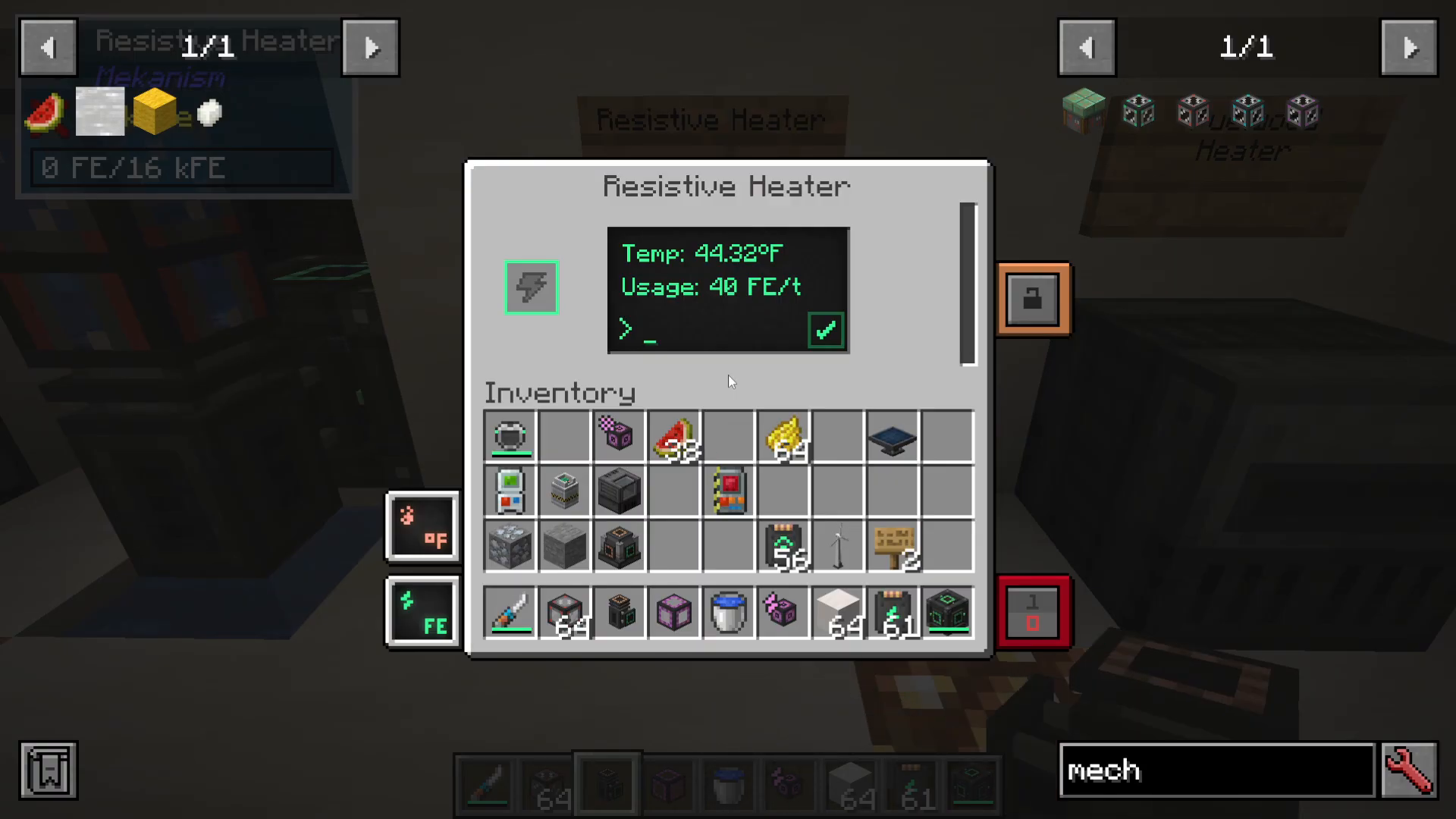
The Resistive Heater uses electrical power to generate heat. You control the heating rate by setting the power consumption:
100 FE per tick = 100 units of heat generation
500 FE per tick = 500 units of heat generation
Higher settings heat machines faster but consume significantly more power. Use a Resistive Heater when you need to heat another machine or process that requires thermal energy.
The Fuelwood Heater
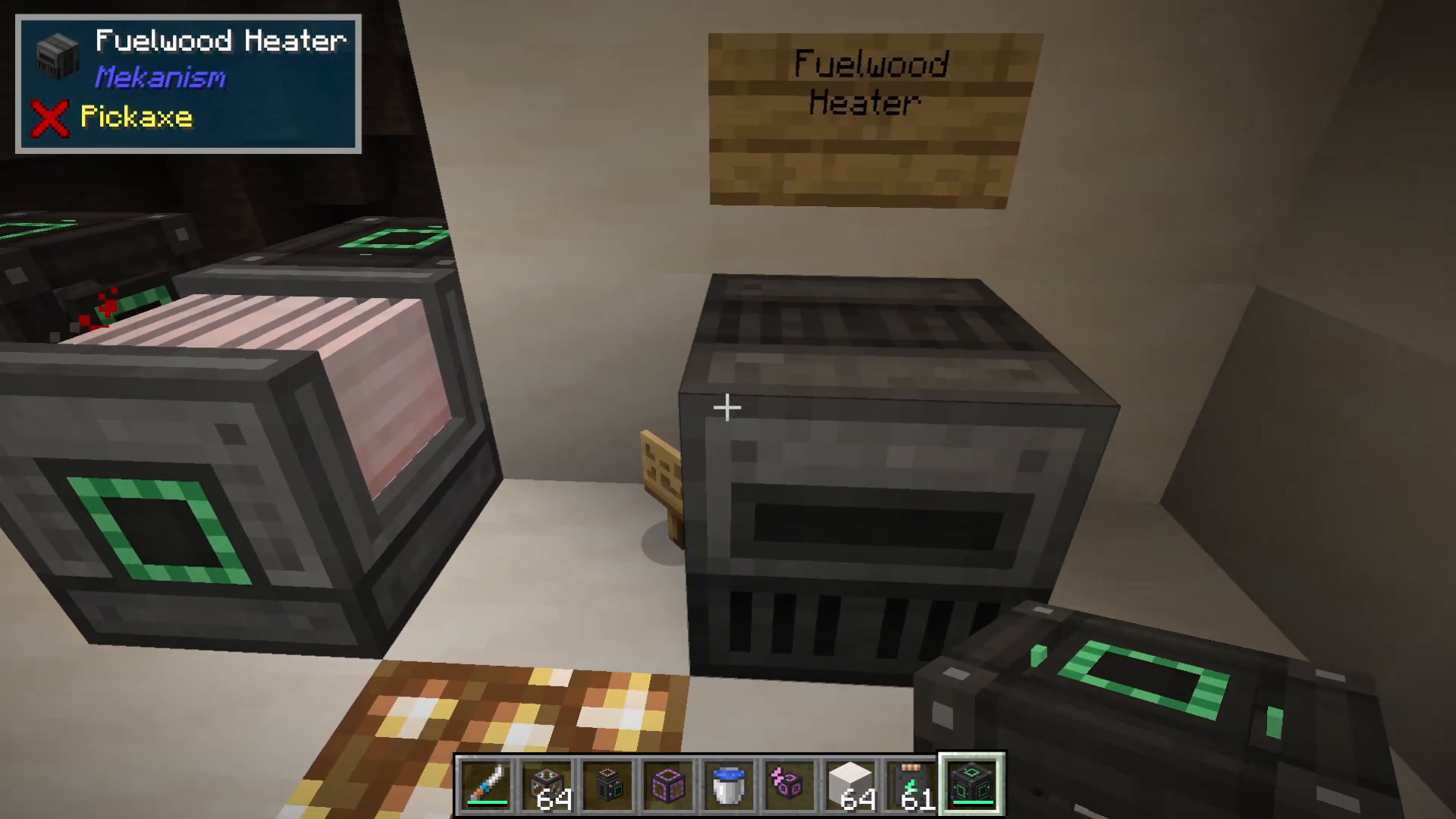
The Fuelwood Heater provides an alternative to electrical heating. Instead of consuming FE, it burns solid fuels like spruce wood to generate heat. This machine is ideal when you want to heat machines using renewable natural resources rather than electricity.
The heat generated by the Fuelwood Heater can be distributed through thermodynamic cables to other machines that require thermal energy.
Summary
These basic Mekanism machines form the foundation of the mod’s processing chain. Master the Configurator for input/output control, understand how to apply upgrades for performance gains, and choose the right machine for each task. From enriching materials with the Enrichment Chamber to efficiently pumping fluids with the Pump, these tools will accelerate your progression through the mod.
— Want to Support? —
If you would like to help us continue making these guides – please consider joining our patreon here – https://www.patreon.com/c/JaviHeals
Alternatively – we host a group of MC Servers you can join here – https://discord.gg/zD7Gjt6MHF



