







Industrial Foregoing Complete Beginners Guide (Minecraft 1.21.1)
Industrial Foregoing Complete Beginners Guide (Minecraft 1.21.1)
Welcome to the ultimate beginners guide to Industrial Foregoing for Minecraft 1.21.1. This guide is designed to get you up to speed quickly without unnecessary fluff, covering everything you need to know as a beginner. Whether you’re just starting with Industrial Foregoing or looking to expand your modding knowledge, this tutorial will walk you through the essential mechanics, machines, and automation setups to get you producing your first plastic and beyond.
Getting Started: Power Generation with Industrial Foregoing
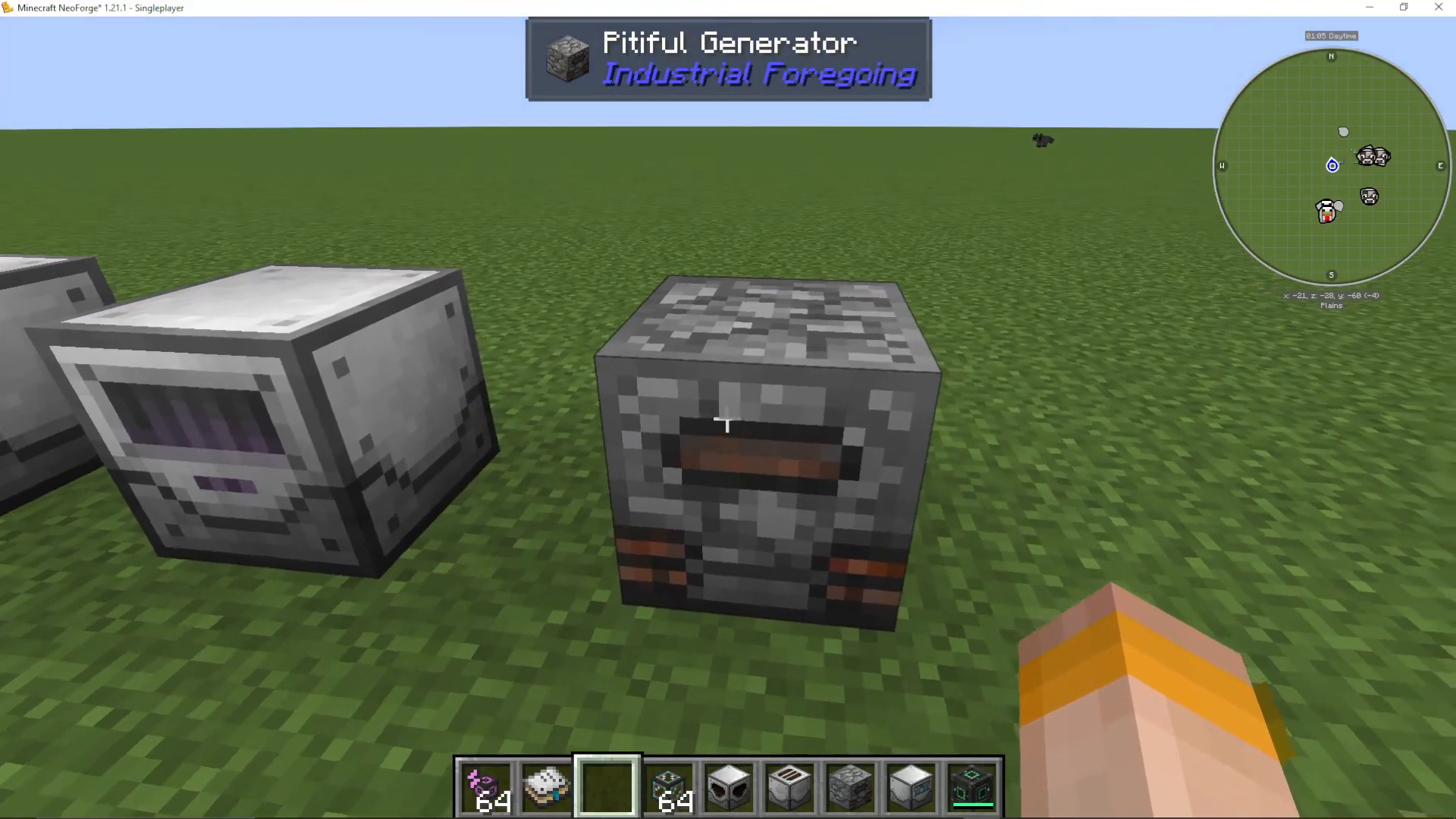
If you’re using only Industrial Foregoing for your power needs, the Pitiful Generator is a good starting point. This machine accepts combustible items like coal and converts them into energy, with internal storage built in. You can place the Pitiful Generator directly next to your machines for power delivery.
However, it’s important to note that Industrial Foregoing is not particularly efficient for early-game power generation. For better results, consider using alternative power sources like Mekanism for your energy needs, especially during the early stages of gameplay.
Making Plastic: The Foundation of Industrial Foregoing
Why Plastic Matters
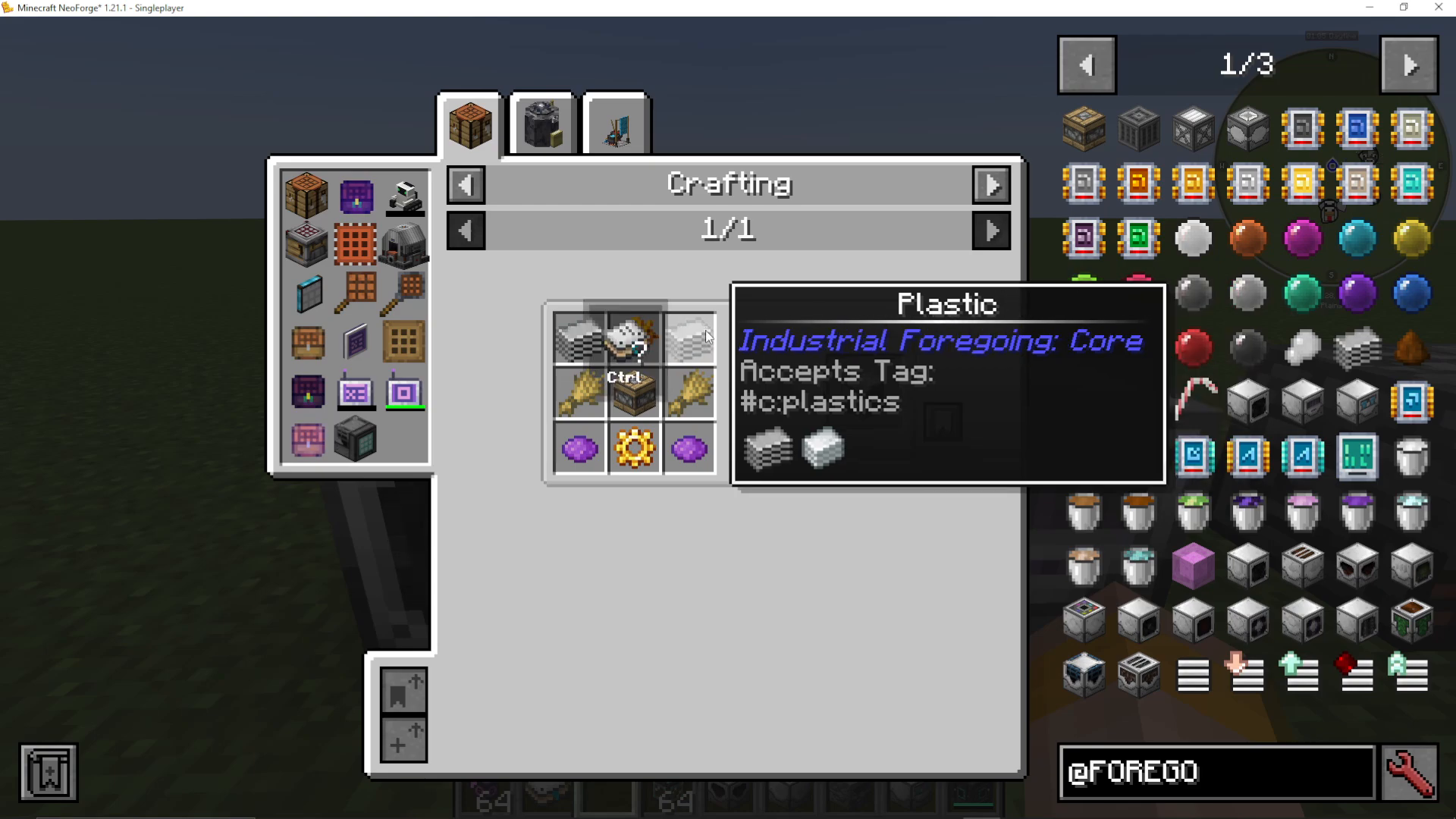
Plastic is one of the most critical resources in Industrial Foregoing. Almost every machine in the mod requires plastic as a crafting ingredient. For example, the Animal Feeder needs plastic to function. Your primary goal as a beginner should be to set up an automated plastic production system.
The Plastic Production Process
Plastic is created by smelting dry rubber in a furnace. To produce dry rubber, you’ll need to extract latex from wood using a Fluid Extractor and then process it through a Latex Processing Unit.
Building Your First Automated Plastic Setup
Step 1: Craft the Fluid Extractor
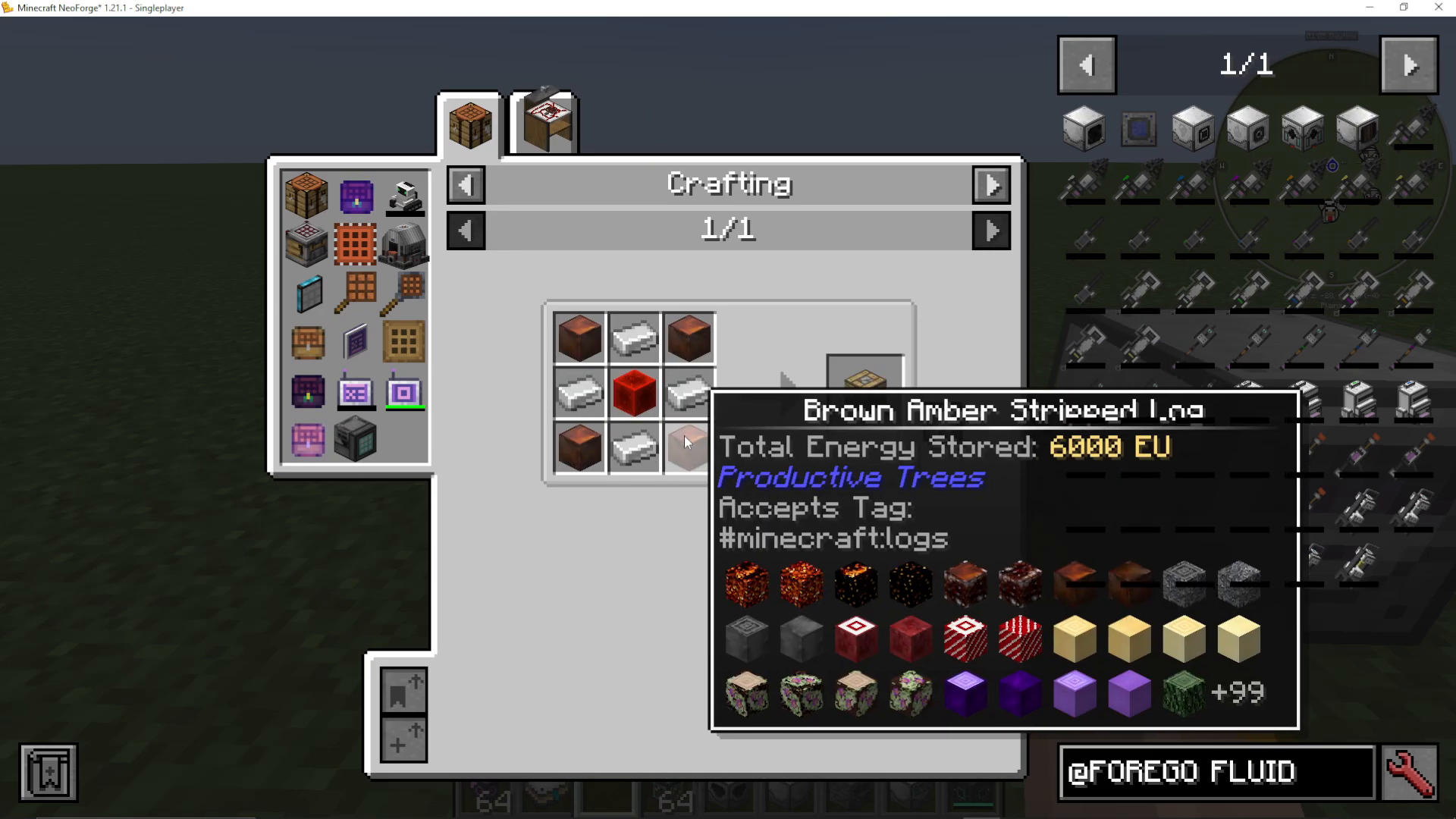
The Fluid Extractor is your starting machine. It requires a Pitiful Machine Frame (made from wood, iron, and redstone blocks) along with other components. You’ll also need to craft a Latex Processing Unit using similar materials.
Step 2: Understanding Machine Mechanics
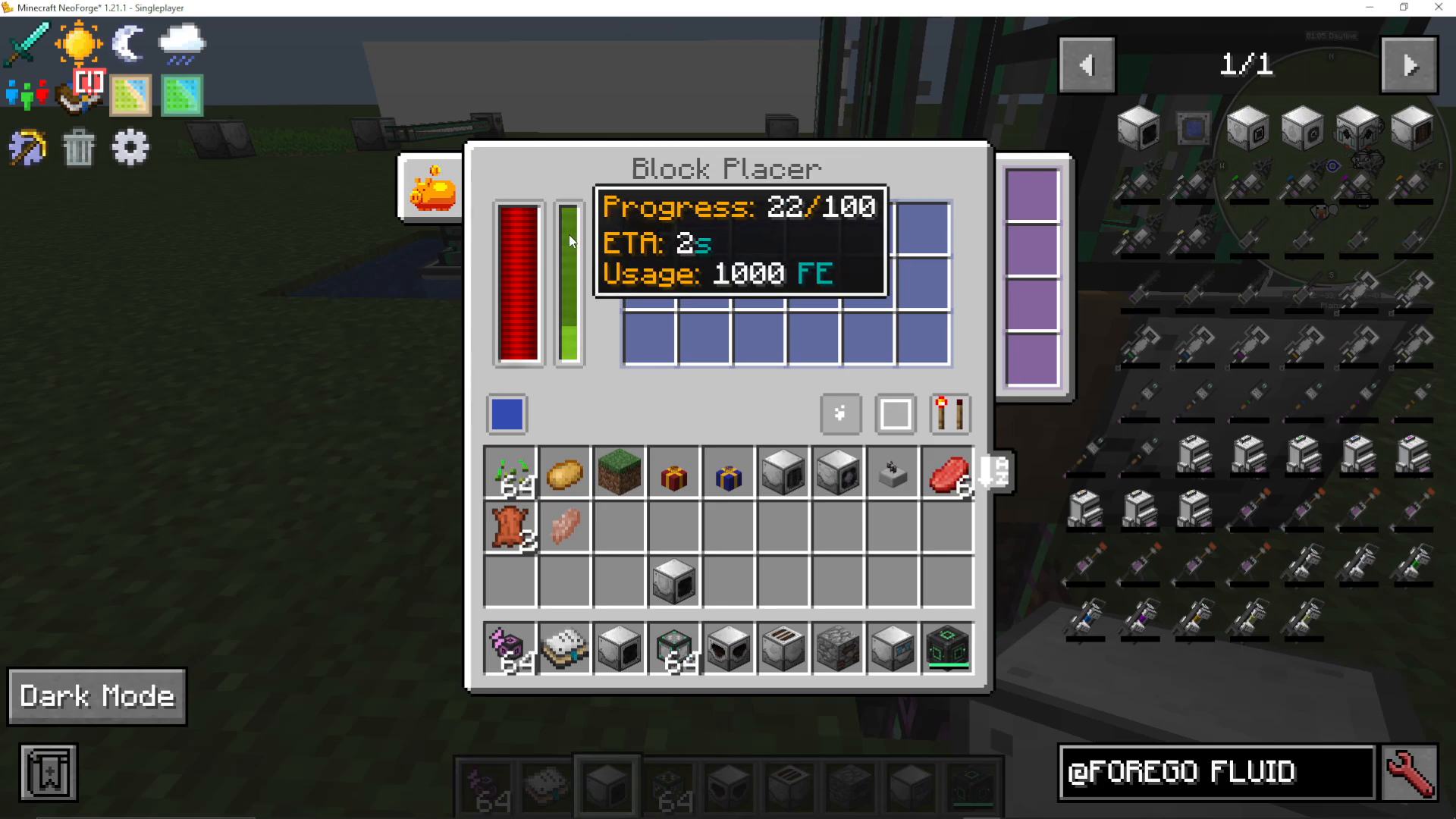
All Industrial Foregoing machines work on a progress bar system. You’ll see a green bar inside each machine. When this bar reaches the bottom, the machine performs its action—whether that’s extracting fluid, placing blocks, or processing items. The front face of machines is where they interact with blocks in front of them.
Step 3: Powering Your Machines
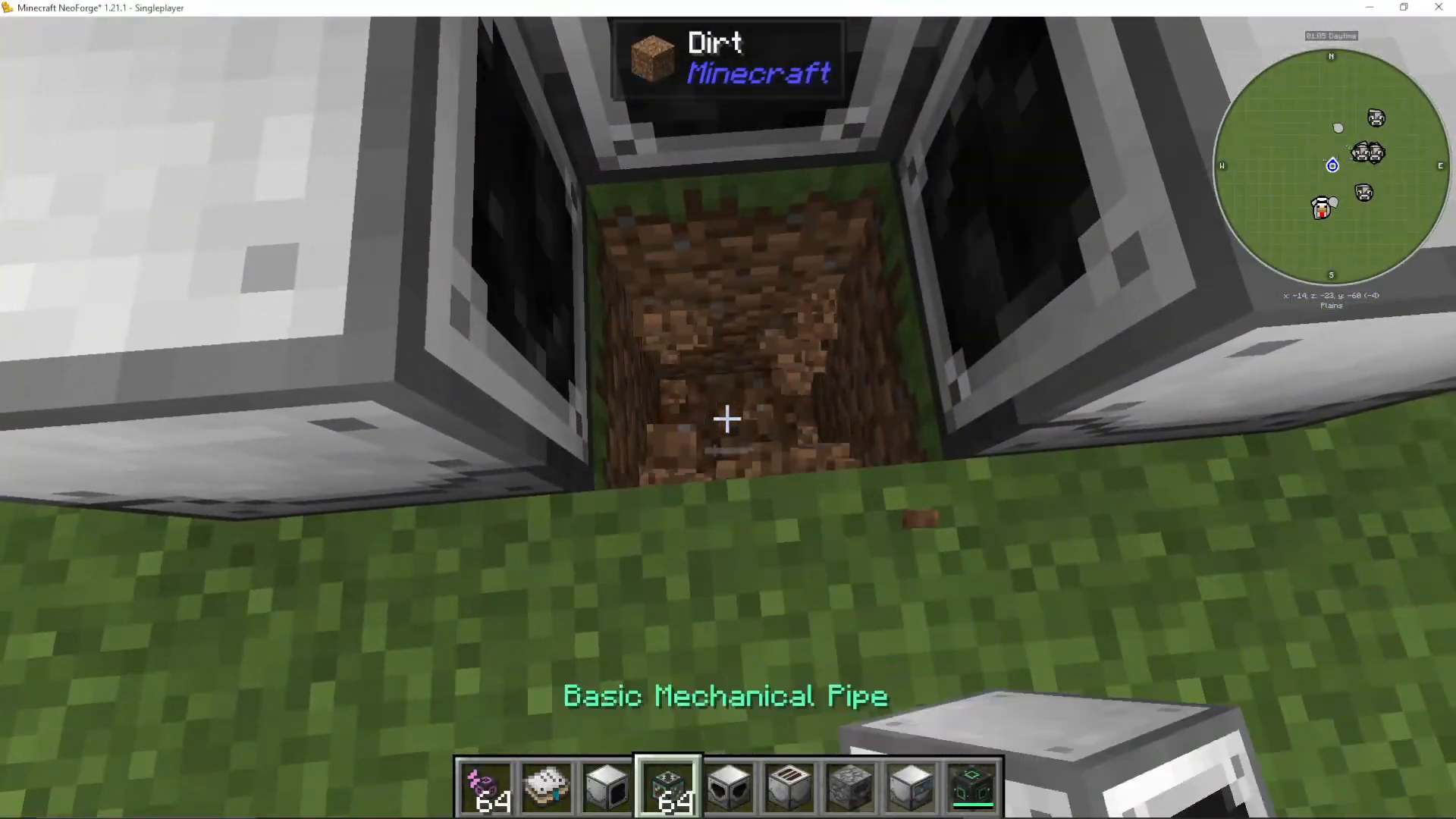
All Industrial Foregoing machines require power to operate. You can power them using Mekanism’s power pipes from any side of the machine. Alternatively, place a Pitiful Generator next to each machine for localized power.
Step 4: Extract Latex from Wood
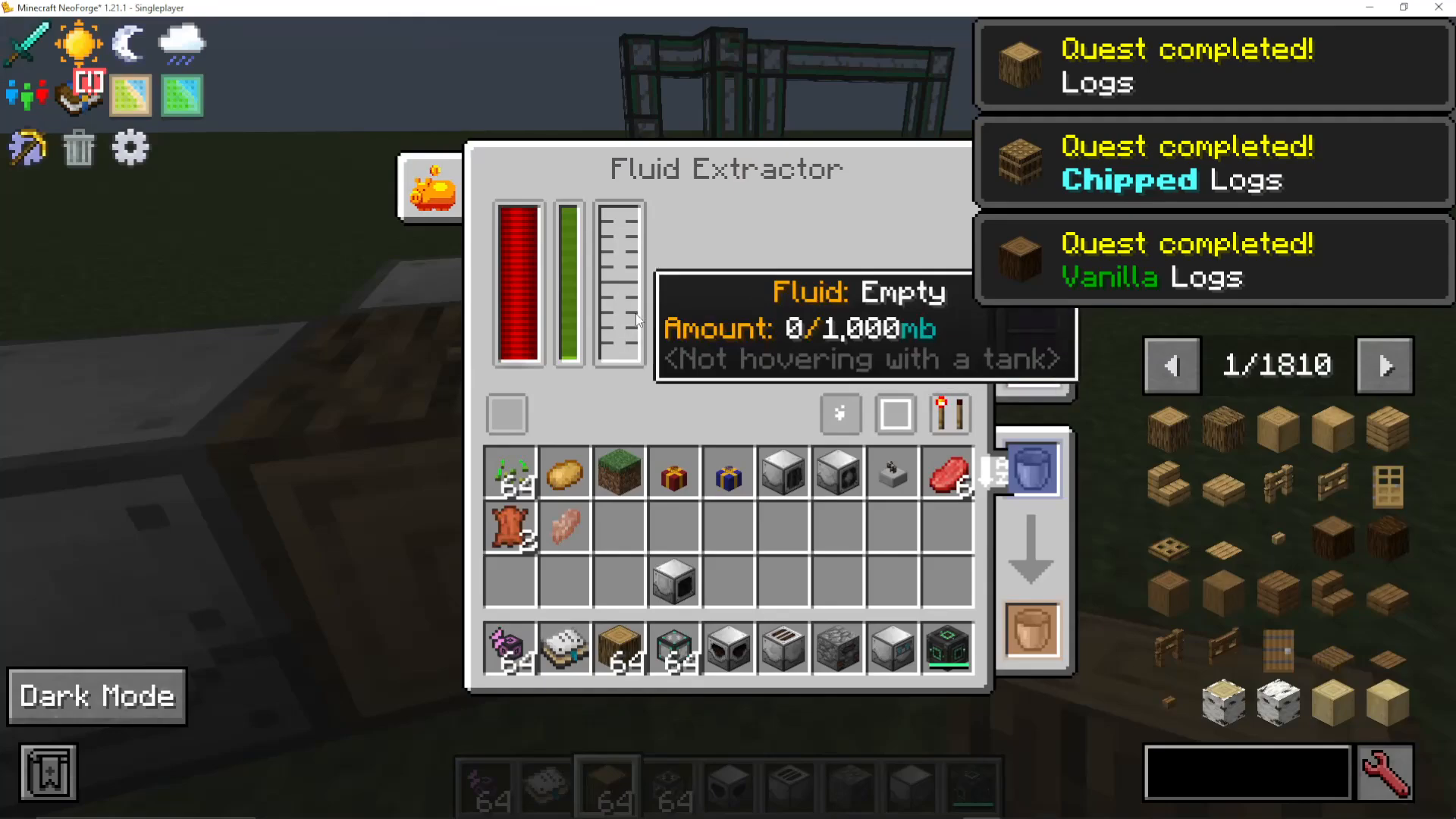
Place a Fluid Extractor facing a block of wood (such as an oak log). When powered and positioned correctly, the Fluid Extractor will automatically extract latex from the wood every time its progress bar completes. You can set up multiple Fluid Extractors for faster production.
Step 5: Automate Wood Supply with a Block Placer
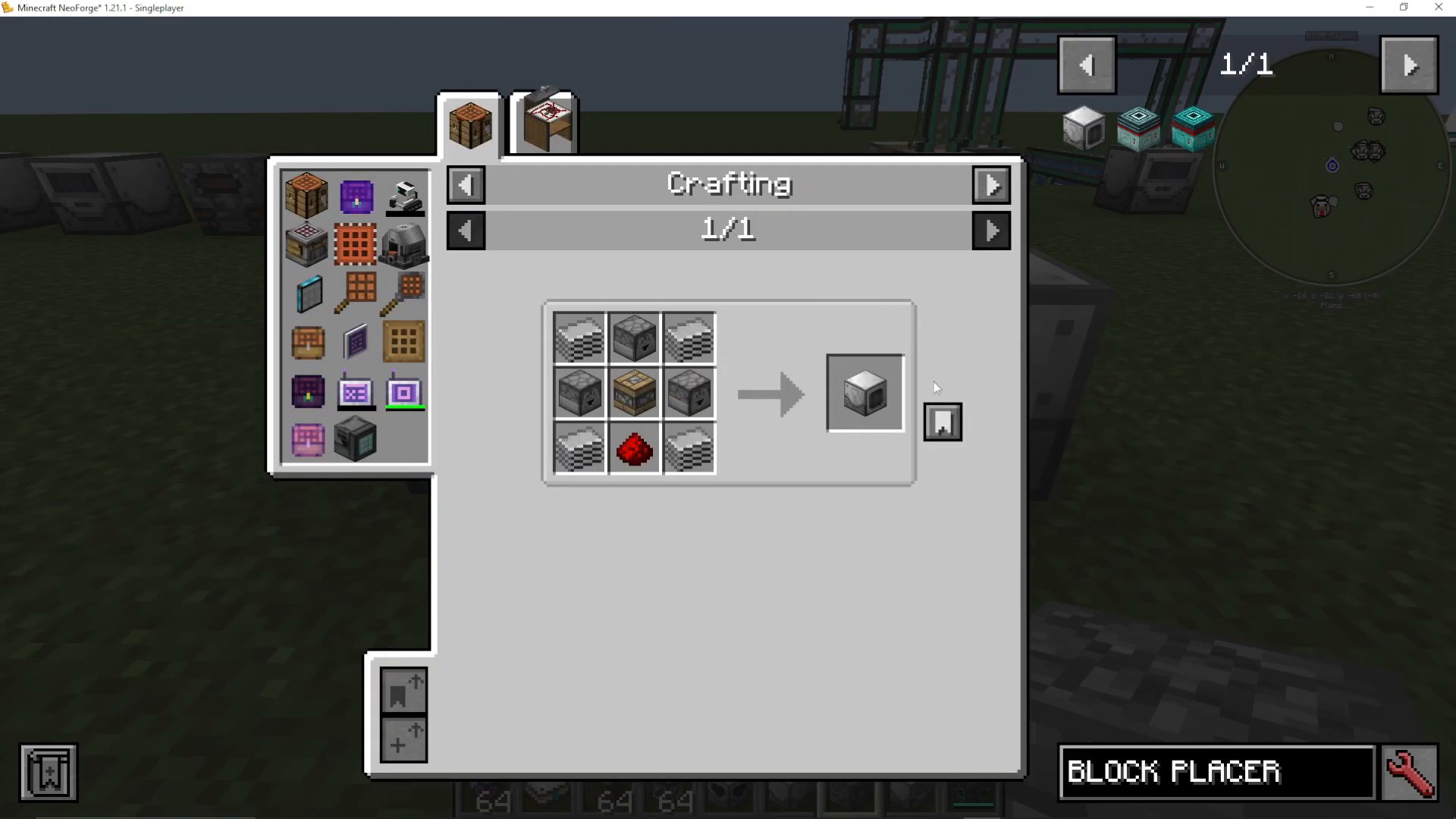
To fully automate this process, craft a Block Placer from Industrial Foregoing. This machine automatically places blocks in front of it when powered. Simply fill it with oak logs, and it will continuously place new logs for your Fluid Extractors to process.
Step 6: Process Latex into Dry Rubber
Connect your Fluid Extractors to a Latex Processing Unit using Mekanism’s mechanical pipes. The Latex Processing Unit requires both latex and water to function. Water can be supplied using a Water Condenser (or Condensator), which automatically pulls water from nearby sources and makes it available for extraction.
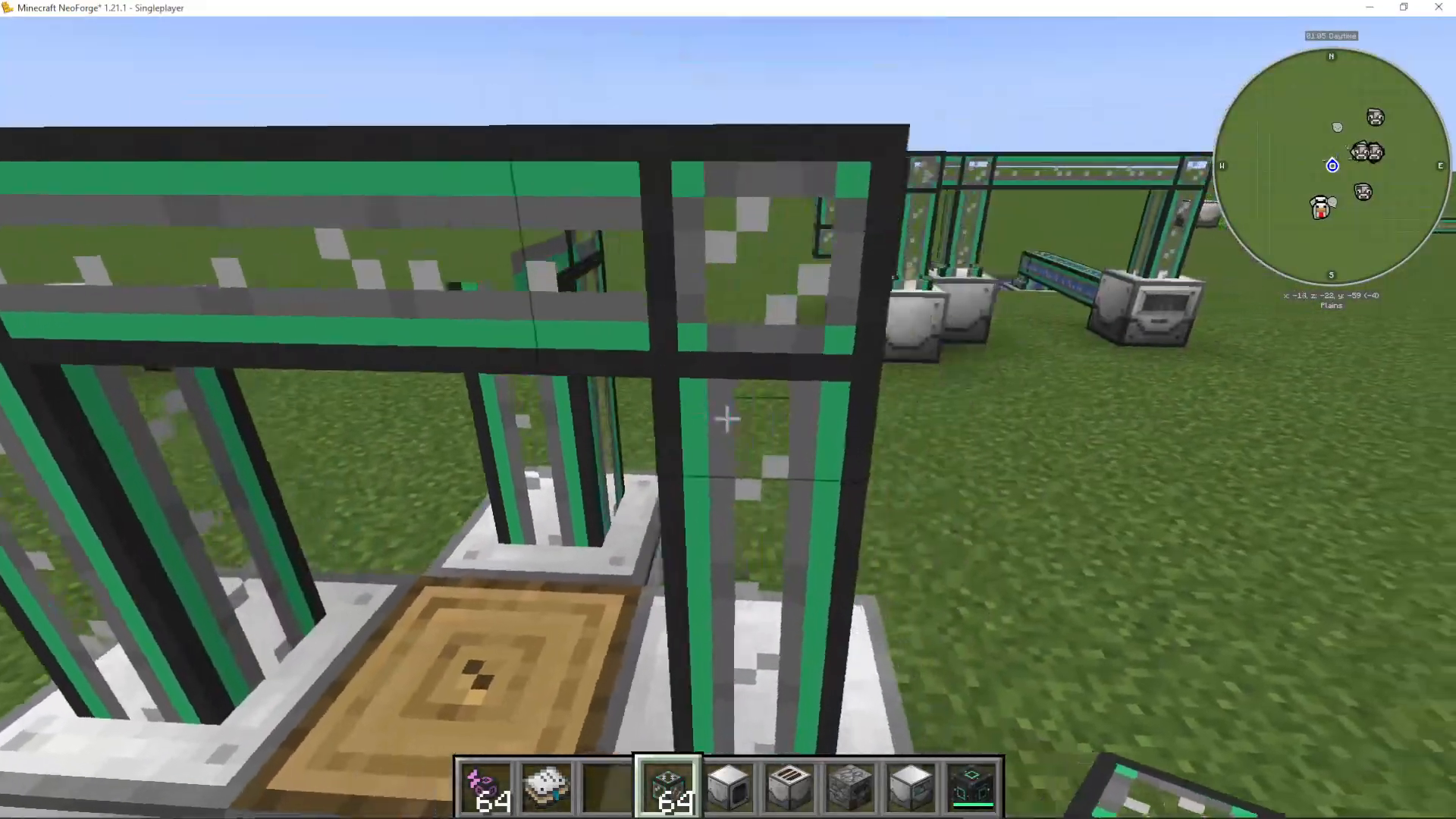
The Latex Processing Unit will output dry rubber. Note: In some modpacks, you may receive “Tiny Dry Rubber” instead. If this occurs, craft 9 Tiny Dry Rubber pieces together to create one standard Dry Rubber.
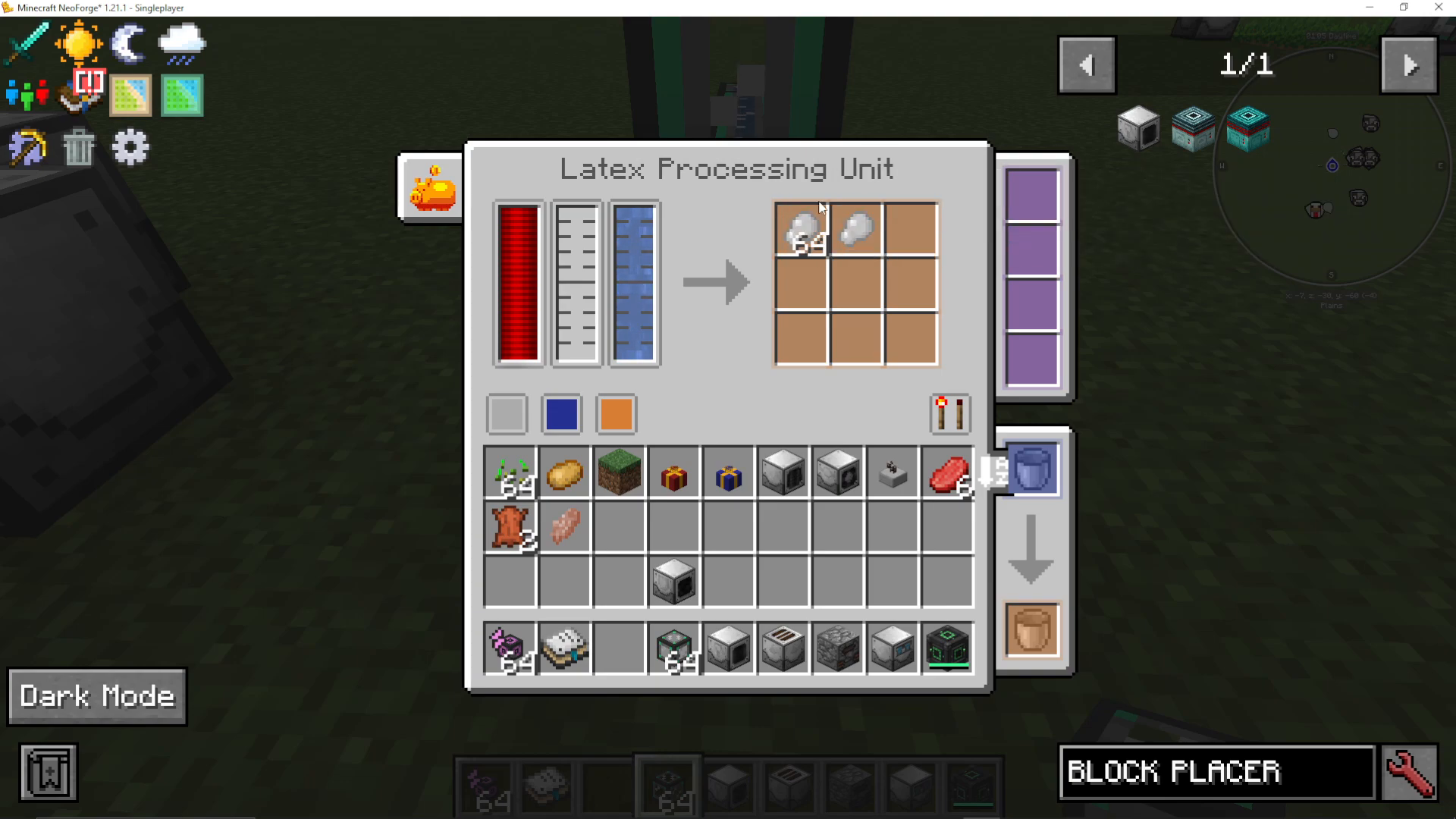
Step 7: Smelt Dry Rubber into Plastic
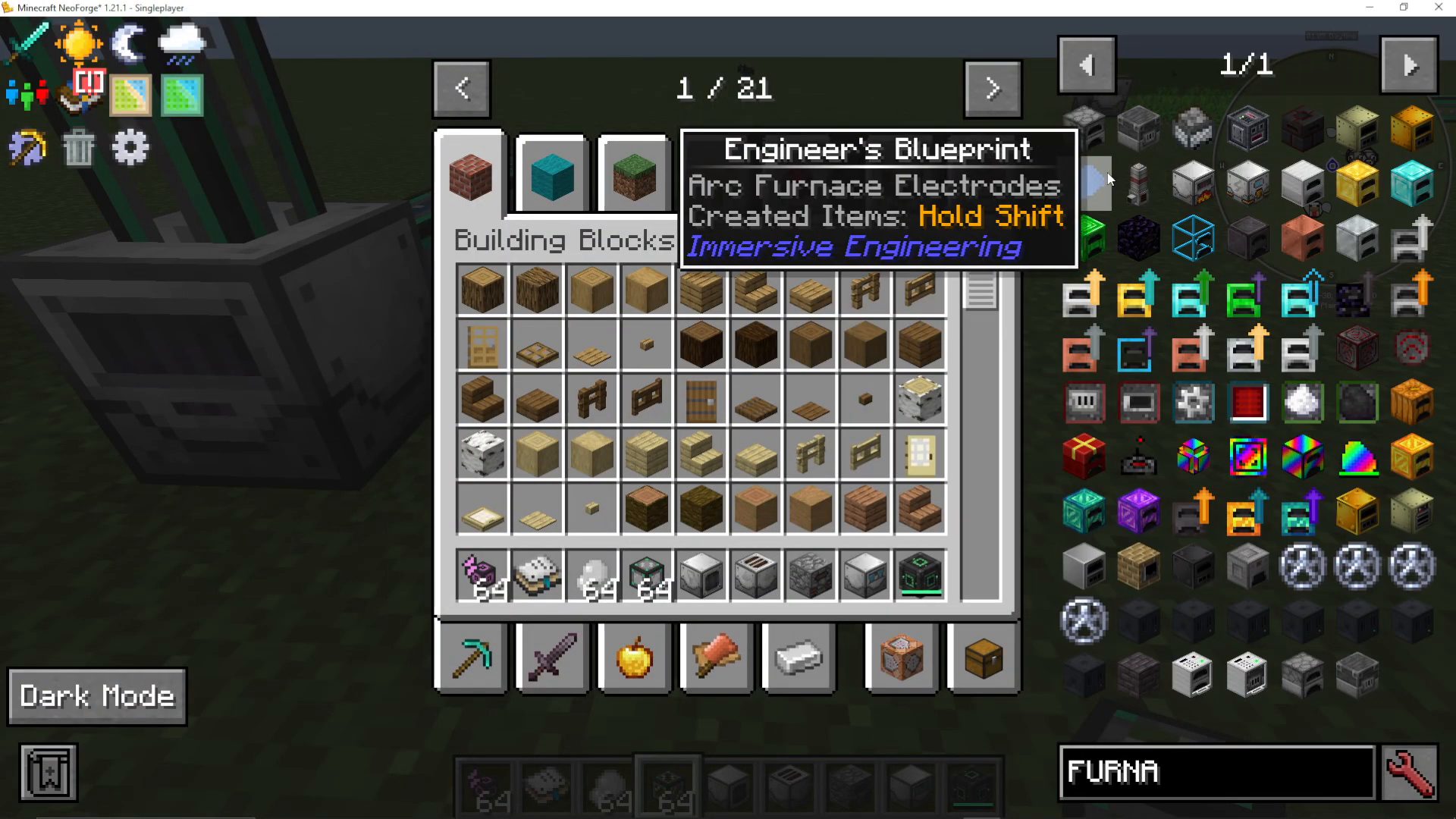
Transfer your dry rubber into a standard furnace and smelt it using coal or any other fuel source. The output will be plastic—the most important resource in Industrial Foregoing.
Understanding Machine Interfaces and Configurations
Color-Coded Input/Output System
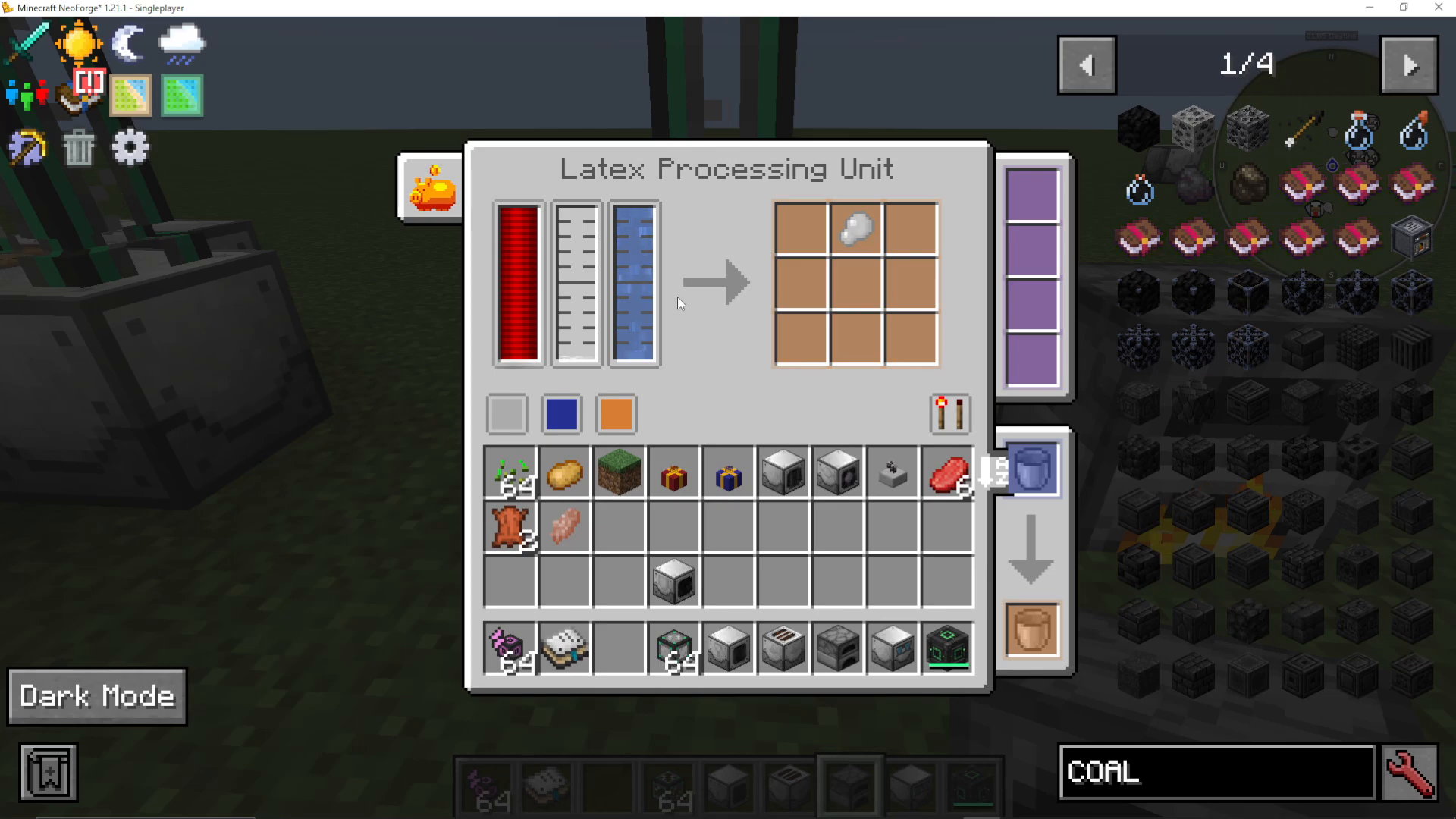
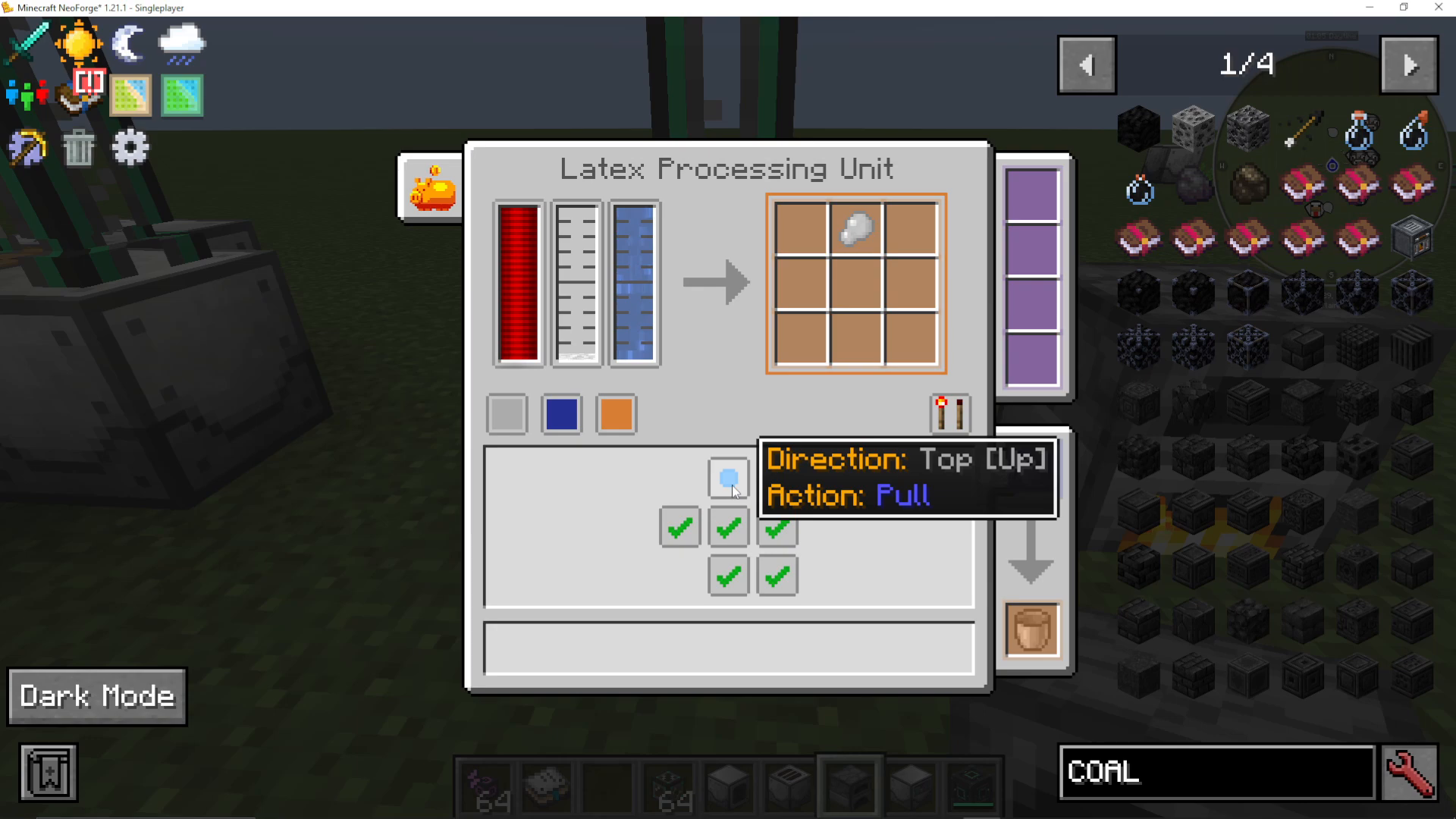
Hover over colored sections on machines to see their function. Orange typically indicates output, while other colors show inputs for specific resources. For example, blue might indicate fluid input for water.
Managing Flow Direction
You can control which sides of a machine allow items or fluids to enter or exit. Use the push/pull toggle and enable/disable checkboxes for each side to fine-tune your automation setup.
Redstone Control Options
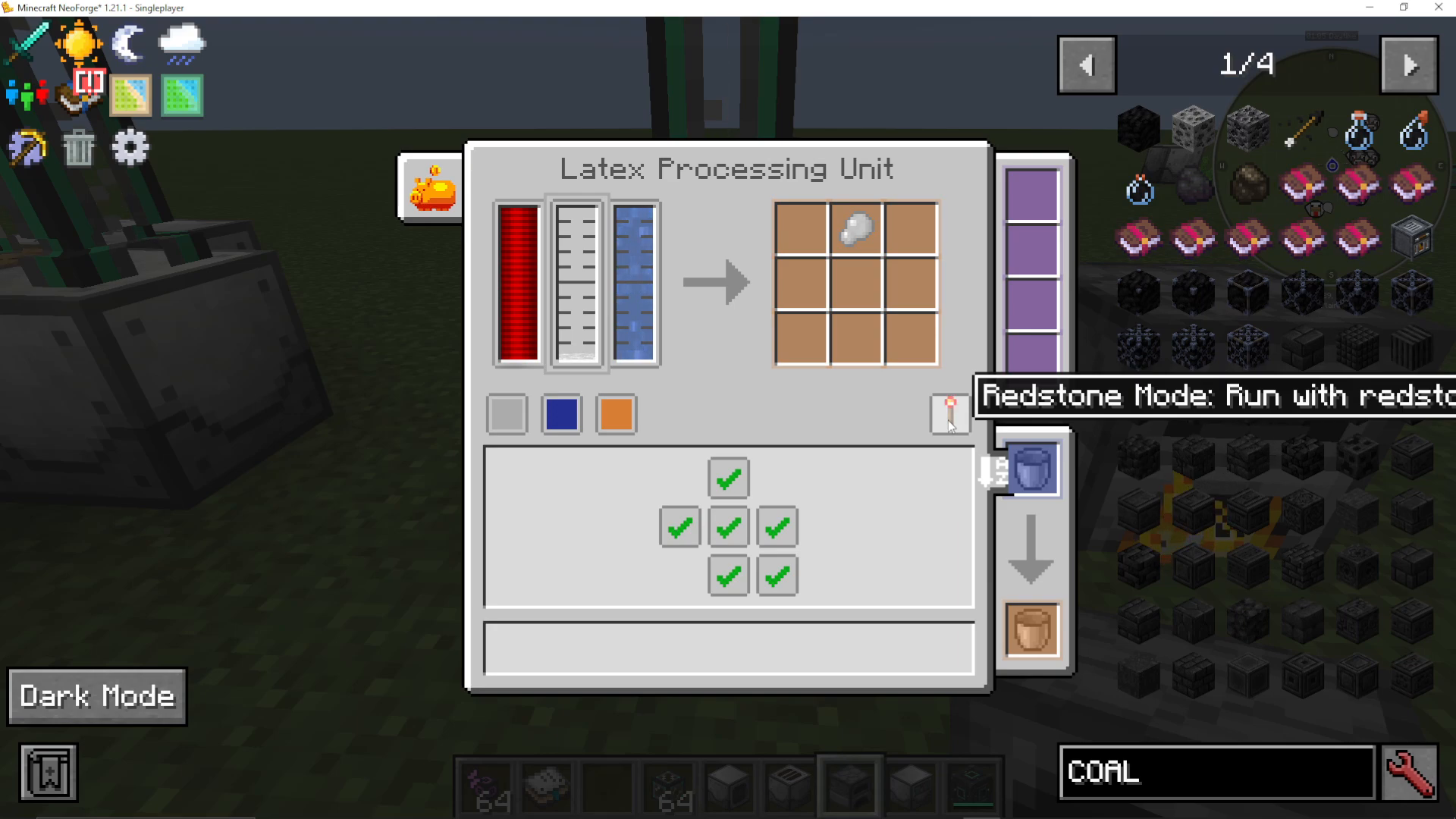
Machines offer several redstone modes: run on pulse, ignore redstone, run with no redstone, or only run with redstone. This allows you to trigger machines on demand or set up conditional automation.
Power Status and Upgrades
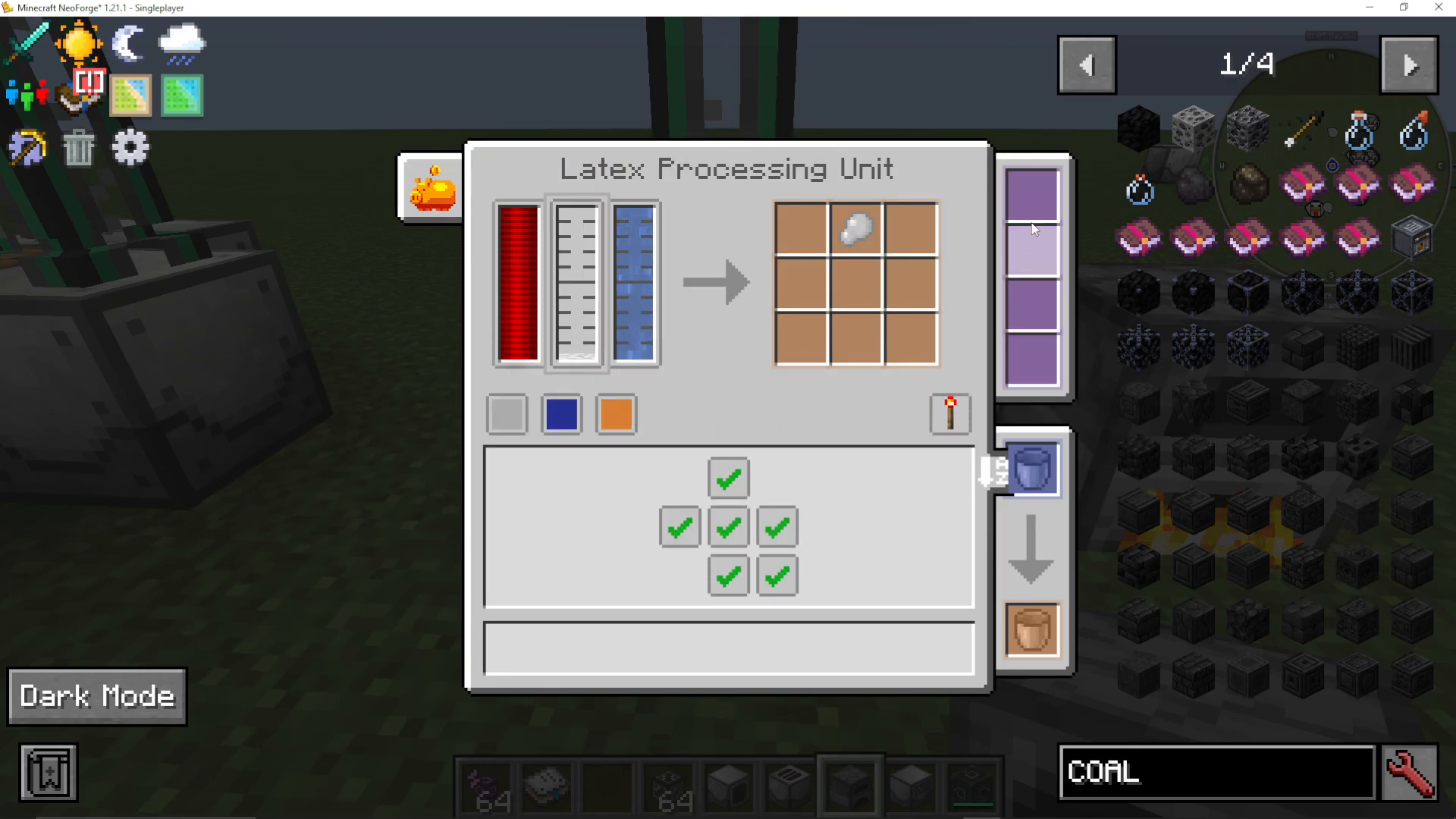
Each machine displays its power status. The purple upgrade slots on the right side of machine interfaces allow you to install upgrades that enhance machine performance. These slots are limited to one upgrade of each type.
Creating Upgrades with the Dissolution Chamber
What the Dissolution Chamber Does
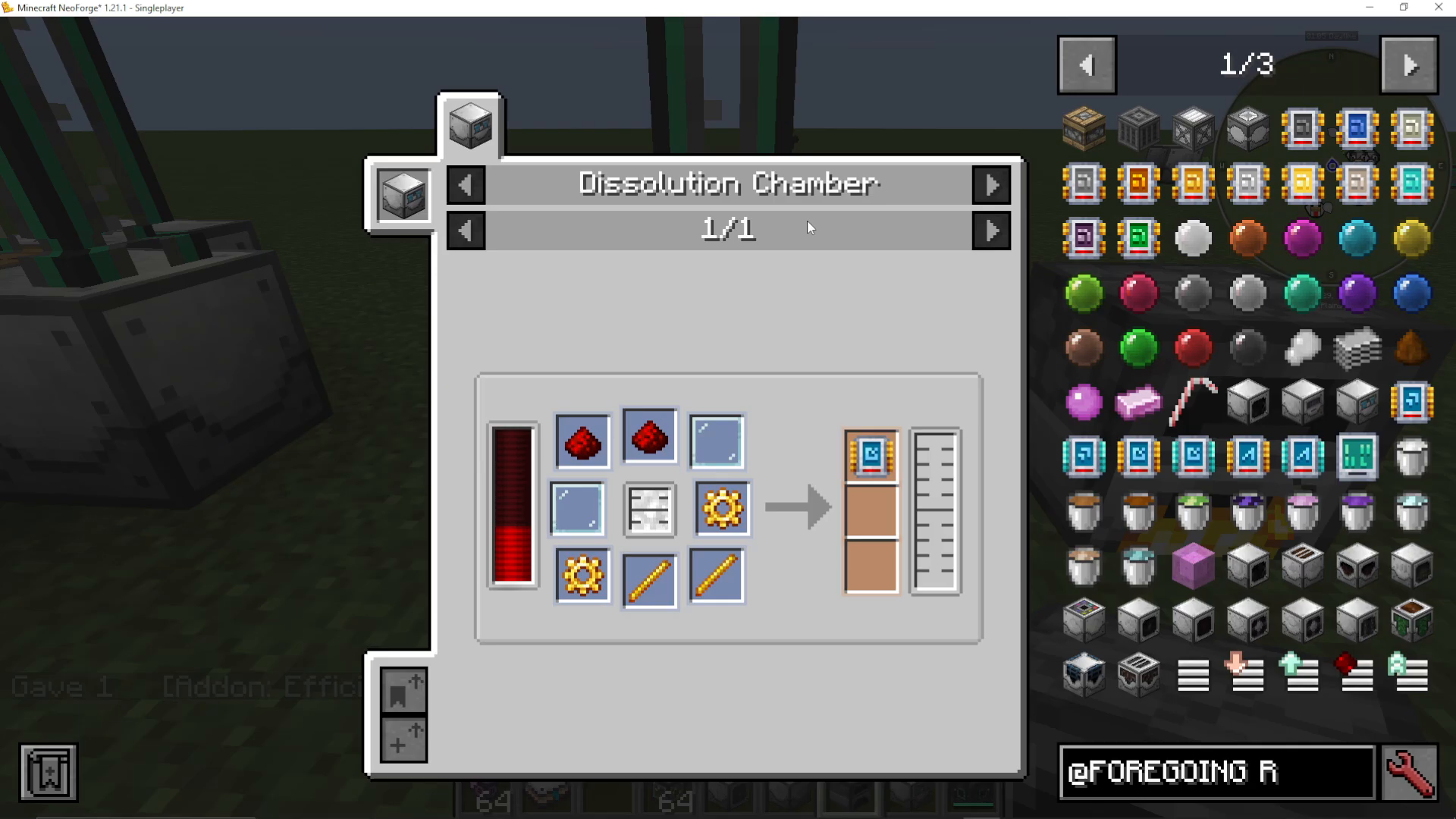
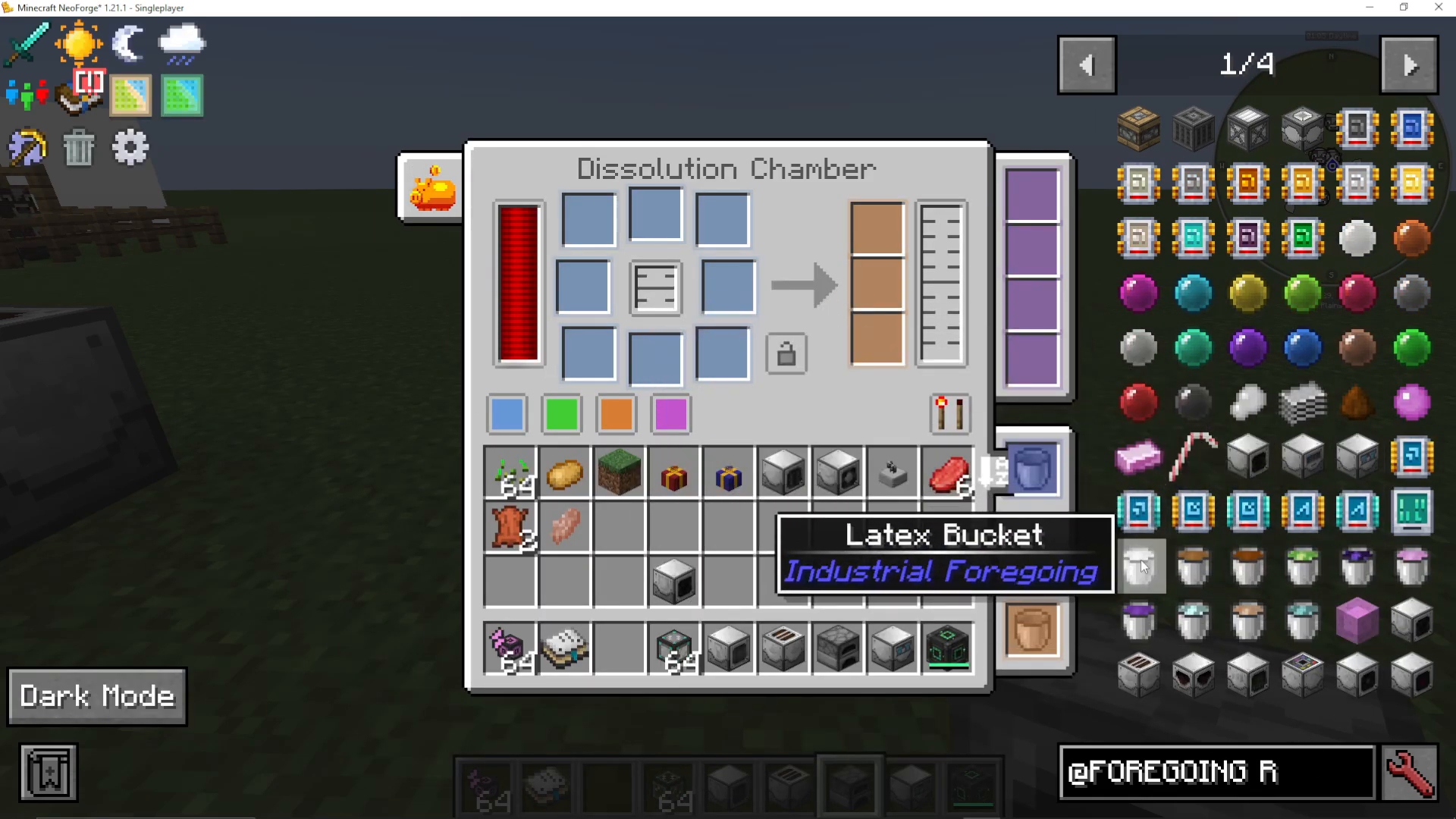
The Dissolution Chamber is a versatile crafting machine that accepts up to eight different items and one fluid, producing up to three items and one fluid. This machine is essential for crafting upgrades that improve other machines.
Making Efficiency Upgrades
To craft a Speed Tier One upgrade, place latex in the fluid slot and combine it with two redstone, two glass panes, two gold gears, and two sugar. The machine will output an Add-on Speed Tier One upgrade that can be installed in compatible machines to increase their processing speed.
Locking Recipes for Automation
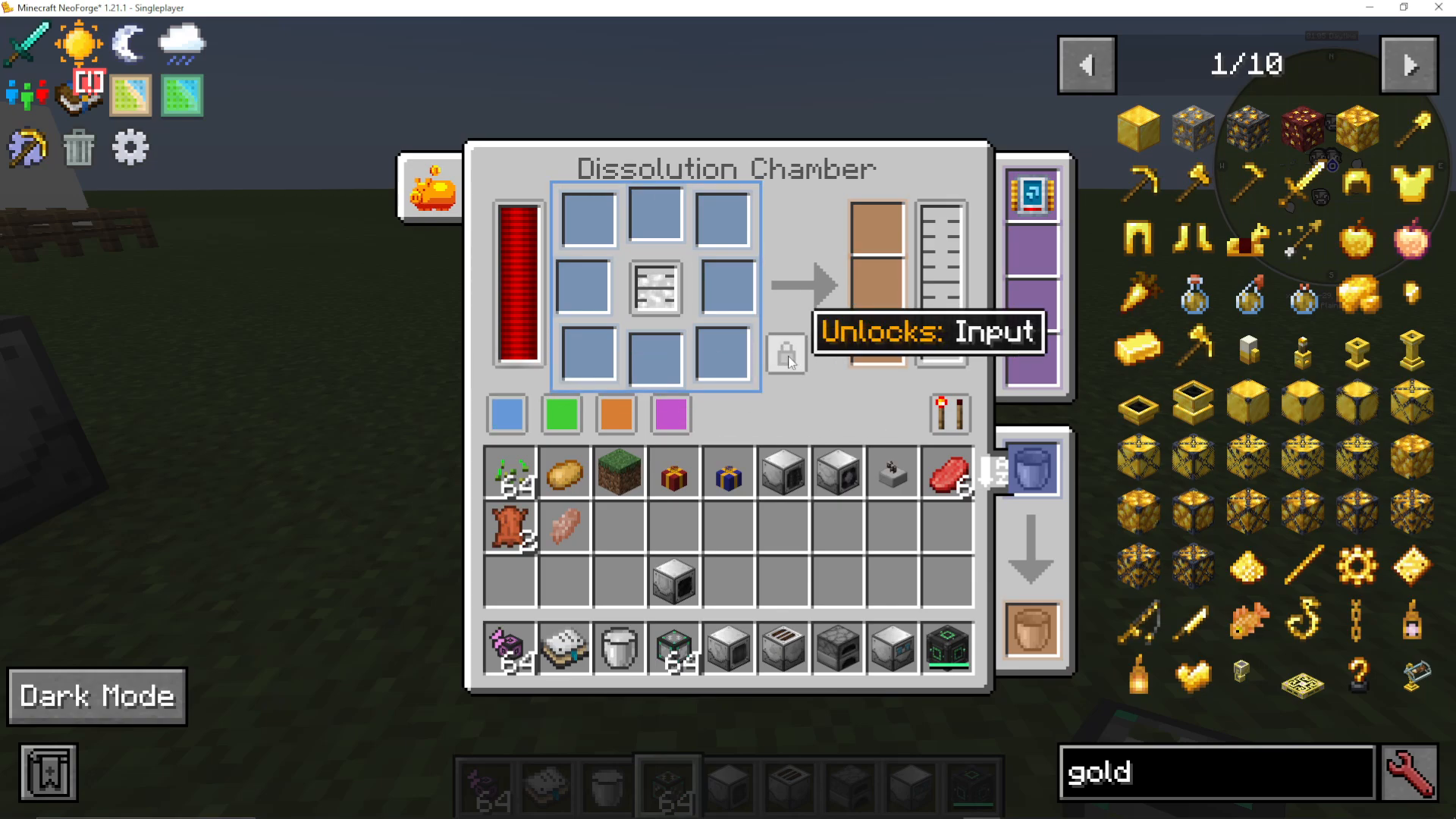
The Dissolution Chamber features a lock function. When you lock a recipe, the machine remembers the input configuration even after items are removed. This is ideal for automated setups where you want a machine to repeatedly craft the same recipe from a connected storage system.
Plant Farming Automation
Essential Plant Farming Machines
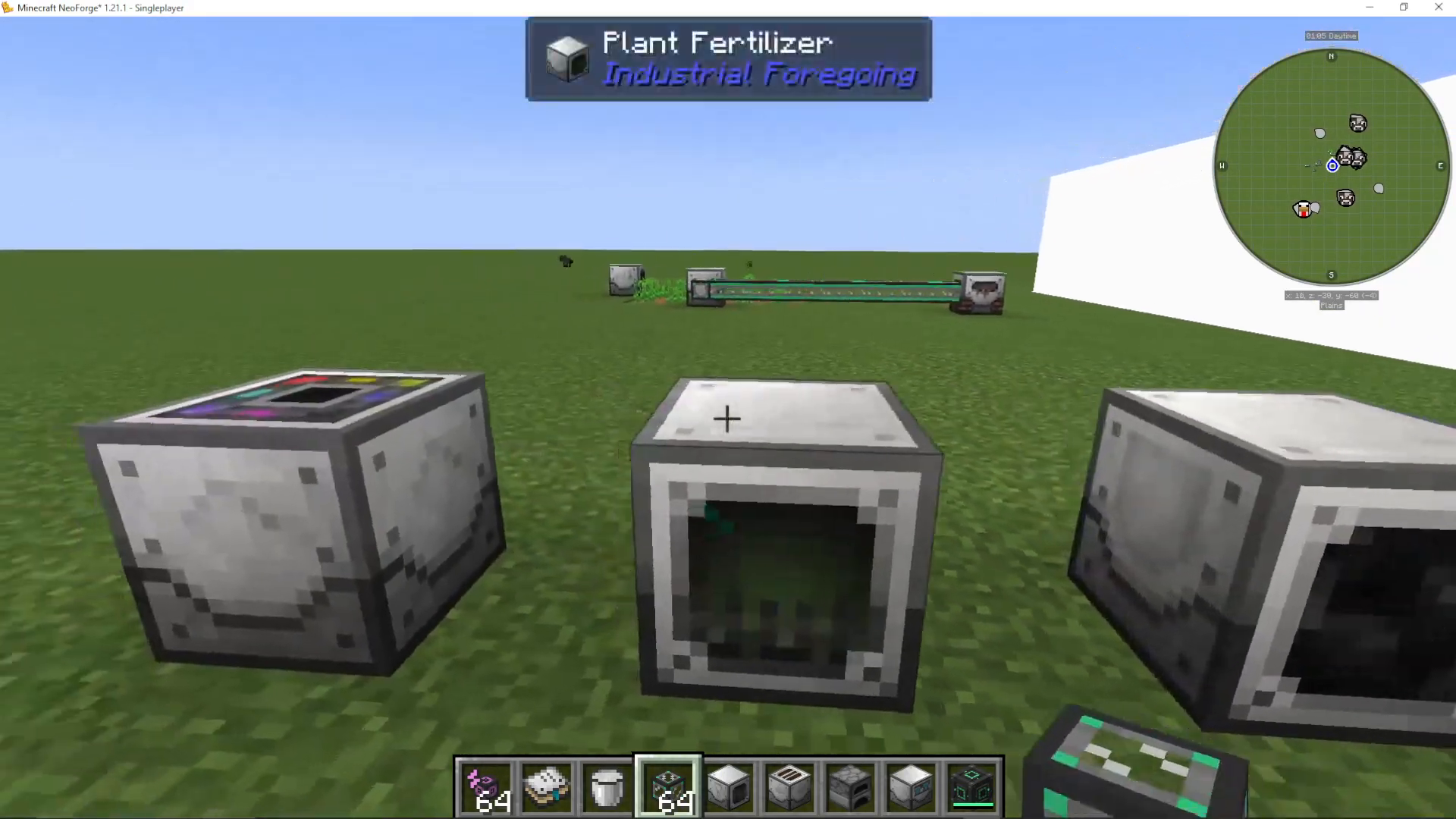
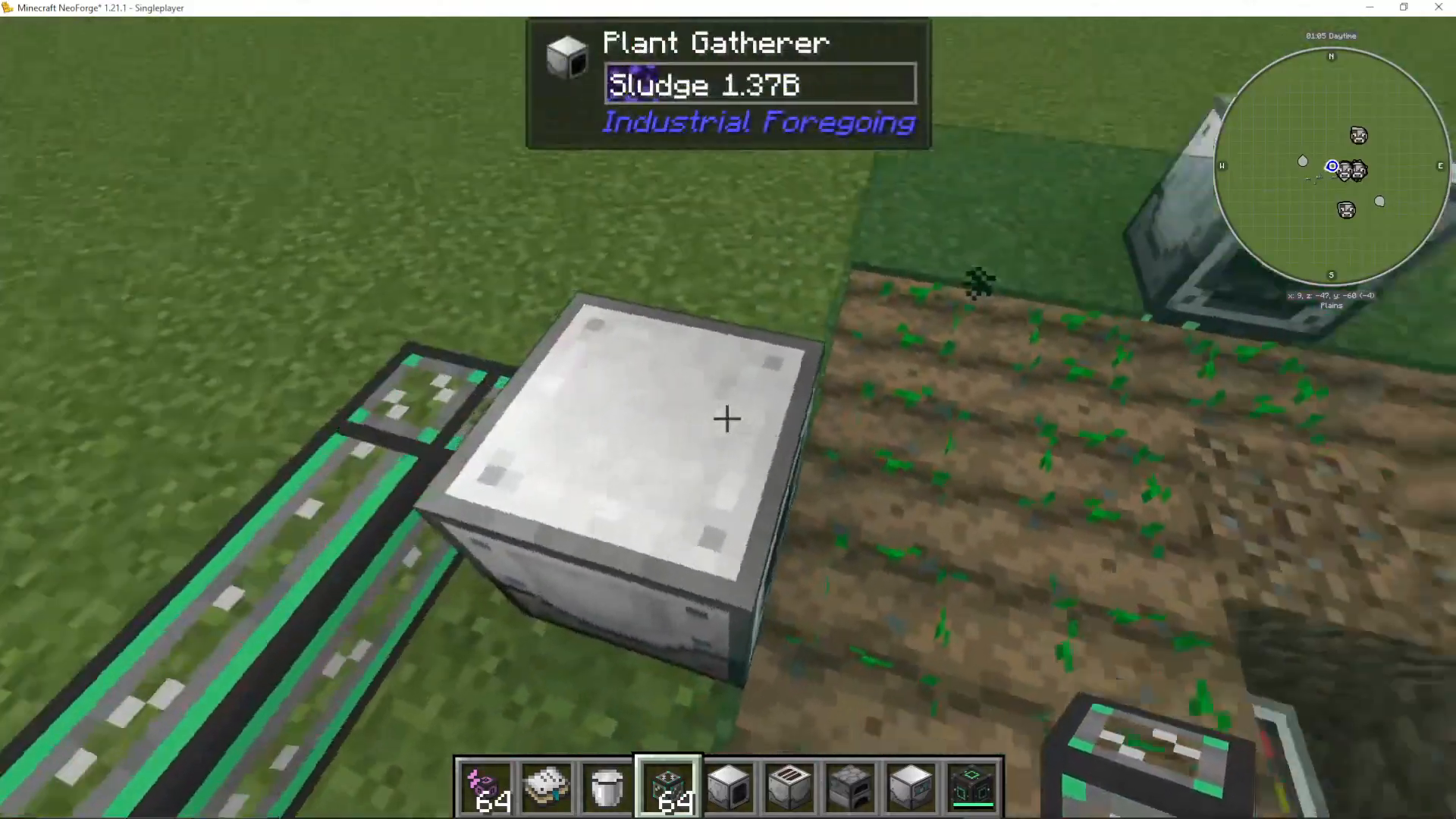
Industrial Foregoing provides four main machines for automated plant farming: the Plant Sower, Plant Fertilizer, Plant Gavara, and Sludge Refiner. Together, these create a complete farm automation system.
The Plant Sower
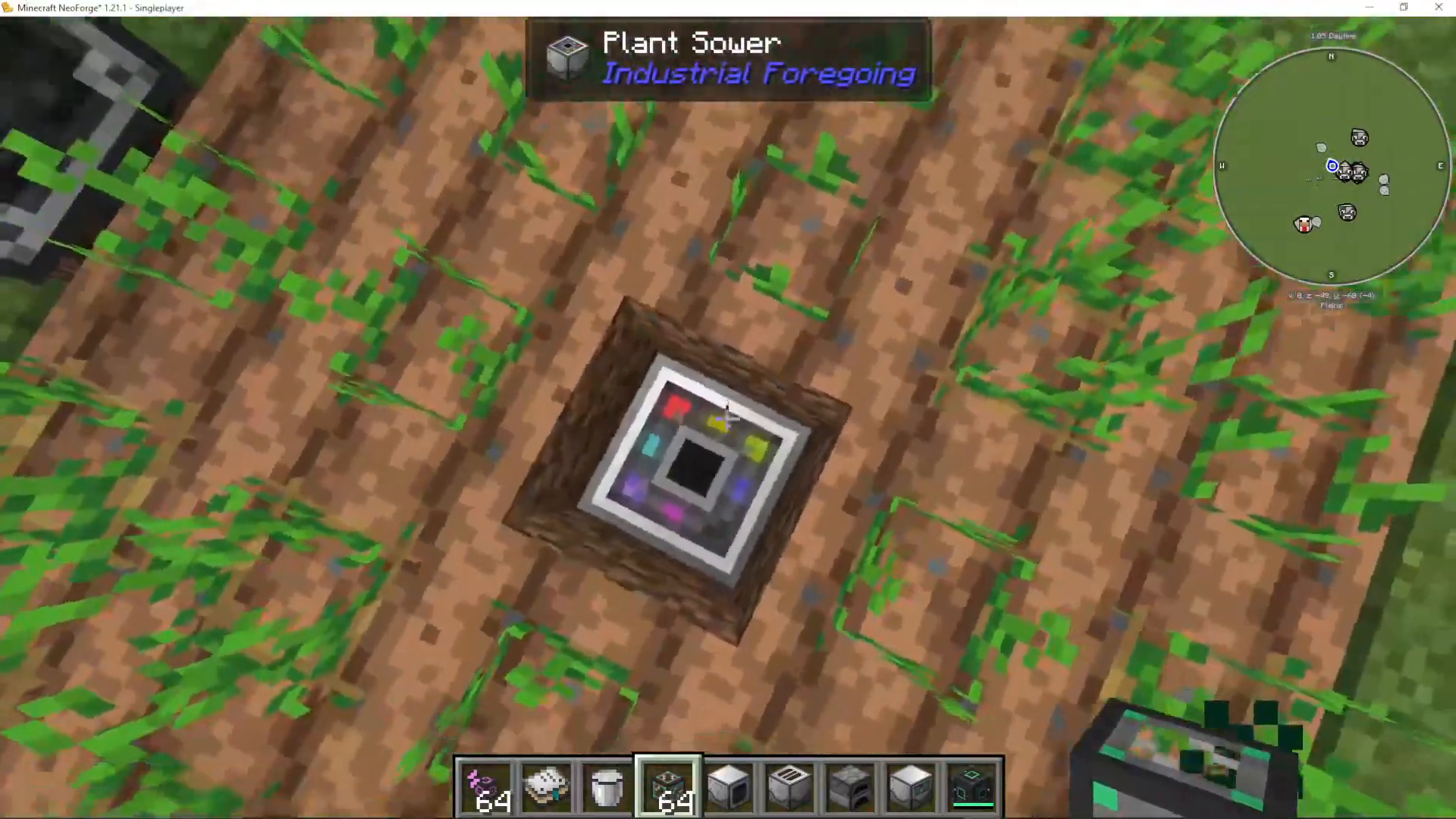
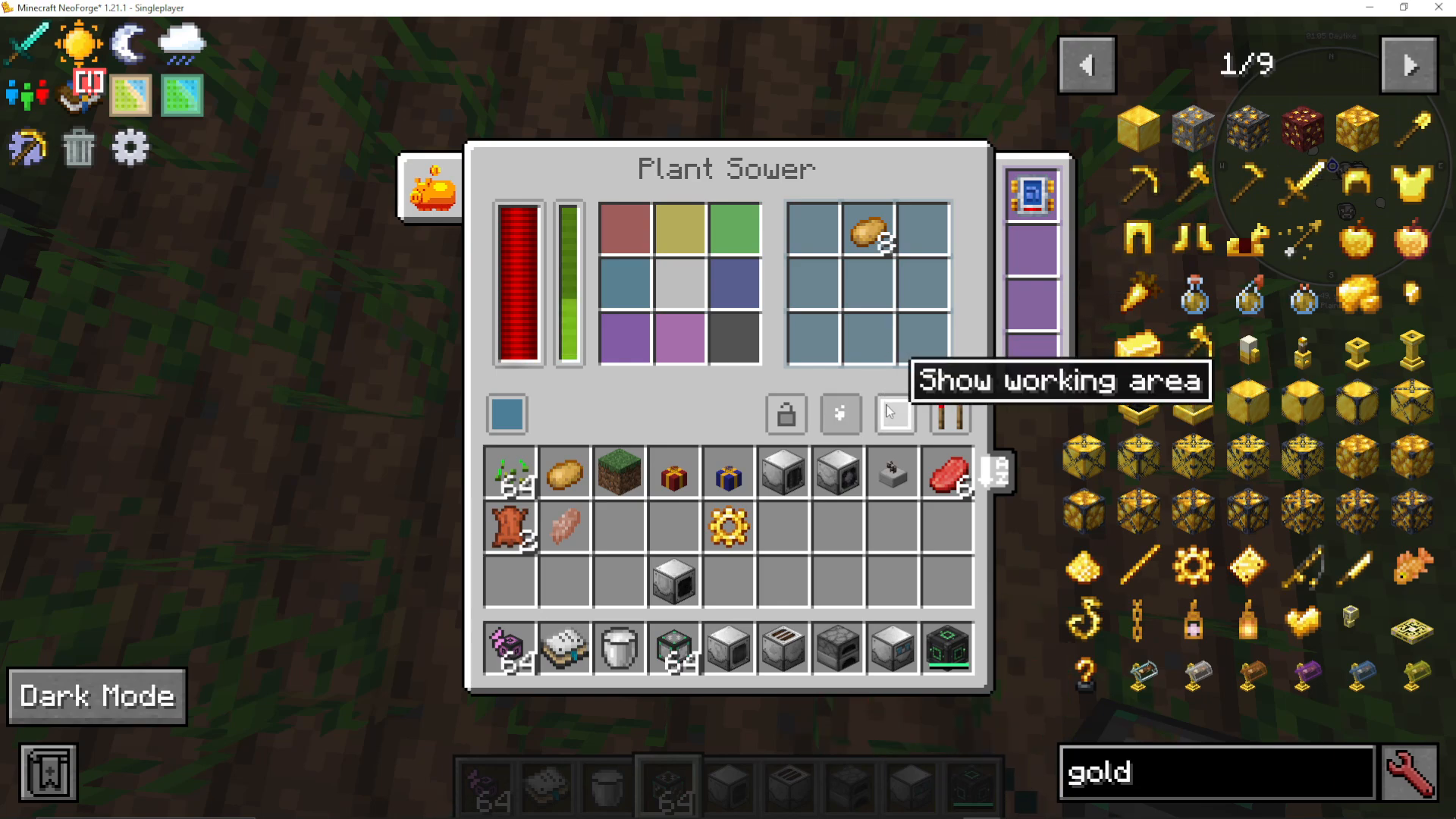
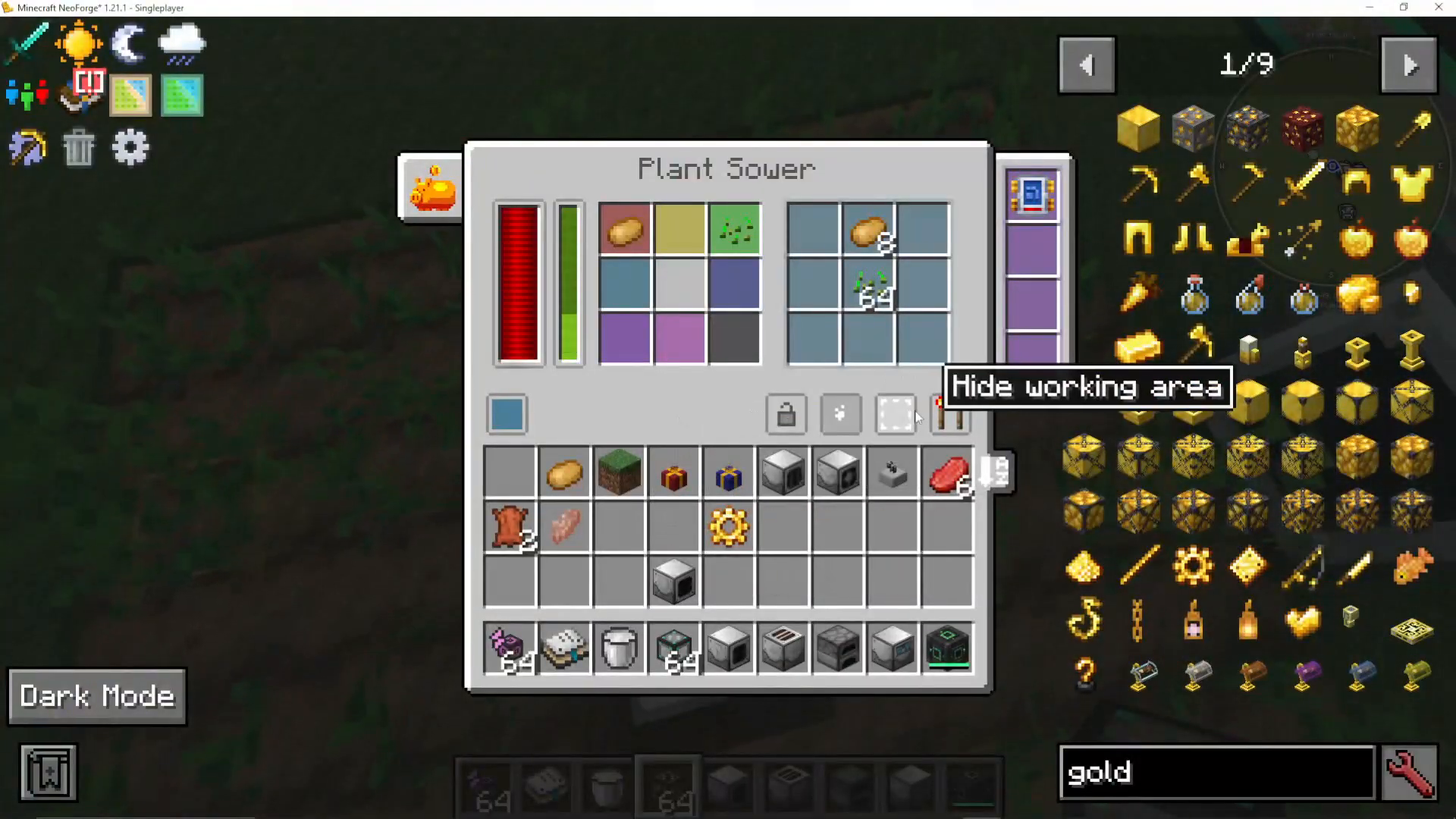
The Plant Sower plants seeds and crops in designated areas. It features color-coded input slots—for example, potatoes go in the red slot and seeds in the green slot. Different colored areas of the machine determine which inputs correspond to which planting zones. Always equip the Plant Sower with at least a Range Tier Two upgrade to expand its working area effectively.
Showing and Hiding Working Areas
Use the “Show Working Area” toggle to visualize the region where your machine will operate. This green-highlighted area helps you understand coverage and plan your farm layout. You can also hide position particles to reduce visual clutter in your world.
The Plant Fertilizer
The Plant Fertilizer accelerates crop growth. You can use bone meal or fertilizer (produced by the Sewage Composter). When equipped with a Range upgrade, it will fertilize all crops within its working area, significantly speeding up your farm’s output.
The Plant Gavara
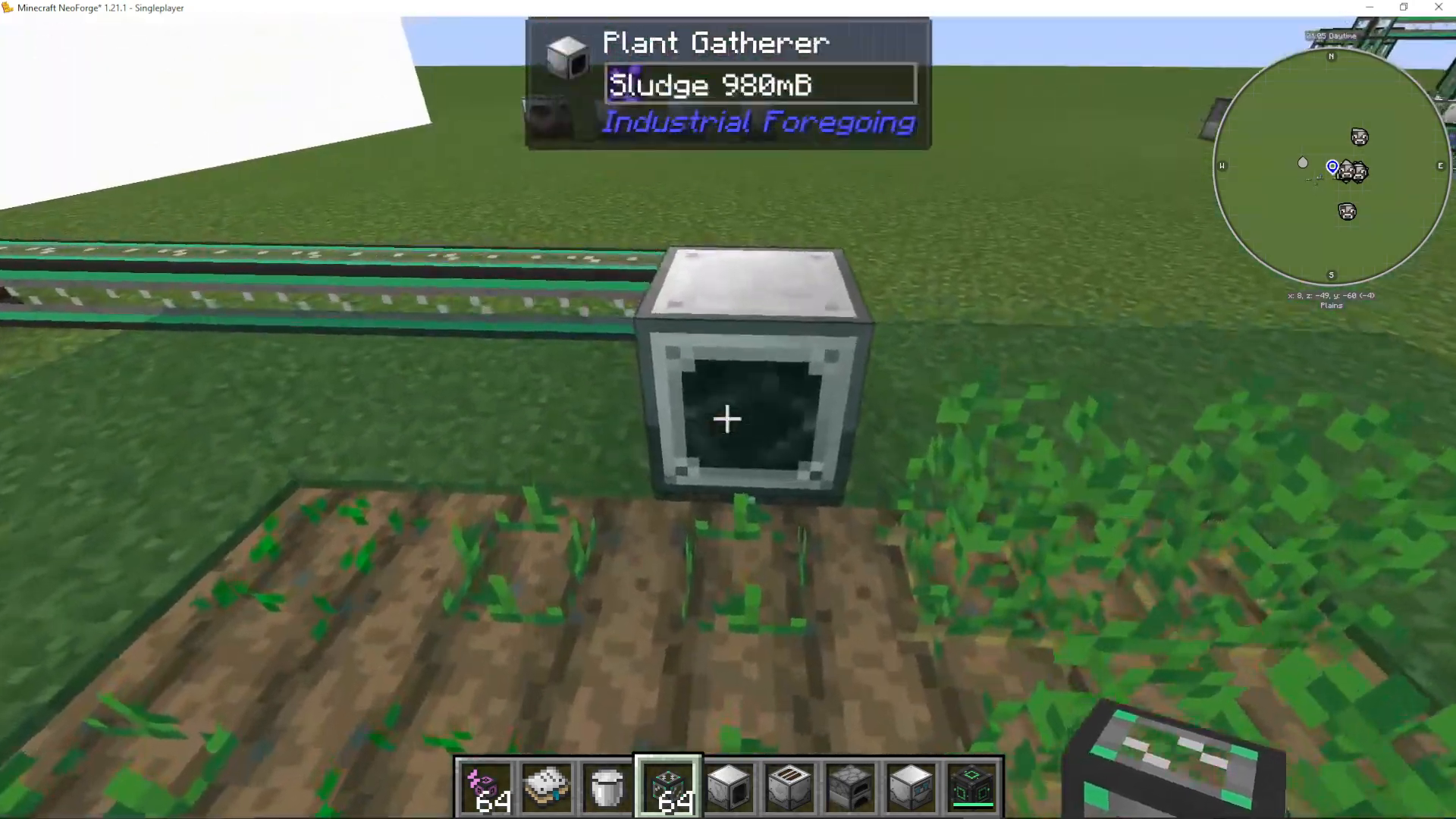
The Plant Gavara harvests fully grown crops and saplings (including trees). As it harvests, it produces sludge as a byproduct. This machine works similarly to the Plant Sower in terms of range and area of effect.
The Sludge Refiner
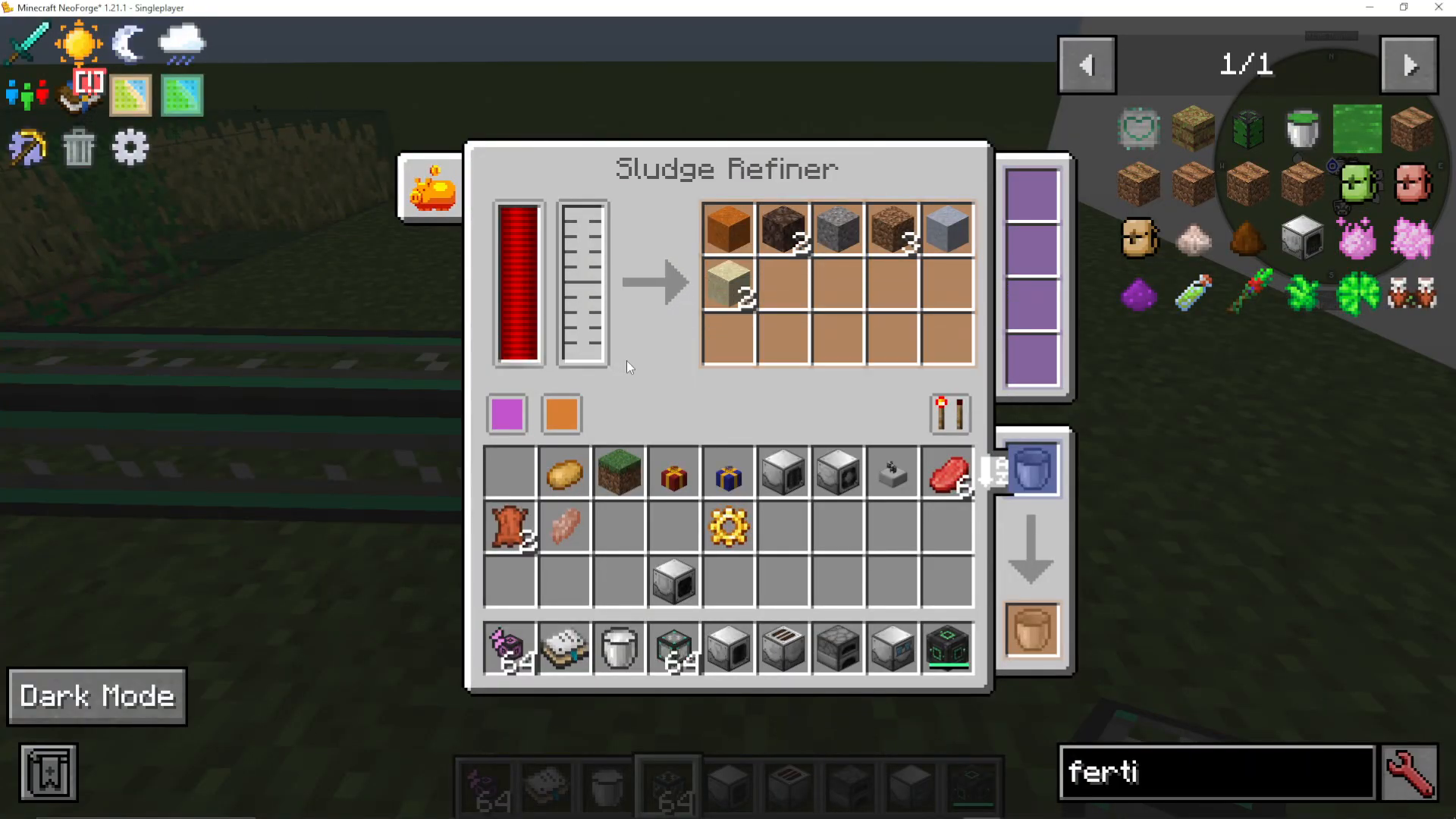
The Sludge Refiner converts sludge into useful materials: sand, soul sand, gravel, clay, and dirt. The conversion is random, but it provides a steady source of these block types from your farming operations.
Important Farm Setup Requirements
The Plant Sower does not hoe the ground automatically. You must pre-hoe all soil where you want crops planted. Additionally, ensure water is available in your farm area for crops to grow. While the machines will plant and fertilize seeds, they cannot replace the need for prepared, hydrated soil.
Animal Husbandry and Automation
Starting with the Animal Feeder
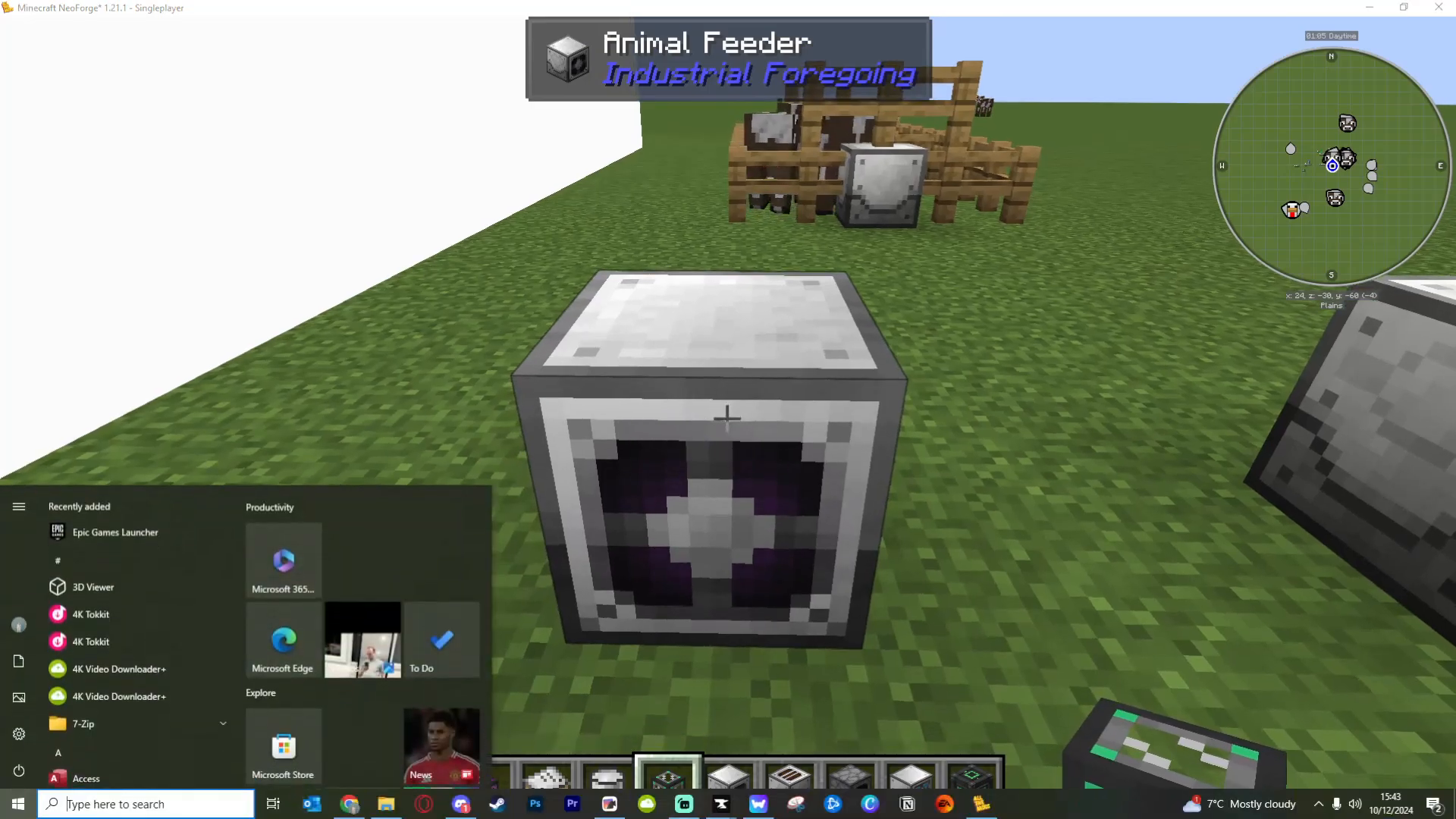
The Animal Feeder automatically feeds animals in front of it, causing them to breed. Place wheat or other appropriate animal feed into the blue input slot. Without a Range upgrade, the feeder only affects the block directly in front of it. Install at least a Range Tier Two upgrade to feed all animals in a larger area.
Separating Babies from Adults
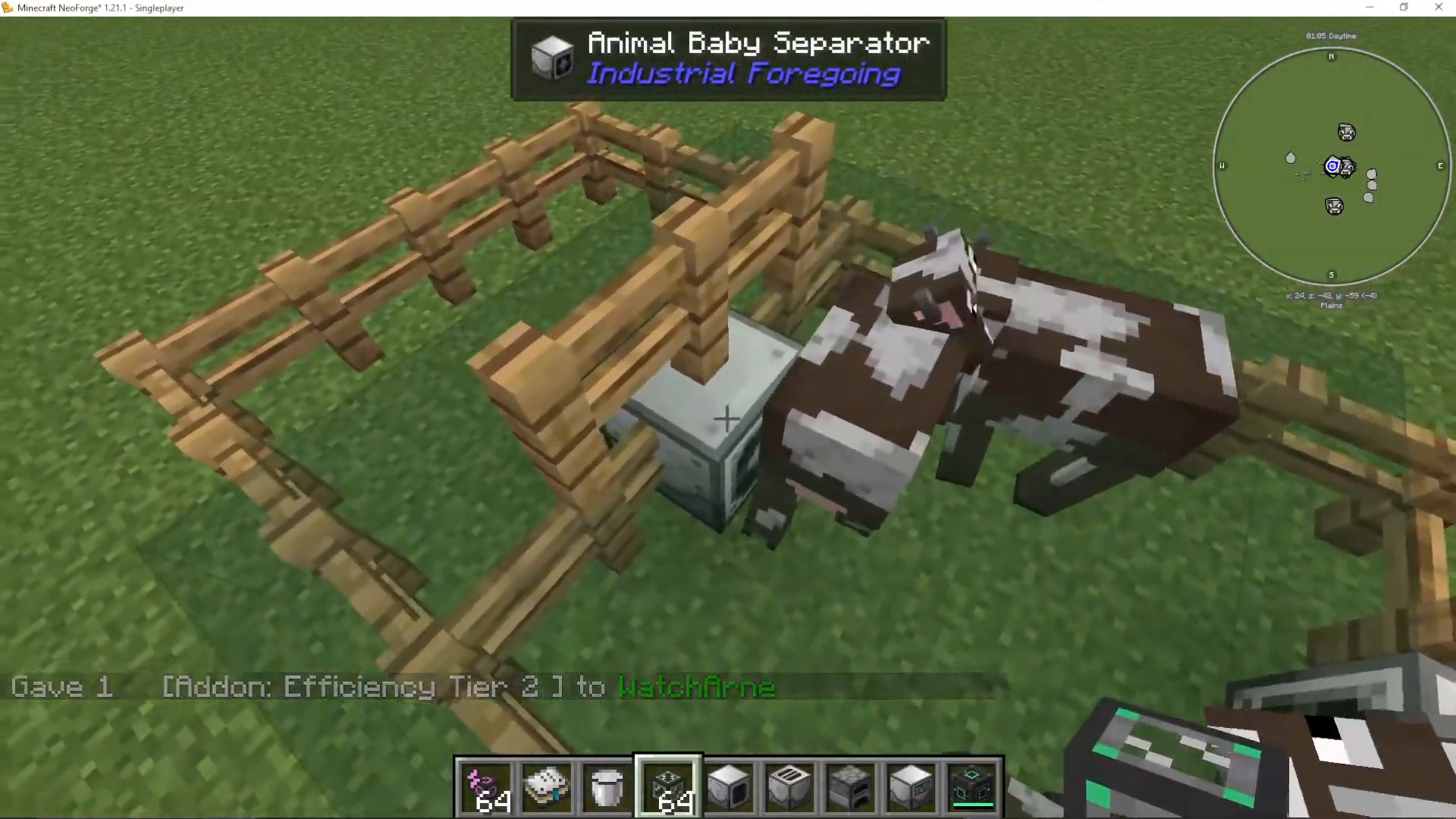
The Animal Baby Separator moves either baby or adult animals through to the next area. Orientation matters—place it facing the direction you want animals to move. This allows you to separate breeding stock from animals ready for processing.
The Mob Crusher
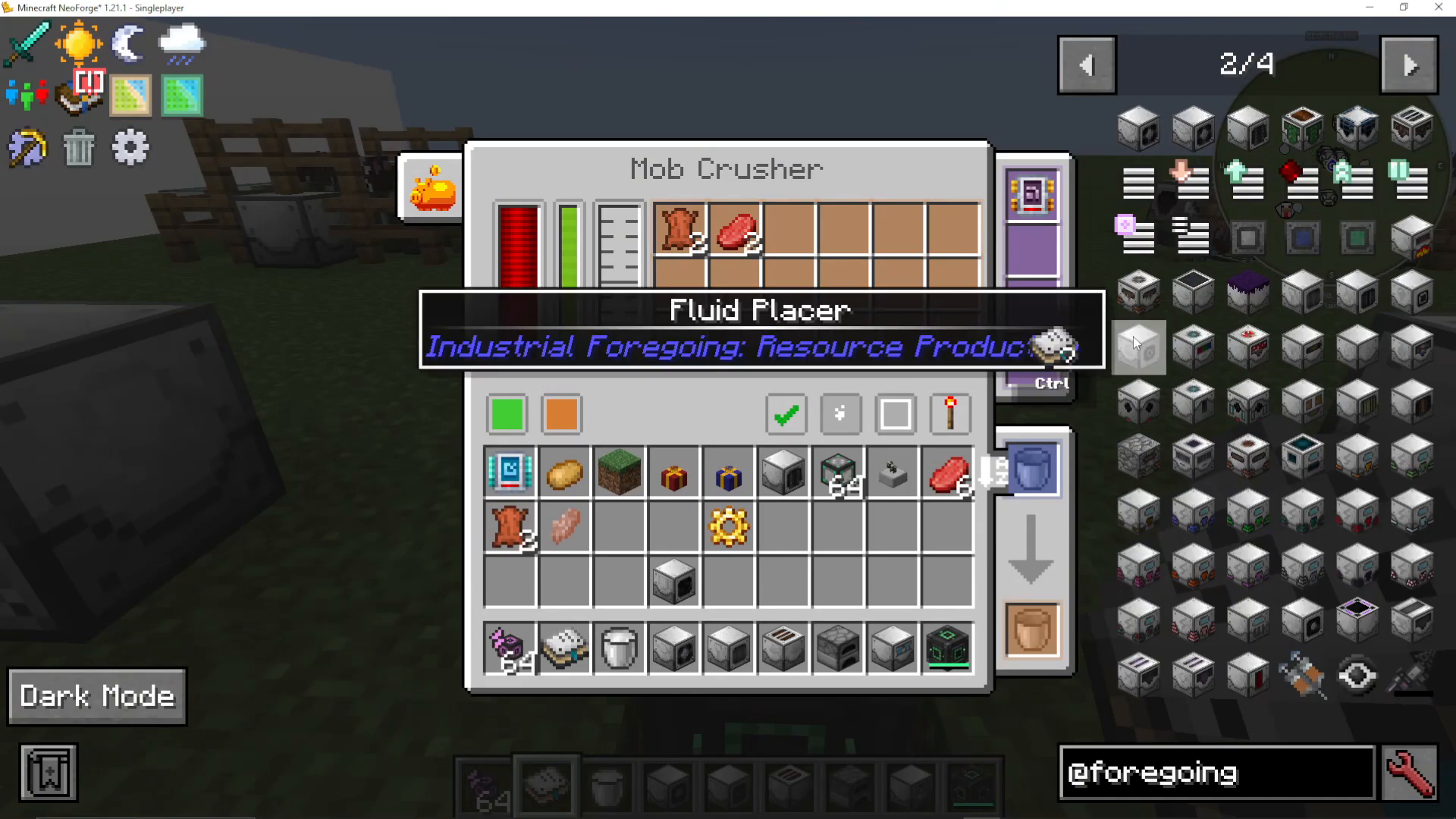
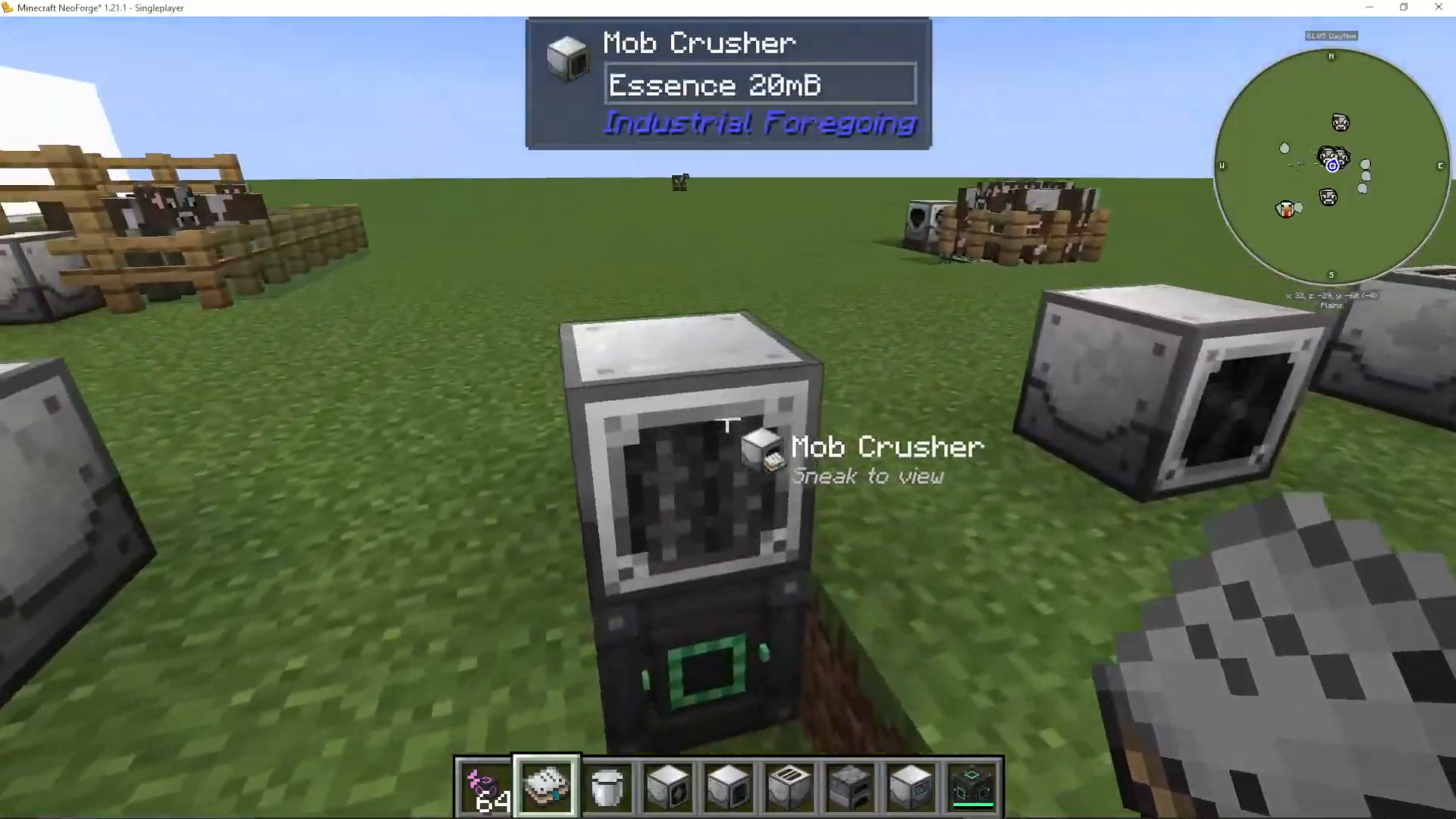
The Mob Crusher kills animals in front of it and collects all drops and experience essence. You can configure it to produce essence from mobs or use essence for looting bonuses. This machine is ideal for processing adult animals after breeding.
The Mob Slaughter Factory
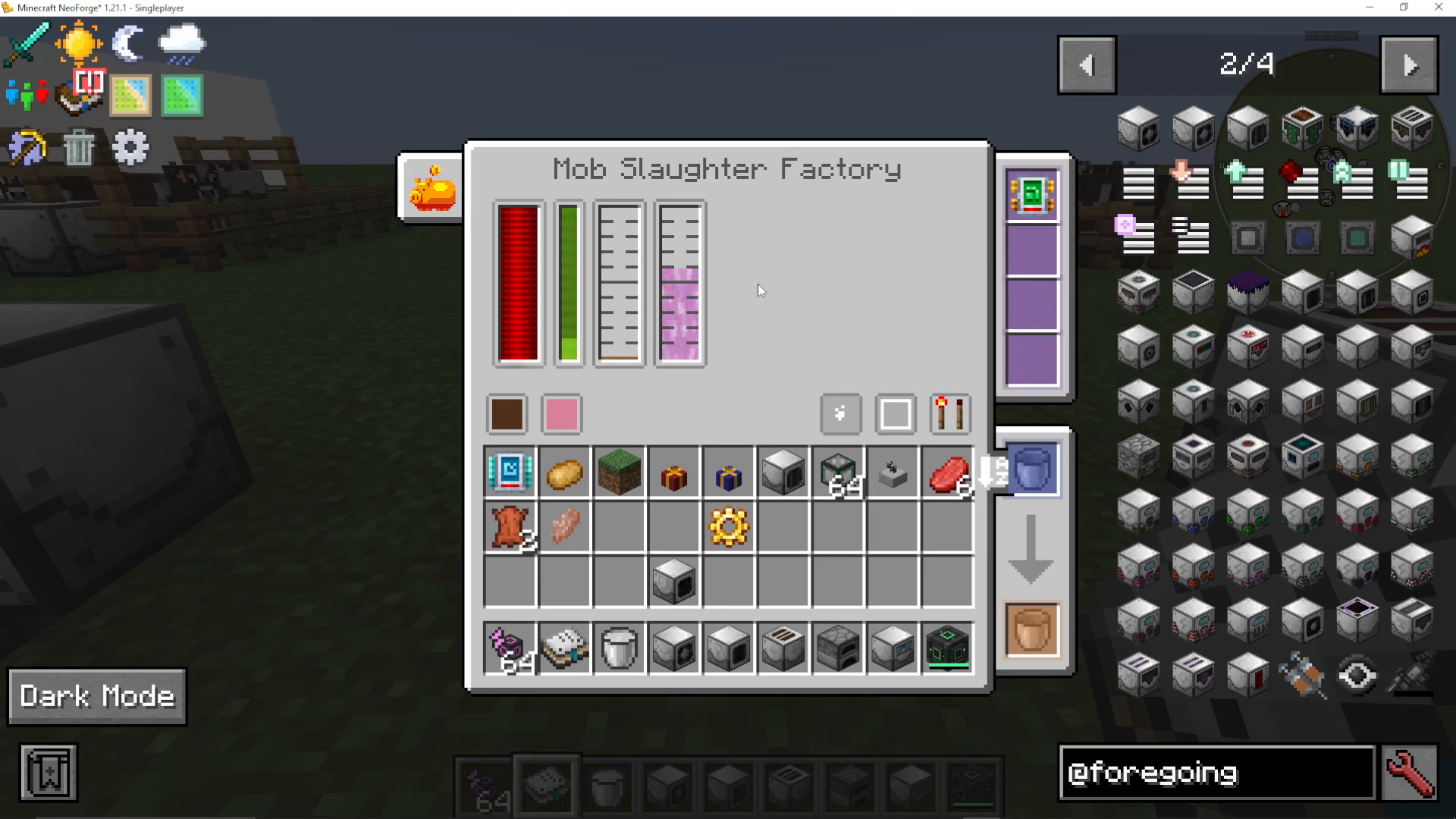
The Mob Slaughter Factory processes animals into useful liquids: liquid meat and pink slime. Pink slime is particularly valuable as it’s needed for advanced machine frames in the Dissolution Chamber. Liquid meat has various uses in Industrial Foregoing but is more intermediate-level.
Automating Fertilizer Production with the Sewer
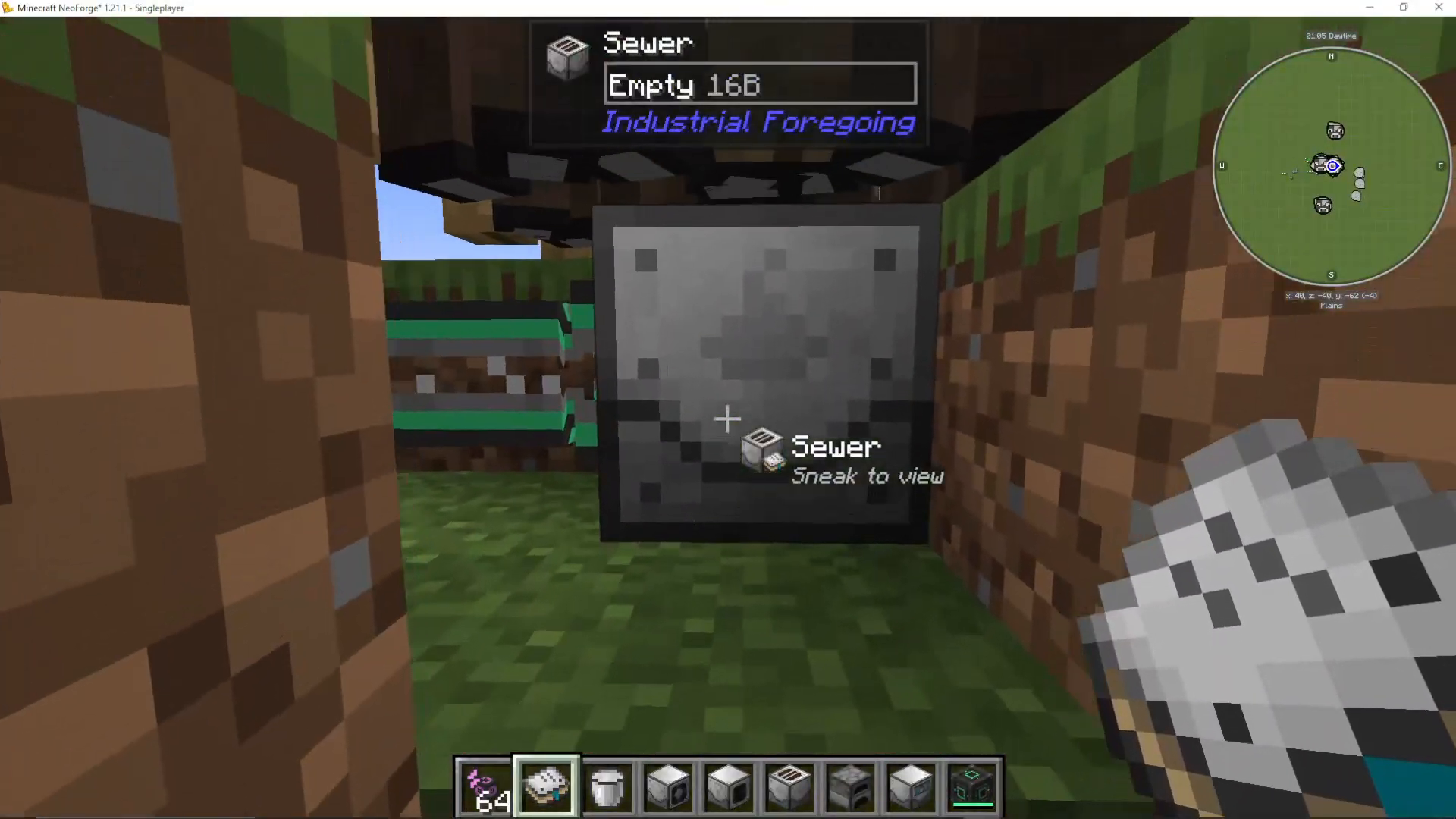
Place a Sewer underneath animals (cows, sheep, etc.). The Sewer periodically collects sewage from animals above it. Pump this sewage into a Sewage Composter to automatically produce fertilizer. This creates a self-sustaining cycle where your animal farm provides fertilizer for your crop farm.
Complete Animal Farm Integration
You can create a fully automated system: animals breed via the Animal Feeder, babies are separated and grown to adults via the Baby Separator, adults are processed by the Mob Crusher or Mob Slaughter Factory, sewage from the animals is converted to fertilizer via the Sewer and Sewage Composter, and this fertilizer feeds your crop farm while the sludge from harvesting creates soil materials—a closed-loop automation system.
Exploring Beyond the Basics
The Industrial Foregoing Manual
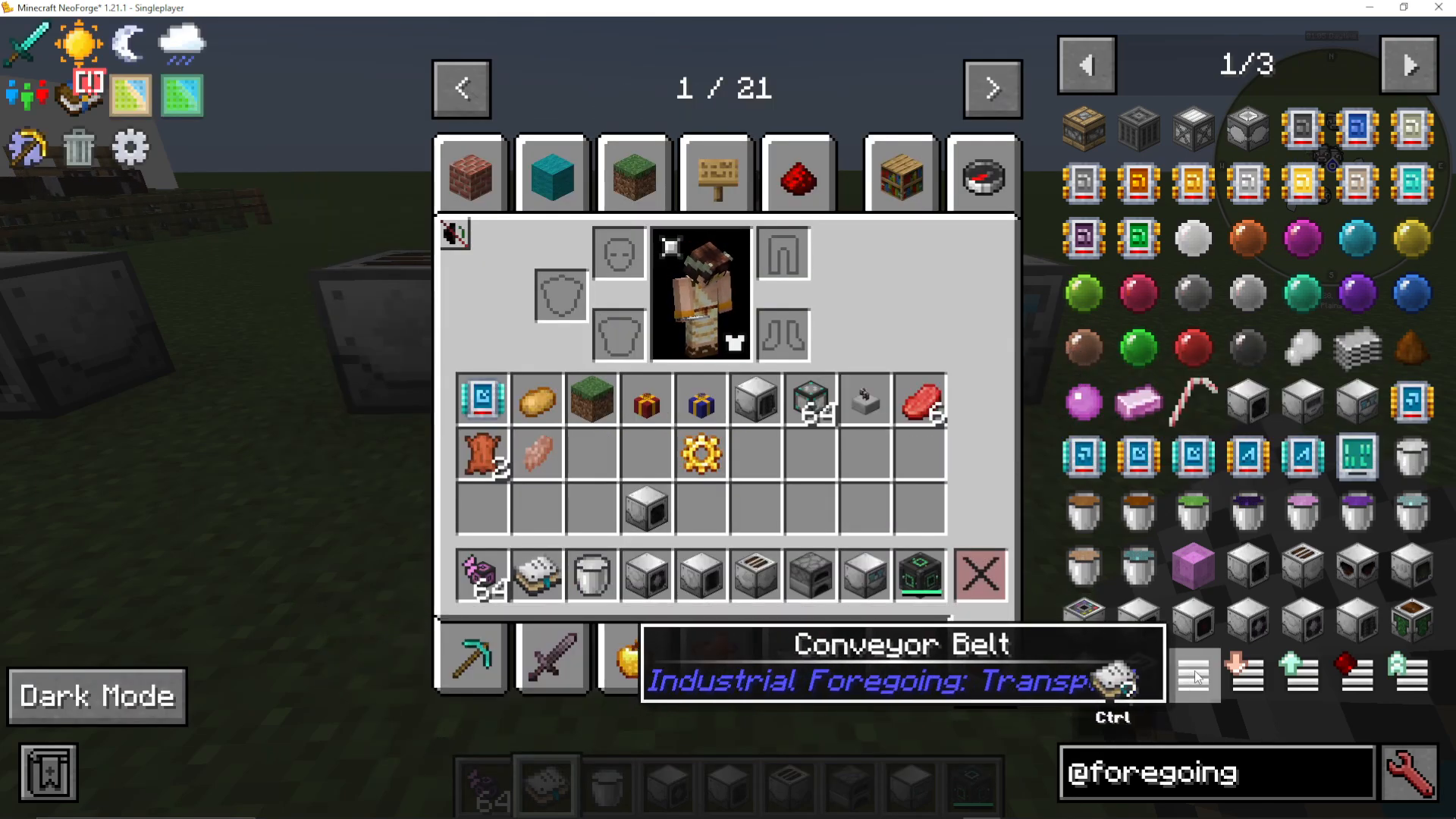
Industrial Foregoing includes an in-game manual that is easy to craft. While not comprehensive, it serves as a useful educational resource for understanding various machines and their uses.
Advanced Machines and Topics
Beyond the beginner content in this guide, Industrial Foregoing contains many advanced machines and concepts. The Dissolution Chamber reaches high-end complexity when combined with resources like e-for-gas and wither farms. Additionally, you’ll find:
Infinity Backpacks
Mob Imprisonment Tools for capturing and relocating mobs
Multiple specialized generators (Frosty, Biofuel, Hallitosis, and more)
Next Steps
With the foundational knowledge from this guide—how machines work, how to set up basic automation, and how to produce plastic, automate farms, and manage animal husbandry—you have the tools to explore the rest of Industrial Foregoing. Be sure to check out the machine interfaces in-game and experiment with different configurations. Each machine in the mod has unique capabilities and upgrade paths worth exploring.
Conclusion
You now have a solid foundation in Industrial Foregoing for Minecraft 1.21.1. Start by setting up your plastic production line, then expand into plant farming and animal husbandry. Remember that all machines follow the same color-coded interface logic and support similar upgrades and configurations. As you become more comfortable with these systems, you’ll be ready to tackle the more advanced machines and multi-stage automation setups that Industrial Foregoing offers.
Want to Support?
If you would like to help us continue making these guides – please consider joining our patreon here – https://www.patreon.com/c/JaviHeals
Alternatively – we host a group of MC Servers you can join here – https://discord.gg/zD7Gjt6MHF



