







Industrial Revolution Mining Rig Tutorial
Industrial Revolution Mining Rig Tutorial
The Industrial Revolution mining rig is a powerful automated system for extracting ores from the world. This comprehensive guide walks you through setup, configuration, and optimization to maximize your ore production. Whether you’re new to the mod or looking to refine your mining operations, this tutorial covers everything you need to know.
Mining Rig Overview
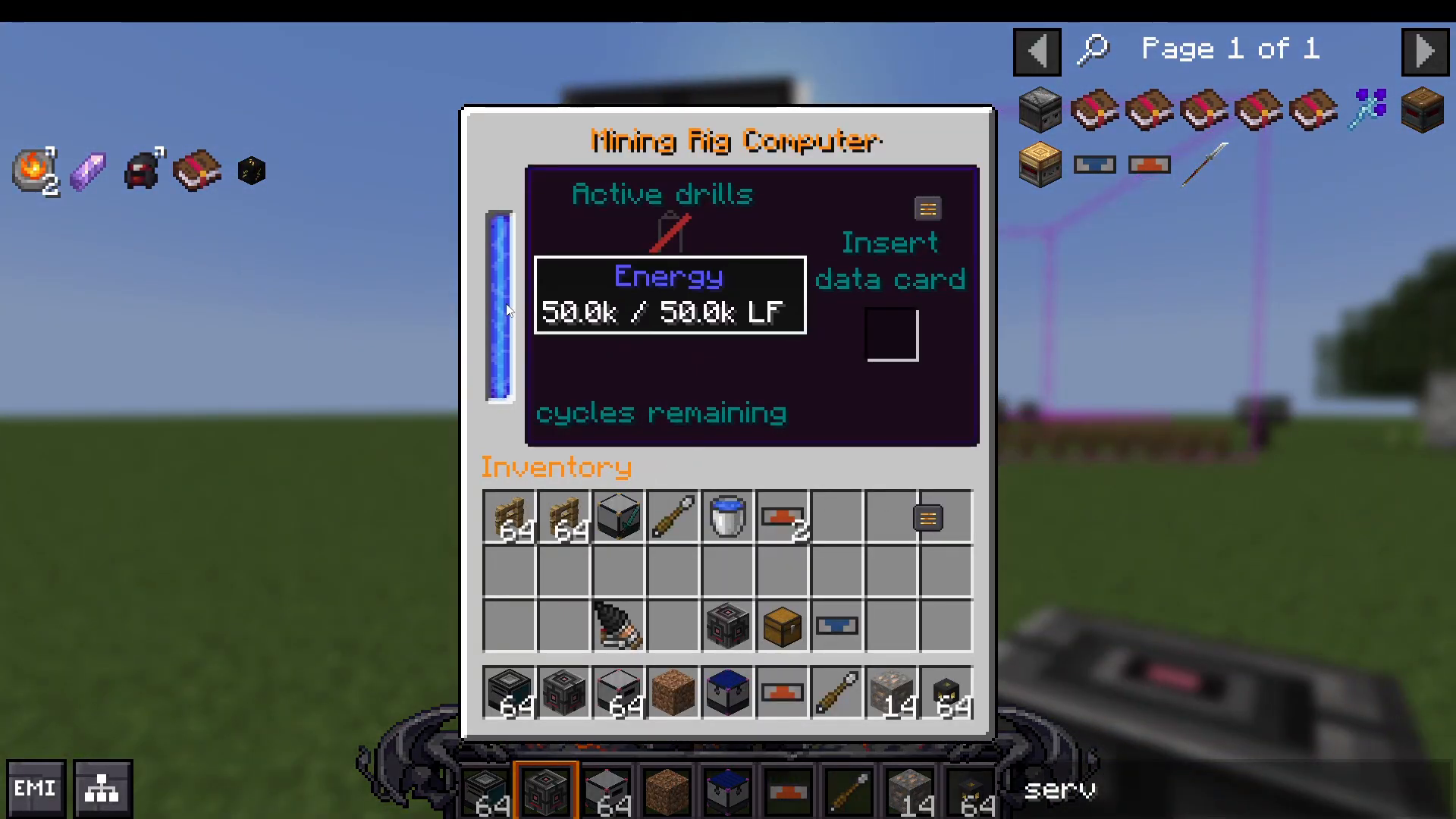
The mining rig computer is the central hub of your operation. It will mine phantom ores and requires three key components to function properly: drills, an ore card (data card), and power.
Step 1: Power Setup
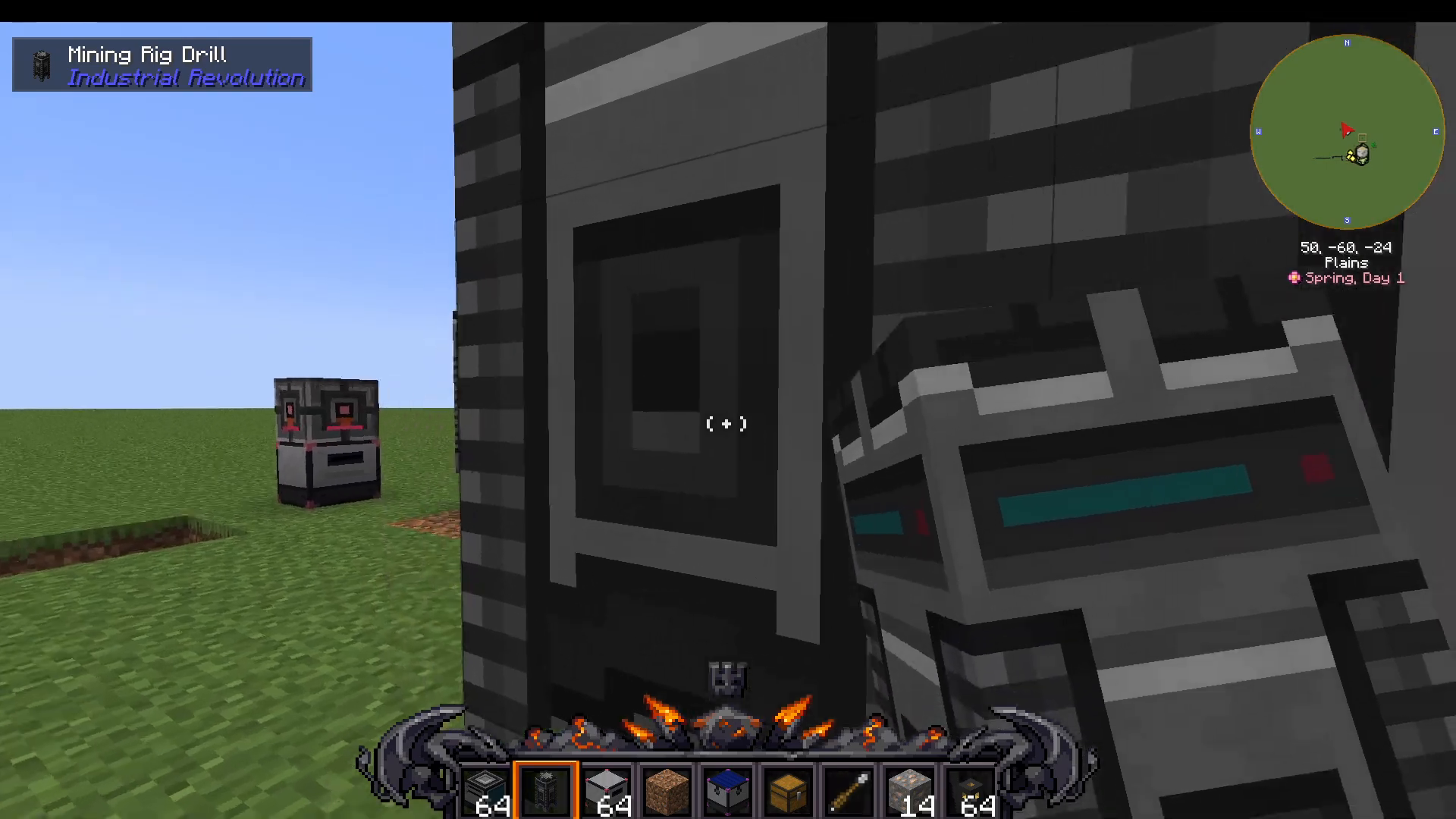
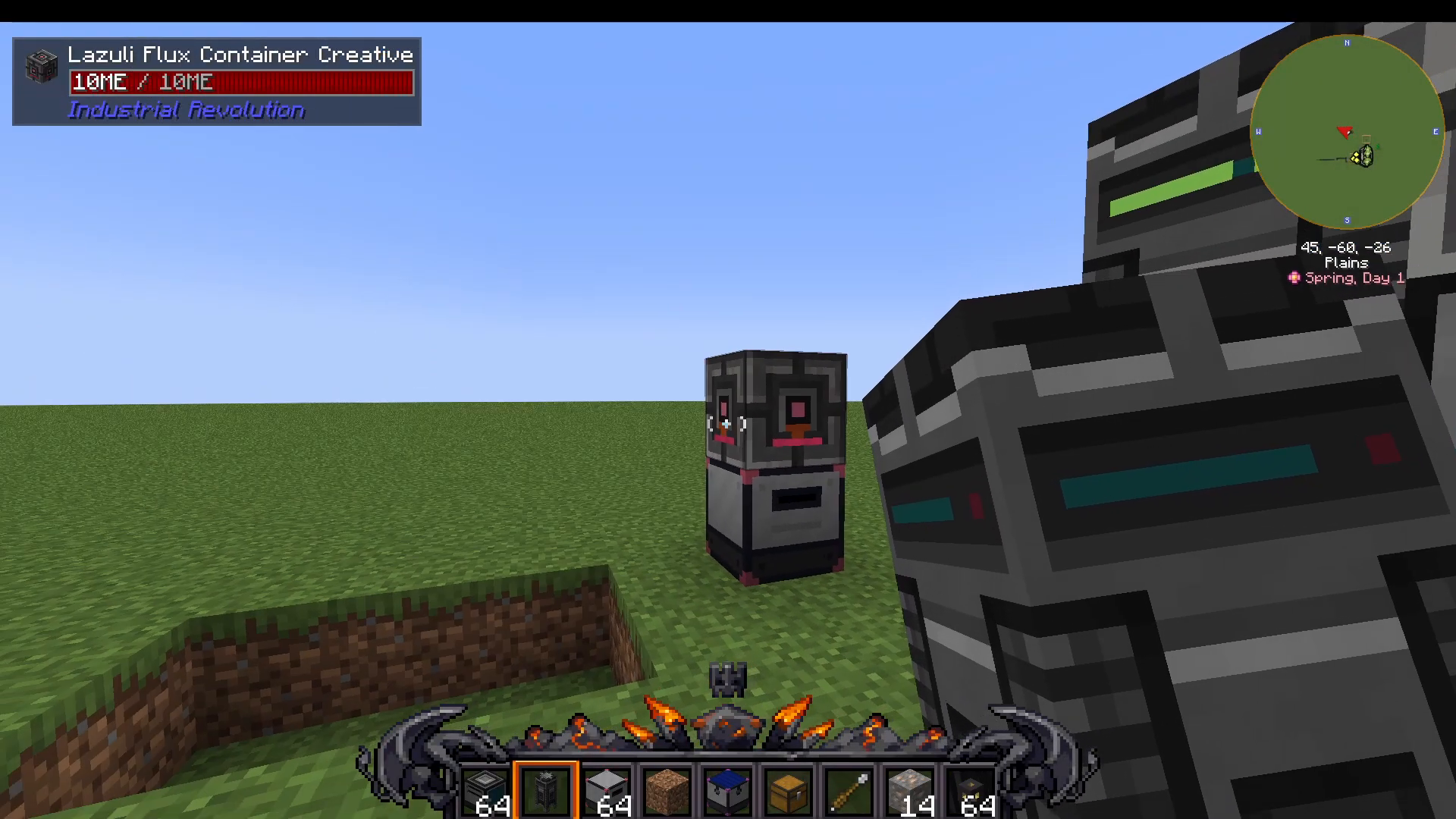
First, place down your mining rig computer. Next, you’ll need to provide power to operate the machine. You can use a power cell of any size—place it on top of the mining rig computer to supply the necessary energy.
Step 2: Installing Mining Rig Drills
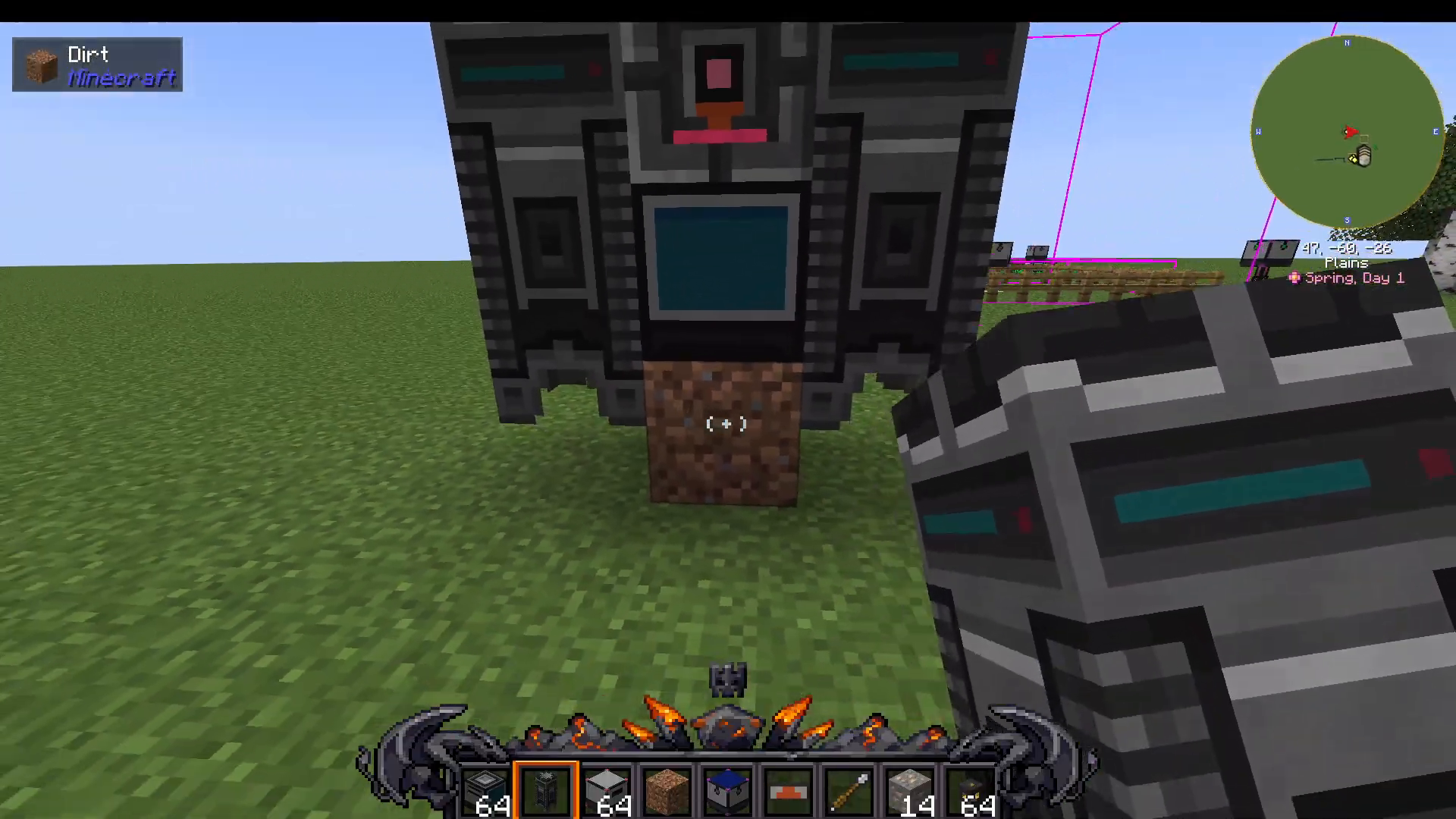
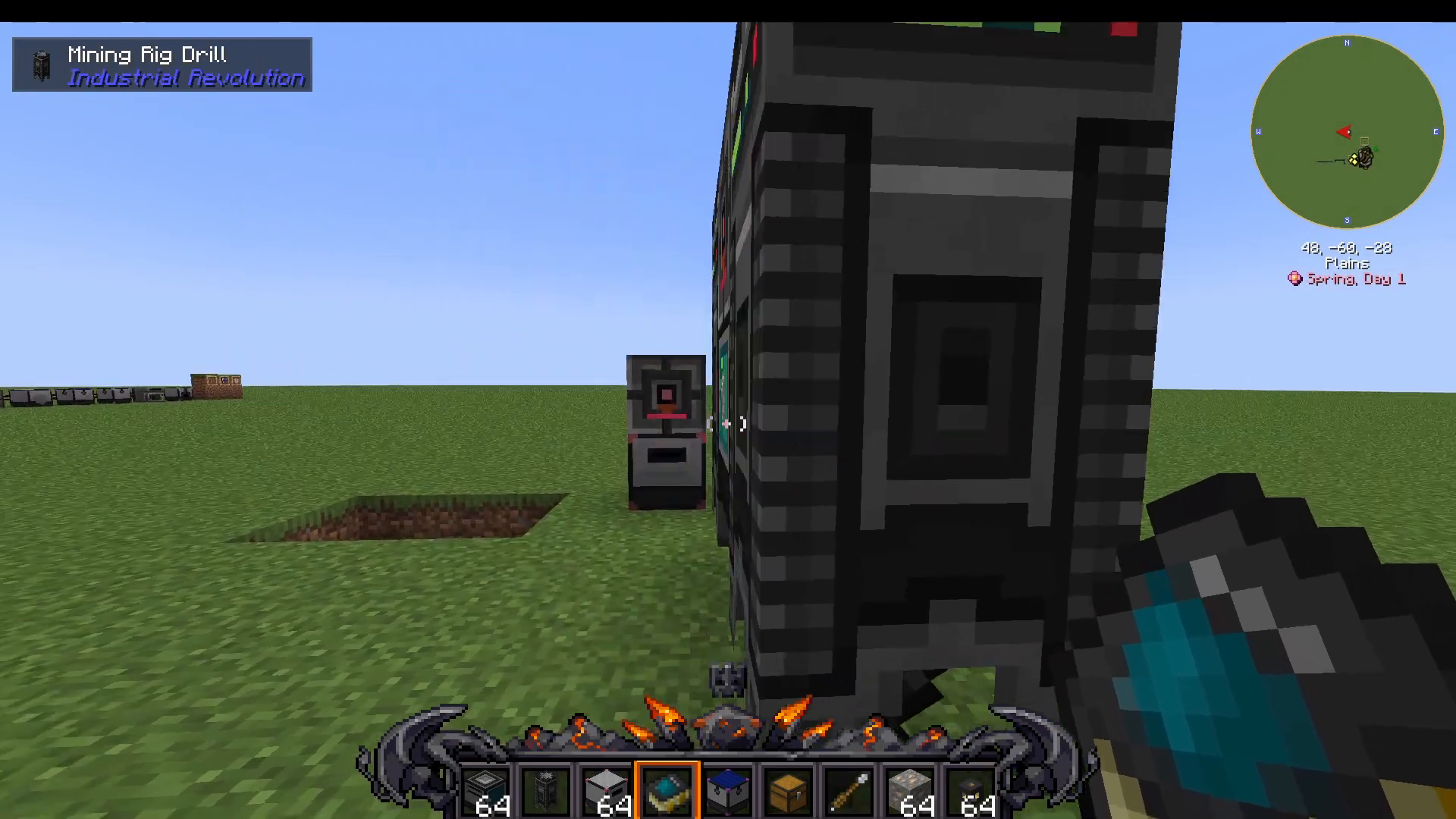
Add mining rig drills to your setup. Place them directly below the mining rig computer. You can also position drills diagonally or on adjacent sides of the machine to maximize your extraction capacity.
Step 3: Setting Up Ore Output
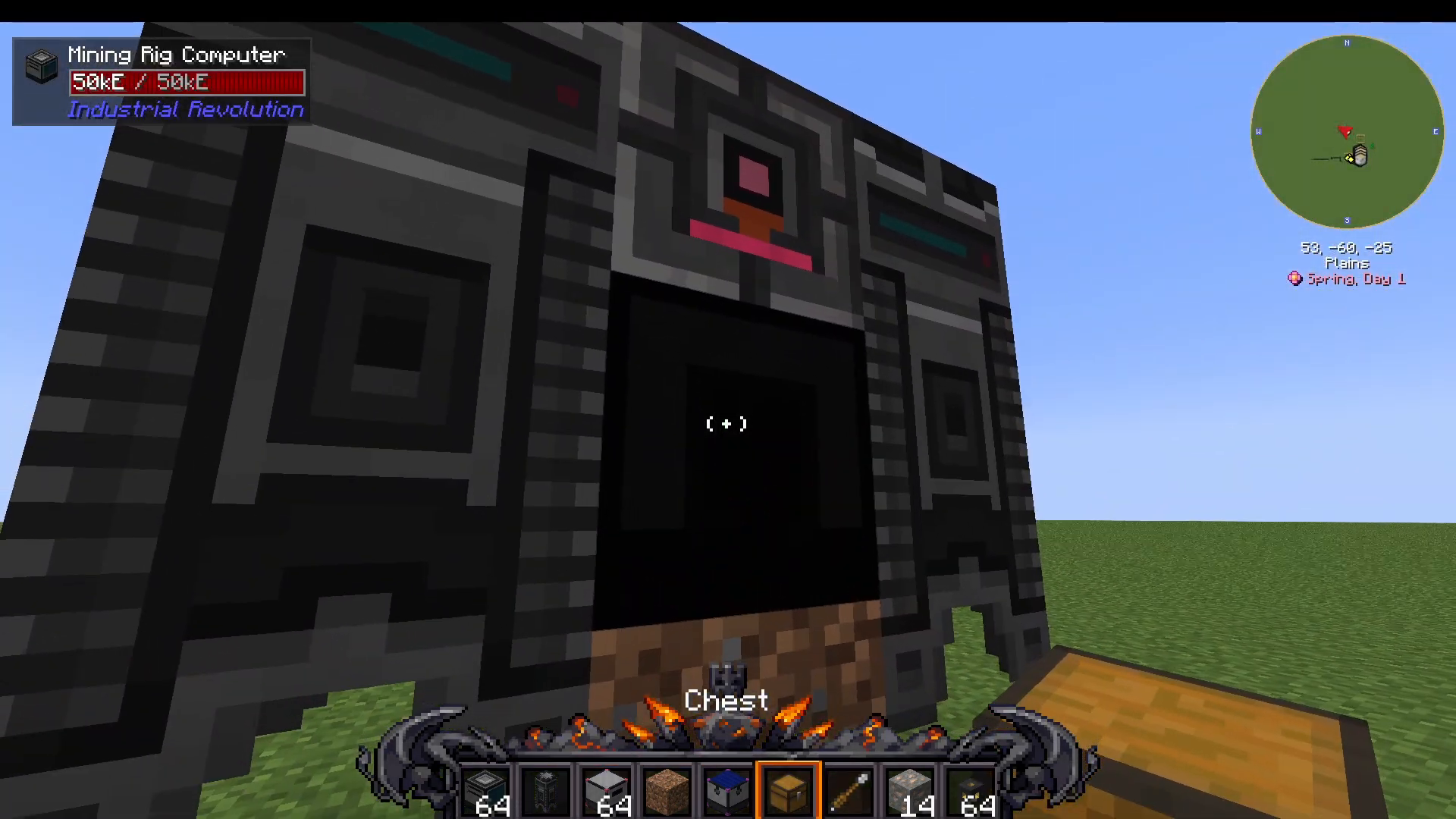
Install an inventory on the back (or any side) of your mining rig computer. This is where mined ores will be deposited as output. You can attach multiple inventories if needed for expanded storage.
Step 4: Installing Drill Heads
Each mining rig drill requires drill heads to function. Industrial Revolution offers four tiers of drill heads:
Stone Drill Head – Basic tier
Iron Drill Head – Improved efficiency
Diamond Drill Head – Better performance
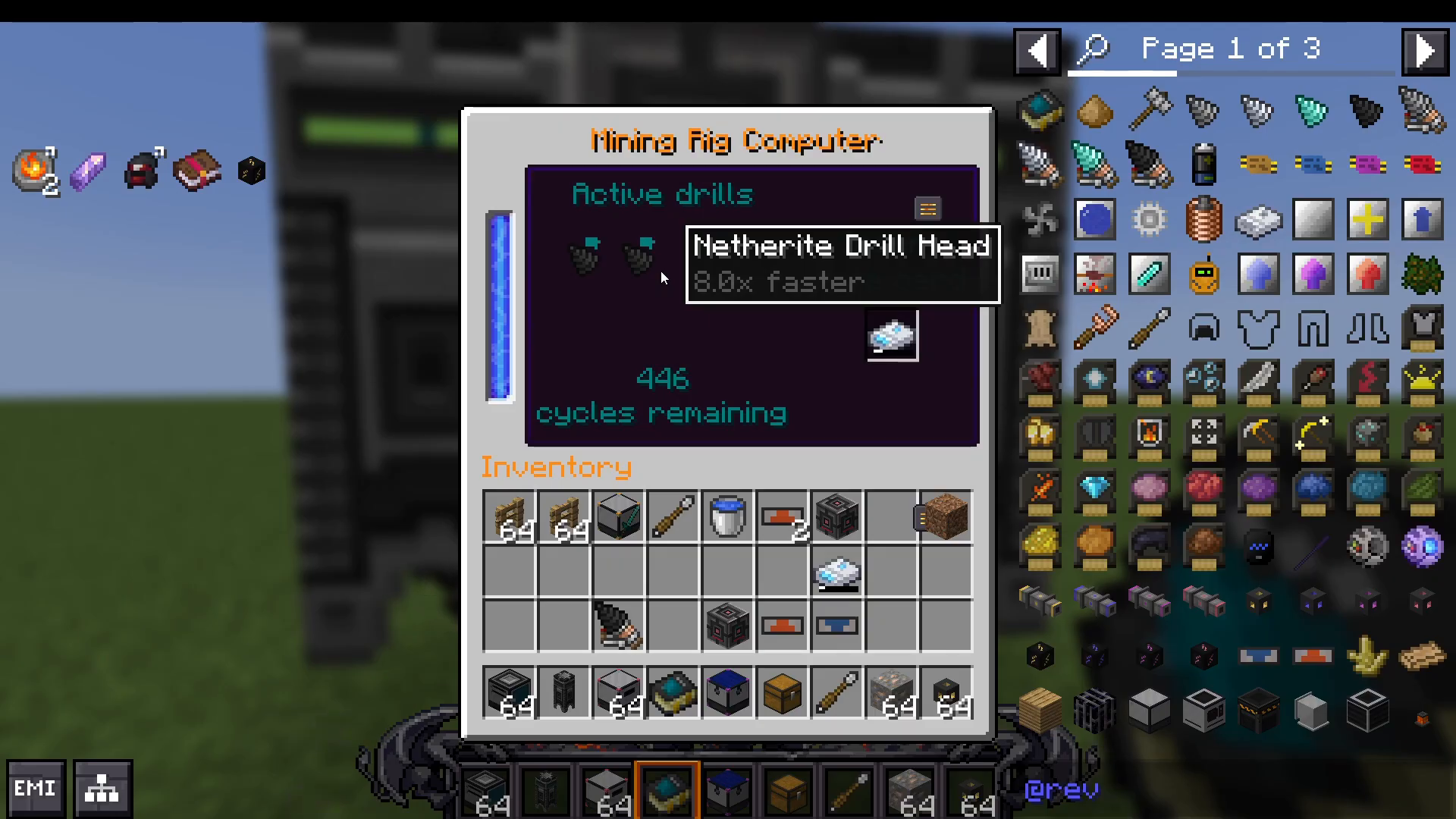
Netherite Drill Head – Highest tier, fastest mining speed
Install these heads into each drill. You can place multiple heads per drill—the more heads installed, the higher your extraction rate. For example, one drill may have four heads installed while another has two.
Step 5: Creating and Configuring Your Ore Card
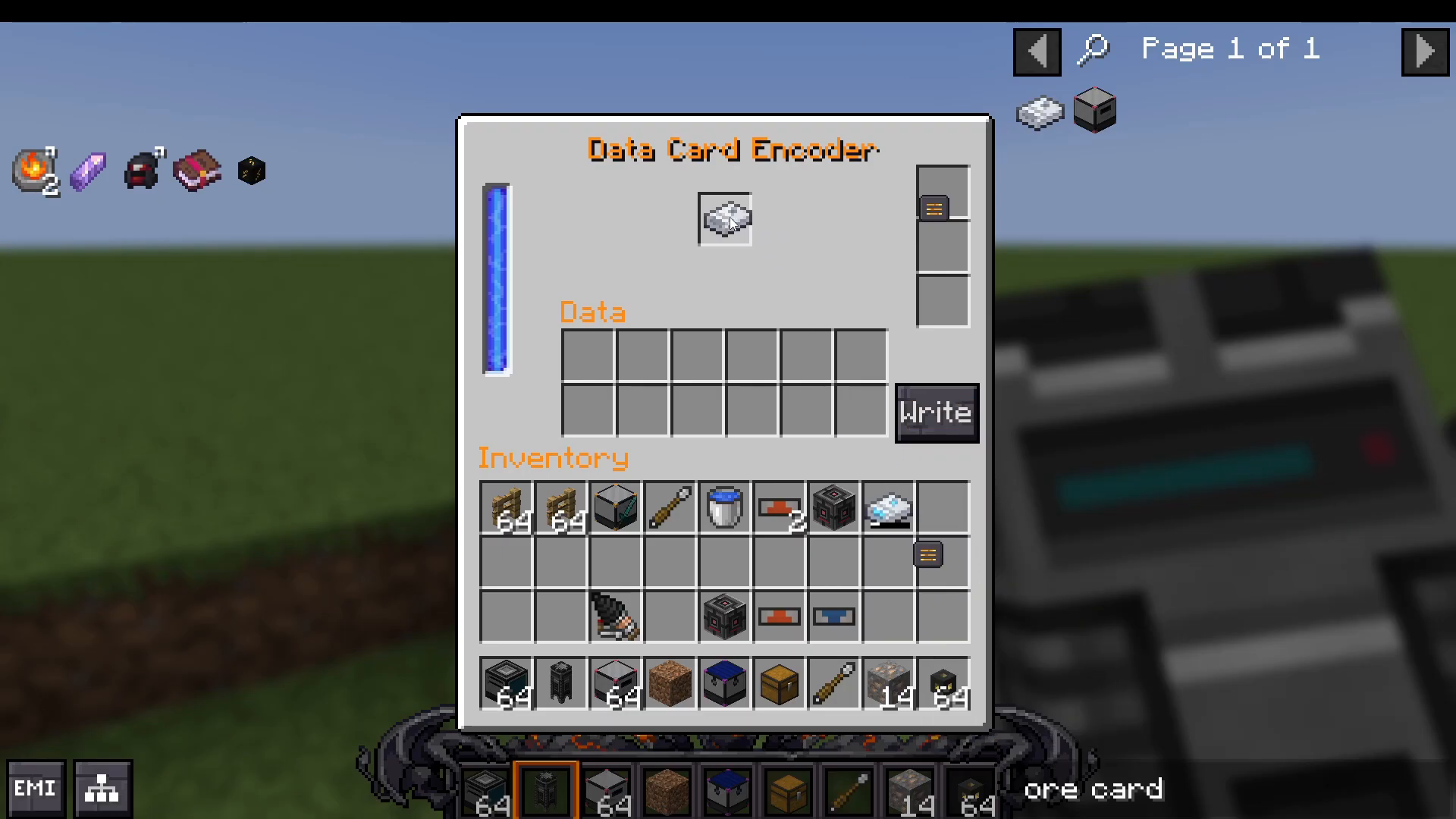
The ore card (data card) is essential for telling your mining rig which ores to extract. Create an ore card and power it using your crafting station (Coda).
Ore Card Configuration Details
Your ore card contains three critical settings:
Ore Type – Which ore the rig will mine (e.g., iron ore)
Richness – How much ore you get per cycle
Cycles – How many mining cycles the card will execute
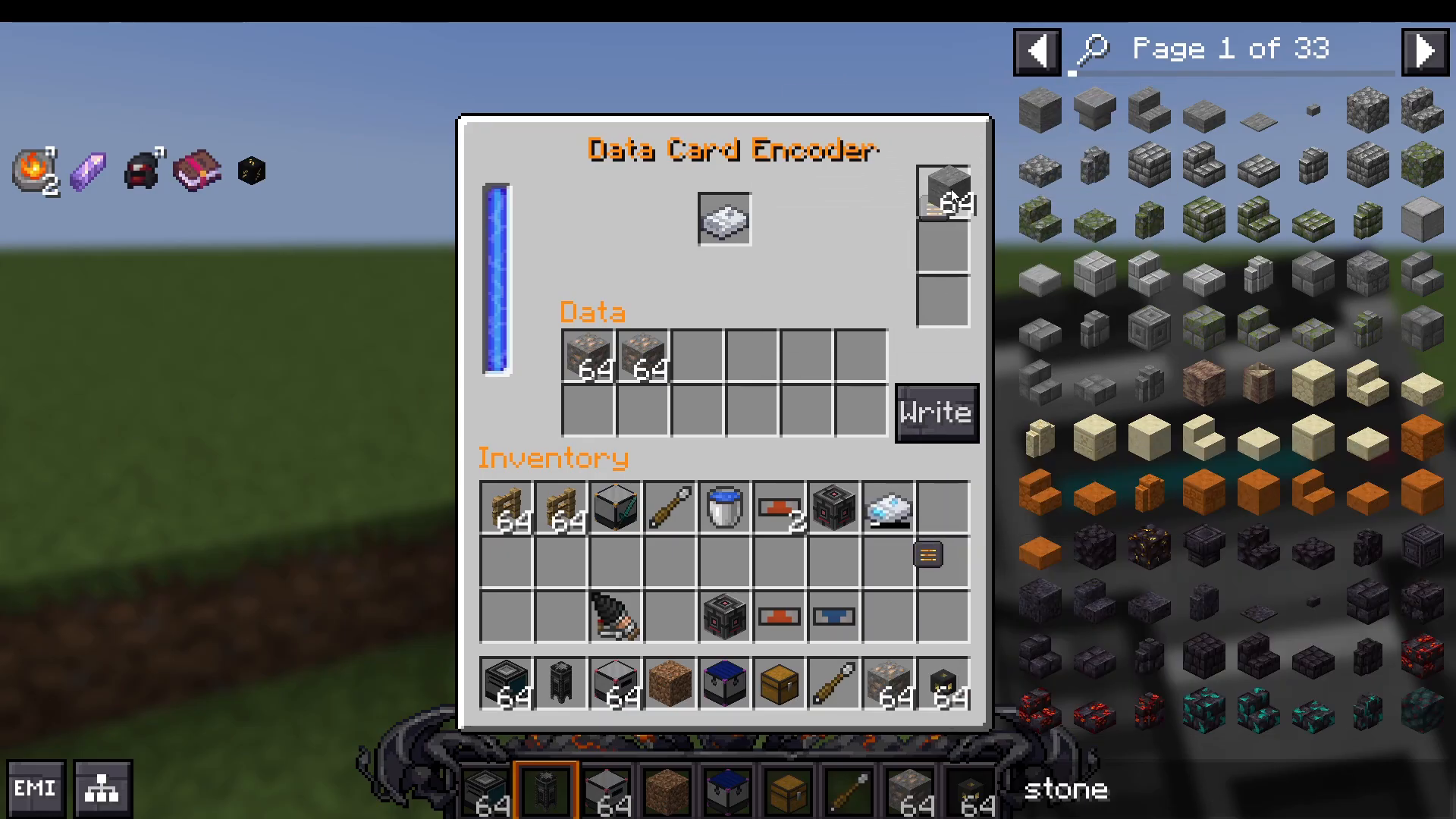
When configuring ore amounts, note that you need sufficient storage capacity. For example, if you specify iron ore, entering 14 will show “not enough, missing 50″—you’ll need to input at least 64 units to meet the requirement. You can input more than 64 to increase your stored ore amount on the card.
Step 6: Using Ore Card Modifiers
Your ore card has modifier slots that allow you to enhance mining performance:
Stone Modifier
Adding stone to your modifier slots increases the number of cycles your mining rig will execute. This expands the storage size and allows for longer continuous mining operations.
Netherite Dust Modifier
Netherite dust (or enriched Netherite dust) increases the richness of your ore extraction. This means each mining cycle will yield more ore. Using enriched Netherite dust provides even greater ore output per cycle.
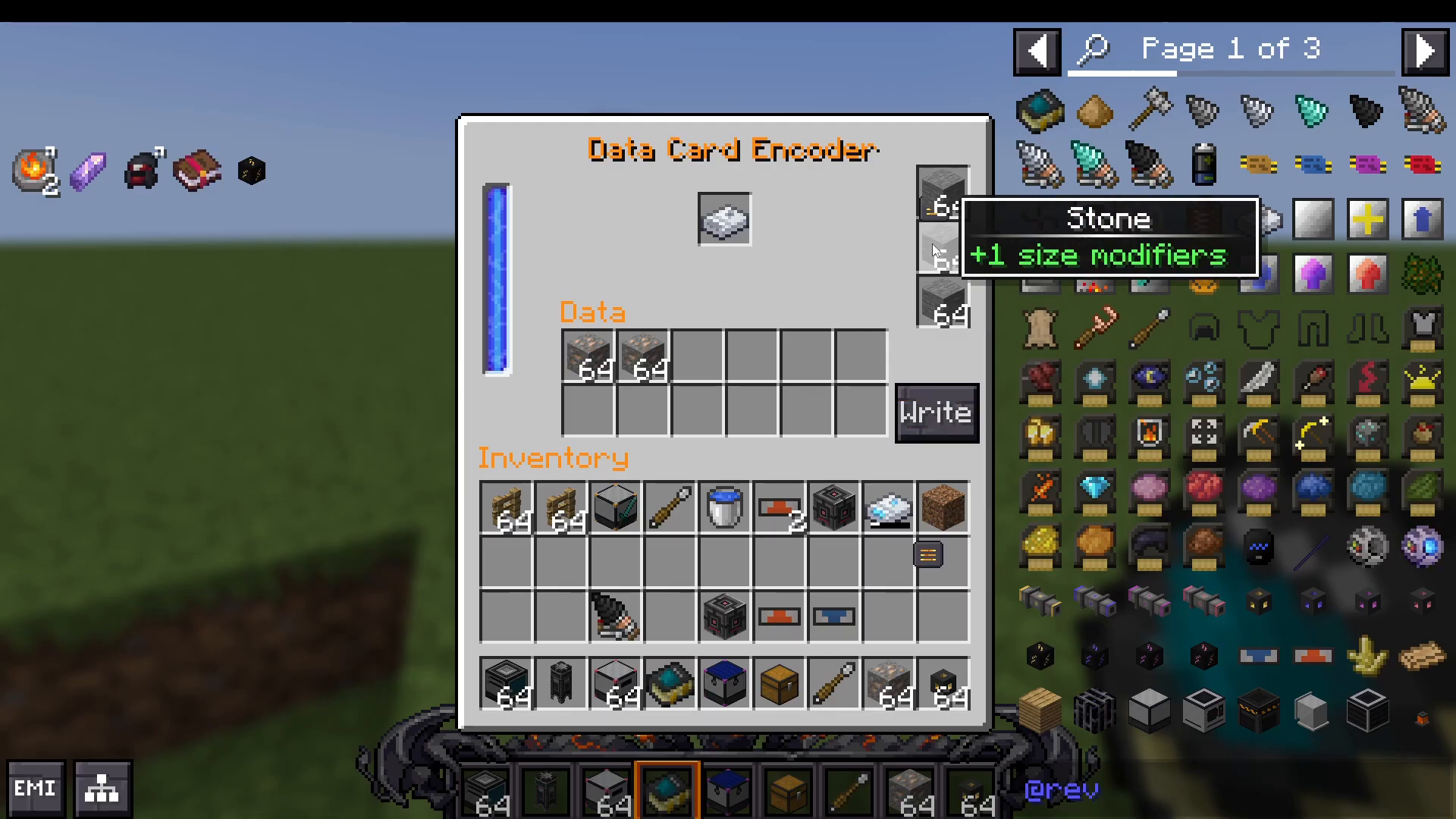
Important Modifier Warning
Do not add too many modifiers to a single ore card. Overloading the card with excessive modifiers will cause it to become unusable and unable to be written to the mining rig.
Step 7: Writing Your Ore Card
Once you’ve configured your ore card with the desired ore type and modifiers, select the write option. The card will take approximately 10 seconds to process. After completion, the ore card will display your settings including richness level, total ore capacity, and available cycles.
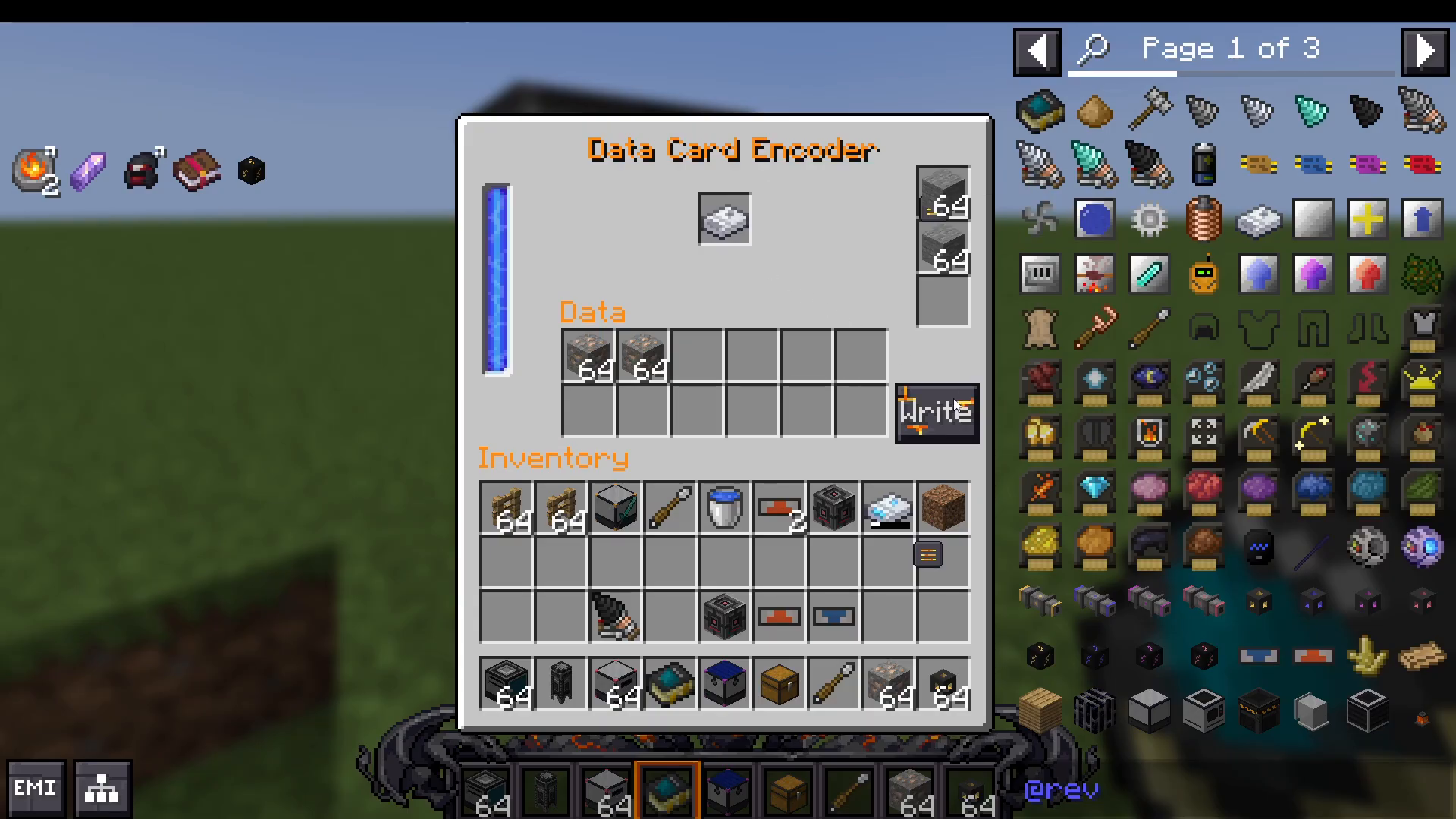
You can create multiple ore cards configured for different ore types to swap between mining operations.
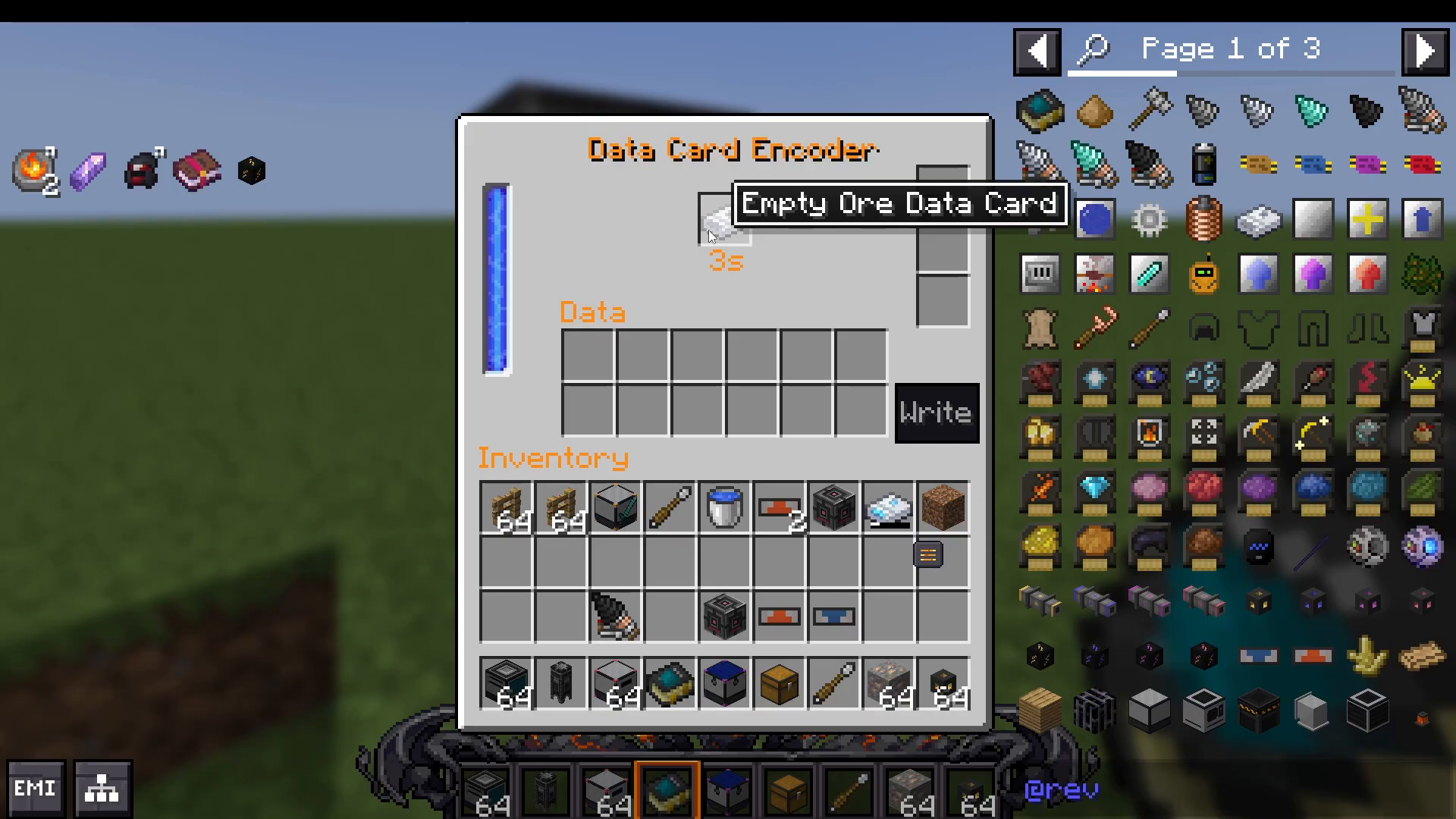
Step 8: Activating Your Mining Rig
Insert your configured ore card into the mining rig computer input slot. The active drills will immediately begin mining the specified ore type.
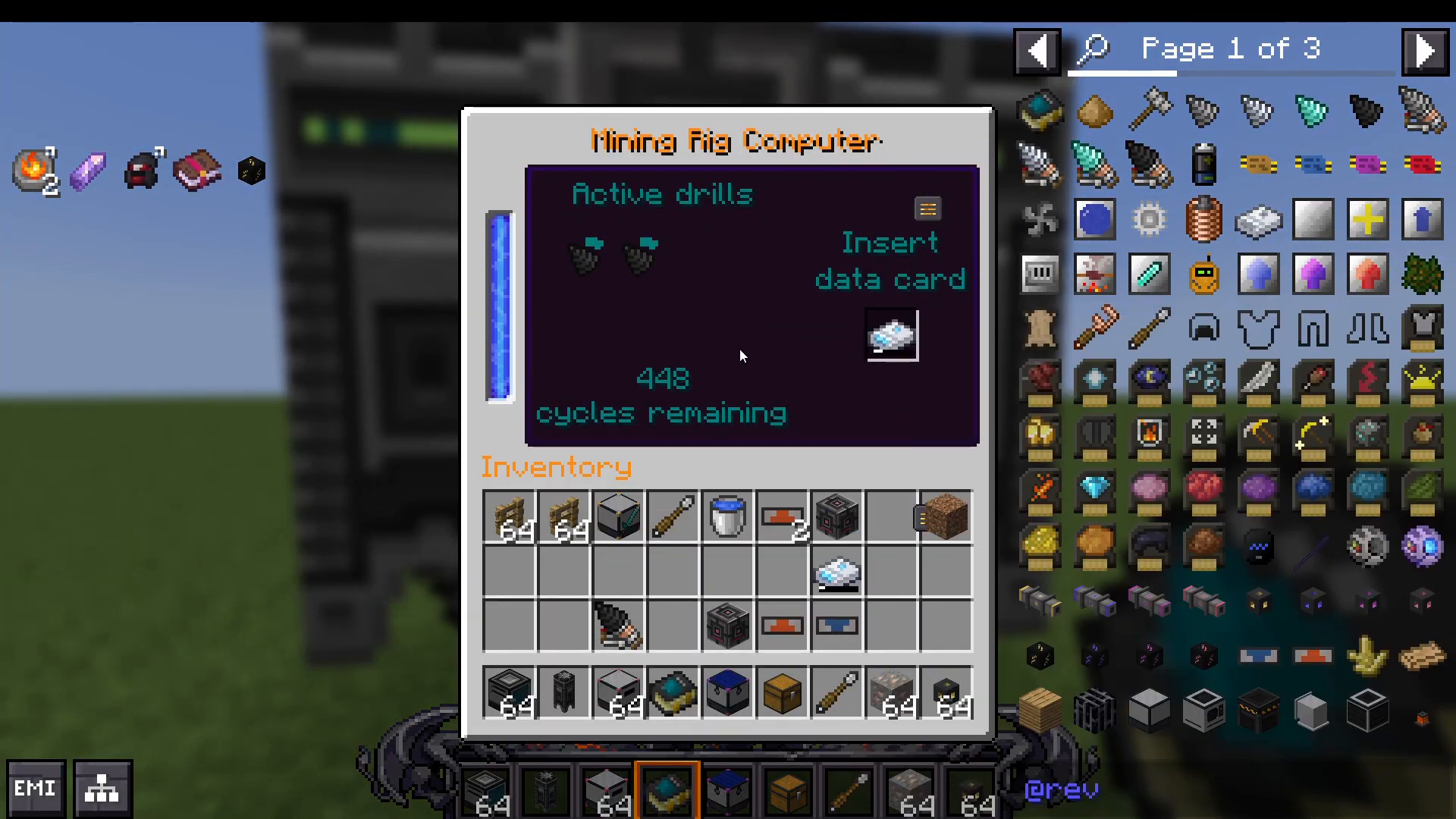
Drill Speed Hierarchy
Mining speed varies based on the drill head tier installed:
Netherite drills – Fastest
Diamond drills – Fast
Iron drills – Moderate
Stone drills – Slowest
Upgrade to higher-tier drill heads for significantly faster ore extraction rates.
Maximizing Your Mining Operation
To achieve maximum ore production gains:
Place drills on all sides of the mining rig computer (top, bottom, front, back, left, right)
Add drills diagonally to occupy corner positions
Use Netherite drill heads for the fastest mining speed
Combine stone modifiers with Netherite dust modifiers for balanced cycle count and ore richness
Connect multiple output inventories for expanded storage capacity
Conclusion
The Industrial Revolution mining rig is an incredibly efficient ore extraction system when properly configured. By following this guide—from power setup through ore card configuration and strategic drill placement—you’ll establish a high-yielding automated mining operation. The combination of powerful Netherite drills, well-tuned ore cards, and strategic modifier usage creates a system capable of producing massive quantities of ore passively. Start with basic iron ore mining and expand your operation as you gather resources and unlock higher-tier drill heads.
Want to Support?
If you would like to help us continue making these guides – please consider joining our patreon here – https://www.patreon.com/c/JaviHeals
Alternatively – we host a group of MC Servers you can join here – https://discord.gg/zD7Gjt6MHF



