







How To Use Wired Chargers In EnderIO
How To Use Wired Chargers In EnderIO
In this guide, we’ll walk you through everything you need to know about using wired chargers in the EnderIO mod. Whether you’re a beginner or looking to optimize your charging setup, you’ll learn the differences between the simple wired charger and the enhanced wired charger, and how to get the most out of them.
Understanding the Wired Charger
The wired charger is a versatile block in EnderIO designed to charge handheld items and equipment. There are two main versions available: the simple wired charger and the enhanced wired charger. Each has distinct advantages and limitations.
For example, you can use the wired charger to charge items like the Atomic Disassembler from Mekanism. The charger will draw power from an energy source (such as a capacitor bank) and transfer it to your items.
Basic Setup and Power Supply
To get started, place your wired charger and connect it to a power source. For this setup, you’ll need an EnderIO capacitor bank or another compatible energy storage block. The simple version of the wired charger has a notable drawback: it will leak power, making it less efficient than upgraded versions.
Once powered, the wired charger can charge anything from your inventory, including handheld items, armor, and items in jewelry slots. This makes it incredibly convenient for keeping your gear topped up.
Configuring Input and Output
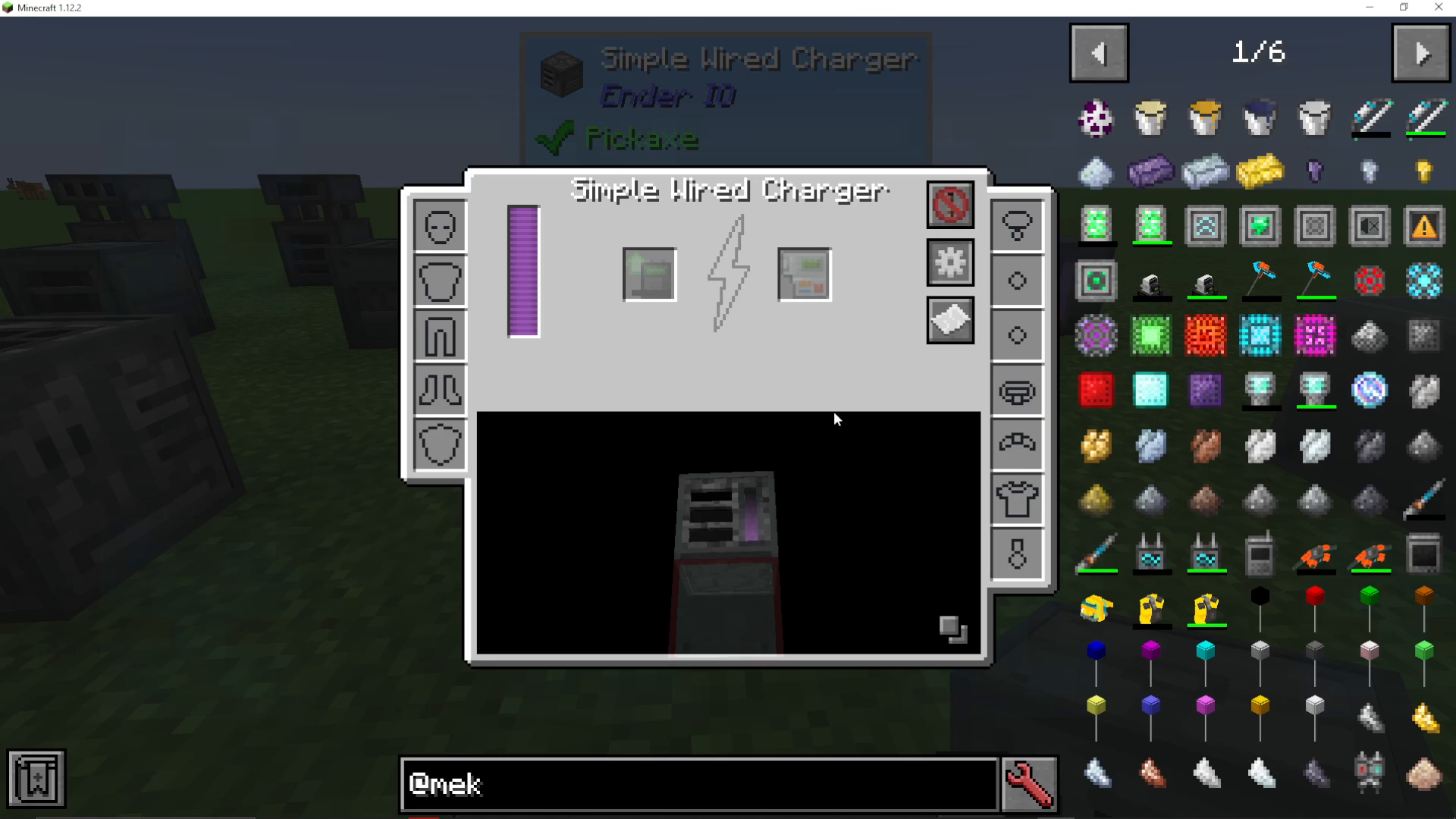
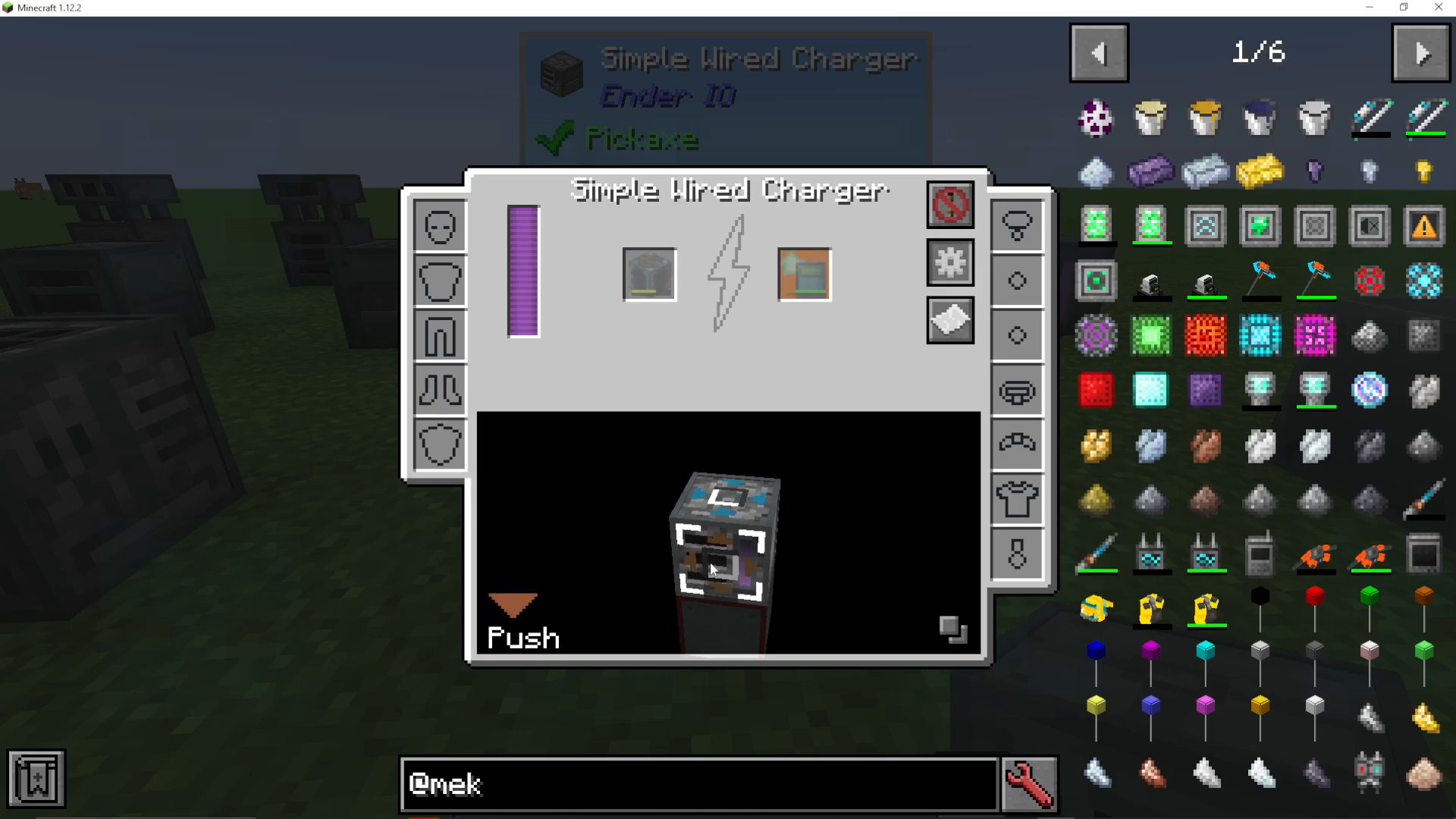
You can configure how items move in and out of the wired charger by clicking the cog icon to access the I/O configuration menu. Left-click and drag to set up each side of the block.
The configuration options are straightforward:
Pull: Imports items from that side
Push: Outputs items to that side
Push Pull: Both imports and outputs
Disabled: That side is not used
This flexibility allows you to connect chests above or below the charger to automatically feed items in or take charged items out. Note that you do not need to configure energy transfer sides—the energy connection works automatically.
Viewing Recipes
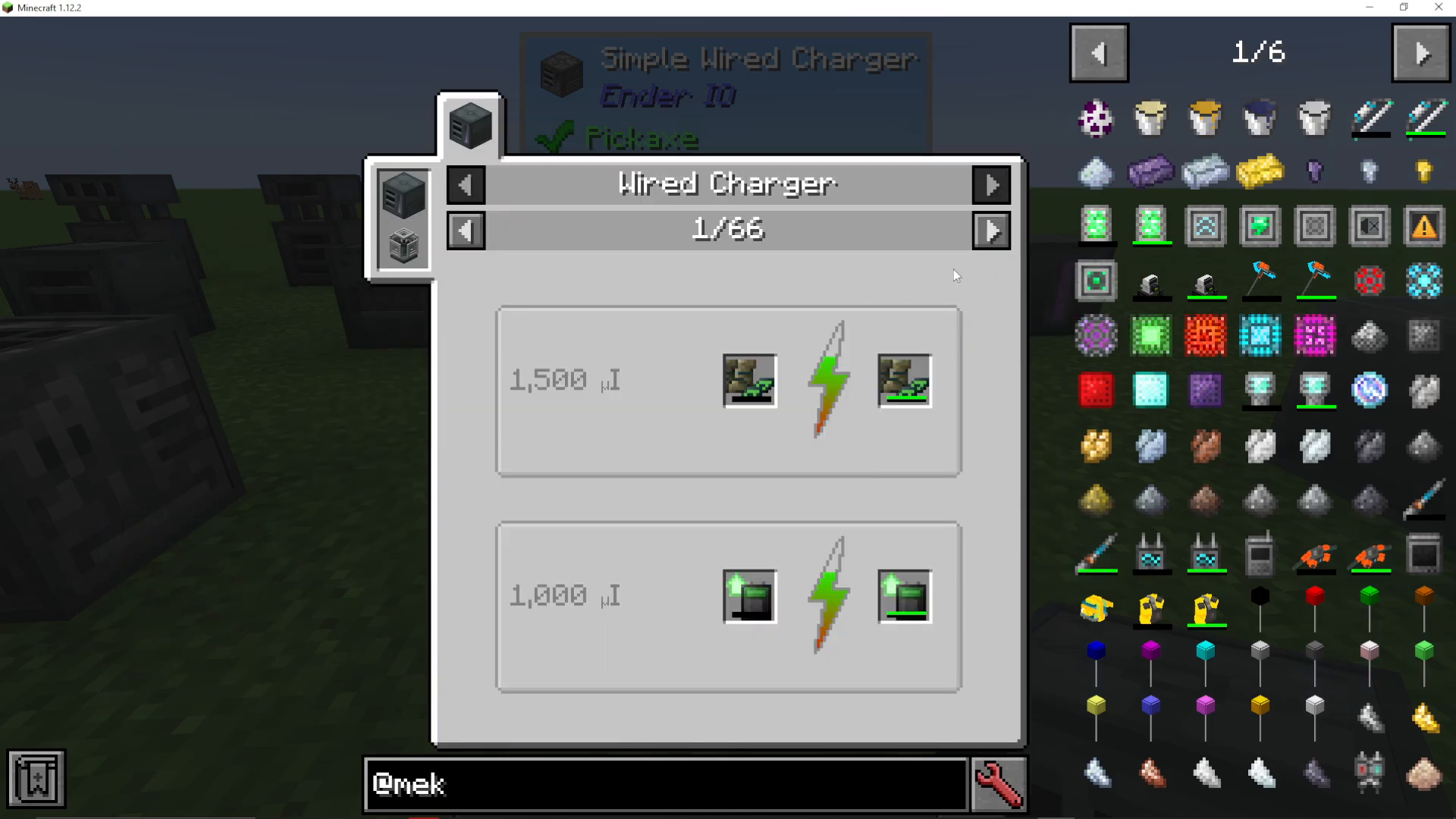
To see which items can be charged in your wired charger, click the paper icon in the interface. This will display all compatible items you can charge with this machine.
Charging Speed: Simple vs. Enhanced
The charging speed of the wired charger depends heavily on which version you’re using and what capacitor is installed. The simple wired charger charges very slowly at full capacity—you’ll notice a gradual increase in the item’s power bar.
To significantly speed up charging, you can insert a better capacitor, such as an octadic capacitor. The better the capacitor, the faster it will charge items and the more energy it can store internally.
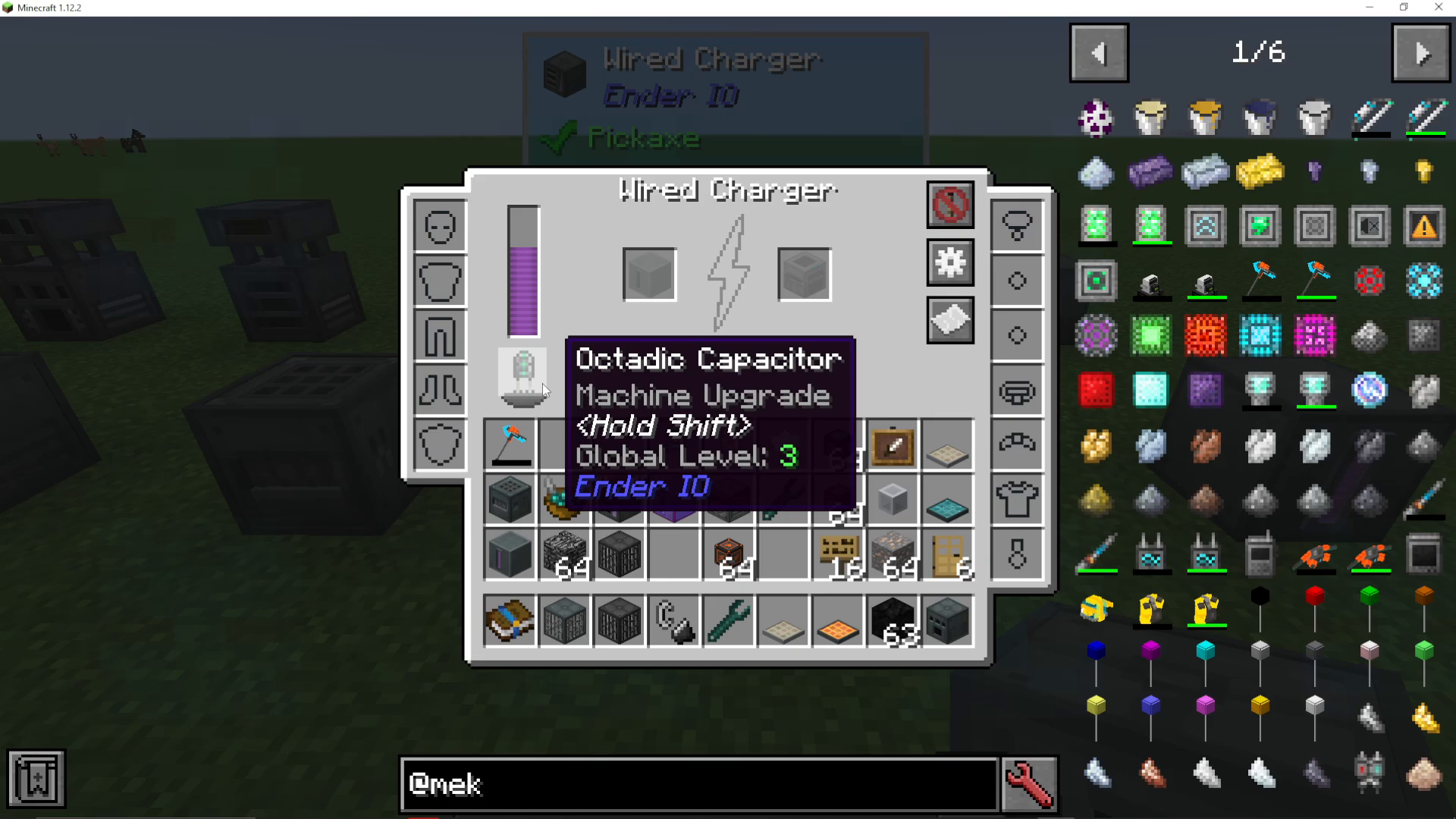
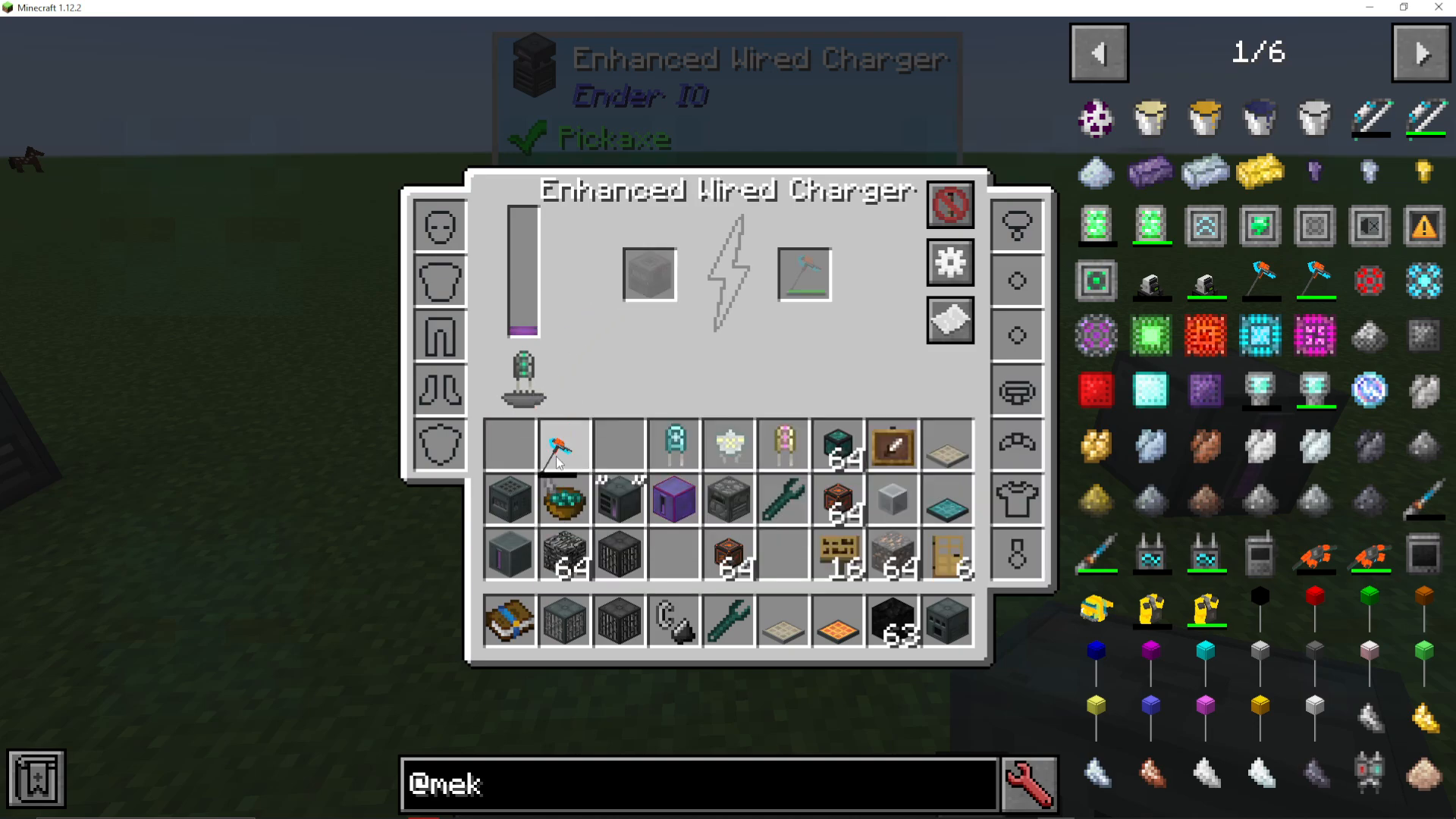
If you upgrade to the enhanced wired charger and insert an octadic capacitor, you’ll see a dramatic difference in both storage capacity and charging speed. For instance, the enhanced version can store up to 50 million RF (Redstone Flux), compared to approximately 5 million RF in the standard version. Charging times are noticeably quicker as well.
Redstone Control
Even the simple wired charger offers redstone control options. You can configure it to be:
Active on signal (only charges when receiving a redstone signal)
Never active (disabled)
Always active (default charging behavior)
This gives you fine-grained control over when the charger operates, which is useful for managing power consumption in your base.
Summary
Using a wired charger in EnderIO is straightforward and incredibly useful for keeping your items charged. The simple version is a good starting point, but upgrading to the enhanced version with a better capacitor will dramatically improve charging speed and efficiency. Remember to configure your input and output sides if you want to automate item movement, and don’t forget that the simple version will leak power over time, so plan accordingly.
For more EnderIO tutorials and other Minecraft mod guides, be sure to check out the playlists on the channel covering a wide variety of mods.
Want to Support?
If you would like to help us continue making these guides – please consider joining our patreon here – https://www.patreon.com/c/JaviHeals
Alternatively – we host a group of MC Servers you can join here – https://discord.gg/zD7Gjt6MHF



