







How To Use Vacuum Chests In EnderIO
How To Use Vacuum Chests In EnderIO
The Vacuum Chest is a handy EnderIO machine that automatically collects dropped items within a configurable range. Whether you’re setting up a farm or organizing your base, this guide will walk you through all the essential features and settings you need to master this useful block.
Understanding the Vacuum Chest Basics
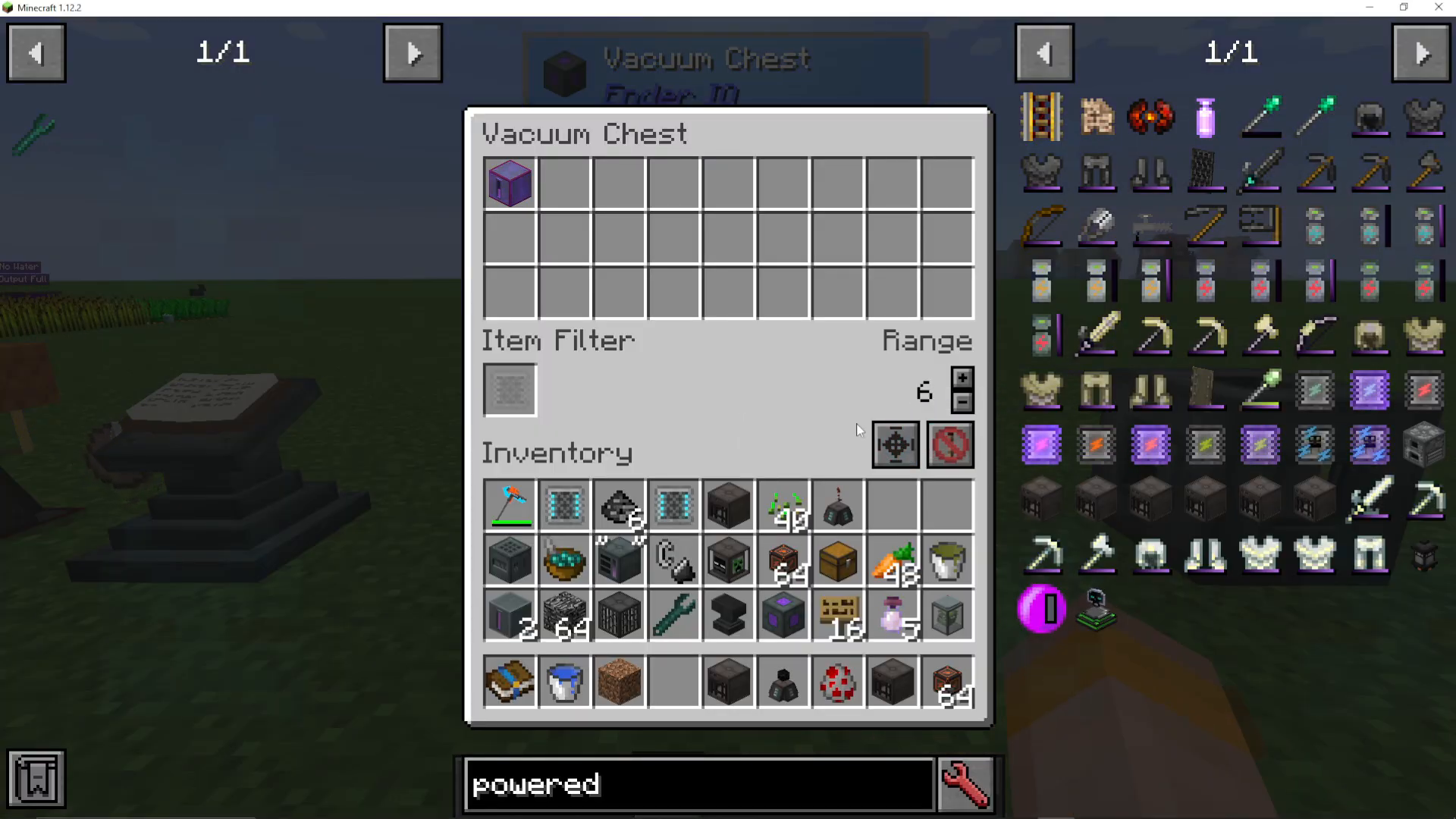
The Vacuum Chest is a simple yet effective block from EnderIO that vacuums up any items dropped within its detection range. When you first place a Vacuum Chest, you can interact with it to access its controls and view its functionality.
Viewing the Detection Range
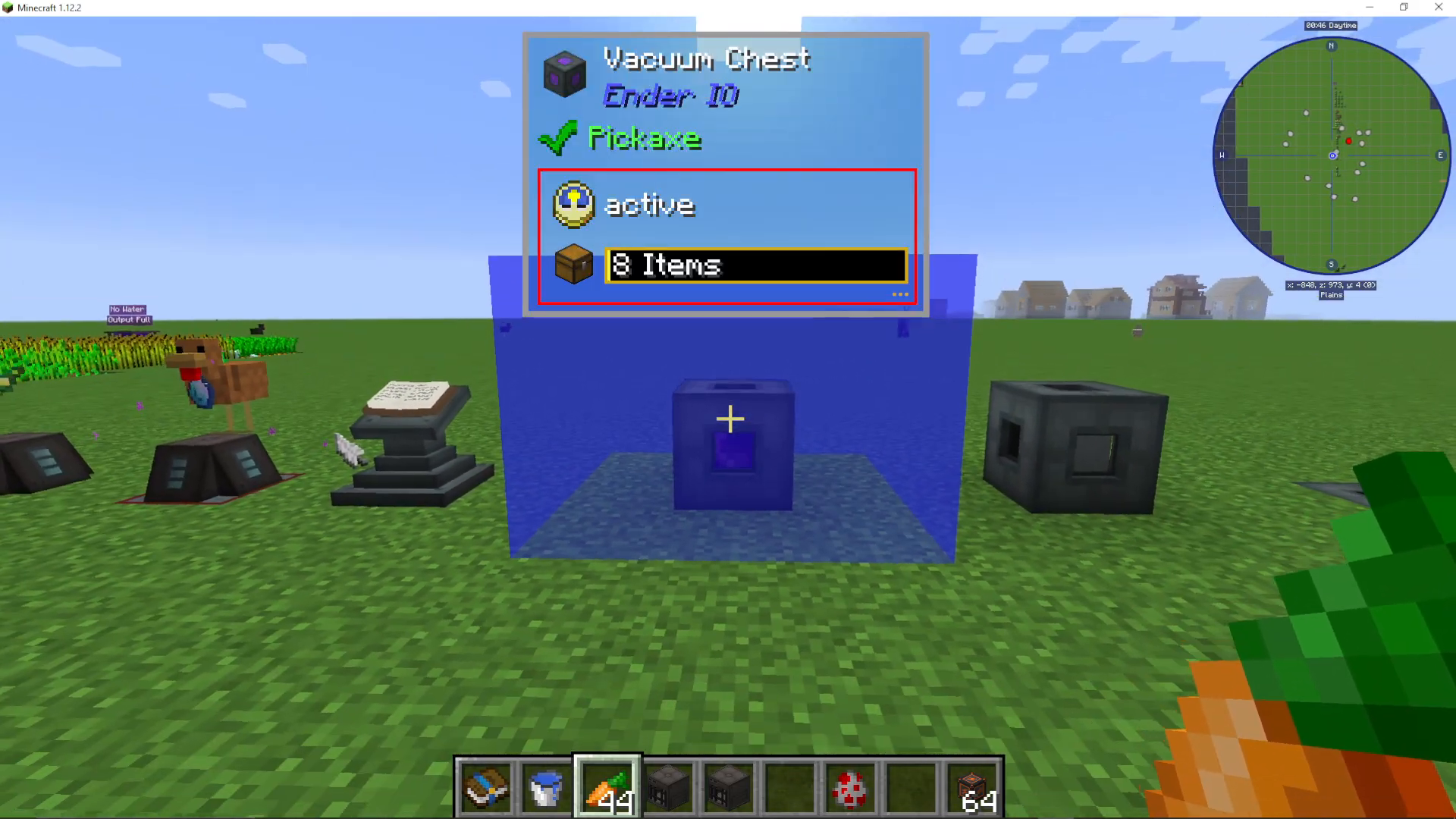
To see the area in which the Vacuum Chest operates, click the range button on the interface. This will display the detection radius around the block, showing you exactly which items will be collected. For example, if you drop a Dark item nearby, you’ll immediately see it get sucked into the chest.
Using Item Filters
One of the most powerful features of the Vacuum Chest is the ability to filter which items get collected. You can install an Advanced Item Filter to control exactly what the chest vacuum up.
Whitelisting Items
With an Advanced Item Filter installed, you can access the edit filter settings and whitelist specific items. For instance, if you whitelist only carrots, the Vacuum Chest will only collect carrots and ignore all other dropped items like powered spawners. This is particularly useful for farm setups where you want to collect only specific crops or materials.
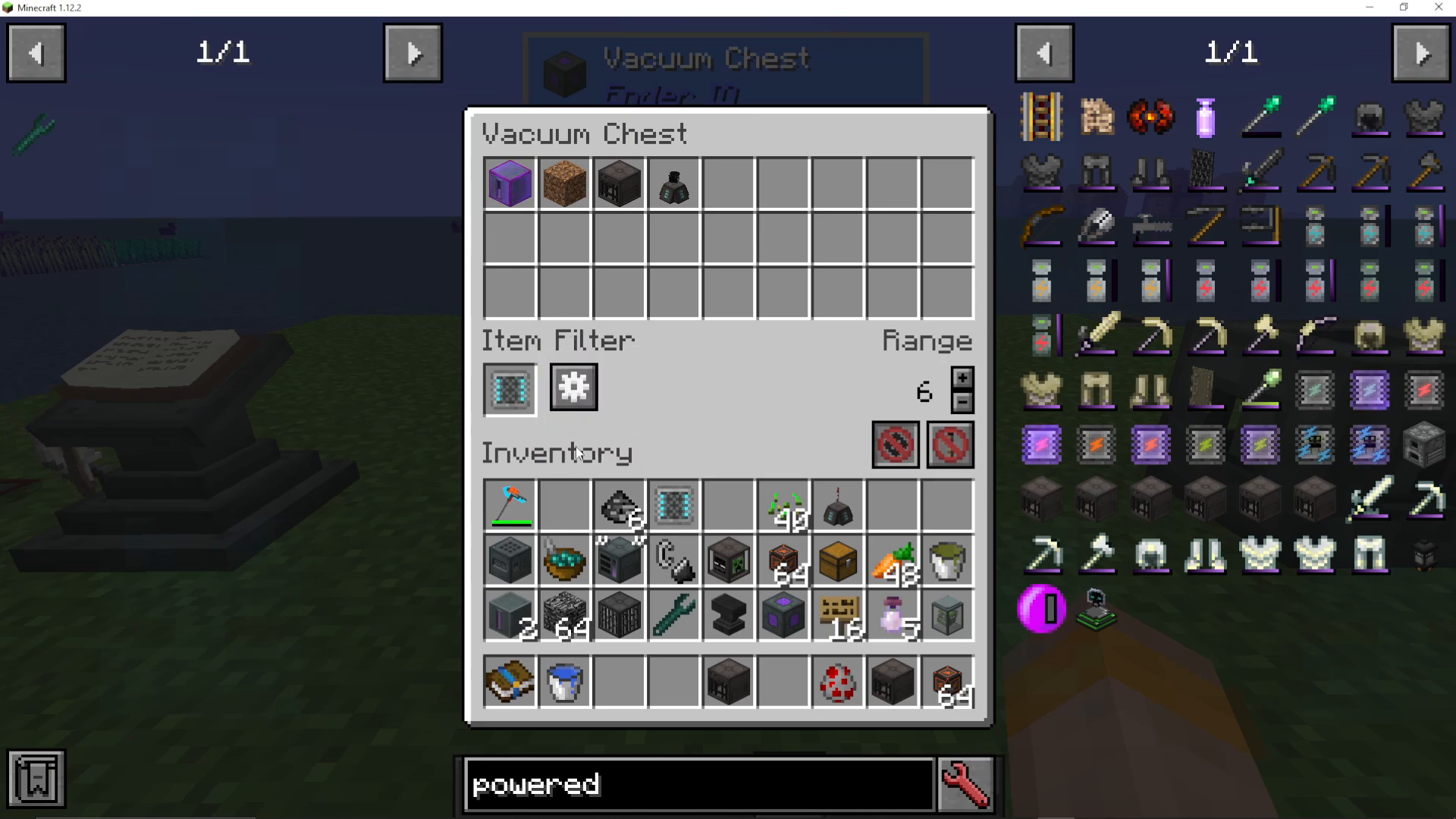
When whitelisting is active, only the items you’ve specified will be collected. All other dropped items will remain on the ground.
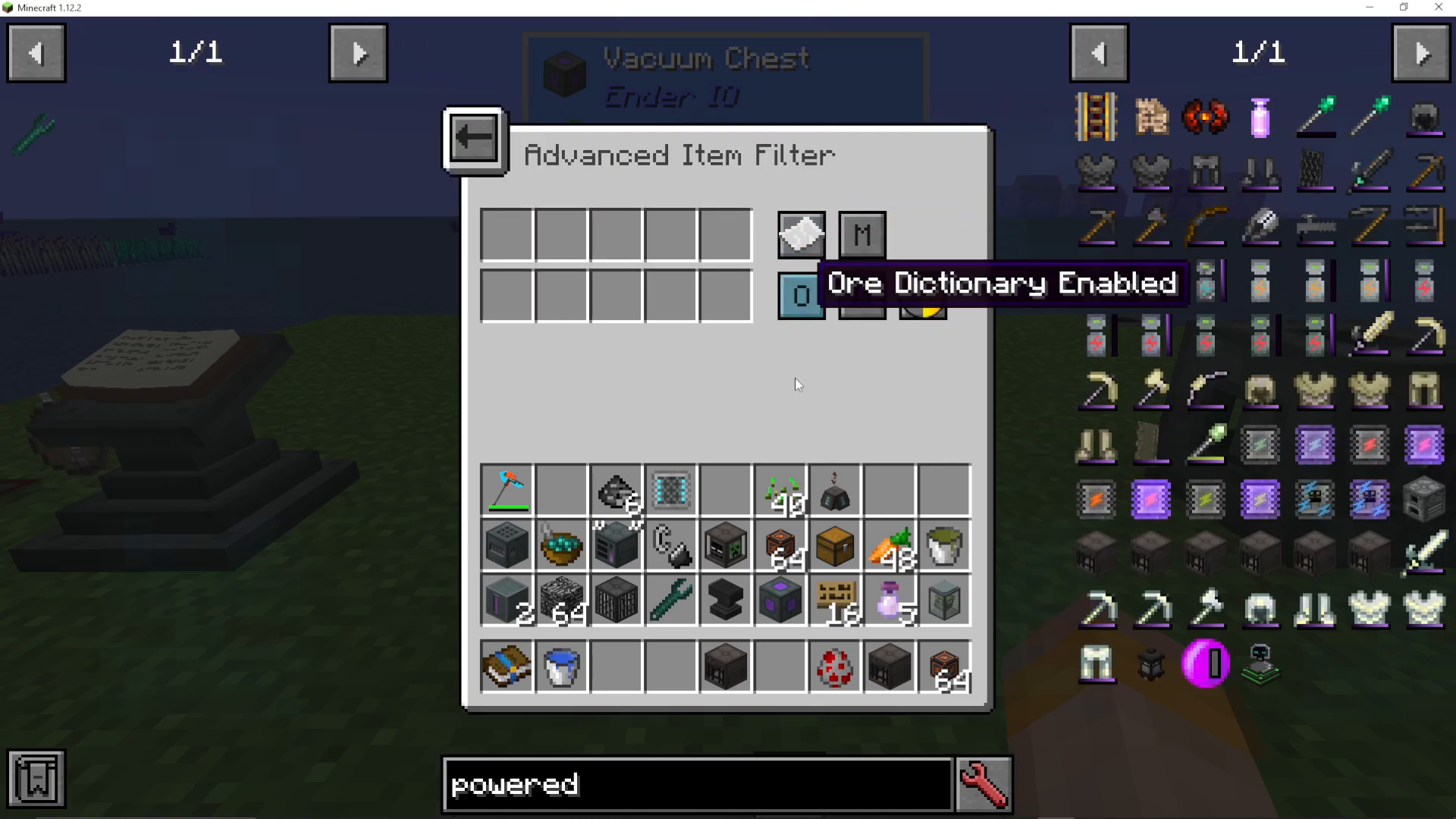
Blacklisting Items
In addition to whitelisting, you can also use blacklisting to exclude specific items from being collected. By combining different types of item filters, you have complete control over what enters the Vacuum Chest. This flexibility makes it adaptable to virtually any storage or farm setup you can imagine.
Adjusting the Detection Range
The Vacuum Chest allows you to customize its detection radius. You can increase or decrease the range to suit your needs, up to a maximum radius limit. This is useful if you want the chest to cover a larger area or keep it localized to a specific zone.
Using Redstone Control
You can also integrate the Vacuum Chest with redstone signals to control when it’s active or inactive. By providing a redstone signal, you can turn the chest on or off depending on your specific needs. This allows for more sophisticated automation in your base.
Summary
The Vacuum Chest from EnderIO is a straightforward yet versatile machine perfect for any farm setup or storage system. With its configurable range, item filtering options (whitelisting and blacklisting), and redstone control, you have all the tools needed to automate item collection efficiently. Whether you’re a beginner or an experienced modder, the Vacuum Chest is an excellent addition to your EnderIO toolkit.
For more EnderIO tutorials, be sure to check out the playlists featured on our channel. We’re committed to covering every single mod in Minecraft, so stay tuned for more comprehensive guides!
— Want to Support? —
If you would like to help us continue making these guides – please consider joining our patreon here – https://www.patreon.com/c/JaviHeals
Alternatively – we host a group of MC Servers you can join here – https://discord.gg/zD7Gjt6MHF



