







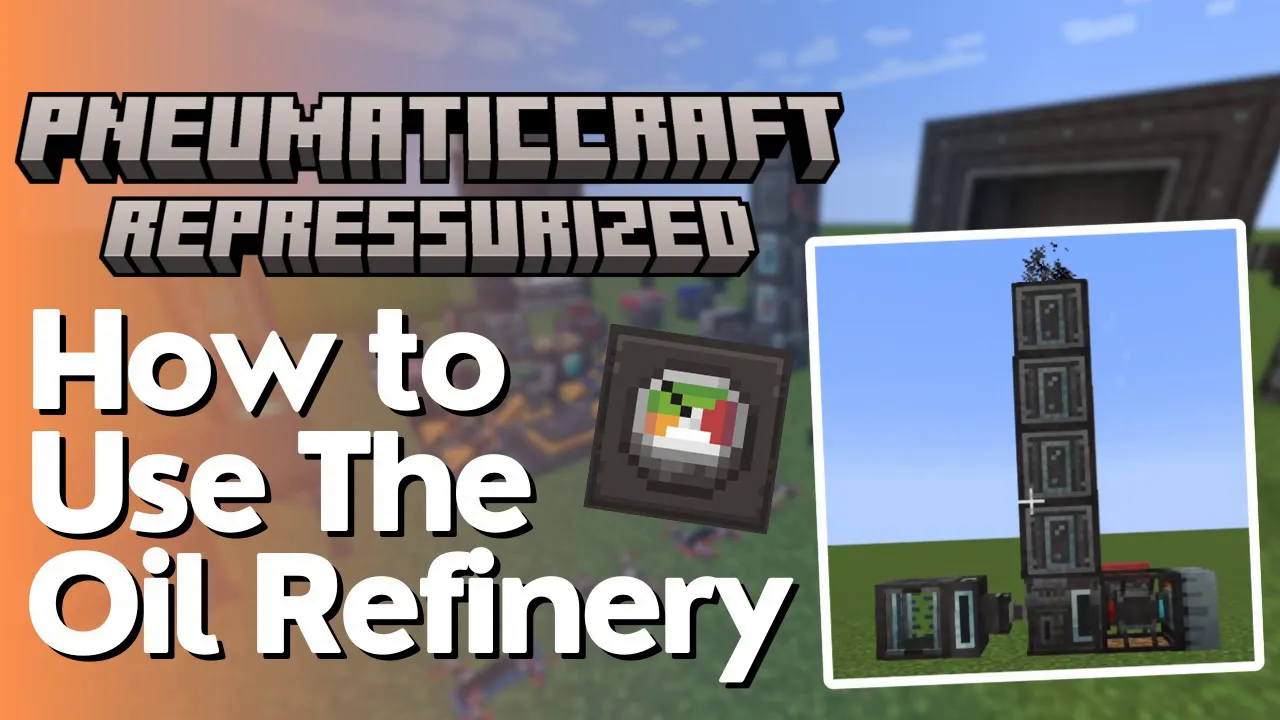
How to use the Oil Refinery in PneumaticCraft
How to Use the Oil Refinery in PneumaticCraft
Once you’ve successfully obtained crude oil, the next step is to process it into different fuels using the oil refinery. This tutorial will walk you through building and operating your own oil refinery in PneumaticCraft, from assembly to fuel production.
Building Your Oil Refinery
Setting Up the Main Structure
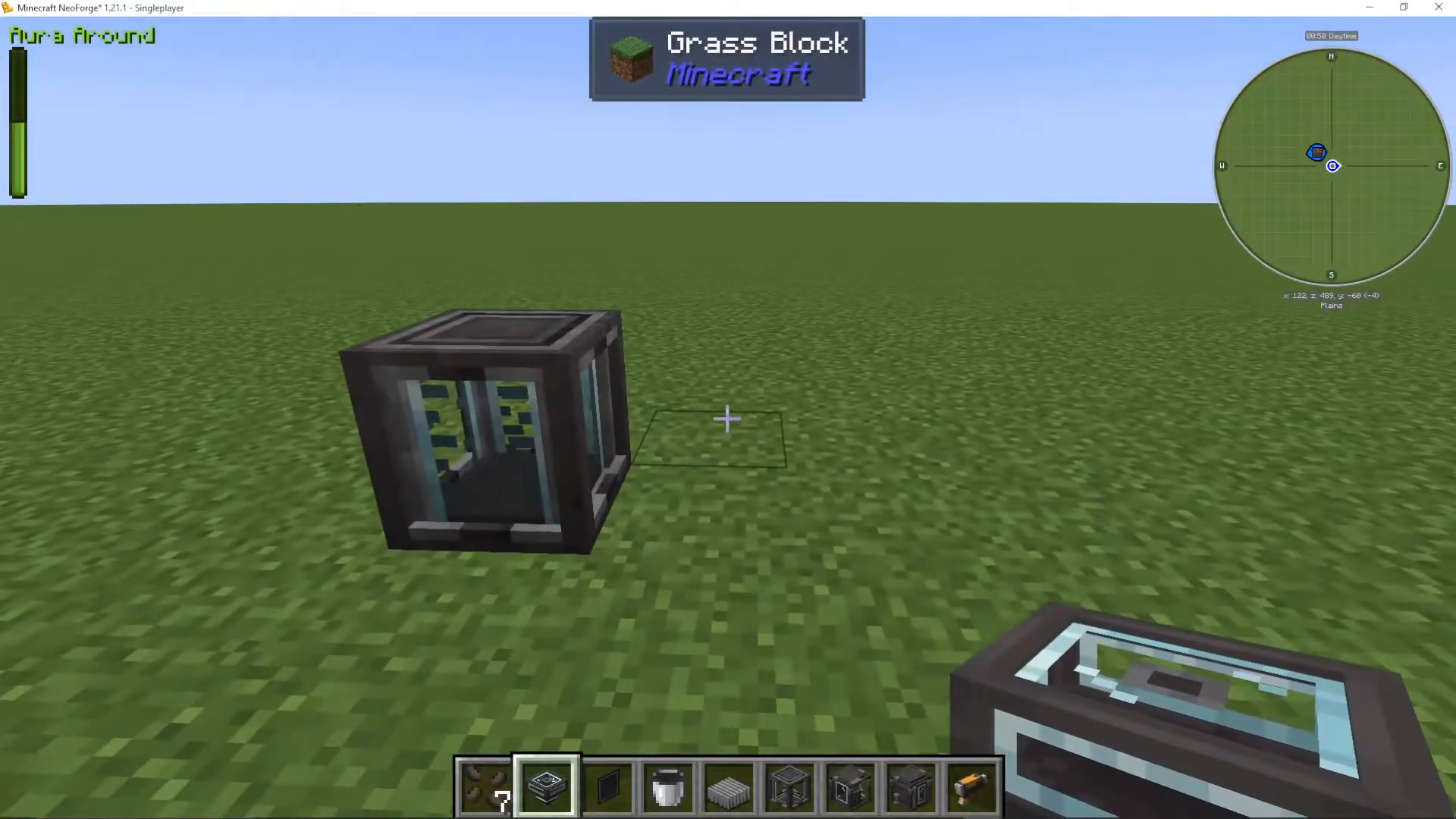
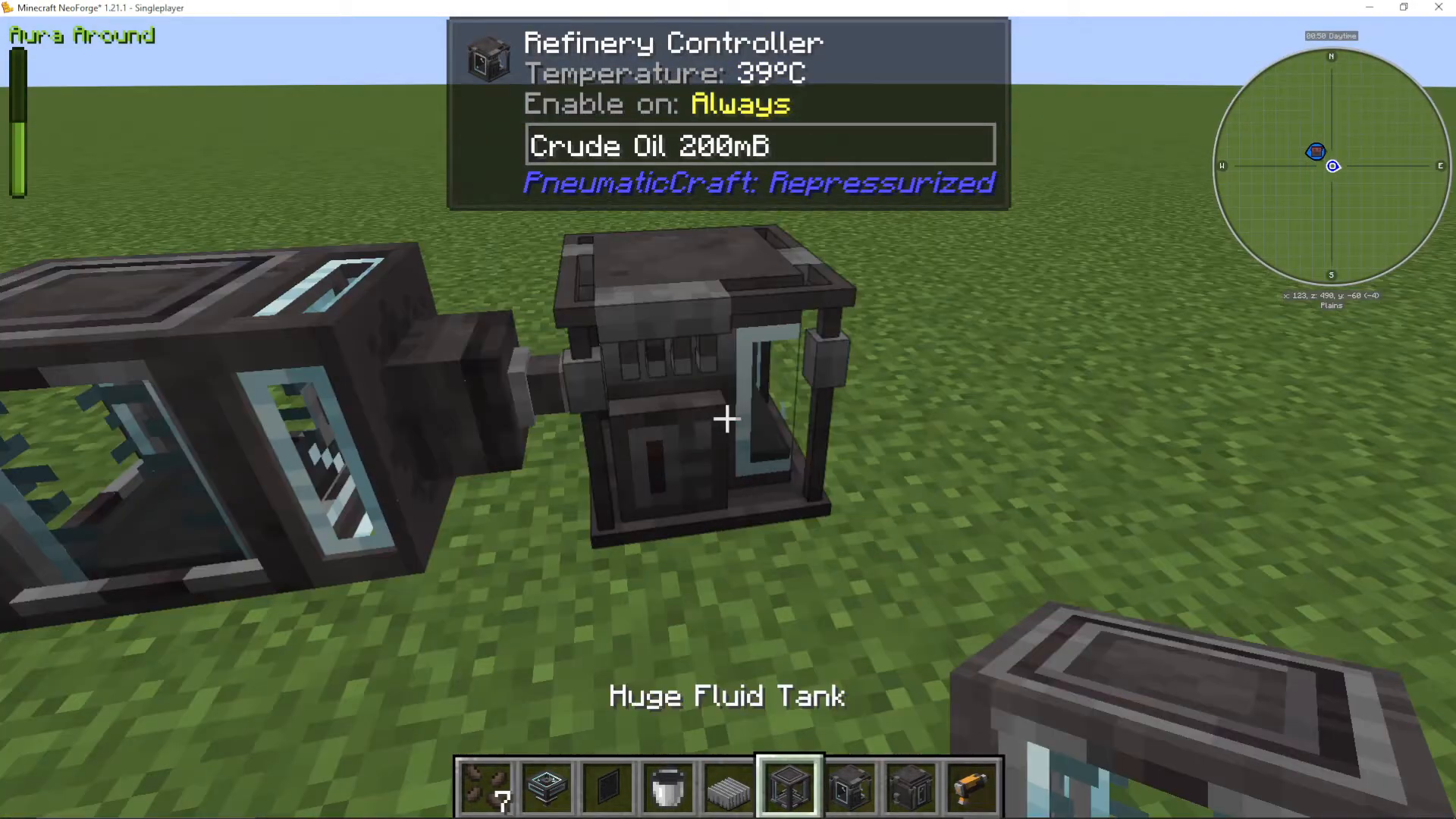
To get started, you’ll need to pipe in your crude oil from a fluid tank. Begin by placing your refinery controller, which is the central component of the entire refinery multiblock structure.
Next, take a liquid hopper and shift right-click it onto the refinery controller. This connects the hopper so it pulls oil from your tank into the refinery controller.
Adding Refinery Outputs
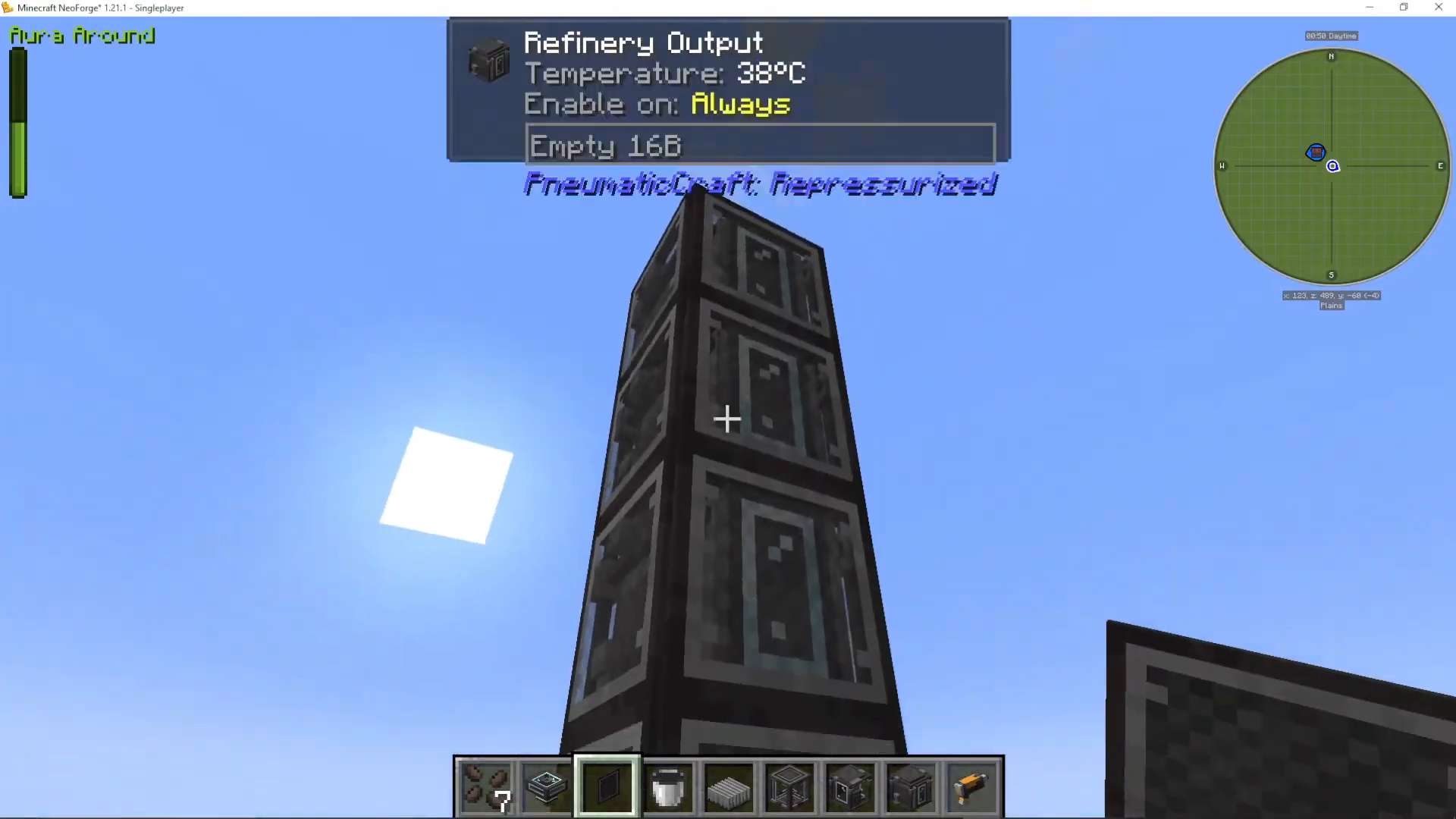
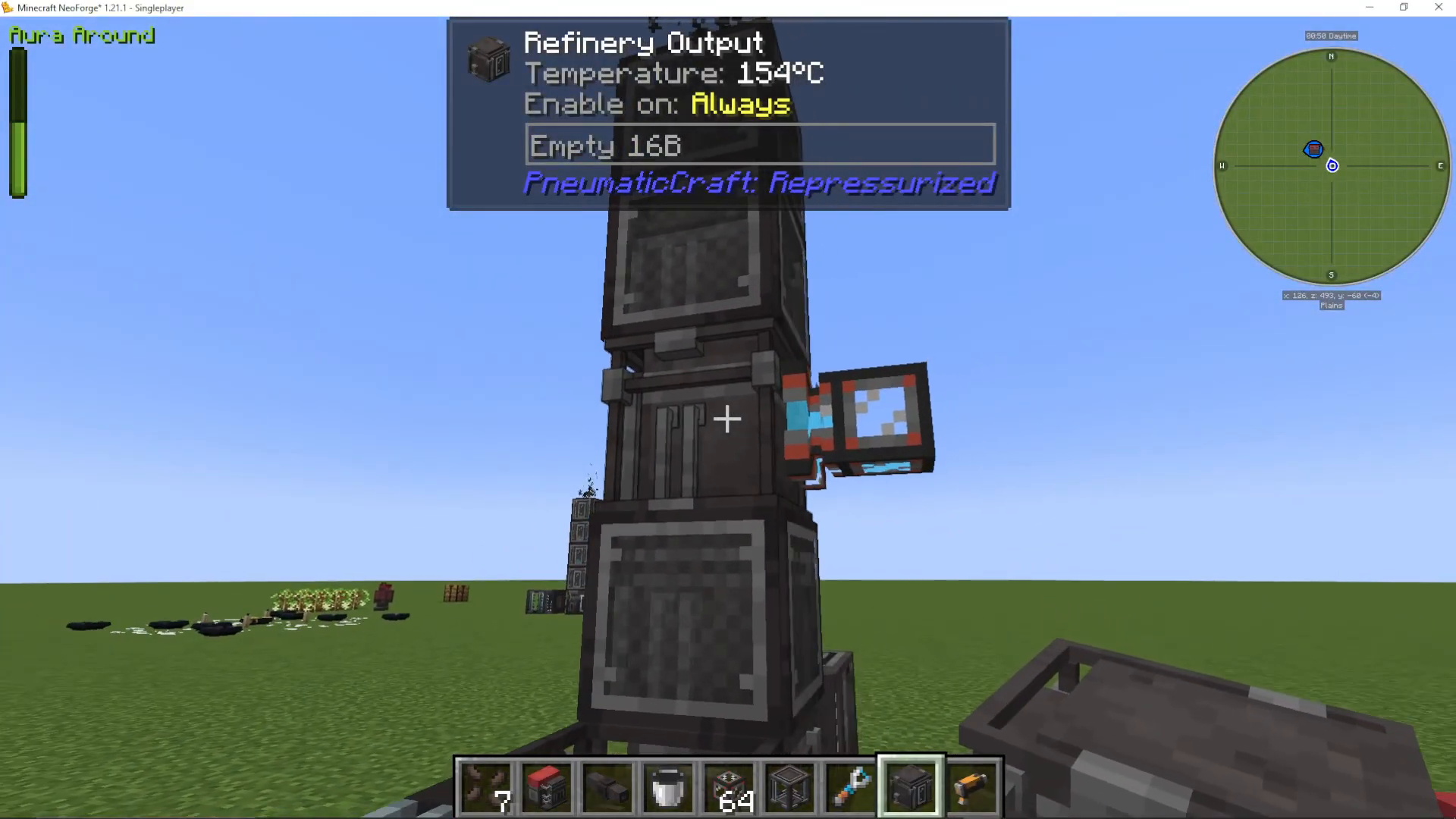
On top of the refinery controller, you need to place four refinery outputs. These outputs will dispense the four different fuels that the refinery produces from crude oil.
Installing Thermal Lagging
Once your multiblock is complete, you’ll notice the crude oil flows in but nothing happens—this is because the refinery needs to reach over 100 Celsius to operate. Heat naturally escapes from the refinery outputs, which wastes efficiency.
To prevent heat loss, craft thermal lagging from wool and glass. Shift-click the thermal lagging onto your refinery outputs to install it. This stops heat from escaping while still allowing you to interact with the blocks. A useful feature: you can left-click to target the refinery output itself, but must shift-click to target and break the thermal lagging. This thoughtful design prevents accidental block destruction.
Heating Your Refinery
The Vortex Tube Setup
To bring your refinery up to the required temperature, the best approach is to use a vortex tube paired with a heat sink. A vortex tube generates heat on one side and cold on the other when supplied with pressure.
Place the vortex tube against your refinery controller and use your pneumatic wrench to rotate it so the hot side faces the controller. Attach a heat sink to the cold side—it will dissipate that cold temperature into the air.
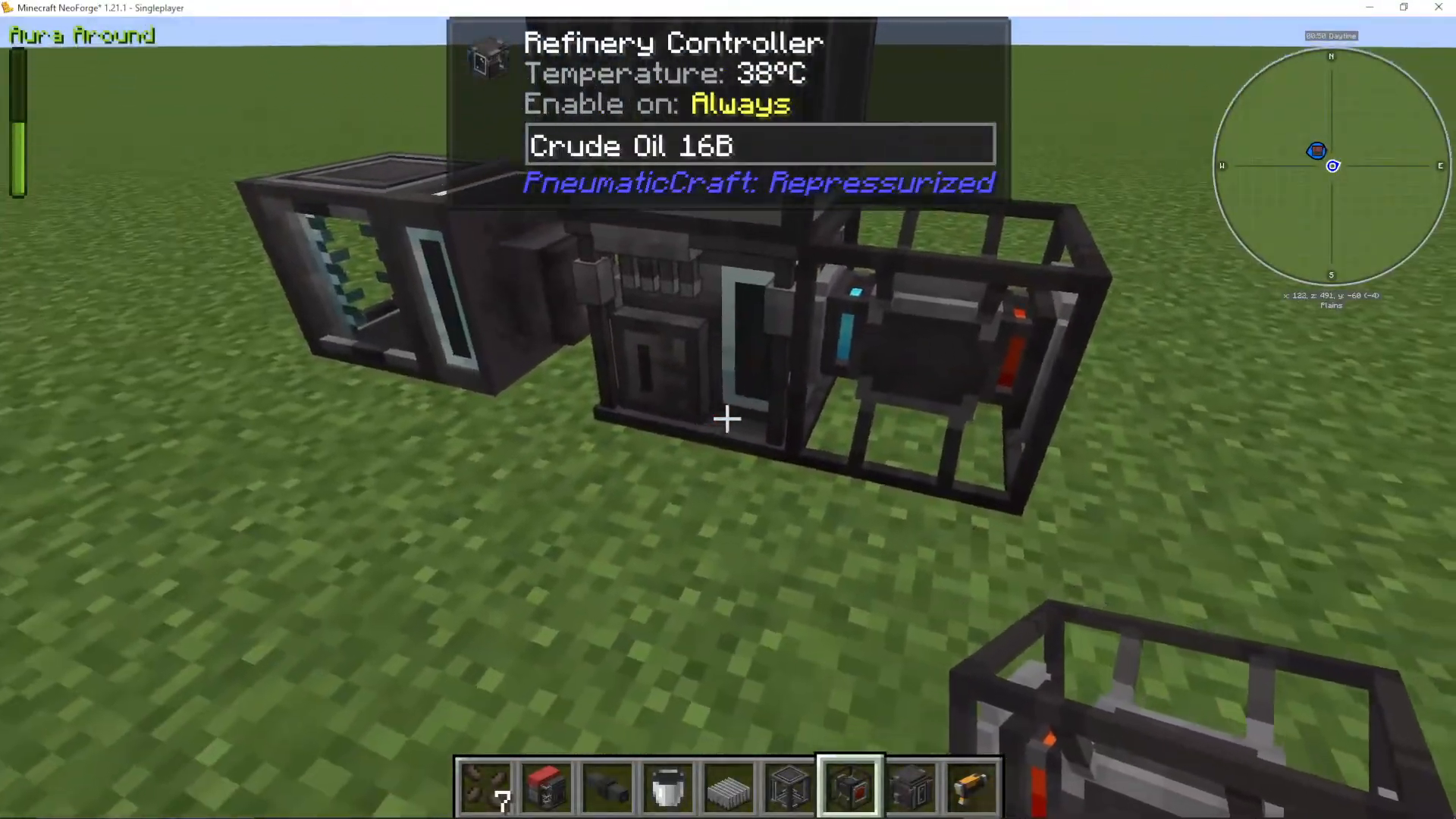
Powering the System
To power the vortex tube, connect an air compressor to it using pressure tubes. Add fuel (coal works well) and upgrade the compressor with security upgrades and speed upgrades as needed. As the compressor builds pressure, you’ll see the north temperature increase and the south temperature decrease on your vortex tube.
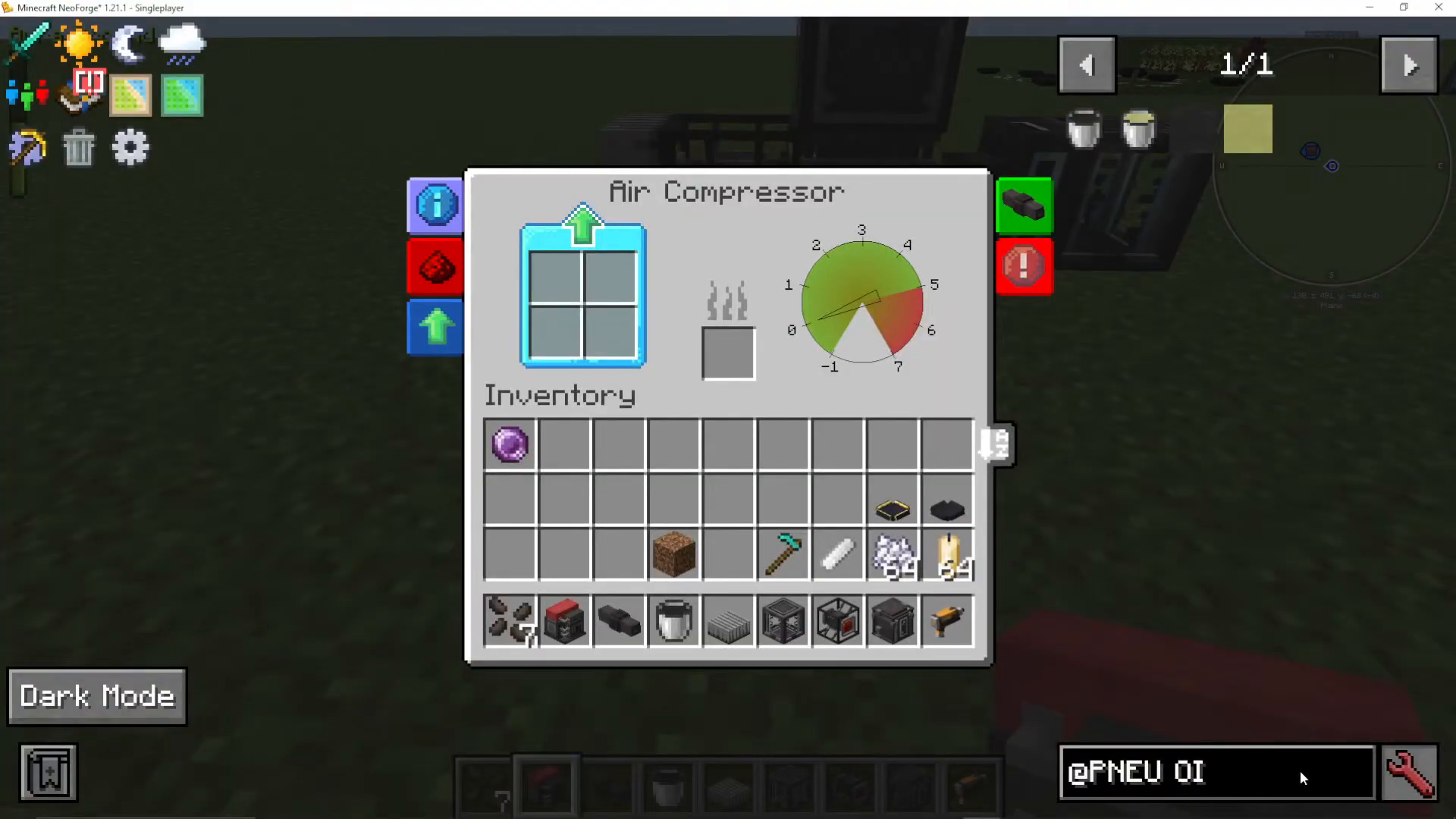
The heat sink will absorb the cold side temperature. Alternatively, you could place lava next to the refinery, but this is less ideal—lava solidifies and torches burn out. A vortex tube setup is the most reliable long-term solution.
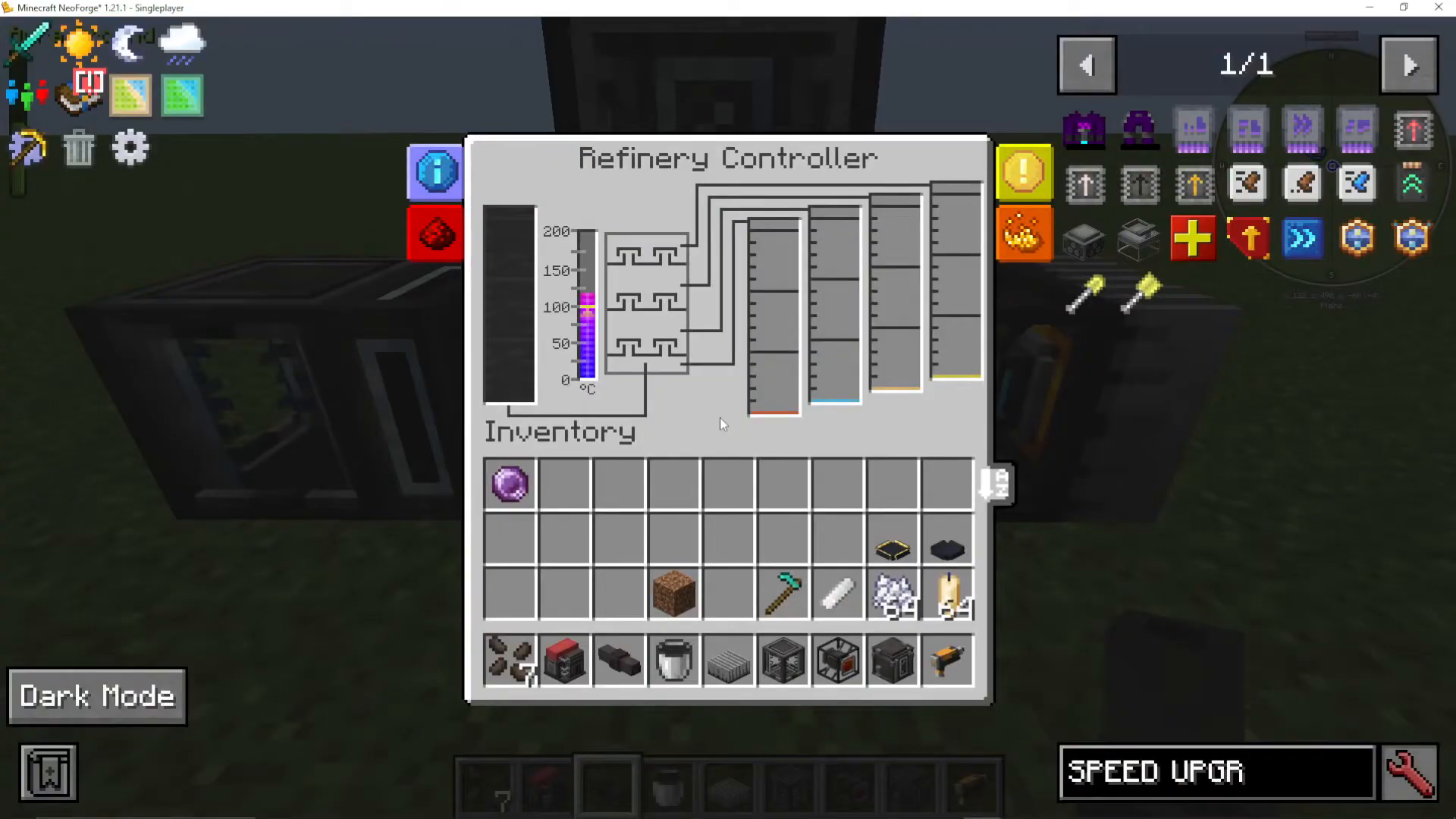
Fuel Production and Output
The Four Fuels
Once your refinery reaches operating temperature, it will begin producing four different fuels from crude oil:
Diesel (bottom output) – Can be processed with redstone in a thermopneumatic processing plant to create lubricant, which is essential for crafting many other components
Kerosene (second output from bottom) – Can be converted into gasoline
Gasoline (third output from bottom) – Can be converted into LPG
LPG (top output) – Can be processed into molten plastic, which is your gateway to producing plastic components
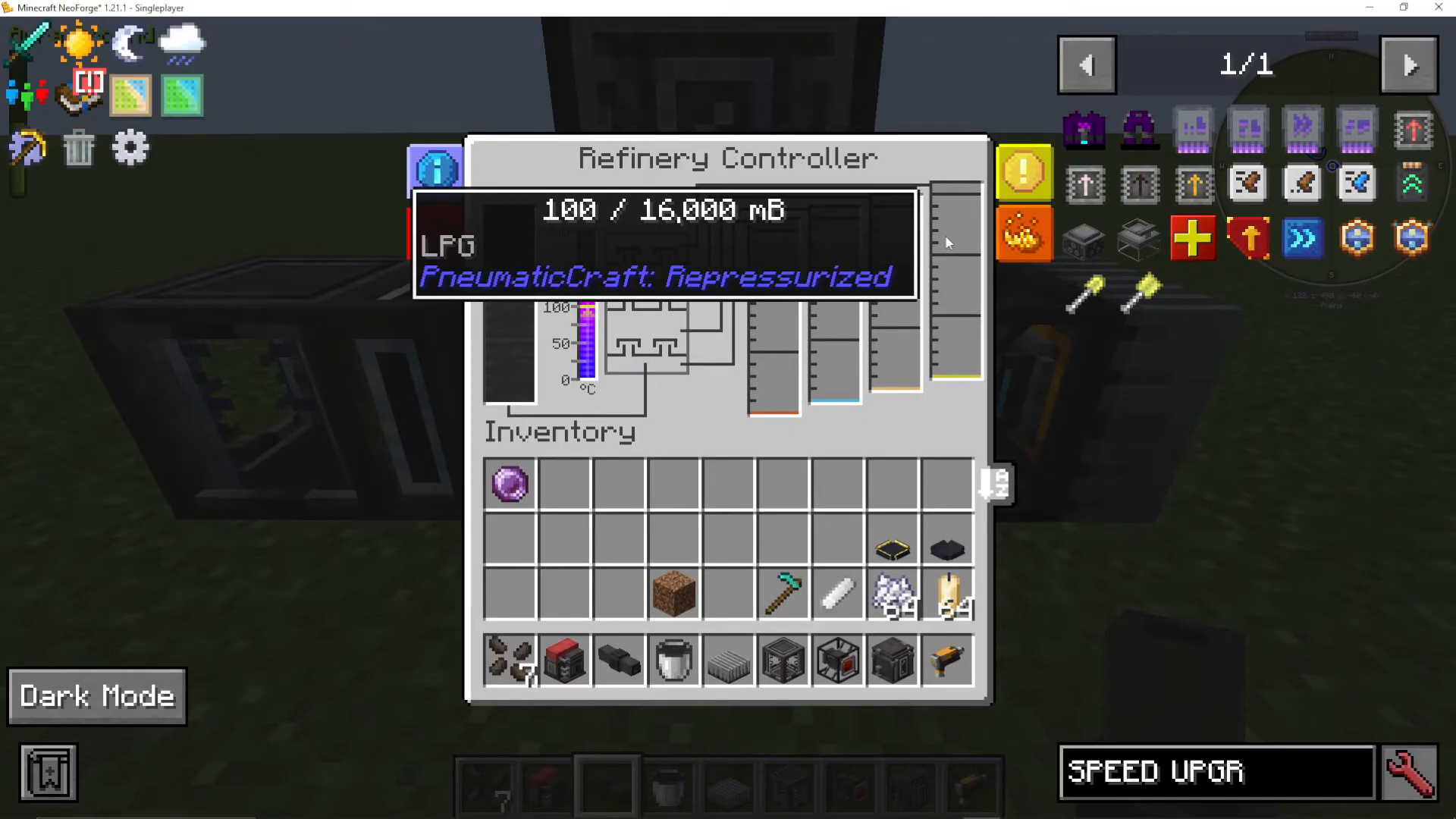
Extracting Your Fuels
To remove fuels from your refinery, leave one side of each thermal lagging output open. You can then pump out the liquid using whatever fluid tubing system you prefer—mechanical cables work well for this purpose. Simply connect your tubing to the exposed output and route the fuel to your storage or processing systems.
Summary
You now have a fully functional oil refinery that converts crude oil into four essential fuels. The key components are the refinery controller, four outputs with thermal lagging, a vortex tube for heat generation, and an air compressor for pressure. With this setup, you can reliably produce diesel, kerosene, gasoline, and LPG—the foundation for advanced PneumaticCraft processing and plastic production.
— Want to Support? —
If you would like to help us continue making these guides – please consider joining our patreon here – https://www.patreon.com/c/JaviHeals
Alternatively – we host a group of MC Servers you can join here – https://discord.gg/zD7Gjt6MHF



