







How To Use The Induction Furnace In IC2
How To Use The Induction Furnace In IC2
The Induction Furnace is one of the most useful smelting tools in Industrial Craft 2 (IC2). In this guide, we’ll walk you through everything you need to know to operate this machine efficiently, from basic operation to optimization tips using upgrades and redstone signals.
Understanding the Induction Furnace Basics
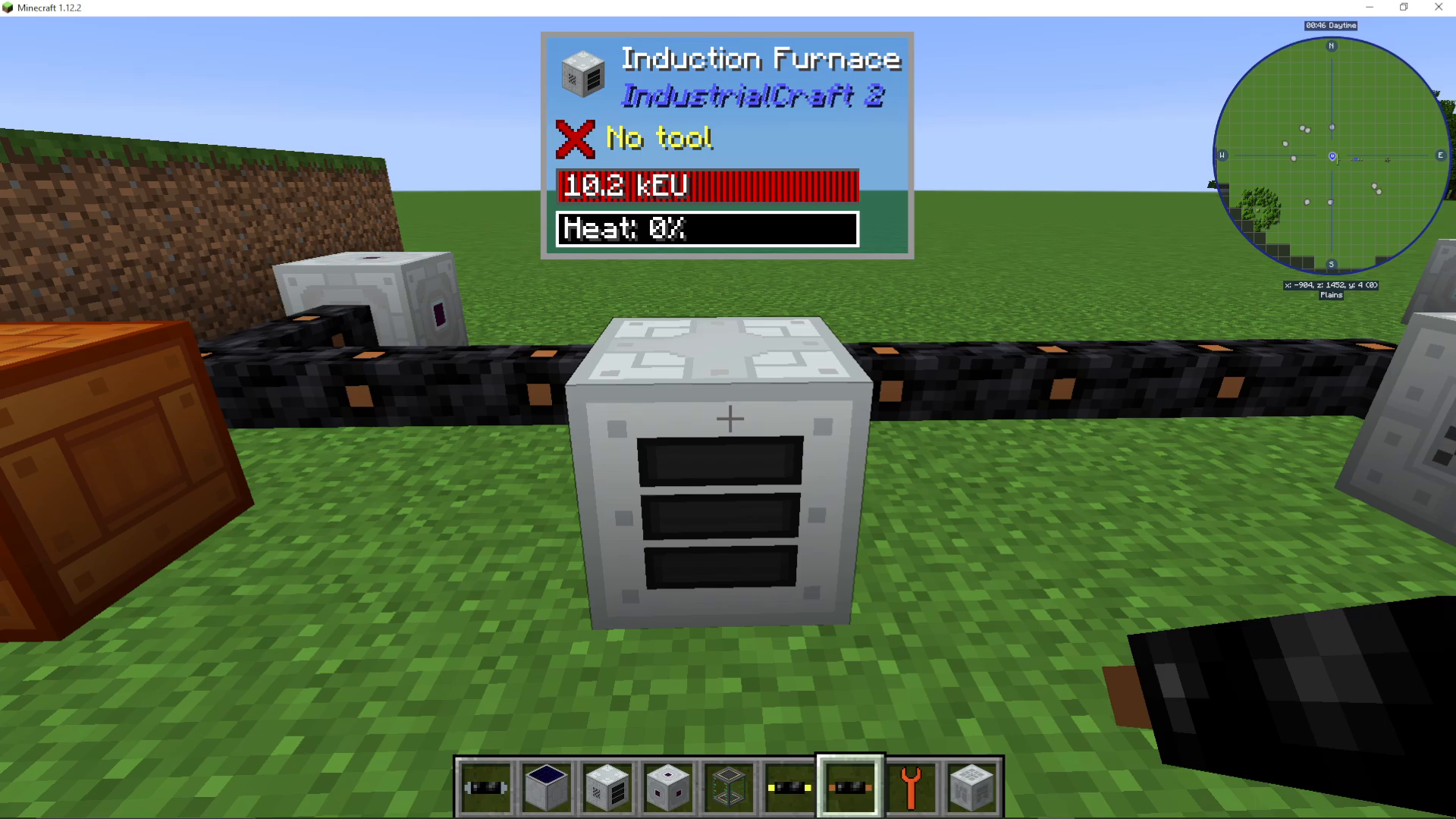
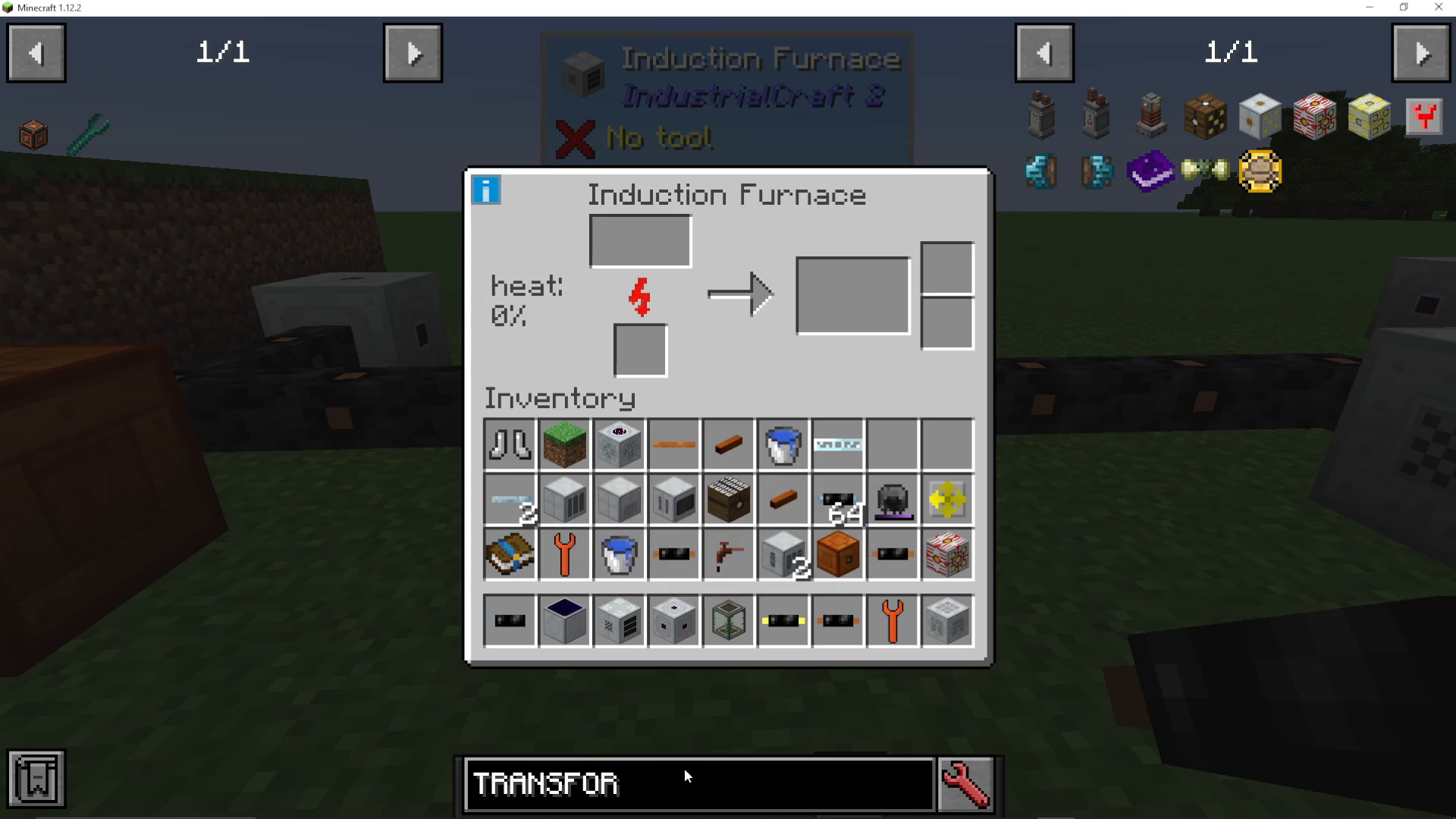
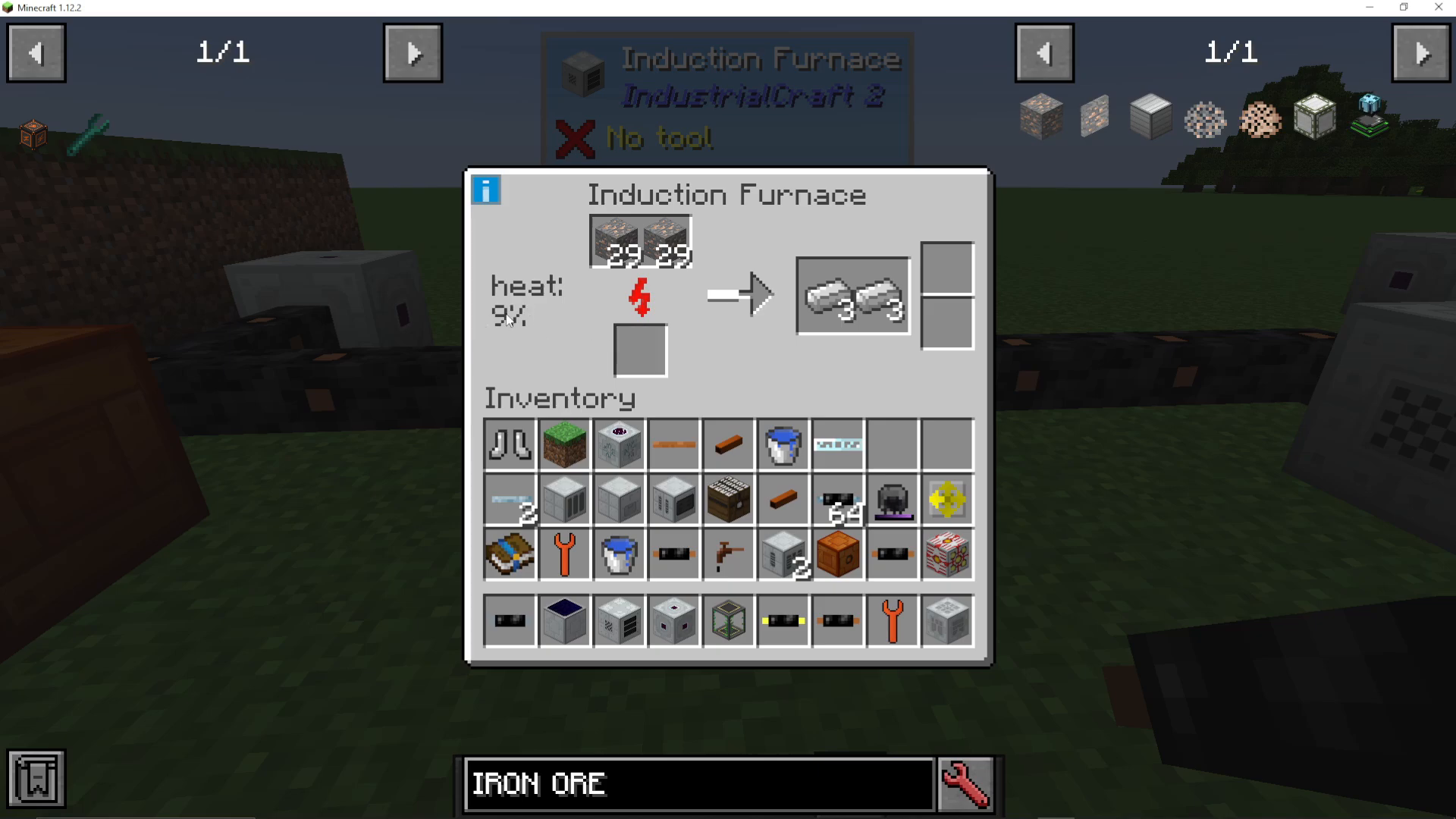
The Induction Furnace is a medium voltage machine that automatically smelts ores for you. To begin, right-click on the machine to open its interface. You’ll notice it displays a “Heat 0%” indicator, which is crucial to understanding how this machine works.
Loading and Smelting Ores
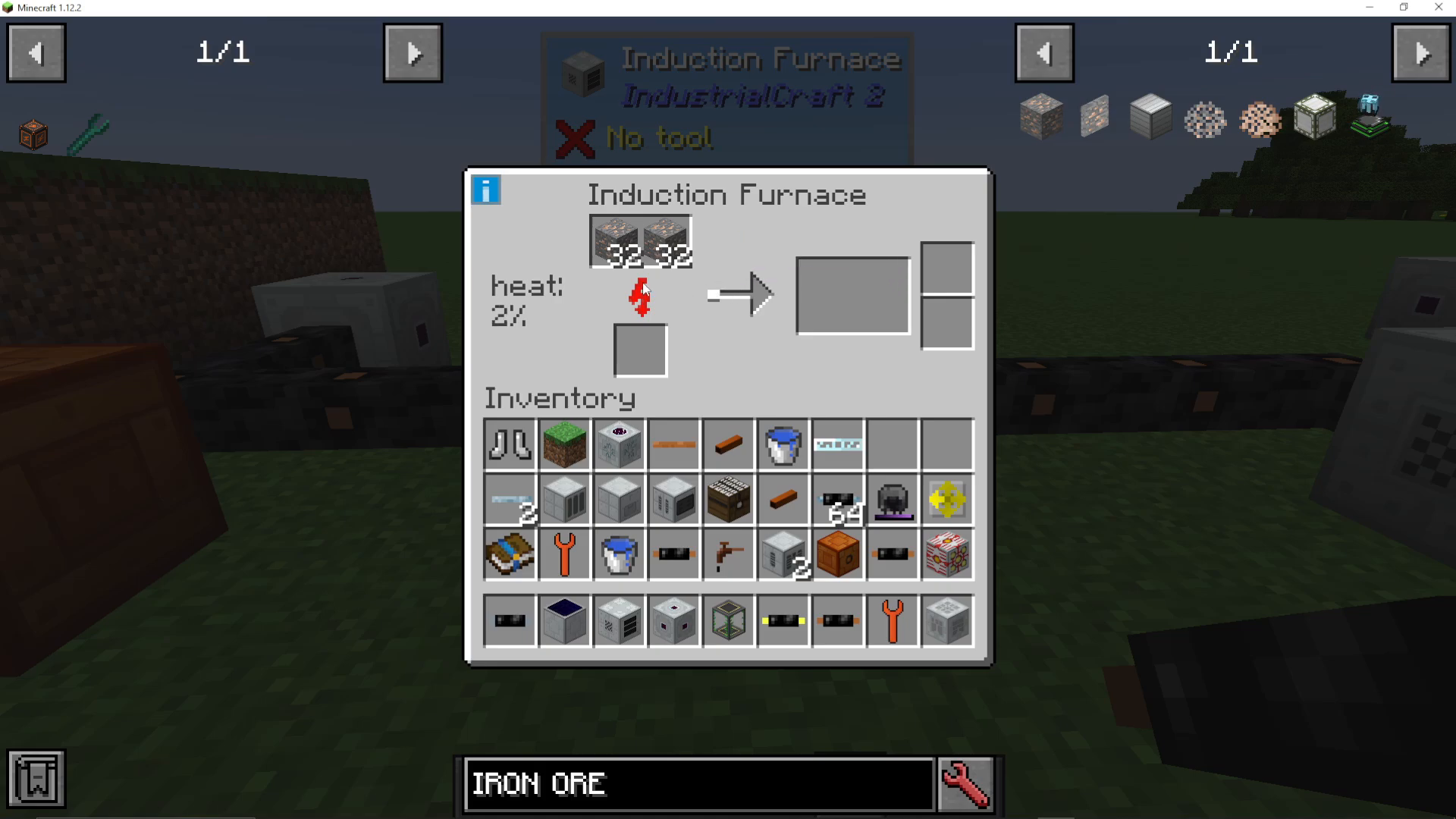
To start smelting, gather a stack of iron ore or any other ore you’d like to process. The Induction Furnace allows you to place up to two stacks of ore in the input slot. Once loaded, the machine will begin smelting your ores.
Initially, the smelting process appears quite slow. However, as the heat percentage increases, you’ll notice the smelting speed accelerates significantly. This heat mechanic is the key to understanding the machine’s efficiency.
How Heat Affects Smelting Speed
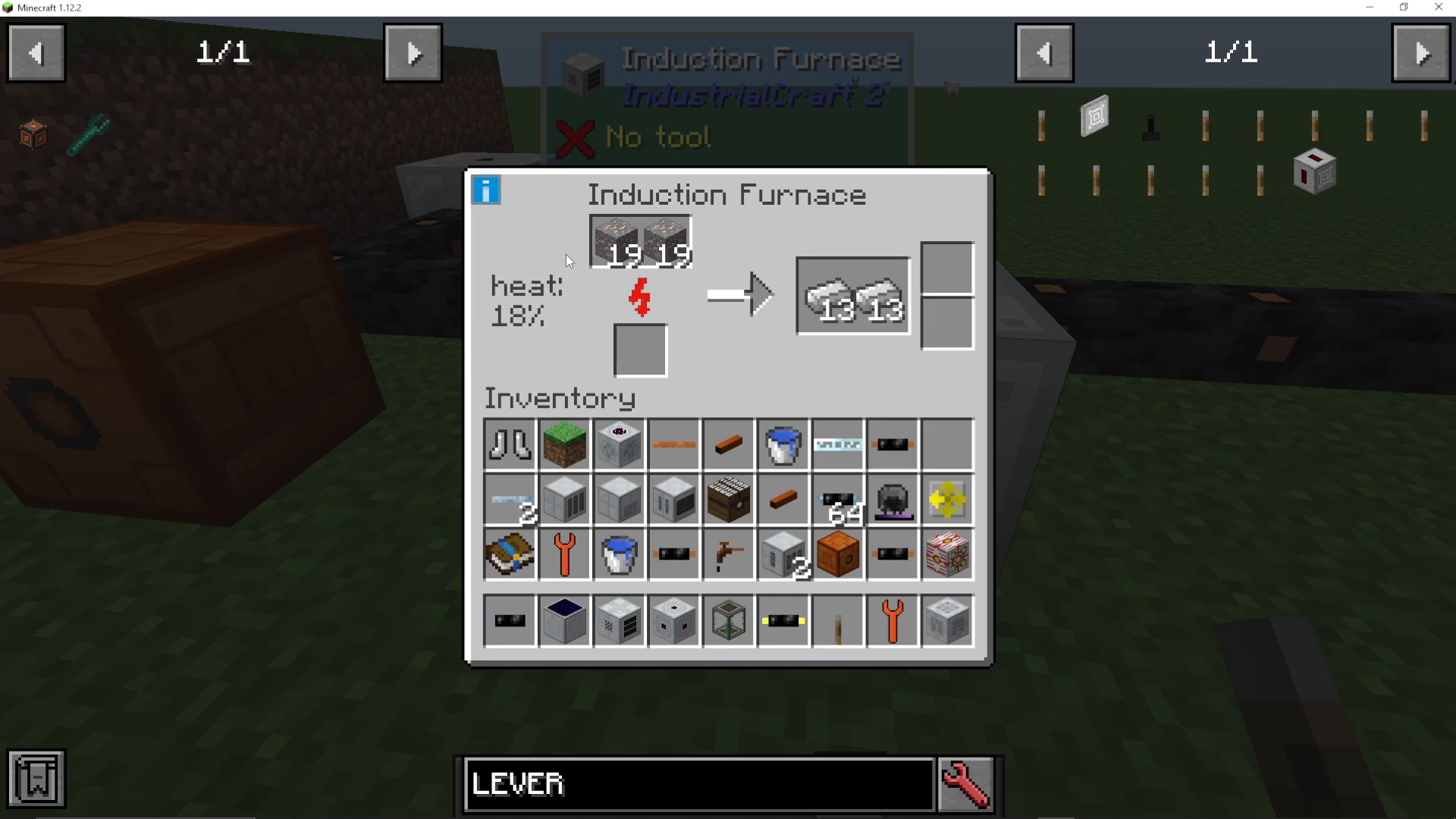
The heat percentage directly impacts how quickly the Induction Furnace processes ores. At 0% heat, smelting is very slow, but as the percentage climbs toward 100%, the machine speeds up considerably. Even at just 20% heat, you’ll notice a substantial improvement in processing speed. Once the machine reaches full heat (100%), it will smelt items remarkably fast.
Using Redstone Signals to Maintain Heat
If you want to keep your Induction Furnace at peak heat for consecutive batches of ore, you can apply a redstone signal to the machine. To do this, simply place a lever on the side of the machine and turn it on.
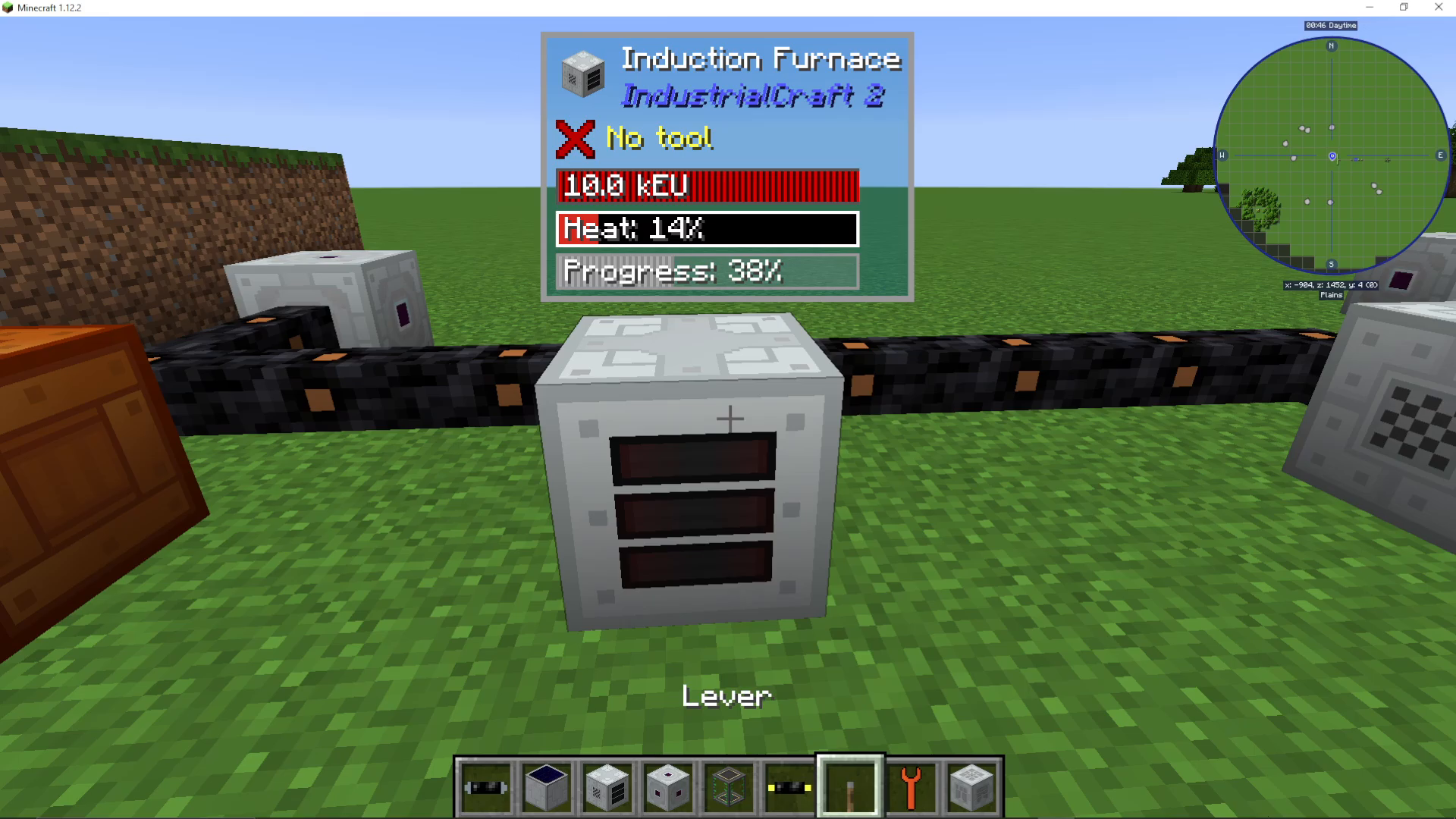
When a redstone signal is active, the heat will remain powered up even after you remove the ores from the machine. This means your next batch will start processing at maximum speed immediately.
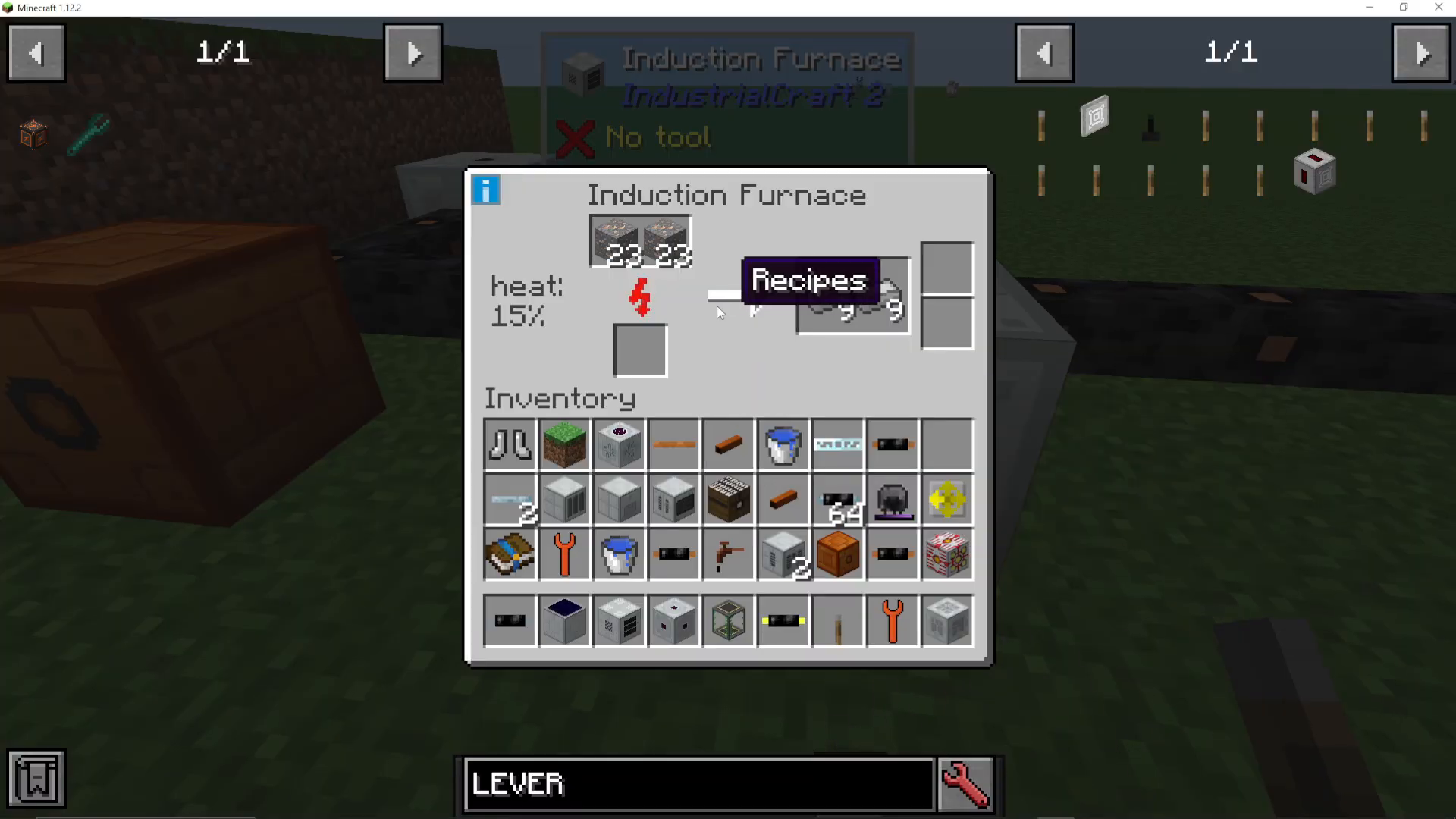
Important Note: The downside to keeping a redstone signal active is that the machine will continuously draw power from your EU supply, even when no ores are being processed. The heat will continue to increase up to 100% and remain there as long as the redstone signal is active.
Machine Upgrades and Slots
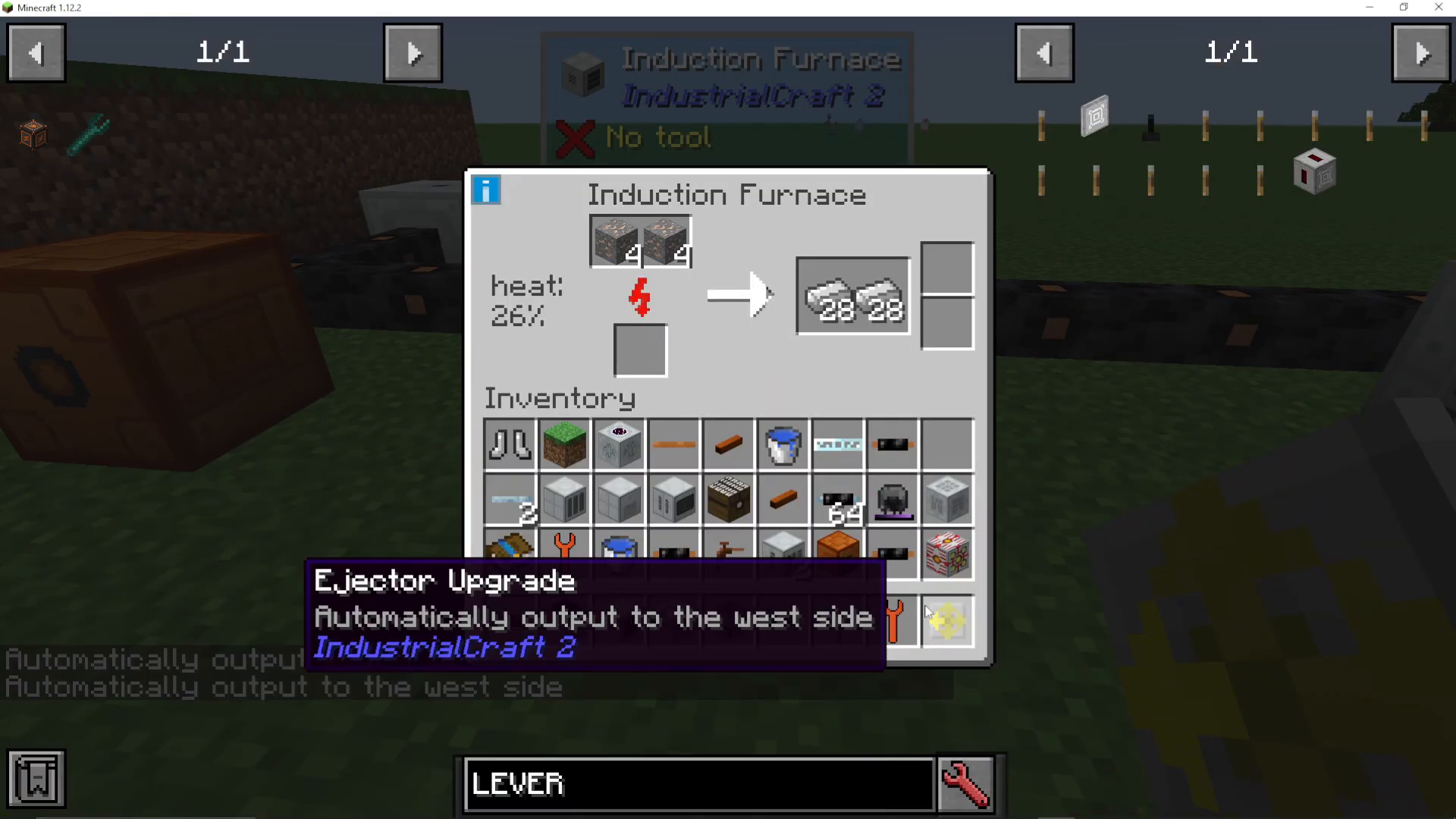
The Induction Furnace has two upgrade slots available, which is fewer than many other IC2 machines. You can install upgrades such as an Ejector Upgrade or Pulling Upgrade to enhance the machine’s functionality.
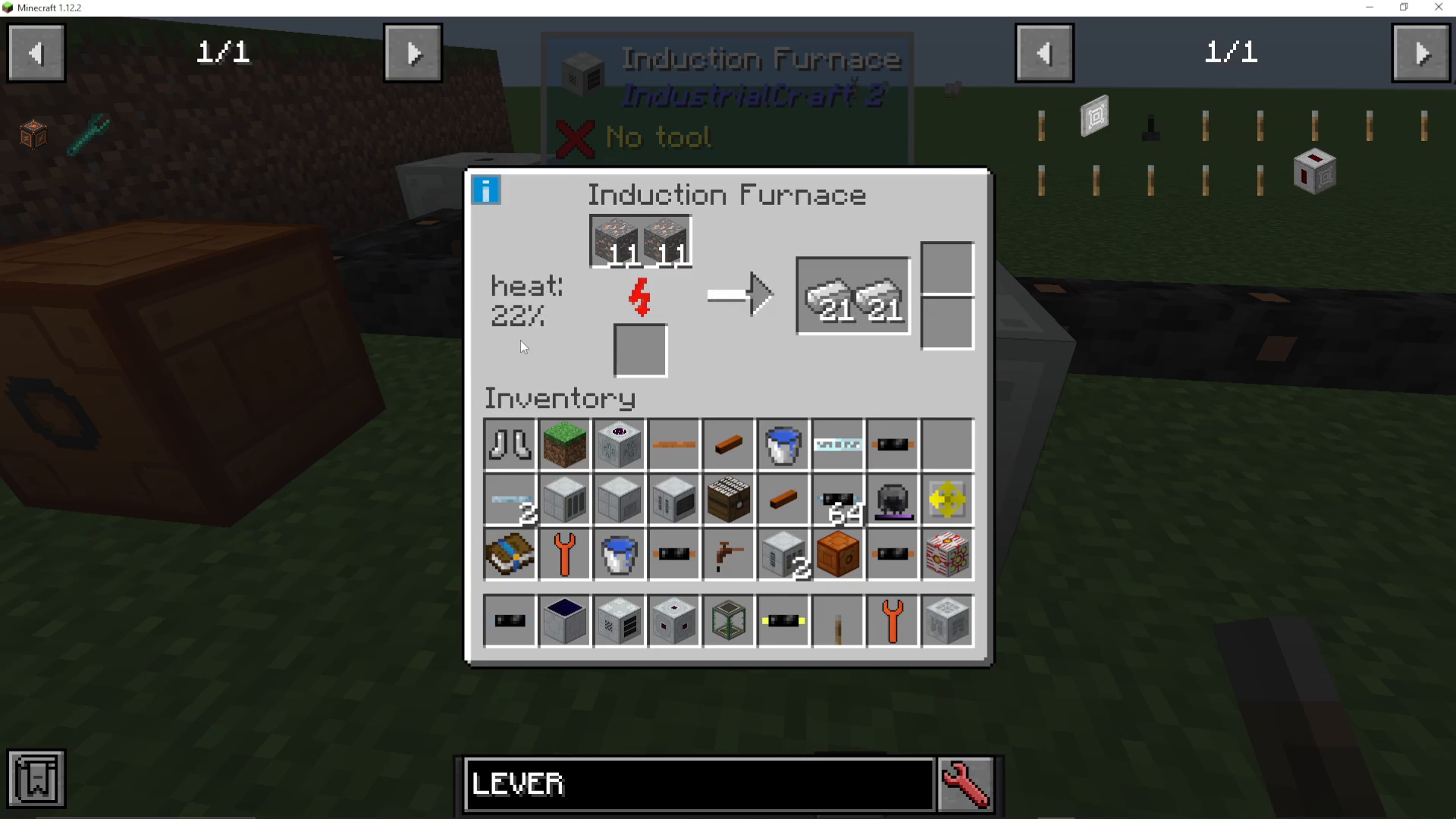
Installing an Ejector Upgrade
An Ejector Upgrade allows the machine to automatically output processed ores into adjacent containers. To install it, shift right-click the upgrade onto the side of the machine where you want items to be ejected.
Once installed, place a chest (or other inventory) on that side of the machine. The Induction Furnace will now automatically eject smelted ores directly into the connected container, streamlining your operation.
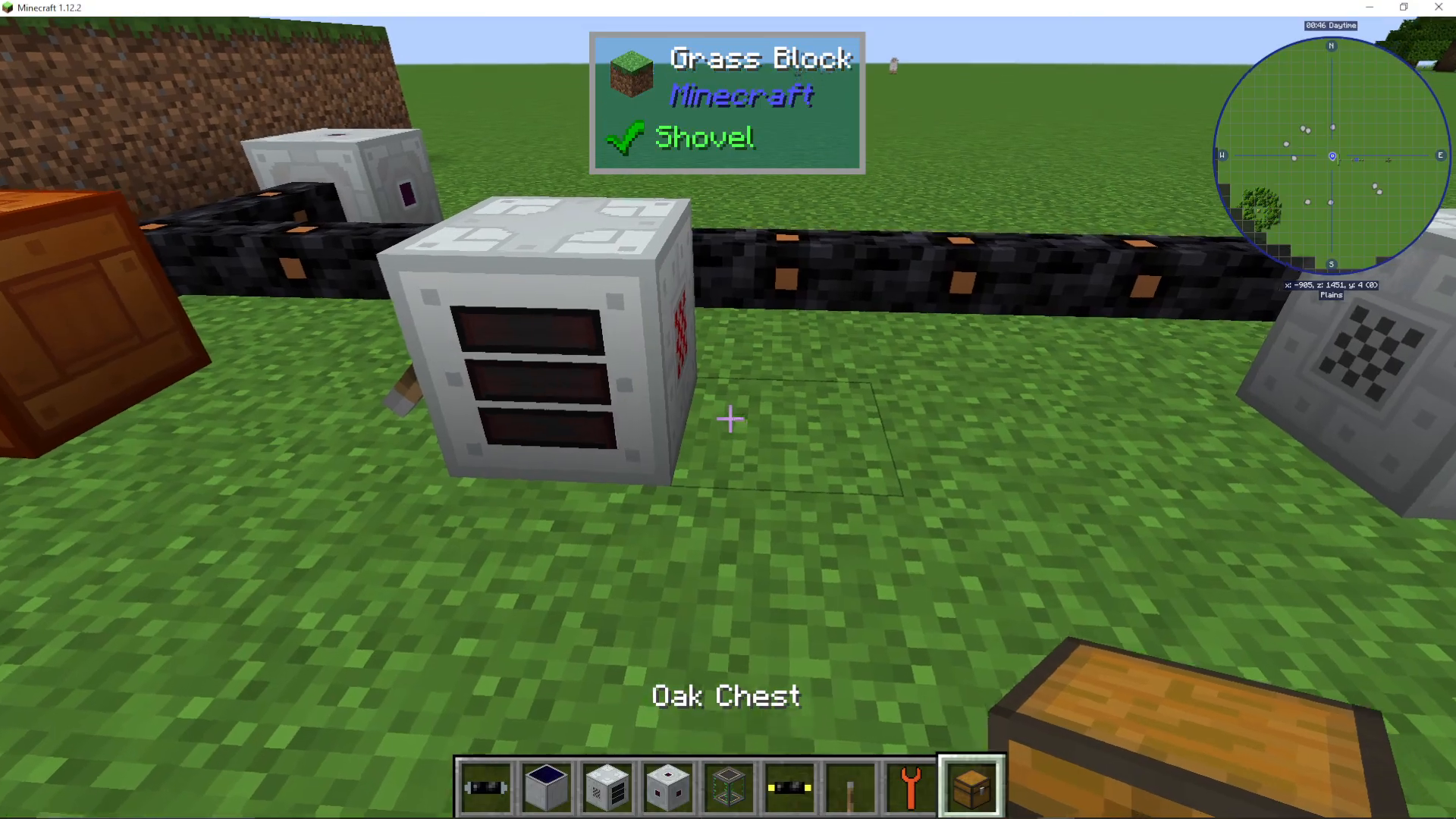
Managing Heat Levels
With a redstone signal active, the machine will continue heating even when empty. You’ll see the heat percentage climb steadily toward 100%. To stop this and allow the machine to cool down, simply turn off the redstone signal. The machine will then cool down relatively quickly once it’s no longer processing items.
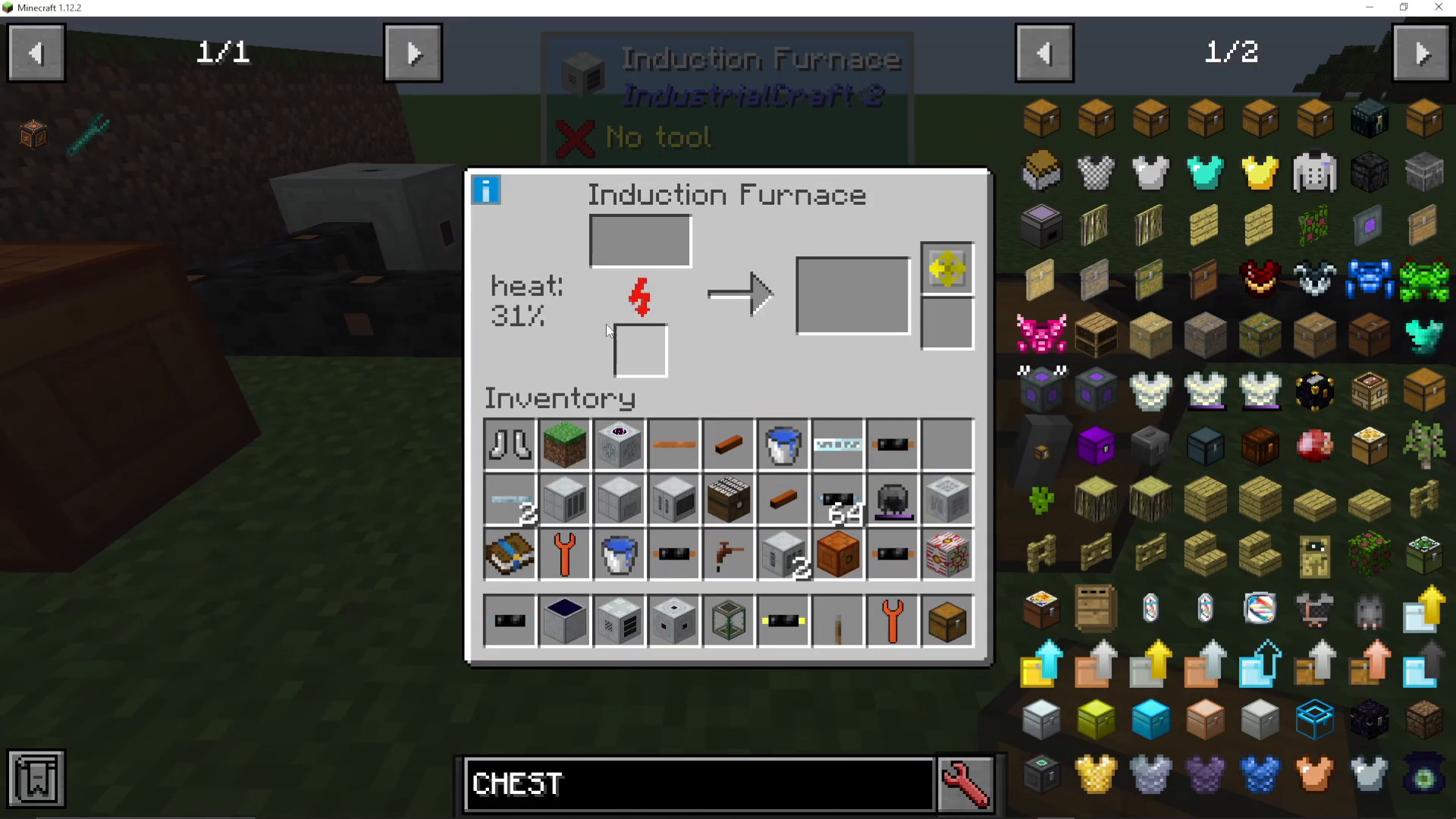
Summary
The Induction Furnace in Industrial Craft 2 is an excellent smelting solution once you understand its heat mechanics. Start by loading ore into the input slot and allow the heat to build naturally, or use a redstone signal to maintain constant heat for batch processing. Enhance your setup with an Ejector Upgrade for automatic output, and you’ll have a fully automated smelting operation. Remember to balance the power cost of maintaining heat against your EU generation capacity.
Want to Support?
If you would like to help us continue making these guides – please consider joining our patreon here – https://www.patreon.com/c/JaviHeals
Alternatively – we host a group of MC Servers you can join here – https://discord.gg/zD7Gjt6MHF



