







How To Use Crafters In EnderIO
How To Use Crafters In EnderIO
This complete tutorial will walk you through everything you need to know about using crafters in EnderIO. Whether you’re working with the Simple Crafter or upgrading to the standard Crafter, we’ll cover setup, configuration, recipes, and performance optimization.
Understanding the Two Crafter Types
EnderIO offers two crafter versions: the Simple Crafter and the upgraded standard Crafter. Both function similarly but with key differences in features and efficiency.
The Simple Crafter: Basics
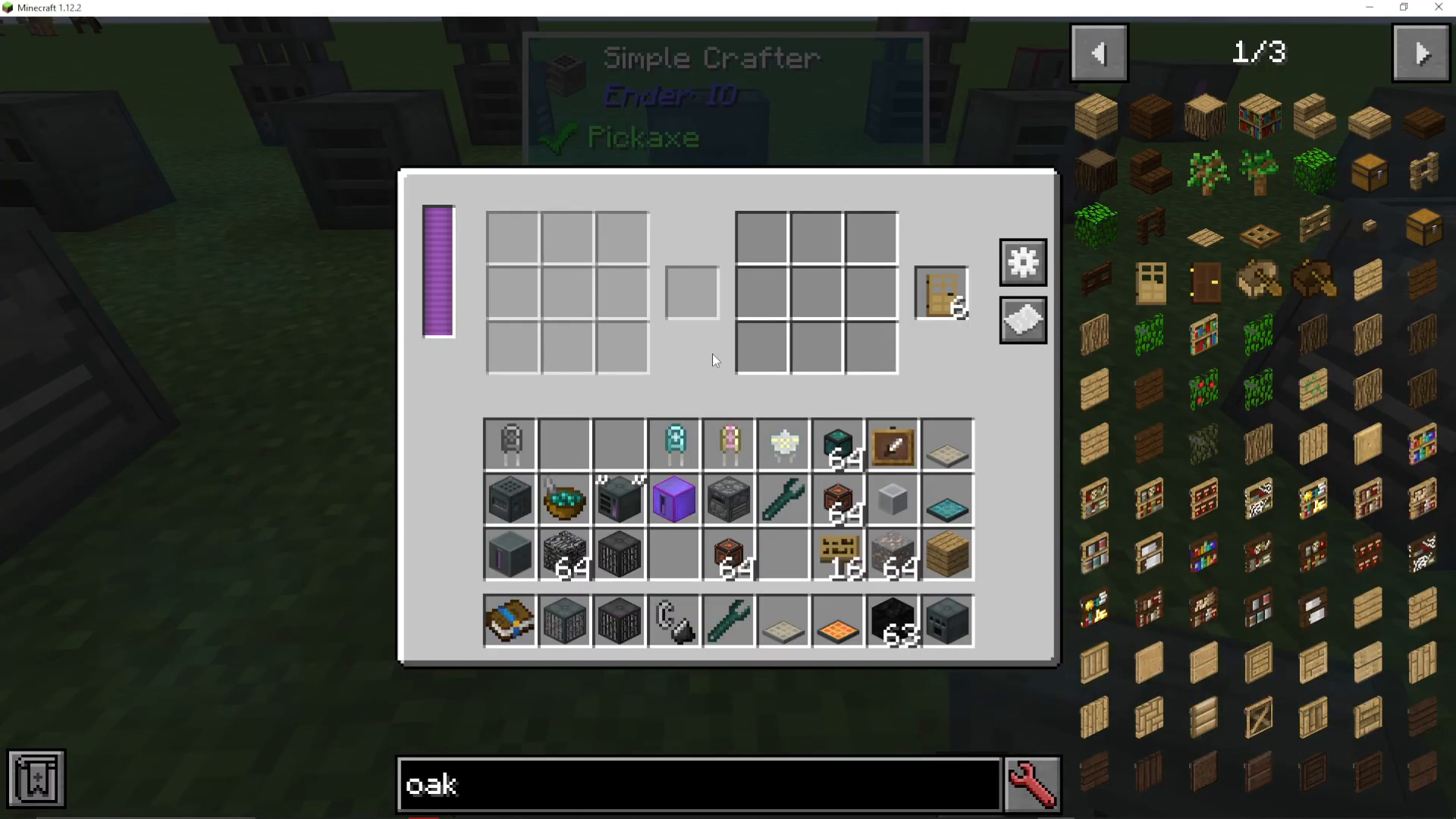
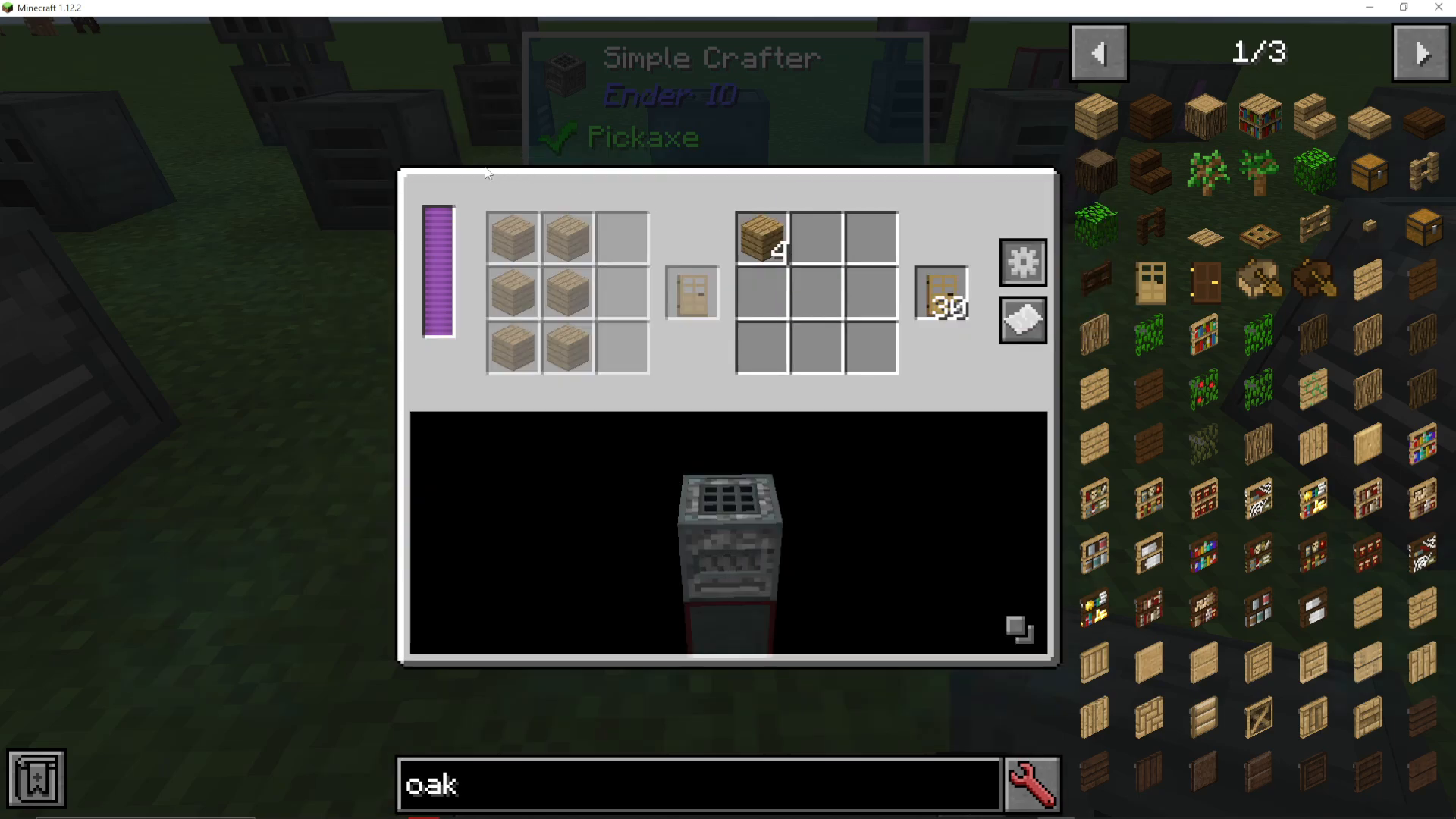
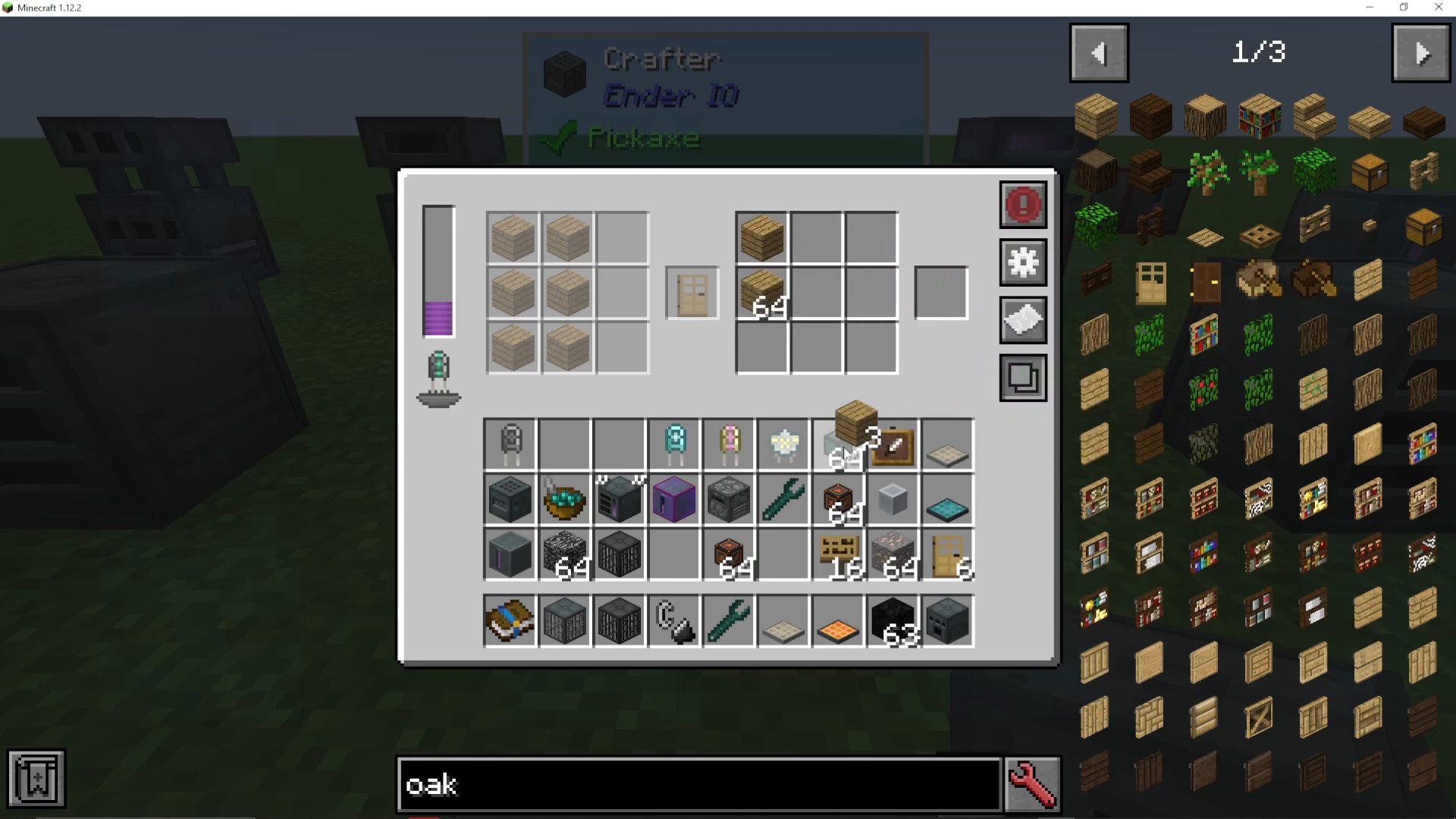
The Simple Crafter features two crafting grids side by side. The left grid is grayed out—this is where you place your recipe. The right grid is where you input your resources for crafting.
Setting Up Your Recipe
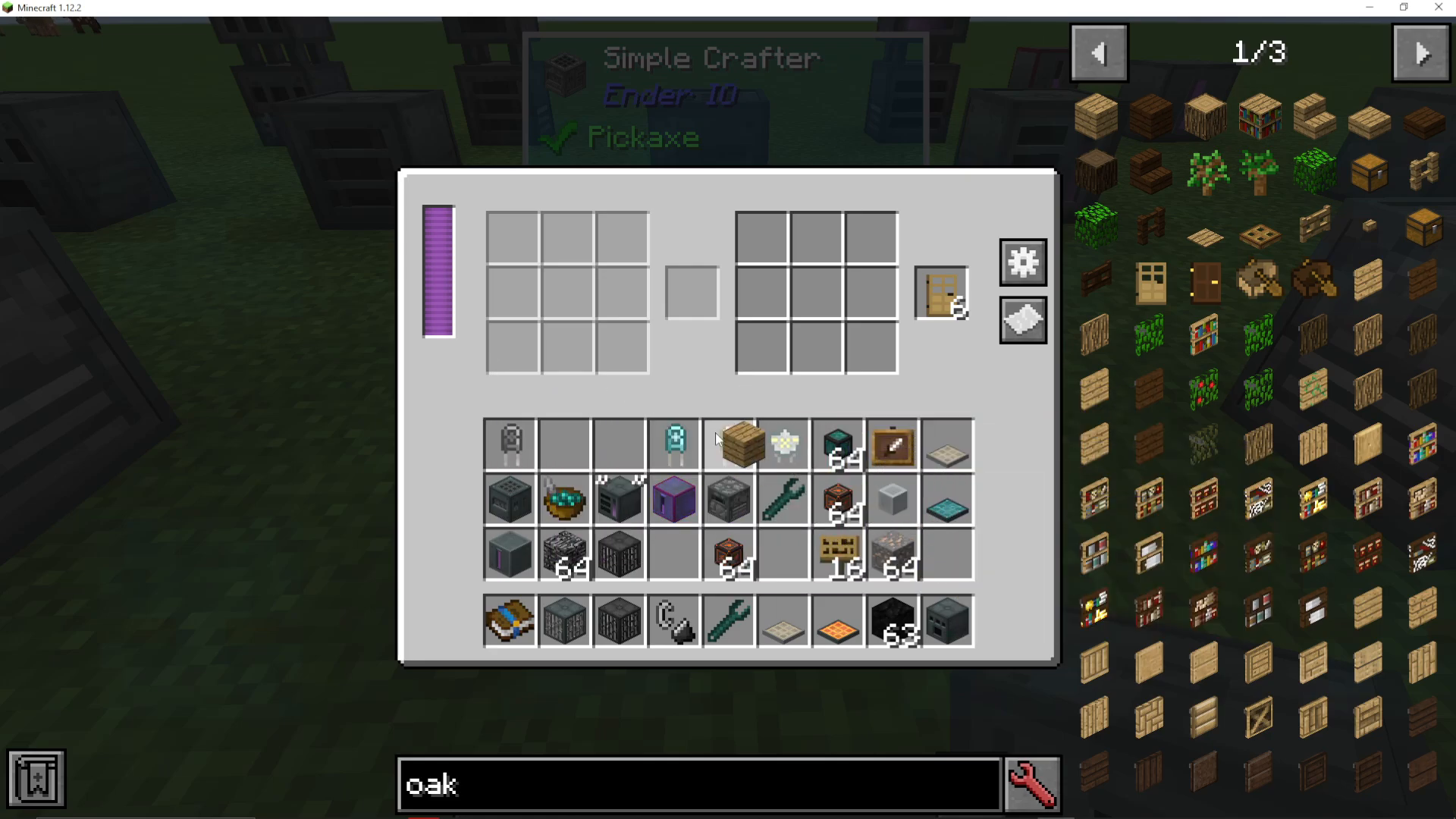
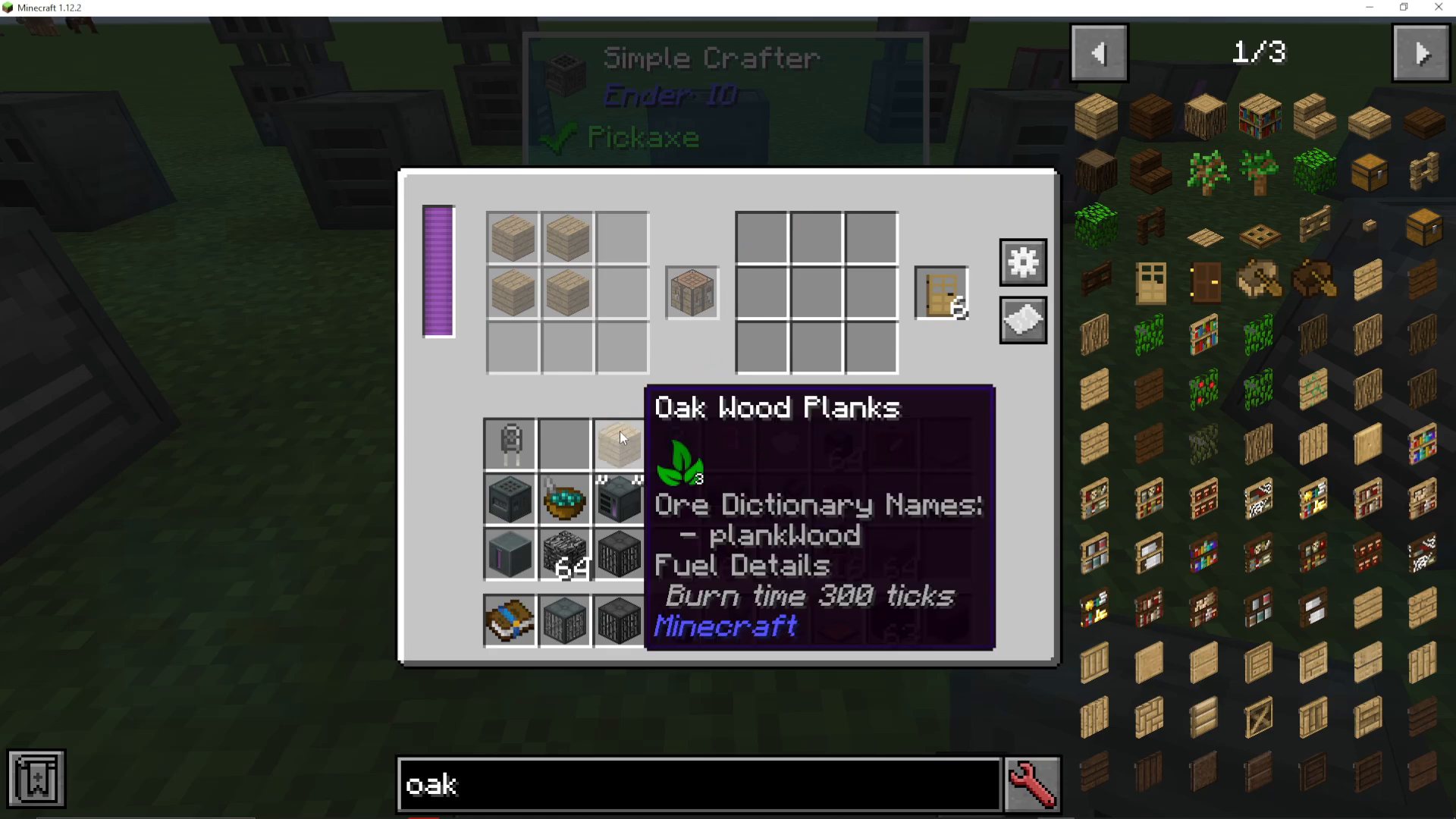
To create a recipe, left-click and drag your items into the left (grayed out) grid. For example, you can arrange materials to make a door or use a full crafting table layout. Once your recipe is set, place the required resources in the right-hand crafting grid.
Automatic Crafting
Once you’ve configured your recipe and added resources, the crafter will automatically begin production. It will continuously craft items according to your recipe, consuming resources from the right grid until supplies run out.
Configuring Input and Output Sides
To connect your crafter to external inventories like chests, click the cog wheel icon to access side configuration.
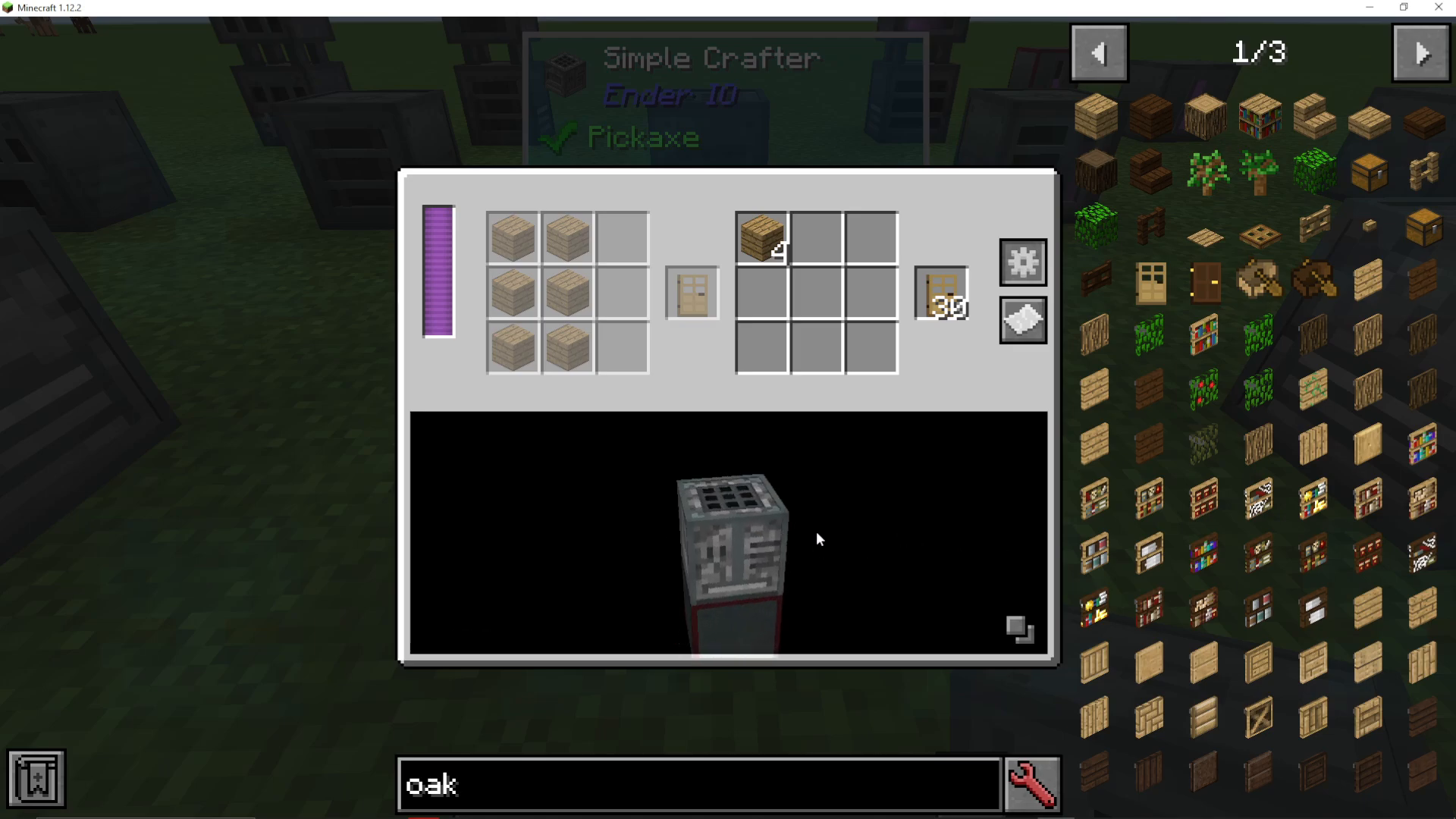
Input and Output Colors
Each side can be configured as input or output:
Blue = Input (materials pulled into the machine)
Orange = Output (finished items pushed out)
Configuration Options
Right-click a side to set it as “push” (output) or “pull” (input). You can place output chests on one side and input chests on another. If needed, you can even configure input and output on the same side.
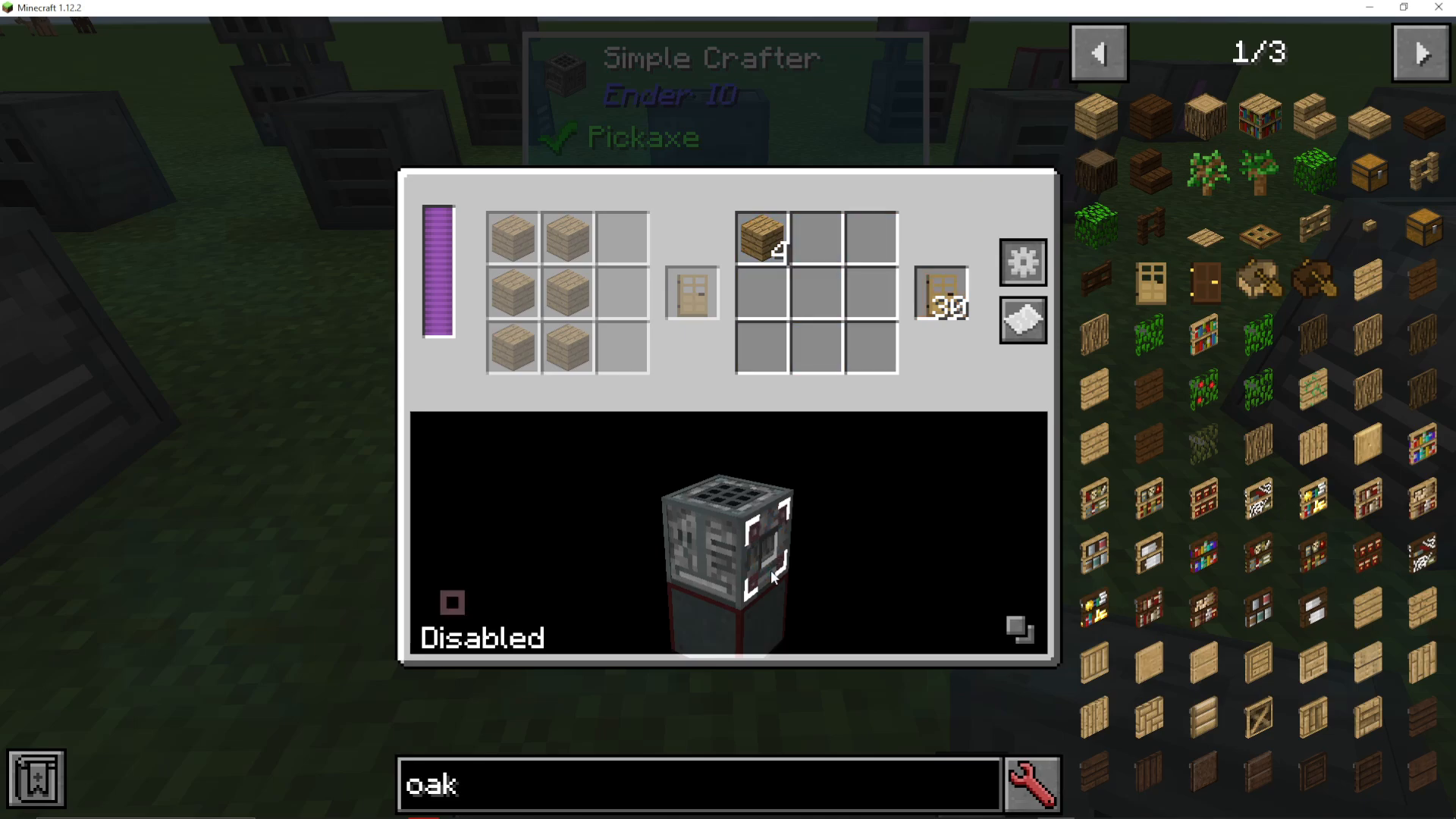
To reset all side configurations, shift-left-click the configure button. This will clear all settings so you can start fresh.
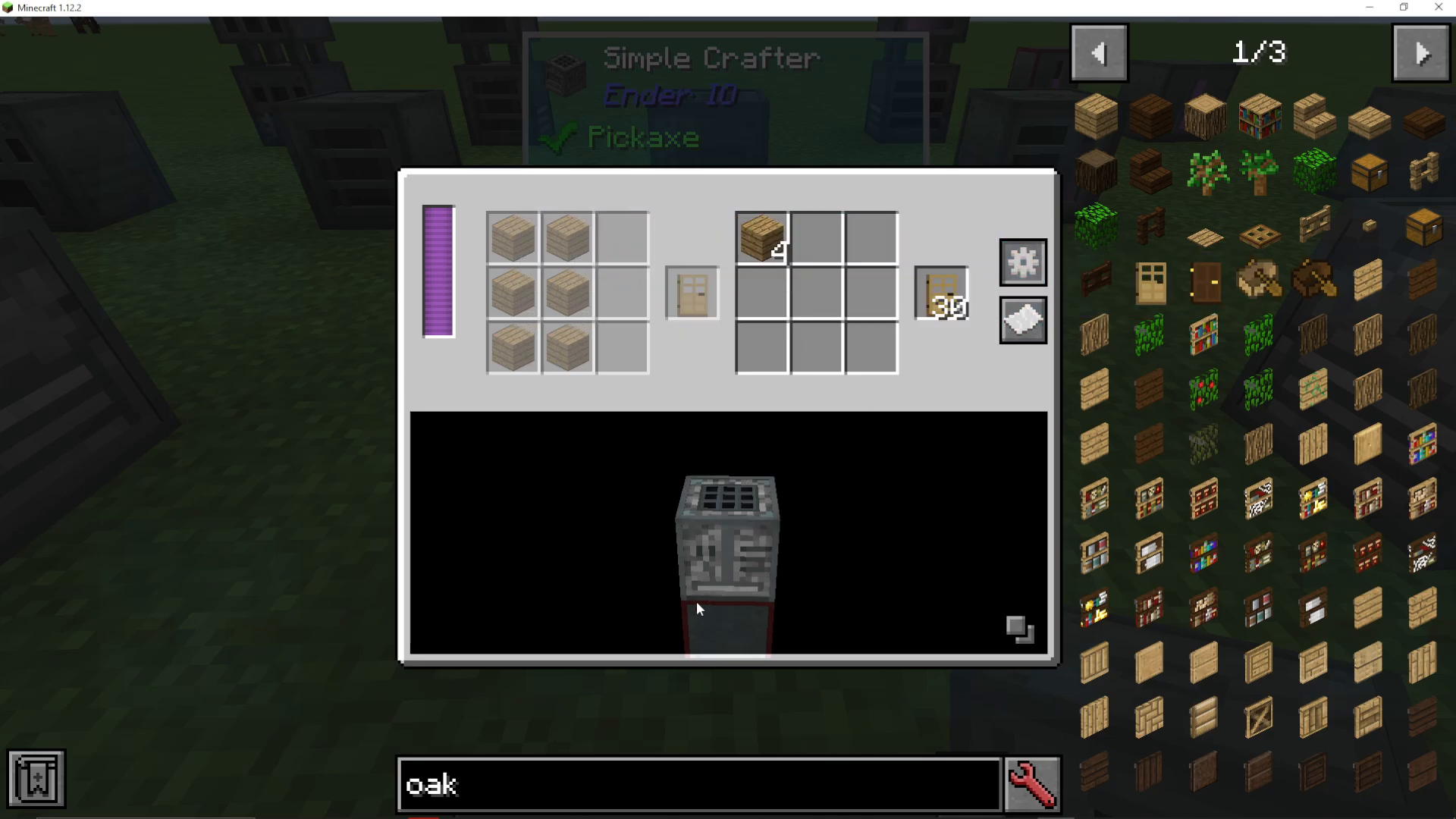
Viewing Adjacent Machines
Click the button to hide adjacent machines for a clearer view of input/output connections. This helps you visualize exactly which machines you’re pushing to or pulling from.
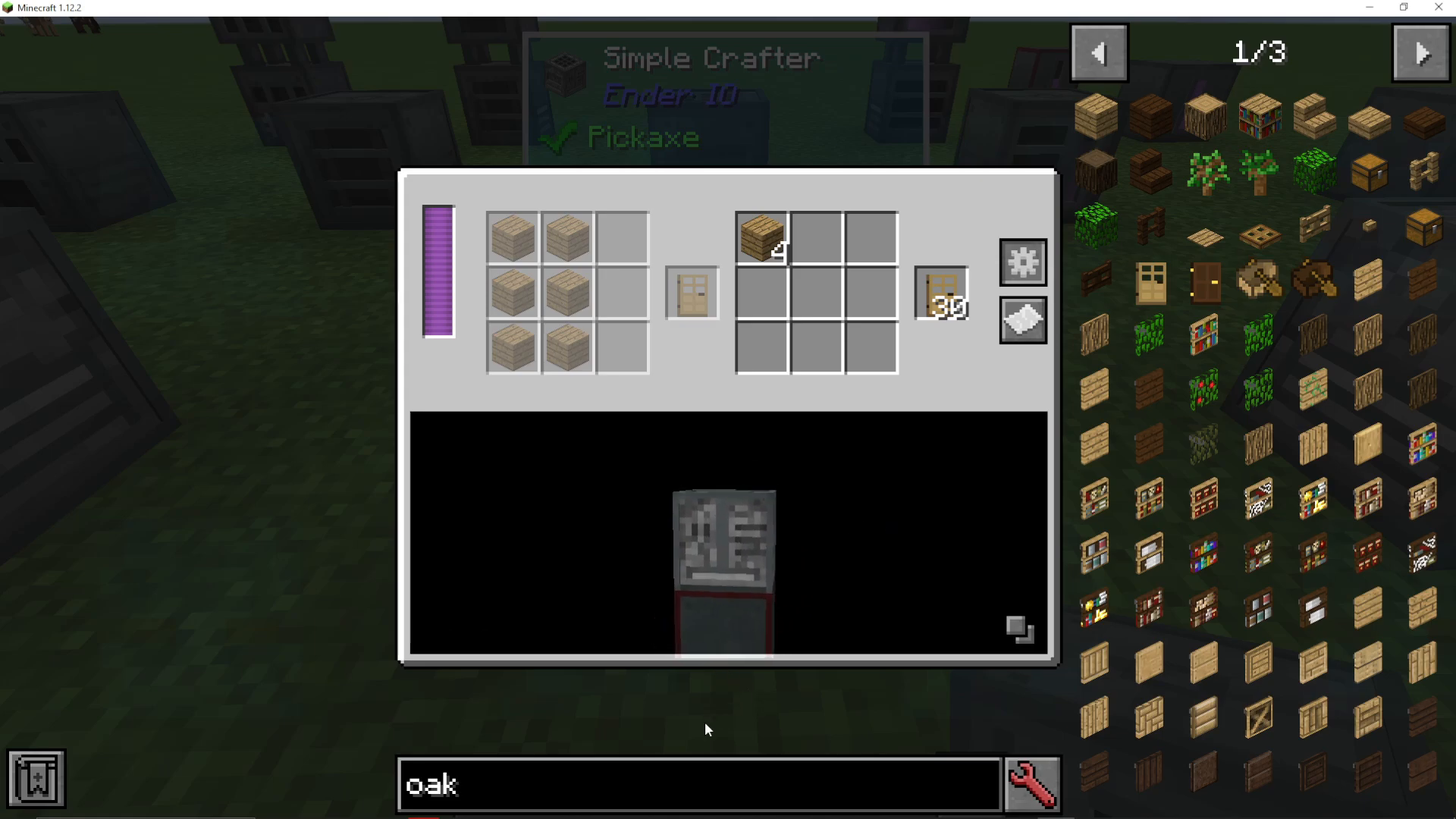
Viewing Available Recipes
Click “Show Recipes” to view all crafting recipes available in the crafter. Since the crafter functions as a full crafting table, the list of possible recipes is quite extensive.
The Standard Crafter: Upgrades and Features
The standard Crafter builds on the Simple Crafter with additional power management and efficiency options.
Power Requirements and Capacitors
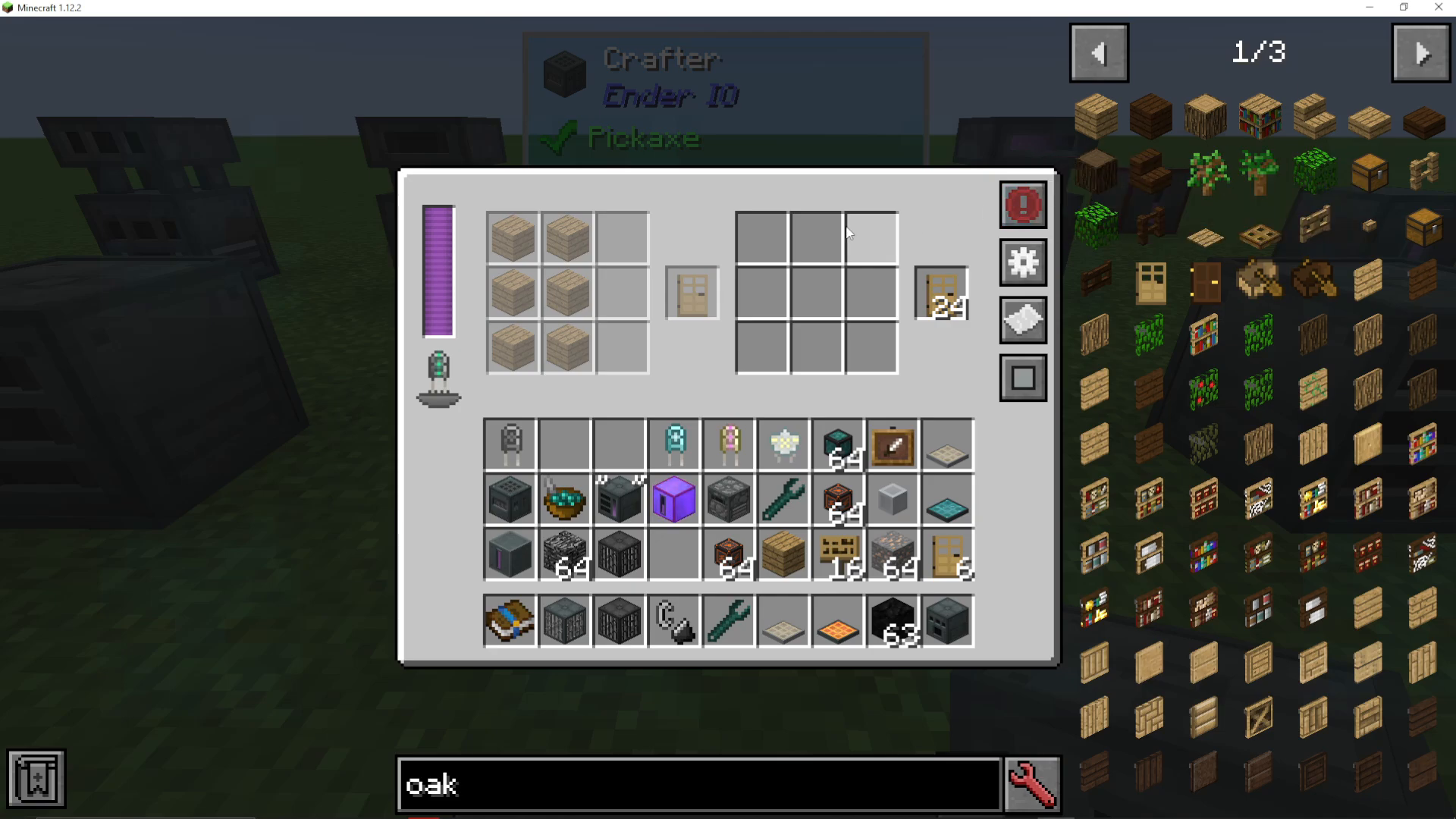
The standard Crafter requires power to operate. You’ll need to install a capacitor inside the machine to store and manage energy. The quality of the capacitor directly affects two factors:
How much total energy the crafter can store
How quickly the crafter can process recipes
Redstone Control
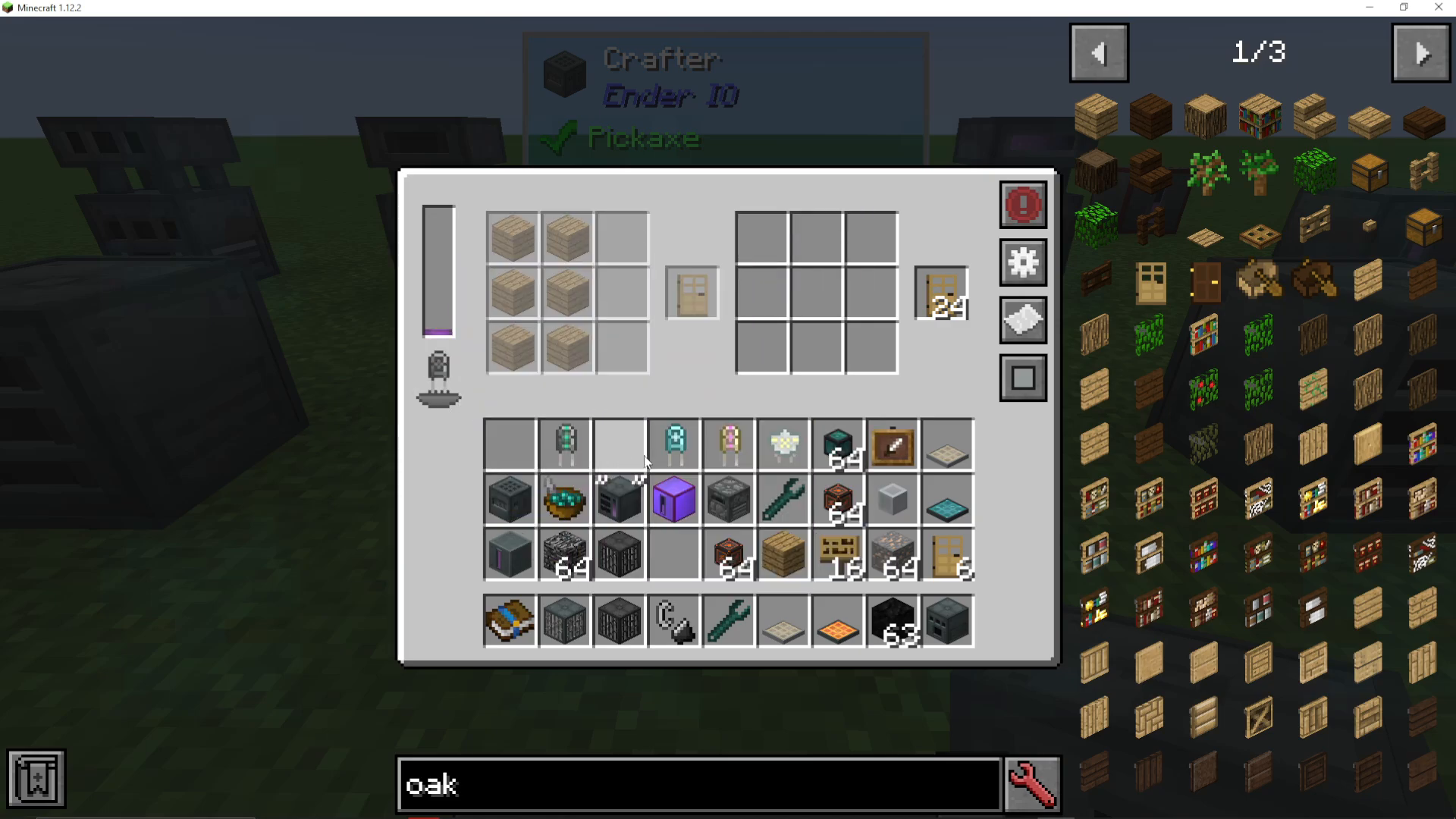
The standard Crafter includes redstone control options, allowing you to set the machine to:
Always active (continuous crafting)
Only active when receiving a redstone signal
Other conditional activation modes
Buffering Options
You can configure the crafter to buffer items by single items or full item stacks. Adjusting this setting can improve overall crafting efficiency.
Maximizing Crafter Performance
Capacitor Comparison
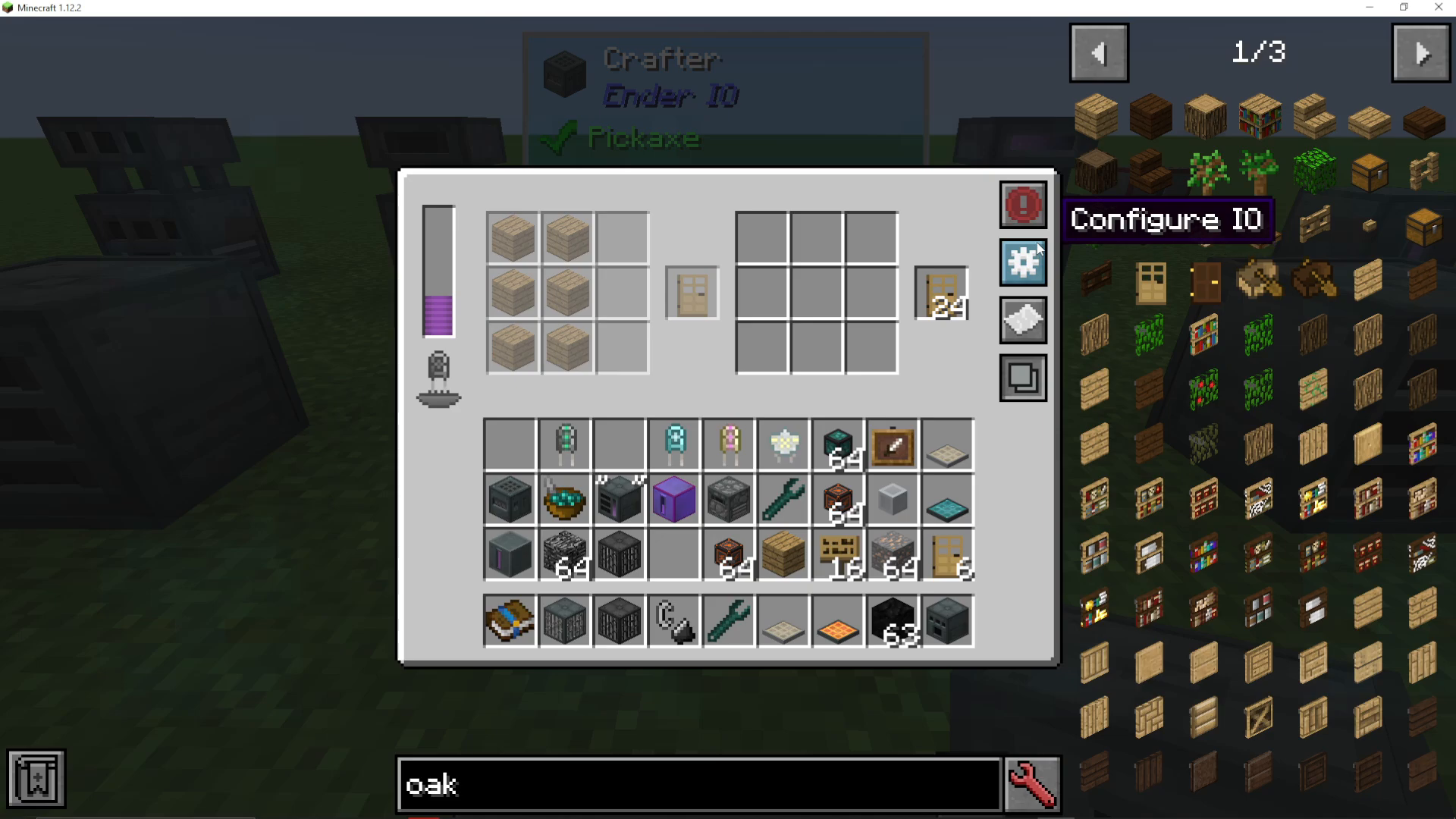
The choice of capacitor significantly impacts crafting speed. Here’s a practical example:
Basic Capacitor: Slower crafting speed. Producing a full stack of oak doors takes noticeably longer.
Octadic Capacitor: Much faster crafting speed. The same task completes in just a few seconds with visible rapid production.
Summary
You now understand how to use both the Simple Crafter and the standard Crafter in EnderIO. The Simple Crafter is perfect for basic crafting tasks, while the standard Crafter’s power system and capacitor upgrades allow you to dramatically increase production speed. Remember: upgrading to a better capacitor like the Octadic is the primary way to enhance the standard Crafter’s performance.
Want to Support?
If you would like to help us continue making these guides – please consider joining our patreon here – https://www.patreon.com/c/JaviHeals
Alternatively – we host a group of MC Servers you can join here – https://discord.gg/zD7Gjt6MHF



