







How To Upgrade Machines In Thermal Expansion
How To Upgrade Machines In Thermal Expansion
Thermal Expansion machines can feel sluggish by default, but upgrading them is simple and straightforward. This guide will walk you through the process of using integral components and augments to dramatically increase your machine processing speeds in Minecraft.
Understanding Machine Upgrades
Machine upgrades in Thermal Expansion work by installing components directly into your machines. This method works consistently across all modern versions of Minecraft, including 1.21, regardless of which Thermal Expansion version you’re using.
Types of Integral Components
There are three main tiers of upgrade components:
Hardened Integral Components
The basic upgrade tier, crafted using Invar. In older versions of Minecraft, these were called “Hardened Upgrade Kits.” If you’re unsure of the exact name in your version, simply search for “hardened” in your crafting menu and the correct item will appear.
Reinforced Integral Components
The mid-tier upgrade, crafted using Electrum. Search for “reinforced” to find this component in your inventory.
Resonant Integral Components
The top-tier upgrade, crafted using Enderium. This provides the most significant speed boost. Search for “resonant” to locate it.
Note: Across different versions of Minecraft, these components appear as square items with an arrow symbol. Simply searching by their tier name (hardened, reinforced, or resonant) will consistently bring up the correct item regardless of your version.
Installing Upgrades Into Machines
Once you’ve crafted your integral component, the installation process is simple:
Open your machine’s interface
Navigate to the Augmentation tab
Click on the component in your inventory
Place it into the augmentation slot
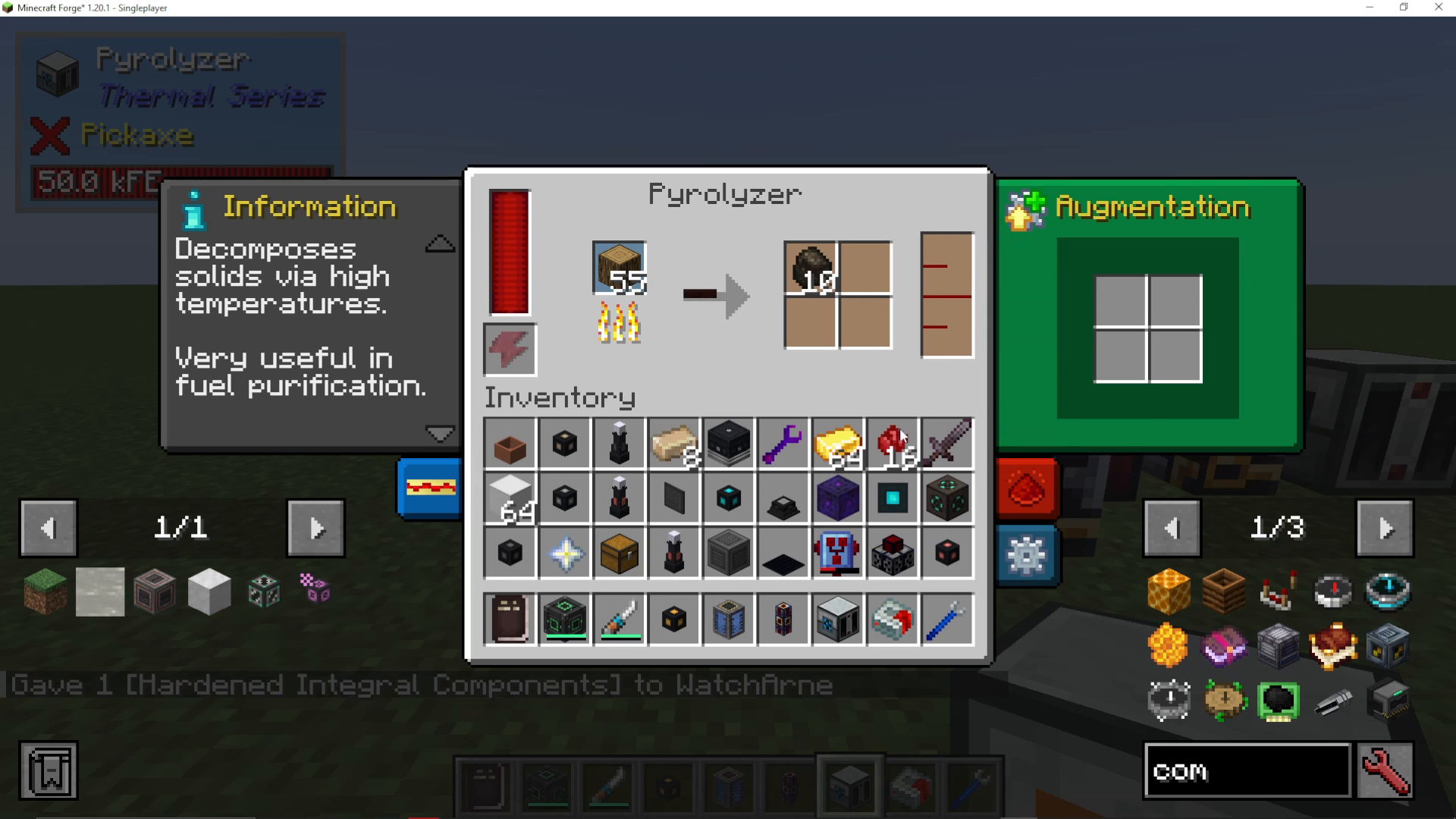
You’ll immediately notice a significant speed increase in your machine’s processing rate. You can stack multiple upgrade components in the augmentation section to achieve even faster processing speeds.
Advanced Augmentation Items
Beyond the standard integral components, Thermal Expansion includes specialized augment items that provide additional benefits and modifications.
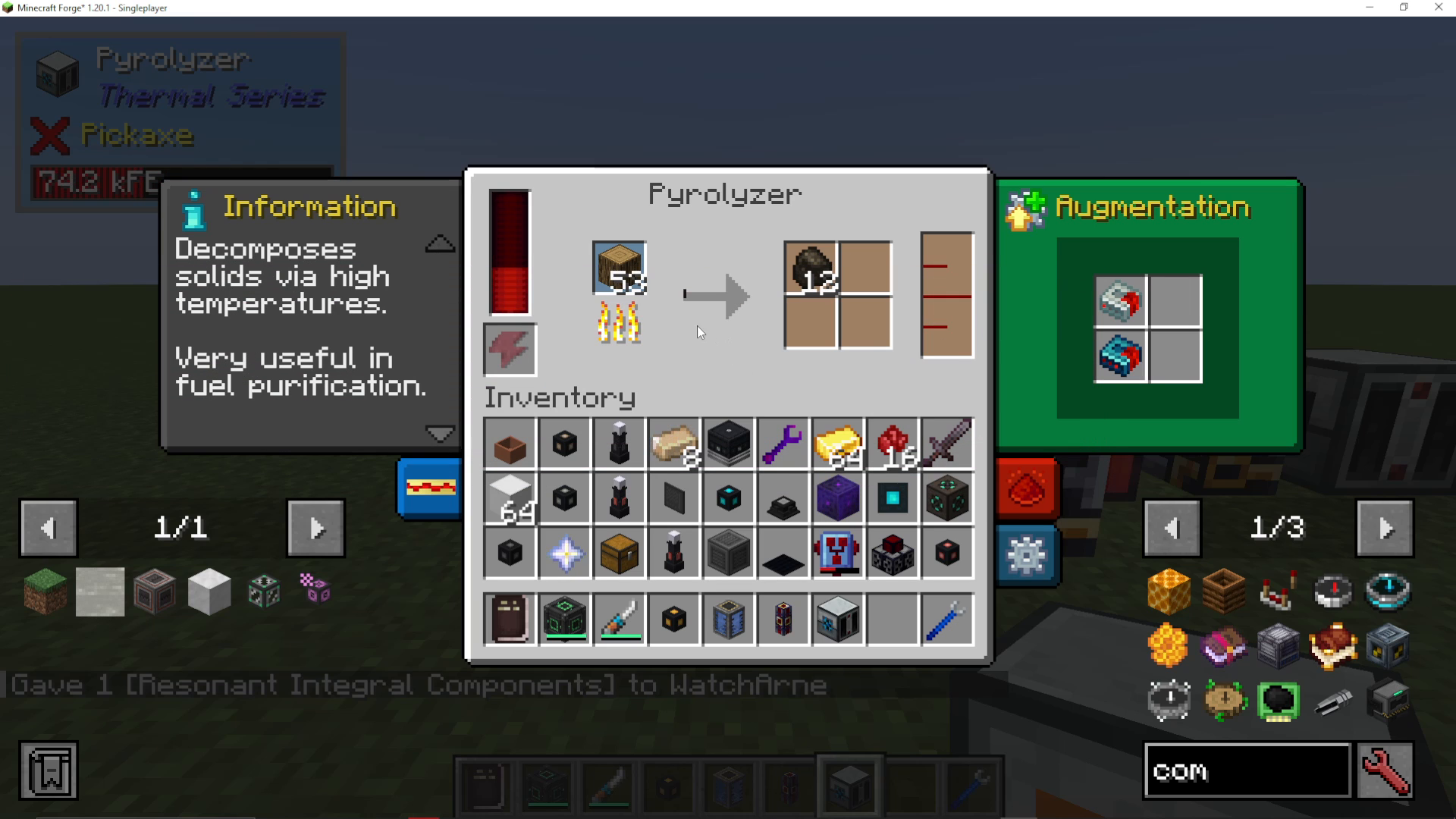
Flux Linkage Amplifier
One powerful example is the Flux Linkage Amplifier. This augment increases your machine’s process speed but comes with a trade-off: it reduces your energy efficiency, meaning your machine will consume more power per operation.
You can find augmentation items by searching “augment” in your creative inventory or crafting menu. Multiple augments can be installed simultaneously in the same machine, allowing you to customize your setup based on your needs. For example, you could install two Flux Linkage Amplifiers alongside your integral component upgrades to achieve maximum speed, though this will significantly increase energy consumption.
Upgrading Any Thermal Expansion Machine
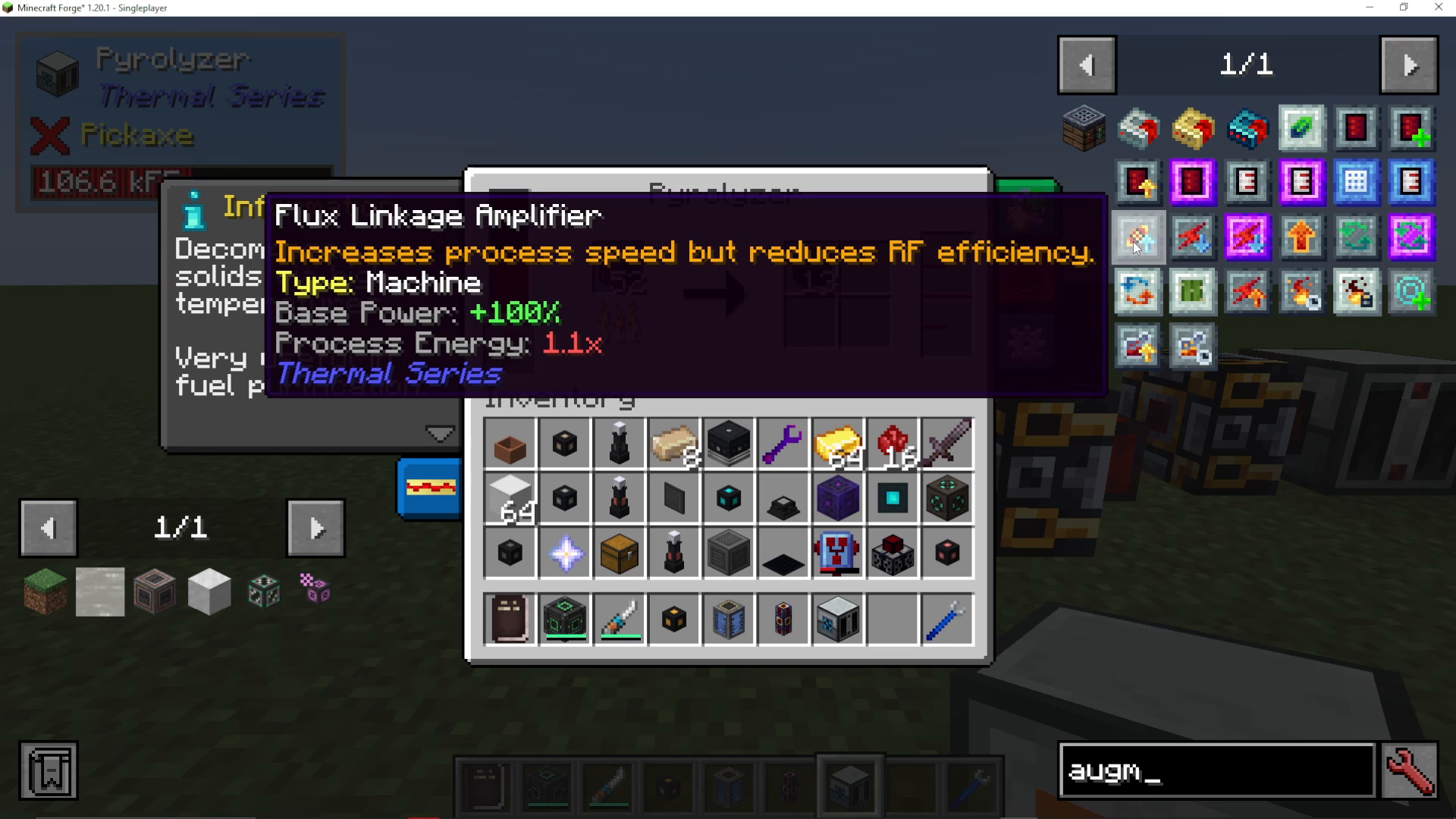
This upgrade method works identically for every machine in Thermal Expansion. Whether you’re upgrading a prioritizer, furnace, centrifuge, or any other machine, the process remains the same: access the augmentation tab, install your components, and enjoy the performance boost.
Summary
Upgrading machines in Thermal Expansion is an essential part of optimizing your modpack experience. By using Hardened, Reinforced, and Resonant Integral Components, you can dramatically speed up your machine processing. For even greater control, combine these with specialized augments like the Flux Linkage Amplifier to fine-tune your setup. Remember to balance speed improvements against energy consumption to maintain an efficient operation.
Want to Support?
If you would like to help us continue making these guides – please consider joining our patreon here – https://www.patreon.com/c/JaviHeals
Alternatively – we host a group of MC Servers you can join here – https://discord.gg/zD7Gjt6MHF



