







How to Turn off Pollution in Gregtech New Horizons
How to Turn Off Pollution in Gregtech New Horizons
Pollution can be a nuisance in Gregtech New Horizons, especially if you want to focus on building and exploring without managing environmental impact. This quick guide will show you exactly how to disable the pollution mechanic in your modpack installation, regardless of whether you’re using CurseForge or another launcher.
Locating Your Gregtech New Horizons Installation
Start by navigating to your modpack instance. If you’re using CurseForge, click the three dots menu next to your Gregtech New Horizons instance and select “Open Folder.” This method works the same way across all launchers — you simply need to access your installation directory.
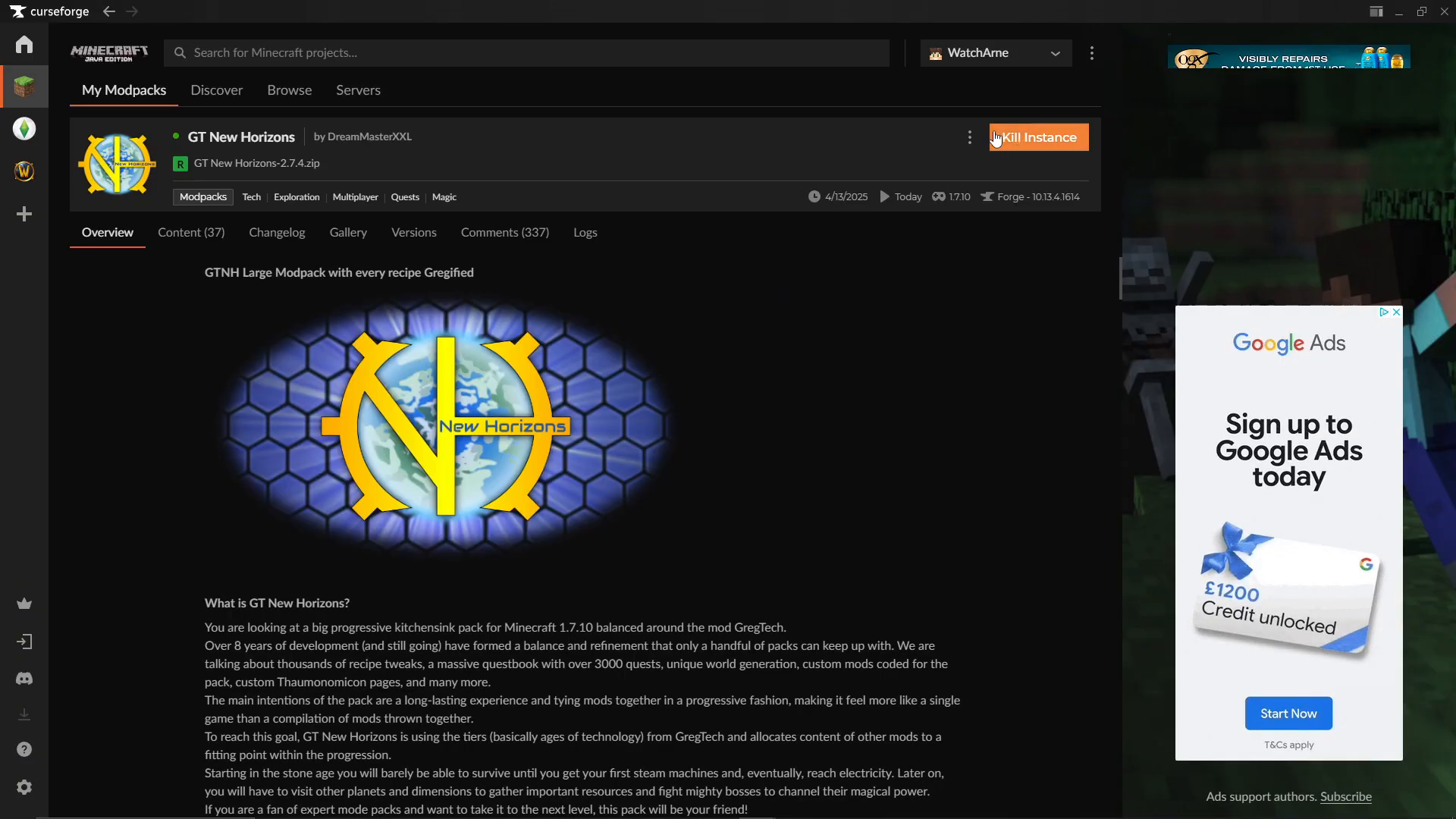
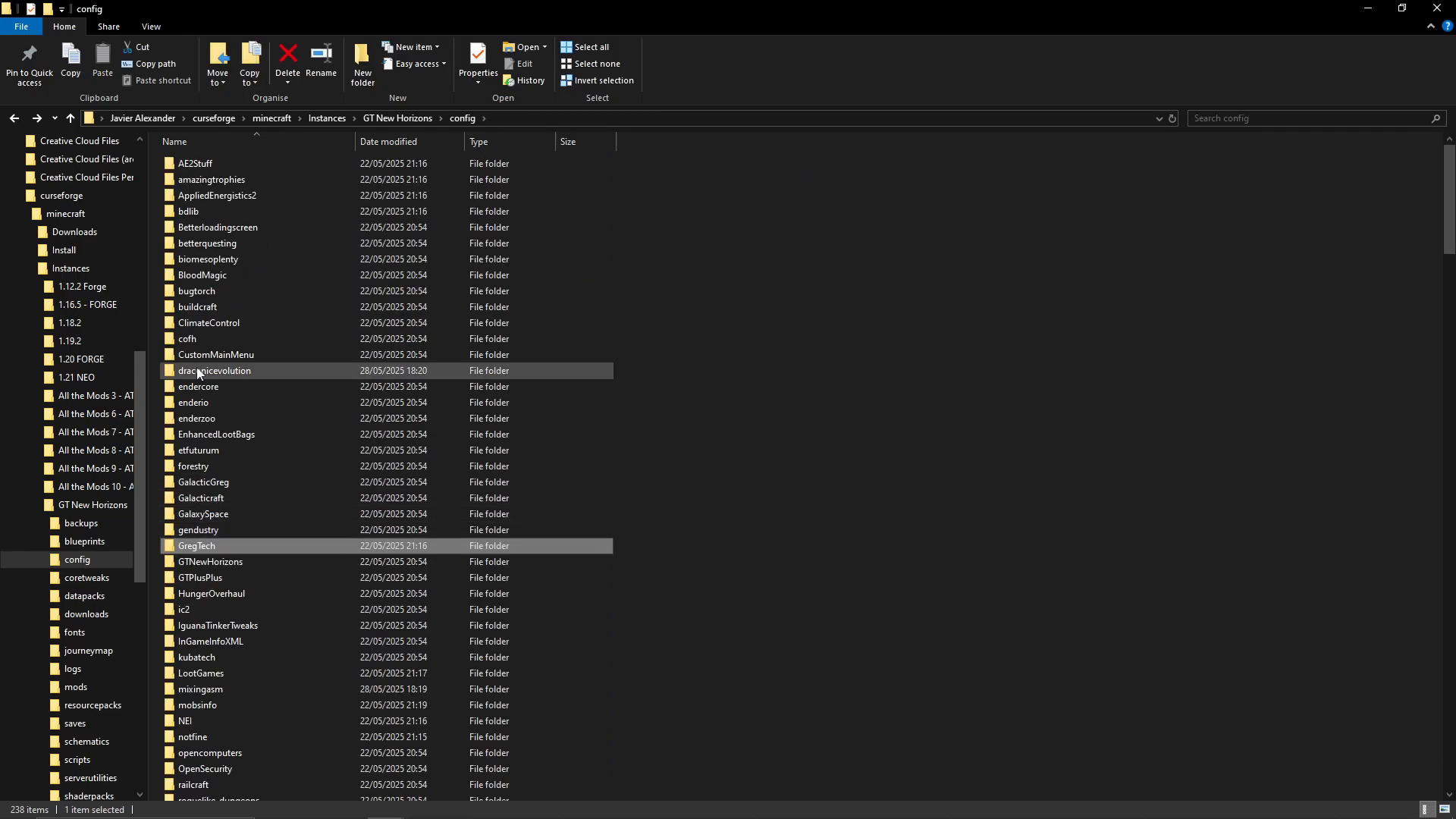
Once you have the folder open, look for the config folder within your installation directory.
Finding the Gregtech Configuration Files
Inside the config folder, scroll down through the alphabetically-ordered list of folders until you find the Greg Tech folder. Double-click to enter it.
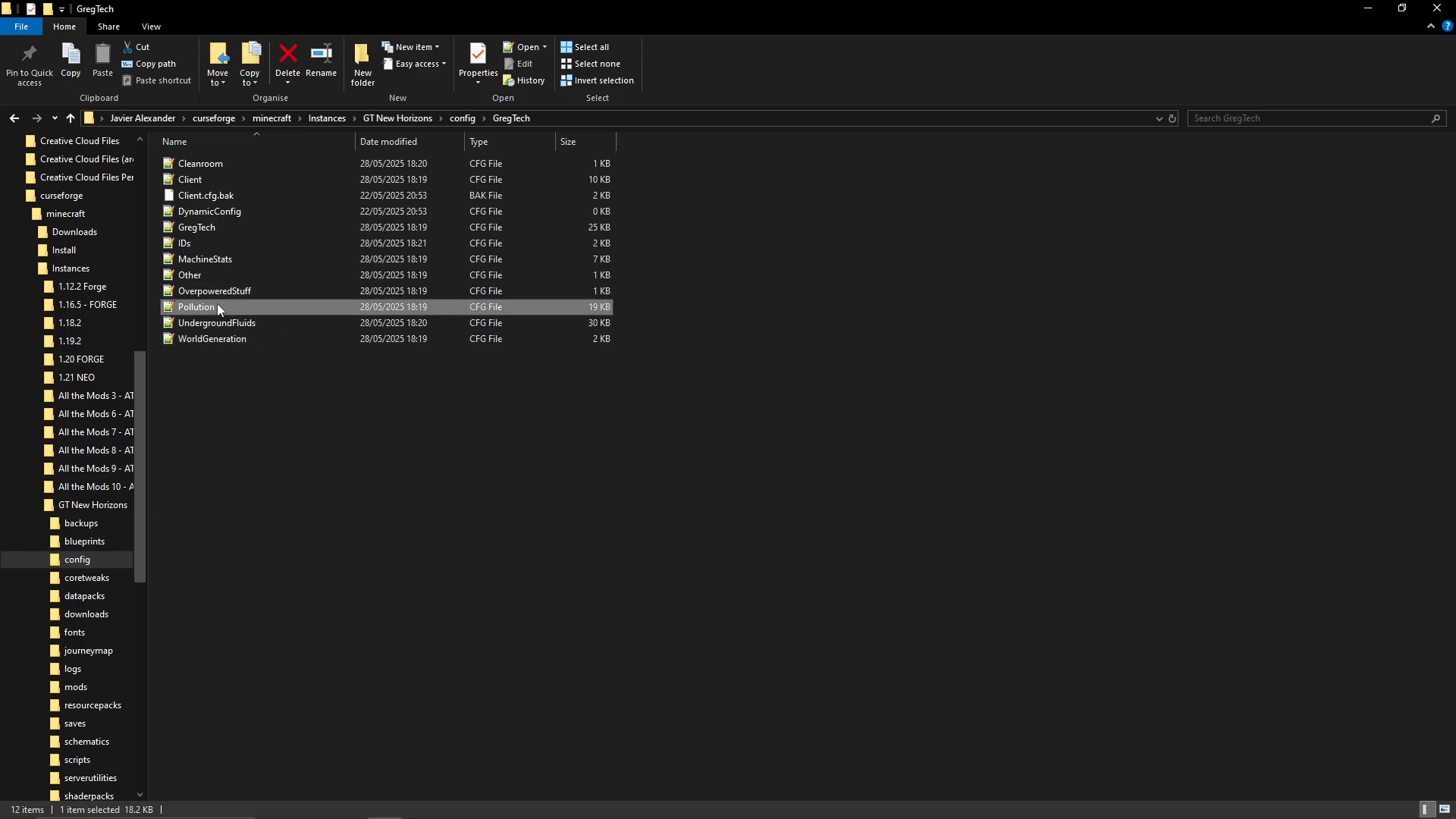
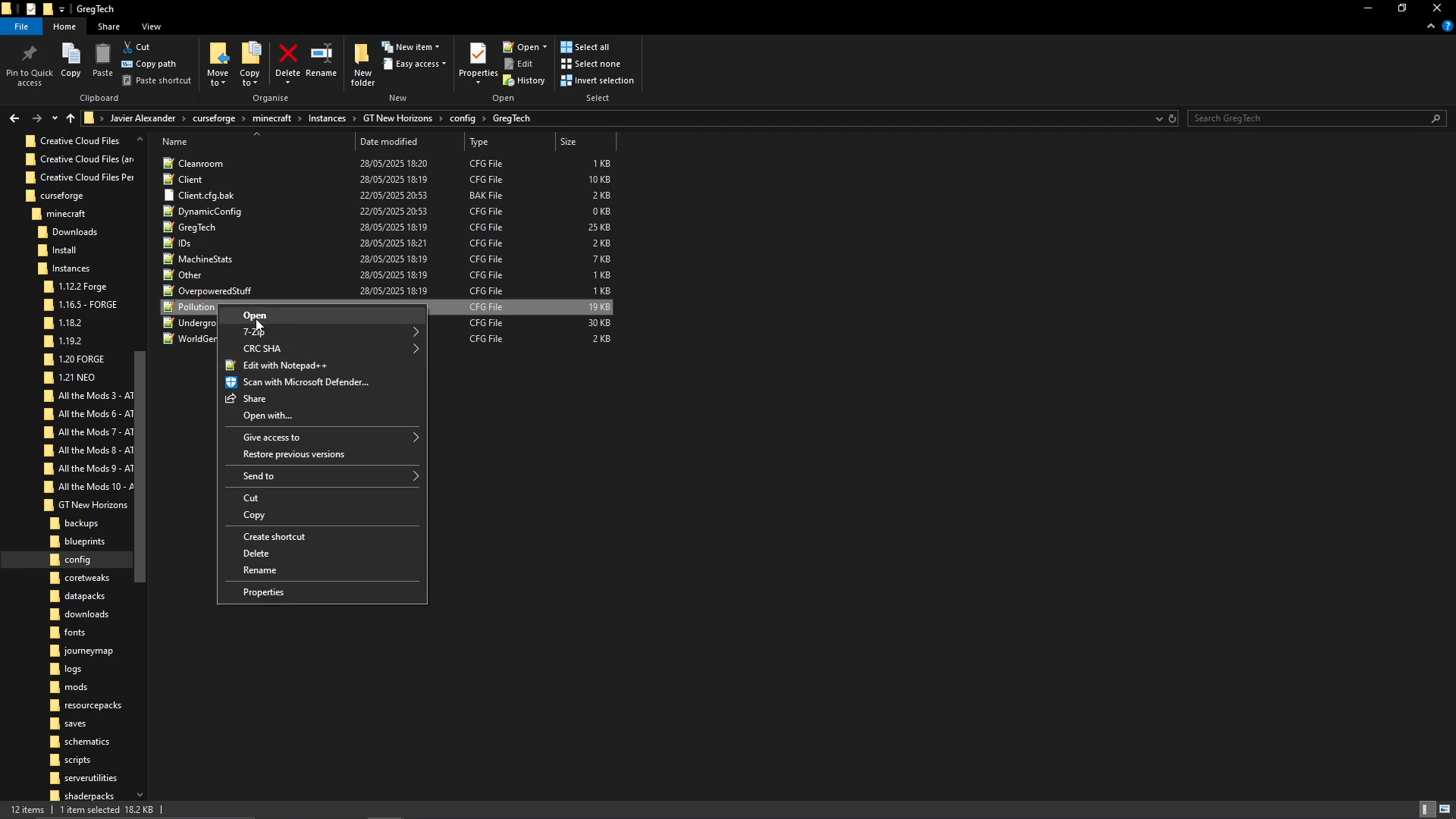
Within the Greg Tech folder, locate the file called pollution (it will appear as a configuration file). This is the file you need to edit.
Opening and Editing the Pollution Configuration
Right-click on the pollution file and select “Open With.” Choose any text editor — Notepad, Notepad++, or any similar application will work perfectly fine.
Once the file is open in your text editor, press Ctrl + F to open the Find function. Search for the term “pollution” to quickly navigate through the file.
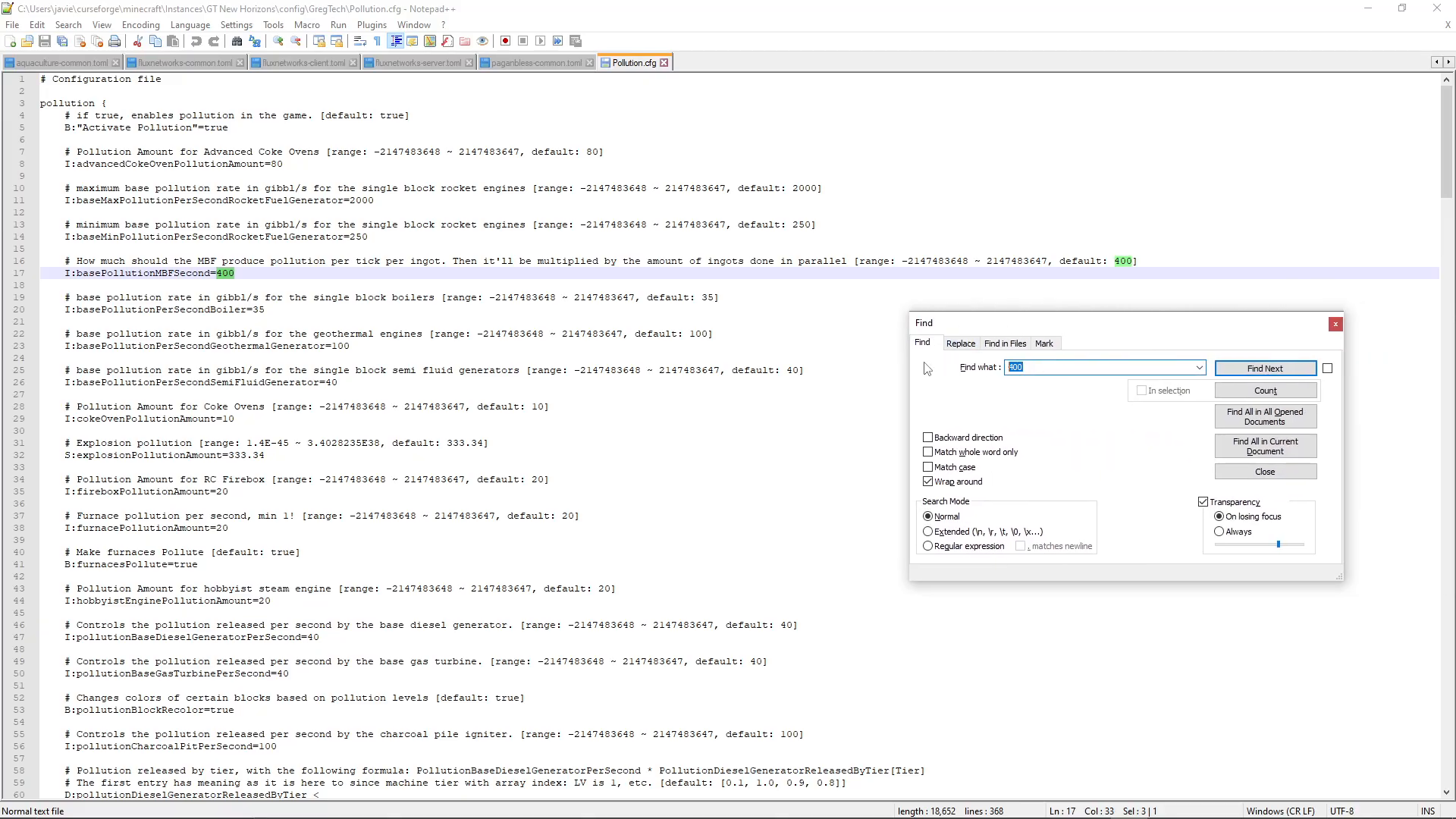
Disabling Pollution
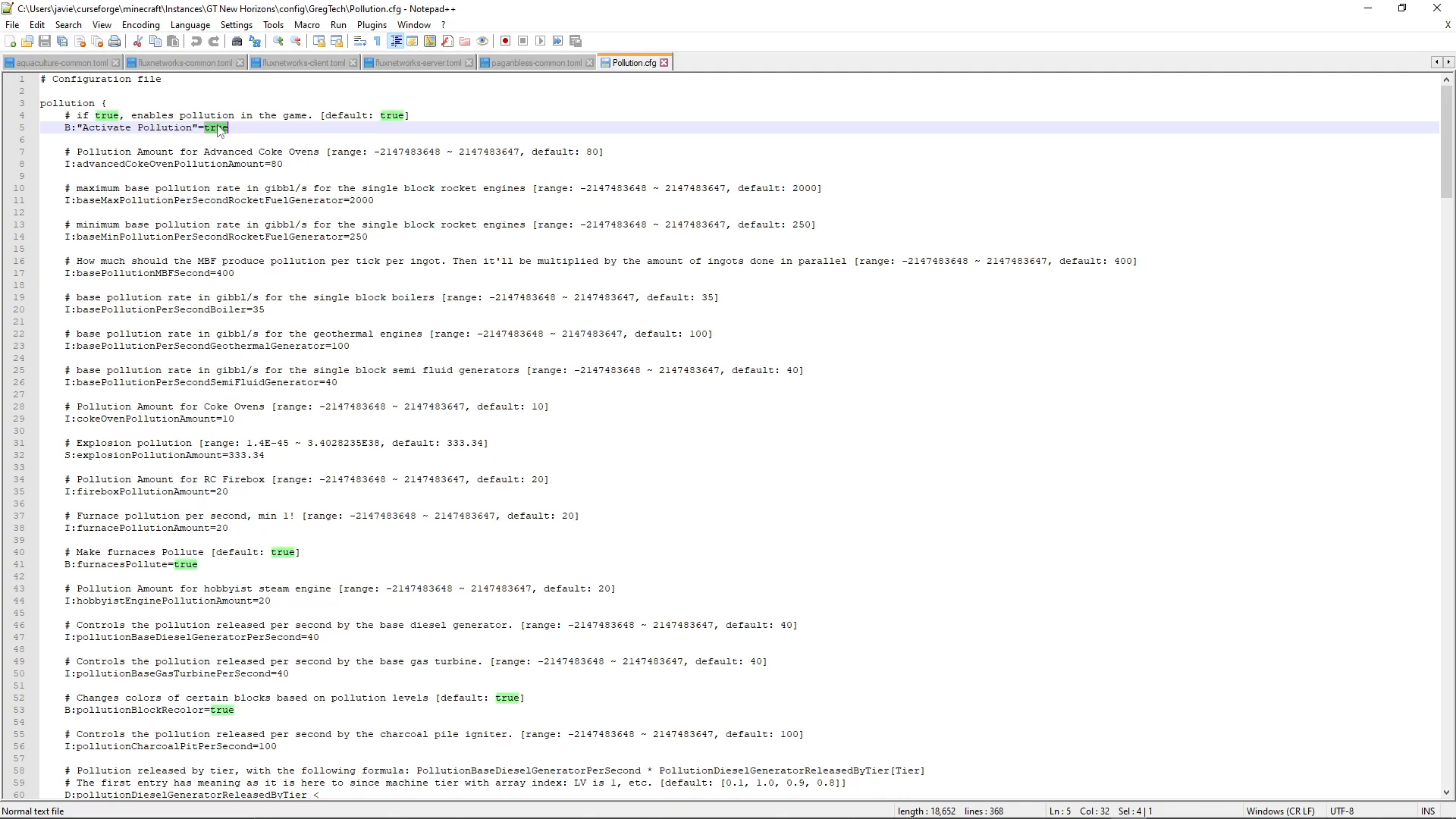
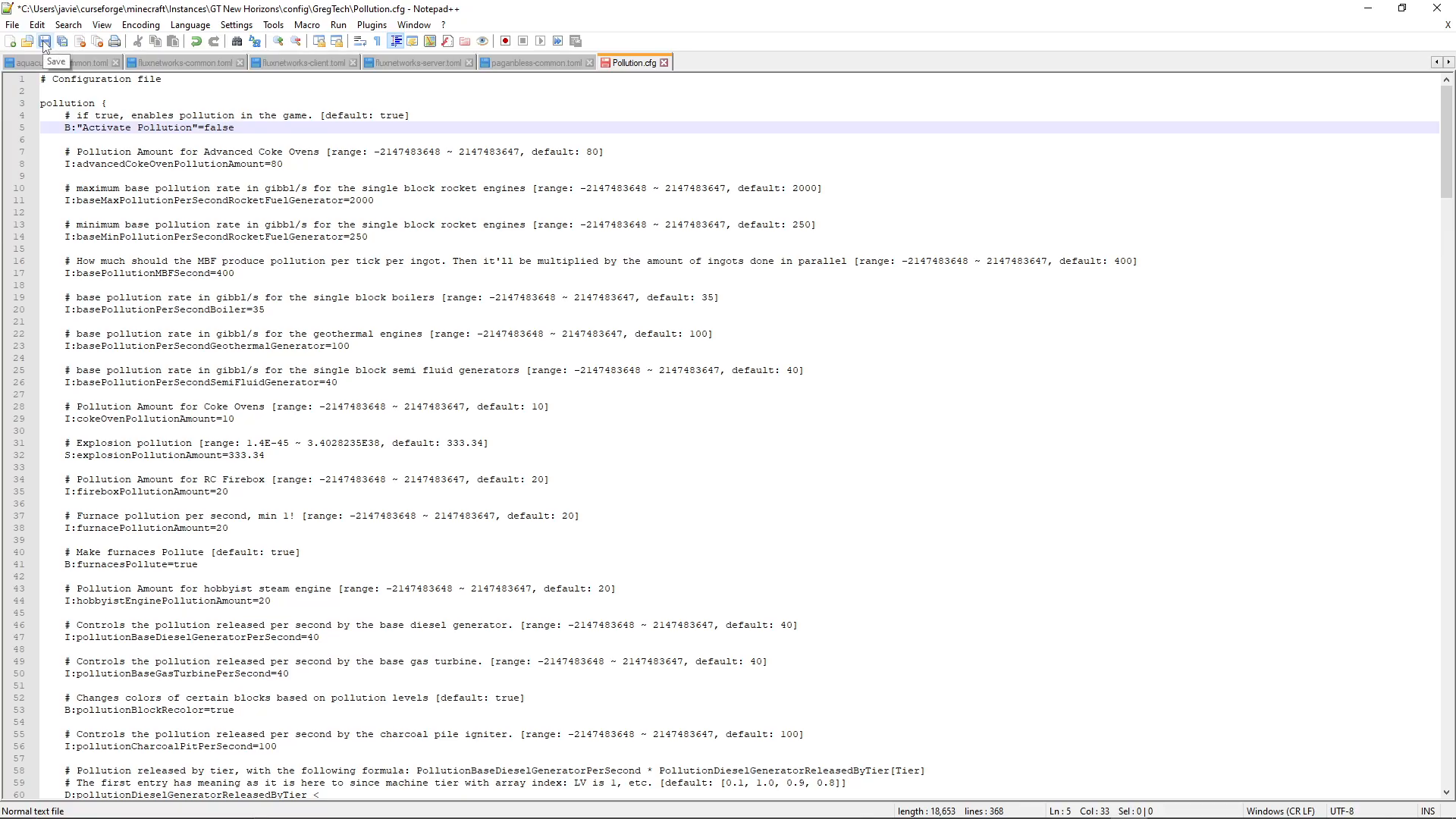
As you search through the file, you’re looking for the specific line that says: “pollution if true enables pollution in the game” with the default value set to true. This is the master switch for the pollution system.
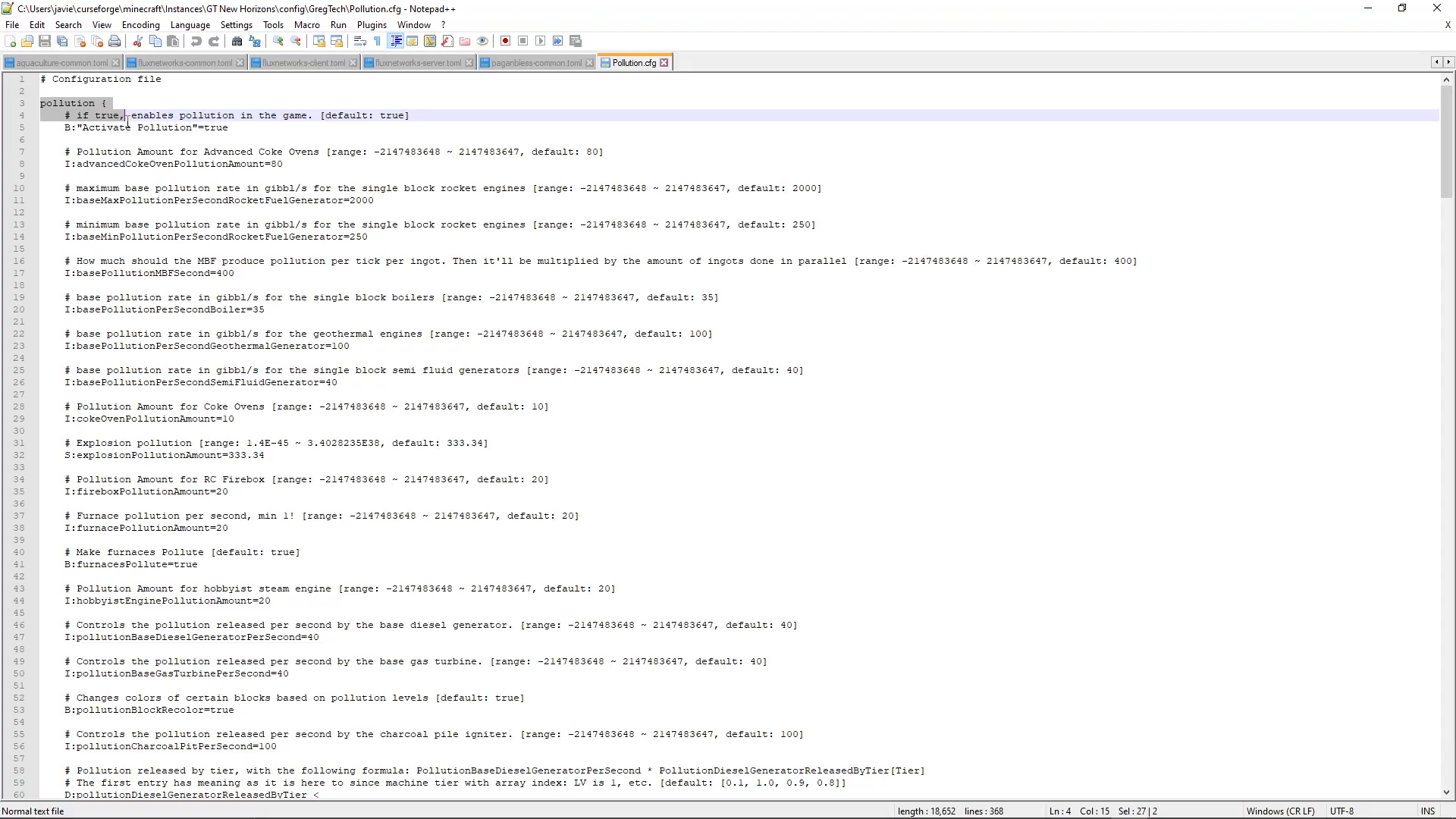
Change the value from true to false. This single change will disable the entire pollution mechanic in your game.
After making this change, save the file using Ctrl + S or through your text editor’s File menu. Close the editor and launch your Gregtech New Horizons game. Pollution is now completely disabled.
Summary
Disabling pollution in Gregtech New Horizons is a straightforward process that takes just a few minutes. By locating the pollution configuration file in your config/Greg Tech folder and changing a single value from true to false, you can remove this mechanic entirely from your playthrough. Remember to save your changes before launching the game, and you’ll be free to build without worrying about pollution impact.
— Want to Support? —
If you would like to help us continue making these guides – please consider joining our patreon here – https://www.patreon.com/c/JaviHeals
Alternatively – we host a group of MC Servers you can join here – https://discord.gg/zD7Gjt6MHF



