







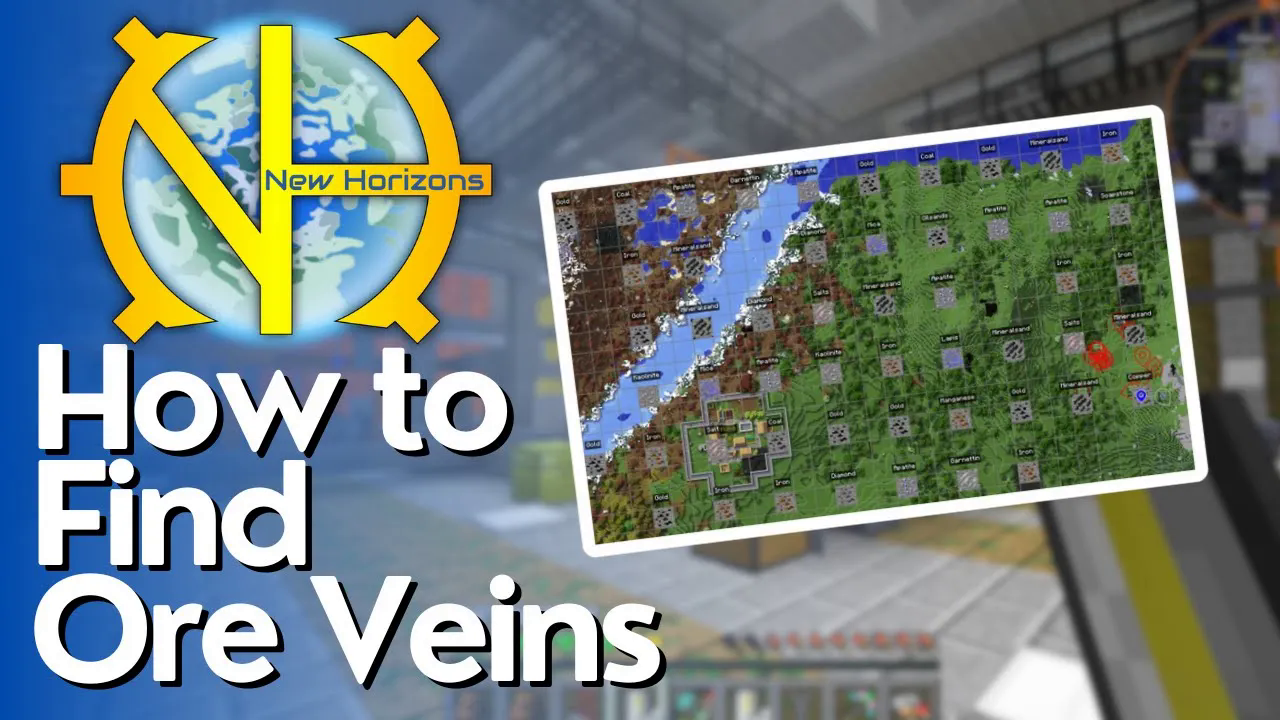
How to Find Ore Veins in Gregtech New Horizons
How to Find Ore Veins in Gregtech New Horizons
Finding ore veins in Gregtech New Horizons can be challenging at first, but with the right technique, you’ll be able to locate and extract massive ore deposits efficiently. This guide walks you through the exact steps to discover ore veins using chunk visualization and the Journey Map mod.
Getting Started: Enable Chunk Borders
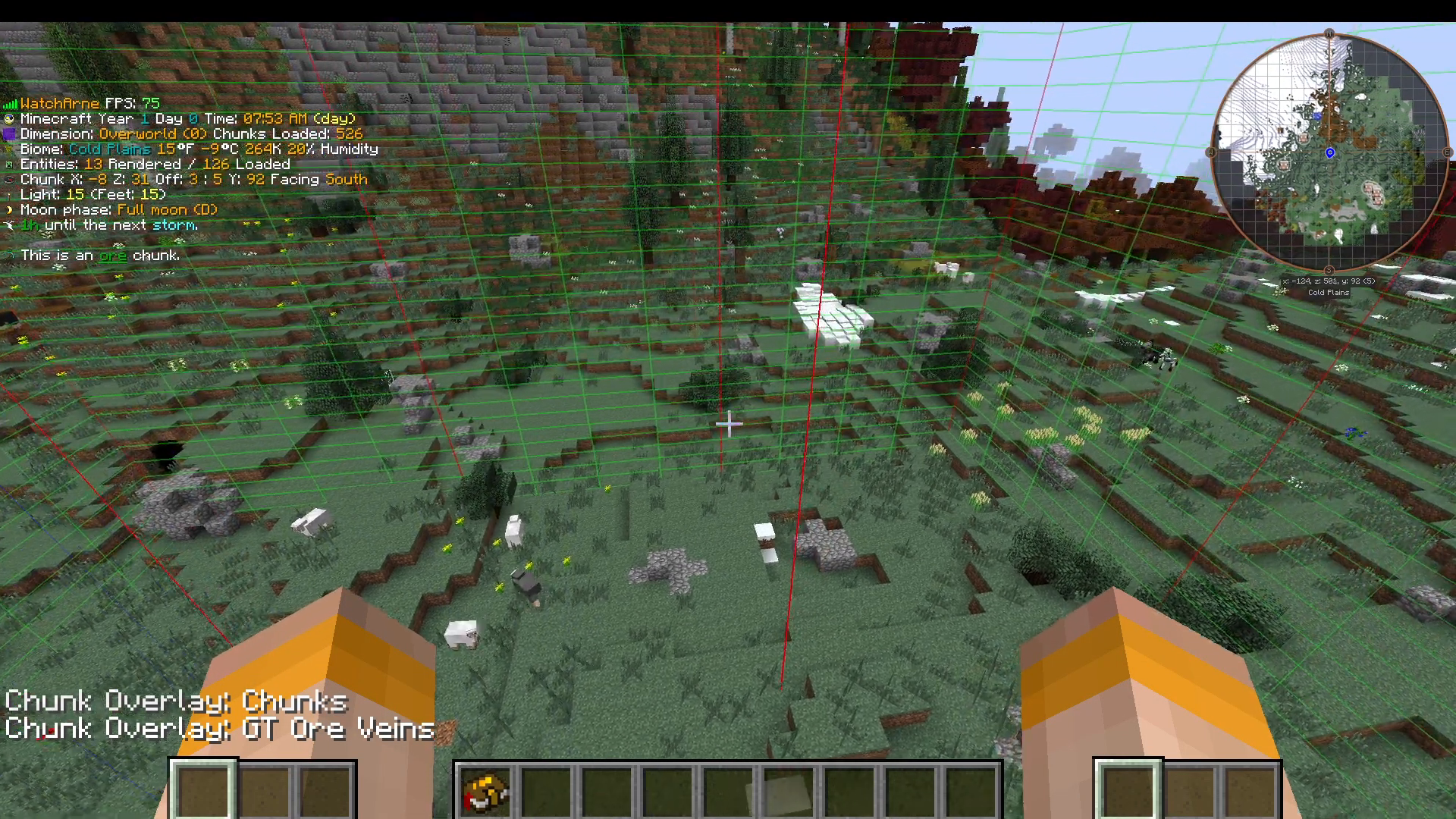
The first step in finding ore veins is to visualize your world’s chunk structure. Press F9 on your keyboard to bring up red lines that outline your chunks.
Press F9 a second time to add visible chunk borders to your display.
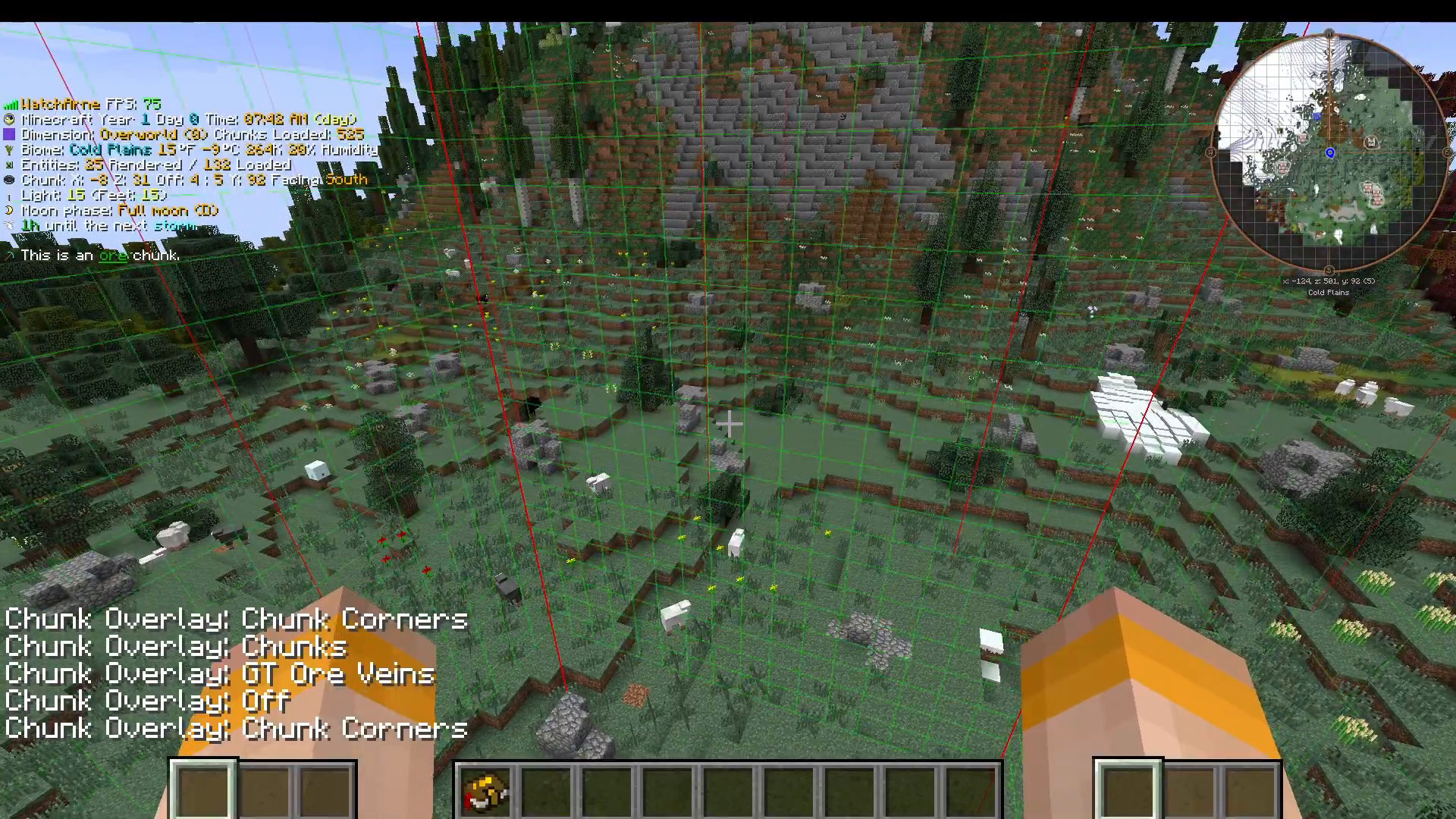
Press F9 a third time to activate the optimal visualization mode for finding ore veins. You should now see a clear 3×3 chunk grid displayed on your screen.
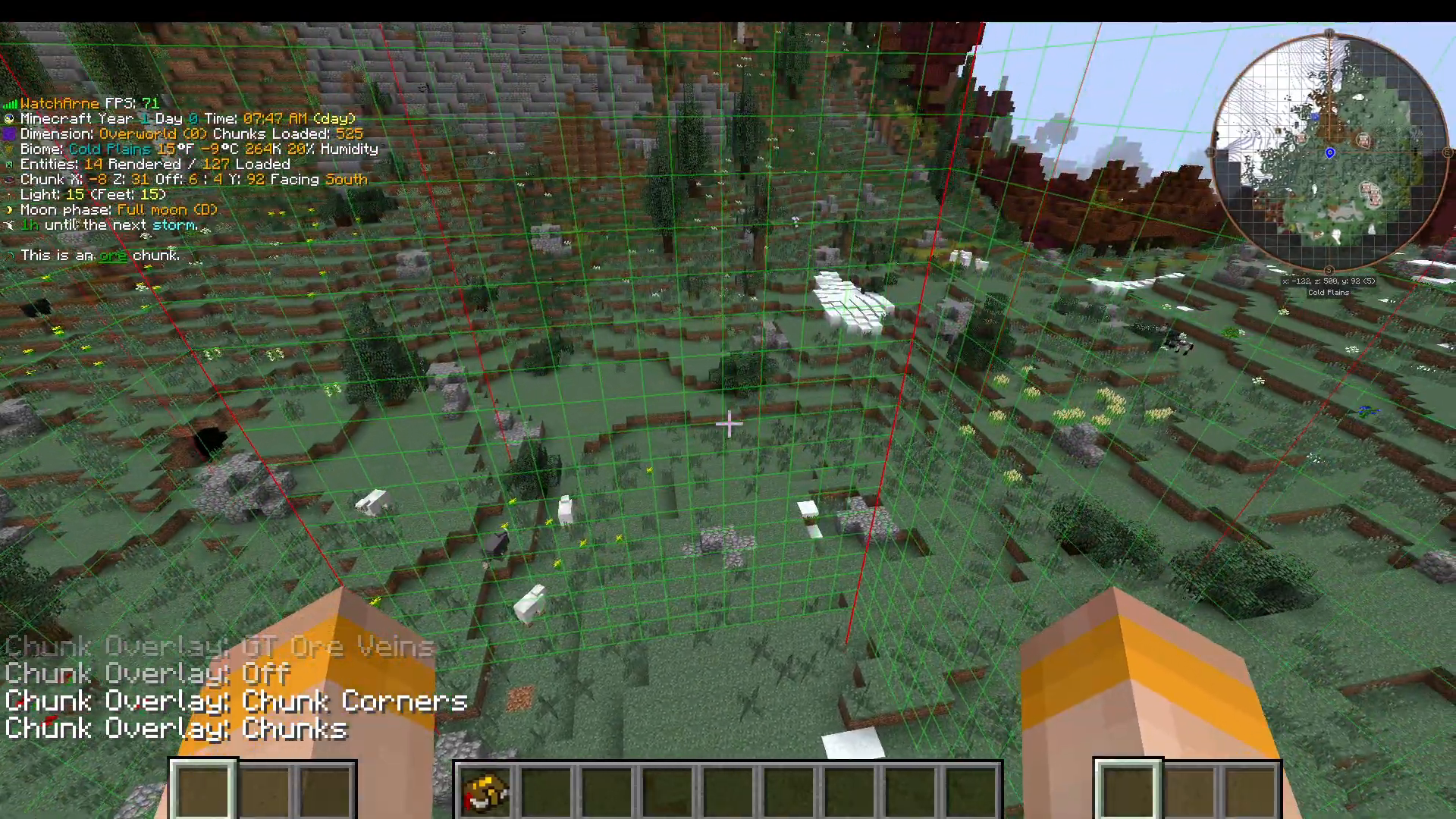
Understanding the 3×3 Chunk Grid
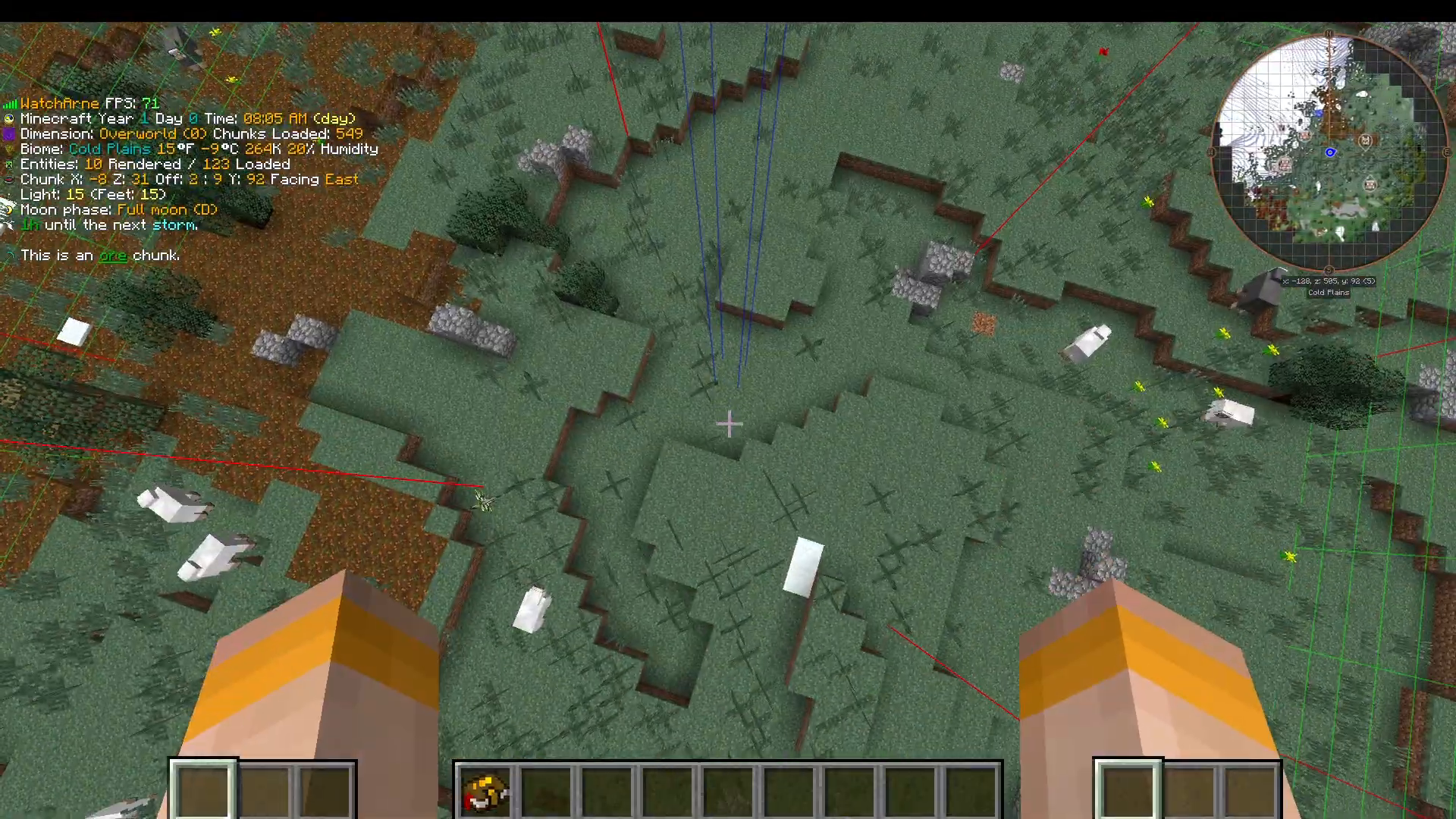
Ore veins in Gregtech New Horizons spawn in a specific pattern within a 3×3 chunk area. The center of this 3×3 grid is marked by blue lines, and this is exactly where you’ll find ore veins. The ore deposits are concentrated in these central blue line areas, so focus your mining efforts there.
Mining and Locating Your First Ore Vein
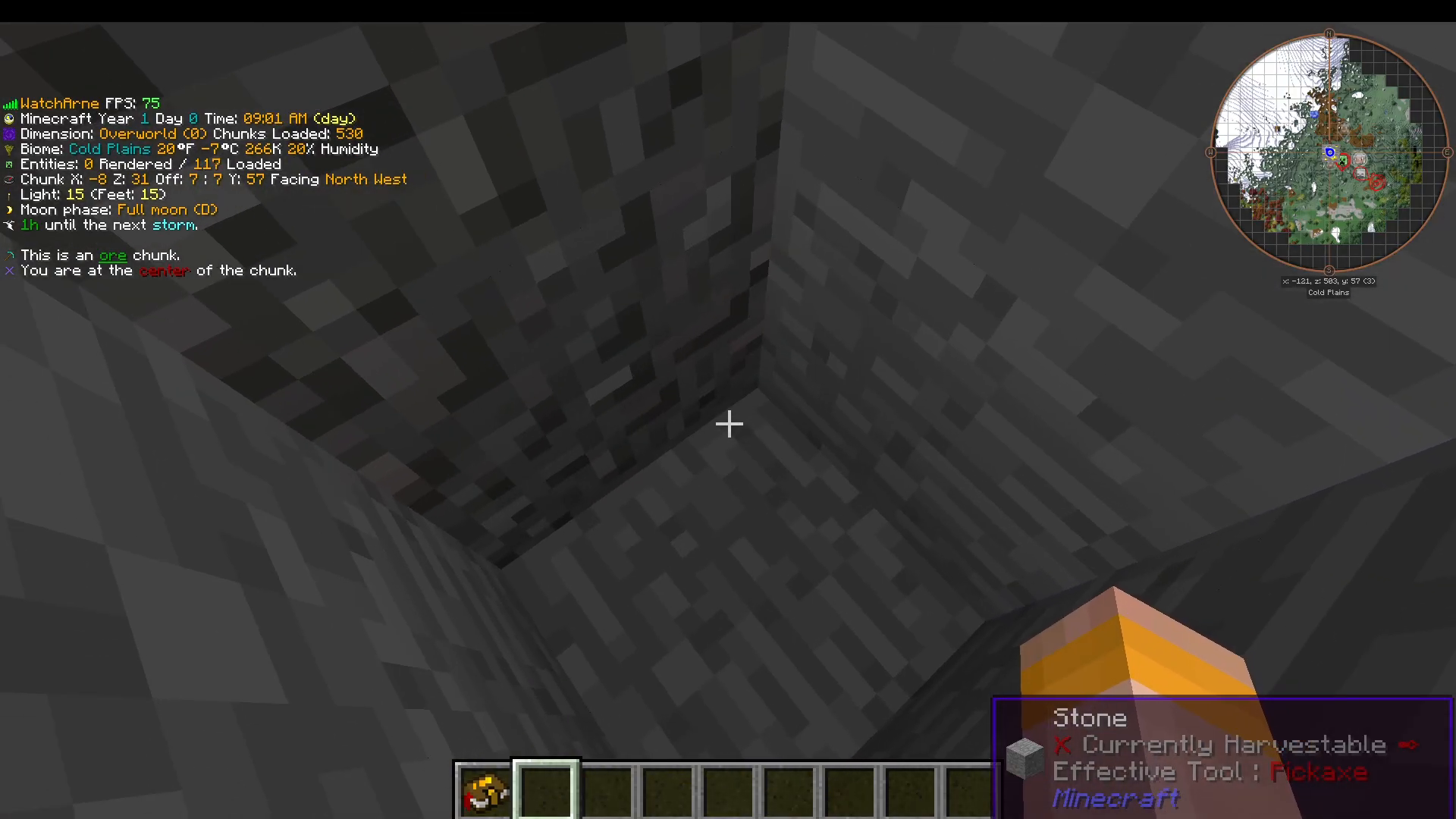
Once you’ve identified the blue center lines of your 3×3 chunk, begin digging downward. Ore veins are extremely dense and jam-packed with ore, so you should find one relatively quickly if you’re digging in the correct location. If you don’t find one immediately at the blue center, expand your digging slightly outward and you’ll discover the vein.
Registering Your Discovery with Journey Map
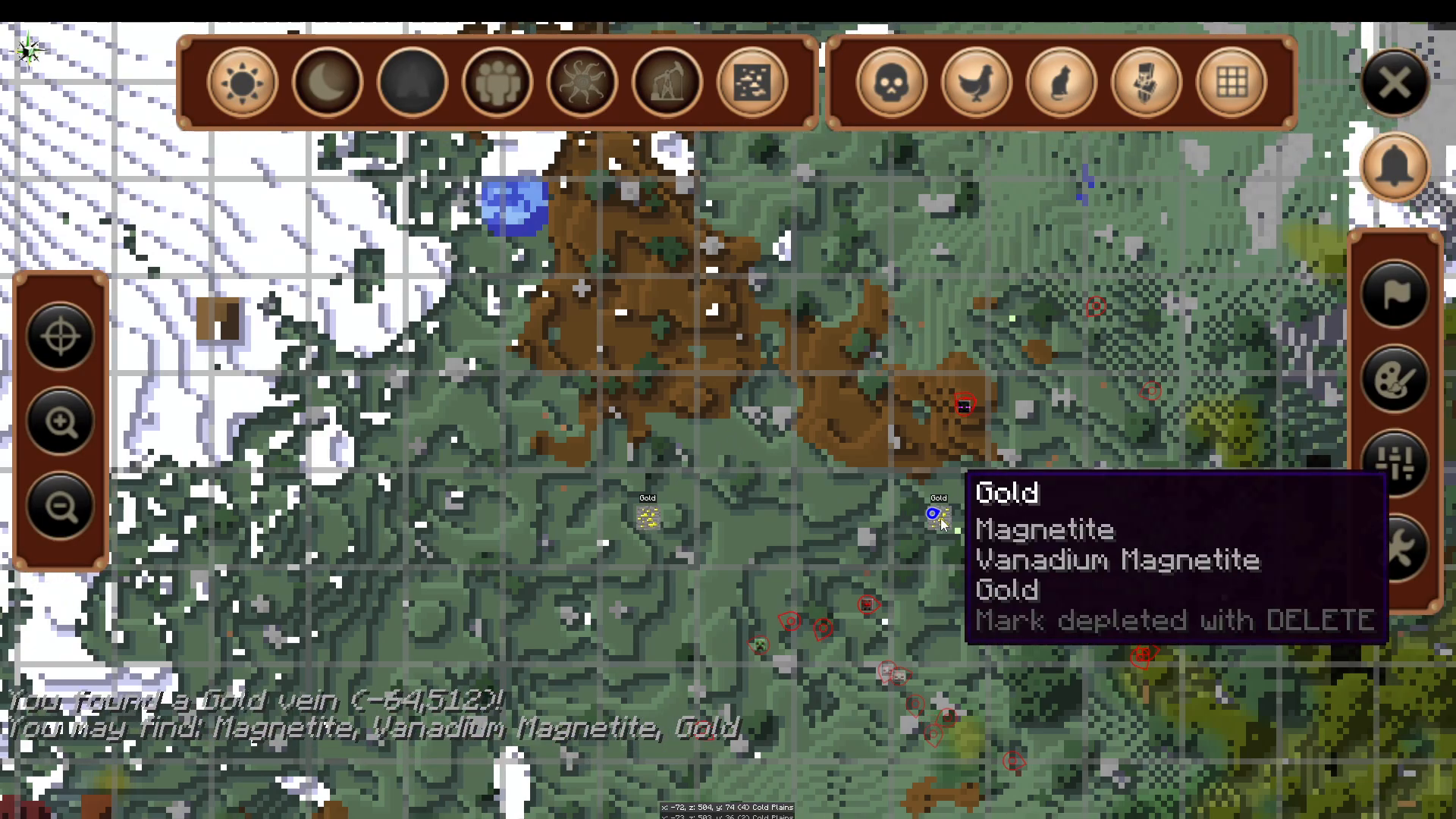
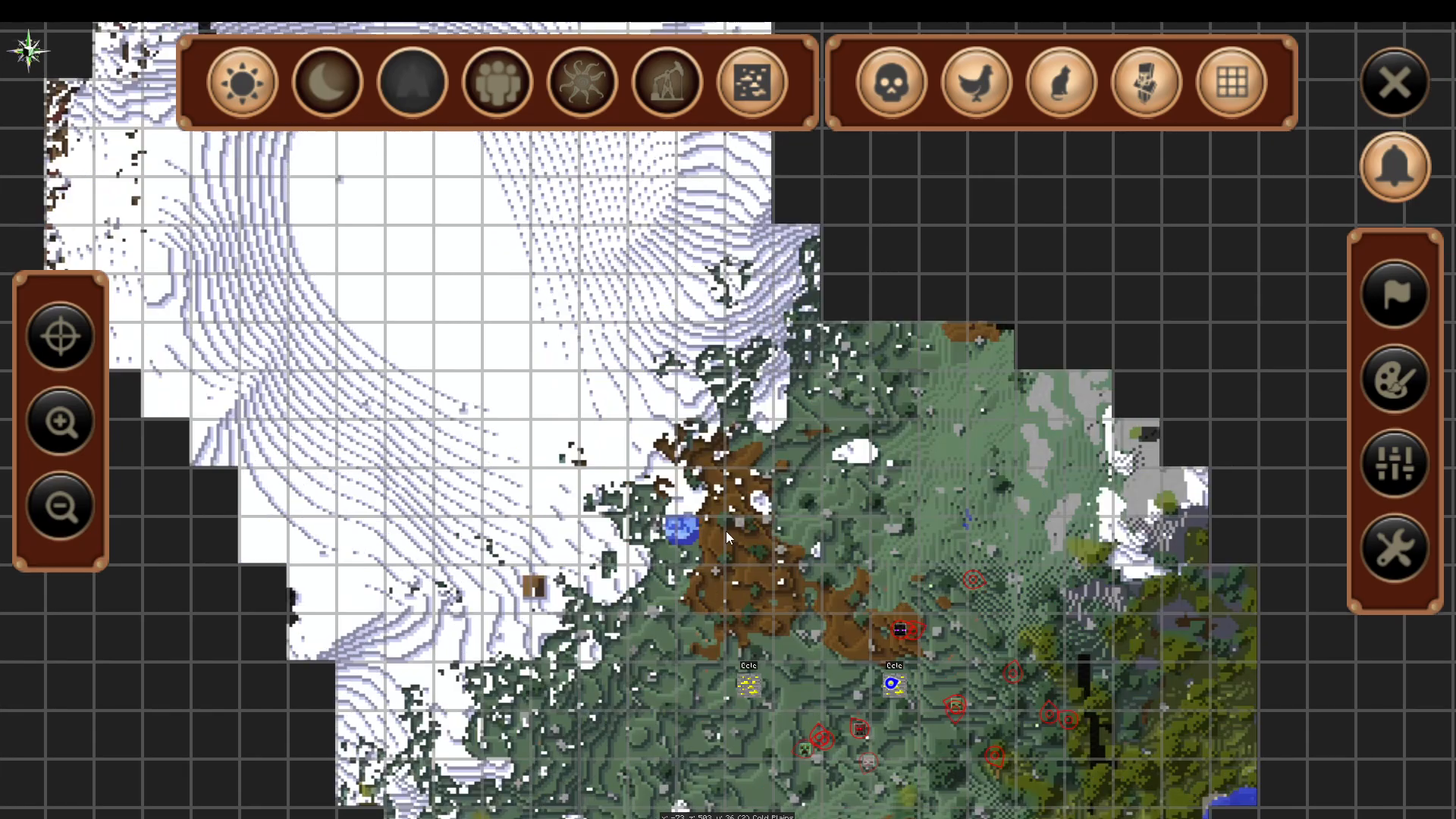
Once you’ve found an ore vein, right-click on any ore block within the vein. This action will automatically register the vein in your Journey Map system. You’ll receive a chat notification confirming your discovery (for example, “found a gold vein”).
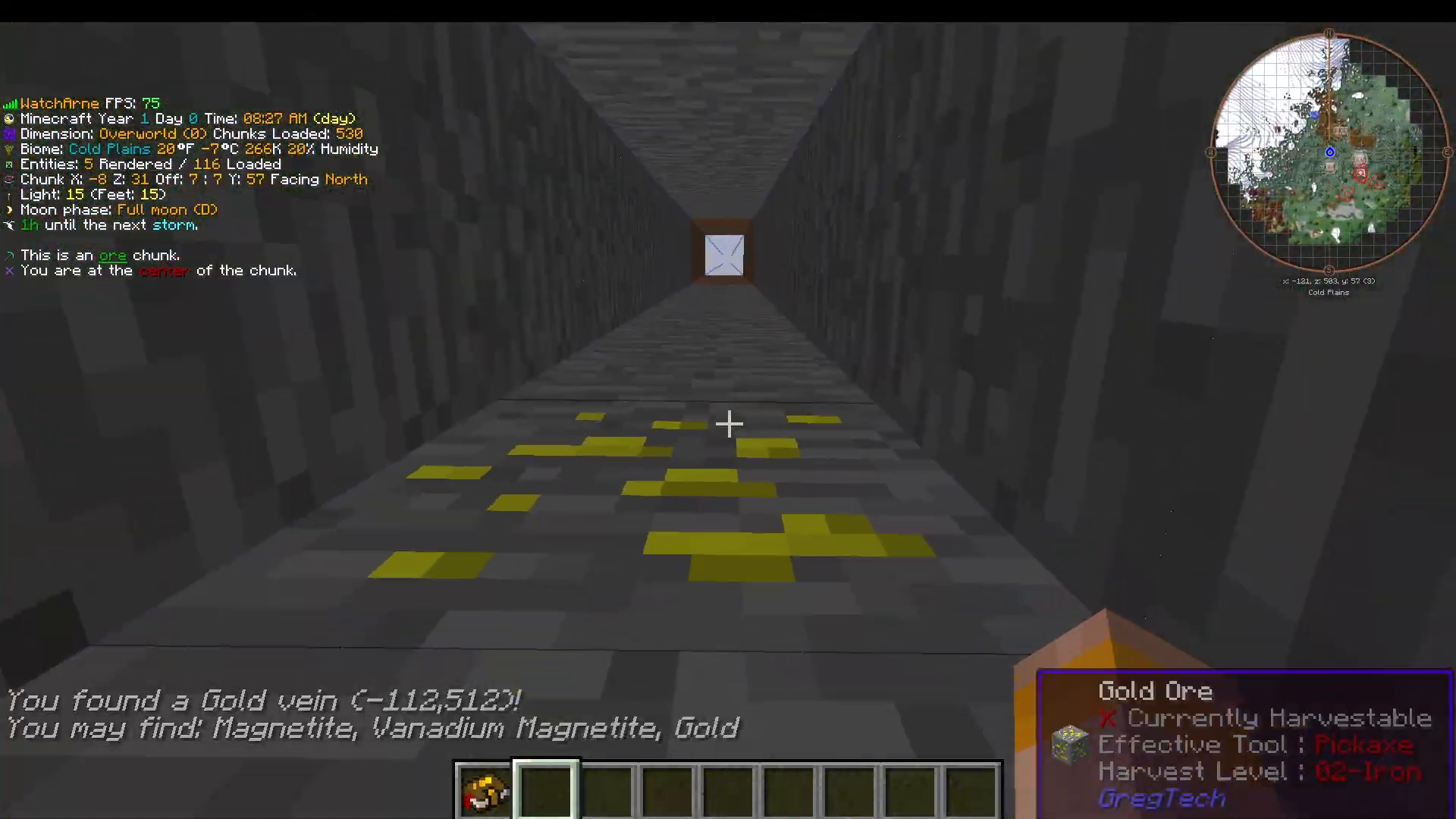
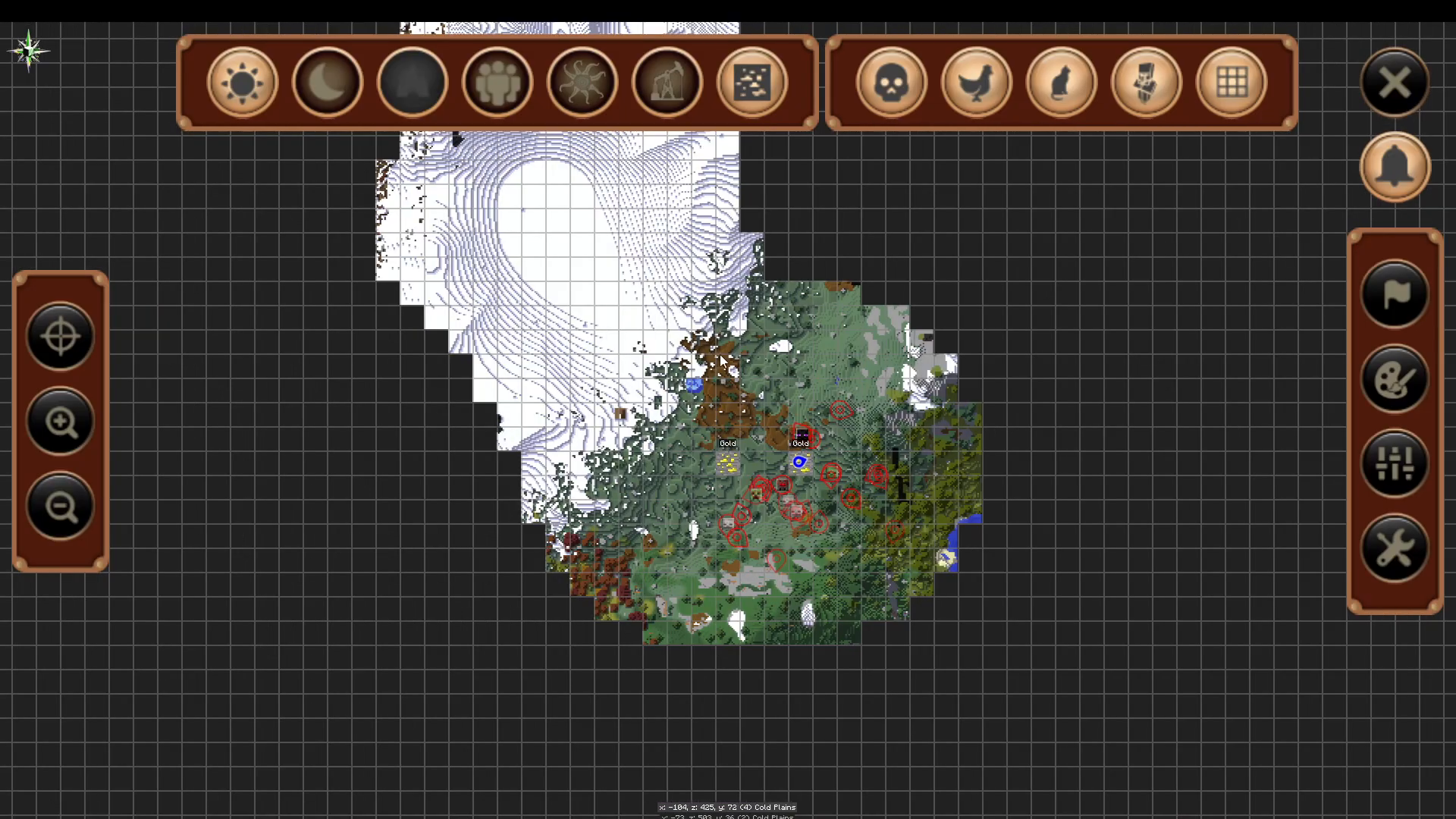
To view your recorded veins, press J to open the Journey Map interface. Navigate to “Show GT Ore Veins” and highlight it to see all the ore veins you’ve discovered. Your newly found vein will now appear on your map.
Maximizing Your Ore Extraction
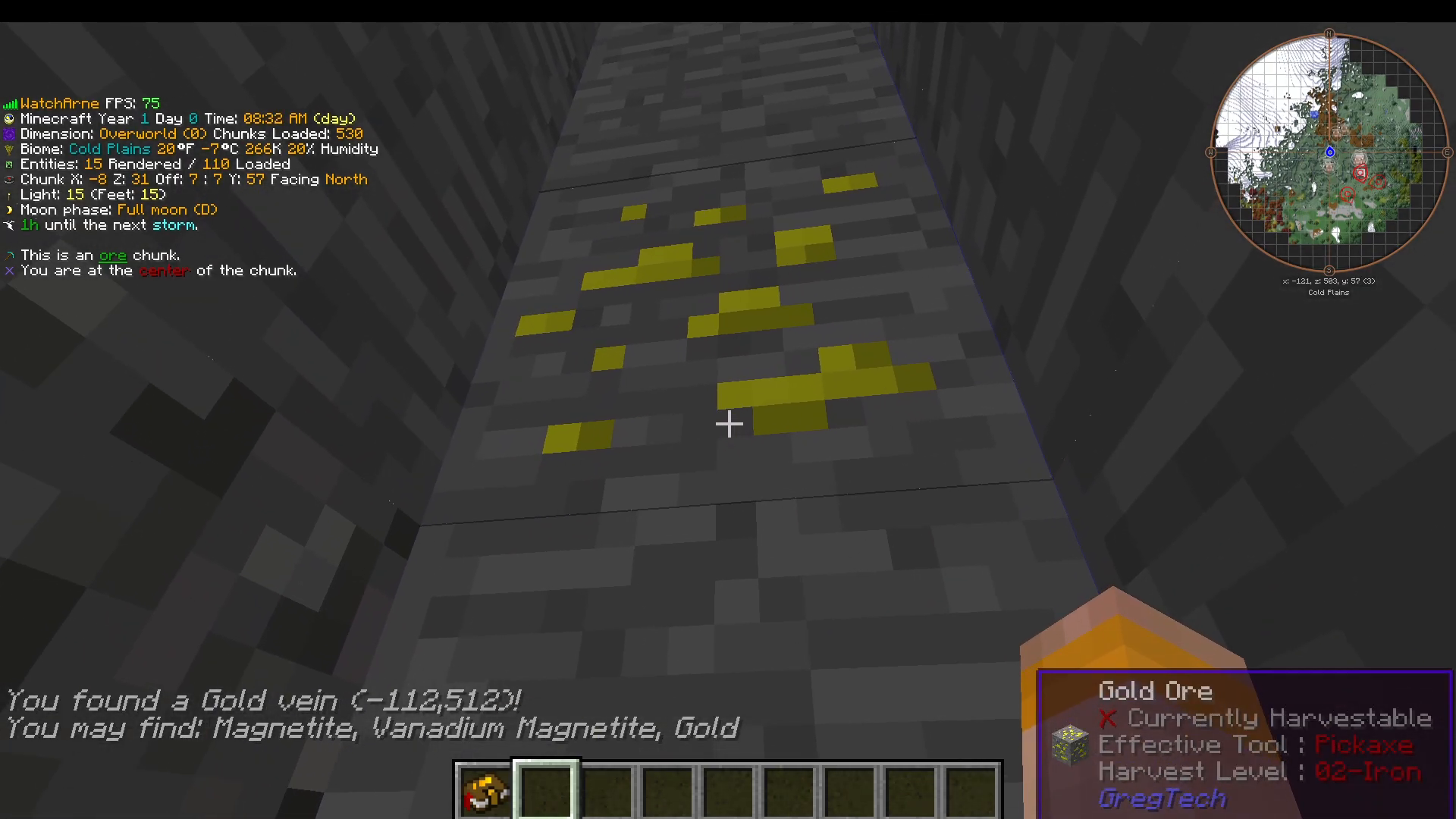
When you’ve found an ore vein, you’ll notice an incredible concentration of ore blocks. Continue digging outward from the vein’s center and you’ll uncover substantial amounts of ore. A single vein can contain far more ore than you might expect, extending well beyond the initial area you discover. Keep digging around the vein until you’ve exhausted all available ore.
Finding Multiple Veins in Sequence
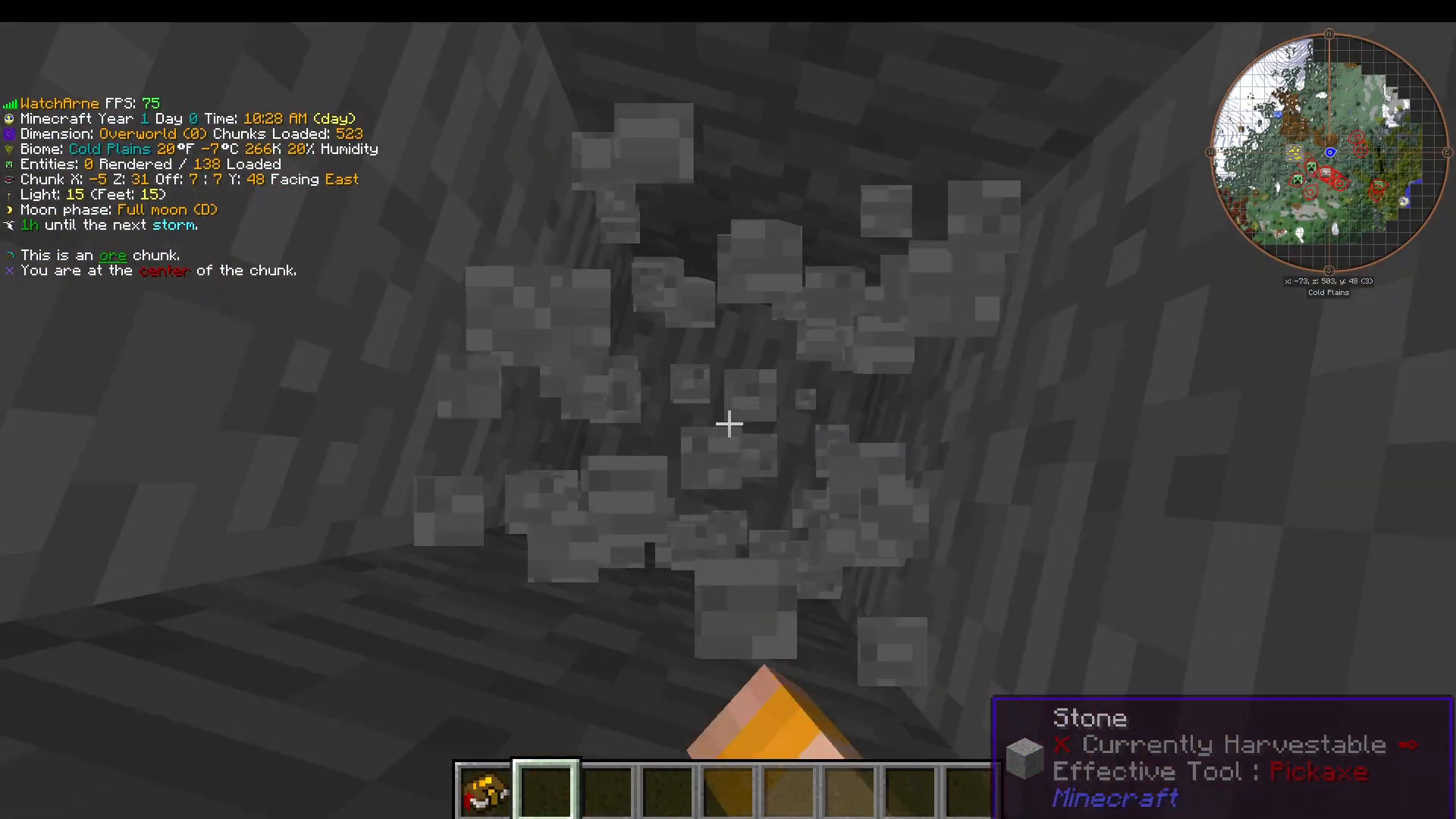
Once you’ve finished harvesting one ore vein, the next vein will be located approximately three chunks away. Use your F9 chunk visualization to count three chunks in any direction and identify the next blue center line. Start digging there to locate your next vein.
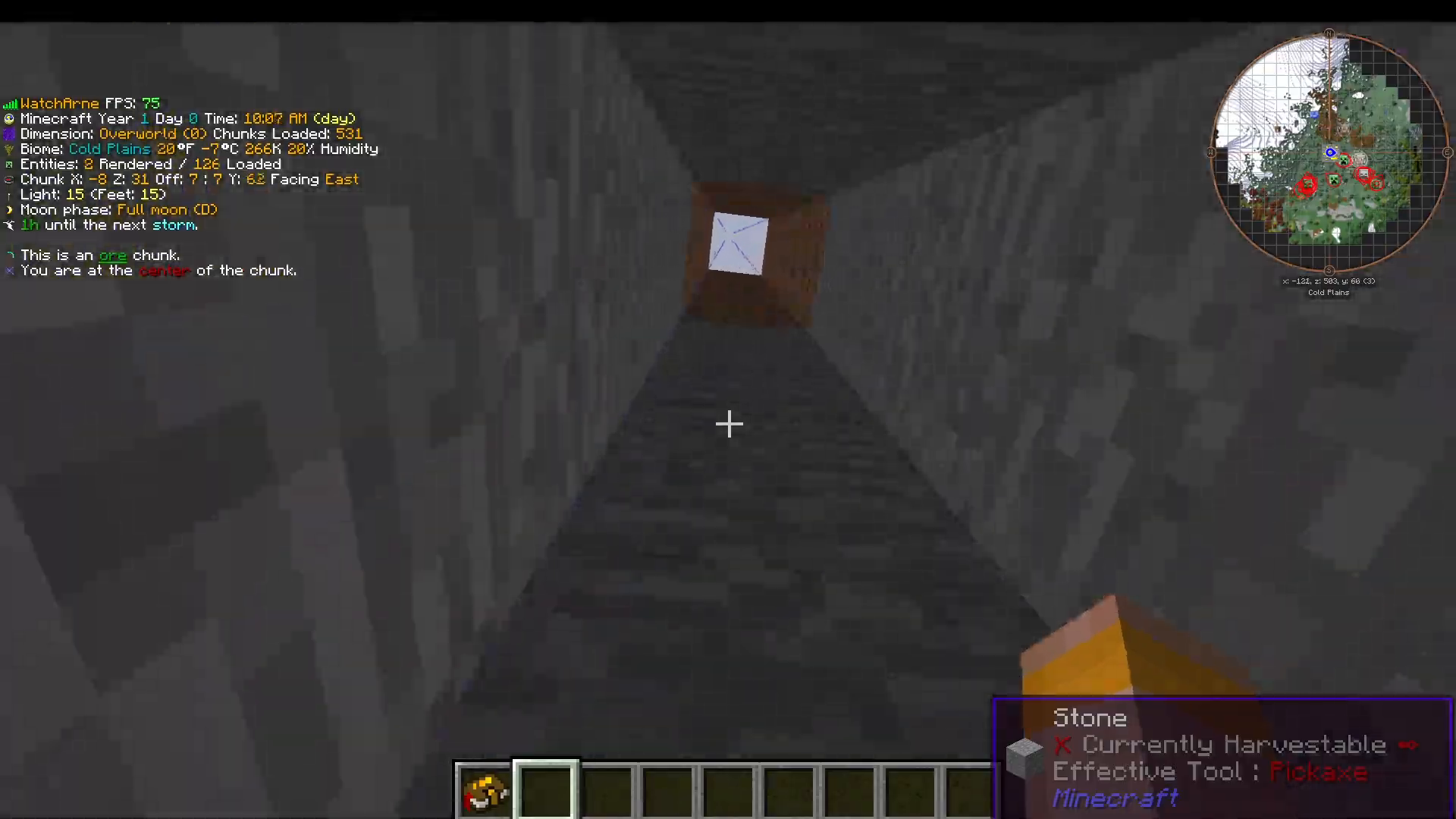
Not every location will contain ore—sometimes you’ll find small ore patches that aren’t part of the main vein system. Continue exploring until you strike a major vein.
Tracking Depleted Veins
After you’ve completely mined out an ore vein, you can mark it as depleted to avoid revisiting it. Press the Delete key on your keyboard and an X will appear over that vein location on your map, indicating it’s fully exhausted.
Building Your Vein Map
As you discover more veins, you can create a systematic pattern for mining efficiency. Many experienced players establish a grid where they know the exact locations of multiple veins relative to each other, allowing for organized ore farming operations.
Finding Specific Ore Types
If you’re searching for a particular ore type, success largely depends on luck when manually exploring. However, the quest book provided in Gregtech New Horizons will guide you toward your first ore discoveries. For subsequent veins of specific types, you’ll need to locate them through the manual searching techniques described in this guide.
Summary
Finding ore veins in Gregtech New Horizons requires understanding the game’s chunk-based vein generation system. By using the F9 visualization tool to identify 3×3 chunk centers, right-clicking discovered ores to register them in Journey Map, and systematically exploring three chunks away from each discovered vein, you’ll quickly amass substantial ore reserves. Remember to mark depleted veins with the Delete key to maintain an organized mining operation, and always expand your search slightly if you don’t find ore immediately at the chunk centers.
— Want to Support? —
If you would like to help us continue making these guides – please consider joining our patreon here – https://www.patreon.com/c/JaviHeals
Alternatively – we host a group of MC Servers you can join here – https://discord.gg/zD7Gjt6MHF



