








How To Get Destabilized Redstone Thermal Expansion
How To Get Destabilized Redstone in Thermal Expansion
Destabilized Redstone is a valuable resource in Thermal Expansion, and this guide will walk you through the process of creating it efficiently. Whether you’re a beginner or looking to optimize your production, you’ll learn everything you need to know about using the Magma Crucible to transform solid redstone into liquid destabilized redstone.
Required Equipment
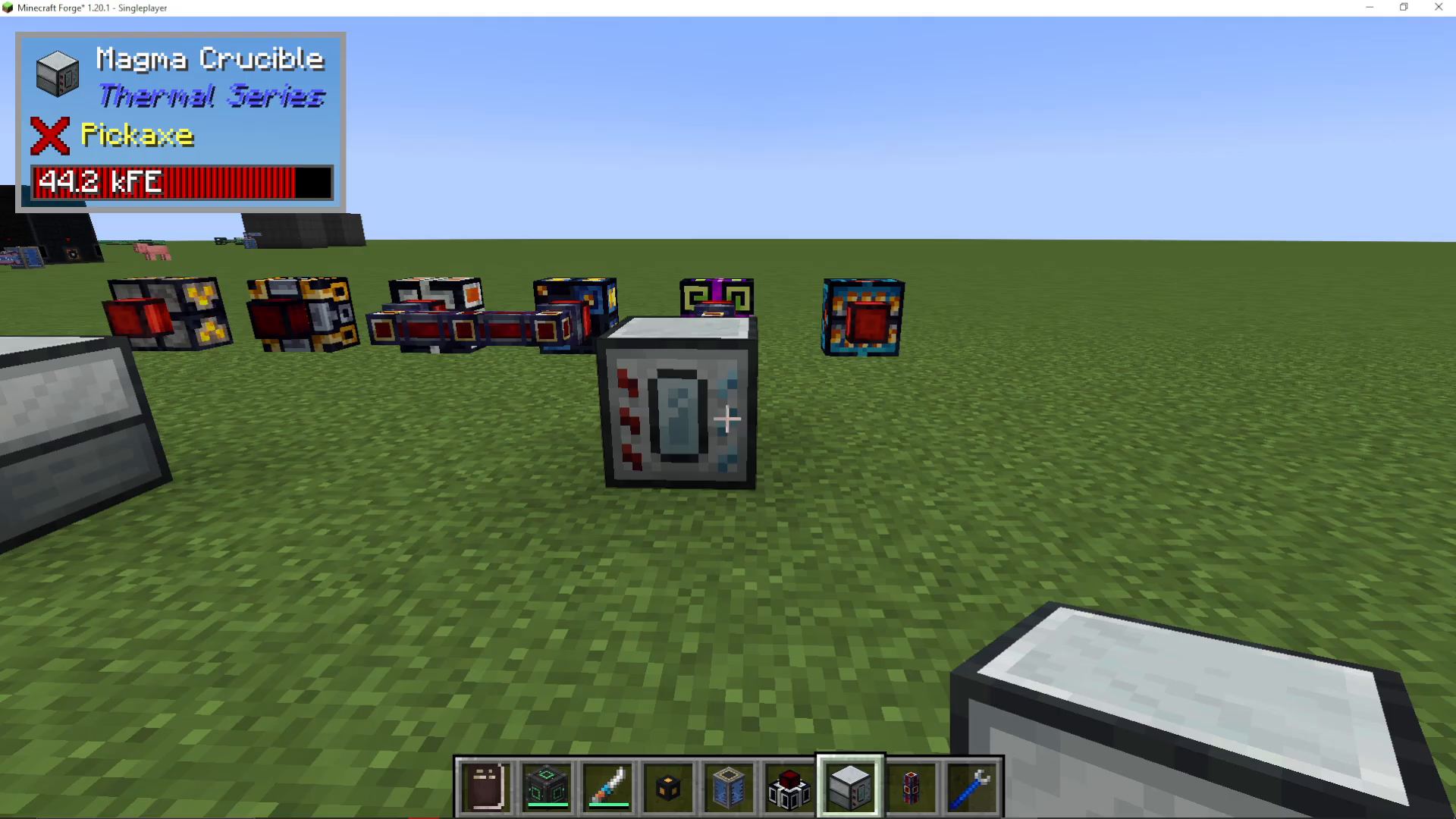
The Magma Crucible
The main machine you’ll need to create destabilized redstone is the Magma Crucible. This machine is fairly simple to craft, though the exact difficulty may vary depending on which mod pack you’re using.
Power Source
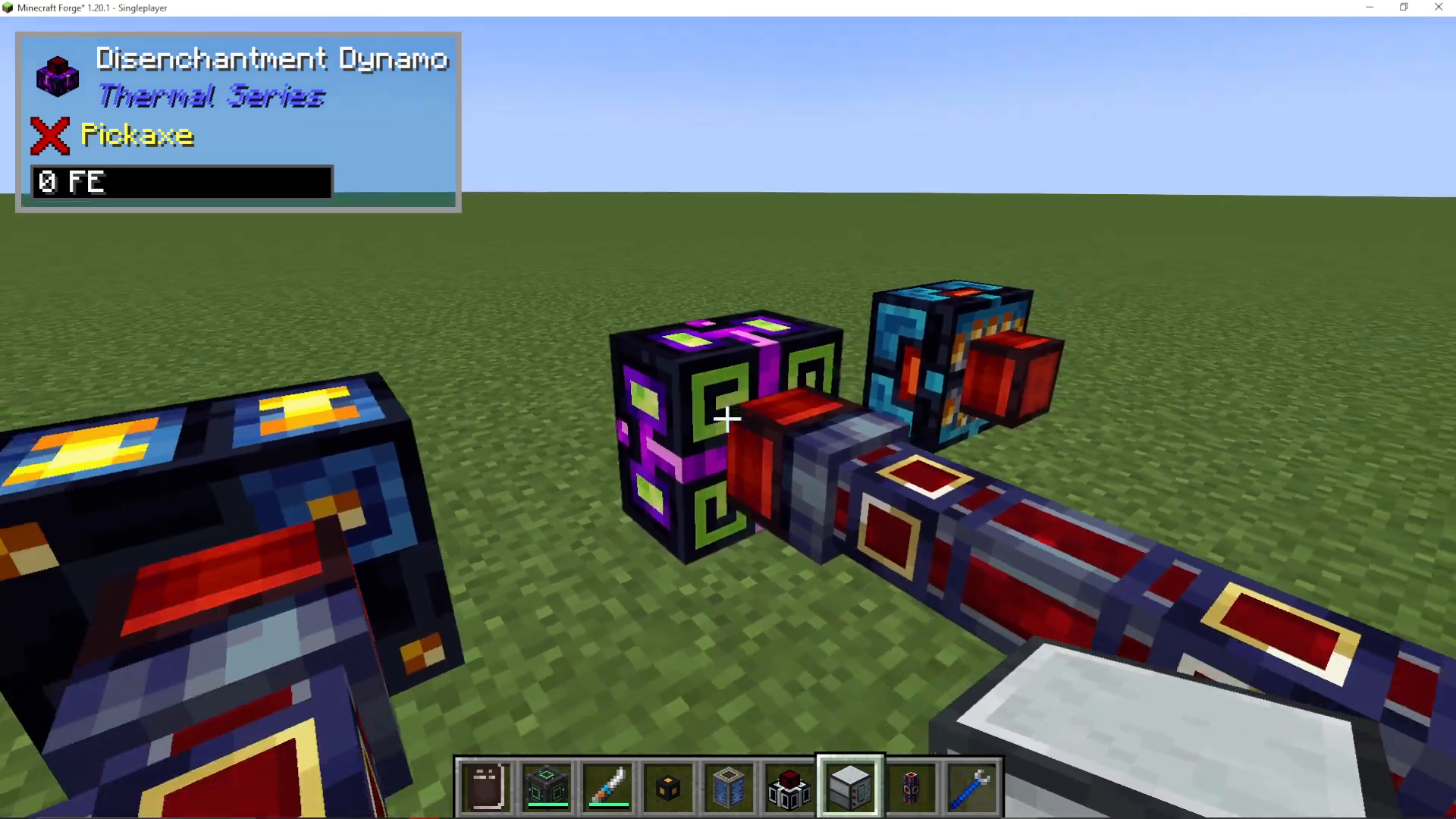
Your Magma Crucible requires power to operate. While this tutorial uses a Disenchantment Dynamo powered by flux stacks, the machine will accept power from any mod that provides energy. Choose whichever power source fits your current setup.
How the Magma Crucible Works
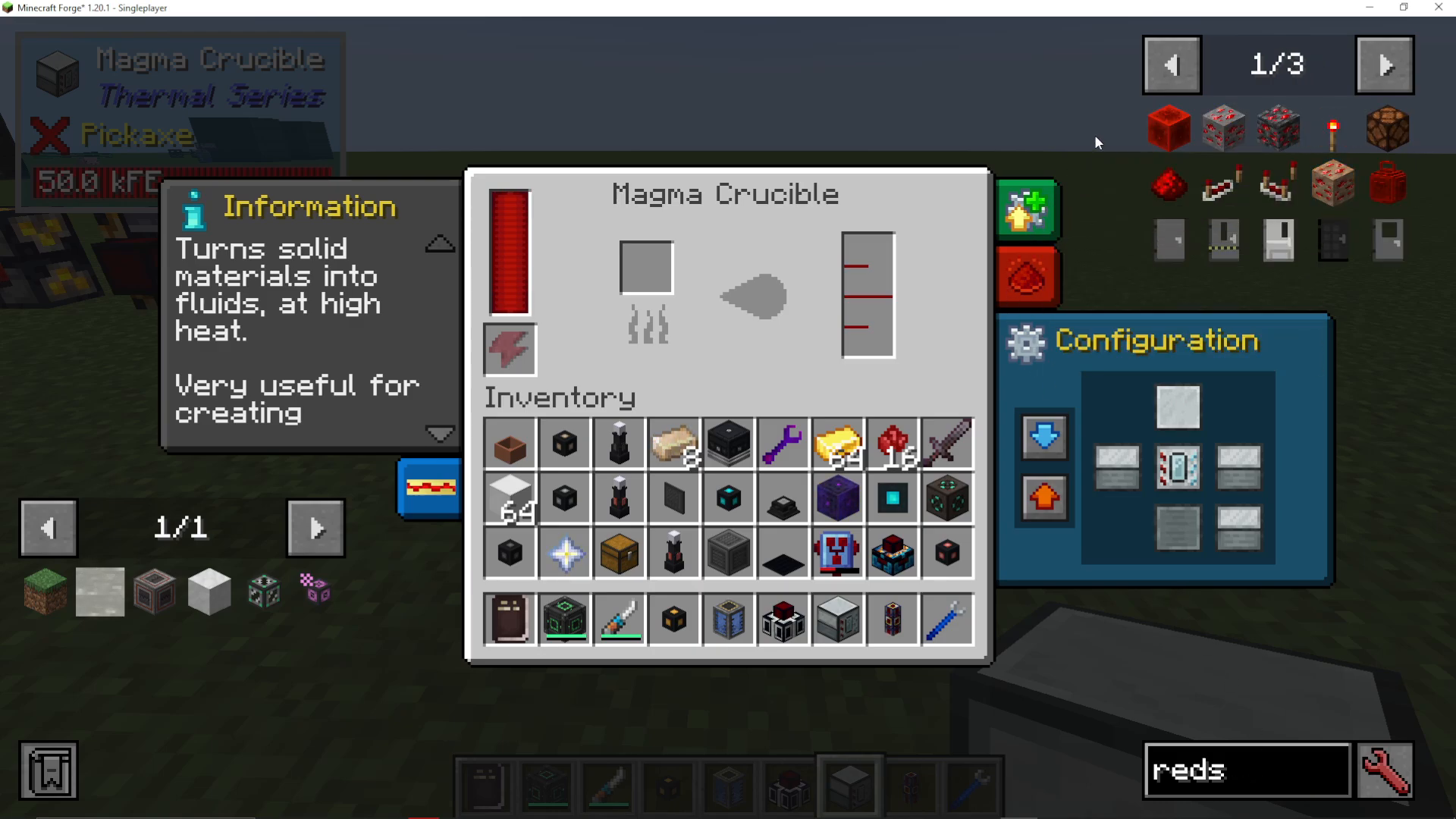
The Magma Crucible is designed to melt down solid materials into their liquid equivalents. For destabilized redstone production, you’ll be converting blocks of redstone into liquid destabilized redstone through a heating process.
Basic Process
To begin production:
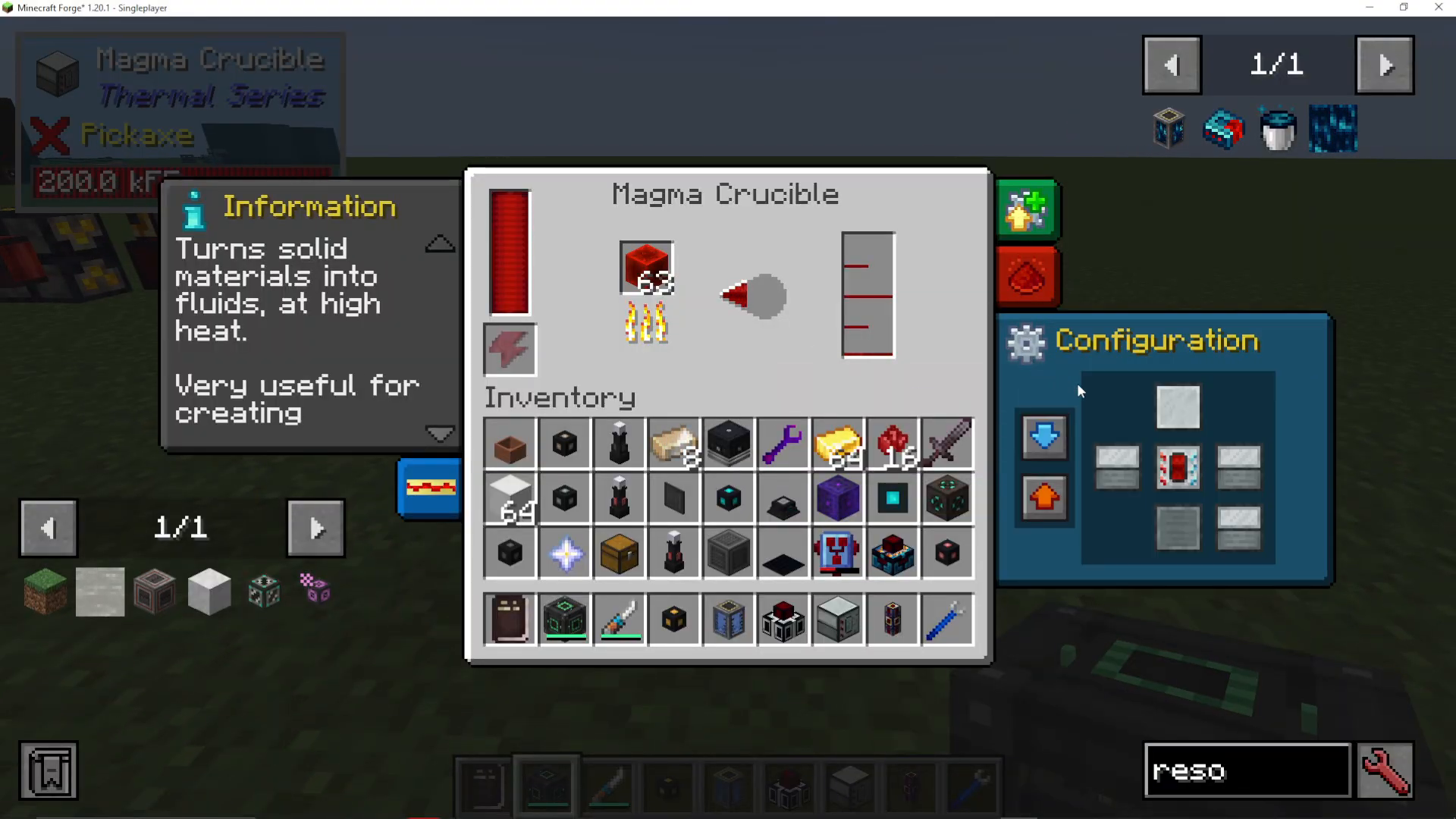
Place blocks of redstone into the Magma Crucible
Ensure the machine is powered
The crucible will slowly heat up the redstone blocks
Once the process completes, you’ll have destabilized redstone liquid
Speeding Up Production with Augmentations
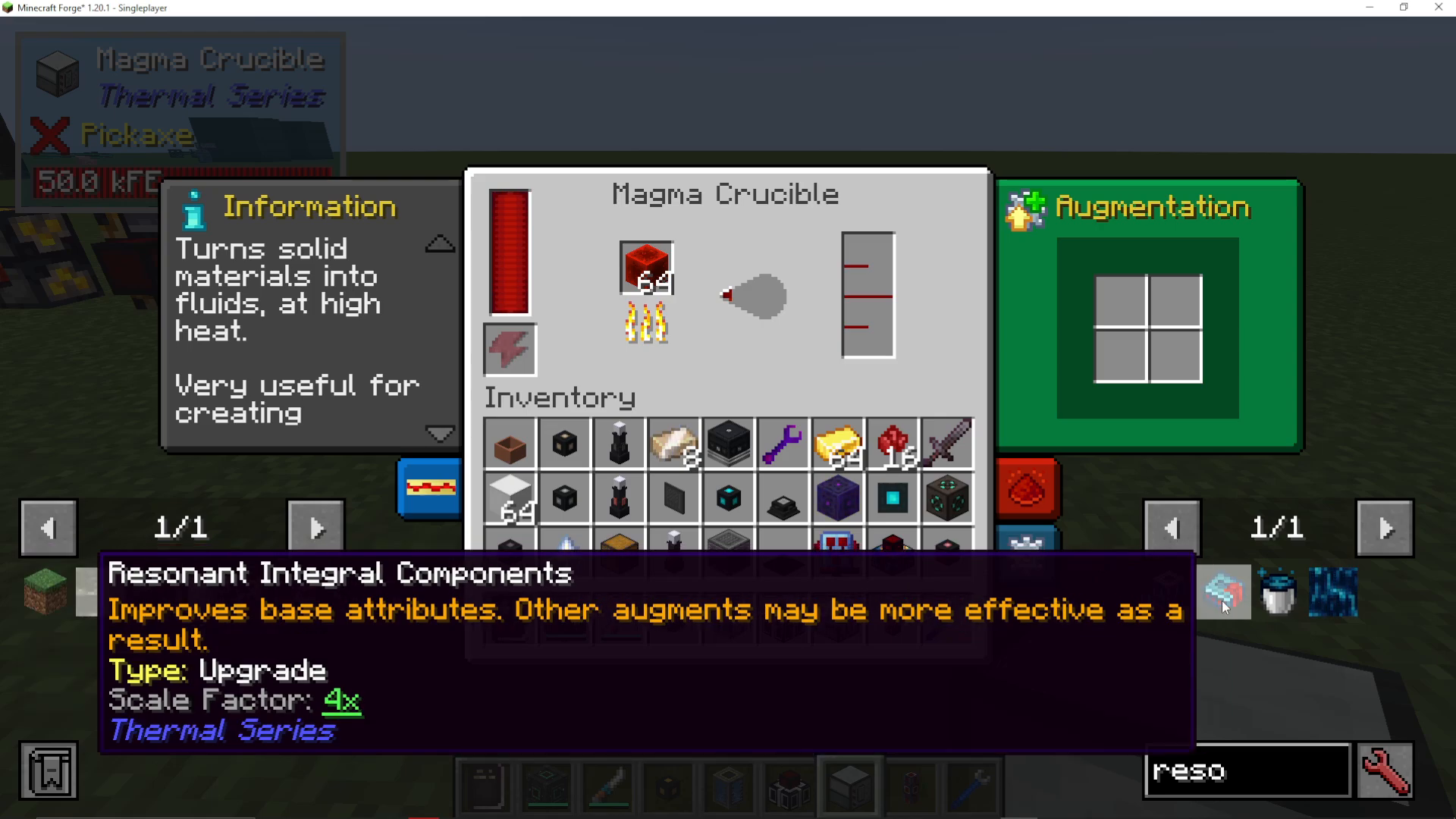
If you find the default heating speed too slow, you can significantly improve processing time by upgrading the machine. Install Integral Components into the augmentation slot of your Magma Crucible to accelerate the conversion process.
Outputting Destabilized Redstone
Automated Output with Fluid Ducts
To automatically export your destabilized redstone, you’ll need to configure the machine’s output settings:
Access the configuration menu on the Magma Crucible
Set the output direction to orange (or your preferred color)
Connect a Fluid Duct to the designated output face
Destabilized redstone will now automatically flow through the duct
Manual Collection with Buckets
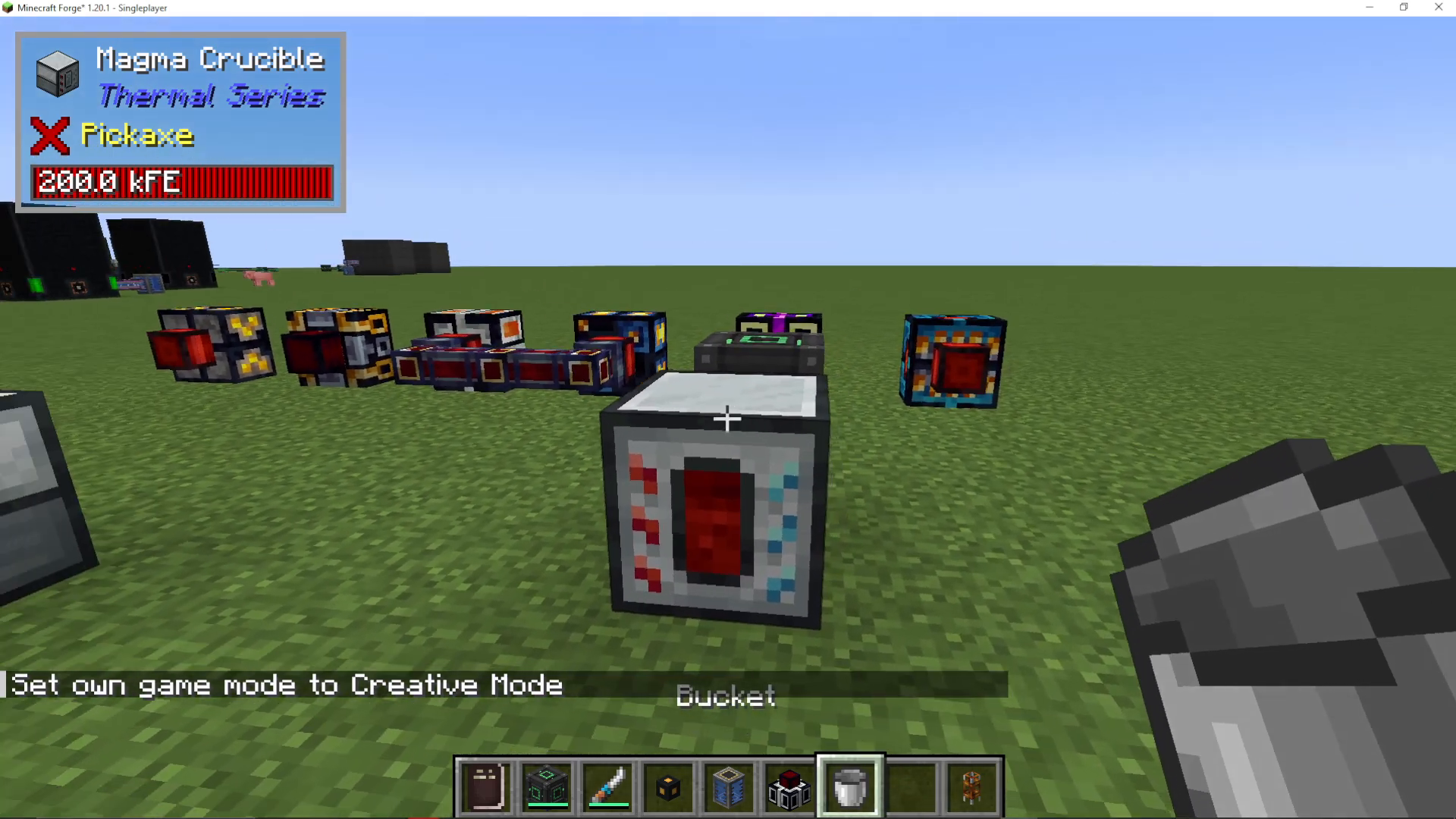
If you prefer not to use automated ducts, you can manually extract destabilized redstone using buckets:
Ensure you’re in Survival mode (using Creative mode will waste the liquid)
Hold a bucket in your hand
Right-click on the Magma Crucible to collect the destabilized redstone
One full bucket equals 1000 mB of liquid
Summary
Creating destabilized redstone in Thermal Expansion is straightforward once you have a Magma Crucible set up with adequate power. Whether you choose to upgrade with augmentations, use automated fluid ducts for output, or manually collect with buckets, you now have all the knowledge needed to produce this valuable resource efficiently. Start small and scale up your operation as your base grows!
Want to Support?
If you would like to help us continue making these guides – please consider joining our patreon here – https://www.patreon.com/c/JaviHeals
Alternatively – we host a group of MC Servers you can join here – https://discord.gg/zD7Gjt6MHF



