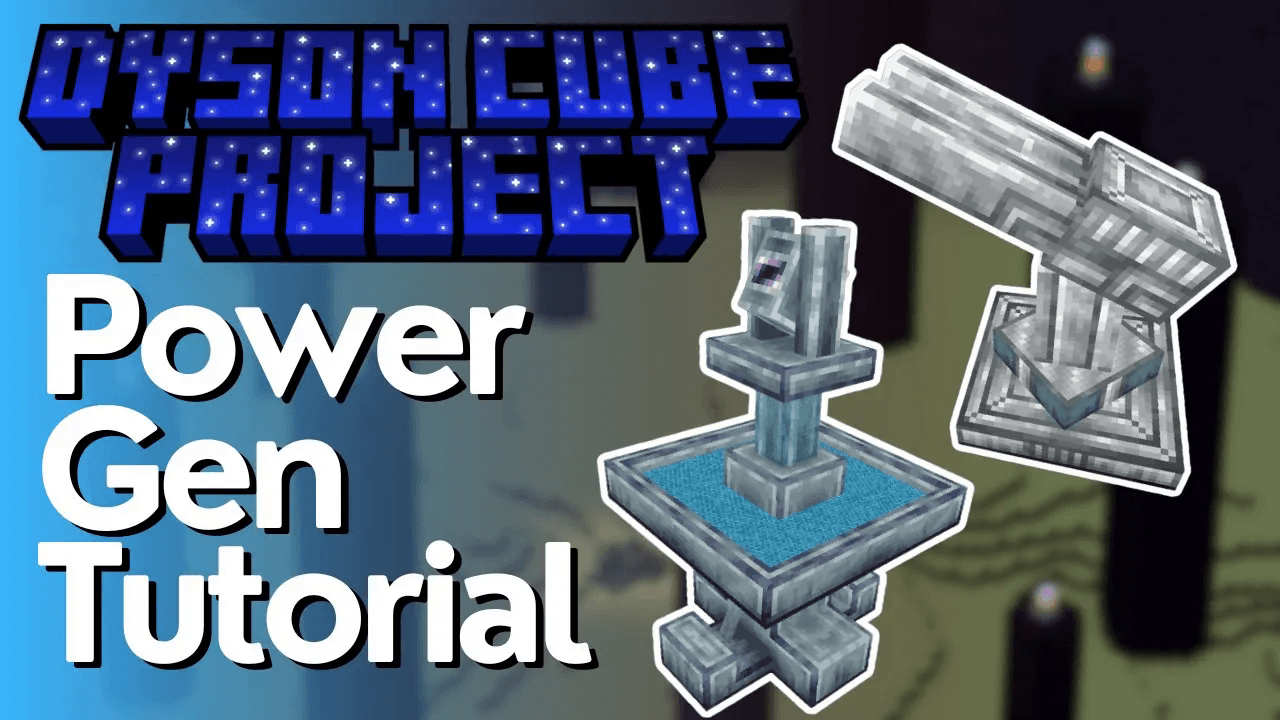
Dyson Cube Project Mod Tutorial
Dyson Cube Project Mod Tutorial — Passive Energy Generation in All the Mods 10
The Dyson Cube Project is a brand-new Minecraft mod focused on passive power generation — and it’s already included in All the Mods 10 (ATM10). While the mod is still early in development, it offers a satisfying and visually impressive system for generating Forge Energy (FE) by launching solar sails into the sun. This guide walks you through every step, from crafting your first multiblock structure to harvesting energy with a Ray Receiver Controller.
Getting Started: The EM Rail Ejector Controller
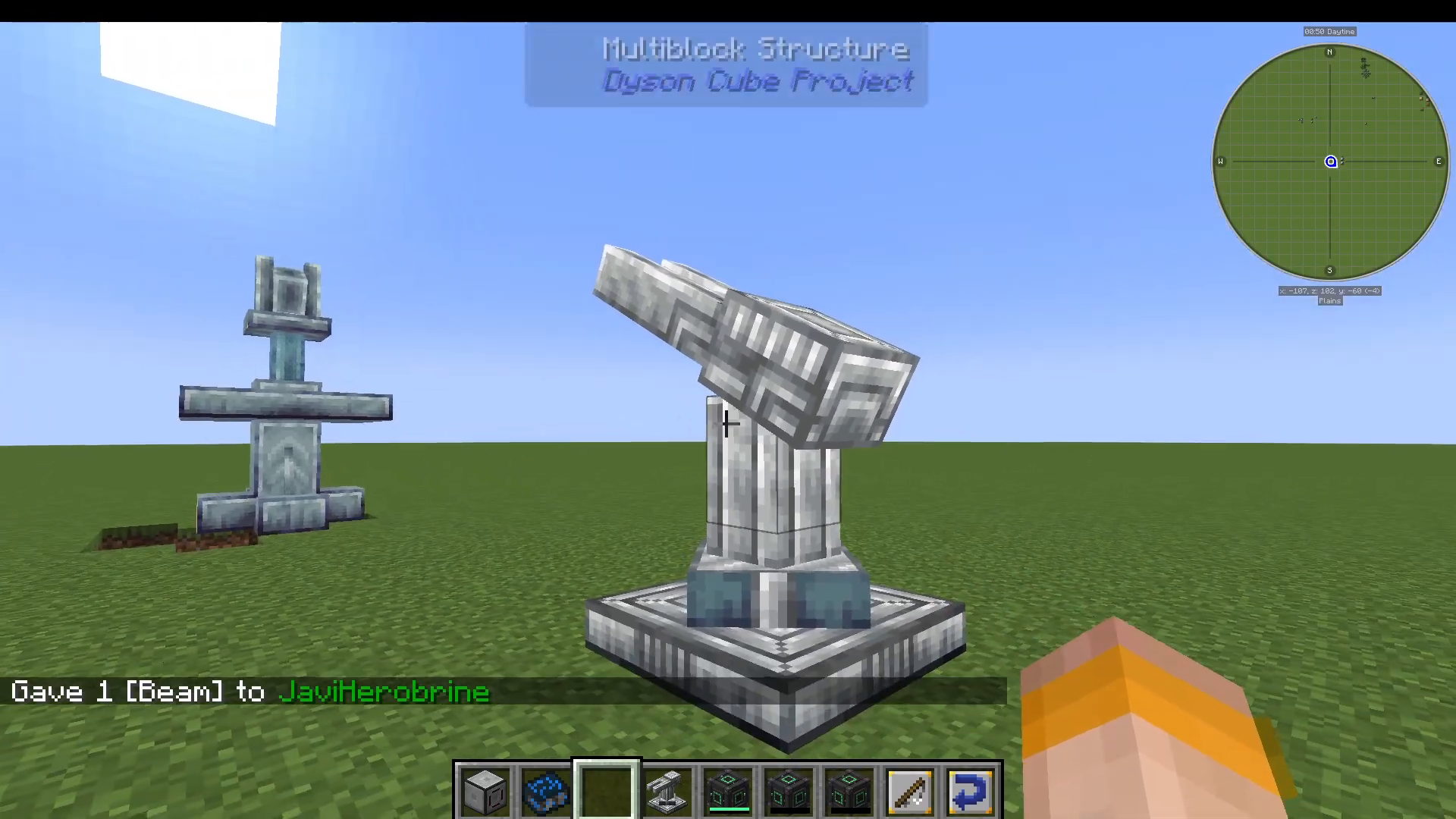
The first thing you need to craft is the EM Rail Ejector Controller. Despite the intimidating name, it’s straightforward to use. Once you have it in hand, you can already see a preview of how large the multiblock structure will be — and it looks impressive.
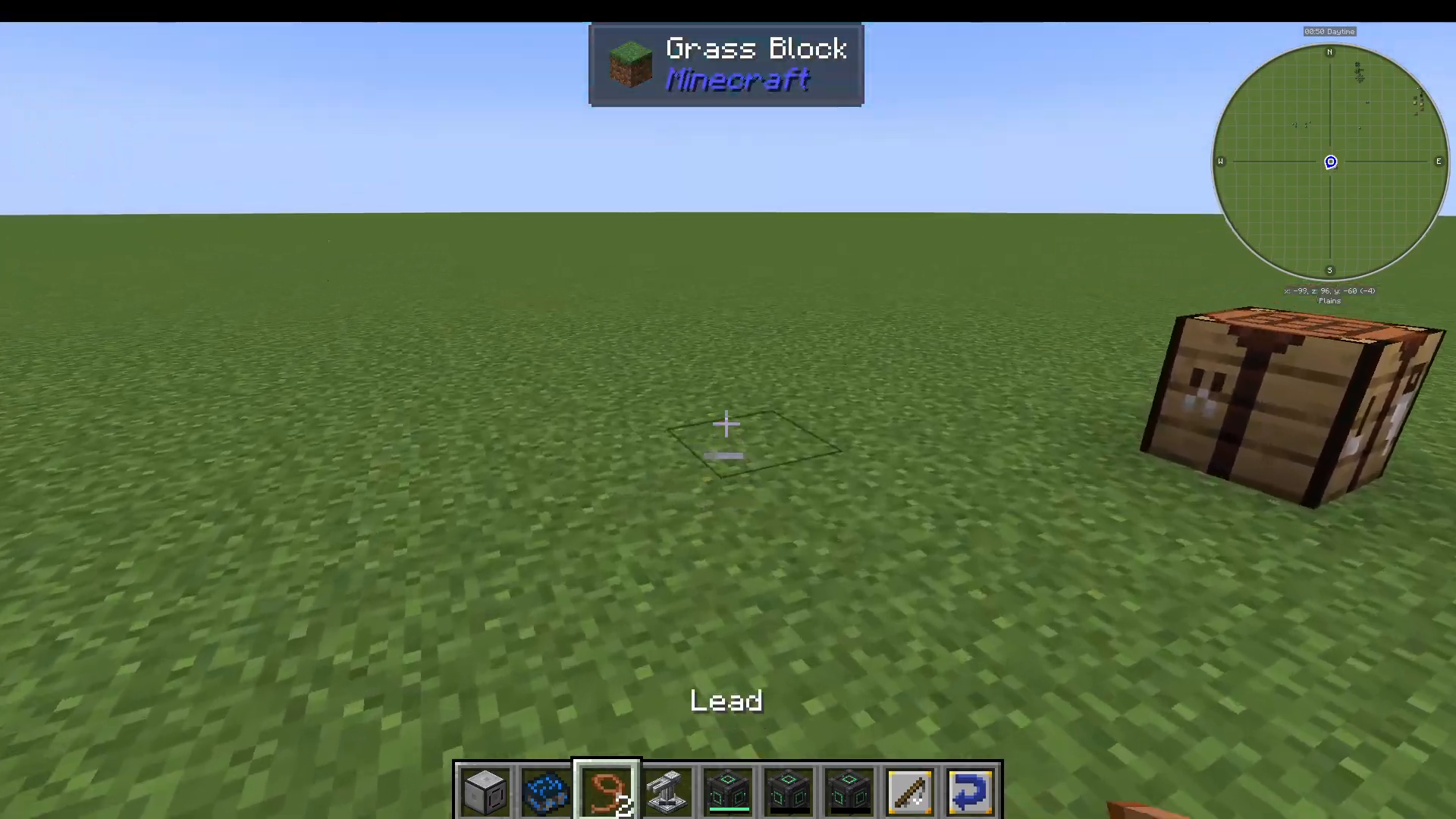
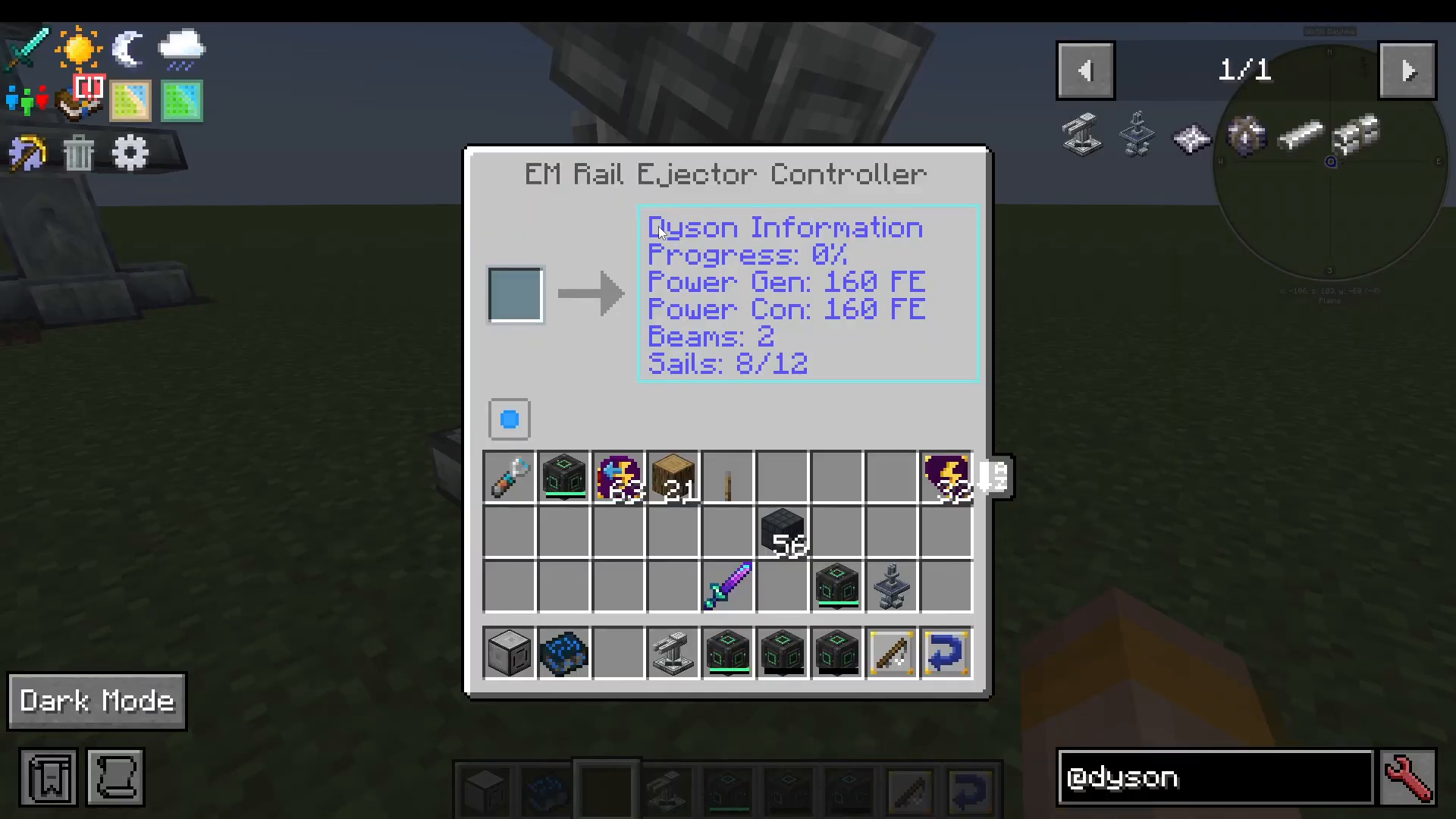
Place the EM Rail Ejector Controller down in your world. When you open its interface, you’ll find several tabs displaying useful information including progress, power generation, beam count, and sail count. This dashboard is your main window into monitoring how your Dyson Cube system is performing.
Understanding Beams and Solar Sails
The Dyson Cube Project works on a simple ratio system: one beam supports four solar sails. You must maintain this ratio — if you only have one beam active, you cannot send a pack of eight sails. You would need at least two beams before launching an eight-sail package.
How to Launch a Beam
To add a beam to your system, obtain a Beam item (or a Beam Package for multiples) and insert it into the EM Rail Ejector Controller’s slot. Watch the progress bar fill up — once it completes, the beam is launched to the sun.
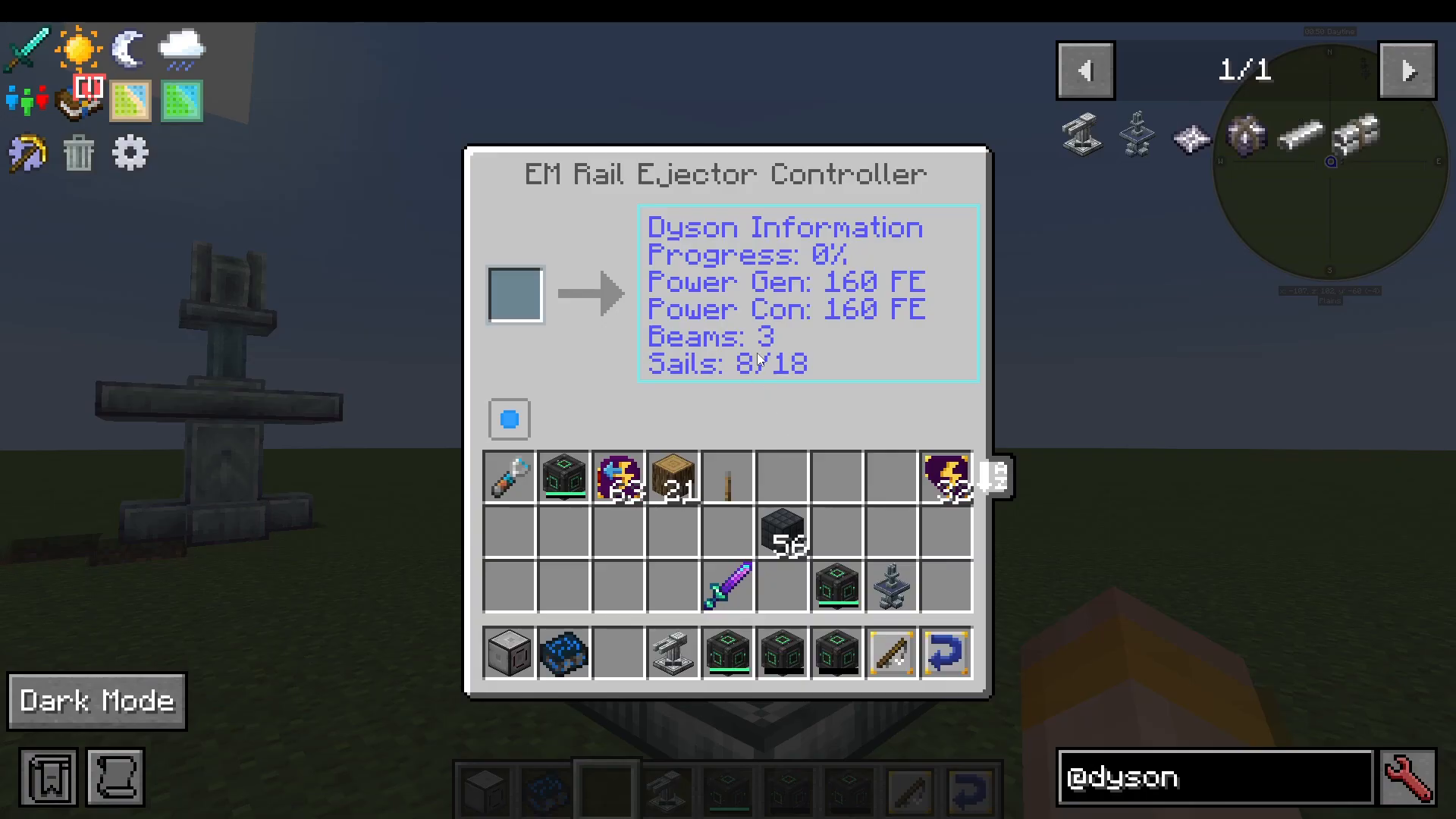
After launching a beam, the controller’s display will update to reflect the new totals. For example, after launching a second beam, the interface will show 3 beams and 18 available sail slots.
How to Launch Solar Sails
Once you have enough beams in place to support your sails, grab a pack of 8 Solar Sails and insert them into the controller. Launch them to the sun the same way you launched the beams — insert them and let the progress bar complete.
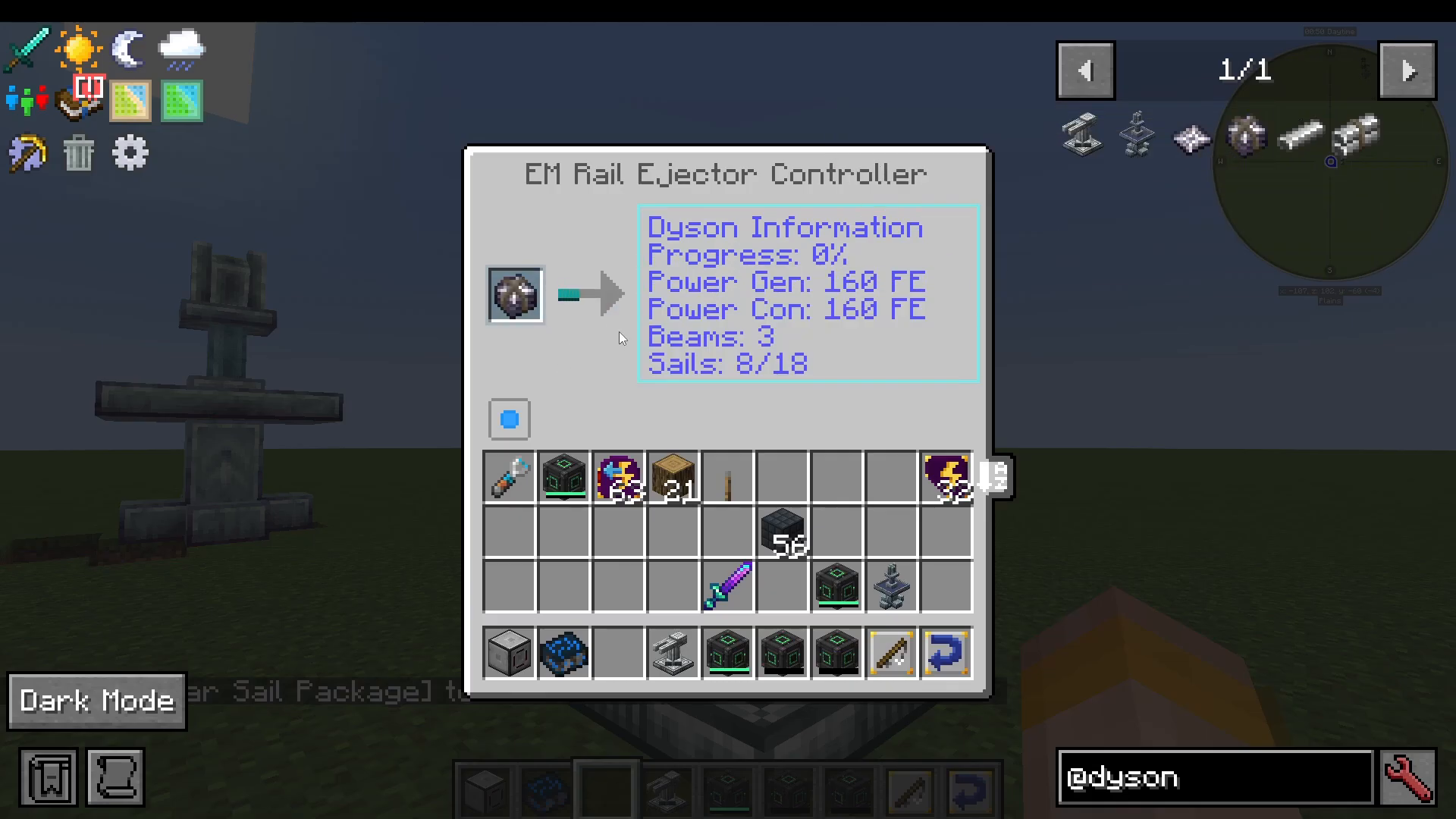
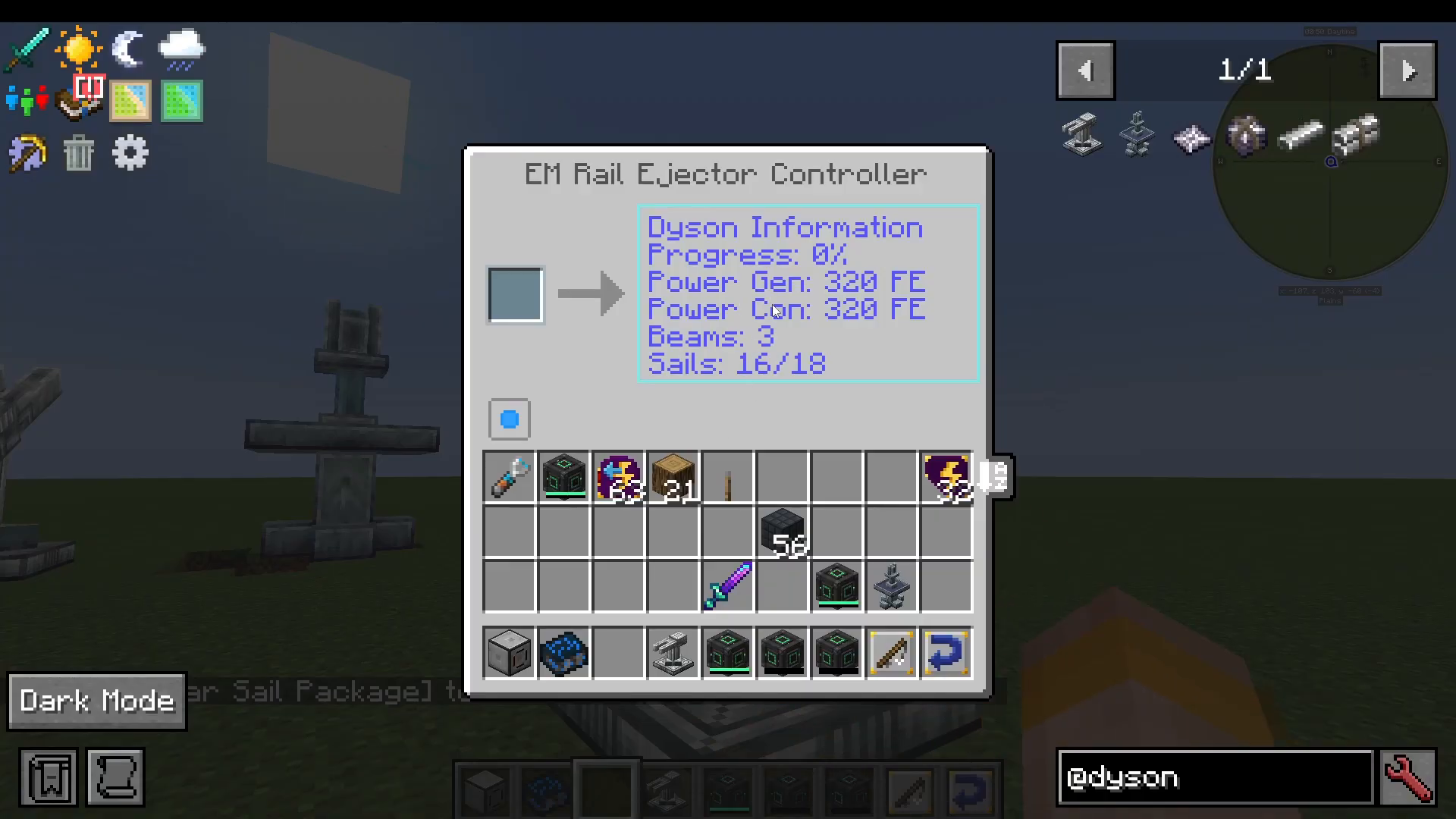
After a successful launch, you’ll immediately begin generating power. For example, with 8 solar sails active, the system produces 320 Forge Energy (FE) per tick. The more beams and sails you launch, the more energy you generate.
Harvesting Your Energy: The Ray Receiver Controller
Launching sails and beams isn’t enough on its own — you also need to craft and place a Ray Receiver Controller to actually collect the energy being generated.
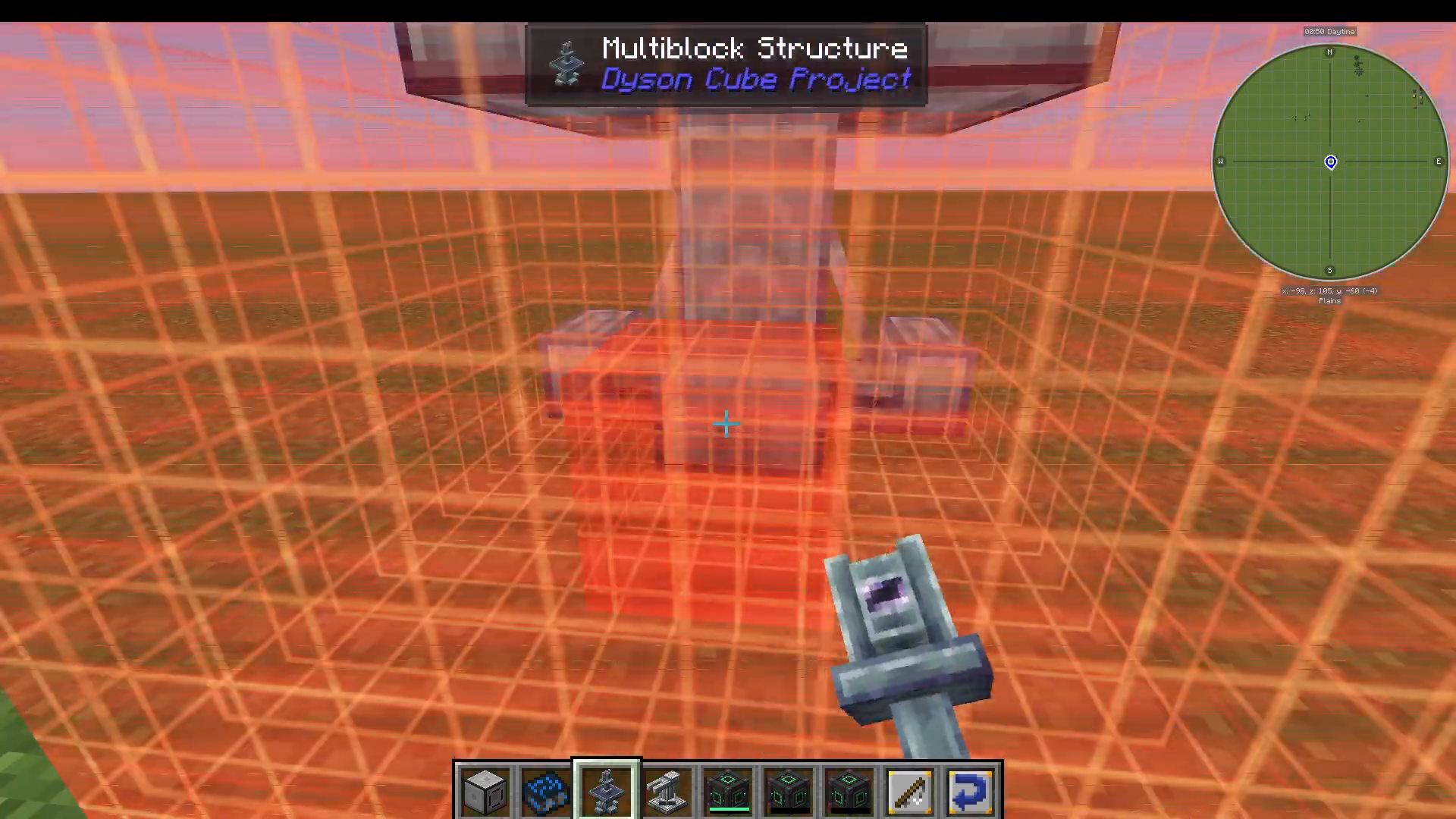
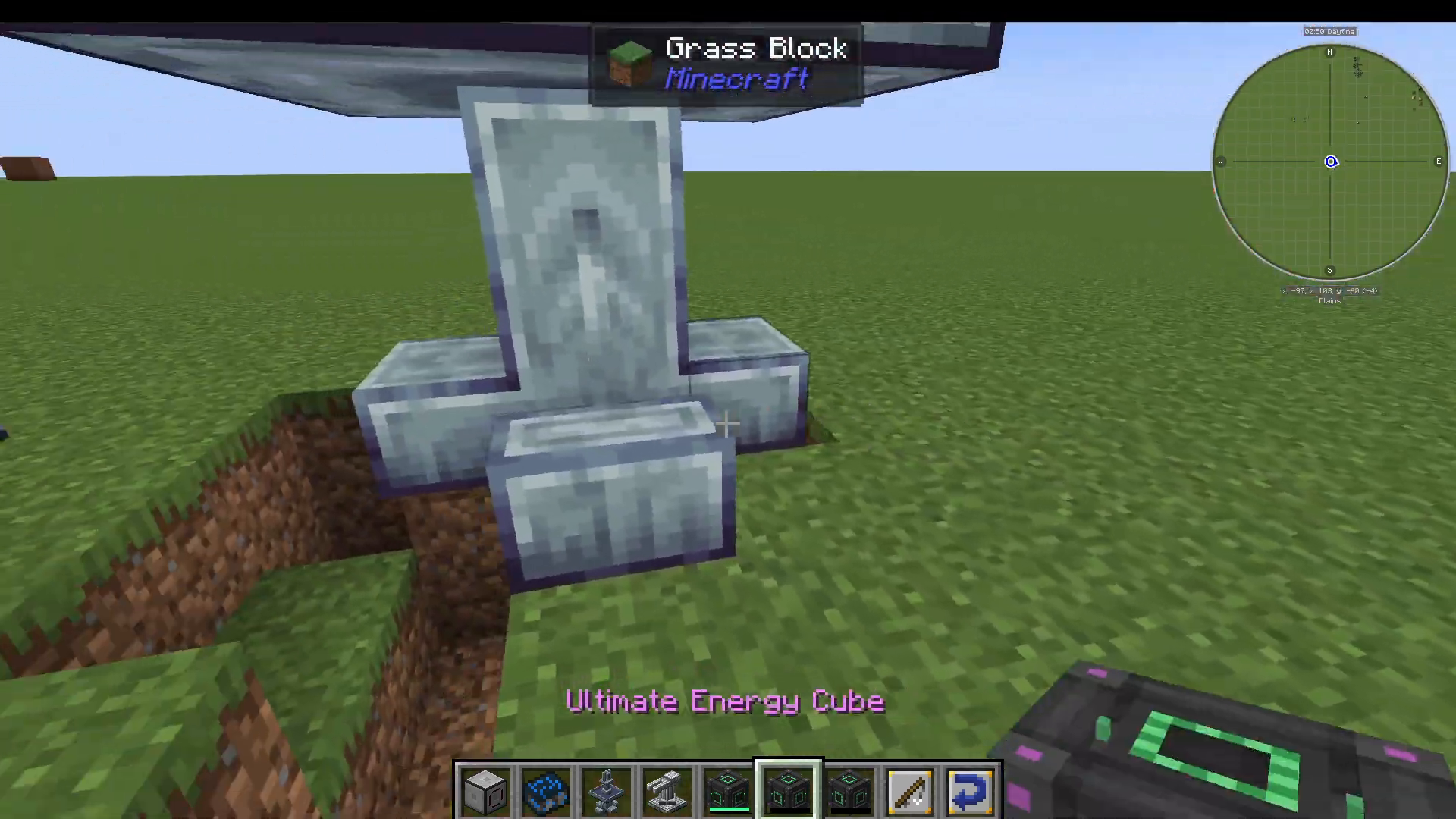
Place the Ray Receiver Controller in your world, then connect your preferred energy cables or storage blocks to the bottom of the multiblock. The receiver will draw all generated energy out of the system and store it in its internal buffer, from where it can flow into your base’s power network.
Summary: A Simple but Powerful Passive Energy Source
The Dyson Cube Project mod is an elegant and beginner-friendly way to set up passive Forge Energy generation in All the Mods 10. Here’s a quick recap of what you need to remember:
Craft and place an EM Rail Ejector Controller to begin building your multiblock.
Launch Beams first — each beam supports 4 Solar Sails.
Insert and launch Solar Sail packs to start generating Forge Energy.
Place a Ray Receiver Controller to collect and distribute the generated energy.
Connect energy cables or storage to the bottom of the Ray Receiver to pull power out.
The mod is still early in development with power generation being its current focus, but more features are expected to be added over time. Keep an eye on future updates — this could become one of the most interesting energy mods in the ATM10 pack.
“`