Complete Beginners Guide to Ad Astra
Complete Beginners Guide to Ad Astra
Welcome to the complete start-to-finish guide for Ad Astra with no unnecessary content. This tutorial will walk you through every essential step to get your first rocket built and launched to the moon. Whether you’re new to modding or just new to Ad Astra, you’ll find everything you need to know right here.
Getting Started with Power Generation
The first thing you’ll need is power. While Ad Astra can work with power from other mods, if you’re using Ad Astra standalone, you’ll need a coal generator to begin. Coal generators are straightforward to build and function simply: place coal inside, and it generates power. Any machine or item placed next to the coal generator will accept this power.
Building Your First Machines
The Compressor
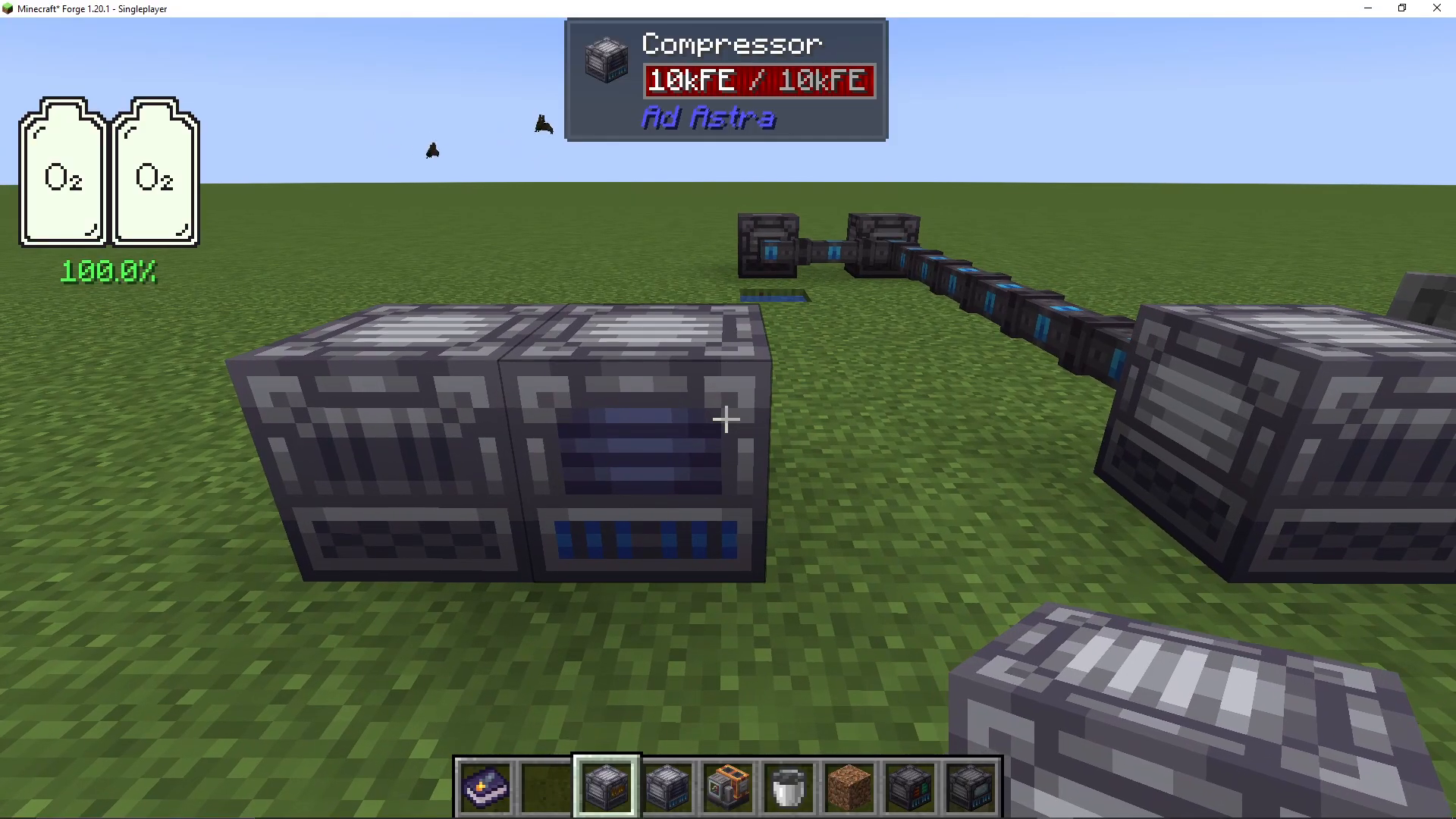
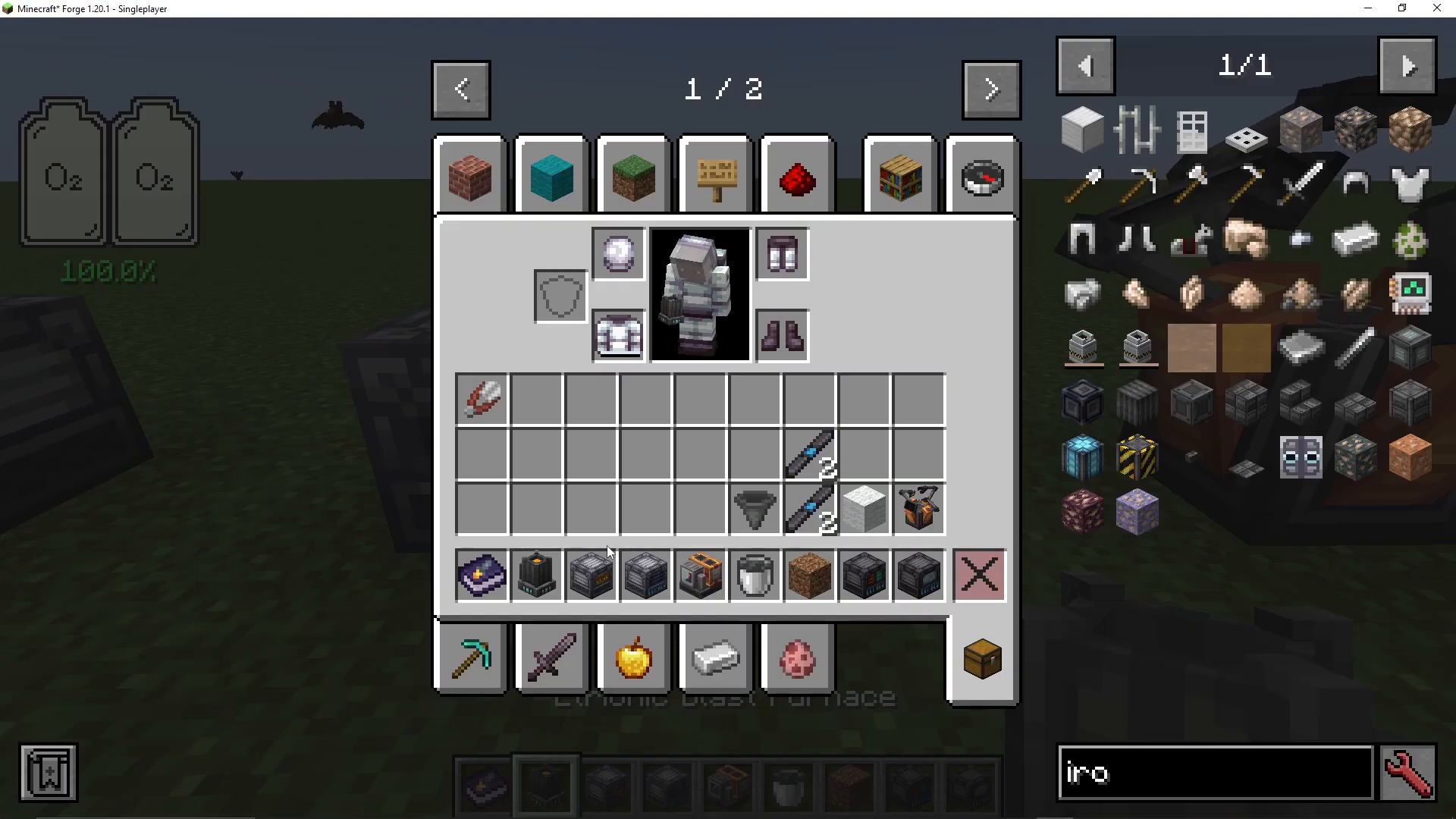
The first machine you should craft is a compressor. This device compresses materials into plates—particularly iron and steel. Steel is one of the fastest resources you’ll need throughout Ad Astra. Simply place iron into the compressor, and it will produce iron plates.
The Aetronic Blast Furnace
Next, craft an aetronic blast furnace. This machine performs two critical functions: it works as a standard blast furnace with four available slots, and it can create steel using alloys. You can insert iron and coal into the furnace, and it will heat up to convert these materials into steel ingots. These steel ingots are essential for progression in Ad Astra.
Crafting Your First Rocket
Materials Required
To build your first rocket, you’ll need the following components:
Steel blocks
Steel plates
Steel tanks
Steel engines
Rocket fins
Rocket nose cone
Iron rods (made from iron plates)
All of these materials are crafted primarily from iron and steel plates, making them relatively simple to produce once you have your compressor and aetronic blast furnace operational.
Using the NASA Workbench
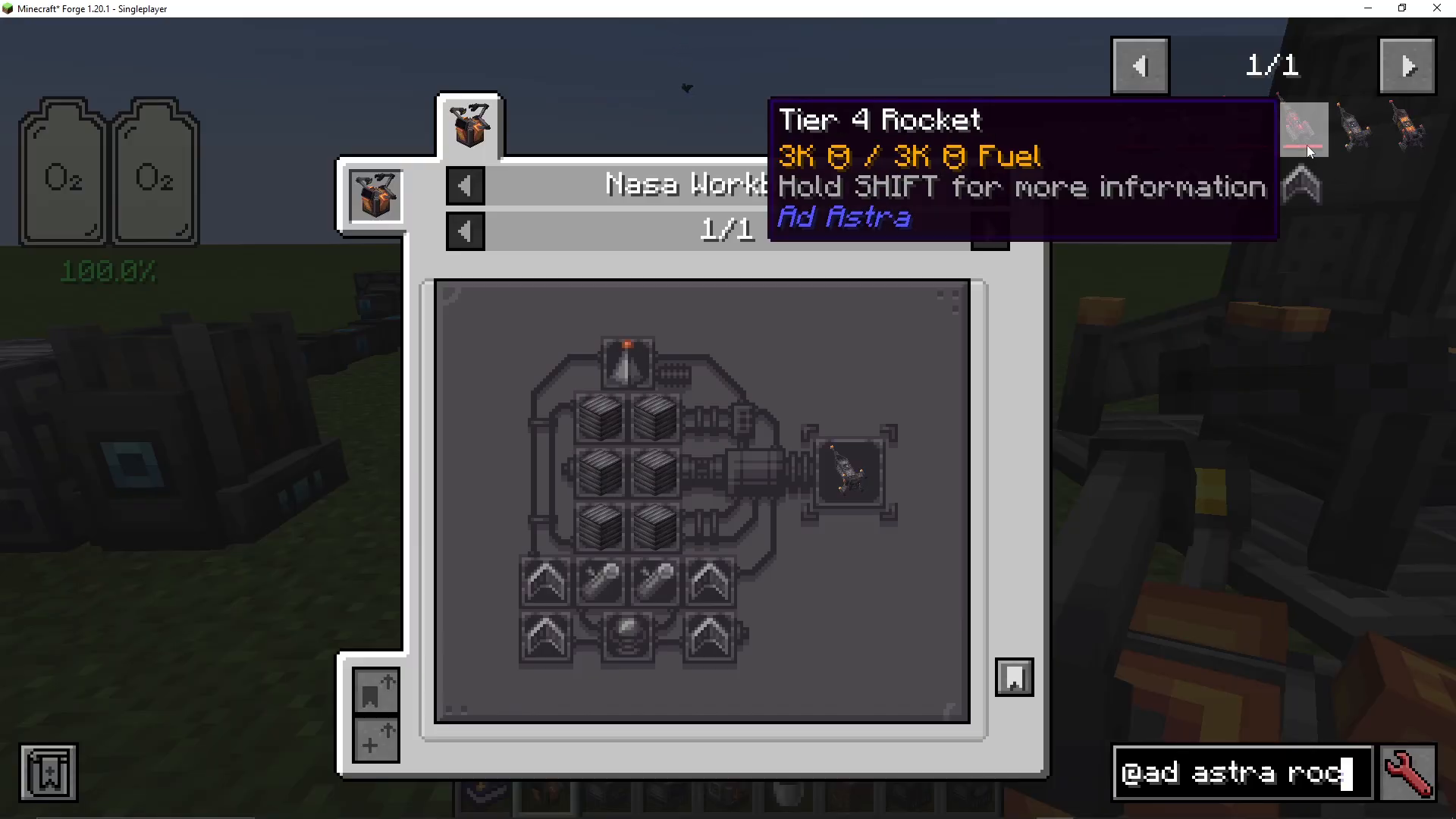
The NASA workbench is where you’ll assemble your rocket. While the interface may appear confusing at first, it’s straightforward once you understand it. Search for “Add Astra” and then “Rocket” in JEI (Just Enough Items) to see available rocket tiers. There are three rocket tiers—tier one, tier two, and tier three. At this stage of the mod, you can only build a tier one rocket.
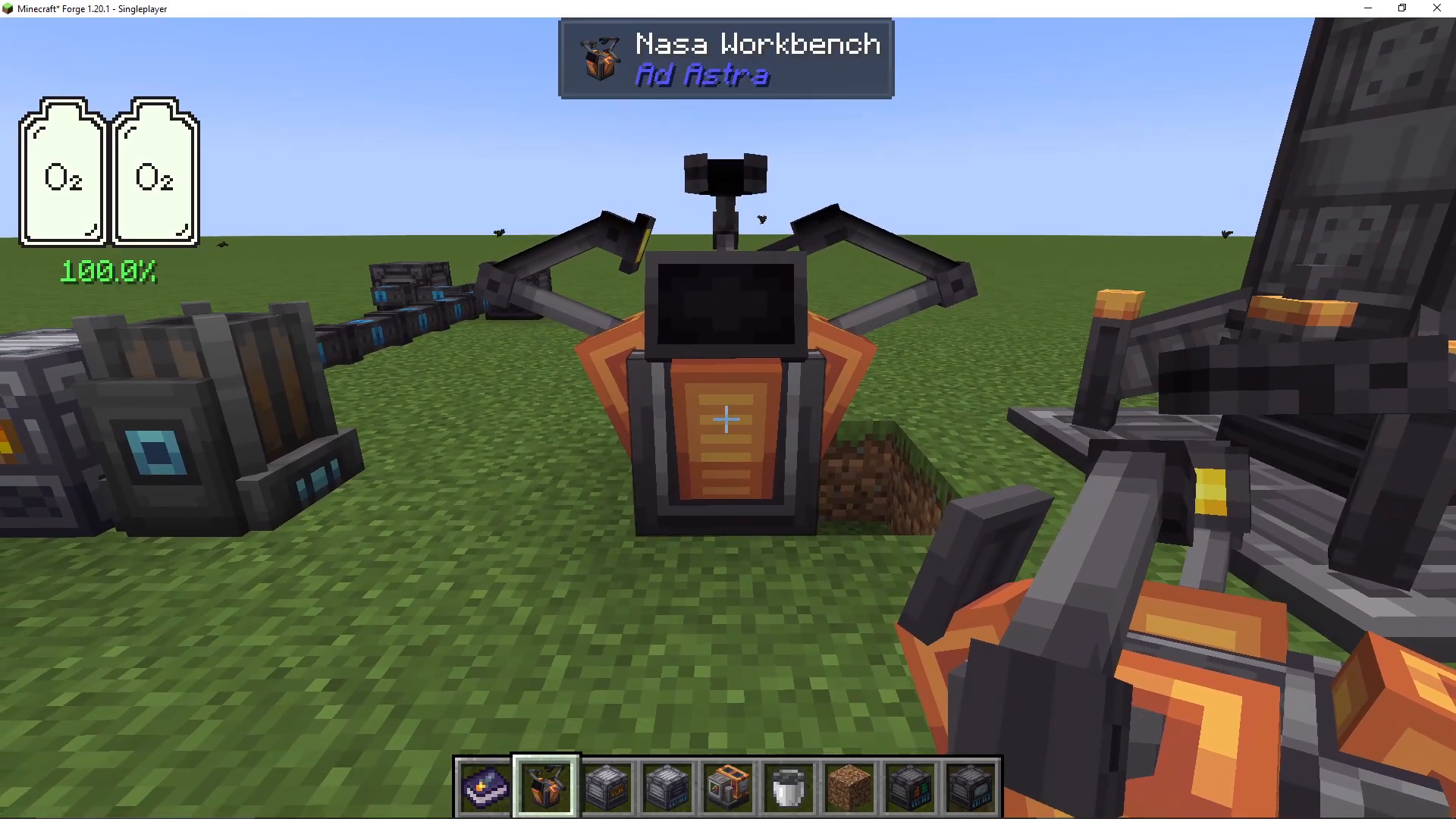
The NASA workbench displays the recipe in a grid format. Place your materials in the correct configuration as shown in the recipe, and the workbench will craft your tier one rocket.
Setting Up Your Launch Pad
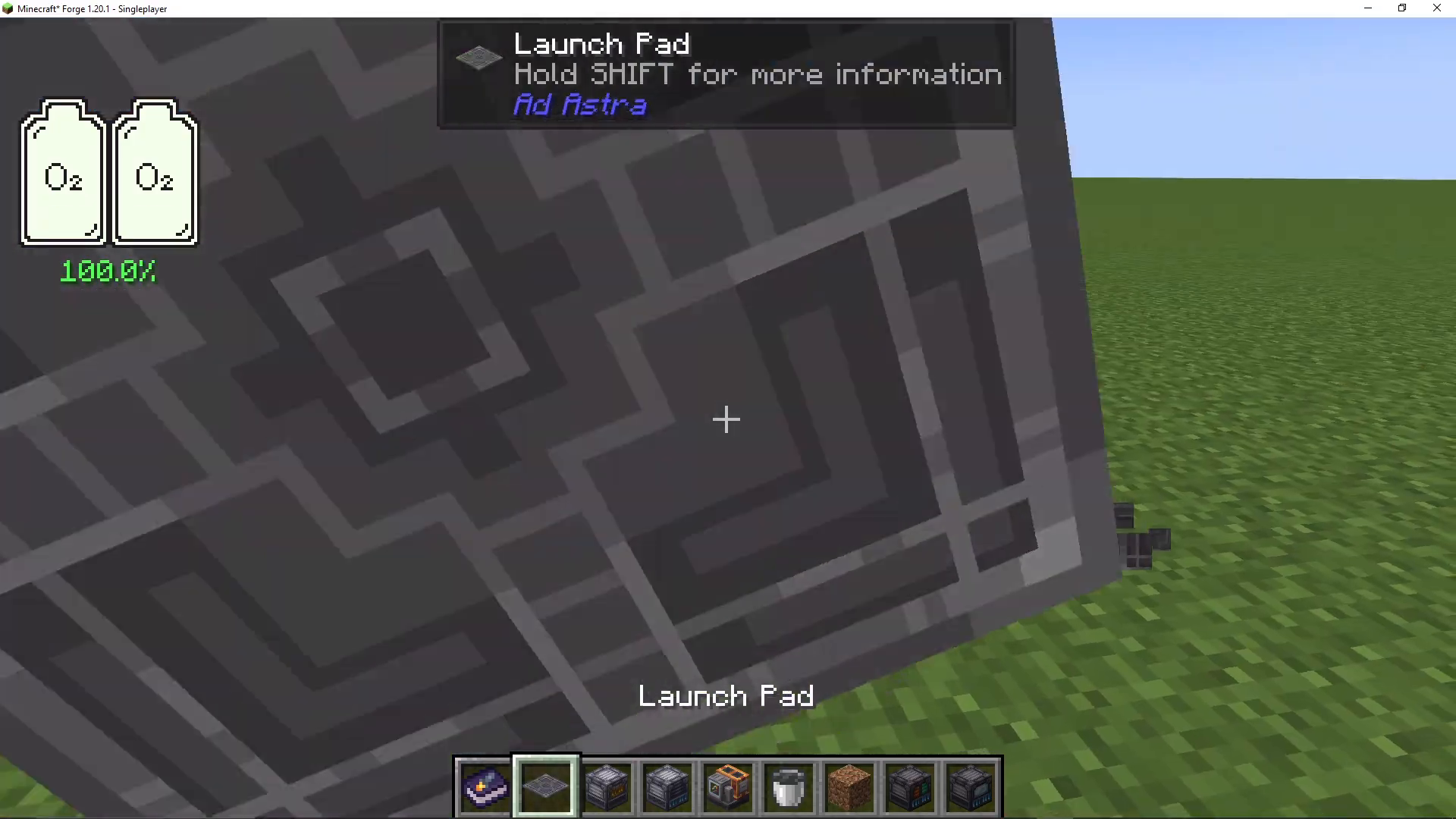
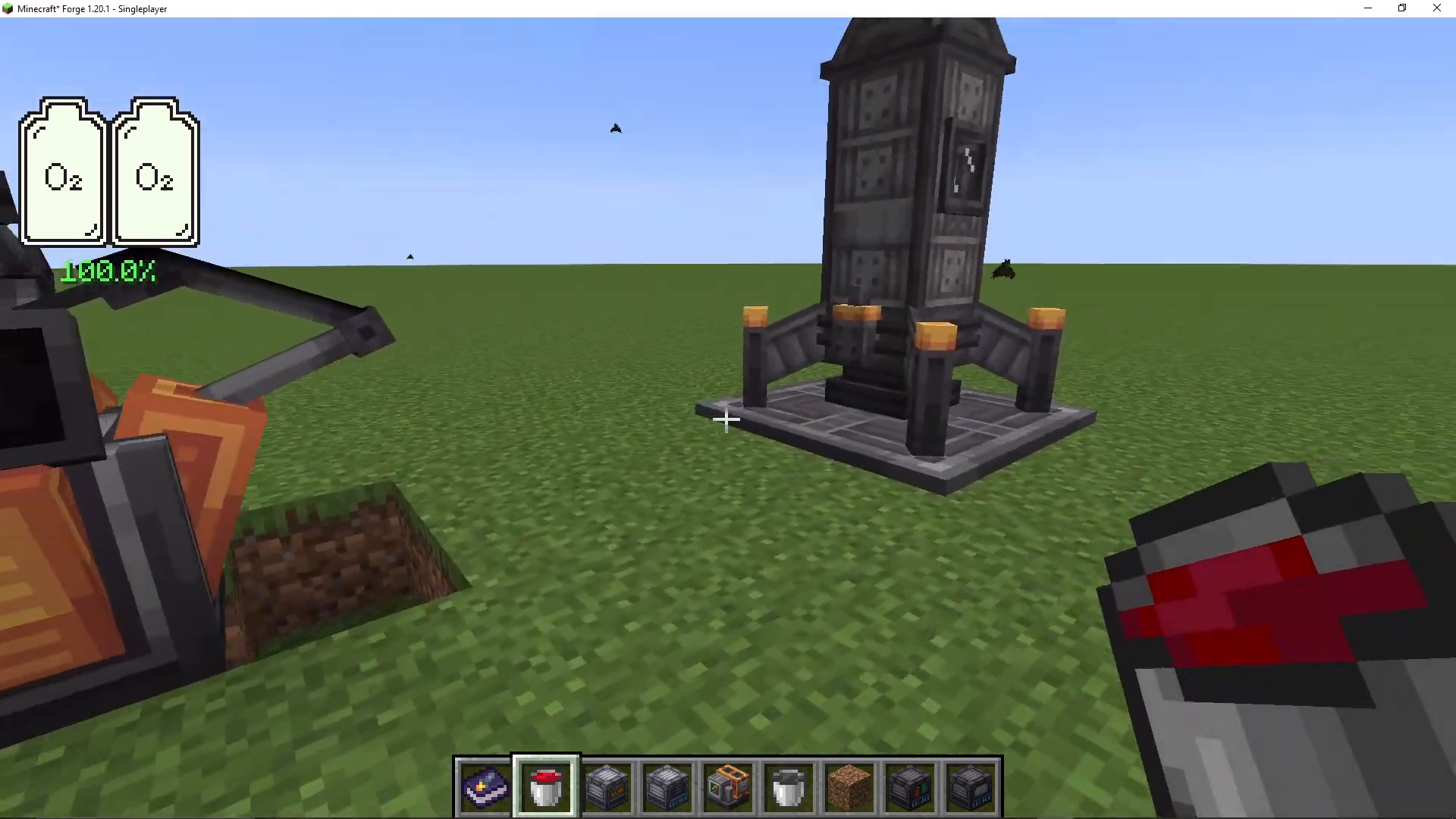
Once you’ve crafted your tier one rocket, place it on a launch pad structure. To do this, right-click your completed rocket onto the center of the launch pad. Your rocket is now ready for launch preparation.
Fueling Your Rocket
Finding and Collecting Oil
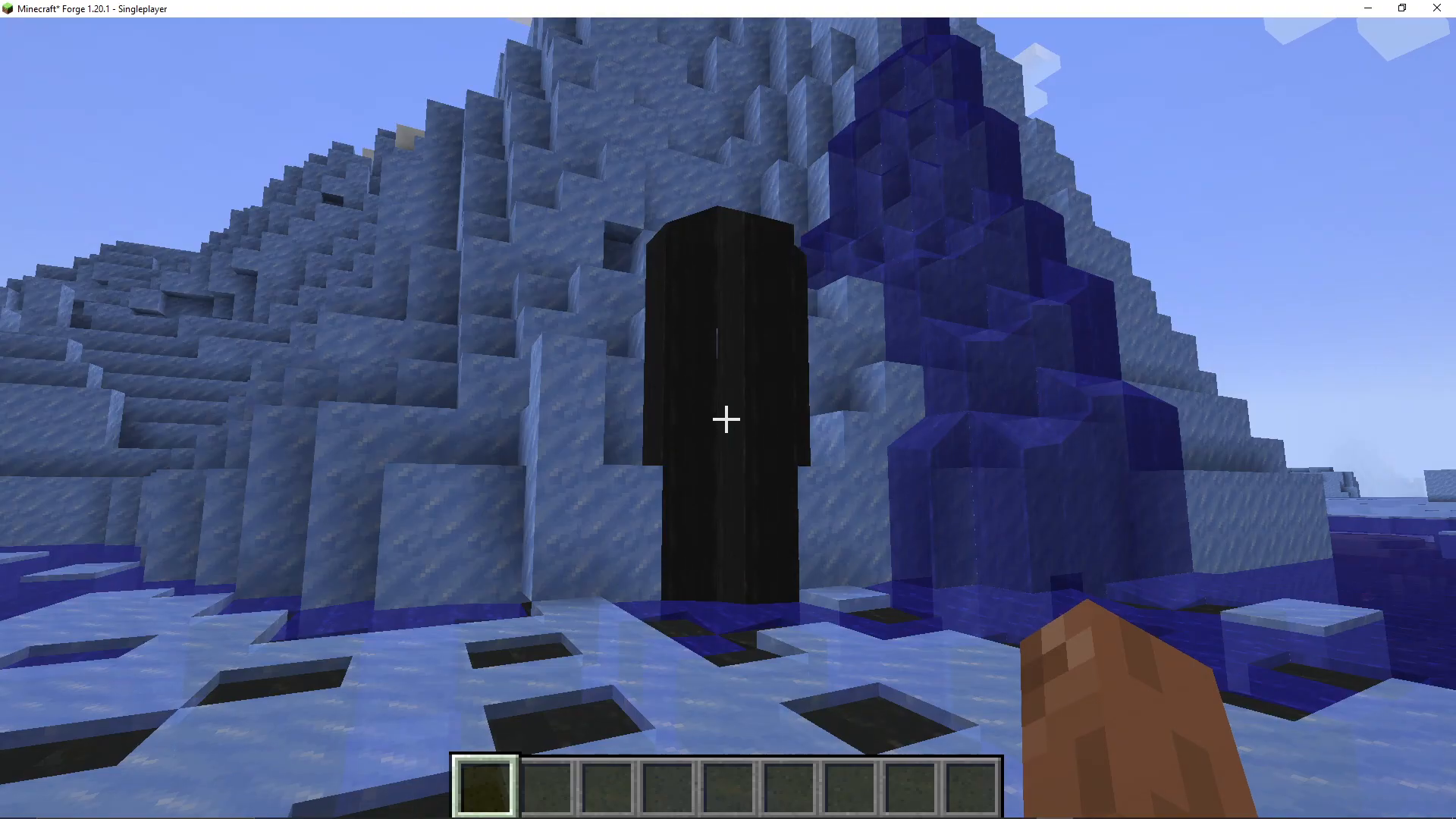
Before you can launch, you need fuel. Ad Astra uses a fuel system that begins with oil. Oil spawns naturally in ocean biomes—you’ll see it spouting out from the water surface. You must collect oil using buckets. For a trip to the moon and back, you’ll need a minimum of six buckets of fuel. This means you should collect at least six buckets of oil to be safe. Feel free to collect additional buckets for security.
Refining Oil into Fuel
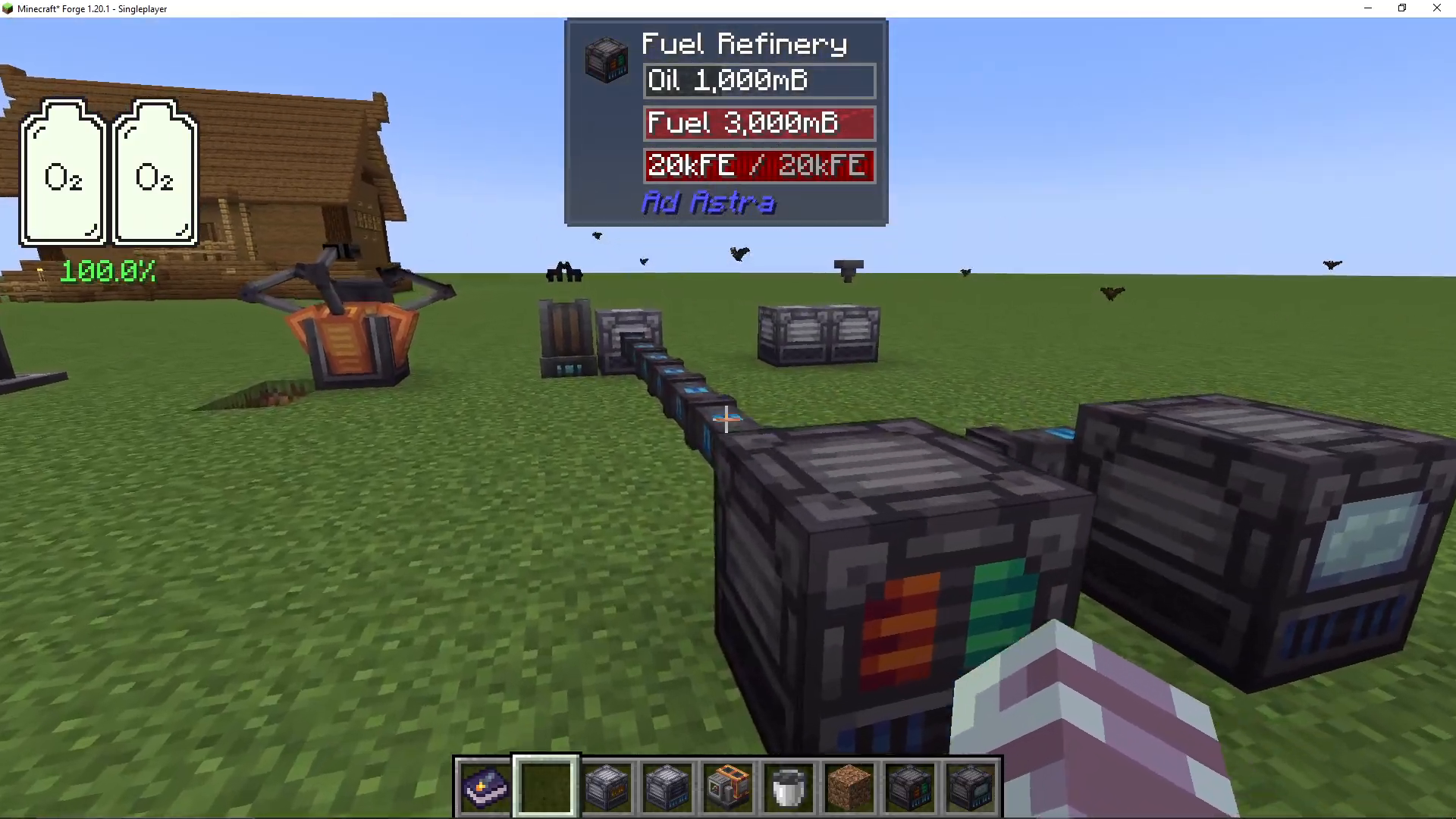
Build an oil refinery at your base to convert oil into usable fuel. The process is simple: place an oil bucket in the top slot of the refinery, and it will automatically convert to fuel. Remove the bucket containing fuel and repeat until you have enough fuel buckets.
Loading Fuel into Your Rocket
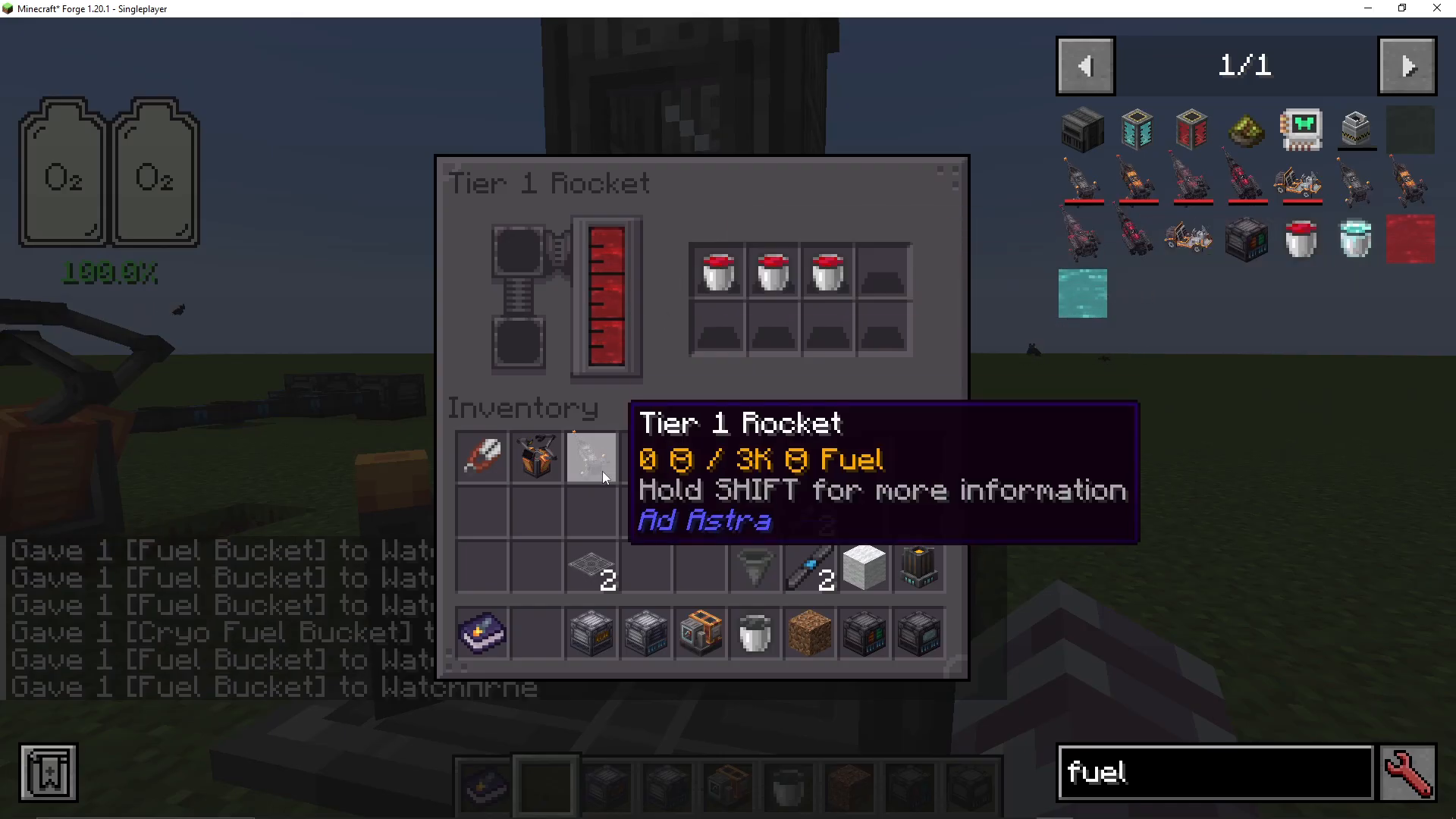
Right-click on your tier one rocket to open its fuel interface. Place your fuel buckets in the top slot. You need at least three buckets of fuel in the rocket itself. Additionally, place at least three more fuel buckets in your rocket’s inventory (the items you’ll carry with you). This ensures you have enough fuel for the return journey.
Essential Items to Bring to the Moon
Critical Items
Before launching, ensure you have these essential items in your rocket’s inventory:
Fuel buckets: Minimum three buckets (six total including those in the rocket fuel slot)
Launch pad: You’ll need this to construct a new launch pad on the moon for your return journey
Lighting: Do not bring standard torches—they will burn out on the moon due to lack of oxygen. Instead, bring soul torches or glowstone, which don’t require oxygen to remain lit
Food: Bring adequate food supplies
Optional but Recommended Items
Oxygen Equipment
While not strictly necessary for a short visit, oxygen equipment is highly valuable. You can craft an oxygen loader, which converts water into oxygen. The oxygen loader requires water in the top left slot and produces oxygen.
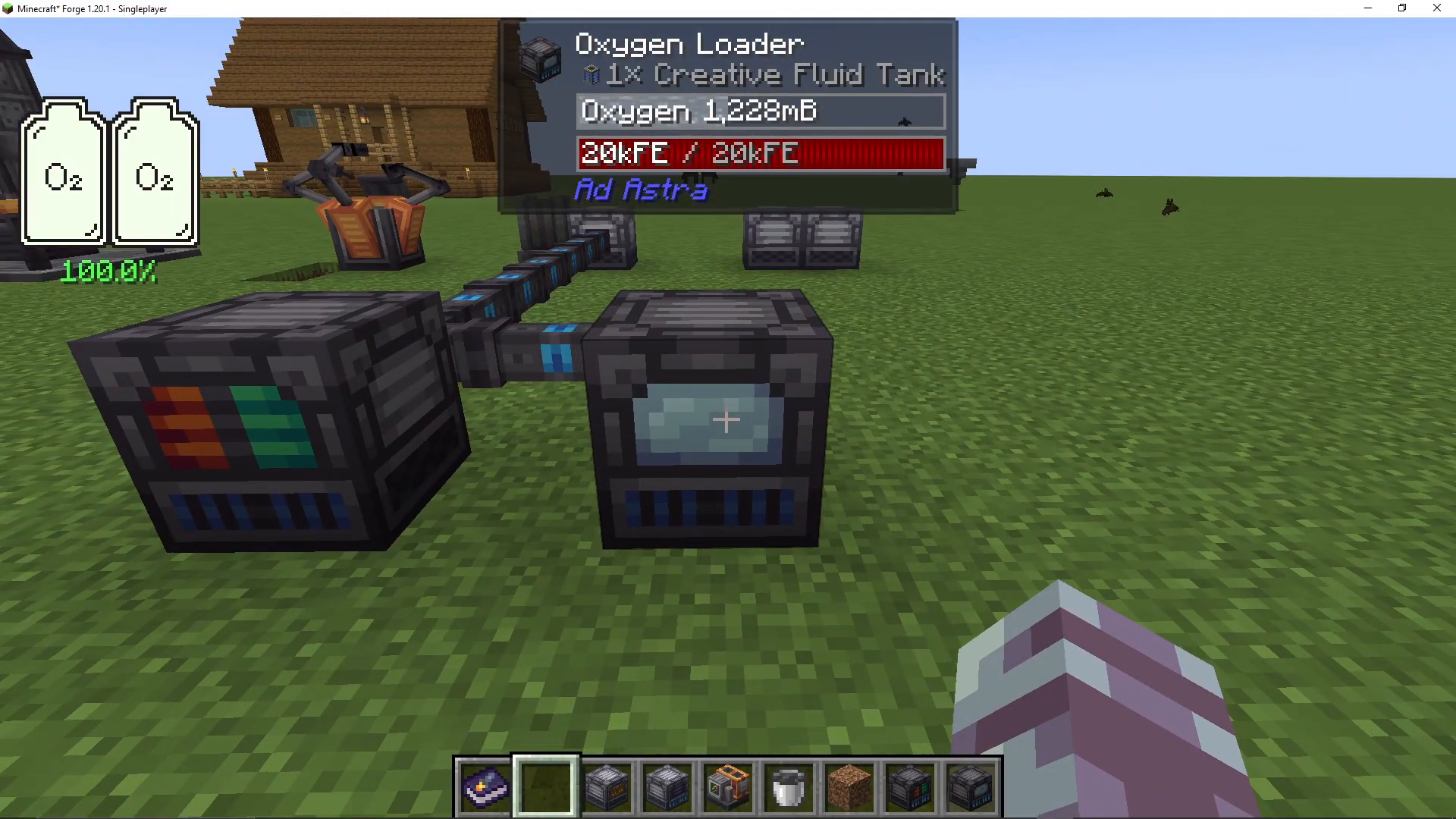
There are two oxygen storage options: a gas tank and a large gas tank. These can be filled with oxygen from the loader.
Space Suit
Craft a complete space suit for protection. The space suit consists of a helmet, chestplate, leggings, and boots, all made from steel plates. The chestplate is the critical piece—this is where you insert oxygen for breathability. To fill your space suit with oxygen, right-click a filled gas tank while wearing the suit, and the oxygen will transfer automatically.
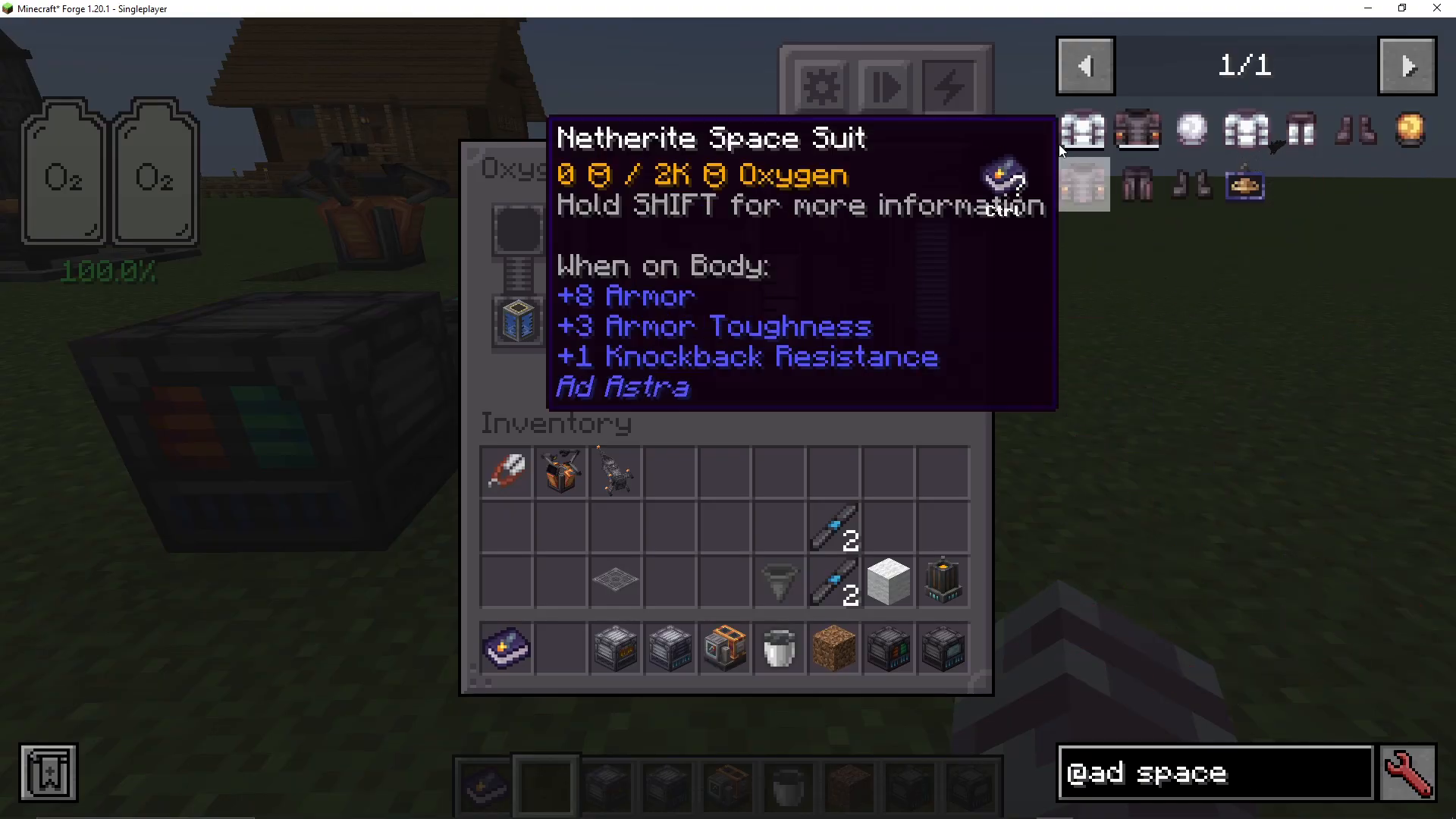
Note: You can upgrade your space suit later with materials from other planets (desh and durasteel plates), but the basic steel suit is sufficient for your first moon visit.
Aetronic Capacitor
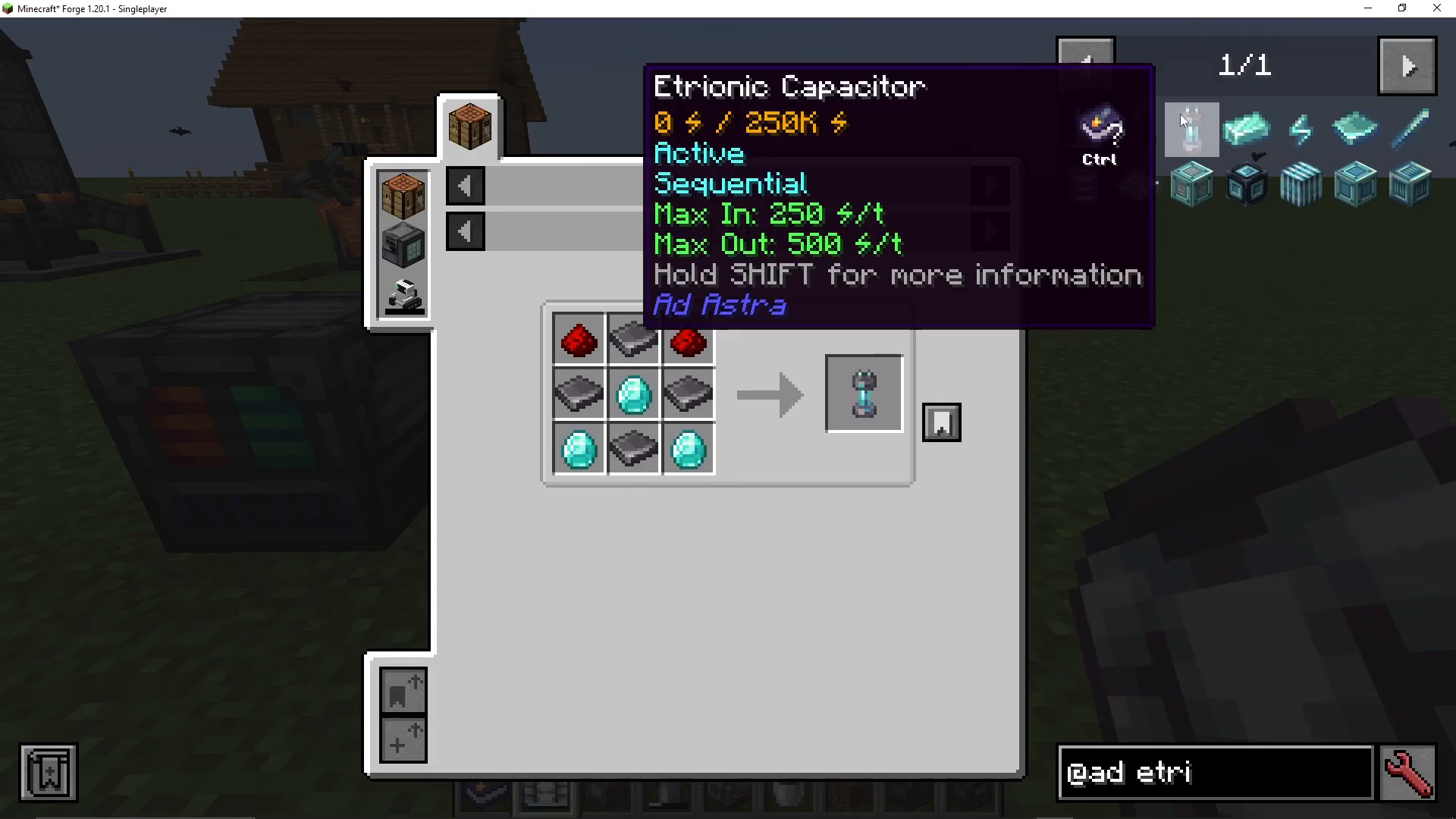
If you’re bringing machines that require power, consider bringing an aetronic capacitor. This battery is crafted from steel plates and diamonds and stores energy for portable use. You can charge it at your base before leaving.
Launching to the Moon
Initiating Launch
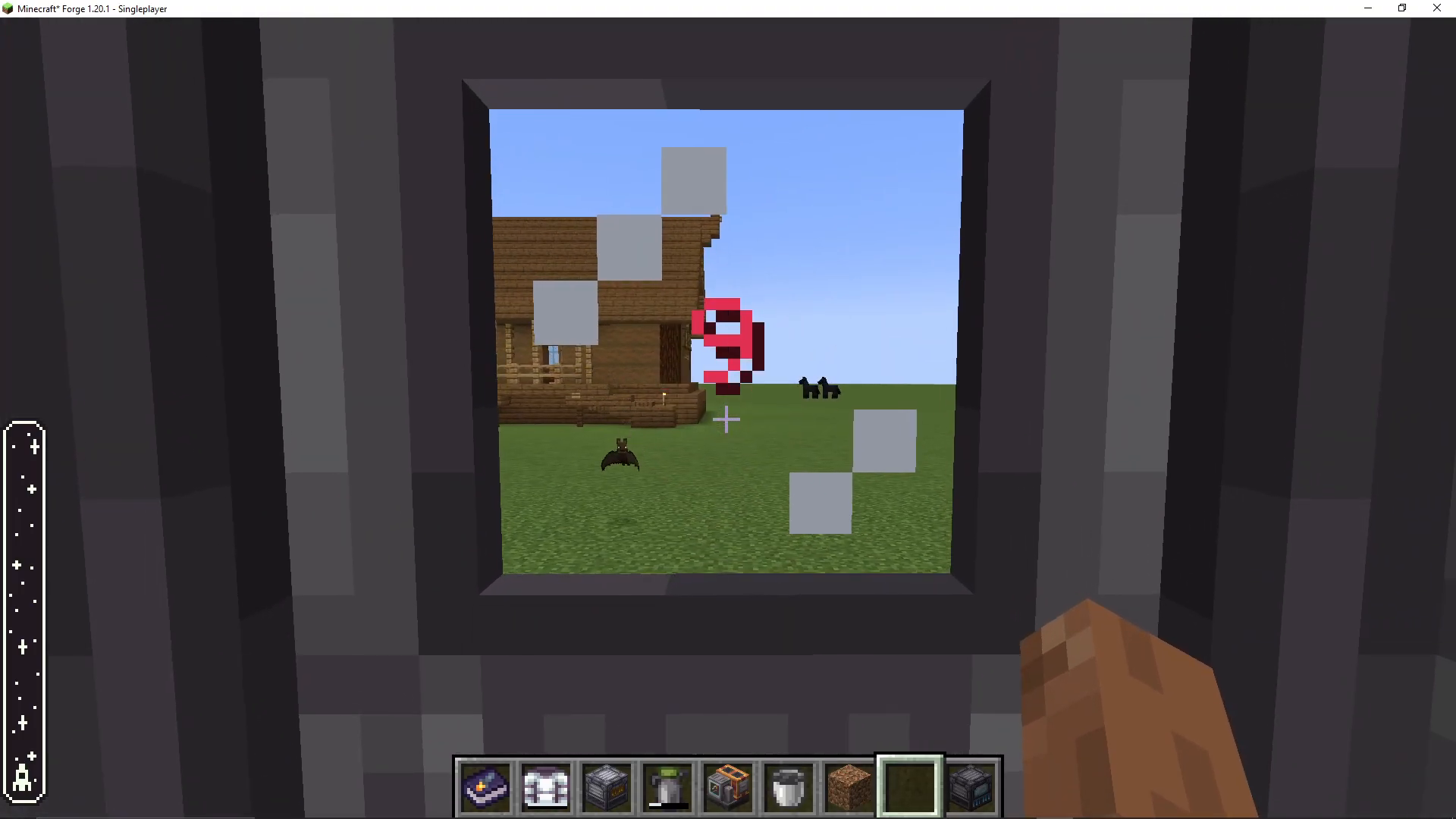
Once you’ve loaded all your supplies, right-click your rocket to enter it. Press the space bar to initiate launch. As you ascend, you’ll see a bar on the left side of your screen indicating your altitude and position in the atmosphere.
Space Navigation
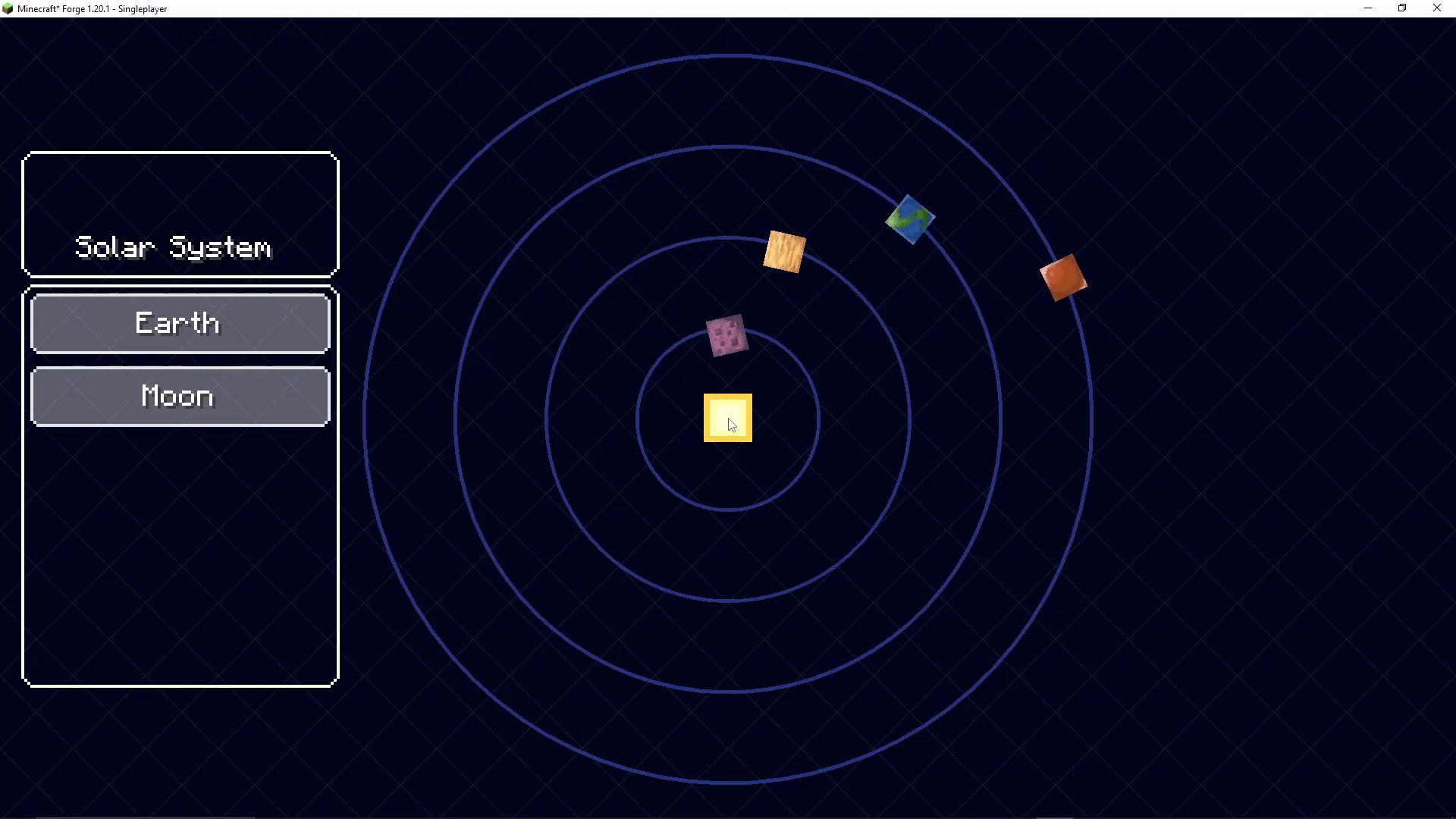
Once you reach space, you’ll see a menu asking where you want to go. Several celestial destinations are available, depending on your installed mods. For this guide, we’re heading to the moon. Ad Astra also allows you to construct a space station around Earth if you wish, but this requires significant materials and can be done later.
Landing on the Moon
The Descent
Select the moon as your destination. Your rocket will begin its descent. You’ll see your altitude displayed on the screen, starting at approximately 400 blocks and decreasing. As you descend, your speed will increase. Press and hold the space bar to activate boosters and slow your descent to avoid crashing.
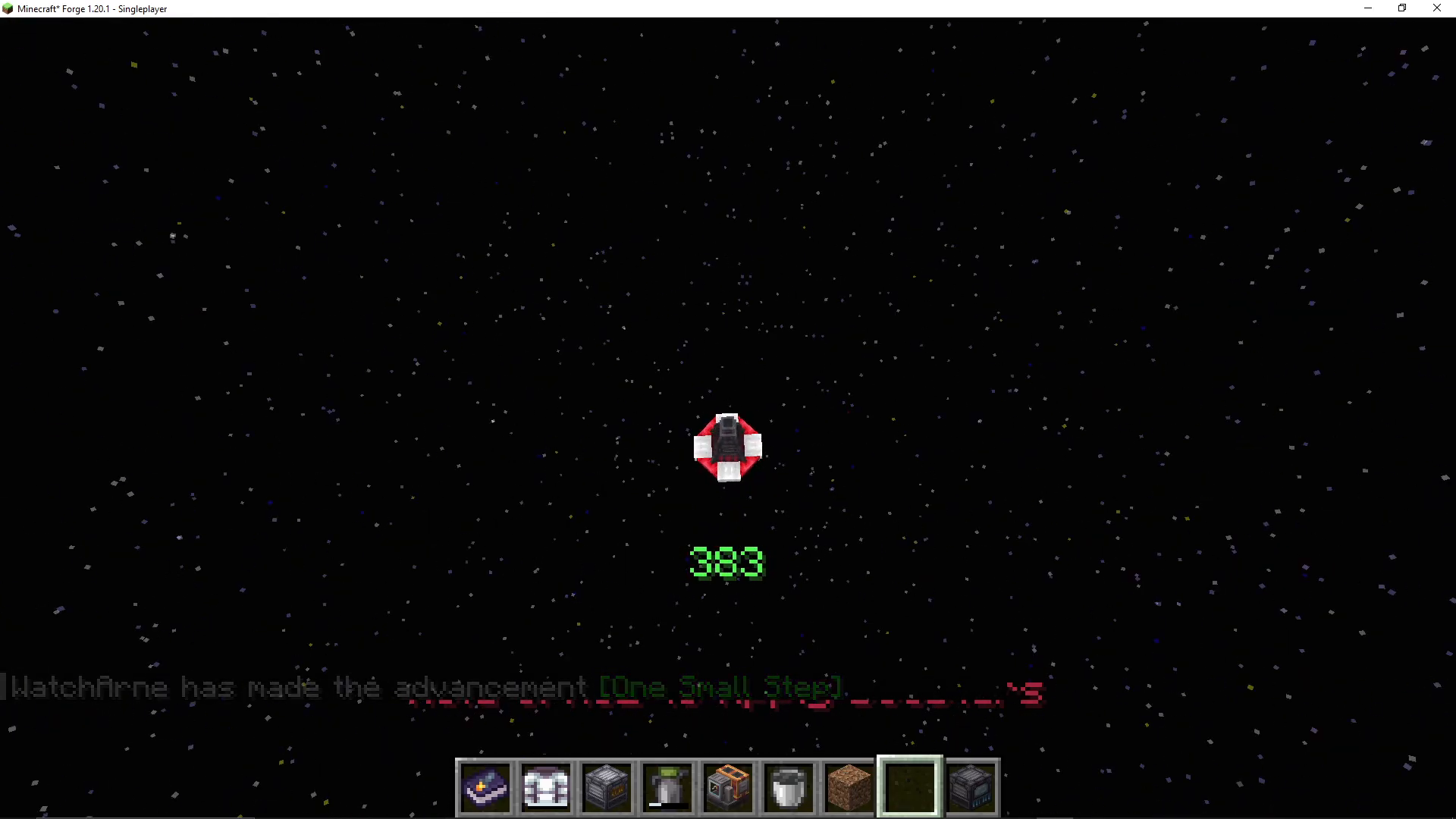
Successfully landing on the moon feels remarkably rewarding—the game does an excellent job of making this moment feel significant.
After Landing
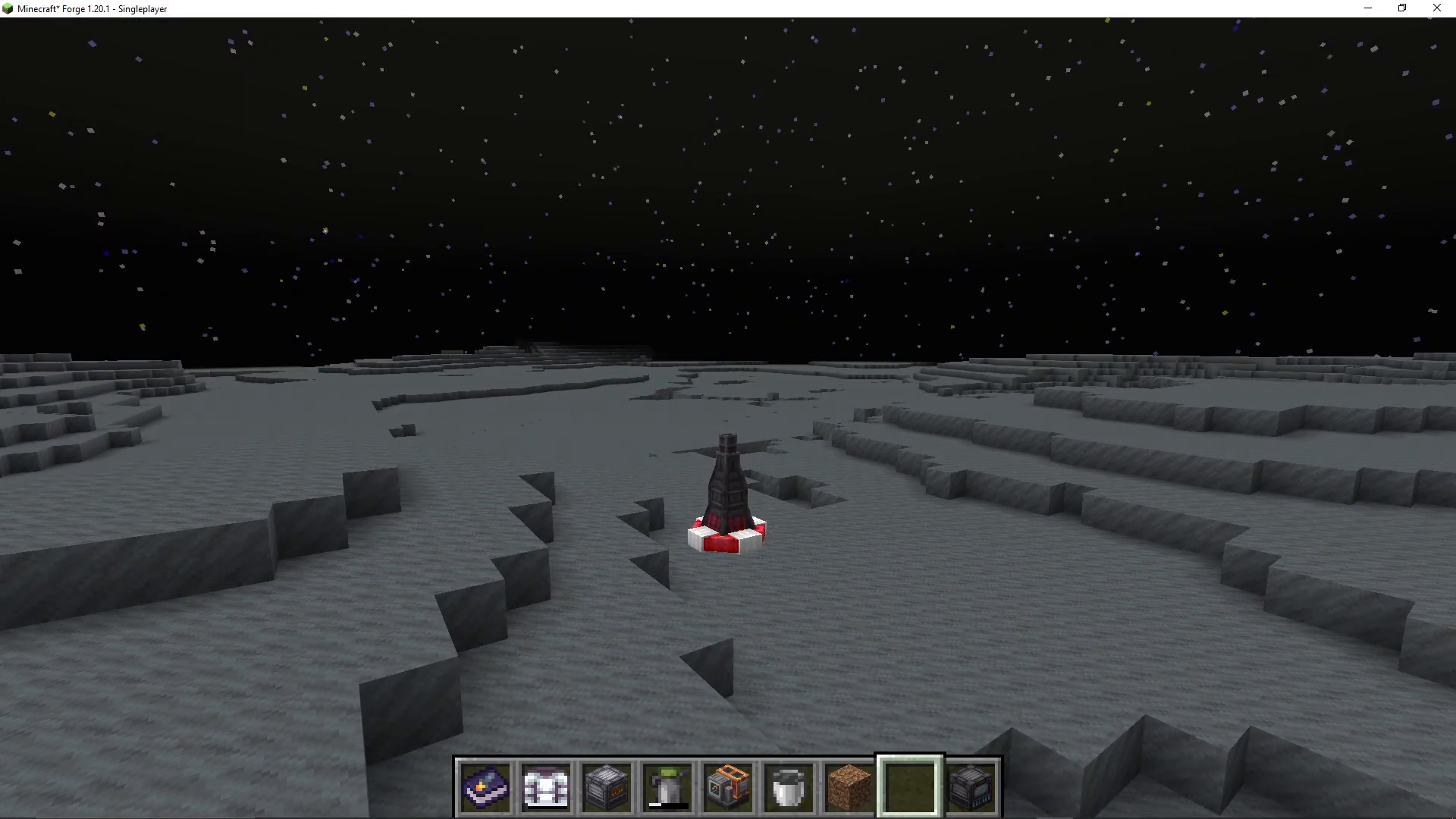
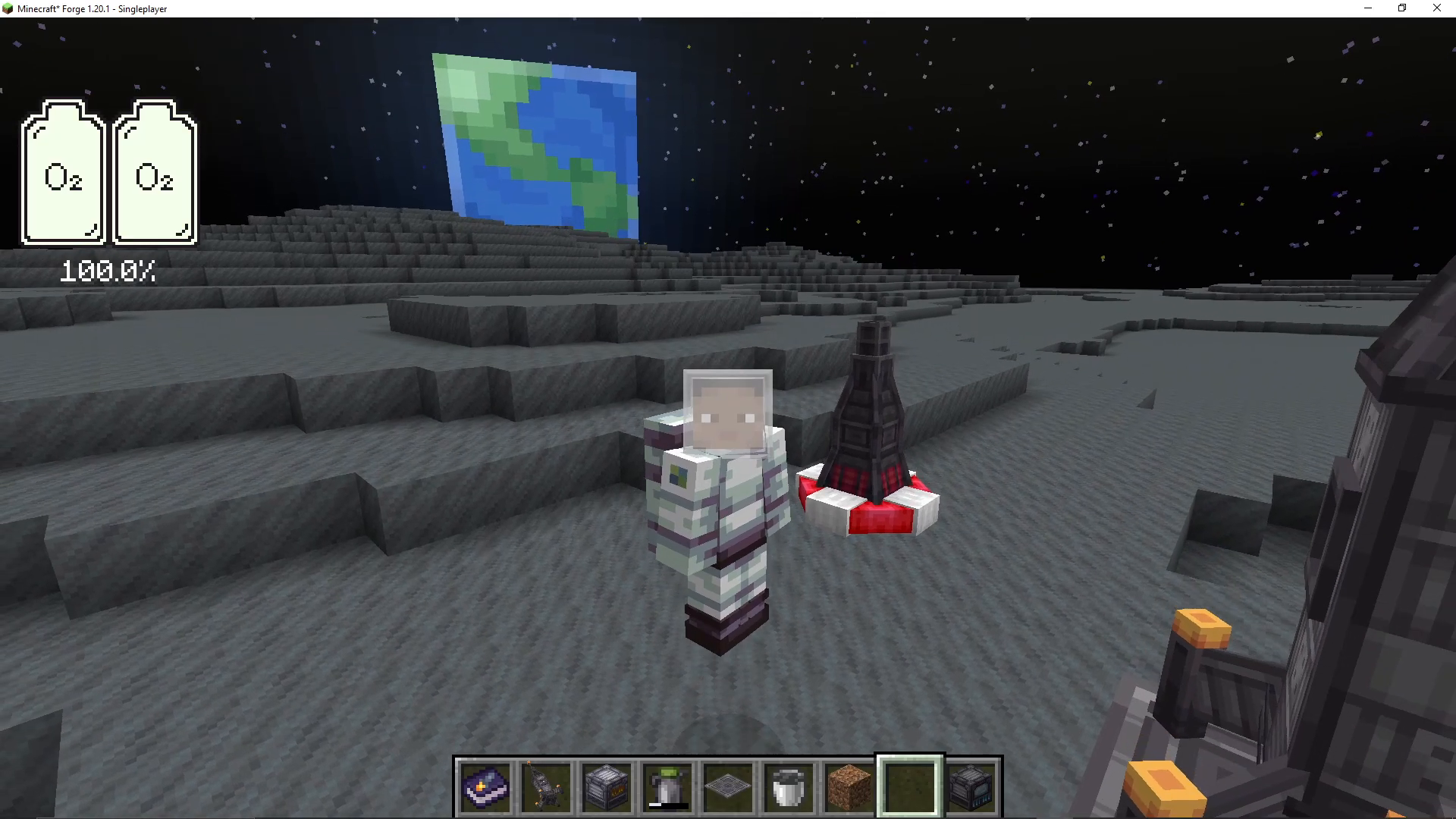
Once you’ve landed, press Shift to exit your rocket. Shift right-click the lander to access your inventory and retrieve your launch pad and tier one rocket. Place down your launch pad and rocket on the moon’s surface.
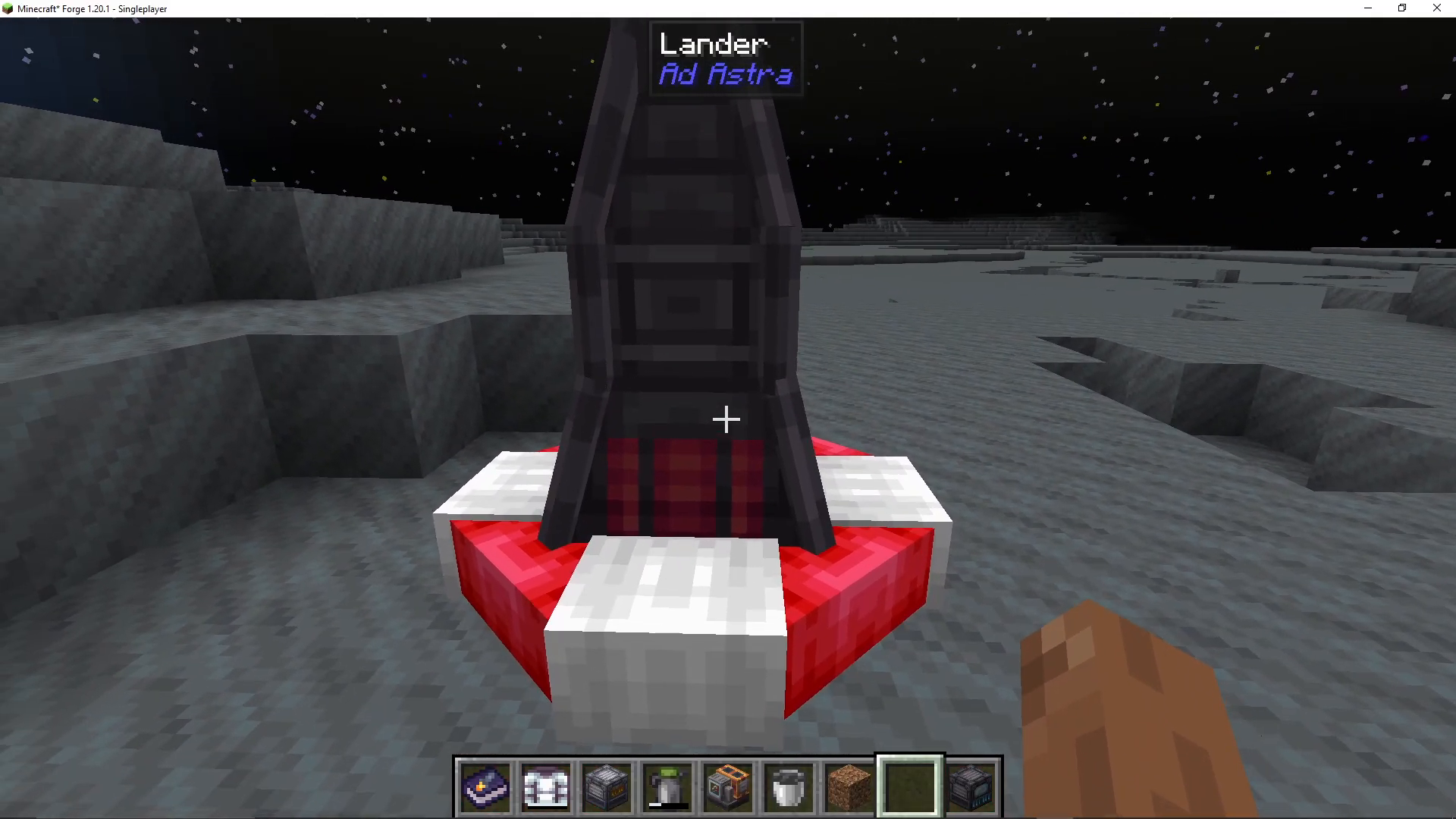
Remember to equip your space suit before exploring. When you jump on the moon, you’ll notice the low gravity—a fantastic touch that makes the mod feel immersive and thoughtful.
Preparing Your Return
Before you leave the moon, ensure you’ve refueled your tier one rocket with fuel buckets and placed a launch pad nearby. Right-click your rocket to open its fuel interface and add your fuel buckets to the top slot. Once fueled, you’re ready to launch back to Earth.
Summary
Congratulations! You’ve now completed the fundamental objectives of Ad Astra: building your first rocket, collecting fuel, and successfully launching to the moon. This achievement opens up further progression opportunities, including building tier two and tier three rockets, accessing other celestial bodies, and upgrading your equipment. The mod’s attention to detail—from the lack of oxygen on the moon to the low gravity affecting your jumps—makes Ad Astra a compelling and immersive space exploration experience.
Want to Support?
If you would like to help us continue making these guides – please consider joining our patreon here – https://www.patreon.com/c/JaviHeals
Alternatively – we host a group of MC Servers you can join here – https://discord.gg/zD7Gjt6MHF