Alchemistry Mod Complete Tutorial
Alchemistry Mod Complete Tutorial for Minecraft
The Alchemistry mod is one of the most unique chemistry-themed mods available for Minecraft. It lets you break down in-game items into real periodic table elements and then recombine those elements into entirely different items. Paired with its dependency mod Chemlib — which adds all the periodic table elements — Alchemistry opens up a deep and rewarding crafting loop. This guide walks you through every machine, how to get started, and how to scale up to the mod’s most powerful multiblock structures.
What Is the Alchemistry Mod?
Alchemistry adds a chemistry system to Minecraft built on top of Chemlib, which supplies all the periodic table element items and fluids. Together, these two mods let you dissolve everyday Minecraft items into their elemental components and recombine those components into other items entirely. The mod comes with a catalog book (crafted from a stone pressure plate and a book), but this guide covers everything you need to know so you can skip it.
Energy Requirements
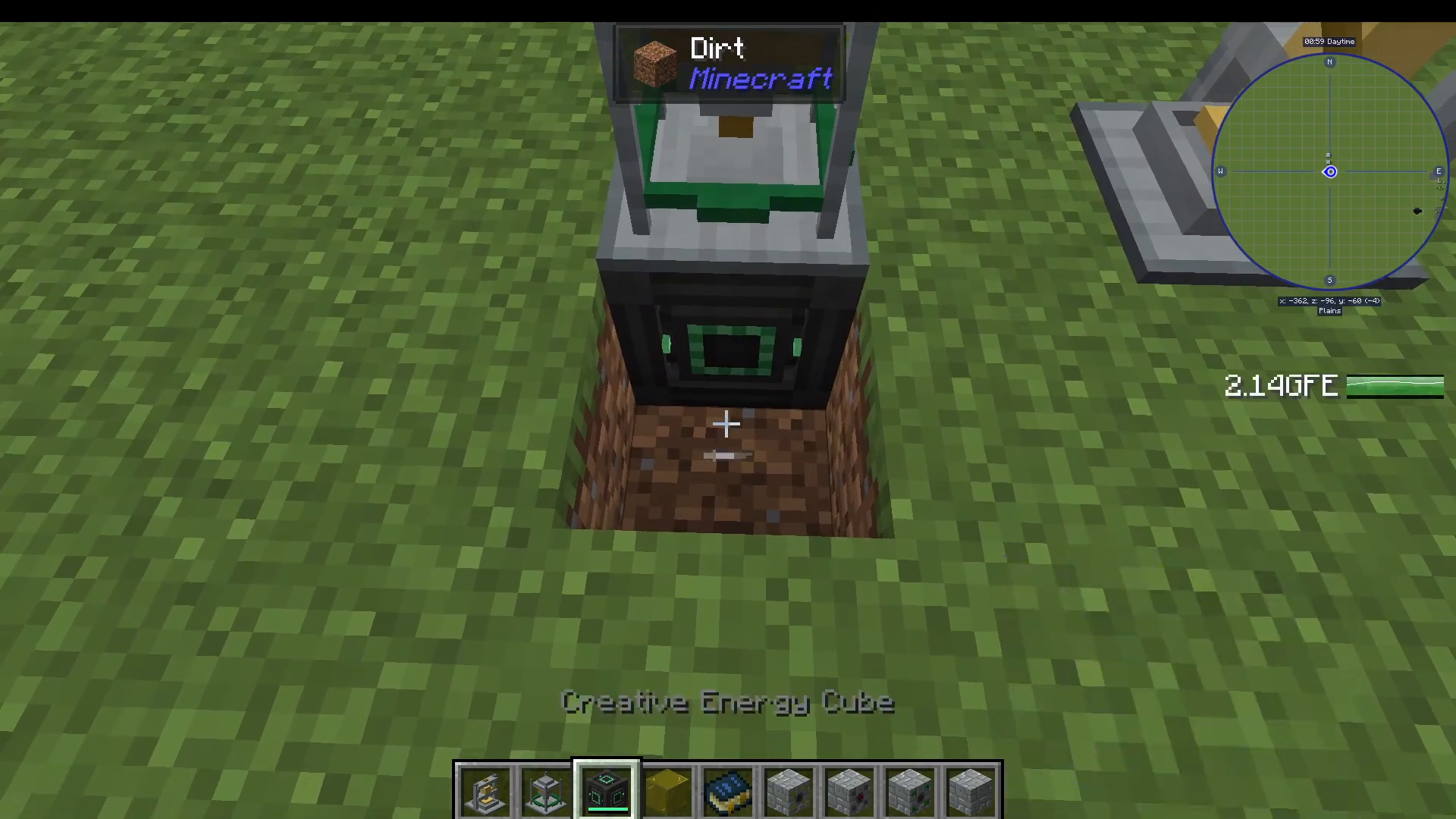
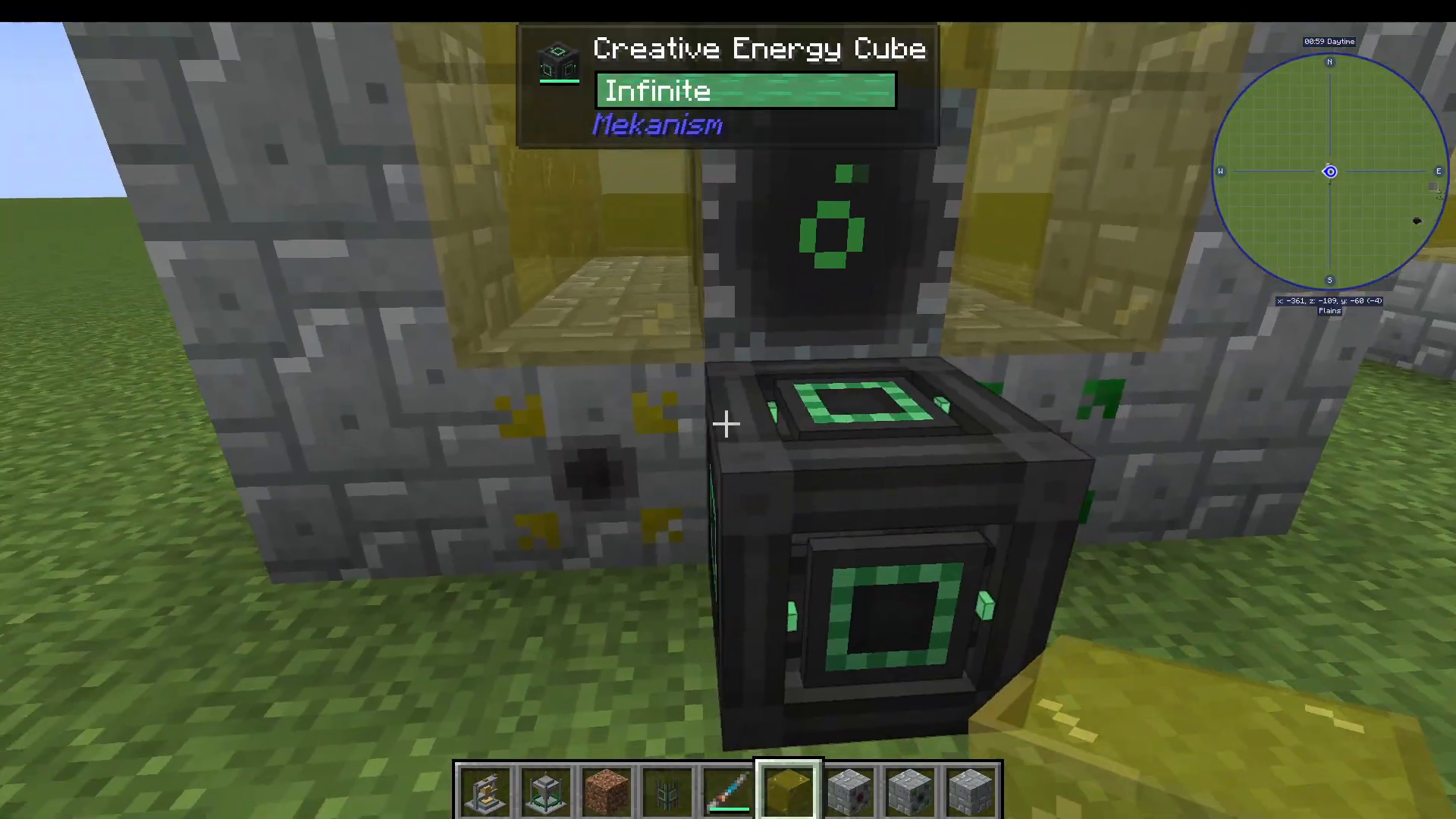
Alchemistry’s machines all require Forge Energy (FE), but the mod does not include its own power generation. You will need to pair it with another tech mod to supply energy. A simple option for testing is to use creative energy cells from a mod like Mekanism.
The Fluid Atomizer
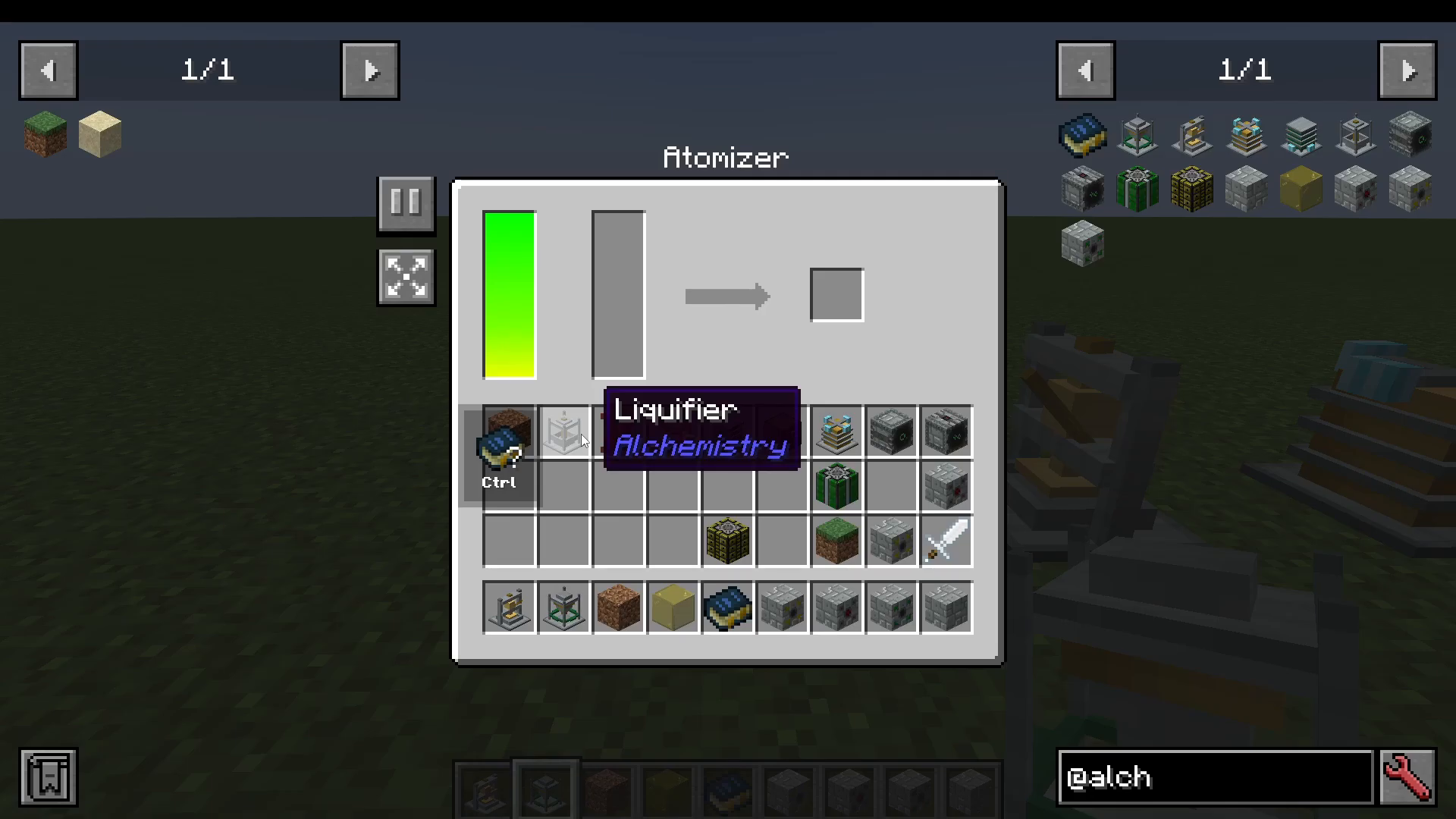
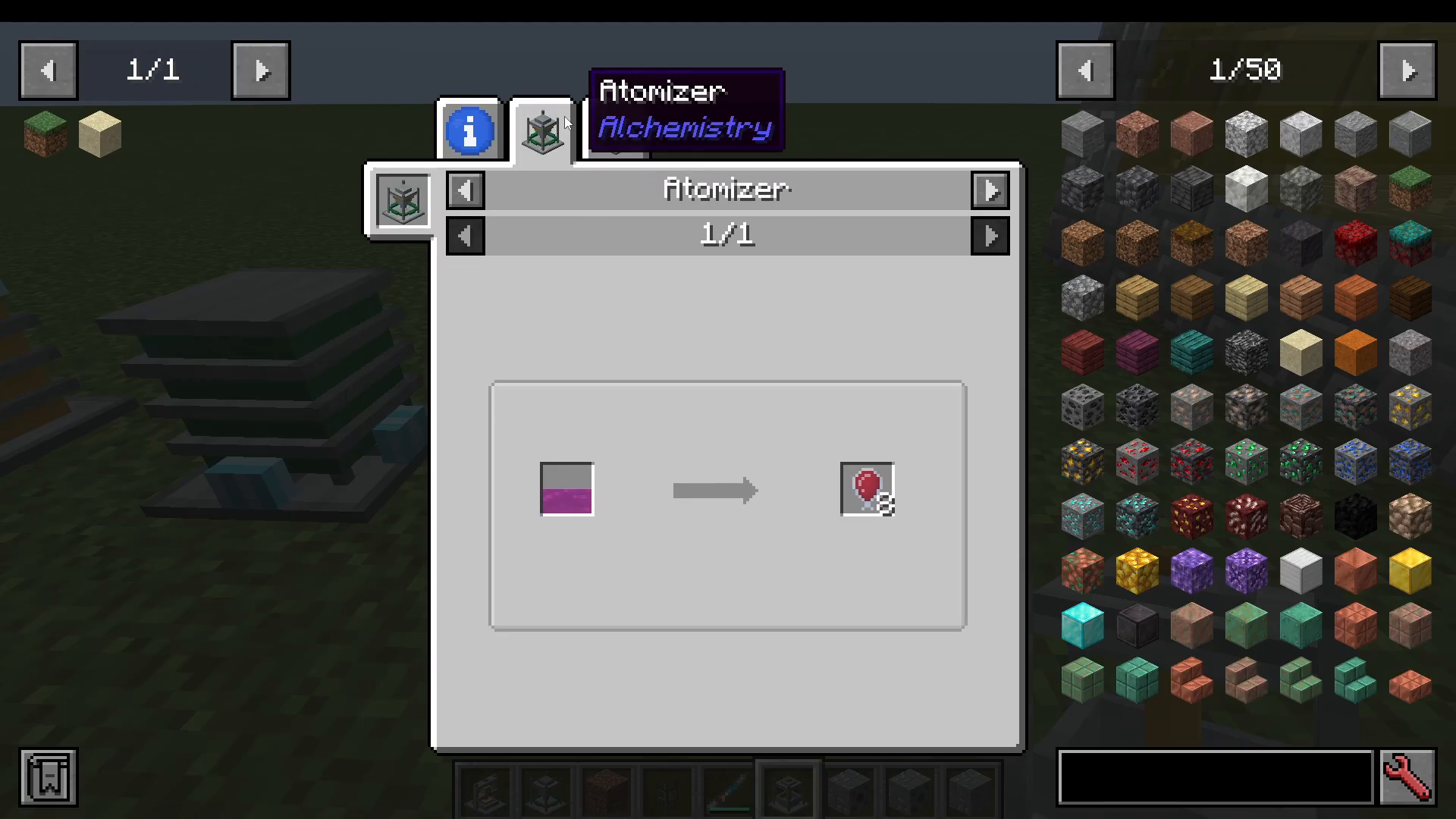
The Fluid Atomizer is one of the first machines you will craft. Its job is straightforward: it converts fluids into solid items. For example, pumping sulfur trioxide fluid into the atomizer will produce solid sulfur trioxide items.
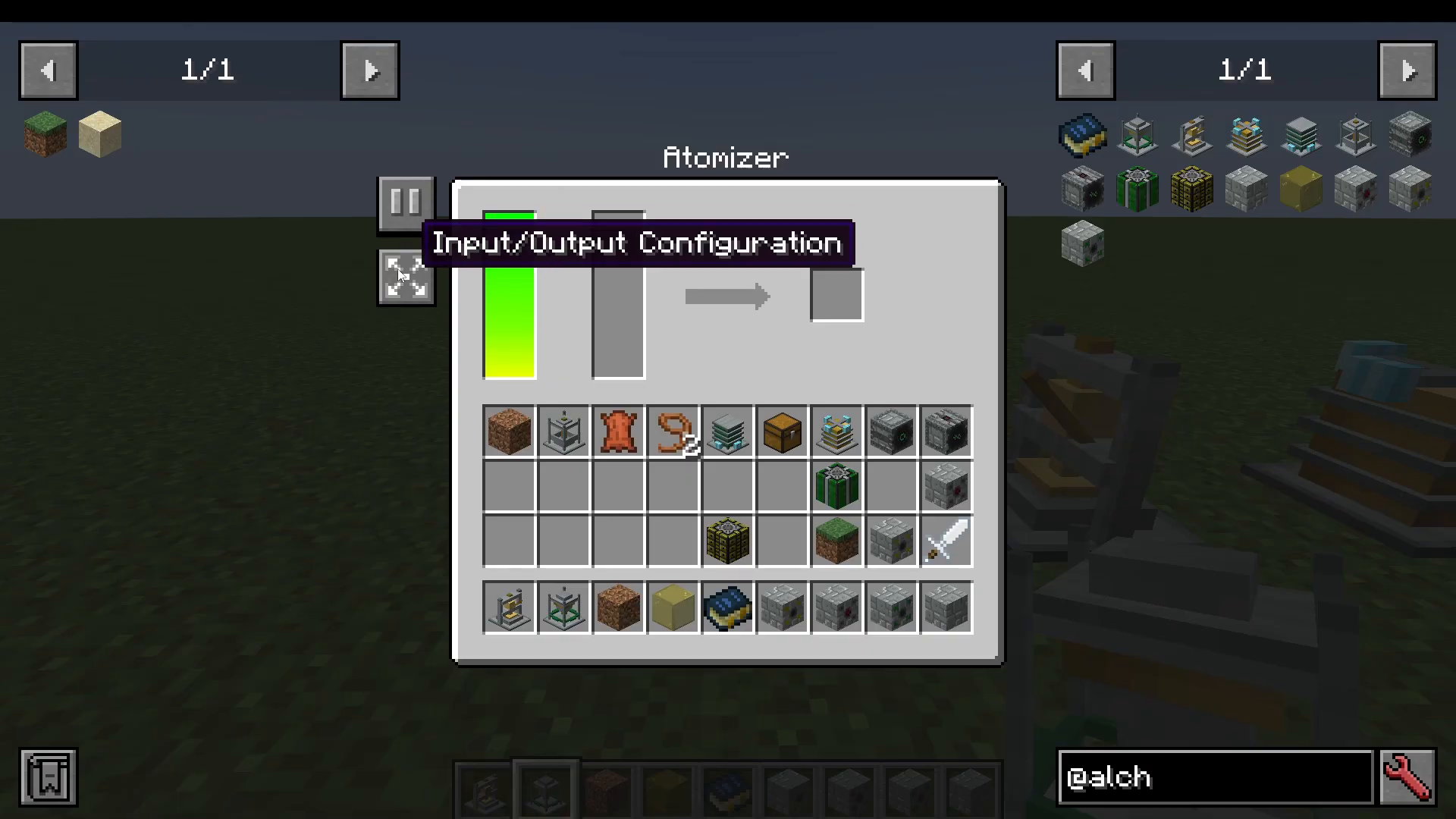
Inside the atomizer interface you will find a fluid tank and a pause/resume toggle so you can stop the machine at any time. There is also a full input/output configuration panel that lets you control every face of the block individually.
Input/Output Configuration
Each face of the atomizer (bottom, top, north, south, east, west) can be set to one of the following modes:
Push — the machine pushes output items out of that face.
Pull — the machine pulls input (fluid or items) into that face.
Disabled — nothing can interact with that face.
Enabled — the face allows any interaction freely.
A practical setup is to use a Mekanism creative tank filled with sulfur trioxide and configure a pipe to pull from it into one face of the atomizer. The machine then converts the fluid into solid sulfur trioxide items automatically.
The Compactor
The Compactor compresses elemental items into other materials. It includes a recipe lock feature — enabling this keeps the machine running the same recipe repeatedly, which is useful for bulk processing.
You can open the recipe selection panel to browse available recipes. As an example, the compactor can:
Convert 4 titanium oxide into 1 black dye.
Convert 16 chromium into chromium dust, which can then be used in further recipes or passed to other mods.
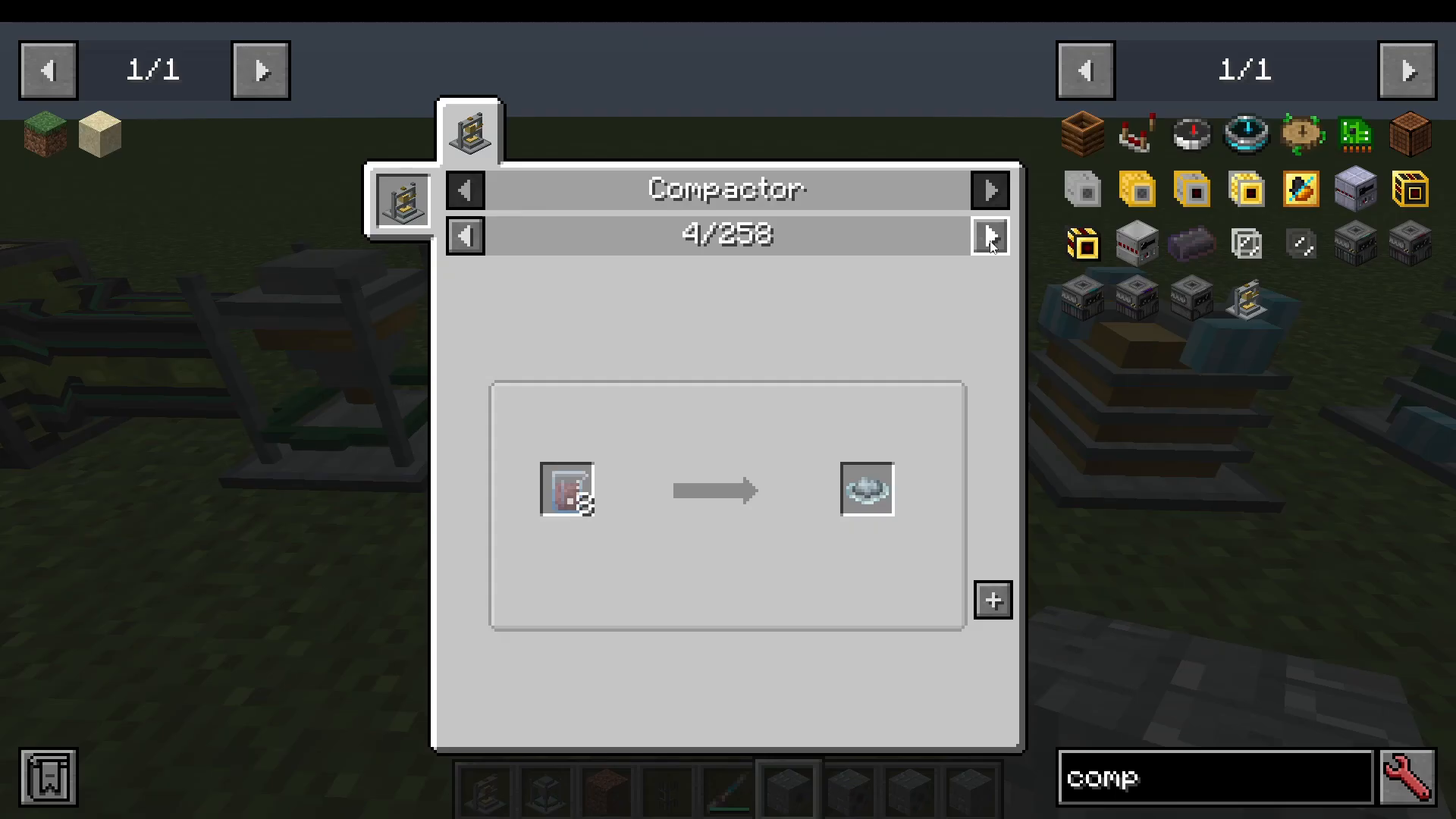
Note that the recipe selection GUI may not function correctly in all Minecraft versions. If recipes do not populate automatically, browse them manually and set up your inputs accordingly.
The Combiner
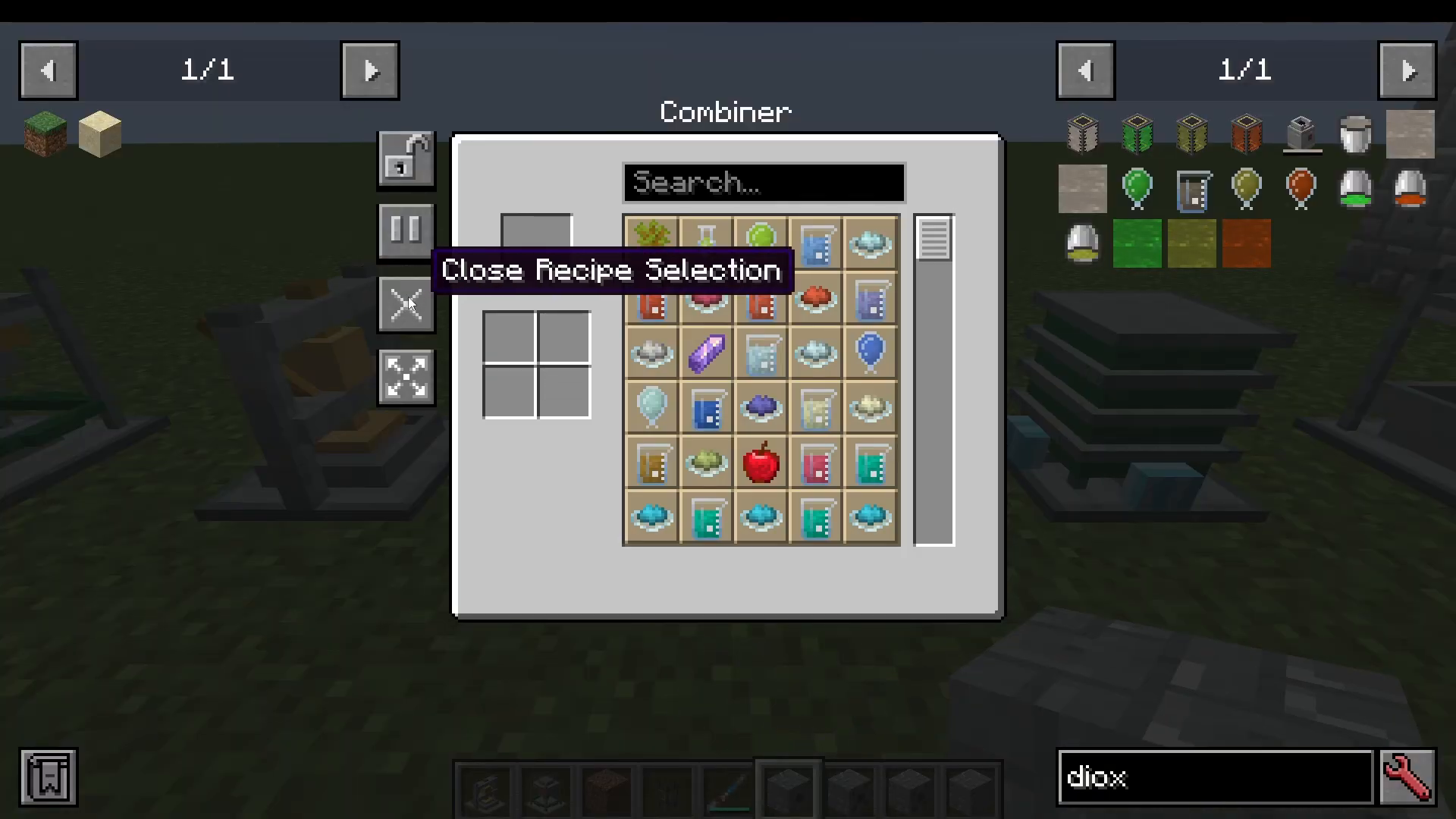
The Combiner does the opposite of the Dissolver (covered below) — it takes elemental components and combines them into finished items. The recipe selection works correctly in the Combiner.
For example, select Acacia Sapling from the recipe list and the Combiner will show you that you need 2 cellulose and 1 oxygen. Place those in the input slots and the machine will produce an Acacia Sapling.
The Dissolver
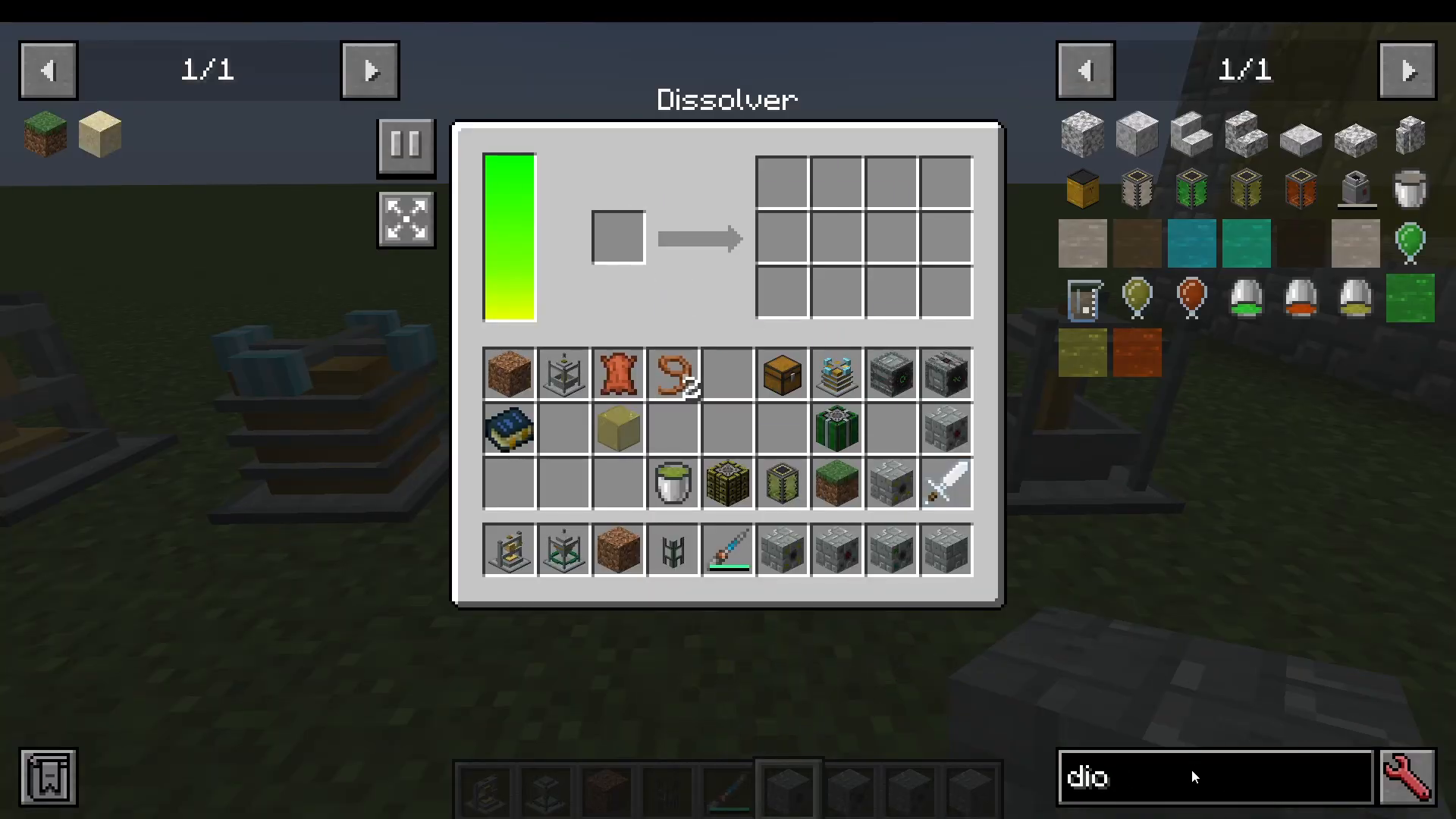
The Dissolver is the heart of the Alchemistry workflow. It breaks down Minecraft items into their raw periodic table components. The machine has over 1,666 recipes, giving you an enormous range of items to process.
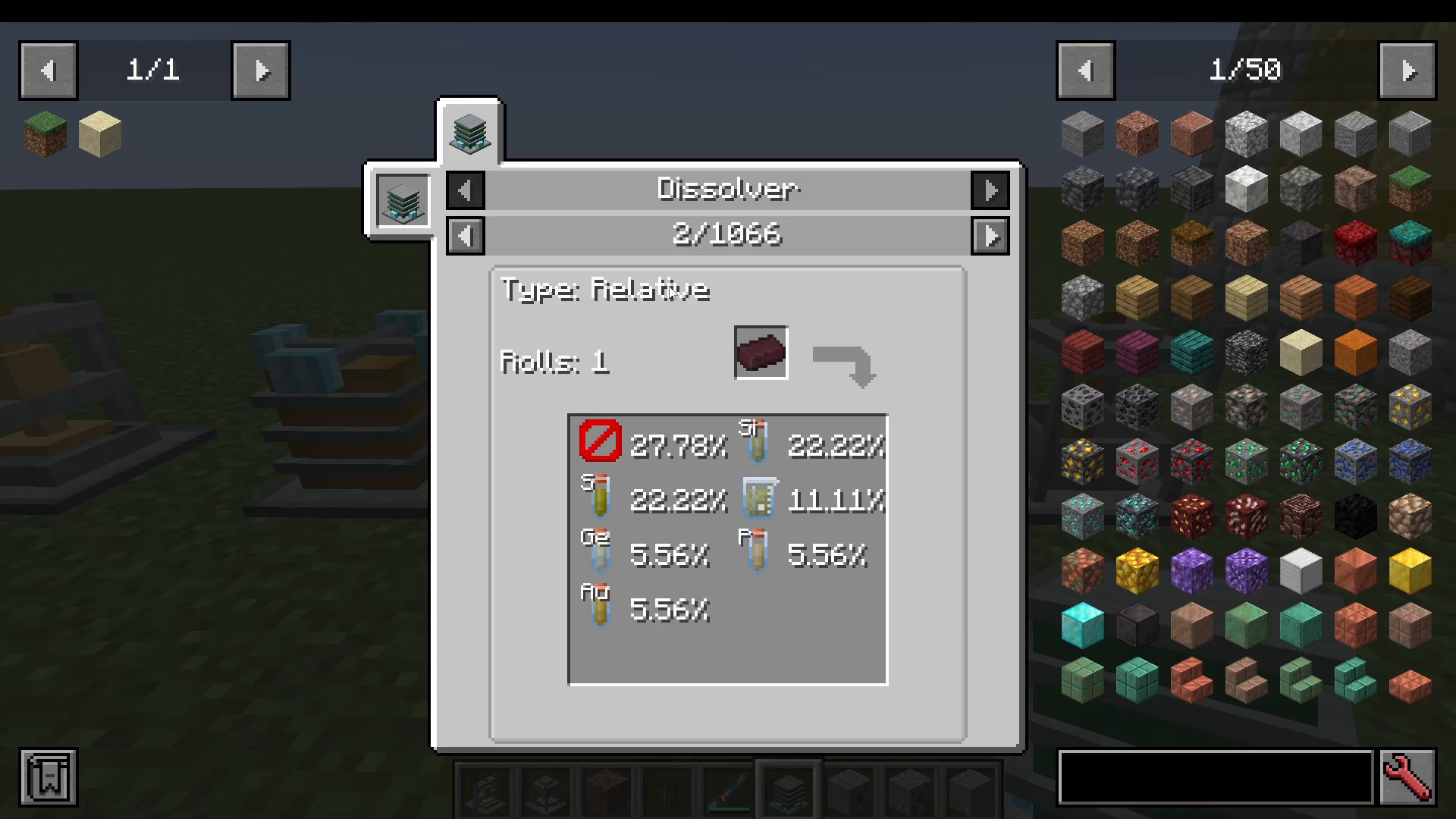
As an example, inserting Nether Bricks gives you a probabilistic output:
27.78% chance — nothing
22% chance — silicon
Additional chances — zinc oxalate, phosphorus, germanium, sulfates, and gold
Recommended Early-Game Strategy
When you first install Alchemistry, the best approach is to set up an automated dissolving pipeline as quickly as possible:
Fill a chest with a large variety of Minecraft items.
Use item pipes to pump those items into one or more Dissolvers.
Route all outputs into your storage system (such as a storage drawer network or ME system).
Let the system run and accumulate a wide library of elemental components.
Use the Combiner to craft whatever finished items you need from those components.
The Liquefier
The Liquefier is the counterpart to the Fluid Atomizer. While the Atomizer converts fluids into solids, the Liquefier converts solid items into fluids or gases. For example:
Nitrogen → Nitrogen gas
Ethane (e-fane) → Methane gas
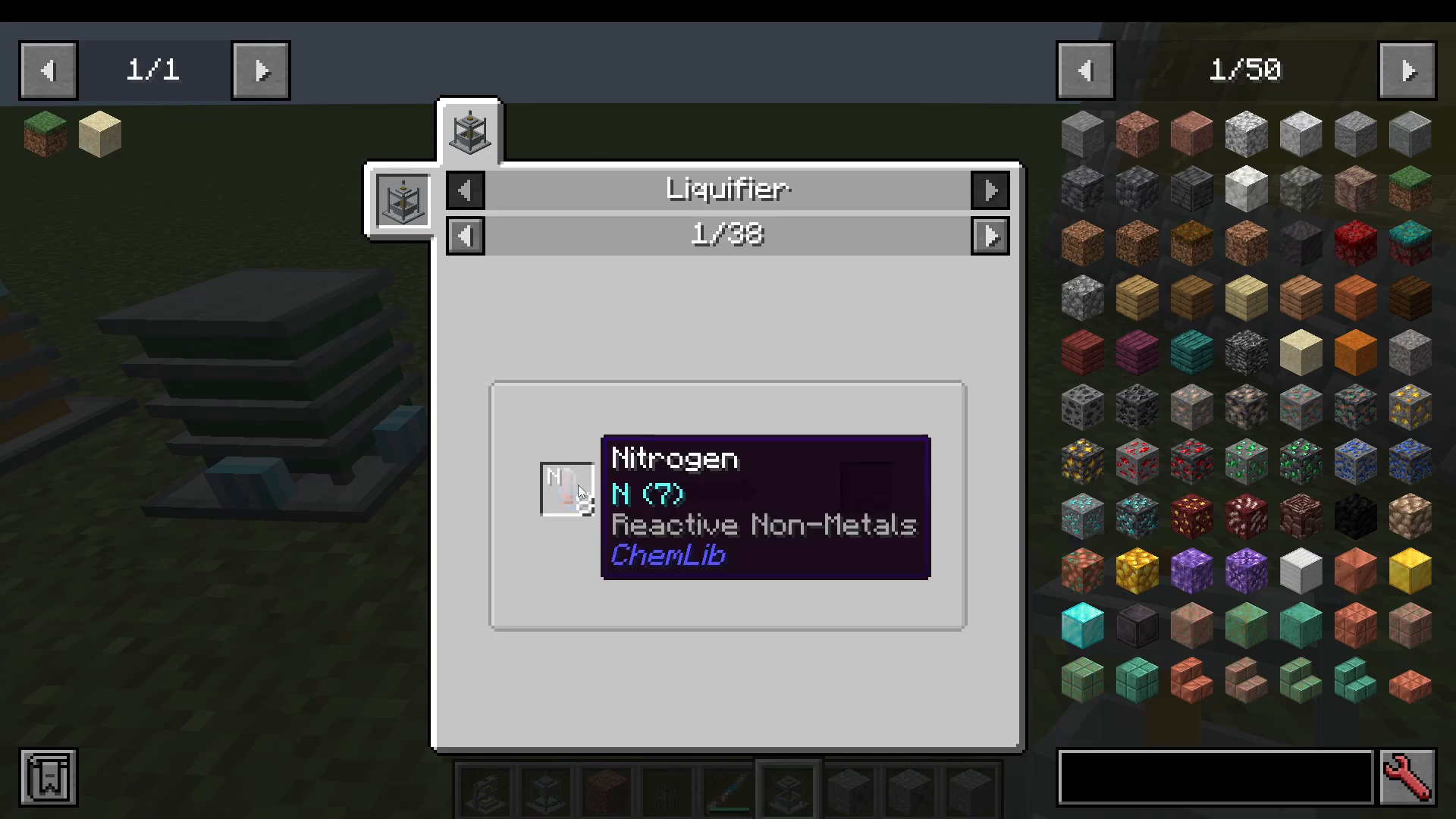
Each element and compound in Chemlib includes informational tooltips that describe its real-world properties, making the mod genuinely educational as well as functional.
Cross-Machine Chemistry Chains
Many elements and compounds can be processed across multiple machines in a chain. For example:
Use the Liquefier to convert ethane into methane gas.
Feed methane gas into the Atomizer to recover ethane.
Use the Combiner to synthesize ethane directly from carbon and hydrogen.
Multiblock Reactors: Fission and Fusion
The two most advanced structures in Alchemistry are the Fission Reactor and the Fusion Reactor. Both are multiblock builds that share the same external structure but use different internal components.
Building the Reactor Structure
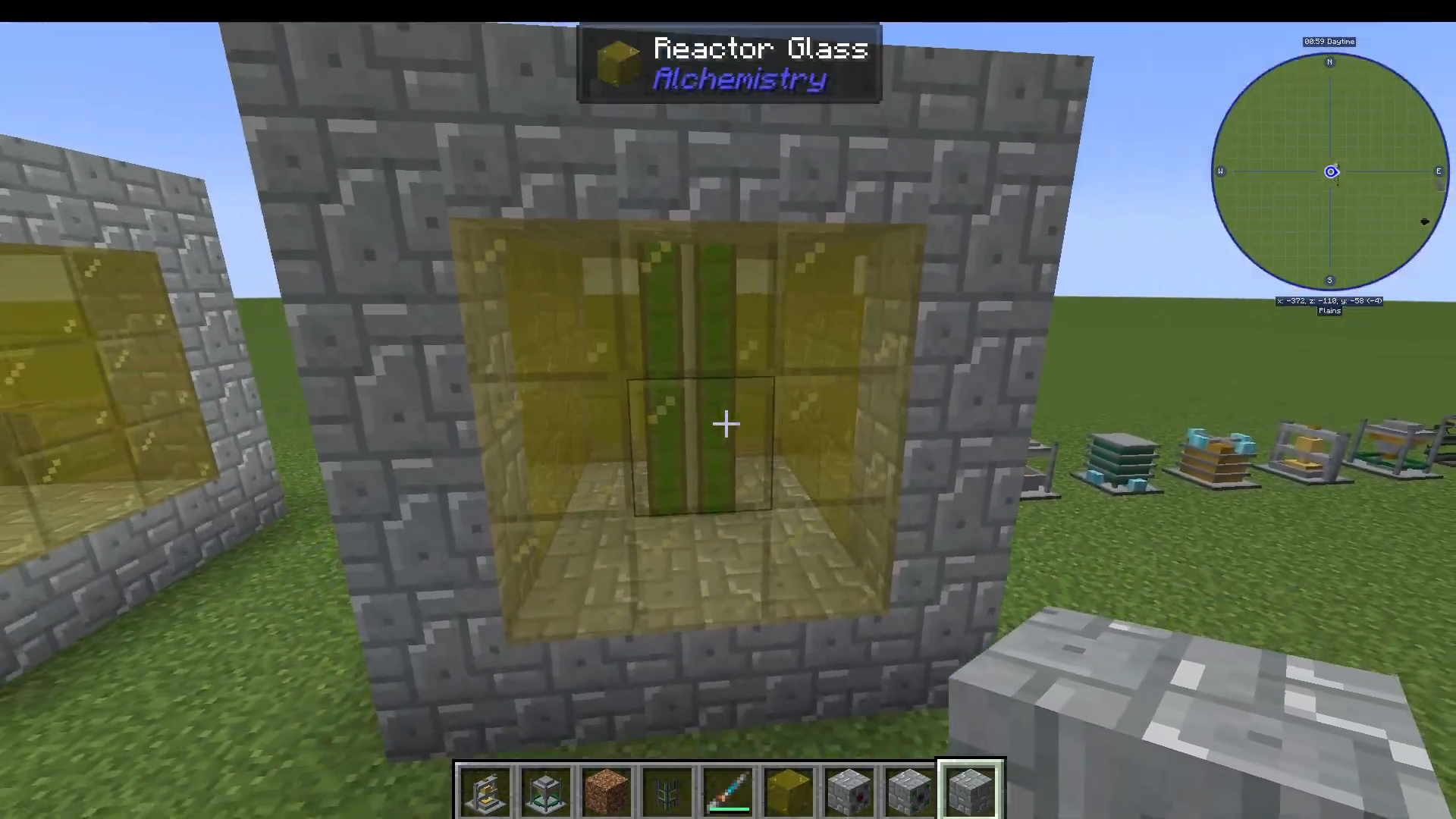
Both reactors are built using Reactor Casing in a 5×5×5 hollow cube, with a 3×3 Reactor Glass window in the centre of one face. The only difference between the two is the type of internal call block used:
Fission Reactor — uses 3 Fission Coils inside the structure.
Fusion Reactor — uses Fusion Coils inside the structure.
Crafting Fission Coils: Getting Yttrium
Fission Coils require Yttrium Ingots. Here is how to obtain them:
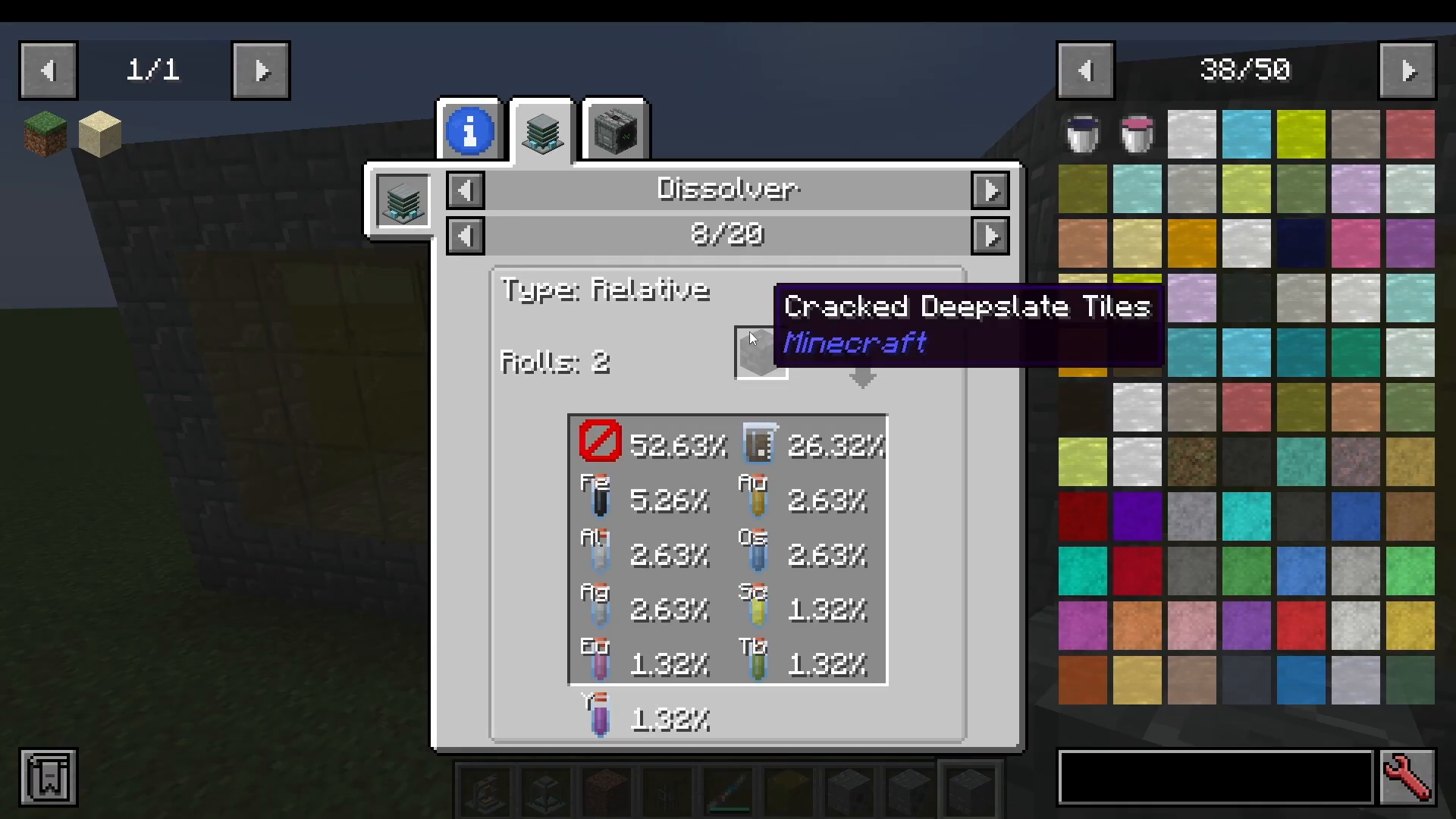
Dissolve large quantities of Deepslate in the Dissolver — there is a 1% chance to obtain Yttrium from each operation.
Process the resulting Yttrium into Yttrium Dust using the Compactor.
Smelt the Yttrium Dust into Yttrium Ingots.
Using the Fusion Controller
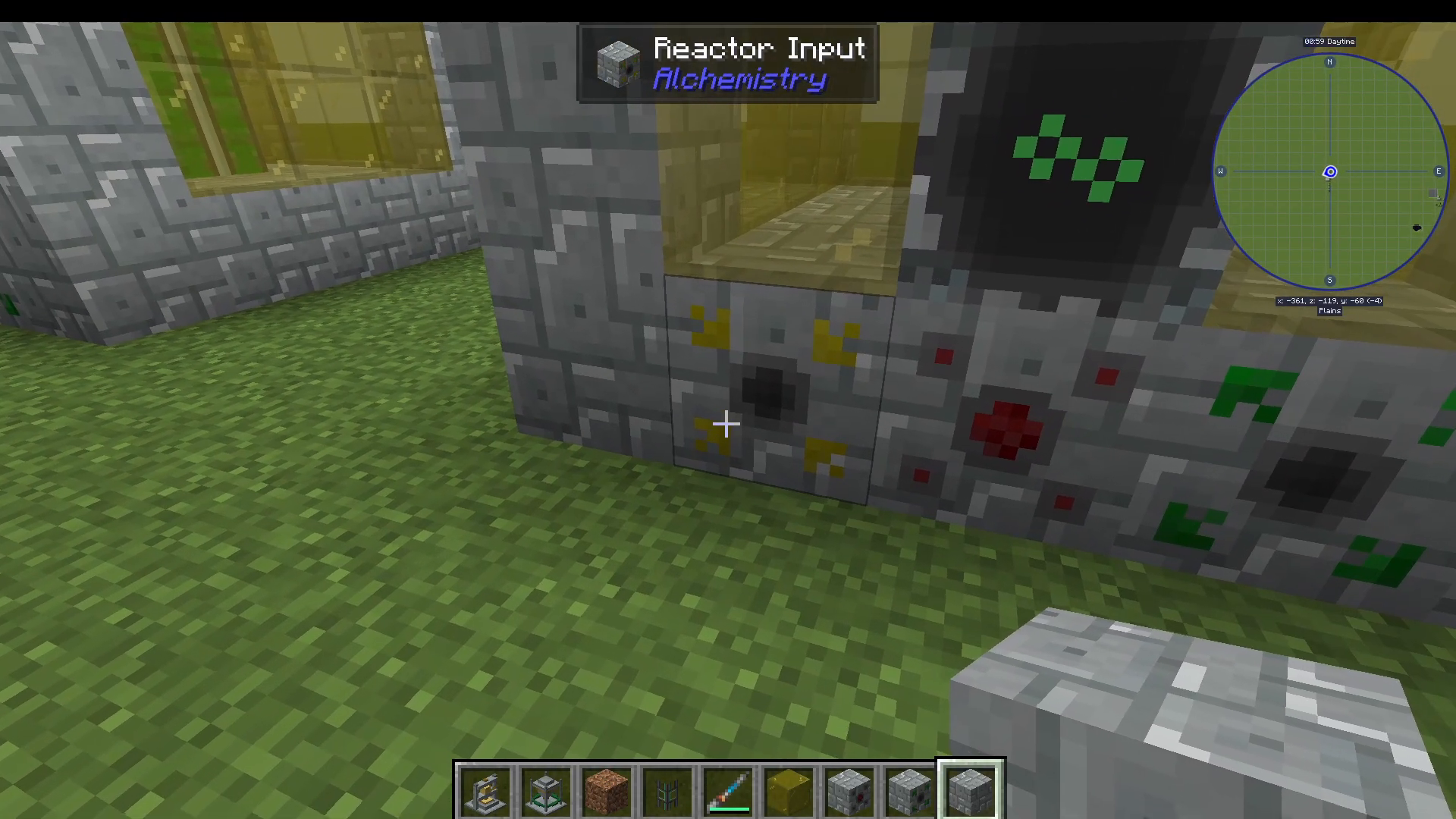
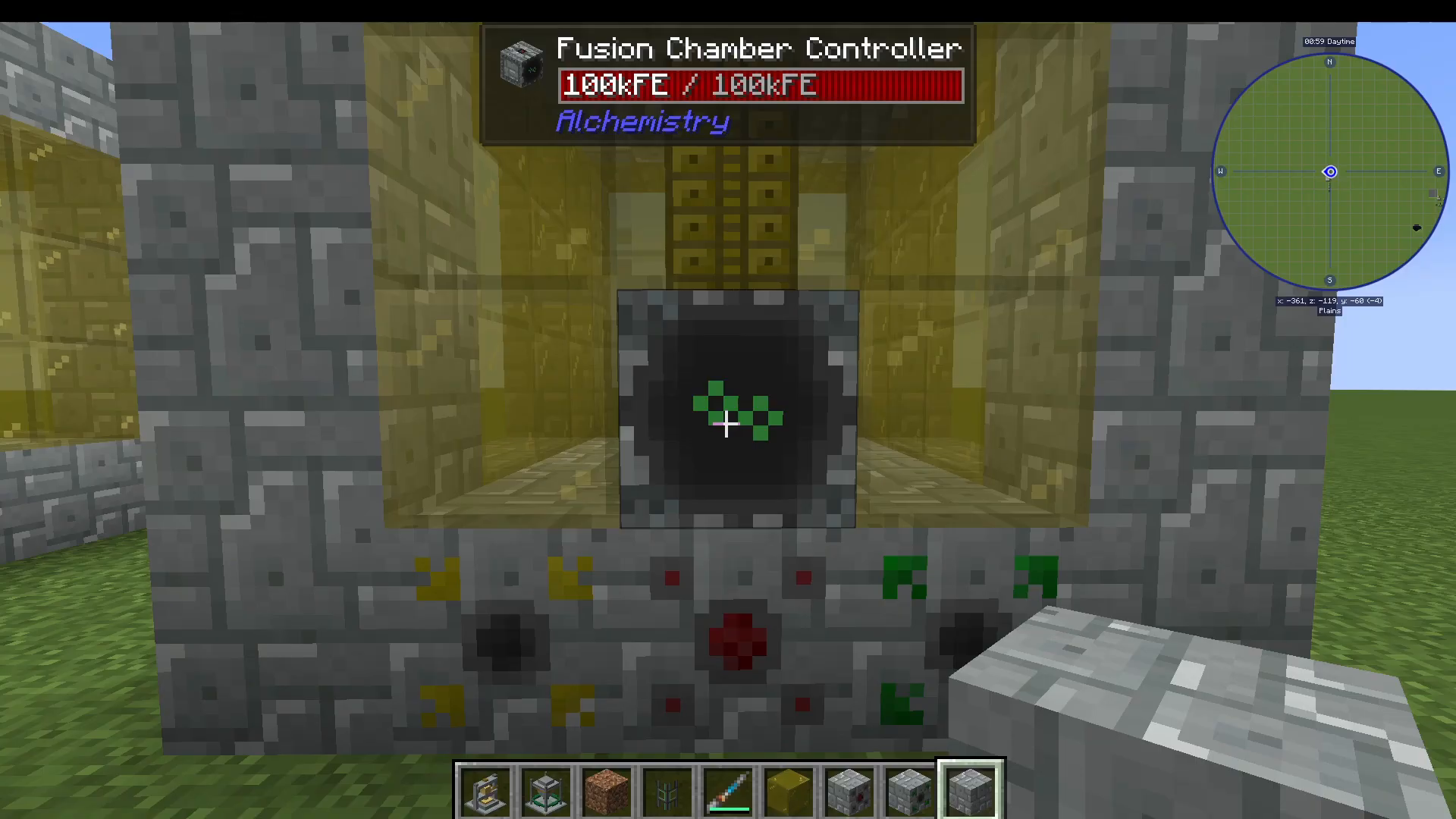
The Fusion Controller is the block you interact with to operate the Fusion Reactor. The multiblock requires the following peripheral blocks connected to the structure:
Fusion Chamber Controller — main interaction point
Reactor Input — accepts items or fluids via pipes
Reactor Energy Port — where you connect your power supply
Reactor Output — outputs the result via item or fluid pipes
Right-click the controller, place two input items into the slots, and the reactor will combine them. Useful features include:
Auto Eject — automatically pushes finished items to the output.
Auto Balance — evens out the quantities of the two input items for you.
Recipe Lock — locks the reactor to a specific recipe.
As a concrete example, the Fusion Reactor can combine rubidium and yttrium, or strontium and strontium, to produce osmium.
Using the Fission Controller
The Fission Reactor works in reverse — it splits one item into two component items. Think of it as a powerful, high-tier upgrade to the Dissolver, operating at the elemental synthesis level rather than the item-breakdown level. Insert one item and receive two output components.
Summary: Getting the Most Out of Alchemistry
Alchemistry looks complex on first glance, but its core loop is actually very straightforward:
Dissolve — feed as many items as possible into Dissolvers to build up a stockpile of elemental components.
Store — route all dissolved elements into an organised storage system.
Combine — use the Combiner to craft whatever items you need from your element stockpile.
Scale up — build Fission and Fusion Reactors to split and merge elements at a higher level, unlocking rarer materials like osmium and yttrium more efficiently.
Remember that Alchemistry requires an external energy source — mods like Mekanism pair with it naturally. The more items you dissolve early on, the more flexibility you will have later when crafting advanced components. Good luck, and happy chemistry!
“`