Werewolves Mod Full Tutorial
Werewolves Mod Full Tutorial: Complete Beginner’s Guide
Welcome to the complete guide for the Werewolves Mod in Minecraft! This comprehensive tutorial will walk you through every aspect of becoming a werewolf, leveling up, transforming into a werewolf lord, recruiting minions, and much more. Whether you’re just starting your werewolf journey or looking to master advanced mechanics, this guide has you covered.
Getting Started: Finding the Werewolf Forest
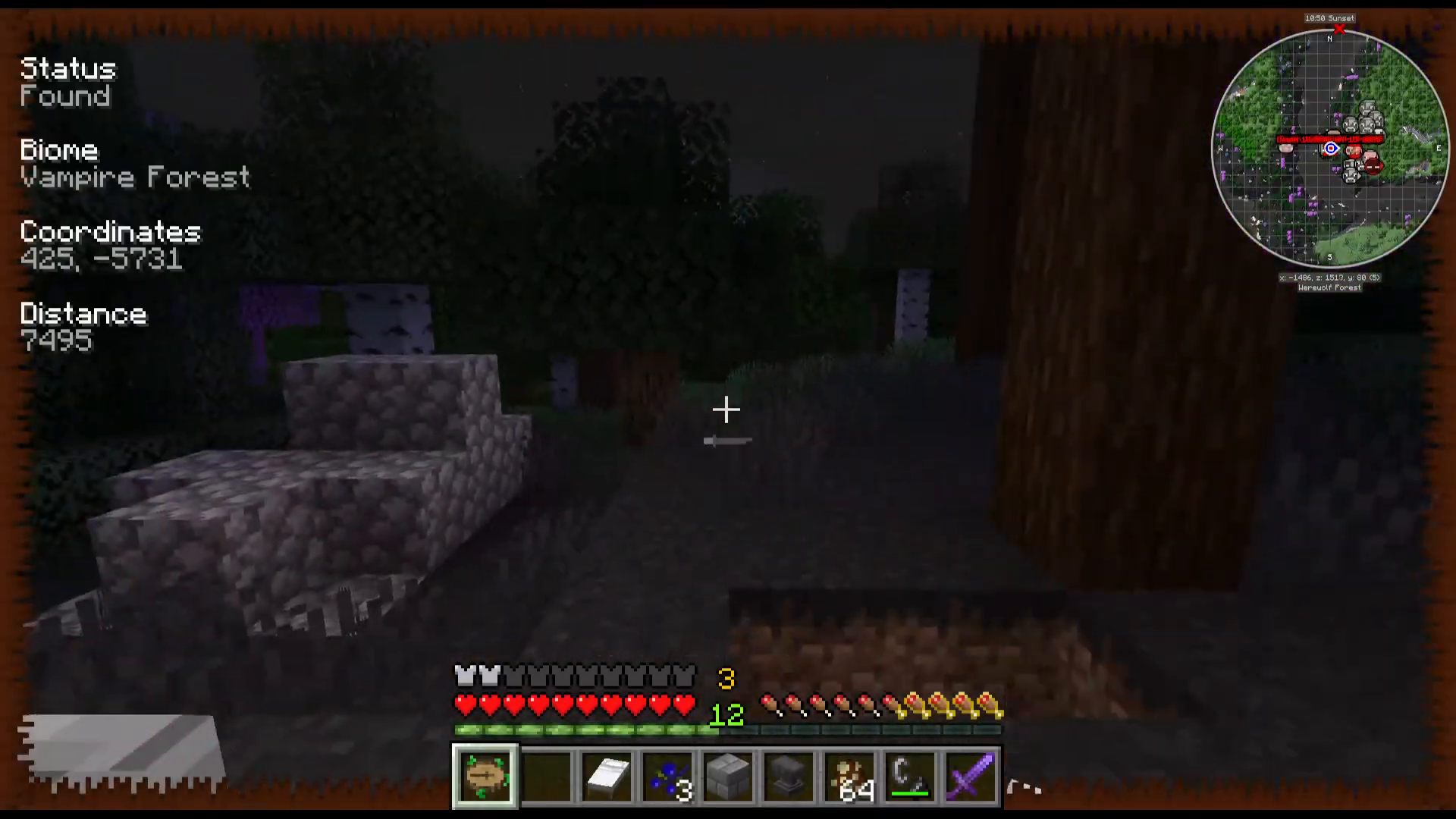
Your first step is locating a werewolf forest biome, which is characterized by jack-o’-lantern decorations scattered throughout. If you have the Nature’s Compass add-on installed, use it to search for “Werewolf Forest” directly—this is the easiest way to find this biome.
Once you arrive in the werewolf forest, you’ll encounter werewolves spawning naturally. Be prepared for combat, as werewolves can infect you with a disease when they attack you. You’ll see this infection indicator appear on the right side of your screen.
Becoming a Werewolf
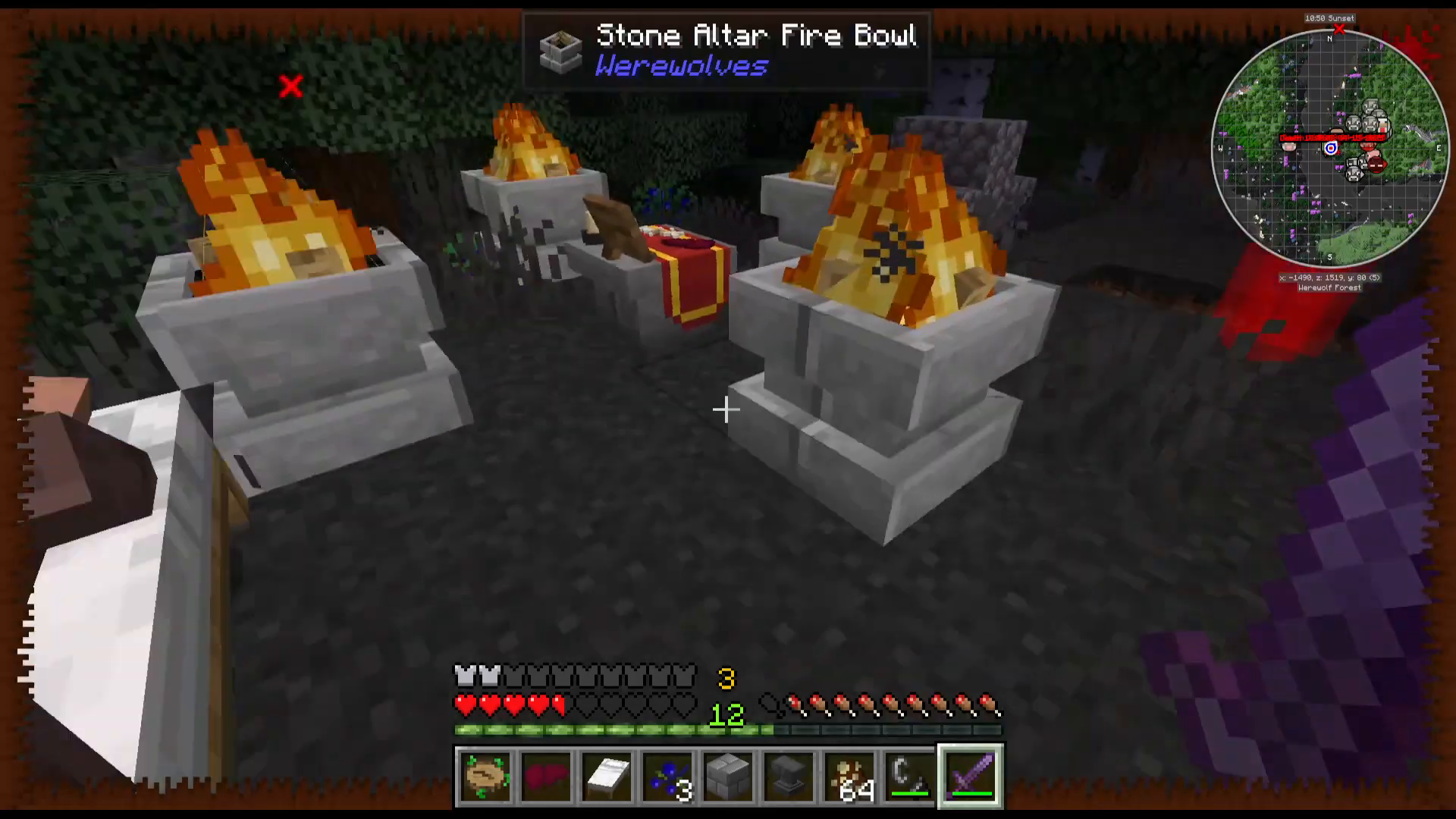
When you contract the werewolf disease from an attacking werewolf, simply sleep in a bed. Upon waking up, you will transform into a werewolf. You’ll notice a new indicator above your experience bar showing your werewolf level (for example, “Level 3” if you’re a level 3 werewolf).
Leveling Up Using the Stone Altar
Building the Stone Altar
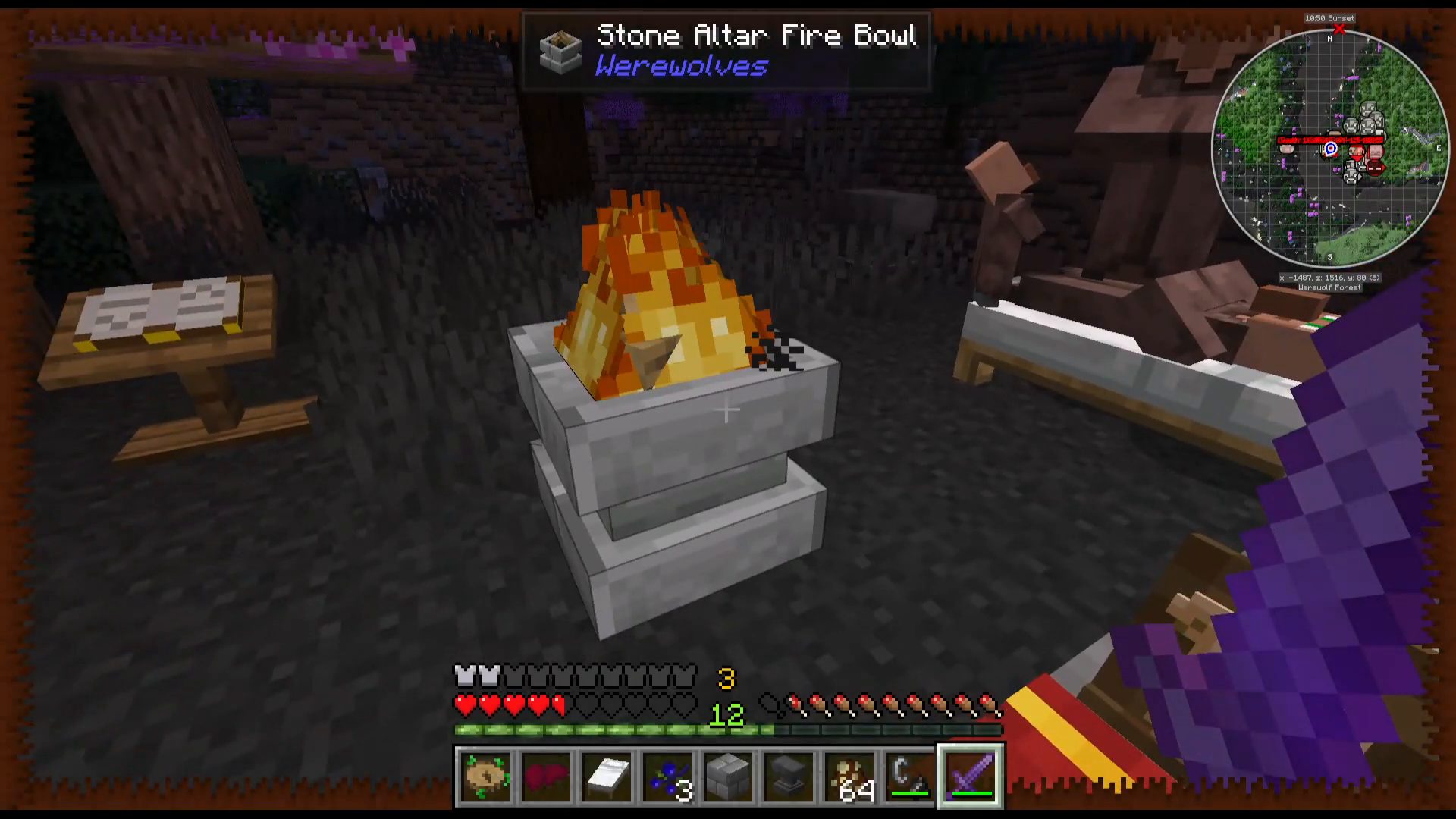
To level up as a werewolf, you need to construct a stone altar setup. Here’s what you need:
One stone altar (central block)
Four stone altar fireballs (placed around the altar)
Lighting the Ritual
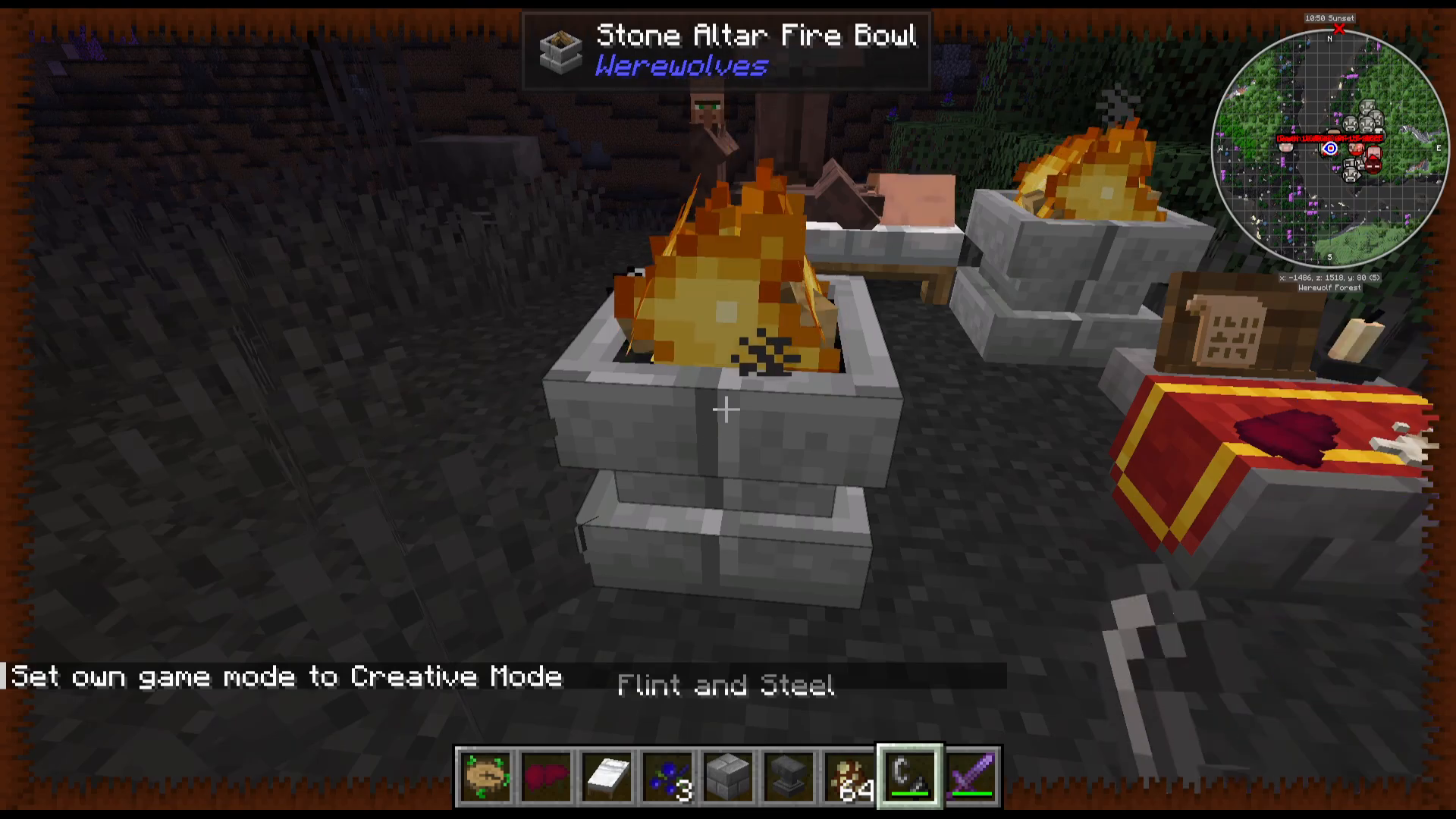
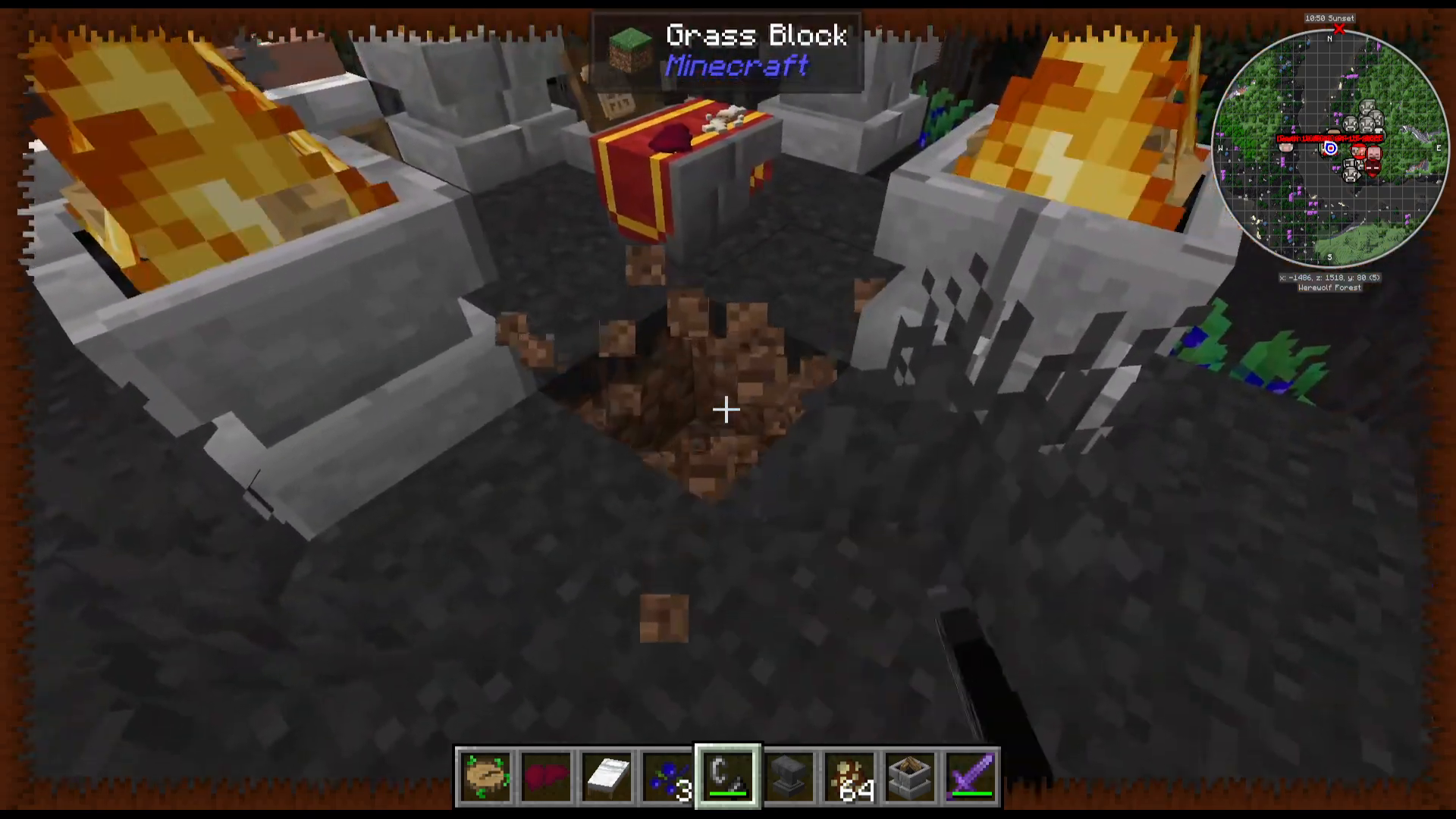
Once you’ve placed the altar and fireballs, use flint and steel to light each fireball. Simply right-click each fireball with your flint and steel to ignite them.
Understanding the Altar Interface
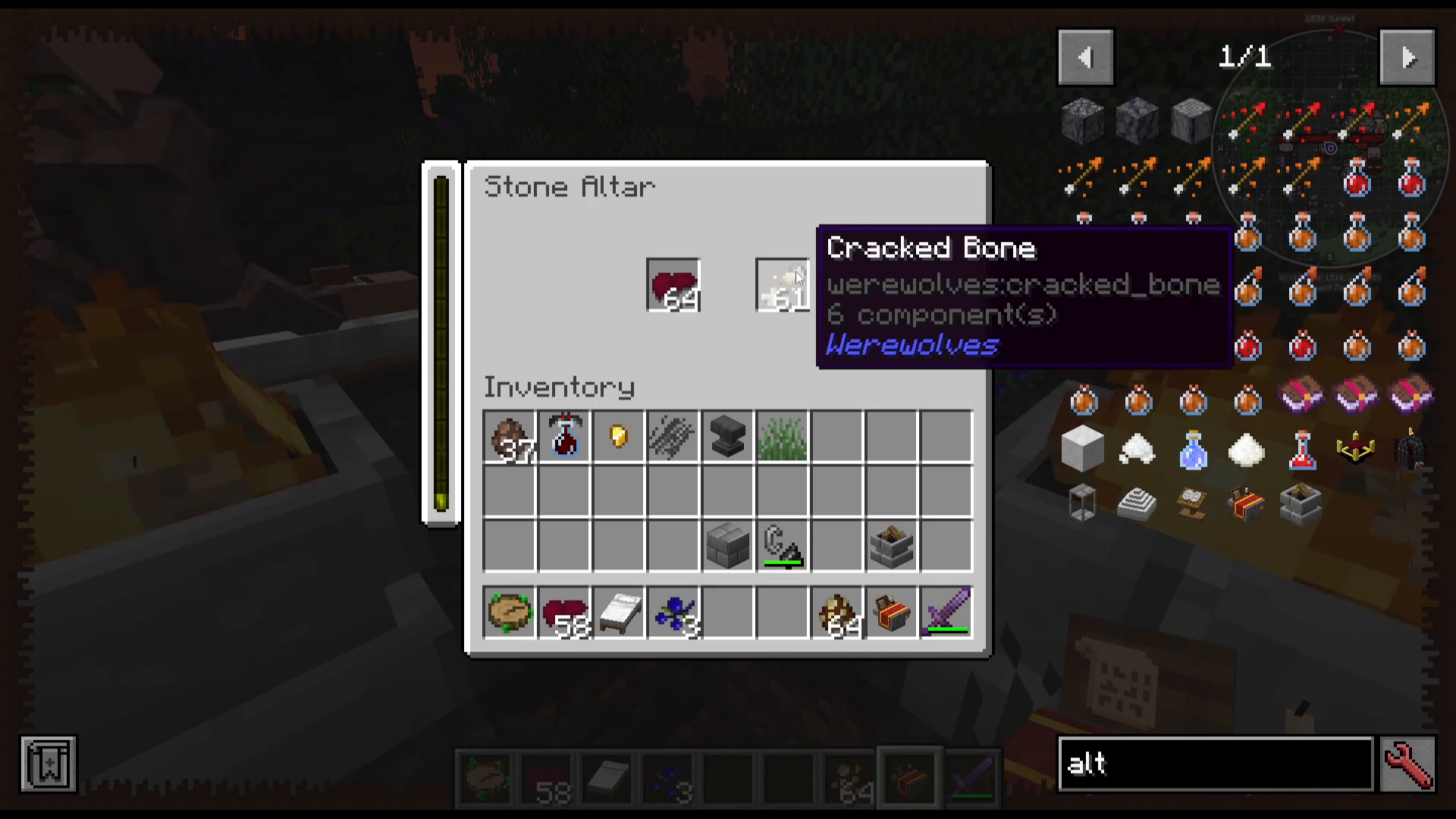
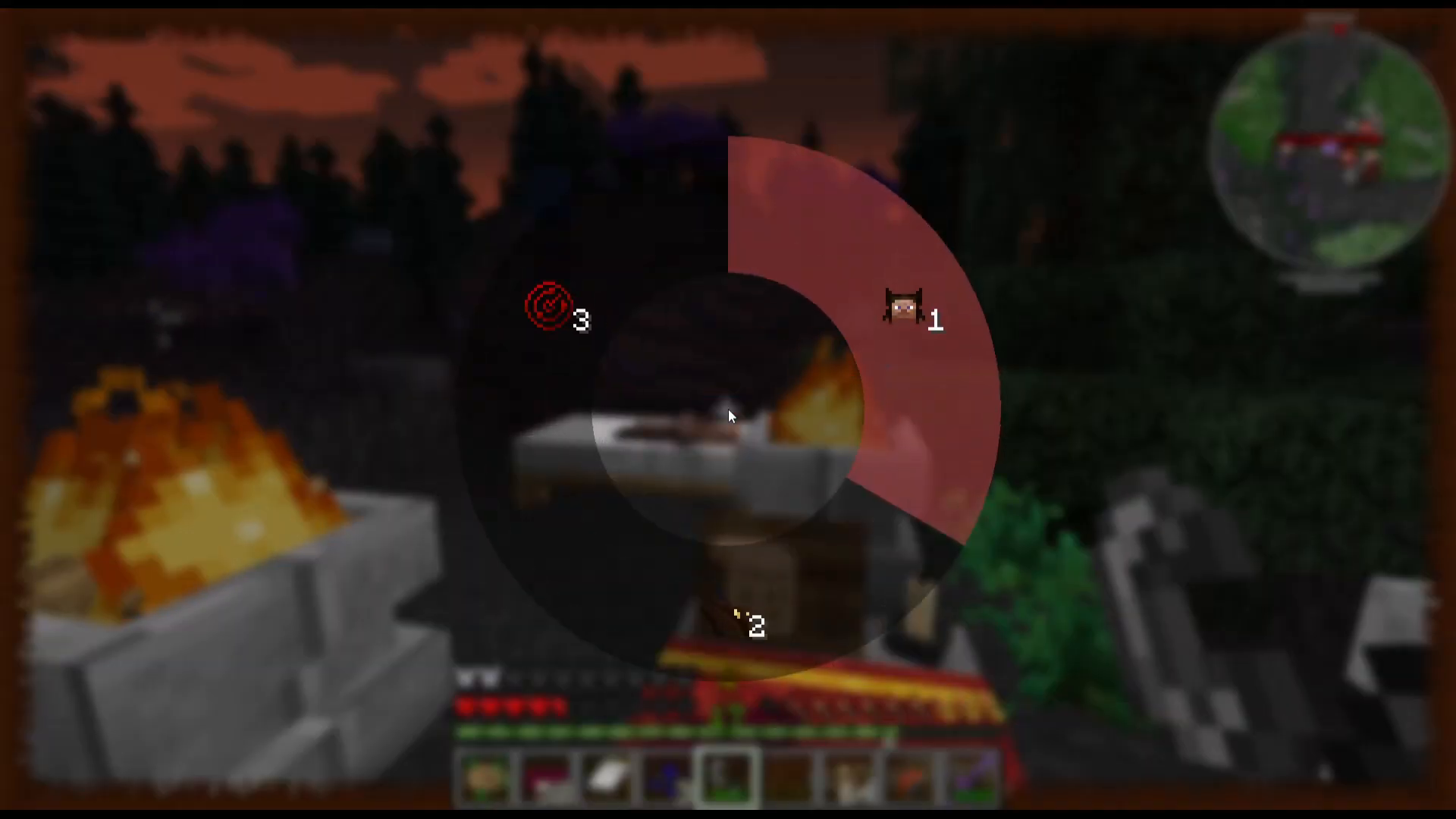
When you right-click the central altar with an empty hand, a menu opens showing:
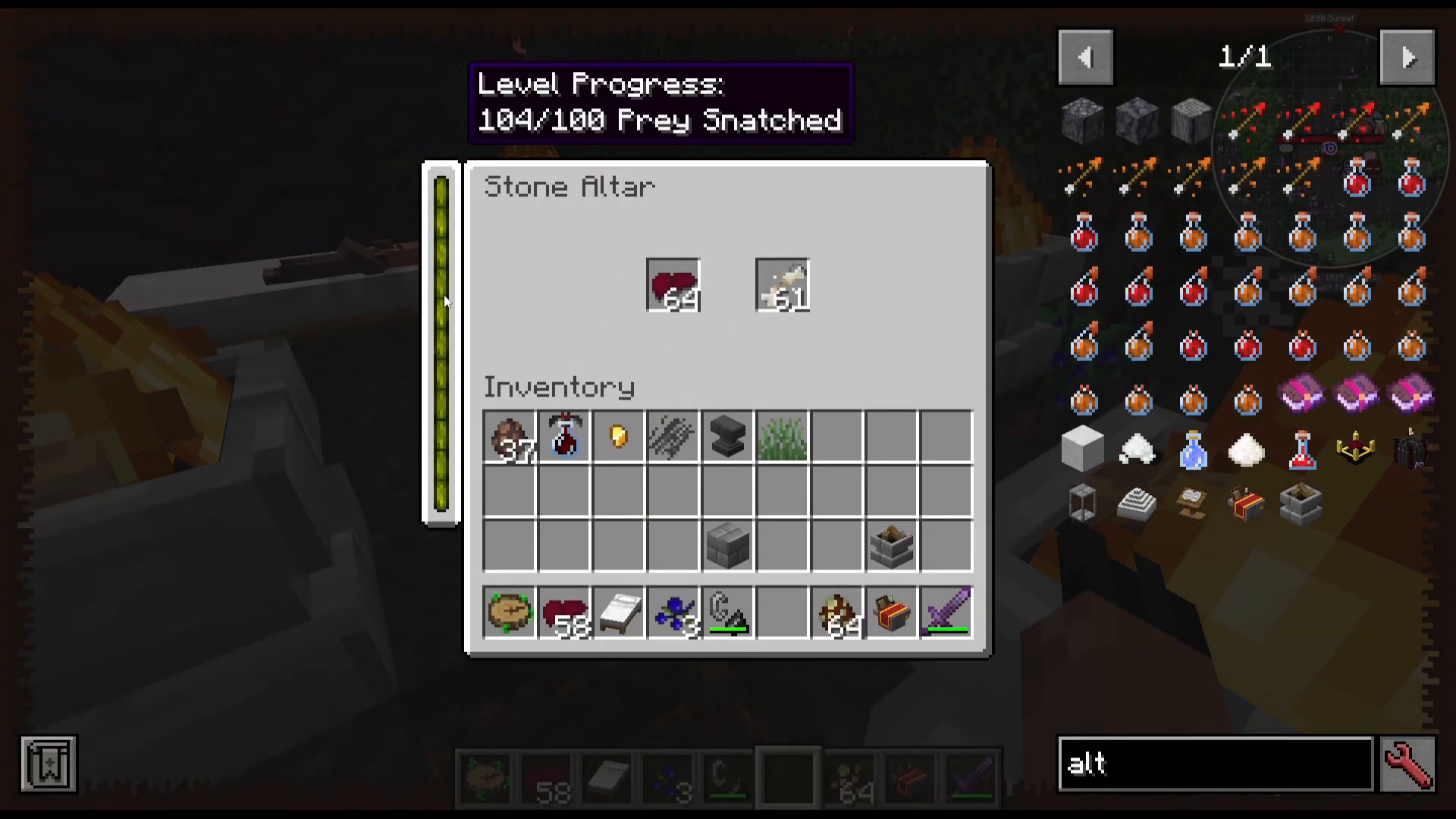
Level Progress Bar: Tracks your progress toward the next level
Pray Snatched Counter: Measures how much damage (prey killed) you’ve dealt
Liver Icon: One of two required offerings
Cracked Bones Icon: The second required offering
Gathering Required Items
Livers are obtained from:
Werewolves
Villagers
Cracked Bones are obtained from:
Werewolves
Skeletons
You need both items to perform a ritual, and “pray snatched” is accumulated by dealing damage to mobs.
Completing the Ritual
Once you’ve gathered enough livers, cracked bones, and pray snatched, right-click the center of the altar. You’ll see gray particles appearing around it. The ritual will execute, turning the screen dark momentarily, and you’ll level up as a werewolf.
Werewolf Skills and Abilities
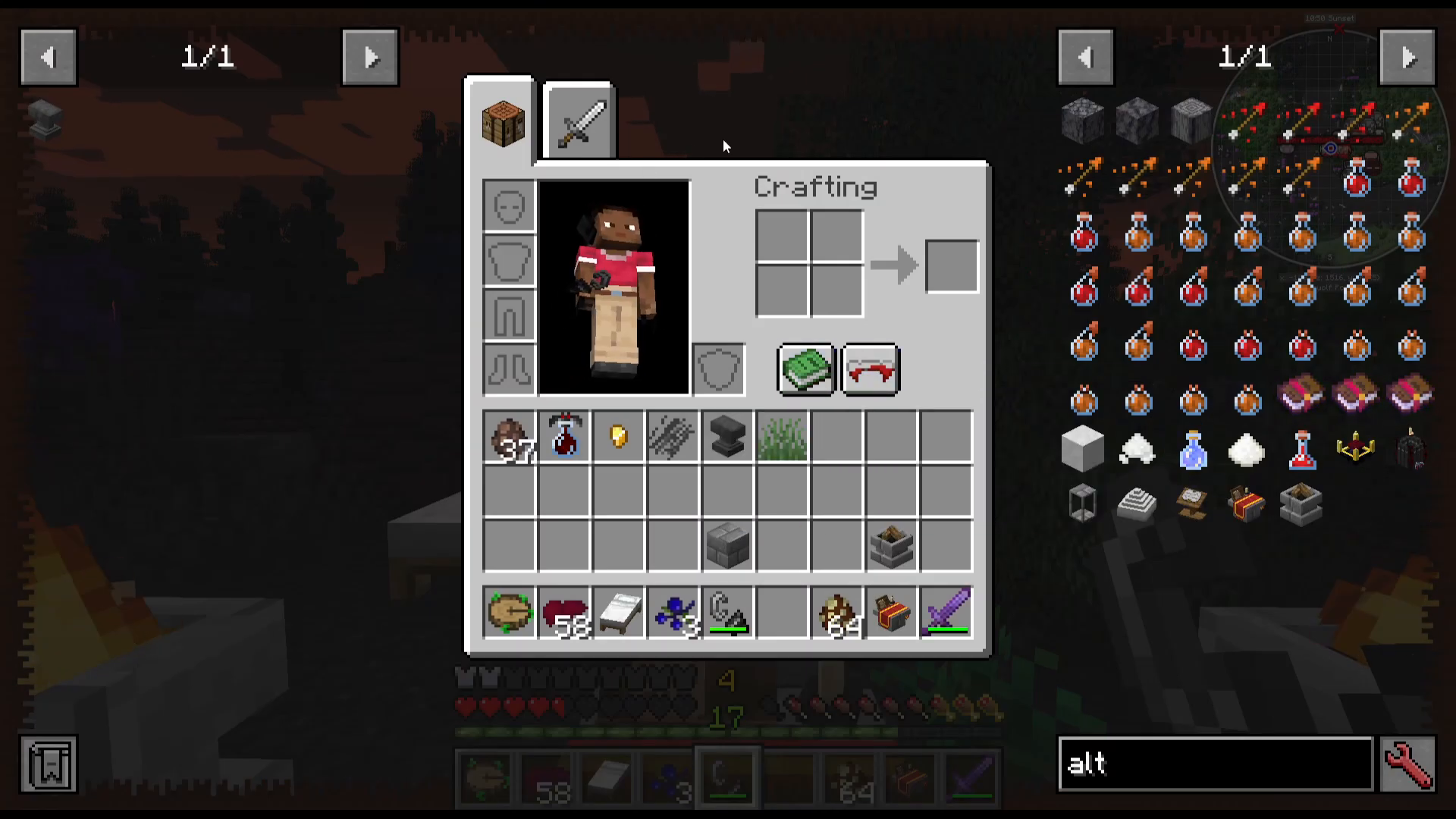
When you level up as a werewolf, a new button appears in your inventory screen featuring werewolf ears and claws. Clicking this button opens your skill screen.
Available Skills
Your skill tree includes:
Partial Turn: Partially transform into a werewolf form
Night Vision: Improved vision in darkness
Serene Sense: Sense nearby mobs through walls
Howling: Boost attack speed for yourself and fellow werewolves
Werewolf Forms
As you progress through the skill tree, you unlock different werewolf forms, each with unique attributes:
Survival Form: Focuses on speed and mobility
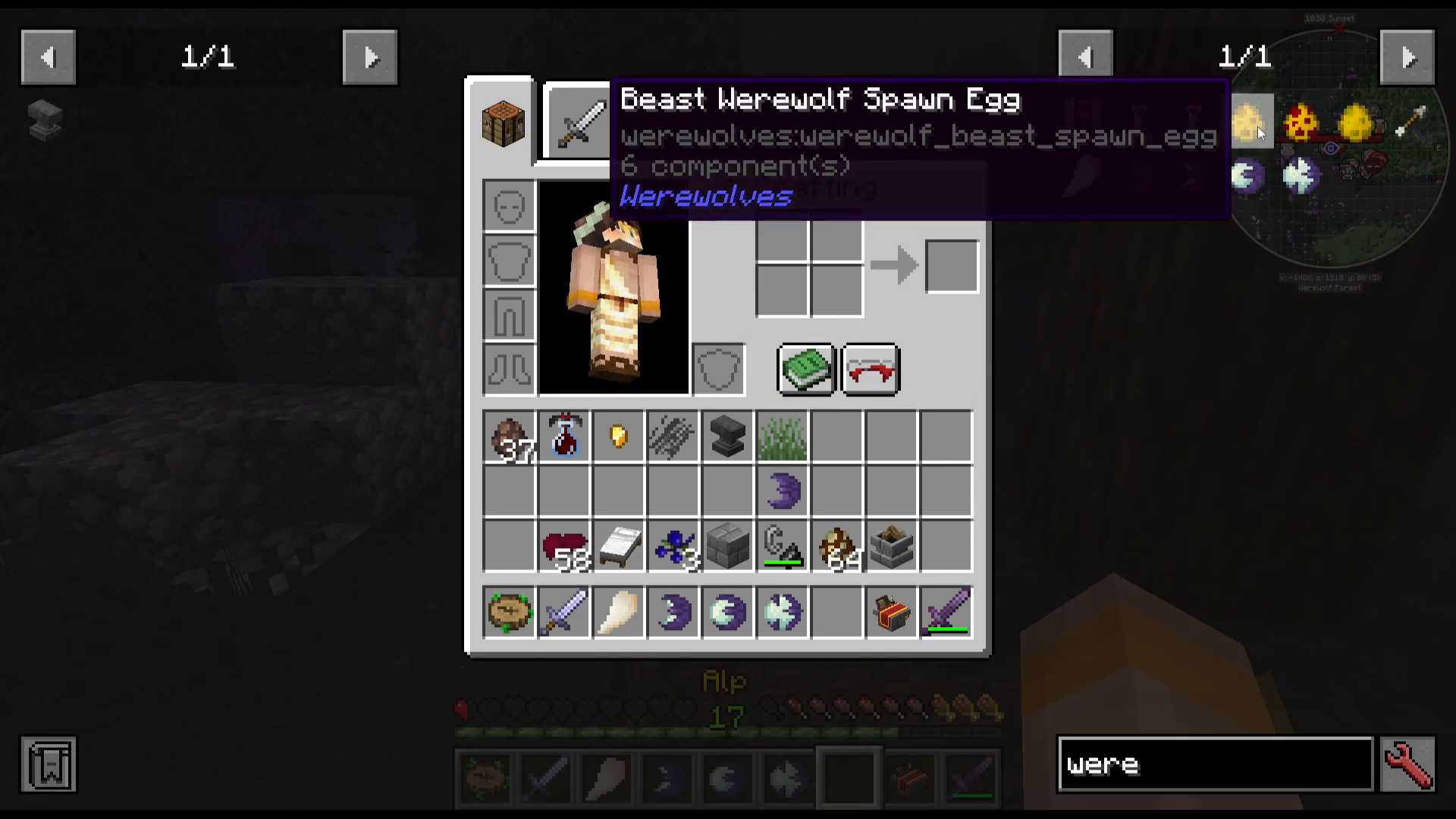
Beast Form: Provides improved attack power
Each form offers different combat enhancements and abilities tailored to different playstyles.
Curing Yourself of Werewolfism
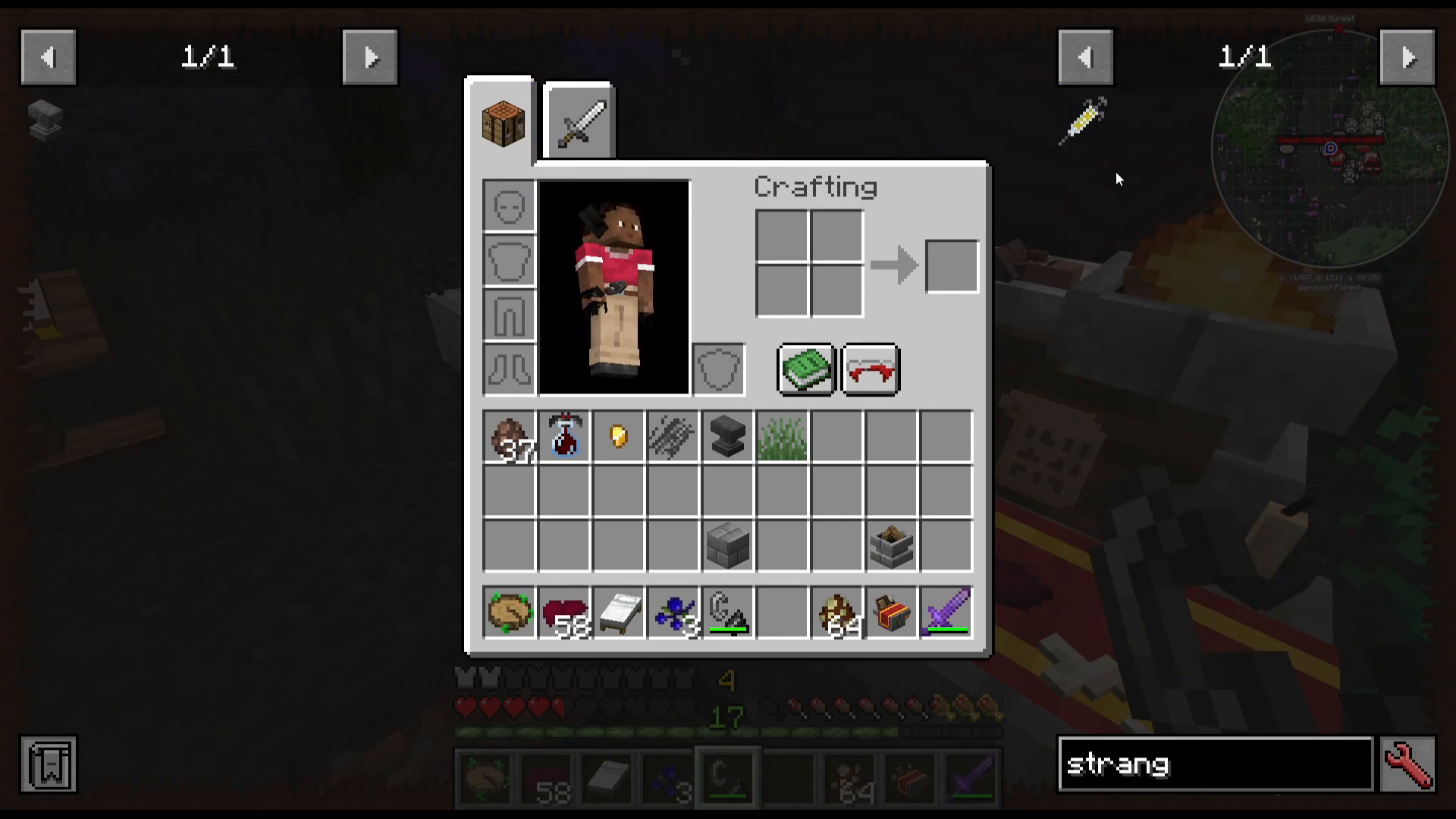
If you decide you no longer want to be a werewolf, you can cure yourself. You’ll need to craft a strange injection:
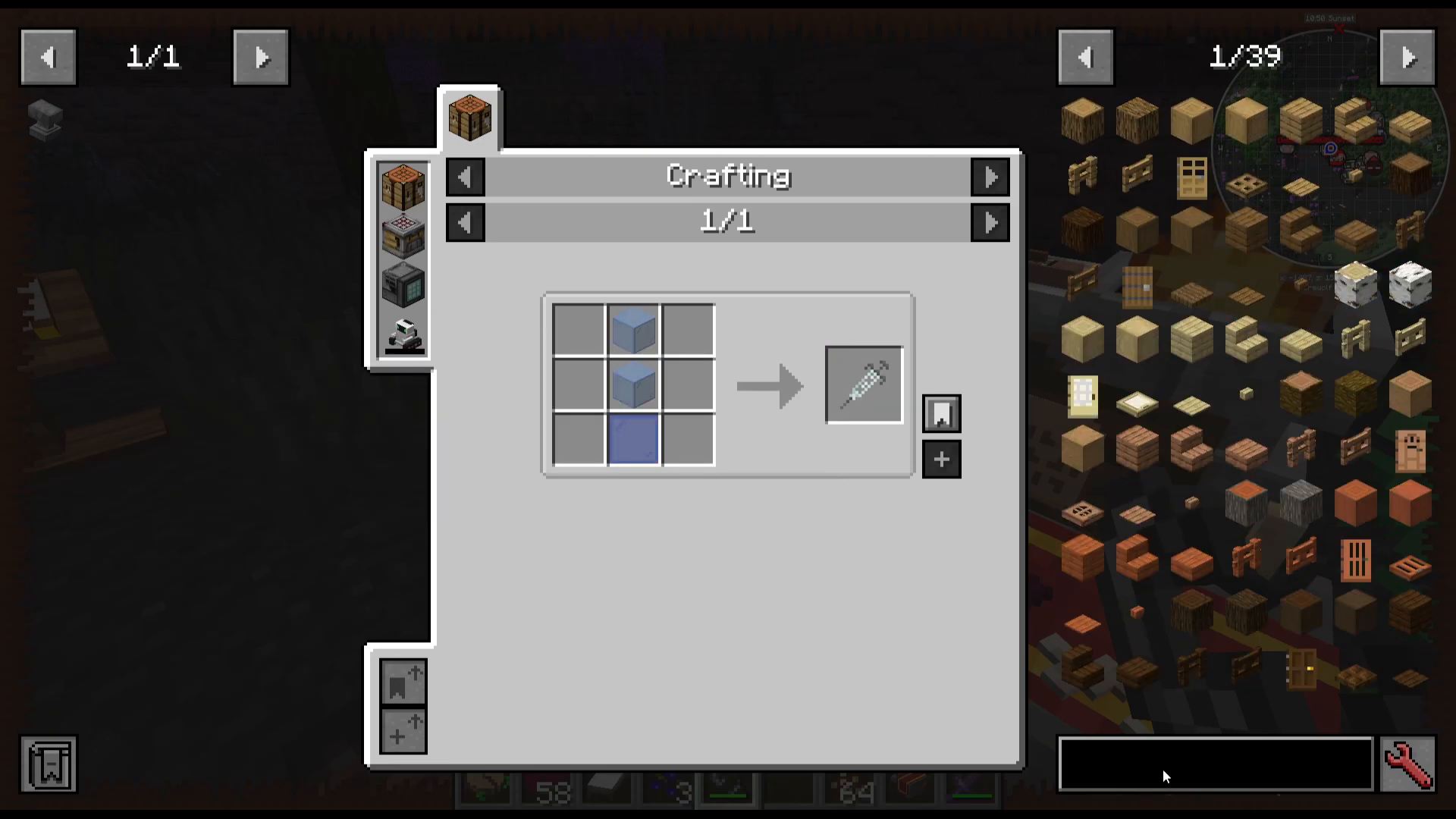
Crafting a Syringe
To create a syringe, combine:
One empty syringe
Two pieces of glass
One glass pane
Using the Injection Table
Right-click the syringe onto a werewolf to extract the cure. Then, locate an injection table (which resembles an injection chair) and place it down. Right-click the cure injection onto the chair. After 100 seconds, you will be fully cured of werewolfism.
Becoming a Werewolf Lord (Level 14+)
Requirements and Prerequisites
Once you reach level 14 through the stone altar leveling system, you become eligible to become a werewolf lord. This unlocks faction-based gameplay.
Taking Over Villages
To initiate a werewolf takeover, visit a village and locate the faction totem. Right-click the totem to start a raid where you must defeat all the hunters or vampires inhabiting the village. Once you eliminate all opposing faction members, you take control of the village.
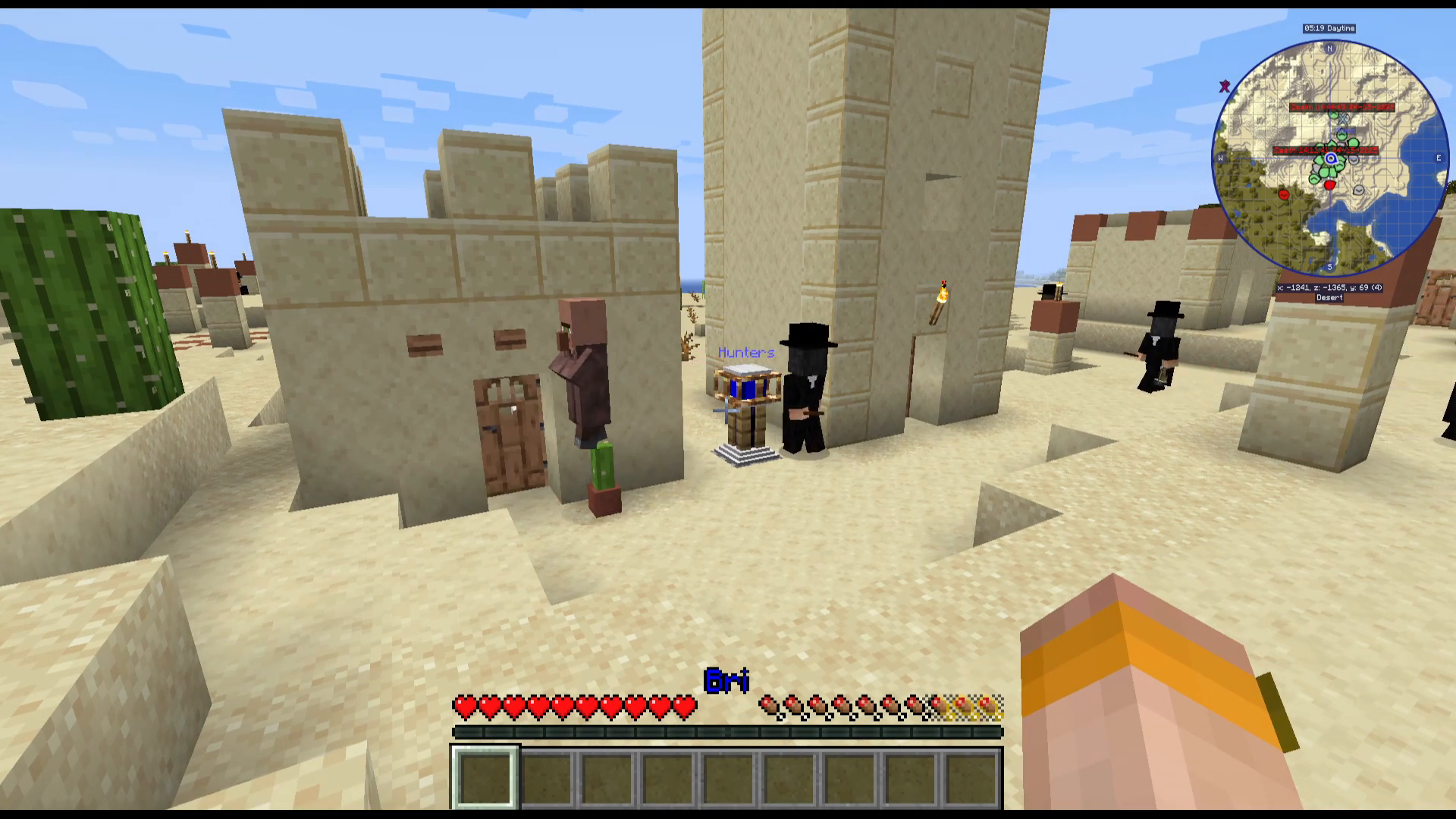
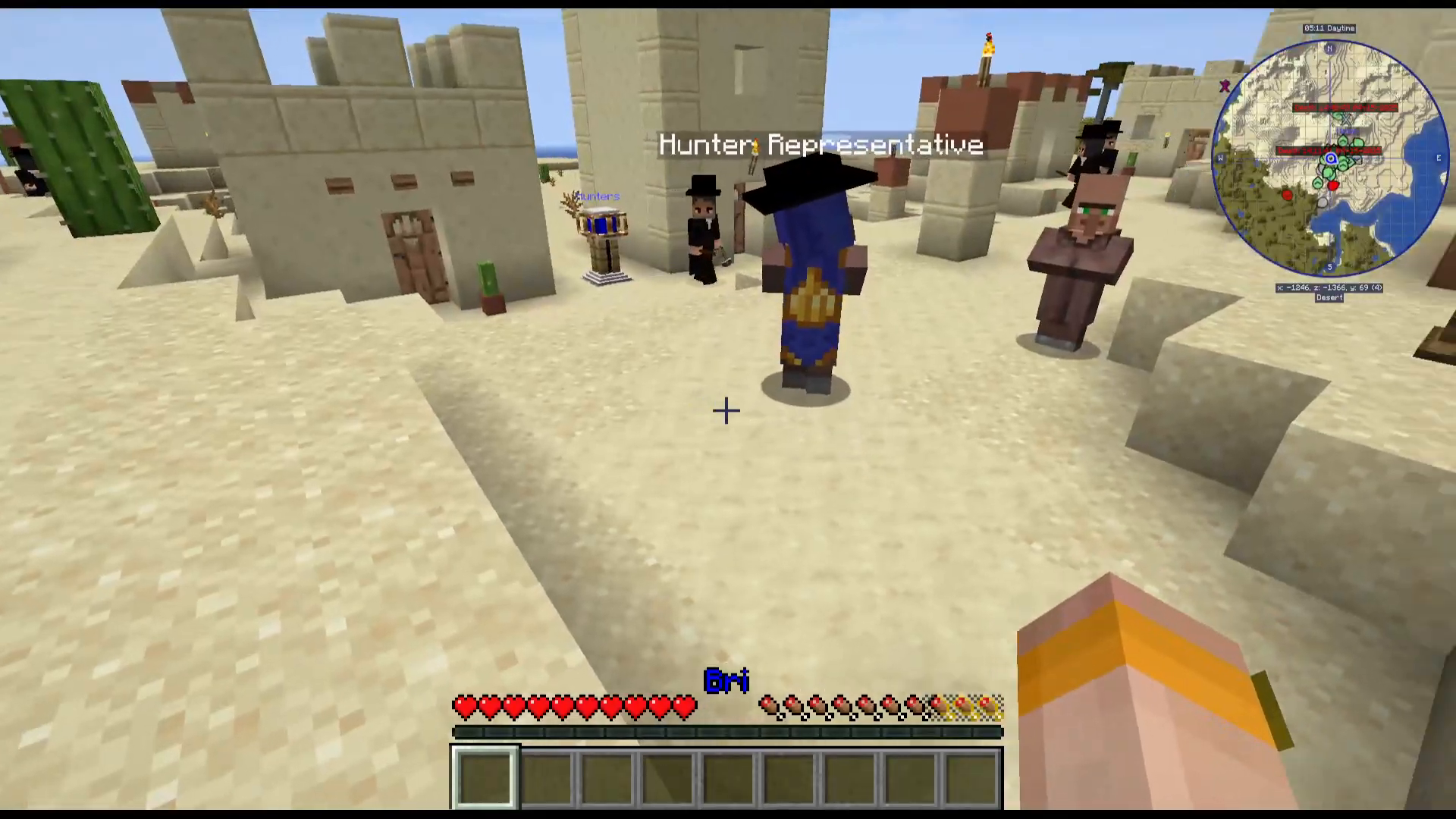
Alternatively, you may discover a village already owned by werewolves, complete with a werewolf representative.
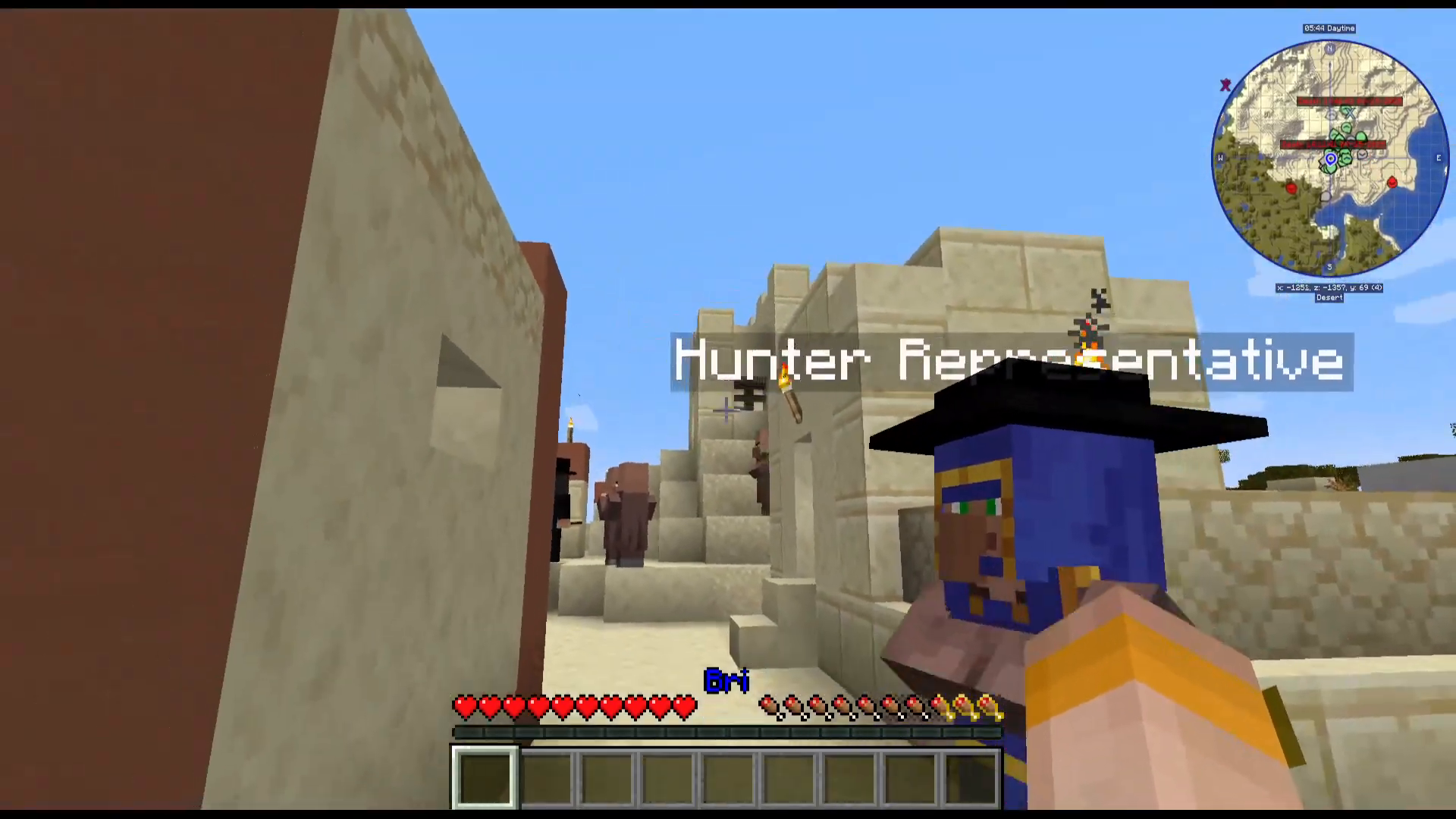
Completing the Werewolf Lord Quest
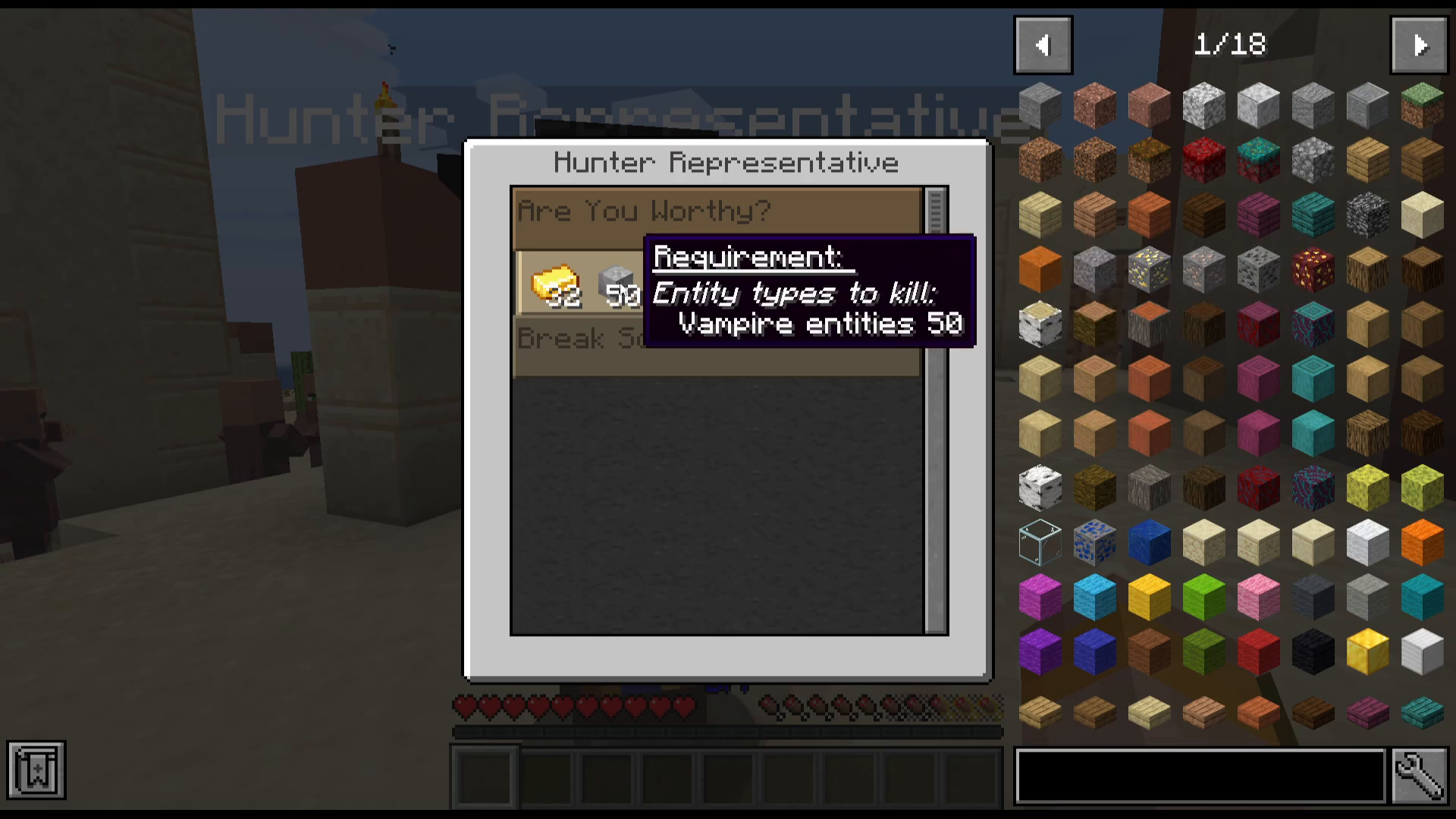
Right-click on a werewolf representative to receive an “Are You Worthy?” quest. This questline includes:
Winning raids against other factions
Killing vampire entities
Eliminating hunters
Collecting gold ingots
Quests are color-coded: lighter brown quests are main objectives, while darker brown quests are optional side quests. Complete the required quests to progress and level up as a werewolf lord.
Recruiting and Managing Minions
Creating Minions with Moon Charms
Once you reach level 14, you can recruit werewolf minions by using a moon charm on a werewolf. Simply right-click a werewolf with a moon charm, and it will become your minion.
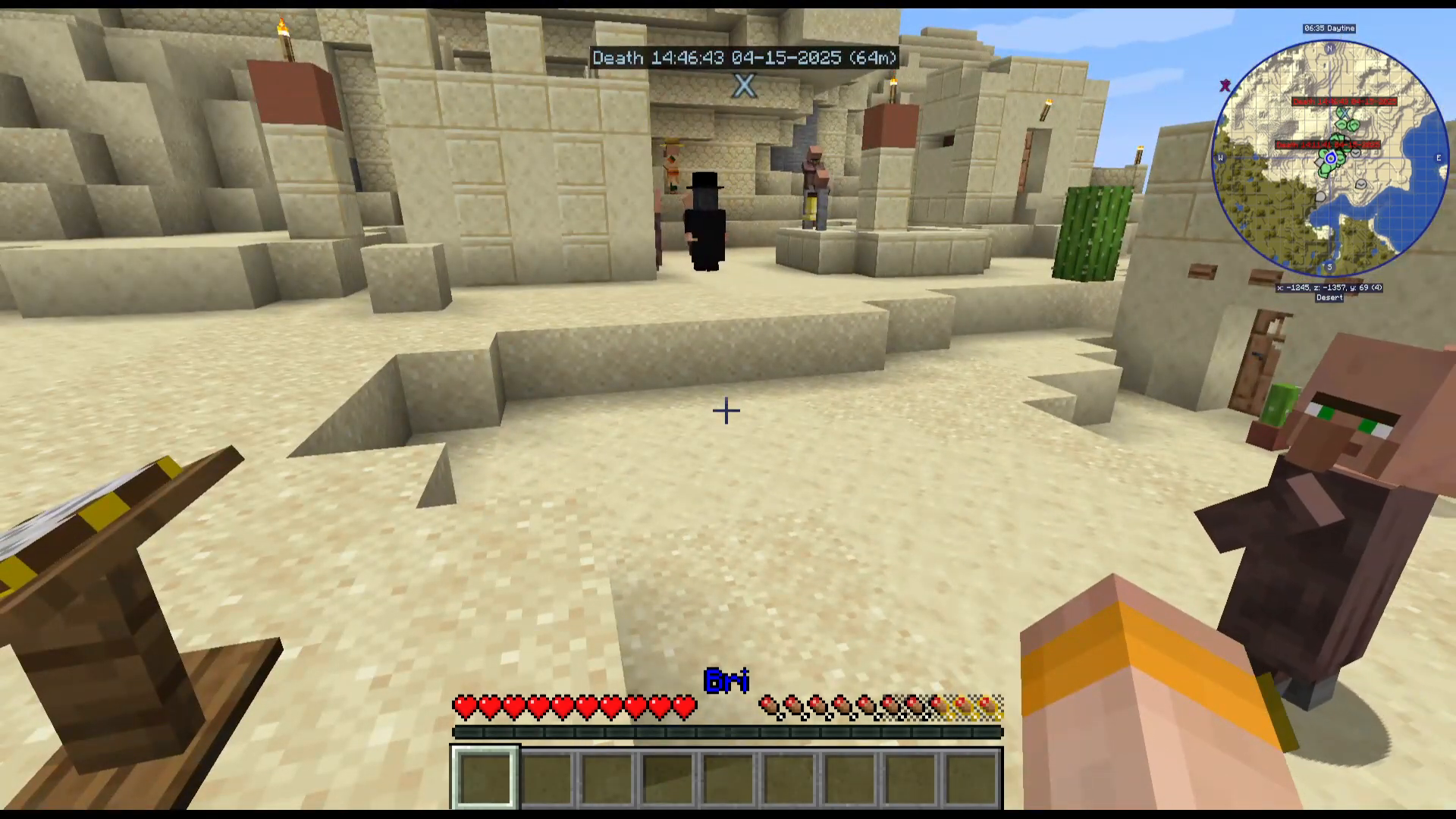
Obtaining Moon Charms
Moon charms are awarded as quest rewards from the werewolf representative. Complete faction quests to earn these valuable items.
Managing Your Minion
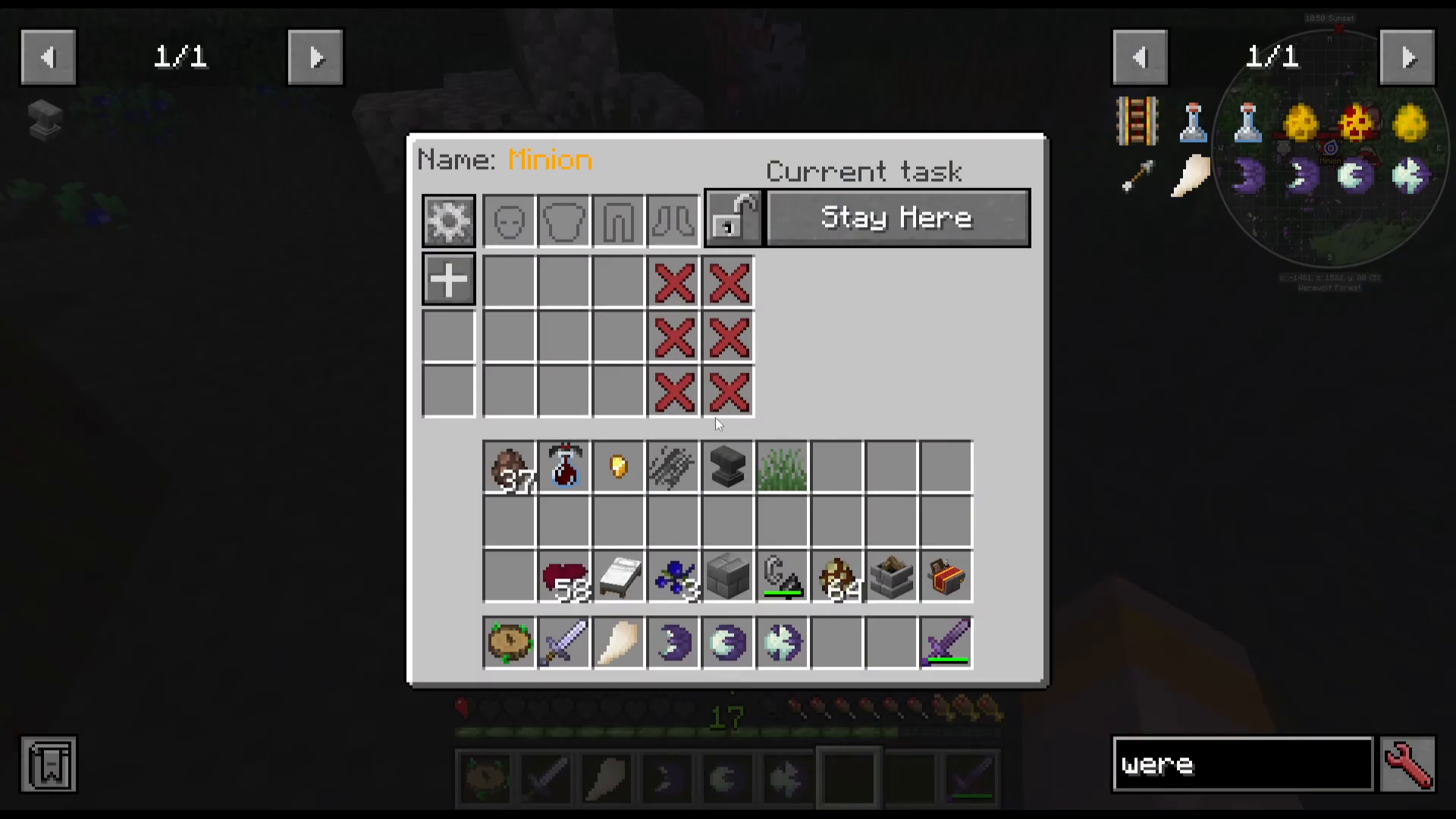
Right-click your minion to access management options:
Stay Here: Command the minion to remain in place
Follow: Have the minion follow you
Defender Area: Set the minion to defend a specific location
Inventory: Add gear and equipment to your minion
Stats: View your minion’s current attributes
Upgrading Your Minion
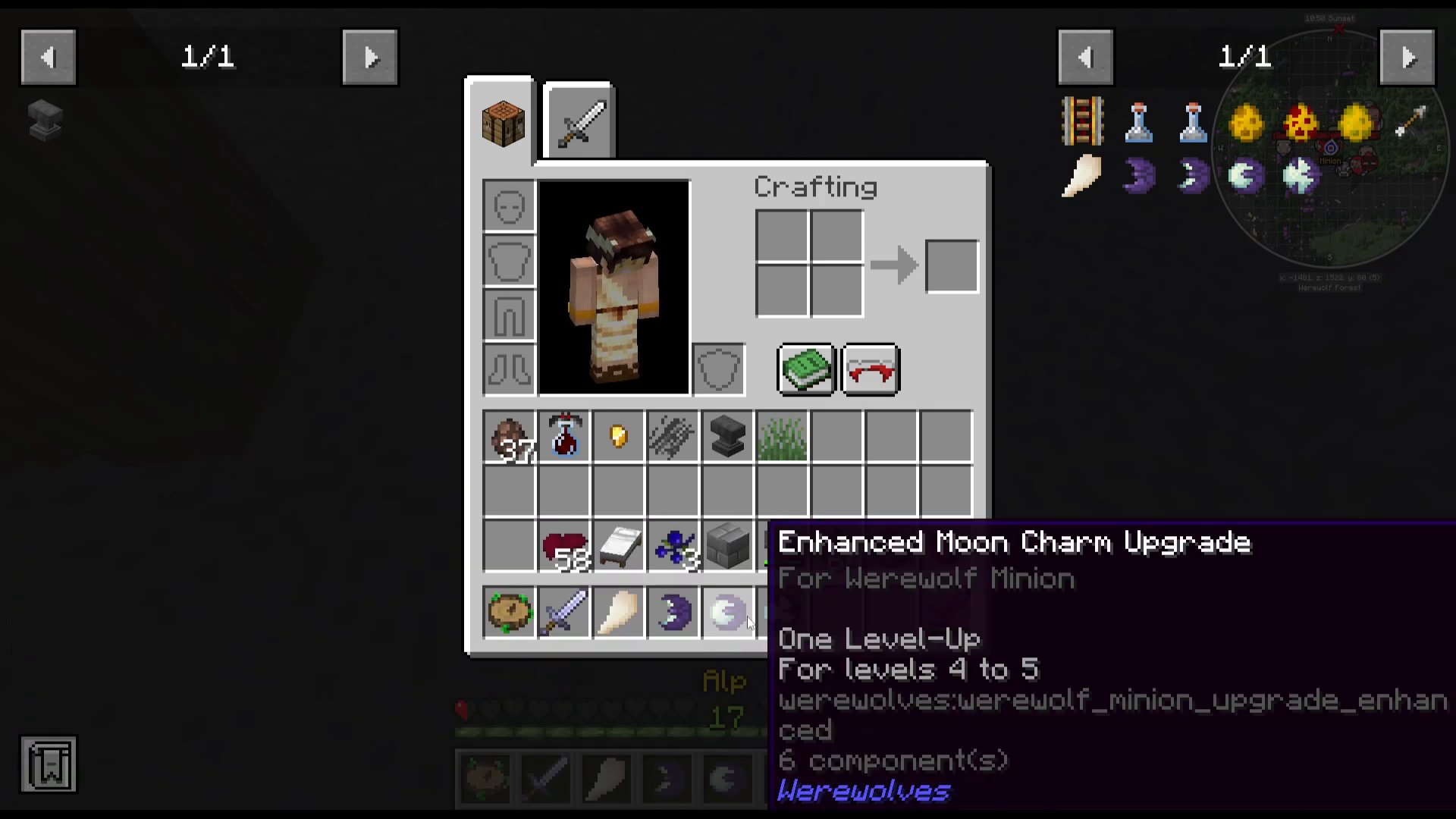
Use additional moon charms to upgrade your minion’s level. Moon charms enable upgrades such as:
Level 1 to 2
Level 2 to 3
Level 4 to 5
Level 6 to 7
You can also customize your minion’s appearance and allocate skill points to enhance their combat effectiveness.
Additional Mechanics and Tips
Silver Damage
Silver is particularly effective against werewolves and deals increased damage. Be cautious when encountering silver-wielding enemies.
Alternative Infection Methods
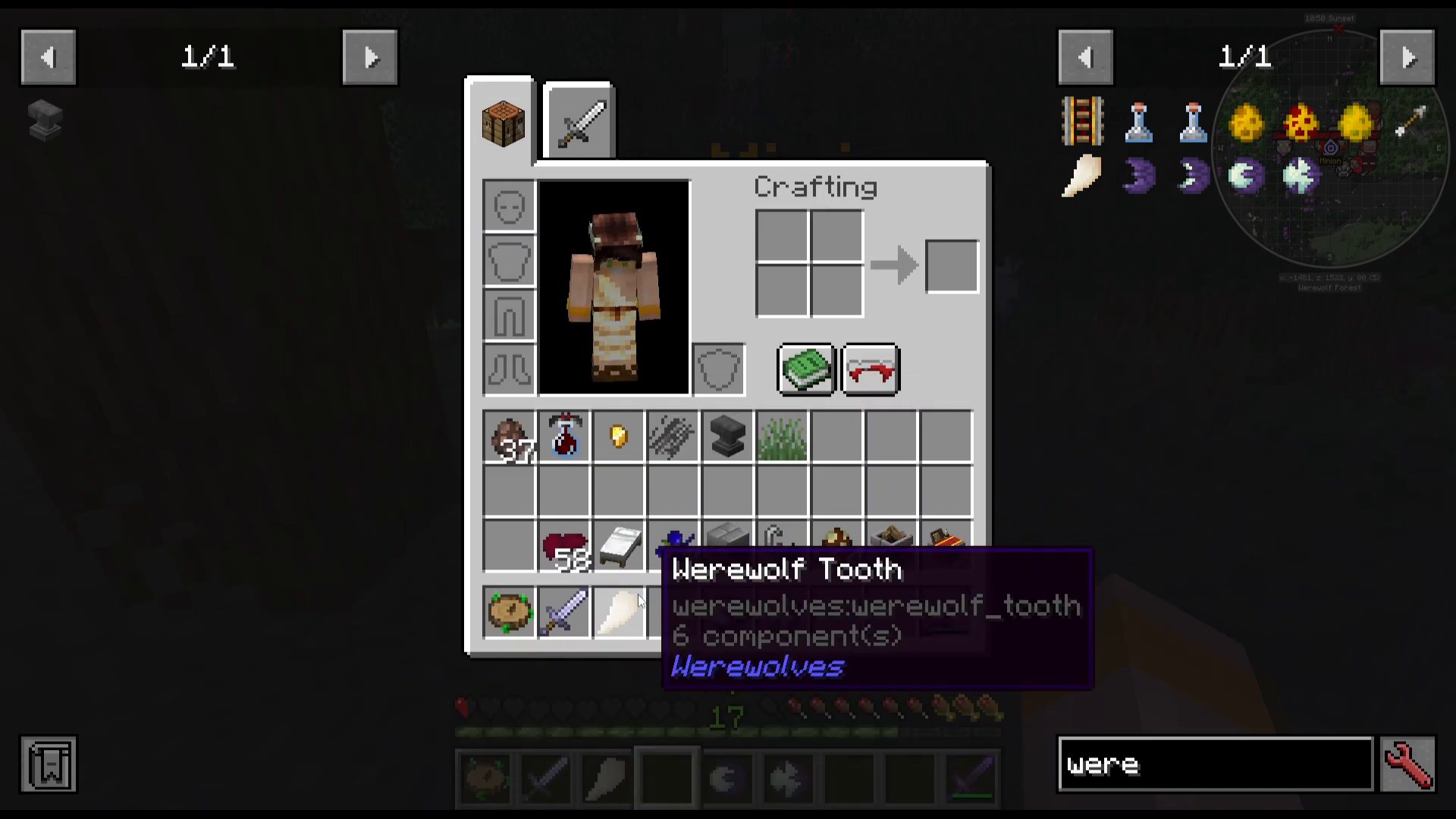
If you kill a werewolf before it infects you naturally, you can still become infected. Werewolves may drop the werewolf 2 item upon death, which you can right-click to infect yourself.
Summary
The Werewolves Mod offers a comprehensive progression system from initial infection to becoming a powerful werewolf lord with your own faction and minions. The mod is built as an add-on to the Vampirism mod, creating a rich faction-based gameplay experience. Key milestones include:
Contracting the werewolf infection in the Werewolf Forest
Leveling up through the stone altar system
Unlocking werewolf forms and abilities via the skill tree
Reaching level 14 to become a werewolf lord
Taking over villages and recruiting minions
Upgrading and managing your werewolf faction
For additional mod guides including full tutorials on Vampirism and Hunters, visit the content creator’s channel. Multiple mod guides across different categories (tech, magic, utility, and mod packs) are available to help you master the Minecraft modding ecosystem.
Want to Support?
If you would like to help us continue making these guides – please consider joining our patreon here – https://www.patreon.com/c/JaviHeals
Alternatively – we host a group of MC Servers you can join here – https://discord.gg/zD7Gjt6MHF