Ender Storage Mod Tutorial
Ender Storage Mod Tutorial: Ender Chests, Tanks & Pouches Explained
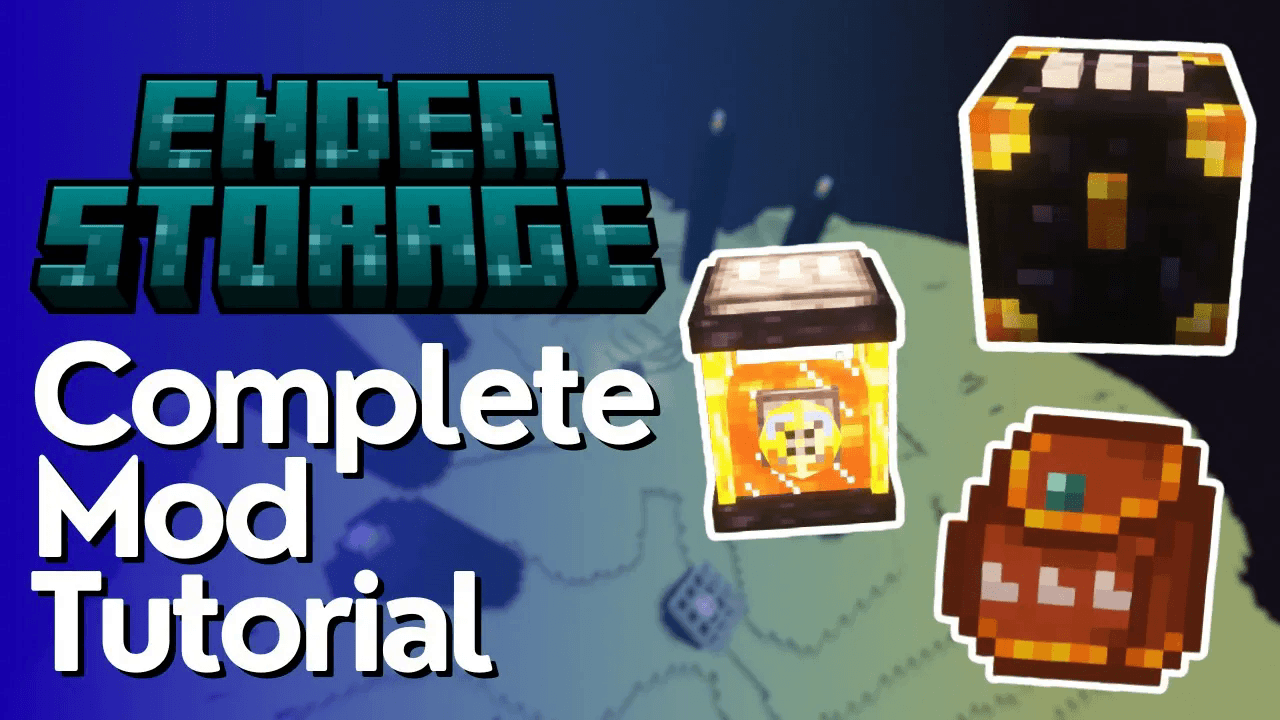
The Ender Storage mod is one of the most useful and lightweight storage mods available for modded Minecraft. It adds just three items — the Ender Chest, the Ender Tank, and the Ender Pouch — but together they create a powerful, flexible remote storage system. In this tutorial, you’ll learn exactly how each item works, how to use colour channels to organise your storage, and how to keep your items private on a multiplayer server.
What Does the Ender Storage Mod Add?
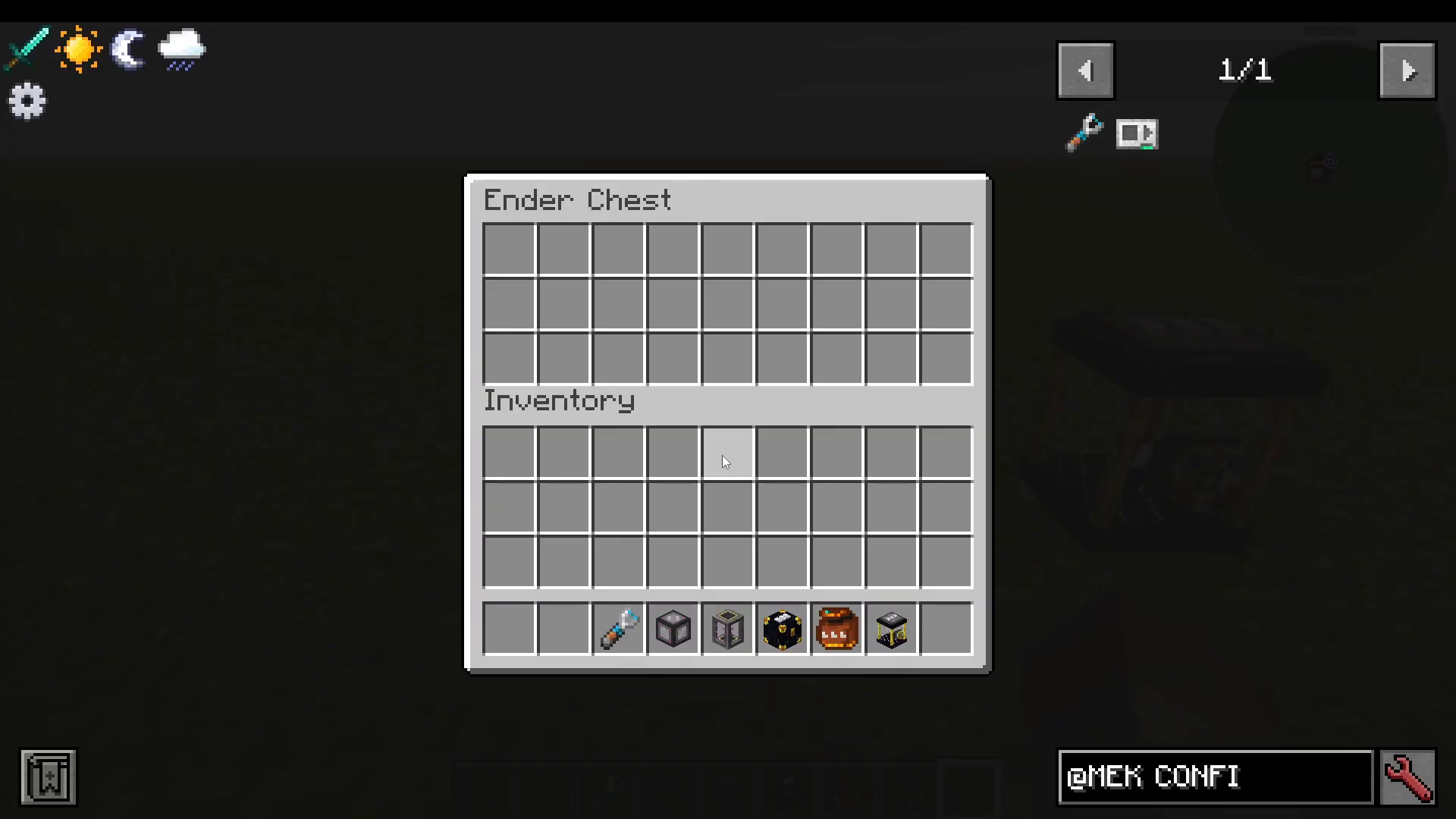
The mod adds exactly three items to the game:
Ender Chest — stores items remotely
Ender Tank — stores liquids remotely
Ender Pouch — a portable item that links to an Ender Chest channel
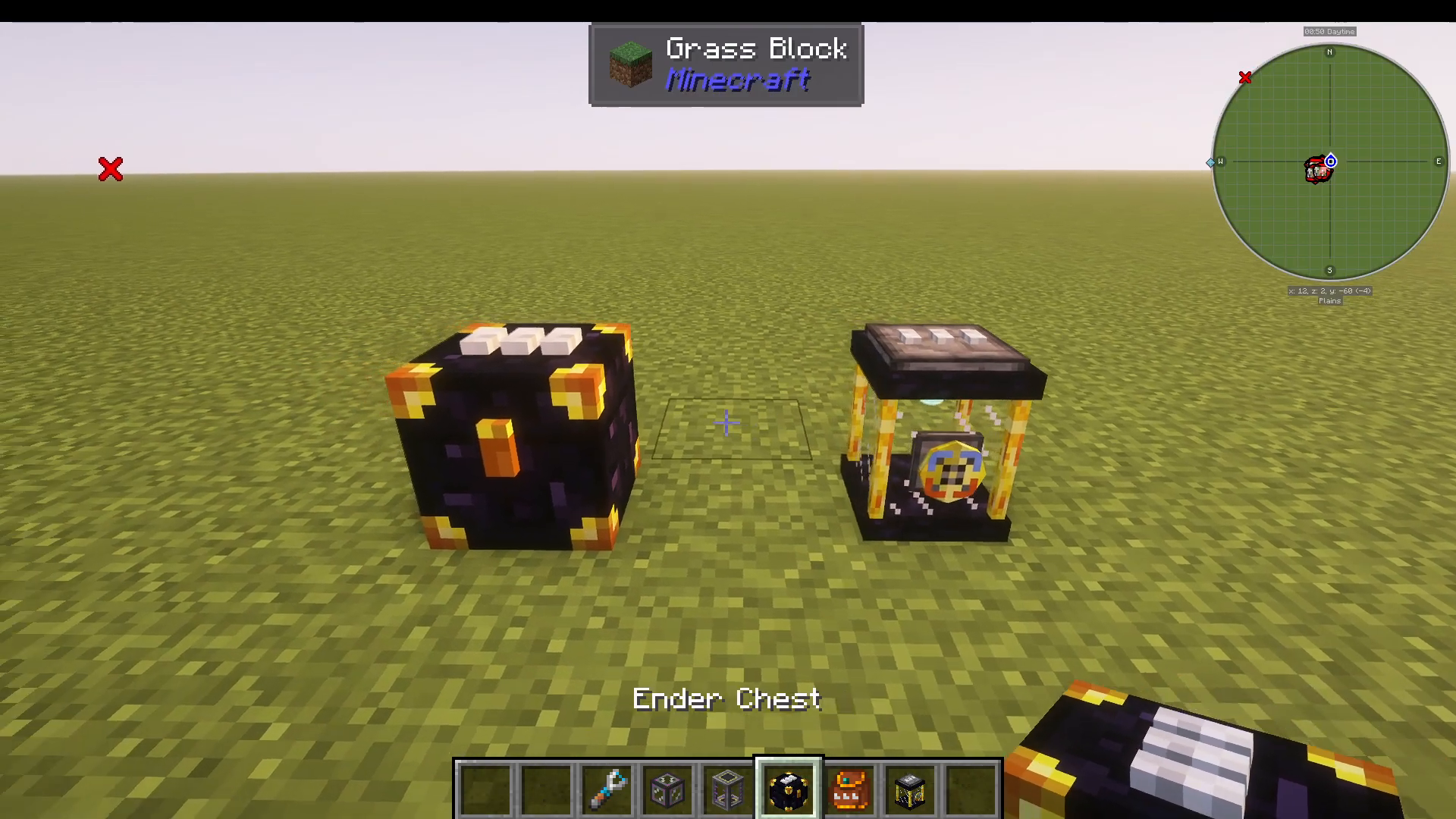
The core concept behind all three items is the colour channel system. Each chest, tank, or pouch displays three colour wool spots on its lid. Any two storage blocks or pouches sharing the same three-colour combination will share the same inventory — no matter where they are in the world.
How the Ender Chest Works
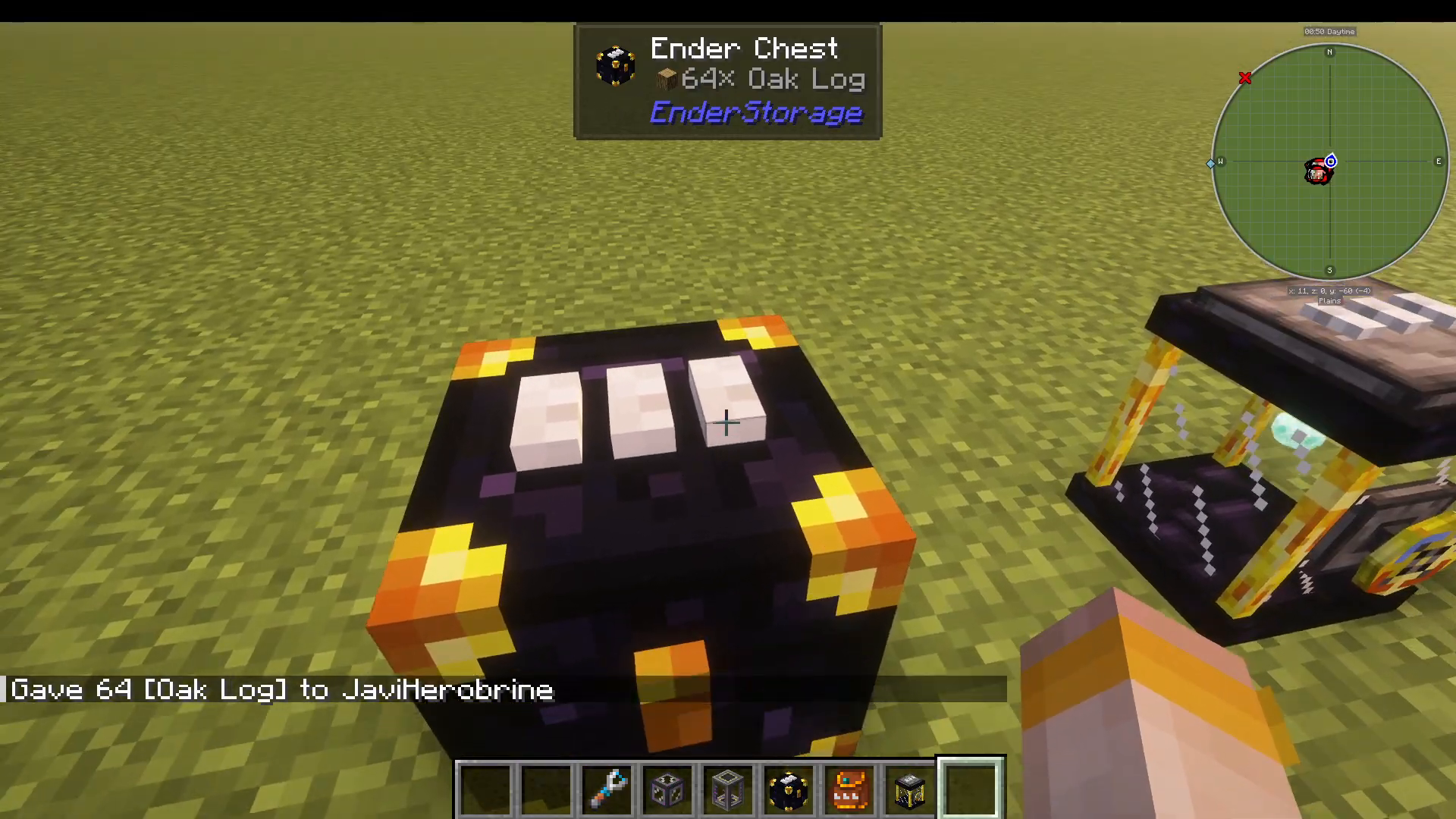
To understand the colour channel system, consider the default combination: White, White, White. If you place 64 Oak Logs into a White-White-White Ender Chest, you can open any other White-White-White Ender Chest anywhere in the world and those logs will be right there.
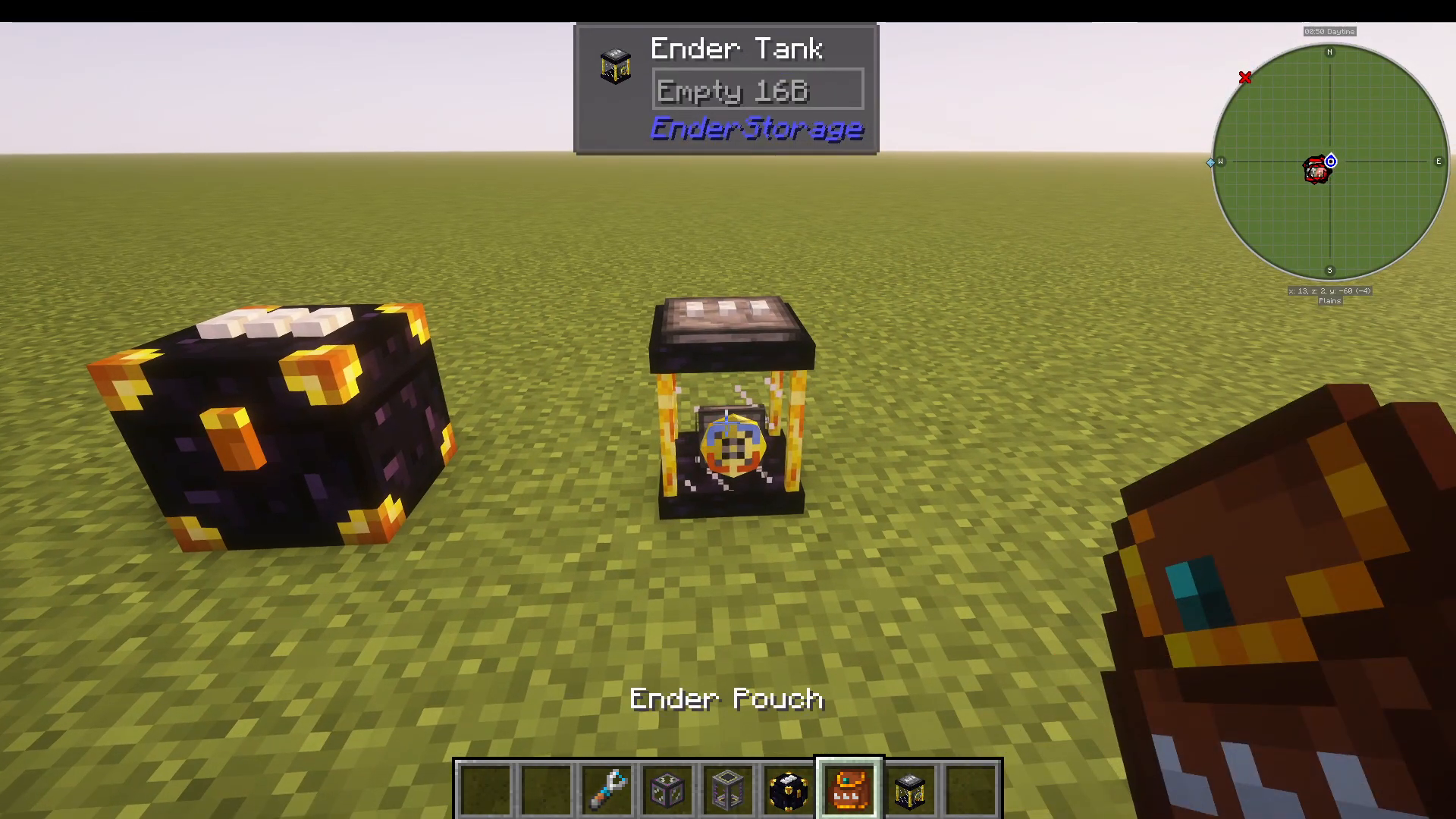
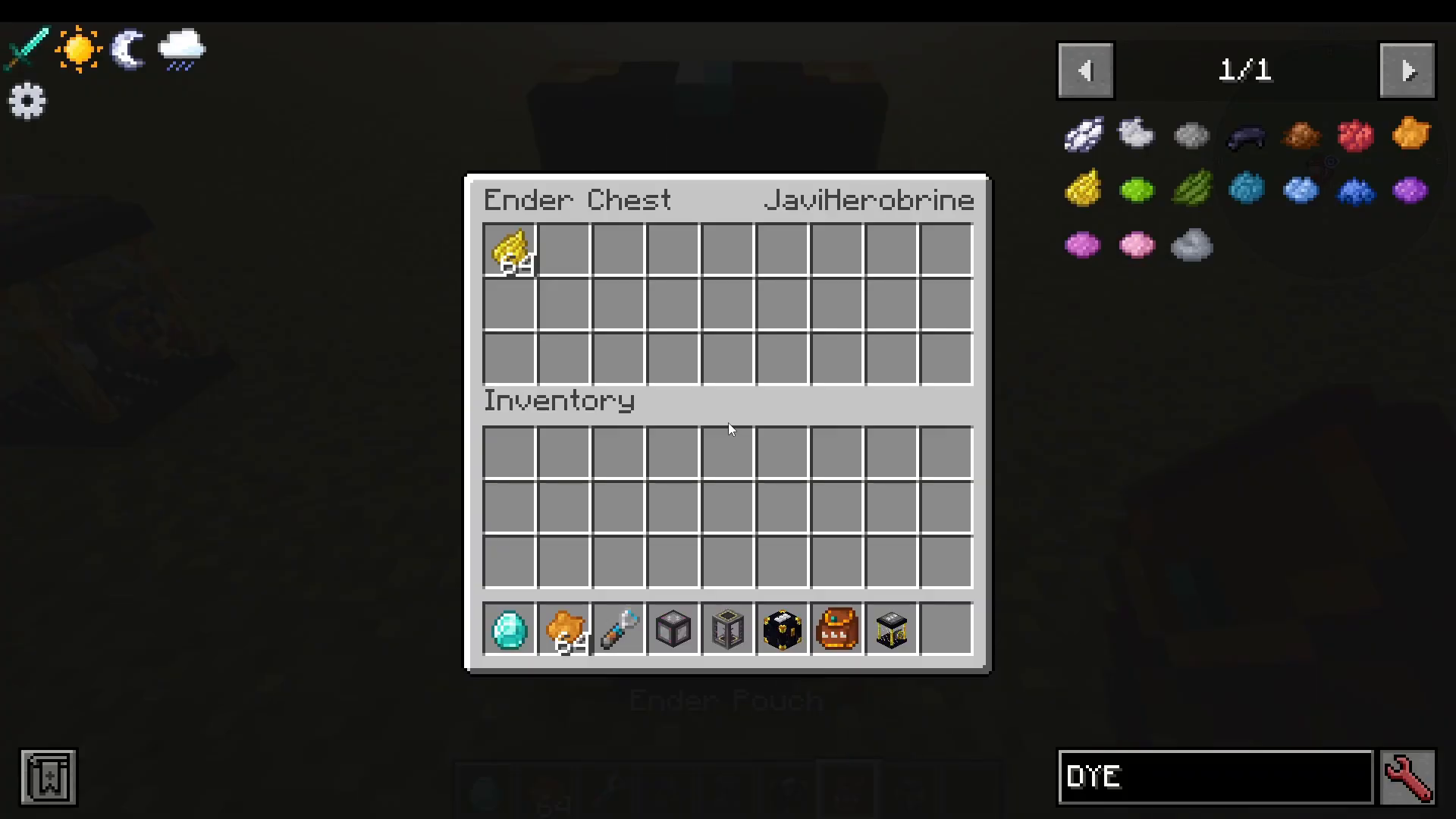
The Ender Pouch works the same way. Open a White-White-White Ender Pouch and it accesses the exact same inventory as the White-White-White Ender Chest — making it a portable window into your remote storage.
Making Your Storage Private with a Diamond
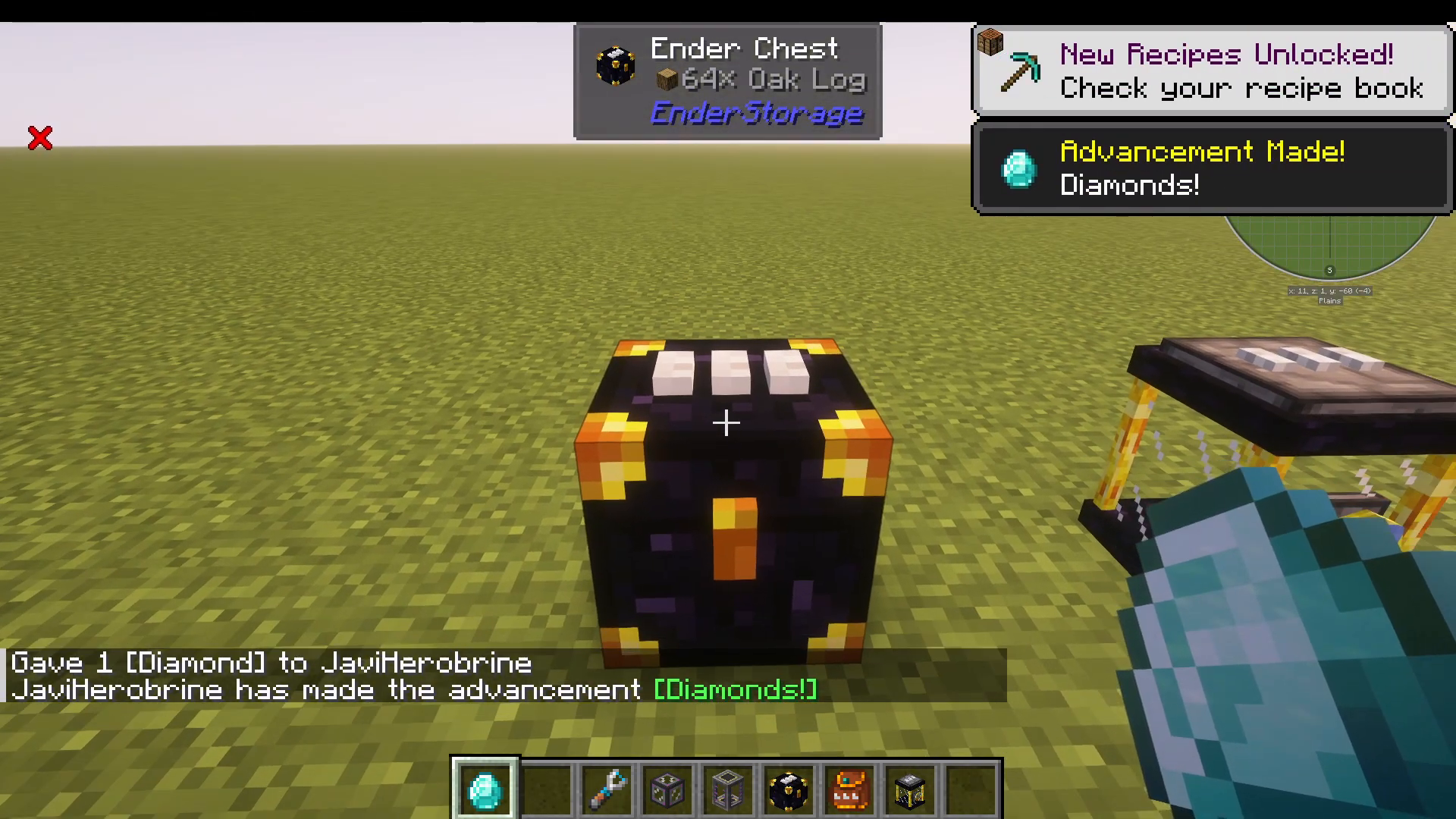
On a multiplayer server, the default White-White-White channel is public — every player on the server shares it. To make a chest or tank private to your account only, place a Diamond on the padlock of the storage block. Once the diamond is applied, that colour combination becomes personal to you. Other players using the same colour combination without a diamond will access the public version, while your diamond-locked version remains completely separate and private.
Using Different Colour Combinations
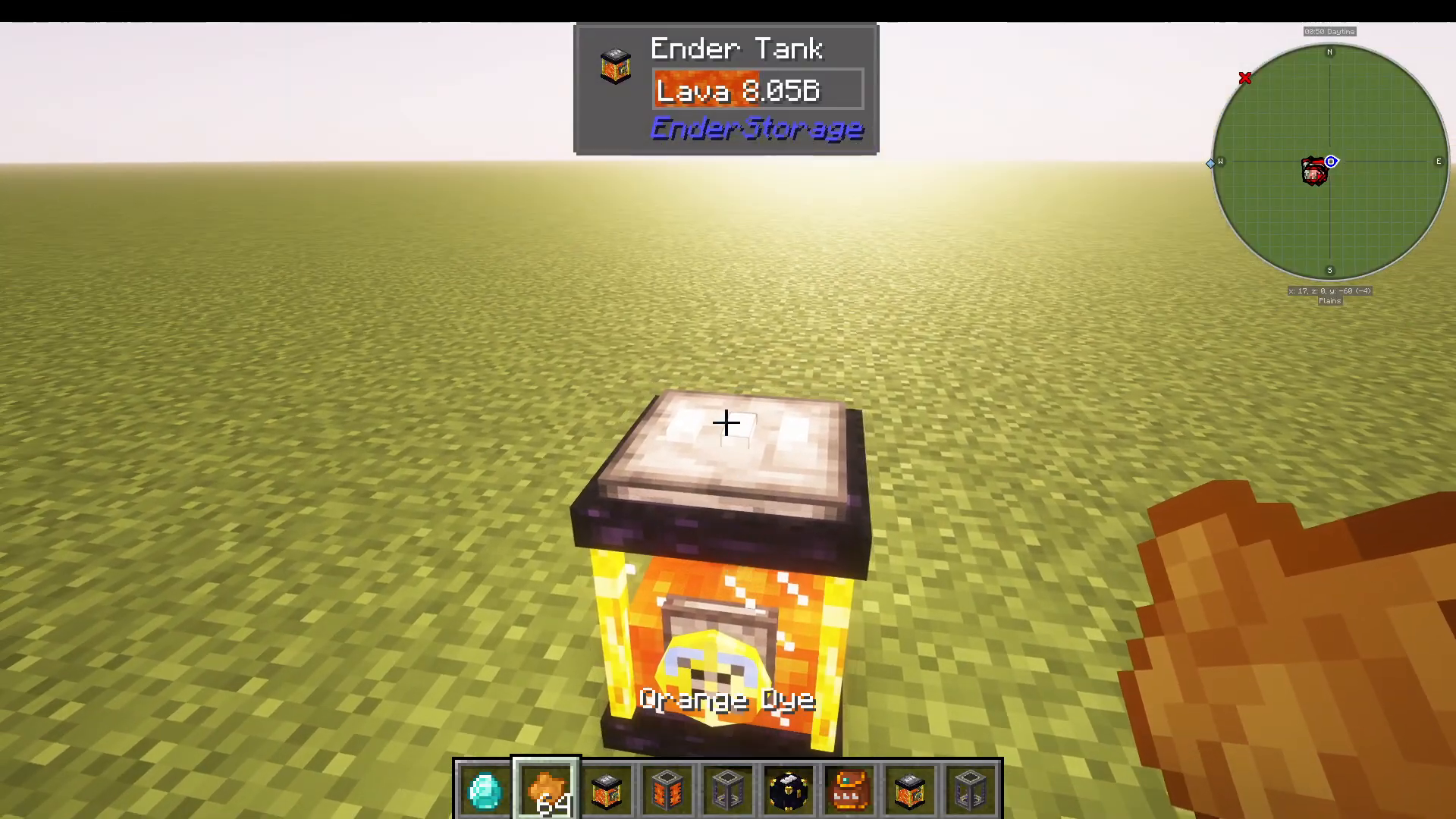
You can dye any of the three colour spots on an Ender Chest or Pouch using standard Minecraft dyes. For example, placing an Orange dye in the middle slot creates a White-Orange-White channel — a completely separate inventory from White-White-White. Items stored in White-White-White will not appear in White-Orange-White and vice versa.
To illustrate how powerful this is: a public White-White-White chest might be empty, while your personal (diamond-locked) White-White-White chest holds 64 Yellow Dye, and your personal White-Orange-White chest holds something else entirely — all completely independent of one another.
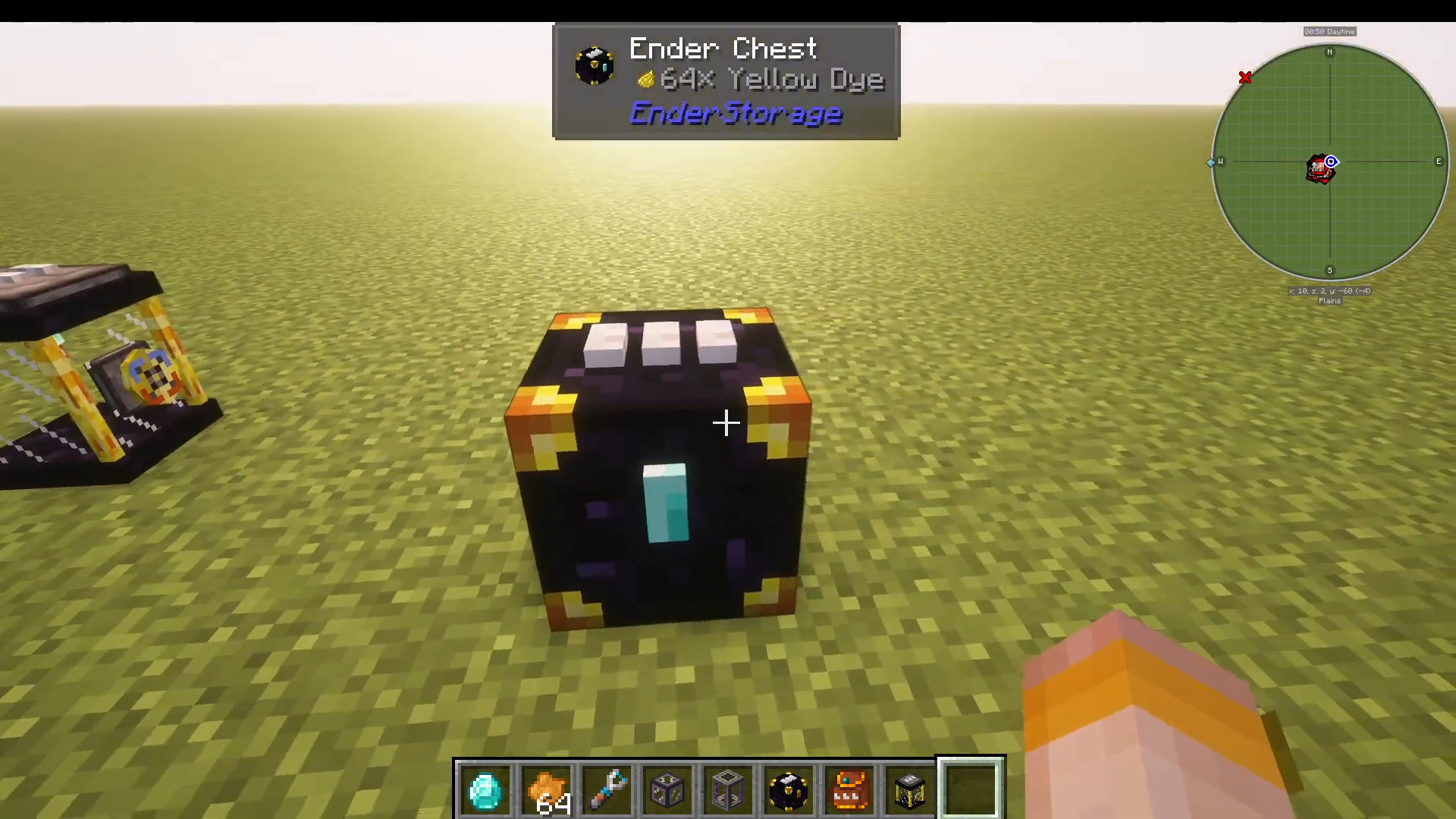
In total, the mod supports 4,096 different colour combinations, meaning you can create an enormous number of separate storage channels for every purpose imaginable.
Linking Your Ender Pouch to a Chest
You can quickly reassign which channel your Ender Pouch links to by Shift + Right-Clicking the pouch onto any Ender Chest. The pouch will immediately adopt the colour combination of that chest. For example, Shift + Right-Clicking your pouch onto a White-Orange-White chest will turn the pouch White-Orange-White, giving you portable access to that channel’s inventory on the go.
How the Ender Tank Works
The Ender Tank follows exactly the same colour channel rules as the Ender Chest, but instead of items, it stores and transfers liquids. To demonstrate a practical setup, connect an Ultimate Fluid Tank to an Ender Tank using a Mechanical Pipe.
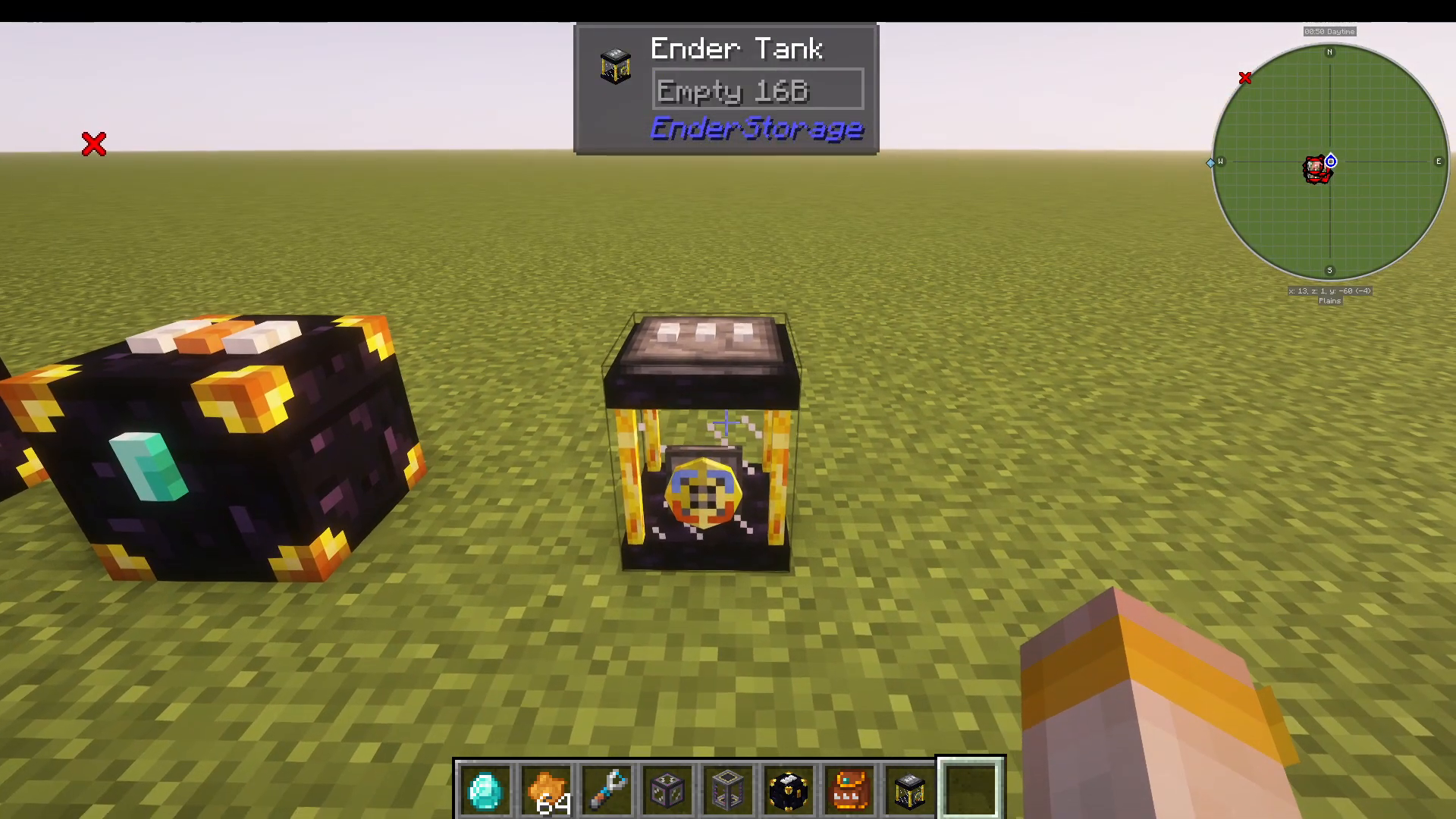
Each Ender Tank has a blue port and an orange port. When the blue port is on top, liquid flows into the Ender Tank. When flipped upside down, the orange port faces up and liquid flows out of the tank. This means you can use two Ender Tanks on the same colour channel — one acting as an input point and one as an output point — to pipe liquids across any distance instantly.
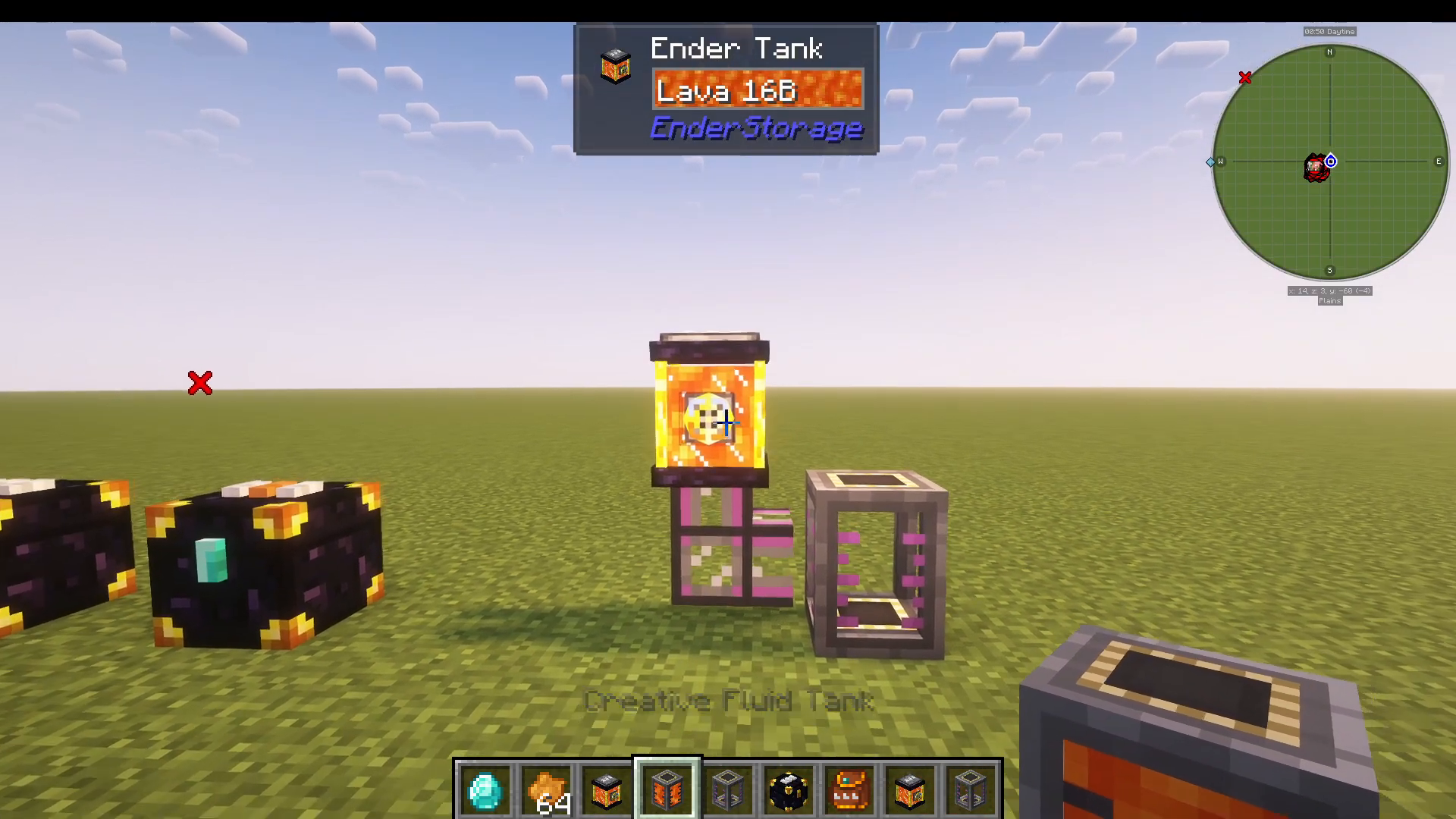
For example, pump Lava into a White-White-White Ender Tank in one location, and a second White-White-White Ender Tank elsewhere will have that same Lava available to extract. Flipping the output tank upside down will begin draining the shared channel, removing the lava from both tanks simultaneously.
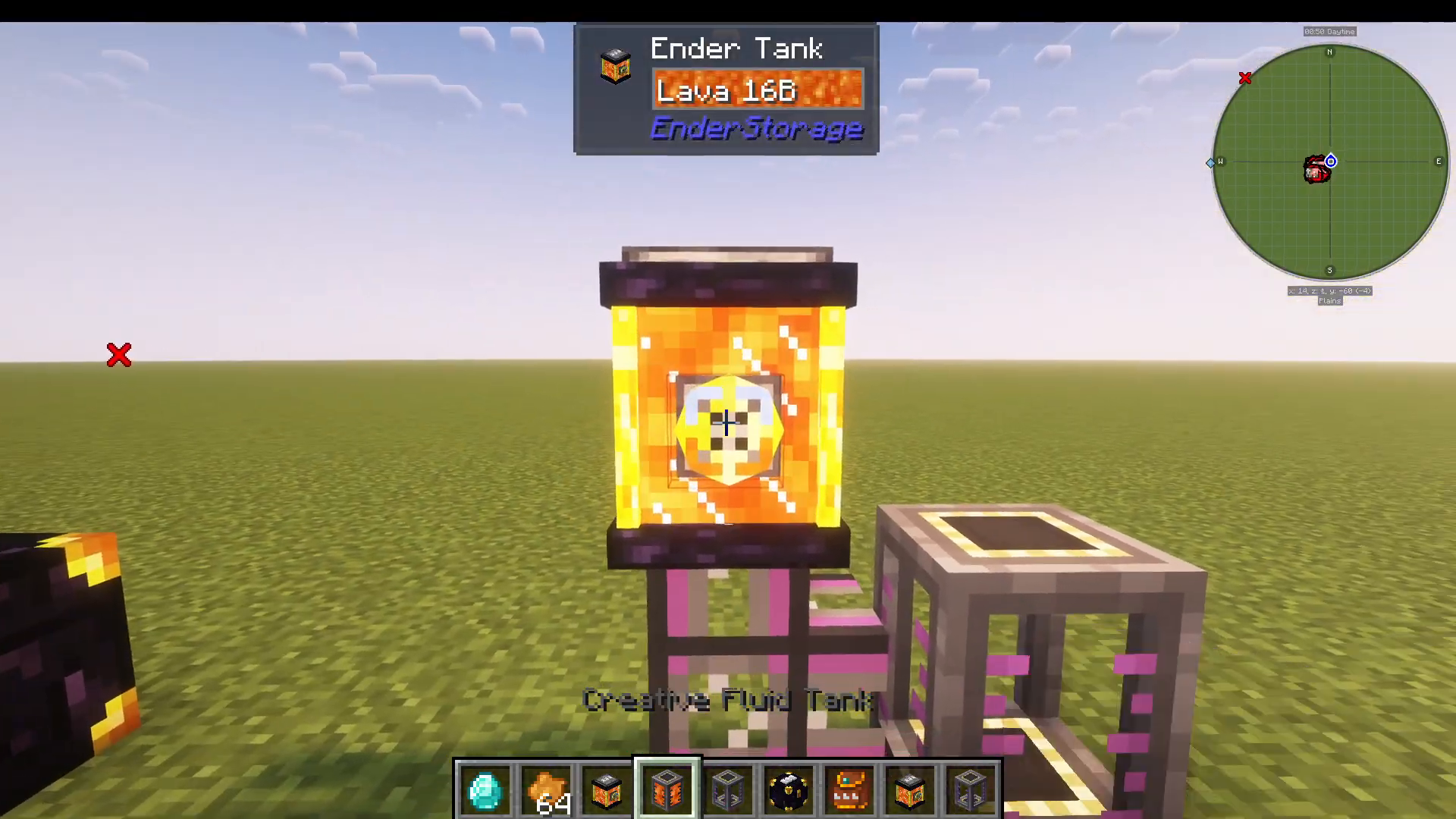
Just like with chests, switching the Ender Tank to a different colour combination — such as White-Orange-White — gives you a completely separate liquid channel with no contents, while the White-White-White channel retains its original liquid. The diamond padlock for private channels works on Ender Tanks as well.
Summary: Why You Should Use the Ender Storage Mod
The Ender Storage mod is an incredibly efficient addition to any modded Minecraft experience. Here’s a quick recap of what you need to know:
The Ender Chest and Ender Pouch share item storage across any distance using matching colour combinations.
The Ender Tank does the same for liquids, with directional blue (input) and orange (output) ports.
The default colour channel is public on servers — use a Diamond on the padlock to make your storage private.
There are 4,096 colour combinations available, giving you virtually unlimited separate storage channels.
Shift + Right-Click an Ender Pouch onto a chest to quickly sync them to the same channel.
Whether you’re playing solo or on a multiplayer server, the Ender Storage mod is a must-have utility that keeps your items and liquids accessible wherever you are in the world.
“`