







The Ultimate Guide to Railcraft Reborn
The Ultimate Guide to Railcraft Reborn
Railcraft Reborn is a comprehensive mod that adds a vast array of materials, machines, and transportation systems to Minecraft. Whether you’re looking to set up steam-powered locomotives, build complex train networks with routing systems, or harness electrical power, this guide will walk you through every essential component of the mod. From basic ore processing to advanced train routing with tickets and destinations, you’ll learn everything needed to master Railcraft Reborn.
Ores and Materials
New Ores Added by Railcraft Reborn
Railcraft Reborn introduces several new ores to the game, expanding your crafting possibilities. The new ores include:
Salt Peter
Lead
Sulfur
Nickel
Tin
Silver
Zinc
Additionally, there’s a unique ore called Firestone ore, which can be found in lava beds in the Nether. Be cautious when handling this ore, as it will cause flames both when placed and even when held in your inventory. Always take proper precautions when working with Firestone ore.
New Materials and Alloys
Beyond basic ores, Railcraft Reborn introduces new crafting materials that are essential for progression:
Steel – A crucial material used in various machines
Brass – Created by combining copper and zinc
Bronze – Created by combining copper and tin
Note that your modpack’s recipes may vary for these alloys.
Iron Plates and Components
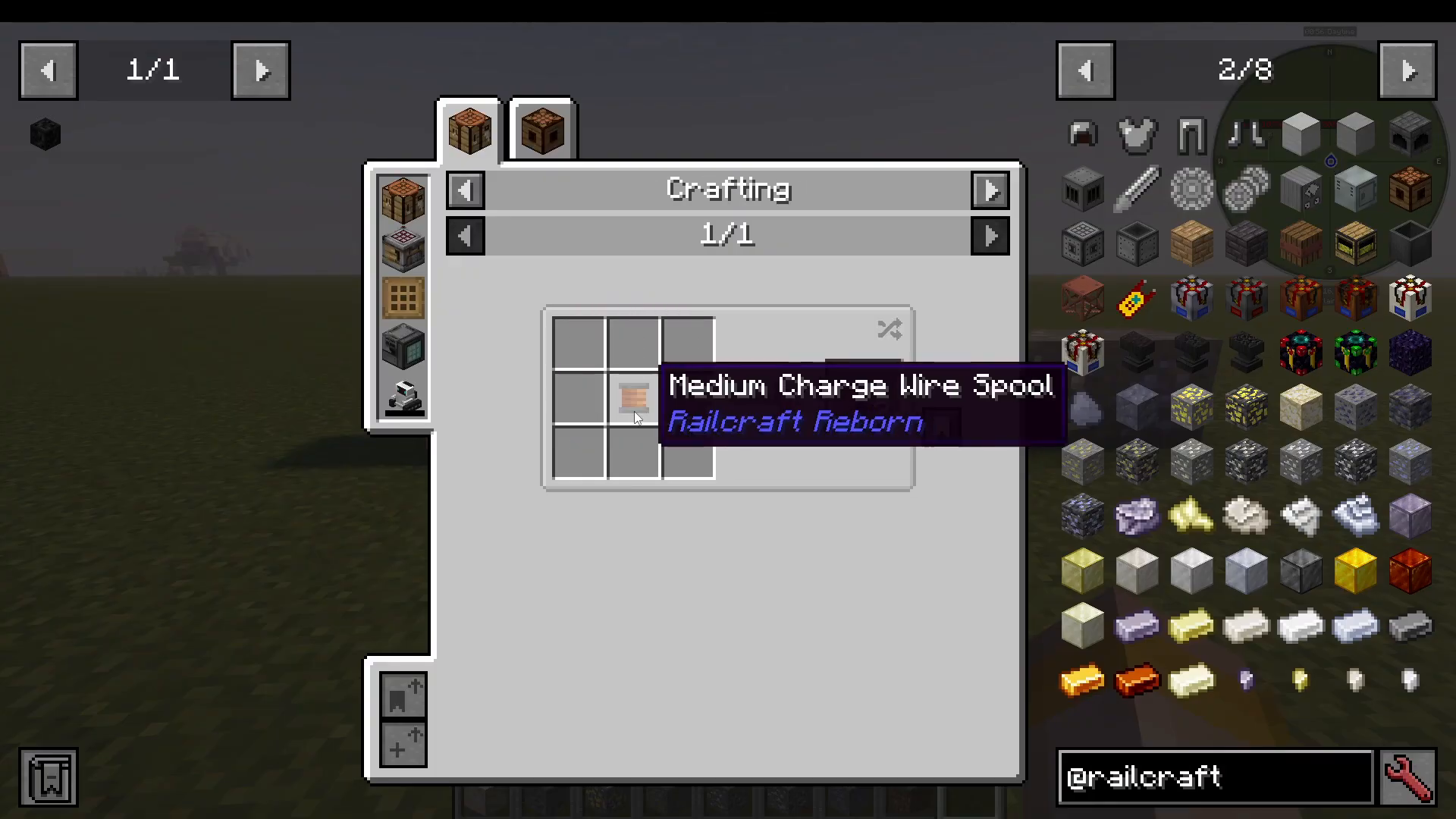
Iron plates are fundamental components you’ll craft frequently. Simply combine iron ingots together in a crafting grid to create iron plates. These plates are used in machines like the Crusher to construct essential components such as charge motors and charge coils.
Basic Machines and Processing
The Rolling Machine
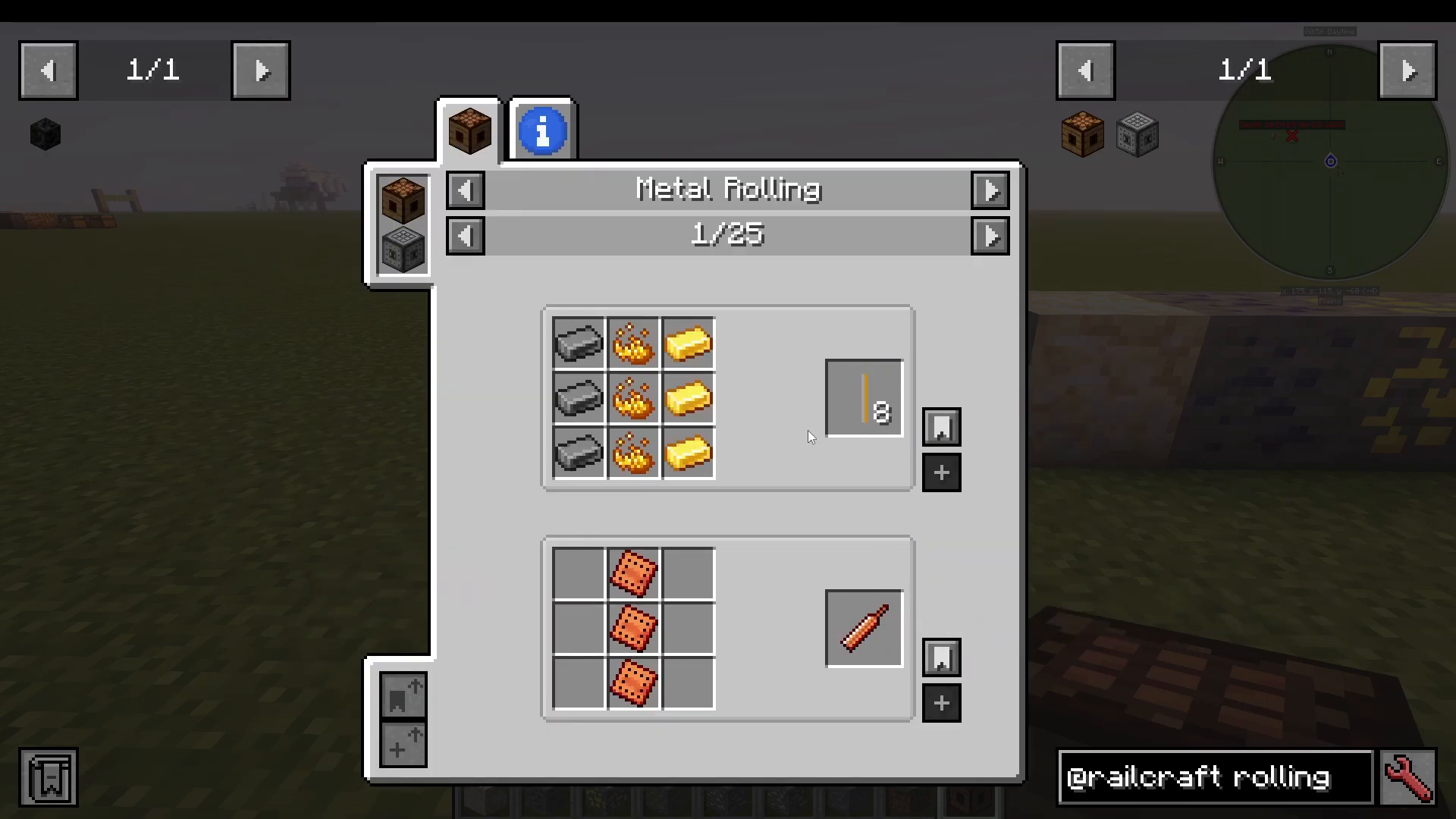
The Rolling Machine is one of the most important early-game devices in Railcraft Reborn. This machine allows you to craft a wide variety of components needed for the mod’s progression.
There are two versions of the Rolling Machine:
Manual Rolling Machine – No power required. You can craft items like copper electrodes, high speed rails, and various components by placing items in the crafting grid.
Powered Rolling Machine – Requires electrical power from any mod with power generation. It functions identically to the manual version but operates faster.
The Crusher
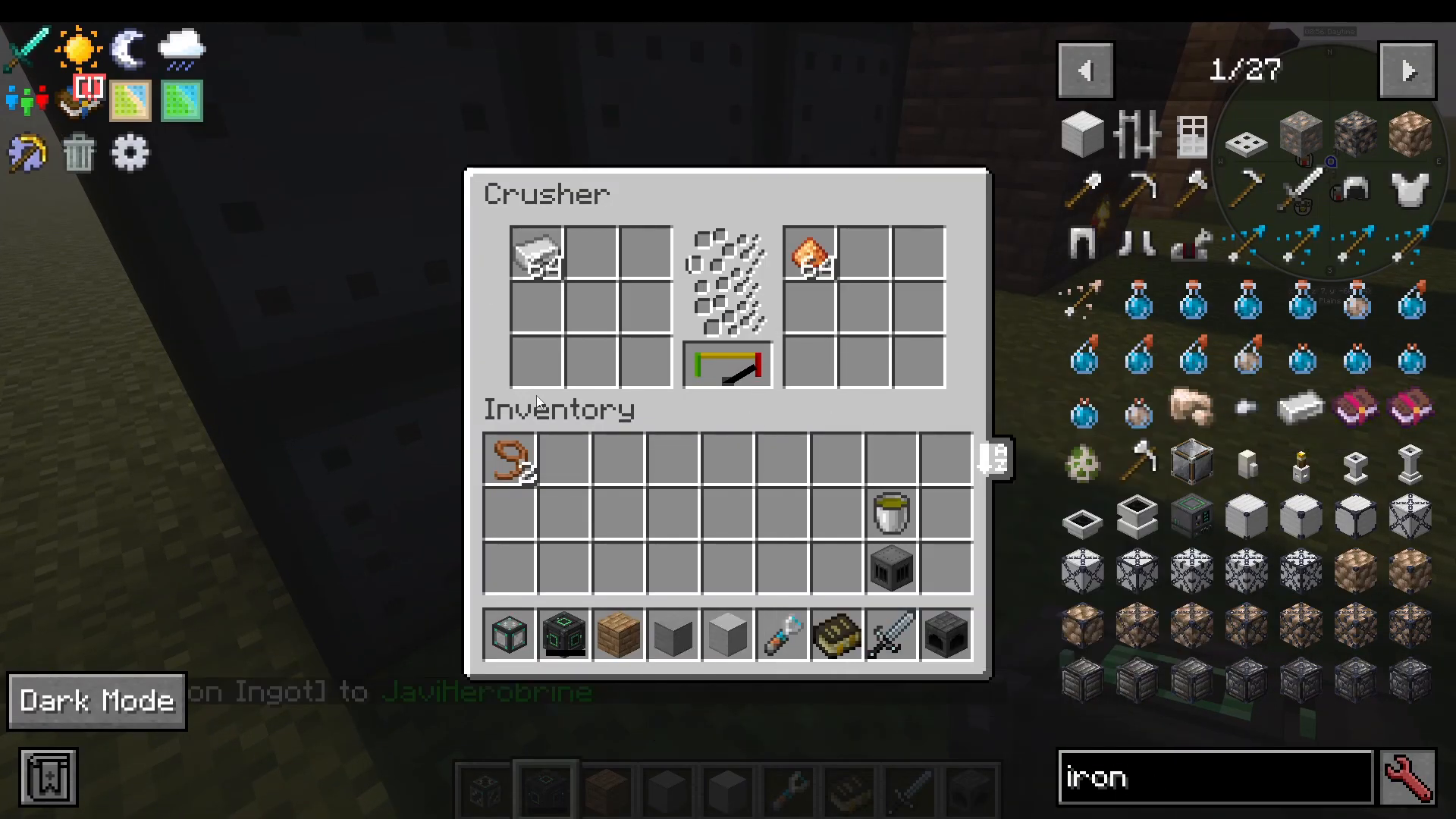
The Crusher is a powered machine that converts ingots into dust. This is particularly important if you’re playing modpacks like ATM 10, where you need to crush ingots into dust before creating alloys like bronze and brass.
The Crusher requires electrical power to operate. You can attach a power block (such as a Create Energy Cube or any mod’s energy storage) to any adjacent block. The machine will display a power bar indicating its current energy level. When power is removed, you’ll see the bar deplete as the machine loses its stored energy.
Power Generation Systems
Water Tanks
Water is essential for steam generation, and the Water Tank provides a passive renewable source. Water tanks are constructed from water tank siding blocks arranged in a 3×3 pattern with the middle block left empty (like a hollow cube).
Once placed, the Water Tank will passively generate water based on several factors:
Base generation rate
Biome humidity multiplier
Precipitation (rain) multiplier
Temperature
Tanks in humid biomes or during rain will generate water faster than those in desert biomes. You can place multiple tanks to increase water generation. For infinite water in most modpacks, consider using the Cooking for Block Heads mod instead, as Railcraft Reborn doesn’t have built-in infinite water generation.
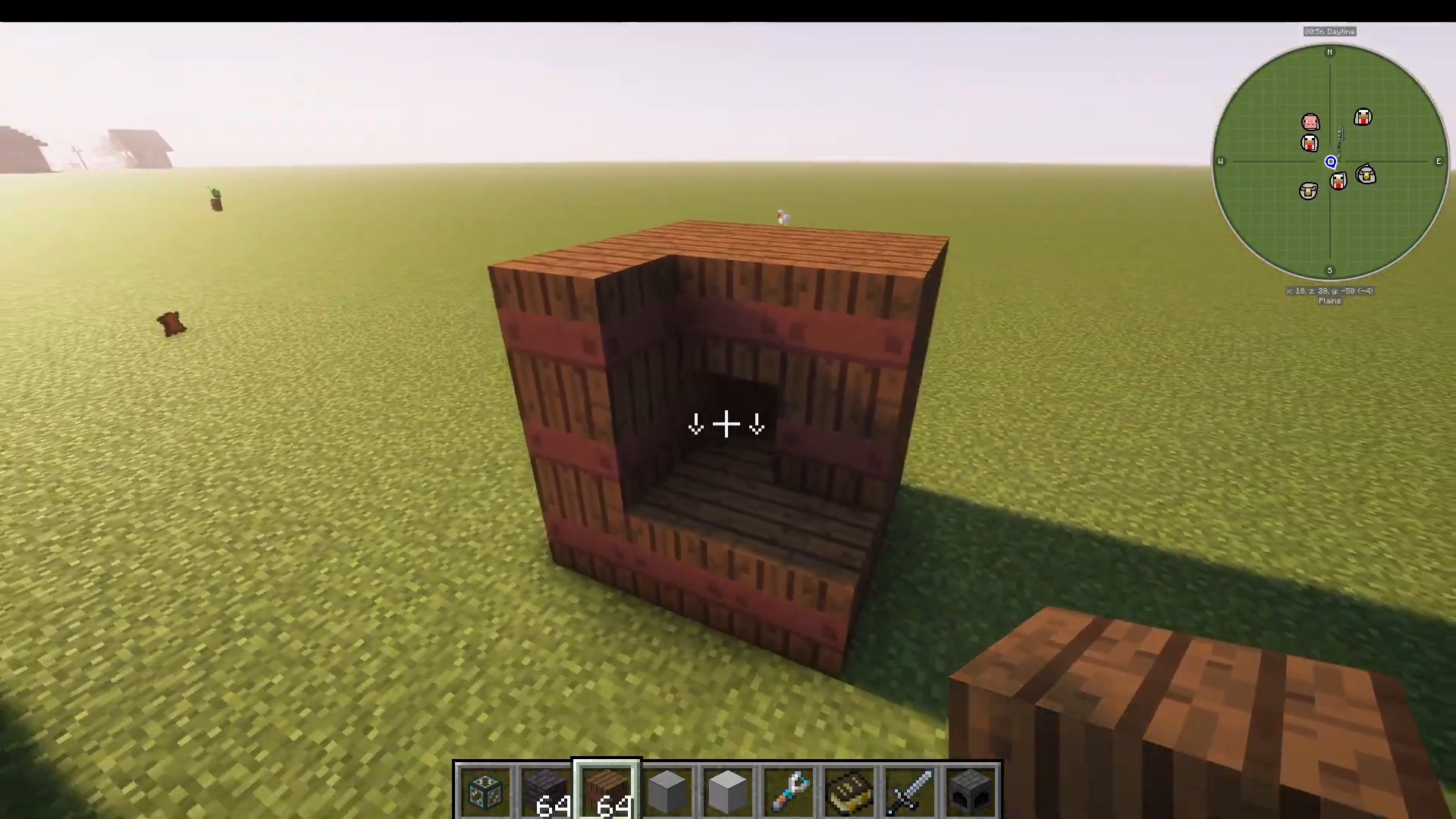
The Coke Oven
The Coke Oven is a multiblock structure built from coke oven bricks arranged in a 3×3 pattern with the middle block left empty. Once constructed, you can input coal or coal blocks to produce coal coke.
The conversion is highly efficient:
Standard coal provides 320,000 fuel units
Coal coke provides 640,000 fuel units (double the energy)
As a bonus, the Coke Oven also produces creosote, a byproduct that can be used as fuel in liquid-fueled fireboxes. You can extract creosote using buckets or by connecting pipes from other mods.
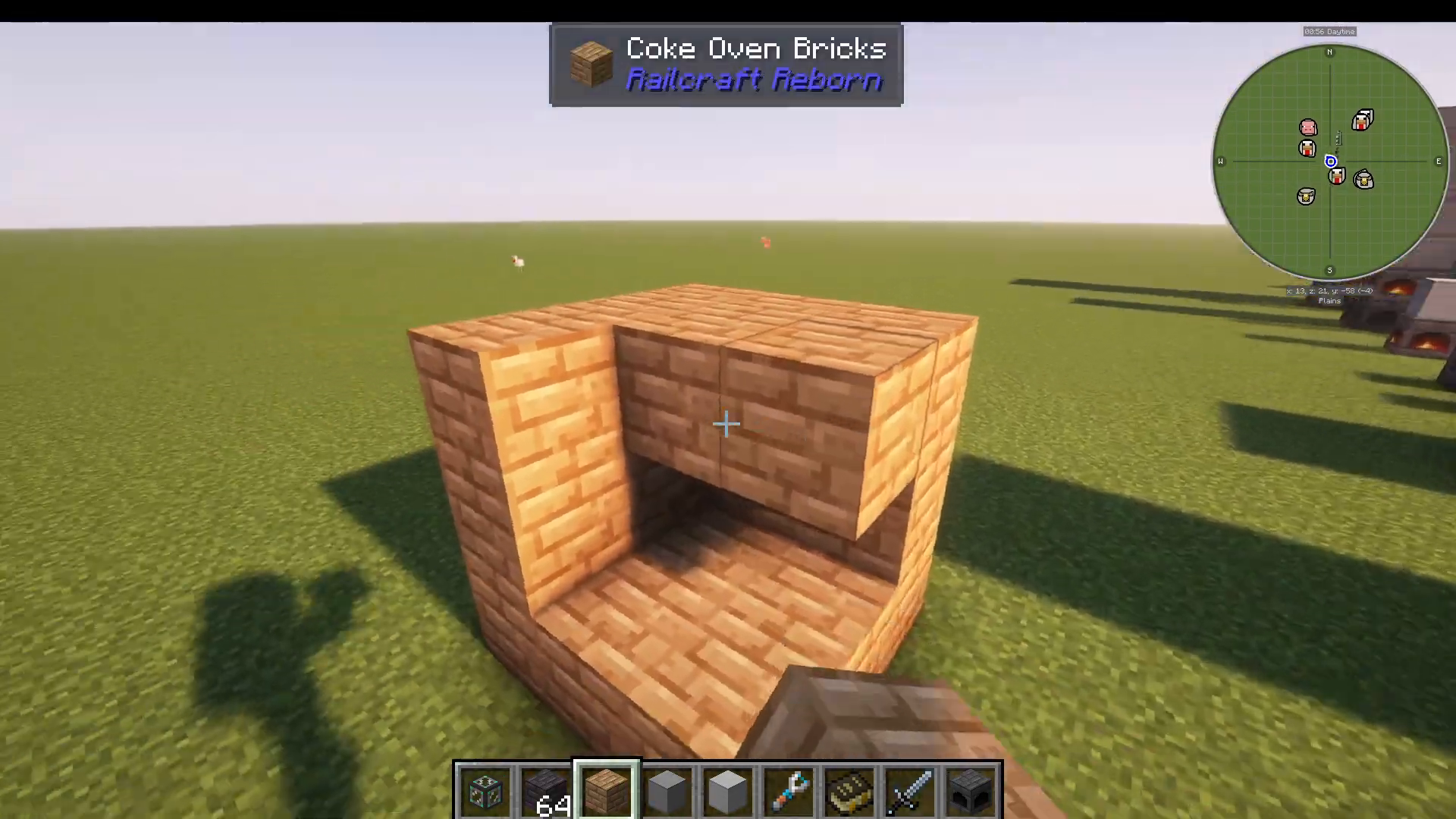
The Blast Furnace
The Blast Furnace is a 3×4 multiblock structure (three blocks wide, four blocks tall) with a 2-block-high gap in the middle. This machine converts iron ingots into steel ingots and produces granulated slag as a byproduct.
While the primary purpose is converting iron to steel, you can also input other iron items (such as iron swords) if needed. Steel ingots are essential for crafting high-pressure steam boiler tanks and other advanced components.
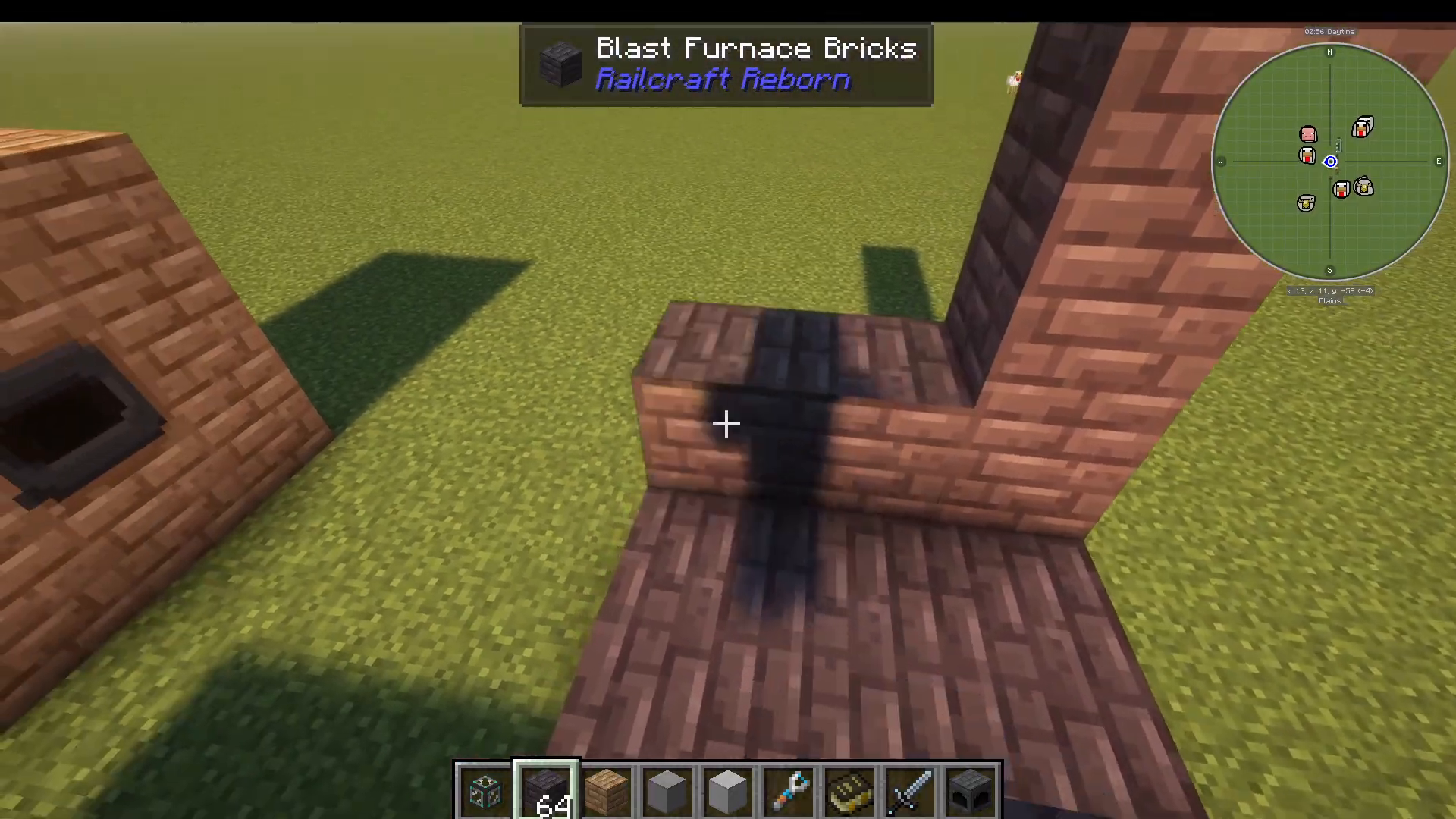
Steam Boilers and Fireboxes
Steam boilers and fireboxes form the core of Railcraft Reborn’s power generation system. There are two main types of fireboxes:
Solid-Fueled Fireboxes
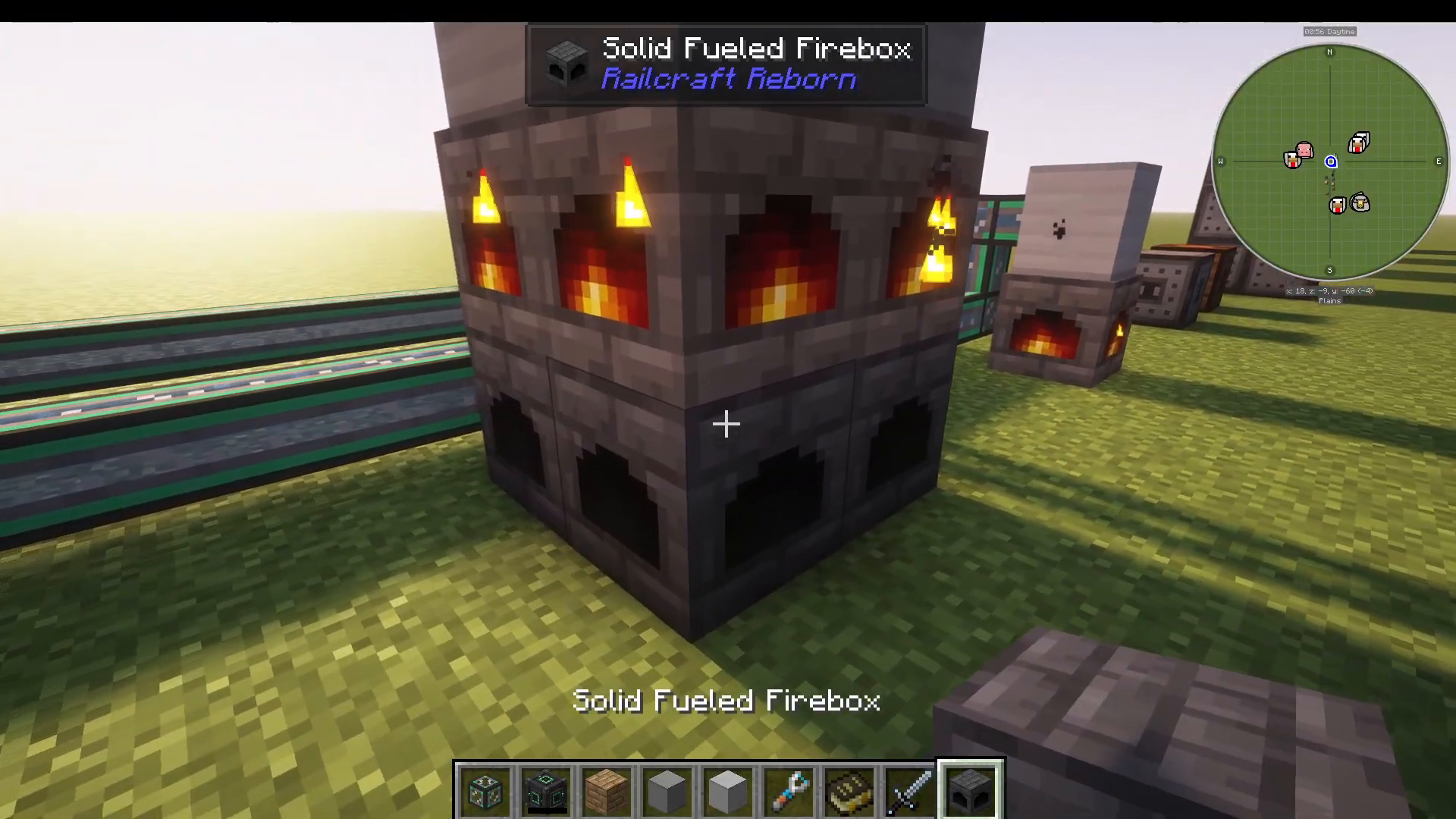
Solid-fueled fireboxes burn coal to heat water in attached boiler tanks. The basic configuration is a 1×1 firebox with a low-pressure steam boiler on top. However, you can scale up:
1×1 Firebox – Pairs with a 1×1 boiler tank
2×2 Firebox – Can support boiler tanks up to 2×3
3×3 Firebox – Can support boiler tanks up to 3×4
Important: Always pump water into the boiler tank at the top, never into the firebox itself.
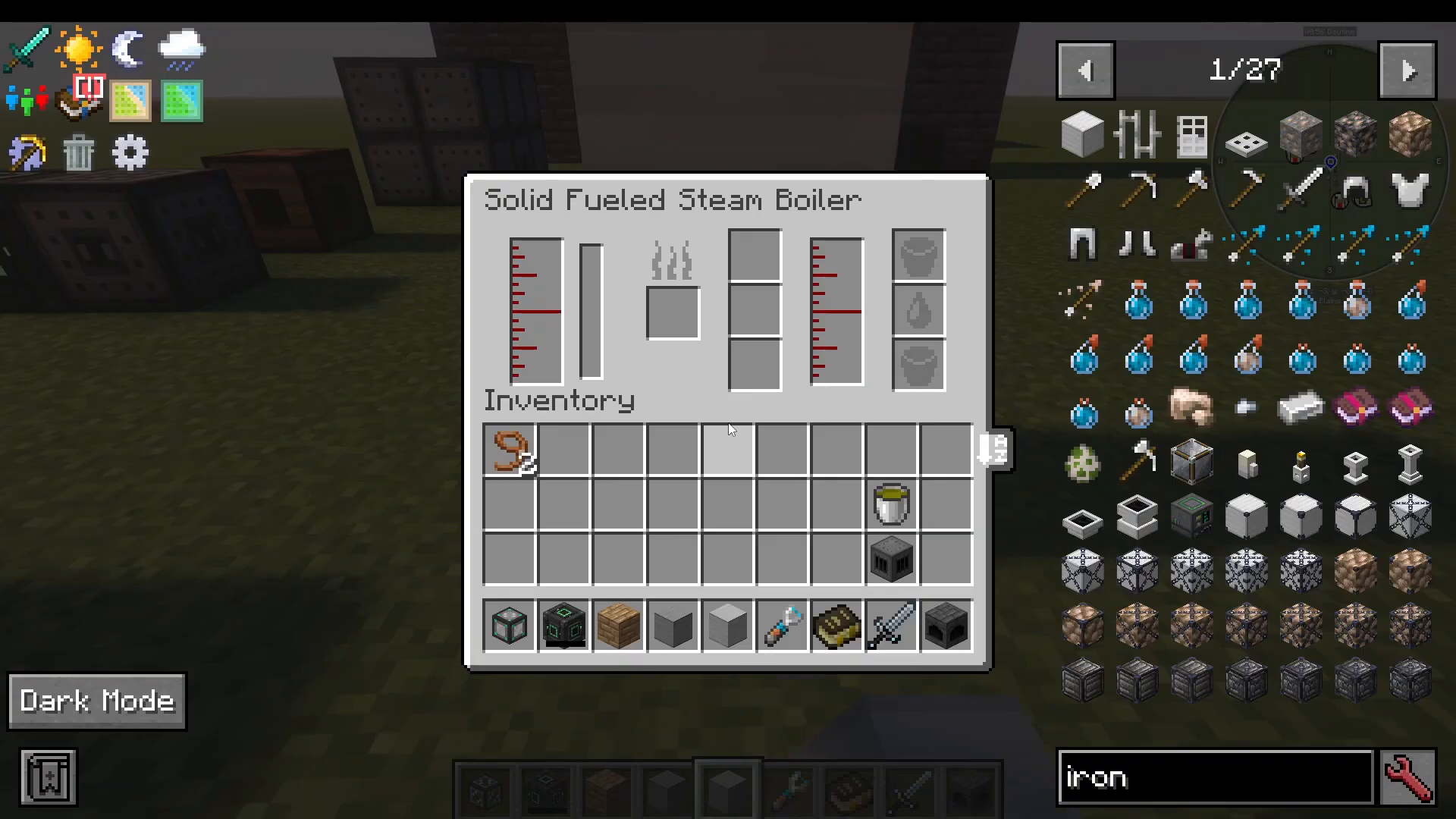
Steam Generation Rates
The type of boiler tank determines steam generation:
Low-Pressure Boiler (iron plates) – Generates 10 millibuckets of steam per tick
High-Pressure Boiler (steel plates) – Generates 20 millibuckets of steam per tick
Low-pressure boilers are cheaper to construct but less efficient.
Liquid-Fueled Fireboxes
As an alternative, you can build liquid-fueled fireboxes that burn creosote (obtained from the Coke Oven) instead of coal. These function identically to solid-fueled fireboxes but consume liquid fuel, offering more automation possibilities.
The Steam Oven
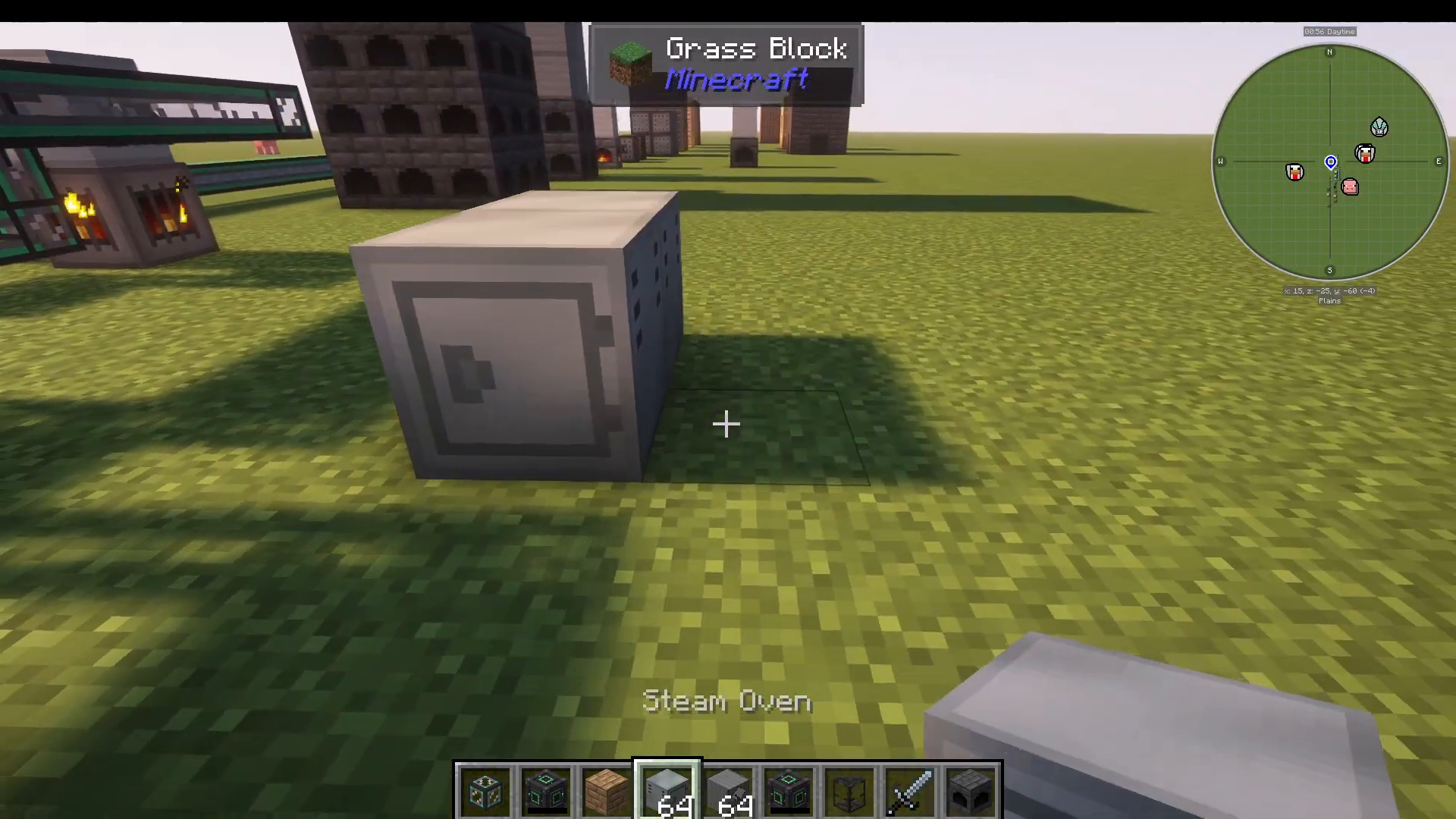
The Steam Oven is a 2×2 multiblock built from steam oven bricks. It uses steam to cook items, making it excellent for mass processing. You can convert dusts and ingots into finished ingots using steam power.
The Steam Turbine
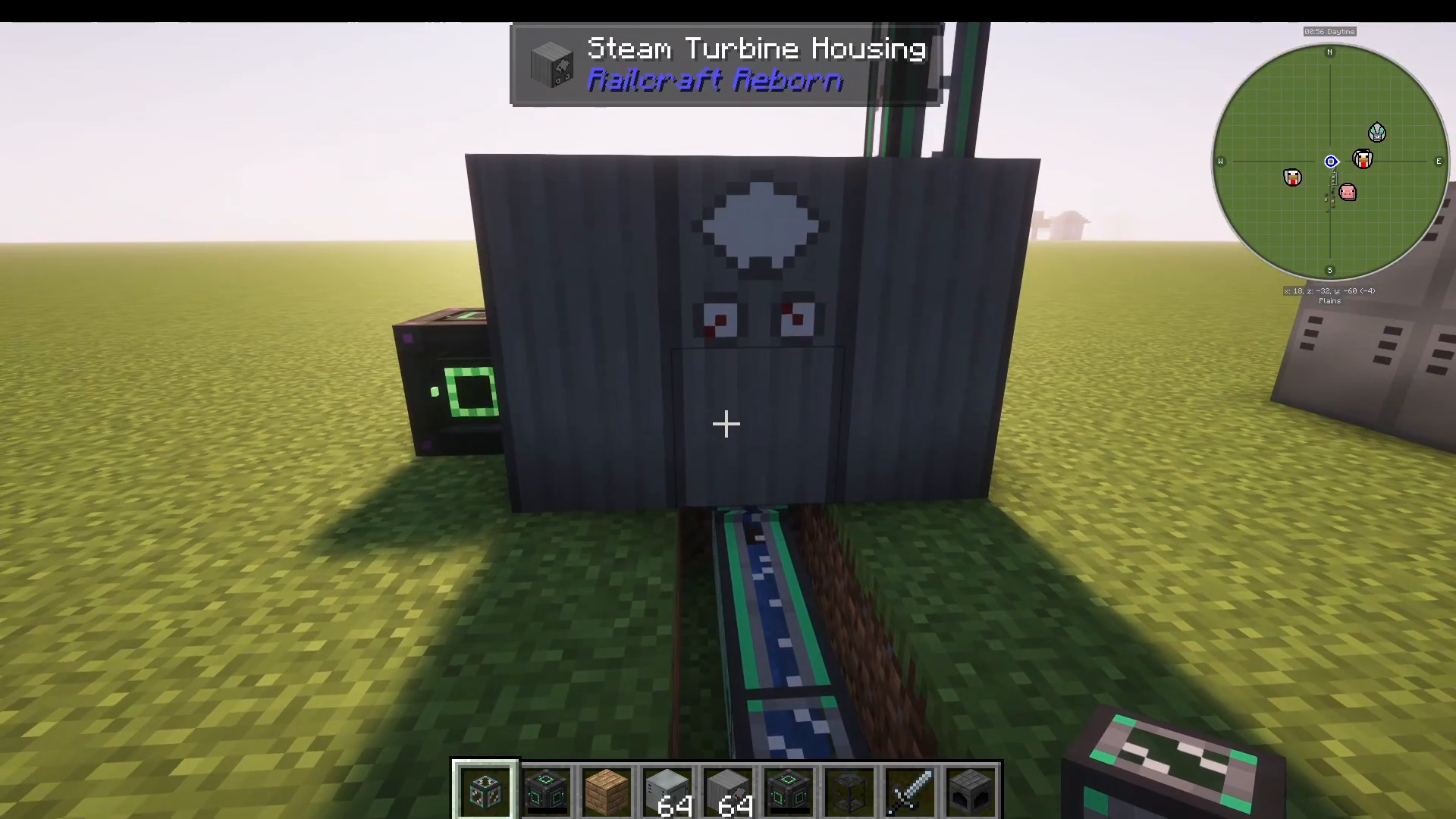
The Steam Turbine is a 2×3 multiblock structure built from steam turbine housing blocks. This machine converts steam into electrical energy, making it essential for powering other mods’ machines.
To operate the Steam Turbine:
Right-click to open the interface
Insert a turbine rotor in the rotor slot
Connect steam input from your boiler
Attach an energy storage block (like a Create Energy Cube) to any adjacent block to collect generated electricity
The turbine displays two important values:
Steam Usage – How much steam is being consumed
Output – How much electricity is being generated
As a bonus, the Steam Turbine outputs water at the bottom. While not a 1:1 conversion with input steam, you can pipe this water back into your boiler to reduce overall water consumption. You must pull water from the bottom of the turbine tank using pipes.
Locomotives and Trains
Steam Locomotives
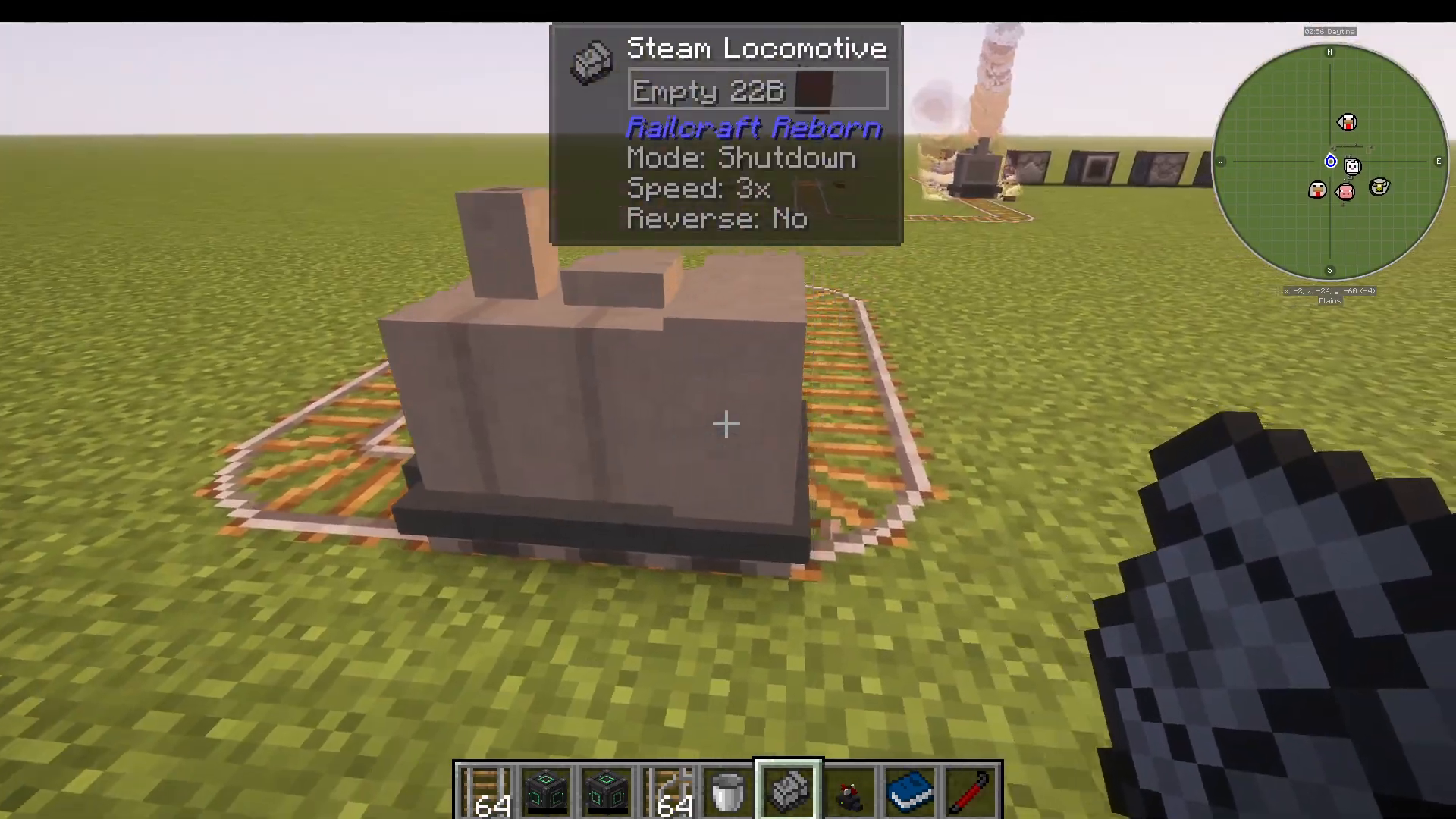
Once you’ve established a power generation system, you’re ready to build your first locomotive. The Steam Locomotive is the most basic type and uses coal and water to generate steam for propulsion.
To operate a Steam Locomotive:
Place the locomotive on standard Minecraft tracks
Right-click to open the control interface
Add coal to the fuel slot
Add water buckets to heat the coal
Set the locomotive to “Idle” to heat up without moving
Once heated to 100 degrees (boiling point), switch to “Running” and select a speed (1-4)
The locomotive has four states:
Shut Down – Completely off
Idle – Heating up but not moving
Reverse – Moving backward at a fixed speed
Speed 1-4 – Forward movement at increasing speeds
Note that Steam Locomotives produce charming “choo choo” sounds as they operate.
Electric Locomotives
Electric Locomotives offer an alternative to steam-powered models. Instead of coal and water, they draw power directly from electric tracks. This eliminates the need for fuel management and allows for cleaner, more automated train systems.
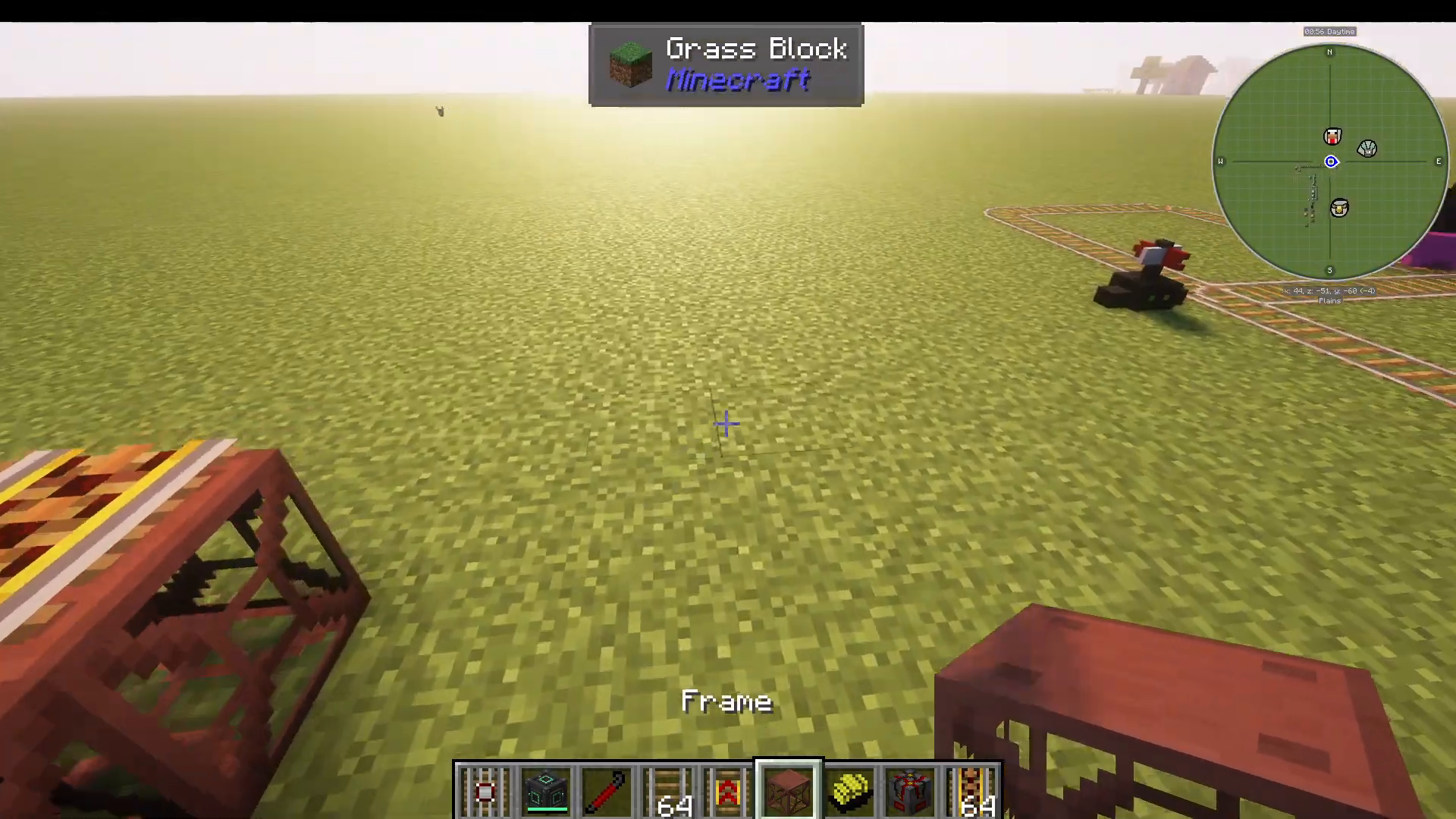
Electric Locomotives operate on electric tracks, which are powered through connected frame blocks. You must attach power to the frame structure using any mod’s energy generation system.
Train Carts and Cargo
Minecart Types
Railcraft Reborn introduces several specialized minecarts that attach to locomotives:
Tank Cart – Stores and transports liquids
Energy Cell Cart – Transports electrical energy
World Spike Cart – Functions as a chunk loader to keep the train’s area loaded
Linking Carts to Locomotives
To attach carts to your locomotive:
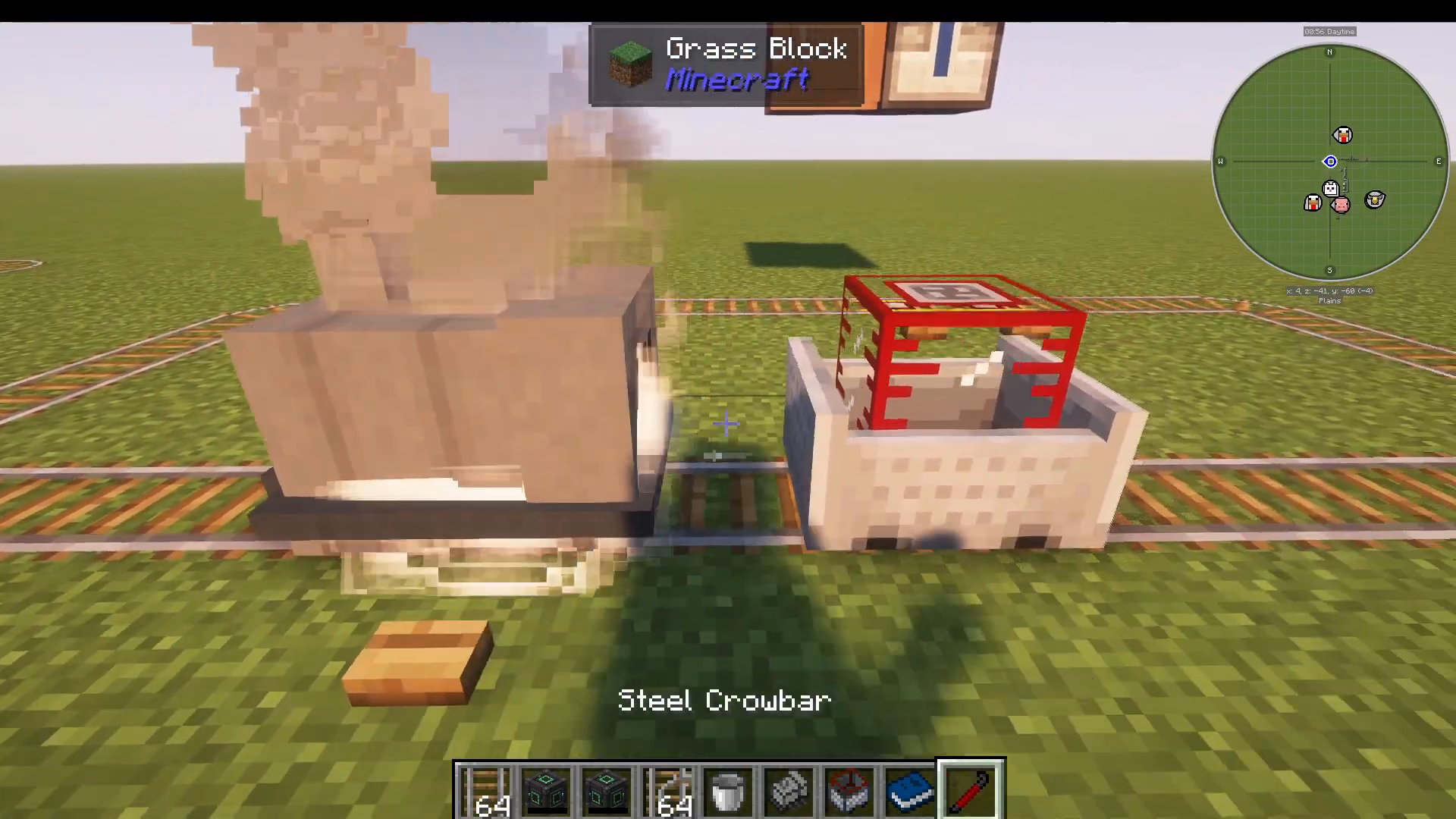
Place a cart behind the locomotive
Hold a Steel Crowbar and shift+right-click the locomotive
Shift+right-click each cart you want to attach
The carts are now linked and will follow the locomotive
Fluid Loaders and Unloaders
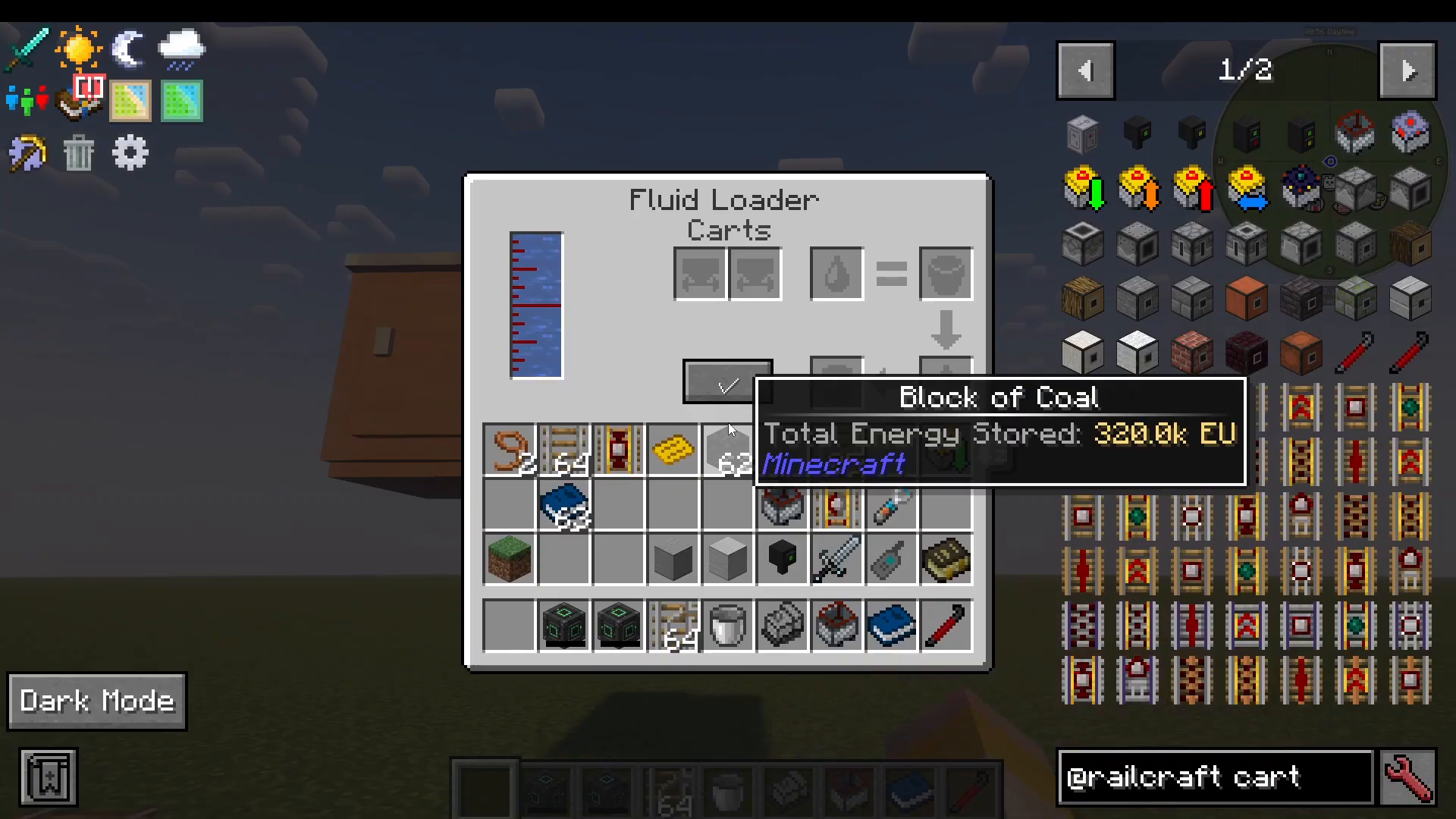
Fluid loaders and unloaders allow you to transfer liquids to and from tank carts automatically.
Fluid Loaders: Place a fluid source (like a sink from Cooking for Block Heads) above the loader. Configure it to:
Complete the process until full
Process until out of room or supply
Wait for a redstone signal before processing
When a cart passes underneath, pipes automatically extend to fill the cart with the available liquid.
Fluid Unloaders: Extract liquids from tank carts for processing or storage elsewhere.
Item Loaders and Unloaders
Similar to fluid systems, item loaders and unloaders manage cargo:
Item Loader – Fills minecarts with items, supporting filters and buffers
Advanced Item Loader – Offers more sophisticated filtering options
Item Unloader – Extracts items from carts
Item loaders are typically placed above the track, while unloaders are placed below.
Track Types and Systems
Basic Tracks
Railcraft Reborn provides multiple track types for different purposes:
Standard Rails – Basic track for normal speed travel
Strap Iron Track – Travels at 30% of normal speed, good for decorative railways
Reinforced Track – Faster than standard rails and explosion-resistant
Powered Tracks
Electric Track – Powered by electricity, used with electric locomotives
High-Speed Track – Extremely fast but requires boosters and transitions; cannot navigate corners
High-Speed Electric Track – Electric variant of high-speed track
Special Track Types
Iron Gated Track – Has a gate that controls passage
Iron Buffer Stop Track – End of line; prevents trains from going further
Iron Locking Track – Stops trains until they receive a redstone signal
Coupling Track – Couples or uncouples carts when they pass over
Control Track – Applies directional force to carts; use a crowbar to change direction or apply redstone signals
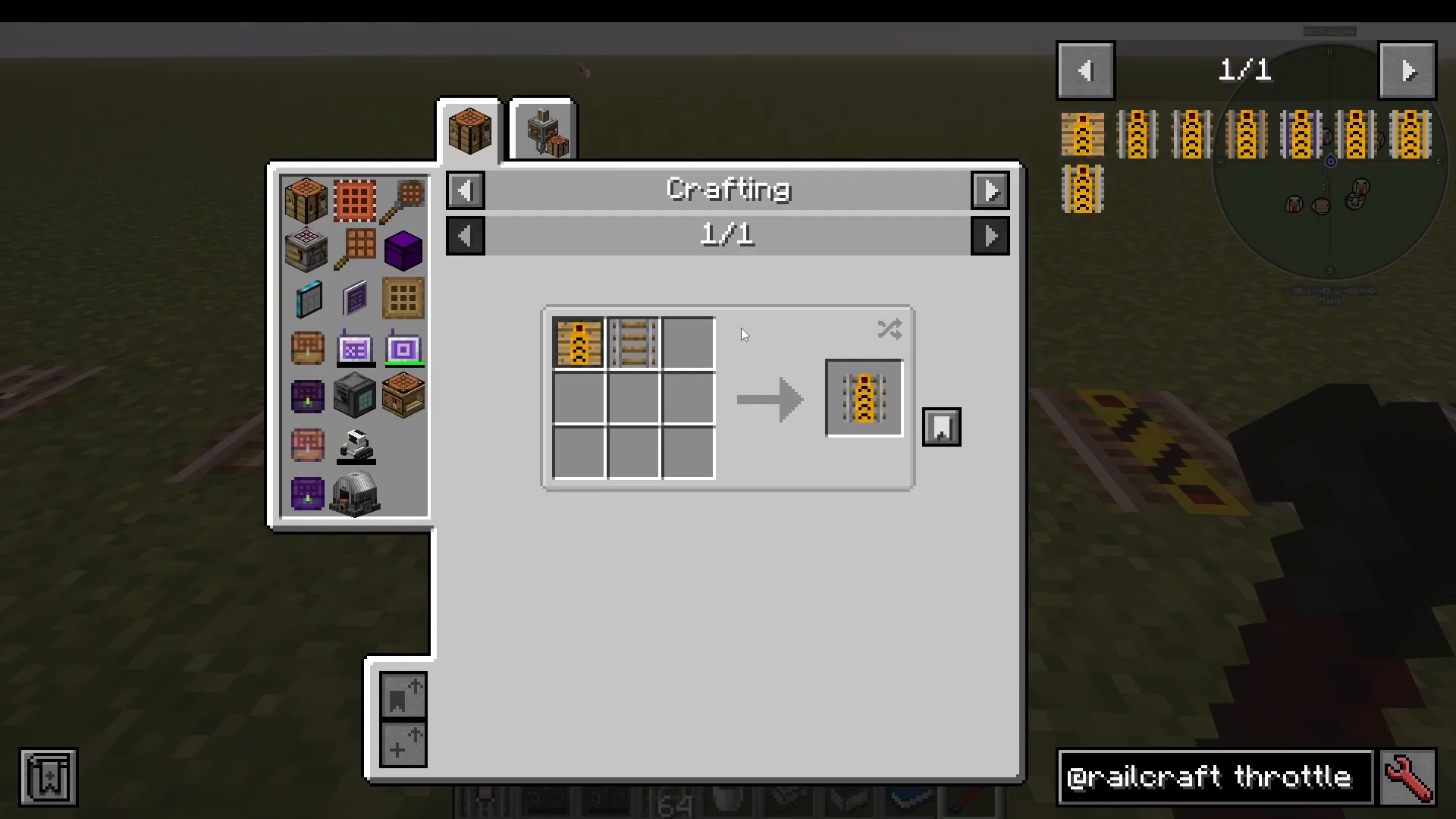
Throttle Track – Adjusts locomotive speed; use a crowbar to set speed to 1, 2, 3, or 4
Launch Track – Launches trains at configurable speeds
One-Way Track – Allows trains in only one direction; use a crowbar to set direction
Whistle Track – Plays whistle sounds when trains pass
Activator Track – Activates passing minecarts
Detector Track – Emits a redstone signal when trains pass
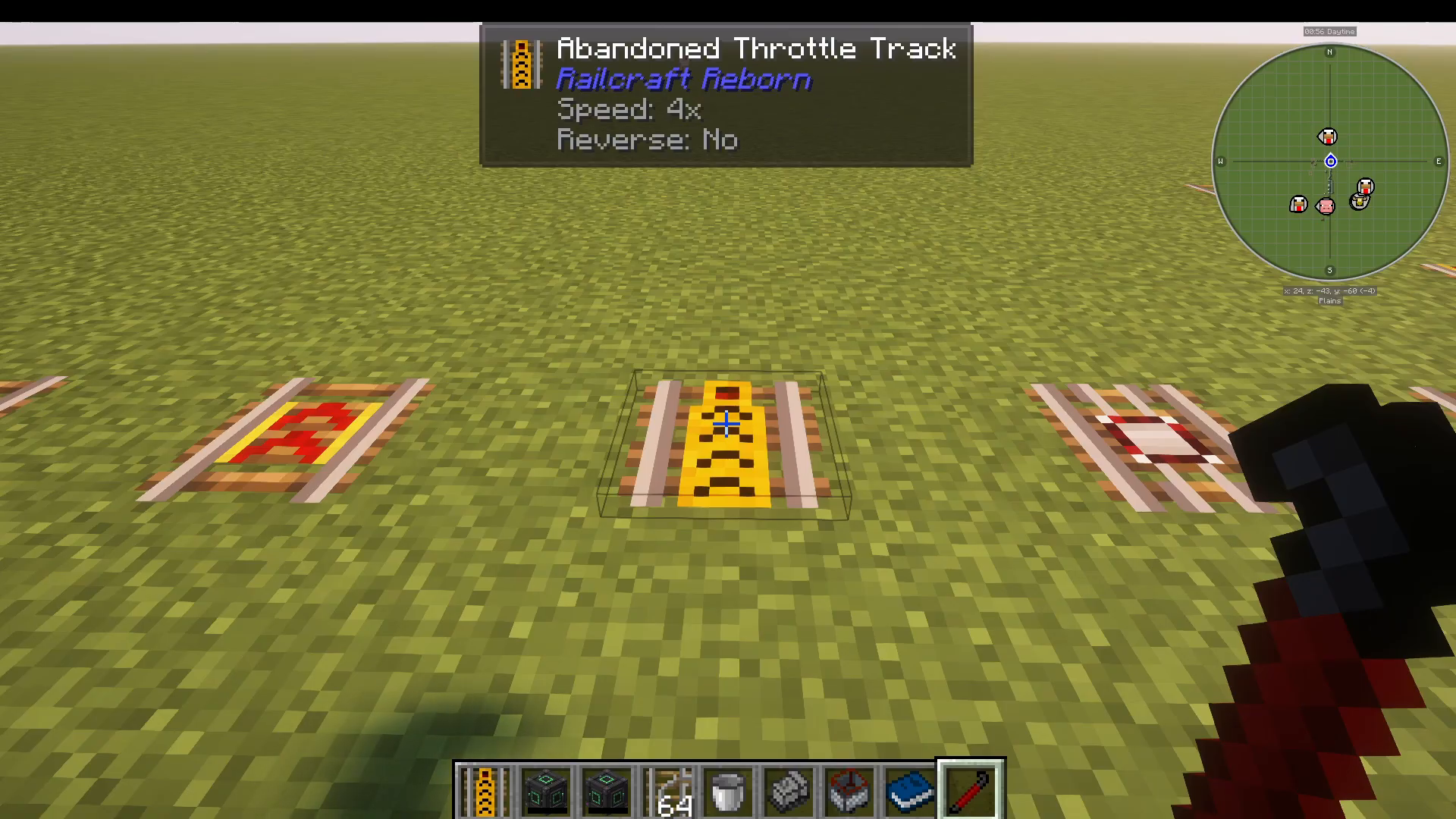
Routing Tracks
Routing tracks enable sophisticated train automation using tickets and destinations:
Switch Track Router – Routes trains to different tracks based on their ticket
Iron Routing Track – Sets a locomotive’s ticket when it passes
These tracks work in conjunction with a Routing Table Book (detailed in the Tickets and Destinations section).
Tickets and Train Routing
Overview of the Ticket System
The ticket system allows you to create automated train routes with specific destinations. This is the most complex but rewarding part of Railcraft Reborn.
Creating a Routing Table Book
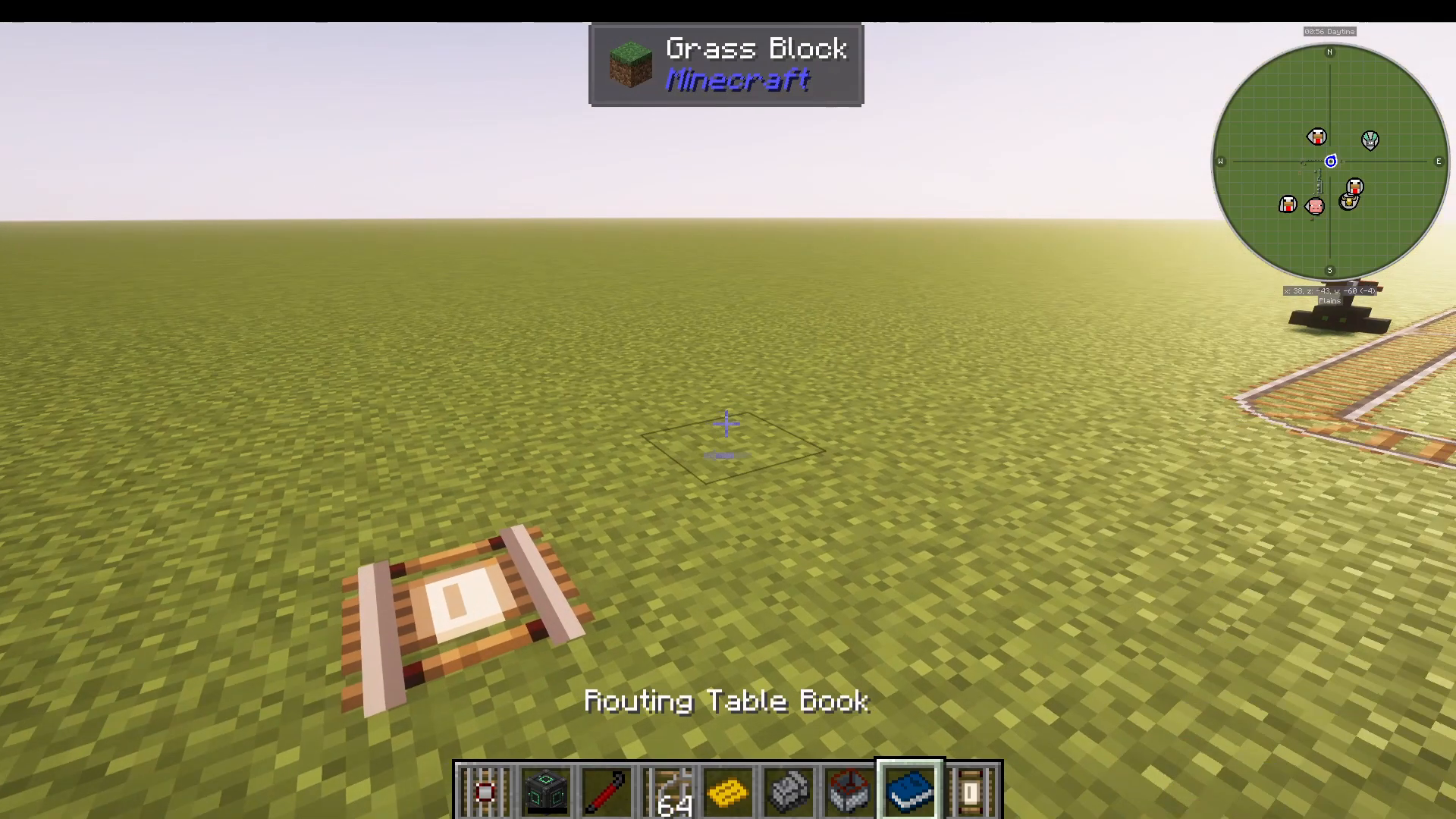
The Routing Table Book is the core of the destination system. To create an entry:
Craft a blank Routing Table Book
Write entries using the format: DESTINATION=DestinationName
For example: DESTINATION=SUBSCRIBE
Creating and Using Golden Tickets
There are two types of tickets:
Regular Ticket – Single-use only
Golden Ticket – Reusable multiple times
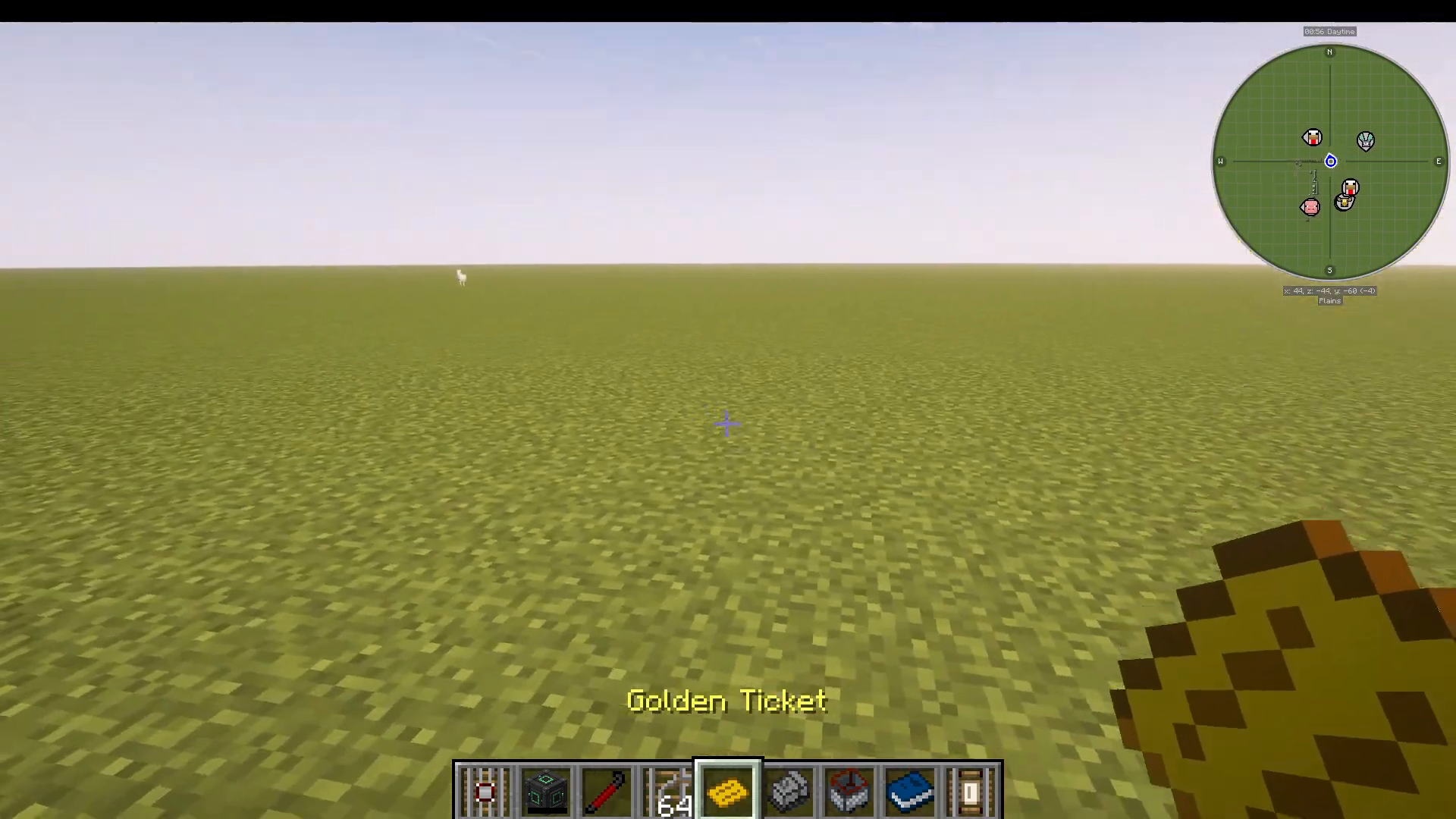
To create a Golden Ticket:
Craft one using a paper, gold nugget, and golden ticket material
Right-click the ticket
Write the destination: DESTINATION=SUBSCRIBE (or your chosen destination name)
Place the ticket in an Iron Routing Track using a steel crowbar
The ticket will show the issuer, destination, and lock status
Setting Up Train Routing with Switch Track Routers
Once you have tickets and a Routing Table Book:
Create a turn-out track (a track that can split two ways)
Place a Switch Track Router block next to the track
Insert your Routing Table Book into the router
The router will now check passing trains’ tickets
If a train’s ticket matches an entry in the book, it will be routed accordingly
For example, if your book contains DESTINATION=SUBSCRIBE and a train has a Golden Ticket with that destination, the router will switch the track to send that train down the correct path.
Advanced Routing Conditions
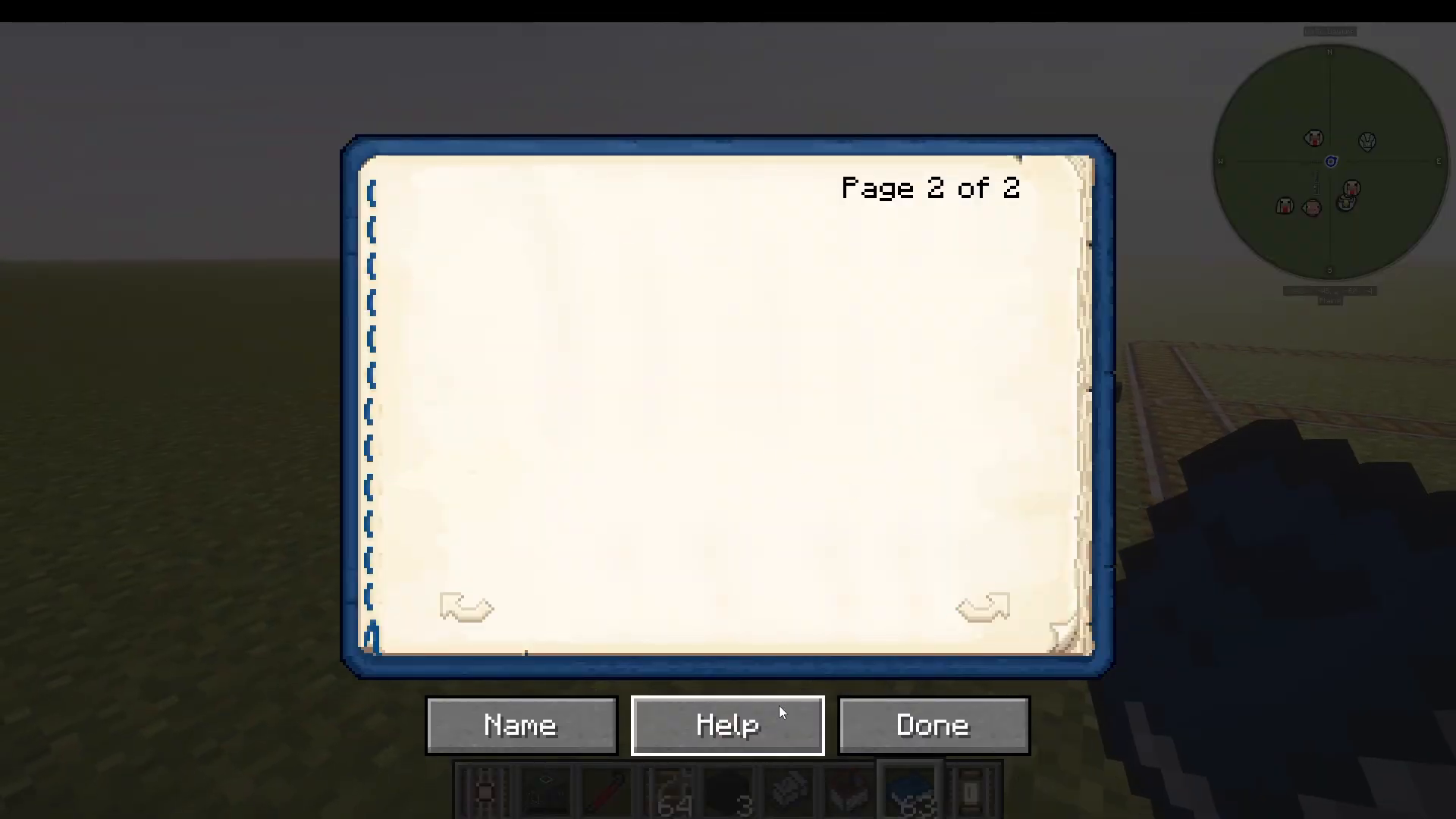
The Routing Table Book supports complex conditional logic. You can access a comprehensive help menu by pressing the help button in the book interface. Some key conditions include:
DESTINATION=String – Matches if destination starts with the specified string
DESTINATION=null – Matches carts with no destination
OWNER=Username – Matches if the locomotive belongs to a specific player
NAME=EntityName – Matches if the minecart name contains the specified text
You can combine multiple conditions:
AND (&) – Both conditions must be true
OR (|) – At least one condition must be true
NOT (!) – Inverts the condition
The system supports up to three conditions with logical operators. For simple setups, stick to basic DESTINATION matching; for complex networks, explore the full conditional language in the help menu.
Advanced Tools and Utilities
The Steel Crowbar
The Steel Crowbar is essential for configuring tracks and locomotives. Use it to:
Set track directions (one-way tracks)
Adjust throttle speeds on throttle tracks
Change control track directions
Link and unlink carts from locomotives
Insert and remove tickets from routing tracks
Rotate locomotives and carts
The Iron Spike Maul
Use the Iron Spike Maul to switch between different track layouts and create complex junctions. When used on rails, it cycles through junction variants, making track design much more flexible.
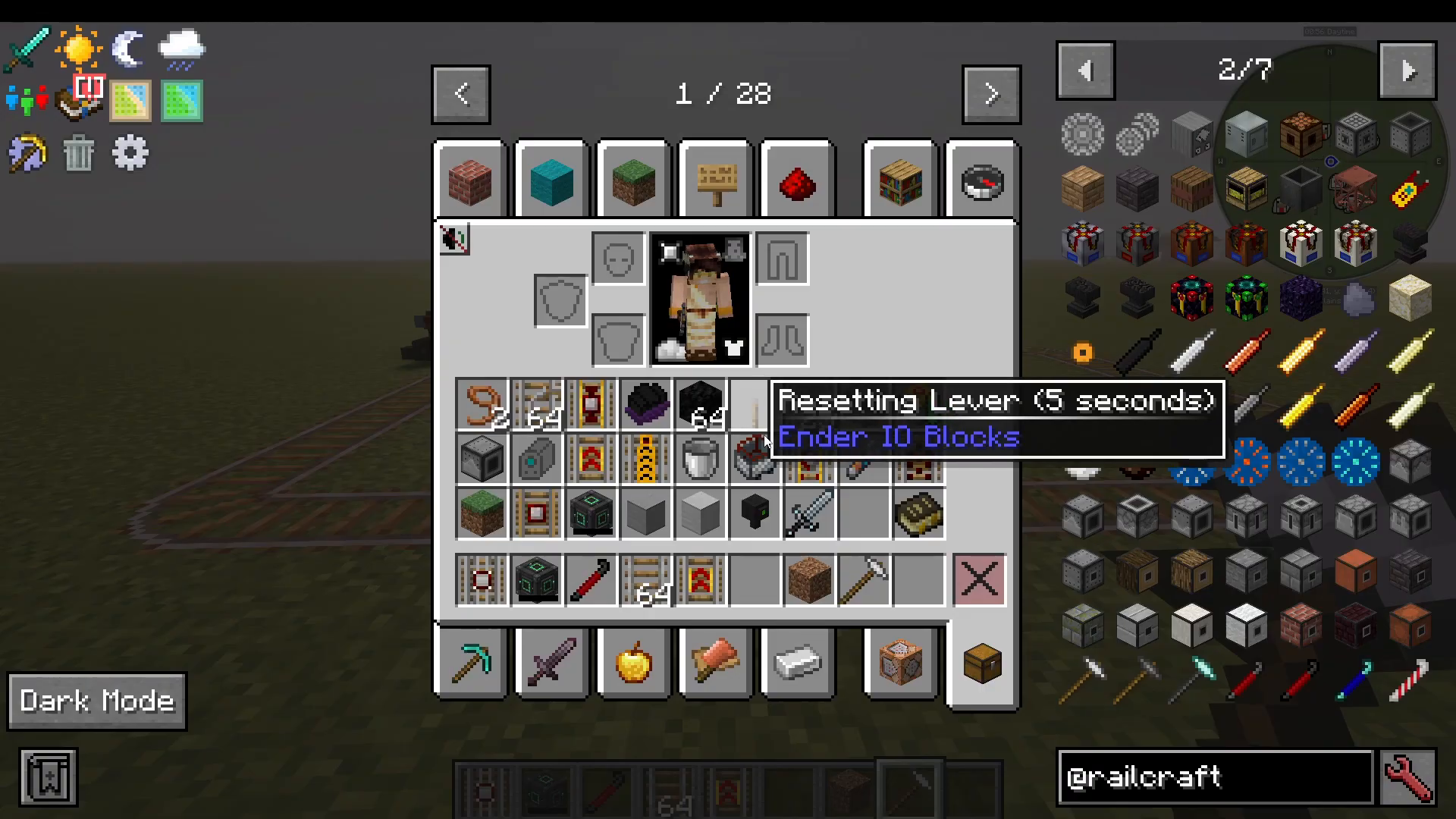
Track Layer Carts
Specialized minecarts that automate track construction:
Track Layer – Lays new track as the locomotive moves
Track Relay – Replaces existing track
Track Remover – Removes tracks
Undercutter – Replaces blocks beneath tracks (extremely useful for landscape integration)
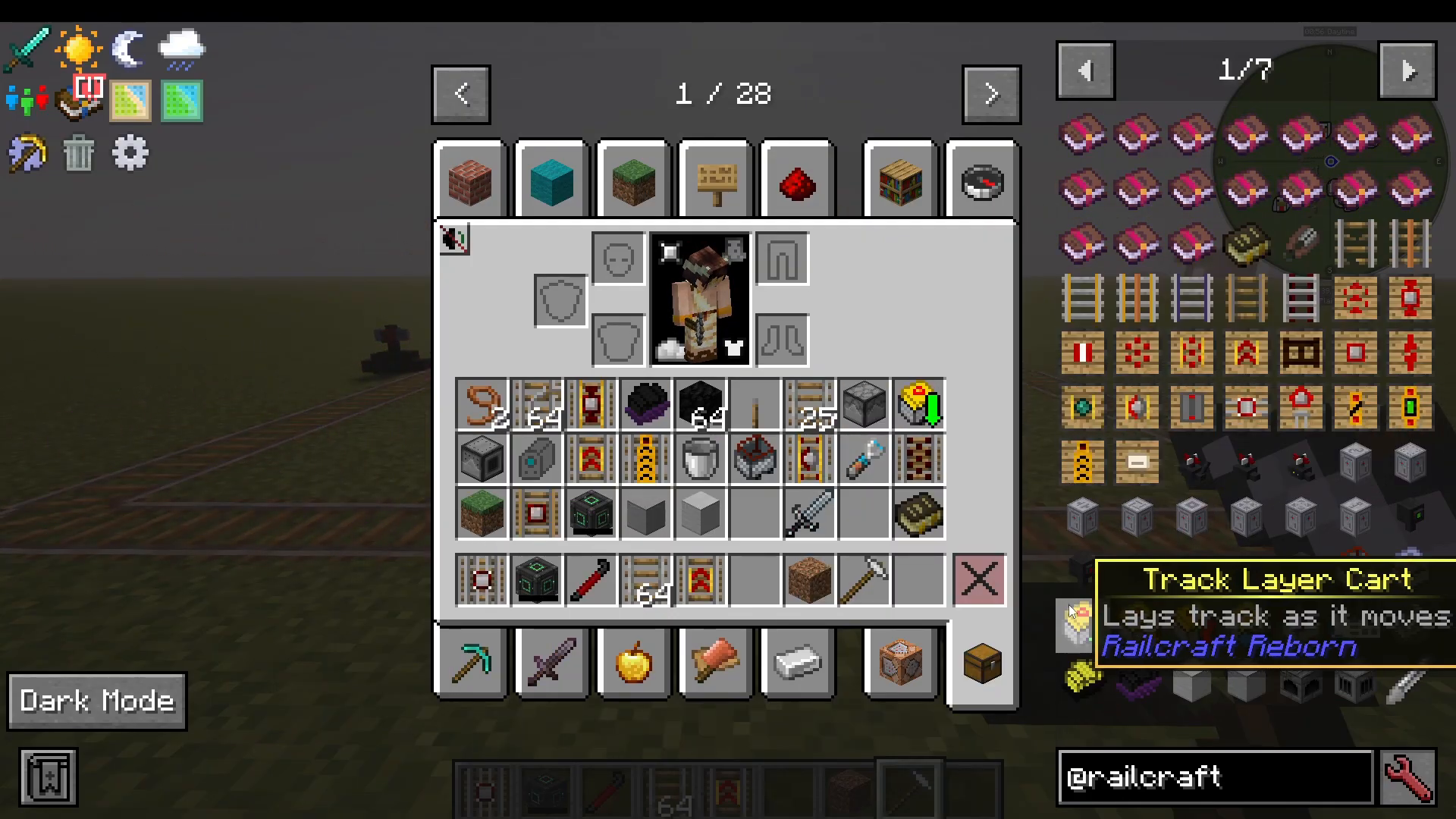
World Spike (Chunk Loader)
The World Spike minecart functions as a chunk loader, keeping the area around your train loaded even when you’re not nearby. This ensures your automated systems continue running.
Iron Tanks
Multi-block fluid storage structures built from iron tank blocks. You can customize them with windows and walls, making them functional and aesthetic.
Energy Batteries
Store electrical energy generated by your Steam Turbines. Connect these to your power grid to ensure consistent power availability for all machines.
Feed Station
A utility block that automatically feeds nearby animals when powered by a redstone signal. While not directly related to trains, it’s useful for maintaining animal farms on your railway network.
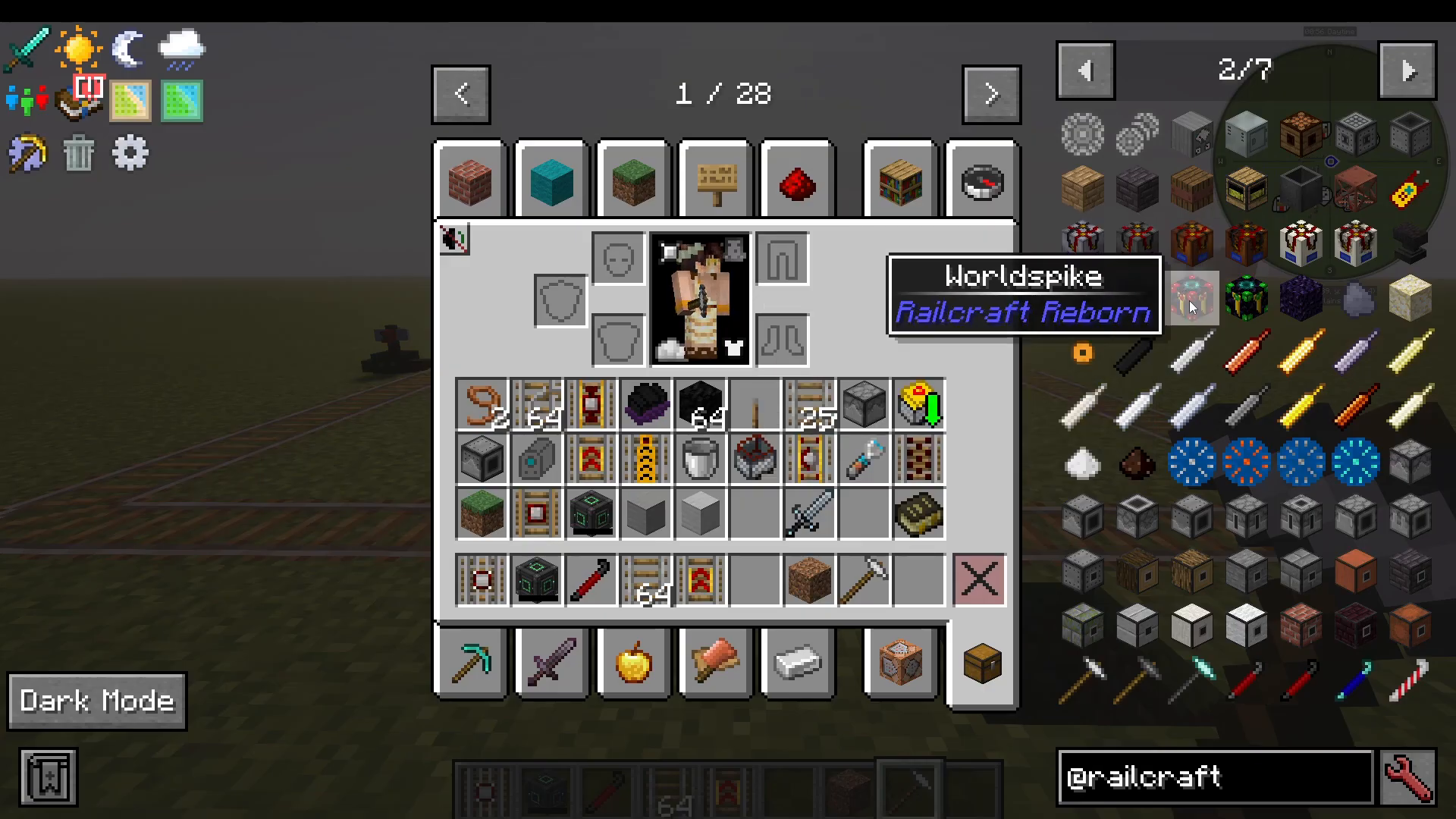
Electric Track Power Systems
Setting Up Electric Rails
Electric tracks provide a cleaner alternative to steam-powered locomotives. To set up an electric rail system:
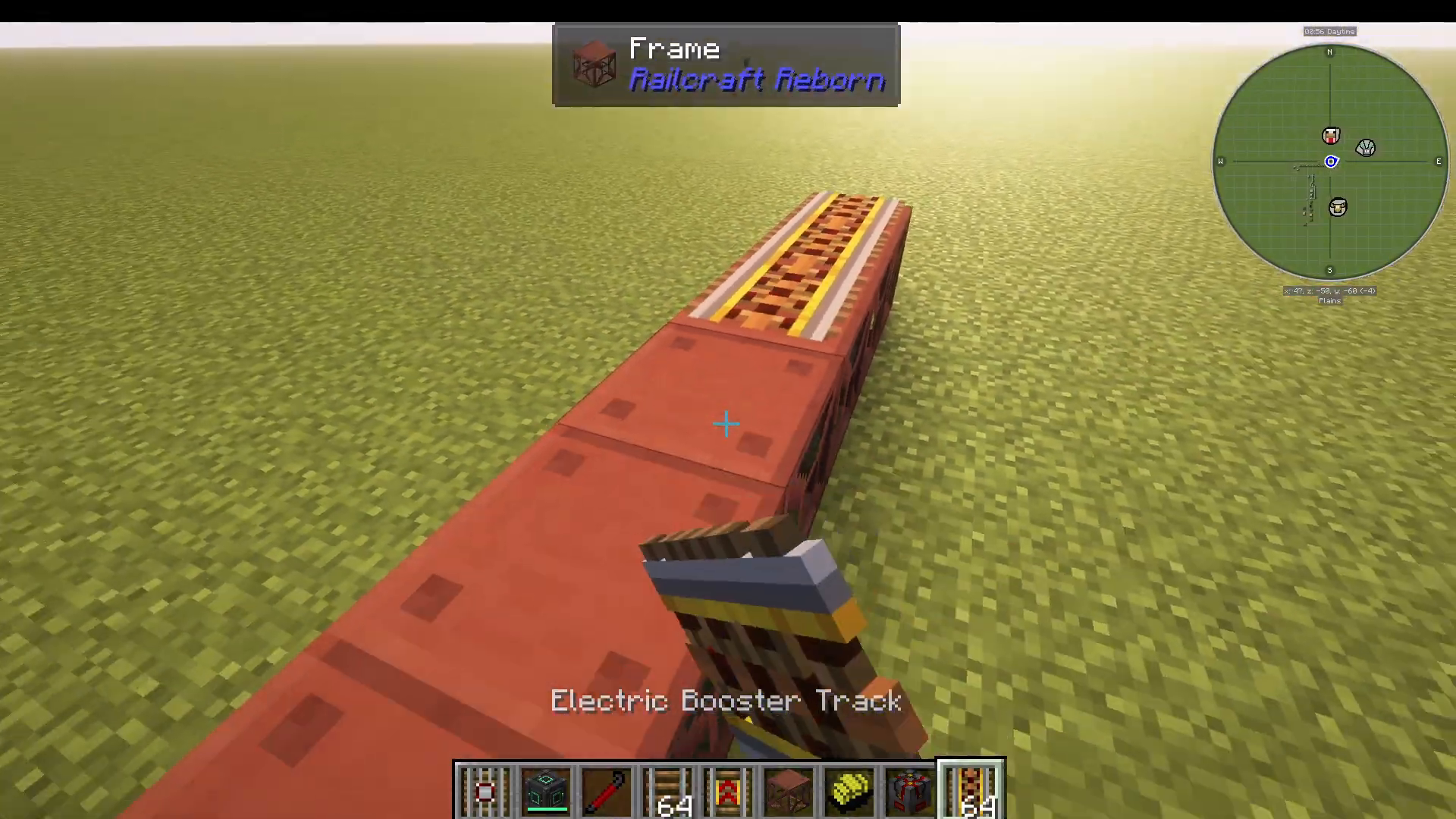
Build your track using electric track blocks
Place frame blocks directly beneath the electric track
Ensure all frames are connected to form a complete power grid
Attach an energy source (Creative Energy Cube, Battery, etc.) to any frame block
When frames are powered, all connected electric tracks become active
Place an Electric Locomotive on the track and set it to running
As long as the frame network remains powered, your electric locomotives will function continuously without fuel consumption.
Conclusion
Railcraft Reborn transforms Minecraft into a complex transportation and automation system. From building your first Water Tank and Coke Oven to establishing sophisticated multi-route railway networks with advanced ticket-based routing, this mod offers endless possibilities for creative engineers. Whether you prefer the charm of steam locomotives or the efficiency of electric trains, understanding each component—from basic tracks to complex routing systems—will enable you to build impressive industrial networks. Start with simple systems, gradually progress to advanced automation, and soon you’ll have a thriving railway empire connecting all corners of your world.
— Want to Support? —
If you would like to help us continue making these guides – please consider joining our patreon here – https://www.patreon.com/c/JaviHeals
Alternatively – we host a group of MC Servers you can join here – https://discord.gg/zD7Gjt6MHF



