The Ultimate Guide to Hexerei
The Ultimate Guide to the Hexerei Mod in Minecraft
The Hexerei mod is one of the most polished and feature-rich witchcraft mods available for Minecraft. From custom trees and mixing cauldrons to tamed crows, owls, and rideable brooms, Hexerei adds a deep and immersive magical experience to the game. This guide covers absolutely everything the mod has to offer — step by step, from your very first sage seed all the way to upgrading your broom with netherite tips and ender satchels. Whether you are brand new to Hexerei or looking to master its more advanced systems, this is the guide for you.
New Trees and Altars
Hexerei introduces three new tree types that you will find naturally generating around your world. These are Mahogany, Willow, and Witch Hazel. Mahogany features a beautiful leaf effect, Willow is equally stunning, and Witch Hazel is a bit more understated. These trees are valuable because their wood is used to craft the mod’s altars.
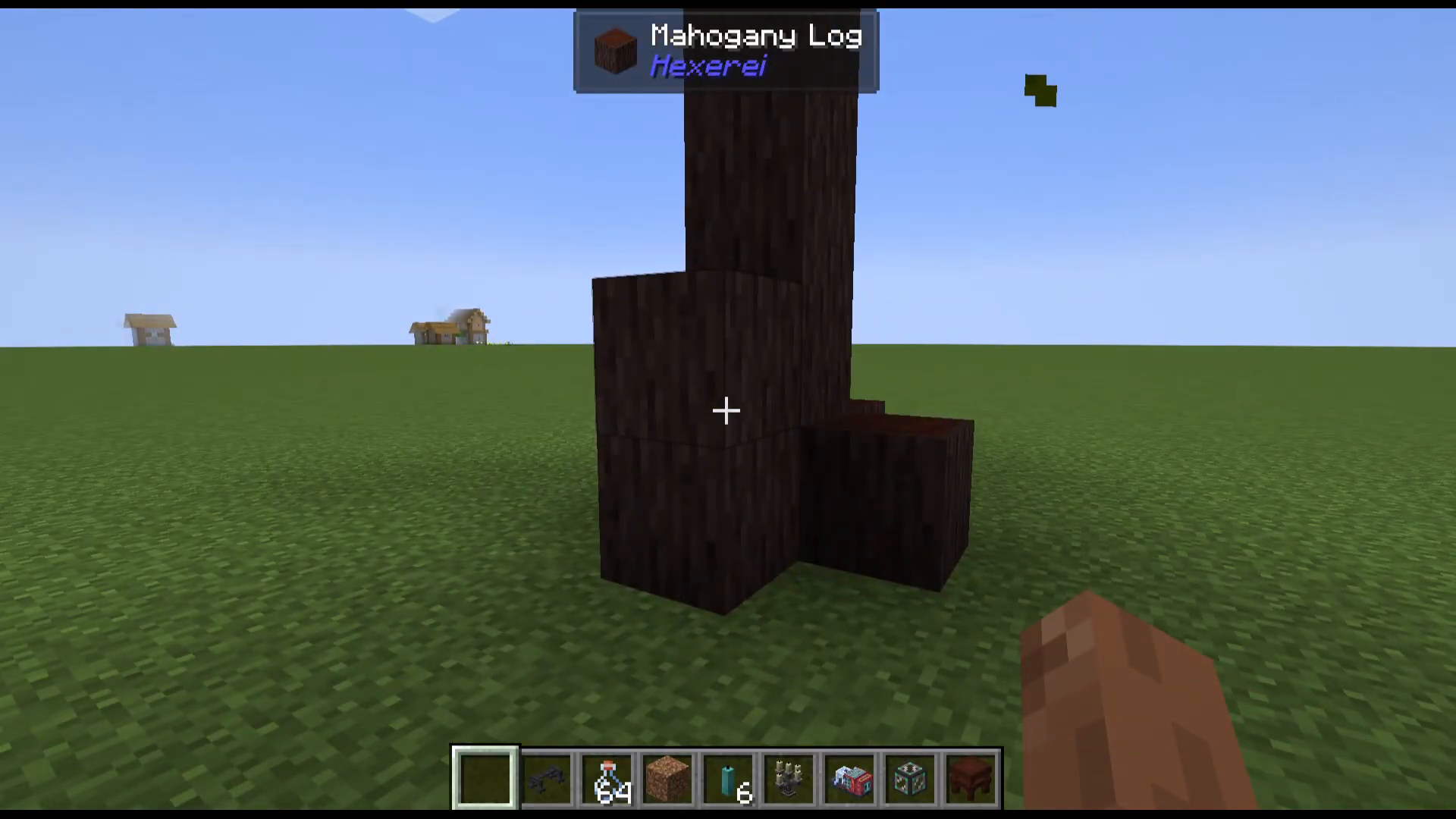
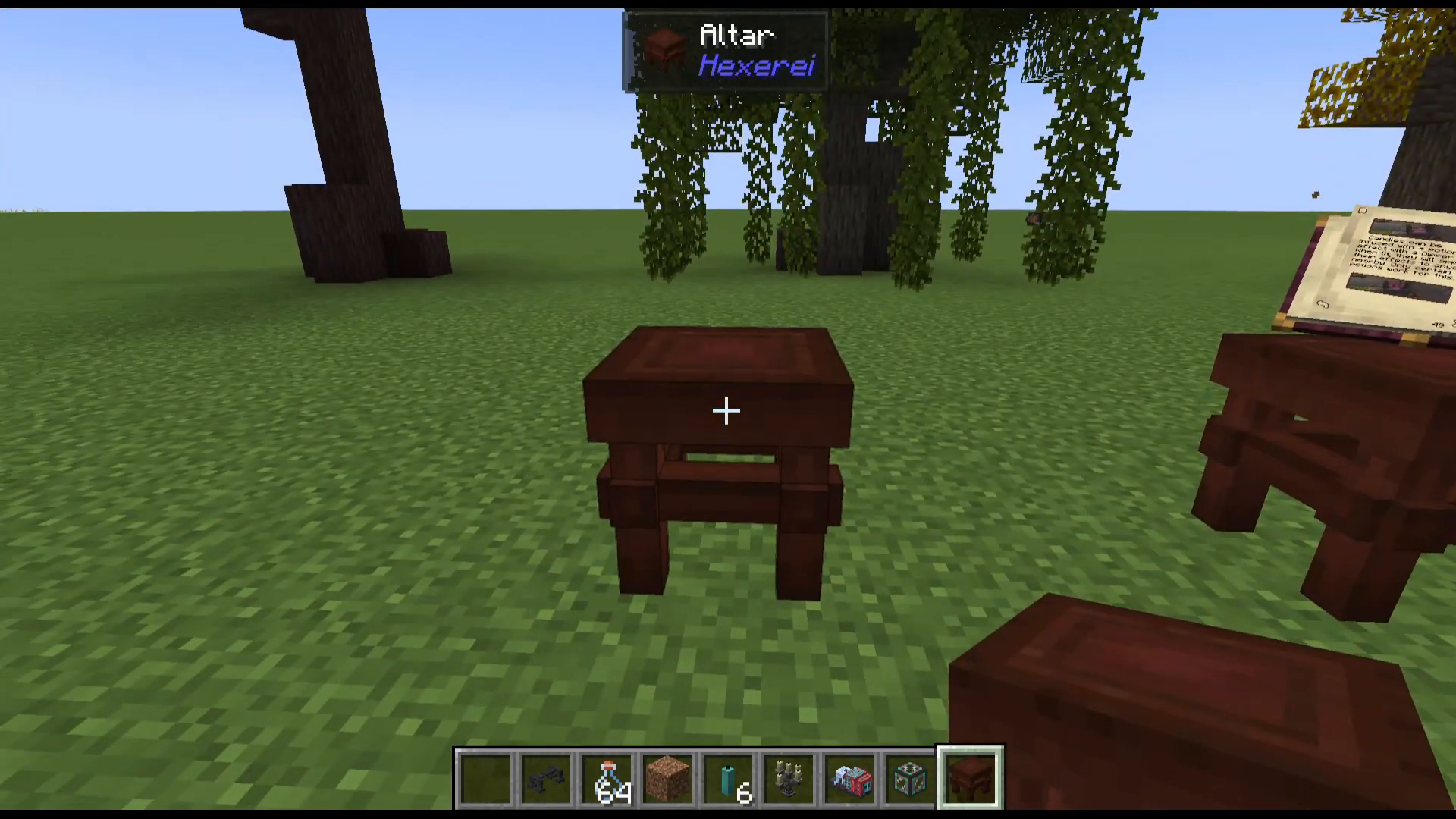
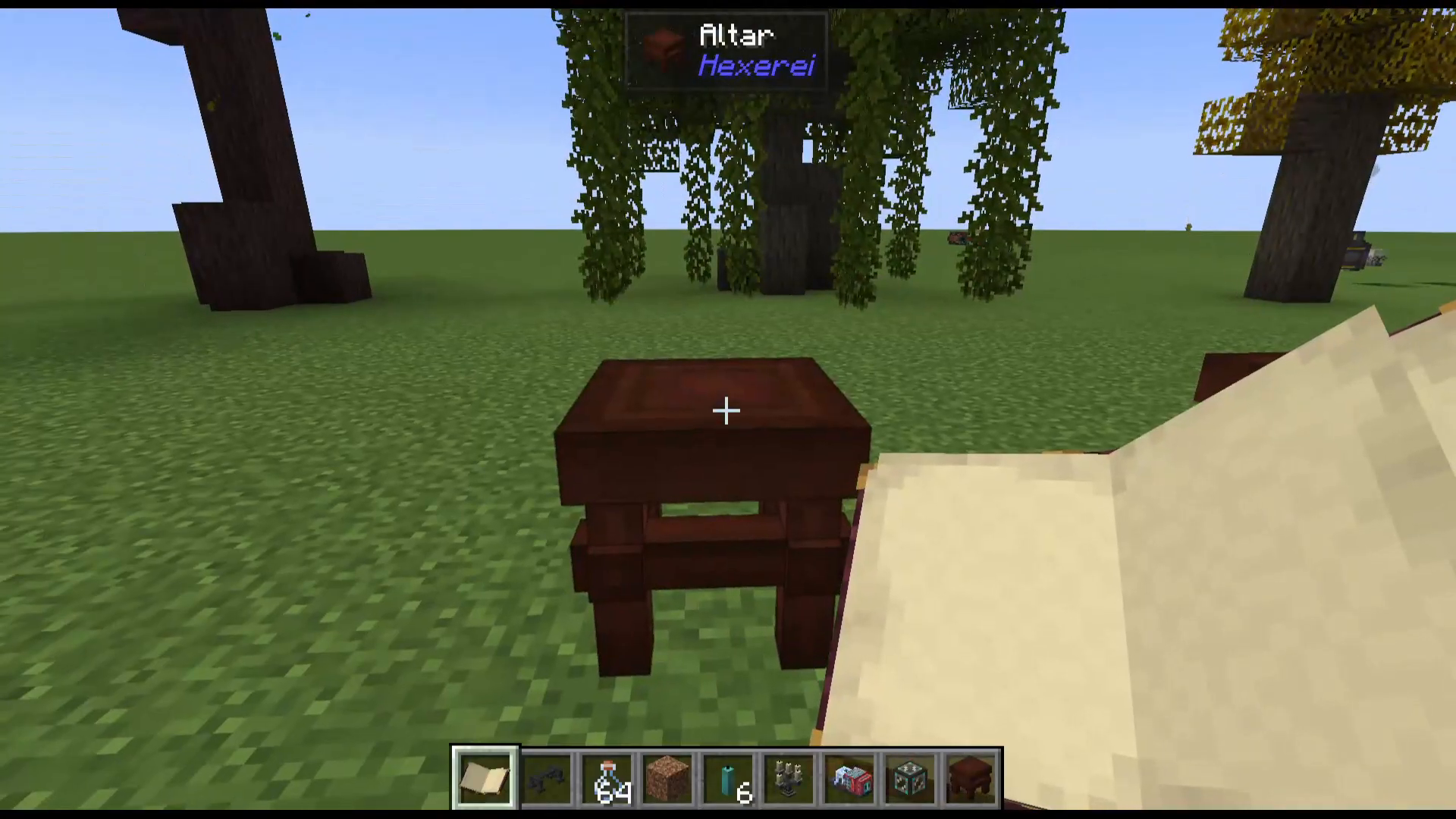
Each tree type corresponds to its own altar — a Mahogany Altar, a Willow Altar, and a Witch Hazel Altar. These altars serve as display blocks where you can place any item for decoration. More importantly, you can place your Book of Shadows on the altar and interact with it directly from the altar’s surface.
The Book of Shadows
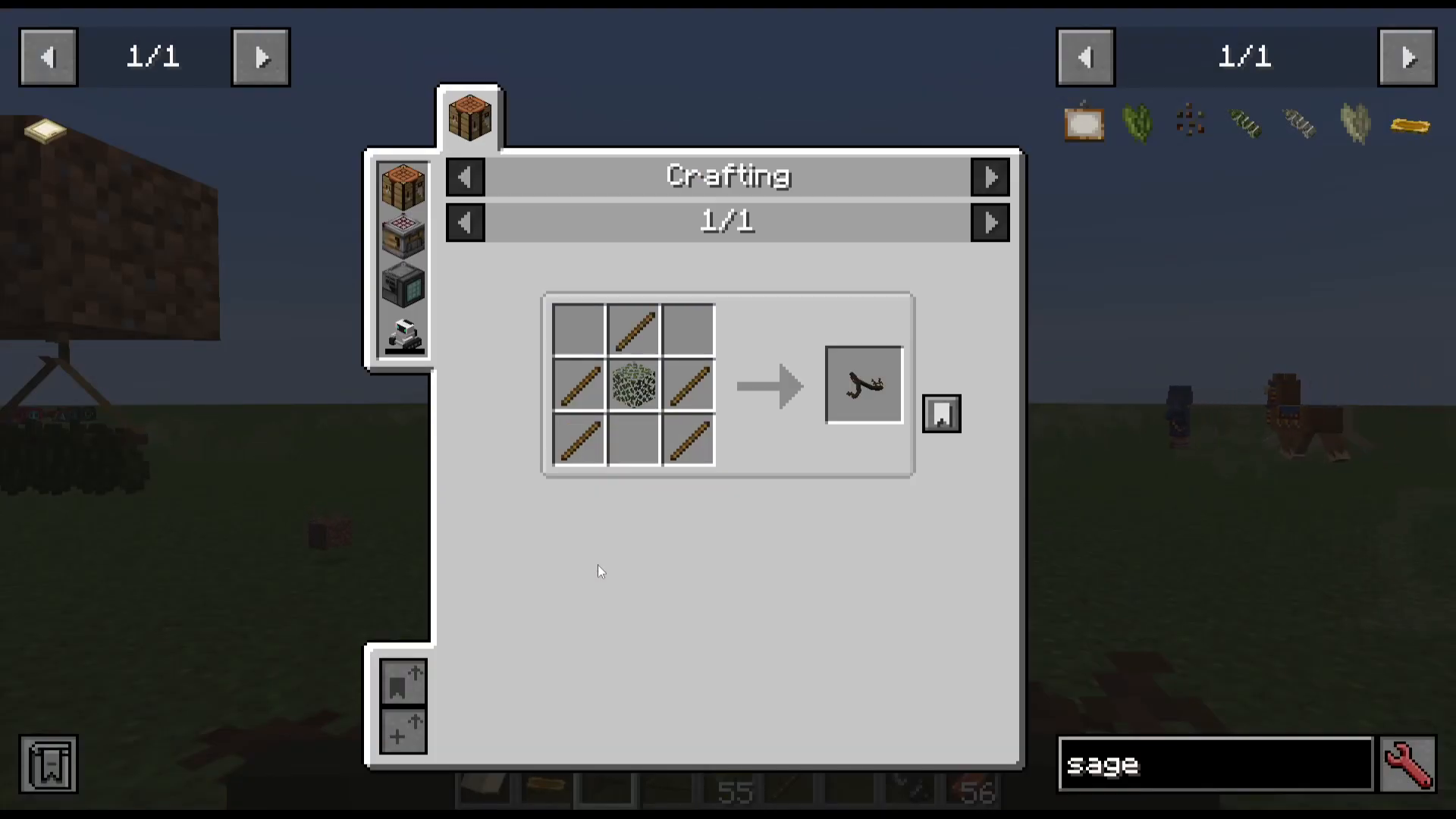
The Book of Shadows is your primary guide to everything in the Hexerei mod. It is widely considered one of the best in-game guidebooks ever added to a Minecraft mod. To craft it, you will need sage seeds, which are obtained simply by breaking grass. Once crafted, the Book of Shadows gives you access to a full in-game reference for items, entities, recipes, and more — complete with clickable icons and detailed descriptions.
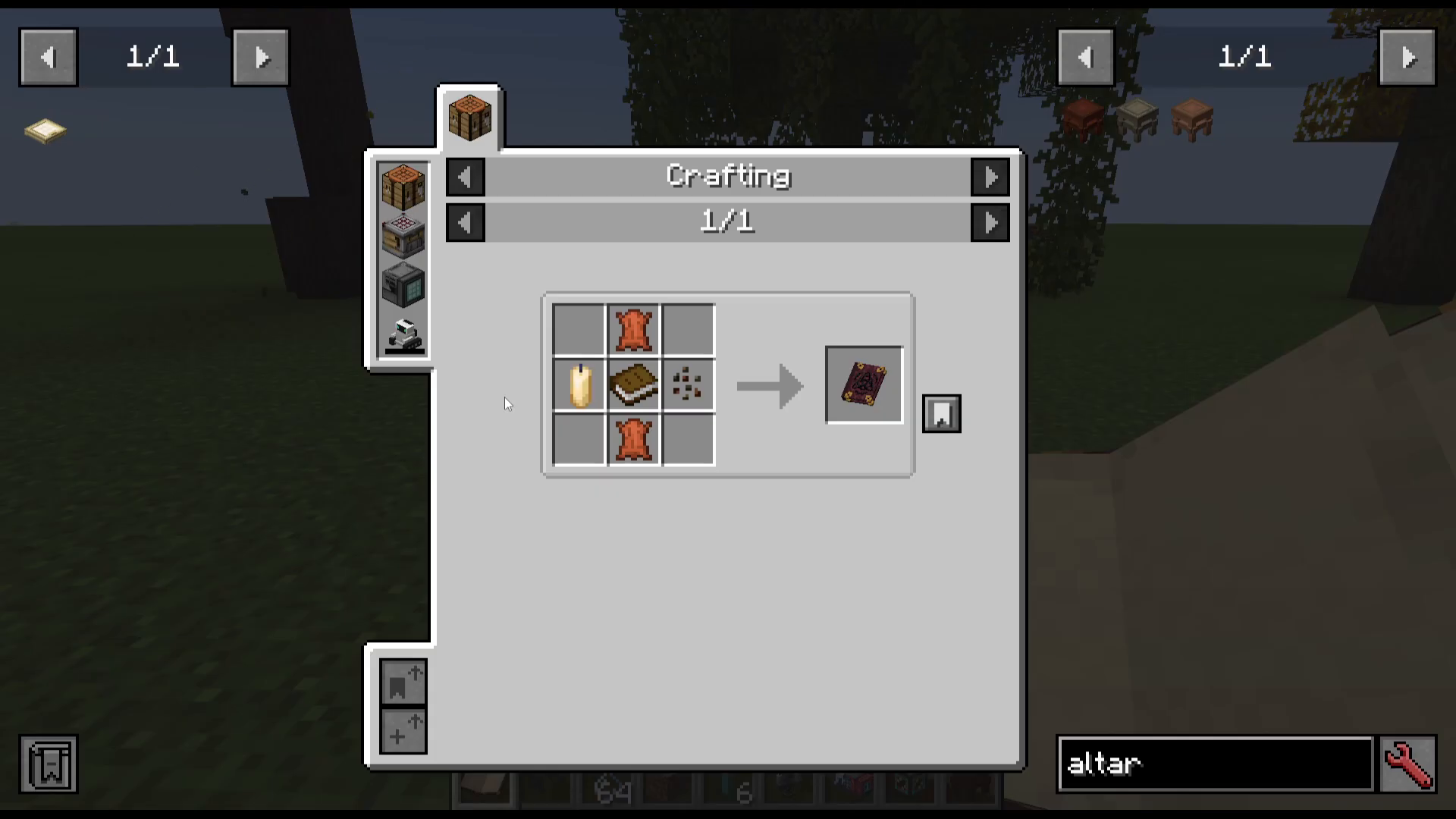
To use the Book of Shadows on an altar, simply right-click it onto the altar surface. You can then browse the book directly from the altar and press its interactive buttons in-world. It is an incredibly well-designed system that makes learning the mod intuitive and enjoyable.
The Mixing Cauldron
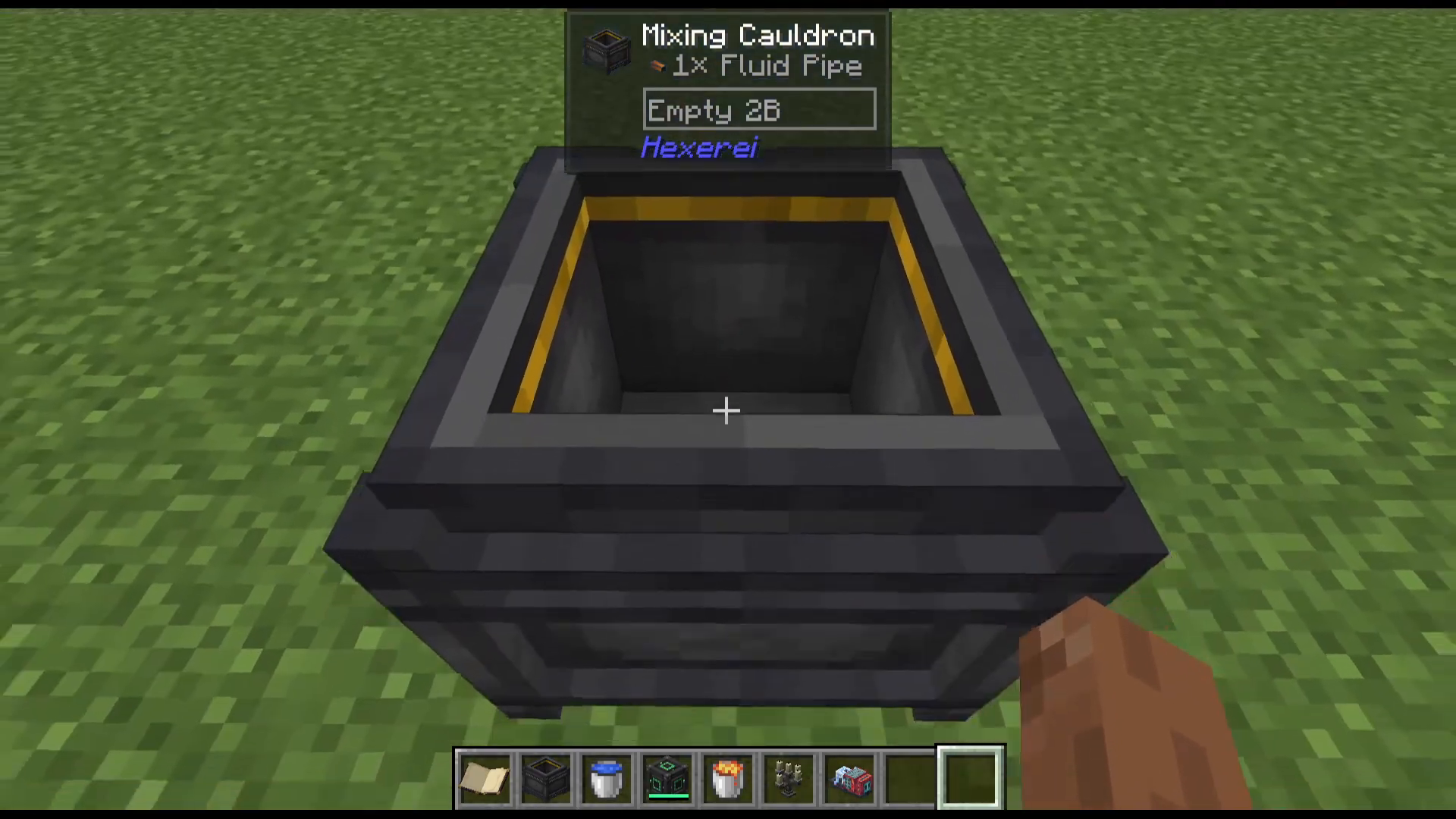
The Mixing Cauldron is one of the most important blocks in the entire Hexerei mod. It is crafted using a standard Minecraft cauldron combined with a few additional ingredients. Once placed, it serves as the primary crafting station for a huge variety of recipes throughout the mod.
Adding Items to the Cauldron
There are several ways to add items into the Mixing Cauldron. You can throw items directly on top of it, right-click items into the cauldron’s UI slots, or feed items into it using hoppers placed on top. All three methods work interchangeably. To view all available recipes for the cauldron, open your inventory and press U on the Mixing Cauldron item inside JEI (Just Enough Items) to see its full recipe list.
Heating the Cauldron
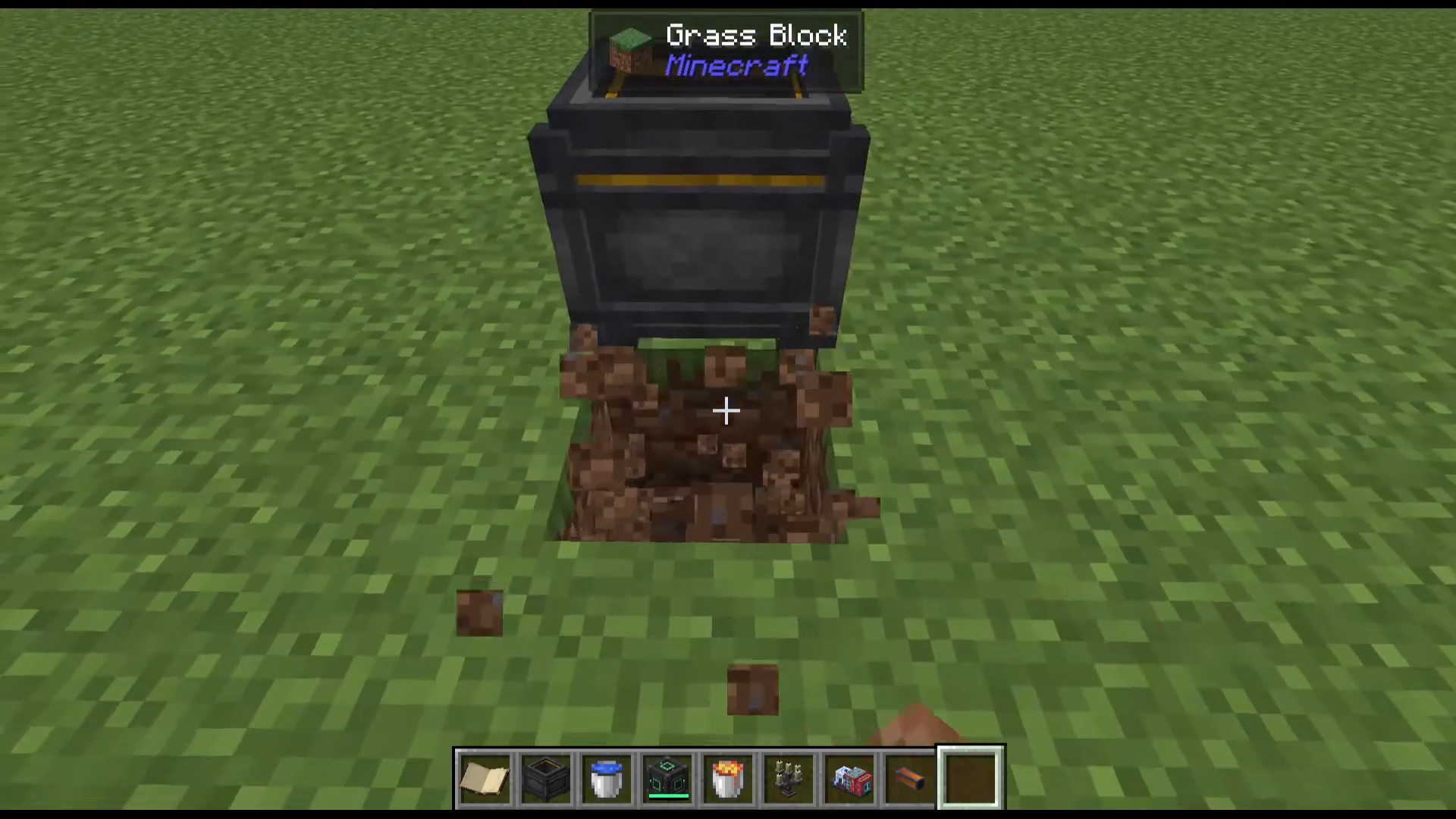
Some recipes require the cauldron to be heated. To heat the cauldron, simply place a heat source underneath it — a campfire works perfectly. Once a heat source is active beneath the cauldron, it will remain heated indefinitely. Recipes that do not require heating are completely unaffected by the cauldron being heated, so there is no need to remove your heat source between recipes.
Working with Fluids: Water and Lava
Many recipes require a specific fluid in the cauldron — either water or lava. Right-click the cauldron with a water bucket or lava bucket to fill it one bucket at a time. If you add the wrong fluid by mistake, right-click the cauldron to open its UI. You will see a small protrusion on the left side of the interface labelled Dump. Hovering over it and clicking it will empty whatever liquid is currently in the cauldron.
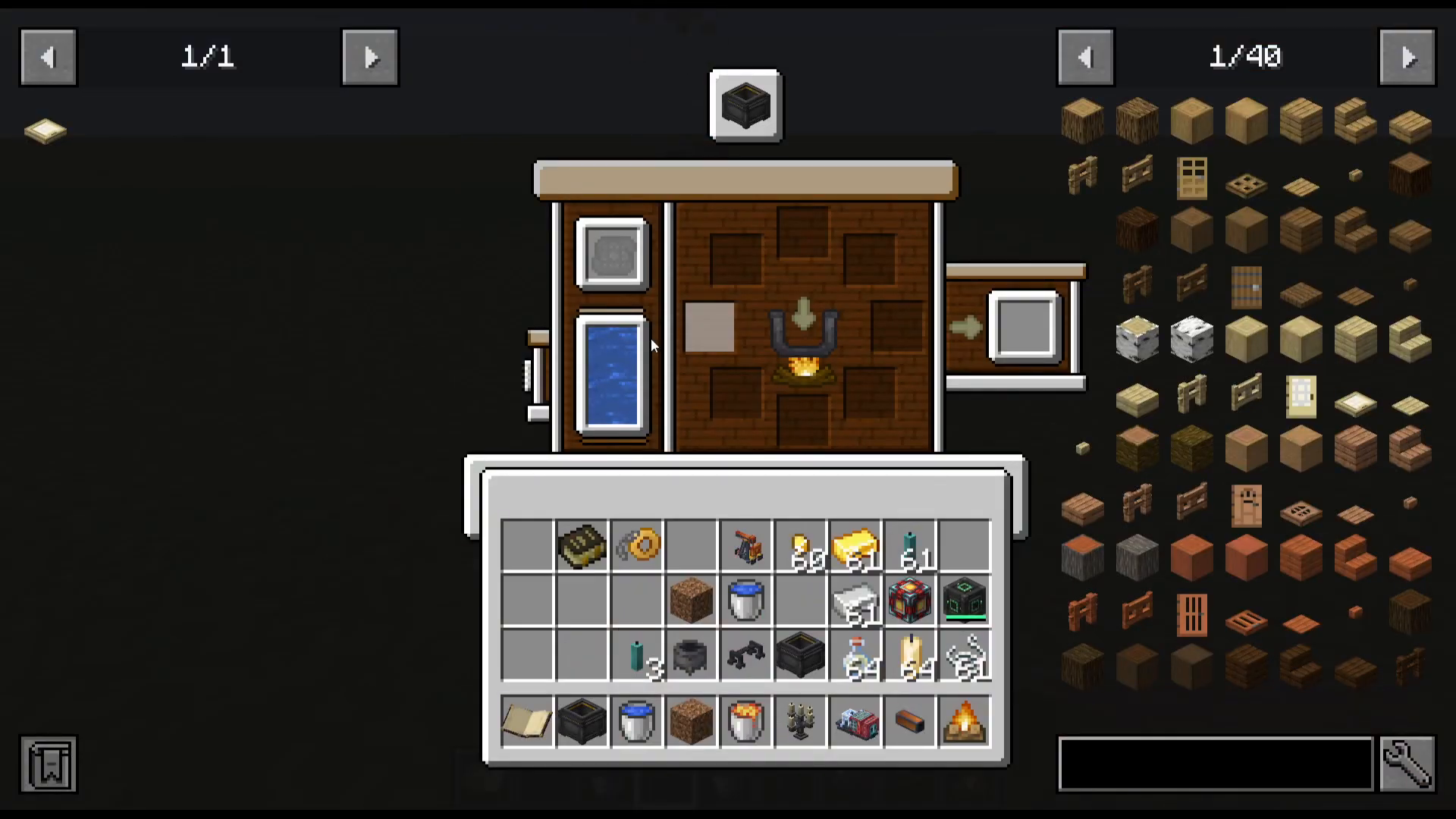
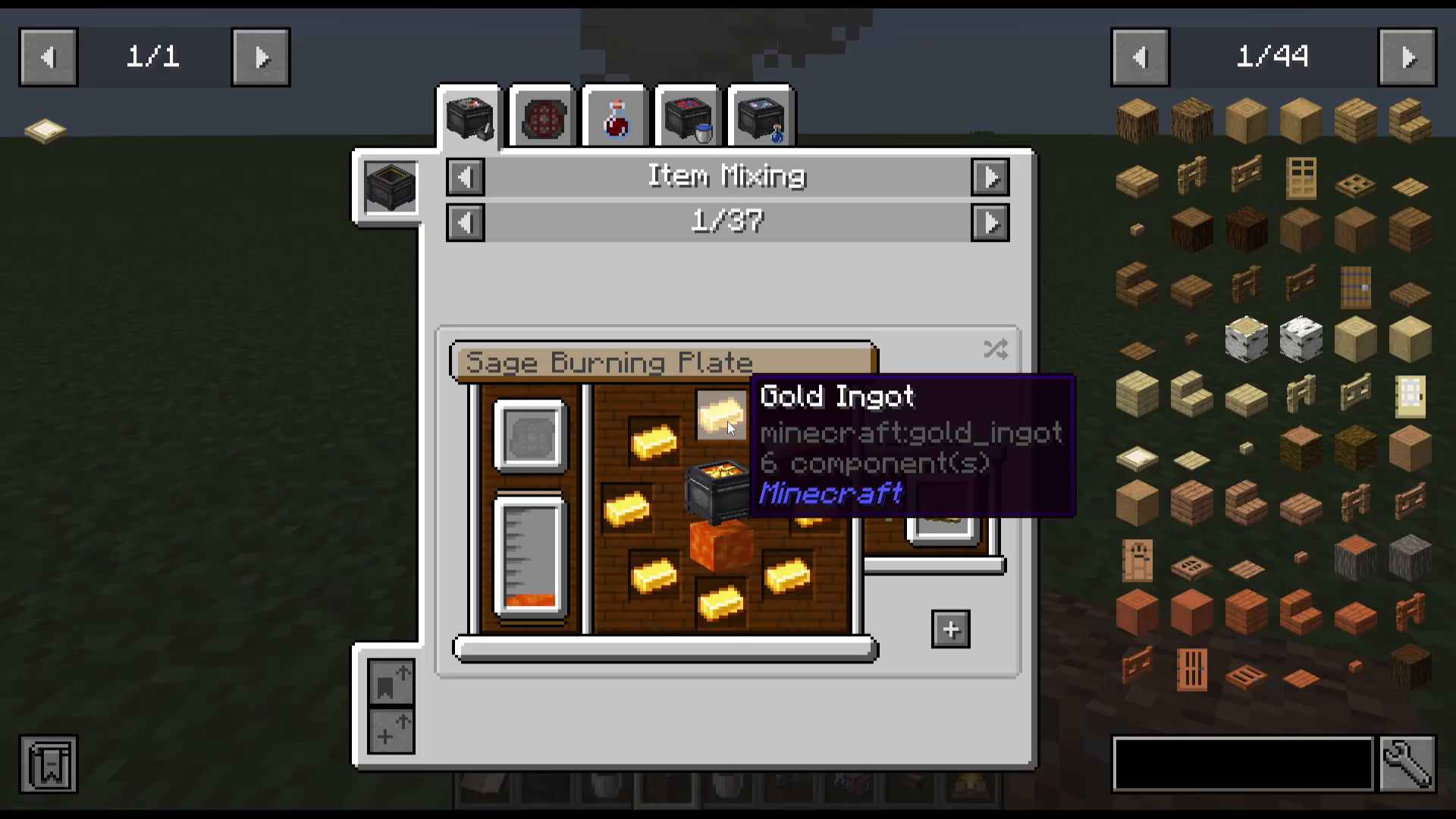
Once your fluid is correct, you can use the in-cauldron recipe browser to find and craft items. For example, to craft a Sage Burning Plate, you simply add eight gold ingots and use the Move Items arrow to automatically place them and trigger the output.
Moon Phase Recipes
Some Mixing Cauldron recipes require a specific moon phase to be active and can only be crafted at night. Pay close attention to these requirements in JEI. You can use a Crystal Ball (crafted in the cauldron itself) to check the current moon phase at any time by right-clicking it.
Bottling
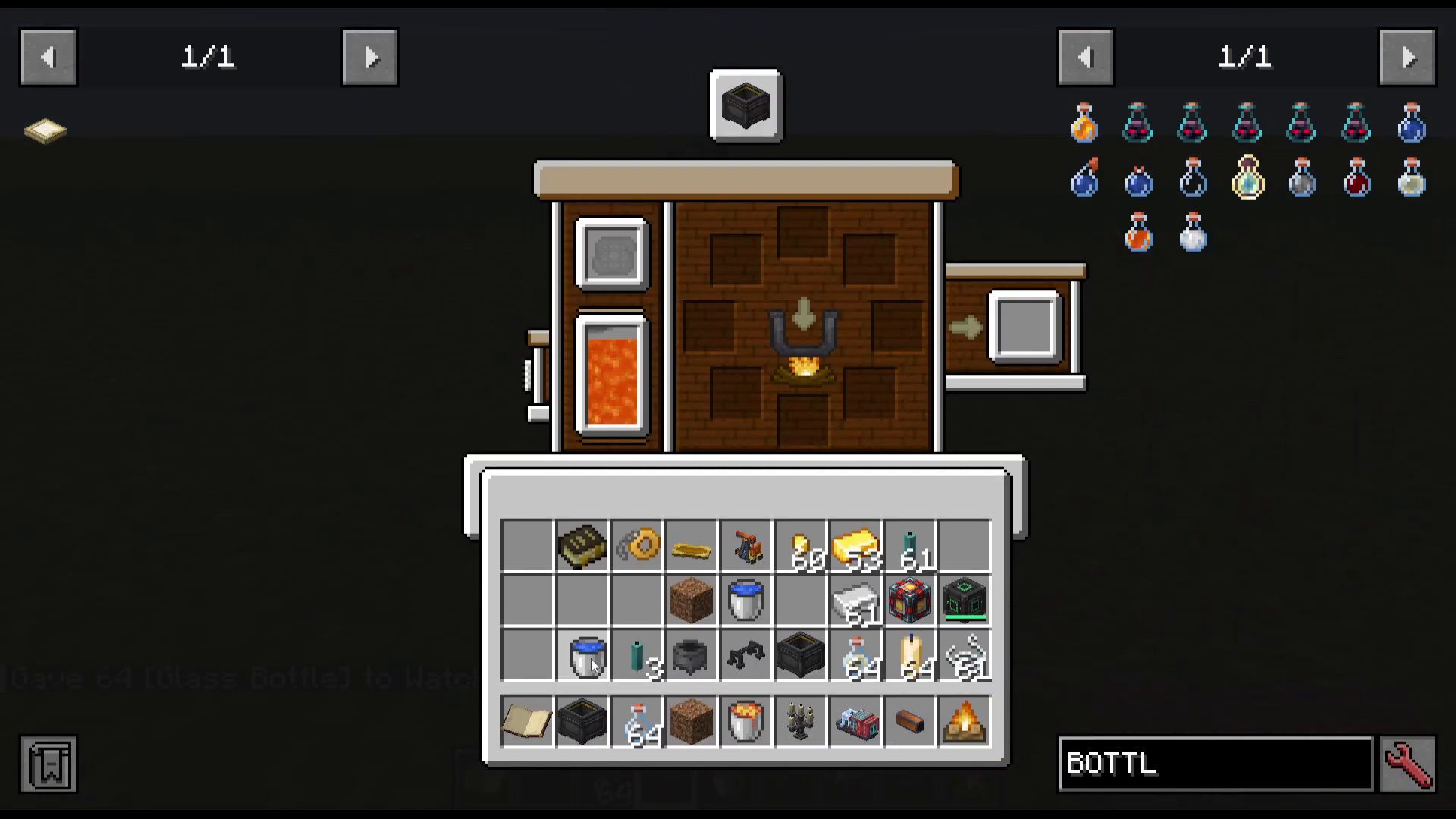
The Mixing Cauldron also supports a bottling mechanic. If you have a glass bottle and a fluid in the cauldron, you can right-click to bottle the liquid directly. This is a straightforward process useful for collecting potions and other fluids.
Candle Making
Candle making is one of the more involved and rewarding crafting systems in Hexerei. The process begins in the Mixing Cauldron using the Fluid Mixing recipes.
Making Tallow
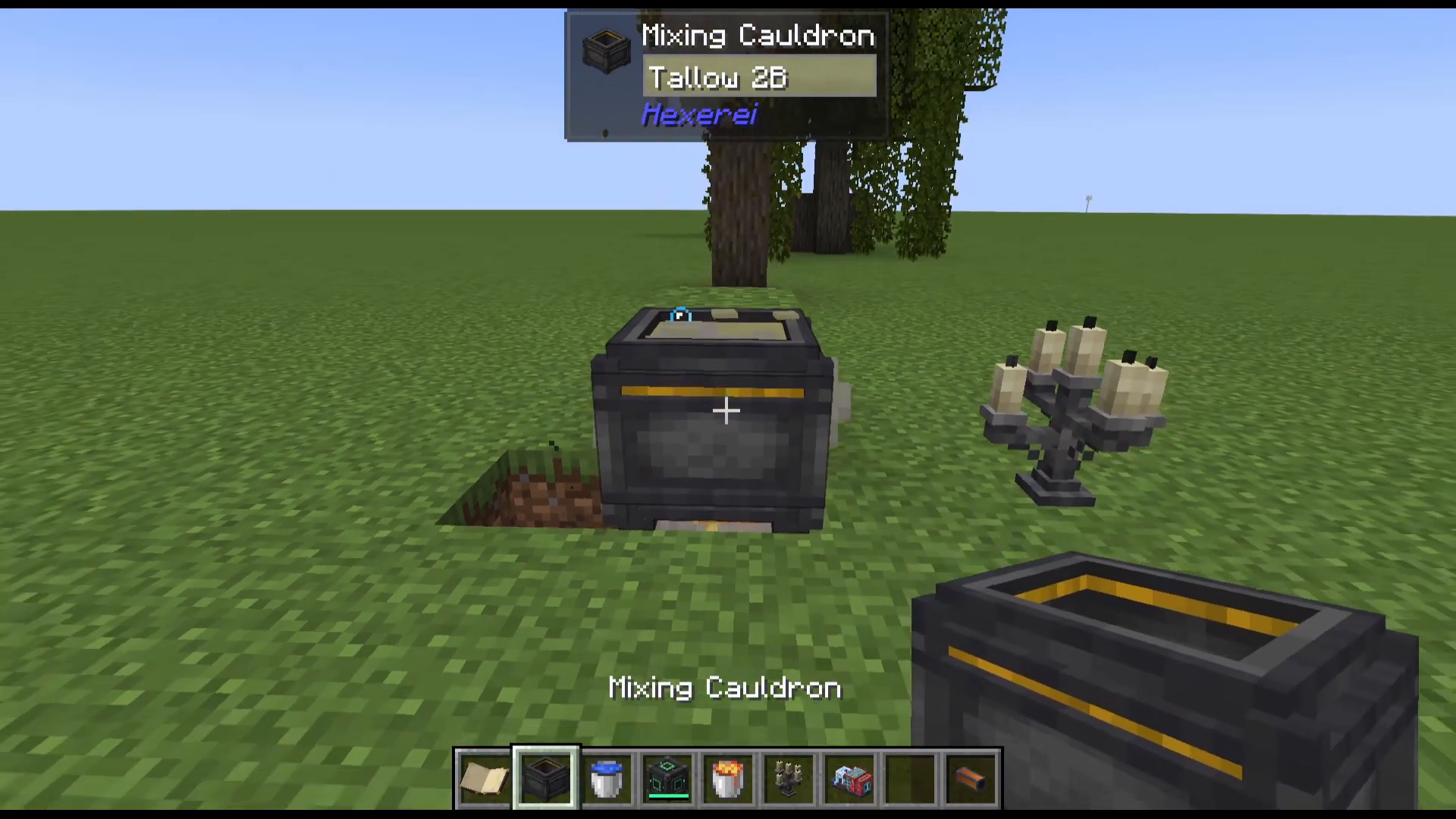
To make candles, you first need to produce tallow. Fill the cauldron with water, apply a heat source underneath, then throw standard Minecraft candles into the cauldron. The candles will begin breaking down into liquid tallow inside the cauldron.
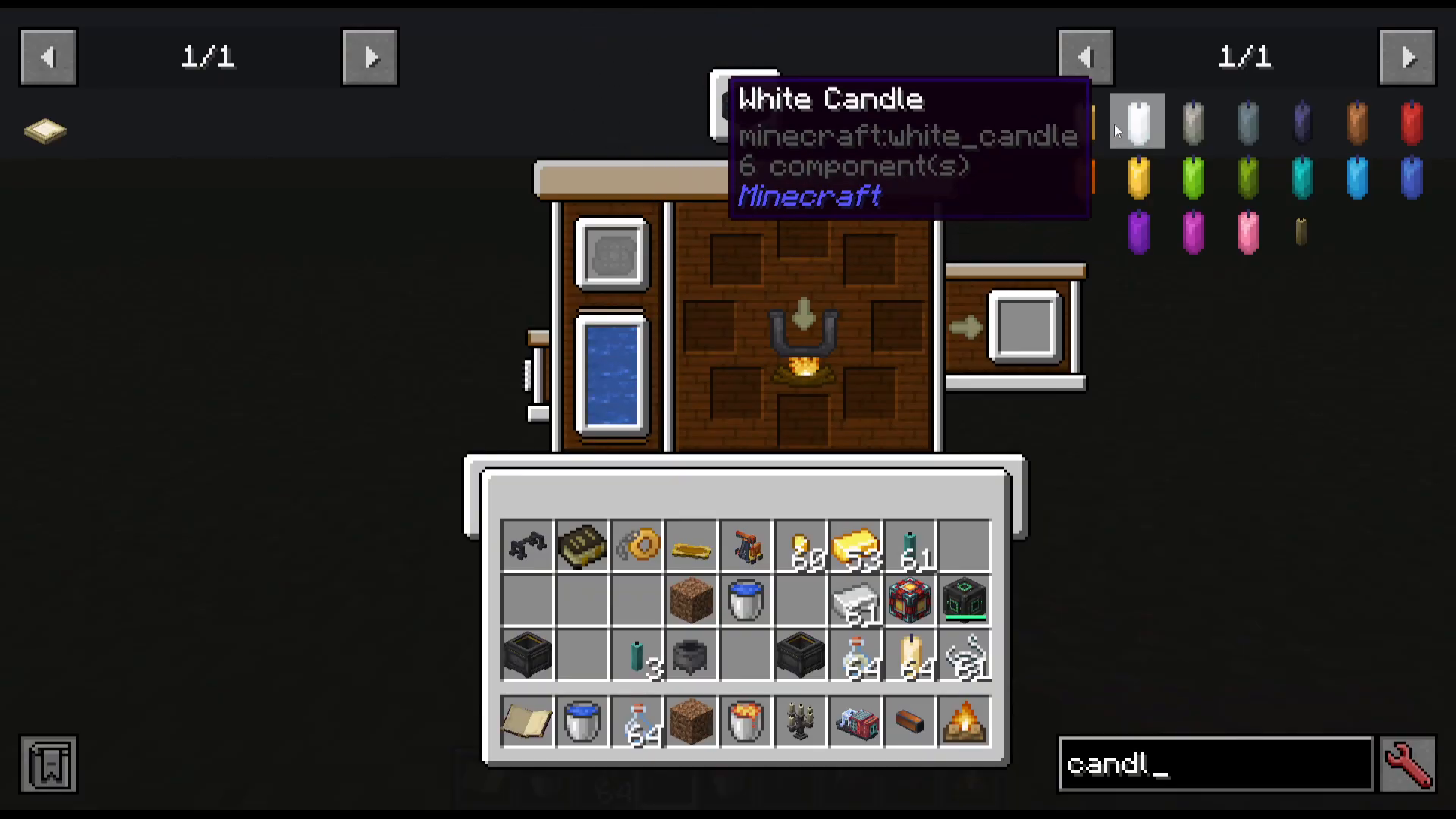
Using the Dipper
Once you have tallow in the cauldron, craft a Dipper (also made in the cauldron). Place two blocks of dirt beside the cauldron as supports, then shift-right-click the dipper against the dirt so it sits on top of the cauldron. Next, take pieces of string and attach them to the dipper’s three attachment points — one, two, and three. The string will automatically begin dipping into the tallow, producing Hexerei candles after a few seconds.
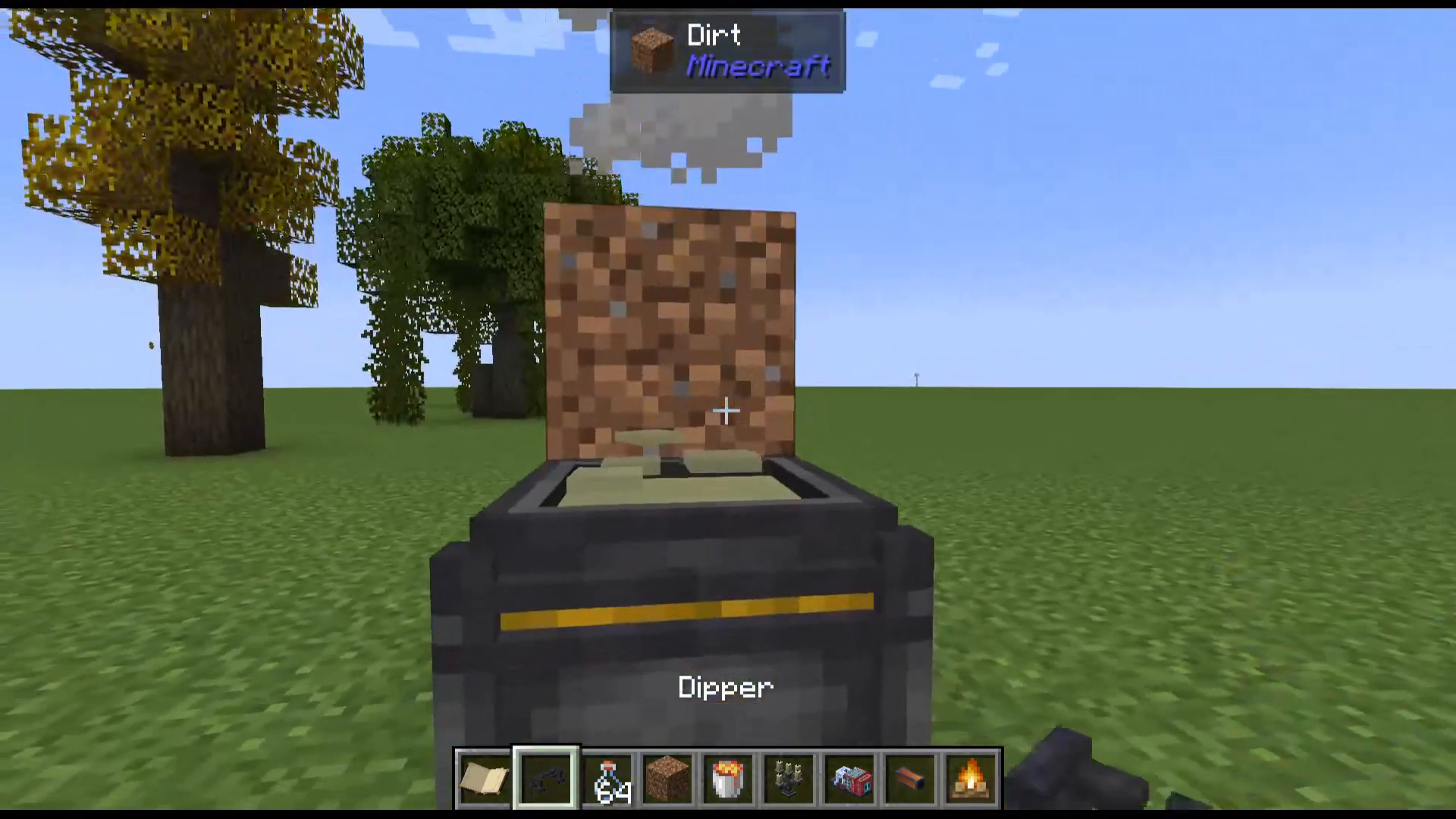
Some candle types require multiple dips before they are finished. You can check the number of dips, dipping time, and drying time for each candle by opening JEI, pressing R on the candle recipe, and viewing the Dipper section.
Infusing Candles with Potion Effects
Here is where Hexerei candles truly shine. Rather than using tallow, you can fill the cauldron with a potion — for example, a Potion of Swiftness — and then right-click your existing Hexerei candles onto the dipper. The candles will dip into the potion and become infused with its effect. When lit, these candles will emit particle effects and grant you the corresponding buff. Each candle stays lit for approximately 35 minutes.
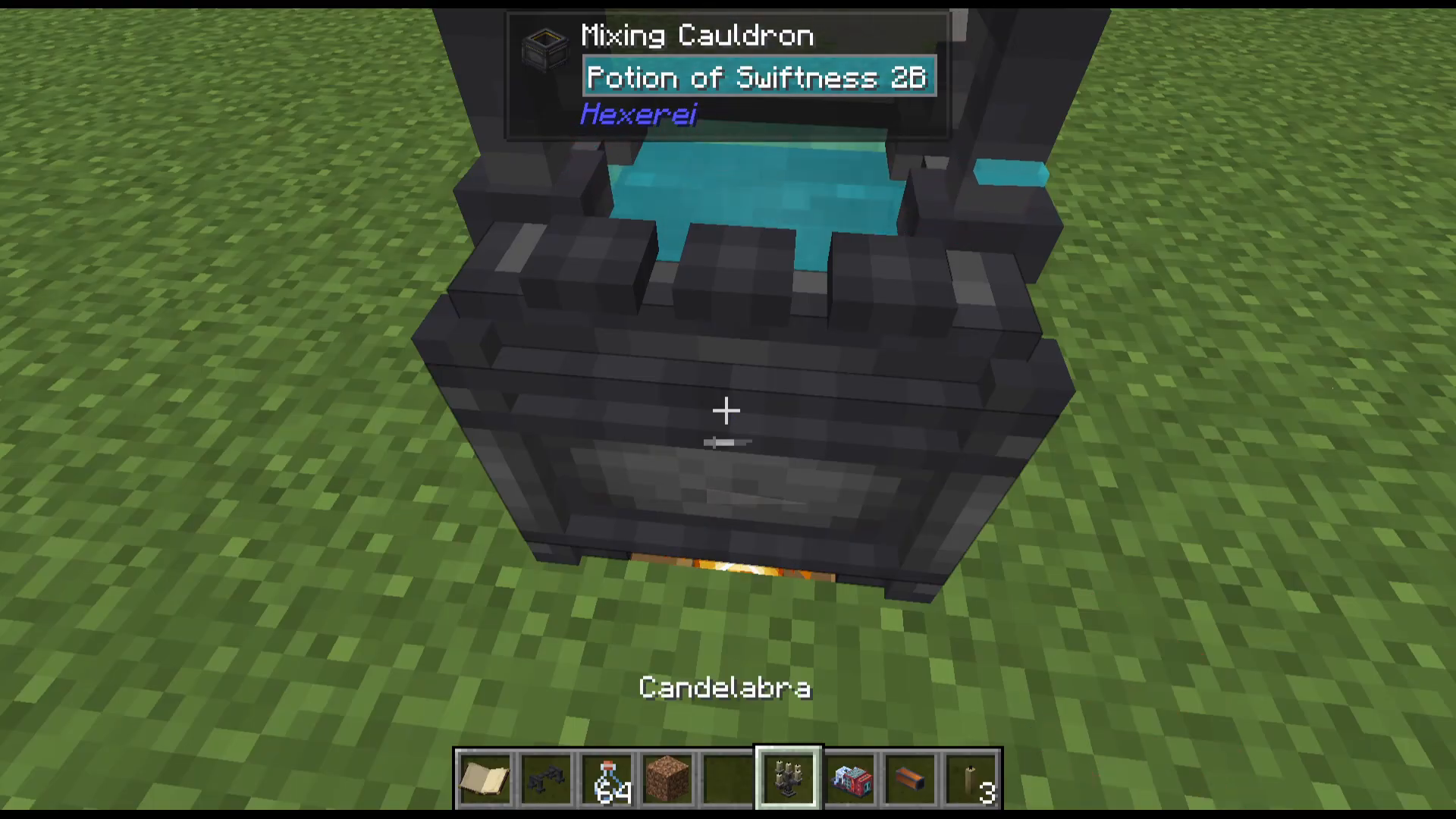
You can place up to four candles in the same block, and they will activate in the order they were placed when right-clicked. This means you can stack candles of the same or different effects in a single block for efficient buffing.
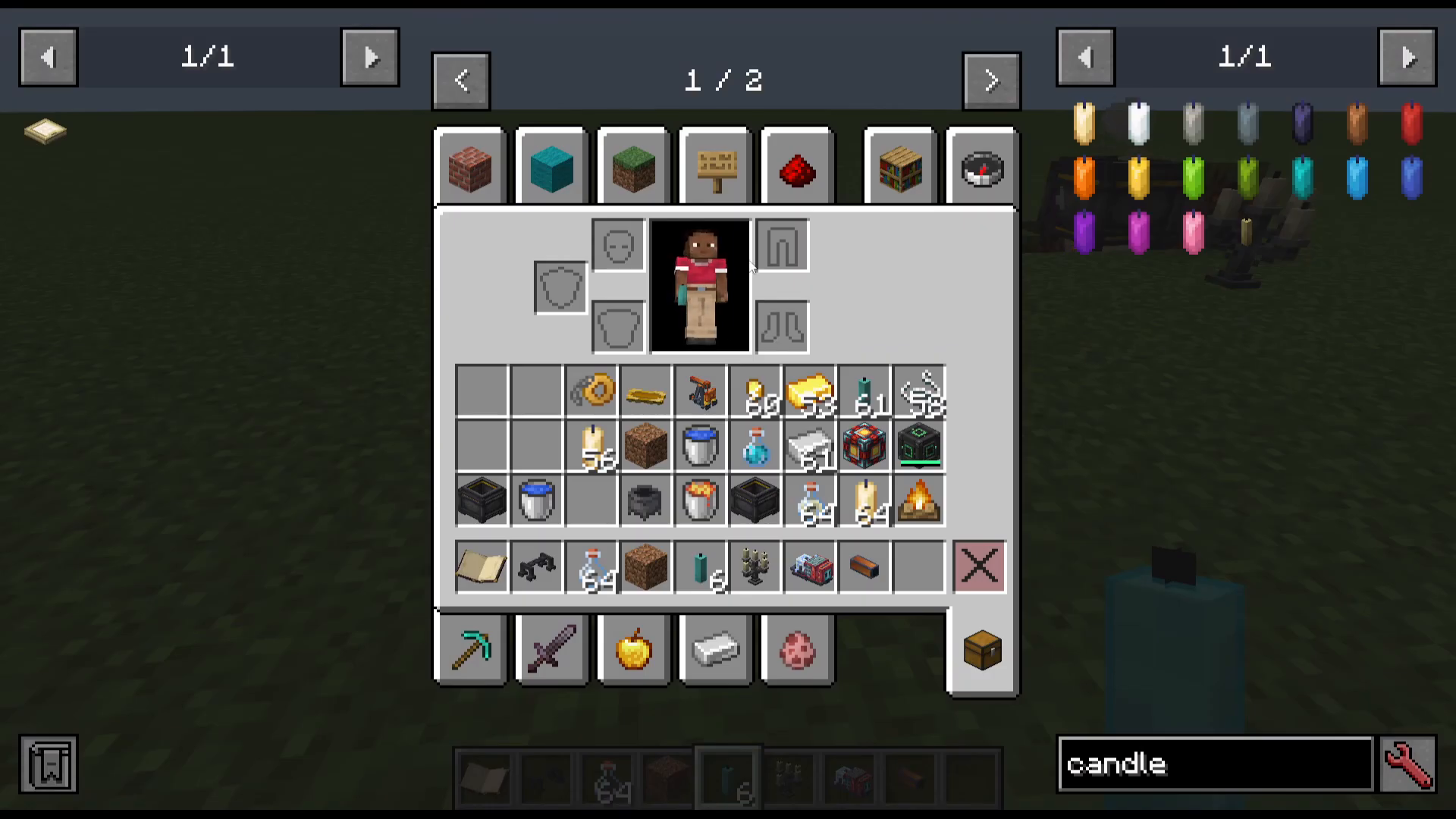
Candle Arbara
The Candle Arbara is a special candle holder crafted in the cauldron. It can be attached to chains and will remain lit indefinitely. Note that it cannot be made using candles that already have potion effects applied.
The Blood Sigil
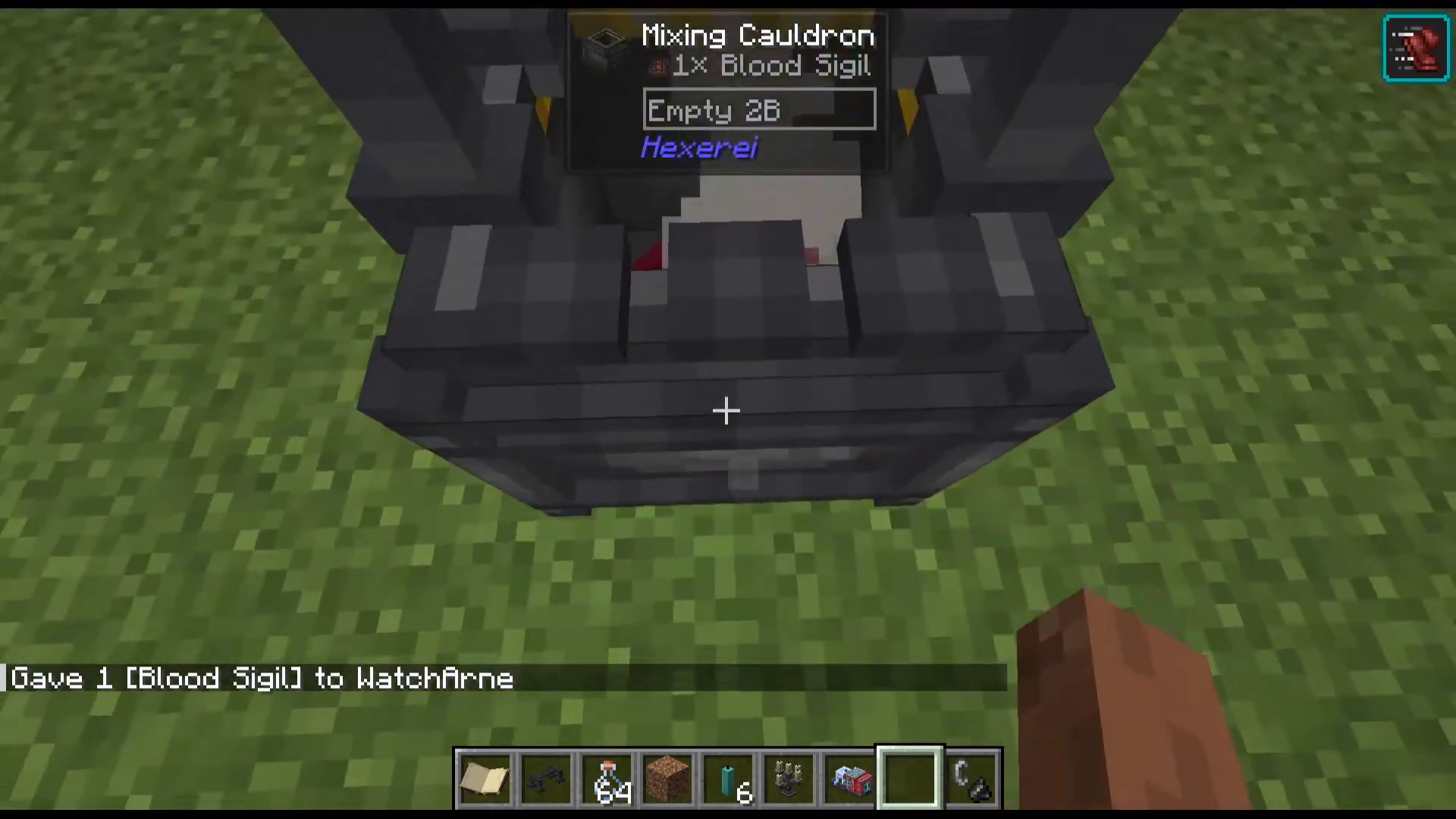
The Mixing Cauldron has a special slot at the top where you can place a Blood Sigil. Once inserted, jump inside the cauldron repeatedly — each jump fills the cauldron with blood while dealing damage to you. This blood can then be used in other recipes throughout the mod.
Potion Brewing in the Cauldron
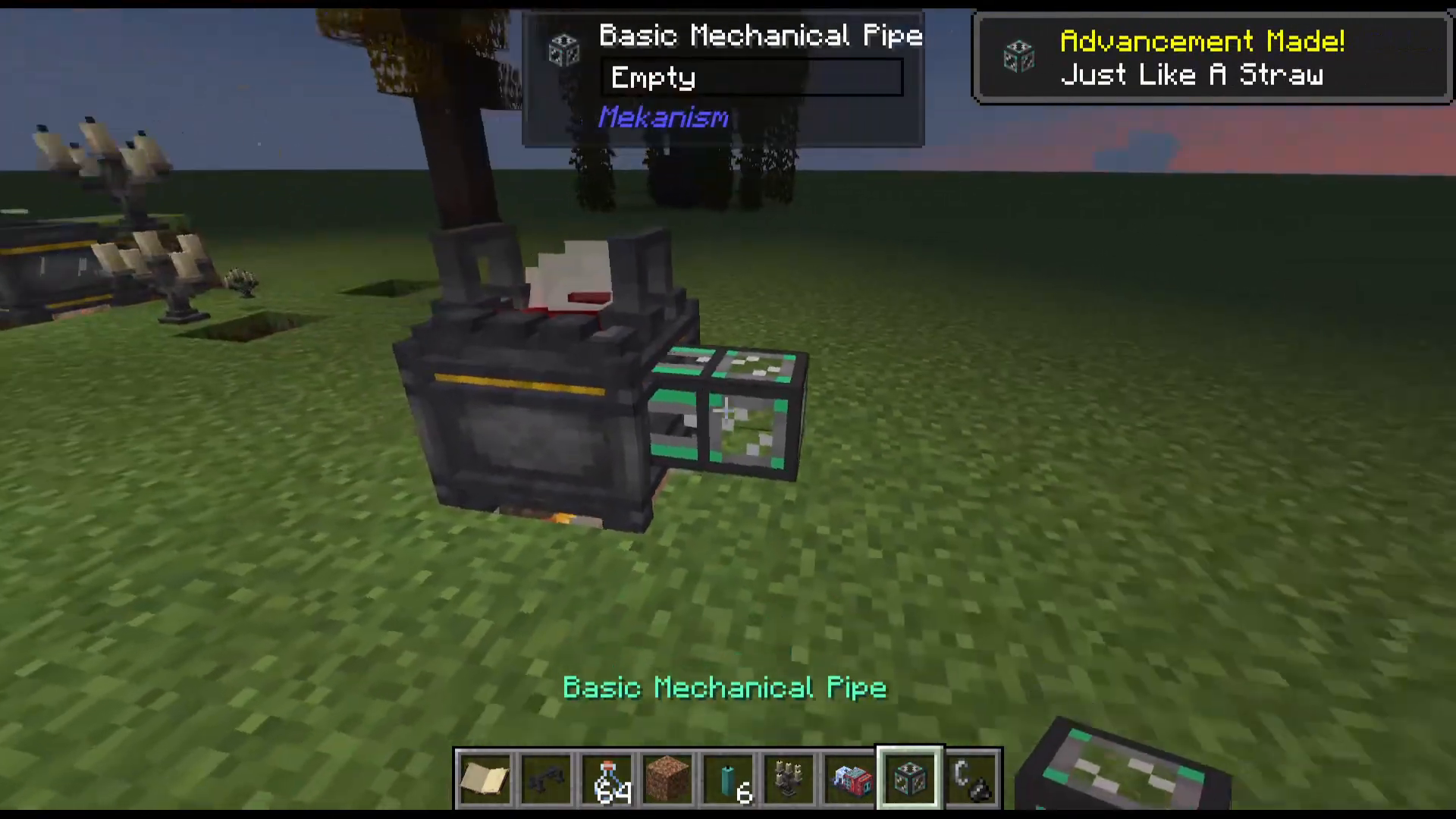
The Mixing Cauldron can also function as a potion brewing station. Fill it with water, heat it, and add two glowstone dust to produce an Awkward Potion. From there, combining an Awkward Potion with golden carrots will produce a Potion of Night Vision, for example. You can even automate this process using tech mods like Mekanism to pipe fluids between multiple Mixing Cauldrons, creating an automated potion supply chain.
Taming and Using Crows
Every witch in Hexerei needs a crow. Crows are tameable companions with a wide range of helpful abilities, from harvesting crops to picking the pockets of villagers.
How to Tame a Crow
To tame a crow, you will need to craft Seed Mixtures using a Pestle and Mortar. The Pestle and Mortar is crafted in the Mixing Cauldron. Once you have it, add one each of wheat seeds, pumpkin seeds, beetroot seeds, melon seeds, and sage seeds by right-clicking them in. The Pestle and Mortar will automatically grind them into a Seed Mixture.
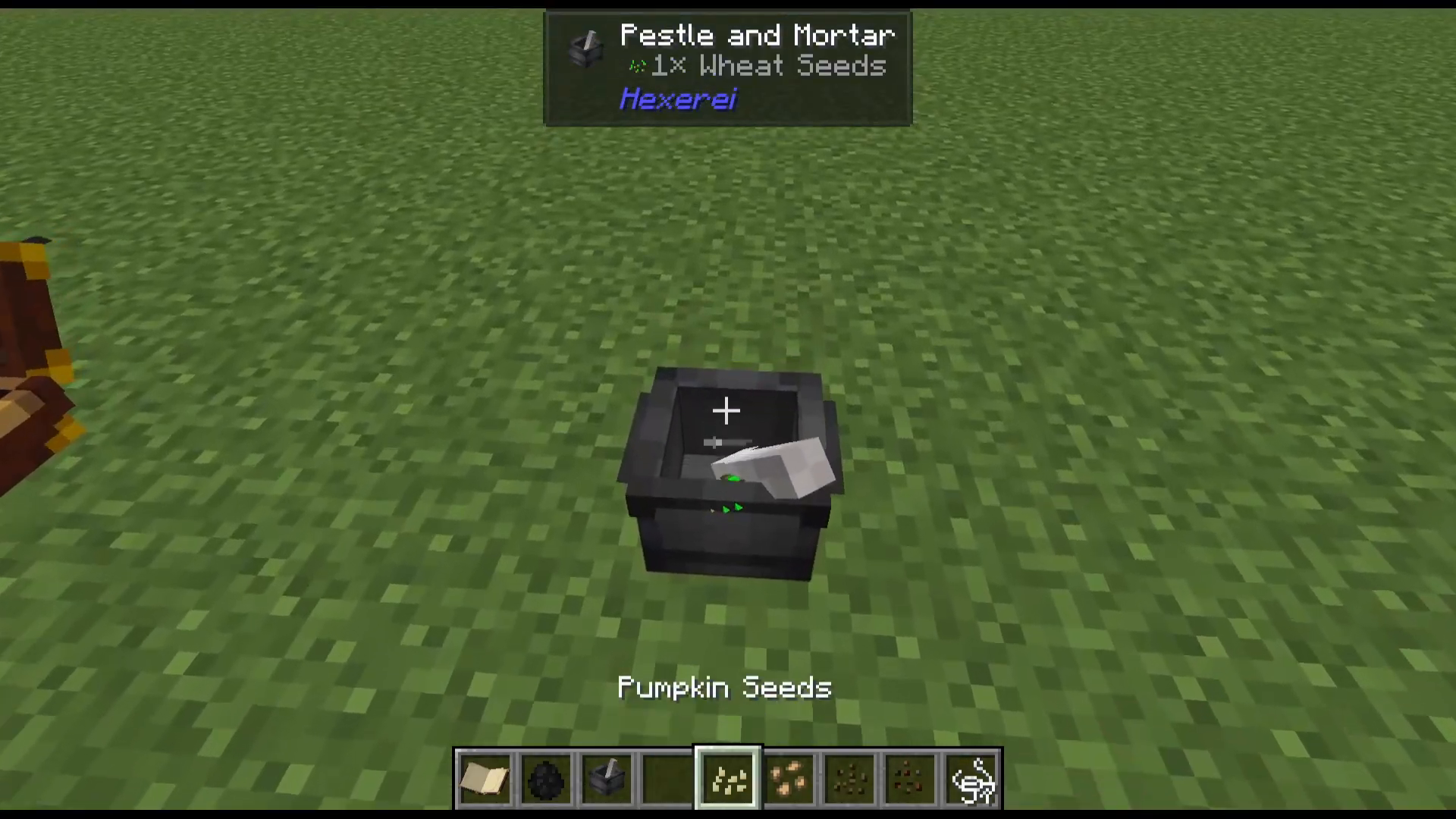
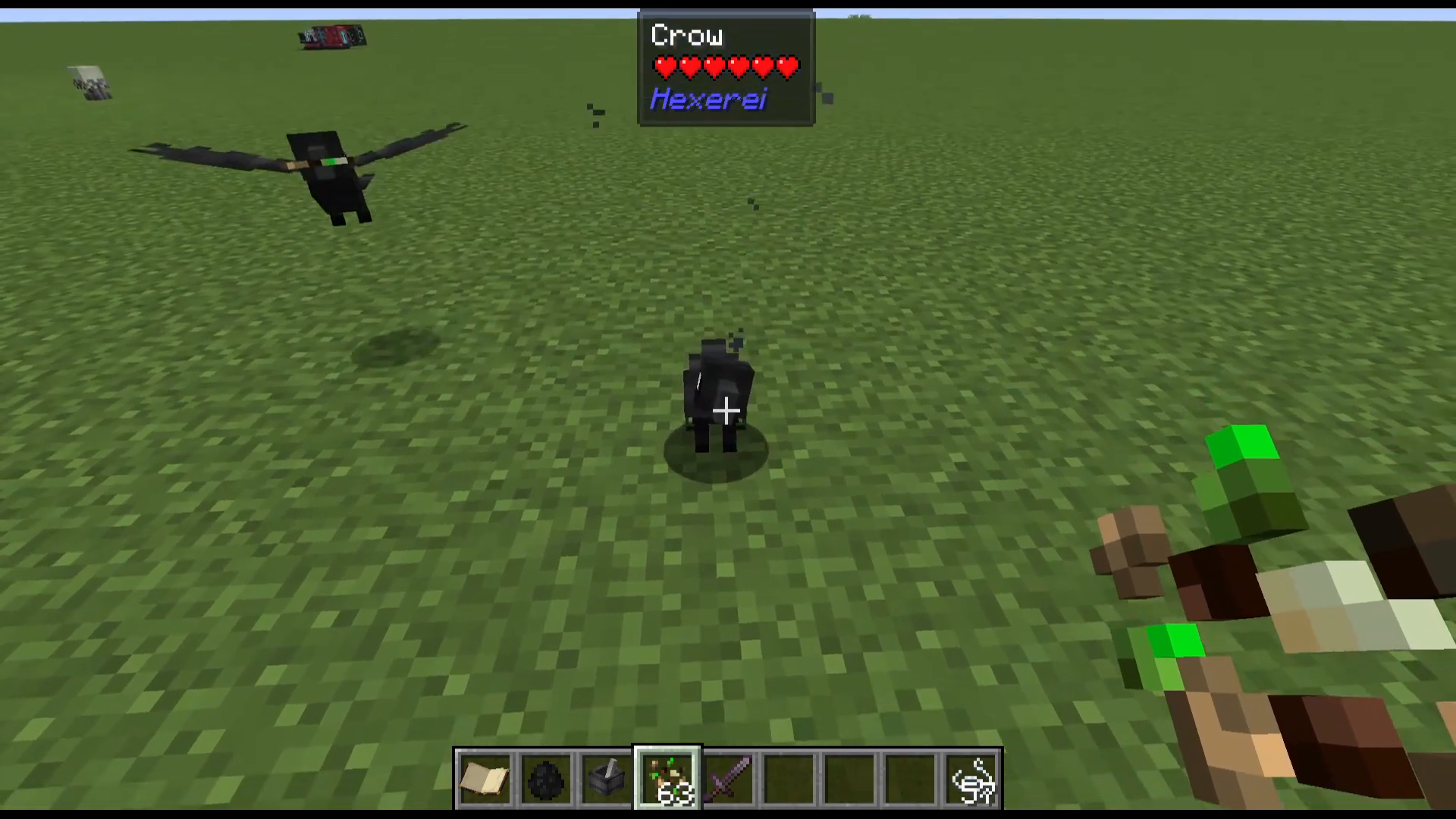
To tame a crow, you can either throw the Seed Mixture on the ground near it or right-click the crow directly. Throwing it on the ground gives you a higher chance of success. Taming is not guaranteed on the first attempt, so make a stack of Seed Mixtures before you begin. When you see love hearts appear above the crow, it has been successfully tamed.
Crow Commands and Modes
Right-clicking a tamed crow lets you set it to one of four modes: Wander, Help with Gathering, Follow, or Sit. Shift-right-clicking a crow opens its full GUI, which has two sides.
The left side contains the Attack Toggle. When active, the crow will defend you if you or it are attacked, within a configurable range.
The right side contains the Harvest Whitelist. Enable the whitelist and then right-click blocks in the world to add them to the list. When set to Help with Gathering, the crow will only harvest blocks on its whitelist. For example, right-clicking wheat while in whitelist mode will restrict the crow to harvesting only wheat crops.
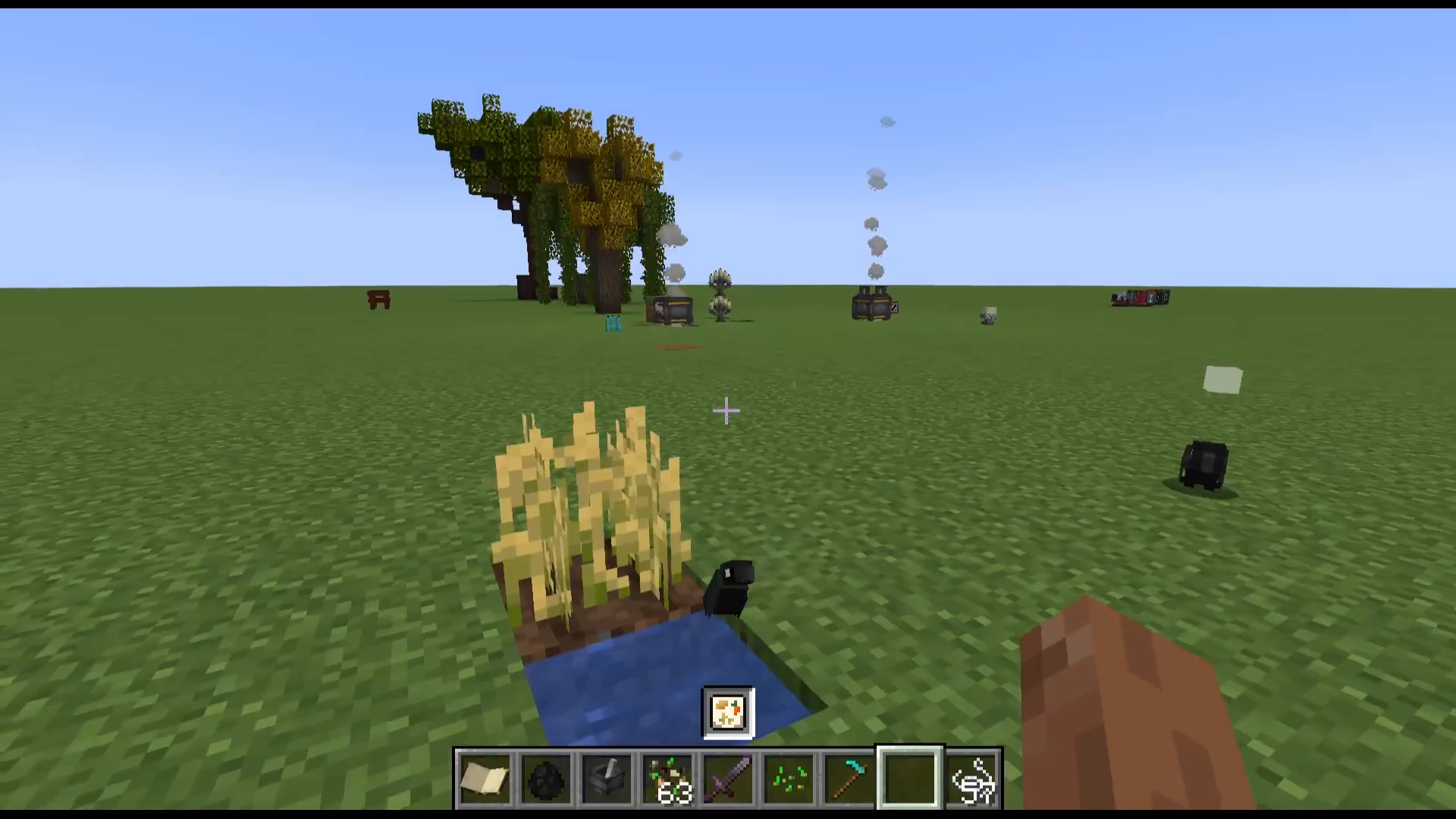
Help Modes: Gava, Harvest, and Pickpocket
When a crow is set to Help mode, you must then enable one of three sub-modes:
Harvest — The crow will harvest nearby crops and replant them automatically. If a perch is set, it will stay within that area.
Gava — The crow will pick up items from the area that match items inside a designated Coffer and return them to it.
Pickpocket — The crow will pickpocket nearby villagers. Farmer villagers may yield food, blacksmiths may yield ingots or emeralds.
The Coffer
A Coffer is a portable storage item crafted in the Mixing Cauldron. You can place it in the world by shift-right-clicking, or open it directly from your inventory for on-the-move storage. Inside the Coffer’s UI, you can enable Crow Gava and configure how crows interact with its inventory using one of four modes:
Whitelist and Inventory — Crows will gava items that are already in the inventory and are on the whitelist.
Whitelist Only — Crows will only gava items on the whitelist, regardless of what is currently in the inventory.
Blacklist and Inventory — Crows will gava items in the inventory that are not on the blacklist.
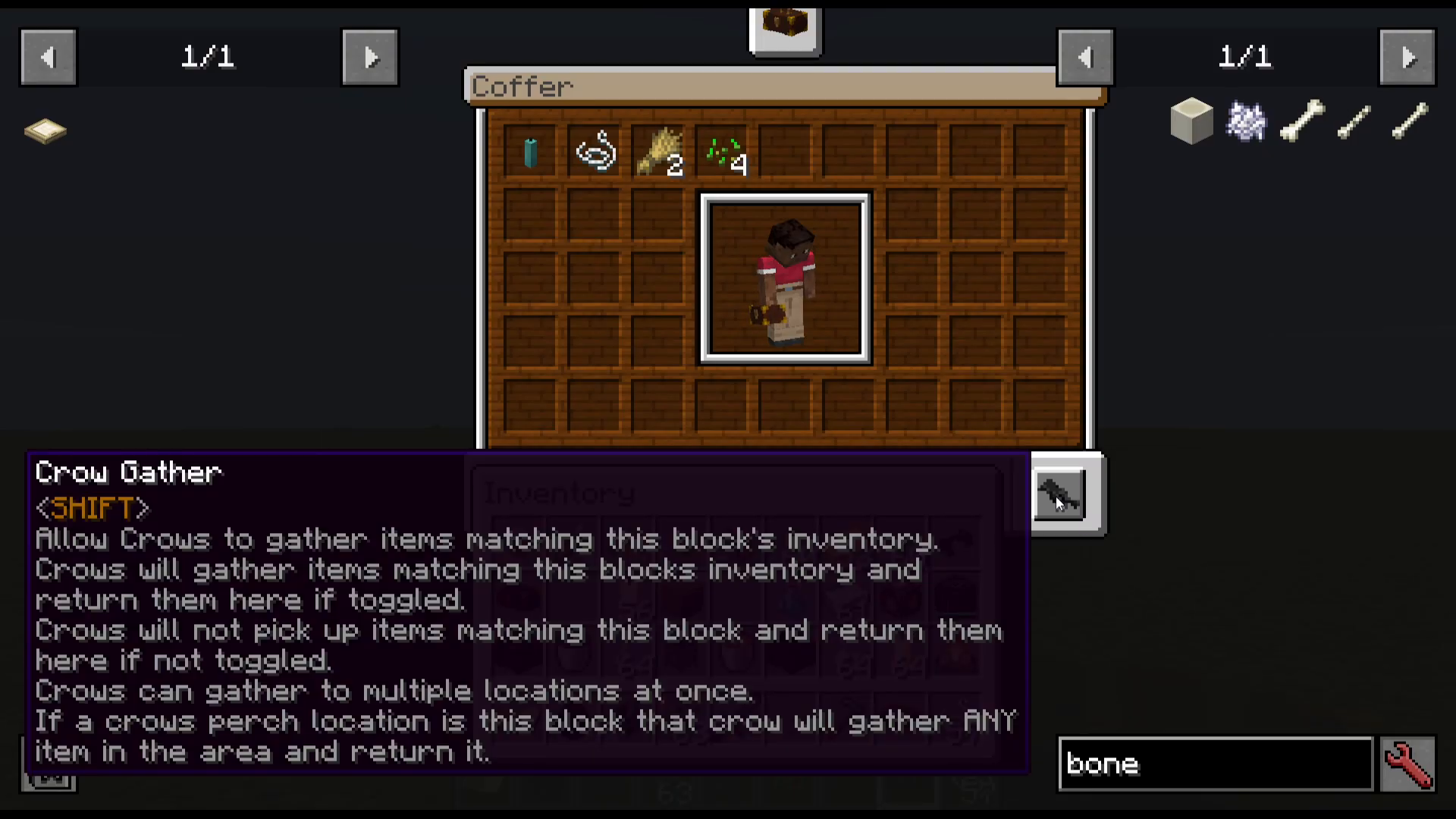
The Crow Flute
The Crow Flute is crafted using Mahogany planks and allows you to command nearby crows without needing to interact with each one individually. Shift-right-click the flute to set a command (Follow, Sit, Wander, Help, Gava, Harvest, or Pickpocket), then right-click to broadcast that command to all nearby tamed crows. To target specific crows, shift-right-click a crow and press Select. Selected crows are highlighted with a blue indicator above their heads, and only selected crows will respond to flute commands.
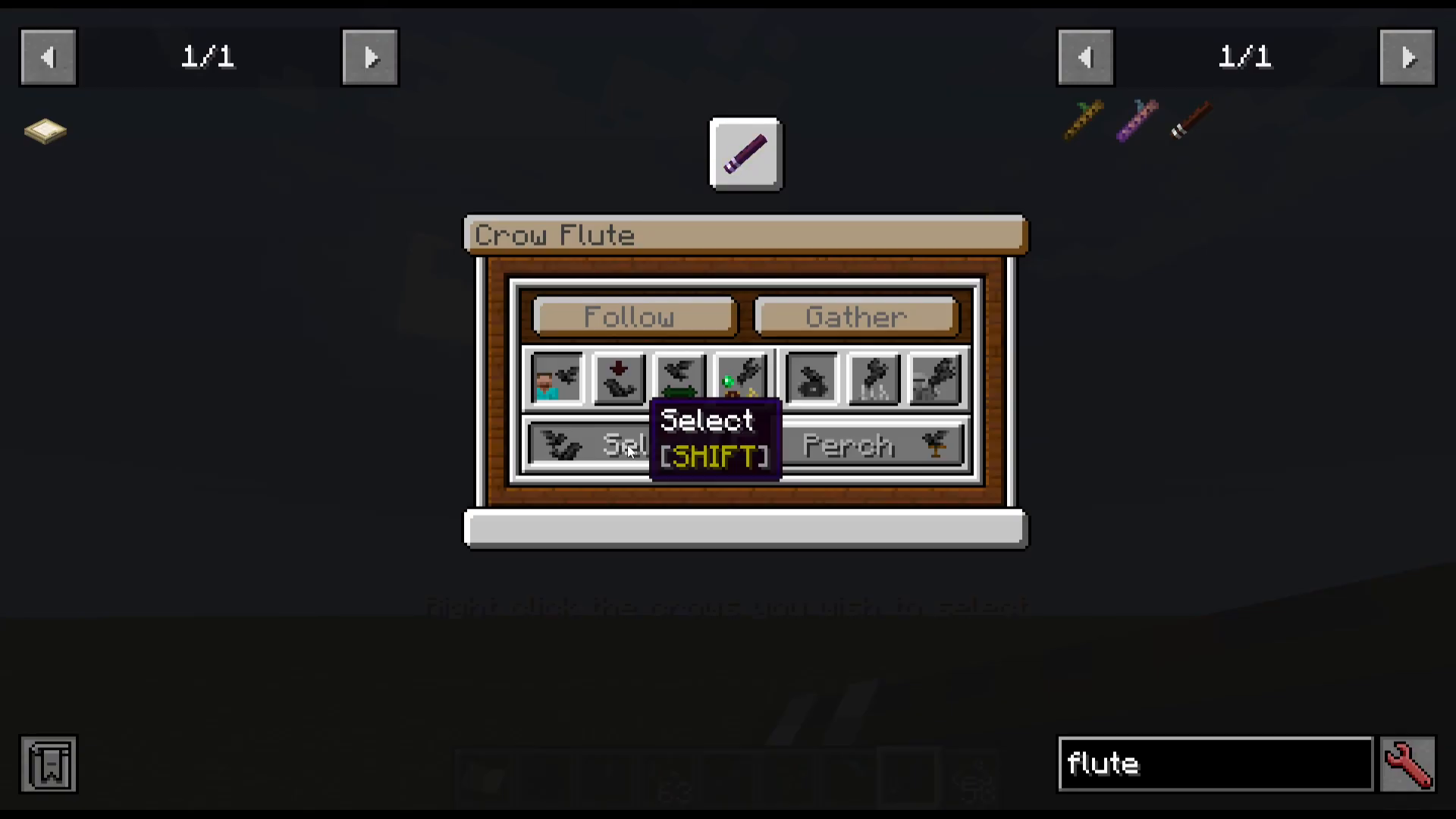
Setting a Crow’s Perch
To assign a crow’s perch location to a Coffer or Herb Jar, shift-right-click with the flute, choose Perch, and then right-click the target block. The crow will now use that block as its home base for Gava operations, returning collected items there automatically.
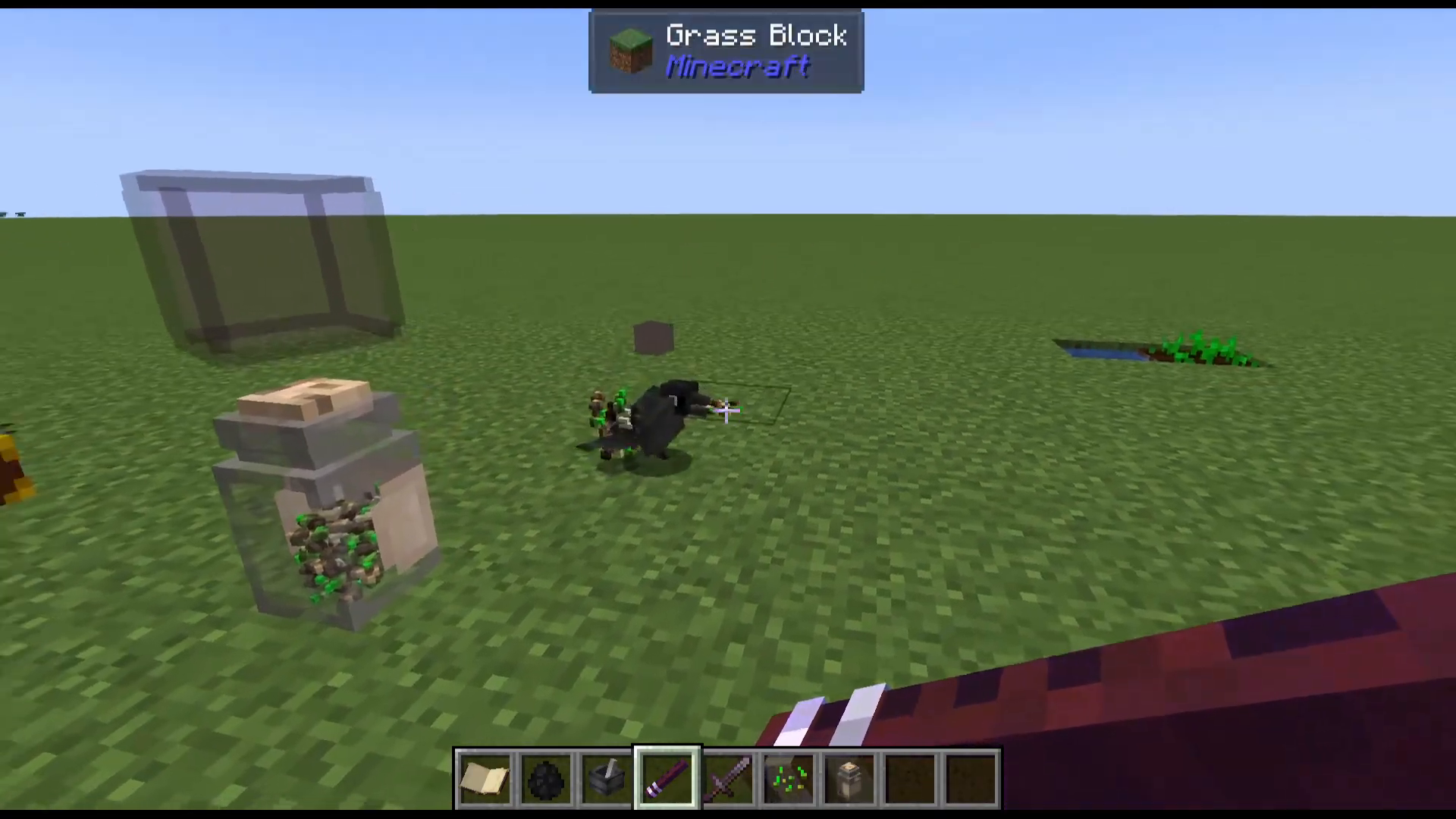
Crow Inventory: Hats, Weapons, and Miscellaneous Slots
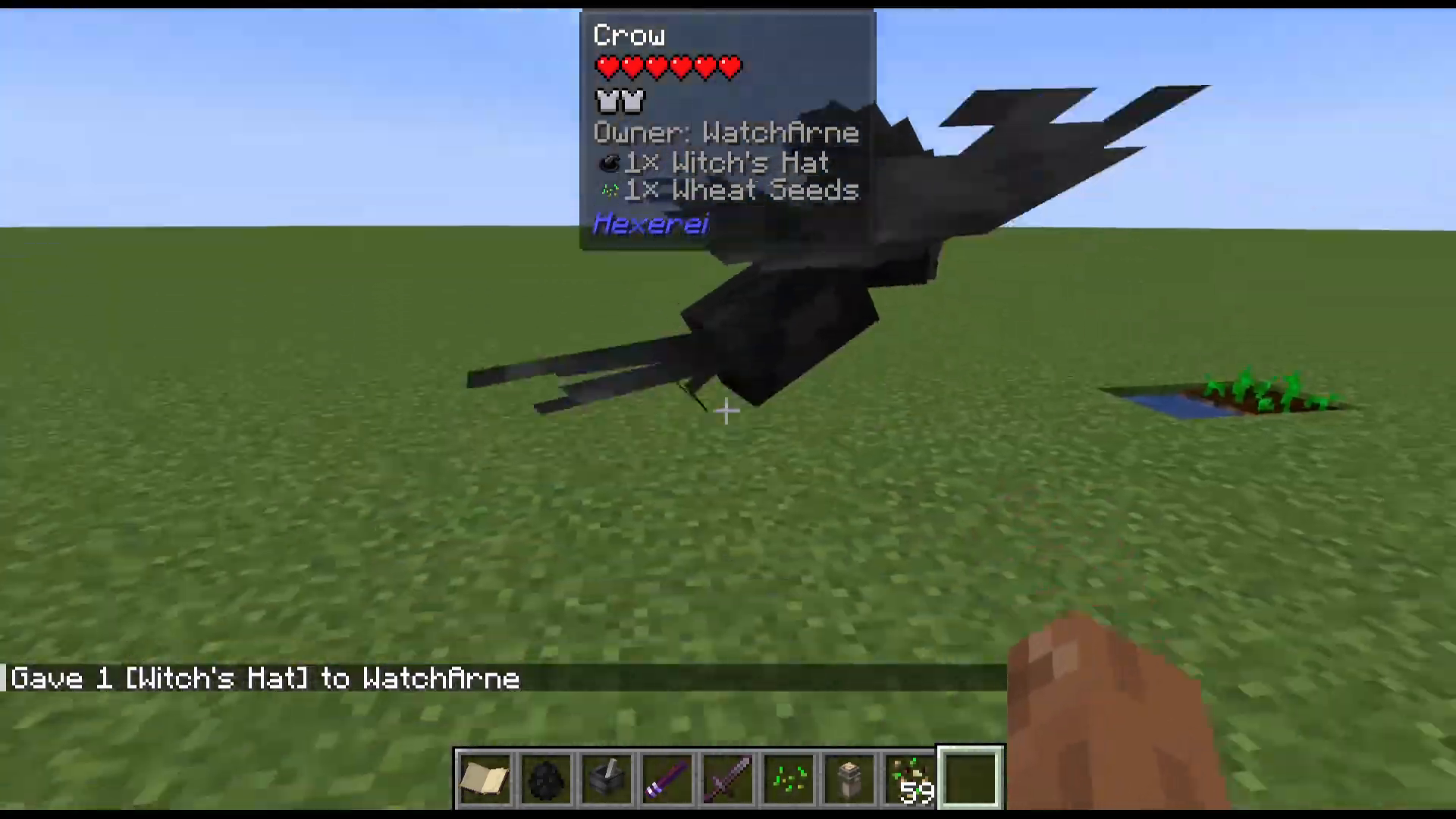
Opening a crow’s GUI by shift-right-clicking also reveals three inventory slots. The Miscellaneous slot can be used as bonus storage. The Hat slot accepts items like a Witch’s Hat, which grants the crow a small amount of armor. The Weapon slot allows you to equip a sword (such as a Netherite Sword) so the crow can attack enemies — or you can use it as additional storage if preferred.
The Herb Jar
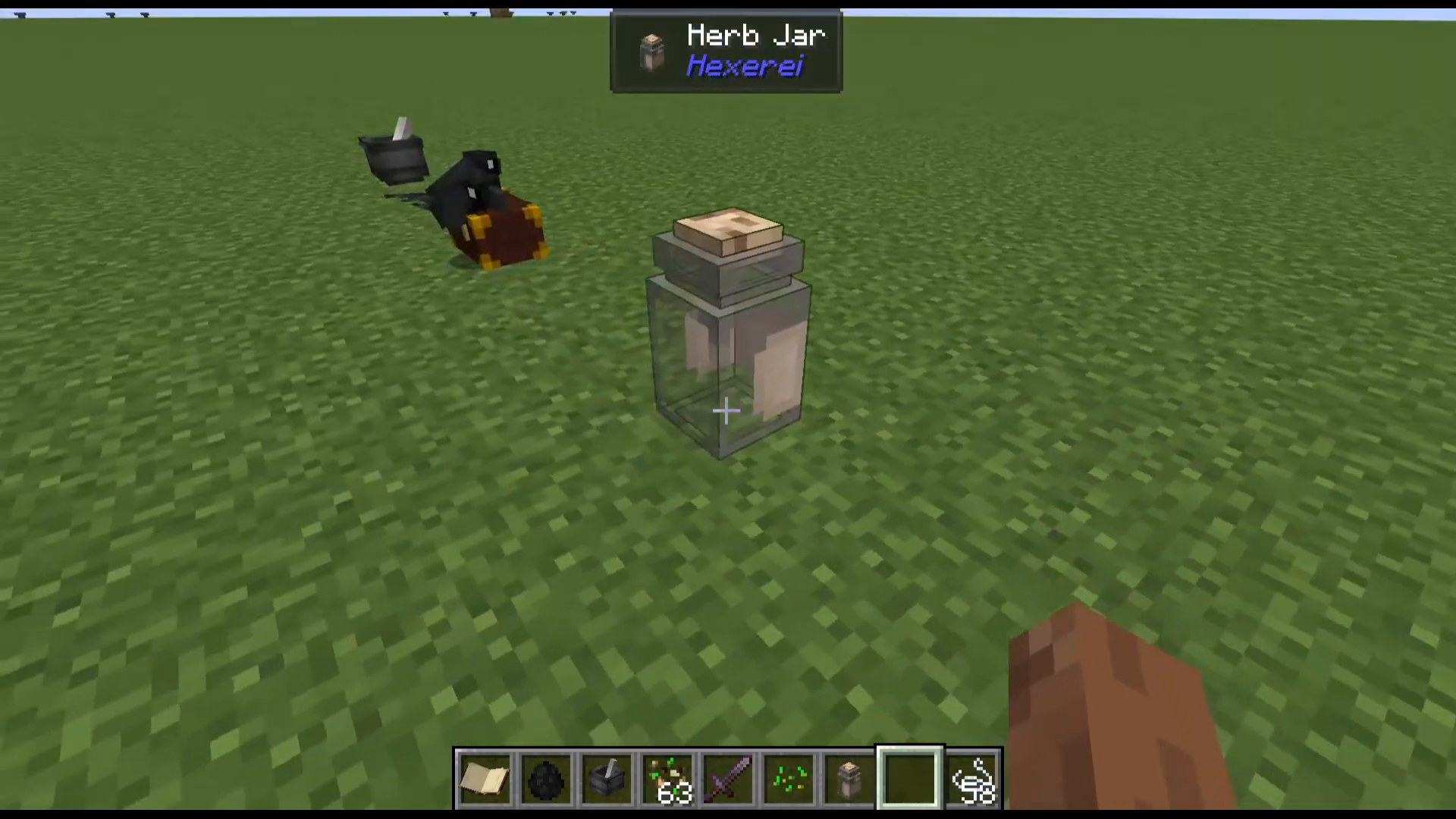
The Herb Jar is a storage block designed specifically for Hexerei ingredients. Place it in the world and it can hold up to 1,024 units of a single item type. You can enable Crow Gava on the Herb Jar so that crows with their perch set to the jar will automatically collect matching items from the surrounding area and deposit them into the jar.
Notable Items and Plants
Sage and the Sage Burning Plate
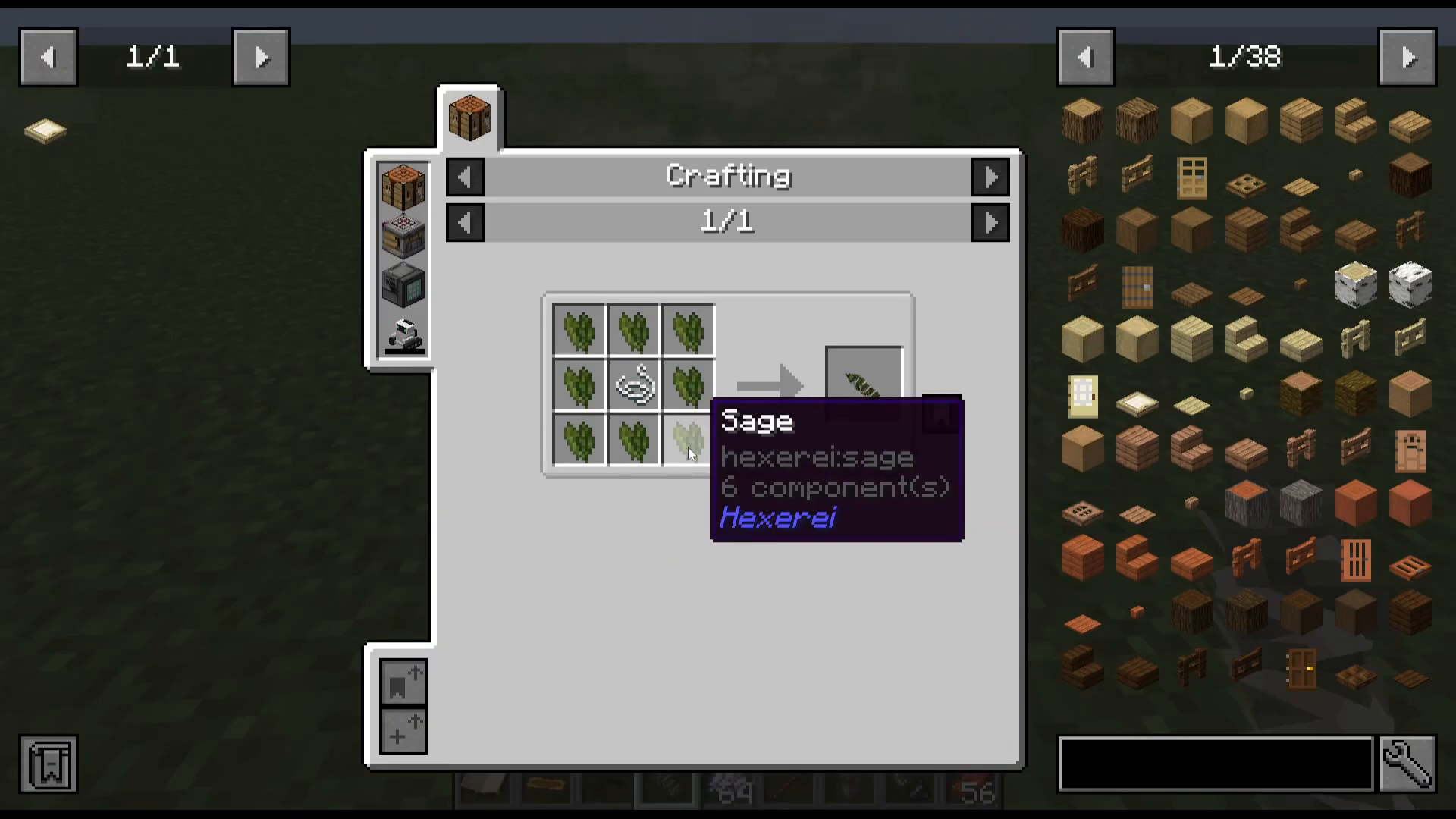
Sage seeds are dropped by breaking grass and can be grown as a farmable crop. Harvest sage, combine it with string to create a Sage Bundle, then dry it on a Drying Rack. Place your Sage Burning Plate down, right-click a dried sage bundle onto it, and light it with flint and steel. Within a radius of 48 blocks, the plate will prevent hostile mobs from spawning — an enormous advantage for base defense.
The Drying Rack
The Drying Rack is crafted in the Mixing Cauldron and allows you to dry a range of items. Up to nine items can be placed on a single rack at once. Beyond sage, the rack can dry items such as wet sponges into regular sponges, rotten flesh into leather, and various Hexerei herbs including Mugwort leaves and other plant materials. Right-click items onto the rack to start drying, and right-click again to harvest when complete.
The Dowsing Rod
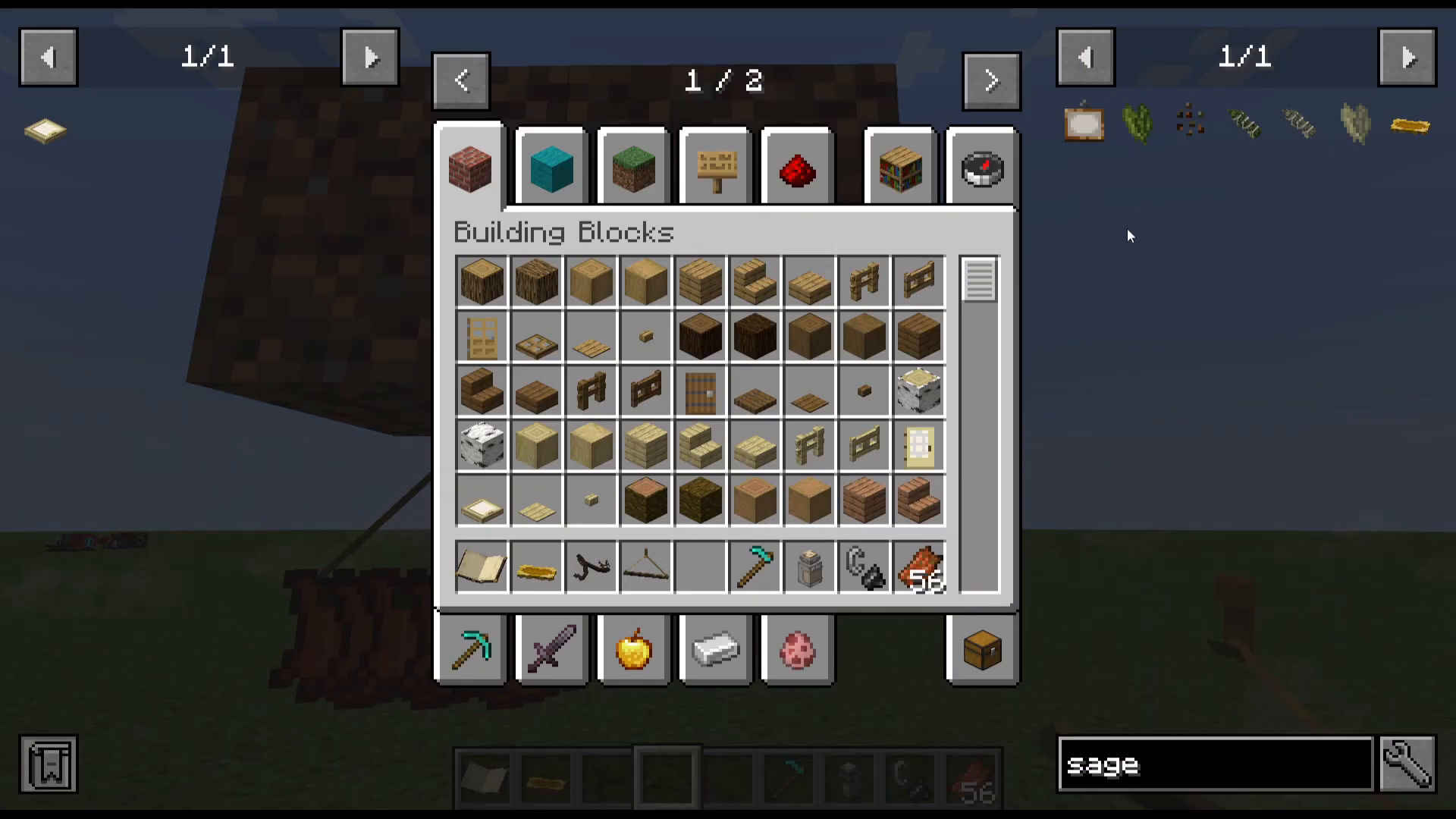
The Dowsing Rod is an essential navigation tool in Hexerei. Right-clicking it will locate the nearest Jungle biome, and shift-right-clicking switches it to locate the nearest Swamp biome. This is extremely useful because the mod’s most important structures — Witch Huts, Dark Covens, and Nature Covens — are found in jungles and swamps, and many of the mod’s key herbs also grow exclusively in swamp biomes.
Hexerei Structures
Three structures can be found in the world: Witch Huts (containing witchy loot), Dark Covens (large fortresses found in swamps), and Nature Covens (found in forests or jungles, rich in plant resources). These are worth seeking out for materials and exploration.
The Witch’s Armor Set
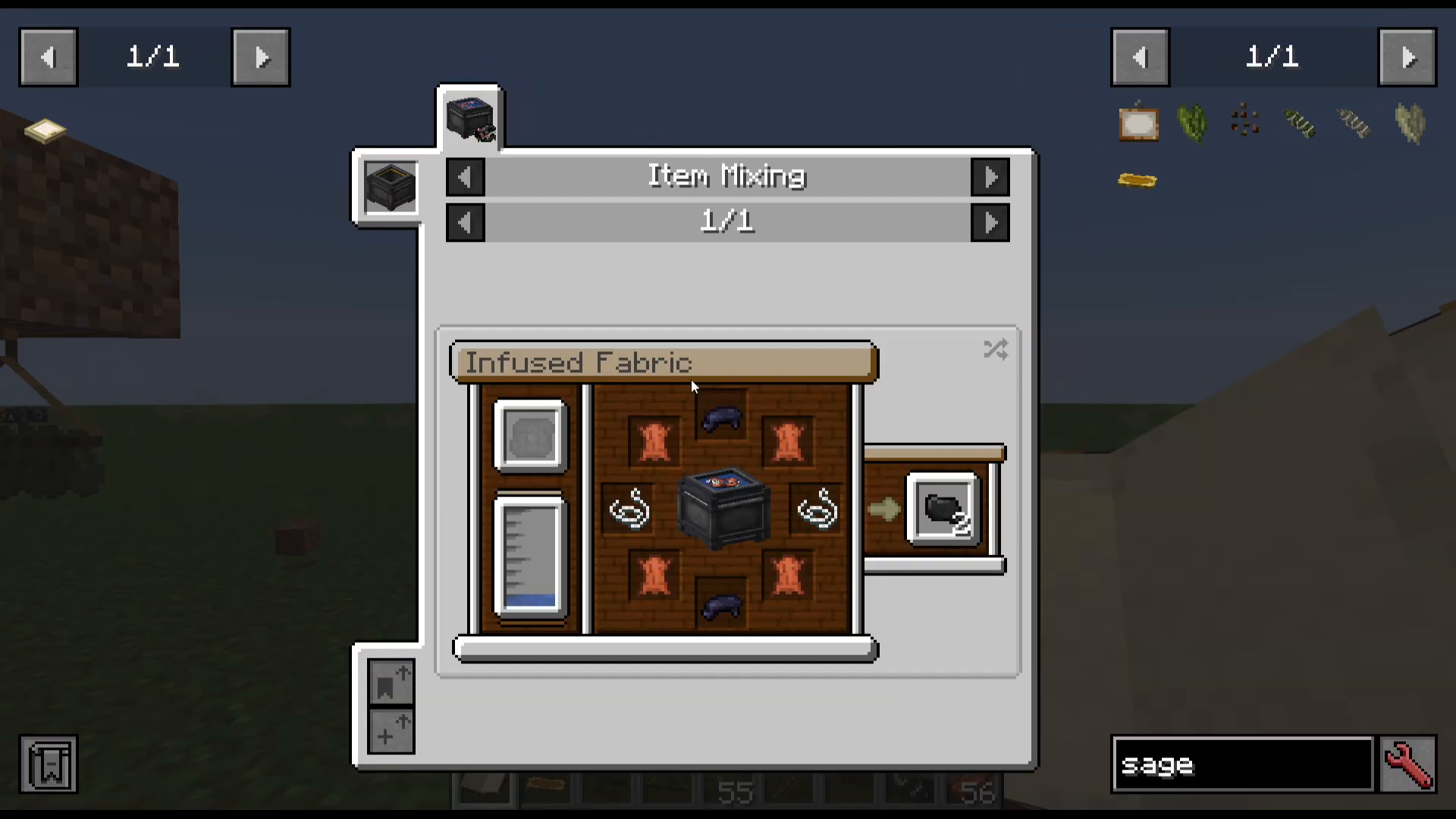
Hexerei adds a full armor set consisting of a Witch’s Hat, Robe, and Boots, all crafted from Infused Fabric made in the Mixing Cauldron. The set can also be upgraded into a decorative Mushroom Variant. Wearing the set provides meaningful set bonuses: equipping two out of three pieces grants 50% reduced magic damage taken, while wearing all three pieces grants an additional 25% increased magic damage dealt and converts 15% of magic damage dealt into health (lifesteal). Note that there are no leg pieces, so your knees will be exposed.
Brooms
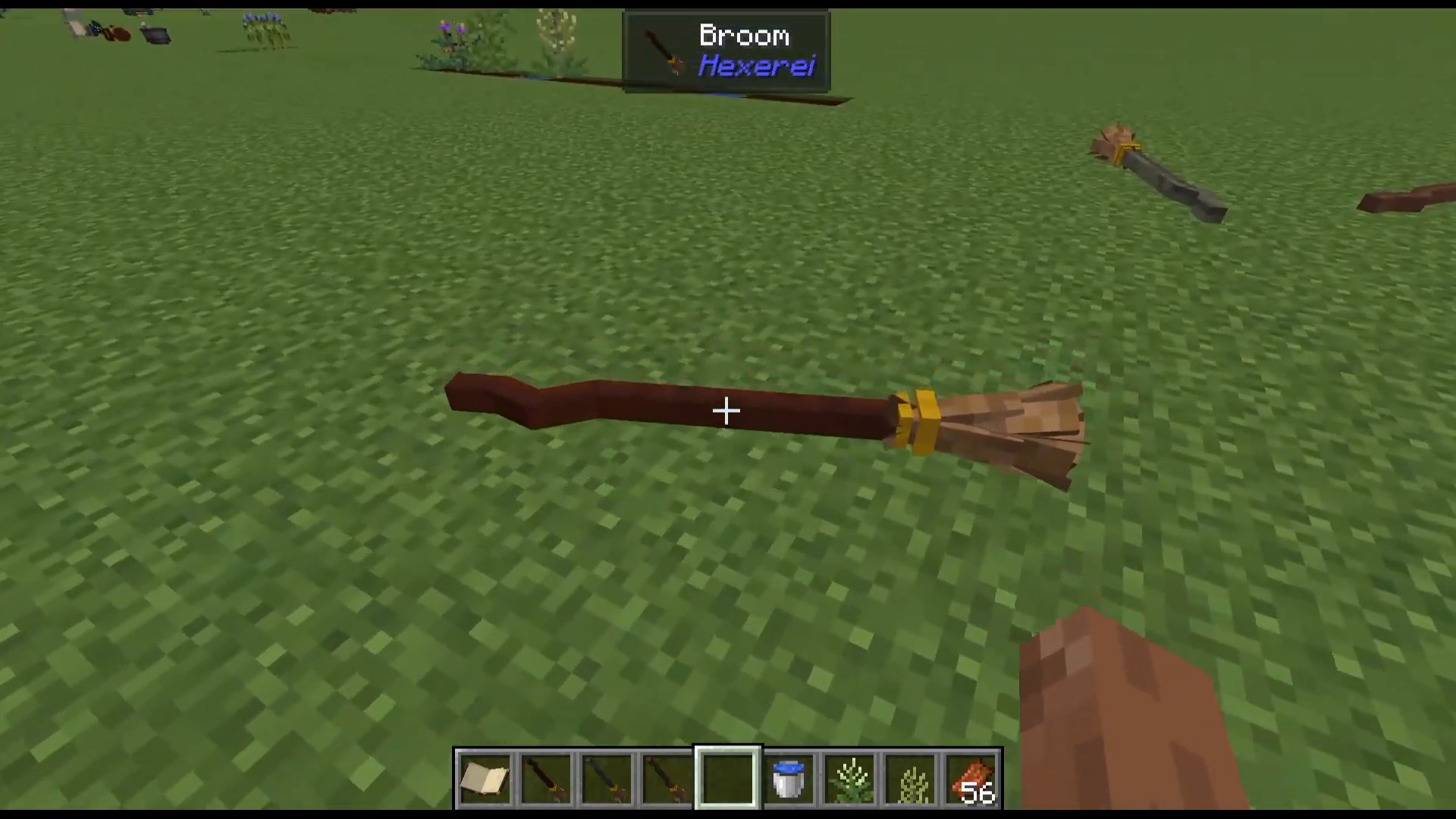
No witch is complete without a broom, and Hexerei provides three distinct brooms to craft and ride, each with its own characteristics and upgrade path.
The Three Broom Types
The three brooms correspond to the three Hexerei tree types:
Willow Broom — The slowest broom. Ideal for early game, precise building, and exploration. Found in swamp biomes.
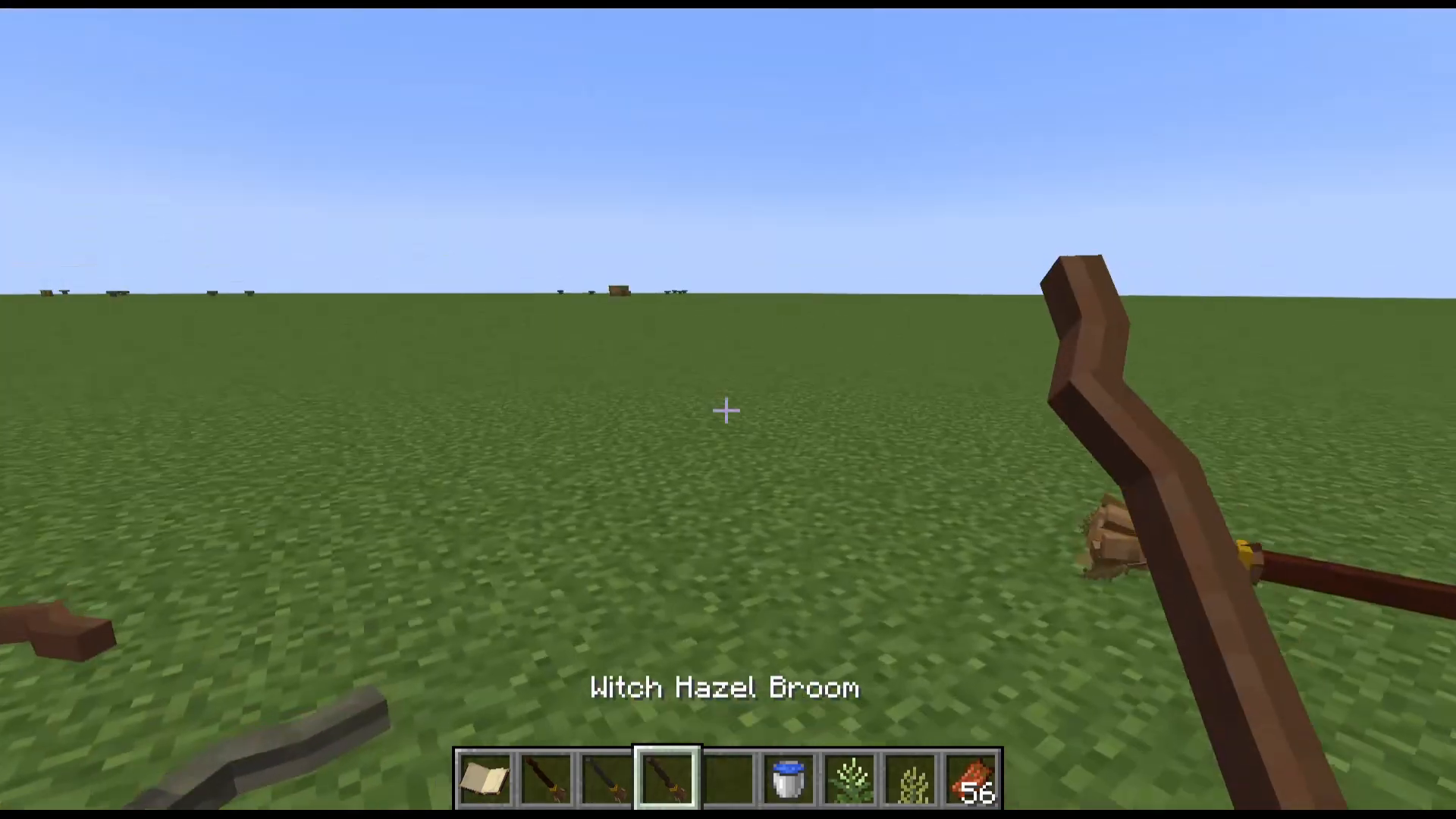
Witch Hazel Broom — A balance of speed and control. Slightly faster than Willow but not as fast as Mahogany. Found in birch forests.
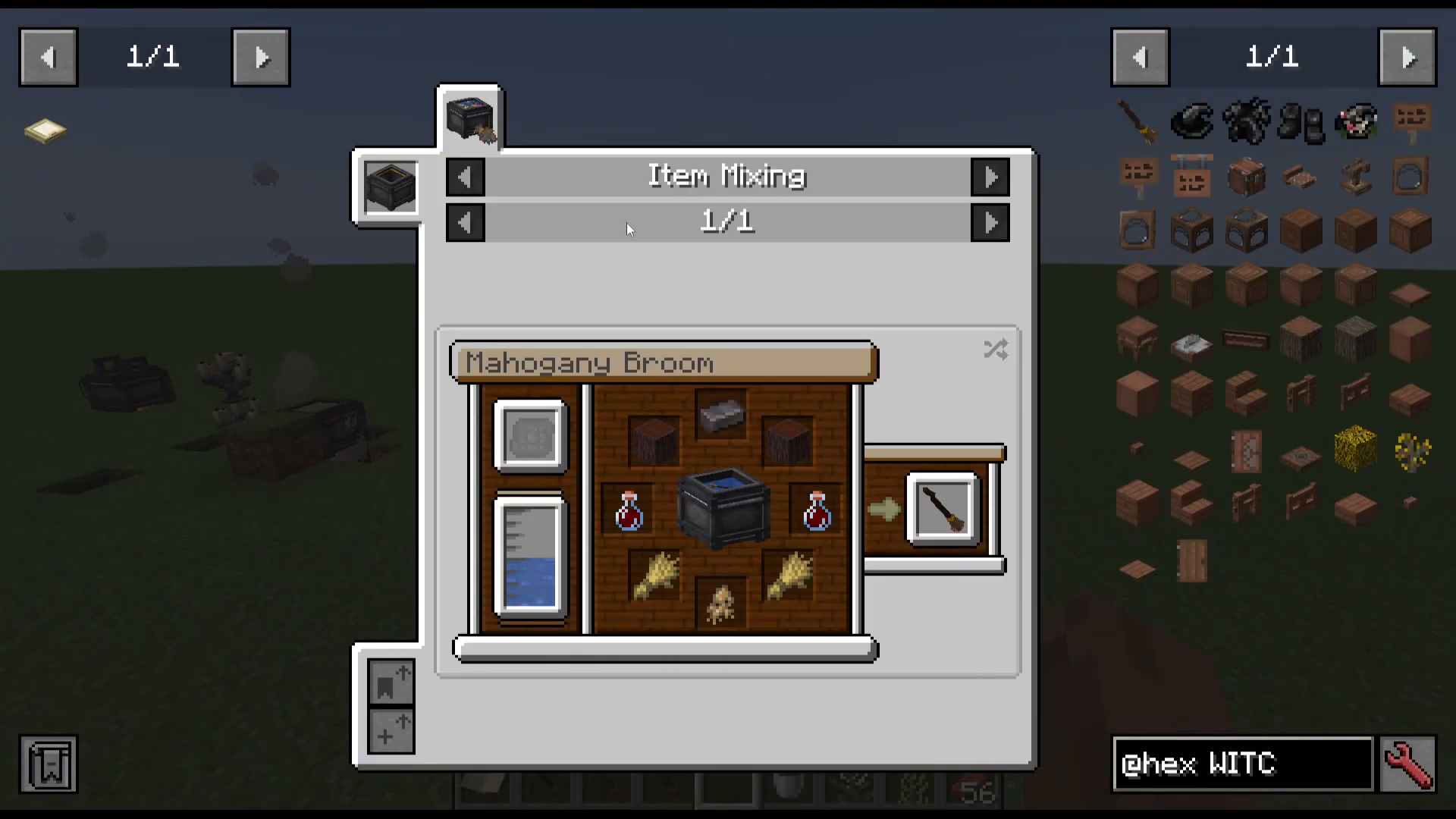
Mahogany Broom — The fastest broom. Fire and lava resistant as an item (but not while ridden, unless upgraded). Found in jungle biomes.
Each broom is crafted in the Mixing Cauldron using its respective wood type, Netherite (for the Mahogany broom), a Mandrake Root, and a Bottle of Blood. To create a Bottle of Blood, insert a Blood Sigil into your cauldron, jump inside it to fill it with blood, then bottle the blood with a glass bottle.
Riding Your Broom
Right-click your broom into the world to place it, then right-click it again to mount it. Use the following controls:
Space Bar — Ascend
W / A / S / D — Move forward, left, back, right
Control — Descend
Shift — Dismount
Always dismount close to the ground, as dismounting at height can cause you to fall.
Broom Upgrades
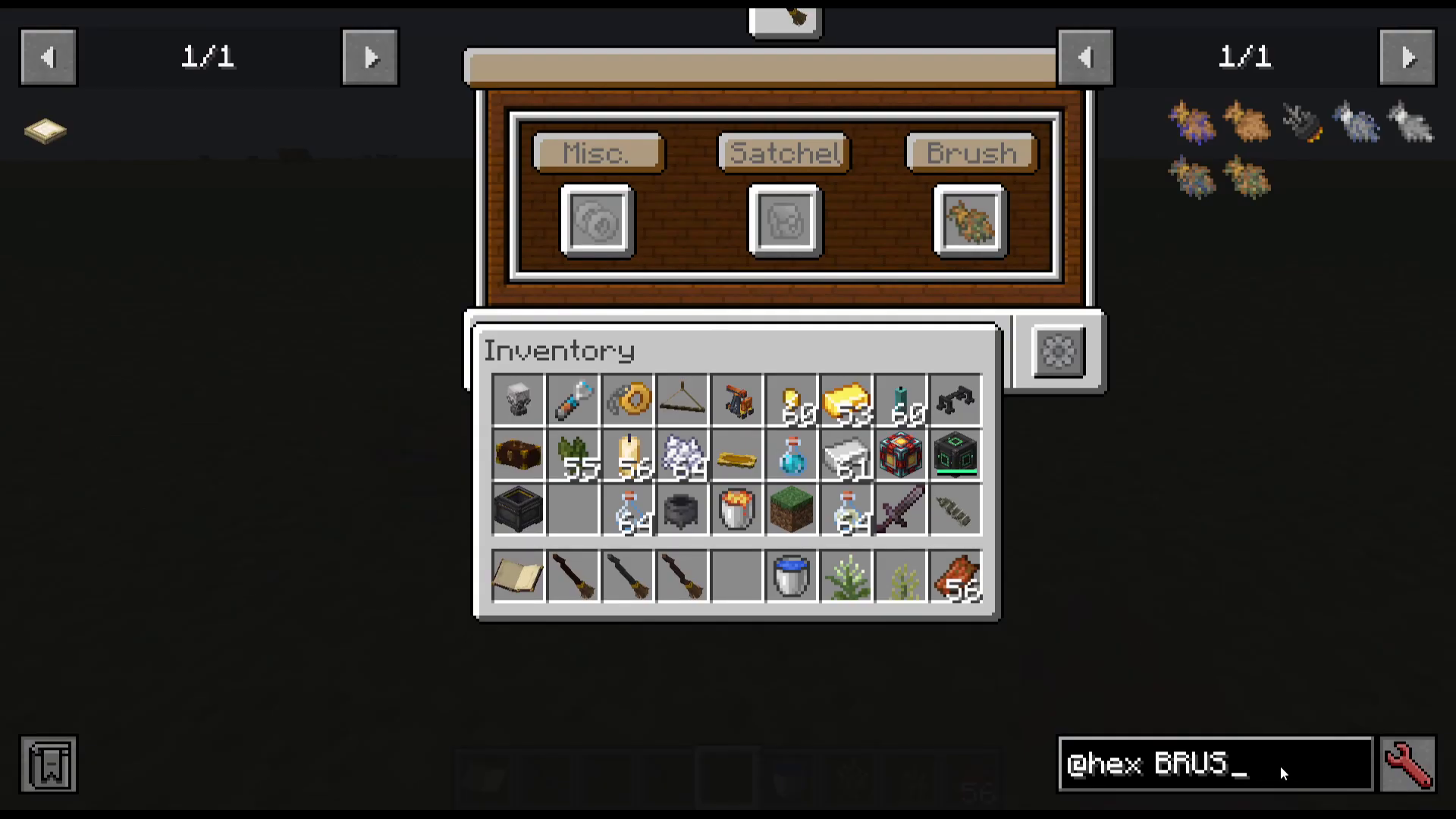
To access the broom’s upgrade interface, place your broom in the world, then crouch (shift) and right-click it. This opens the broom GUI with three main sections: Miscellaneous, Satchels, and Brushes.
Broom Brushes
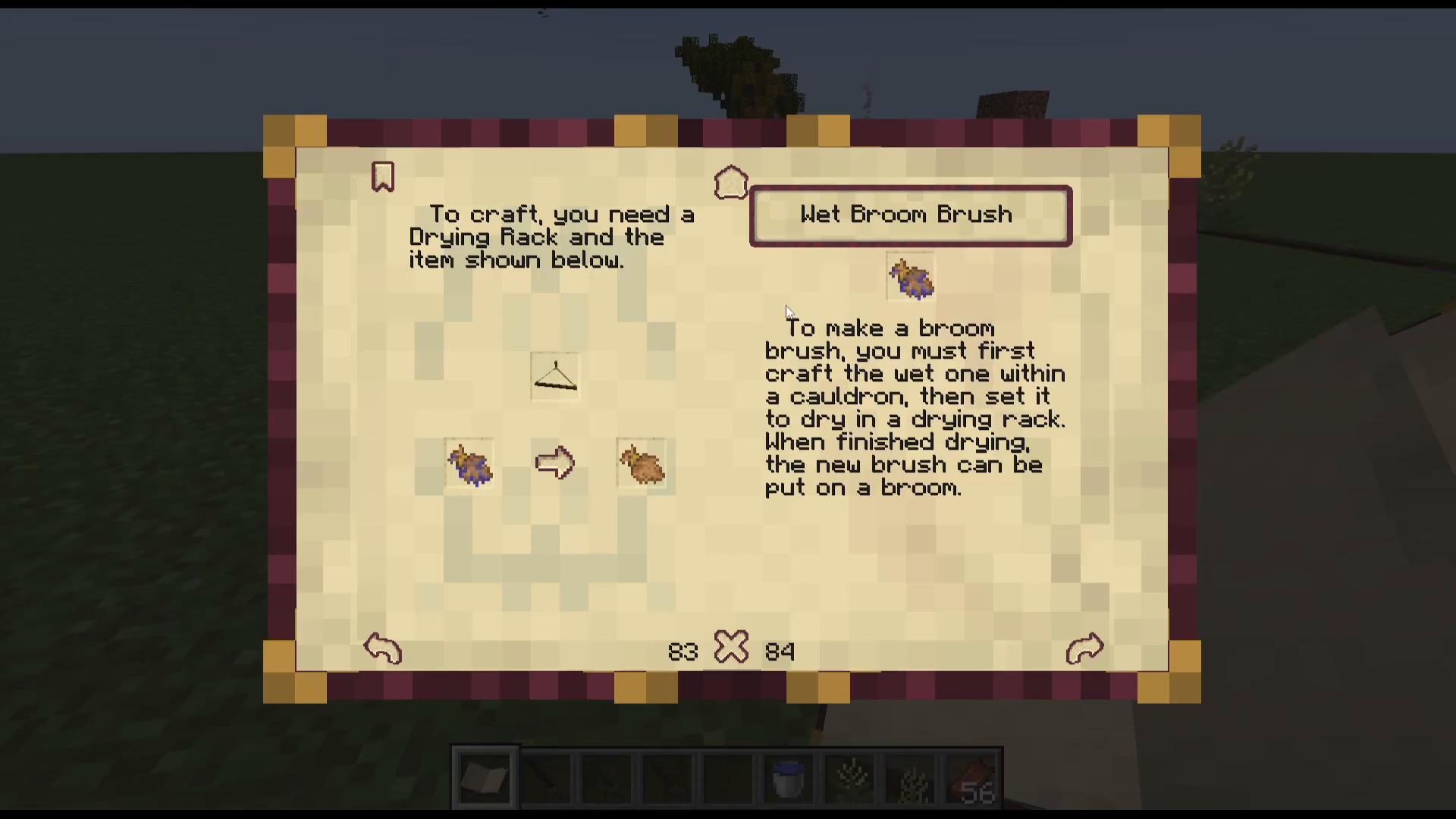
Broom Brushes are the fuel that keeps your broom flying. Each brush has a durability value, and when the brush reaches zero, the broom will fall from the sky — so always carry spares on long journeys. All brushes can be enchanted with Mending and Unbreaking.
There are three main brush types:
Basic Broom Brush — Craft the Wet Broom Brush in the Mixing Cauldron, then dry it on a Drying Rack to produce the standard brush.
Enhanced Broom Brush — Twice the durability of the basic brush. Requires Belladonna, Mandrake Root, Mugwort, and Yellow Dock Flowers in the crafting recipe.
Moon Dust Brush — Increases broom speed, especially during a full moon. Otherwise equivalent to the Enhanced Brush. Moon Dust is crafted in the Mixing Cauldron and can only be made during a full moon.
All key herbs (Yellow Dock, Mugwort, Belladonna, and Mandrake) are found in swamp biomes. Use the Dowsing Rod to locate a swamp, then right-click the herbs onto a Drying Rack to prepare them.
Broom Tips and Miscellaneous Upgrades
The Miscellaneous slot in the broom GUI accepts several decorative and functional upgrades:
Gold Rings — Decorative rings added to the tip of the broom, crafted in the Mixing Cauldron.
Broom Chain — Allows you to attach a charm to your broom via the crafting table. For example, attaching a cauldron to the broom chain adds a miniature cauldron charm to the broom’s tip.
Netherite Tip — Allows the broom to fly through lava and fire without being damaged.
Waterproof Tip — Allows you to ride the broom underwater.
Broom Seat — Allows a second player to ride on the broom with you. Can be dyed different colors.
Broom Satchels
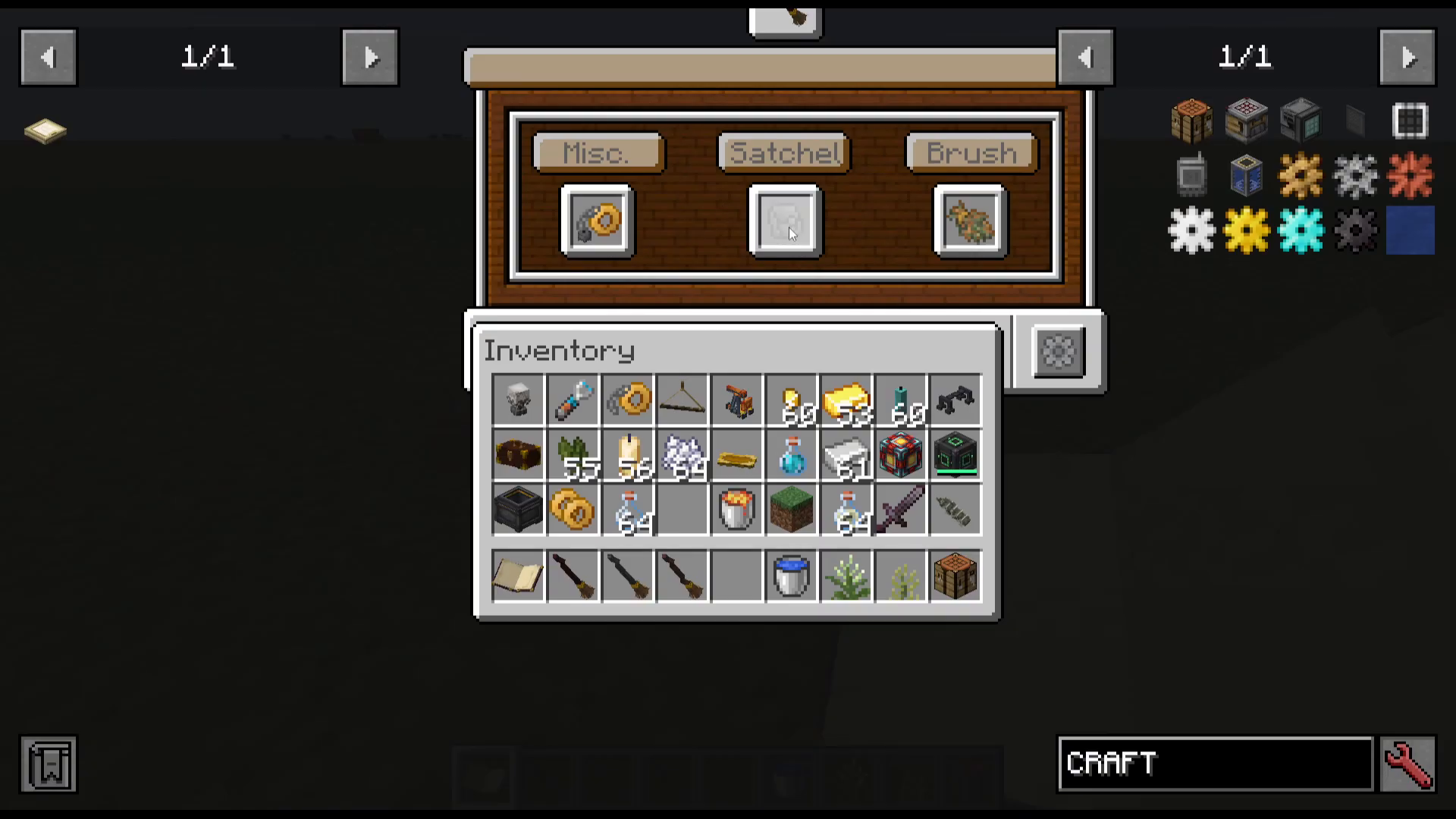
The Satchel slot provides on-broom storage:
Small Satchel — 9 inventory slots
Medium Satchel — 18 inventory slots
Large Satchel — 27 inventory slots
Ender Satchel — Extends access to your Ender Chest inventory. Smaller than the Large Satchel but extremely practical.
Replacer — Automatically replaces a broken brush with the next brush in the broom’s inventory (top-left slot). Very handy for long journeys.
Taming and Using Owls
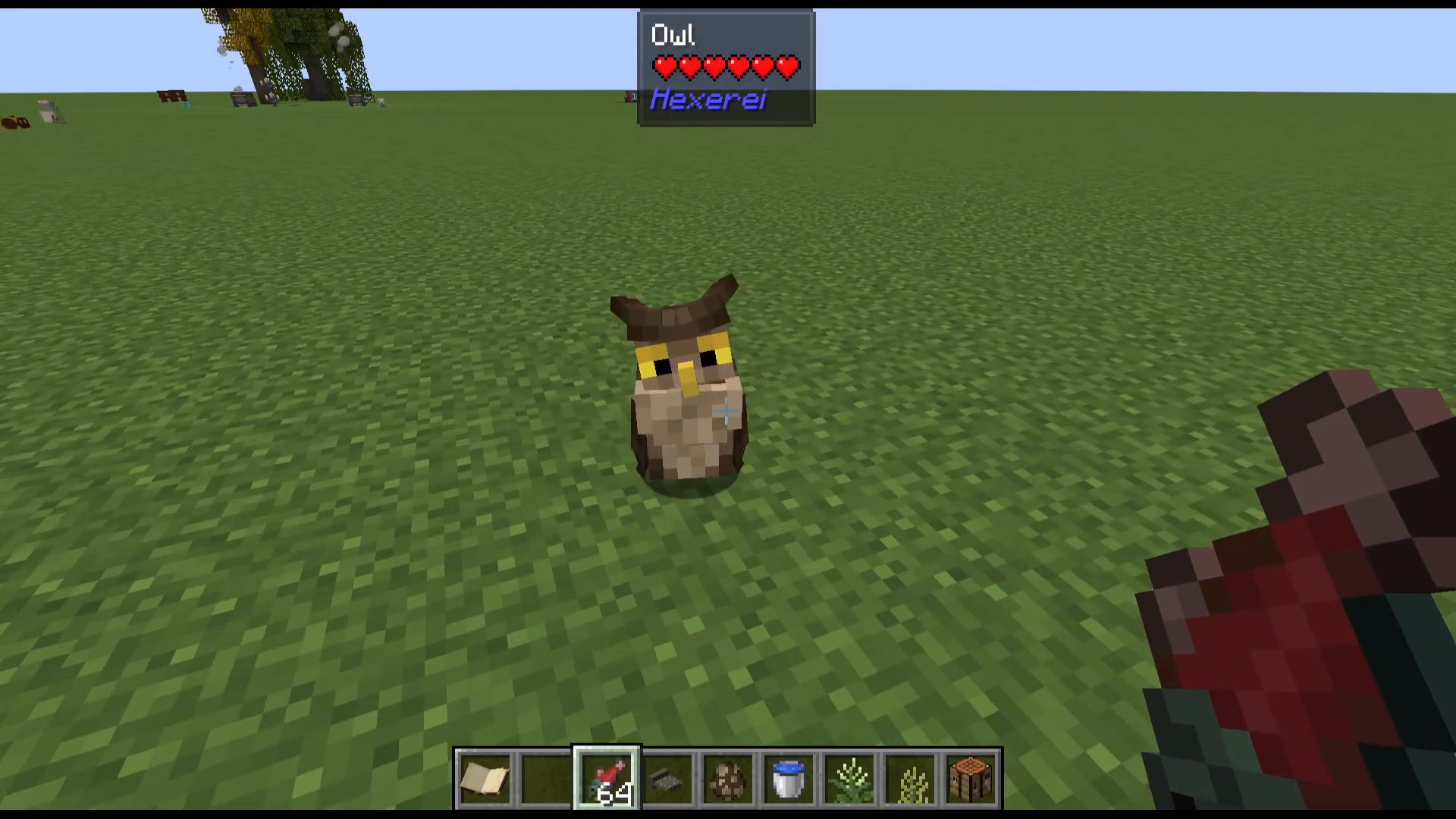
Owls are another tameable familiar in Hexerei with a very unique and charming purpose — they serve as a magical postal system.
How to Tame an Owl
Owls are tamed using Raw Salmon. Either throw the salmon on the ground near the owl or right-click it directly to feed the owl. When you see love hearts, the owl is tamed. Owls can also be tamed with Raw Cod and can be bred using Raw Rabbit. You can find owls spawning naturally in the world, or visit an Owl Post Office structure that generates in forests to find and tame owls there.
Sending Packages and Letters
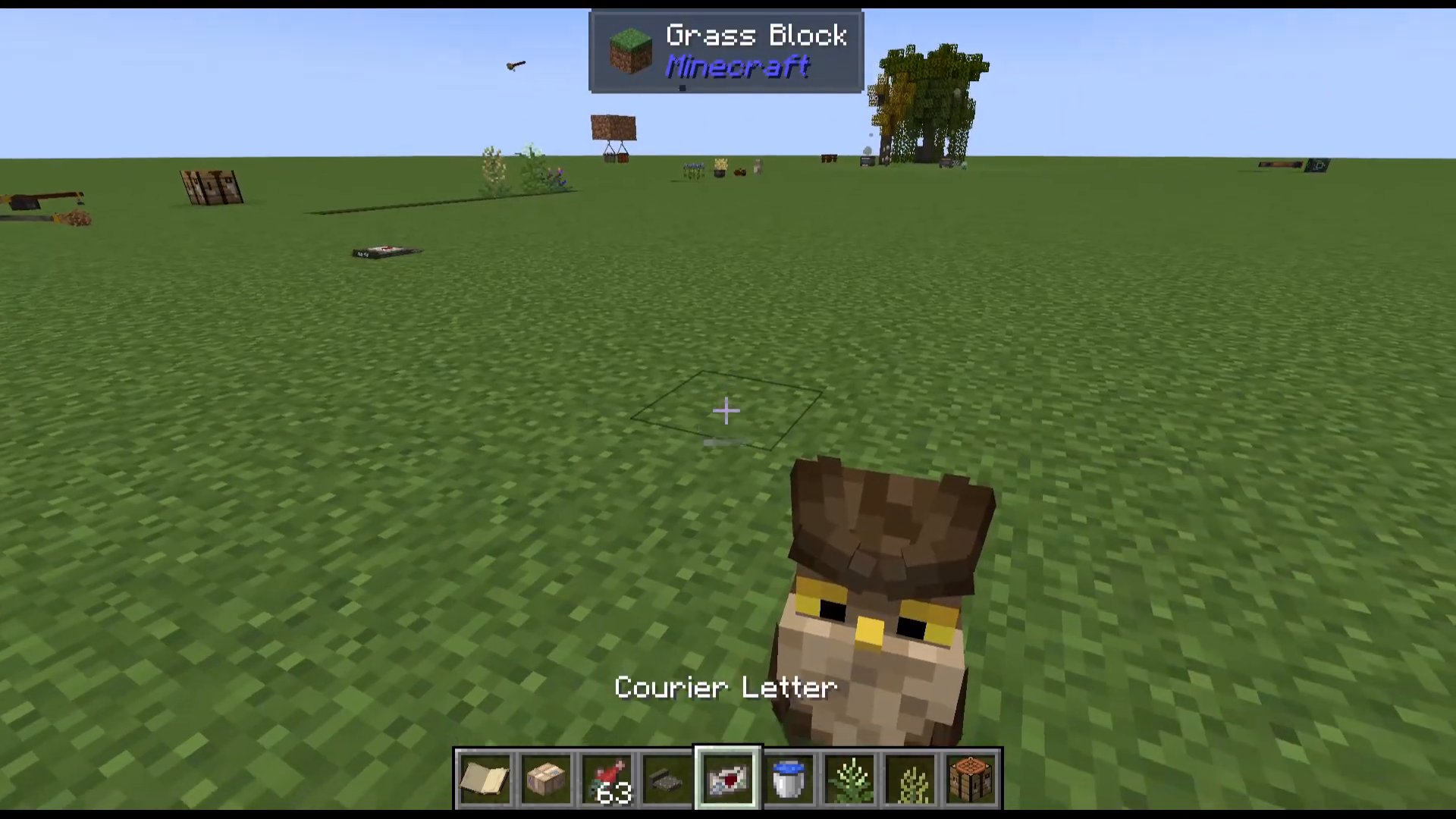
Owls can carry two types of deliverable items: Courier Packages and Courier Letters. Right-click a Courier Package to open it, place items inside (it accepts full stacks), and then seal it. Right-click a Courier Letter to write a message, then seal it. Once sealed, right-click the item onto your tamed owl to see a list of available destinations.
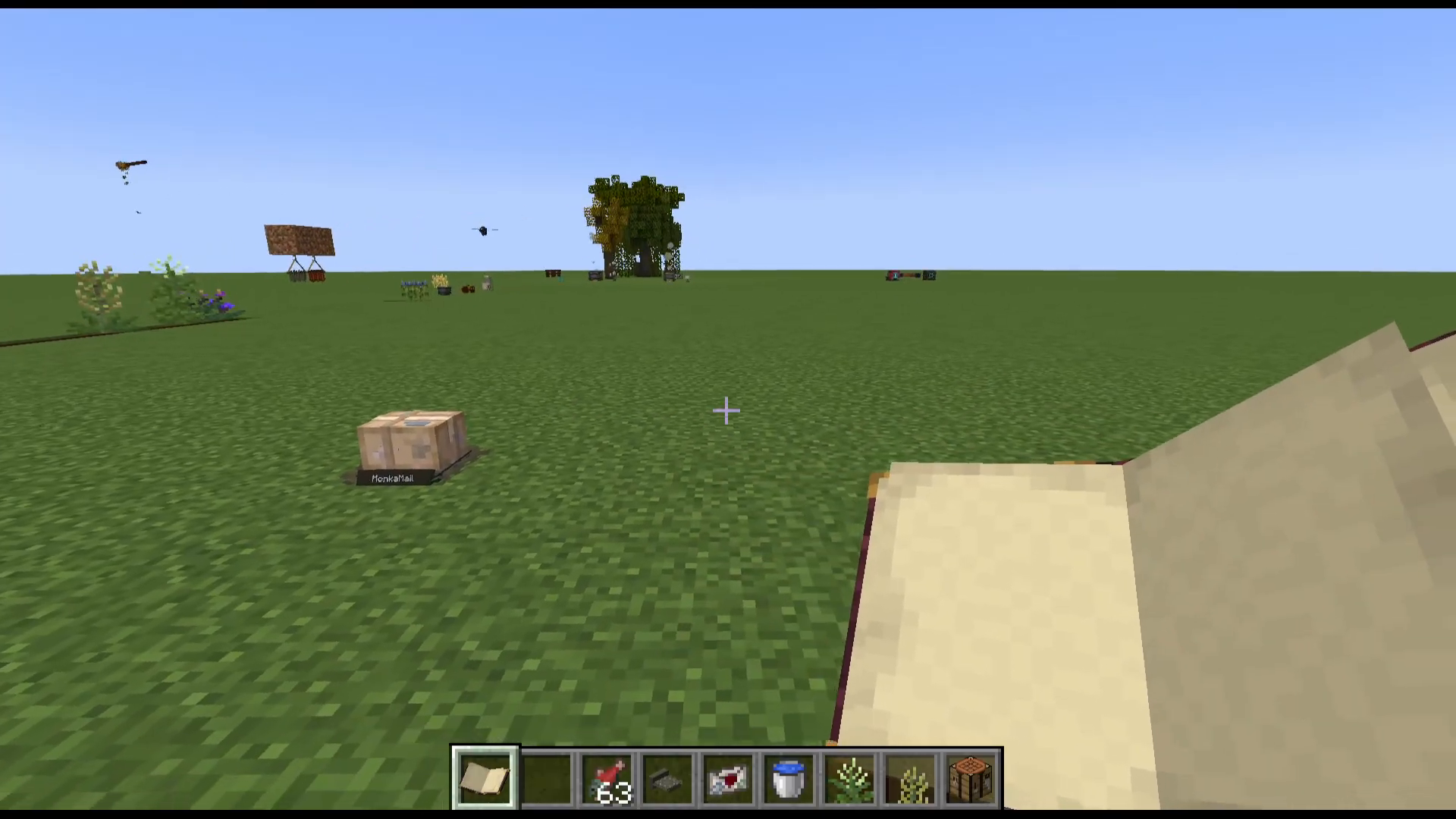
To create a destination, craft and place a Courier Depot and give it a name by right-clicking it. That depot will then appear as a delivery destination for your owls. This system works across multiplayer servers, allowing players to send items and letters to each other via owl delivery.
Owl Customisation
Right-clicking or shift-right-clicking your owl opens its GUI, where you can place an item in the owl’s hand slot (usable as bonus storage) and equip decorative hats. Owls also have a favourite block setting — placing the owl’s preferred block nearby increases its happiness, though this does not have a mechanical effect beyond that.
Additional Items and Features
Hexerei includes a number of additional items and decorative features worth being aware of:
Notebook — Functions similarly to the Book of Shadows but is used for personal notes.
Book of Colors — Used for painting, combined with a canvas to display artwork.
Broom Whistle — Calls your broom to you if you do not know where it is.
Warhammer — A powerful weapon crafted in the Mixing Cauldron. Can also be equipped on your crows.
Flowering Lily Pads — Decorative blocks found in rivers.
Animal Fat — Drops from cows, pigs, and sheep. Used in various Hexerei recipes.
Reading Glasses — Allows you to zoom in when reading the Book of Shadows.
Crow Ankh Amulet — Placed in the crow’s Miscellaneous slot. Acts like a Totem of Undying for your crow — if the crow would die, the amulet breaks instead and the crow gains Regeneration.
Celonite Shards — Mined from Celonite Clusters found in geodes under jungle and swamp biomes. Used for candles and the Netherite broom tip.
Packing Peanuts — Decorative items placed inside packages for immersion.
Broom Stand — A display stand for your broom.
Multiple Drying Rack Variants — Various decorative drying rack styles crafted from the mod’s new wood types.
Wax Blend and Connectable Blocks — Use a Wax Blend (or Waxing Kit) with a cloth to wax or unwax connectable Hexerei blocks. Waxed connectable blocks will only connect textures with other waxed connectable blocks from the mod. Use a Woodcutter to produce decorative variants of Hexerei wood blocks.
New Boats, Signs, and Chests — Crafted from the mod’s three new wood types.
Quicksilver — Present in the mod but not fully implemented at time of filming. Recipes are listed as “to come.”
Summary
The Hexerei mod is a richly detailed and beautifully designed witchcraft mod for Minecraft that covers an enormous amount of content. Starting with its three custom tree types and altars, the mod builds into a deep crafting ecosystem centred on the Mixing Cauldron. From there, you will progress into candle making, crow taming and automation, owl-based mail systems, broom riding and customisation, and a wide range of supporting items and structures. The mod is still in active development, so expect new content to be added regularly. If anything significant is added after this guide was published, feel free to leave a comment and an updated tutorial will follow.
Want to Support?
If you would like to help us continue making these guides – please consider joining our patreon here – https://www.patreon.com/c/JaviHeals
Alternatively – we host a group of MC Servers you can join here – https://discord.gg/zD7Gjt6MHF