Simple Quarry Mod Tutorial
Simple Quarry Mod Tutorial – Everything You Need to Know (Minecraft 1.21.1)
The Simple Quarry Mod is a straightforward but powerful automated mining mod for Minecraft 1.21.1 on NeoForge. It doesn’t overwhelm you with dozens of new blocks — instead, it gives you two focused quarry machines and a flexible upgrade system to customise exactly how you mine. Whether you’re just getting started with automation or looking for an efficient way to strip-mine an area, this guide covers everything you need to know.
The Two Quarry Types: Fuelled vs. Powered
The Simple Quarry Mod adds exactly two machines: the Fuelled Quarry and the Powered Quarry. Understanding the difference between them is the first step to getting the most out of this mod.
Fuelled Quarry
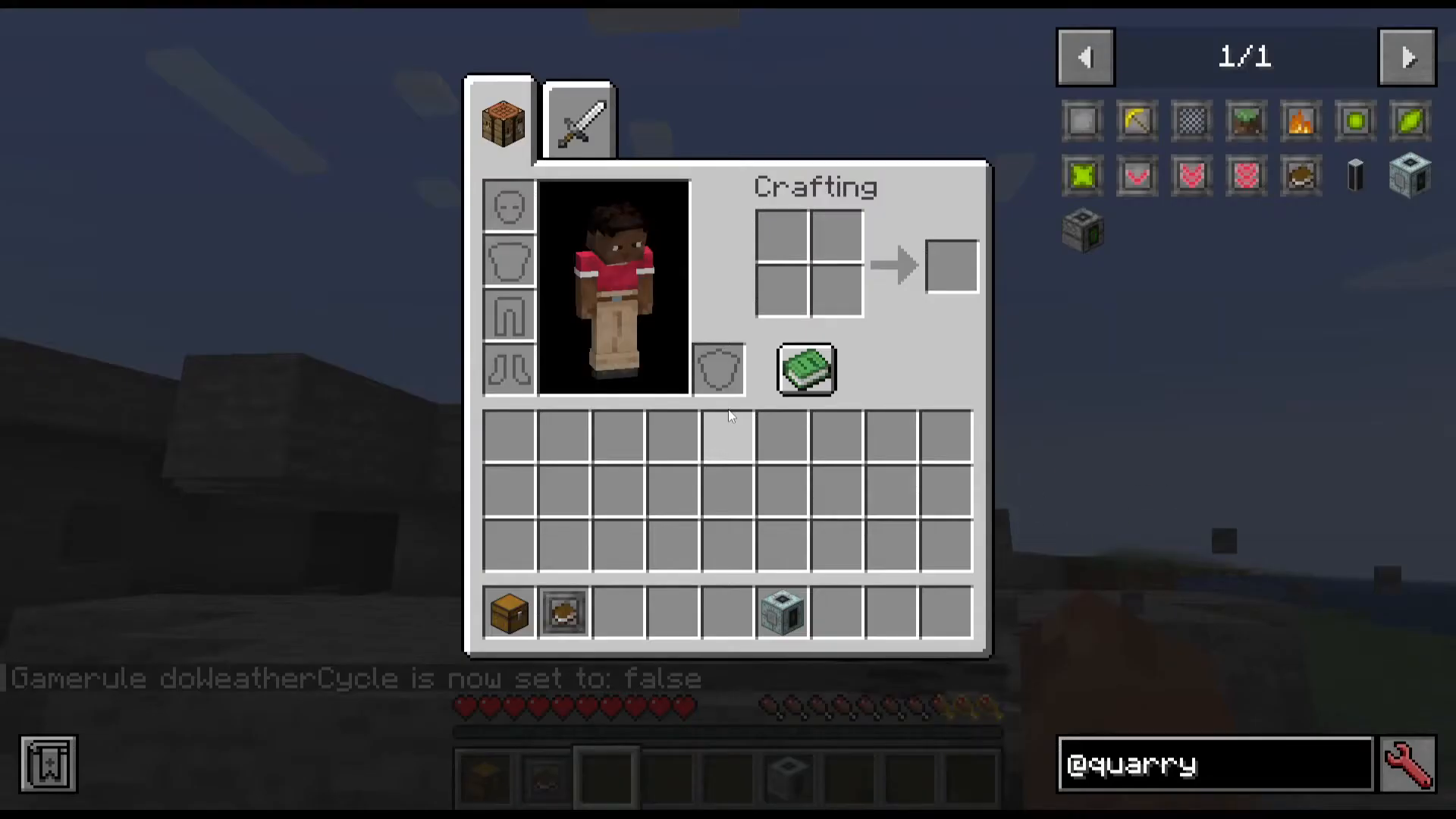
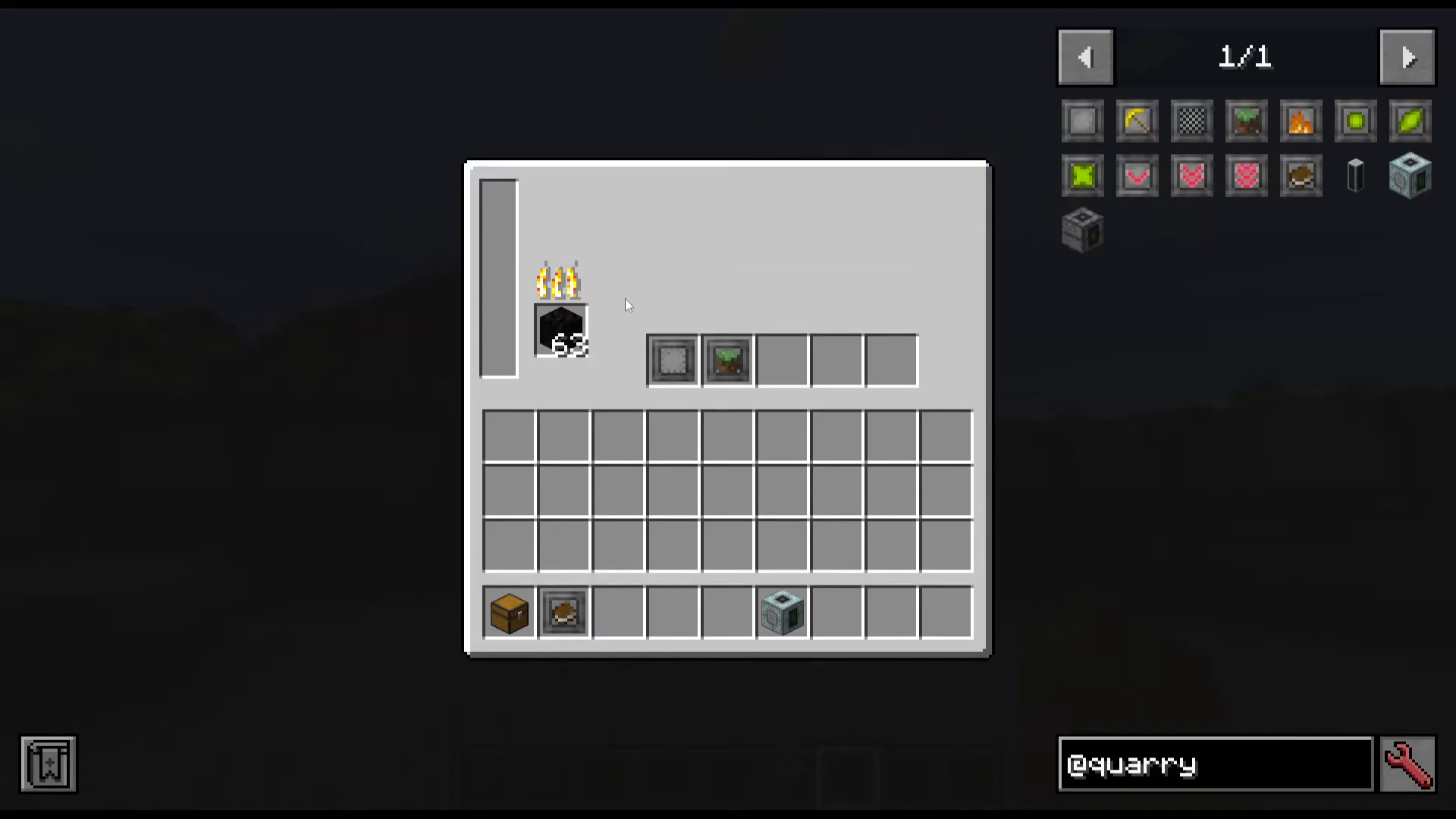
The Fuelled Quarry is the cheaper, more accessible option. It is crafted using standard Fuelled Quarry blocks and runs on solid fuel such as coal. It is a great early-to-mid-game option when you don’t yet have access to a Forge Energy power network.
Powered Quarry
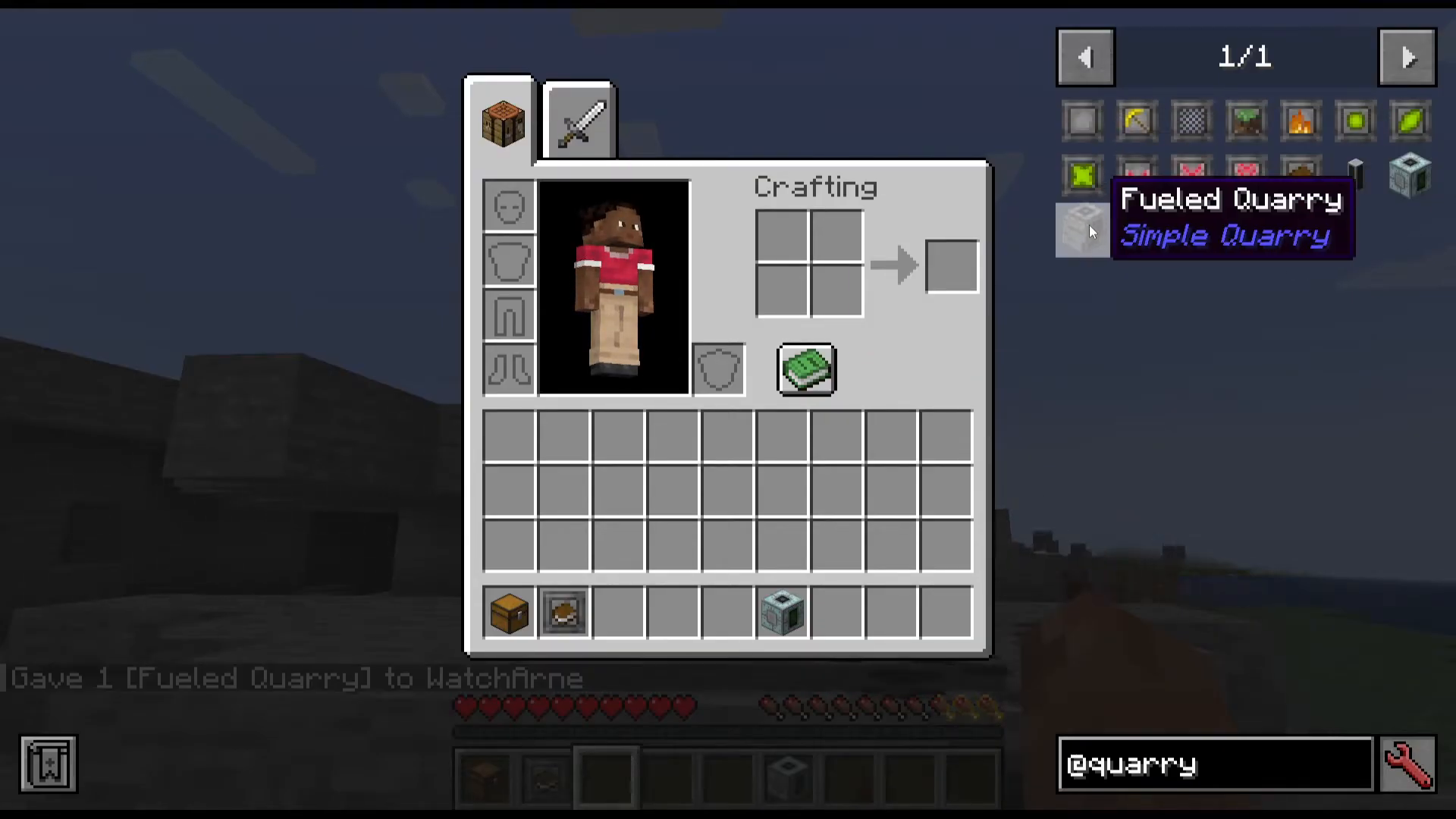
The Powered Quarry is the more expensive, higher-tier version. Its recipe requires advanced materials including Ancient Debris and Amethyst, making it a late-game investment. In return, it accepts Forge Energy (FE) as its primary power source, making it ideal for tech mod power networks. Importantly, it also still accepts coal as a backup fuel source if needed. The other key advantage of the Powered Quarry is that it includes five upgrade slots, giving you much greater flexibility than the Fuelled version.
Fuel Efficiency: How Far Does Coal Go?
When running either quarry on coal, it is important to understand the fuel-to-blocks ratio. Each individual piece of coal (not a coal block) will allow the quarry to break 96 blocks. This makes coal a surprisingly efficient fuel source for automated mining, especially in the early game.
Mining Area and Basic Setup
Once placed, the quarry will mine out a square area around itself — approximately 8×8 to 16×16 blocks. As soon as you supply it with fuel or Forge Energy, it will automatically begin breaking blocks in that area without any additional configuration required.
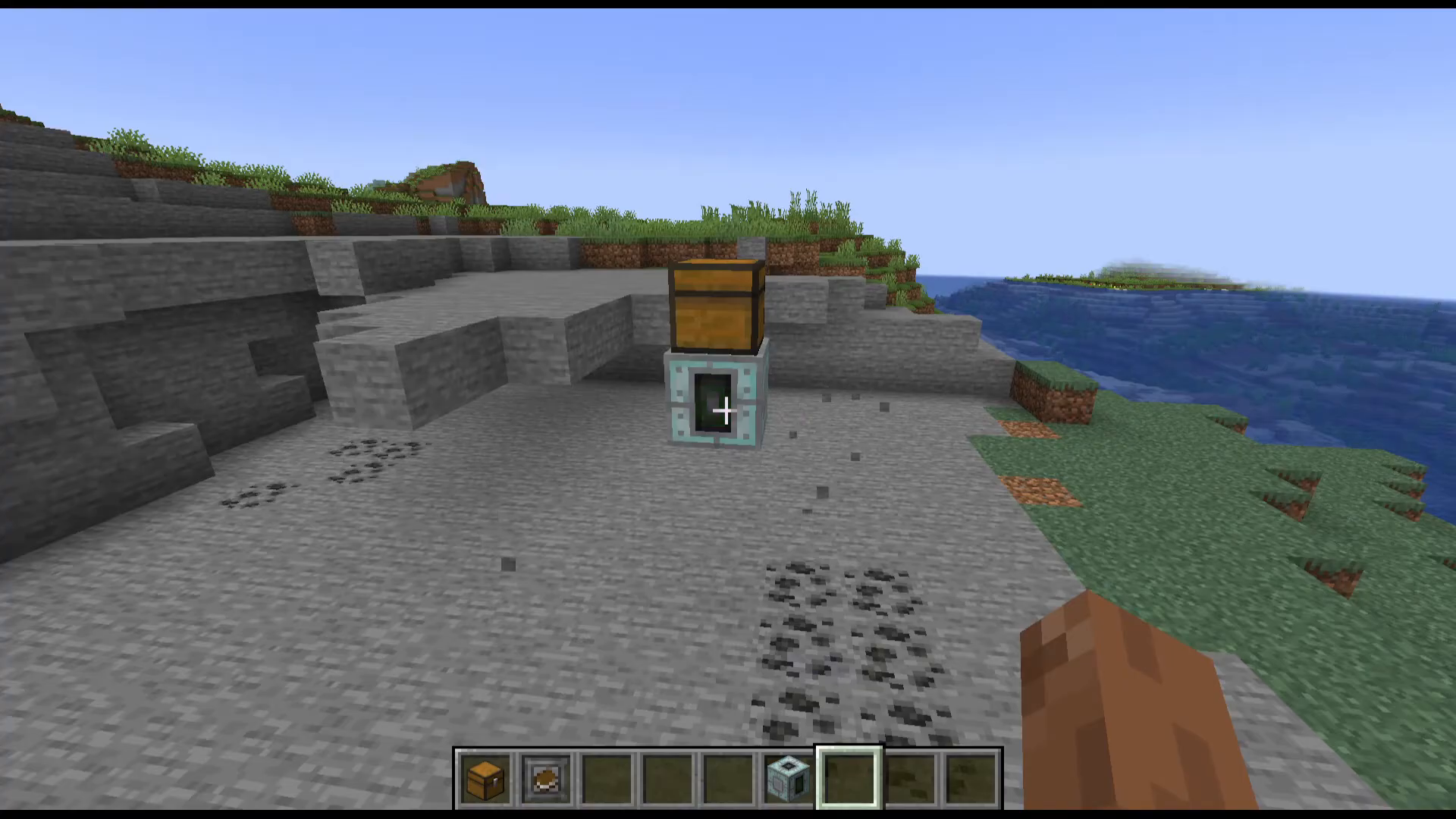
By default, if no storage is attached, all mined items will be ejected and scattered on the ground. To collect your items automatically, simply place a chest directly above the quarry. Any compatible item collection method will work here. Once the chest is in place, all mined blocks will be routed directly into it.

Upgrades: Customising Your Quarry
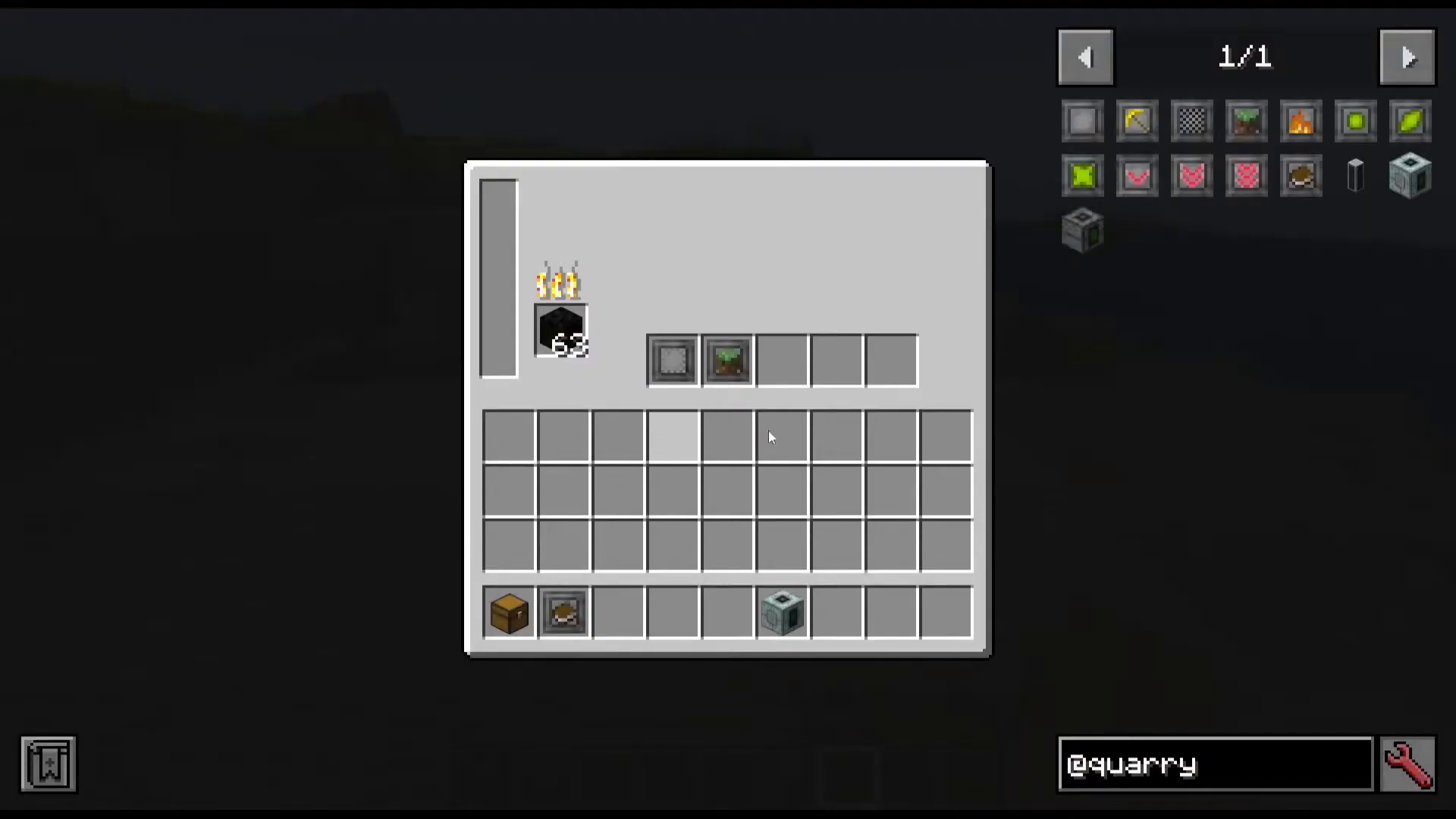
Both quarries support upgrades, though the Powered Quarry’s five upgrade slots give you far more room to combine them. All upgrades are built from a Base Upgrade, which you then craft into the specific upgrade type you need.
Silk Touch Upgrade
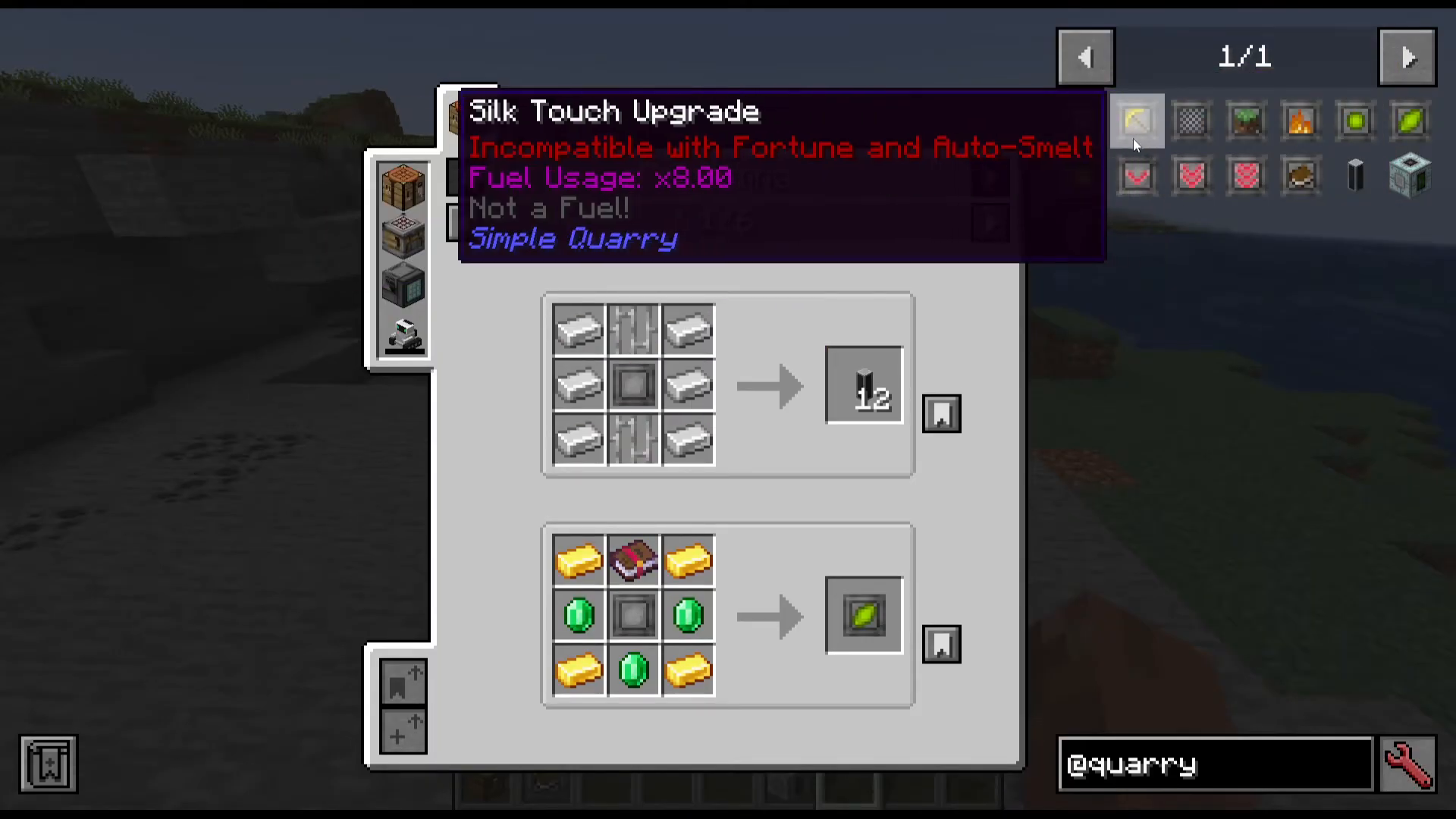
The Silk Touch Upgrade causes the quarry to mine blocks using the Silk Touch enchantment effect. Be aware that this upgrade comes at a cost: it increases fuel consumption by 8 times (×8) compared to normal operation. Use it selectively when you specifically need raw block drops.
Filter Upgrade
The Filter Upgrade gives you precise control over which items the quarry collects. To configure it, right-click the Filter Upgrade while holding it in the air to open its GUI. From there you can set it to either a whitelist (collect only) or a blacklist (do not collect) mode for specific items.
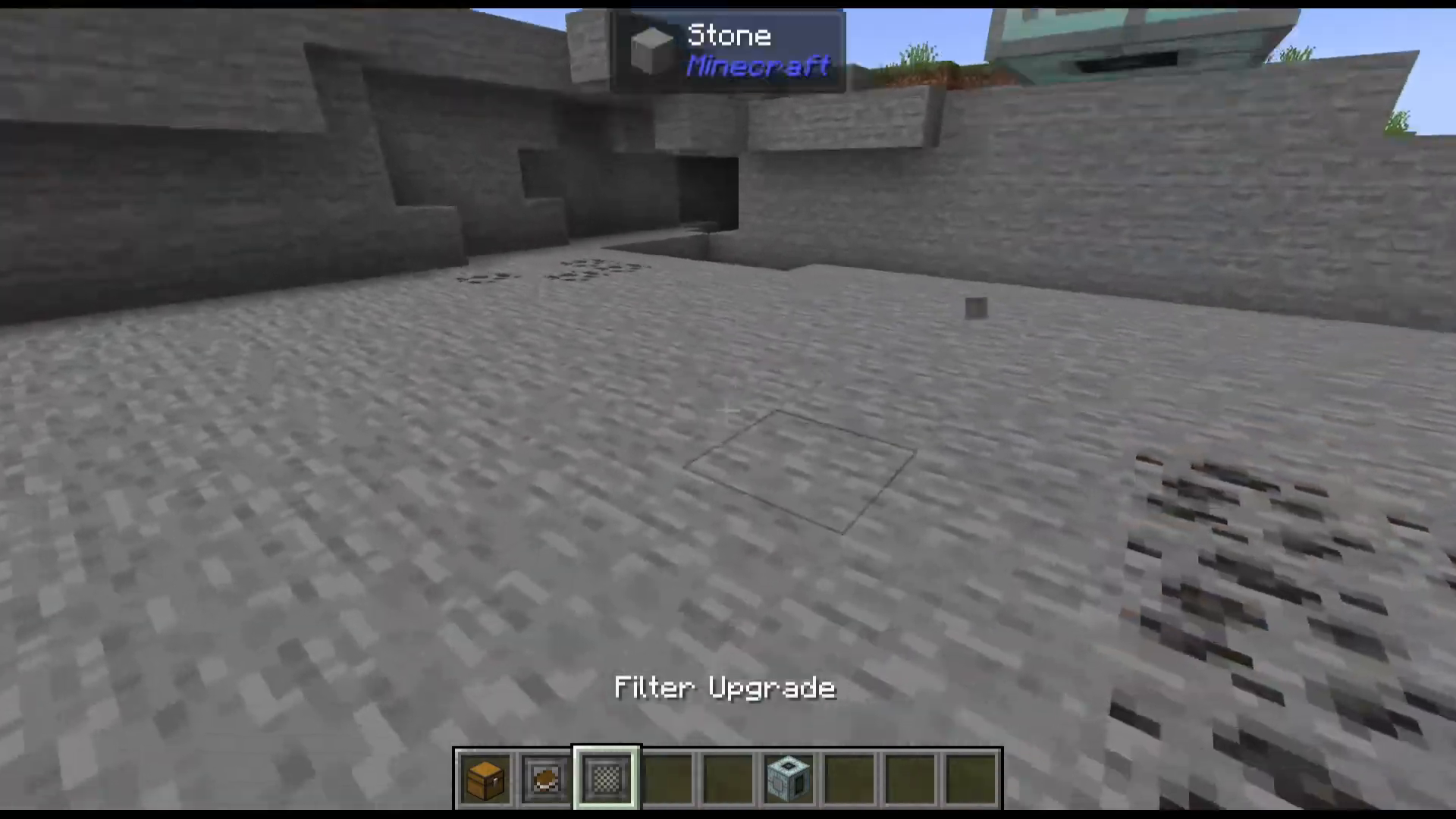
The filter also supports an Ore Dictionary option, which lets you target entire categories of ores across multiple mods rather than specifying items individually. Additionally, you can toggle damage sensitivity — for example, you could configure the filter to only collect items at full durability by enabling the “use damage” option and specifying the item.
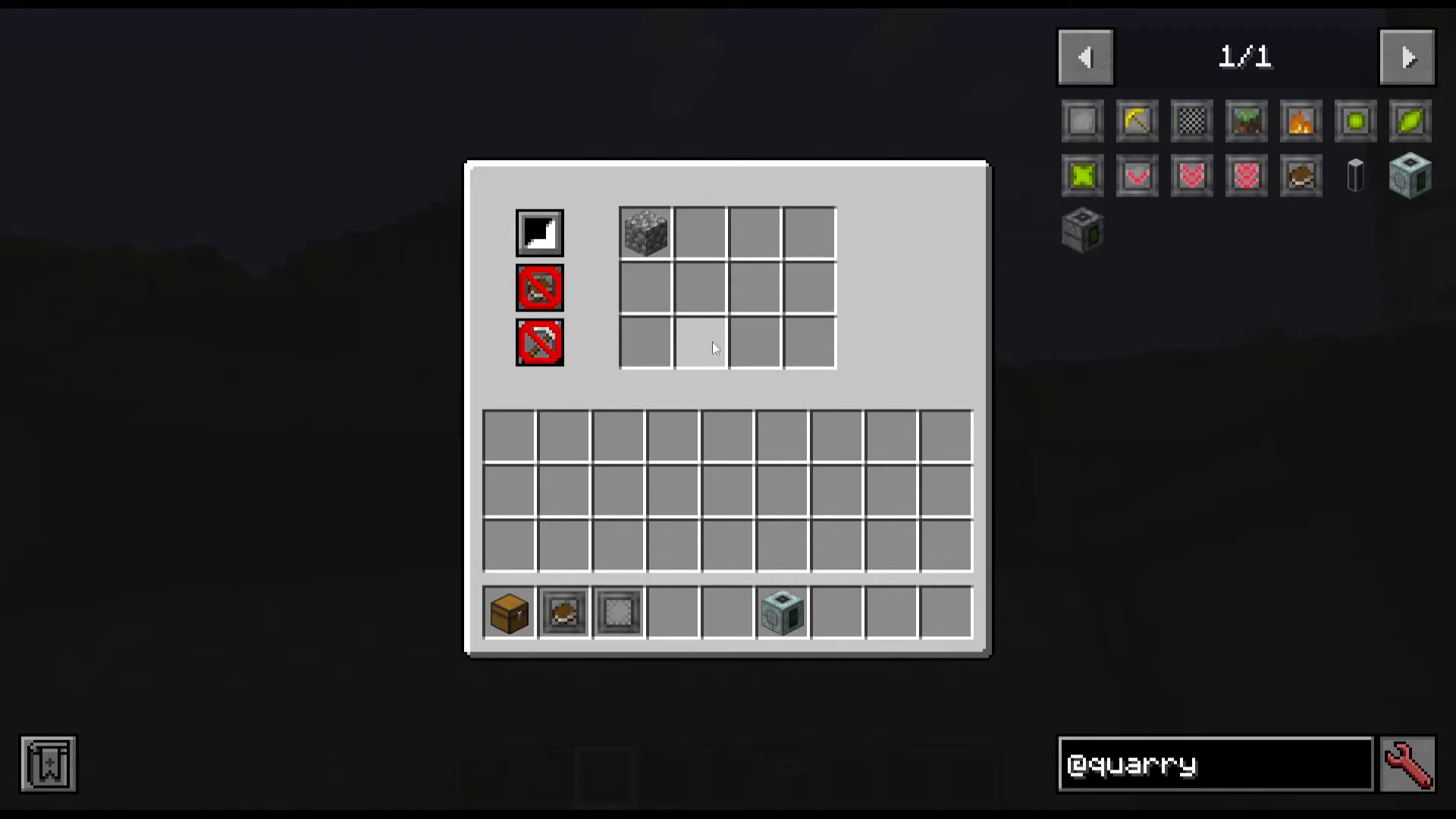
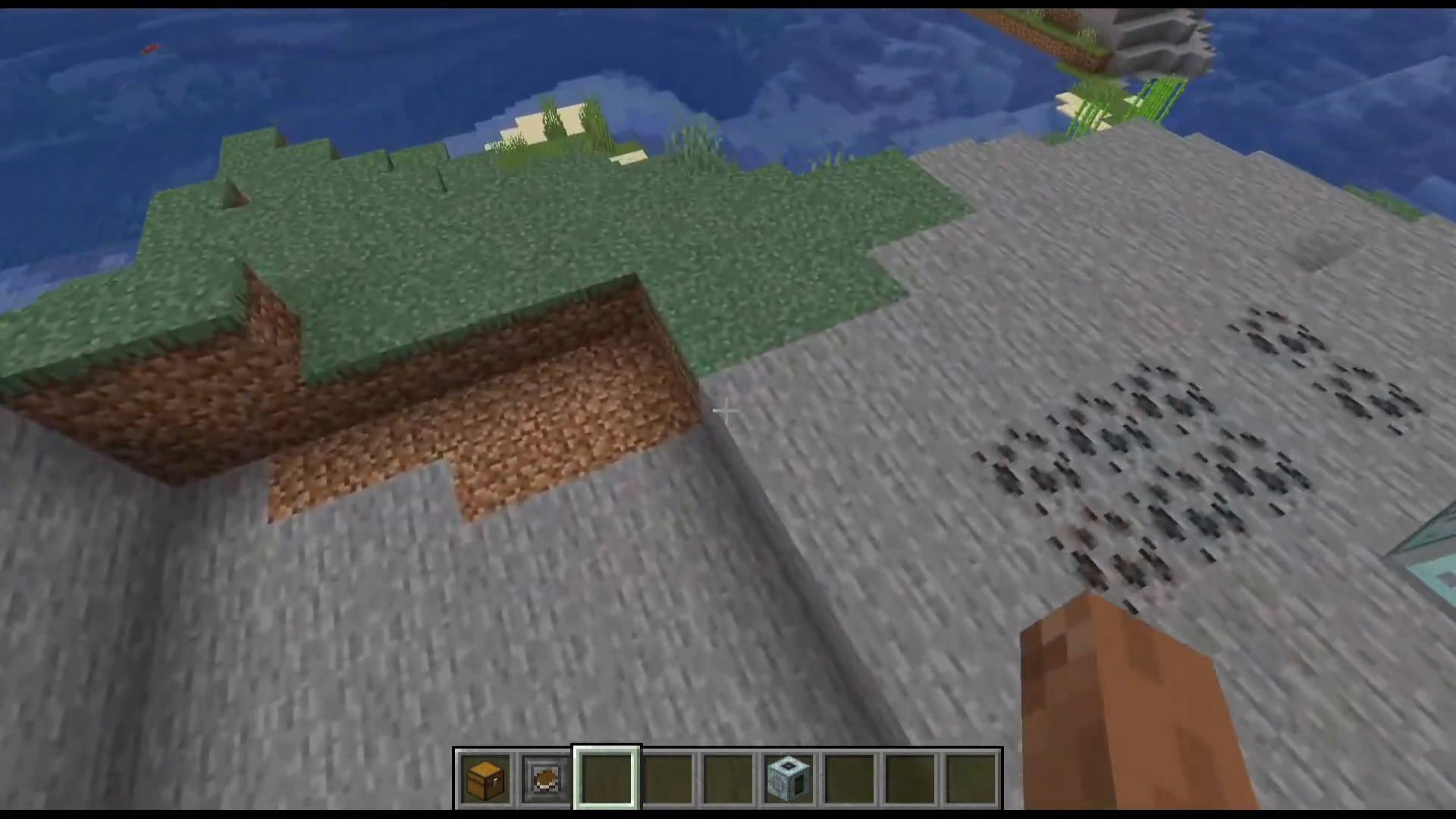
A critical thing to understand about the Filter Upgrade: the quarry will still break any blacklisted blocks — it simply will not add them to the inventory. This means blacklisted items are effectively voided. Conversely, whitelist mode means only your specified items will be collected; everything else is broken and discarded.
Fill Upgrade
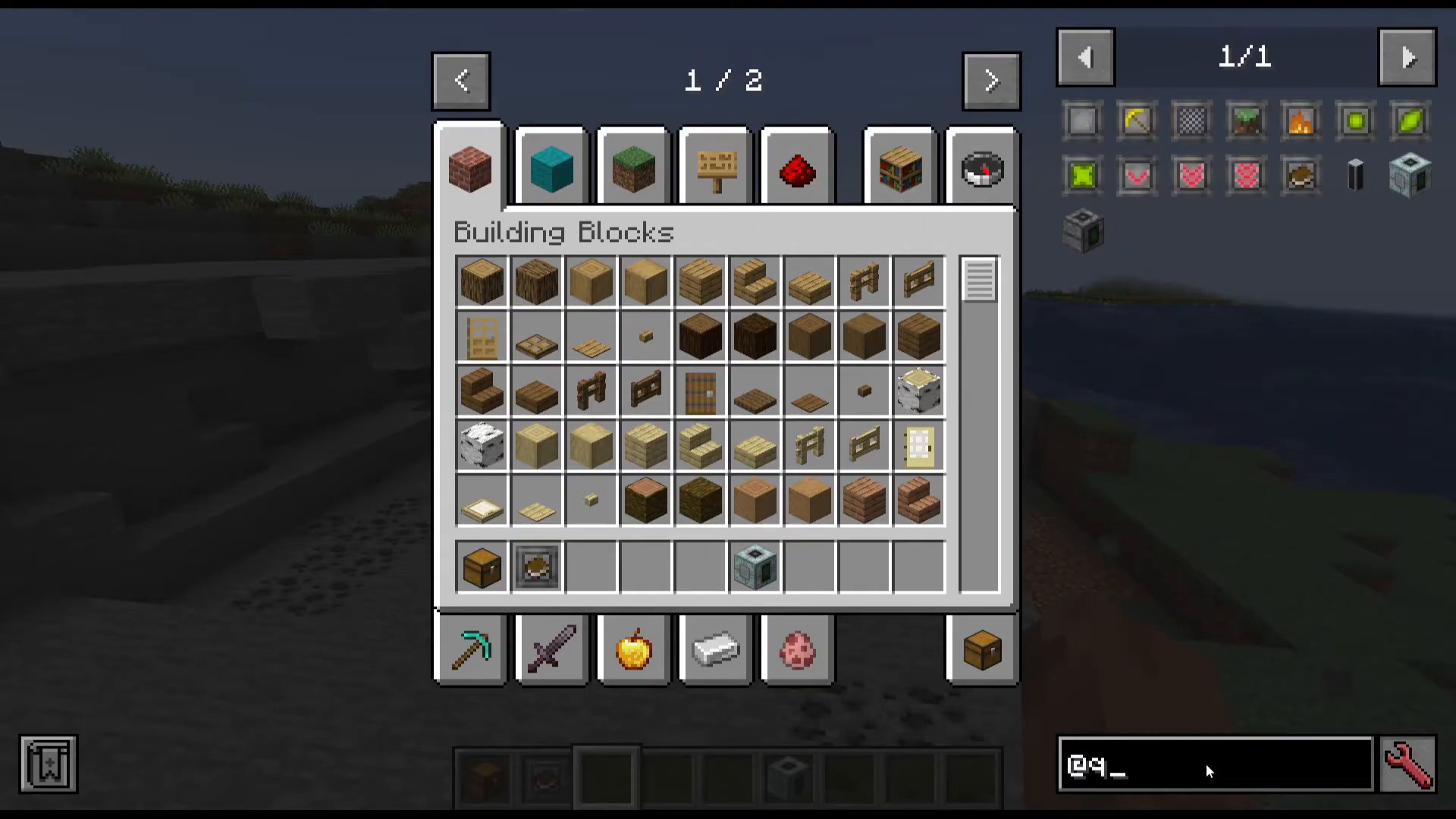
The Fill Upgrade instructs the quarry to fill the mined-out area with Coarse Dirt once it has finished mining. This is useful for keeping the landscape tidy or preventing large open pits in your world.
Auto Smelt Upgrade
The Auto Smelt Upgrade causes the quarry to automatically smelt applicable blocks as it mines them. Note that this upgrade cannot be used at the same time as the Silk Touch Upgrade — the two are mutually exclusive.
Fortune Upgrades (I, II, and III)
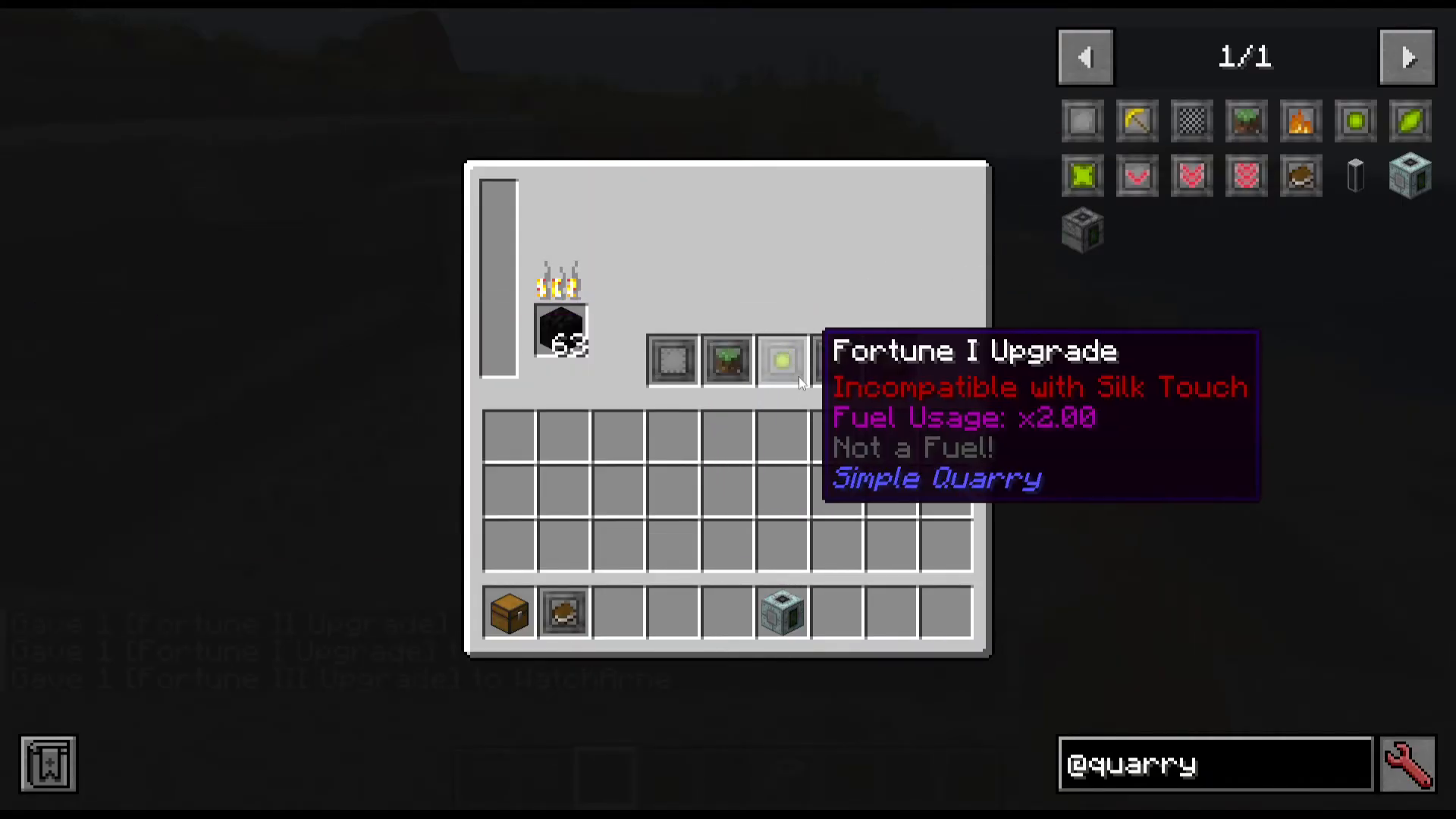
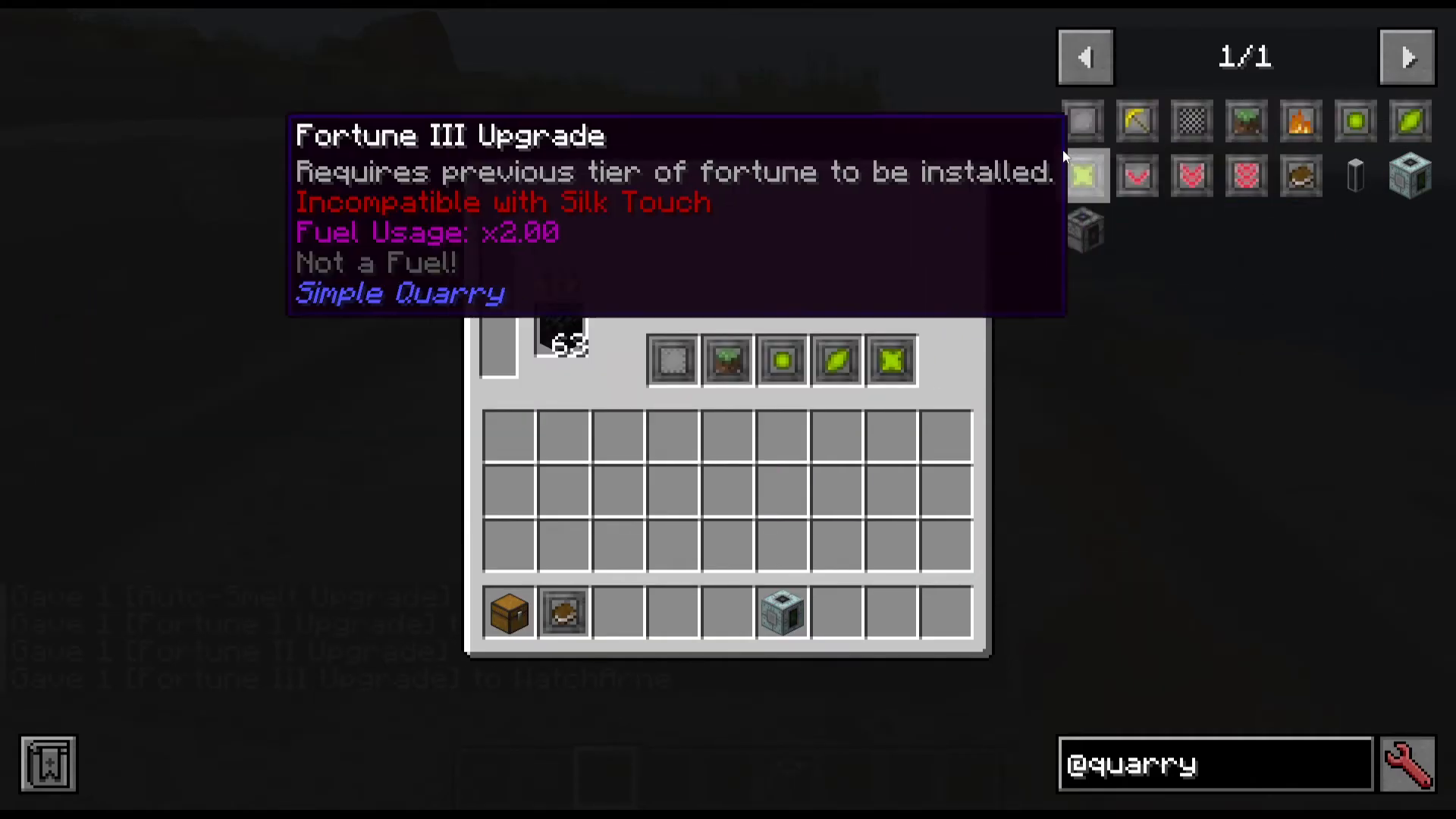
Fortune upgrades come in three tiers — Fortune I, Fortune II, and Fortune III — each increasing ore drop rates progressively. There is an important dependency chain to be aware of: you must install Fortune I before Fortune II, and Fortune II before Fortune III. If you remove a lower-tier fortune upgrade, the higher-tier ones will disappear from the upgrade slots as well. This may be a bug in the current version, but it is the expected behaviour as of the time of this tutorial. Each successive tier is also more expensive to craft.
Efficiency Upgrades (I, II, and III)
The Efficiency Upgrade reduces the quarry’s fuel consumption to 0.95 of its normal fuel usage per tier. Just like Fortune, Efficiency follows the same dependency rule — you must have Efficiency I installed to unlock Efficiency II, and Efficiency II to unlock Efficiency III. Keep in mind that if you install all three Efficiency upgrades in a five-slot Powered Quarry, you will only have two remaining slots for other upgrades.
Unification Upgrade
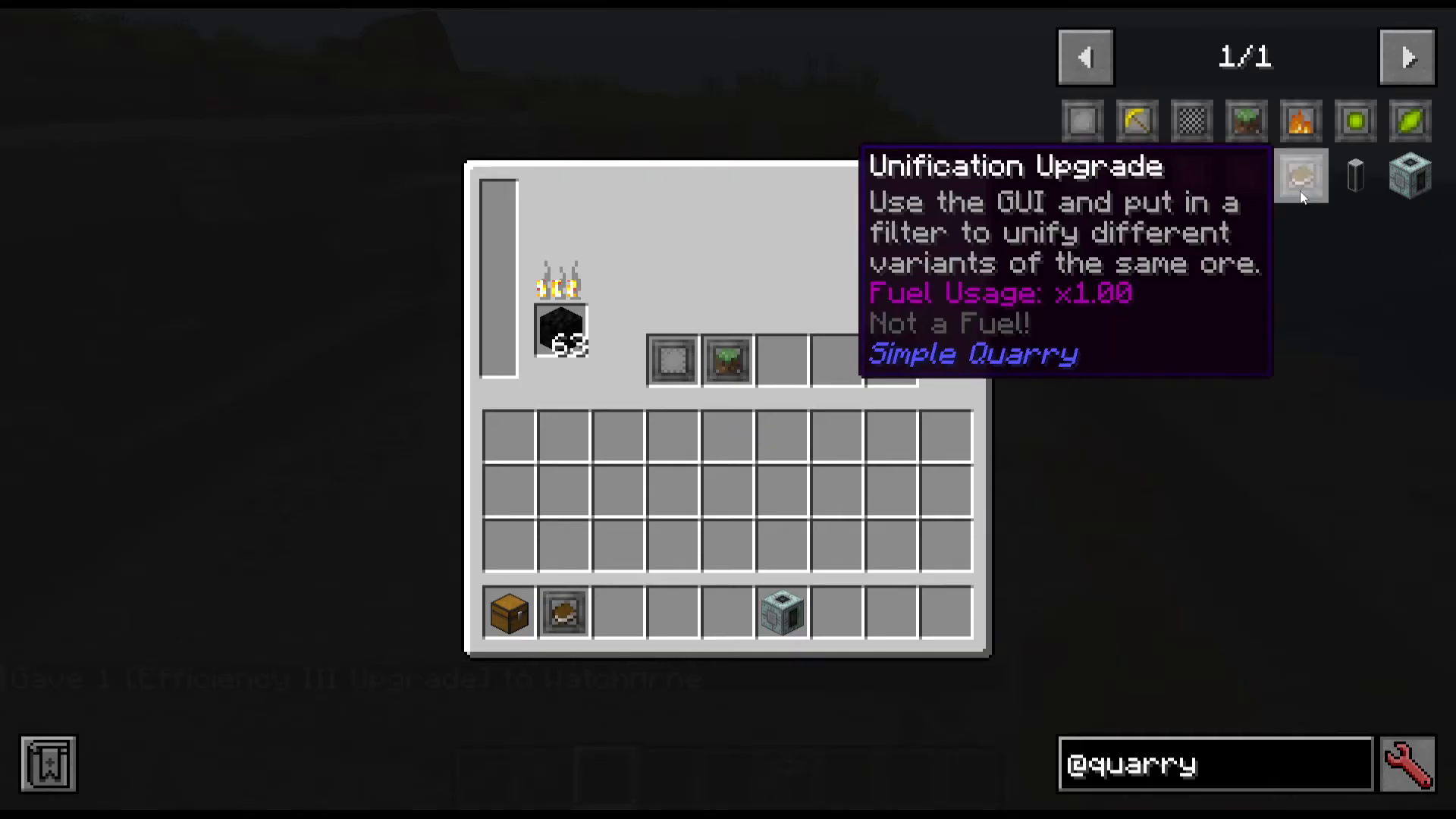
The Unification Upgrade is designed to work alongside the Filter Upgrade to unify different variants of the same ore from different mods — for example, collecting all variants of Iron Ore regardless of which mod added them. Note that the Unification Upgrade does not have its own GUI. It appears to rely on the configuration set in your Filter Upgrade. This behaviour may be a wording issue in the mod’s tooltip or a bug present in version 1.21.1 on NeoForge.
Quarry Pipe: Controlling Mining Depth
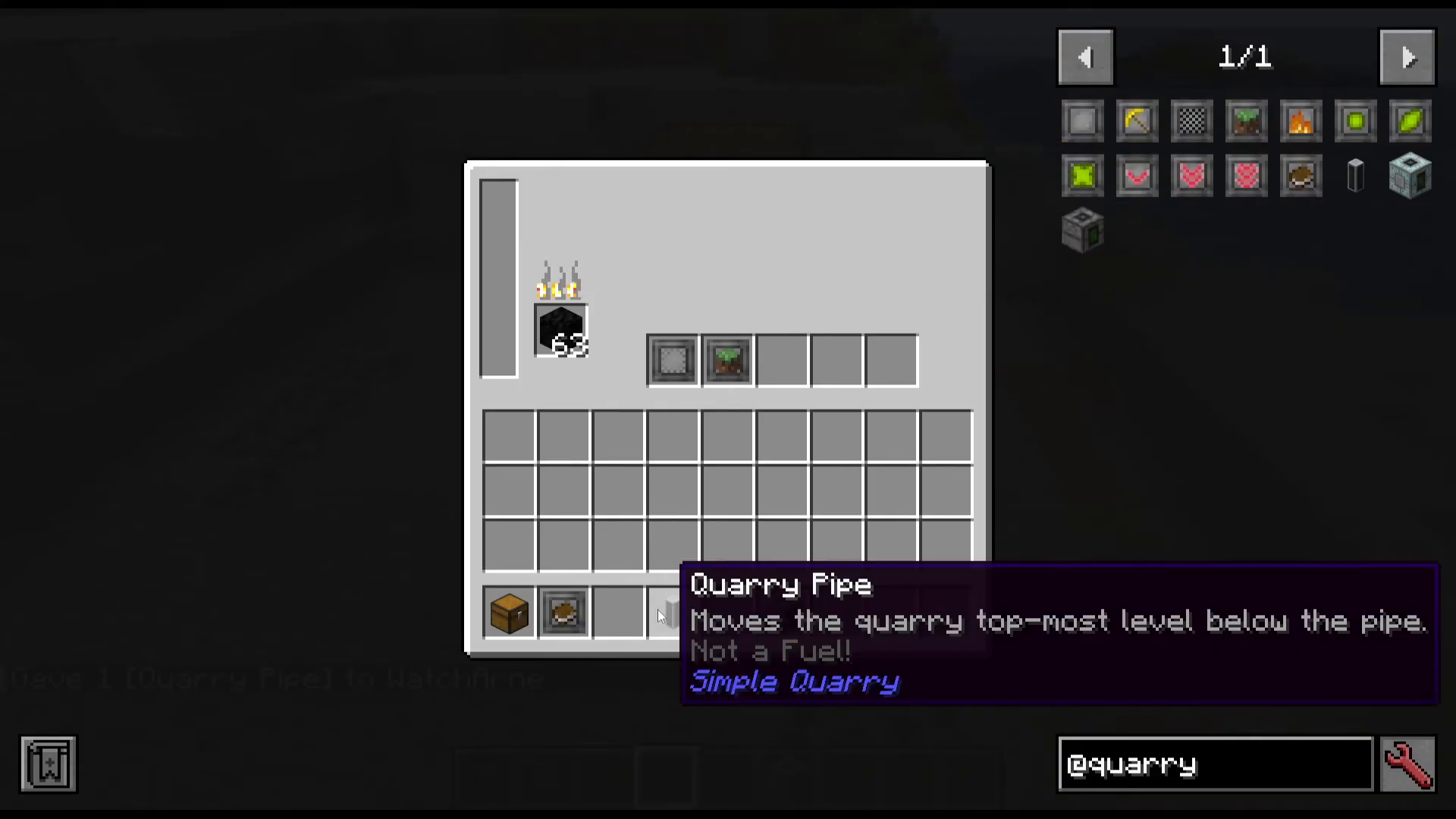
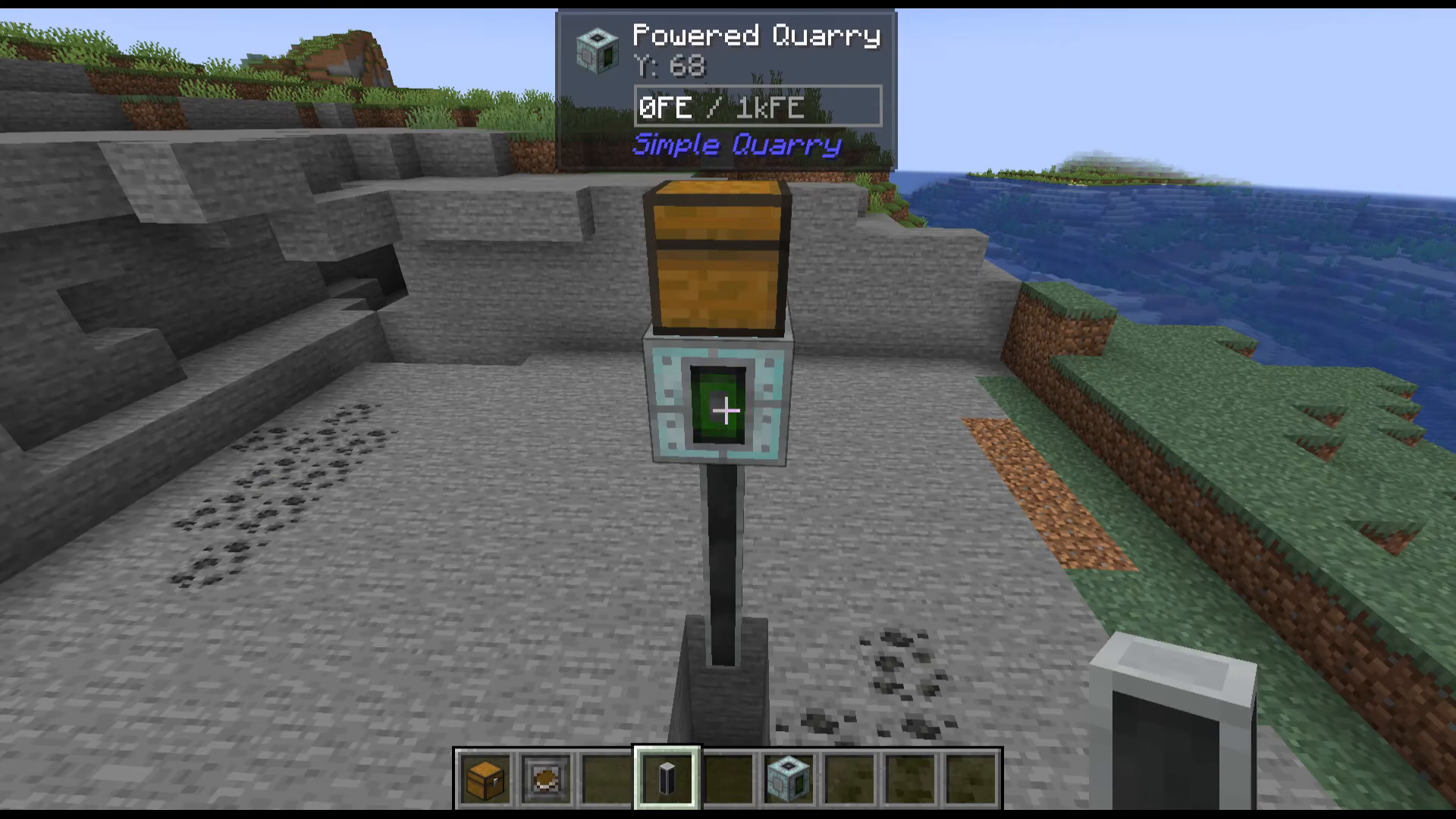
The Quarry Pipe is a separate item that lets you control where the quarry starts mining vertically. By default, the quarry begins mining from its own level downward. When you place a Quarry Pipe below the quarry, it shifts the quarry’s top-most mining level down to below the pipe. This means you can stack pipes to push the starting depth further and further down, allowing you to skip surface layers and target specific underground depths.
You can monitor the quarry’s current mining level using the Jade mod overlay, which displays information at the top of the screen when you look at the quarry block. This makes it easy to confirm exactly which Y-level your quarry is currently working at.
Summary
The Simple Quarry Mod is an excellent, no-nonsense automated mining solution for Minecraft 1.21.1 on NeoForge. With two quarry tiers catering to early and late game, a flexible upgrade system covering Fortune, Efficiency, Silk Touch, Auto Smelt, Fill, Filter, and Unification, plus the Quarry Pipe for depth control, there is plenty of depth here despite the mod’s small block count. Just remember to place a chest above your quarry, respect the Fortune and Efficiency upgrade dependency chains, and configure your Filter Upgrade carefully before inserting it into the machine.
“`