







Powered Spawner Full Tutorial – EnderIO
Powered Spawner Full Tutorial – EnderIO
The Powered Spawner is one of the most essential machines in EnderIO, and it’s the cornerstone of building an effective mob farm. This tutorial will walk you through everything you need to know about setting up, configuring, and using the Powered Spawner to spawn mobs for your farm.
Understanding the Powered Spawner Basics
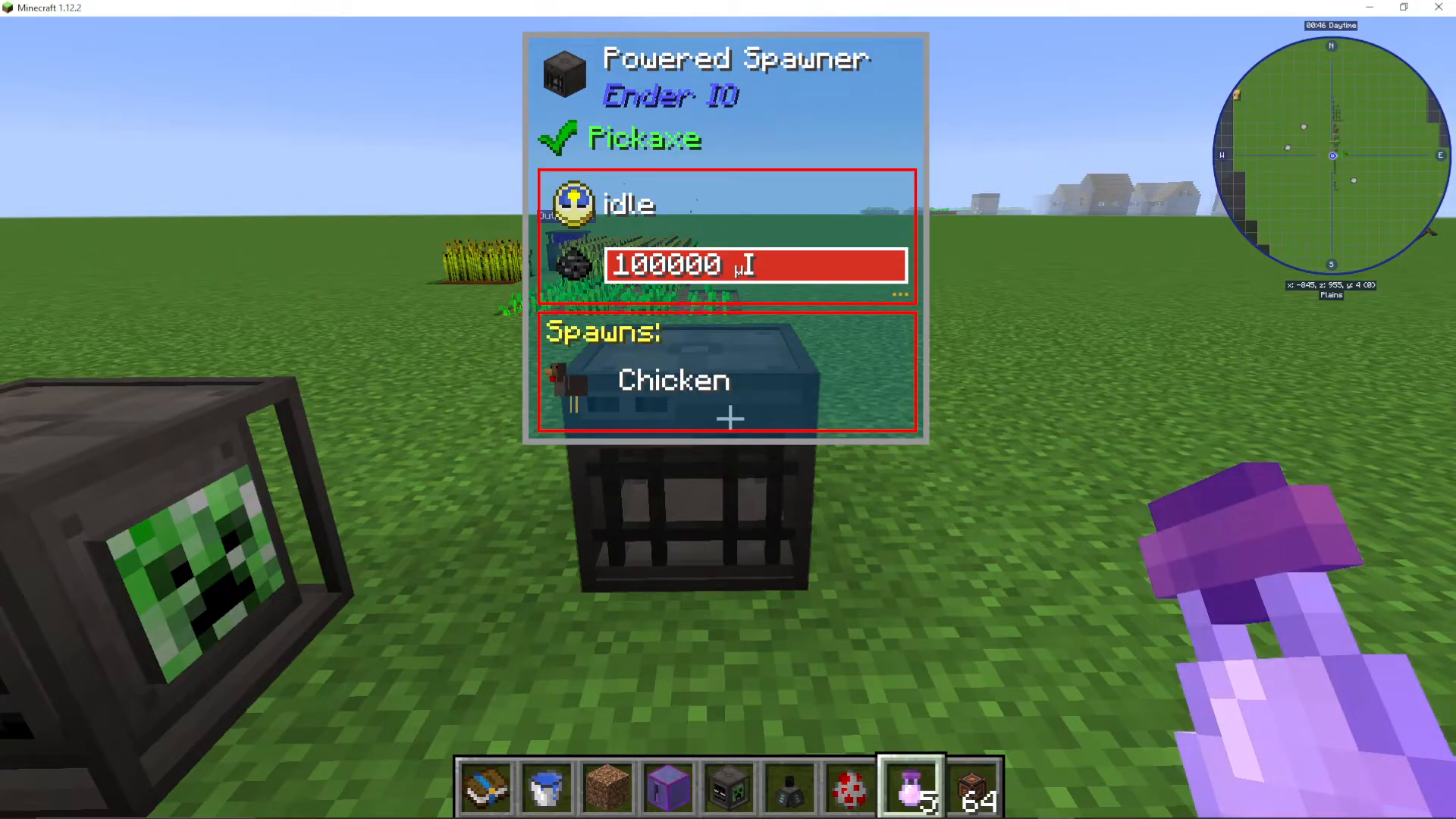
The Powered Spawner is a relatively simple machine that allows you to spawn enemies for your mob farm. To start using it, you’ll need to click into the machine interface and install a capacitor. The capacitor you choose will directly affect the machine’s performance, including spawn range and spawn speed.
Capacitor Selection and Performance
The type of capacitor you install makes a significant difference in how your Powered Spawner operates. By default, the machine comes with a basic capacitor, which provides minimal range and slow spawn rates.
Using the Show Range Feature
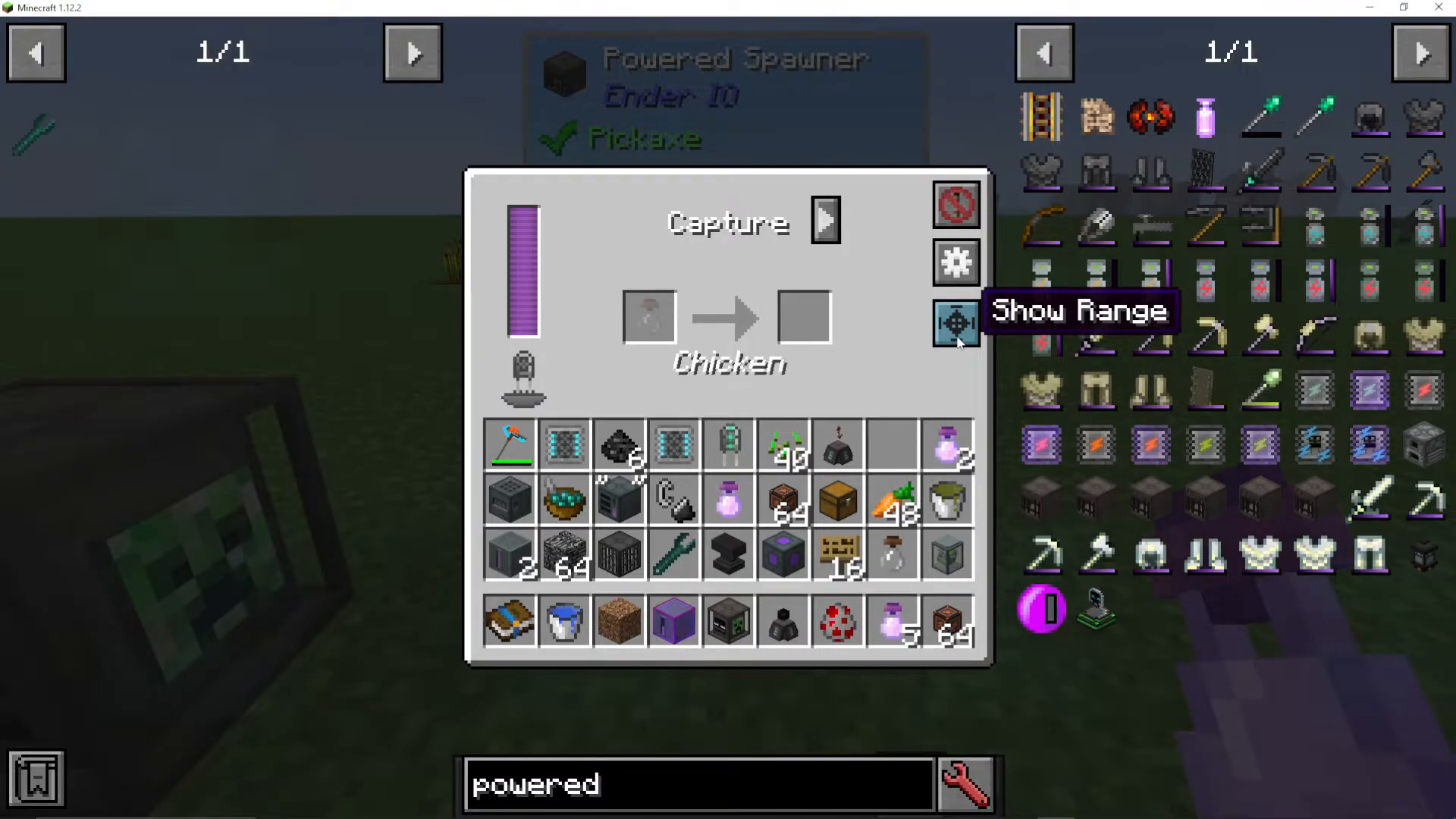
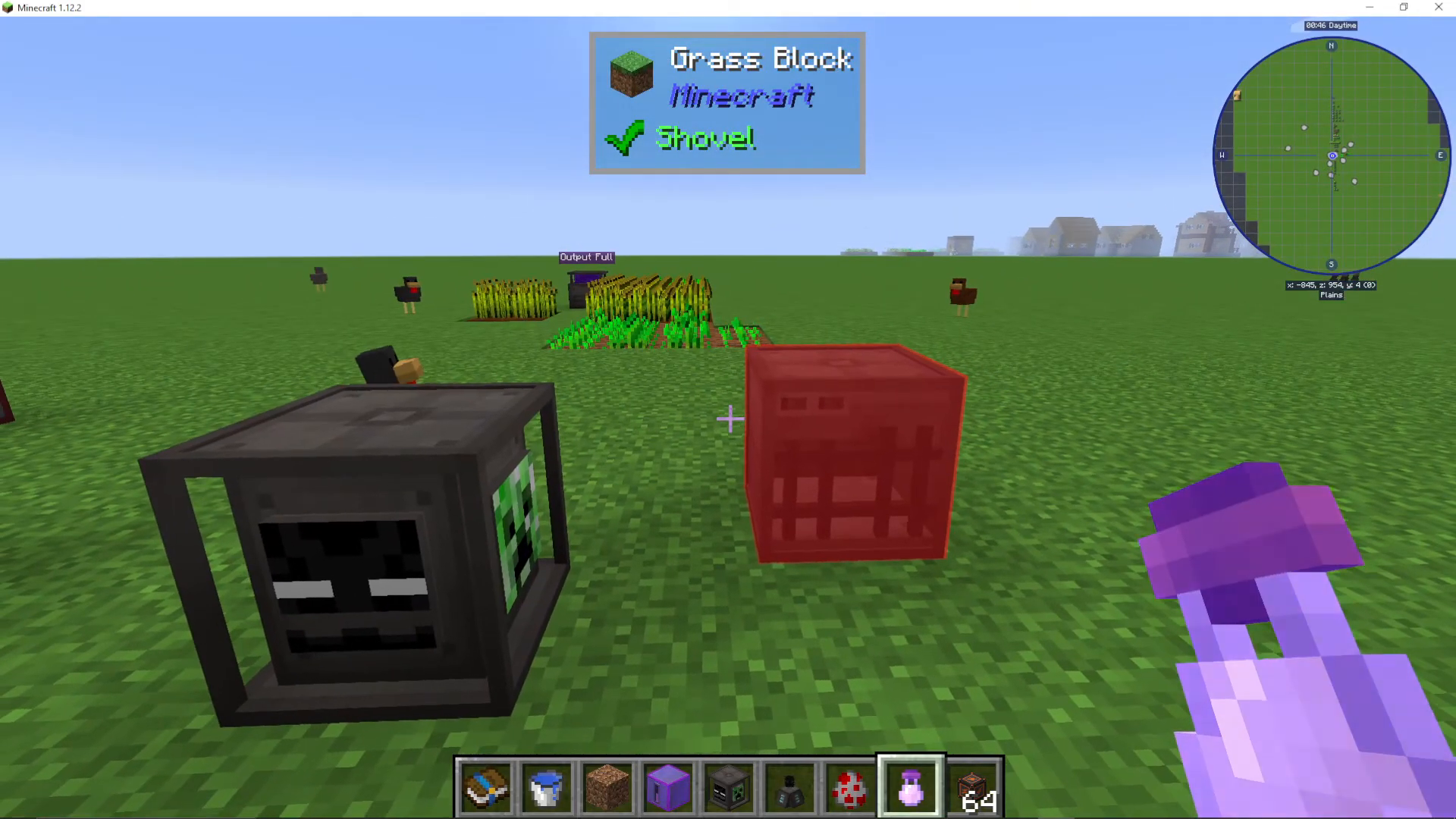
Click the “Show Range” button on the right side of the interface to visualize your spawner’s effective range. With a standard capacitor, you’ll notice the range is quite limited (approximately 1×1). This small range is intentional when the spawner is set to capture mode.
Upgrading with an Octadic Capacitor
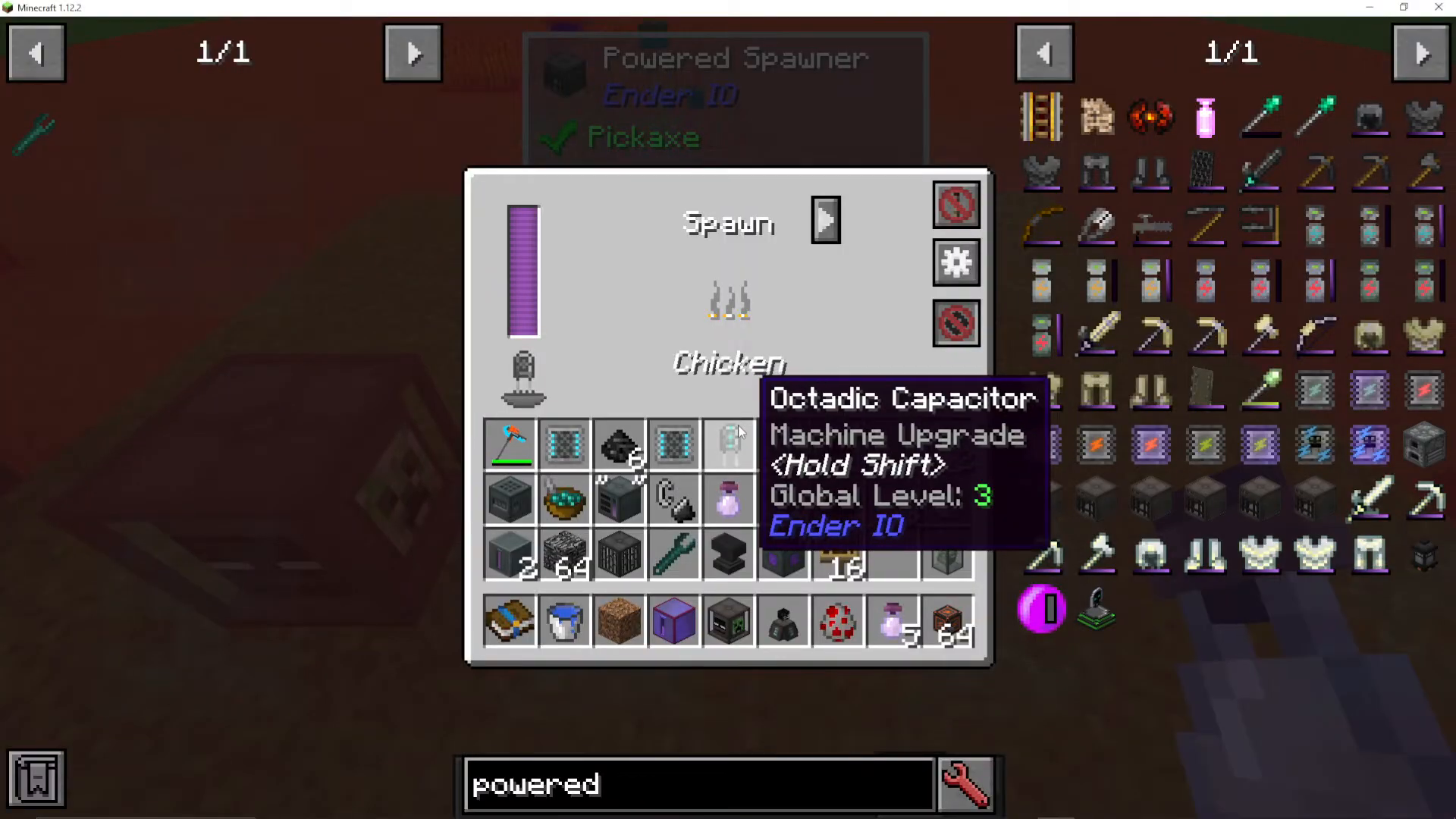
For significantly better performance, install an Octadic Capacitor instead. This upgrade will greatly increase your spawn rate and expand your effective range. You’ll notice the machine works much more efficiently with this higher-tier capacitor installed.
Capture Mode vs. Spawn Mode
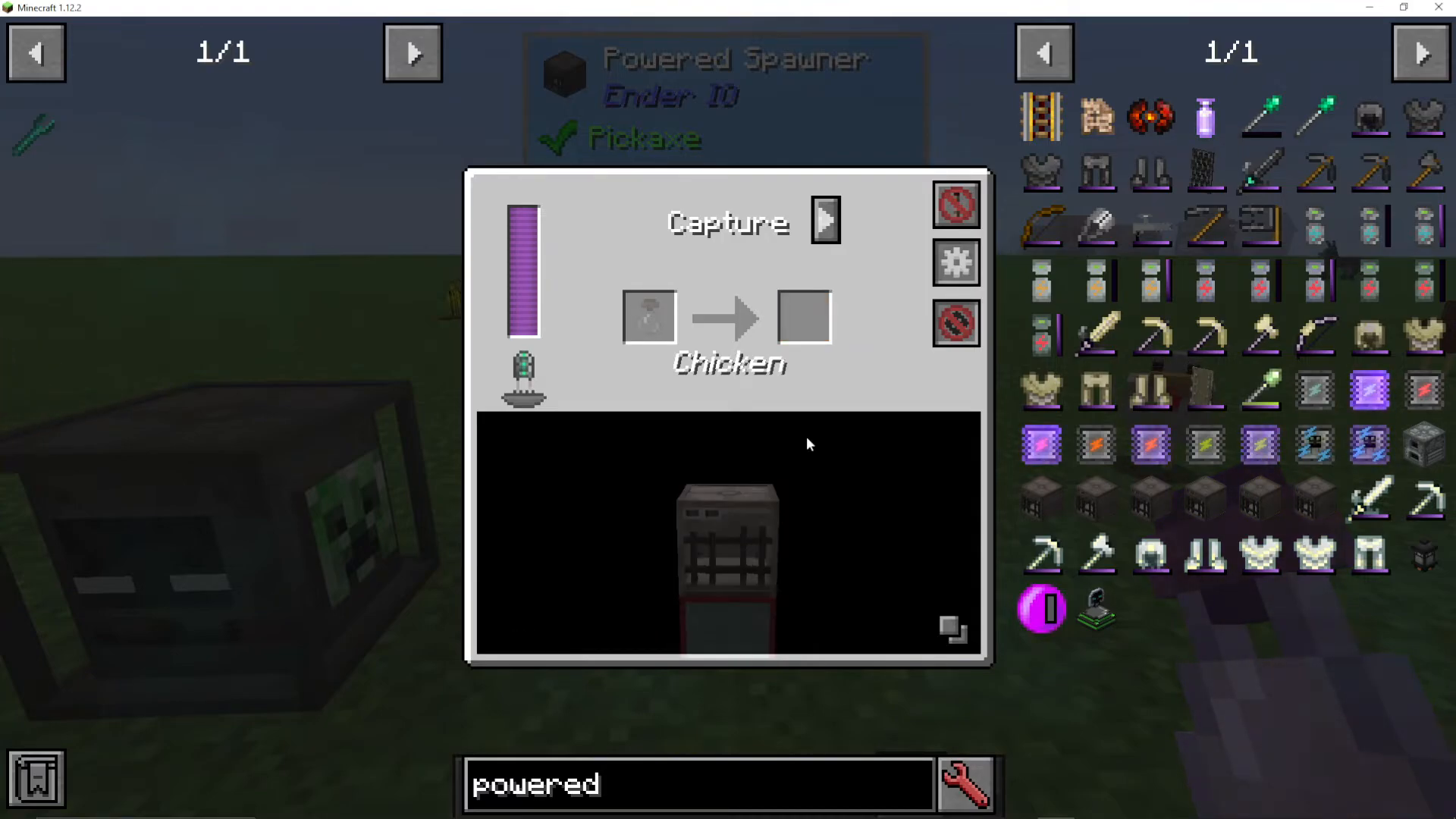
Capture Mode
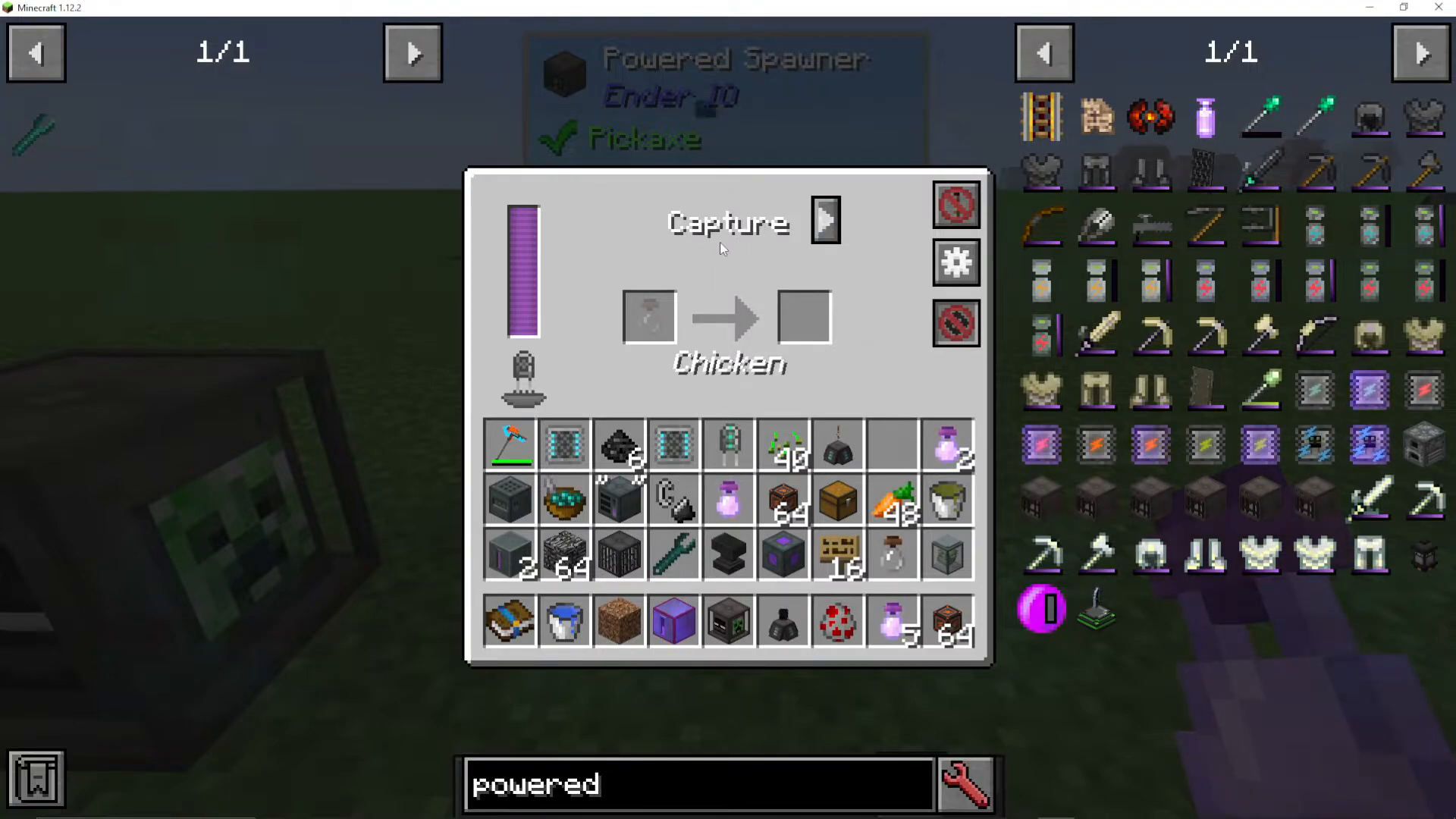
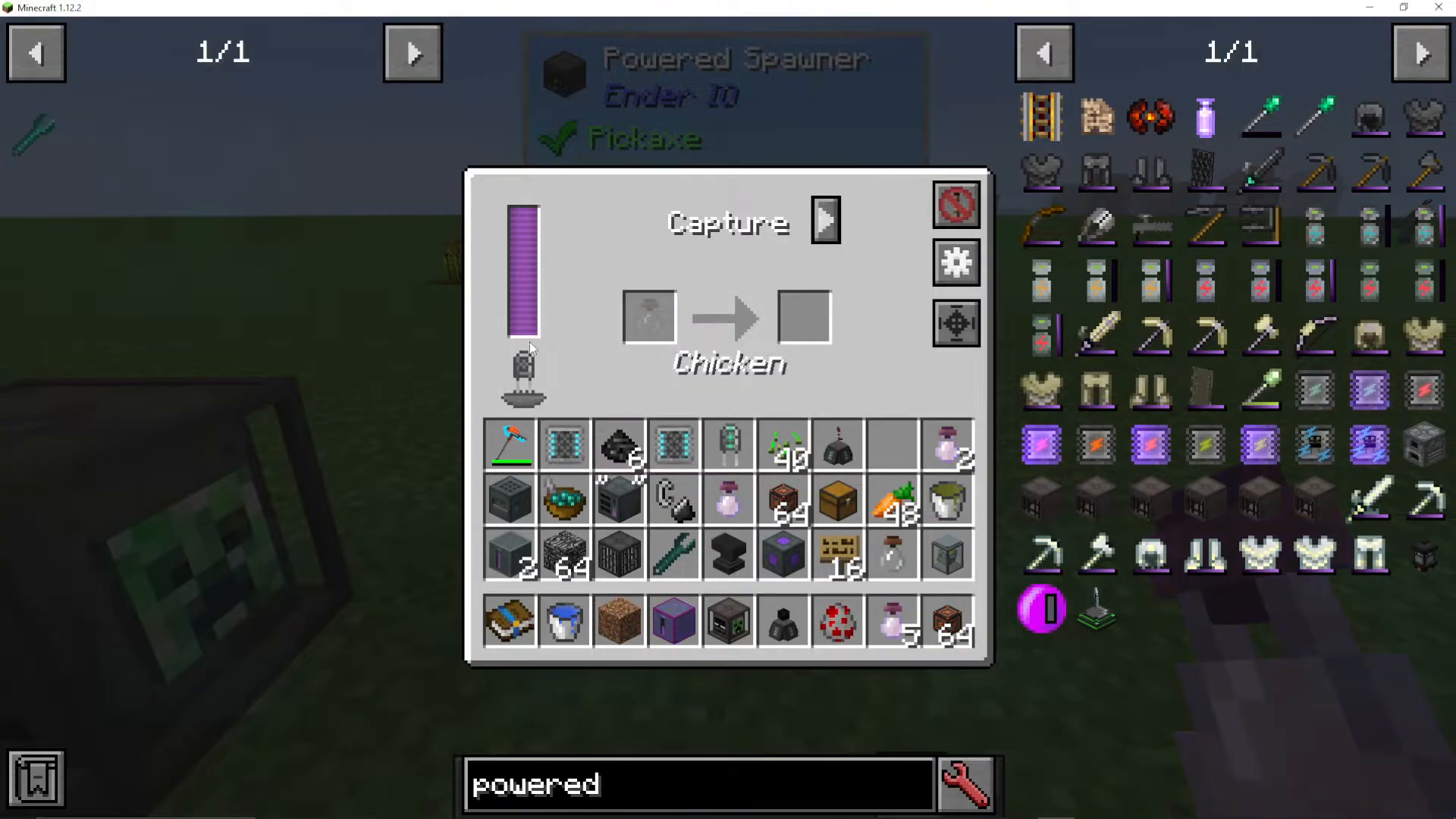
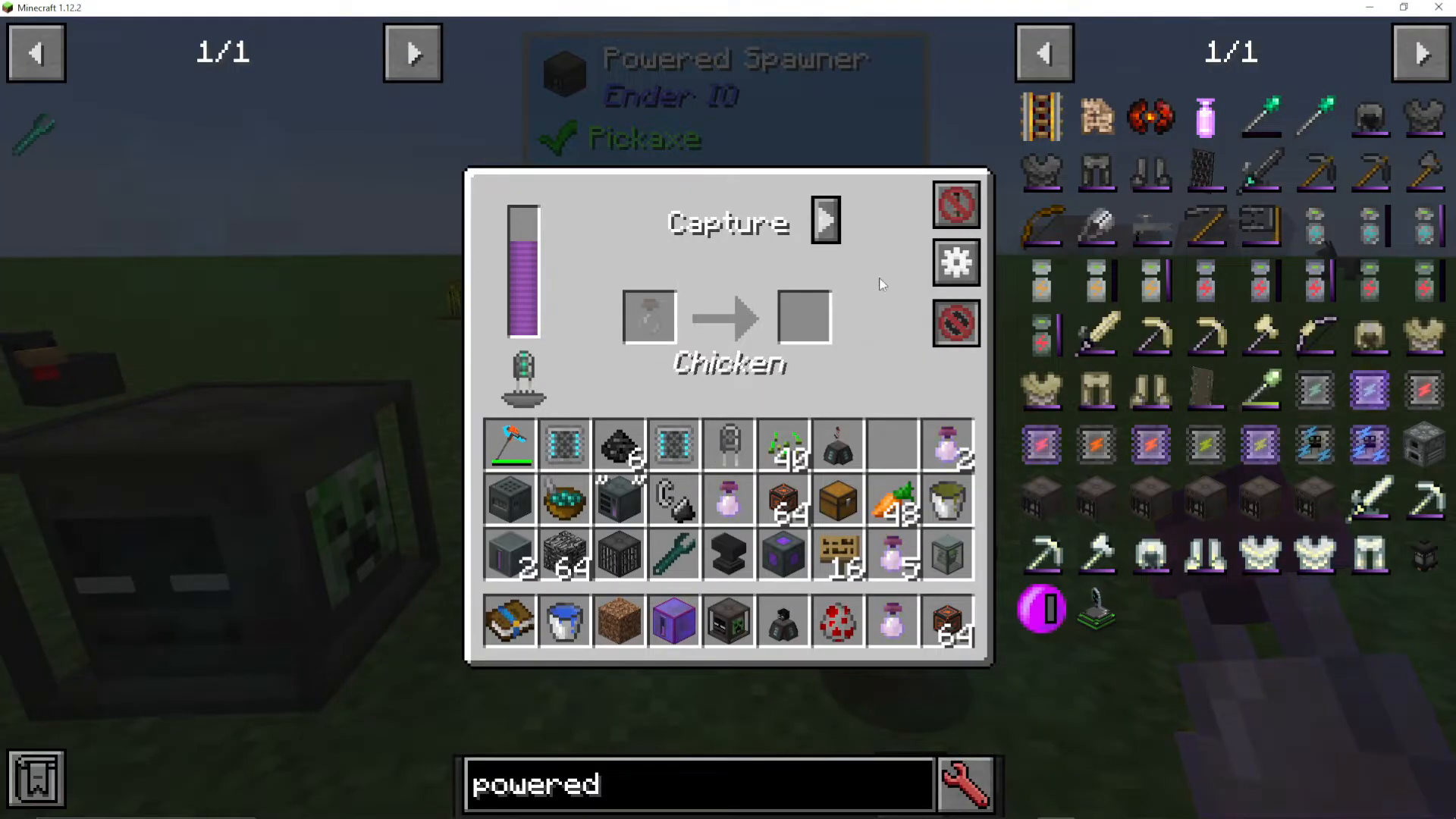
In capture mode, the Powered Spawner will capture mobs into Soul Vials. To use this feature, place empty Soul Vials into the machine. The machine will fill these vials with mobs over time—you can track progress with the progress bar. Once a Soul Vial reaches 100% completion, you’ll have a filled Soul Vial containing your desired mob.
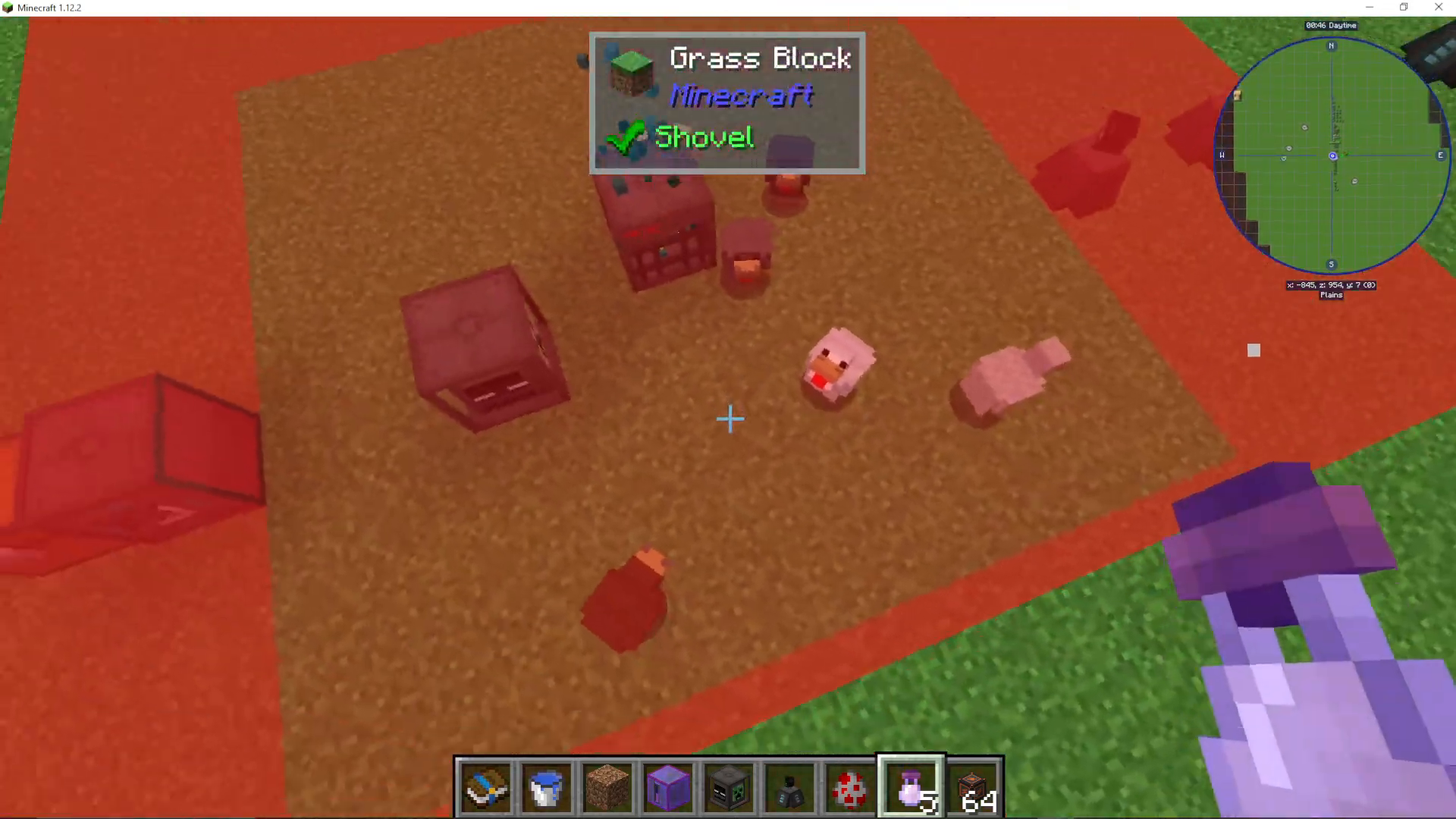
To release a captured mob from a Soul Vial, simply right-click the vial on the ground. The mob will be released at that location.
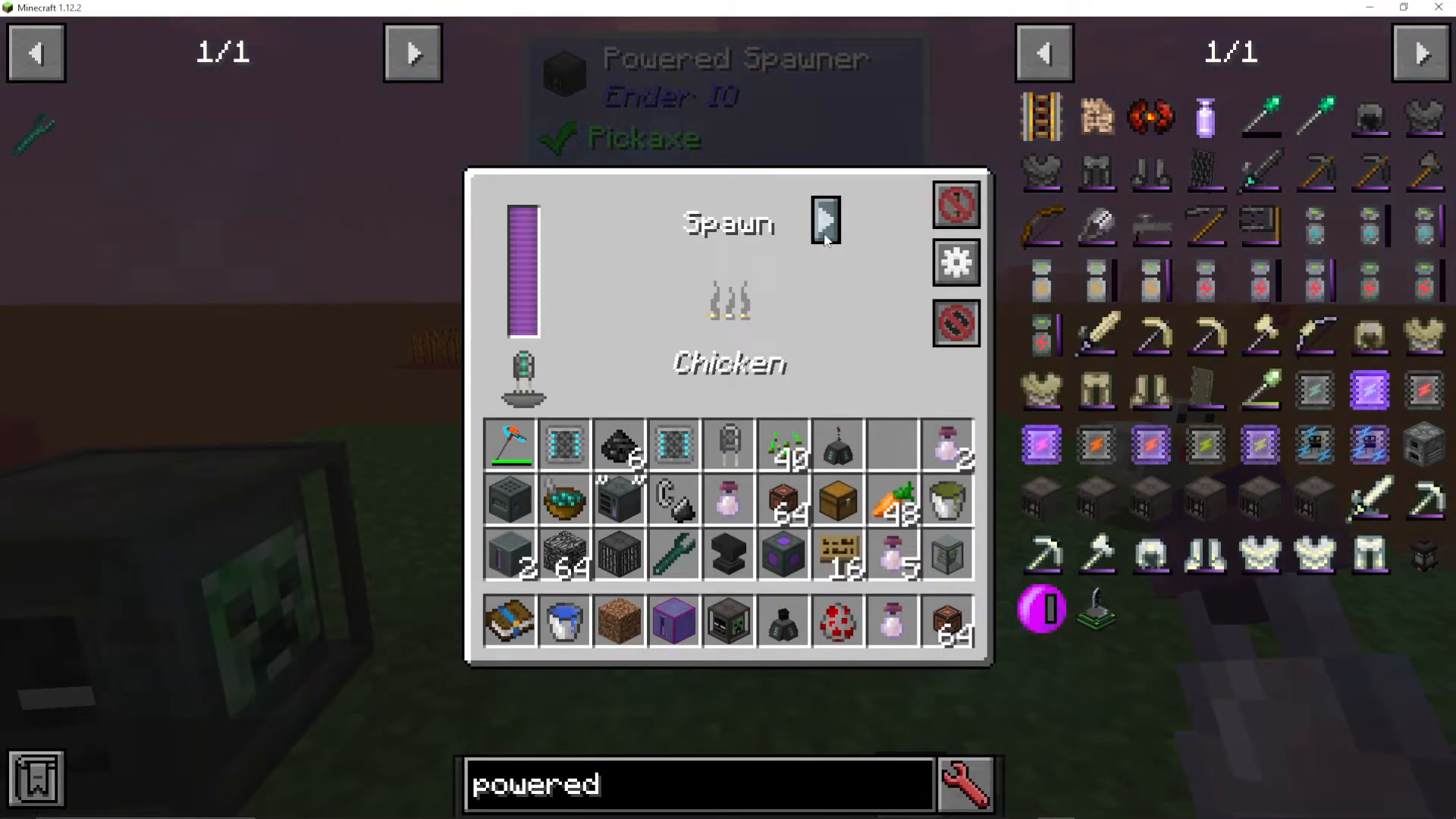
Spawn Mode
Switch to spawn mode when you want to actively spawn mobs for your farm. This mode will continuously generate mobs within the spawner’s range, allowing you to build an automated mob collection system.
Configuring Input/Output
Access the “Configure IO” menu to set up automation. You can configure the machine to automatically output Soul Vials into connected chests or other containers. This allows you to stockpile Soul Vials for later use without manual intervention.
Additional Configuration Options
The configuration menu also includes options to hide adjacent machines from view, making your setup cleaner. You can set the Powered Spawner to run continuously or activate only when it receives a Redstone signal, giving you full control over your mob farm’s operation.
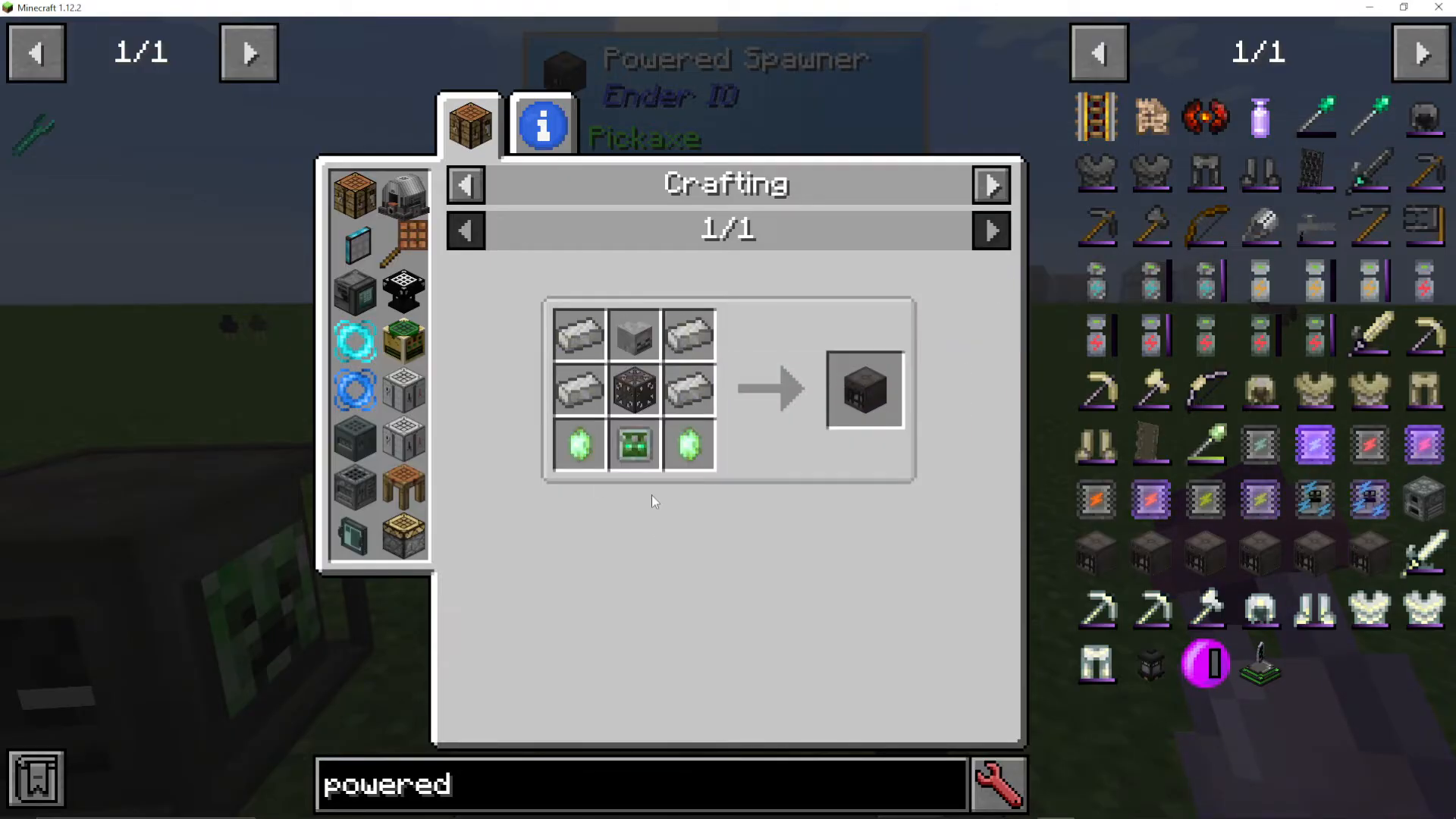
Crafting and Setting Up a Powered Spawner
To create a Powered Spawner with a specific mob type, you’ll need to craft the base Powered Spawner machine first. The recipe includes Vibrant Crystals, a Zed Logic Controller, and a Mob Head.
Using the Soul Binder for Mob Heads
Much of the crafting for Powered Spawners takes place in the Soul Binder. If you’re unfamiliar with the Soul Binder, check out the detailed Soul Binder tutorial available in the EnderIO playlist.
Creating Mob-Specific Spawners with the Anvil
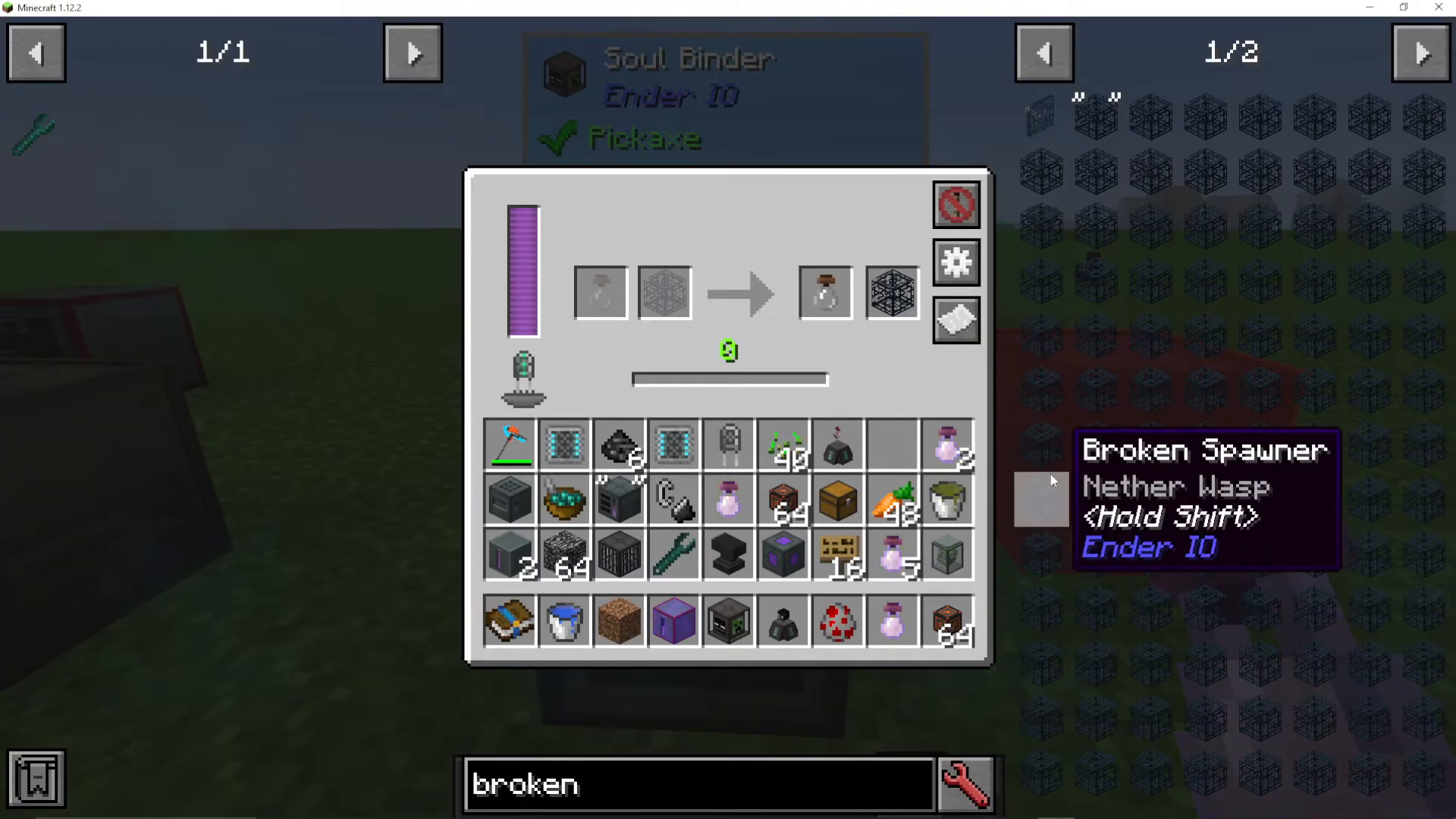
To create a Powered Spawner for a specific mob type, place the base Powered Spawner and a Broken Spawner together in an anvil. Make sure the Broken Spawner contains the mob type you want (Shulker, Pig, Chicken, etc.). Once combined, you’ll get a Powered Spawner pre-configured for that mob.
Changing Spawner Mob Types
If you need to change which mob your Broken Spawner is configured for, use the Soul Binder. Insert the Broken Spawner and a Soul Vial of the desired mob type into the Soul Binder. The machine will gradually convert it into a Broken Spawner for that new mob, consuming some player XP in the process.
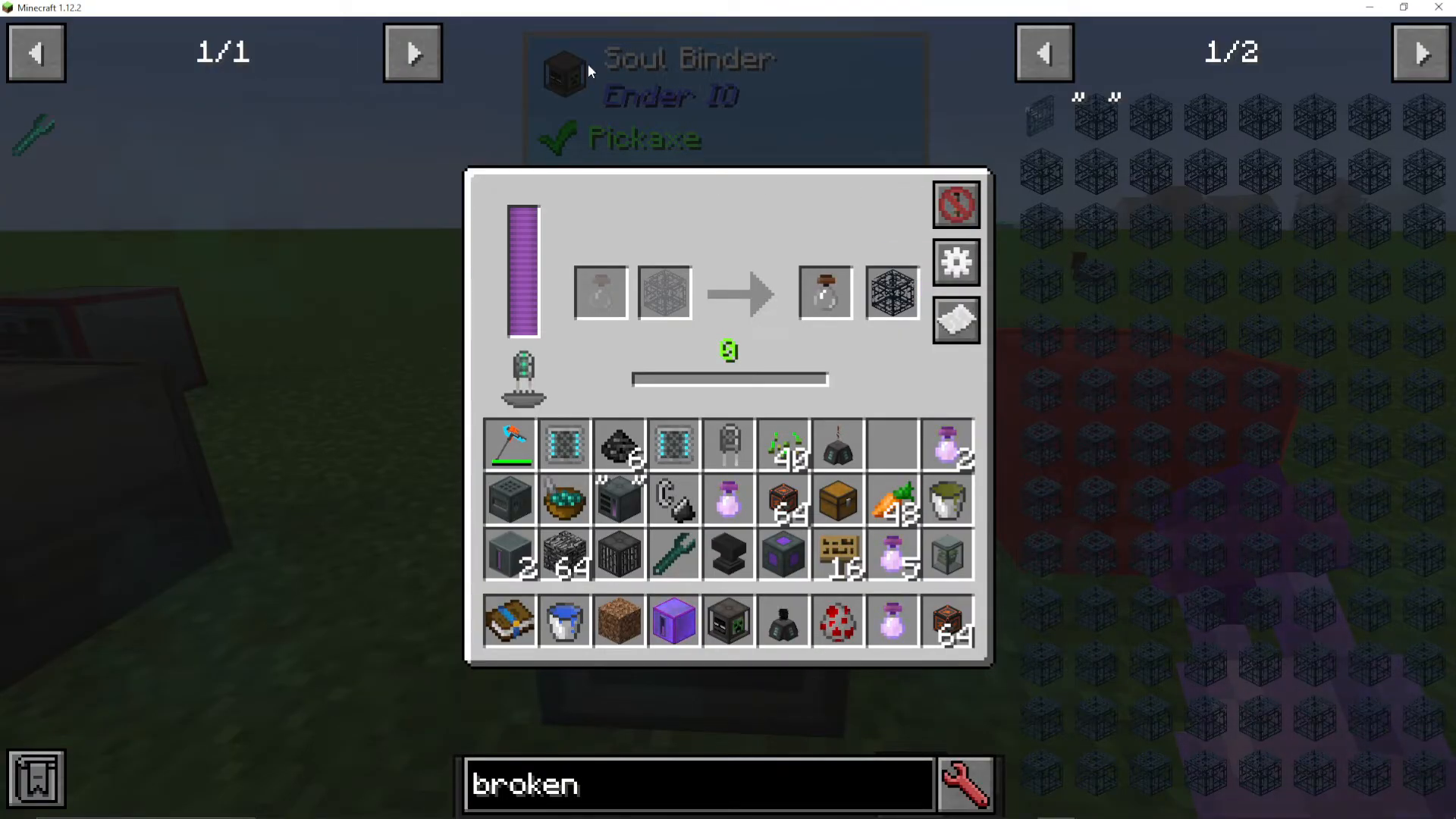
Once the Soul Binder completes the conversion, you’ll have your new Broken Spawner. Place it in an anvil with your Powered Spawner to create a mob-specific spawner (for example, a Donkey Spawner).
Summary
The Powered Spawner in EnderIO is an invaluable tool for creating efficient mob farms. By understanding capacitor selection, capture and spawn modes, and the crafting process through the Soul Binder and anvil, you’ll be able to set up a fully automated mob farm customized for any mob type. Remember to configure your IO settings to maximize automation and pair your spawner with the appropriate capacitor for your needs.
— Want to Support? —
If you would like to help us continue making these guides – please consider joining our patreon here – https://www.patreon.com/c/JaviHeals
Alternatively – we host a group of MC Servers you can join here – https://discord.gg/zD7Gjt6MHF



