







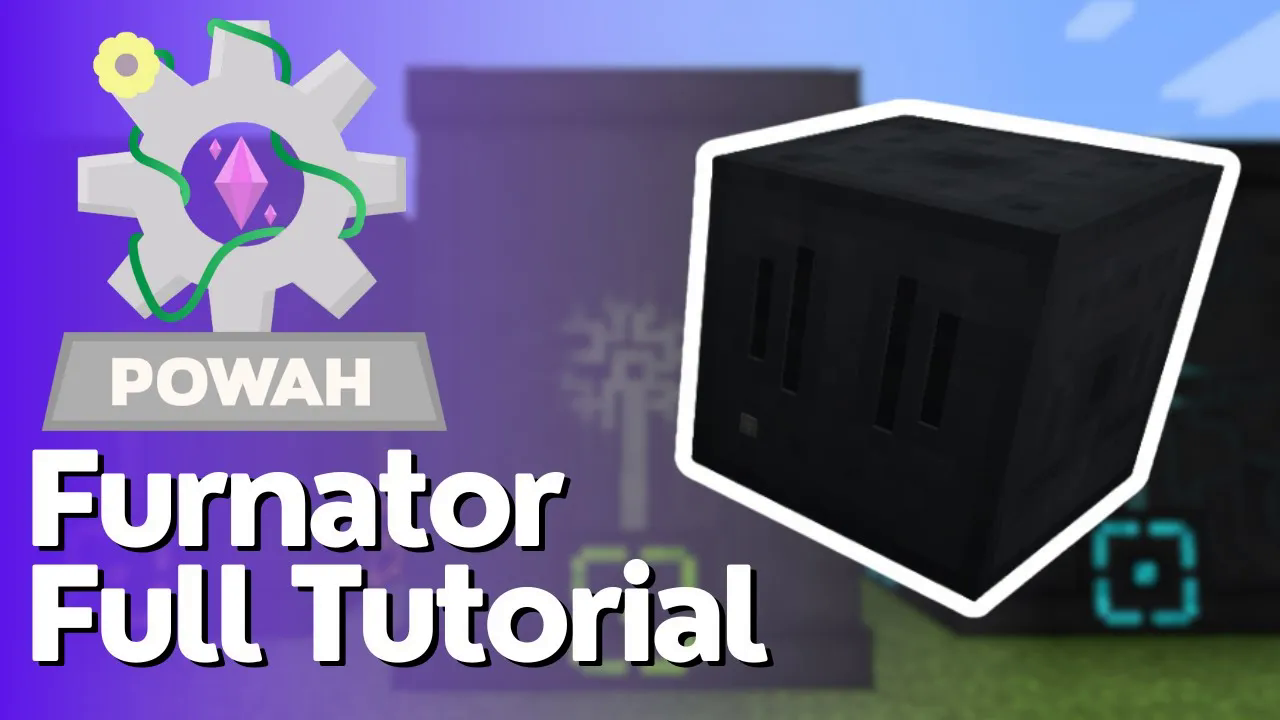
Powah – Furnator Tutorial
Powah Furnator Tutorial: Your First Power Generation Machine
The Powah mod is all about generating power in Minecraft, and it offers a great variety of ways to do so. If you’re just starting to explore this mod, one of the first machines you’ll want to craft is the Furnator. This beginner-friendly guide will walk you through everything you need to know to build and operate your first Furnator and start generating Forge Energy.
Understanding Furnator Tiers
The Powah mod provides several Furnator variants at different power levels: Starter, Basic, Hardened, Blazing, Niobetic, Spirited, and Nitro. For this tutorial, we’ll focus on the Starter tier, which is perfect for players just beginning their Powah journey. As you progress, you’ll unlock more complex tiers with greater power generation capabilities.
Required Materials for the Starter Furnator
To craft a Starter Furnator, gather the following materials:
Dielectric Paste
Basic Capacitors (Tiny)
Dielectric Casing
Furnace
Creating Basic Capacitors
Basic Capacitors are made by combining Dielectric Paste, Iron Ingots, and Redstone in a crafting table. The Tiny variants are simply broken down versions of the standard Basic Capacitors, so you may need to process full-sized capacitors if you find them first.
Creating Dielectric Casings
Dielectric Casings require Dielectric Rods and Iron Bars combined with Dielectric Paste. An important feature of these casings is their flexibility: you can rotate them between horizontal and vertical orientations directly in the crafting table, allowing you to customize your machine’s appearance and layout.
Once you have all materials prepared, combine them to craft your Starter Furnator. If you want a slightly more powerful version, the Basic Furnator uses the same design but requires additional resources. The complexity doesn’t significantly increase until you reach the Hardened tier and beyond.
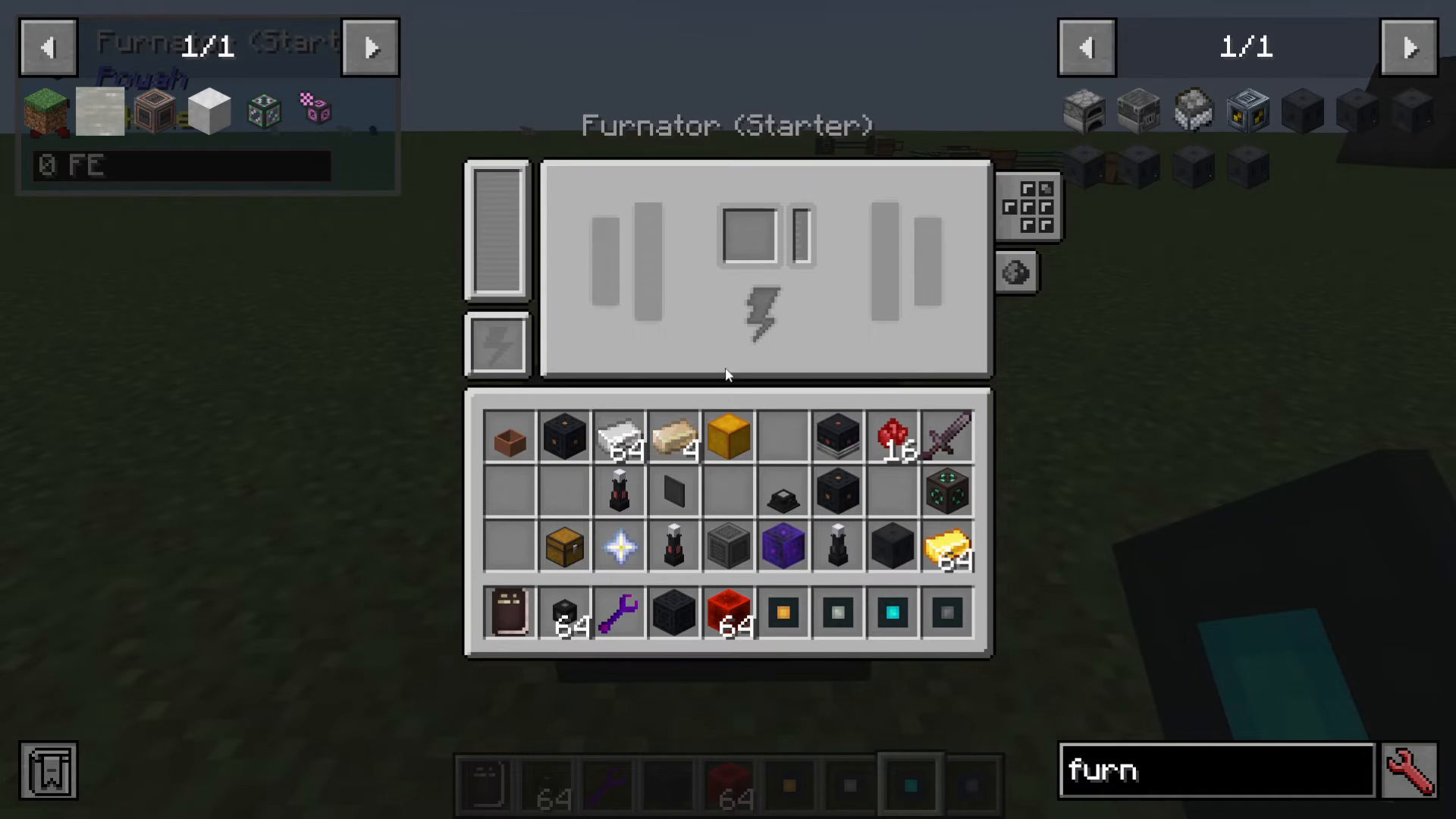
Operating Your Furnator
Accessing the Interface
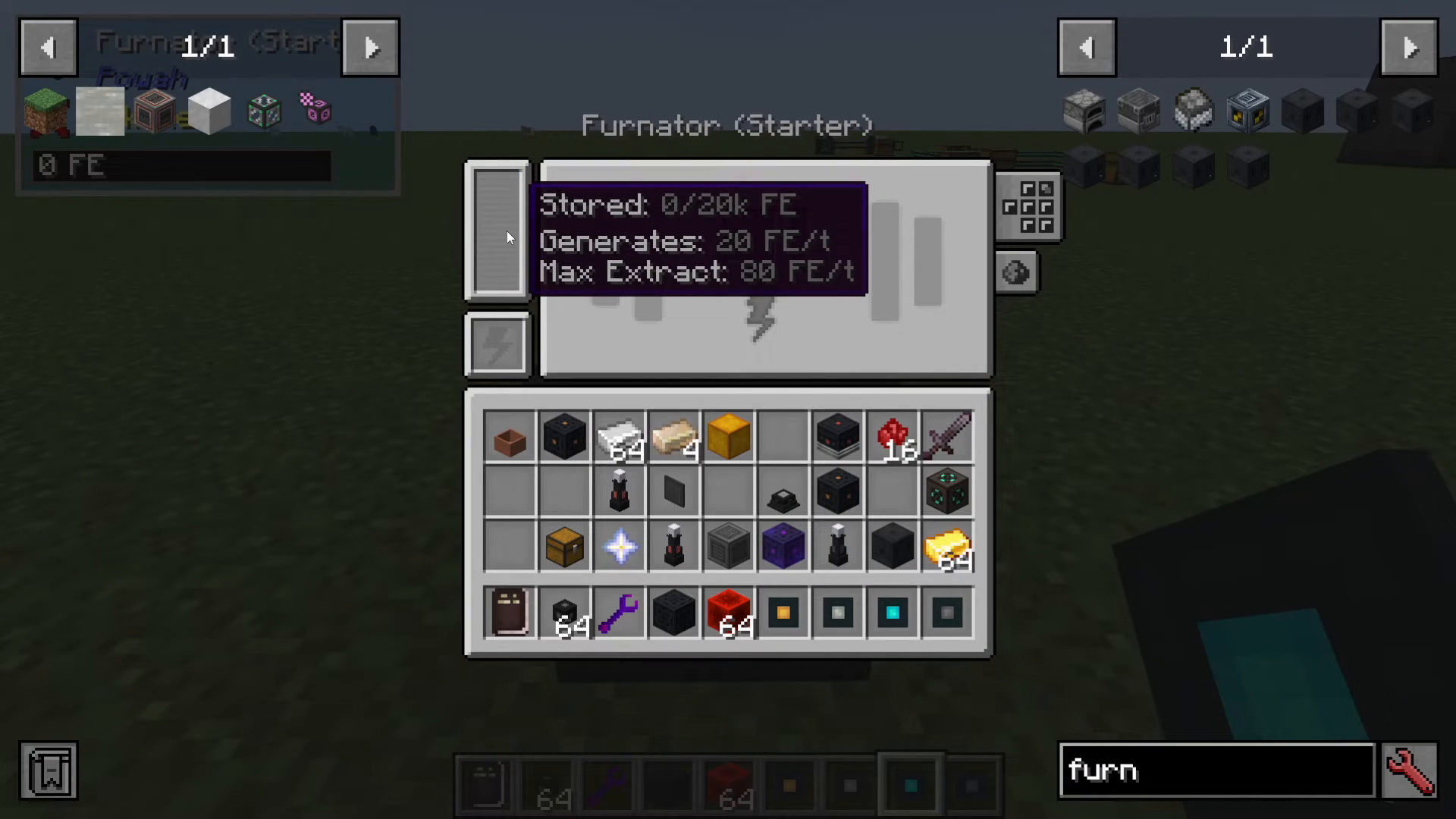
Right-click on your placed Furnator to open its interface. You’ll immediately see that it’s currently storing zero energy. The machine can generate 20 Forge Energy per tick and extract up to 80 Forge Energy per tick, making it an efficient early-game power source.
The Carbon Slot
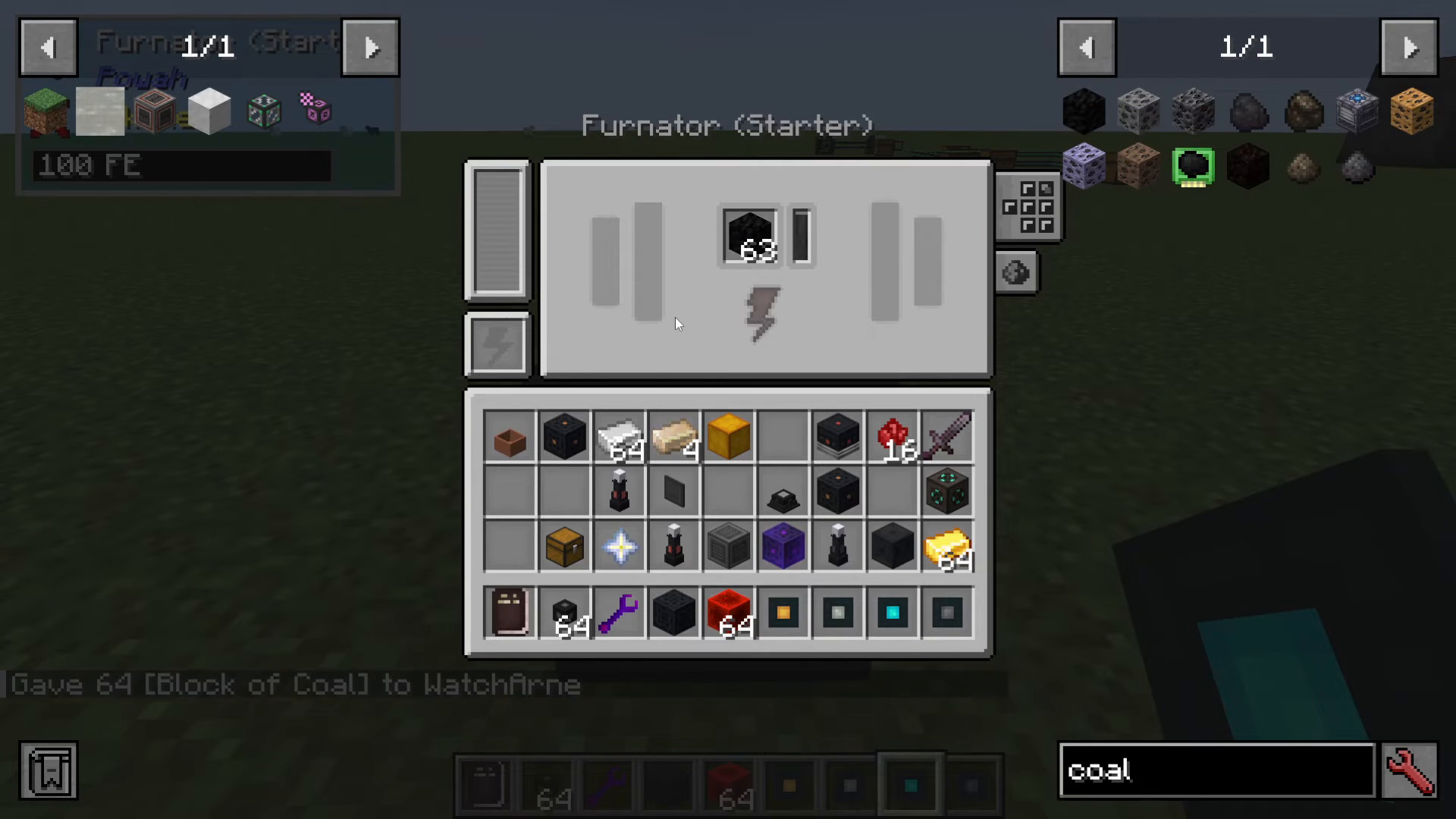
The Furnator burns combustible solid materials—such as Coal, Coal Blocks, and Wood—to generate Forge Energy. Simply place a fuel source (like a block of coal) into the Carbon slot. You’ll see the slot fill as the fuel material melts down into carbon, which is then converted into usable Forge Energy. Watch the stored energy amount increase as the fuel burns.
Charging Items Passively
In addition to generating energy, the Furnator can passively charge compatible items placed inside its inventory. This is useful if you want to top up your tools or other powered equipment while generating power.
Configuring Redstone and Sides
Redstone Signal Control
The Furnator offers flexible redstone control. You have three options:
Ignore Redstone: The Furnator runs continuously regardless of redstone signals.
Only Work on Signal: The machine only burns fuel and generates energy when it receives an active redstone signal.
Ignore Together: A combined mode that allows you to control behavior based on your setup.
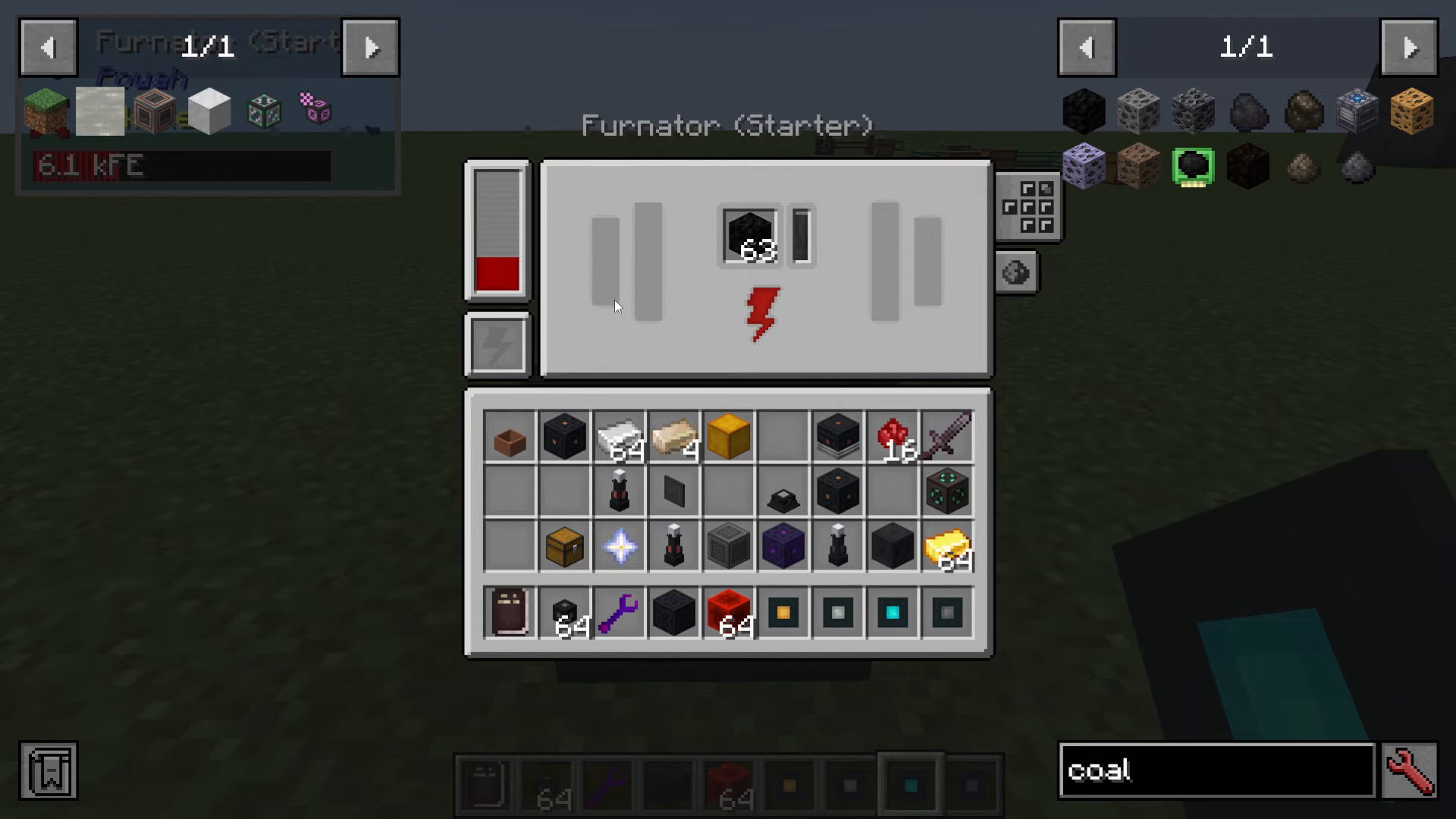
Side Configuration
Each side of the Furnator can be individually configured. For each side, you can choose to:
Turn extraction off
Enable energy extraction
Leave the side inactive
This granular control lets you decide exactly which faces of the machine will output Forge Energy. For example, if you only want energy to extract from the back face, you can disable extraction on the other sides.
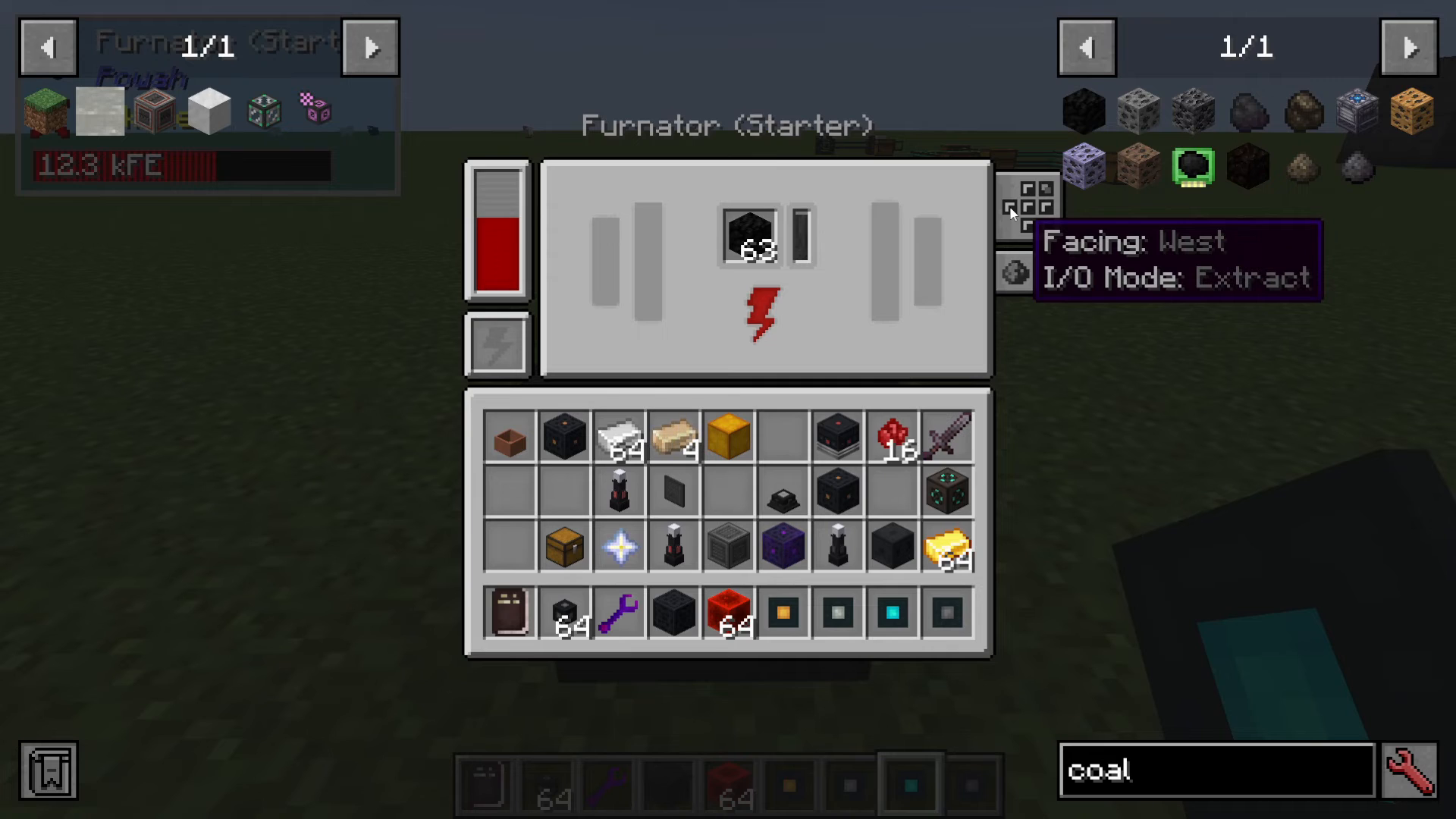
Connecting Energy Cables and Storage
To move Forge Energy from your Furnator to other machines or storage devices, you’ll need Energy Cables. These starter-tier cables can be connected to any active extraction face of the Furnator. For example, you might run a cable from the back face into an Energy Cell—another Powah machine that stores generated power for later use.
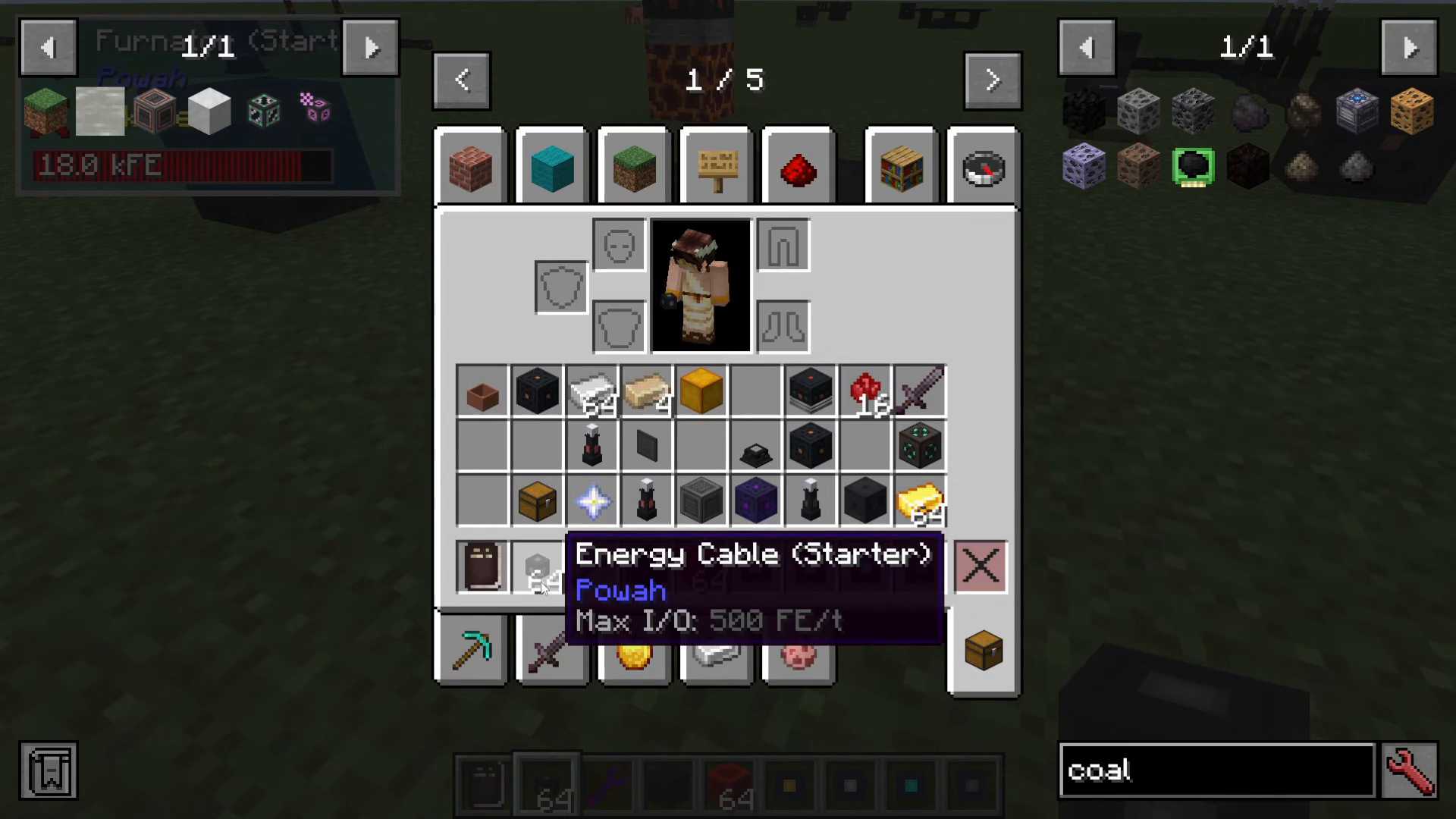
Disabling Extraction Faces
If you decide you don’t want energy leaving a particular face, simply disable that face in the configuration menu. When all faces are turned off, the Furnator will accumulate energy internally. When you re-enable extraction faces, the stored power will resume flowing outward to connected cables and machines.
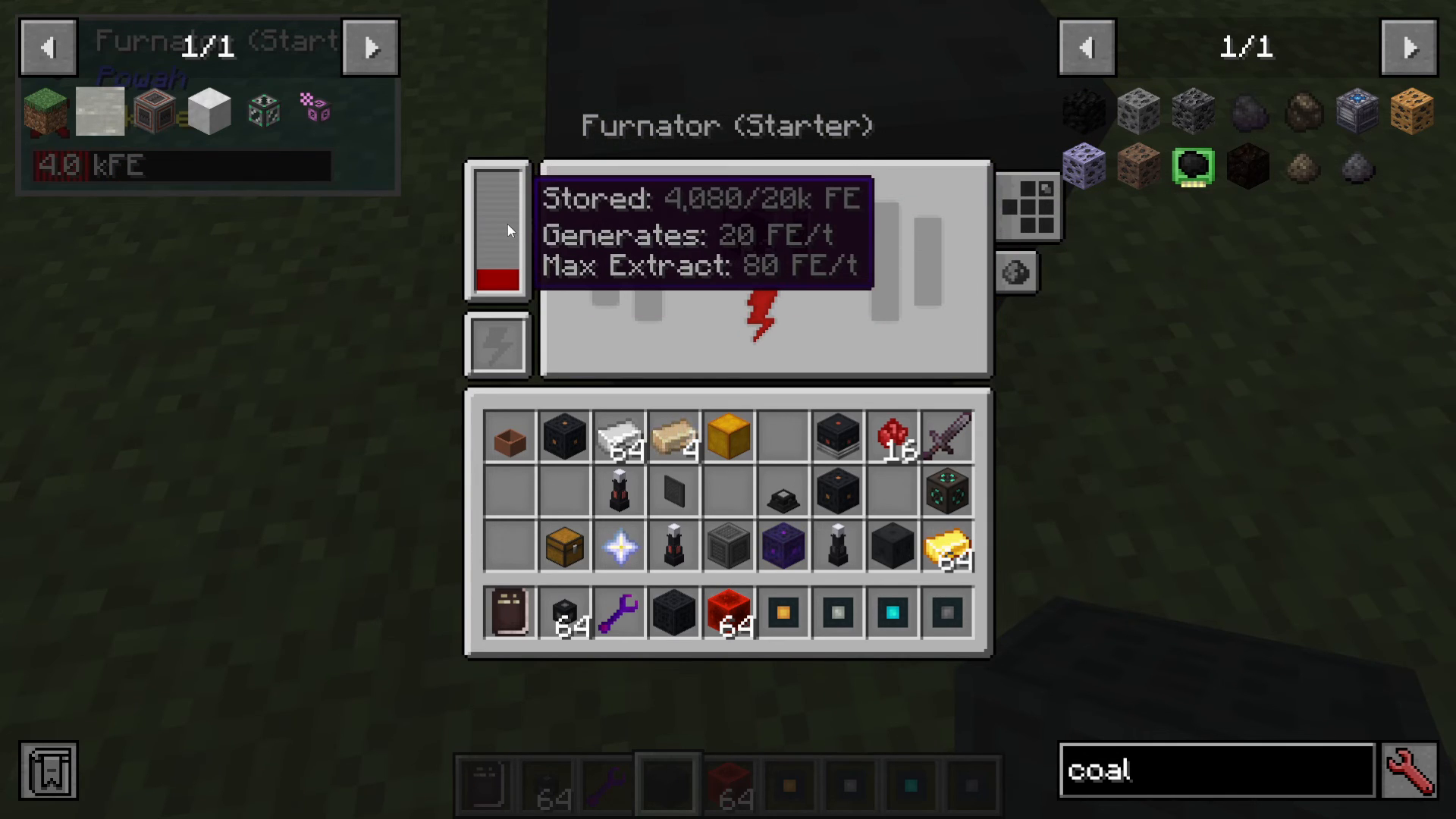
Summary
The Starter Furnator is an excellent first step into the Powah mod. By burning combustible materials like coal and wood, it provides a reliable early-game power generation solution. With customizable redstone controls and per-side configuration, you have complete control over how your Furnator operates within your power network. As you grow more comfortable with Powah, you’ll be able to upgrade to more powerful Furnator tiers and combine them with other generators for increased energy production. For more advanced Furnator variants and additional Powah tutorials, stay tuned!
Want to Support?
If you would like to help us continue making these guides – please consider joining our patreon here – https://www.patreon.com/c/JaviHeals
Alternatively – we host a group of MC Servers you can join here – https://discord.gg/zD7Gjt6MHF



