







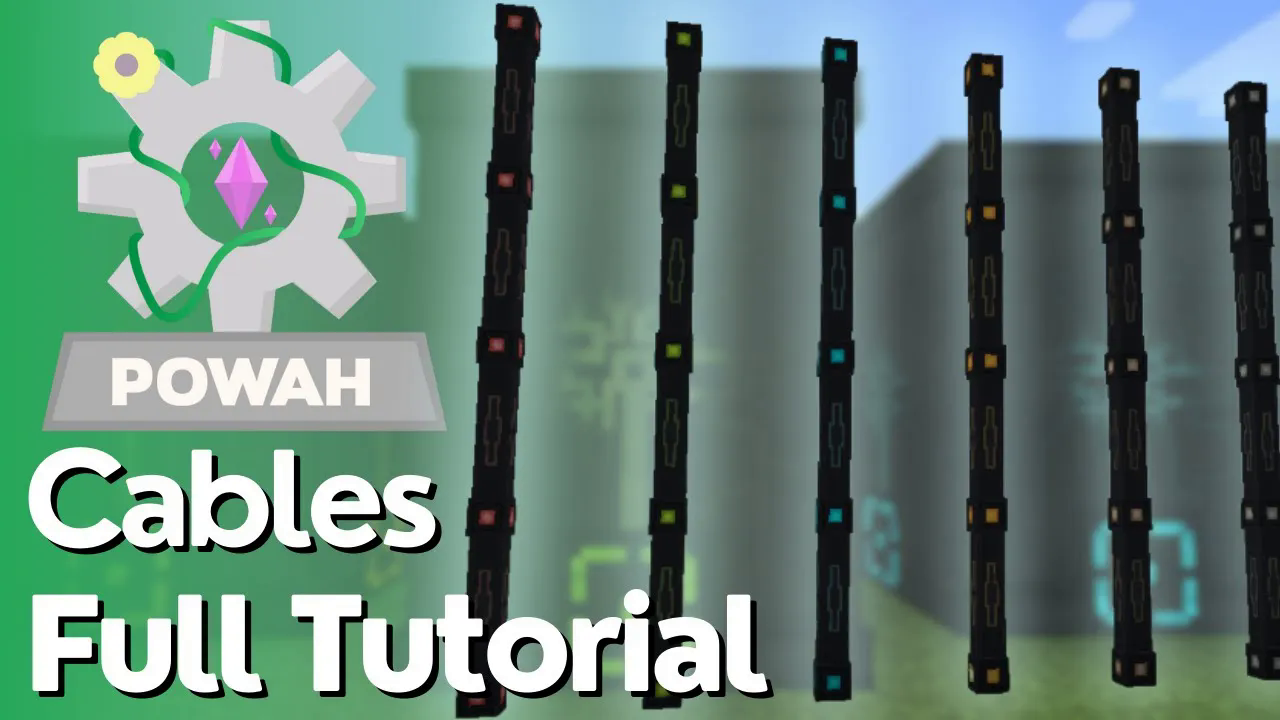
Powah – Complete Cables Tutorial
Powah – Complete Cables Tutorial
The Powah mod offers a comprehensive power distribution system with multiple cable types to suit different energy transport needs. Whether you’re building a basic power network or an advanced industrial setup, understanding cables is essential for efficient energy management. This guide covers everything you need to know about Powah cables, from crafting recipes to connection mechanics.
Understanding Cable Types and Tiers
The Powah mod features six distinct cable tiers, each designed to transport increasing amounts of energy. These cables form the backbone of your power distribution network:
Energy Cable (Starter)
Basic
Hardened
Blazing
Niotic
Spirited
Nitro
Energy Transfer Rates
Each cable tier has a maximum energy transfer capacity measured in Forge Energy per tick:
Basic Cables: 2,000 FE/tick
Hardened Cables: 5,000 FE/tick
Blazing Cables: 20,000 FE/tick
Niotic Cables: 50,000 FE/tick
Spirited Cables: 200,000 FE/tick
Nitro Cables: 1,000,000 FE/tick
Crafting Basic Cables
Basic cables are the foundation of your power network and are relatively simple to craft. You’ll need two key components:
Dielectric Rods: Crafted using dielectric paste
Basic Capacitor: Made from dielectric paste and basic Minecraft materials
With these materials, you can construct your first basic cables to begin transporting power.
Upgrading to Higher Tiers
Materials for Advanced Cables
Once you progress beyond basic cables to the hardened tier and beyond, you’ll need to incorporate more advanced materials. Energized Steel becomes a critical component starting at the hardened tier.
You have two upgrade paths:
Direct Crafting: Use hardened capacitors (made with energized steel) alongside basic cables
Cable Conversion: Upgrade existing cables in bulk — two basic cables can be converted into six hardened cables
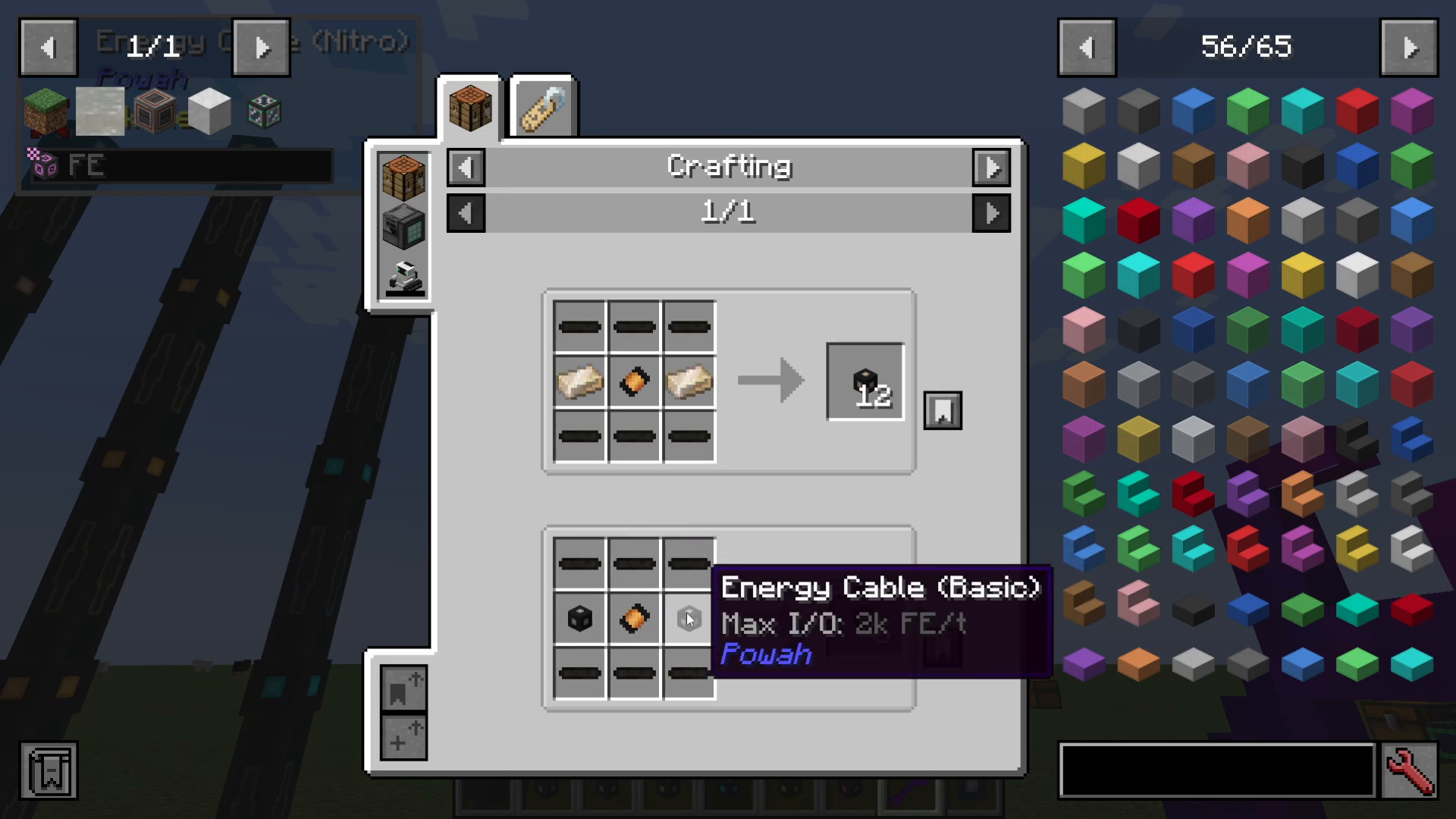
This conversion process continues up the cable tier chain, allowing you to efficiently upgrade your power network as you gather better materials.
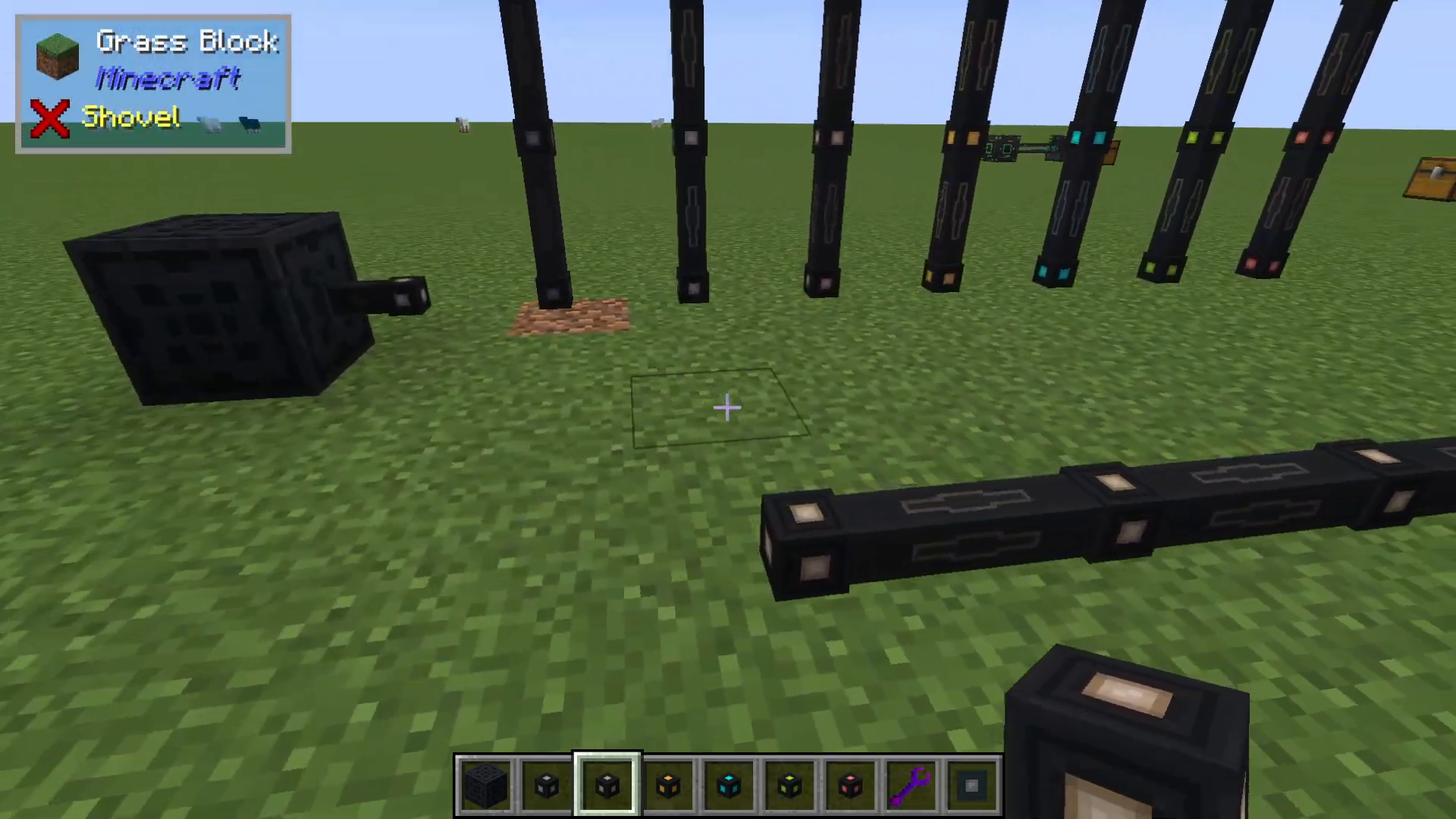
Placing and Connecting Cables
Cables are placed similarly to standard Minecraft blocks and will automatically connect to adjacent cables of the same tier. An important mechanic to remember: different cable tiers will not connect to each other. This limitation can be advantageous in certain situations, as it allows you to segregate power networks and prevent energy loss through incompatible connections.
Cables also connect directly to machines that have power ports, making it easy to distribute energy throughout your facility.
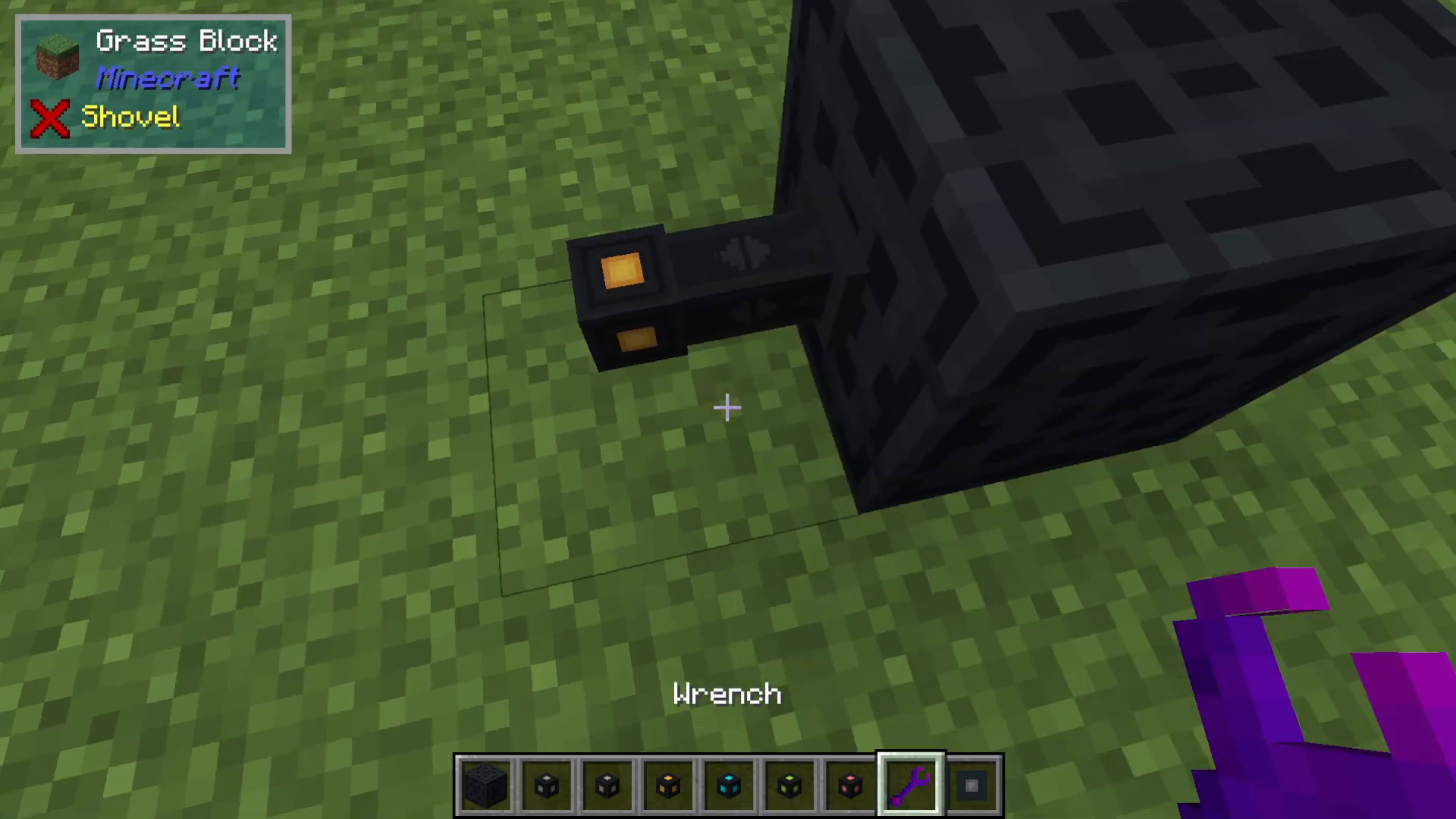
Configuring Cable Direction with Wrenches
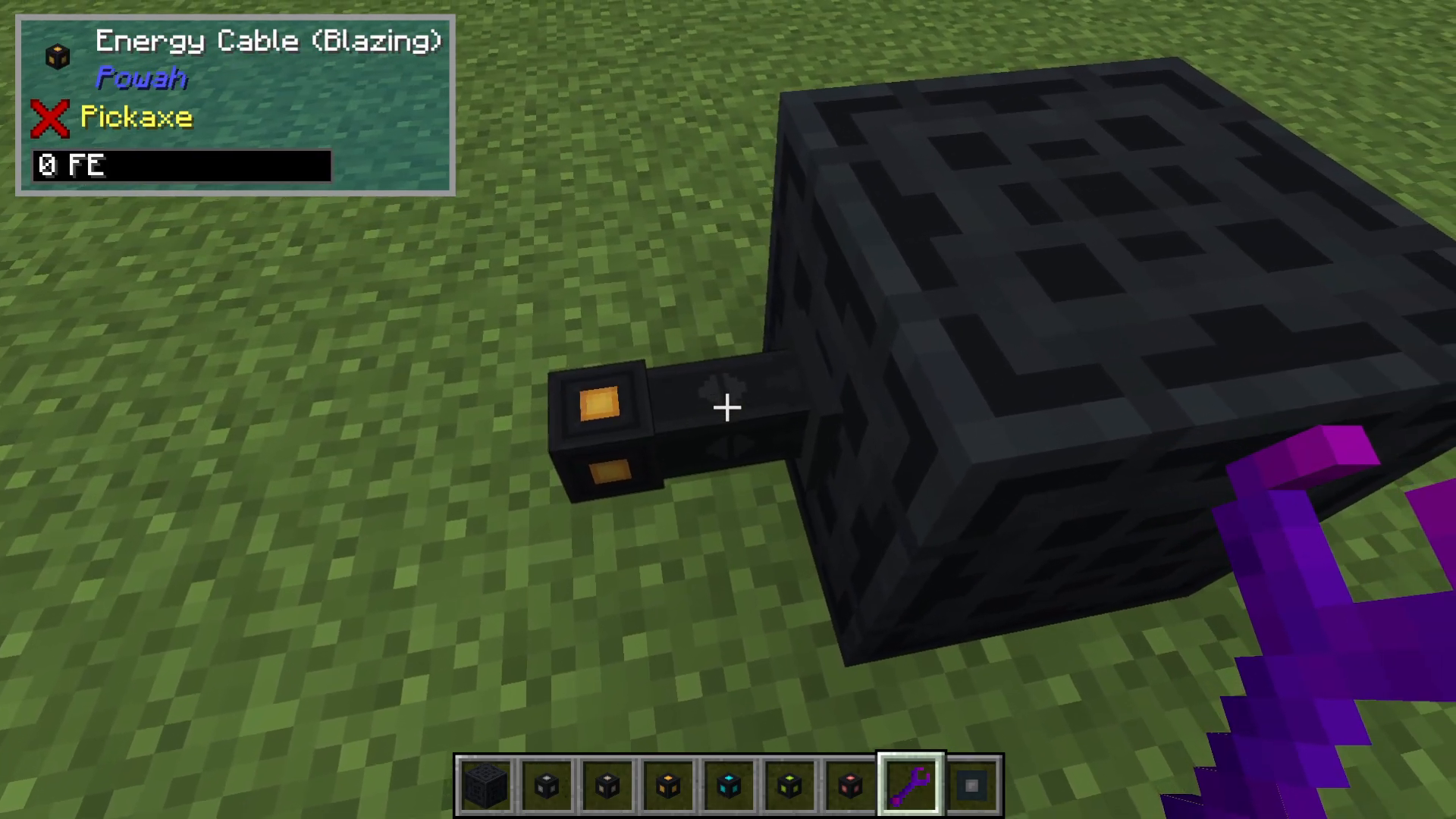
Reading Cable Arrows
When a cable connects to a machine, you’ll notice small arrows displayed on the connection point. These arrows indicate the current power flow configuration and show whether energy can input, output, or both.
Managing Power Flow
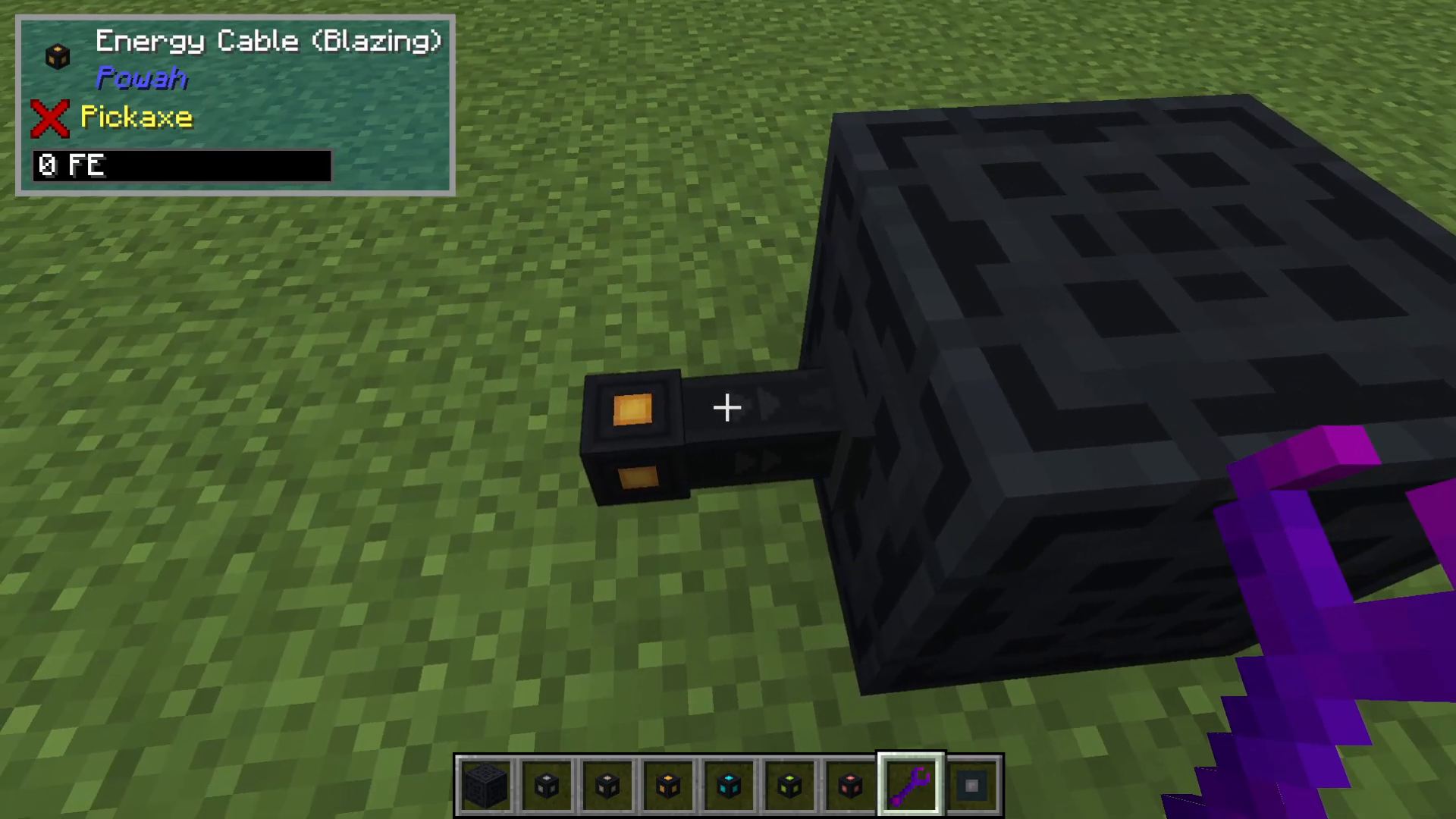
To control how energy moves between cables and machines, use a wrench to right-click the connection point. Each click cycles through different modes:
Input Mode: Arrows point into the machine — cables push energy into the machine
Output Mode: Cables extract energy from the machine
Disabled Mode: The connection is completely disabled, preventing any energy transfer
Bidirectional Mode: The cable can both input and output energy to/from the machine
Summary
The Powah cable system provides a flexible and scalable solution for power distribution across all progression stages. Start with basic cables using dielectric materials, upgrade to hardened cables with energized steel as you advance, and eventually reach ultra-high-capacity nitro cables for late-game mega-bases. Remember that cables of different tiers won’t connect, allowing you to separate power networks, and always use your wrench to configure machine connections properly. With these fundamentals mastered, you’re ready to build an efficient and organized power infrastructure.
Want to Support?
If you would like to help us continue making these guides – please consider joining our patreon here – https://www.patreon.com/c/JaviHeals
Alternatively – we host a group of MC Servers you can join here – https://discord.gg/zD7Gjt6MHF



