







Mekanism HDPE Pellet Tutorial (Easy to Follow)
Mekanism HDPE Pellet Tutorial: Easy to Follow Guide
In this guide, we’ll walk you through creating HDPE pellets in the Mekanism mod for Minecraft. Don’t let the complexity intimidate you—we’ll break this down into simple, color-coded steps that are beginner-friendly and easy to understand.
Understanding the System Overview
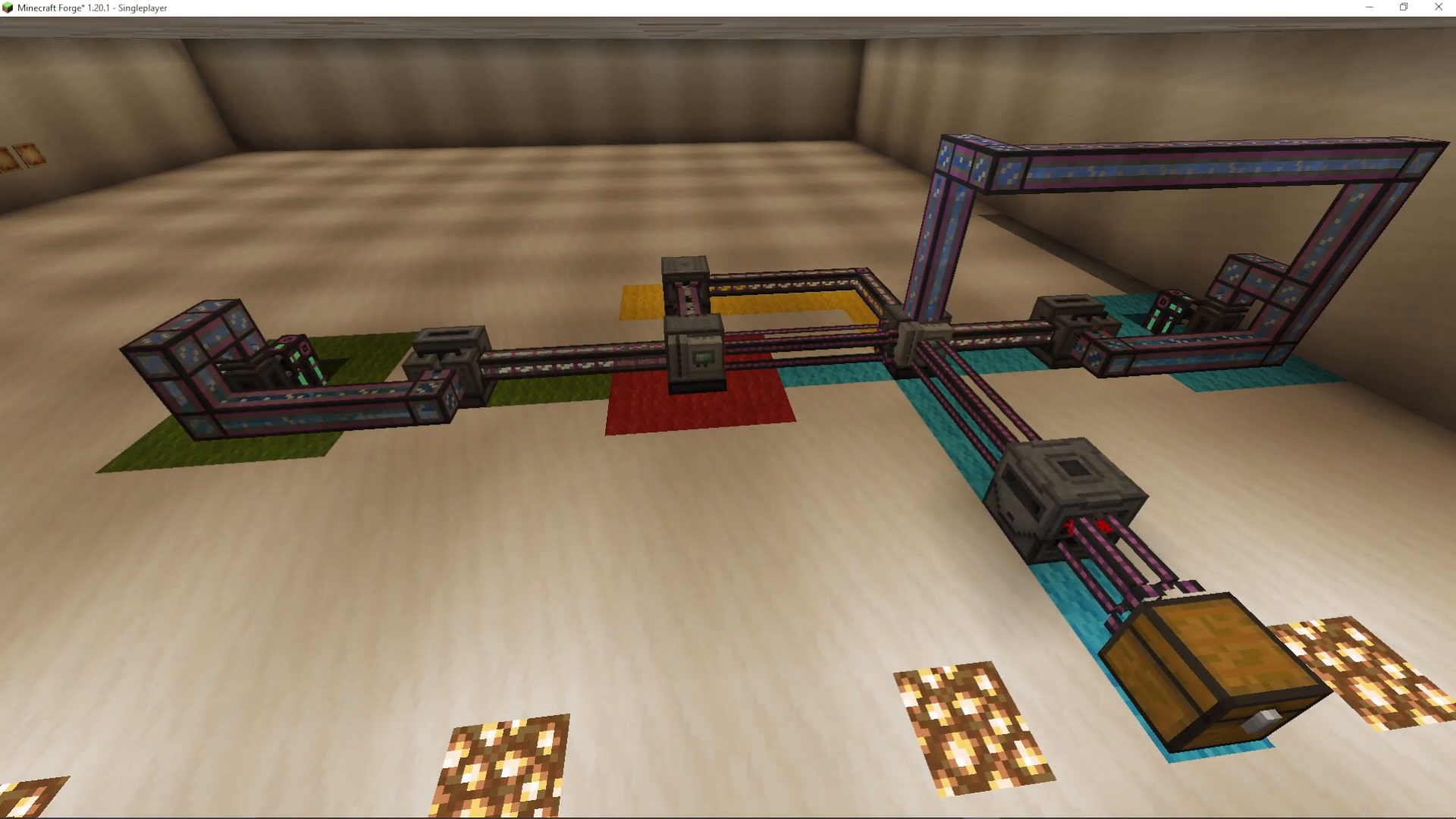
The HDPE pellet production system uses a color-coded input and output approach to keep things organized. Here’s what you need to know:
Red: The final product (HDPE pellets)
Green root: Supplies oxygen
Yellow root: Handles gas byproducts
Blue root: Provides hydrogen and substrate
The main production happens in a Pressurized Reaction Chamber (PRC), where all inputs combine to create your HDPE pellets.
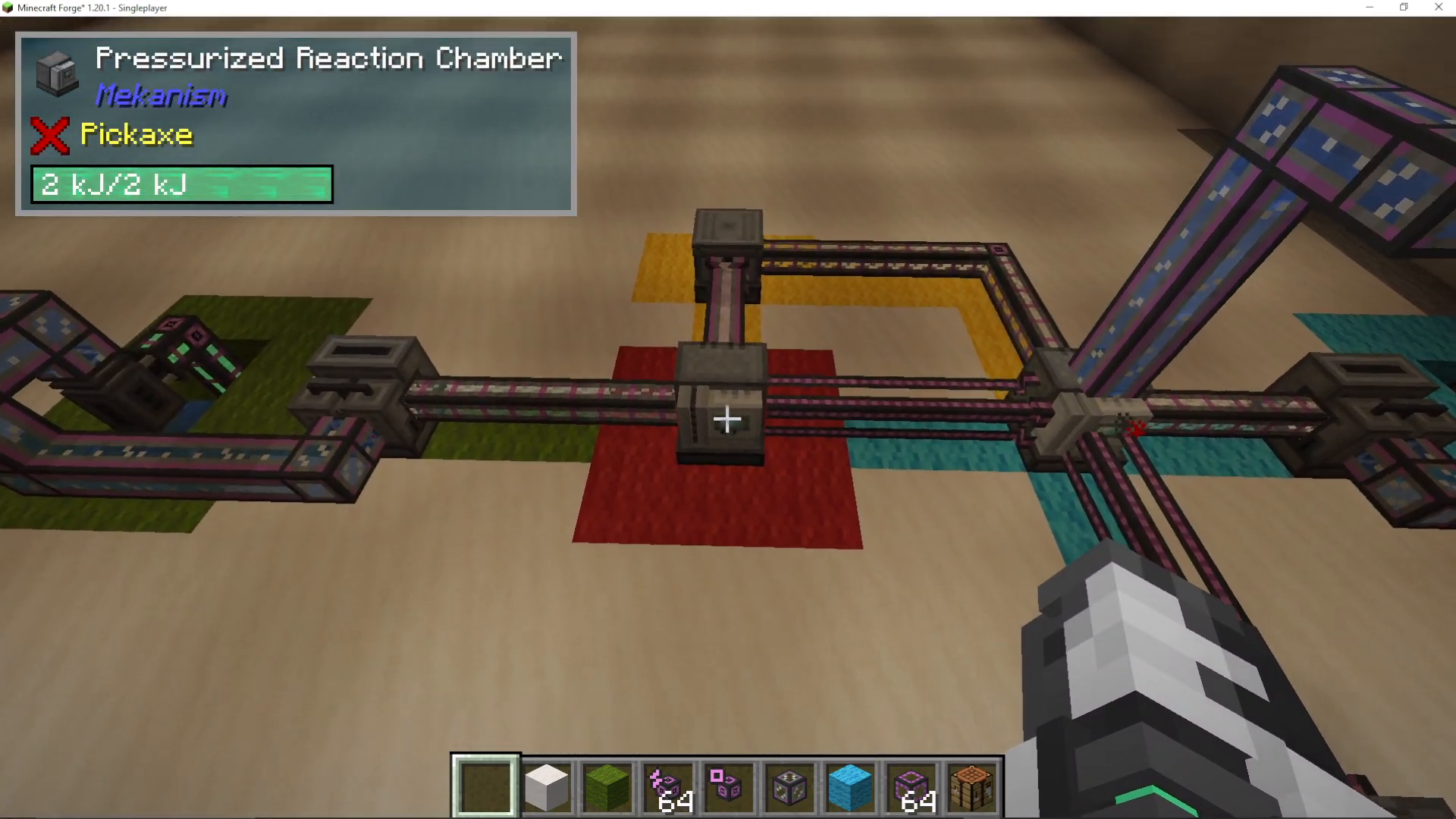
Green Root: Oxygen Production
The green root handles oxygen generation, which is one of the key inputs for your final PRC.
Here’s the process:
Use an Electric Pump to pump water out of a water source
Feed the water into an Electrolytic Separator
The separator breaks water down into hydrogen and oxygen
Extract the oxygen and send it into your final Pressurized Reaction Chamber
You can discard or store the excess hydrogen produced
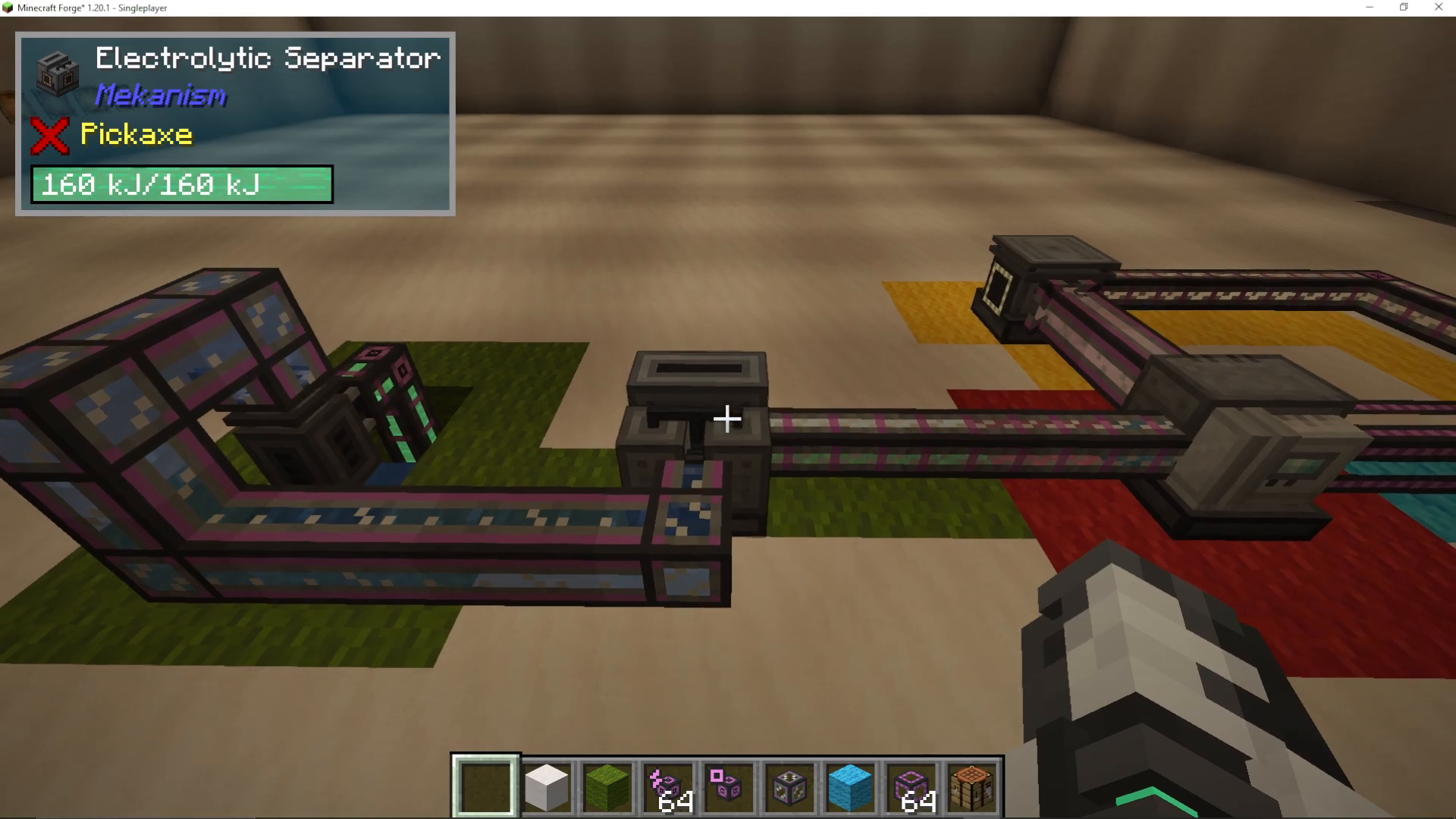
Blue Root: Hydrogen and Substrate Production
The blue root is more complex, as it creates substrate—a critical ingredient for your final HDPE pellets. This root also produces E-Feline as a byproduct.
Water and Hydrogen Processing
Similar to the green root, the blue root starts with water:
Pump water into a second Electrolytic Separator
This time, extract the hydrogen (discard the oxygen)
Send the hydrogen into a secondary Pressurized Reaction Chamber
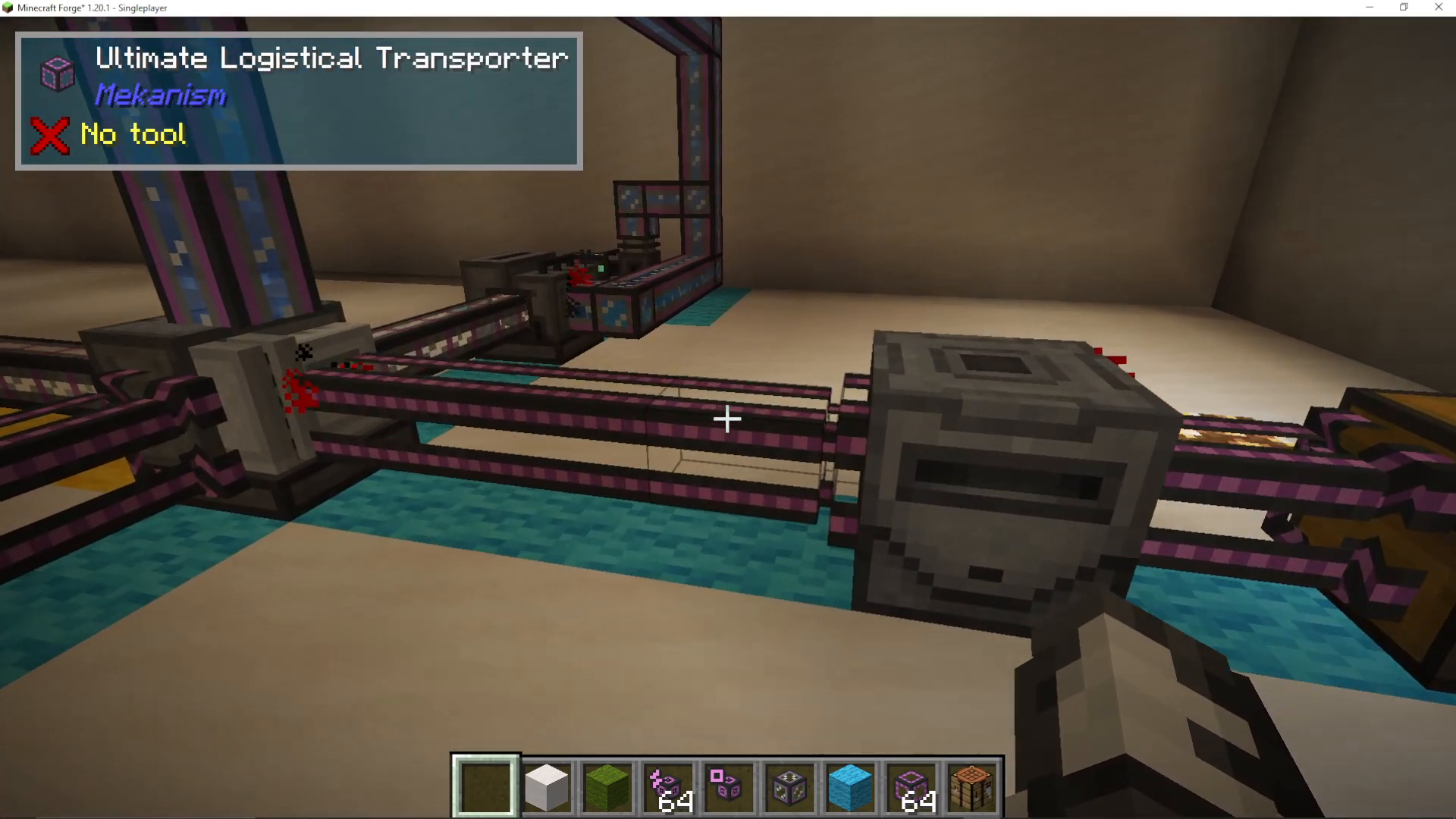
Biofuel Creation and Substrate
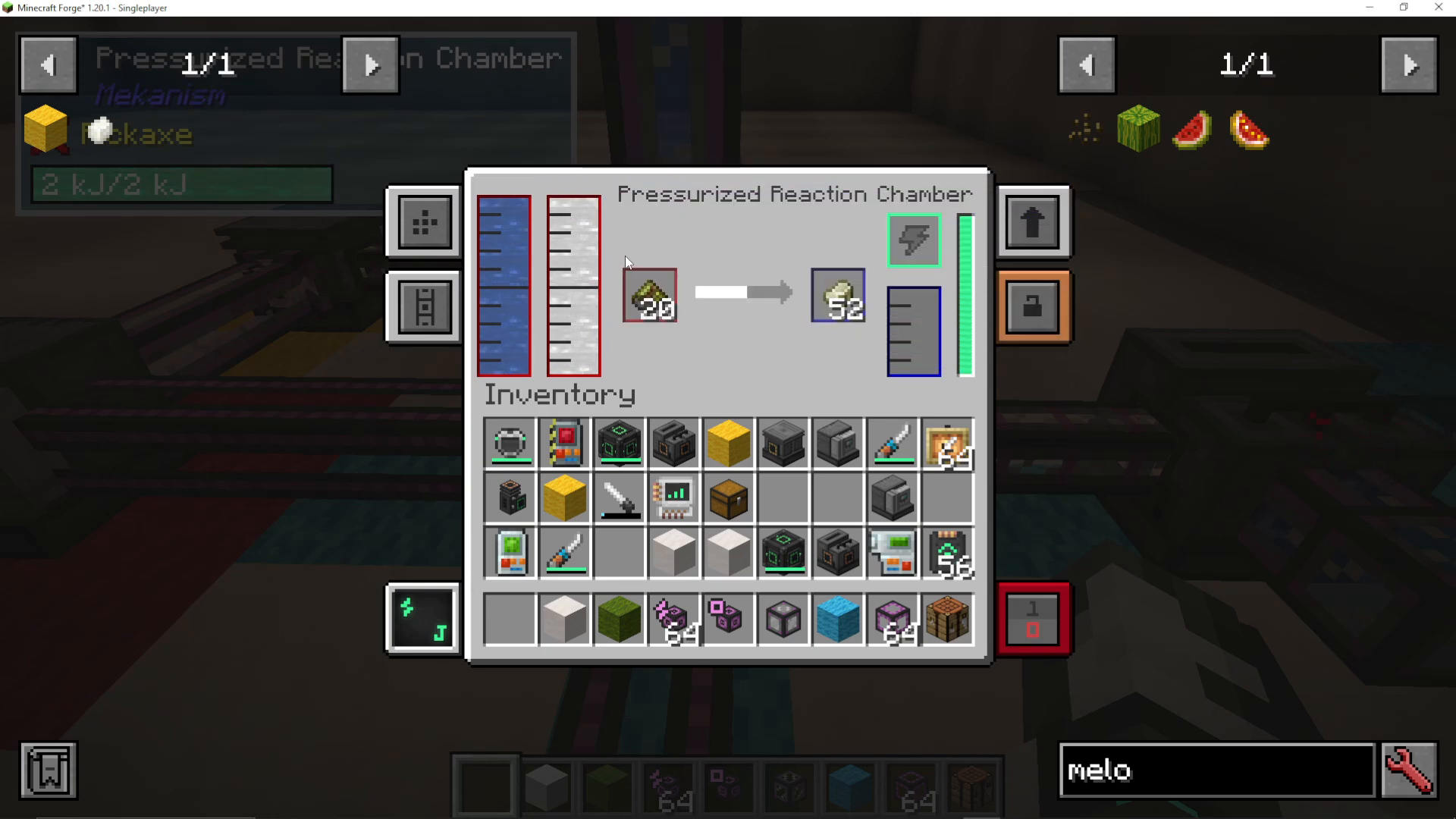
The secondary PRC combines hydrogen, water, and biofuel to create substrate:
Create biofuel by crushing organic material (such as melon slices) in a Crusher
Use a Logistical Transporter to move crushed material into the crusher
Feed the biofuel, hydrogen, and water into your secondary PRC
This produces substrate, which flows to your final PRC
Handling E-Feline Byproduct
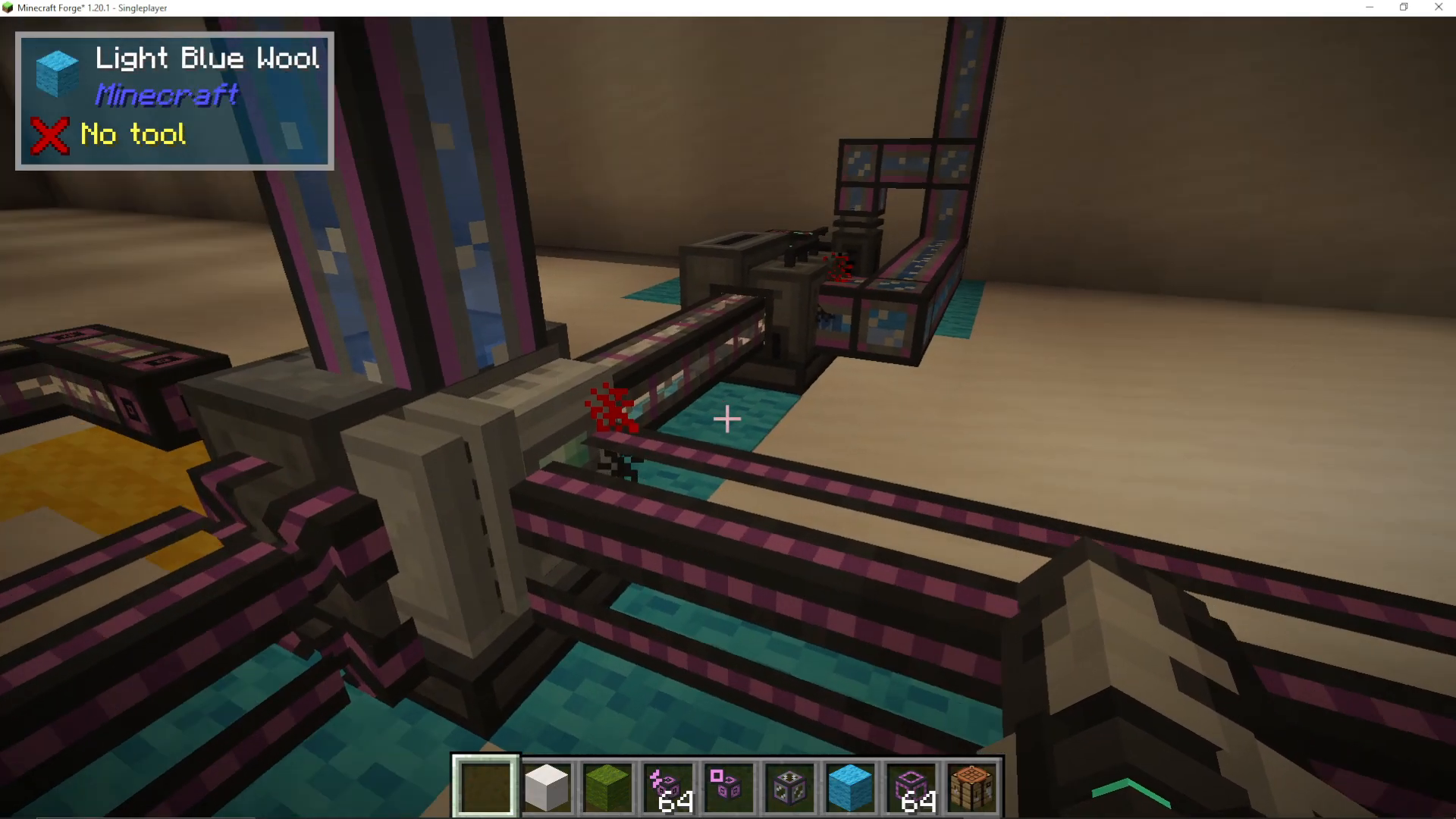
When you combine hydrogen, water, and biofuel in the secondary PRC, you’ll get E-Feline gas as a byproduct. Don’t waste this—convert it:
Extract E-Feline gas using gas pipes from the secondary PRC
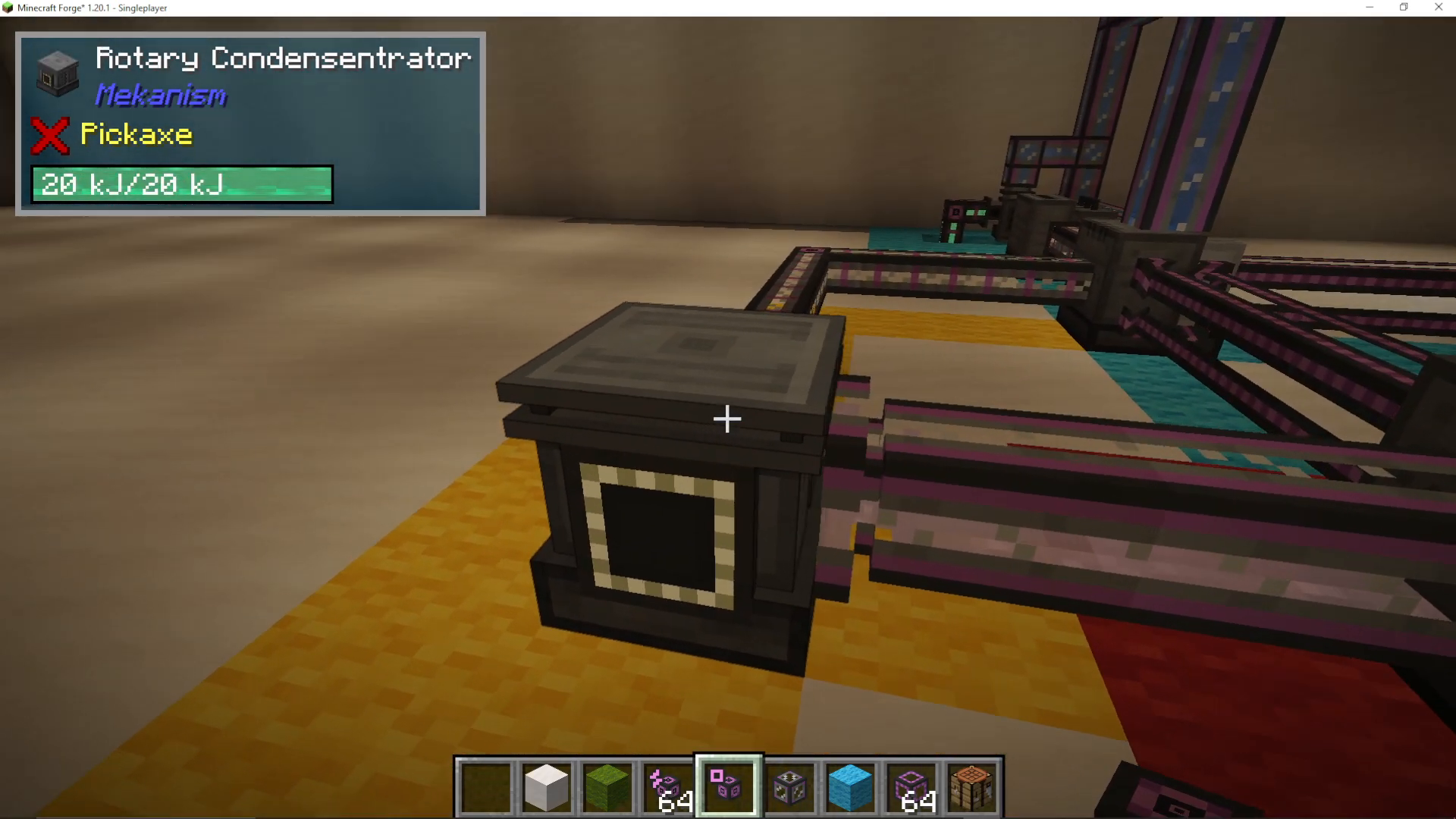
Feed it into a Rotary Condensentrator
This device converts gas into liquid form
Transport the liquid E-Feline (using mechanical pipes) to your final PRC
Yellow Root: E-Feline Gas Processing
The yellow root specifically handles the conversion of E-Feline gas to liquid. As mentioned above, use gas pipes to extract the E-Feline byproduct from your secondary PRC and feed it into a Rotary Condensentrator. The resulting liquid E-Feline then goes to your final PRC.
Final Assembly: Creating HDPE Pellets
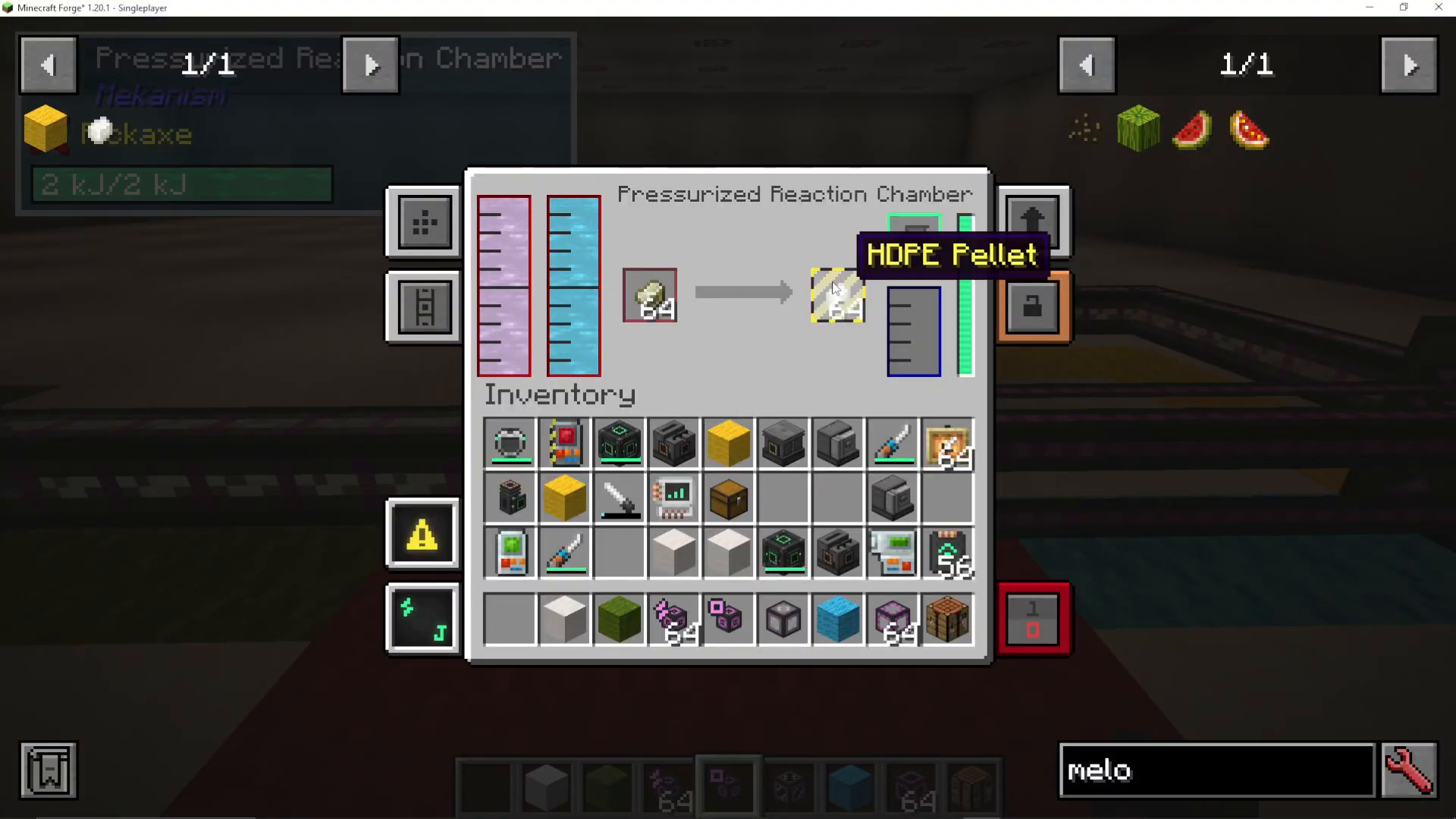
Now that you have all three inputs ready, combine them in your final Pressurized Reaction Chamber:
Oxygen from the green root
Substrate from the blue root’s secondary PRC
Liquid E-Feline from the yellow root (converted via Rotary Condensentrator)
These three components come together in your final PRC to produce HDPE pellets.
Complete Process Recap
Here’s a quick summary of the entire HDPE pellet production system:
Green Root: Pump water → Electrolytic Separator → Extract oxygen → Send to final PRC
Blue Root Part 1: Pump water → Electrolytic Separator → Extract hydrogen → Send to secondary PRC
Blue Root Part 2: Crush organic material (melon slices) into biofuel → Combine with hydrogen and water in secondary PRC → Create substrate and E-Feline byproduct
Yellow Root: Extract E-Feline gas → Rotary Condensentrator → Convert to liquid → Send to final PRC
Final Assembly: Combine oxygen, substrate, and liquid E-Feline in final PRC → Produce HDPE pellets
Conclusion
While HDPE pellet production in Mekanism might seem complex at first, breaking it down into three color-coded roots makes the process manageable and logical. By following this step-by-step guide, you’ll have a functioning HDPE pellet production system that supplies this valuable material for advanced Mekanism machinery.
For more Mekanism guides and tutorials, be sure to check out our other resources on this channel. We aim to make complex mod mechanics as simple and digestible as possible.
Want to Support?
If you would like to help us continue making these guides – please consider joining our patreon here – https://www.patreon.com/c/JaviHeals
Alternatively – we host a group of MC Servers you can join here – https://discord.gg/zD7Gjt6MHF



