







How To Use The Compressor In IC2
How To Use The Compressor In IC2
The Compressor is one of the most useful beginner machines in Industrial Craft 2 (IC2). This guide will walk you through everything you need to know about powering, using, and upgrading the Compressor to maximize its efficiency and speed.
Understanding Compressor Power Requirements
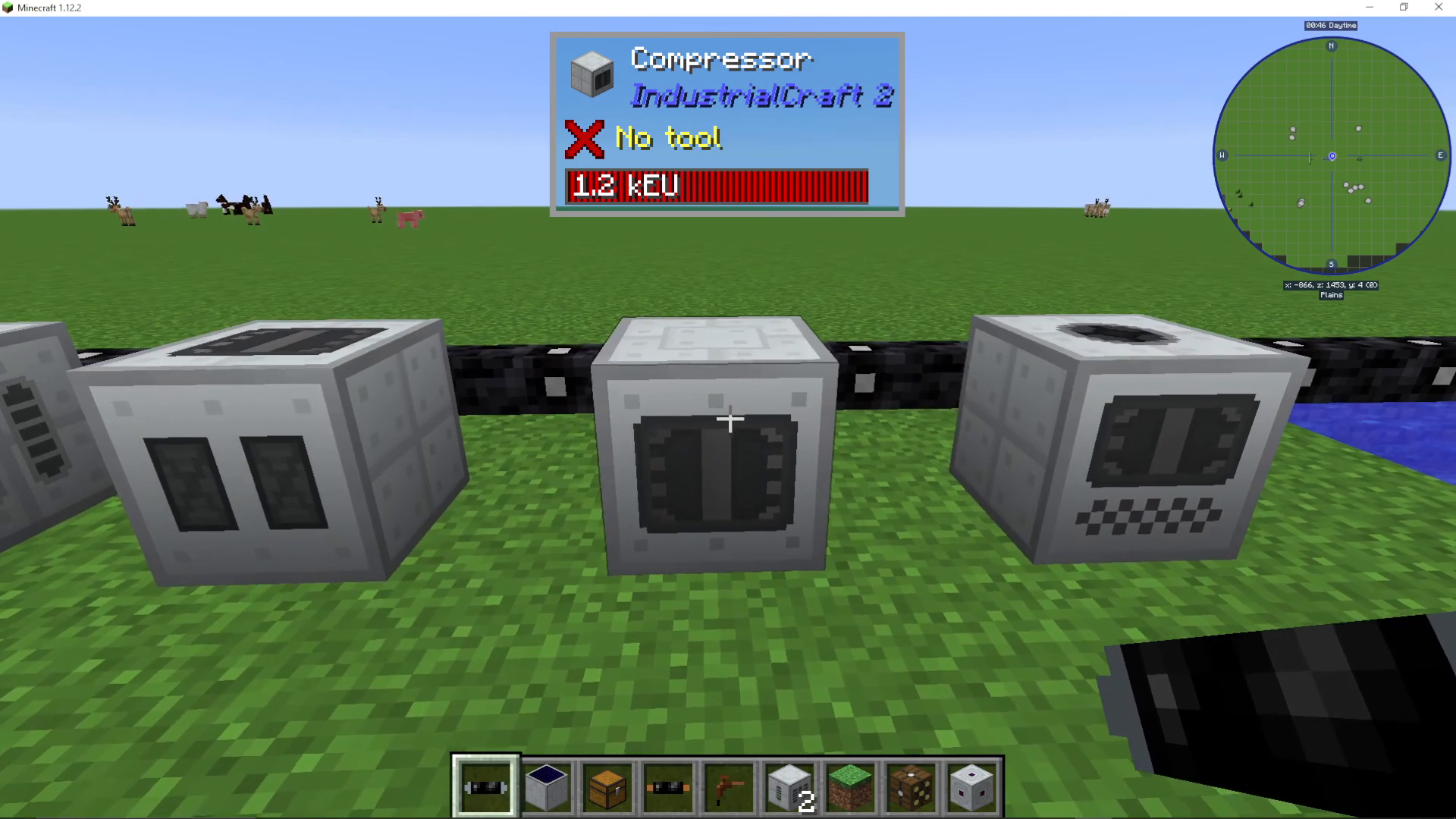
The Compressor is classified as a beginner machine, which means it operates on low voltage. You can safely power it using tin cable, which is perfect for basic setups.
However, if you’re providing power from a medium, high, or higher voltage source, you will need to use an LV Transformer to step down the voltage. Failing to do this will cause the machine to explode when you attempt to pump power into it.
The Compressor User Interface
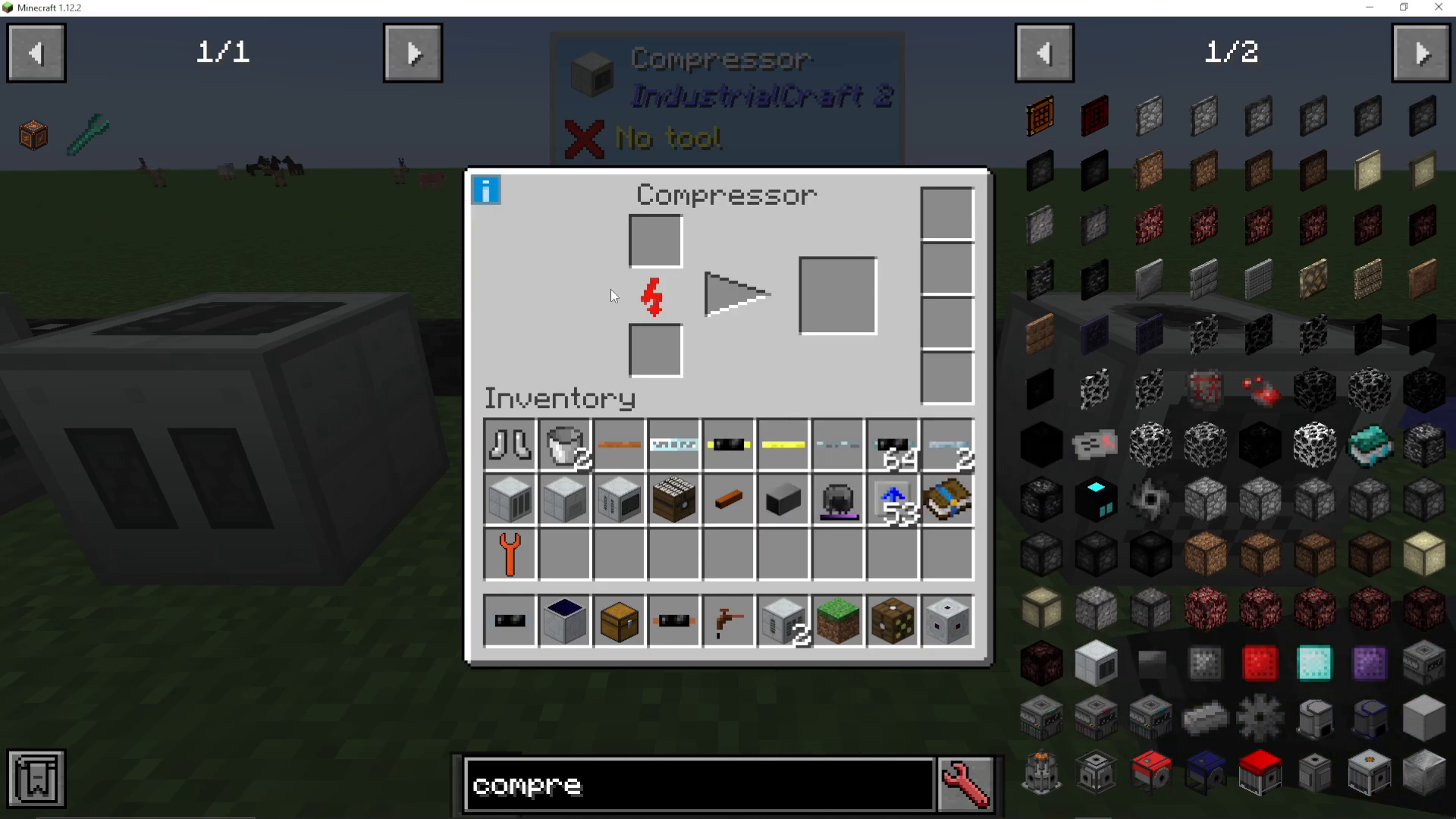
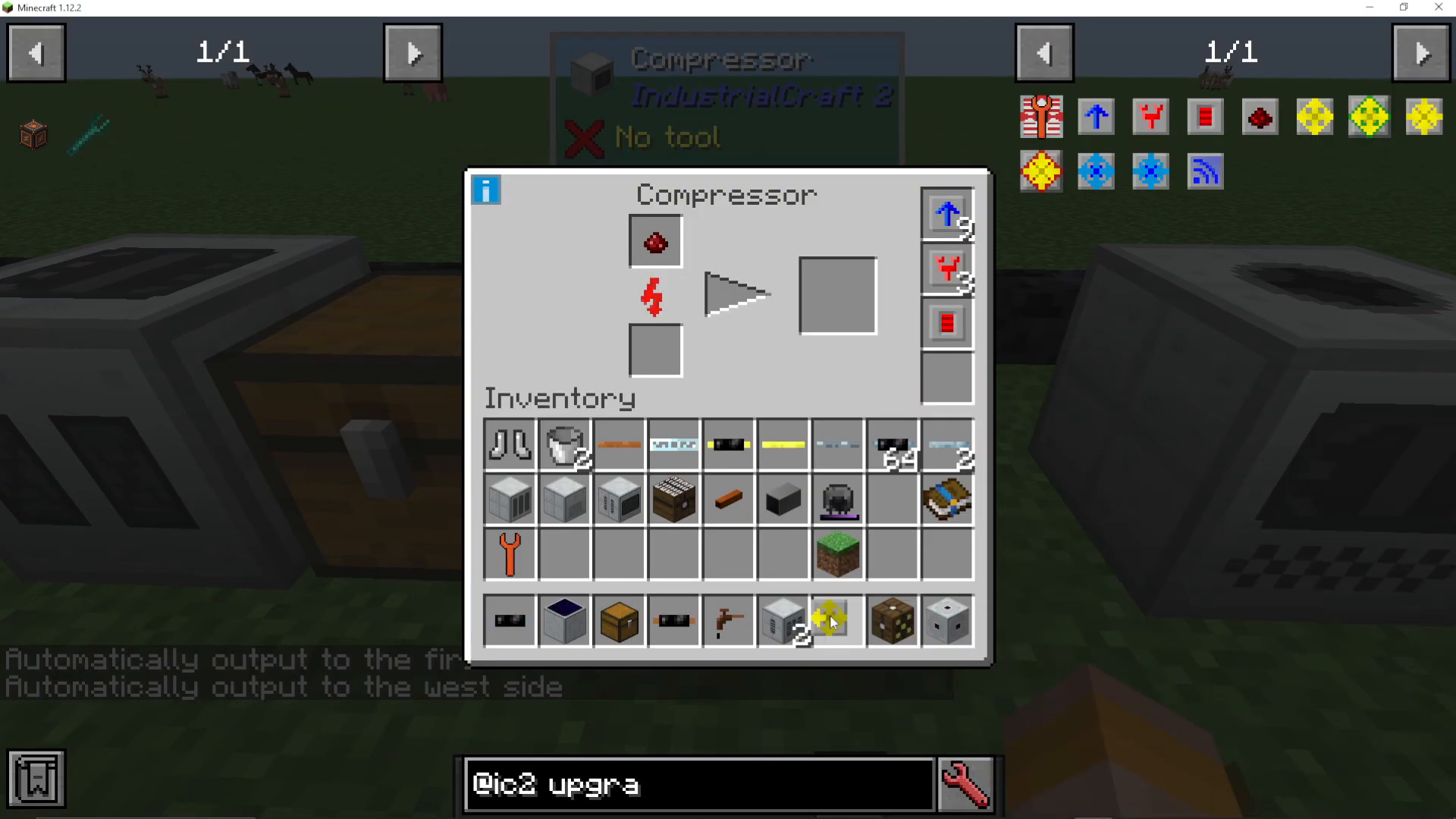
When you open the Compressor UI, you’ll see a straightforward layout:
Input slot: Where you place the item you want to compress
Output slot: Where the compressed result appears
Upgrade slots: Four slots dedicated to various upgrades that enhance functionality
Compressor Use Cases
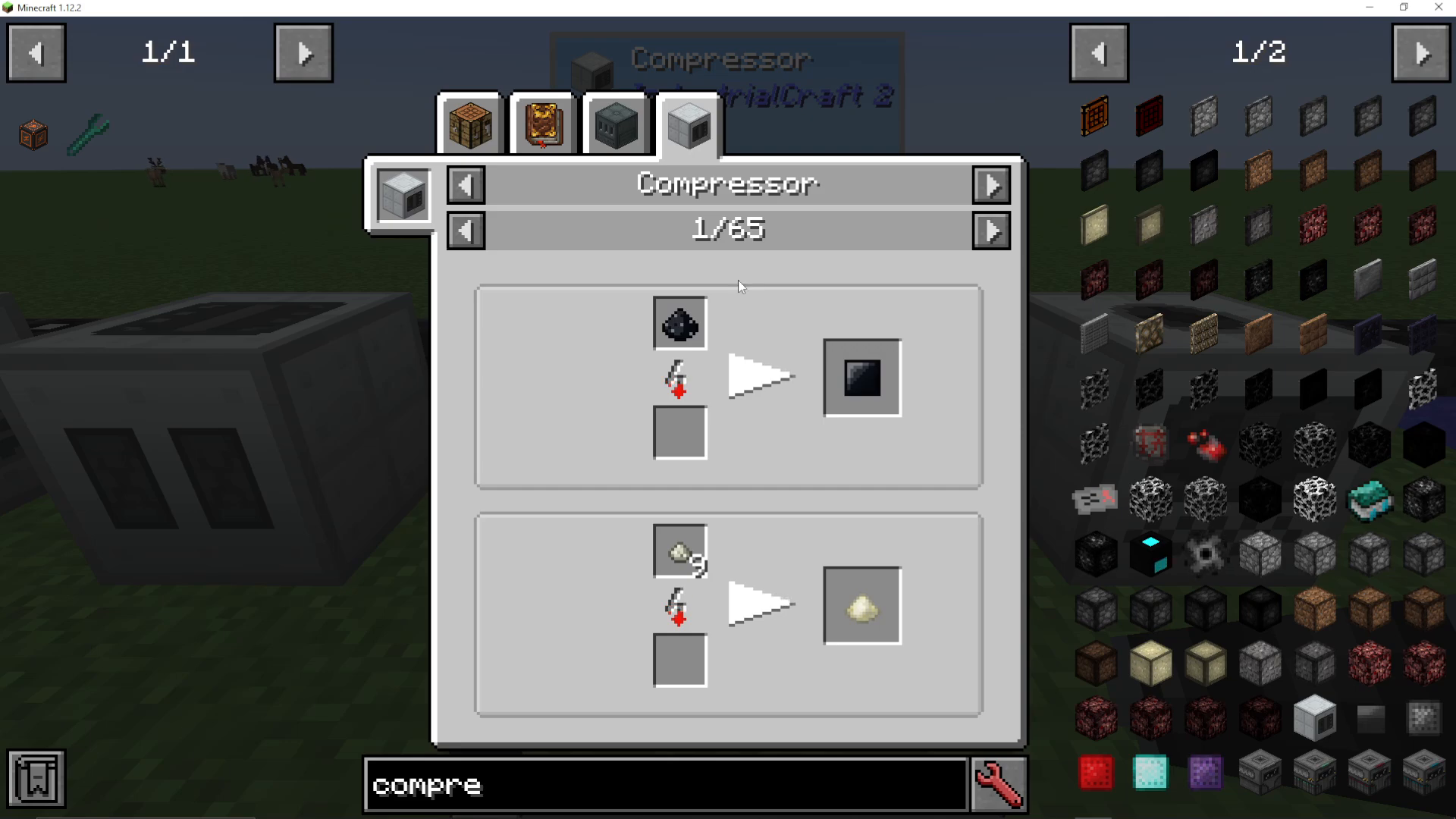
The Compressor has several primary functions:
Dust Compression
When using an ore washer, you receive tiny piles of dust. The Compressor can compress these dust piles into their pulverized counterparts, effectively allowing you to recover additional ore material from the washing process.
Plate Creation
The Compressor can also convert multiple plates into denser plate variants. For example, nine platinum plates can be compressed into a single dense platinum plate.
Upgrade Types and Functionality
Overclocker Upgrades
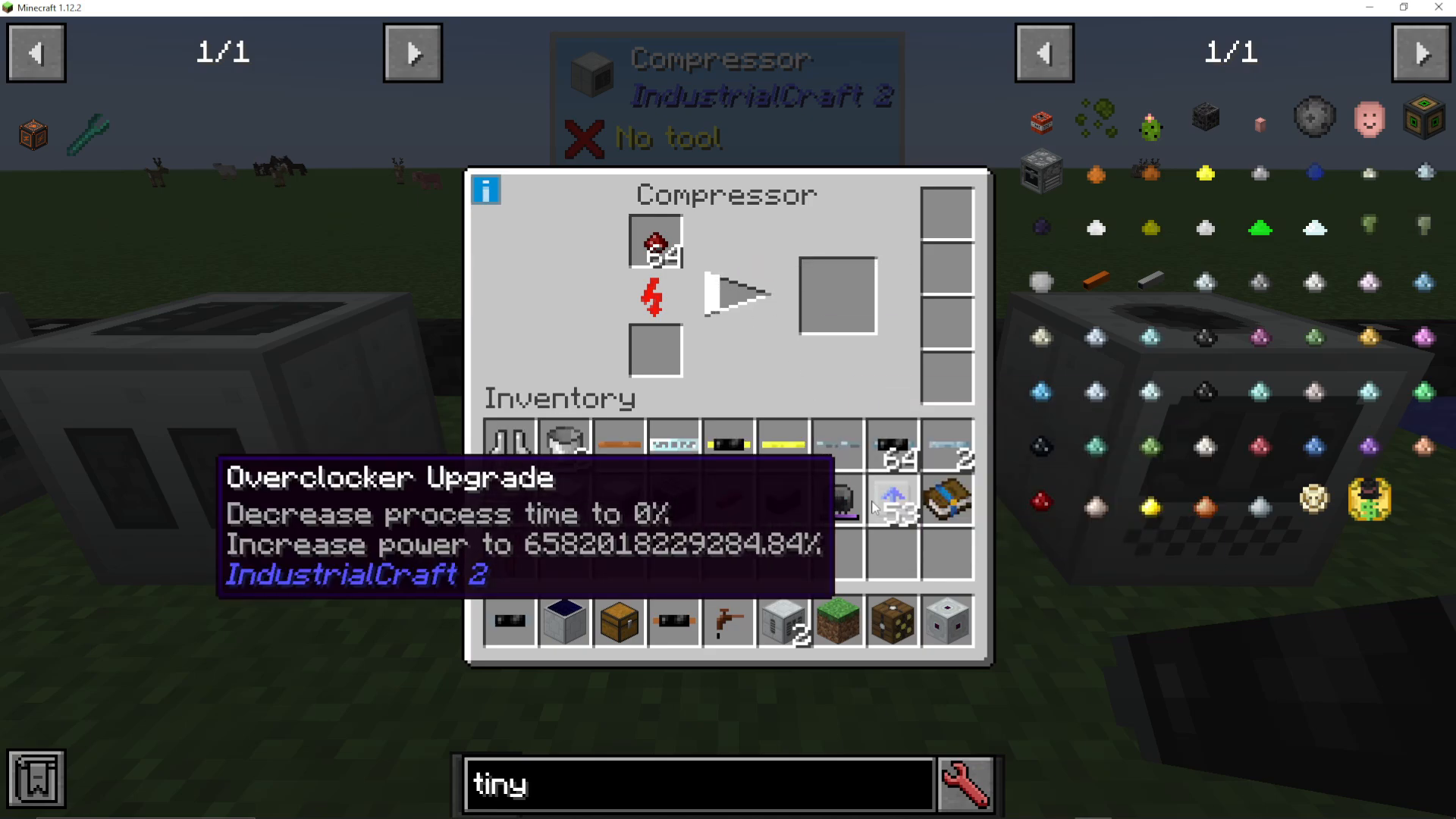
Overclocker upgrades are the primary way to speed up your Compressor. Each overclocker upgrade you add:
Reduces process time to 70% of the previous duration
Increases power consumption to 160% of the previous amount
You can stack multiple overclocker upgrades for increasingly faster compression. However, be cautious: adding nine overclockers will use nearly 7000% more power while reducing process time to just 4%. This massive power drain requires careful power management and adequate infrastructure.
Transformer Upgrades
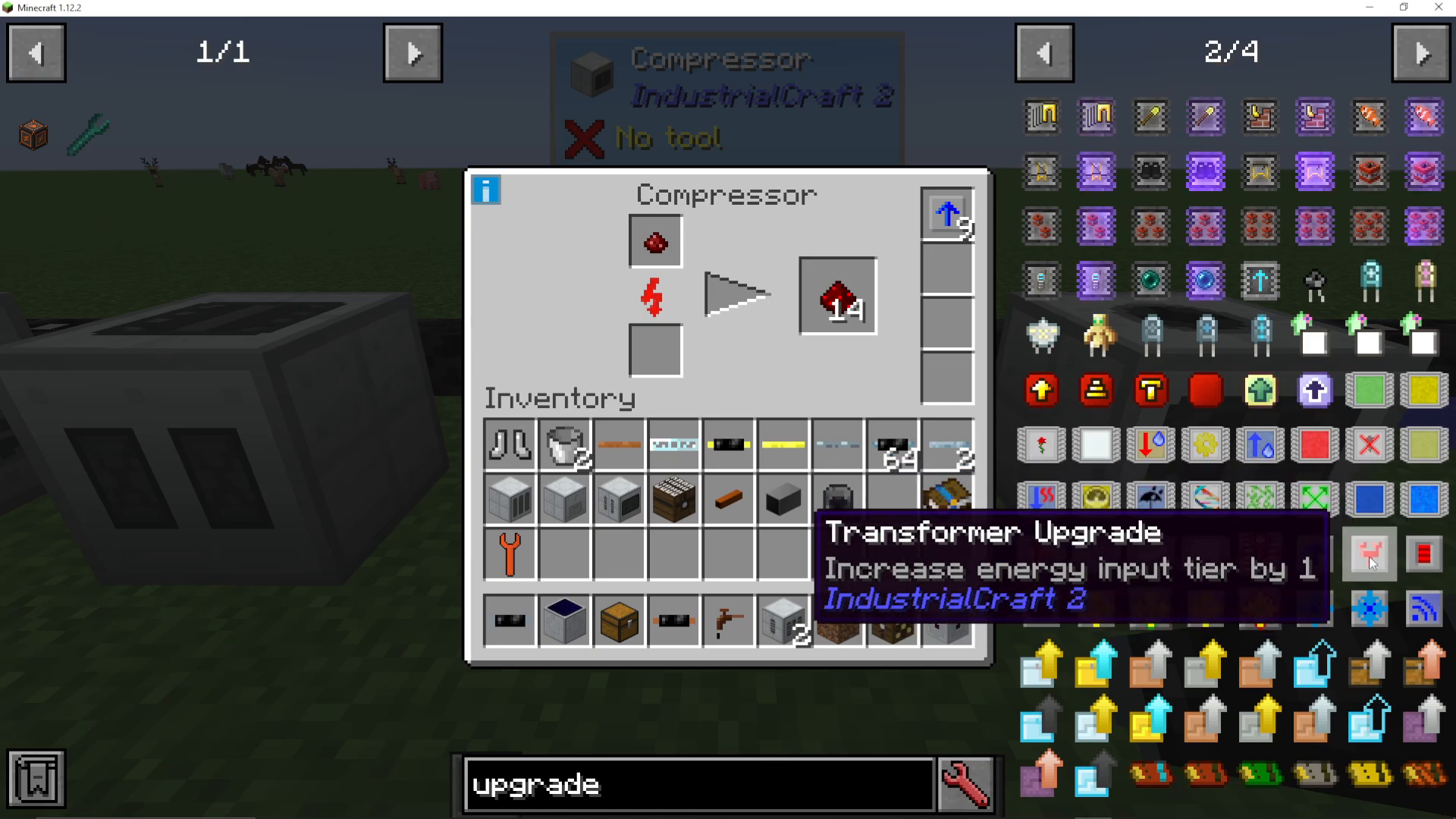
If you’re using many overclocker upgrades and need to increase the voltage tier your Compressor can accept, you can add transformer upgrades instead of using an external LV Transformer:
1 Transformer upgrade: Accepts up to 128 voltage (Copper tier)
2 Transformer upgrades: Accepts up to 500 voltage (Gold tier)
3 Transformer upgrades: Accepts up to 1000 voltage (HV tier)
4 Transformer upgrades: Accepts up to 8000 voltage (Glass Fiber tier)
Each transformer upgrade increases the energy input tier by three levels. By default, the Compressor accepts tin cable voltage (32 EU/t). Here’s the complete IC2 cable tier breakdown:
Tin: 32 EU/t
Copper: 128 EU/t
Gold: 512 EU/t
HV: 2000 EU/t
Glass Fiber: 8000 EU/t
Adding four transformer upgrades is a safe approach that covers most use cases without worry.
Energy Storage Upgrades
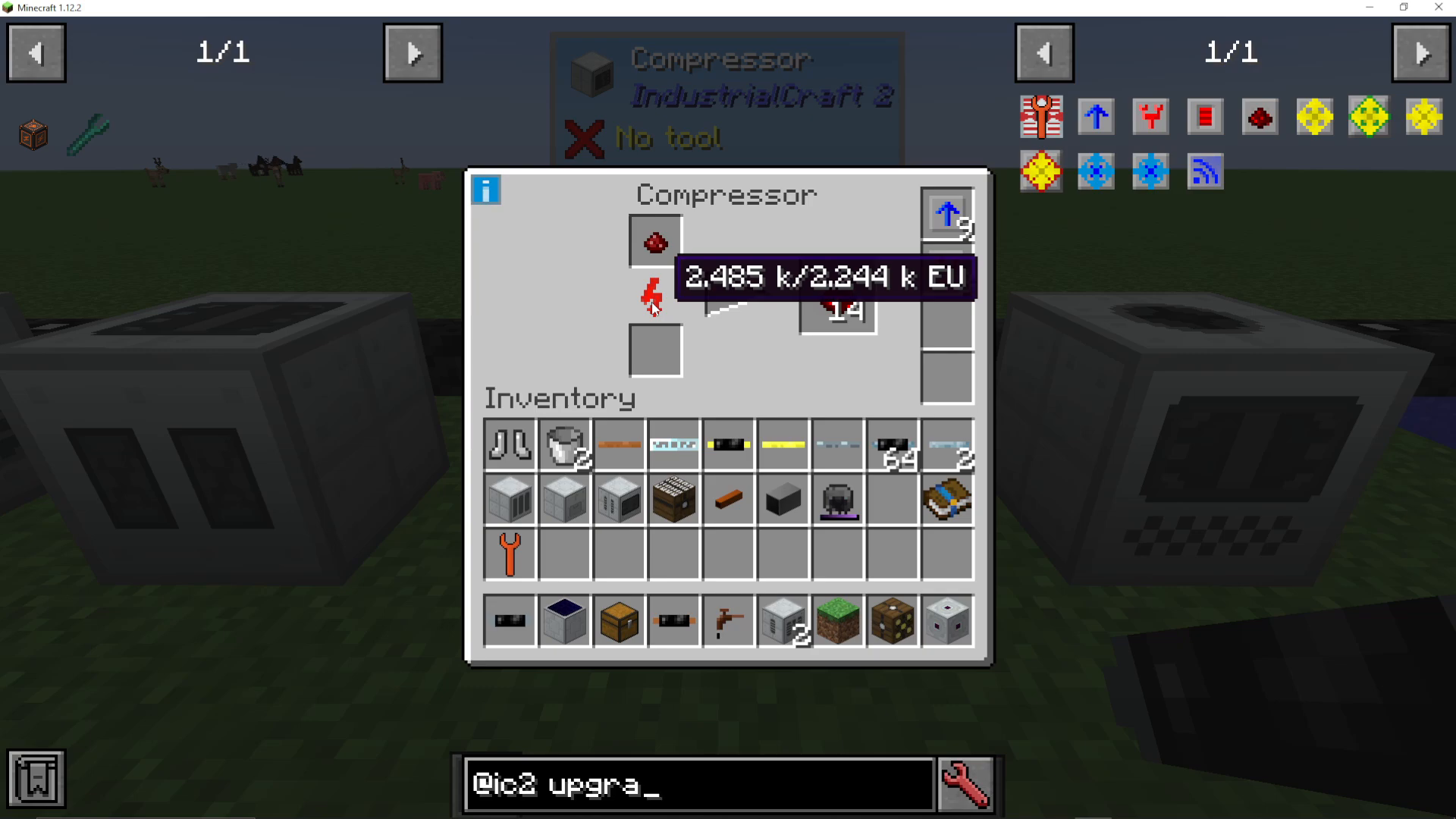
The Compressor has a default energy buffer of 2000 EU. When using many overclocker upgrades, adding an energy storage upgrade can increase the buffer to 12,000 EU. This allows the machine to accumulate enough energy between processing cycles to handle the high throughput demands of heavily overclocked setups.
Input and Output Upgrades
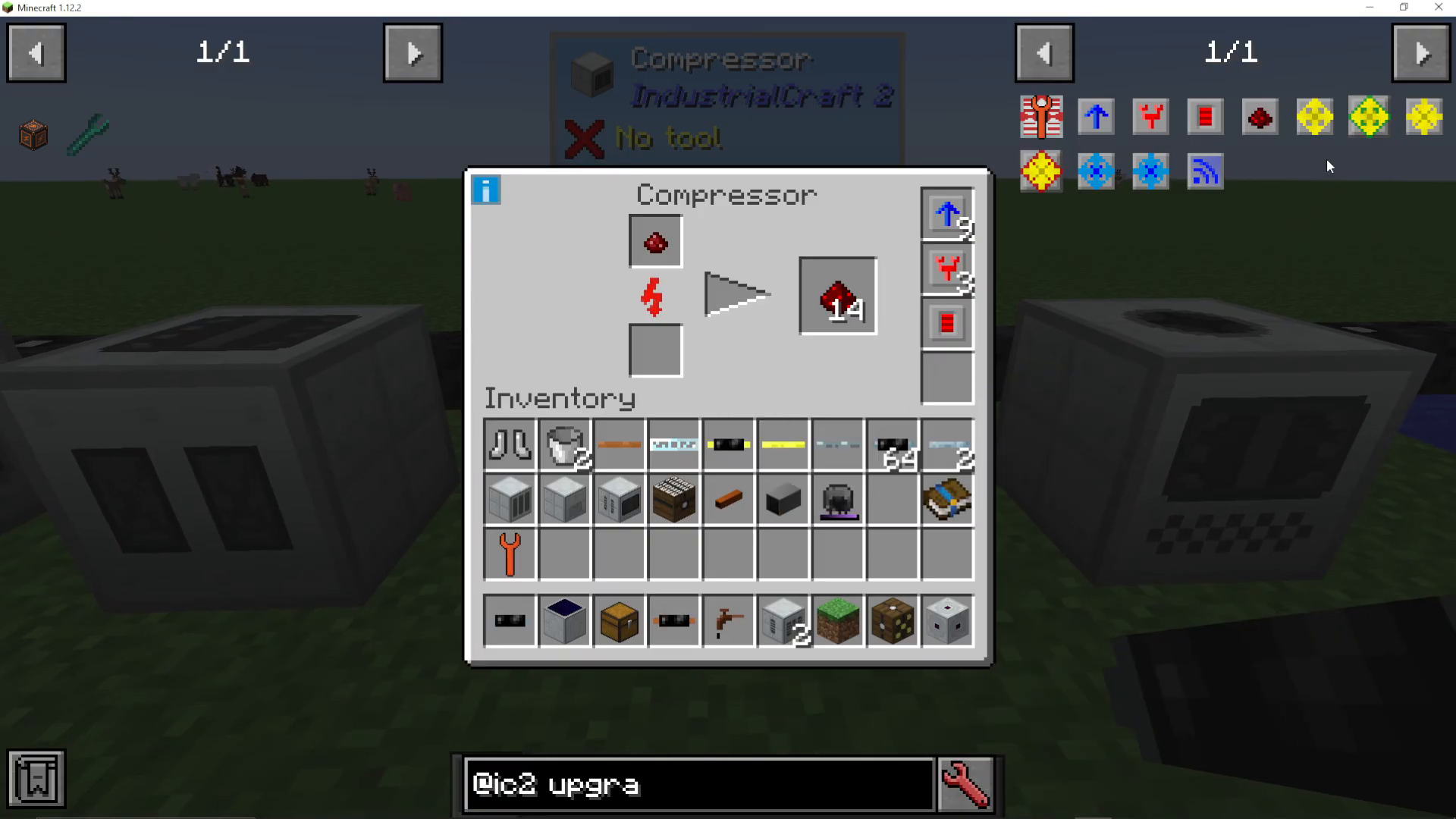
The Compressor supports two directional upgrade types: Pulling upgrades and Ejector upgrades. You can view all available upgrades by hovering over and clicking the eye icon in the UI.
Ejector Upgrades
An Ejector upgrade automatically outputs compressed items to a specific face of the machine. To use it:
Shift right-click the ejector upgrade onto the desired face of the Compressor
The UI will confirm the direction (e.g., “automatically output to the east side”)
Place the ejector upgrade in one of the upgrade slots
Compressed items will now automatically eject into an attached container on that side
Pulling Upgrades
A Pulling upgrade works in reverse: it automatically pulls items from an adjacent container into the Compressor’s input slot. Use the same shift right-click method to assign it to a specific face.
Summary
The Compressor is a versatile IC2 machine that becomes incredibly powerful when properly upgraded. Start with the basics: power it with tin cable and use it for simple compression tasks. As your needs grow, add transformer upgrades to accept higher voltages, then layer in overclocker upgrades for speed. Don’t forget energy storage upgrades to stabilize power consumption, and use ejector/pulling upgrades to automate your workflow. With this knowledge, you’ll have an efficient compression setup that can handle any ore processing job.
Want to Support?
If you would like to help us continue making these guides – please consider joining our patreon here – https://www.patreon.com/c/JaviHeals
Alternatively – we host a group of MC Servers you can join here – https://discord.gg/zD7Gjt6MHF



