







How To Use Capacitor Banks In EnderIO
How To Use Capacitor Banks In EnderIO
Capacitor banks are one of the essential energy storage solutions in EnderIO. Whether you’re setting up your first power system or optimizing an advanced setup, understanding how to configure and use capacitor banks is crucial for managing energy flow in your modpack. This guide will walk you through each tier of capacitor bank and show you how to customize input/output settings for your specific needs.
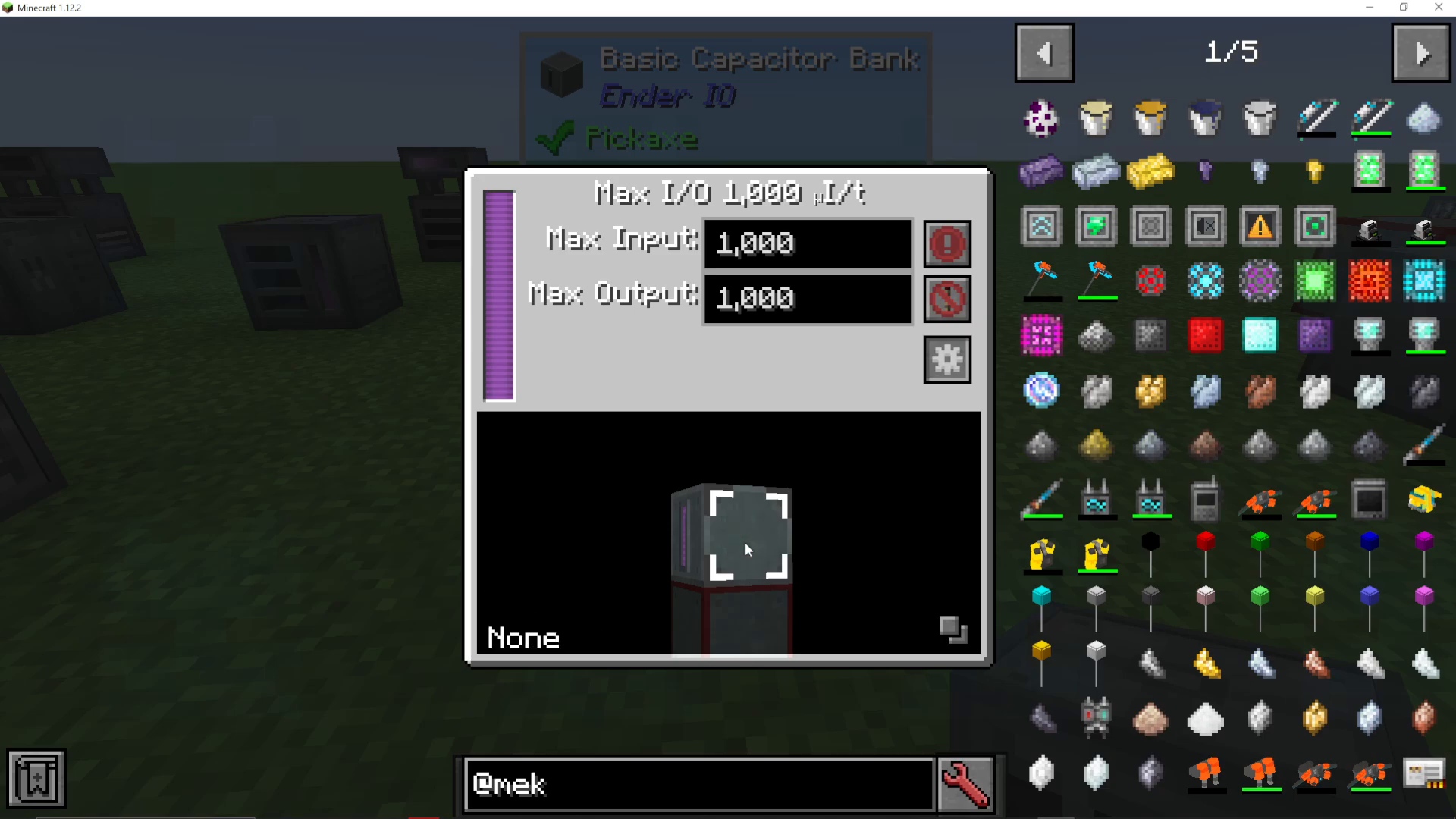
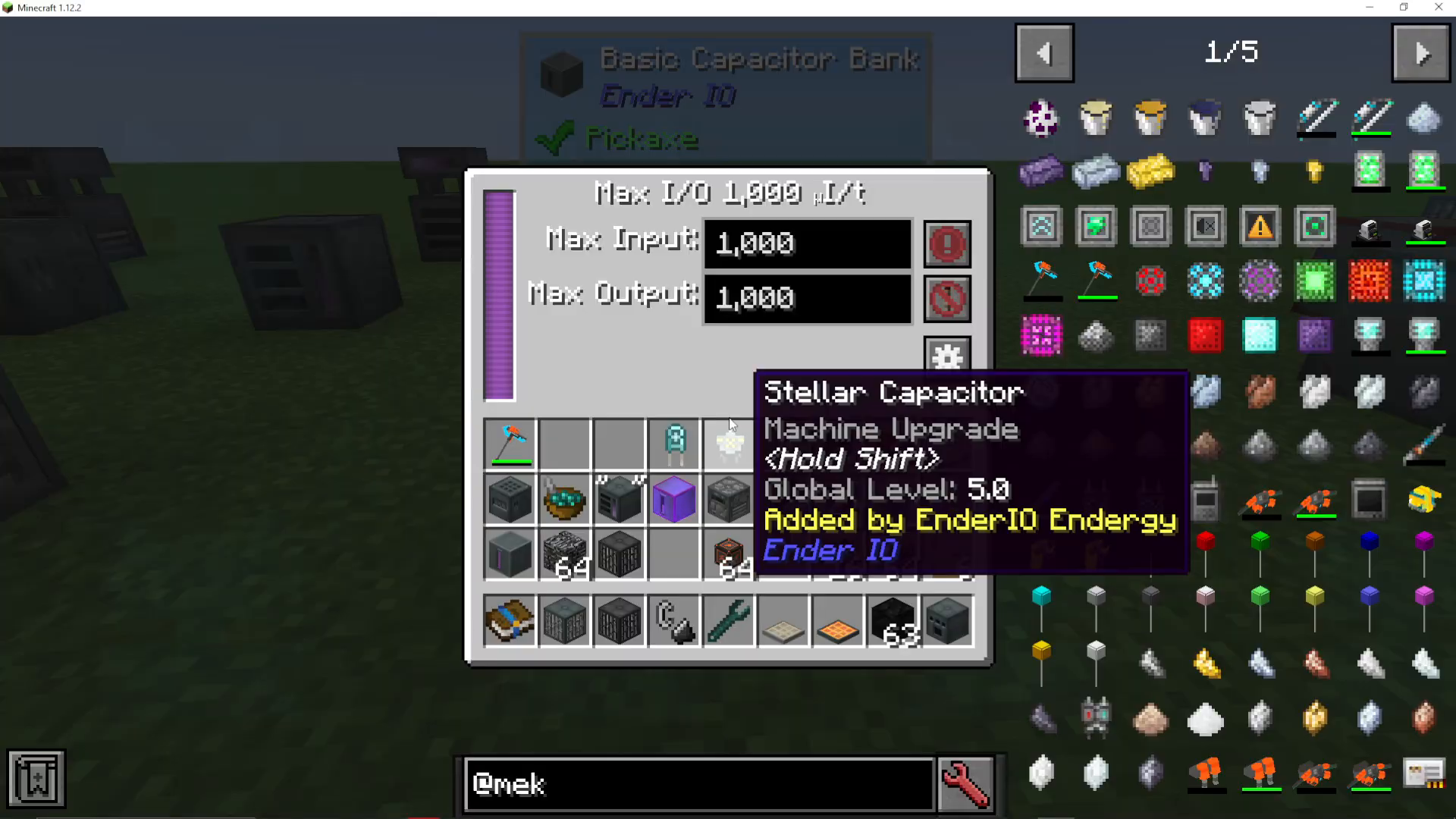
Basic Capacitor Bank
The basic capacitor bank is the entry-level energy storage option in EnderIO. It can store a maximum of 1,000,000 power (1 Million FE, also called 4 Gen or Infinity Power depending on the mod). This energy type is compatible with most mods that use standard energy systems.
The basic capacitor bank has two key configuration settings:
Maximum Input: Limits how much energy can flow into the bank per tick (capped at 1,000 FE/t for the basic model)
Maximum Output: Limits how much energy can flow out of the bank per tick (also capped at 1,000 FE/t)
For example, if you attempt to set the input to 5,000 FE/t, the system will automatically restrict it to 500 FE/t because the basic capacitor bank’s maximum is only 1,000 FE/t.
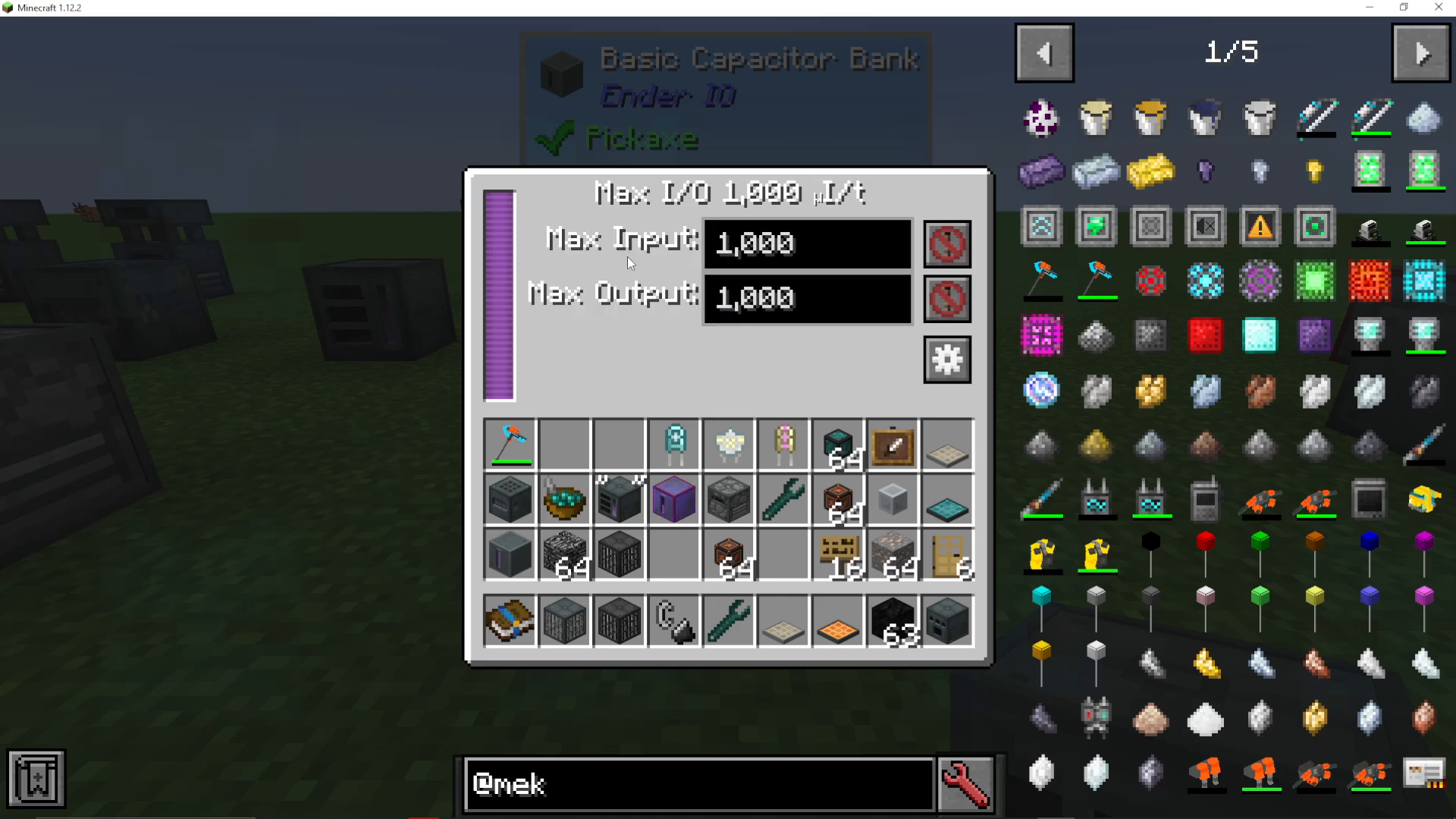
Input and Output Control Settings
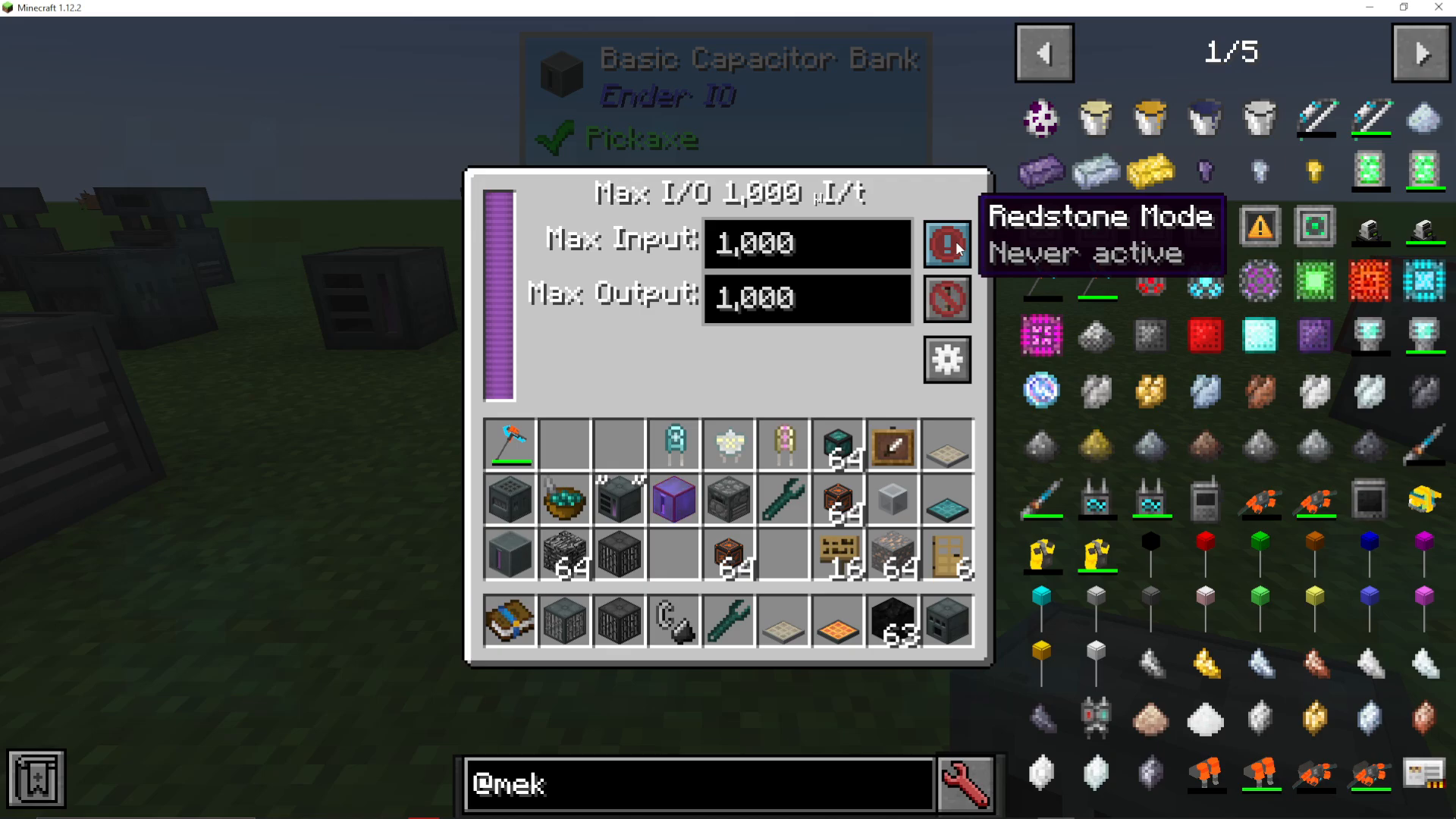
Both input and output can be controlled with the following modes:
Never Active: Completely disables energy transfer in that direction
Always Active: Energy flows continuously without restrictions
Active on Signal: Energy transfer is controlled by a redstone signal
These settings allow you to create sophisticated energy management systems using redstone control.
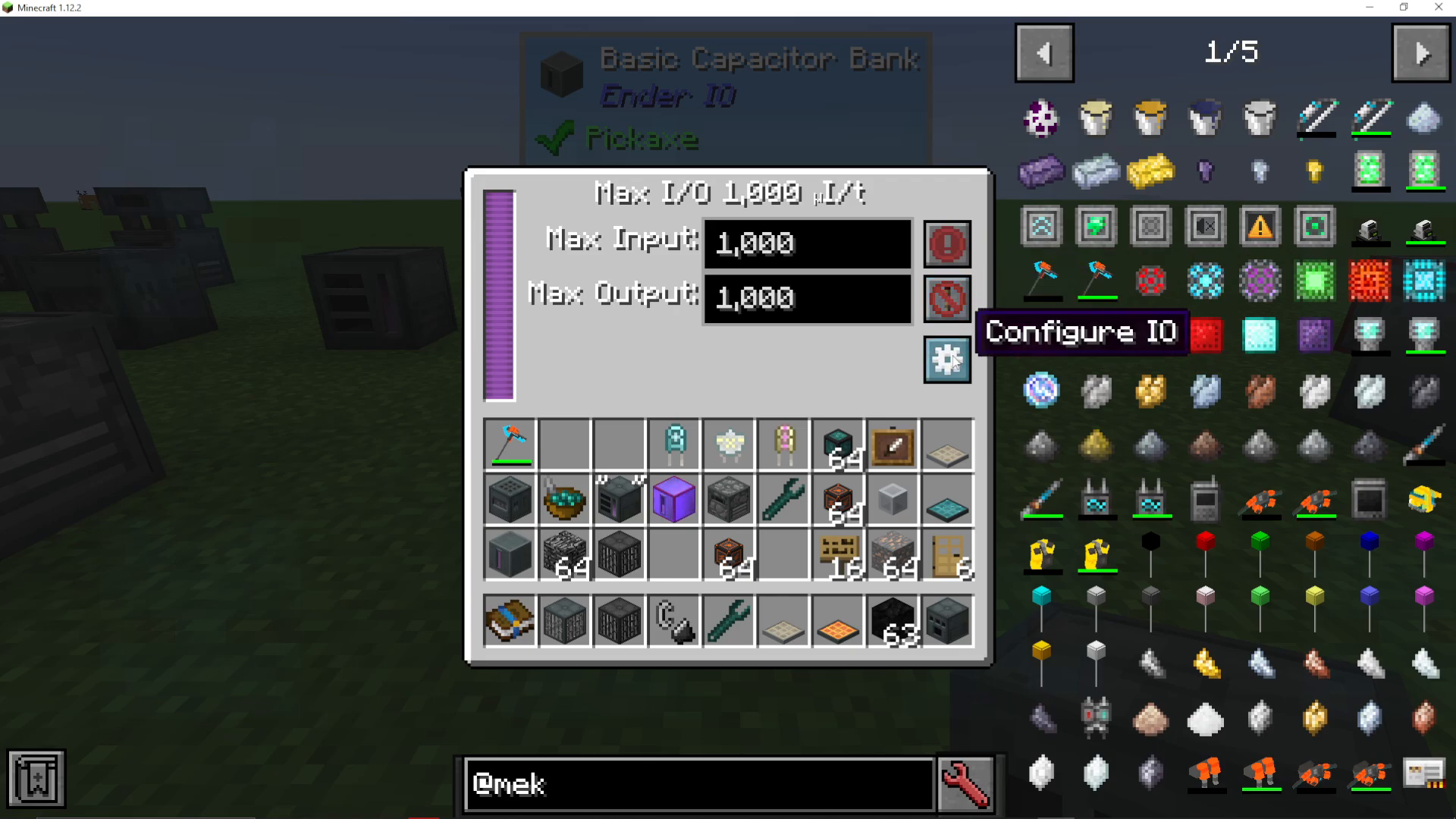
Configuring IO Directions
To configure which faces of the capacitor bank accept input or output energy, look for the Configure IO cog wheel icon on the block.
The directional configuration works as follows:
Right-click a face to toggle it between input, output, or disabled
Left-click and drag to rotate and view the block from different angles
Input faces will accept energy from adjacent machines or cables
Output faces will send energy to adjacent machines or cables
Disabled faces will not transfer energy at all
Connected Machines Display
Below the capacitor bank configuration interface, you’ll see a square indicator showing any machines connected to the bank. You can click the two small squares to toggle visibility of connected machines — this lets you focus on just the machine you’re currently working on without visual clutter.
Standard Capacitor Bank
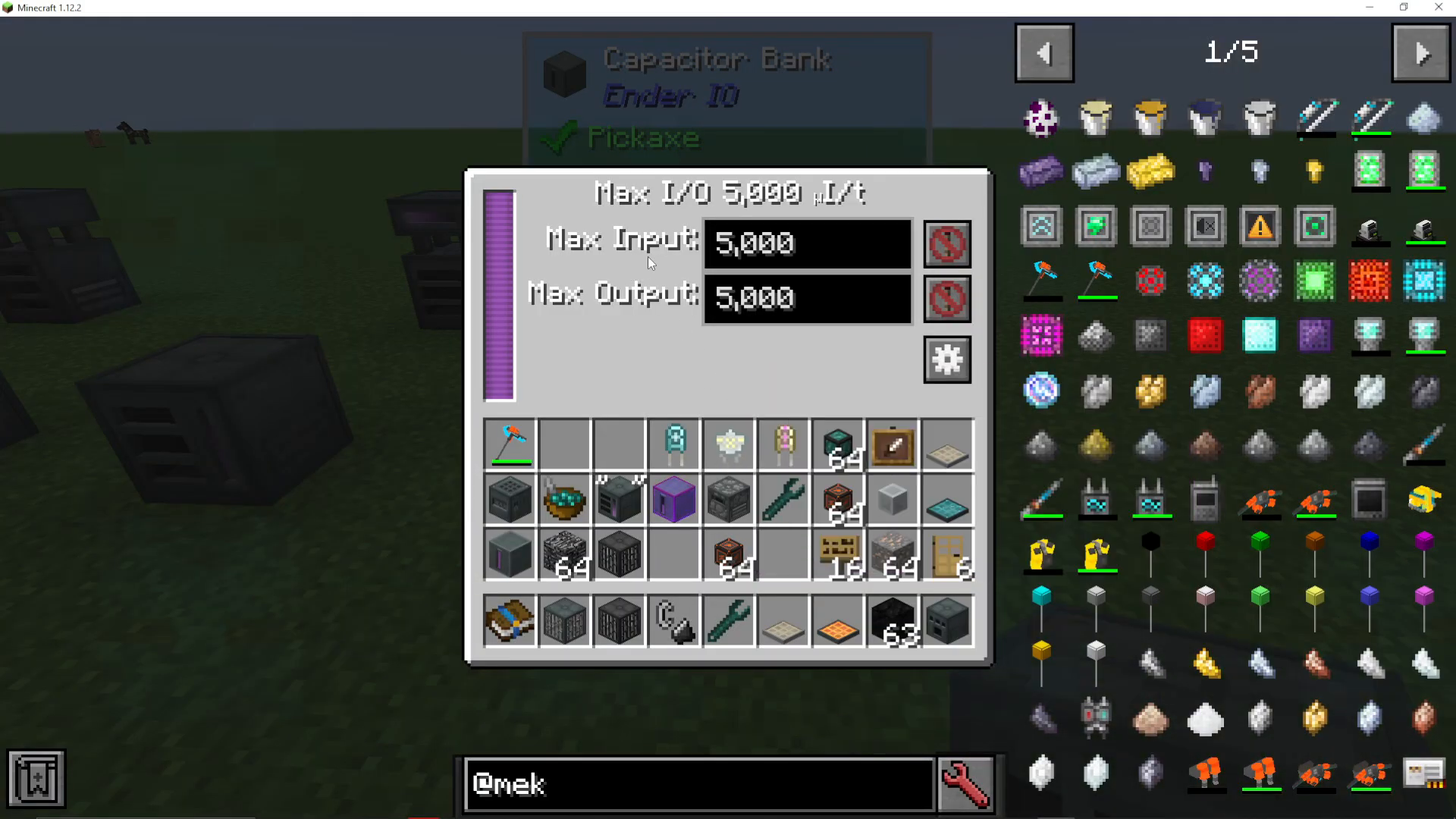
The standard capacitor bank is the step up from the basic model. It has a significantly higher capacity and can support up to 5,000 FE/t for both input and output. Otherwise, it functions identically to the basic capacitor bank — you’ll configure input/output directions and control settings the same way.
Vibrant Capacitor Bank
The vibrant capacitor bank is the advanced tier option. It supports a maximum input and output of 25,000 FE/t, making it suitable for high-power applications and complex energy networks. You can also customize these values to any number you prefer — for example, setting input to 2,555 FE/t or any other specific value to match your system’s requirements.
Creative Capacitor Bank
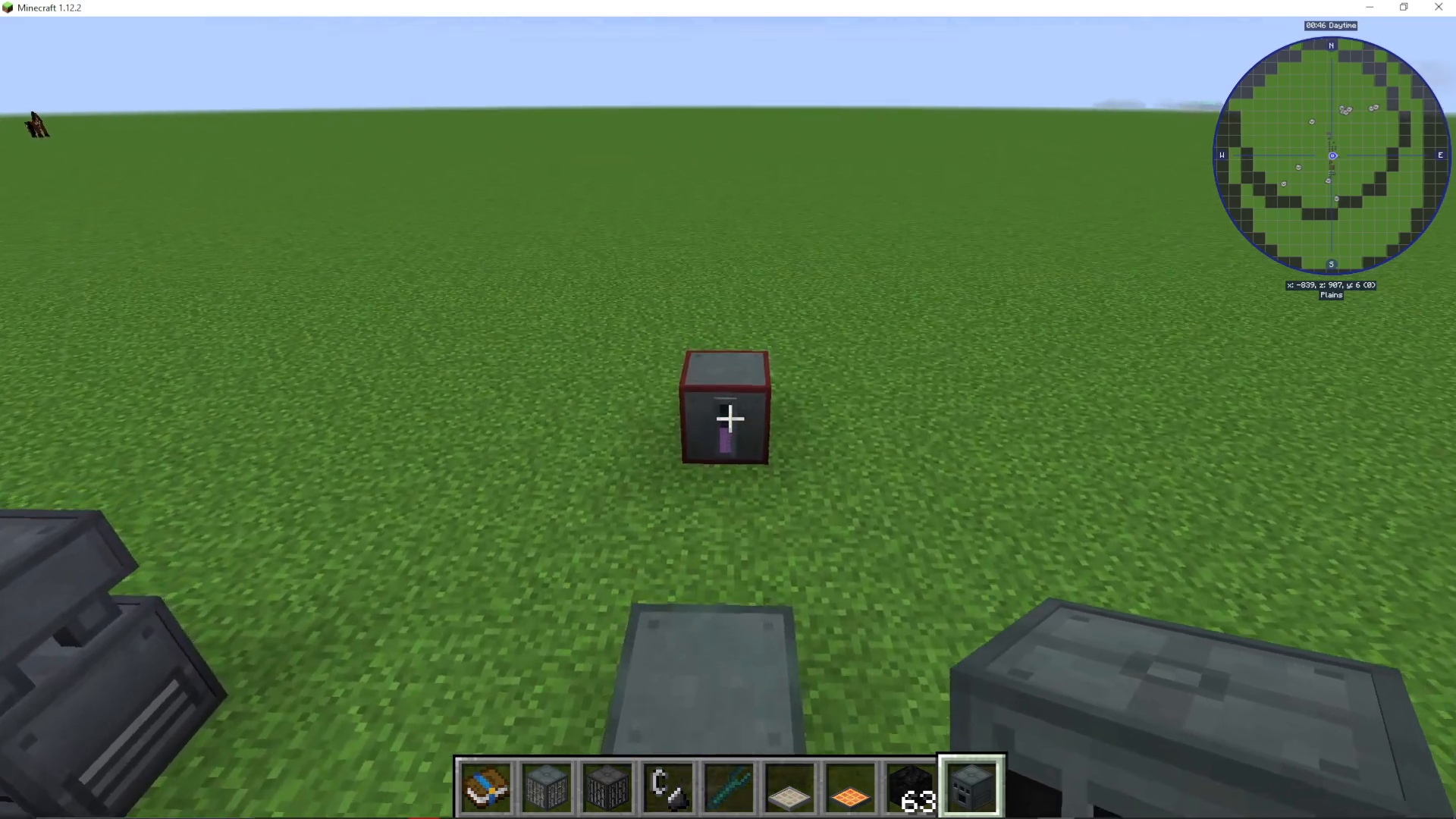
The creative capacitor bank provides infinite energy storage and is available only in certain modpacks that enable creative-mode items. Some modpacks classify it as an end-game craftable item, while others disable creative items entirely. Check your specific modpack’s configuration to see if this tier is available to you.
Summary
Capacitor banks are the foundation of energy management in EnderIO. Start with a basic capacitor bank to understand the input/output configuration system, then upgrade to standard, vibrant, or creative tiers as your power demands increase. Remember to configure input/output faces using the cog wheel interface and adjust maximum input/output values to match your system’s needs. With these tools, you’ll be able to build efficient, controlled energy networks for any project.
Learn More
For more in-depth EnderIO tutorials, check out the full EnderIO playlist available on the channel. You’ll find guides covering every aspect of the mod. Additionally, visit the Minecraft Mods section on the channel for tutorials on other popular mods and modpacks.
Want to Support?
If you would like to help us continue making these guides – please consider joining our patreon here – https://www.patreon.com/c/JaviHeals
Alternatively – we host a group of MC Servers you can join here – https://discord.gg/zD7Gjt6MHF



