







How To Oritech Steam Engines – Minecraft 1.21.1
How To Use OriTech Steam Engines – Minecraft 1.21.1
Steam power is one of the most efficient energy generation methods in the OriTech mod for Minecraft. This guide will walk you through the complete process of setting up steam engines, from creating steam with boiler add-ons to optimizing your power output with multiple engine units. Whether you’re new to OriTech or looking to upgrade your power infrastructure, this tutorial covers everything you need to know.
Introduction to Steam Power in OriTech
OriTech offers multiple generators for creating power, but steam generation stands out as one of the most effective methods. Before diving into steam engines, it’s helpful to be familiar with the basic generators available in OriTech, such as lava generators and bio generators. If you need a refresher on these fundamentals, check out the Ultimate Guide to OriTech linked in the description.
Setting Up Your Steam Boiler System
Choosing Your Base Generator
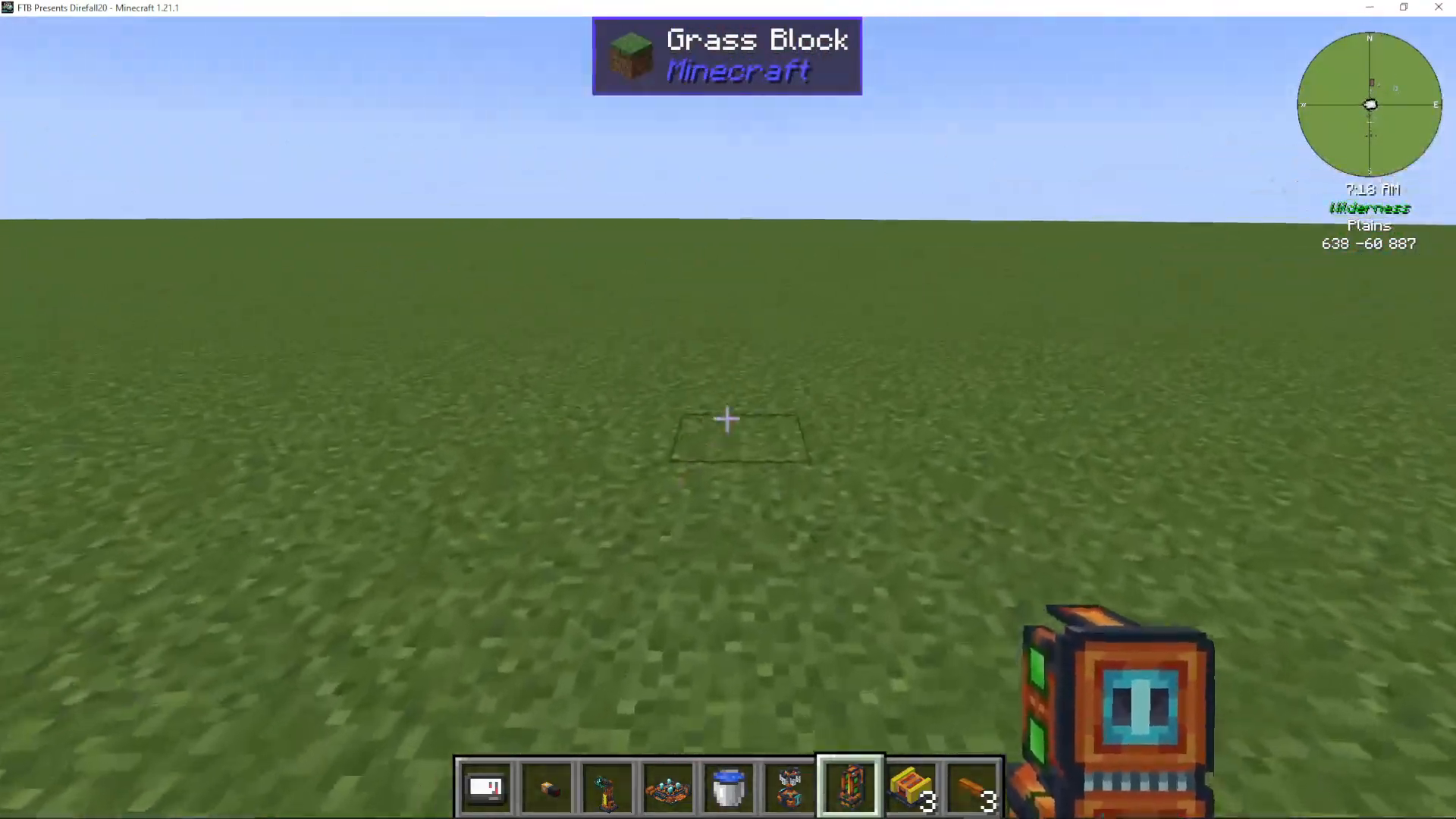
To make steam, you can use any OriTech generator except the basic coal generator. For this guide, we’ll use a bio generator as an example, though the process works with lava generators, fuel generators, and any other non-basic generator.
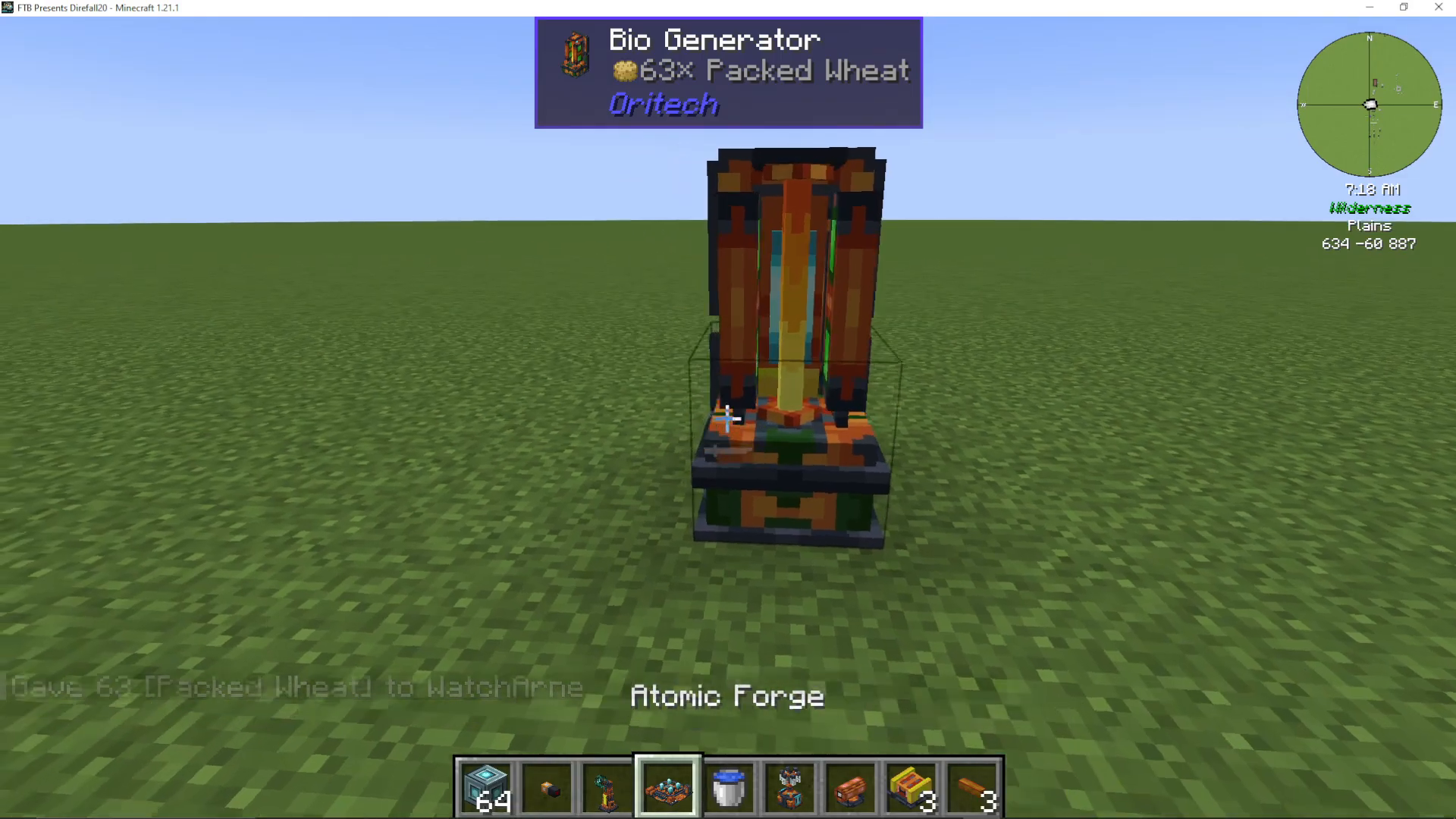
Start by placing your chosen generator and inserting machine cores to activate it. You’ll notice it produces RF energy using fuel sources like packed wheat.
Installing the Steam Boiler Add-On
The key to converting standard power generation into steam is the steam boiler add-on. Place this add-on on the back of your generator. Once installed, the boiler add-on will completely replace the RF energy tank, converting all power generation into steam instead.
Adding Water Supply
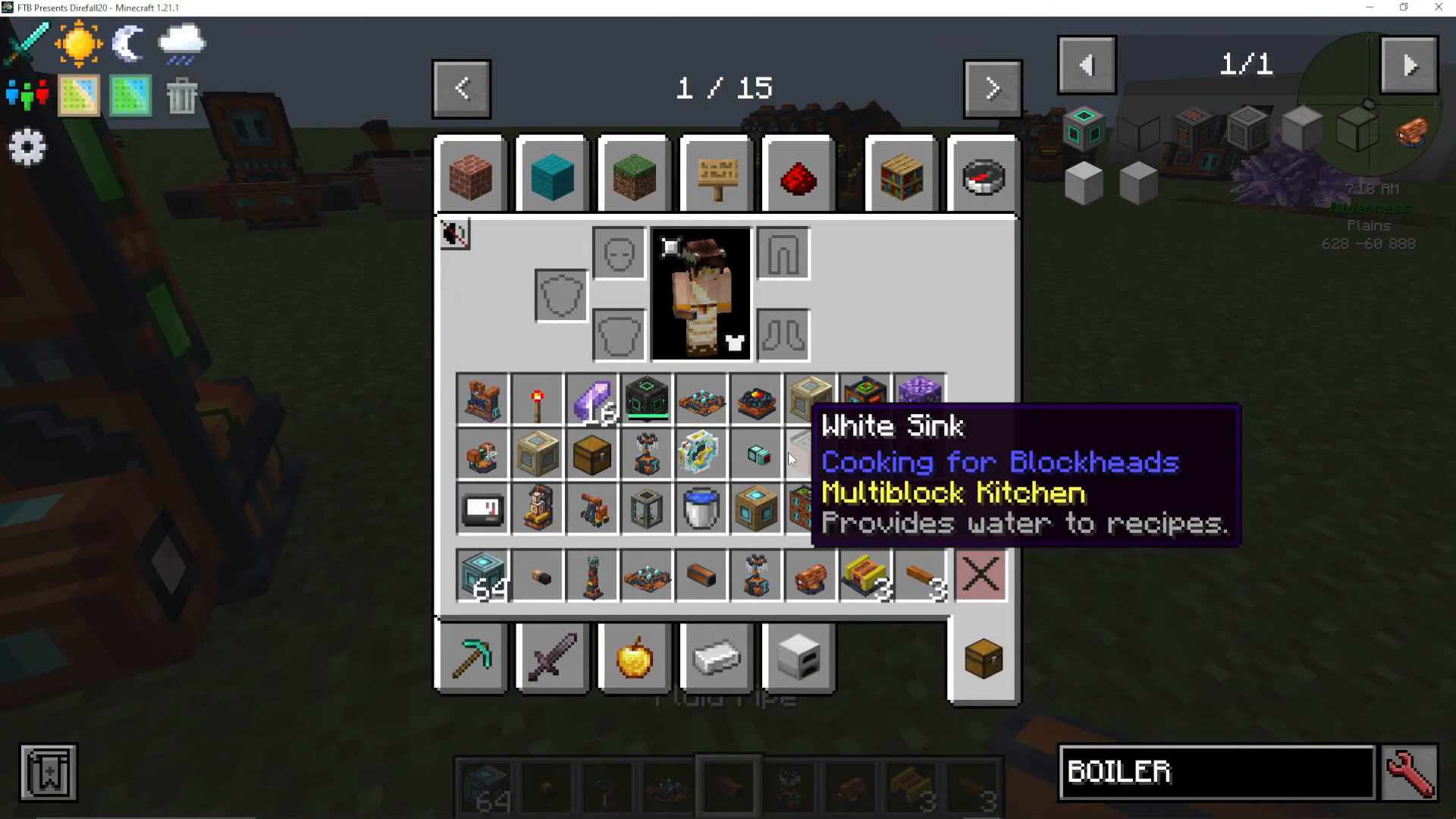
Steam requires water to function. You’ll need a consistent water supply connected to your steam boiler add-on. You can use an OriTech pump, a Cooking for Blockheads sink, or any other water source. Connect your water source using OriTech fluid pipes, ensuring water flows into the boiler add-on itself, not the main generator.
Right-click the fluid pipe to configure extraction from your water source. You should see water flowing into the boiler and steam being generated as a result.
Building and Connecting Steam Engines
Placing Your First Steam Engine
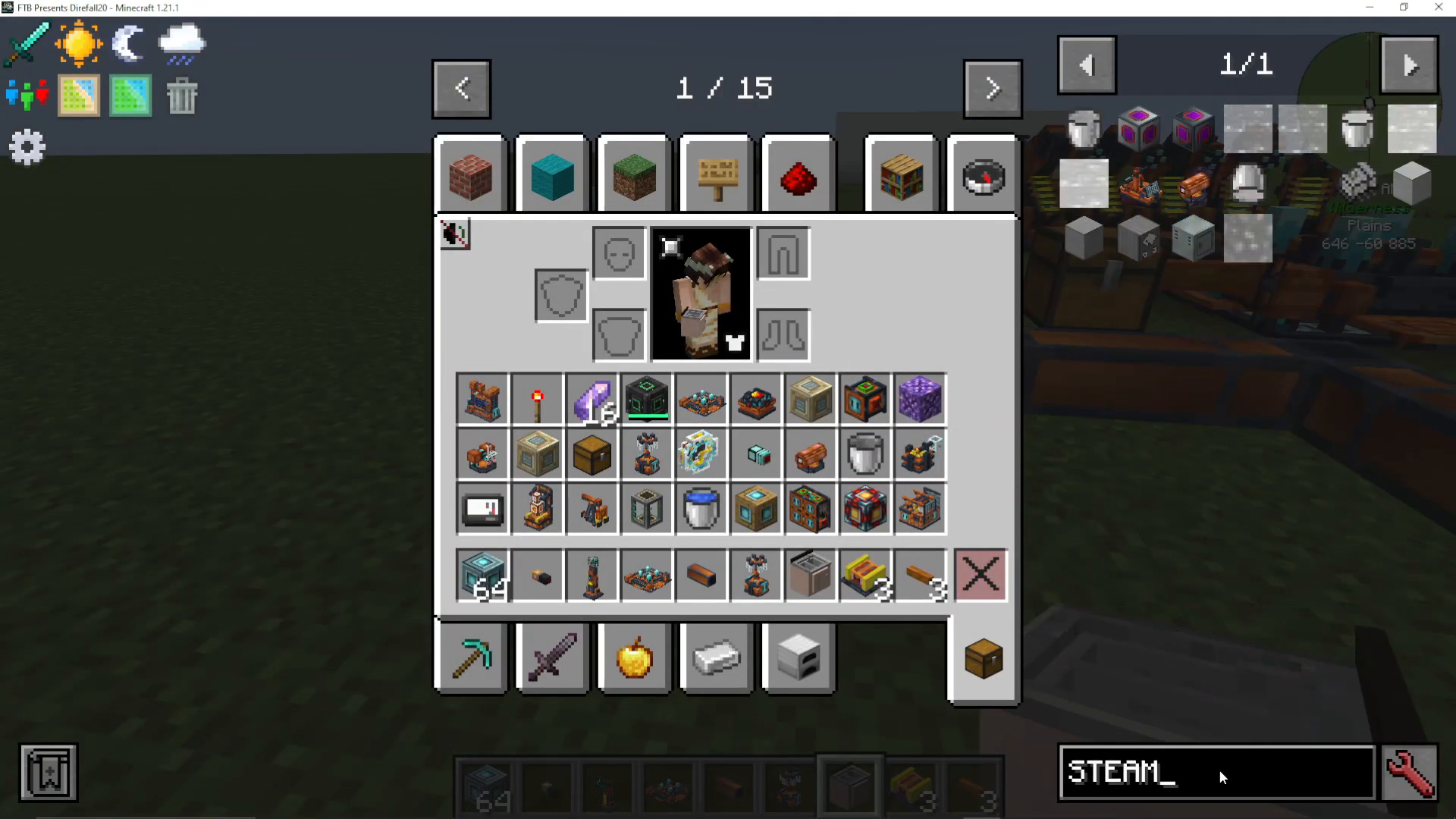
Once steam production is underway, place a steam engine unit where you want to generate power from that steam. Like other OriTech machines, you’ll need to insert three machine cores to activate it. Once active, the steam engine will immediately begin producing energy.
Connecting Steam Input and Power Output
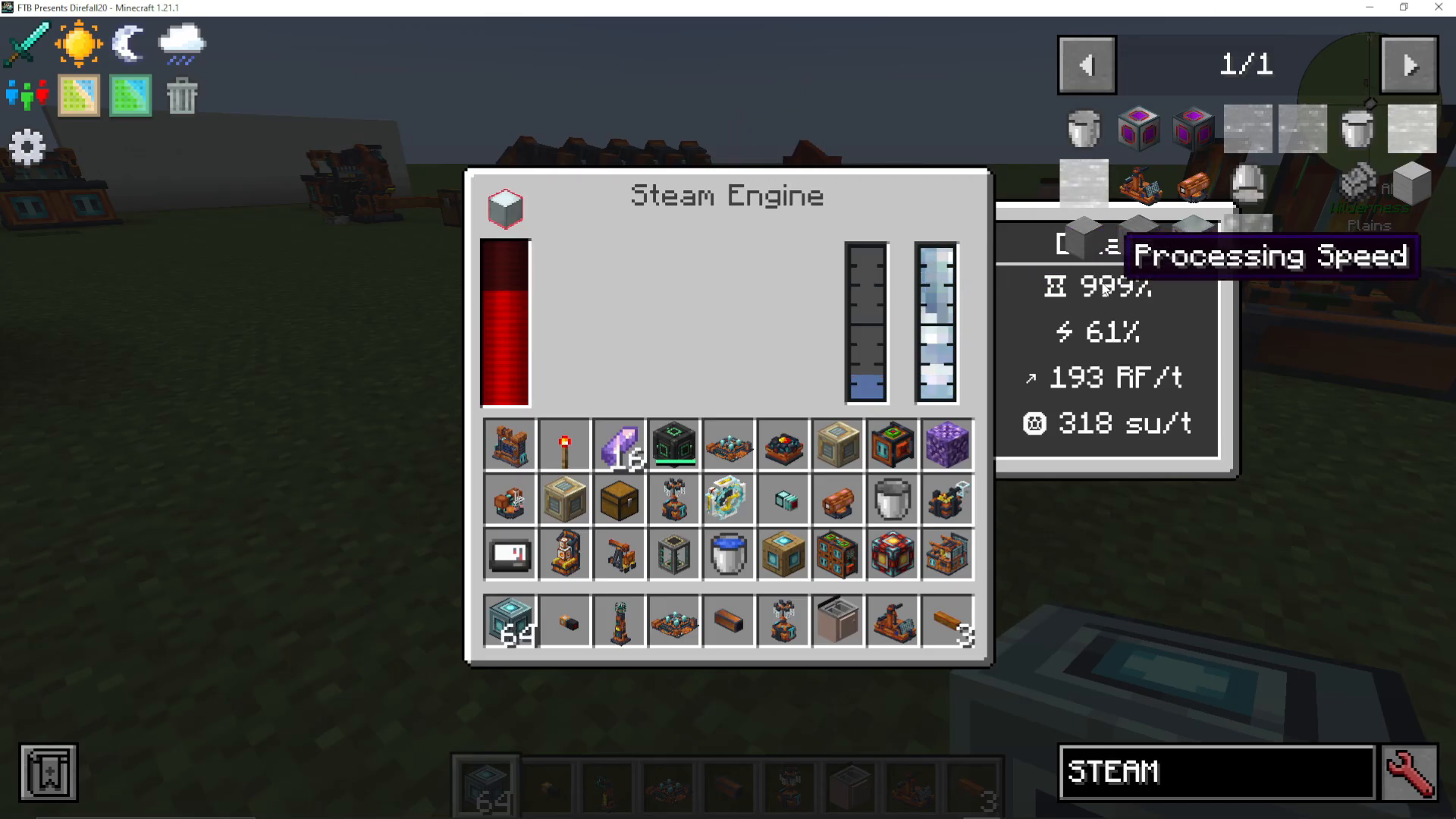
Steam engines have red and blue fluid slots. Configure your system as follows:
Blue slot: Steam input from your boiler system
Red slot: Water output (and later, energy output)
Connect your steam boiler to the blue slot using fluid pipes. The steam engine will immediately start processing and converting steam into energy. You’ll notice the processing speed displayed on the machine—more steam equals faster processing.
Understanding Processing Speed and Efficiency
Steam engines show a processing speed percentage. Aim for approximately 700% processing speed, as this represents the highest efficiency point for your steam engine. The more steam available in the system, the faster it will operate, but efficiency peaks at this sweet spot.
Stacking Multiple Steam Engines
Adding Additional Engines
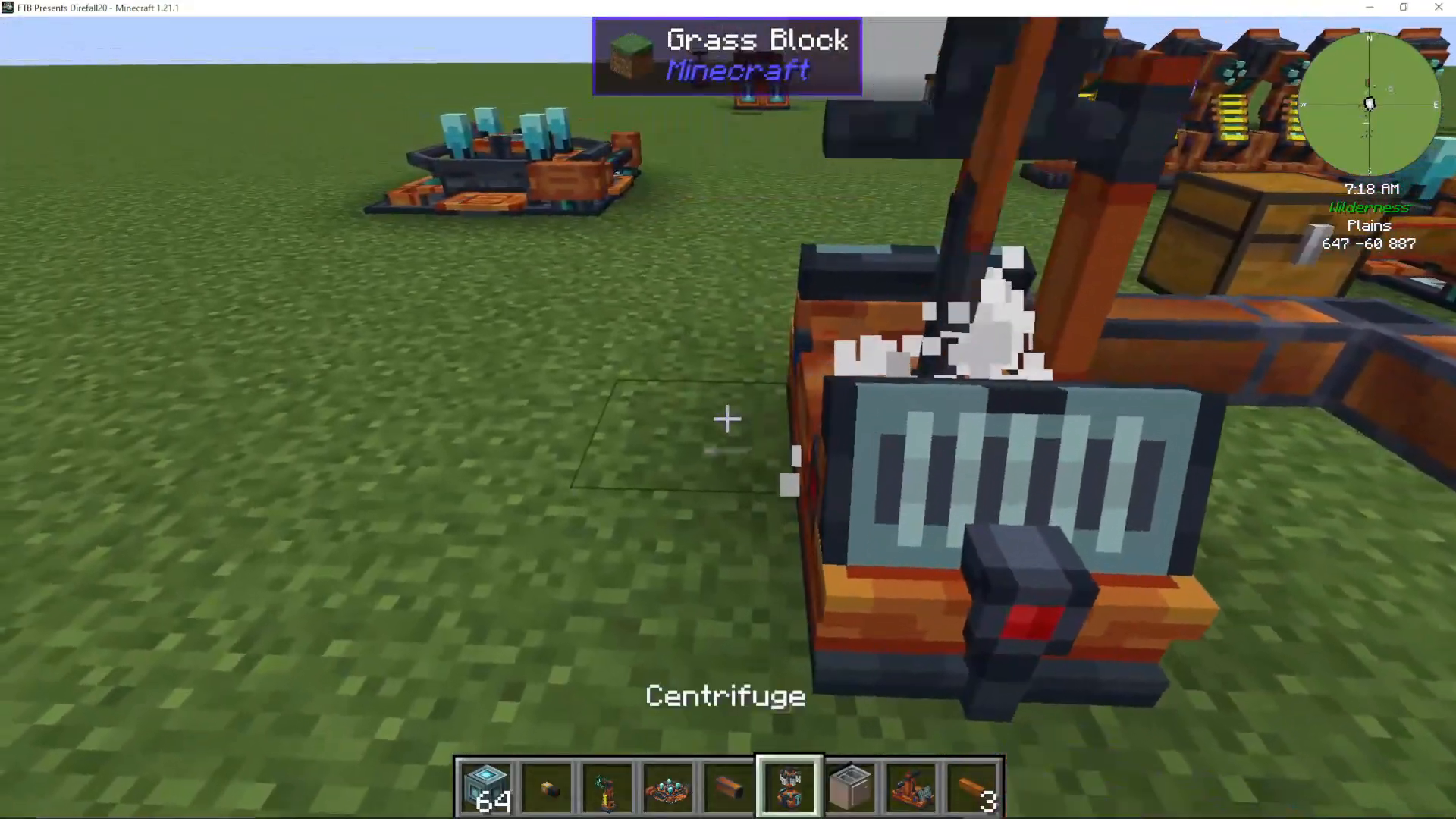
One of the major advantages of the steam engine system is scalability. You can add multiple steam engine units stacked together to significantly increase power output. Simply place additional steam engines adjacent to your first one.
Install machine cores in each new engine to activate it. Each subsequent engine will draw steam from the previous one and contribute additional power generation, even though they appear empty—they’re actively using and processing the steam flow from upstream engines.
Water Recycling and Management
The Water Conversion Process
As steam engines convert steam into energy, they generate water as a byproduct. However, you will lose approximately 20% of the water that originally converted into steam. This 20% loss means you cannot create a perfectly closed loop—you’ll need continuous external water input to maintain operations.
Managing Water Output
Connect fluid pipes to the red slot to extract the water produced by your steam engines. Recycle this water back into your steam boiler add-on to reduce overall water consumption. However, remember that you’ll still need to supply additional fresh water to compensate for the 20% loss.
It’s important to pump water out regularly. If the water tank becomes full, the steam engine will stop functioning until you extract some water. Keep fluid pipes connected to prevent this backup.
Power Output Configuration
Extracting Energy
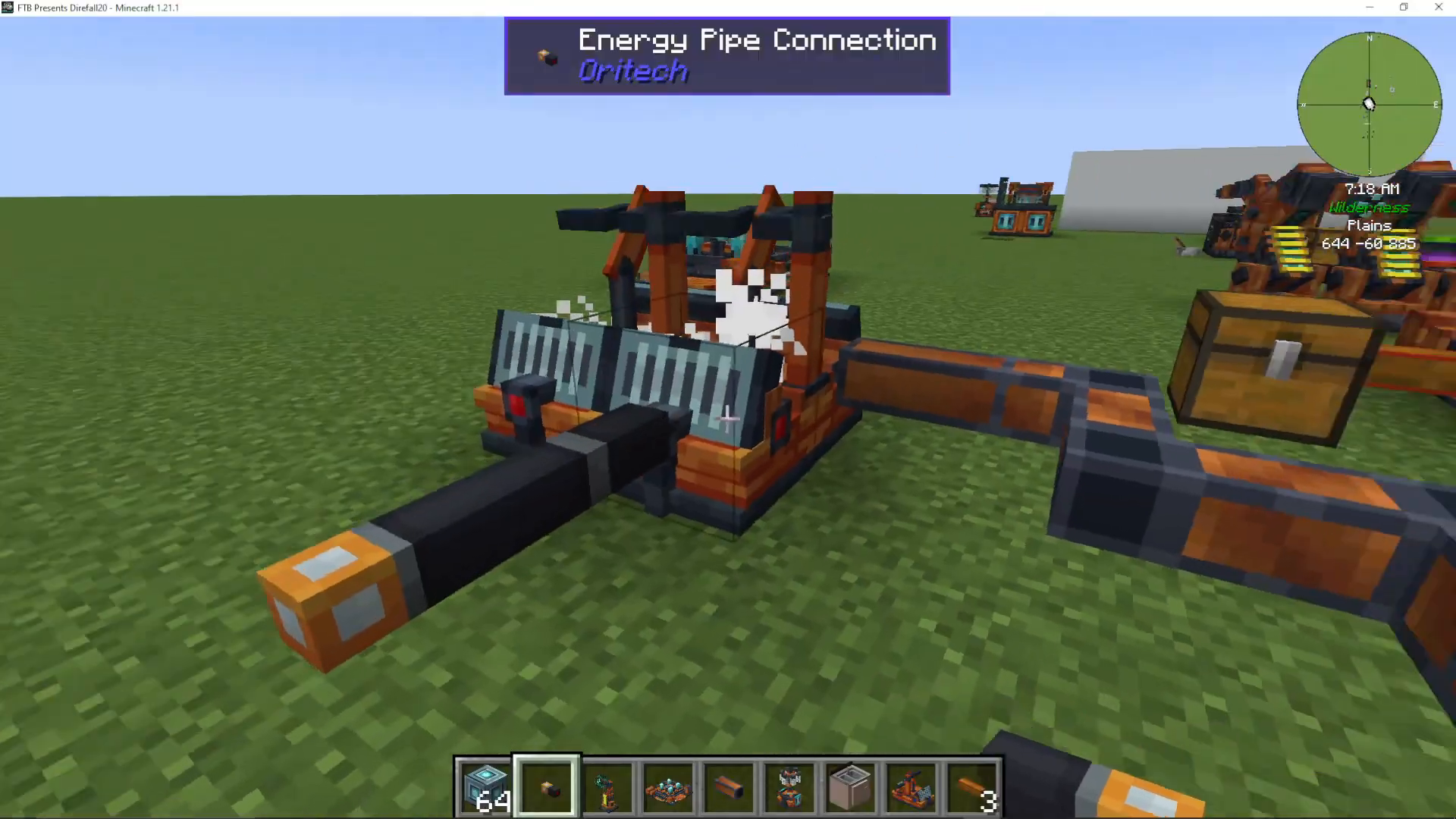
Connect energy pipes to the red slot of your steam engine units to extract the generated power. Stack multiple engines together and run a single energy pipe from the final engine to distribute power throughout your base.
This configuration allows you to maximize power generation efficiency while maintaining a clean, organized setup.
Scaling Your Steam Power System
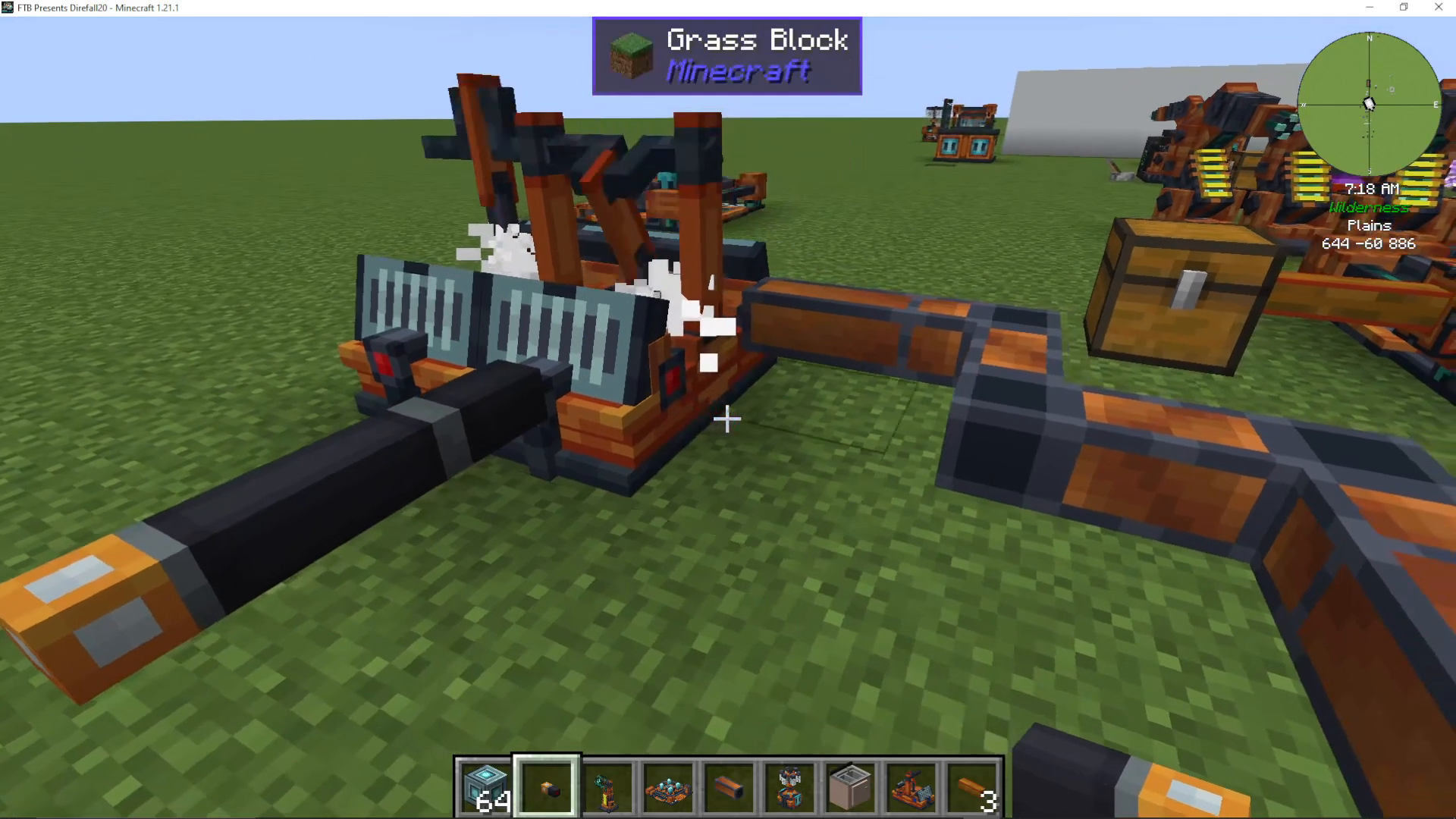
To increase power output further, continue adding more steam engines in a line. Each additional engine increases total power generation while working from a shared steam supply. Whether you’re using a lava generator, bio generator, or fuel generator as your base power source, as long as it has the steam boiler add-on installed, you can chain unlimited steam engines together.
Summary
Steam power in OriTech represents the most efficient way to generate energy in the mod. By combining a base generator with a steam boiler add-on, you create steam that feeds into steam engine units. Stack multiple engines together for exponential power increases, manage your water supply carefully to account for the 20% conversion loss, and always extract both water and energy to prevent system backups. With this setup, you’ll have a scalable, efficient power generation system that can handle any energy demand in your world.
For more OriTech guides and complete walkthroughs of every feature, check out the full OriTech playlist and Ultimate Guide. Subscribe to the channel for regular modded Minecraft tutorials covering every major mod.
— Want to Support? —
If you would like to help us continue making these guides – please consider joining our patreon here – https://www.patreon.com/c/JaviHeals
Alternatively – we host a group of MC Servers you can join here – https://discord.gg/zD7Gjt6MHF



