







How To Oritech Quarry – Minecraft 1.21.1
How to Make an Oritech Quarry in Minecraft 1.21.1
In this guide, we’ll walk you through the process of building a fully functional Oritech quarry. If you’re looking to automate your mining operations in the Oritech mod, a quarry is one of the most efficient tools at your disposal. This tutorial assumes you have basic knowledge of Oritech power generation and add-on mechanics. If you need a refresher, check out our complete Oritech beginner’s guide.
Getting Started with the Destroyer Block
The foundation of your quarry is the destroyer block. To craft one, you’ll need machine cores. Don’t worry about making high-quality cores at this stage—standard quality will work fine for a quarry setup.
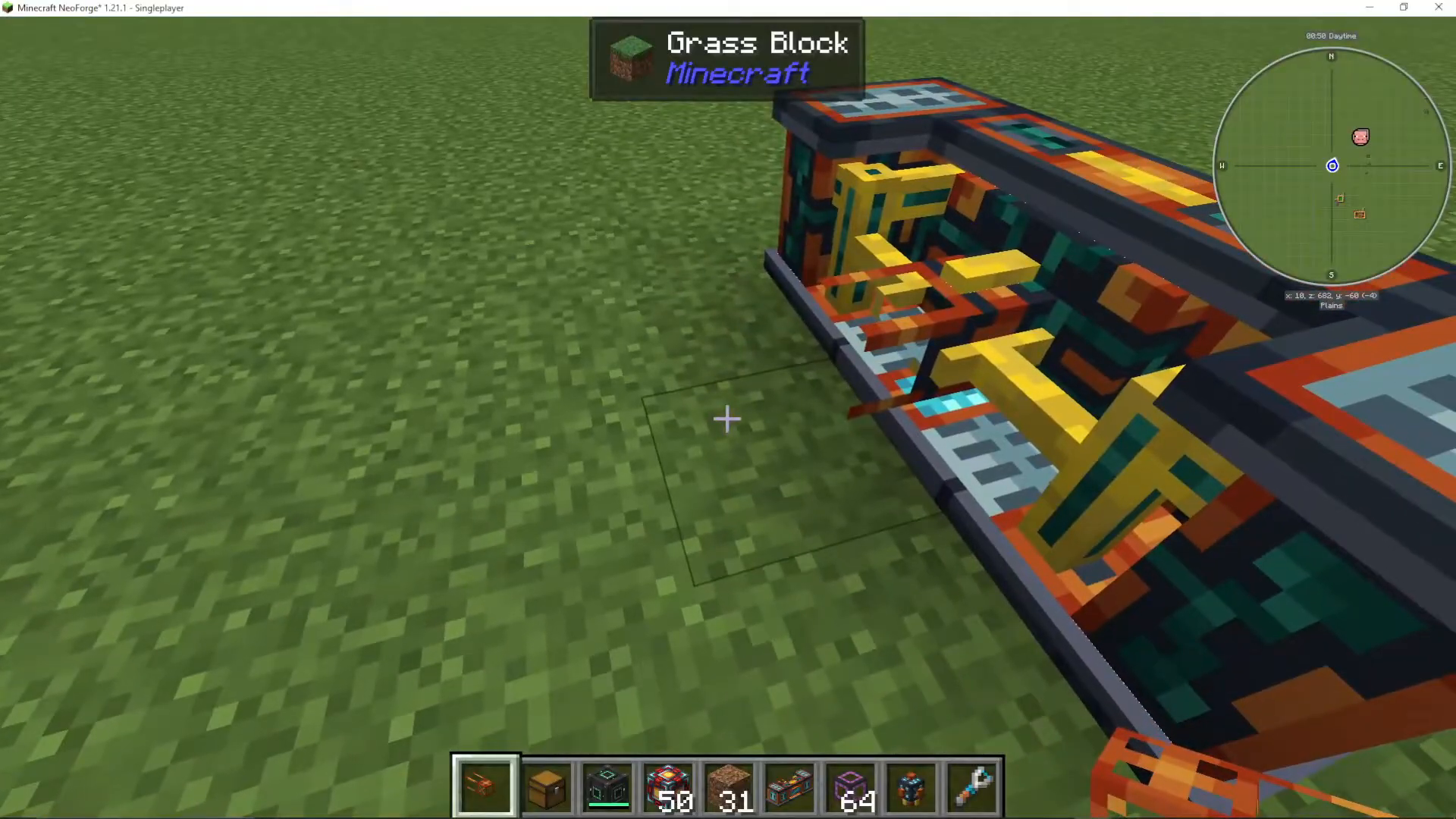
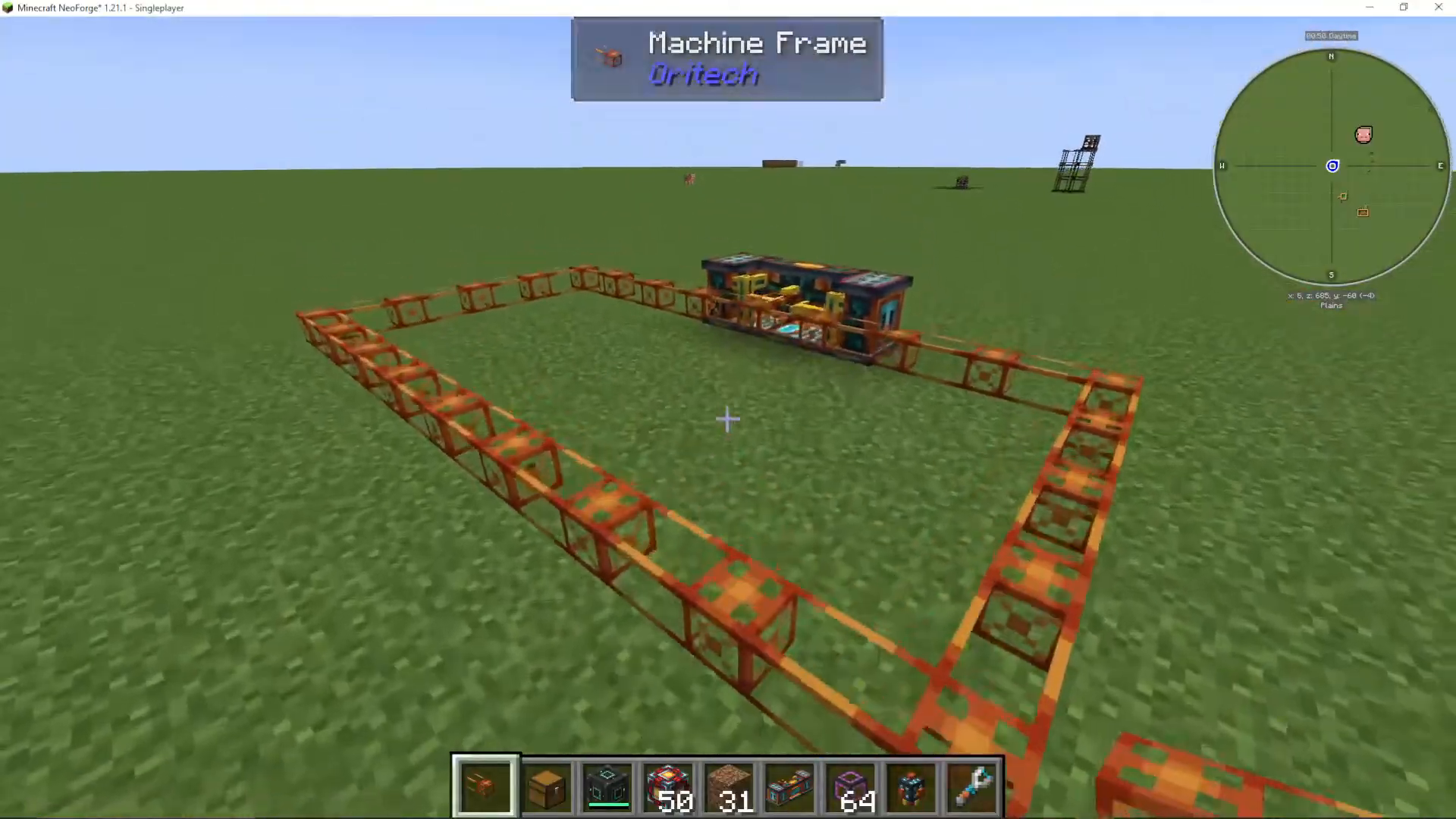
The destroyer block comes equipped with a frame attachment point. To begin construction, right-click on the frame attachment with a machine frame and build out your quarry frame from there.
Frame Construction Rules
When building your frame, remember this critical rule: the frame cannot be placed on the edge of the destroyer block. Your frame must extend outward from the destroyer block itself. For example, if you build your frame extending away from the block rather than along its perimeter, you’ll avoid the “missing frame” error and your quarry will be ready to go.
Powering Your Quarry
Once your frame is complete, you need to supply power to the destroyer block. You can connect power from any direction—underneath is a common choice, but feel free to power it from the side or top. The blue plugs on your destroyer block are where you’ll attach add-ons.
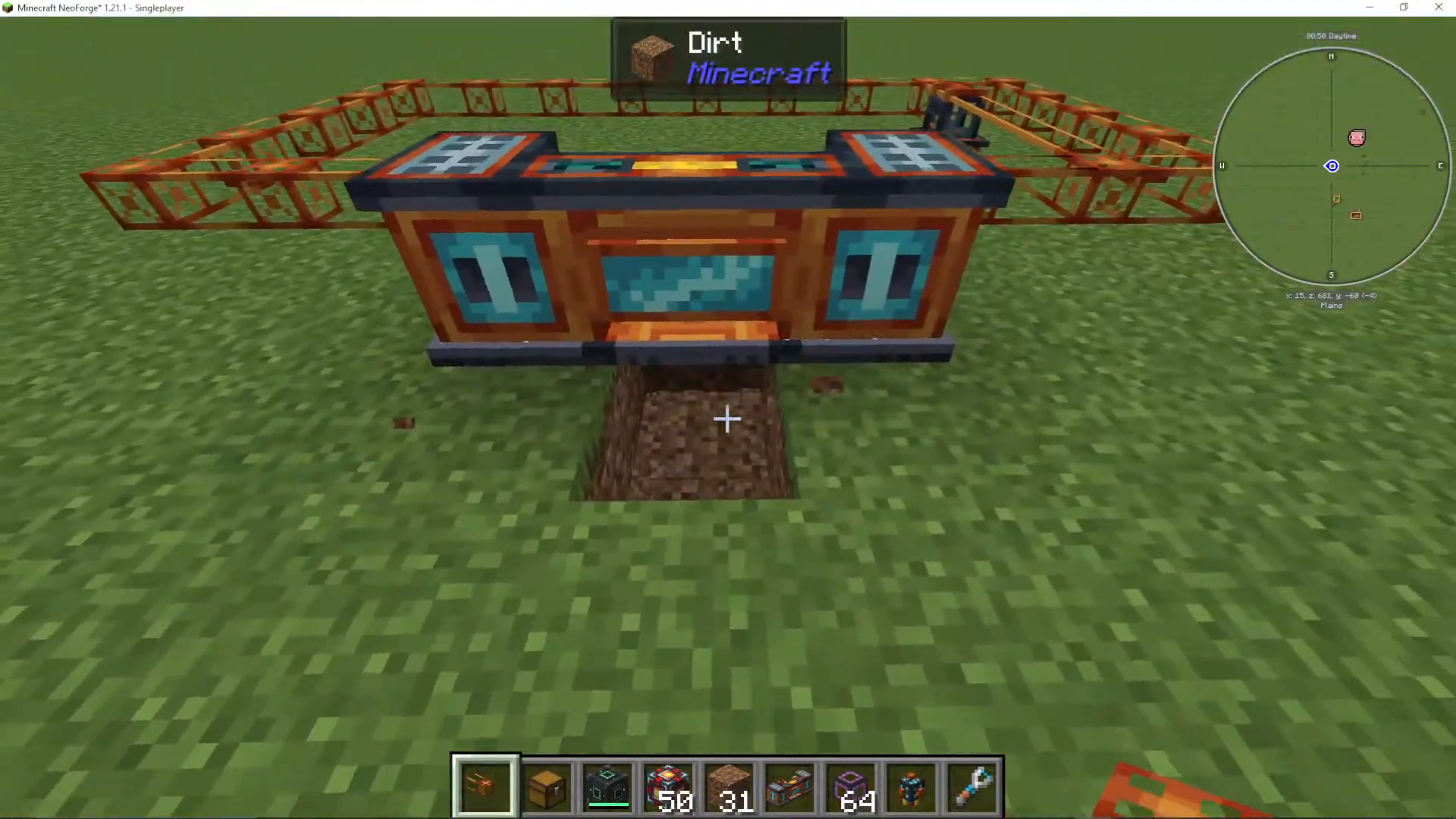
Without any add-ons, the destroyer block will only break blocks one layer deep—useful for harvesting crops, but not for deep mining.
Adding Quarry Depth with Quarry Add-Ons
To dig deeper into the ground, you’ll need to attach quarry add-ons. The destroyer block has four add-on plug slots. Here’s how quarry depth works:
1 quarry add-on: 8 blocks deep
2 quarry add-ons: 8 × 8 = 64 blocks deep
3 quarry add-ons: 8 × 8 × 8 = 512 blocks deep
4 quarry add-ons: 8 × 8 × 8 × 8 = 4,096 blocks deep
The depth multiplies with each additional quarry add-on you attach, allowing you to reach extremely deep mining levels. For most applications, two to three quarry add-ons is sufficient.
Boosting Speed with Machine Speed Add-Ons
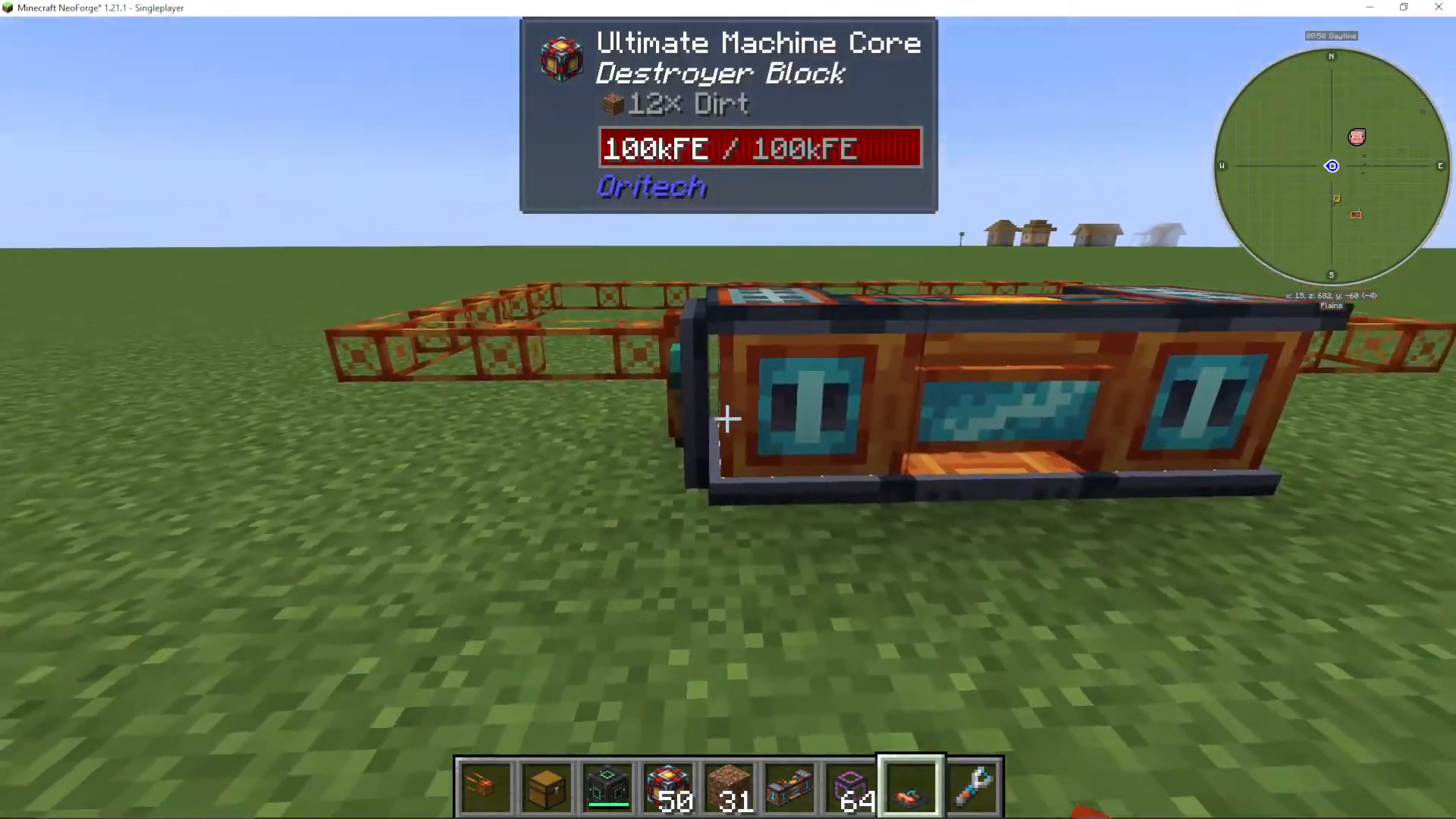
By default, your quarry will operate slowly. To speed up the mining process significantly, attach machine speed add-ons to the remaining plug slots. A good configuration is to add three to five speed add-ons, depending on your available plug space and power supply.
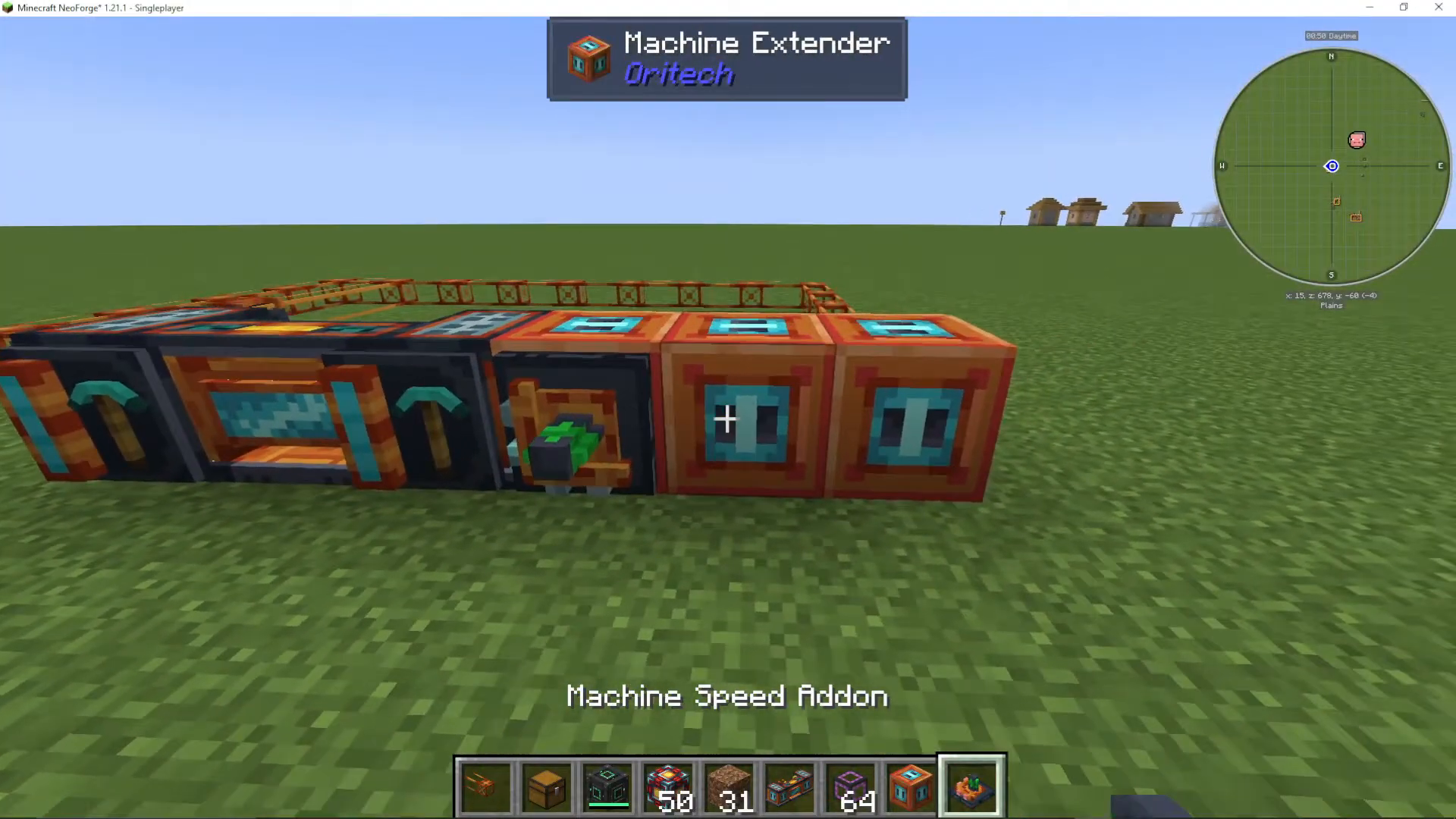
With multiple speed add-ons installed, you’ll notice your quarry operating at dramatically increased speeds, rapidly clearing large areas of blocks.
Managing Mined Items
All items gathered by your destroyer block are stored in its internal inventory. To extract these items automatically, you’ll need to set up an extraction system.
Basic Item Extraction
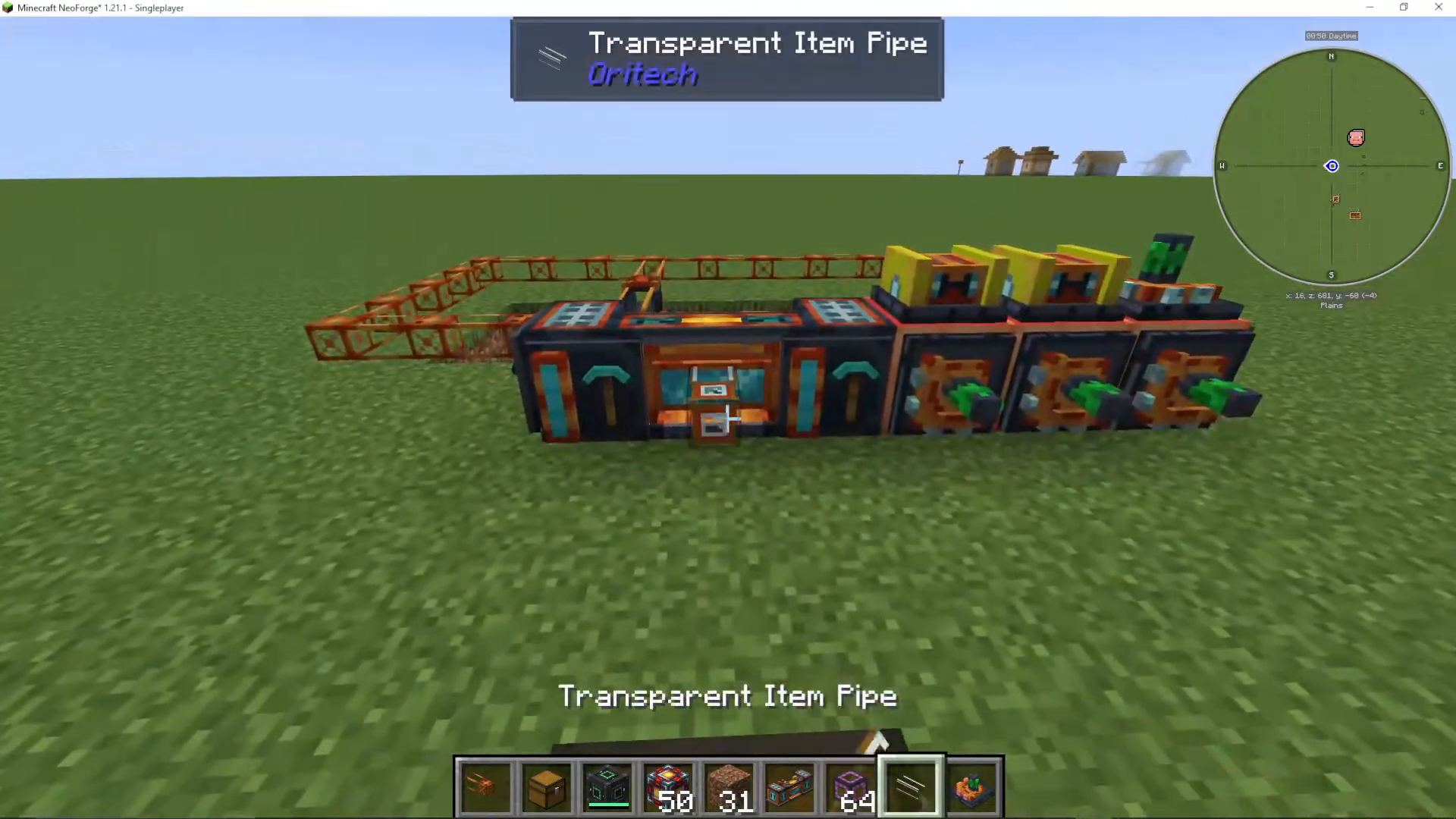
Add a chest next to your destroyer block and connect it with an item pipe (either opaque or transparent varieties are fine). Right-click the pipe with your hand to enable pulling items from the destroyer block’s inventory into the connected chest.
Advanced Item Filtering
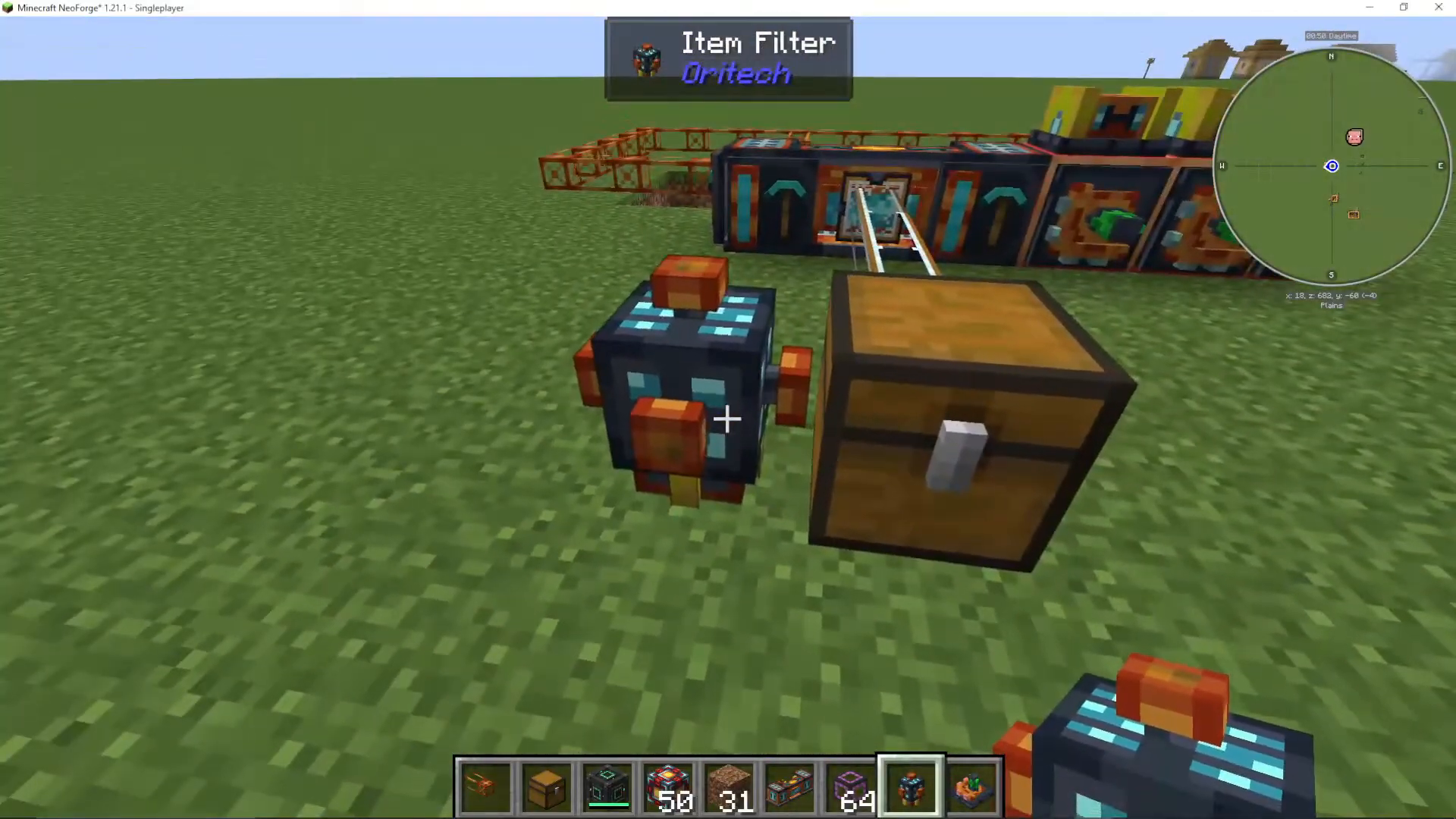
If you want to organize your mined materials, you can set up filtered sorting. Use an item filter attached to a transparent item pipe. For example, if you want all ores to go into one chest and dirt into another, place an item filter on the pipe leading to your ore chest and configure it to accept only ore blocks (e.g., “I” for iron ore and “all” for all ores). Any items matching the filter will automatically route to that specific inventory.
Efficiency Optimization
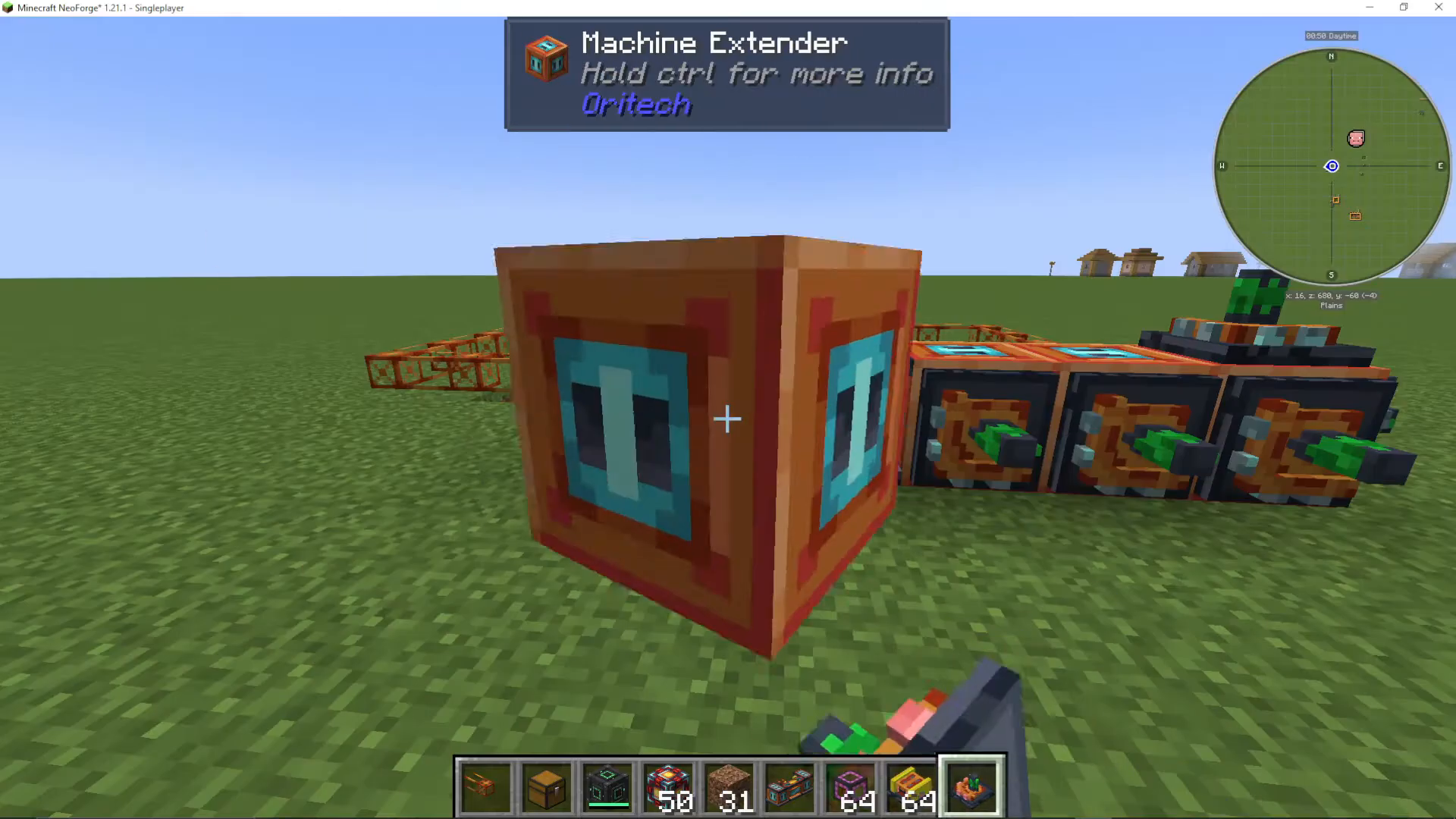
To improve your quarry’s energy efficiency, attach efficiency add-ons to any remaining plug slots on your destroyer block. This will reduce the power consumption of your quarry, allowing it to run for longer periods without draining your power supply as quickly.
Important Considerations
Keep in mind that unlike some other mining mods, once your Oritech quarry completes an area, you’ll need to physically move the destroyer block to a new location if you want to mine elsewhere. This is similar to the old BuildCraft quarry system but with a more modern Oritech twist.
Summary
Building an Oritech quarry is straightforward once you understand the core mechanics. Start with a destroyer block, attach quarry add-ons for depth, speed add-ons for faster mining, and optional efficiency and filter add-ons for a refined operation. With this setup, you’ll have an automated mining operation that can harvest vast quantities of resources quickly and efficiently.
Want to Support?
If you would like to help us continue making these guides – please consider joining our patreon here – https://www.patreon.com/c/JaviHeals
Alternatively – we host a group of MC Servers you can join here – https://discord.gg/zD7Gjt6MHF



