







How To Oritech Bedrock Extractor – Minecraft 1.21.1
How to Use the Oritech Bedrock Extractor – Minecraft 1.21.1
The Bedrock Extractor in AureTech is one of the most powerful tools for obtaining infinite ores in Minecraft 1.21.1. This guide will walk you through the setup process, from locating resource nodes to powering your extractor and collecting your rewards. Whether you’re a beginner or an experienced modded Minecraft player, you’ll learn exactly how to maximize this machine’s potential.
Understanding Resource Nodes in AureTech
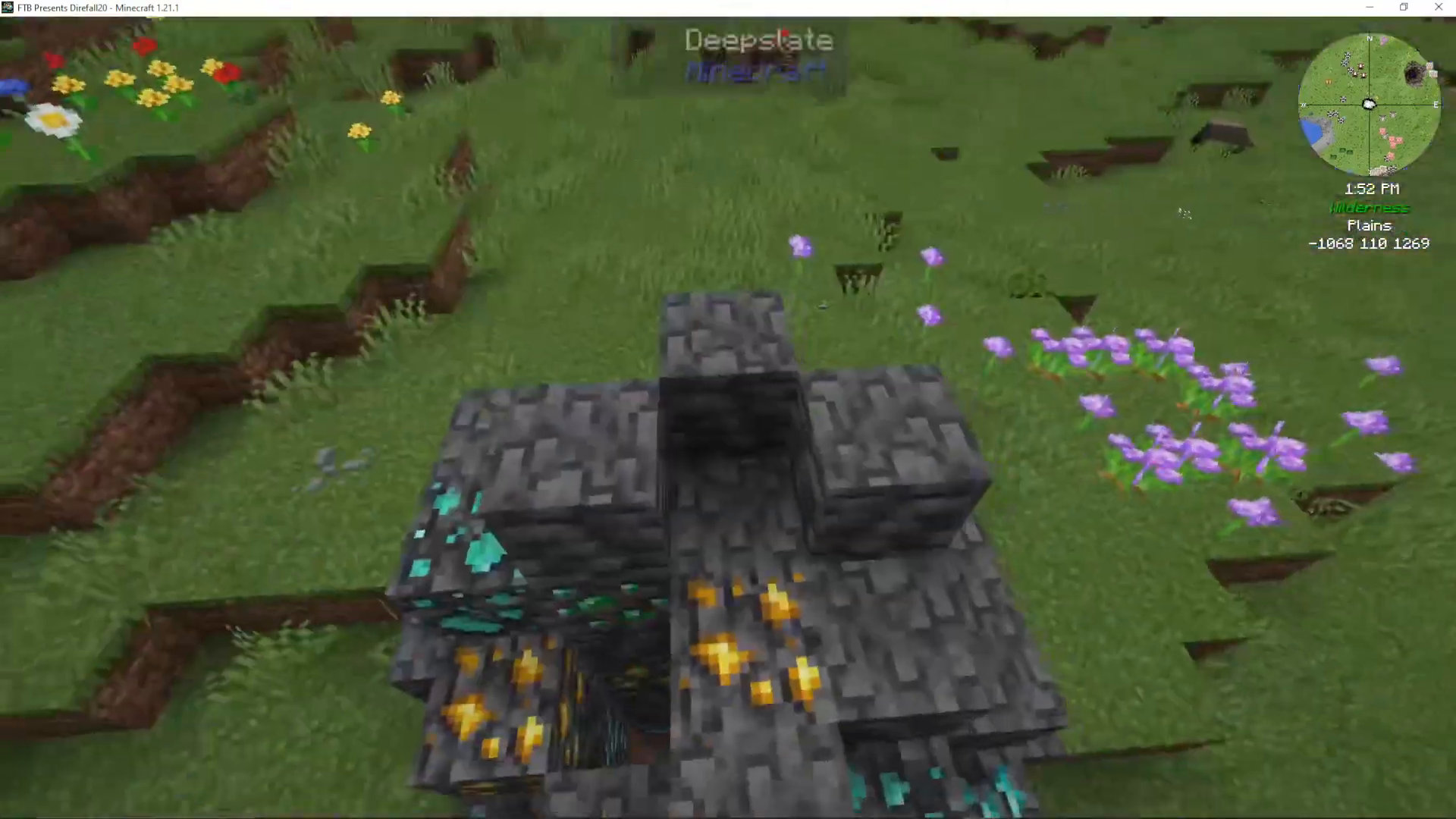
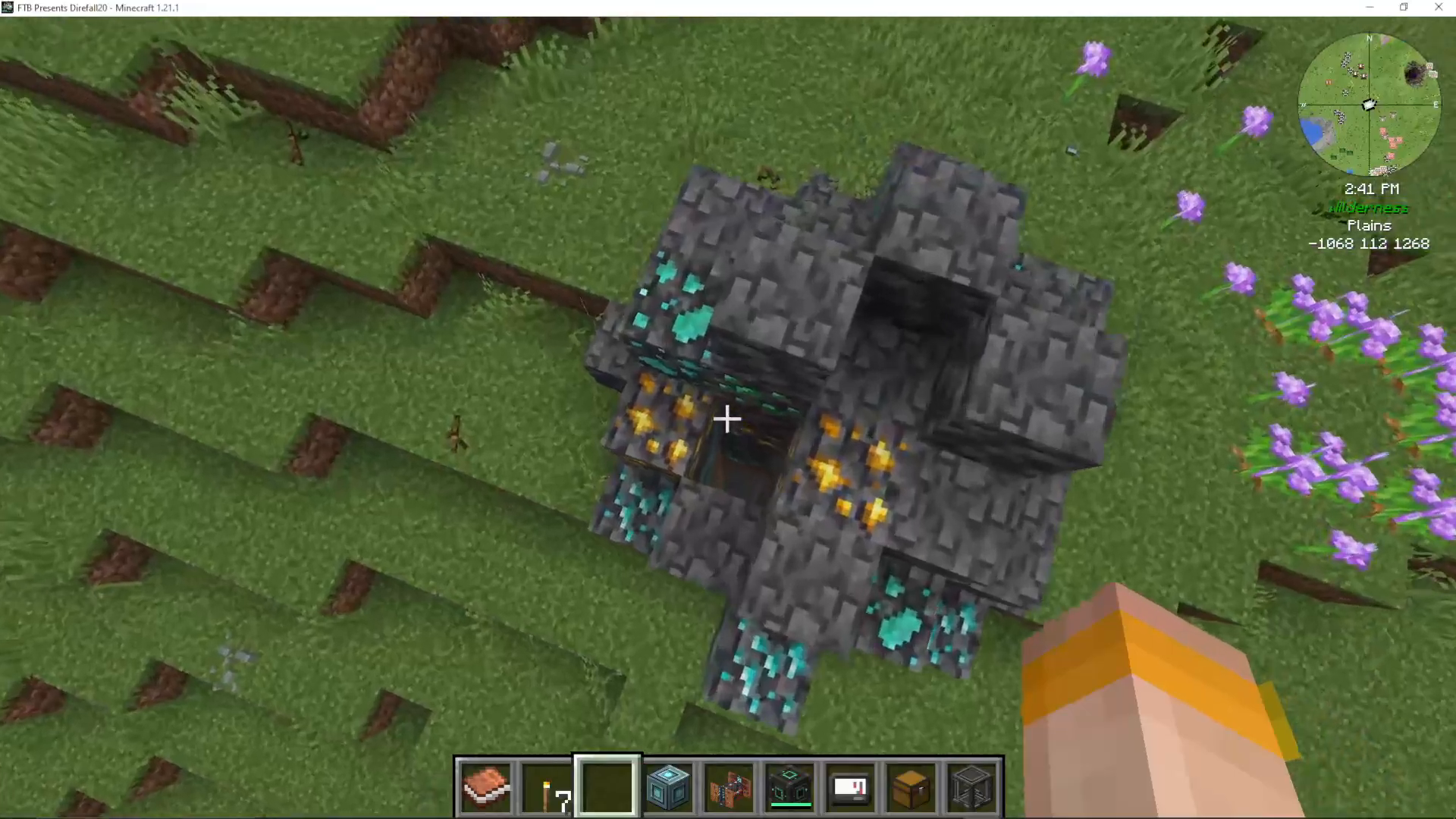
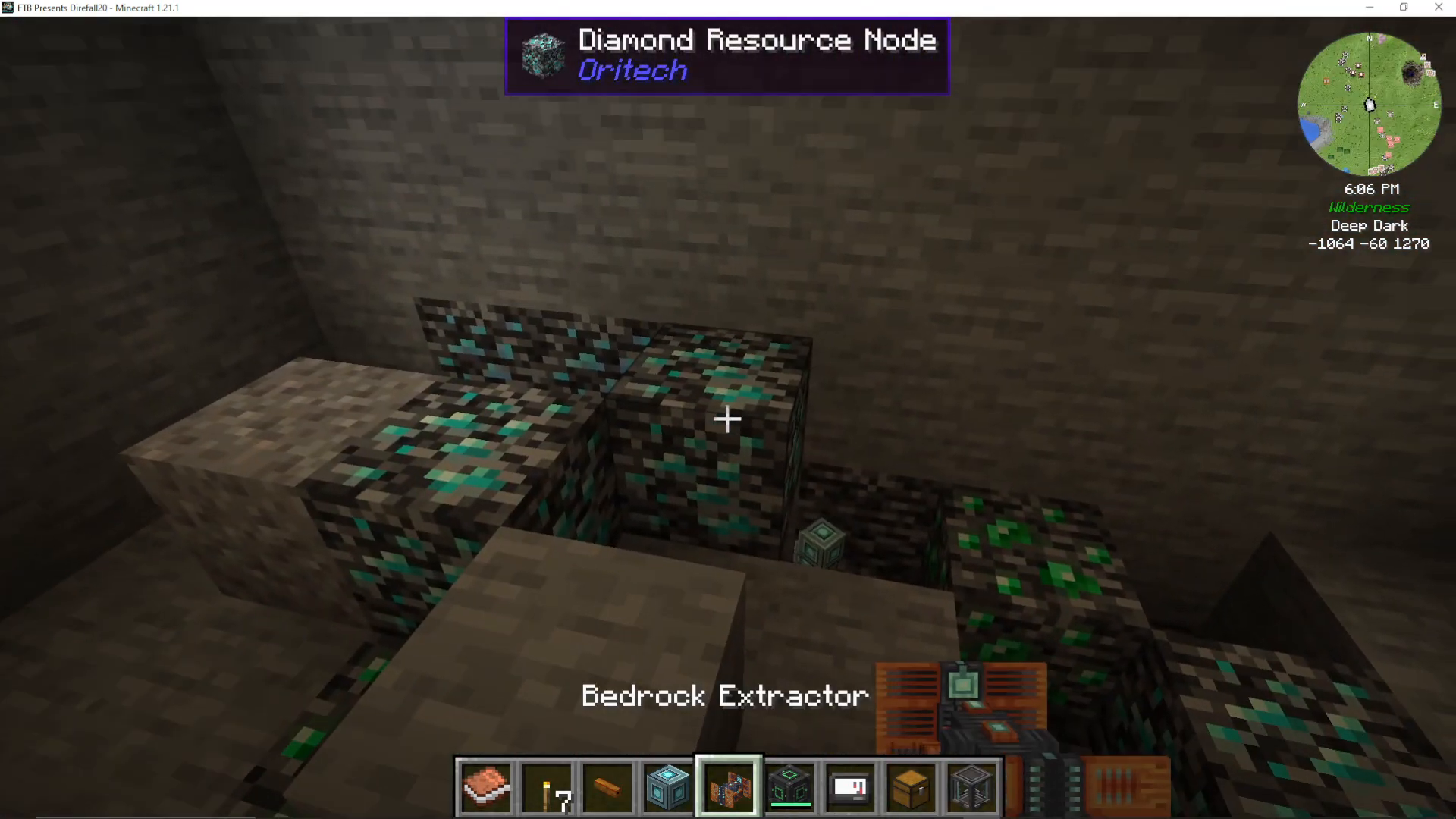
When playing AureTech, you’ll notice clusters of ores appearing in the overworld. These surface clusters are visual indicators that a resource node exists deep below at Bedrock level. The specific ores visible on the surface tell you what resources you’ll find in the node beneath.
For example, if you see a cluster containing Diamond, Gold, Platinum, and Emeralds on the surface, those same ores will be present in the Bedrock resource node below. Similarly, a cluster showing Iron, Coal, Copper, and Nickel indicates what you can extract from that particular deep node.
Locating Your First Resource Node
To find resource nodes, look for ore clusters in the overworld. Once you’ve identified a cluster, you’ll need to travel down to Bedrock level—this is a very deep journey, but it’s necessary for the extraction process. The deeper you go, the more you’ll understand the unlimited mining potential that awaits.
Setting Up the Bedrock Extractor
Placing the Extractor
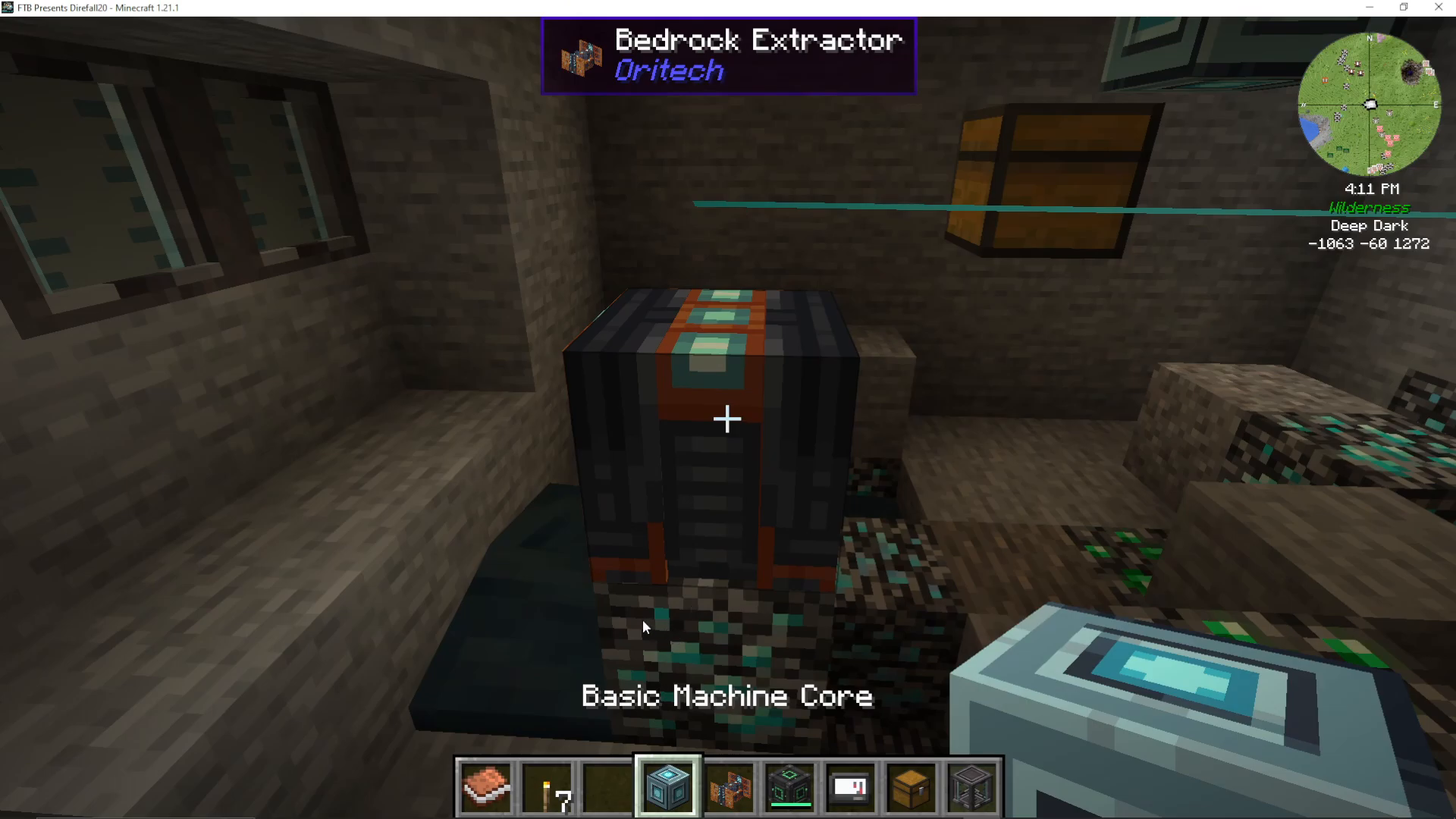
Once you’ve reached Bedrock and located your resource node, begin by clearing any surrounding blocks to make space. Next, place the Bedrock Extractor directly on top of the ore node. The machine should be positioned where it can effectively reach the ores you want to mine.
Adding Machine Cores
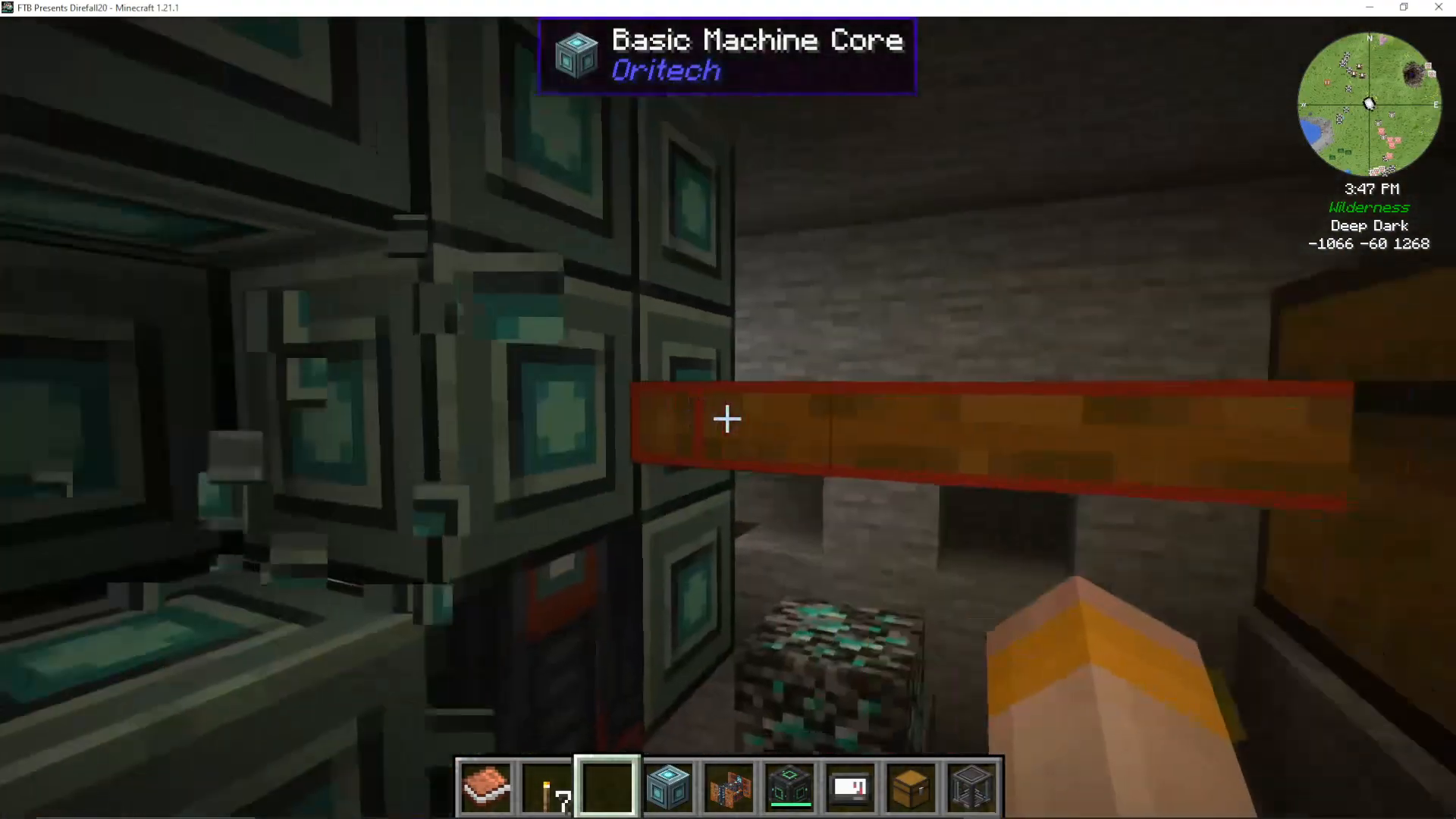
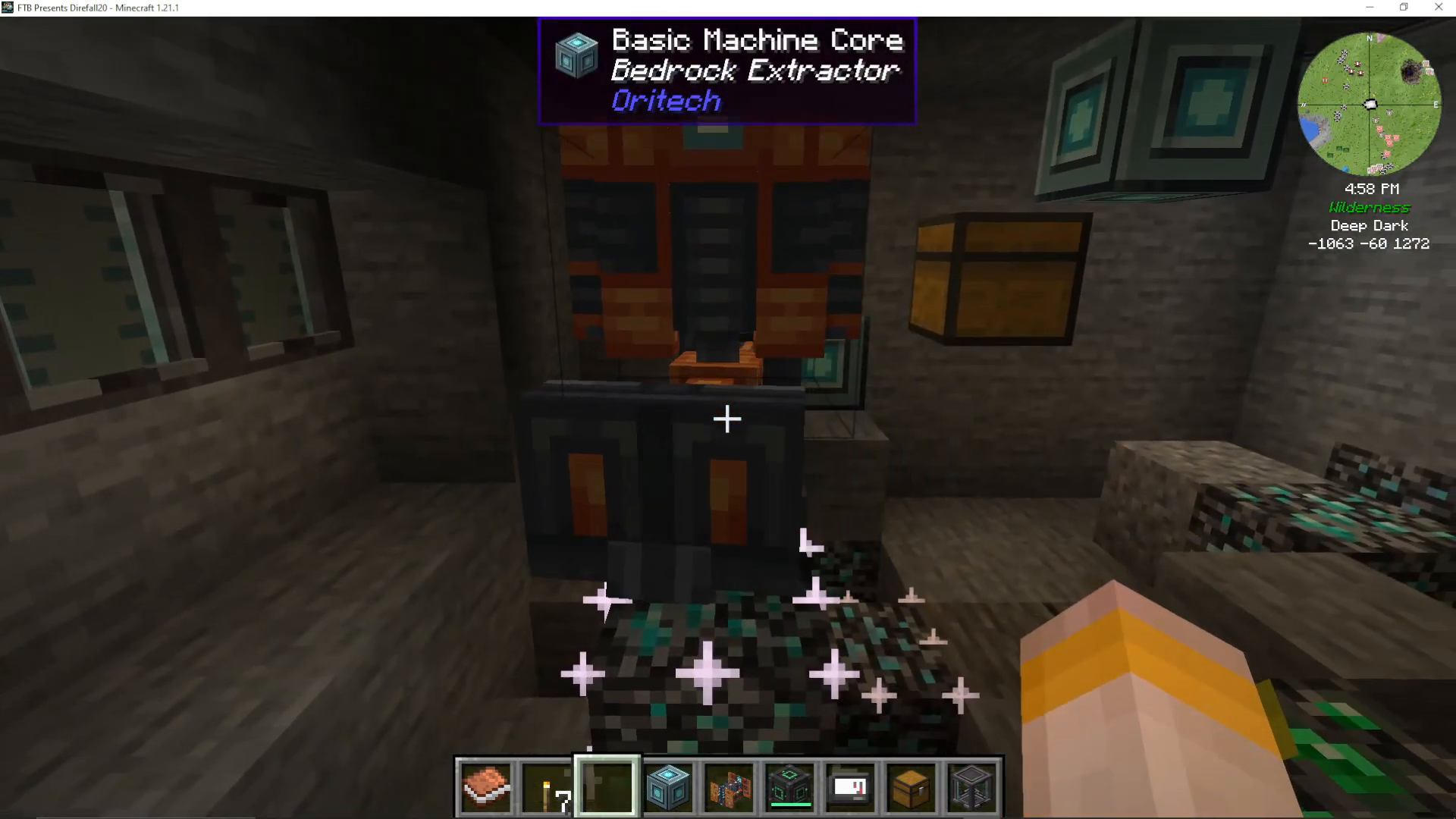
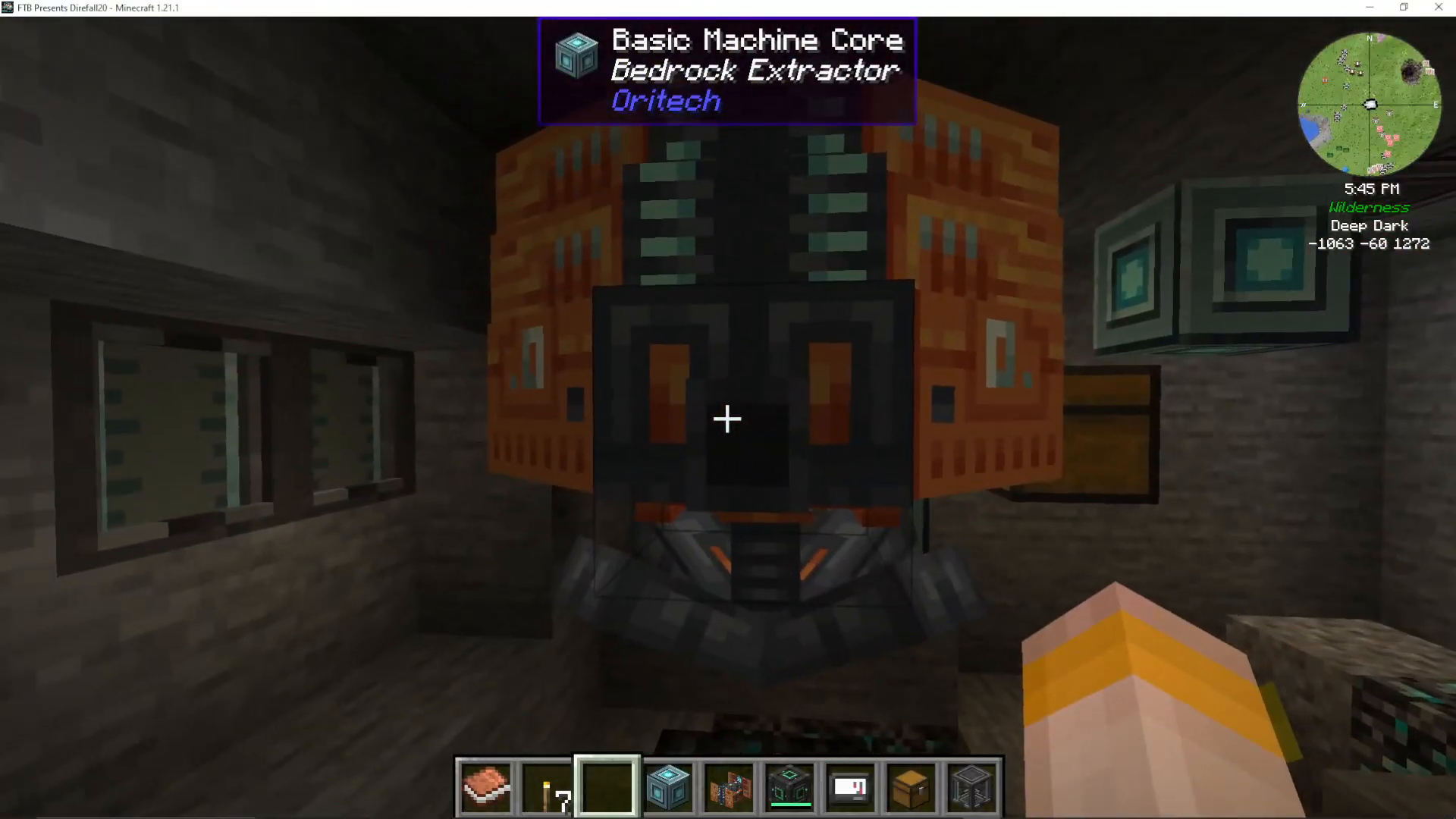
After placing the Bedrock Extractor, you’ll need to add Basic Machine Cores. Simply right-click the cores onto the extractor. Once placed, the cores will eventually transform the setup into a fully functional Bedrock Extractor. Continue adding cores until the machine is properly configured.
Understanding the Mining Range
The Bedrock Extractor can mine in a 3×3 area directly around its placement position. This means placement is crucial for maximizing ore collection. The extractor can detect ores up to four blocks deep below it, so positioning it strategically will allow you to collect multiple ore types from a single setup.
For optimal results, place the extractor where it has access to the most ore nodes. In some cases, a single location might give you access to three or four different ore types simultaneously, such as Platinum, Diamond, and Emerald.
Connecting Output Pipes and Storage
You’ll notice a small hole in the Bedrock Extractor—this is where you’ll attach your item pipes. Connect an item pipe to this opening, then attach a chest or other storage container to the opposite end of the pipe. Once connected, the extractor will automatically transfer mined ores into your storage system.
Powering the Bedrock Extractor
Using Enderic Lasers
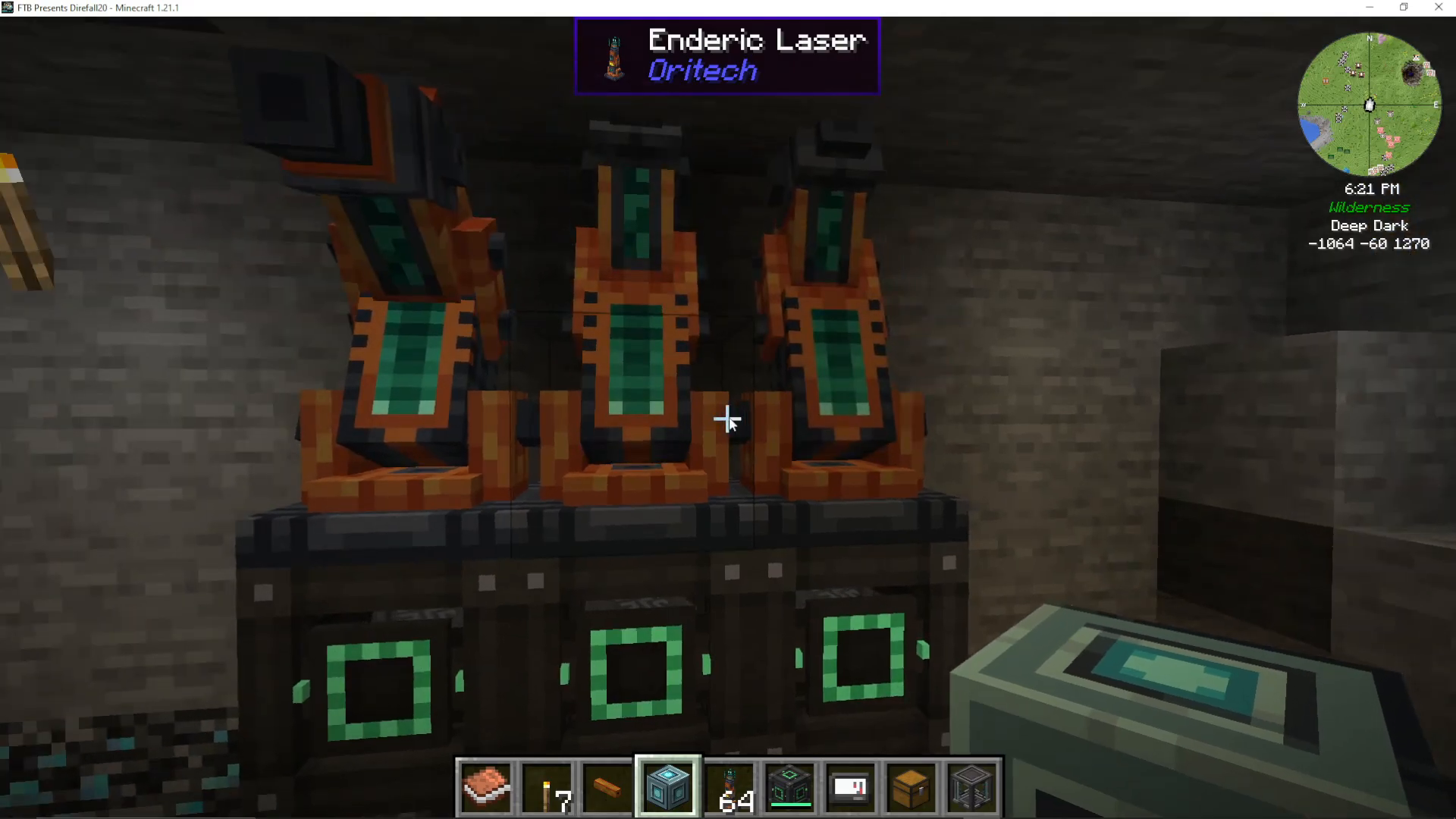
To power your Bedrock Extractor, you’ll need Enderic Lasers from Oritech. These lasers provide the energy necessary to operate the machine continuously. You can power the lasers with any energy source available in AureTech—for convenience, many players use Mechanism blocks to supply power.
Connecting Lasers to the Extractor
To establish the power connection, you’ll use a Target Designator. First, Shift-Right click the Target Designator on the Bedrock Extractor. Then, Shift-Right click the same designator on your Enderic Lasers. This action will link the lasers to the extractor, and power will begin flowing to your mining operation.
Watching Your Extractor Work
Once powered, the Bedrock Extractor will immediately begin mining. You’ll see ores accumulating in the connected storage container. The machine will continue this process infinitely, providing you with unlimited ore generation as long as power is supplied.
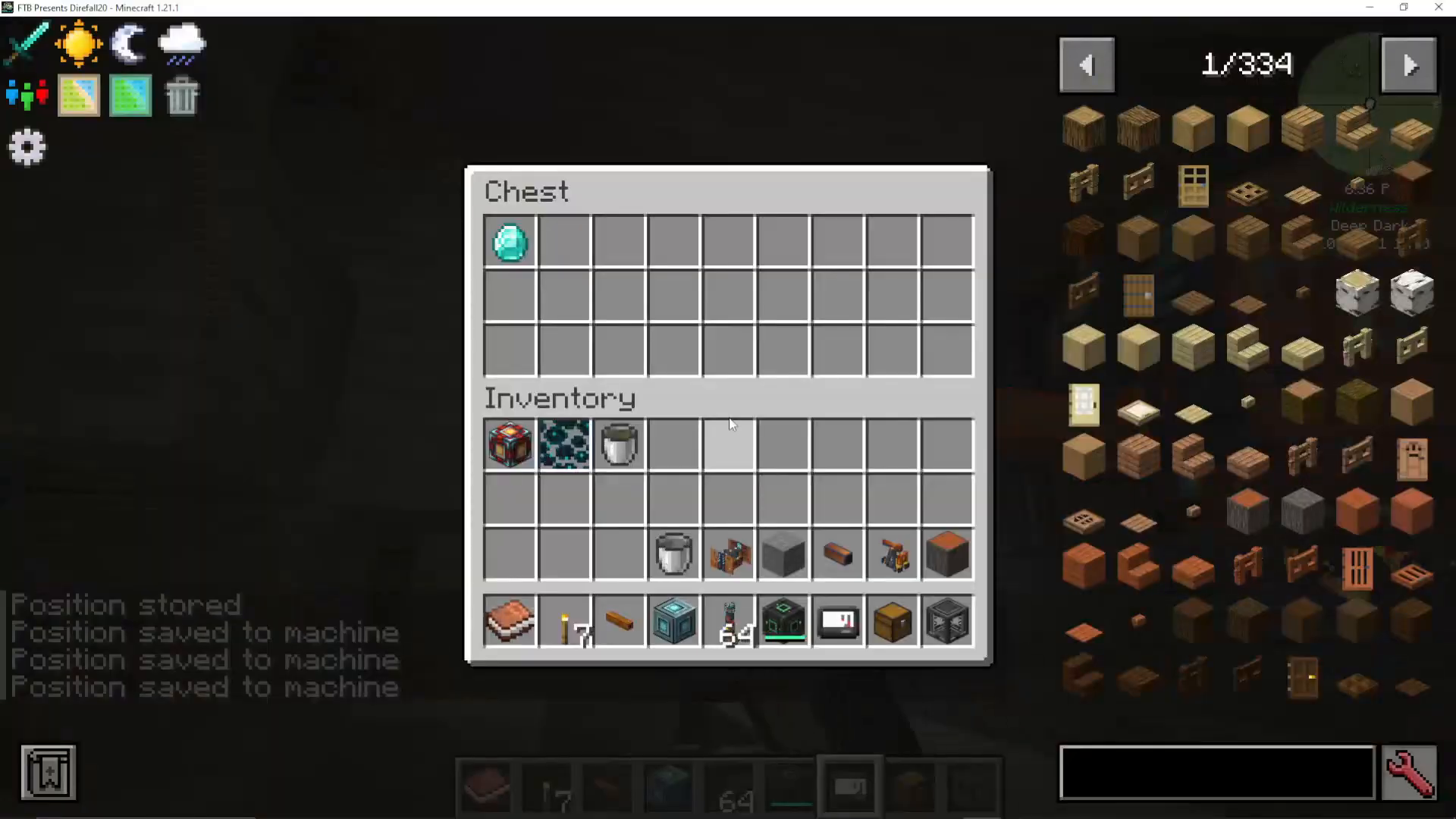
In the example shown, the extractor successfully mined both Diamonds and Platinum, with the possibility of reaching additional ore types depending on exact placement.
Key Tips for Success
Surface Clusters = Deep Nodes: Always look for ore clusters in the overworld to locate Bedrock resource nodes.
Placement Matters: Position your extractor to access multiple ore types within its 3×3 mining range.
Deep Detection: Remember that the extractor can detect ores up to four blocks below its position.
Watch for Liquids: You may encounter fuel or oil at Bedrock level—be prepared to pump these out if necessary.
Infinite Mining: Once set up correctly, the Bedrock Extractor provides unlimited ore generation.
Conclusion
The Oritech Bedrock Extractor is a game-changing machine for AureTech players in Minecraft 1.21.1. By following this guide—locating resource nodes, placing your extractor strategically, connecting pipes and storage, and powering the system with Enderic Lasers—you’ll establish an infinite ore generation system. This setup will provide all the raw materials you need for advanced AureTech crafting and progression.
Want to Support?
If you would like to help us continue making these guides – please consider joining our patreon here – https://www.patreon.com/c/JaviHeals
Alternatively – we host a group of MC Servers you can join here – https://discord.gg/zD7Gjt6MHF



