How to Force Load Chunks in Society Sunlit Valley
How to Force Load Chunks in Society Sunlit Valley
Force loading chunks is essential for maintaining active areas on your Society Sunlit Valley server. This quick guide will show you exactly how to keep your claimed chunks loaded at all times, ensuring your builds and projects remain active even when you’re offline.
Accessing the Chunk Menu
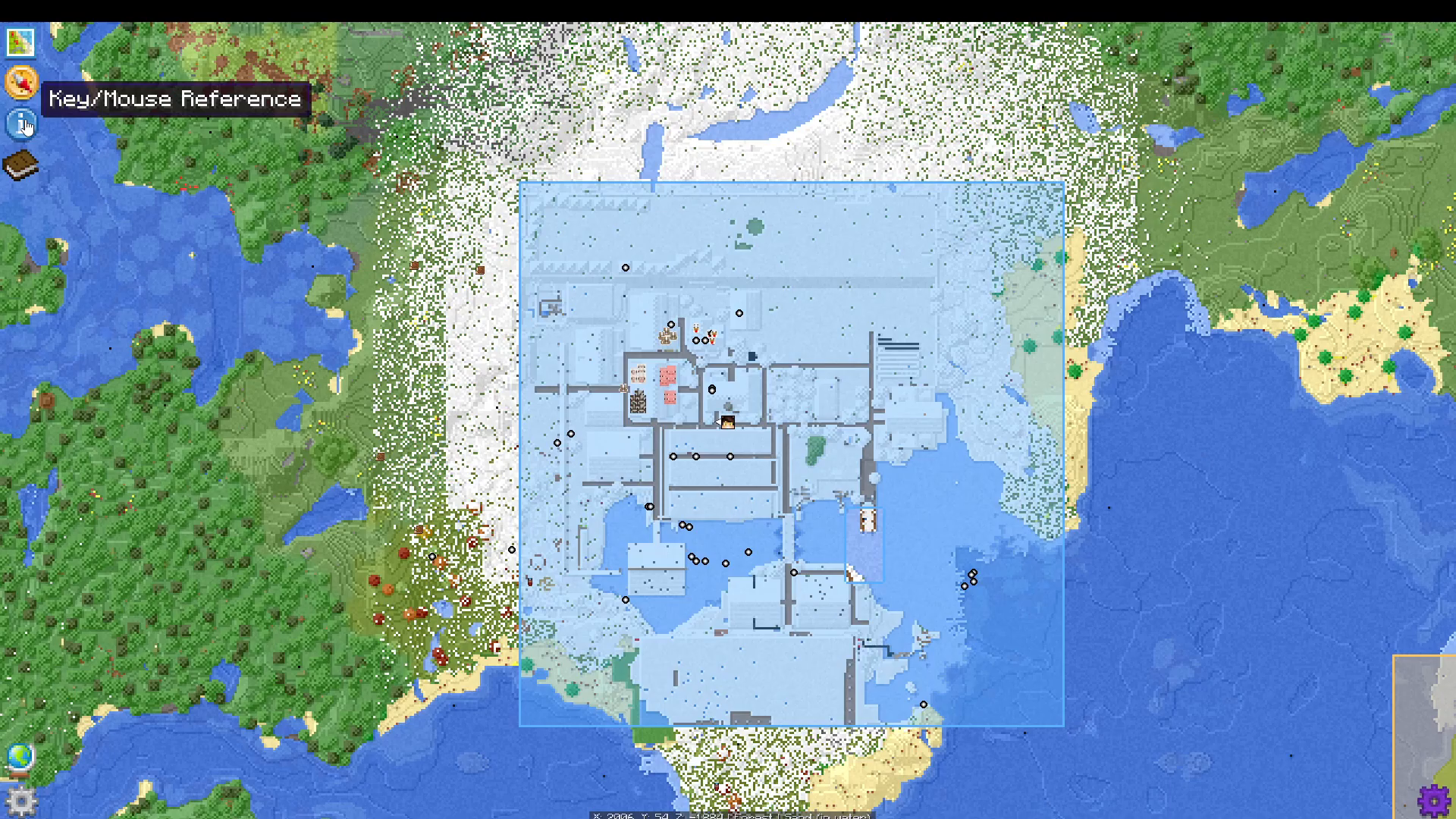
To begin force loading chunks in Society Sunlit Valley, open your inventory and navigate to the top left corner. Look for the Chunks Map option.
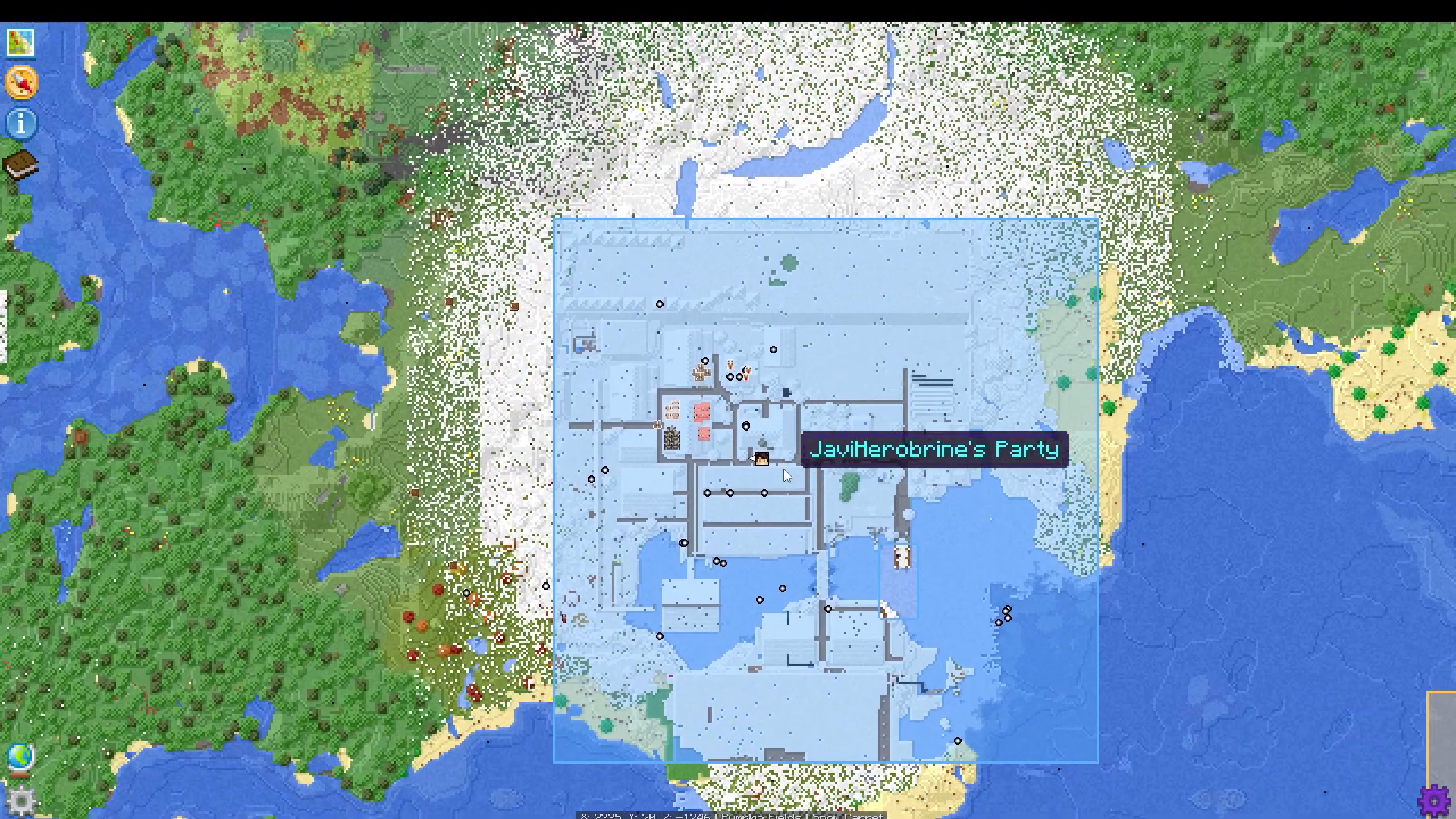
Click the next button at the top left of the menu to proceed to your claimed chunks overview.
Viewing Your Claimed Chunks
Once you’ve navigated to the Chunks Map, click on “Claimed Chunks” to view all the chunks you currently own in your claimed area.
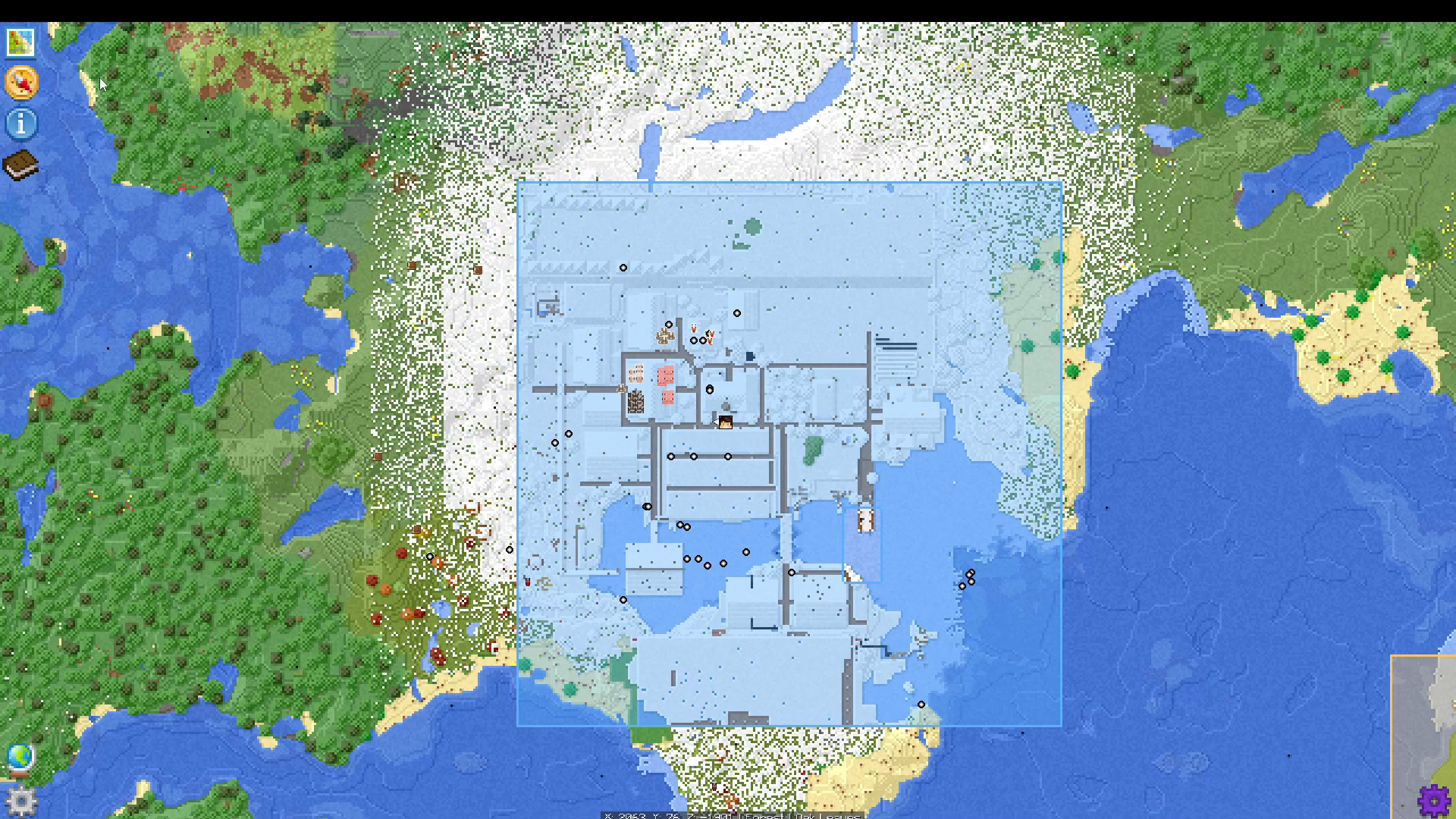
You’ll see a visual representation of all your claimed chunks in this menu.
Force Loading Chunks
Basic Force Loading
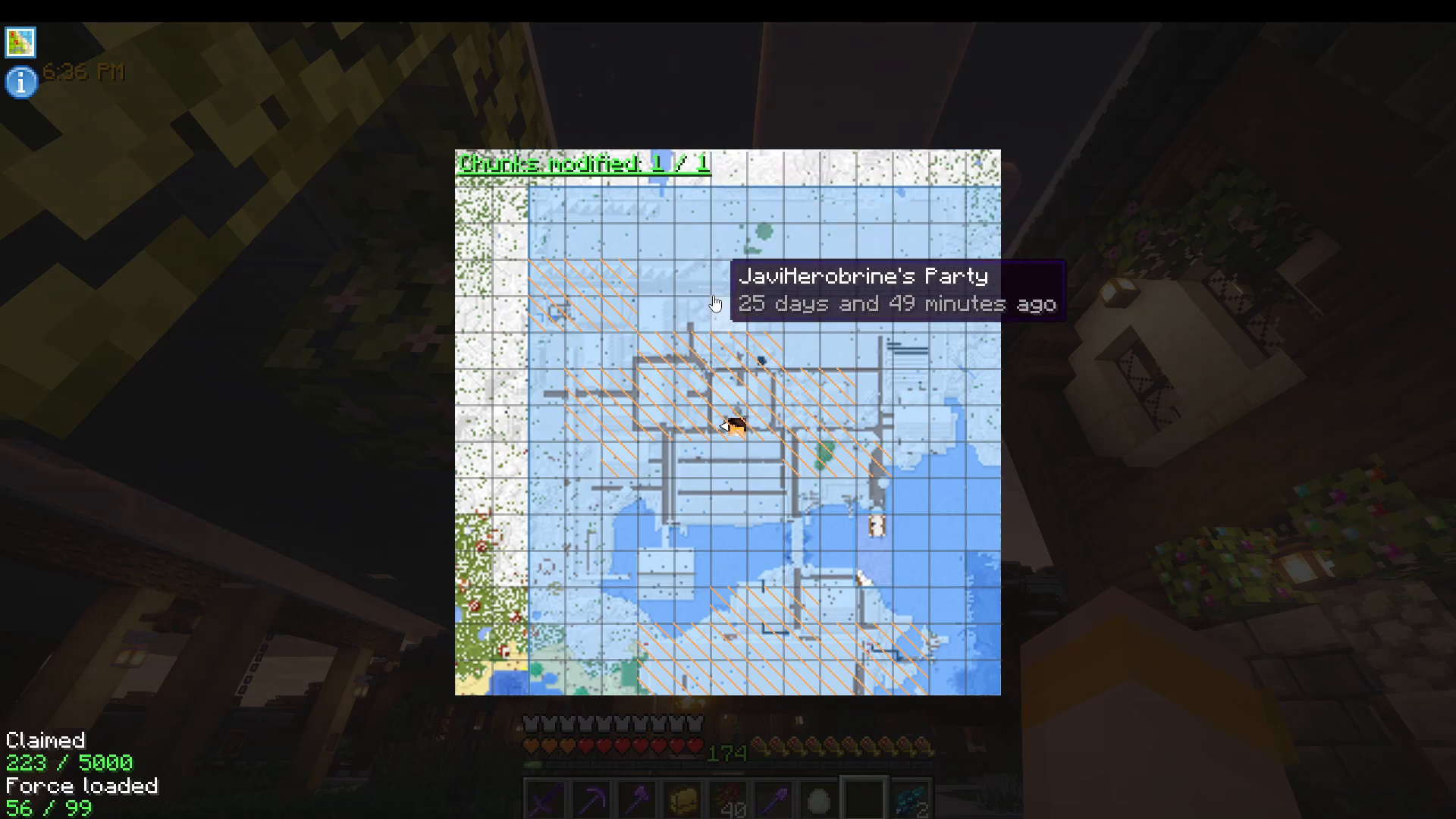
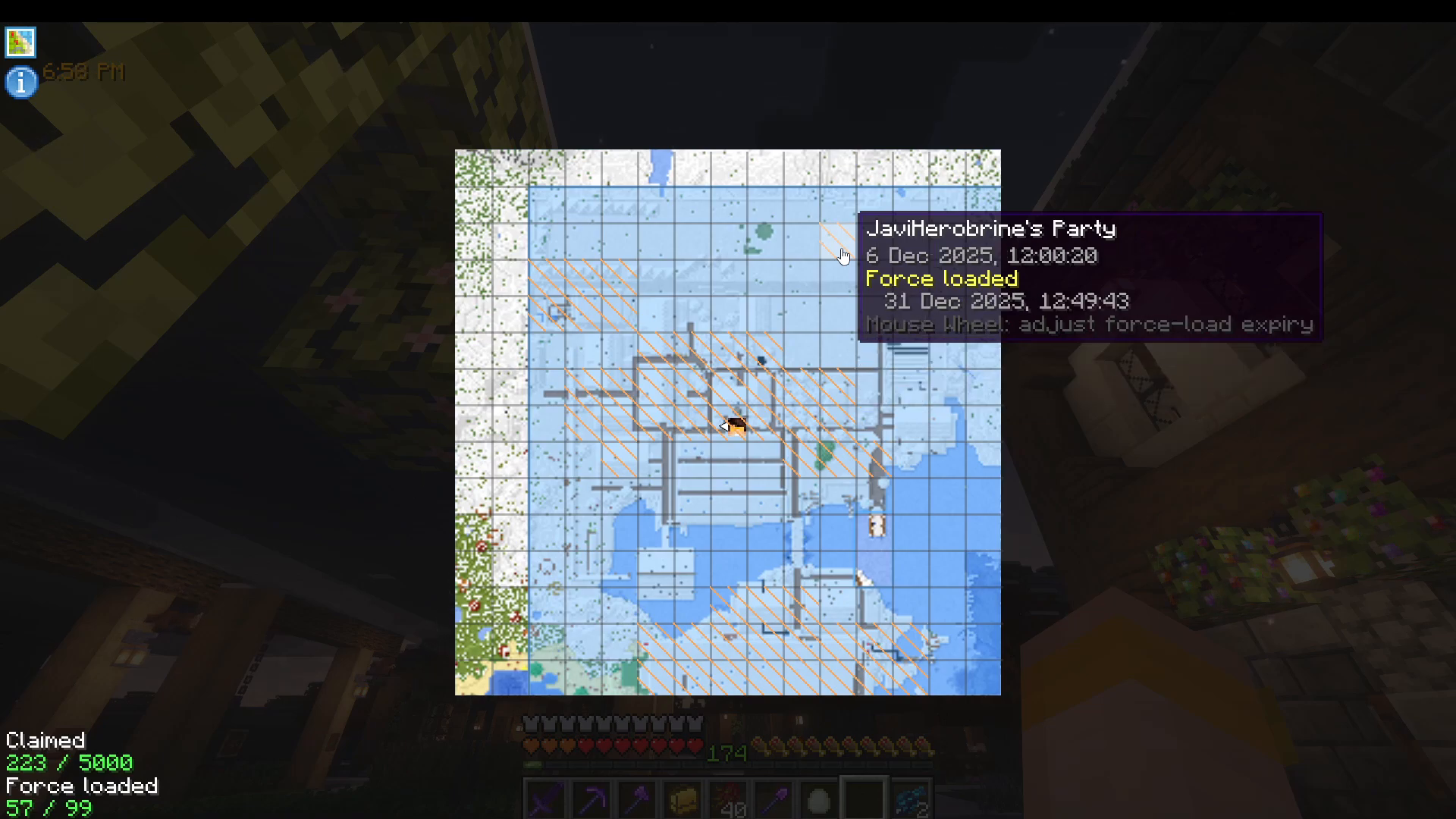
To force load a chunk, use Shift + Left Click on an already claimed chunk. This action will mark that chunk as always force loaded, meaning it will remain active even when you’re not nearby.
Setting Expiry Time
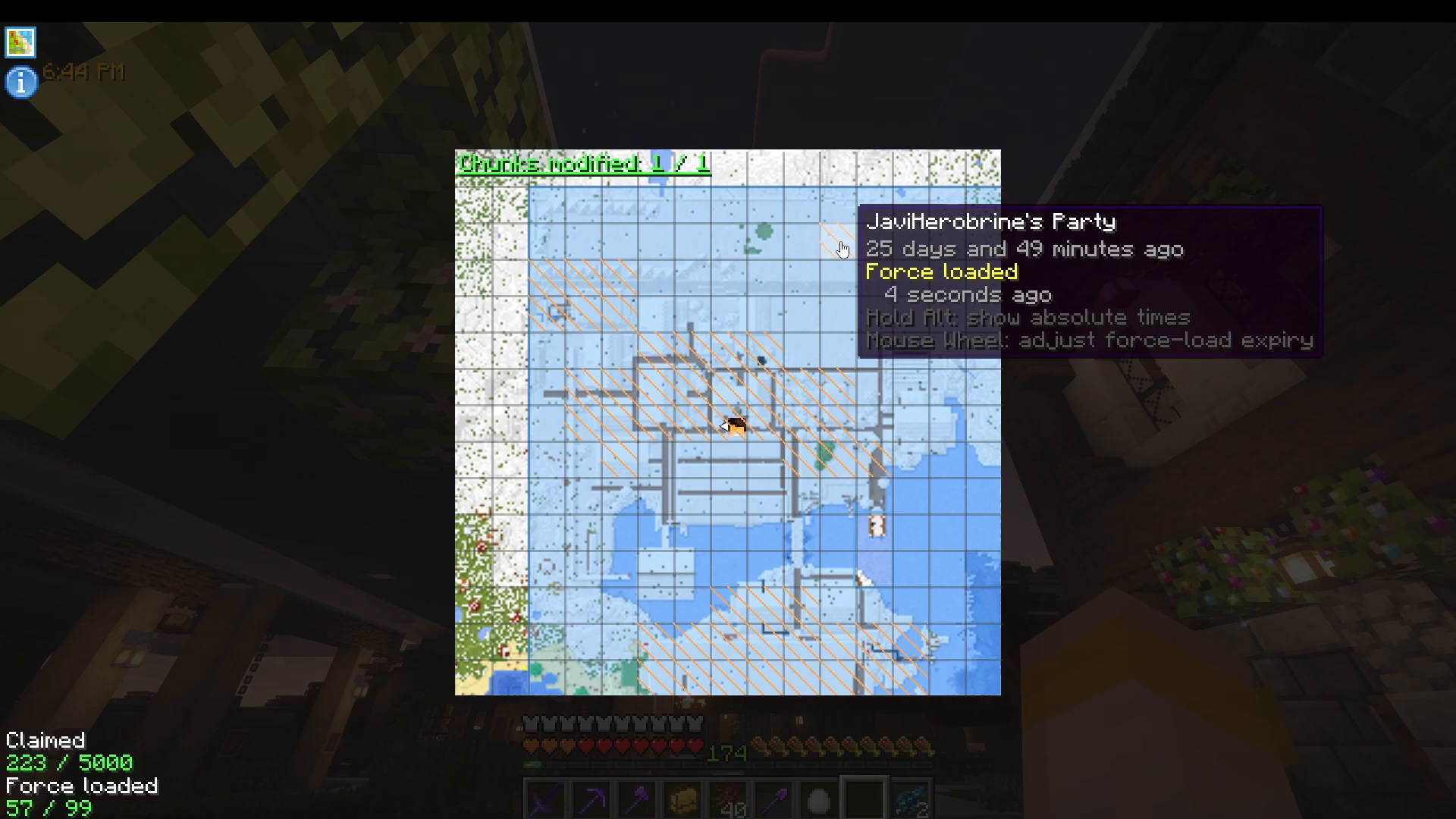
You can customize how long a chunk remains force loaded by using your mouse wheel. Scroll up or down to adjust the expiry duration. For example, you can set it to load for just one hour, or for as long as you prefer.
Viewing Force Load Timestamps
To see the exact dates and times when chunks were force loaded, press Alt. This will display absolute timestamps for each force-loaded chunk, helping you track when your chunks expire.
Unclaiming and Unforce Loading Chunks
To unclaim a chunk entirely, use Right Click on the claimed chunk. If you want to remove the force load status from a chunk while keeping it claimed, use Shift + Right Click.
Summary
Force loading chunks in Society Sunlit Valley is straightforward once you know the controls:
Shift + Left Click: Force load a chunk
Mouse Wheel: Adjust expiry duration
Alt: View force load timestamps
Right Click: Unclaim a chunk
Shift + Right Click: Remove force load status
With these simple commands, you can keep your claimed areas active and ensure your builds remain loaded on the server. Join the community server to experience this feature firsthand and enjoy an active Minecraft multiplayer experience!
Want to Support?
If you would like to help us continue making these guides – please consider joining our patreon here – https://www.patreon.com/c/JaviHeals
Alternatively – we host a group of MC Servers you can join here – https://discord.gg/zD7Gjt6MHF