Hostile Neural Networks Mod Tutorial
Hostile Neural Networks Mod: Complete Minecraft Tutorial
Hostile Neural Networks — formerly known as Deep Mob Learning — is a powerful Minecraft mod that lets you simulate mob farms without ever building a traditional spawner setup. By training data models and running simulations, you can automate the collection of almost any mob drop in the game, including drops from modded mobs. This guide walks you through everything you need to get started, from crafting your first data model to automating loot with a Loot Fabricator.
Note: If you are playing on an older version of Minecraft where the mod is still called Deep Mob Learning, check the video description for a link — the mechanics differ slightly from the newer Hostile Neural Networks versions.
Getting Started: The Deep Learner and Model Frameworks
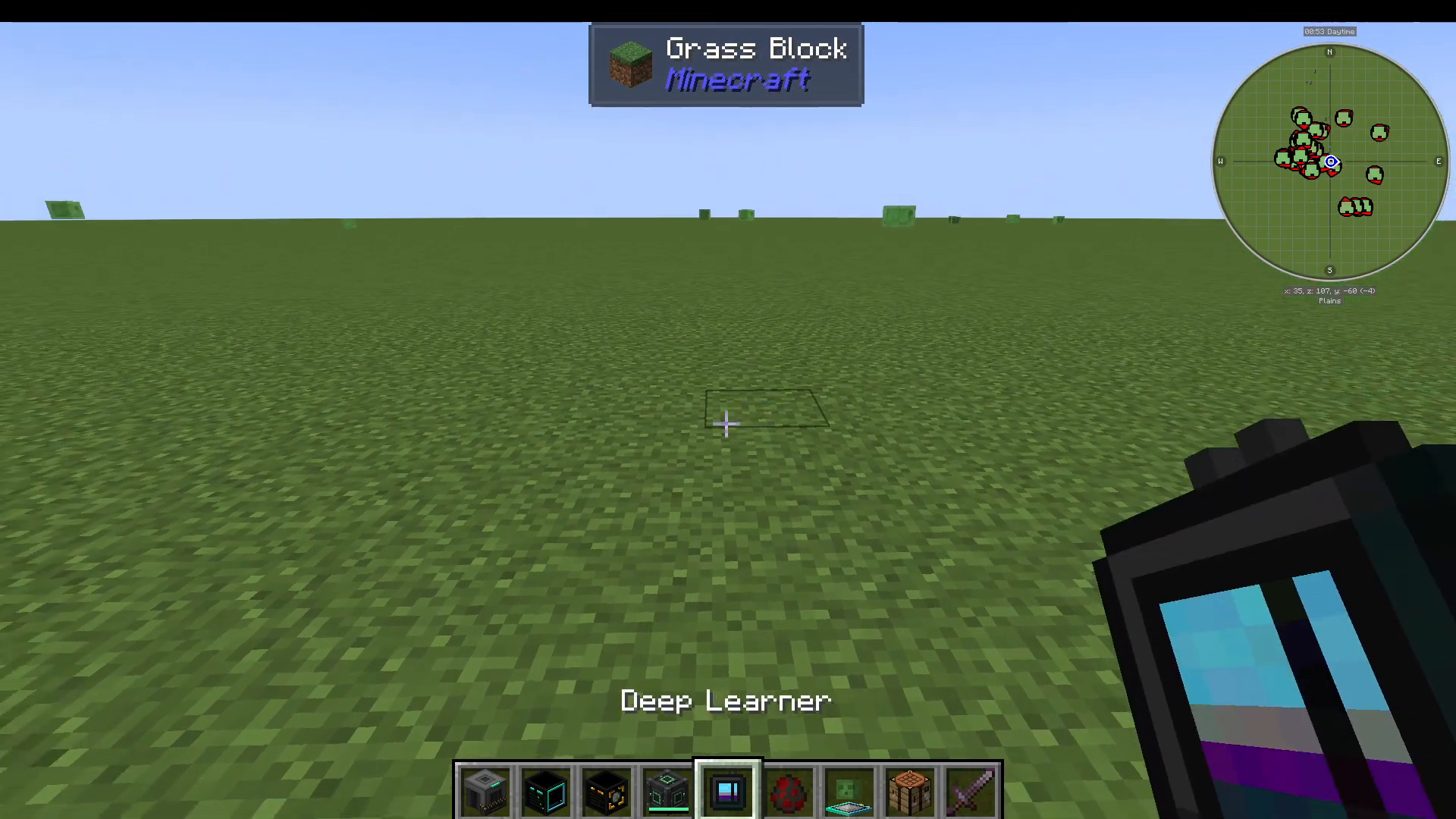
The first item you need to craft is the Deep Learner. Think of it as a PDA or a Pokédex — it stores and manages your data models. You will carry this with you as you interact with mobs in the world.
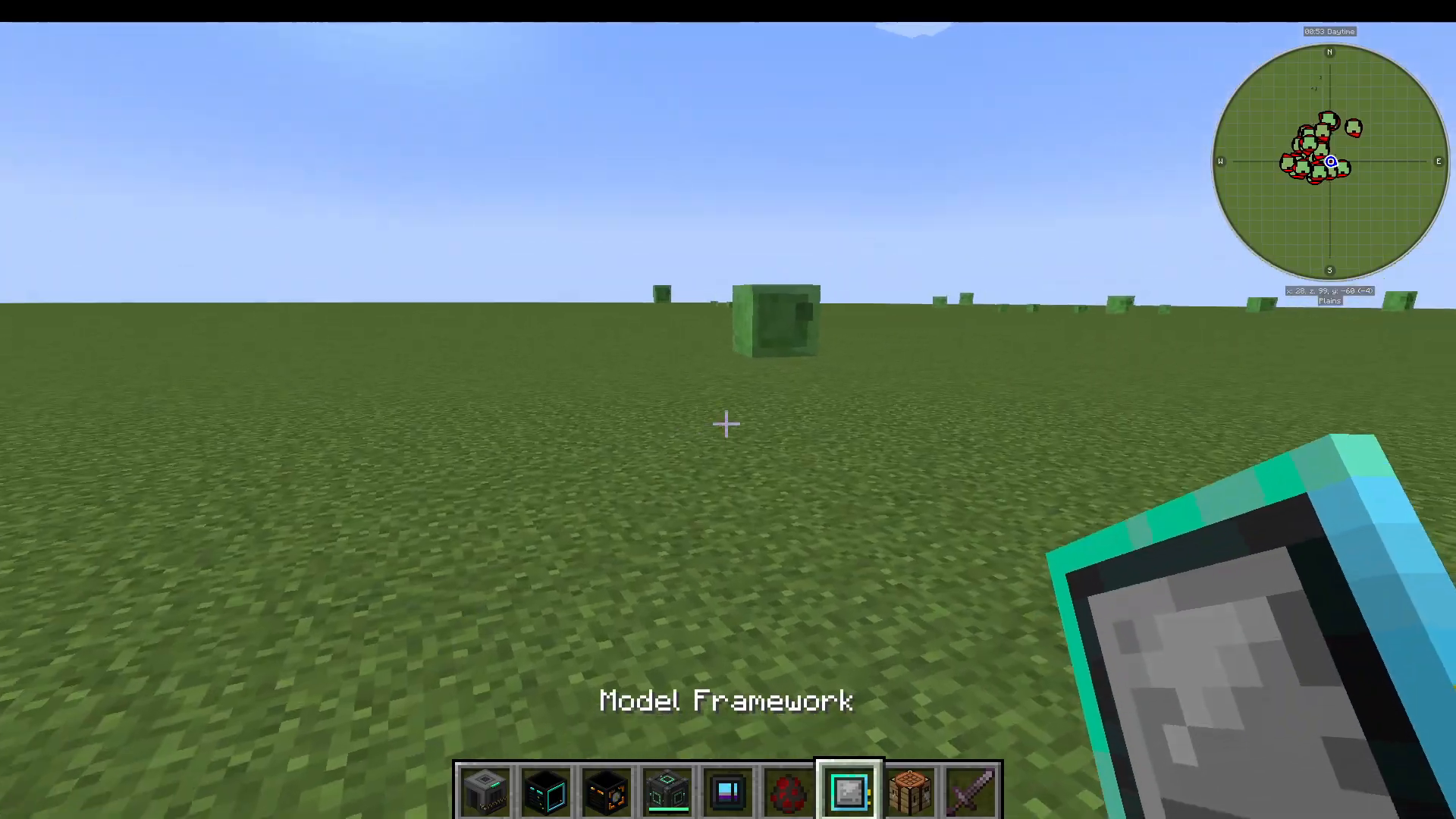
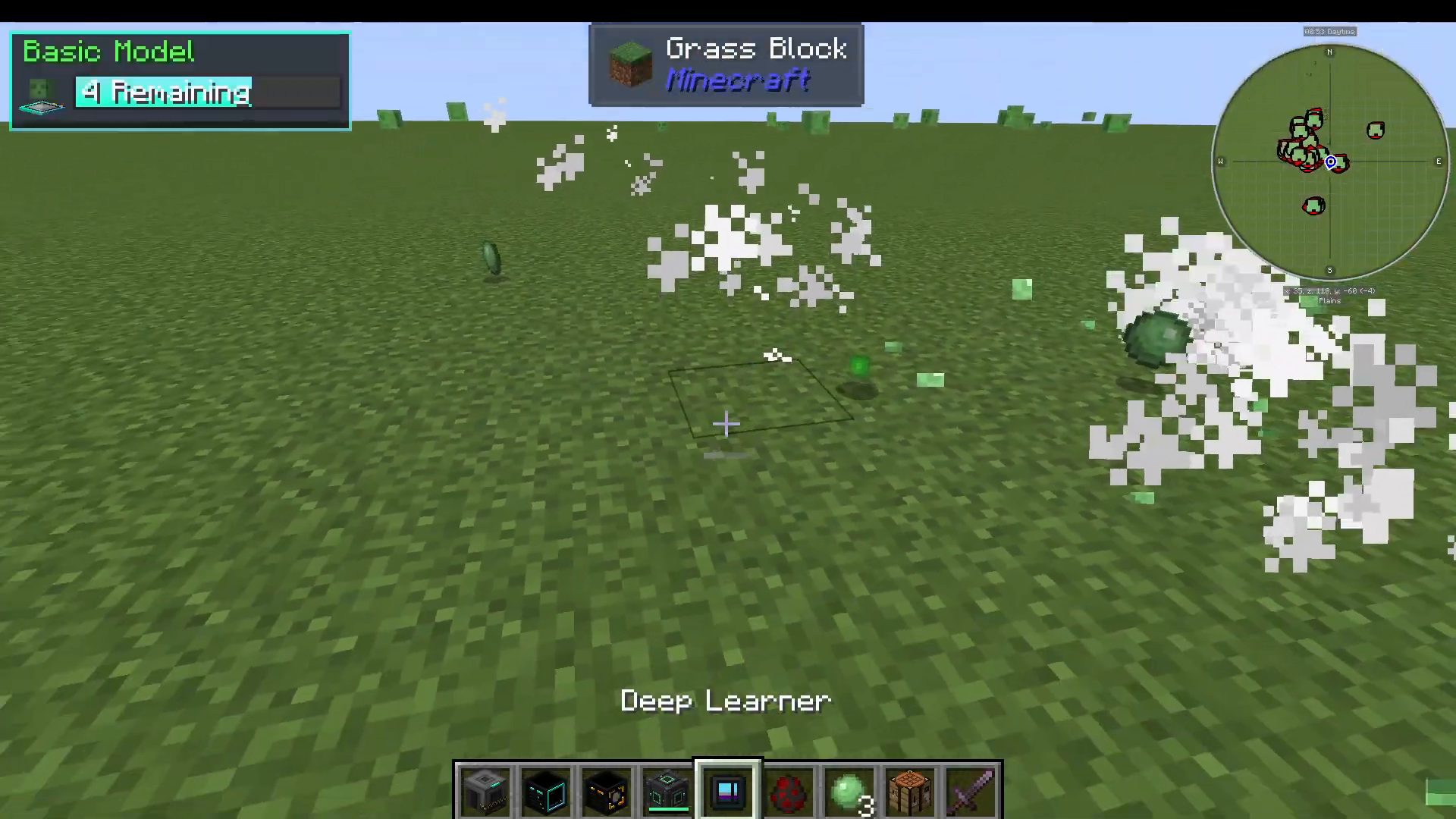
Next, craft some Model Frameworks. These are blank templates that you turn into mob-specific data models by right-clicking on a living mob in the world. For example, right-clicking on a Slime with a Model Framework creates a Slime Data Model.
Once you have a mob-specific data model, open your Deep Learner by right-clicking it, then place the data model into one of the four available slots. The Deep Learner can train up to four different data models simultaneously.
Training Data Models: Tiers and Accuracy
Every data model starts at the Faulty tier with 0% accuracy. Before you can use a model in the simulation chamber, you must upgrade it to at least the Basic tier. For the Slime Data Model, this requires killing six Slimes while the model is equipped in your Deep Learner.
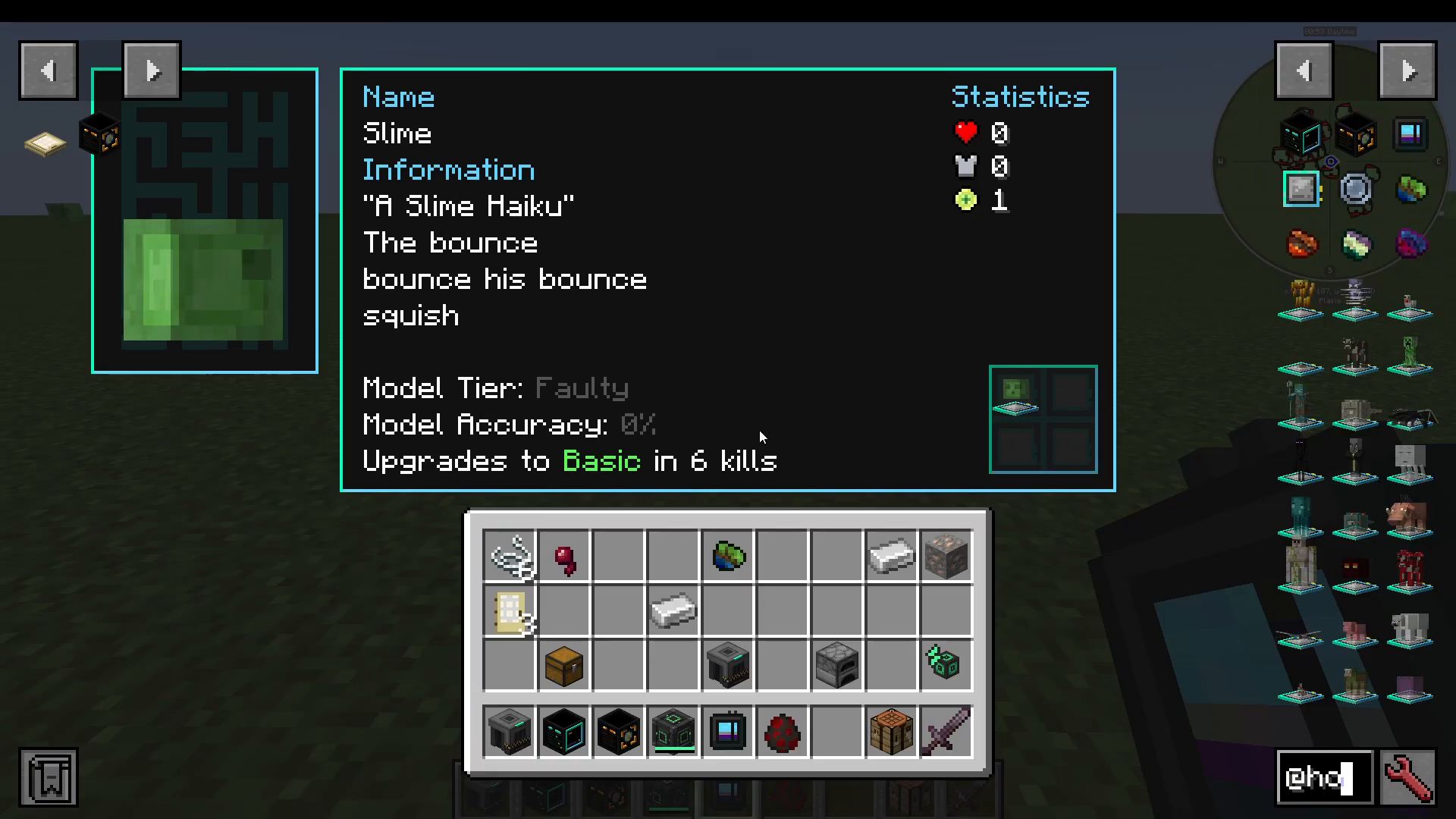
As you kill mobs, you will see a kill counter in the top-left of your screen tracking your progress. Each kill adds data points to the model. After reaching the Basic tier, the model continues to progress through further tiers — Basic → Advanced and beyond — with the accuracy percentage increasing at each stage. At 100% accuracy, the model becomes Self Aware, guaranteeing a successful prediction on every simulation run.
Building and Using the Simulation Chamber
Powering the Simulation Chamber
The Hostile Neural Networks mod does not include its own power generation. You will need to supply Forge Energy (FE) from another tech mod. In this tutorial, Mekanism is used, piping power in via a Universal Cable. Any compatible tech mod that generates FE will work.
Setting Up the Simulation Chamber
Craft and place a Simulation Chamber, then right-click to open its interface. Take your trained data model out of your Deep Learner and right-click the Simulation Chamber to insert the model into the top-left slot of the chamber’s GUI.
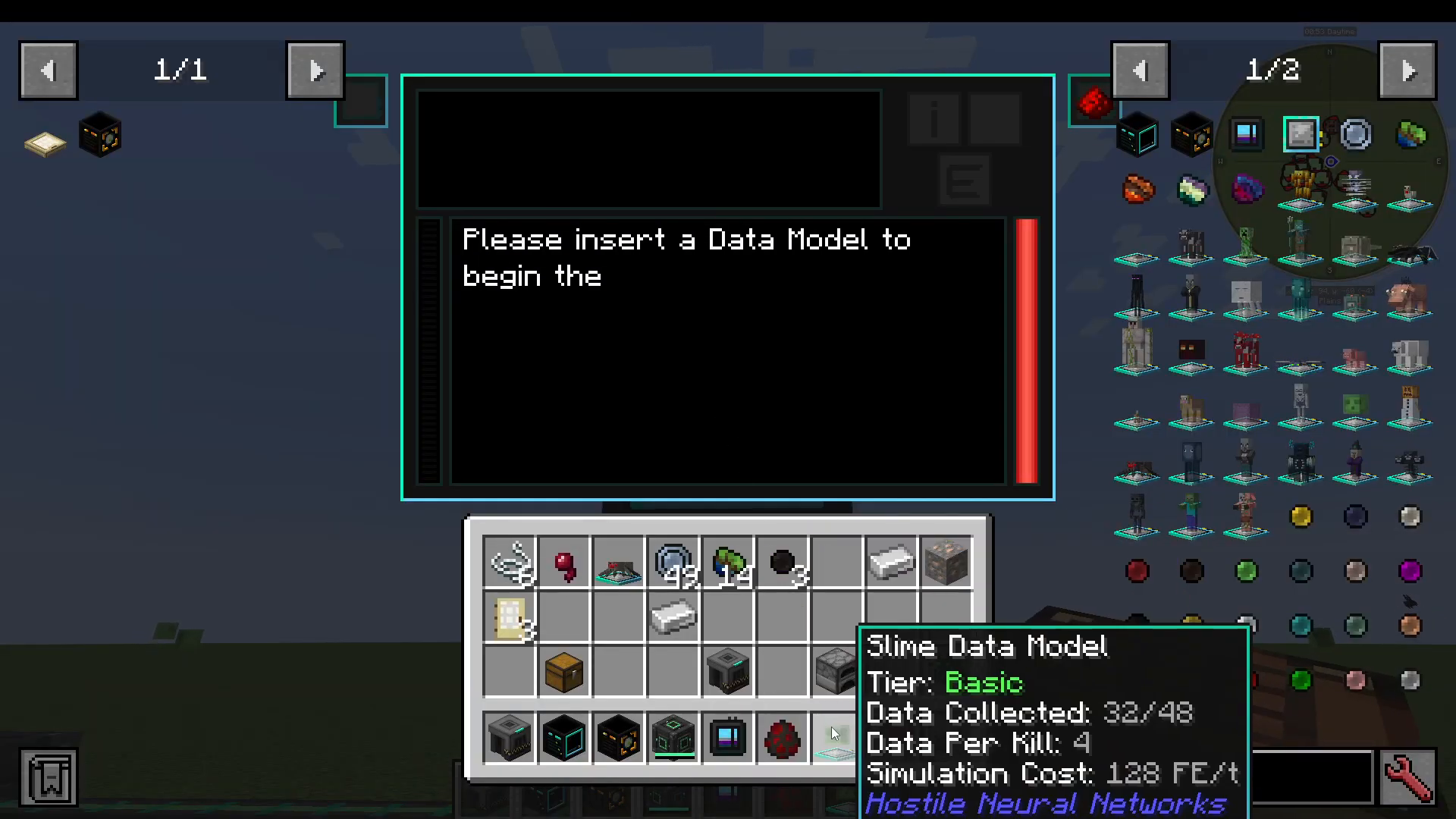
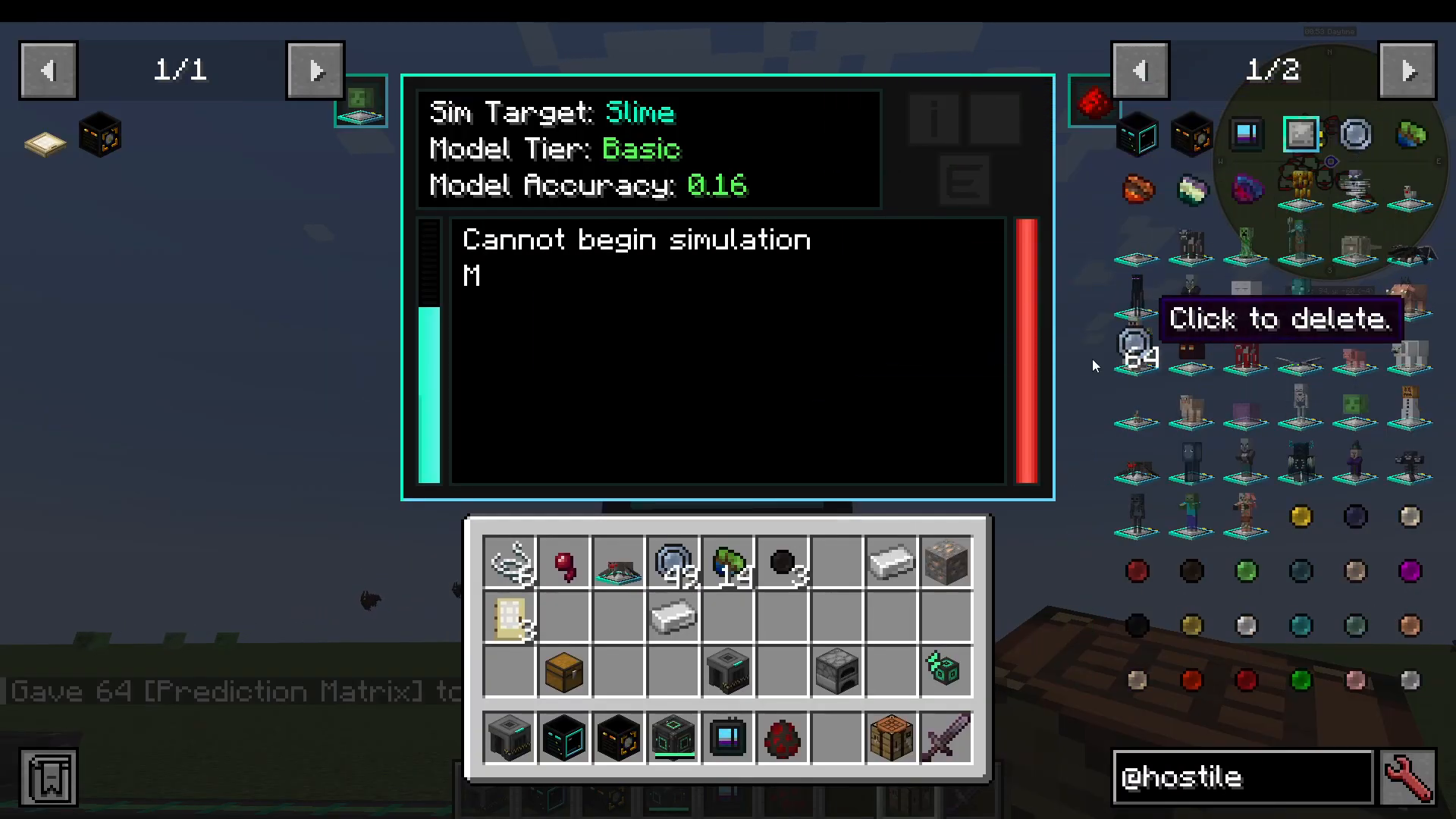
The simulation chamber also requires Prediction Matrices to operate. These are crafted from clay, iron, glass, and gold, and yield 16 per craft. Place the Prediction Matrix into the designated input slot (to the left of the data model slot). Once power is connected and the Prediction Matrix is inserted, the simulation will begin running automatically.
How Simulations Work
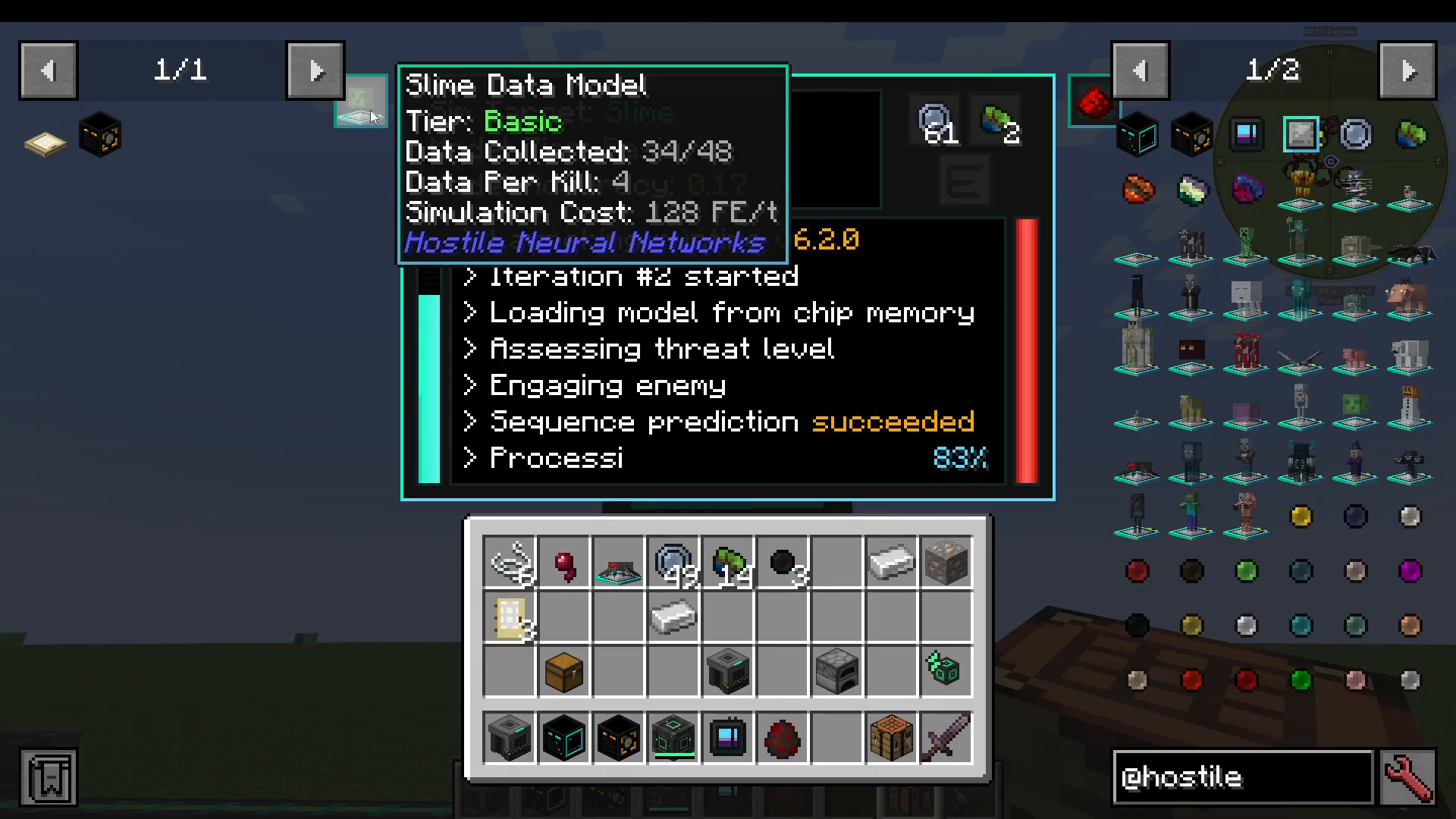
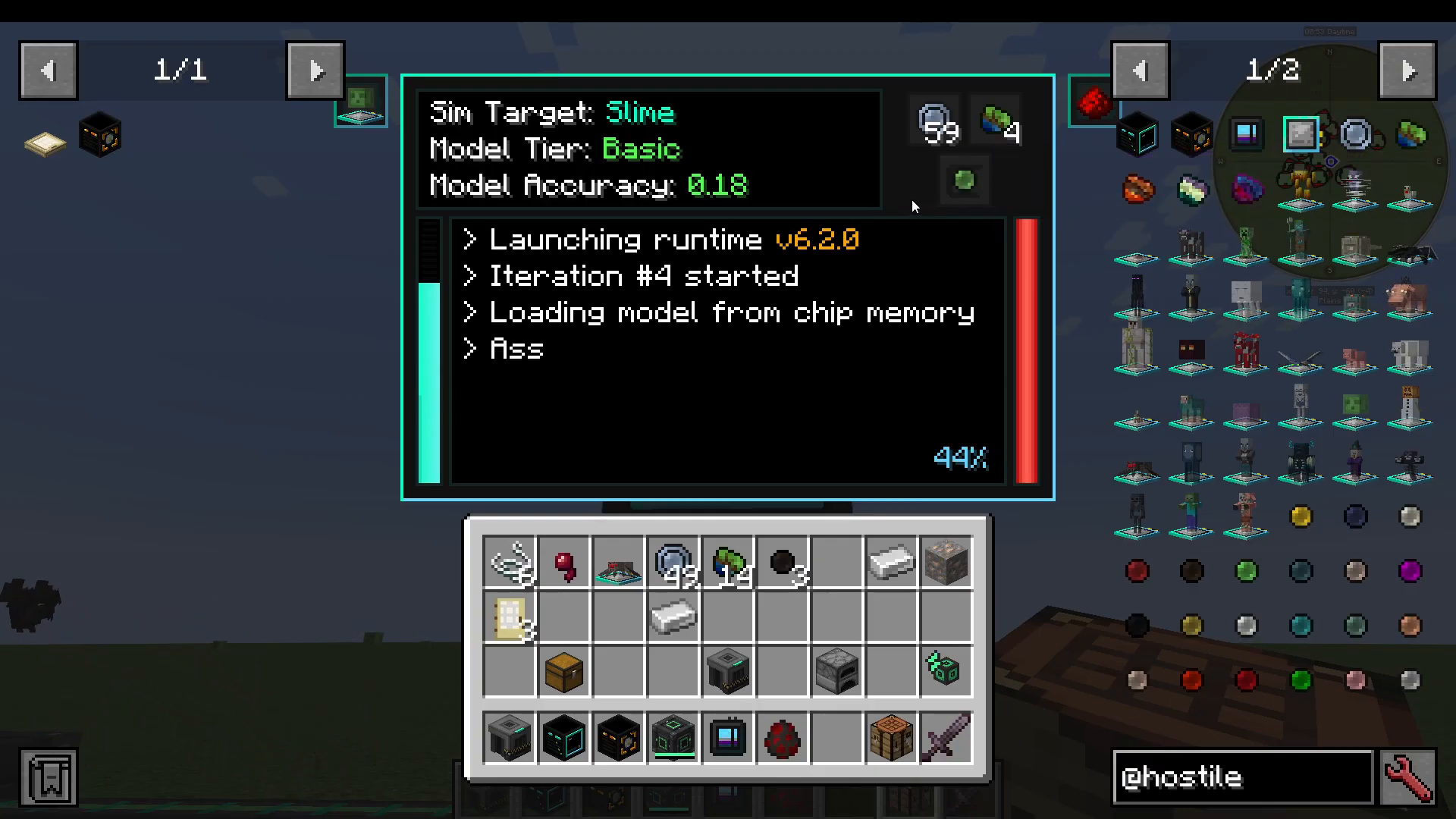
The simulation chamber continuously runs prediction cycles. Each cycle either succeeds or fails depending on your model’s current accuracy percentage. For example, a Basic-tier model at 16% accuracy will fail most of the time, producing only a Generalized Overworld Prediction. A successful cycle produces a mob-specific prediction — for example, a Slime Prediction.
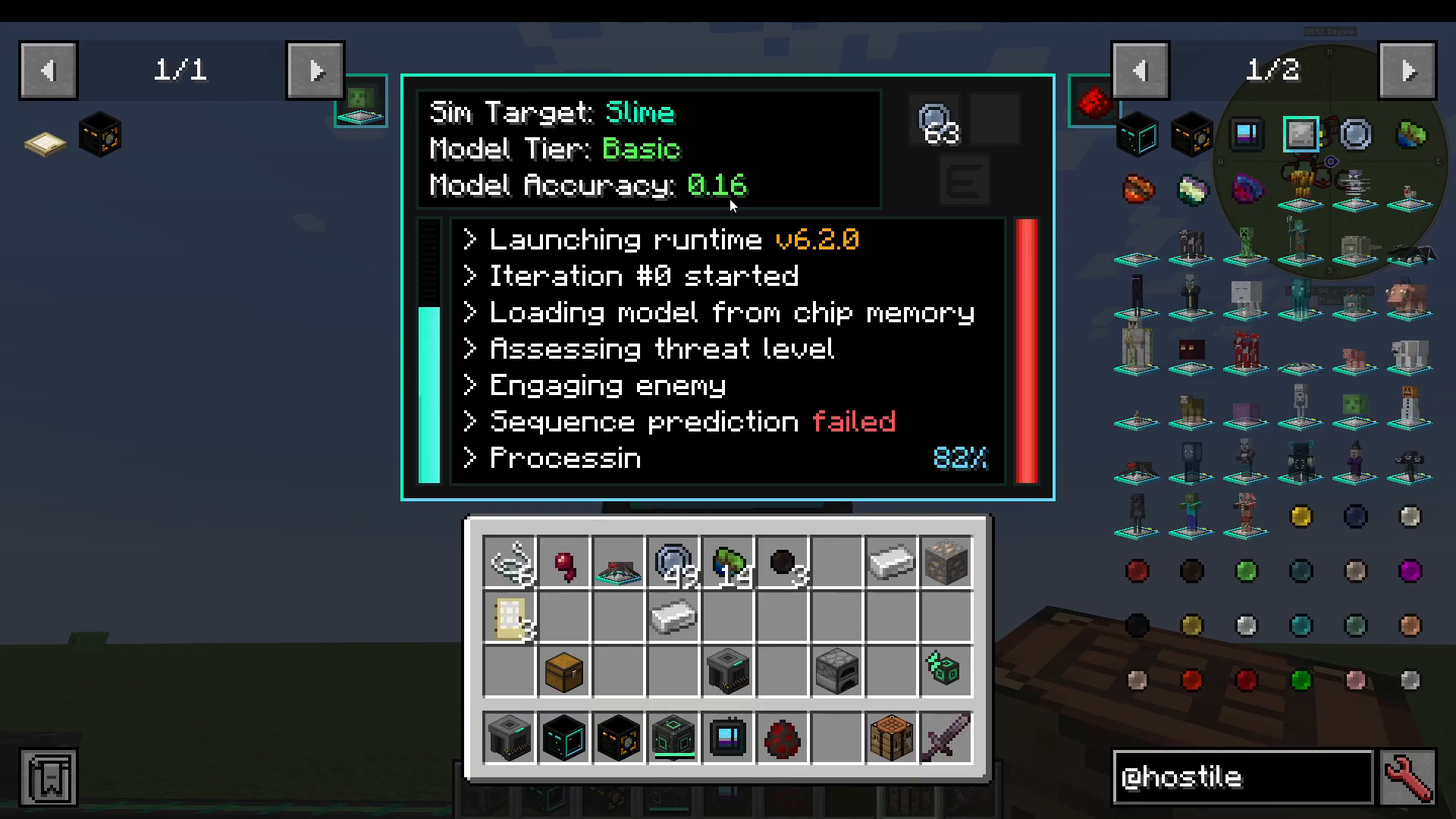
Running the simulation also passively increases your model’s data count, though more slowly than killing mobs yourself. Killing a mob manually grants 4 data points per kill, while the simulation chamber grants only 1 data point per cycle. Leave the chamber running and your model will gradually advance to higher tiers on its own.
Understanding Predictions: Generalized vs. Specific
Generalized Predictions
When a simulation fails, it produces a Generalized Prediction based on the dimension associated with the mob:
Generalized Overworld Prediction — from Overworld mobs (e.g., Slimes, Phantoms)
Generalized Nether Prediction — from Nether mobs (e.g., Blazes, Ghasts)
Ender Prediction — from End mobs (e.g., Endermen, Ender Dragon)
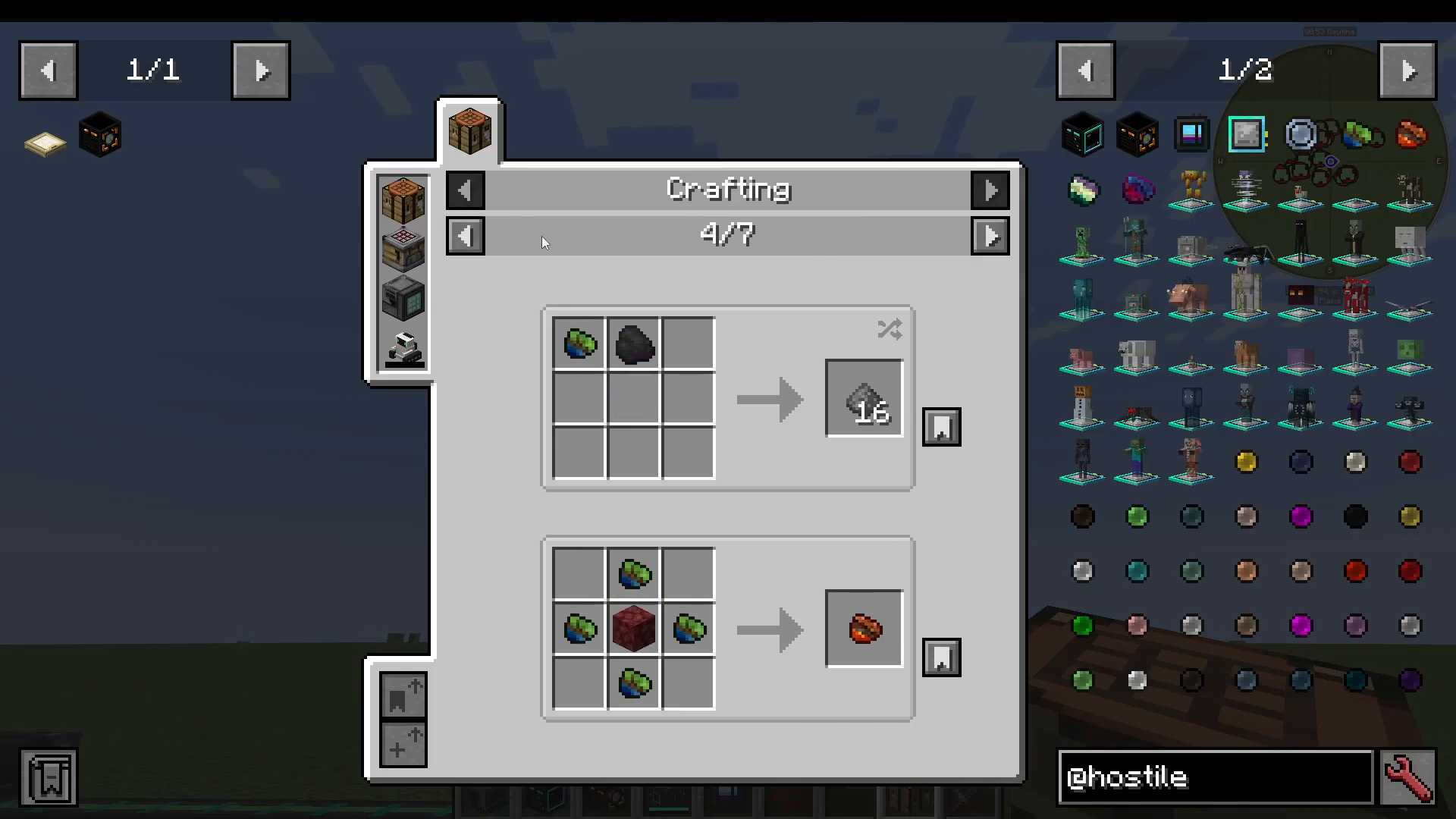
These generalized predictions can be crafted into common mob drops. For example:
Overworld Prediction + Slime + String = 4 Cobwebs
Overworld Prediction + Slime + Stick = 2 Potatoes
Four Nether Predictions + Netherrack = Generalized Nether Prediction (for Blaze Rods, Ghast Tears, etc.)
Four Nether Predictions + End Stone = End Prediction (for Ender Pearls, Chorus Fruit, End Stone)
Mob-Specific Predictions
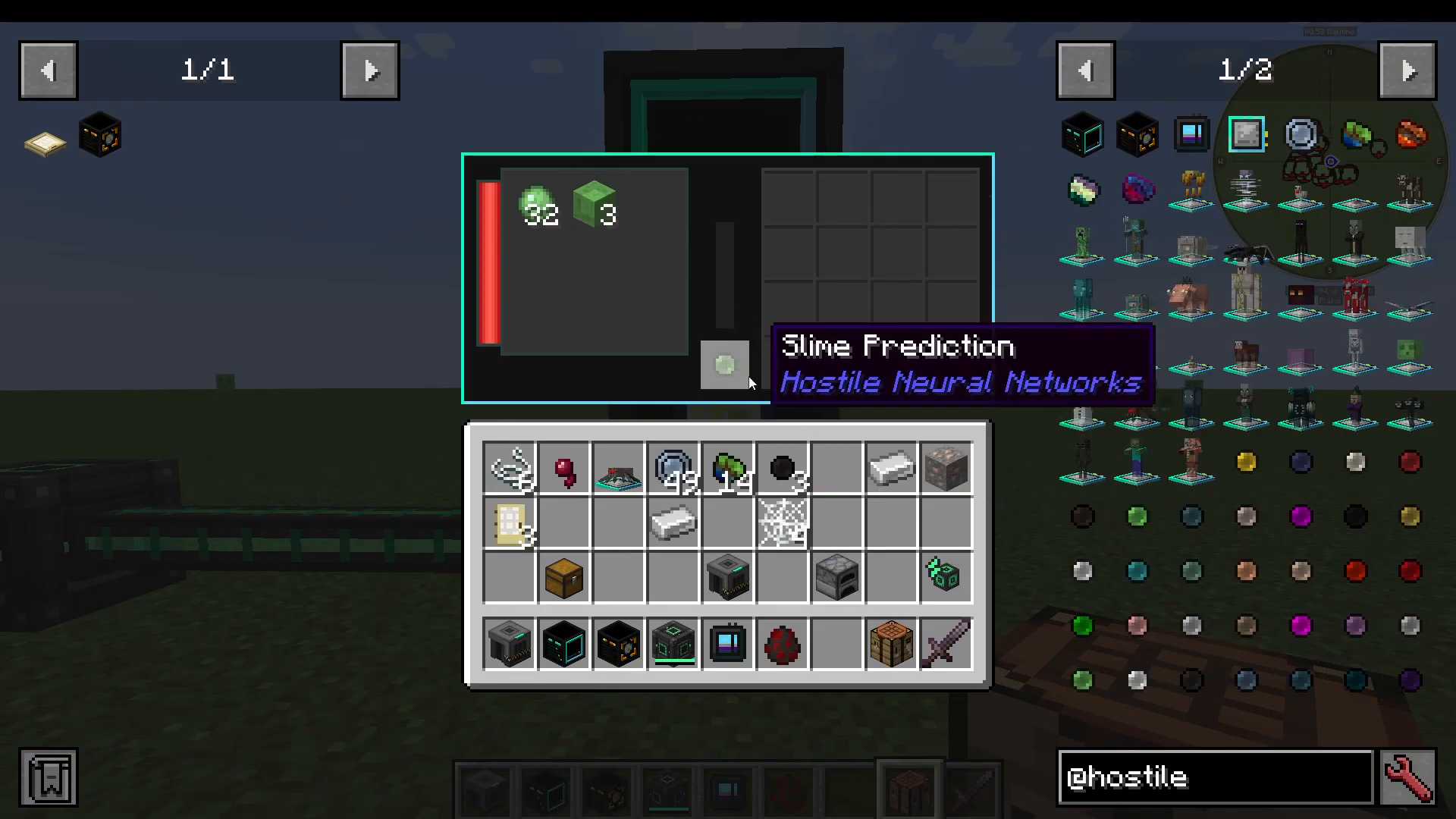
When a simulation succeeds, it produces a mob-specific prediction — such as a Slime Prediction. These are much more valuable and are processed using the Loot Fabricator.
Using the Loot Fabricator
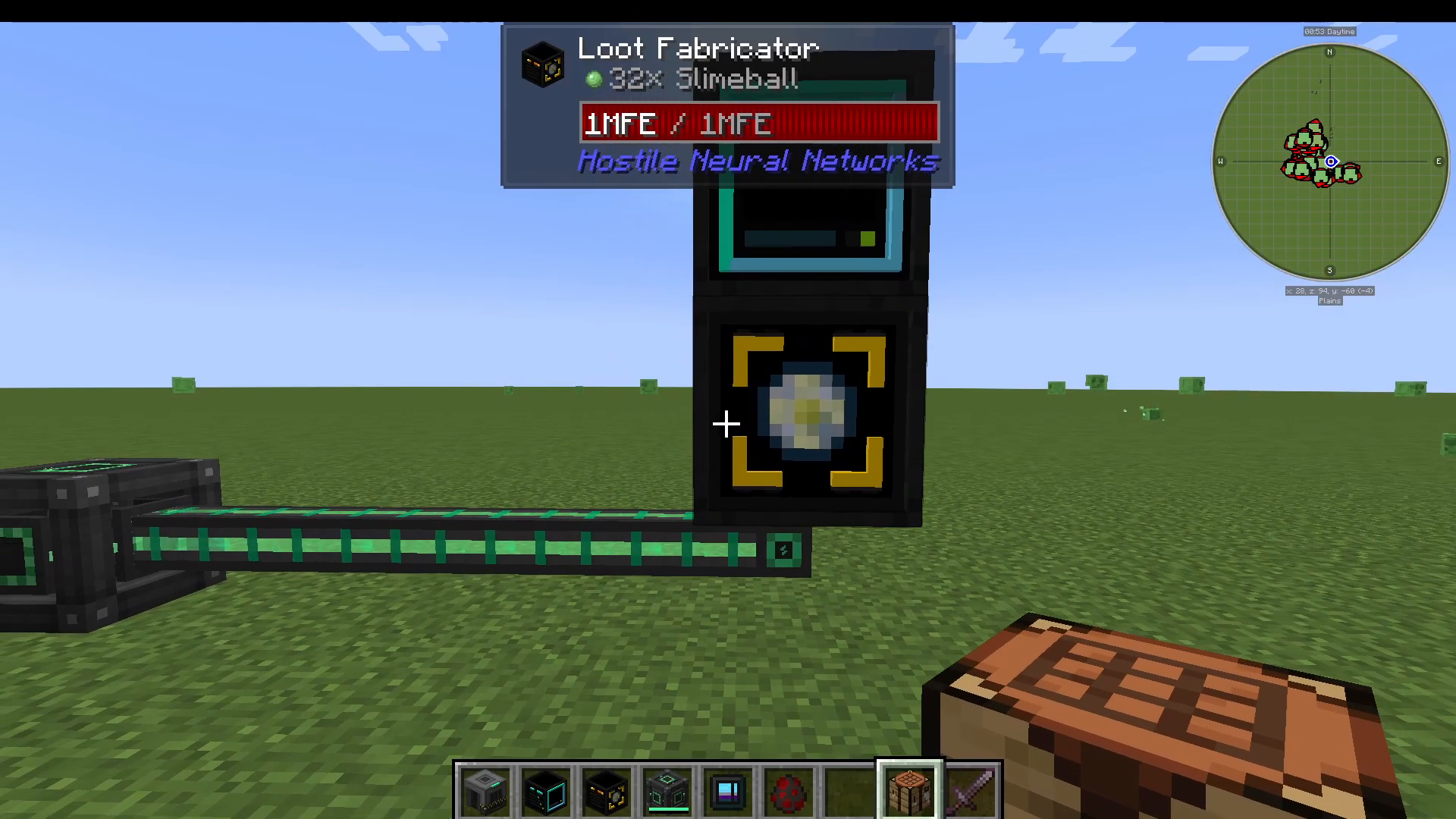
The Loot Fabricator converts mob-specific predictions into actual item drops. Insert a mob-specific prediction — for example, a Slime Prediction — into the Loot Fabricator, then select which drop you want to produce. A Slime can produce either Slime Balls or Slime Blocks. One Slime Prediction yields 32 Slime Balls.
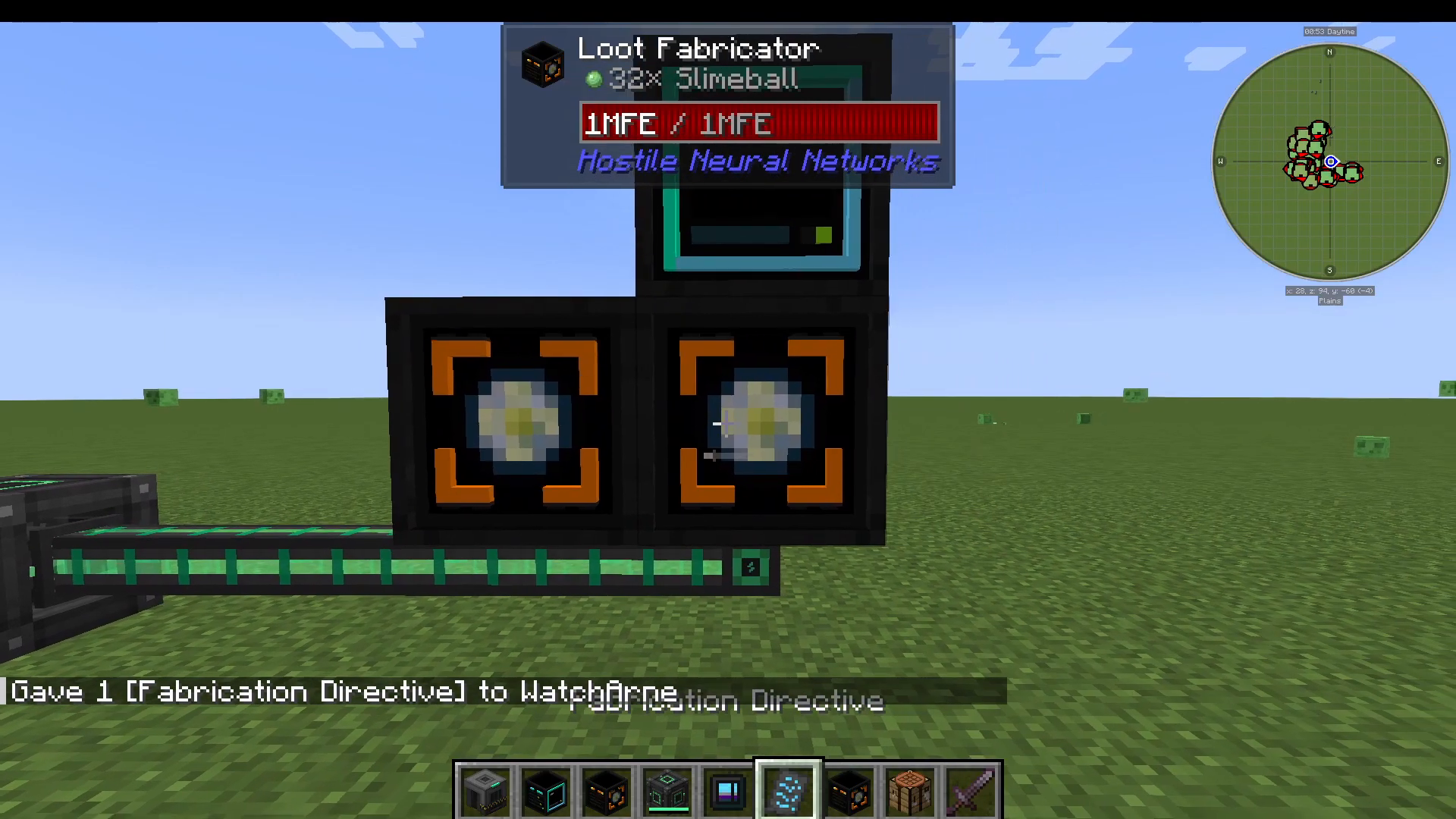
For full automation, use item pipes from a mod like Mekanism to pull predictions out of the Simulation Chamber and push them directly into the Loot Fabricator. If you want to produce both Slime Balls and Slime Blocks simultaneously, set up two separate Loot Fabricators — one configured for each output.
Copying Loot Fabricator Settings with Fabrication Directives
If you have multiple Loot Fabricators to configure, craft a Fabrication Directive to copy settings between them. Right-click a configured Loot Fabricator to copy its settings onto the Fabrication Directive, then Shift + Right-click a second Loot Fabricator to apply those same settings instantly.
Supported Mobs and What They Drop
Hostile Neural Networks supports a wide range of vanilla and modded mobs. Here are some notable examples:
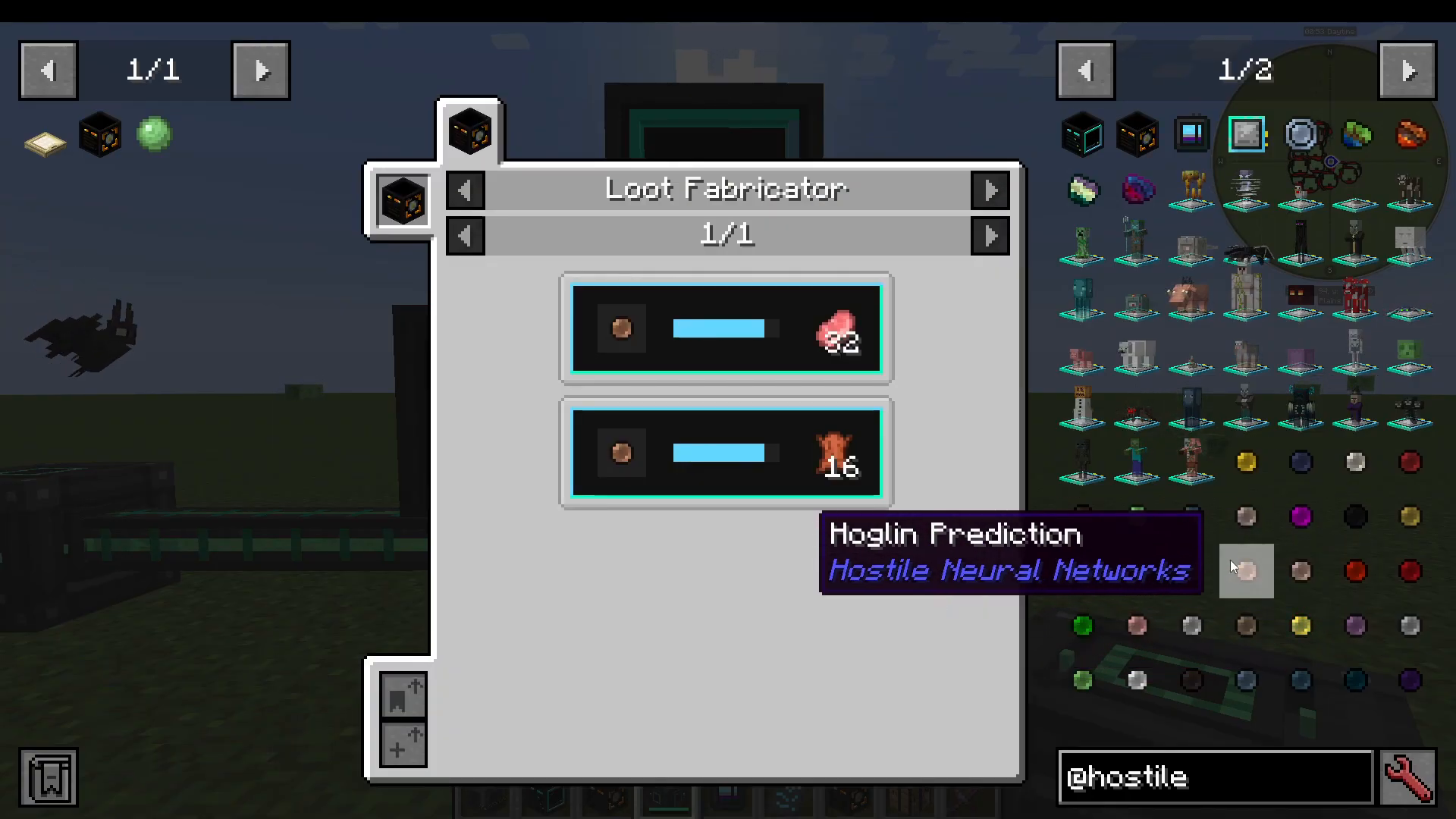
Hoglins — Leather, Raw Pork Chop
Ghasts — Gunpowder, Ghast Tears
Snow Golems — Snowballs
Ender Dragon — Dragon Eggs, Dragon Breath (very powerful; requires killing at least 6 Ender Dragons to train)
Warden — Sculk Catalysts, Echo Shards
Polar Bears, Cod, and other passive mobs — their standard drops
Many modded mobs — compatibility varies by mod
Redstone Control
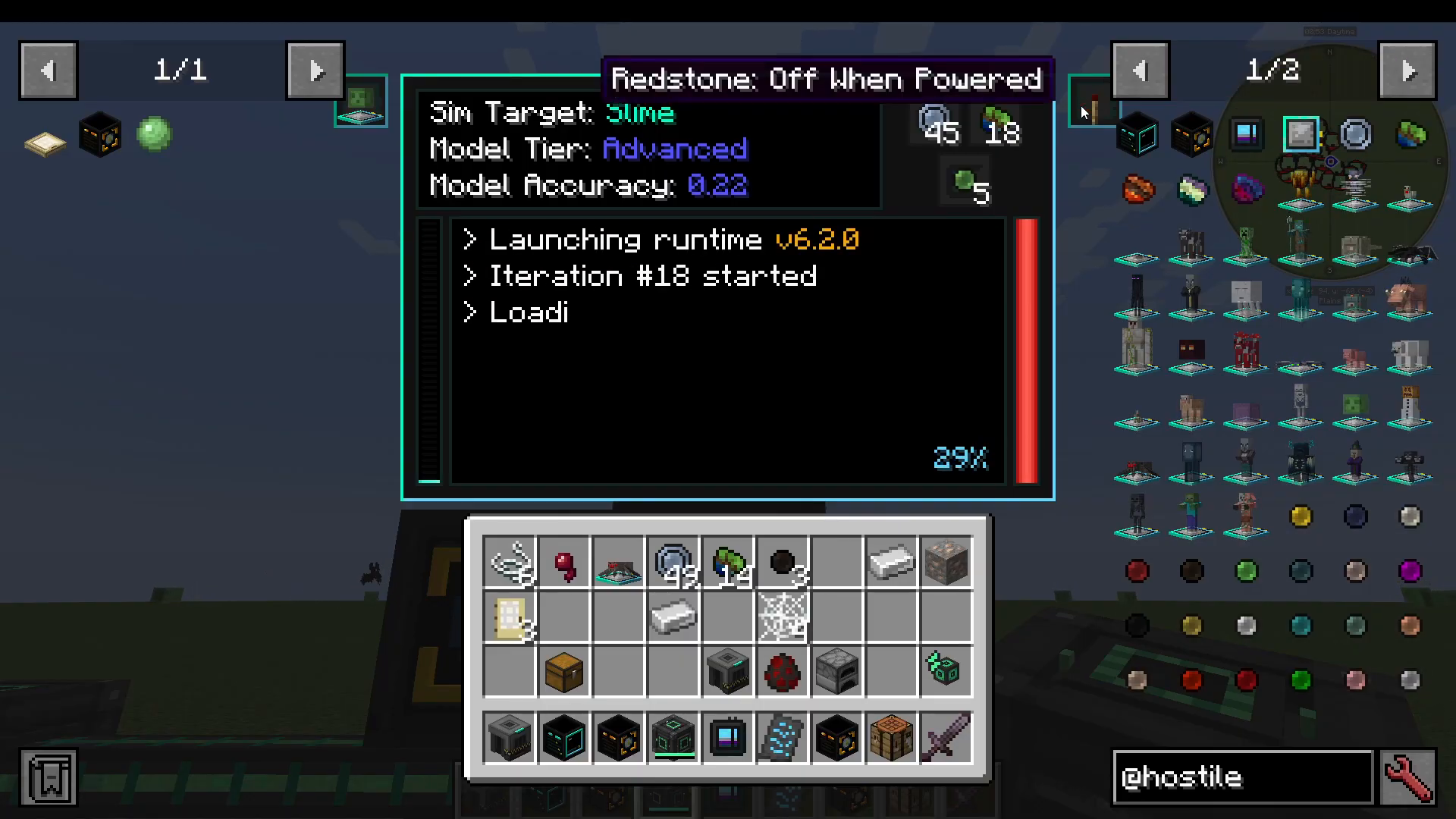
The Simulation Chamber supports redstone control. You can configure it to stop or start simulations based on a redstone signal, giving you on/off automation control over your entire setup. Use the chamber’s interface to toggle between Redstone Off = Running and Redstone On = Running modes to suit your automation design.
Summary
Hostile Neural Networks is one of the most efficient mob farm alternatives available for modded Minecraft. Here is the complete workflow at a glance:
Craft a Deep Learner and Model Frameworks.
Right-click a mob with a Model Framework to create a mob-specific data model.
Equip the data model in your Deep Learner and kill the required number of mobs to reach the Basic tier.
Place the data model into a powered Simulation Chamber along with Prediction Matrices.
Pipe successful mob-specific predictions into a Loot Fabricator to generate items automatically.
Use Fabrication Directives to copy Loot Fabricator settings and redstone signals to control chamber activity.
As your data model’s accuracy climbs toward 100% and the Self Aware tier, every single simulation run will produce a successful mob-specific prediction — turning your setup into a fully automated, endlessly scalable loot engine.
“`