







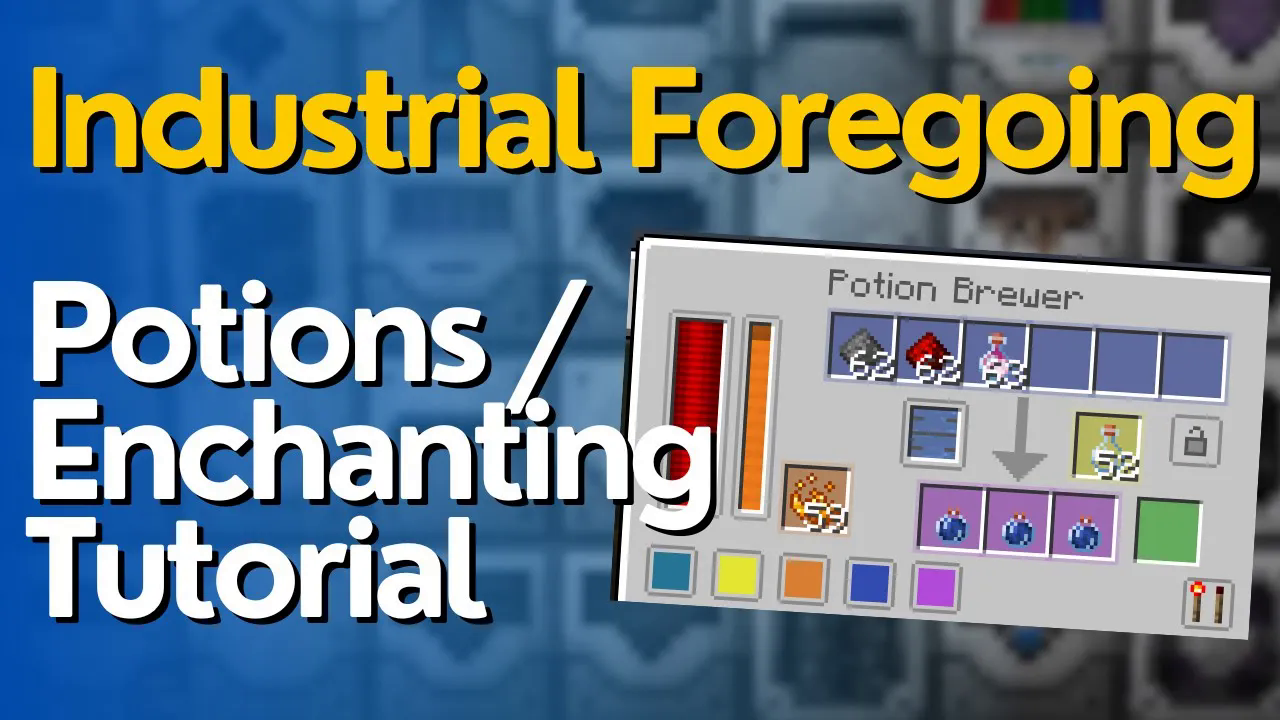
Enchants & Potions Guide – Industrial Foregoing 1.21.1
Enchants & Potions Guide – Industrial Foregoing 1.21.1
This comprehensive guide covers everything you need to know about Enchantments and Potions in Industrial Foregoing mod. The mechanics remain consistent across versions, making this tutorial applicable whether you’re playing version 1.21.1 or earlier iterations. We’ll walk through each machine, from the Enchantment Factory to the Potion Brewer, explaining how to automate your enchanting and potion-brewing processes.
Understanding Industrial Foregoing Machine Basics
Before diving into specific machines, it’s important to understand the core layout and functionality shared by all Industrial Foregoing machines. Each machine contains several standard components:
Power input: Where you connect energy cables
Tanks: For storing liquids like Essence
Input/Output slots: For items and materials
Add-ons section: Where you can install upgrades
Redstone control: For automation and activation
Add-ons such as Range Add-ons, Speed Add-ons, and Efficiency Add-ons can be inserted into the add-ons slot to modify machine performance. For example, an Efficiency Add-on reduces processing time.
Input/Output Configuration
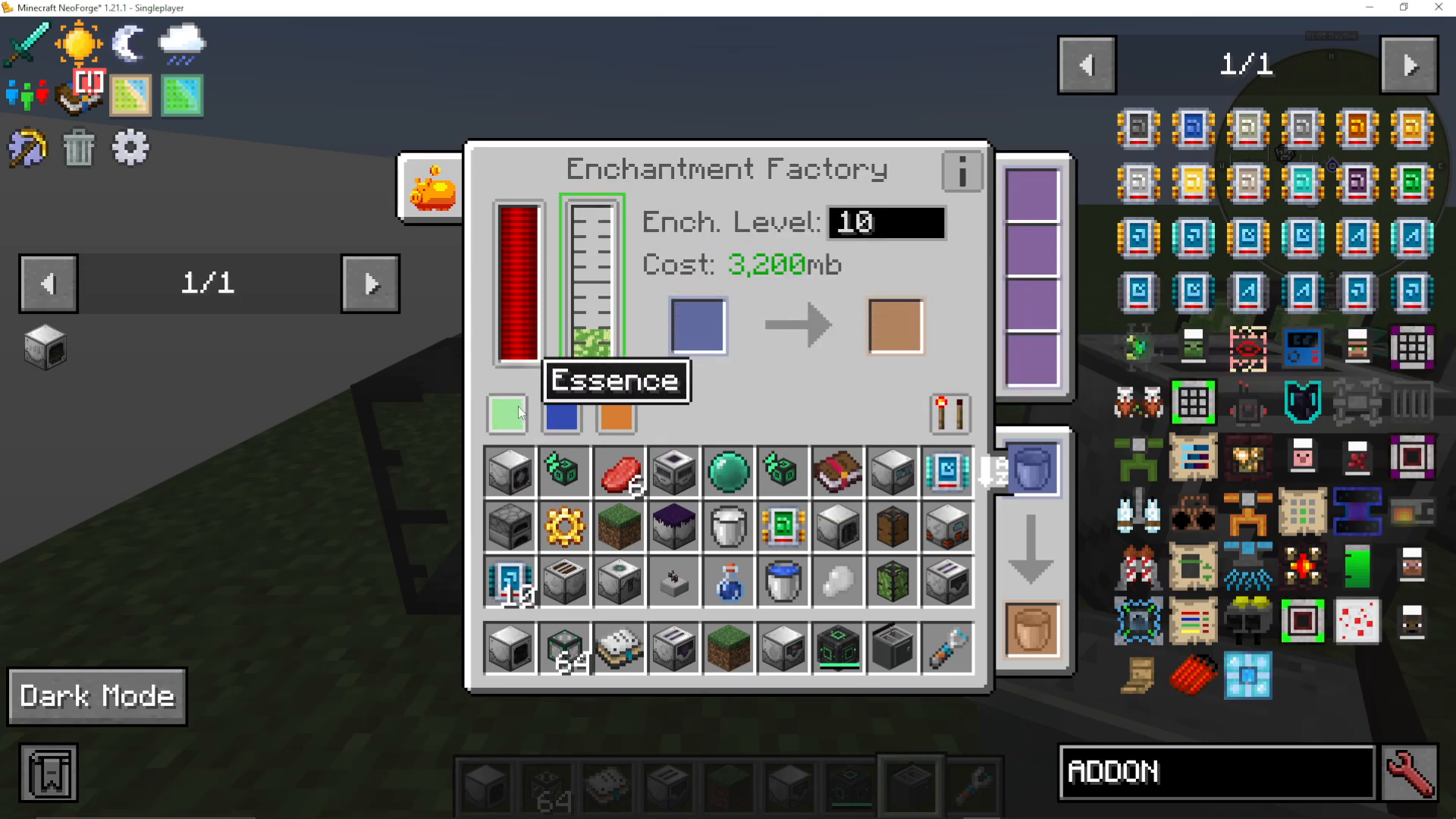
Each machine has configurable input and output sides. When you hover over a tank or slot (indicated by blue, orange, or green highlights), the corresponding side lights up. You can click on a side to disable inputs or outputs from that direction. This allows you to customize which sides accept materials and which sides output finished products. For instance, you can have Essence pumped in from the back while outputs go out the front.
Enchantment Factory
The Enchantment Factory enchants items using Essence. Here’s how it works:
Pump Essence into the machine (displayed as a blue tank when highlighted)
Place the item you want to enchant into the blue input slot
Set your desired enchantment level (1-30, with higher levels consuming more Essence)
The machine applies a random enchantment to the item
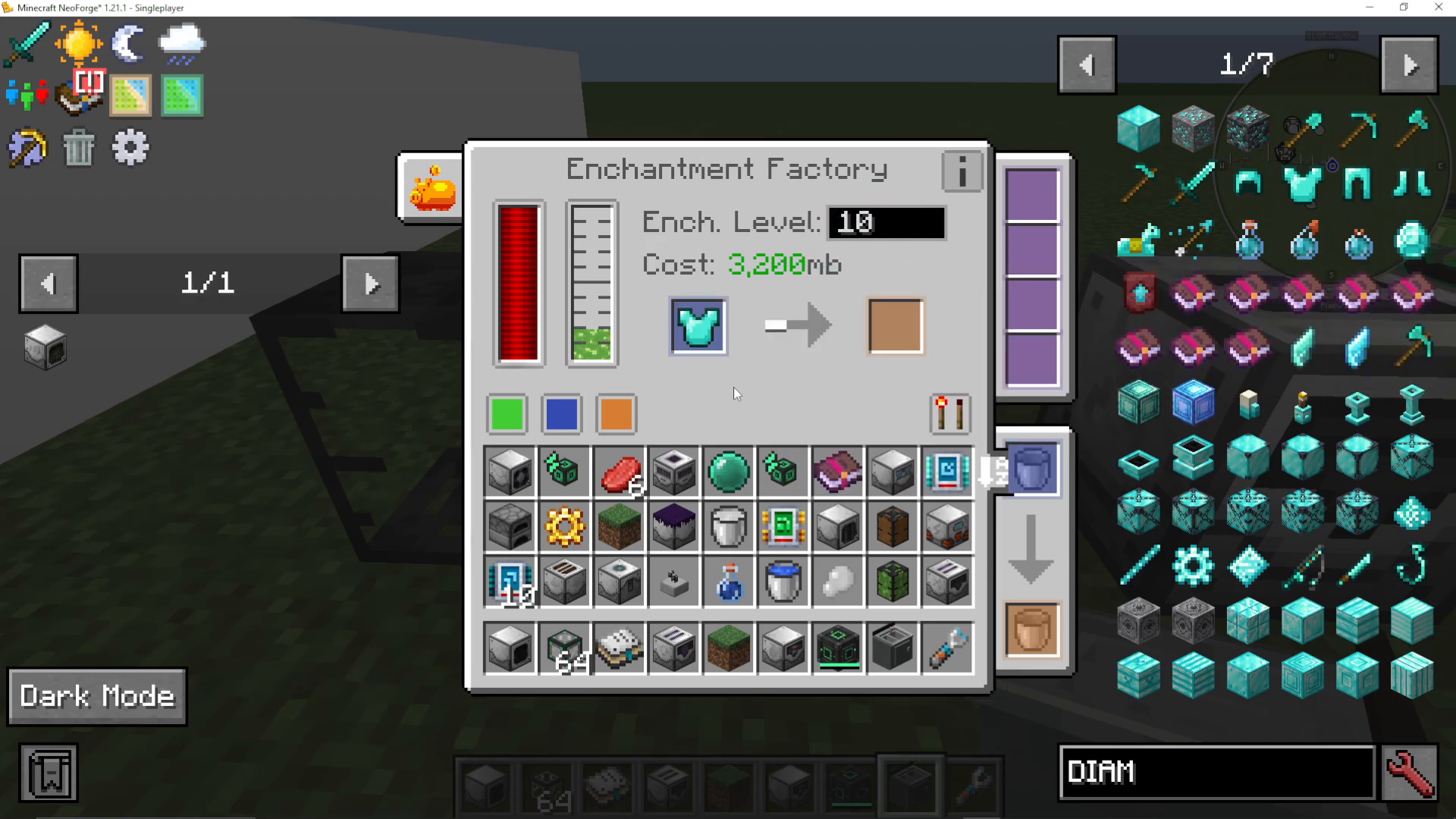
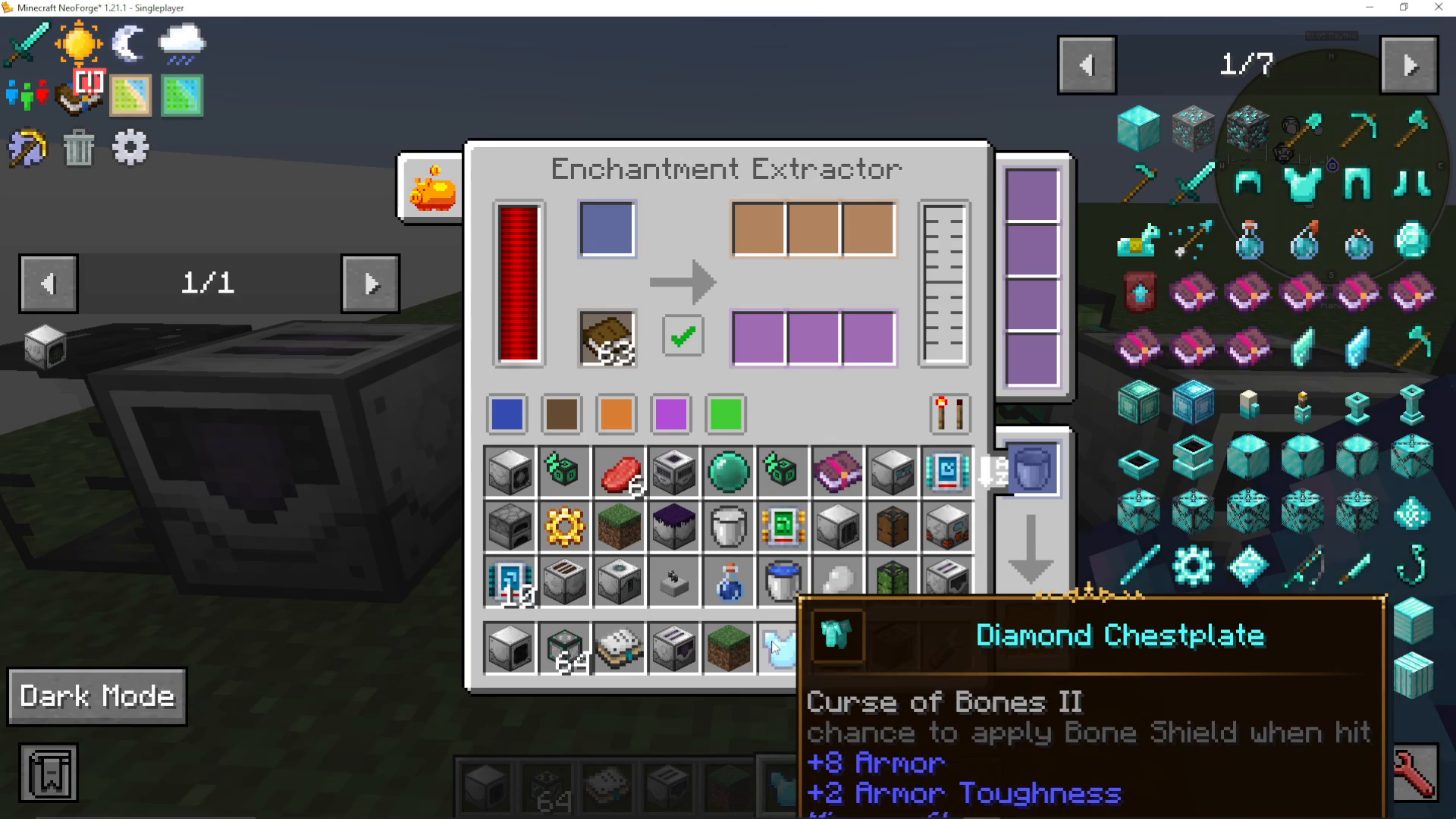
The randomness of this machine means you might receive unwanted enchantments. For example, enchanting a Diamond Chestplate at level 10 might result in Curse of Bones, which you don’t want. This is where the Enchantment Extractor comes in.
Enchantment Extractor
The Enchantment Extractor removes enchantments from items. It has two modes of operation:
Extracting to Books
When the checkbox is enabled (ticked), the machine extracts enchantments onto books:
Input slot: Place your enchanted item here (e.g., Diamond Chestplate with Curse of Bones)
Brown slot: Insert blank books
Orange output: Receive the now-unenchanted base item
Output: Get your enchanted book and some Essence
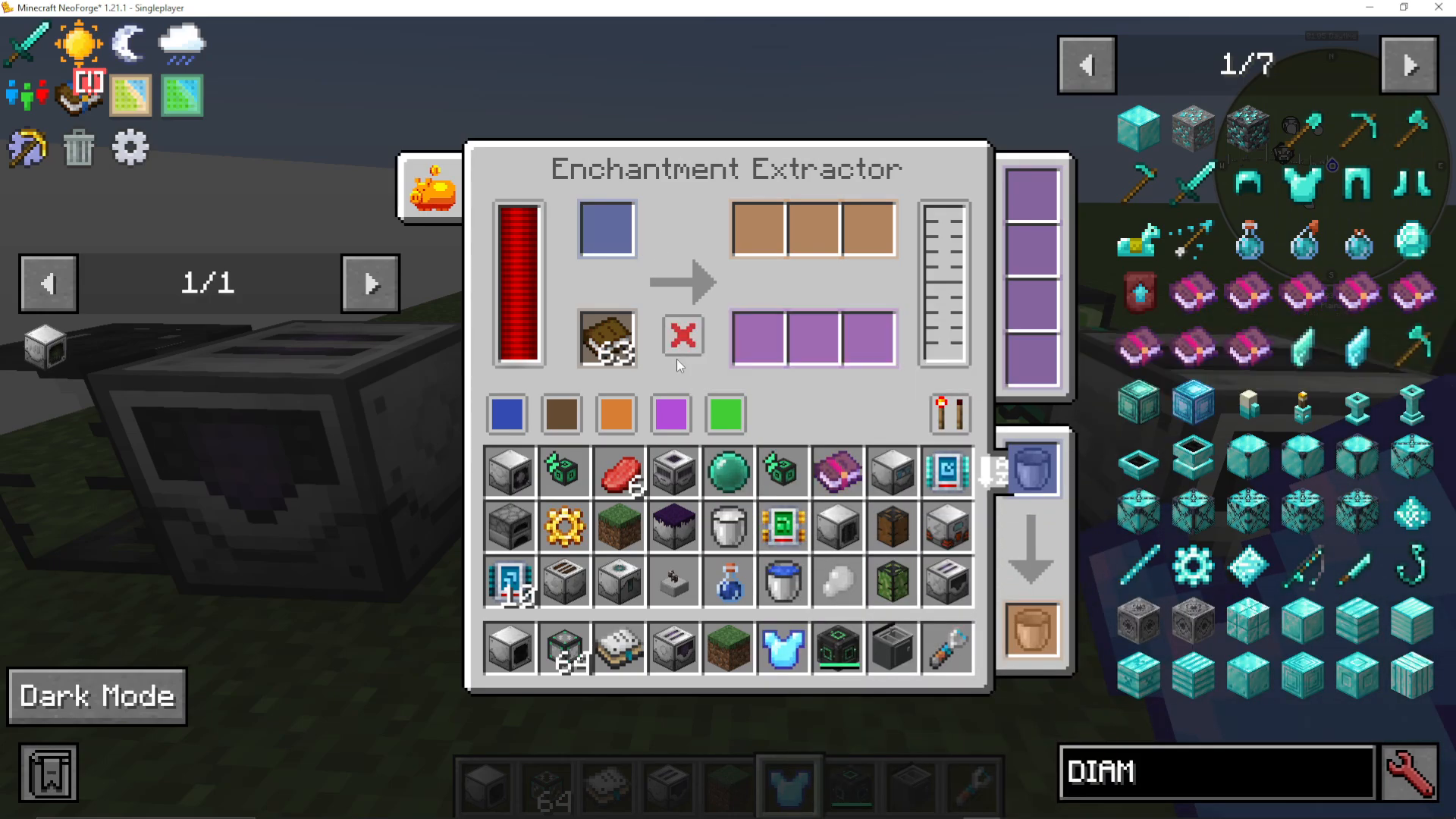
Converting to Essence
When the X button is enabled, the machine transforms enchanted items into Essence instead of transferring them to books. This is useful for disposing of unwanted enchantments while recovering resources.
Enchantment Applicator
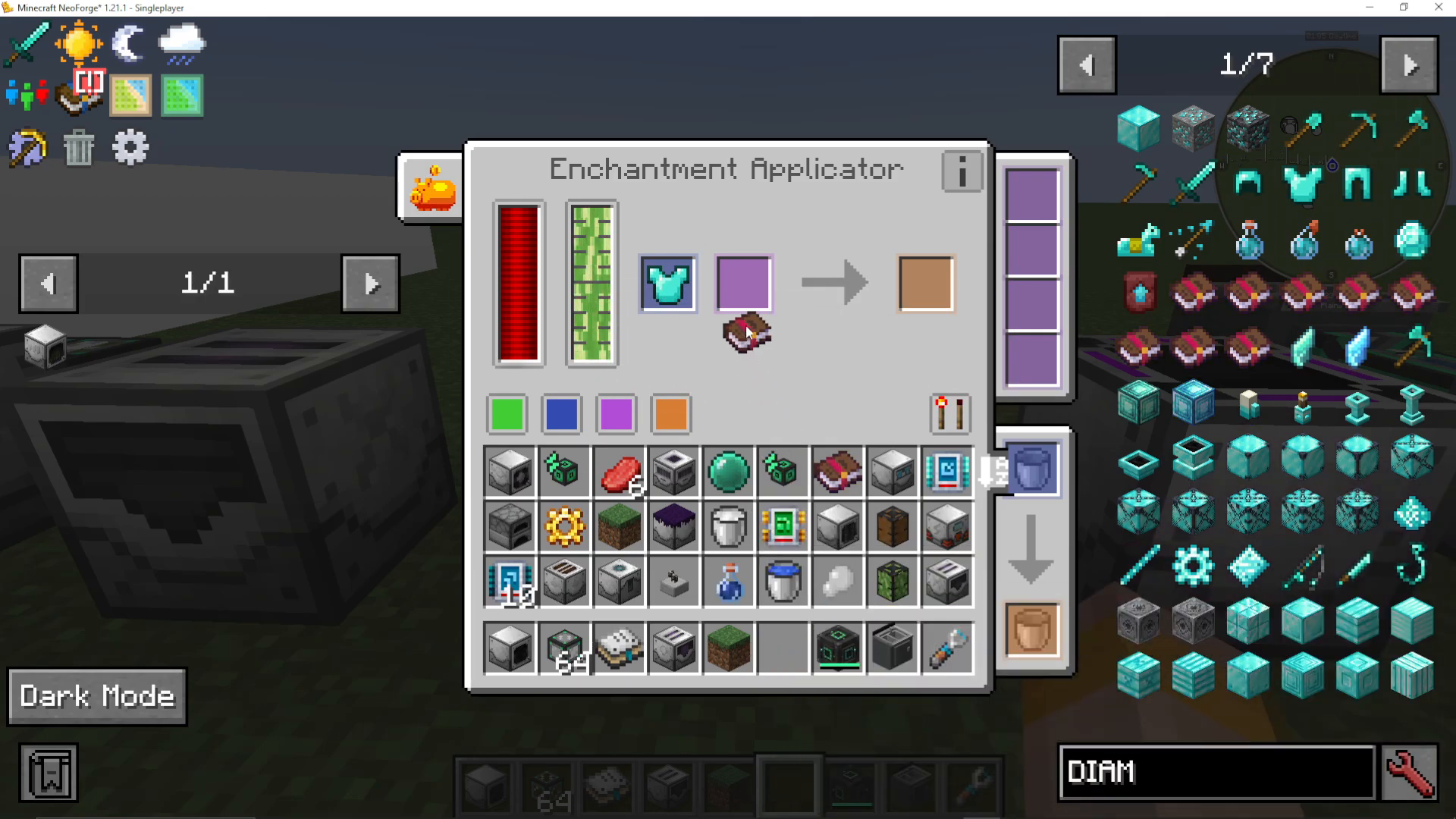
The Enchantment Applicator functions like a powered Anvil, allowing you to apply specific enchantments from books to items:
Insert Essence into the machine
Place your enchanted book (containing the desired enchantment) into the input
Place the item you want to enchant into the corresponding slot
The machine applies the specific enchantment, consuming Essence
The key difference between this machine and the Enchantment Factory is control: the Factory applies random enchantments, while the Applicator lets you choose exactly which enchantment gets added to your item.
Enchantment Sorter
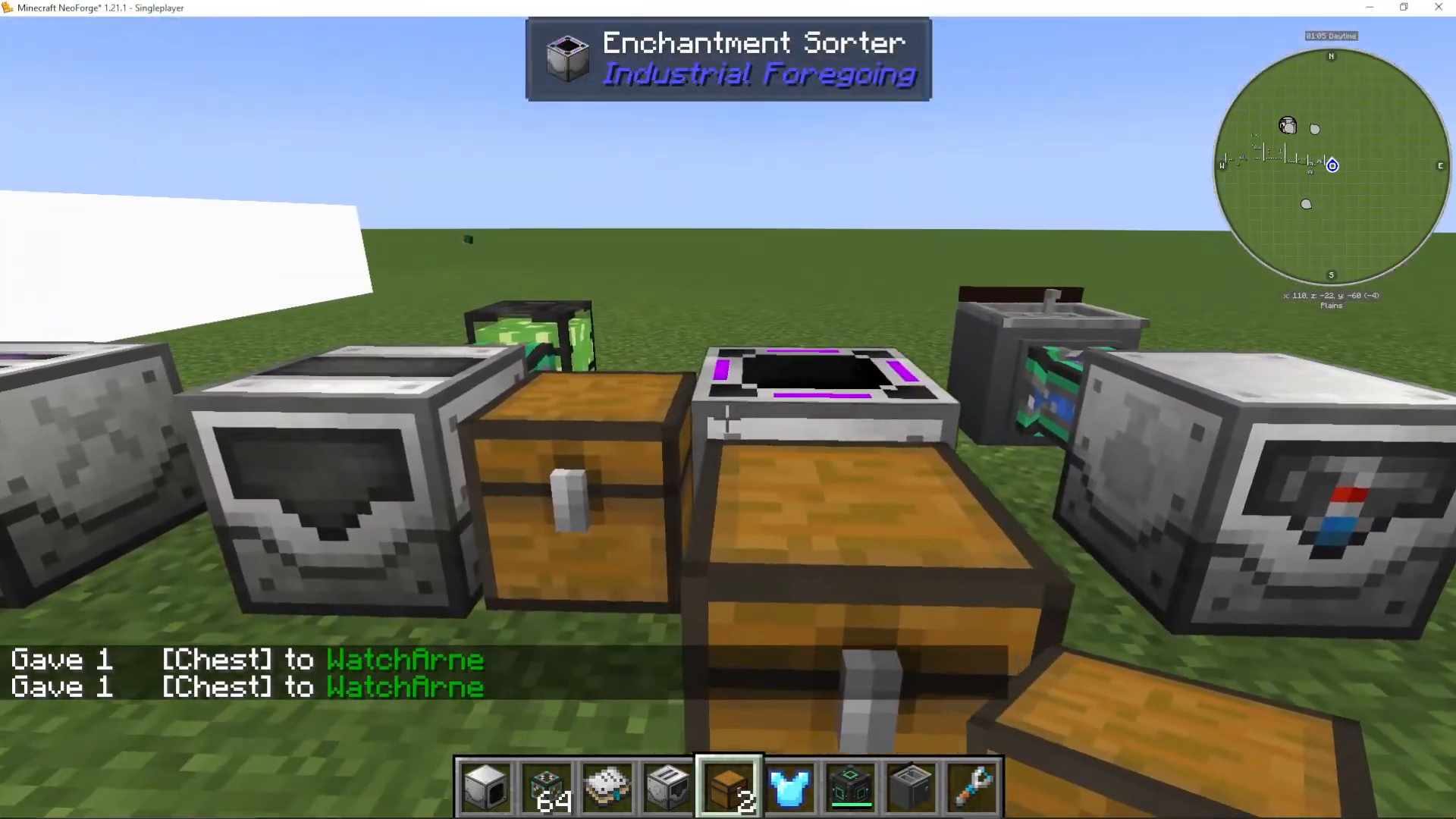
The Enchantment Sorter separates enchanted items from unenchanted ones. This is particularly useful for sorting mixed inventory stacks:
Configuration Steps
Set your input side (items can come from any side, but you can specify which ones to use)
Configure the orange output for enchantless items
Configure the purple output for enchanted items
Set input to “pull” from your source container
Set outputs to “push” to their respective destination containers
For example, if you pull from the left side and want enchanted items to exit the front while unenchanted items exit the right side, configure accordingly. The ticked box allows items to exit from that side, but you must set the output direction to “push” for items to actually move out of the machine.
Potion Brewer
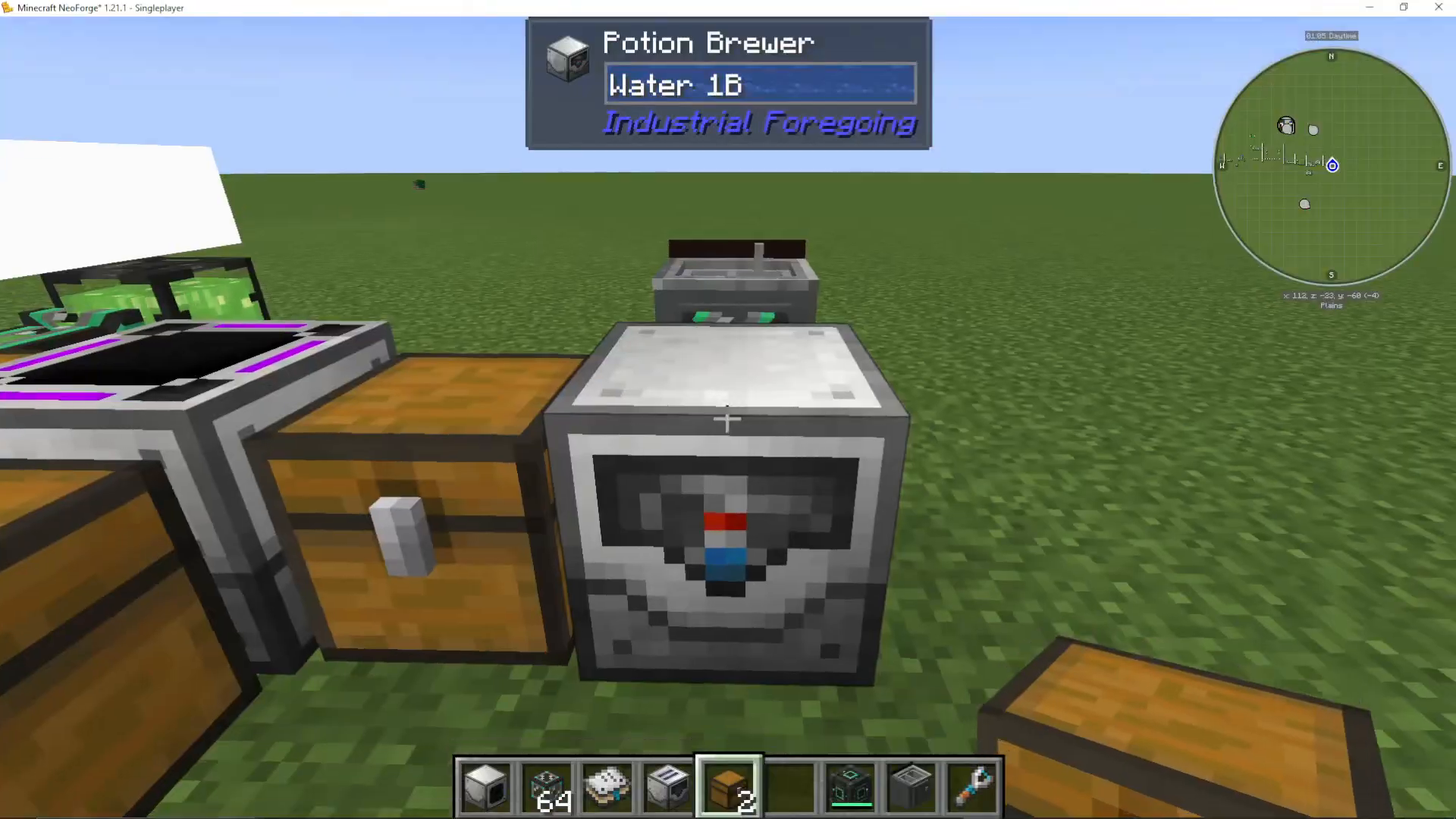
The Potion Brewer is an automated potion-brewing machine that can complete multiple brewing steps in a single cycle, streamlining the vanilla brewing process:
Setup Requirements
Water source: Connect water from a tank or sink (the tutorial uses a sink from Cooking for Blockheads)
Power: Provide energy to the machine
Blaze Powder: Insert into the orange slot; the machine converts it to Blaze Fuel
Glass Bottles: Place empty bottles into the designated input
Multi-Step Brewing Process
The Potion Brewer can execute up to six consecutive brewing steps in a single cycle:
Step 1: Fills empty bottles with water (creating water bottles)
Step 2: Adds Gun Powder (converts to splash water bottles)
Step 3: Adds Redstone (creates mundane splash potions)
Step 4-6: Additional ingredients like Dragon’s Breath (creates lingering potions)
This is significantly more efficient than vanilla brewing, which requires three separate brewing stands and manual bottle movement between each step.
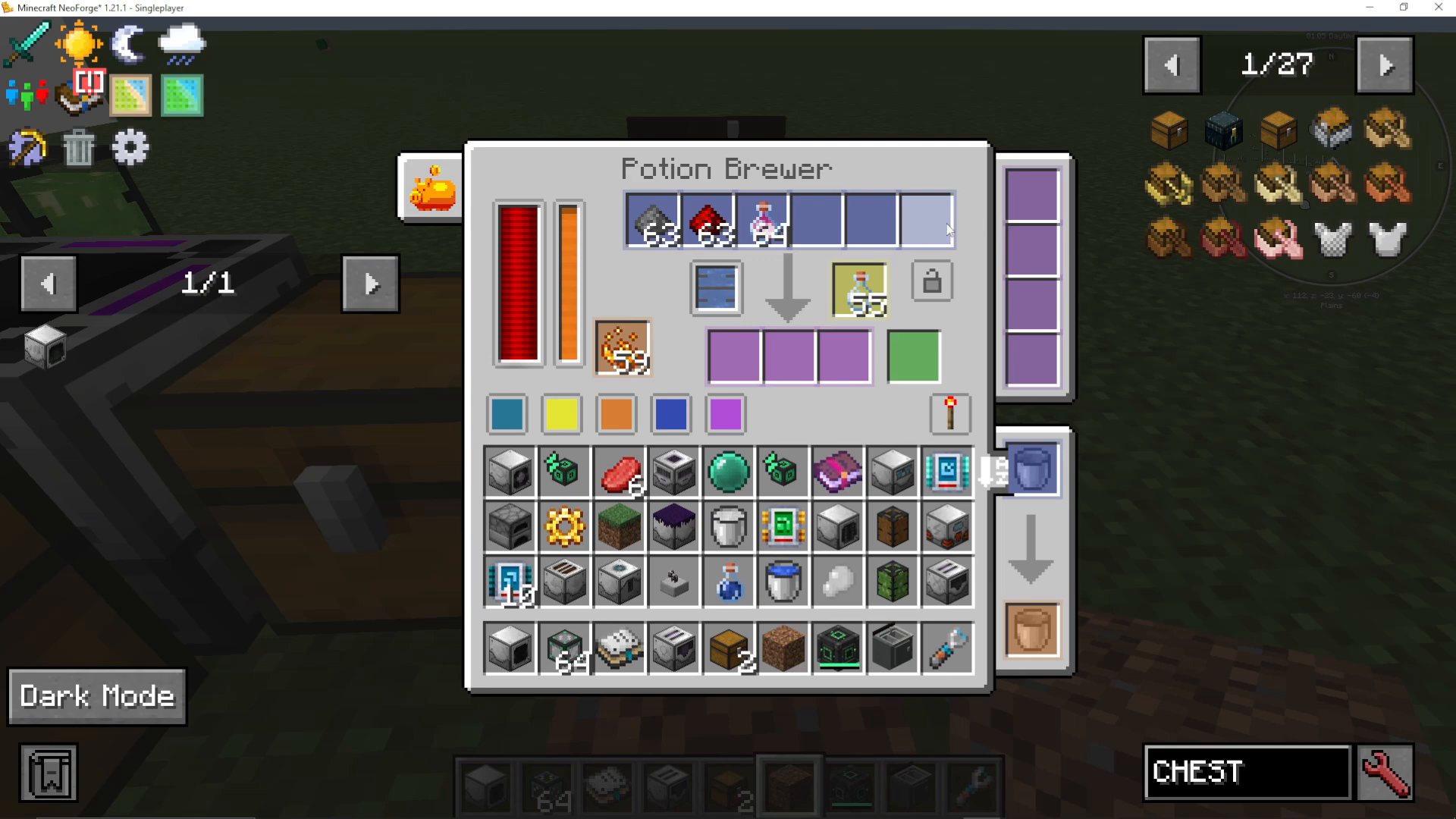
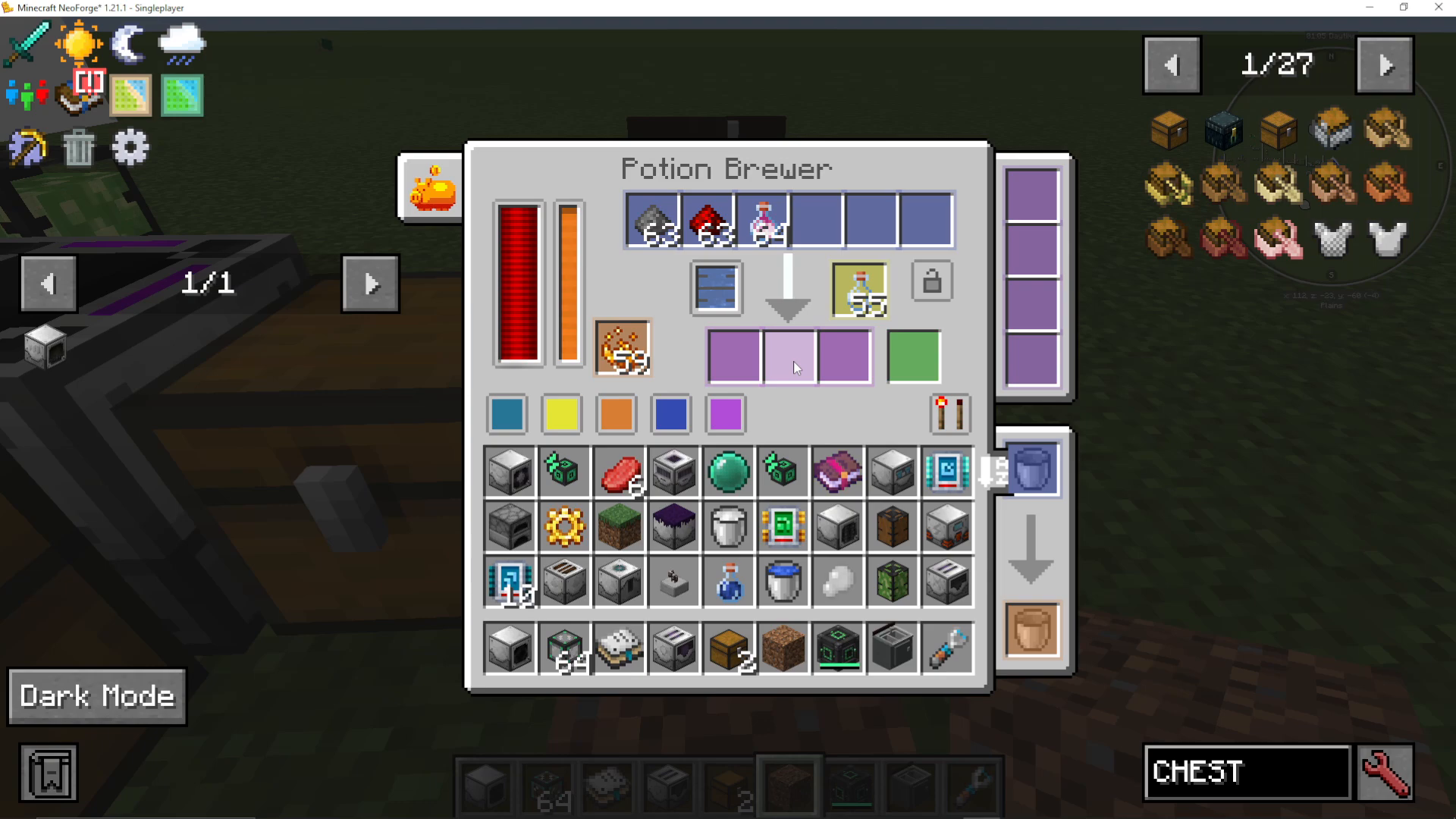
Once activated and properly configured, watch as the machine automatically fills bottles with water, then applies each ingredient in sequence, producing your final potion without any manual intervention.
Summary
Industrial Foregoing’s Enchantment and Potion systems provide powerful automation for two of Minecraft’s most important crafting mechanics. By mastering the Enchantment Factory, Extractor, Applicator, and Sorter, you can build a fully automated enchanting operation. Meanwhile, the Potion Brewer eliminates the tedious nature of vanilla potion brewing by handling multiple steps automatically. These machines are essential for any modded progression and scale well from early-game setups to late-game mega-factories.
Want to Support?
If you would like to help us continue making these guides – please consider joining our patreon here – https://www.patreon.com/c/JaviHeals
Alternatively – we host a group of MC Servers you can join here – https://discord.gg/zD7Gjt6MHF



