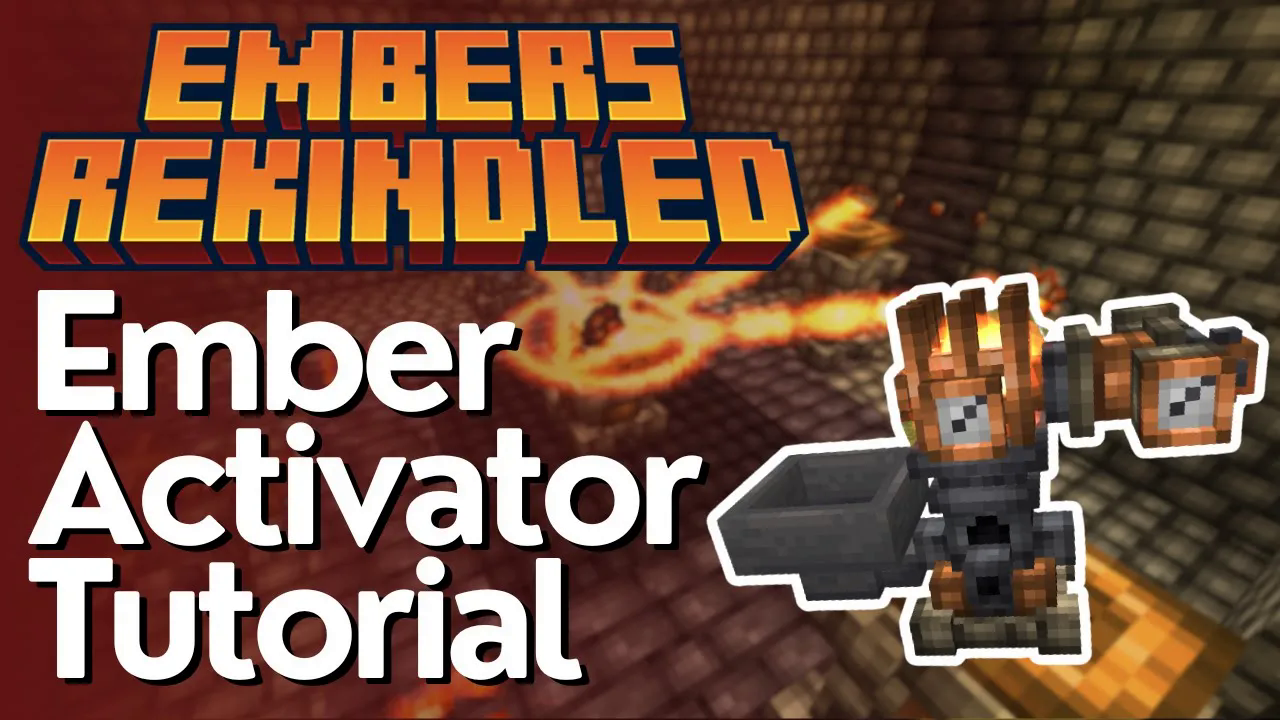
Ember Activator & Storage Tutorial – Embers Rekindled
Ember Activator & Storage Tutorial – Embers Rekindled Mod Guide
So you’ve mined your first batch of ember crystals using the ember ball — great start! But now what? In this guide, we’ll walk you through how to activate your ember, transfer it using emitters and receptors, and store it inside a copper cell. Whether you’re brand new to the Embers Rekindled mod or just need a refresher on the early-game energy setup, this tutorial has you covered.
Understanding the Atmospheric Gauge
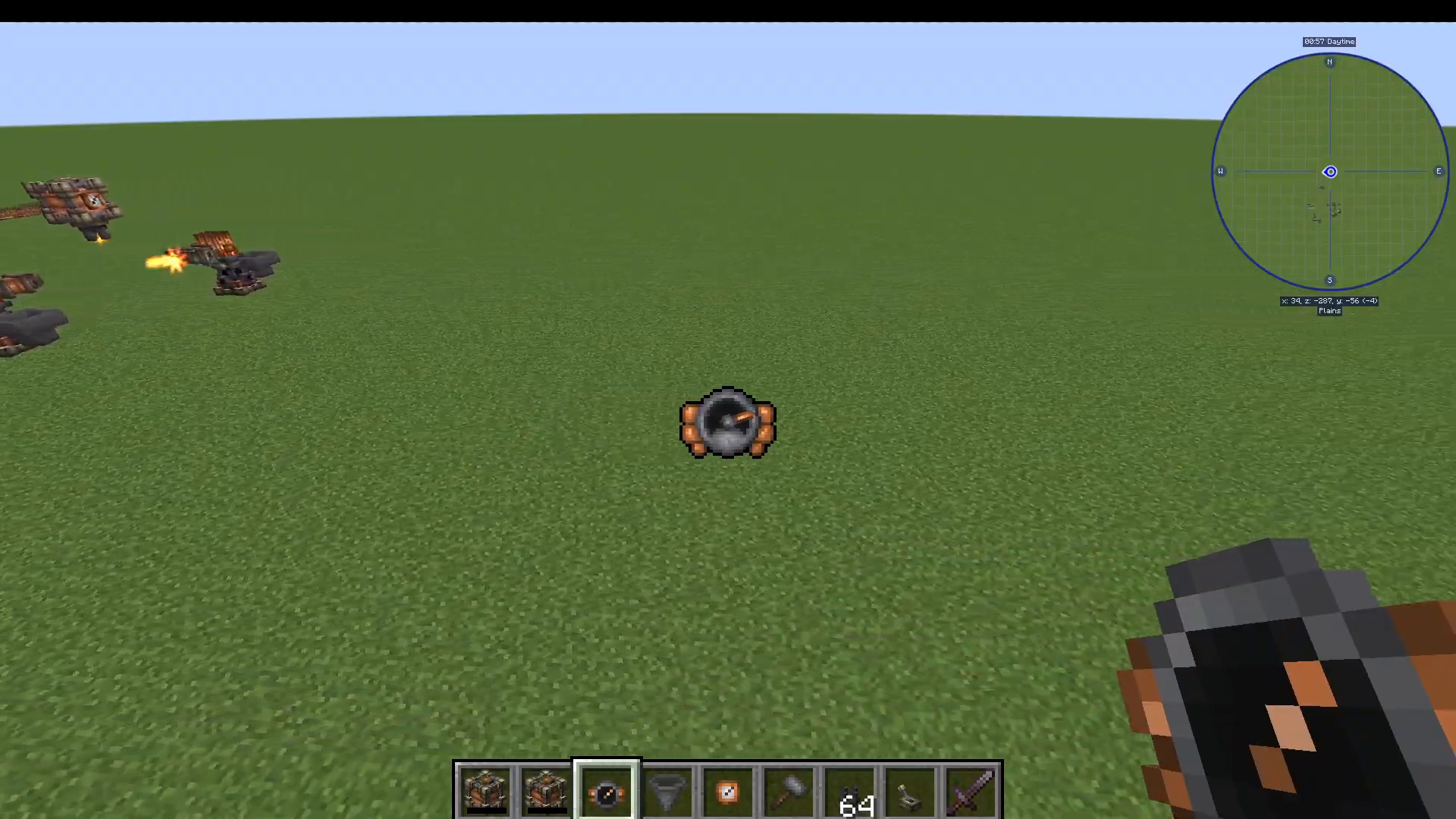
Before jumping into activation, there’s one important tool worth knowing about: the atmospheric gauge. This handy device tells you how much ember energy is present in your current location. When the needle points to the right, ember levels are high — meaning your ember ball will yield significantly more crystals when placed there.
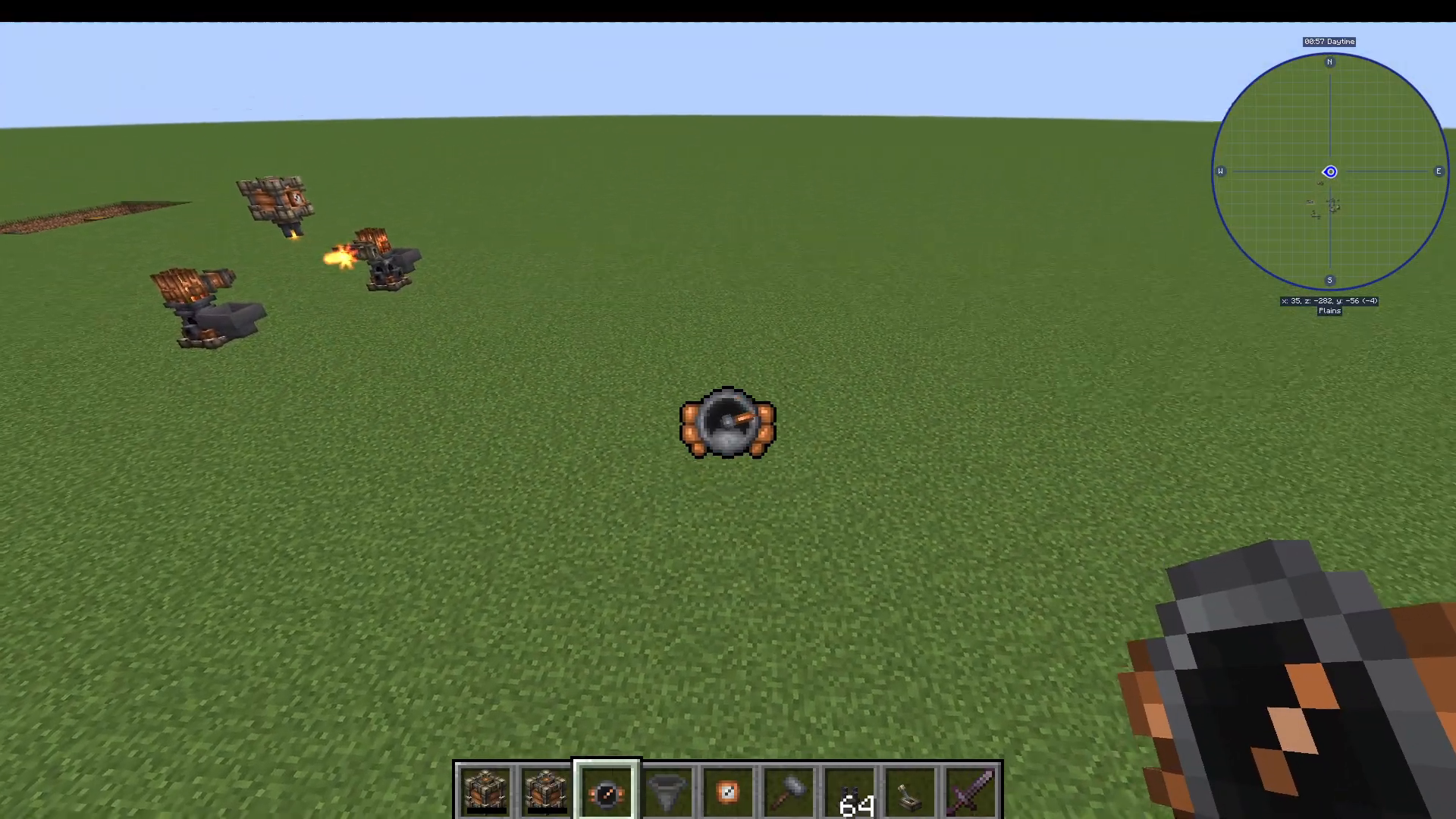
Keep in mind that ember levels vary by location. In certain areas — such as superflat worlds or low-ember zones — the gauge reading will be noticeably lower. Always try to place your ember ball in a high-gauge area to maximise your crystal output.
Setting Up the Ember Activator
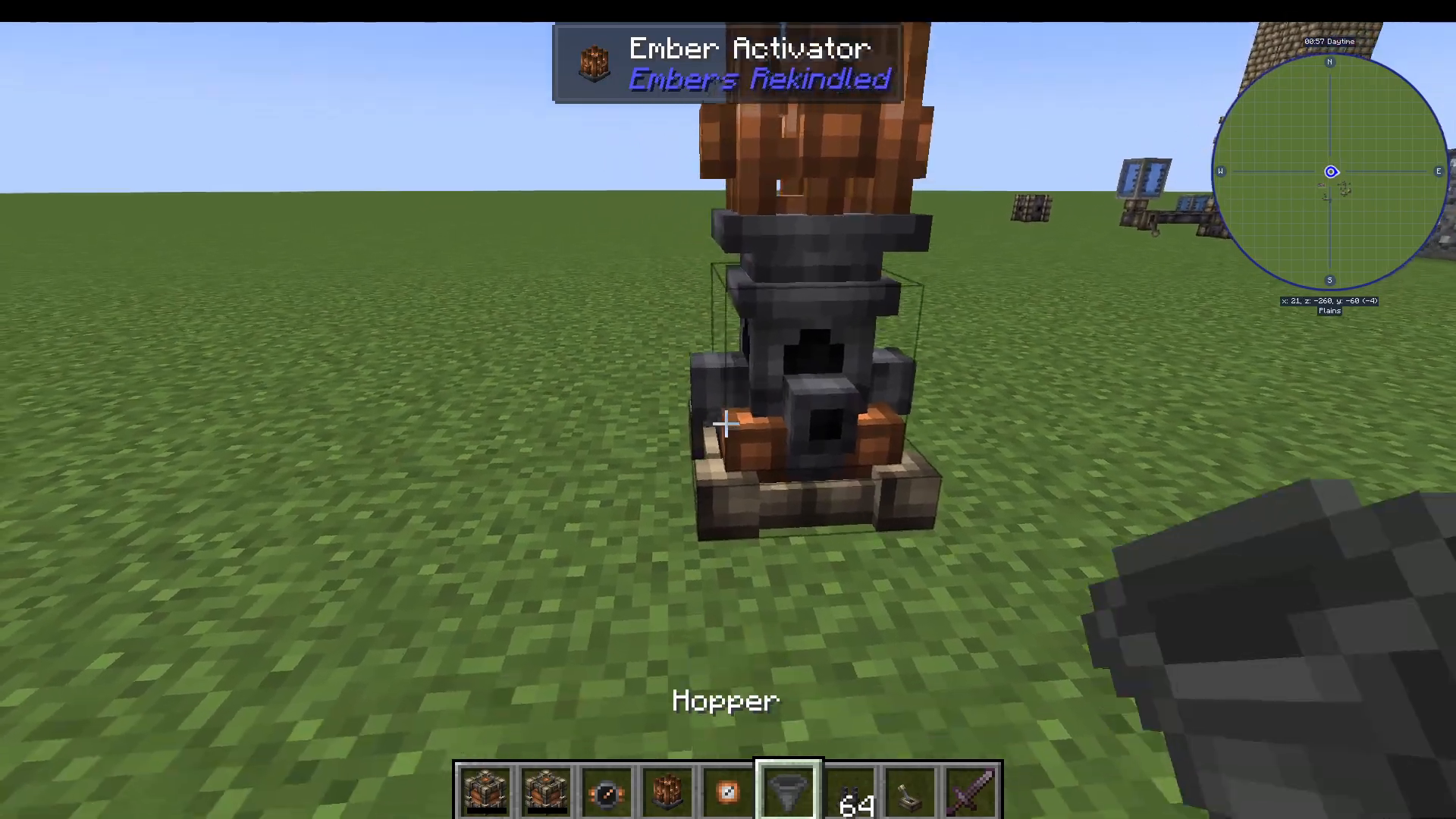
Once you have your ember crystals, the next step is to craft an ember activator. This is the core machine that processes raw ember crystals into usable ember energy.
Feeding Crystals into the Activator
To feed crystals into the ember activator automatically, place a hopper on top of it. Load your ember crystals into the hopper and you’ll see them begin feeding into the activator straight away.
Monitoring Ember Levels with the Ember Dial
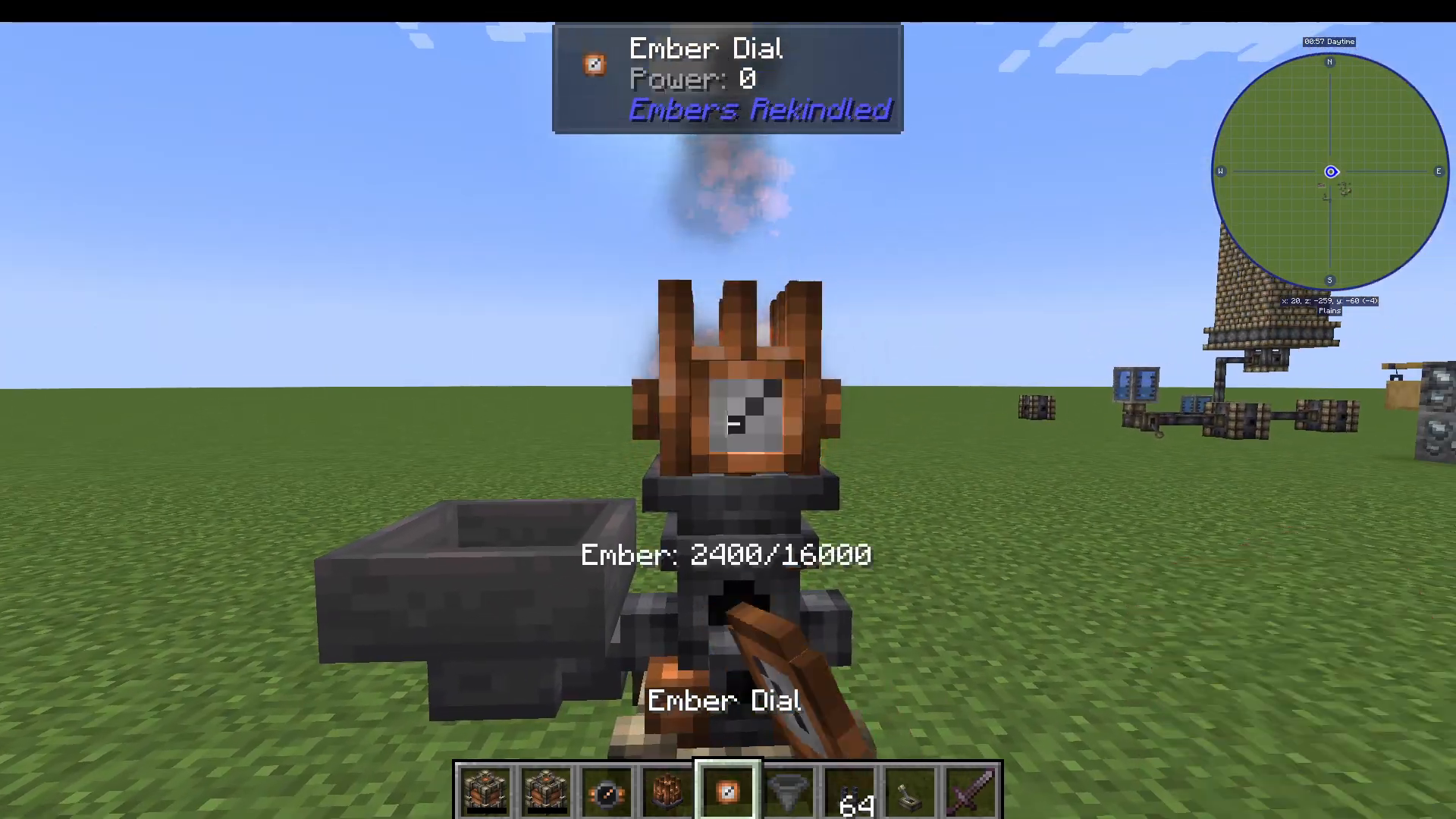
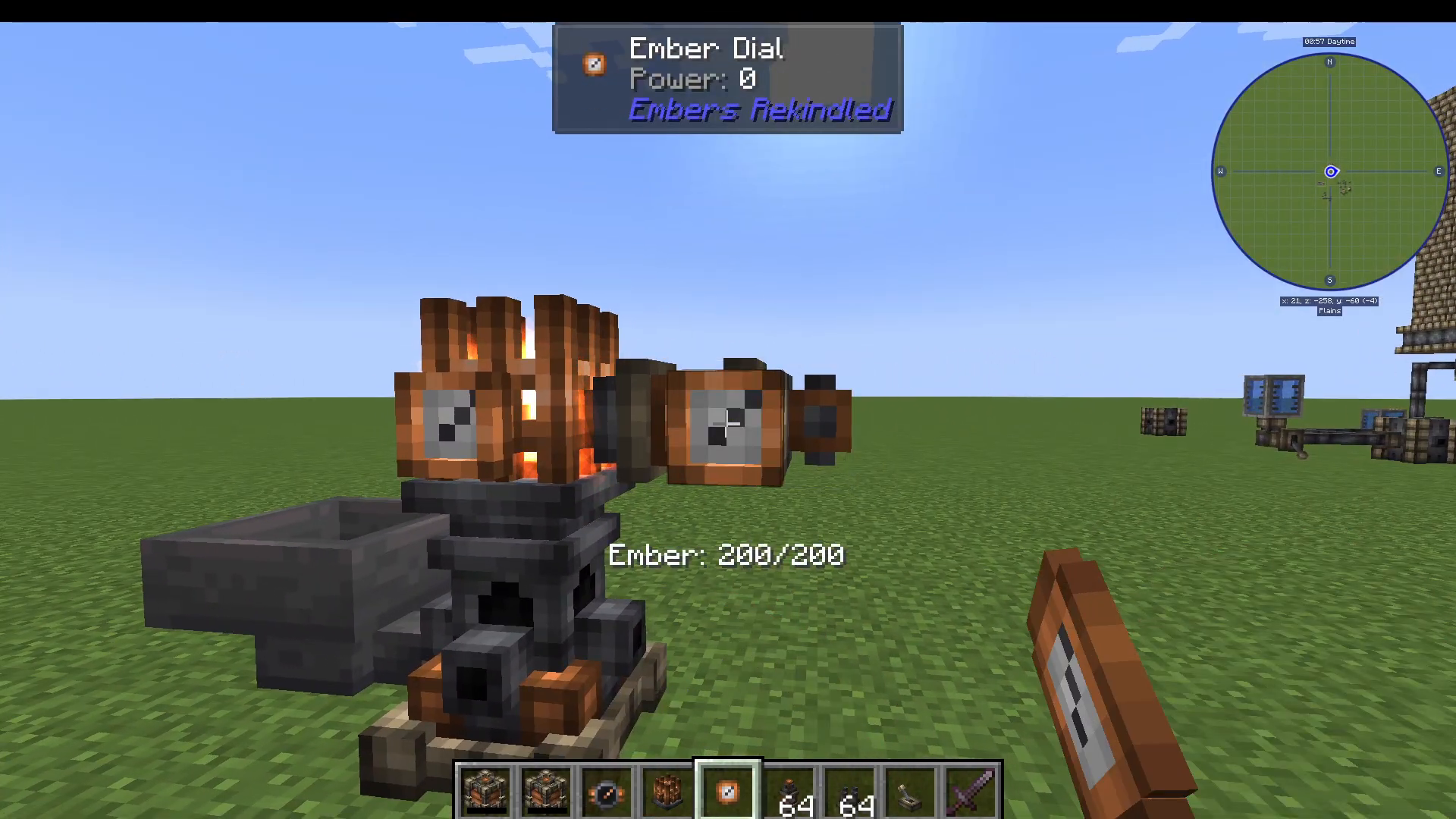
You can also craft an ember dial and attach it directly to the ember activator. The dial displays exactly how much ember energy is currently stored inside the machine — a great way to confirm everything is running correctly.
Transferring Ember with Emitters and Receptors
Now that your activator is producing ember energy, you need a way to move that energy to other machines or storage blocks. This is done using two components: emitters and receptors.
Emitters — attached to a machine to send ember energy out.
Receptors — attached to a machine to receive ember energy.
Attach an ember dial to an emitter to confirm it is correctly connected to the ember activator. In this example, the dial reads 200 ember, confirming the connection is working.
Linking an Emitter to a Receptor
To link an emitter to a receptor, you’ll need a Tinker’s Hammer. Follow these steps:
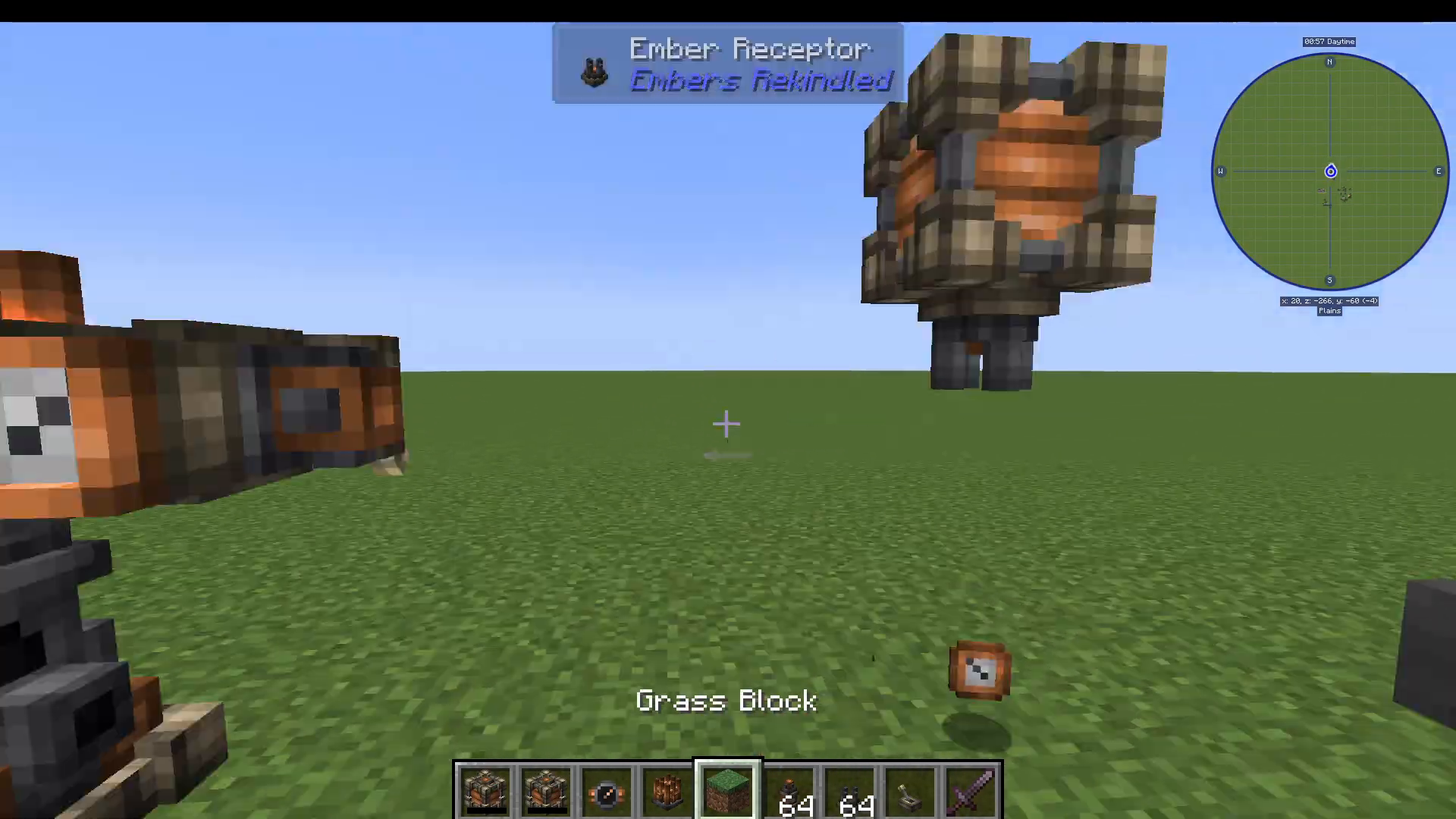
Right-click the emitter with the Tinker’s Hammer. You’ll see a visual wire appear, indicating it’s ready to be linked.
Right-click the receptor with the Tinker’s Hammer to complete the connection.
Storing Ember in a Copper Cell
With your emitter and receptor linked, you can now store ember energy. Attach an ember receptor to a copper cell — this acts as your primary early-game ember energy storage block. Think of it as a battery for all your ember-powered machines.
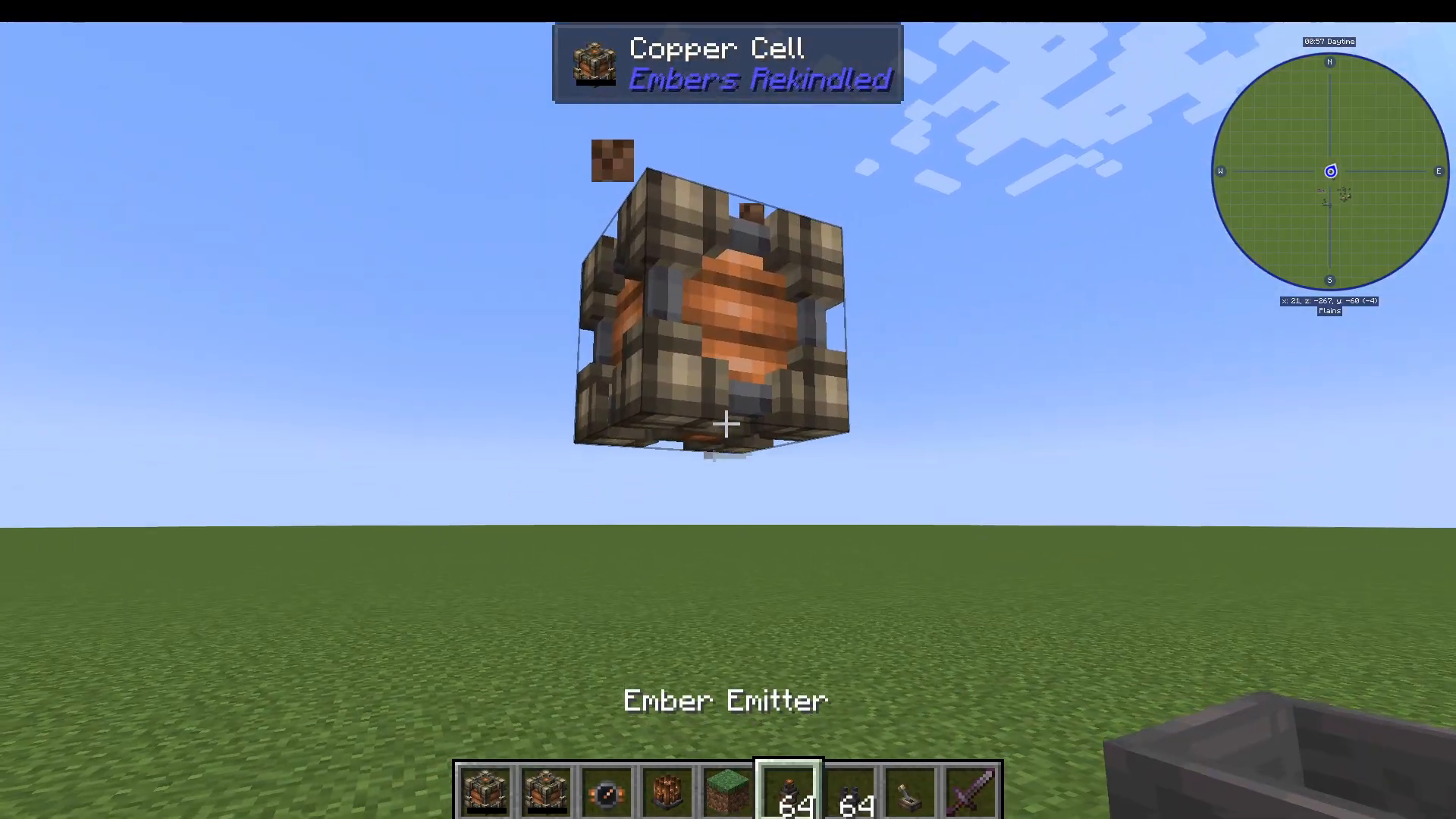
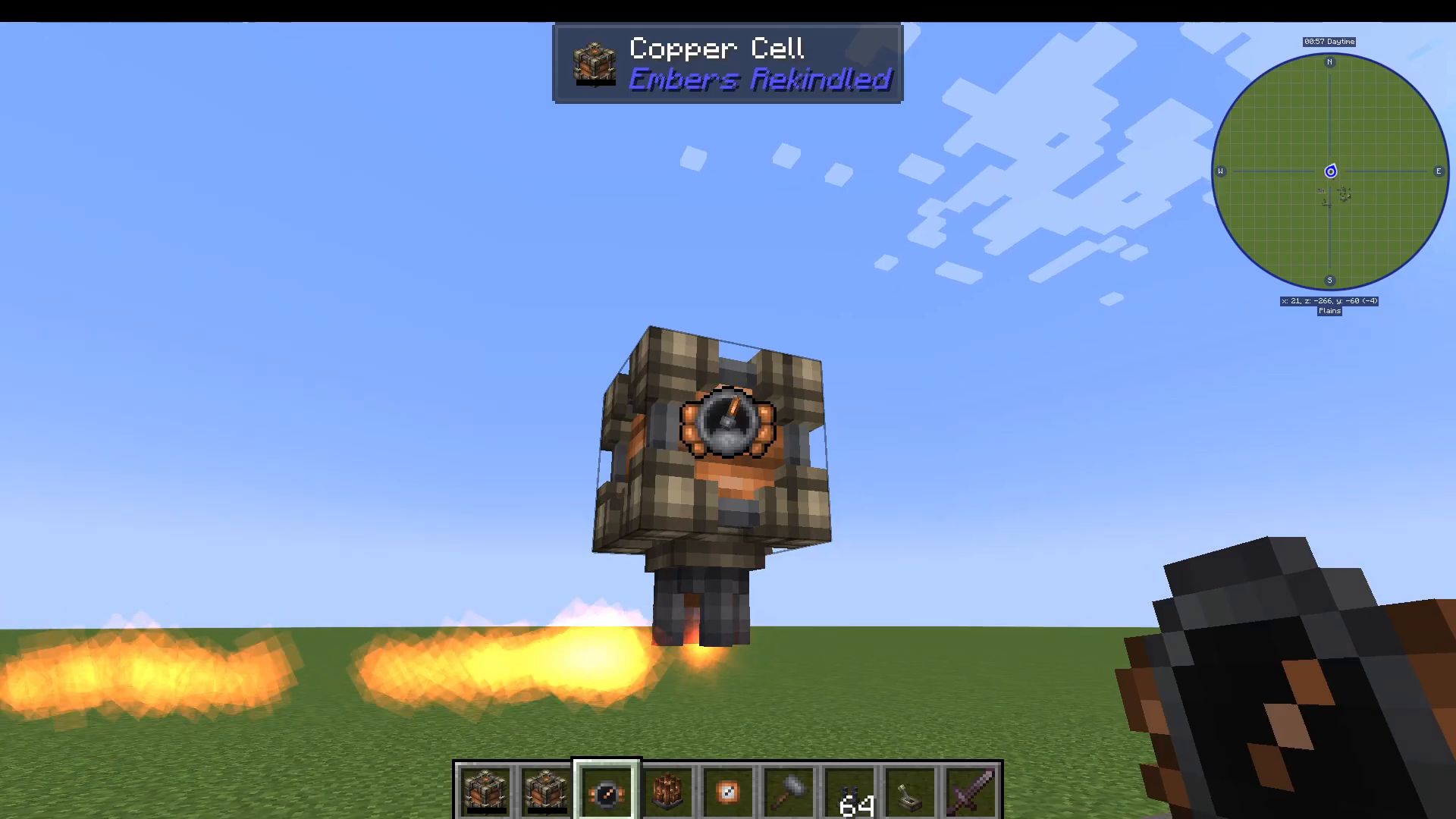
Add an ember dial to the copper cell as well so you can monitor how much energy is being stored in real time. Once everything is connected — ember activator feeding via hopper, emitter linked to receptor, and receptor attached to the copper cell — you’ll see ember energy flowing in and accumulating.
Summary & Next Steps
You now have a complete early-game ember energy setup using Embers Rekindled. Here’s a quick recap of what we covered:
Use the atmospheric gauge to find high-ember areas before placing your ember ball.
Feed ember crystals into the ember activator using a hopper.
Attach an ember dial to any machine to monitor energy levels.
Use emitters and receptors, linked with a Tinker’s Hammer, to transfer ember between machines.
Store ember energy in a copper cell for early-game use.
This setup is a solid foundation to build from. As you progress further into the mod, you’ll find that the copper cell and basic emitter/receptor system will need upgrading — but for now, this is everything you need to get started with ember energy in Embers Rekindled.
Want to Support?
If you would like to help us continue making these guides – please consider joining our patreon here – https://www.patreon.com/c/JaviHeals
Alternatively – we host a group of MC Servers you can join here – https://discord.gg/zD7Gjt6MHF