







Create Beginner Power Generation Guide
Create Mod Beginner Power Generation Guide
Power generation is one of the fundamental concepts you’ll need to master in the Create mod. Unlike most mods, Create uses rotational power (also called kinetic energy) to fuel your machines. This guide will walk you through the easiest and most effective ways to generate power as a beginner, from manual hand cranks to automated water wheels and windmills.
Understanding Rotational Power and Kinetic Energy
In Create, rotational power is energy created from movement—essentially kinetic energy in the scientific sense. The mod measures this power in units, and you’ll use it to operate machines like mechanical presses, fans, and more.
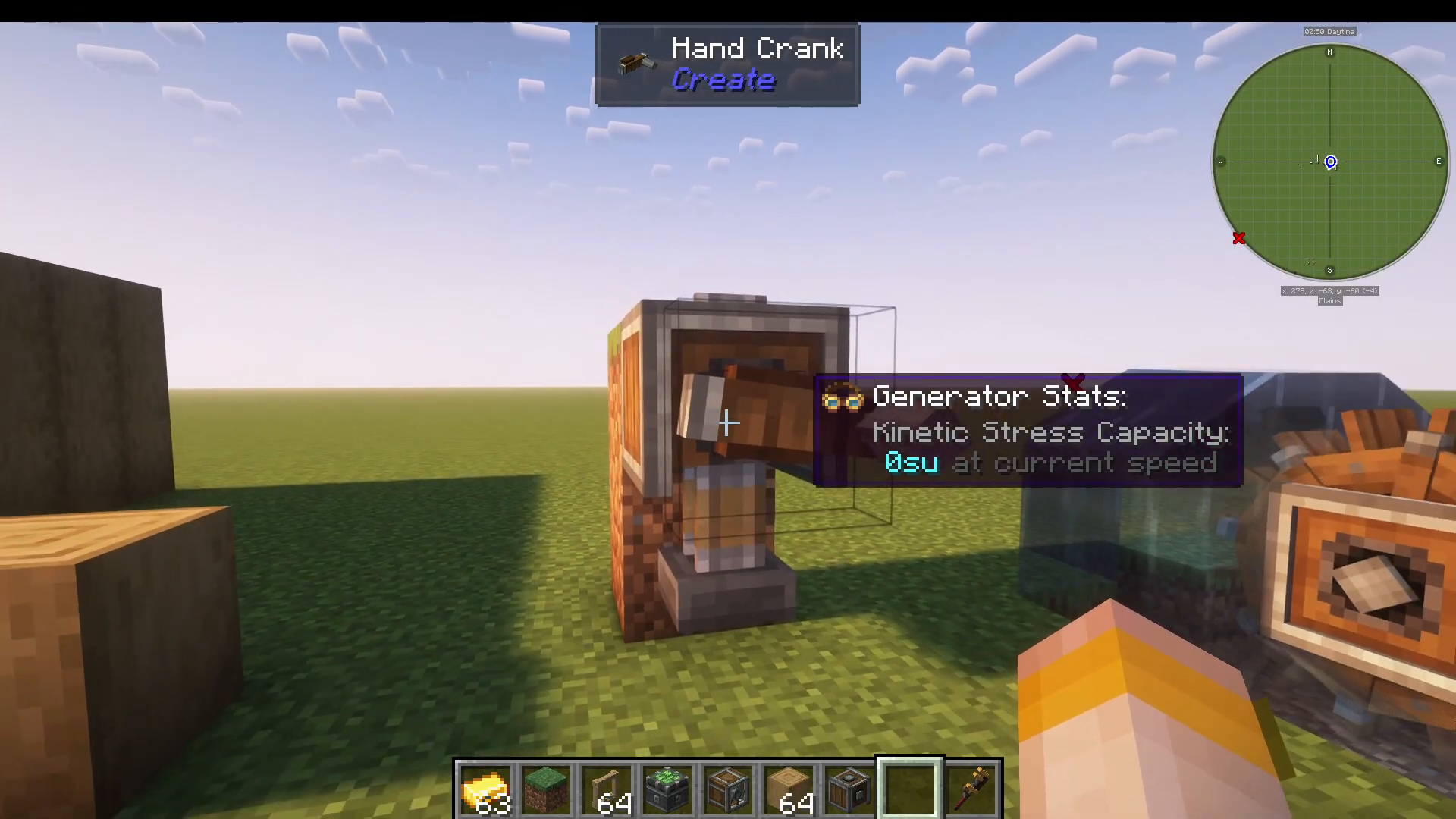
To monitor how much kinetic stress you’re using and at what speed your machines are running, craft the Engineer’s Goggles. These are made from glass and a golden sheet (which you can craft using Create). The overlay they provide will show you real-time stats on your power generation and consumption.
Basic Materials: Andesite Alloy and Golden Sheet
Before you start generating power, you’ll need some core materials. Andesite Alloy is essential to Create and you’ll use it constantly. It’s crafted from andesite and two iron nuggets.
To make a Golden Sheet (needed for Engineer’s Goggles), you’ll need:
A mechanical press
A gold ingot
Rotational power from any source
Create an Andesite Casing by using andesite alloy on any stripped wood. Then craft a mechanical press using:
Andesite casing
Block of iron
Shaft (made from two andesite alloys)
Method 1: Hand Crank (Manual Power)
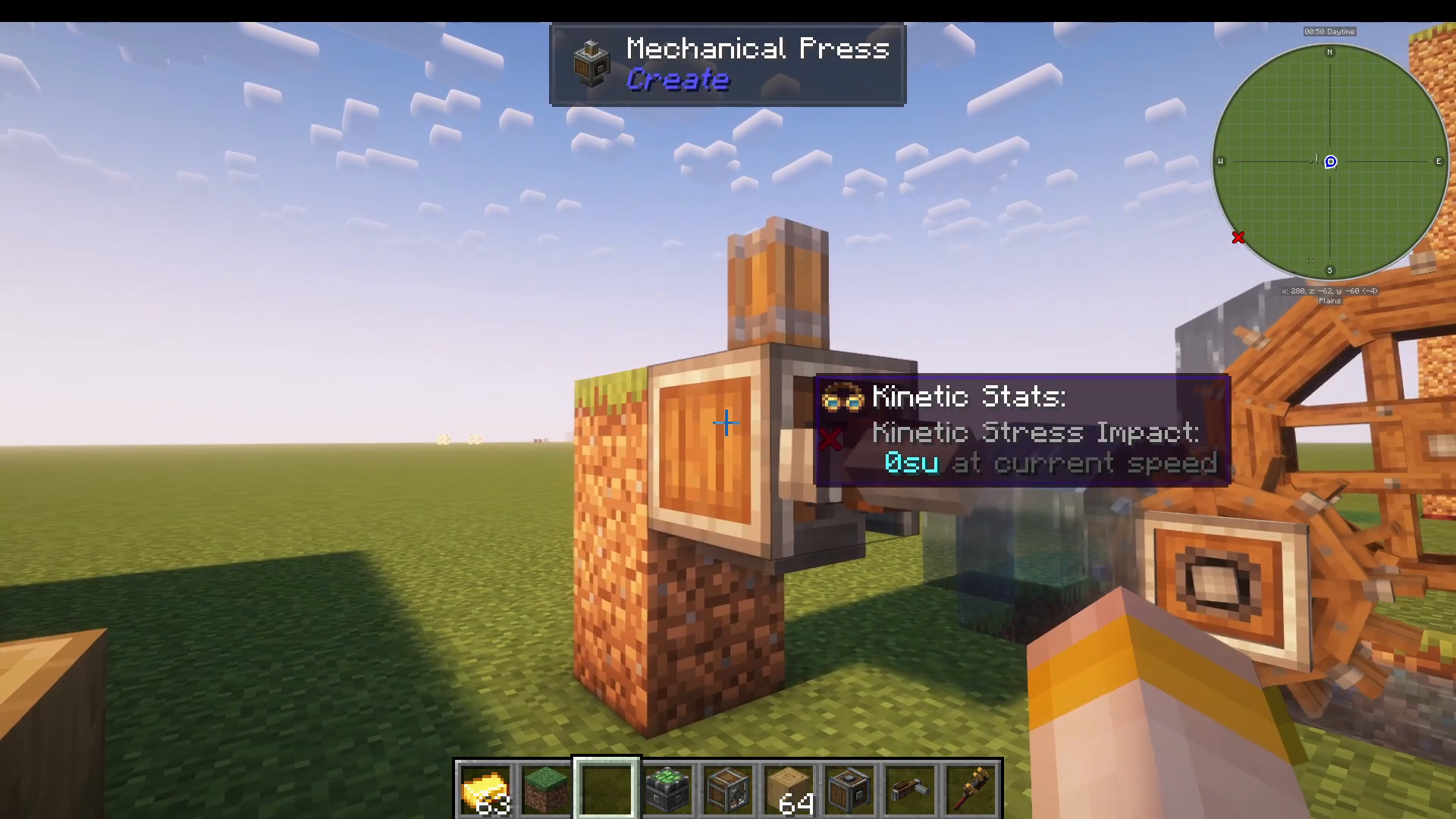
The simplest way to generate rotational power is the hand crank. It requires only andesite alloy and produces 256 units of power at current speed when manually operated.
To use a hand crank:
Place a shaft or bearing on a block
Attach the hand crank to the bearing
Hold right-click to turn the crank
Watch your connected machinery operate
While useful for getting started, hand cranks are labor-intensive. Use them to bootstrap your first golden sheet, then move on to automated methods.
Method 2: Water Wheel (Semi-Automated)
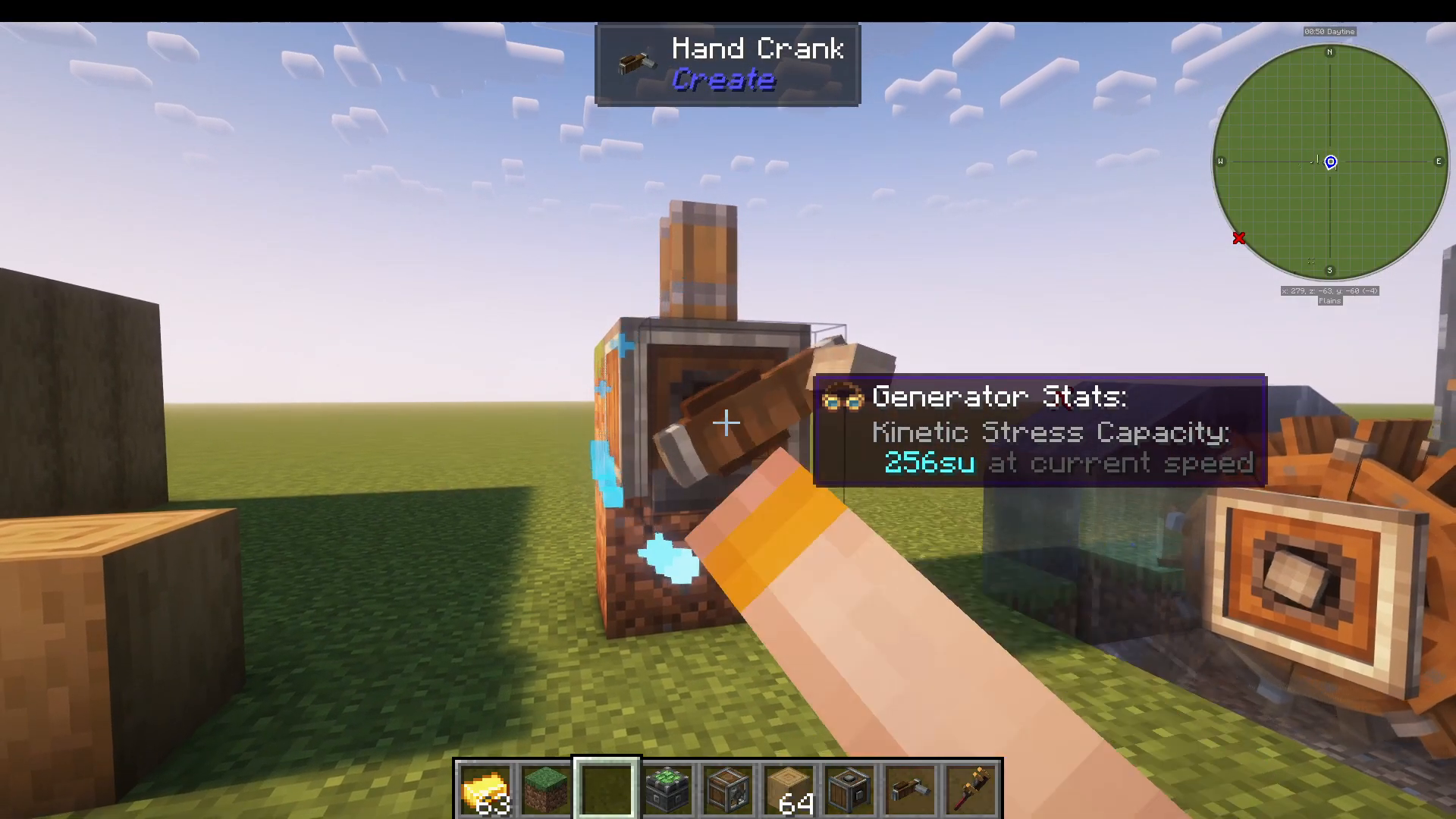
Water wheels are a straightforward way to generate continuous power. They work by placing them in flowing water and produce 256 units of power for the small version and 512 units for the large version.
To set up a water wheel:
Place a water wheel block in or adjacent to flowing water
Attach a shaft to the wheel’s connection point
Connect additional machinery via shafts
Make sure the water is actively flowing for maximum efficiency. You can create a simple water channel to guide flowing water past your wheel.
Method 3: Windmill (Automated and Scalable)
Windmills are more interesting than water wheels because they offer more customization and higher power output. A windmill can generate up to 1,000+ units of power depending on its size and configuration.
Basic Windmill Setup
To build a windmill:
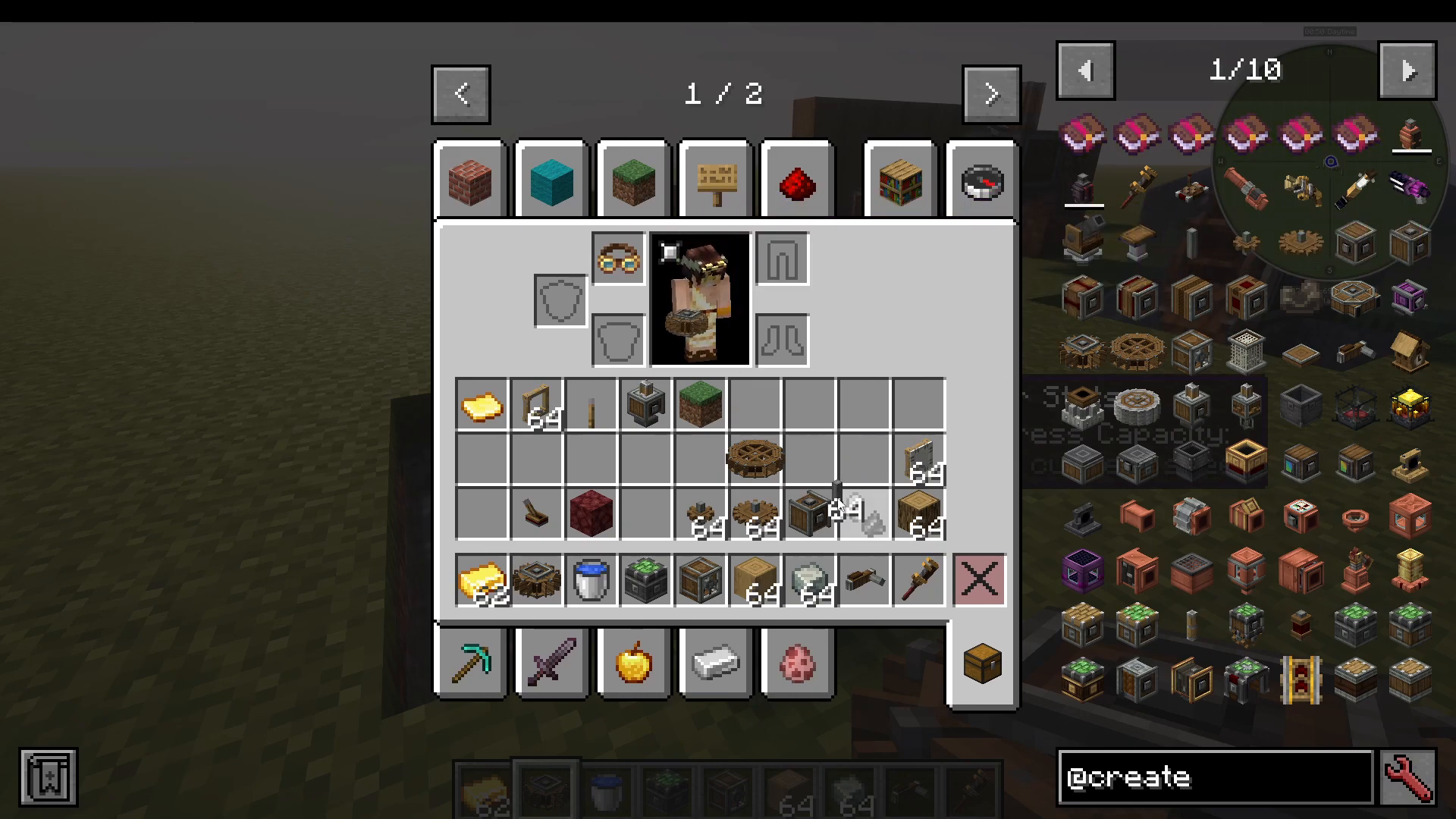
Place a windmill bearing (made from basic materials)
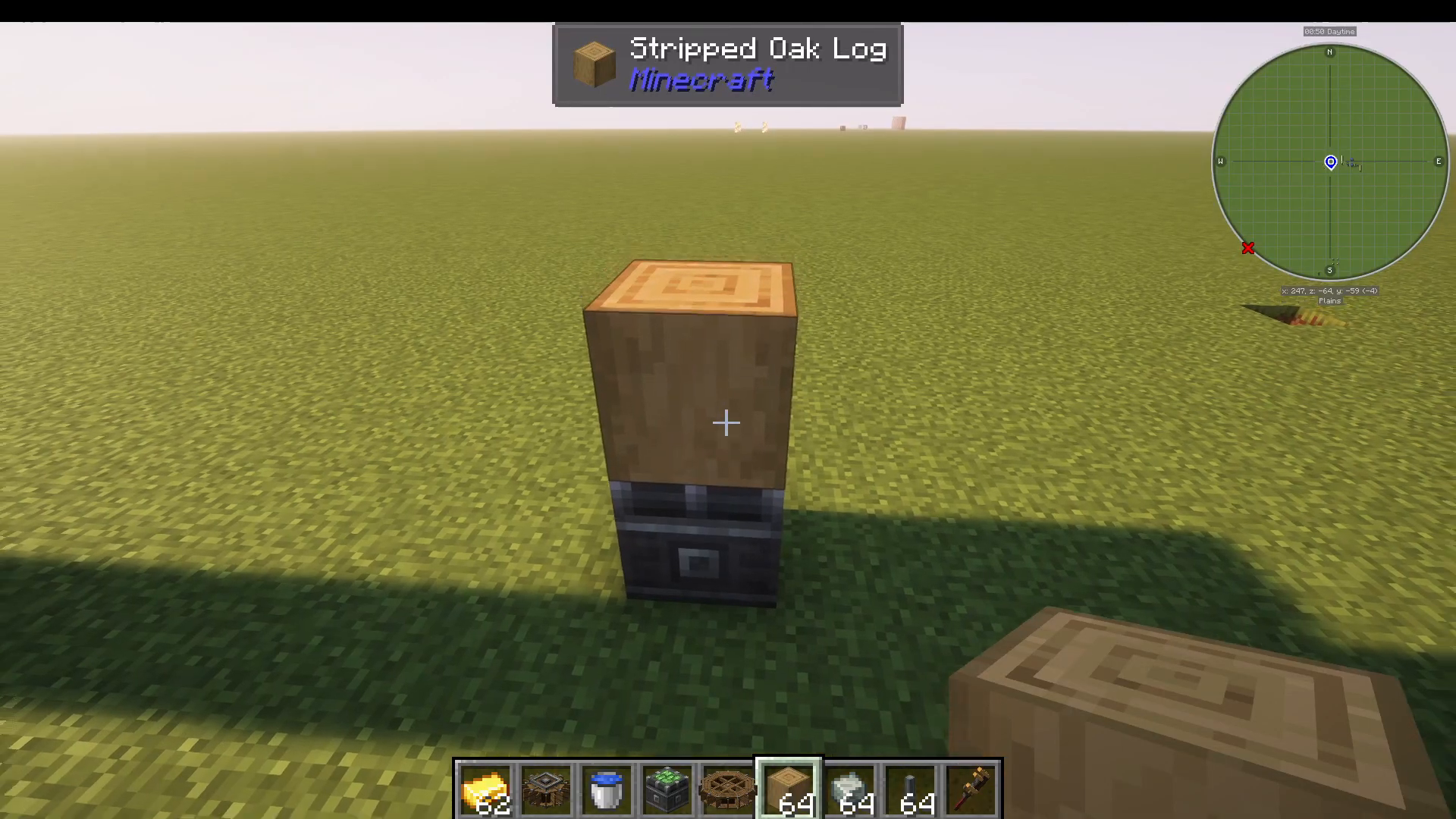
Add a wooden log or stripped log as the center
Attach windmill sails to the sides—you can add as many as you want on each side
Right-click the bearing to start rotation (it will generate 1,000 units)
Controlling Windmill Direction
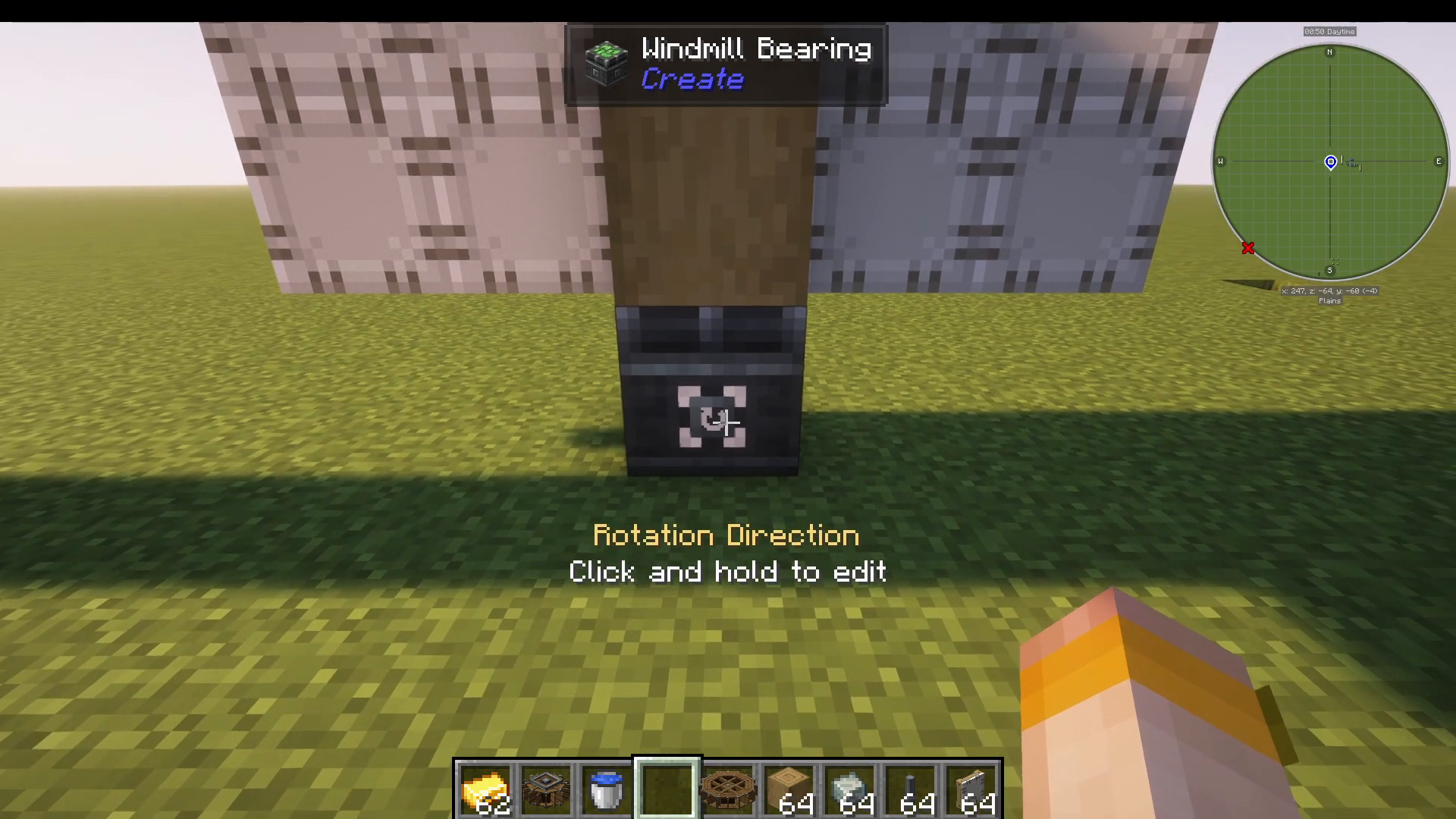
Right-clicking the bearing toggles rotation on and off. To change direction:
Right-click and hold the bearing
This switches the rotation from clockwise to counterclockwise
Optimizing Windmill Power Output
To see the ideal windmill configuration, hold W to ponder while looking at the windmill bearing. This will show you the optimal setup with logs, trap doors, and sails for maximum efficiency.
You can also customize windmill appearance by adding dyes—for example, blue dye will change the sail color. Make your windmill as large or as small as needed for your current power demands.
Transmitting Power with Shafts and Gearboxes
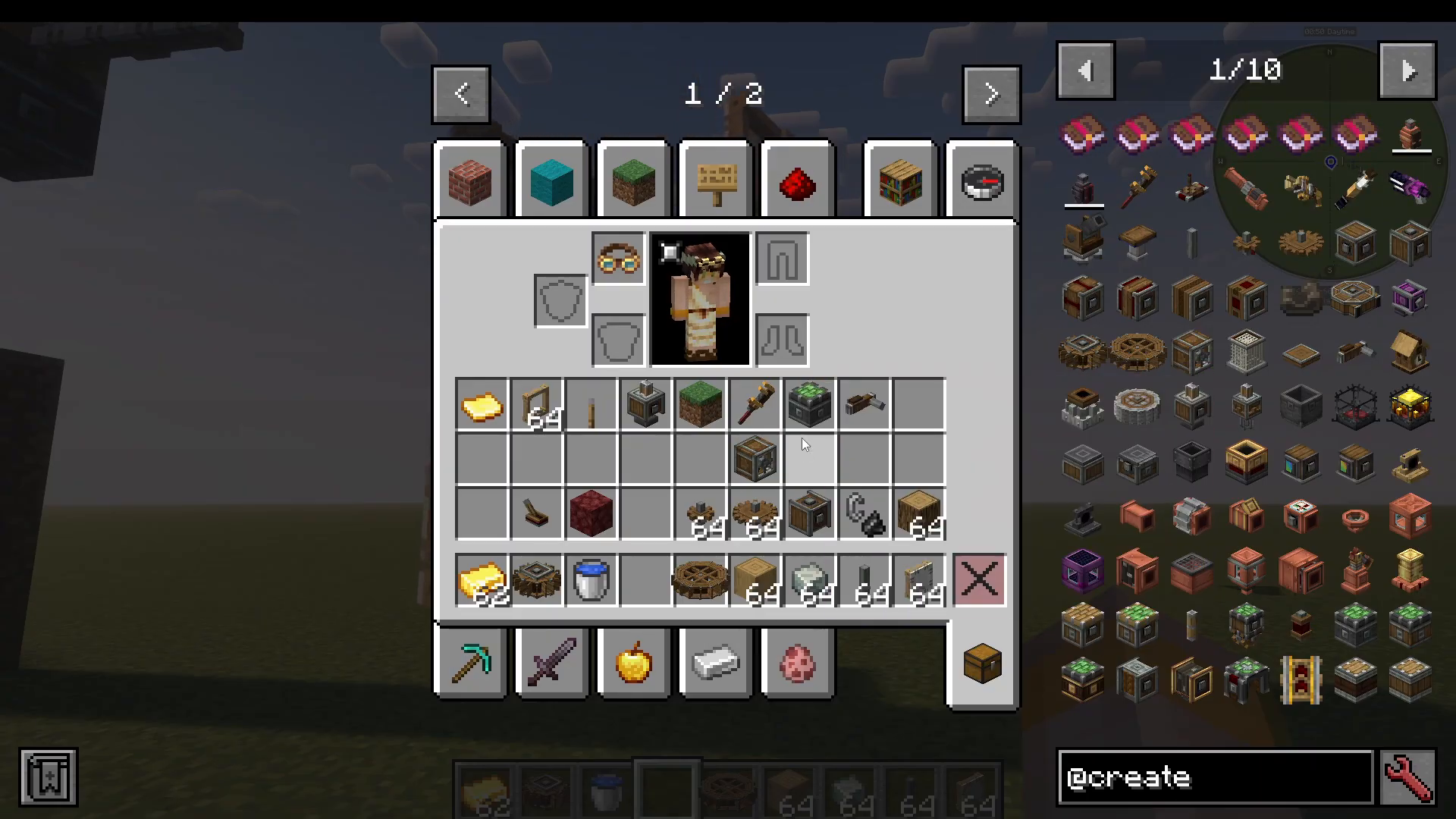
Once you’ve generated power, you need to transmit it to your machinery. Use shafts to connect components in a straight line. For direction changes, use a vertical gearbox, which allows power to transition from horizontal to vertical (or vice versa).
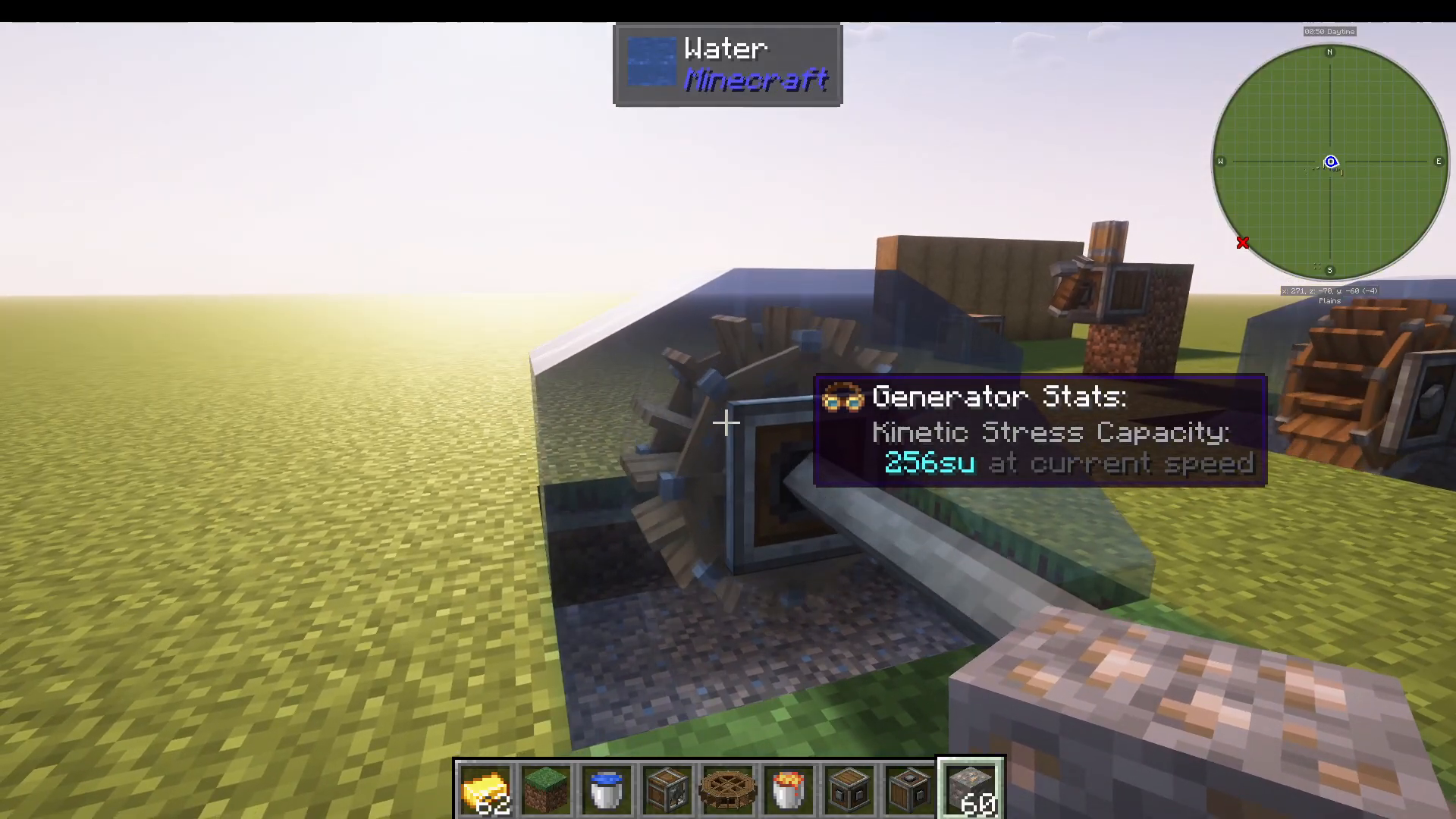
Practical Example: Encased Fan
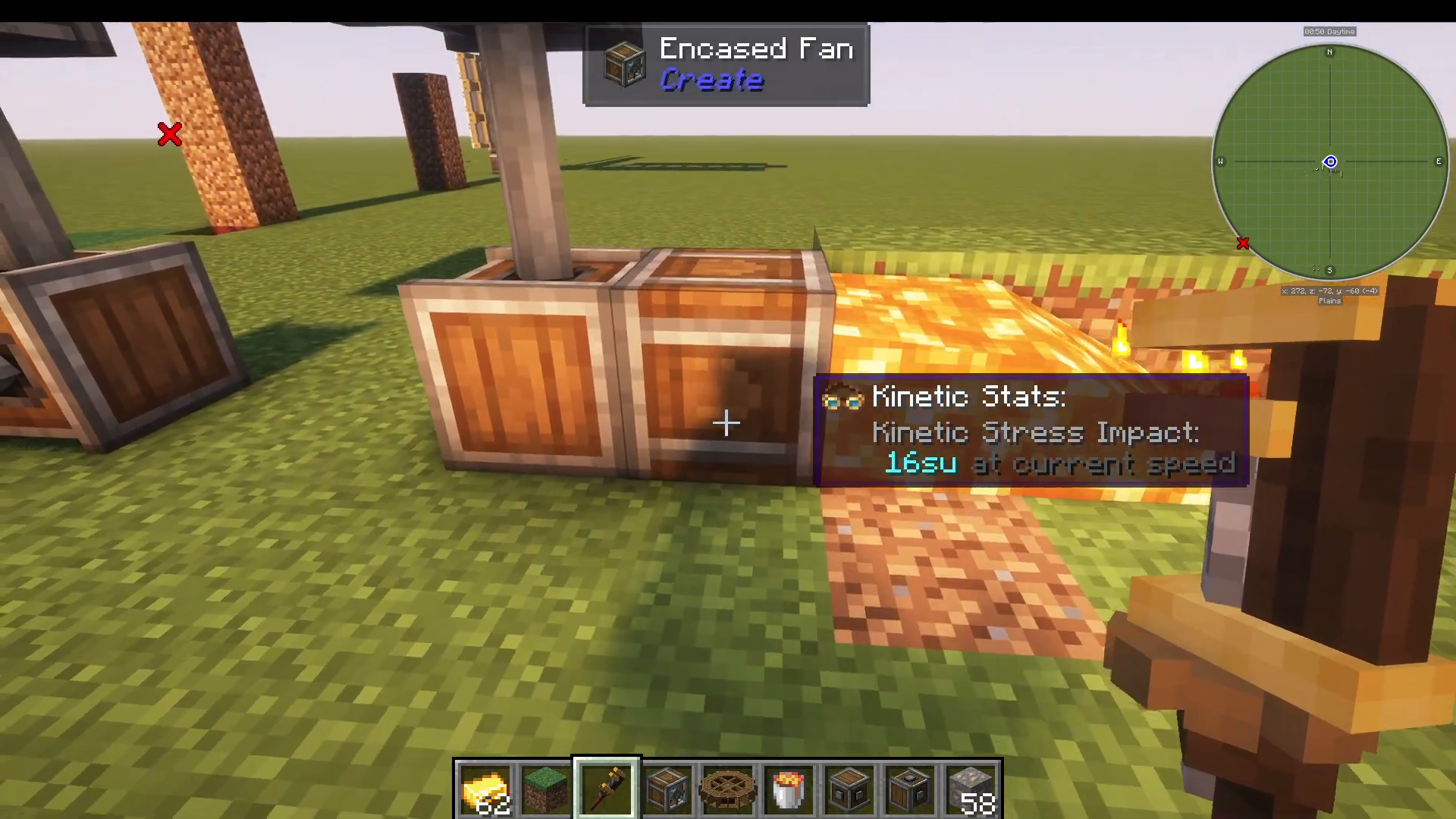
One useful component powered by rotational energy is the encased fan. Depending on the direction it faces, it can:
Push air outward (useful for mob farms or pushing entities)
Pull air inward (if rotation direction is reversed)
Heat air (place lava in front to heat the air stream)
With heated air, you can smelt items—place iron ore in the path of the hot air and it will convert to iron ingots in approximately 20-30 seconds.
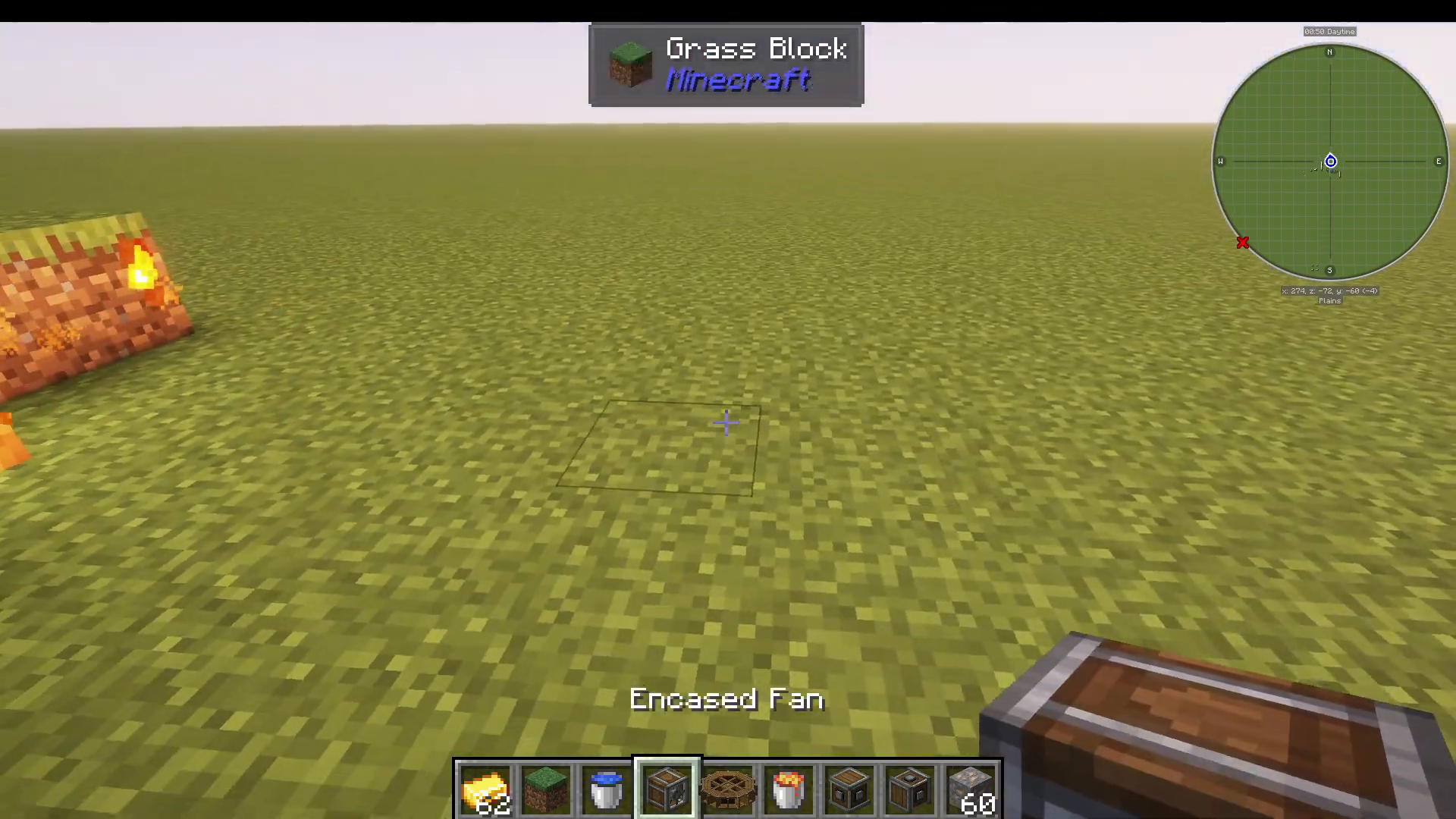
Using the Wrench for Component Orientation
The wrench tool allows you to rotate components to face different directions. Right-click a component with a wrench to cycle through its facing directions. This is critical for components like the encased fan, which only work when properly oriented relative to their power source.
Important: The bearing providing rotational power must always be positioned correctly relative to the component. For example, if you want an encased fan facing upward, the bearing powering it must be below.
Summary
You now have three viable methods to generate power in Create:
Hand Crank: Manual, 256 units—good for bootstrapping
Water Wheel: Semi-automated, 256-512 units—requires flowing water
Windmill: Fully automated, 1,000+ units—scalable and customizable
Start with a hand crank to craft your first golden sheet and engineer’s goggles. Then build a water wheel or windmill to automate your power generation. From there, use shafts, gearboxes, and the wrench to transmit power to machines like mechanical presses, fans, and more. The Create mod’s power system is intuitive once you understand these fundamentals—experiment with different configurations and watch your contraptions come to life.
Want to Support?
If you would like to help us continue making these guides – please consider joining our patreon here – https://www.patreon.com/c/JaviHeals
Alternatively – we host a group of MC Servers you can join here – https://discord.gg/zD7Gjt6MHF



