Cooking for Blockheads Mod Tutorial
Cooking for Blockheads Mod: The Complete Beginner’s Guide
The Cooking for Blockheads mod lets you build a fully functional, multi-block kitchen in Minecraft where you can cook virtually anything. It integrates seamlessly with popular cooking mods like Pam’s HarvestCraft, making it one of the most powerful food-focused mods available. In this guide, we’ll walk through every block, mechanic, and upgrade the mod has to offer so you can get your kitchen up and running fast.
Understanding the Multi-Block Kitchen System
The core concept behind Cooking for Blockheads is the multi-block structure. Unlike most mods where each block works independently, every piece of your kitchen — counters, fridges, tool racks, and even the floor — can function as a single connected entity. This means a Cooking Table on one side of the kitchen can read ingredients stored in a fridge or on a tool rack on the completely opposite side, as long as everything is connected.
Connection happens through adjacency. Placing counters next to a fridge connects them. The black kitchen floor also acts as a multi-block connector, meaning you can link your entire kitchen into one workspace without needing to physically chain every block together with counters. Simply laying the floor beneath your kitchen blocks is enough to tie them all together.
Practical Multi-Block Example: Using a Roller from Another Mod
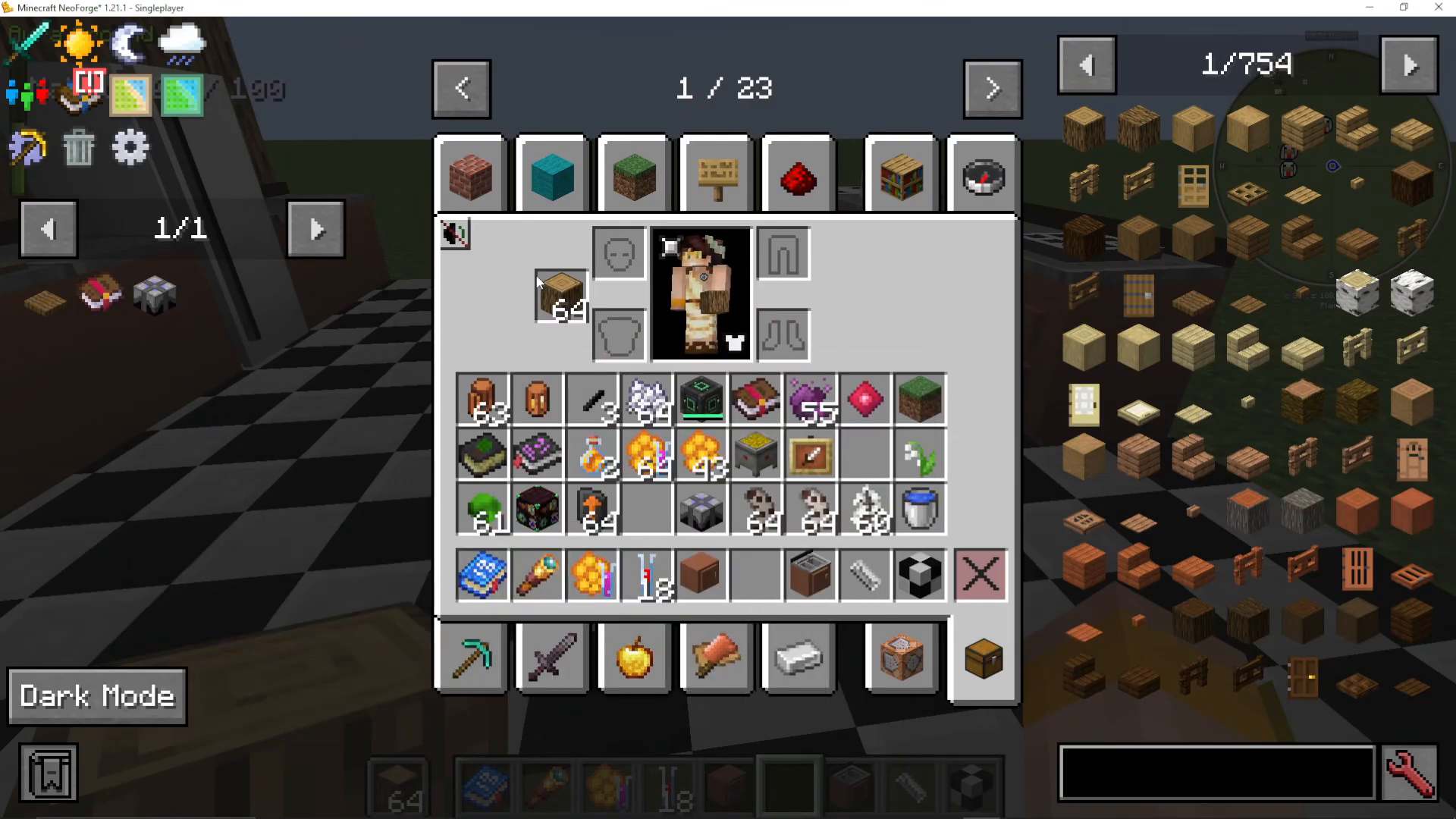
A great example of the multi-block system in action involves using tools from other mods — such as the Roller from Pam’s HarvestCraft — inside the Cooking for Blockheads workspace. Place a Tool Rack in your kitchen and put the Roller on it. Then store your ingredients, such as turnips, in a Kitchen Counter. When you open the Cooking Table, it will detect both the Roller and the turnips across the kitchen and make recipes like Cooking Oil available to craft — even though the items are stored in completely separate blocks.
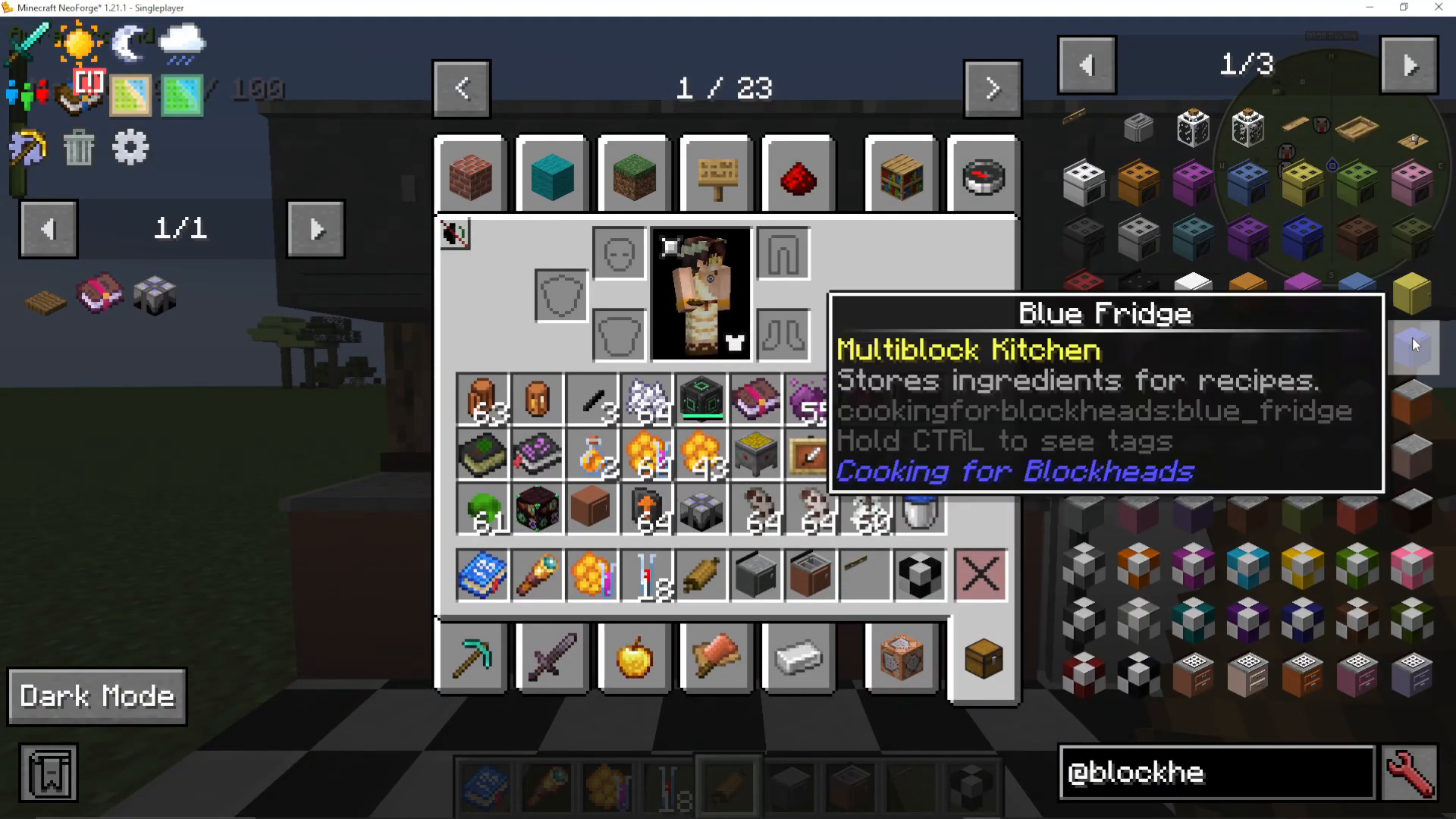
All Cooking for Blockheads Blocks Explained
Cooking Table
The Cooking Table is the heart of the kitchen. Open it to browse every recipe available in your modpack. You can search for a specific item by name — for example, type “cooking oil” to find it instantly. The table shows you which ingredients you have available and which you are missing. If multiple recipe variations exist (for example, from different mods), you can cycle through them using the arrow button. You can also sort recipes by item name, hunger restored, or saturation value.
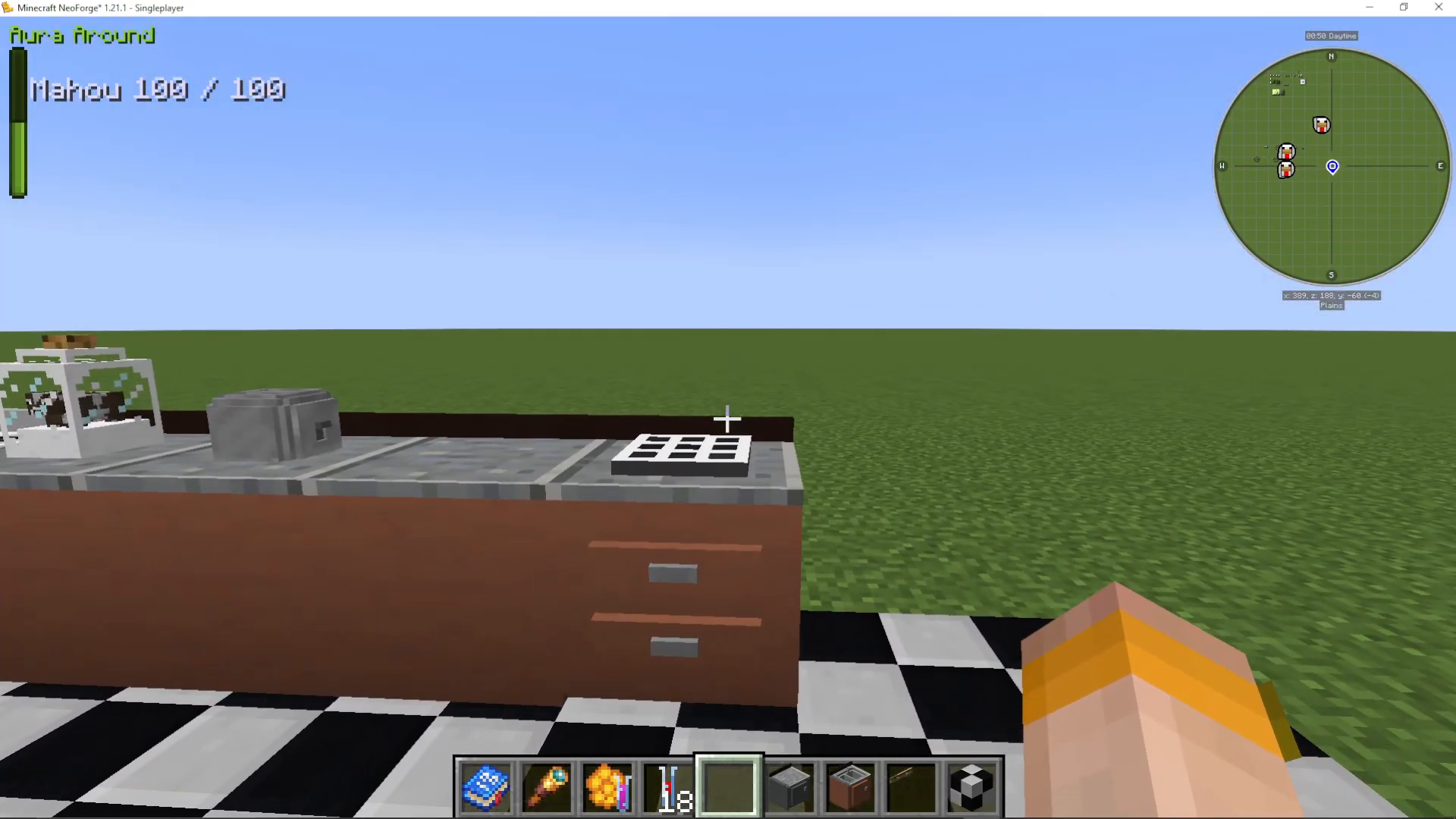
Kitchen Counter and Kitchen Connector
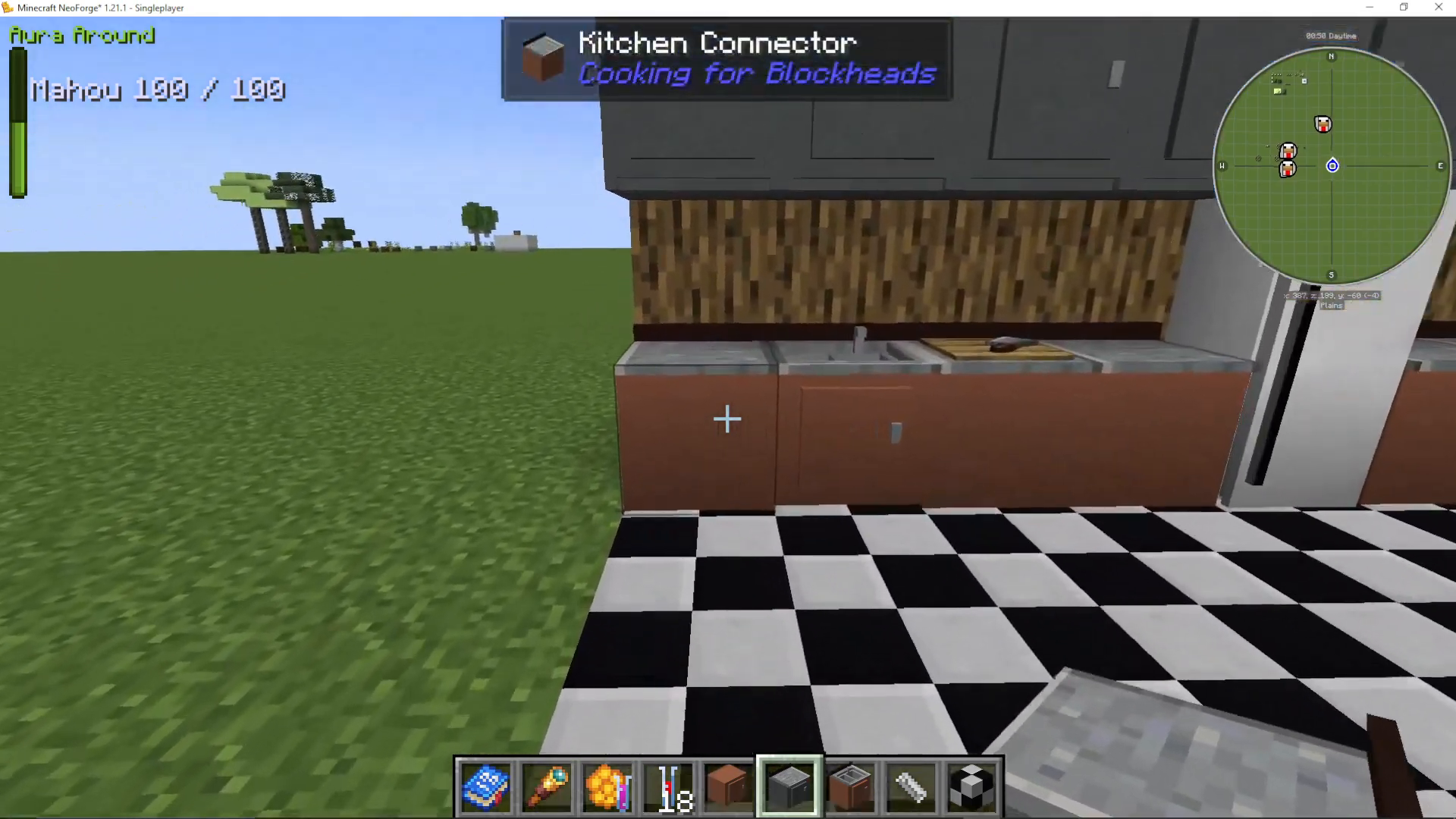
The Kitchen Counter provides storage space within the multi-block kitchen. The Kitchen Connector functions similarly as a counter-style block and is primarily used to physically link other kitchen blocks together. Both come in multiple colors to match your build aesthetic.
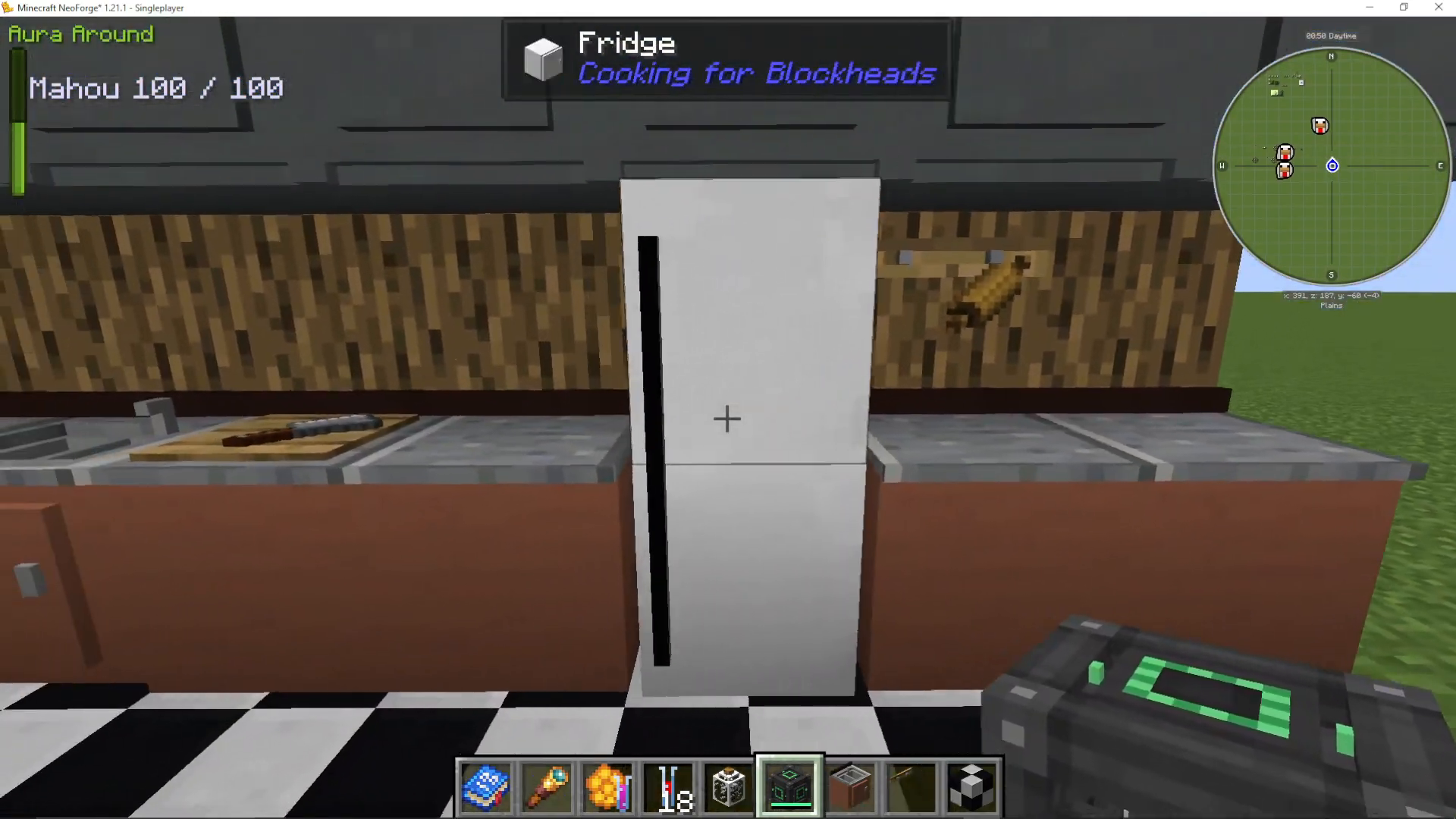
Fridge
The Fridge is a large multi-block storage unit specifically for food and cooking ingredients. Connect it to the rest of your kitchen using counters or the kitchen floor, and the Cooking Table will automatically detect everything stored inside.
Oven
The Oven can be powered using energy from tech mods. For example, place a Mekanism Creative Energy Cube beneath the oven to supply it with power. The oven also accepts tools like skillets and pans, which are required by certain recipes from other mods. To enable energy support, apply the Heating Unit upgrade (covered below) by right-clicking it onto the oven.
Sink
The Sink provides a passive, unlimited source of water. It does not need to be connected to a pump or water source — it works right out of the box. This makes it one of the most efficient ways to obtain water in most modpacks.
Toaster
The Toaster is a dedicated appliance for making bread-based recipes, functioning as a tall, specialized crafting block for bread and toast items.
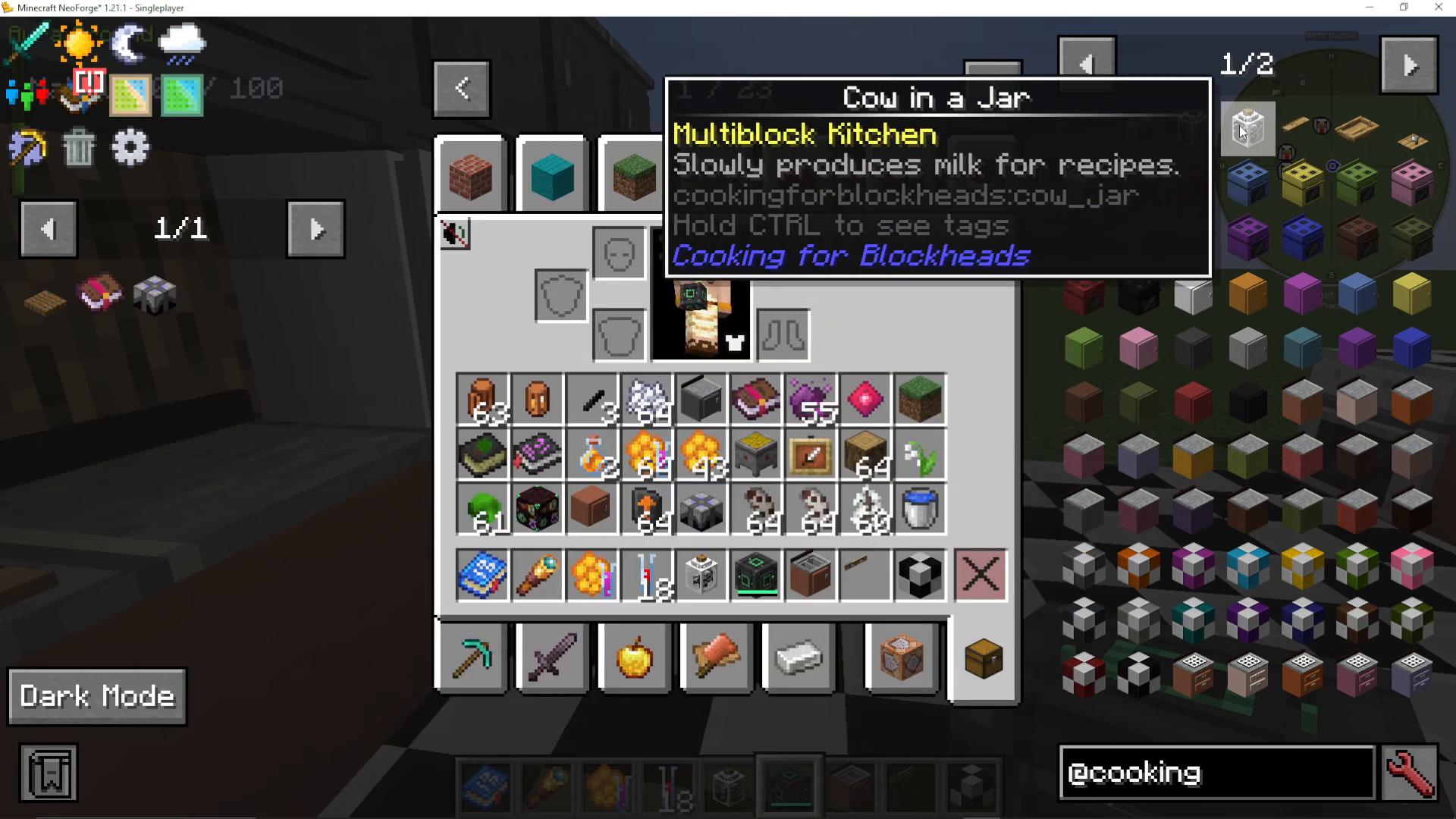
Cow in a Jar
The Cow in a Jar passively generates milk for use in cooking recipes. To create one, place a jar beneath a cow and then drop an anvil on it — this squishes the cow into the jar. Once placed in your kitchen, it will continuously make milk available without any further input.
Cutting Board
The Cutting Board acts as a specialized crafting table within the kitchen. Use it to prepare ingredients that require a cutting or chopping step before cooking.
Tool Rack
The Tool Rack stores cooking tools — including tools from other mods — and makes them available to the entire multi-block kitchen workspace. This is essential when recipes from mods like Pam’s HarvestCraft require specific tools such as a Roller, skillet, or mortar.
Fruit Bowl
The Fruit Bowl works as a decorative storage item. You can place fruit inside it and it will visually display the fruit in the bowl. It can also simply be used as a passive storage piece without any fruit in it.
Cabinets
Cabinets are designed to be mounted above counters and provide additional overhead storage. Like other storage blocks, they integrate into the multi-block system and their contents are accessible from the Cooking Table.
The Cooking for Blockheads Recipe Books
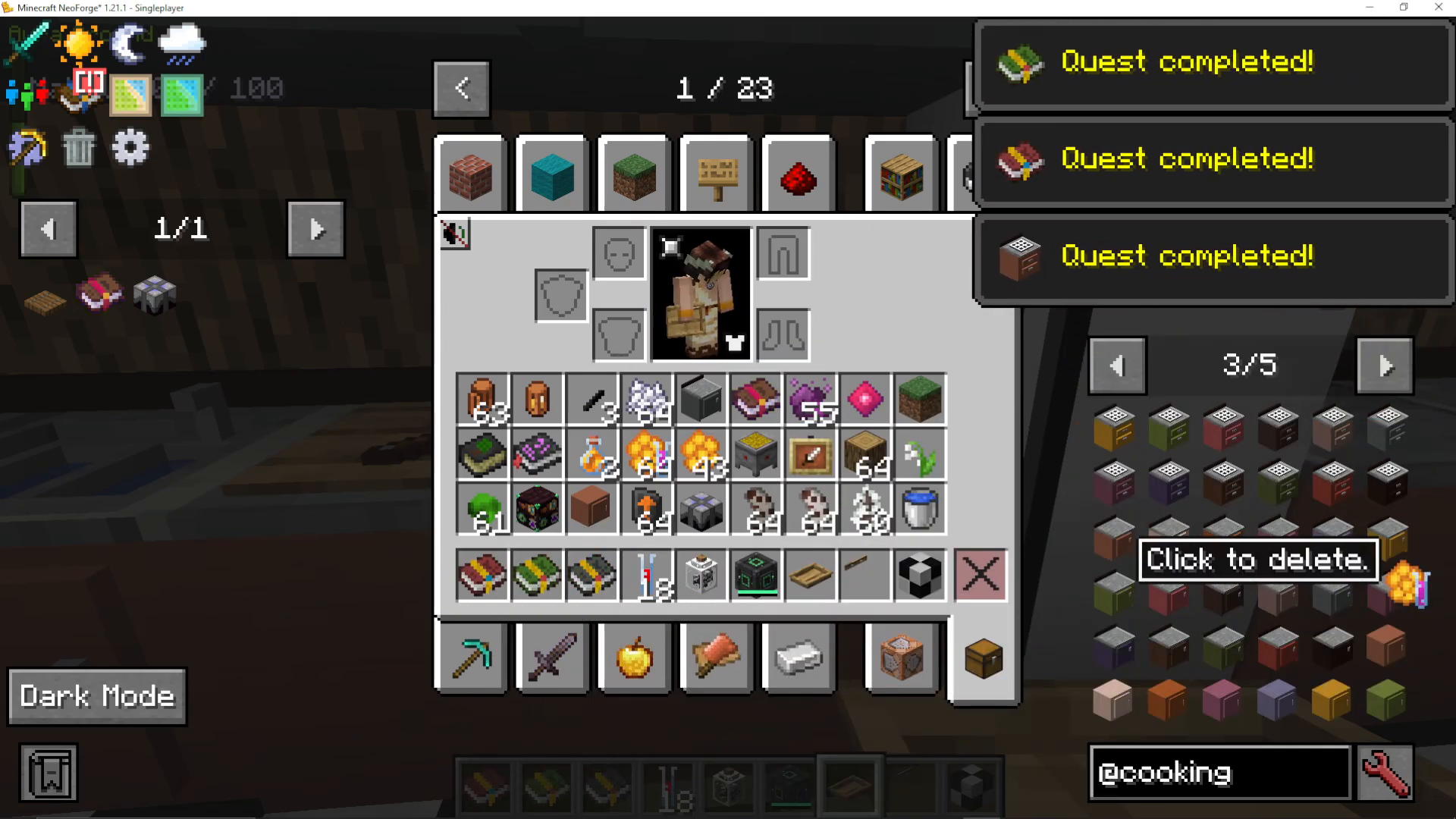
There are two in-game books available: Cooking for Blockheads 1 and Cooking for Blockheads 2. Both are free to craft — you make them by cooking a book in the cooking system, then cooking it again to upgrade it. The books come in different colors representing different functions:
Green/Black Book: Displays all food recipes available in your current modpack, showing everything you can potentially make.
Blue/Green Book: Shows only the recipes you can craft right now based on the ingredients you currently have available.
Red/Rouge Book: Functions as a portable crafting book, allowing you to craft food recipes on the go without needing to be at a Cooking Table.
Kitchen Upgrades
Cooking for Blockheads includes three upgrades that enhance your kitchen’s capabilities:
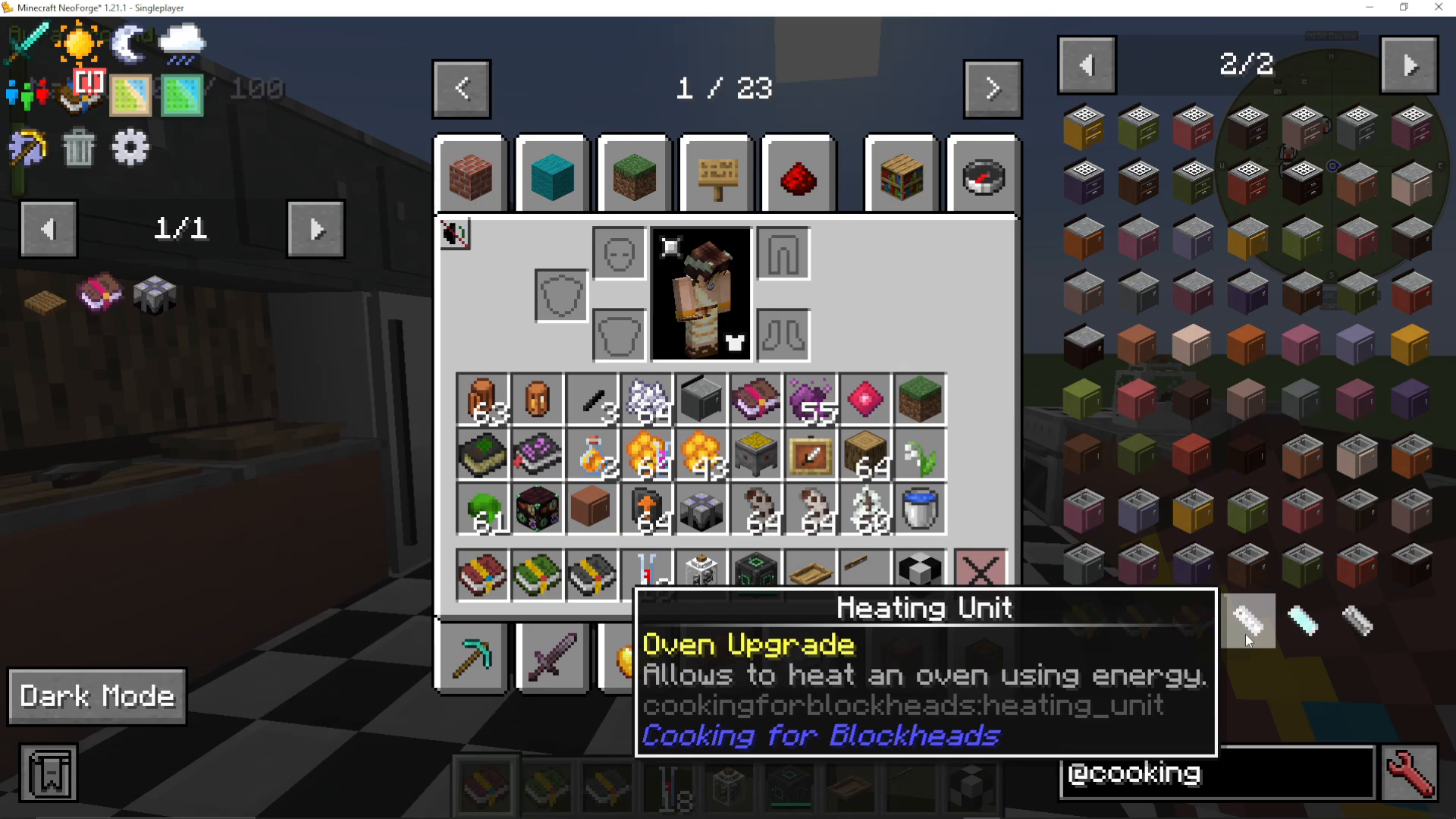
Heating Unit
The Heating Unit allows the oven to accept and run on Forge Energy (FE) or compatible energy systems such as Mekanism. Simply right-click the Heating Unit onto your oven to apply it.
Ice Unit
The Ice Unit provides snow and ice to recipes through the fridge. This is needed for any recipe that requires frozen or chilled ingredients.
Kitchen Upgrade
The Kitchen Upgrade prevents the last item in any storage slot from being consumed. This is especially useful for keeping crafting ingredients stocked. Note that this upgrade may need to be applied individually to each storage block (such as every cabinet or counter) that you want to protect, so plan on crafting multiple copies.
Summary
The Cooking for Blockheads mod is an incredibly flexible kitchen-building mod that rewards smart layout design. Its multi-block system — which includes even the kitchen floor as a connector — means you can build large, beautiful kitchens without worrying about cramped block placement. It pairs perfectly with mods like Pam’s HarvestCraft and any other food or tech mod in your modpack. Whether you’re after passive milk from a Cow in a Jar, unlimited water from a Sink, or energy-powered cooking with the Oven and Heating Unit, Cooking for Blockheads has everything you need to build the ultimate Minecraft kitchen.
“`